
Four Seasons Anime Girl Collage
Creates a four-panel anime seasonal collage of one girl in spring, summer, autumn, and winter scenes with Japanese captions.
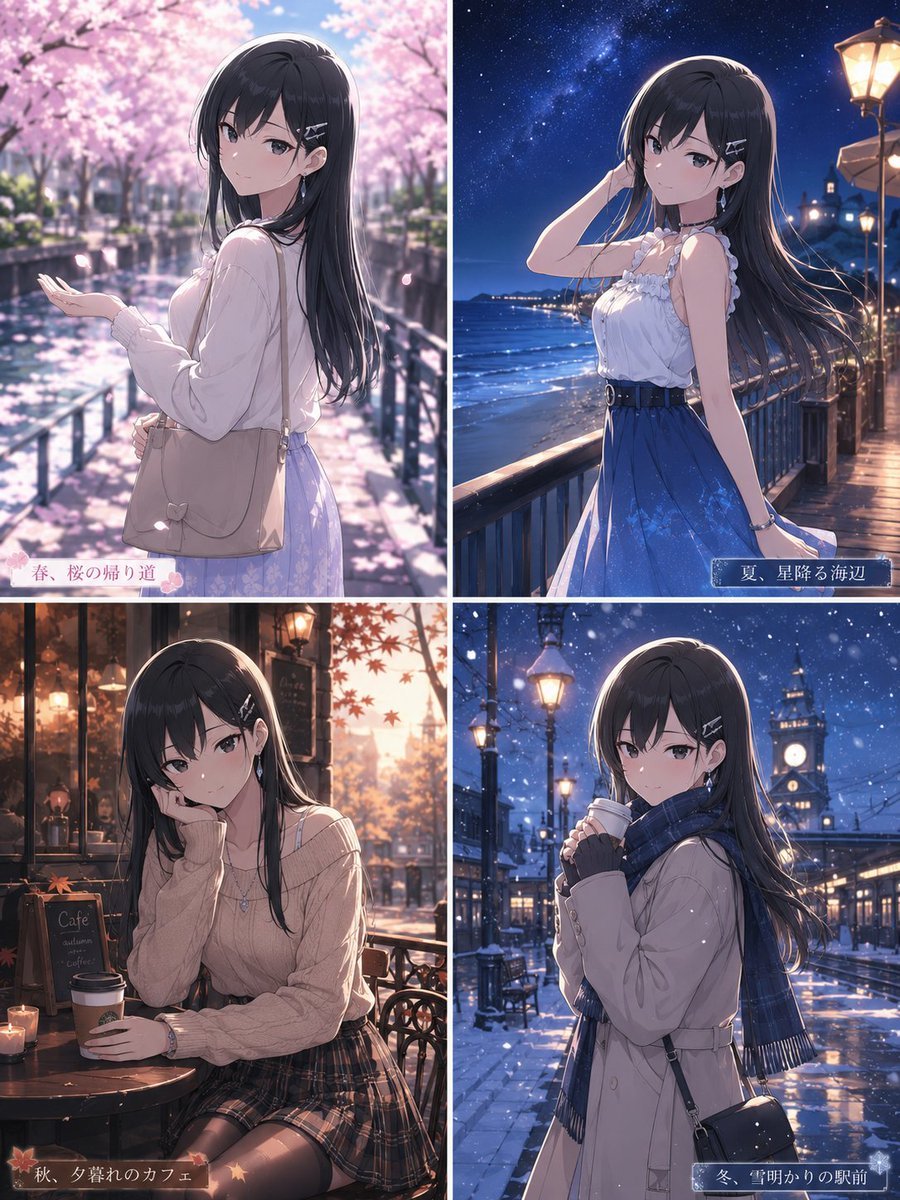
- Prompt included
- Model and format preset
- Free template
The prompt behind this image
Copy the exact prompt behind Four Seasons Anime Girl Collage, or open it in the studio and make it yours.
Goal: Create a polished anime-style 2x2 seasonal illustration collage featuring the same {argument name="character name" default="Mio and Megumi-inspired young woman"} across all four seasons, with a romantic cinematic atmosphere and a small Japanese seasonal caption in each panel. Canvas: Vertical 4:5 image, divided into exactly 4 equal panels by thin white borders: top-left spring, top-right summer, bottom-left autumn, bottom-right winter. Use high-detail Japanese anime rendering, soft glow, delicate rim light, shallow depth of field, and a dreamy seasonal color palette. Character continuity: In all 4 panels show the same elegant teenage/young adult anime girl with long straight {argument name="hair color" default="black"} hair, pale skin, slim build, gentle posture, and silver hairpins on one side. Her face is intentionally anonymized by a centered soft blurred square censor block in every panel, while the rest of the image remains sharp and detailed. Panel 1, top-left spring: The girl stands on a canal-side path under full-bloom cherry trees, wearing a pale pink blouse and light lavender skirt, carrying a beige shoulder bag with a small bow detail. She holds one hand out as cherry petals fall around her. Background includes water reflections, railings, and sunlit sakura branches. Add a small white translucent caption ribbon at the lower-left with pink floral decoration and the exact text {argument name="spring caption" default="春、桜の帰り道"}. Panel 2, top-right summer: The girl stands on a seaside boardwalk at night under a starry sky and Milky Way, wearing a white frilled sleeveless top and flowing blue skirt with a dark belt. Her hair streams in the ocean breeze; one hand touches her hair. Background includes the moonlit sea, railing, warm street lamps, and distant coastal lights. Add a small dark blue translucent caption ribbon at the lower-right with the exact text {argument name="summer caption" default="夏、星降る海辺"}. Panel 3, bottom-left autumn: The girl sits at an outdoor café table during golden-hour autumn, wearing a beige knit sweater and dark plaid skirt. She rests one cheek on her hand while holding a takeaway coffee cup on the table. Background includes warm café lights, a chalkboard café sign, candles, wrought-iron furniture, and falling red maple leaves. Add a small warm brown translucent caption ribbon at the lower-left with maple leaf accents and the exact text {argument name="autumn caption" default="秋、夕暮れのカフェ"}. Panel 4, bottom-right winter: The girl stands in a snowy station square at night, wearing a cream coat, dark blue plaid scarf, gloves, and a small black crossbody bag, holding a warm drink close to her chest. Background includes falling snow, wet reflective pavement, glowing street lamps, station architecture, and a clock tower. Add a small icy blue translucent caption ribbon at the lower-right with the exact text {argument name="winter caption" default="冬、雪明かりの駅前"}. Constraints: Use exactly 4 panels and exactly 4 caption ribbons, one per panel. Keep the same character design across all panels. Do not add extra characters, logos, watermarks, speech bubbles, or additional text beyond the four captions. Maintain high-resolution anime illustration quality with rich lighting and seasonal atmosphere.
How to use Four Seasons Anime Girl Collage in 3 steps
- 1Upload ImagePNG, JPG or paste
Add your photo
Upload the photo the template builds on. The prompt, model and format are already set.
- 2…a portrait of your subject in softgolden-hour light, 85mm…
Personalize
Edit the subject and creative details for your destination.
- 3Generate
Generate
Press Generate — your image is created in PicX Studio, so you can compare it with the original and refine one variable at a time.
More like this
Templates with the same subject, style or setup. Open one to see its prompt.

Chaotic Anime Schoolgirl Fan Collage
Four Seasons Portrait Collage

Teen Girl Alpine Lake Mountain View
Four Seasons Eye Macro Art

Framed Quilling Anime Girl

Pastel Anime Summer Beach Collage

Four-Panel Anime Face Comparison

Anime Lantern Girl Character Sheet
Rainy Schoolgirl Photo Diary Collage

Anime Girl Generation Grid

Paper Cut Finale Fireworks

Paper Cut Garden Maze
Make it yours
Four Seasons Anime Girl Collage works as-is. These are the safest ways to change it without losing the look.
Change one field
Copy a single group, rewrite it, and generate again so you can see what that field is doing.
Keep the frame, change the subject
Hold the composition and light of Four Seasons Anime Girl Collage, then swap wardrobe, props or the person for a new take.
| If the result… | Why | Fix |
|---|---|---|
| The result drifts from the preview | Too many fields changed at once. | Reuse Four Seasons Anime Girl Collage as-is first, then change one group — subject, light, or setting. |
| The model over-stylizes the scene | The prose prompt leaves finish and camera underspecified. | Add one camera or lighting sentence and stay on GPT Image 2. |
More GPT Image 2 templates
Other prompts made for GPT Image 2.

Six VTuber Japanese Logo Sheet

Realistic Portrait of Woman and Deer

The Vista Modular Condo Poster

AI Model Routing Comparison Infographic

2.5D Anime Art Board

Isometric Productivity Desk Scene

New York Double Exposure Poster

Four-Panel AI Landscape Comparison

Japanese Tatami Lifestyle Magazine Cover

NESCAFÉ Coffee Map Poster
More image prompts
Fresh picks from across the catalog.
Nostalgic Film Point-and-Shoot Portrait
Nano Banana Pro prompt for a 3D, cute, cartoon character
iPhone Night Street Portrait
Hyper-Stylized 3D Character Synthesis (Designer Toy Aesthetic)
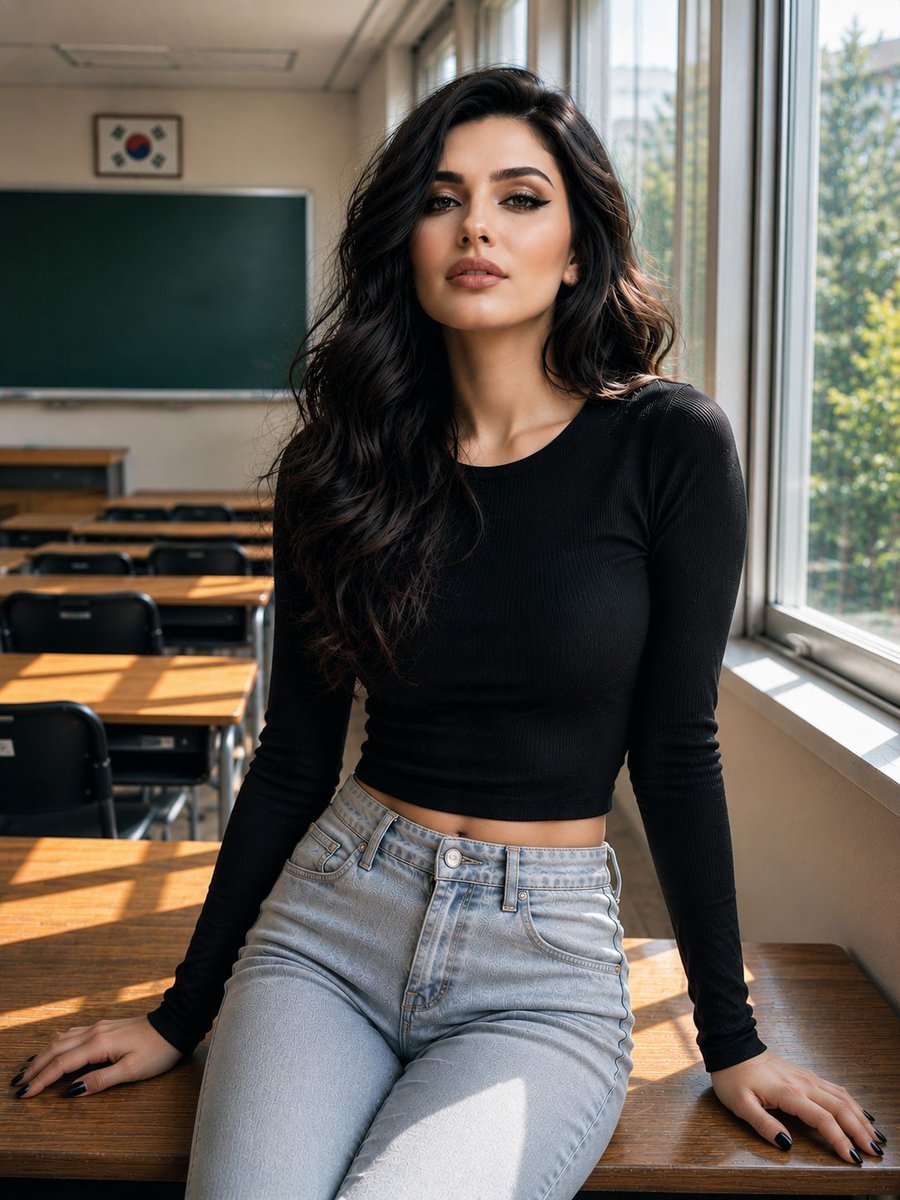
Realistic Korean Schoolgirl Portrait
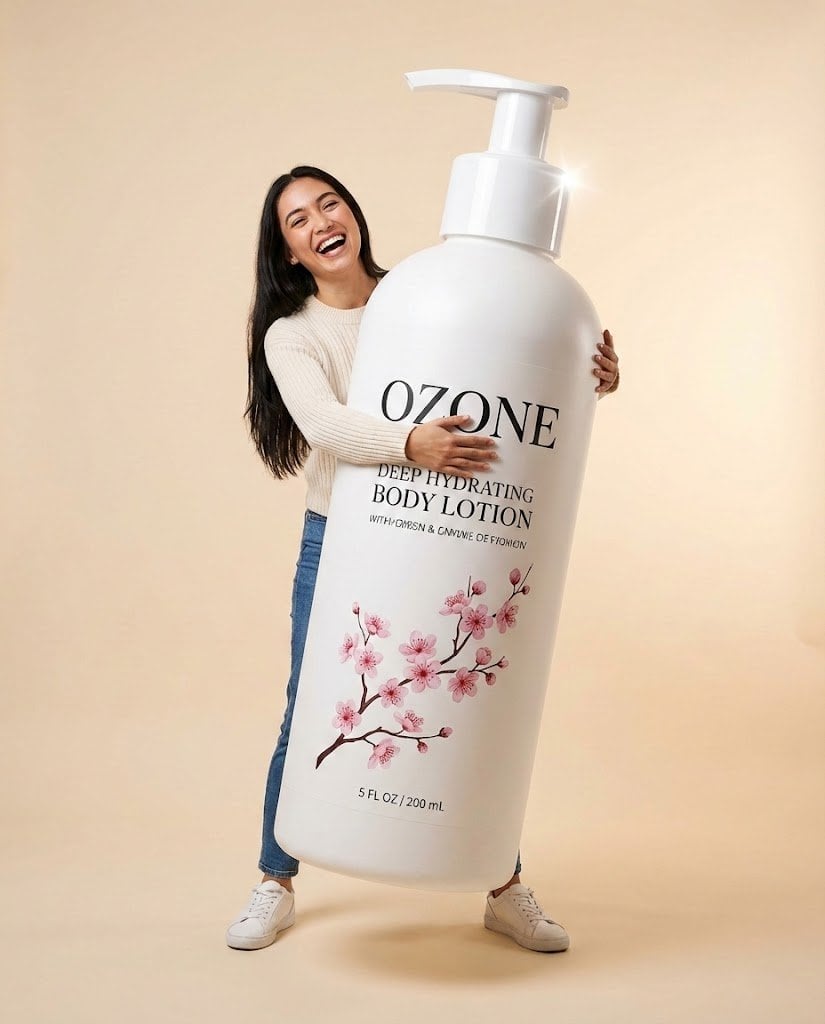
Studio Commercial Shot of Woman Hugging Giant Lotion Bottle
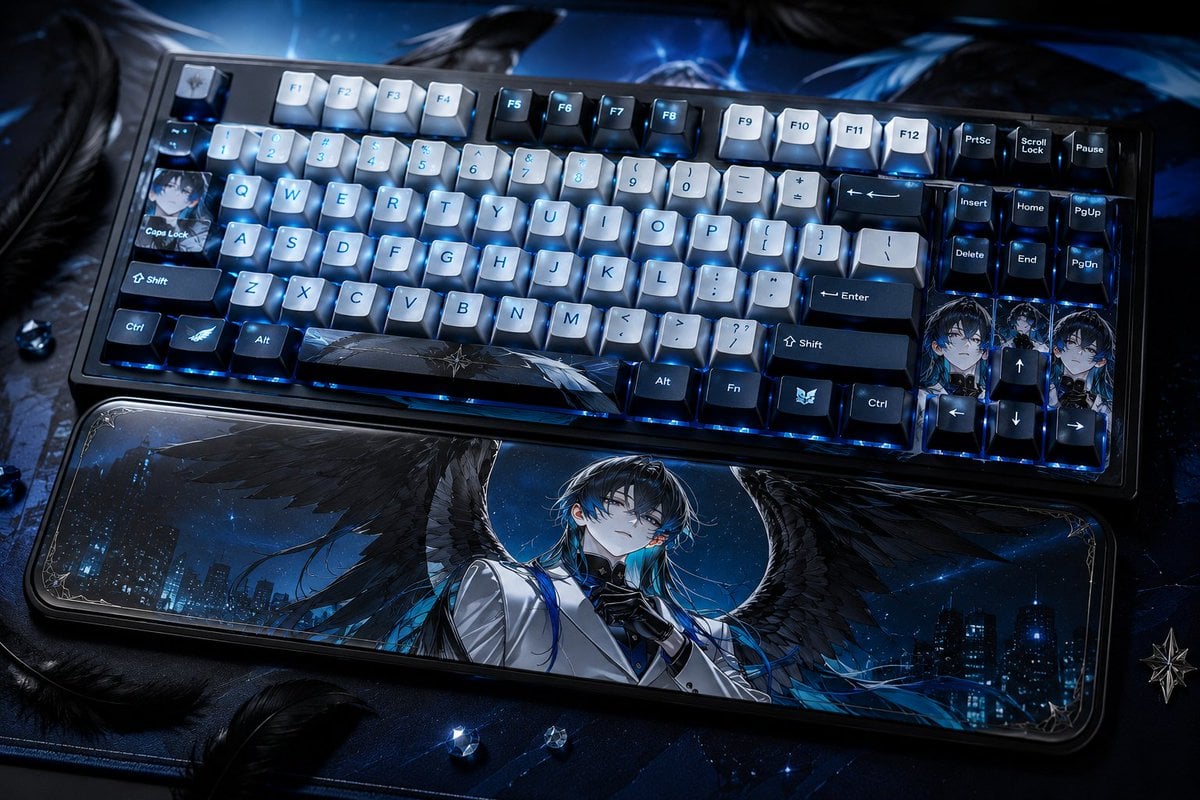
Character-Themed Custom Keyboard
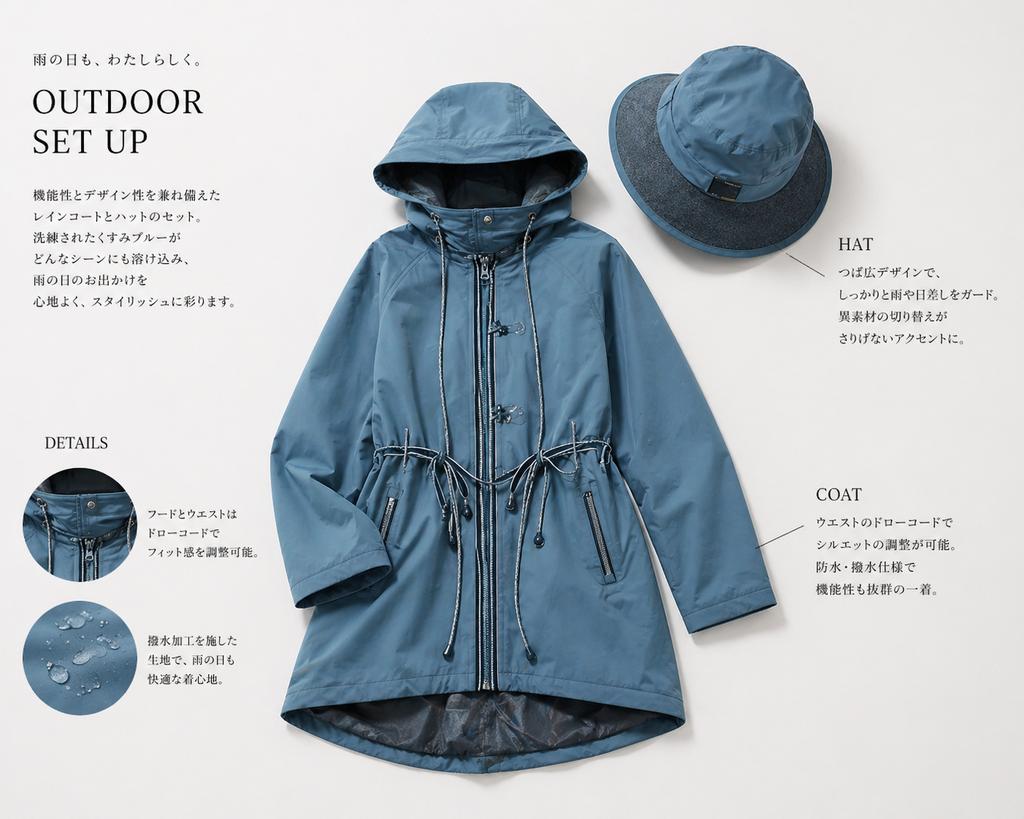
Japanese Rainwear Catalog Layout
Avant-garde portrait with organic grain mosaic texture
Glamorous Luxury Interior Fashion Shot
Browse template categories
Four Seasons Anime Girl Collage questions
How do I use the Four Seasons Anime Girl Collage template?
Add your photo if the template asks for one, edit the prompt if you like — the template's model and format are already selected — and press Generate. Your version opens in PicX Studio.
Can I customize the Four Seasons Anime Girl Collage template?
Yes. You can change the subject, setting, lighting, mood, format, and available model controls before creating your image.
Is the Four Seasons Anime Girl Collage template free?
Opening and editing this template is free. Generating uses credits, shown on the Generate button when you are signed in.
Which AI model should I use?
Start with GPT Image 2, which is the model associated with this template. You can compare another compatible model for a different finish.
Looking for something else? Browse all templates.

Your photo, any look
Thousands of ready templates for every top image and video model, from one credit balance.