
Glamorous Luxury Interior Fashion Shot
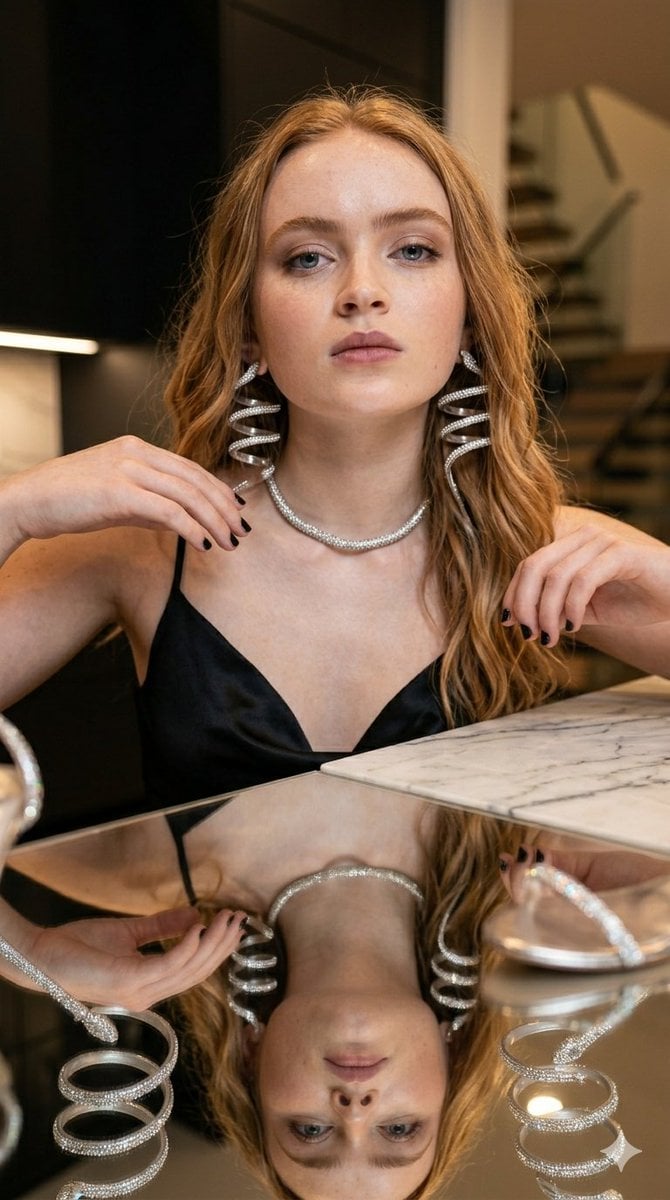
A detailed JSON prompt for generating a high-fashion, glamorous image of a woman in a luxury interior setting.
- Prompt included
- Model and format preset
- Free template
The prompt behind this image
Copy the exact prompt behind Glamorous Luxury Interior Fashion Shot, or open it in the studio and make it yours.
- Image Prompt › Subject › Description
- Young woman
- Image Prompt › Subject › Hair
- Long, wavy strawberry-blonde hair
- Image Prompt › Subject › Expression
- Neutral, serious, confident eye contact
- Image Prompt › Attire › Clothing
- Short, black satin slip dress with a cowl neckline
- Image Prompt › Attire › Footwear
- High-heeled sandals with silver rhinestone strappy wraps spiraling up the ankles
- Image Prompt › Attire › Details
- Dark nail polish on toes
- Image Prompt › Pose › Action
- Sitting casually on the edge of a counter
- Image Prompt › Pose › Posture
- Legs extended and crossed at the lower calf, leaning slightly back with one arm resting on the surface for support
- Image Prompt › Setting › Environment
- Modern luxury interior, likely a kitchen or open-plan living space
- Image Prompt › Setting › Background
- Black matte cabinetry on the left, a modern wooden staircase in the background
- Image Prompt › Setting › Surfaces
- White marble island/countertop, highly reflective glass or mirrored surface immediately below capturing a clear reflection of her legs and shoes
- Image Prompt › Photography Style › Lighting
- Warm, ambient indoor lighting with recessed ceiling spotlights
- Image Prompt › Photography Style › Angle
- Full body shot, slightly lower angle emphasizing the legs and footwear
- Image Prompt › Photography Style › Aesthetic
- High fashion, glamorous, photorealistic, sharp focus, high-end lifestyle photography
Raw JSON
{
  "image_prompt": {
    "subject": {
      "description": "Young woman",
      "hair": "Long, wavy strawberry-blonde hair",
      "expression": "Neutral, serious, confident eye contact"
    },
    "attire": {
      "clothing": "Short, black satin slip dress with a cowl neckline",
      "footwear": "High-heeled sandals with silver rhinestone strappy wraps spiraling up the ankles",
      "details": "Dark nail polish on toes"
    },
    "pose": {
      "action": "Sitting casually on the edge of a counter",
      "posture": "Legs extended and crossed at the lower calf, leaning slightly back with one arm resting on the surface for support"
    },
    "setting": {
      "environment": "Modern luxury interior, likely a kitchen or open-plan living space",
      "background": "Black matte cabinetry on the left, a modern wooden staircase in the background",
      "surfaces": "White marble island/countertop, highly reflective glass or mirrored surface immediately below capturing a clear reflection of her legs and shoes"
    },
    "photography_style": {
      "lighting": "Warm, ambient indoor lighting with recessed ceiling spotlights",
      "angle": "Full body shot, slightly lower angle emphasizing the legs and footwear",
      "aesthetic": "High fashion, glamorous, photorealistic, sharp focus, high-end lifestyle photography"
    }
  }
}How to use Glamorous Luxury Interior Fashion Shot in 3 steps
- 1
Open
The prompt is already in the box next to the preview, with the template's model and format selected.
- 2…a portrait of your subject in softgolden-hour light, 85mm…
Personalize
Edit the subject and creative details for your destination.
- 3Generate
Generate
Press Generate — your image is created in PicX Studio, so you can compare it with the original and refine one variable at a time.
More like this
Templates with the same subject, style or setup. Open one to see its prompt.

19 Luxury Helicopter Travel — California Series

08 Rodeo Drive Luxury Exit — California Series

80s College Gate

1988 Mall Style

80s Polka Dot Saree

Luxury Fashion Editorial Portrait
Luxury Fashion Editorial Scrapbook
Luxury Spring Peony Fashion Poster
Sophisticated Luxury Interior Portrait
Modern Interior Casual Fashion Portrait
Luxury Car Interior Lifestyle Portrait
Luxury Car Interior Selfie
Make it yours
Glamorous Luxury Interior Fashion Shot works as-is. These are the safest ways to change it without losing the look.
Swap the setting
Keep the rest of the prompt and replace the location block. The current setting is “Modern luxury interior, likely a kitchen or open-plan living space”.
Swap the light
One lighting change is enough to compare takes. Current light: “Warm, ambient indoor lighting with recessed ceiling spotlights”.
Change one field
Copy a single group, rewrite it, and generate again so you can see what that field is doing.
| If the result… | Why | Fix |
|---|---|---|
| The result drifts from the preview | Too many fields changed at once. | Reuse Glamorous Luxury Interior Fashion Shot as-is first, then change one group — subject, light, or setting. |
| Nano Banana 2 ignores part of the JSON | Some models flatten or skip nested keys. | Keep the same values and paste them as a short paragraph instead. |
More Nano Banana 2 templates
Other prompts made for Nano Banana 2.

Photorealistic Leaf Shaped Like a Dragon

K-Pop Idol Portrait Grid for Rapid Selection

Poetic Rain Forest Portrait During Golden Hour

Urban Street Portrait with Cartoon Inner Self Duo

Candid Nighttime Photo with Cat Prompt

High-Concept 3D Diorama Generation Prompt

Cinematic Futuristic Studio Portrait Template

Skincare Editorial Photography Collage Prompt

Hyper-Realistic Commercial Product Photography (Splash Effect)

Hyper-Realistic Nightclub Portrait Prompt
More image prompts
Fresh picks from across the catalog.
Intimate Morning Selfie Portrait
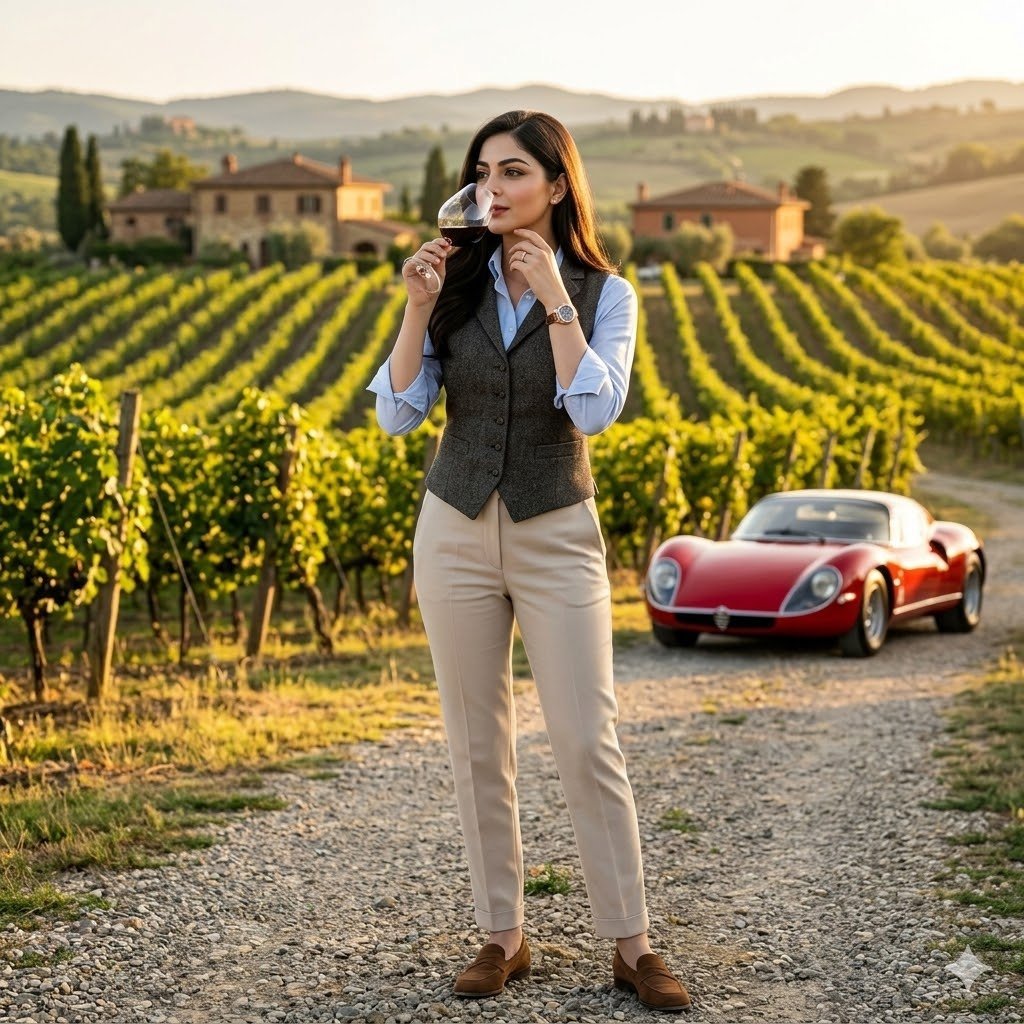
European Luxury Vineyard Portrait
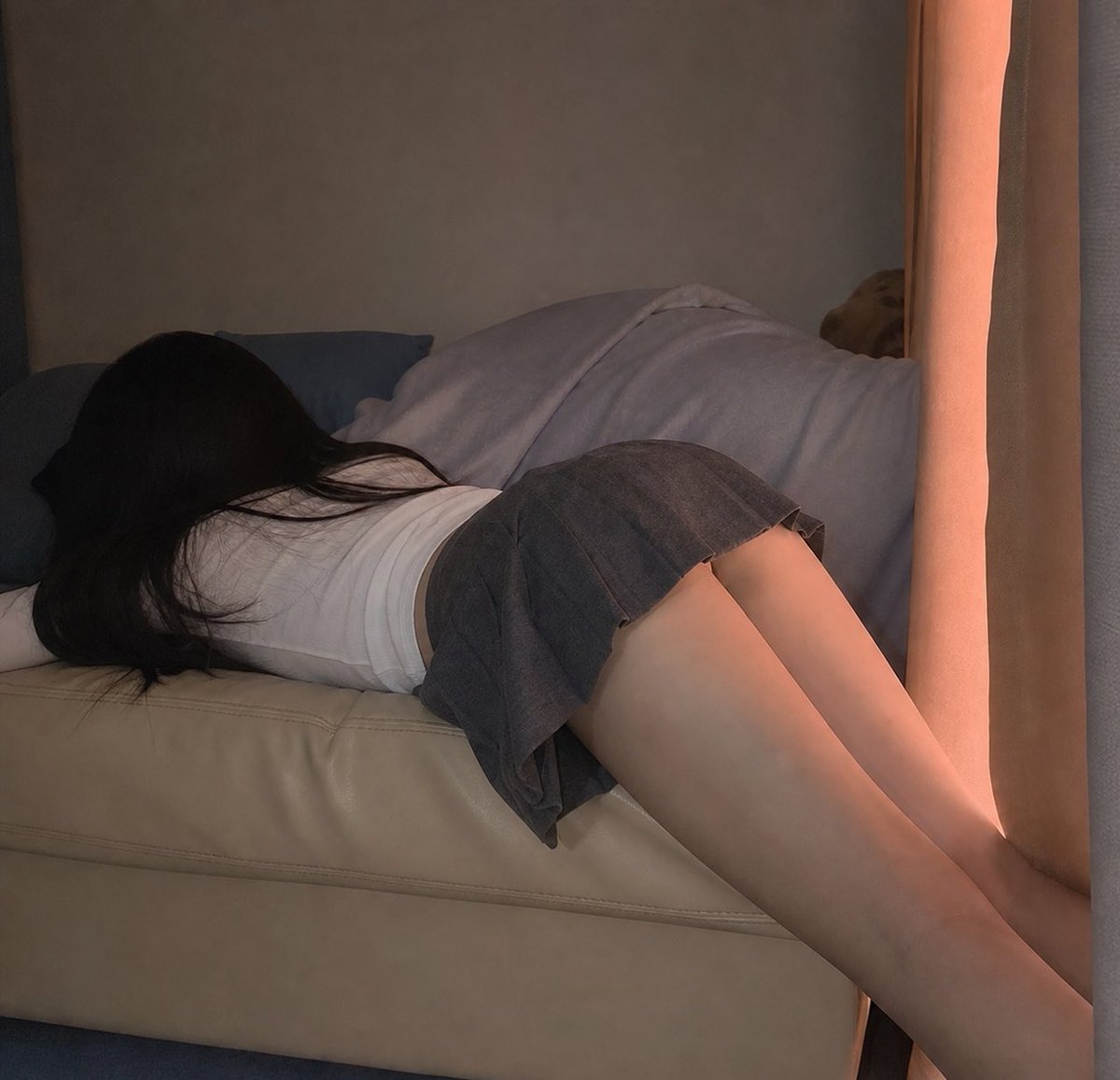
Photorealistic Indoor Lifestyle Scene
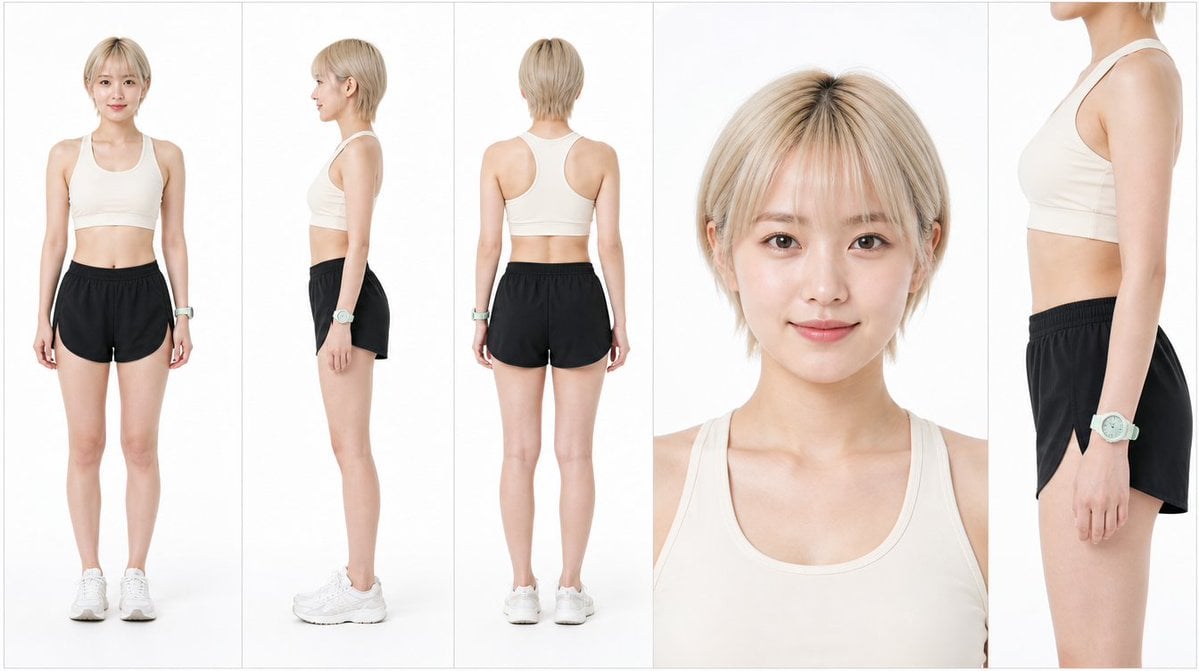
Japanese Female Runner Character Sheet
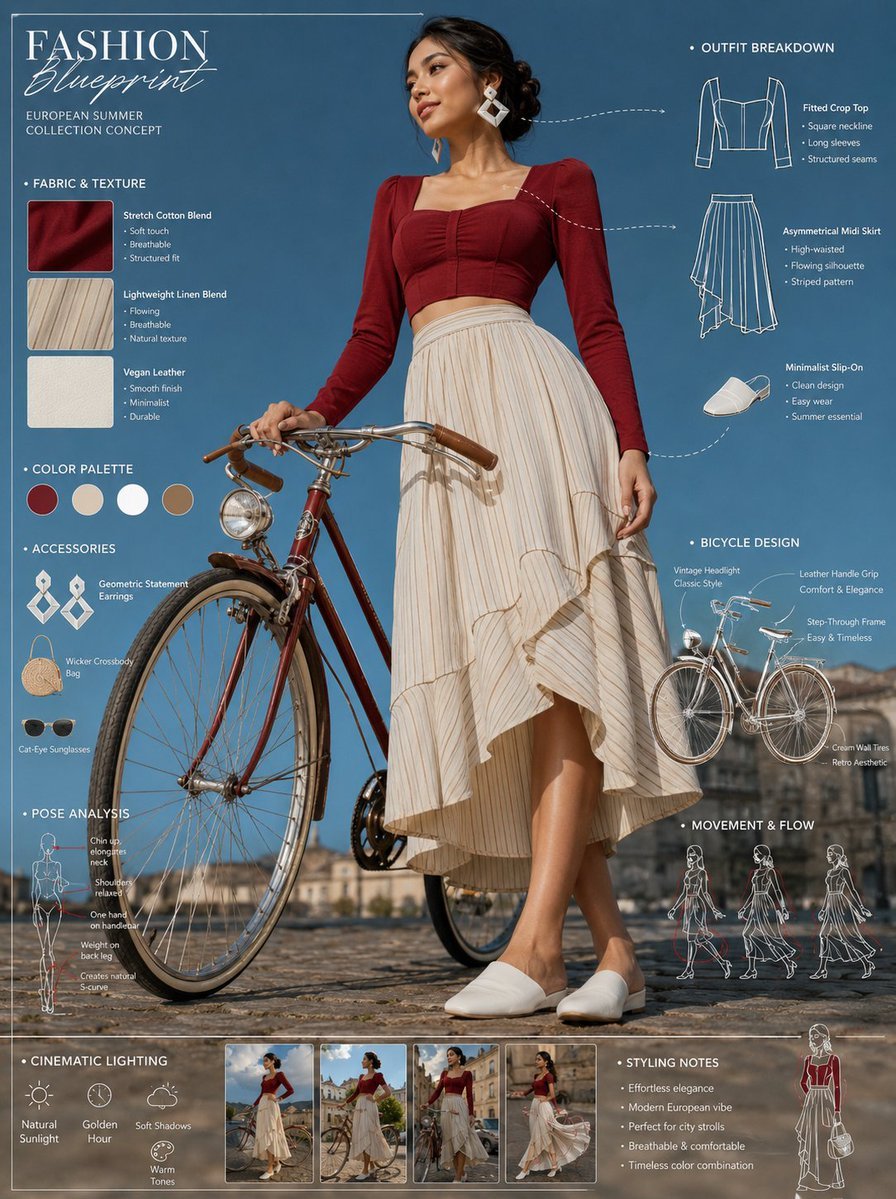
Vintage Bicycle Fashion Blueprint Sheet
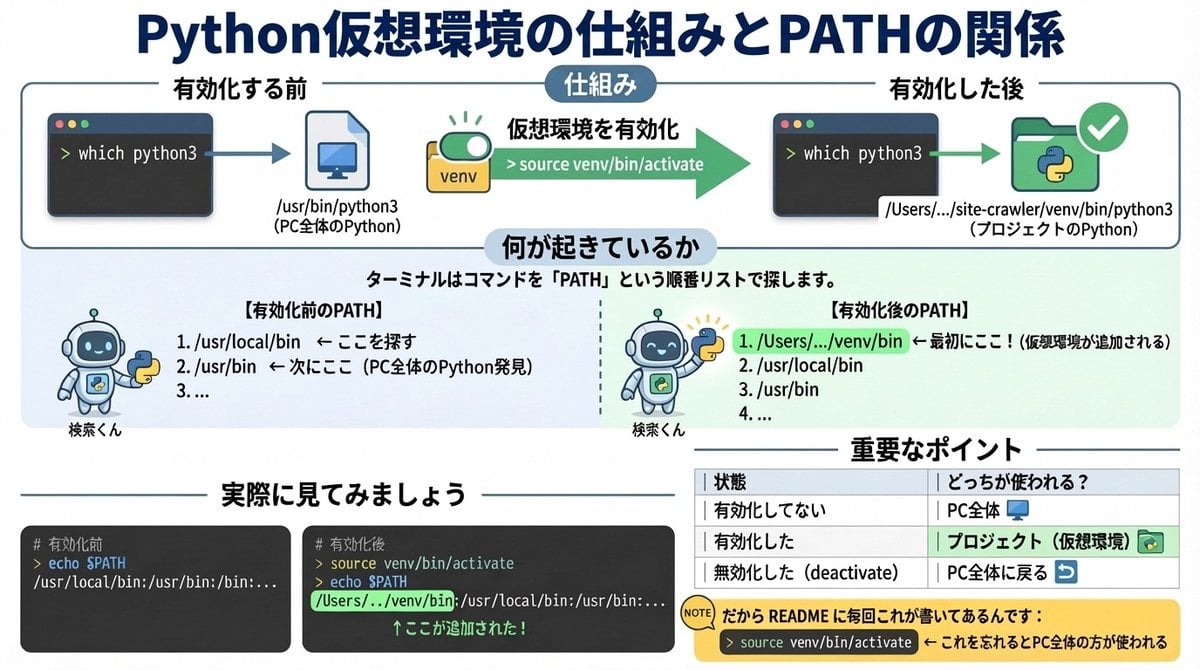
Generate diagrams from programming explanations
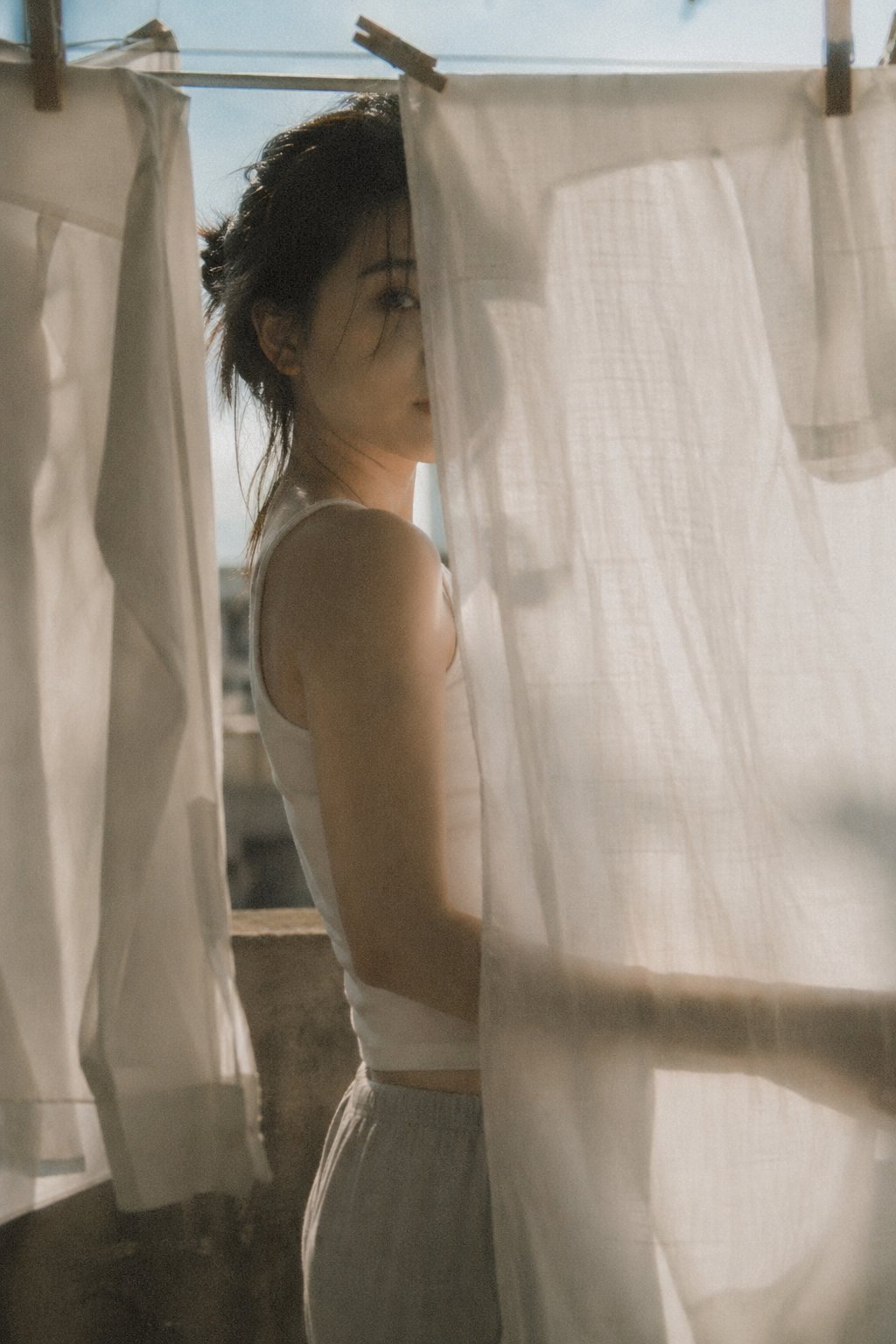
X Bubblebrain Soft Backlight By Gpt Image 2
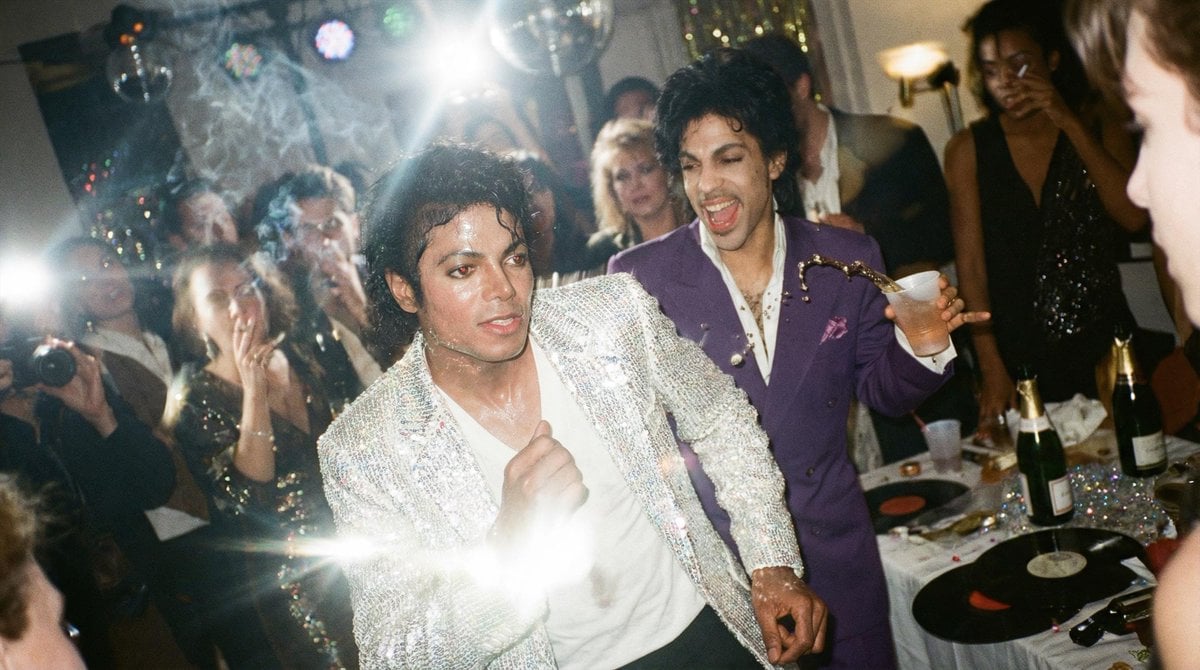
Messy Disposable Camera Party Shot Prompt
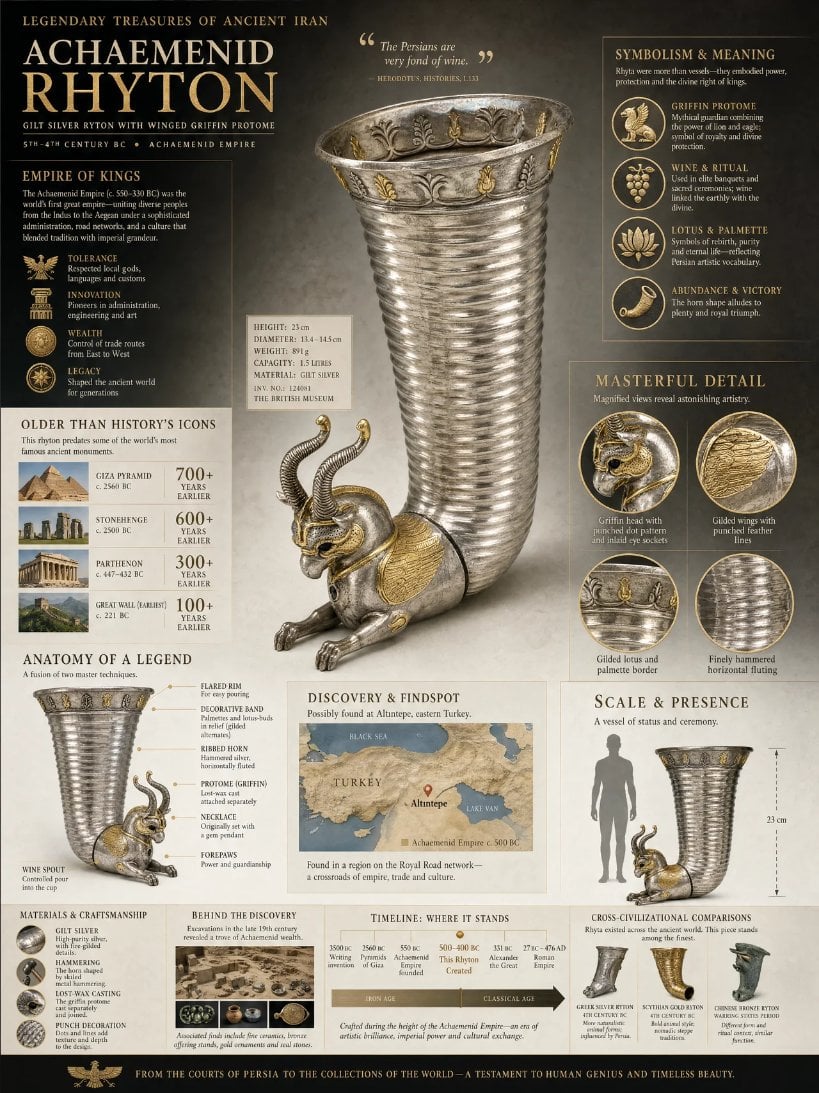
Museum Archaeological Infographic Plate
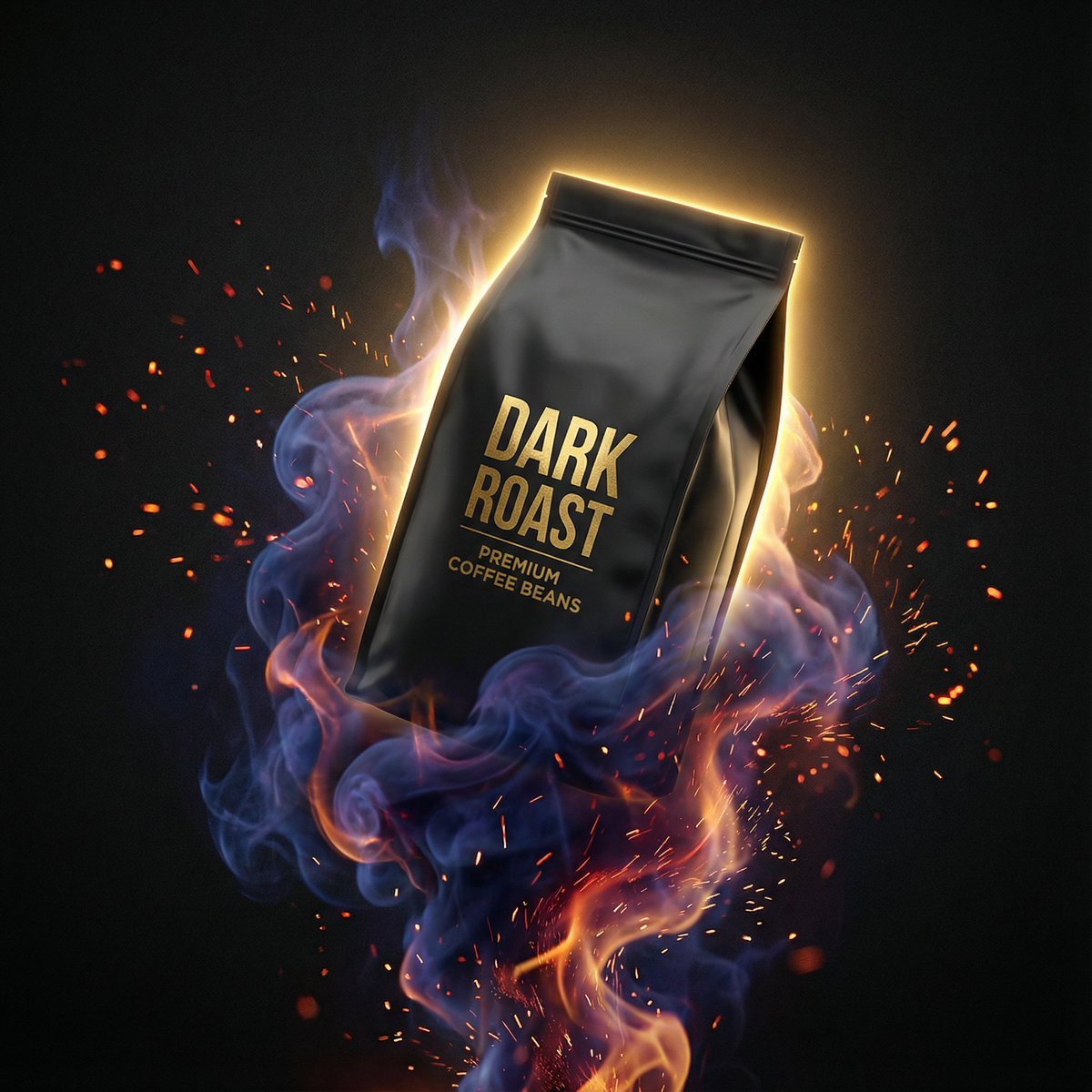
Dynamic Product Photography Prompt for Nano Banana Pro
Browse template categories
Glamorous Luxury Interior Fashion Shot questions
How do I use the Glamorous Luxury Interior Fashion Shot template?
Add your photo if the template asks for one, edit the prompt if you like — the template's model and format are already selected — and press Generate. Your version opens in PicX Studio.
Can I customize the Glamorous Luxury Interior Fashion Shot template?
Yes. You can change the subject, setting, lighting, mood, format, and available model controls before creating your image.
Is the Glamorous Luxury Interior Fashion Shot template free?
Opening and editing this template is free. Generating uses credits, shown on the Generate button when you are signed in.
Which AI model should I use?
Start with Nano Banana 2, which is the model associated with this template. You can compare another compatible model for a different finish.
Looking for something else? Browse all templates.

Your photo, any look
Thousands of ready templates for every top image and video model, from one credit balance.