How do I use the Modern Interior Casual Fashion Portrait template?
Choose the primary action to open PicX Studio with the available template settings. Review the model and format, personalize the creative direction, and generate when ready.
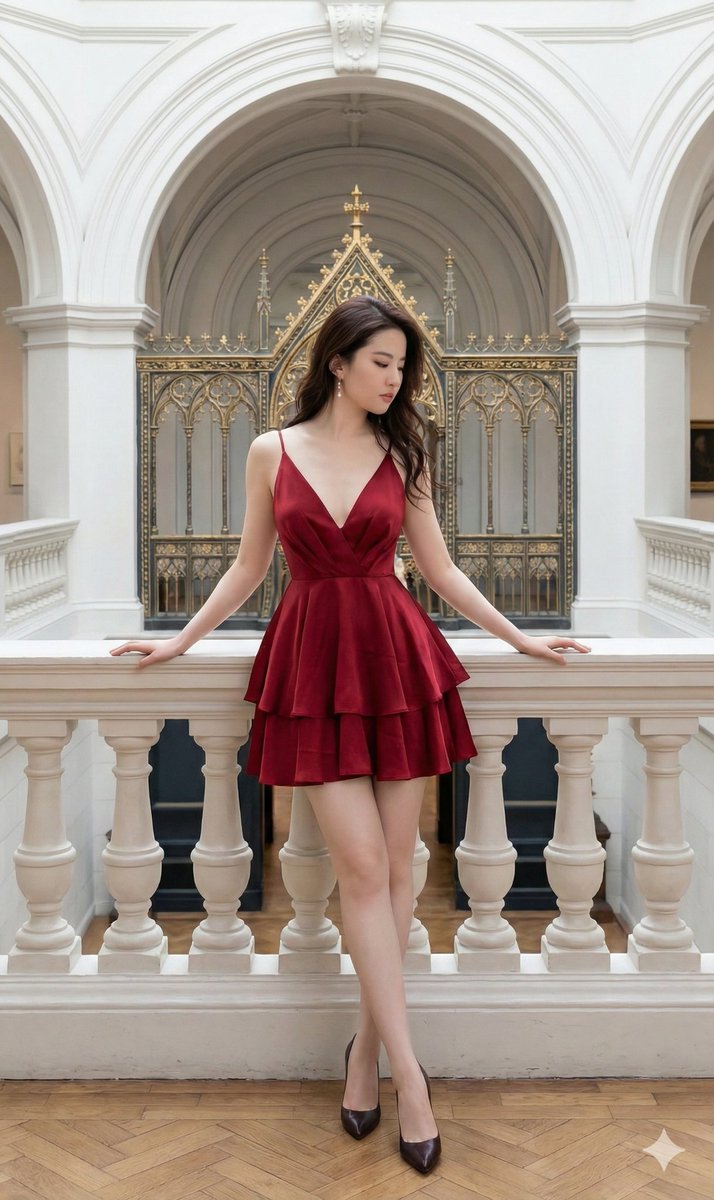
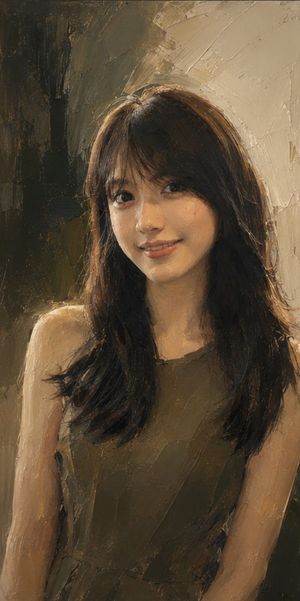
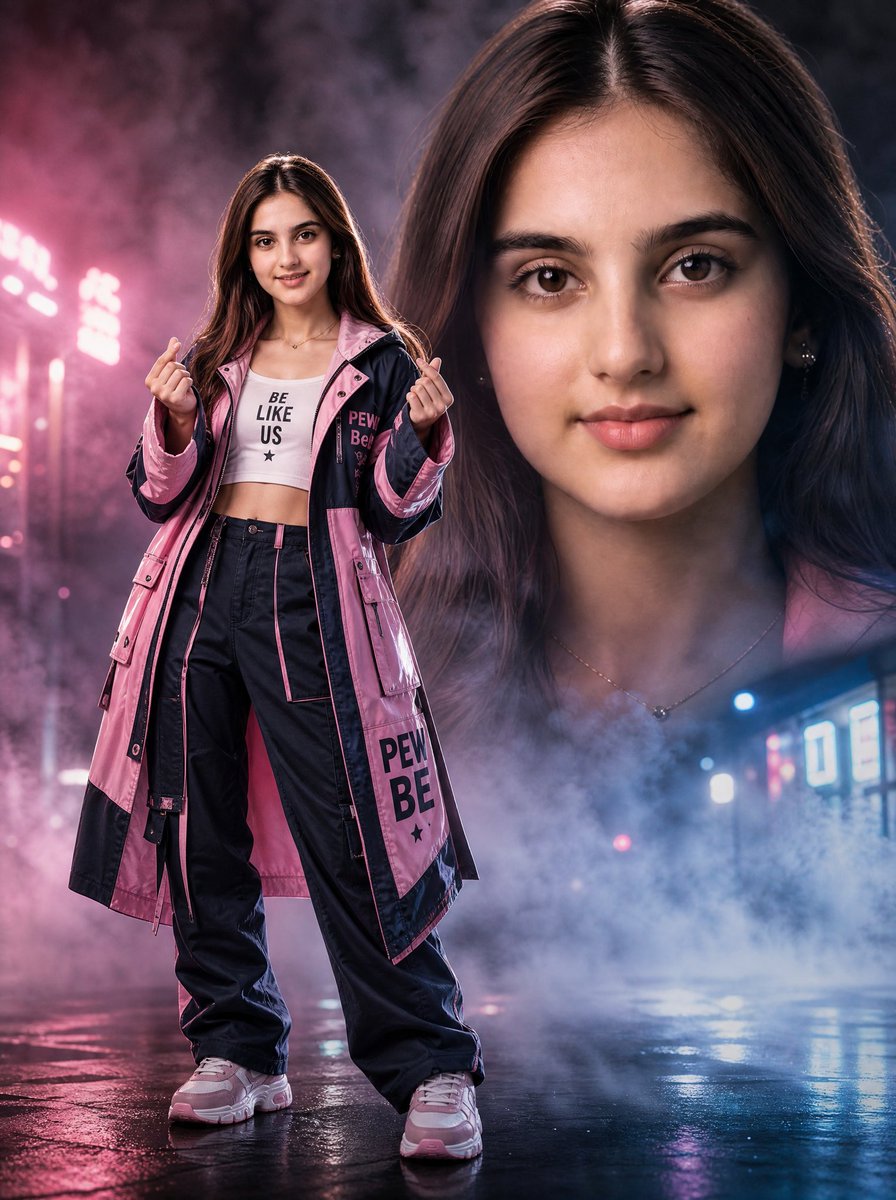
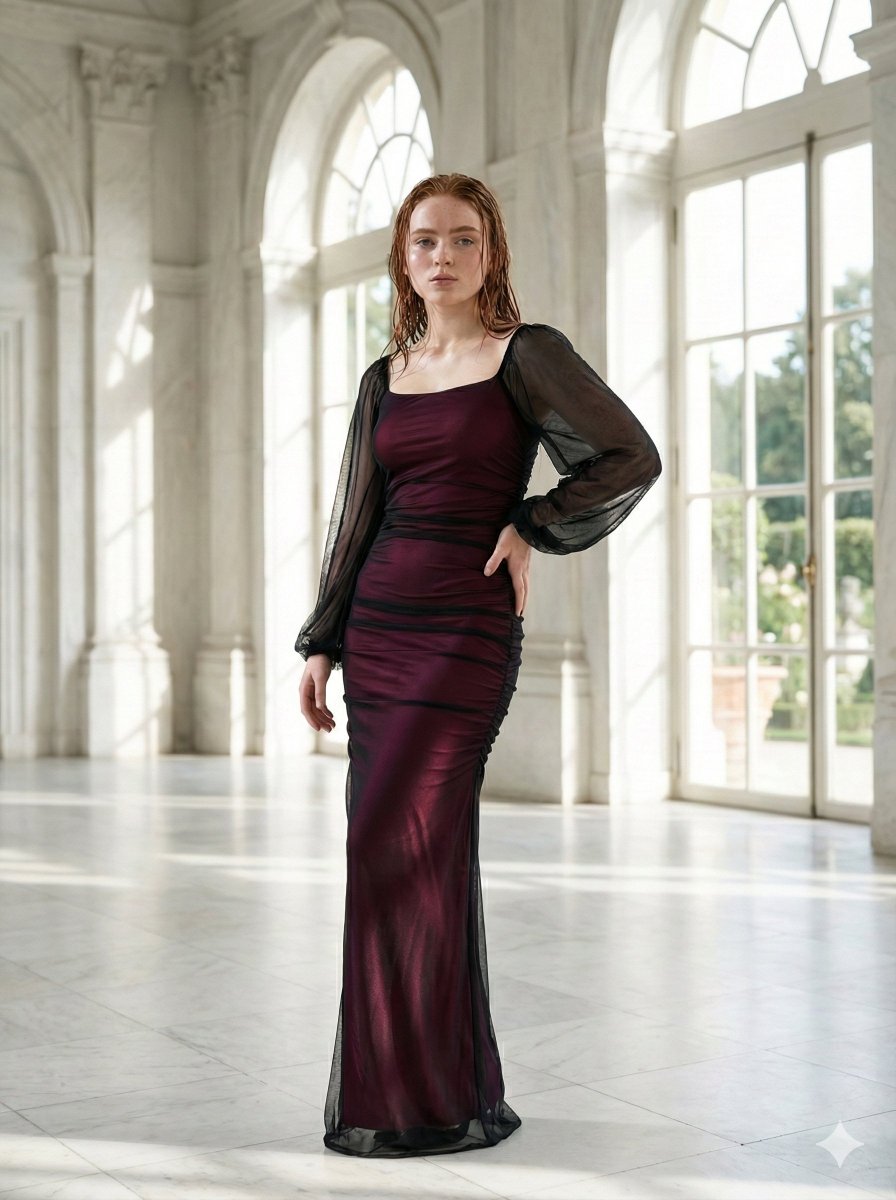
A realistic fashion portrait of a young woman with vibrant red hair in a modern interior setting with natural lighting.

A young woman with fair skin, striking blue eyes, and {argument name="hair style" default="long wavy vibrant red hair"} stands confidently in an indoor setting, with a pair of dark sunglasses resting on top of her head. She has a gentle smile and is looking directly at the viewer. She wears a {argument name="outfit" default="loose-fitting, crinkled brown long-sleeve button-up shirt"} with rolled sleeves, tucked slightly into matching brown wide-leg trousers, creating a coordinated casual outfit. A delicate gold necklace with a small circular pendant adorns her neck. Her right hand holds a black smartphone while her left hand carries a {argument name="accessory" default="large dark patterned handbag"}. She has white manicured nails, a thin ring on one finger, a gold bracelet on her wrist, and a visible intricate tattoo on her left forearm. The background features a large window with natural light coming through, a potted green plant, striped architectural elements, and dark framing, suggesting a {argument name="setting" default="modern interior space near an entrance"}. The overall style is realistic photography with soft natural lighting.
Choose the primary action to open PicX Studio with the available template settings. Review the model and format, personalize the creative direction, and generate when ready.
Yes. You can change the subject, setting, lighting, mood, format, and available model controls before creating your image.
This template is free to open and customize. Generation usage is shown in PicX Studio before you create.
Start with Nano Banana 2, which is the model associated with this template. You can compare another compatible model for a different finish.
Follow a topic to a crawlable collection of related PicX Studio templates.