
Magic Prompt for Automatic Infographic Generation with Nano Banana Pro
This prompt is designed for Nano Banana Pro, allowing users to input an entire article or report and automatically generate Napkin AI-quality infographics or visual summaries.
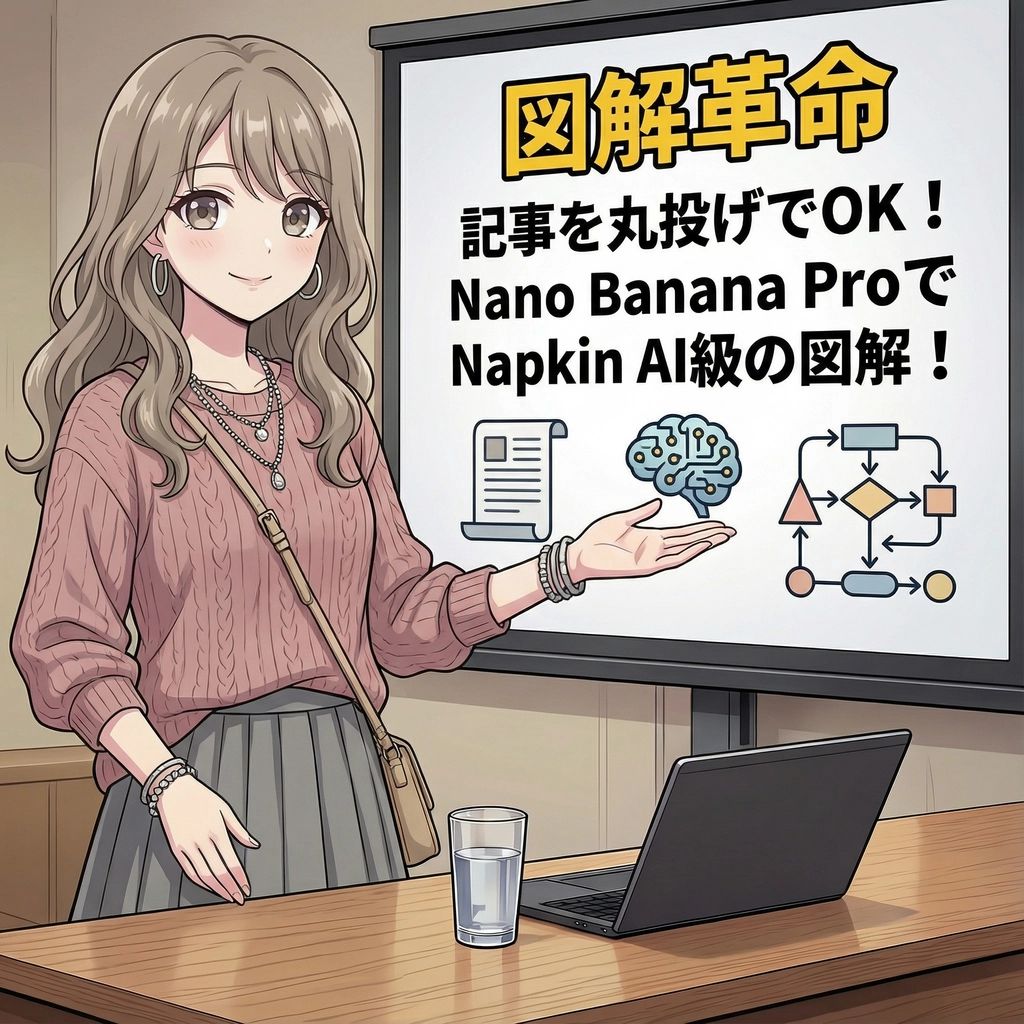
- Prompt included
- Model and format preset
- Free template
The prompt behind this image
Copy the exact prompt behind Magic Prompt for Automatic Infographic Generation with Nano Banana Pro, or open it in the studio and make it yours.
あなたは、インフォグラフィックの専門家です。ユーザーから提供された記事やレポートを読み込み、その内容を視覚的に分かりやすく、魅力的なインフォグラフィックとして自動生成してください。特に、以下の要素を考慮して作成してください。 ### 目的 記事やレポートの主要なメッセージ、重要なデータ、プロセス、または構造を、一目で理解できるように図解化すること。 ### スタイルとトーン * **スタイル**: Napkin AIのような、手書き風、またはミニマルで洗練された図解スタイル。 * **トーン**: 専門的でありながら、親しみやすく、視覚的に訴えるもの。 ### 構成要素 1. **タイトル**: 記事のテーマを簡潔に表す魅力的なタイトル。 2. **主要なポイント**: 記事全体から抽出された、最も重要な3〜5つの要点。 3. **図解**: 要点やプロセスを表現するための、グラフ、フローチャート、アイコン、または概念図。 4. **データ**: 記事内の具体的な数値や統計データがあれば、それを強調する形で表示。 5. **結論/アクション**: 記事のまとめ、または読者に期待する次の行動。 ### 出力形式 提供された記事の内容に基づき、上記の構成要素を統合したインフォグラフィックの全体像を、詳細な指示として出力してください。図解のアイデア、レイアウトの提案、使用する色やフォントのイメージも含めて具体的に記述してください。 ### 記事/レポート {argument name="記事またはレポートの内容" default="[ここに記事やレポートの全文を貼り付けてください]"}
How to use Magic Prompt for Automatic Infographic Generation with Nano Banana Pro in 3 steps
- 1
Open
The prompt is already in the box next to the preview, with the template's model and format selected.
- 2…a portrait of your subject in softgolden-hour light, 85mm…
Personalize
Edit the subject and creative details for your destination.
- 3Generate
Generate
Press Generate — your image is created in PicX Studio, so you can compare it with the original and refine one variable at a time.
More like this
Templates with the same subject, style or setup. Open one to see its prompt.

Woman in Mall with Chanel Bag - Heart Gesture
![Nano Banana — One Day In [CITY] Travel Route](https://cdn.picxstudio.com/cdn-cgi/image/format=auto,quality=85,fit=scale-down,onerror=redirect,width=3840,metadata=none/uploads/ai_gezgini_travel_d9a86f2e-c1f5-41a8-a4ef-5d96a8a7a023.jpg)
Nano Banana — One Day In [CITY] Travel Route

Manga Generation Prompt Template for Nano Banana Pro

Japan Travel Brochure Poster

Miniature Travel Diorama Postcard

Anime Happily Ever After Sky

Anime Stained Glass Prayer

Anime White Horse Escape

Anime Golden Spinning Straw

Anime Gingerbread Cottage

Anime Bean Stalk Climb

Anime Seafoam Transformation
Make it yours
Magic Prompt for Automatic Infographic Generation with Nano Banana Pro works as-is. These are the safest ways to change it without losing the look.
Change one field
Copy a single group, rewrite it, and generate again so you can see what that field is doing.
Keep the frame, change the subject
Hold the composition and light of Magic Prompt for Automatic Infographic Generation with Nano Banana Pro, then swap wardrobe, props or the person for a new take.
| If the result… | Why | Fix |
|---|---|---|
| The result drifts from the preview | Too many fields changed at once. | Reuse Magic Prompt for Automatic Infographic Generation with Nano Banana Pro as-is first, then change one group — subject, light, or setting. |
| The model over-stylizes the scene | The prose prompt leaves finish and camera underspecified. | Add one camera or lighting sentence and stay on Nano Banana 2. |
More Nano Banana 2 templates
Other prompts made for Nano Banana 2.

Photorealistic Leaf Shaped Like a Dragon

K-Pop Idol Portrait Grid for Rapid Selection

Poetic Rain Forest Portrait During Golden Hour

Urban Street Portrait with Cartoon Inner Self Duo

Candid Nighttime Photo with Cat Prompt

High-Concept 3D Diorama Generation Prompt

Cinematic Futuristic Studio Portrait Template

Skincare Editorial Photography Collage Prompt

Hyper-Realistic Commercial Product Photography (Splash Effect)

Hyper-Realistic Nightclub Portrait Prompt
More image prompts
Fresh picks from across the catalog.
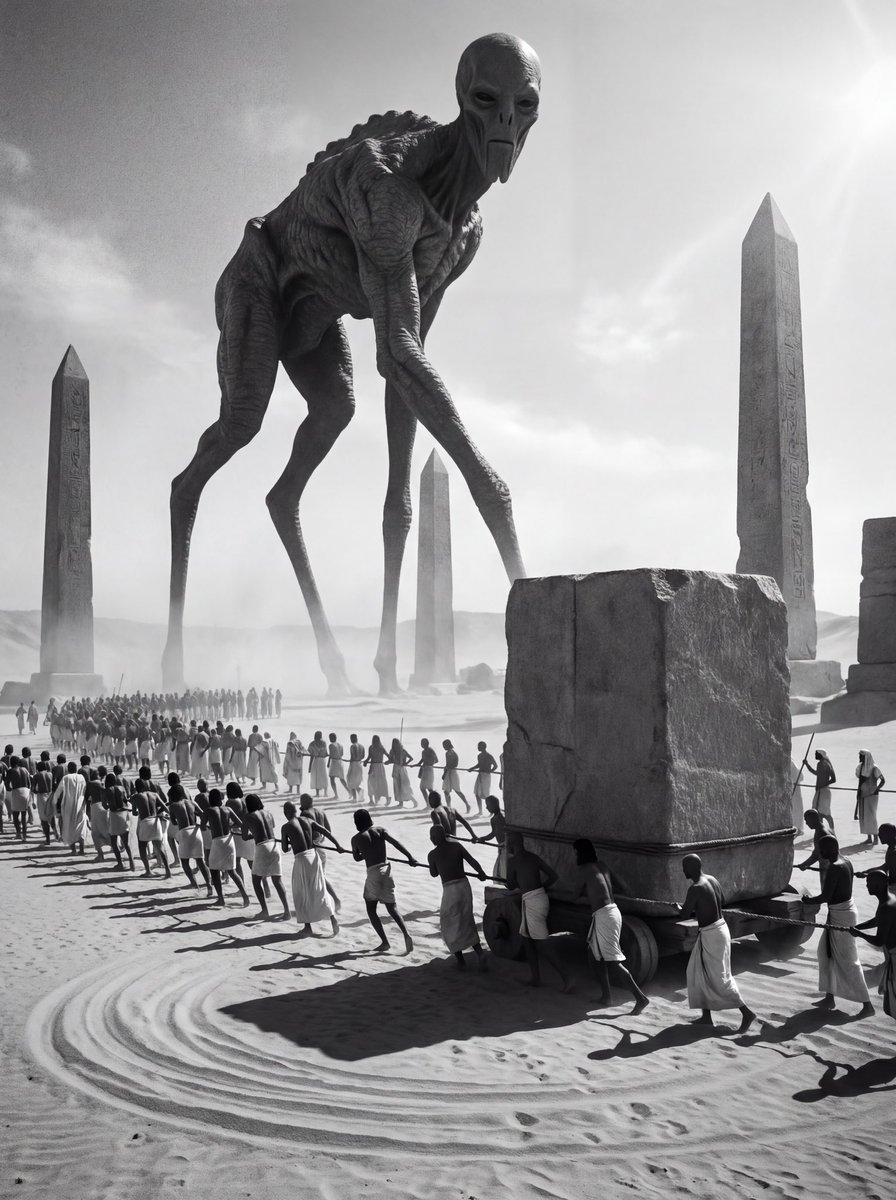
Ancient Egyptian Ritual with Alien Entity Prompt
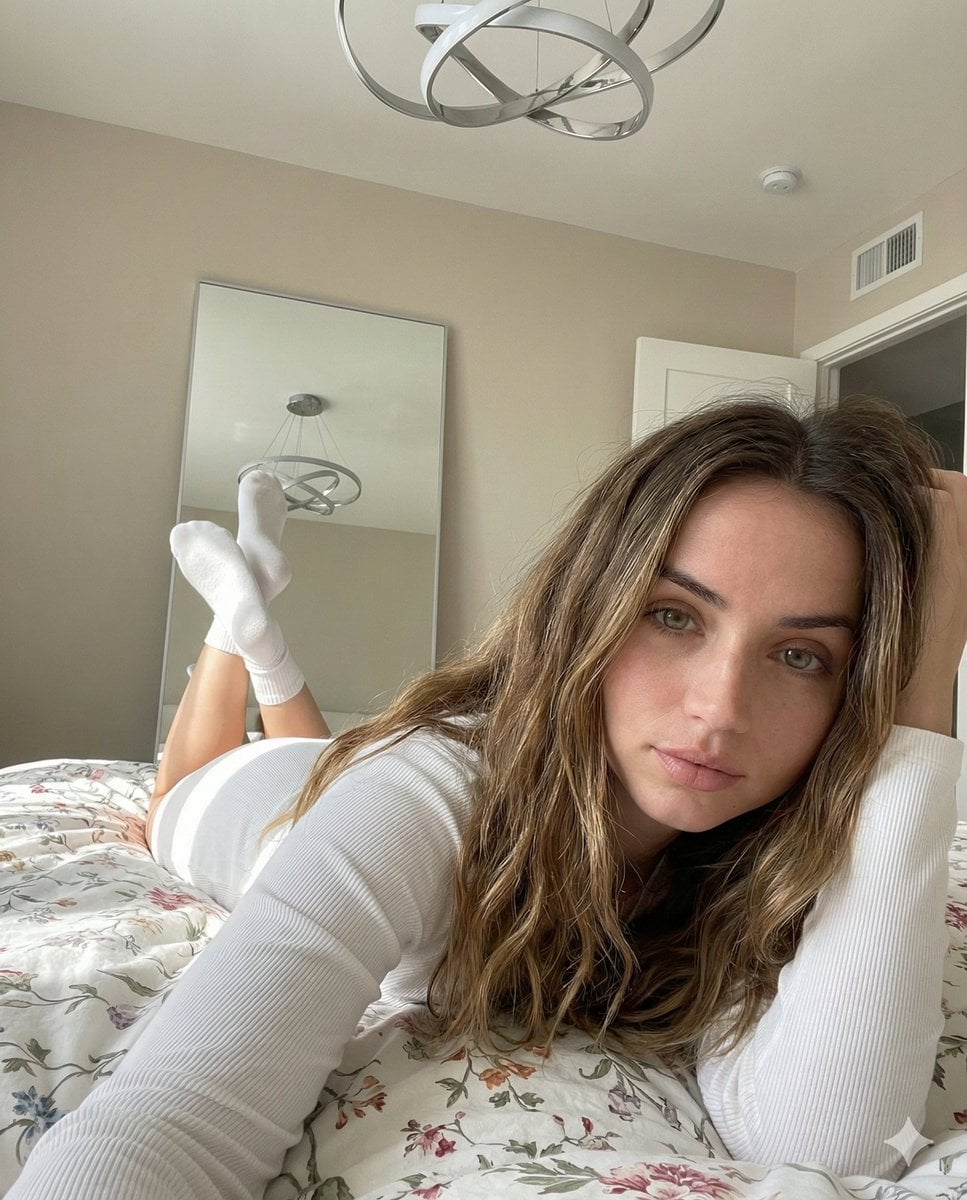
Cozy, Intimate Bedroom Portrait with High Angle Selfie Aesthetic
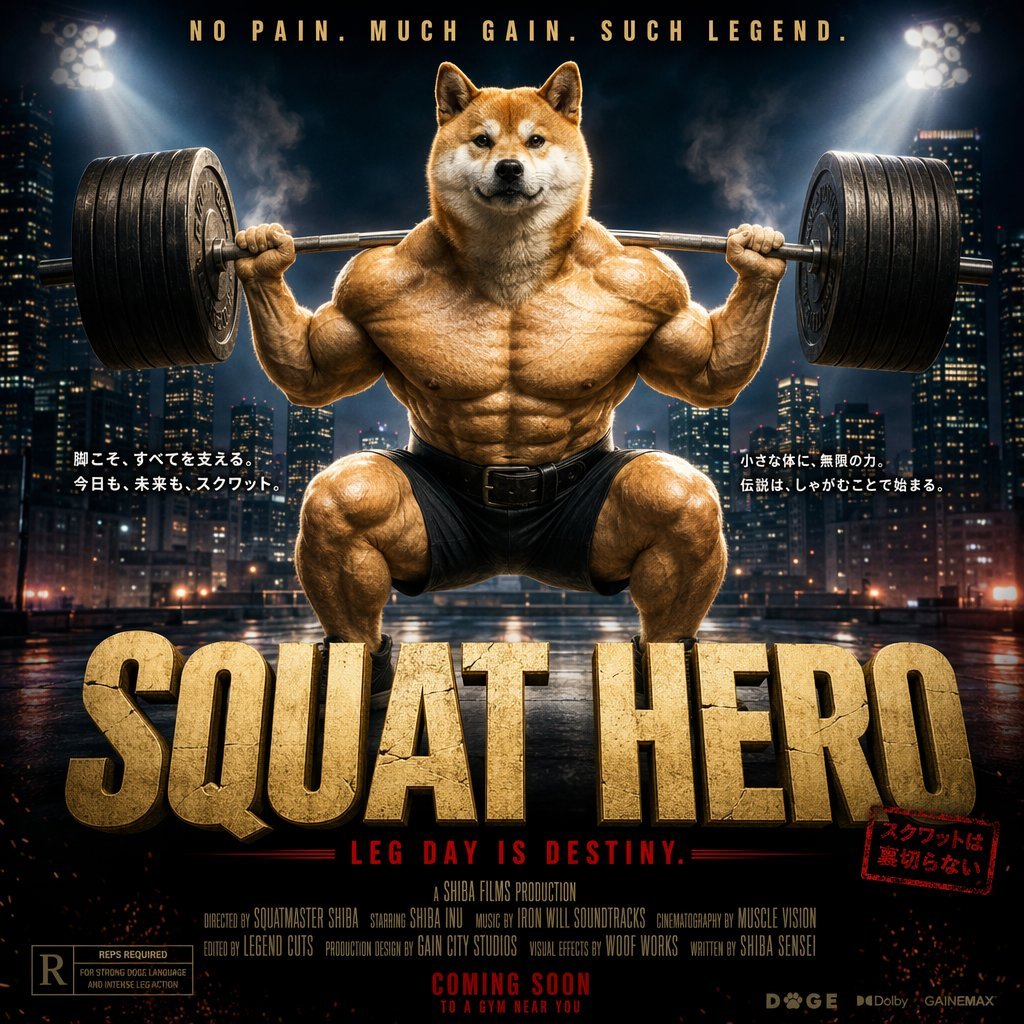
Cinematic Shiba Squat Hero Poster
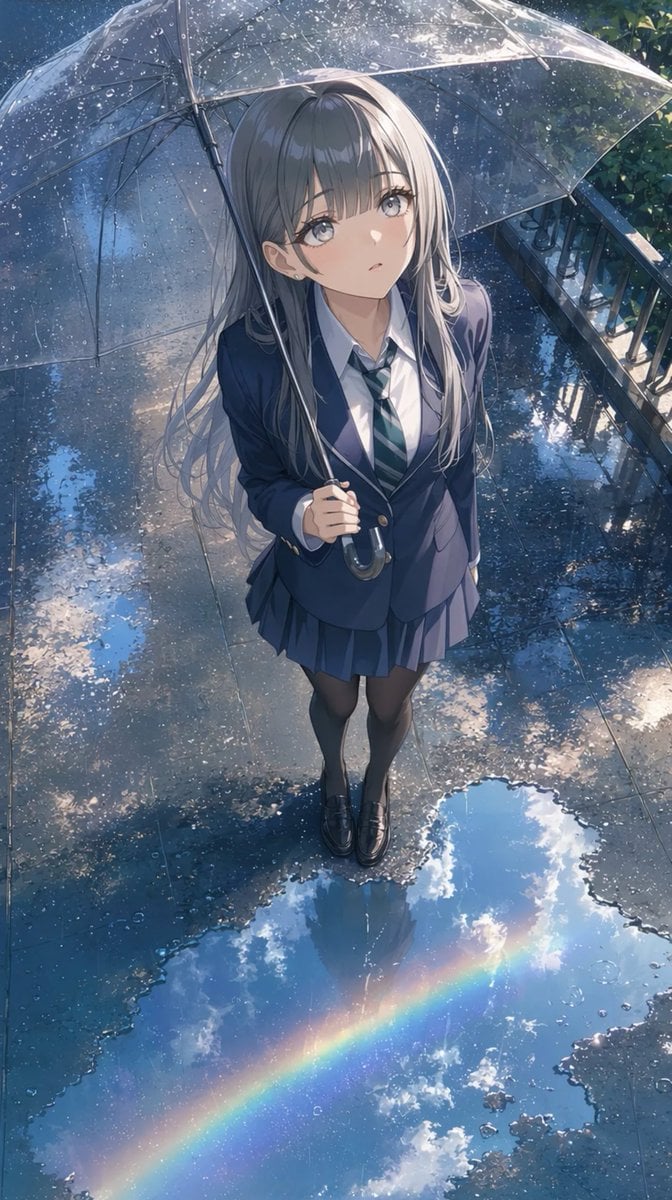
Anime Schoolgirl Under Clear Umbrella
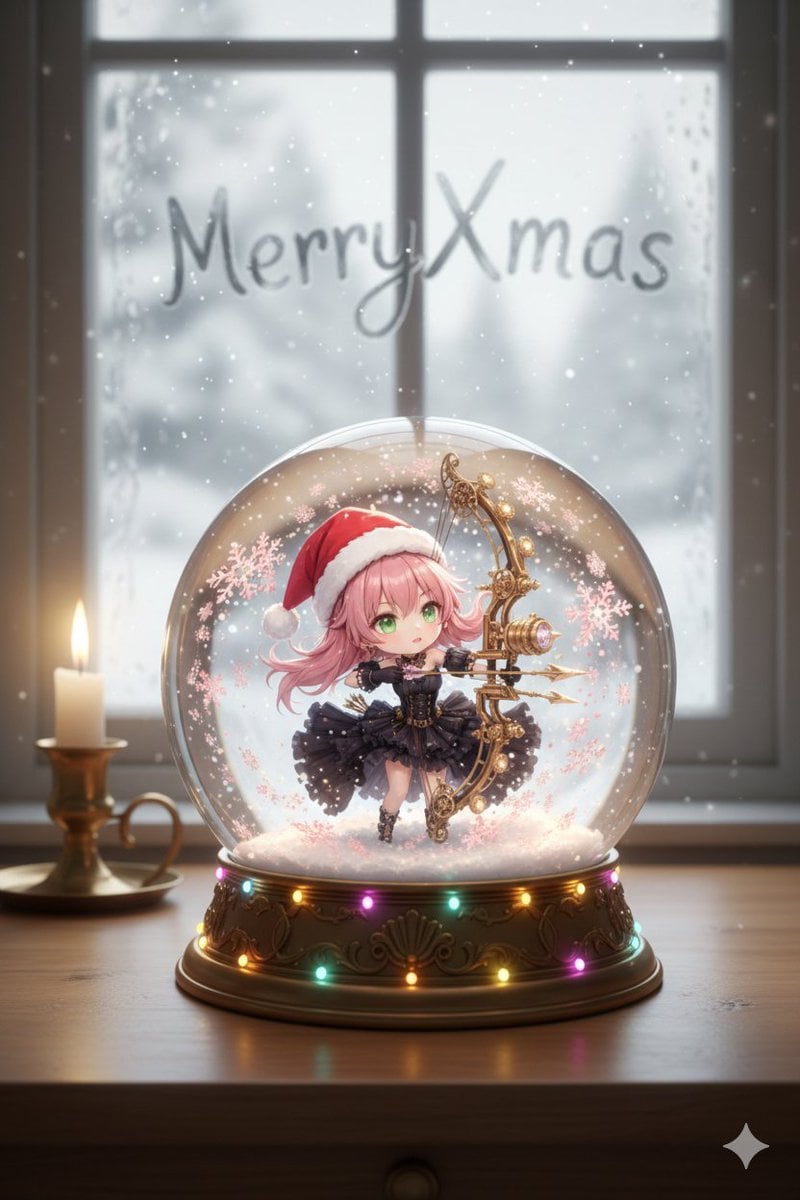
Snow globe character illustration prompt for Nano Banana Pro
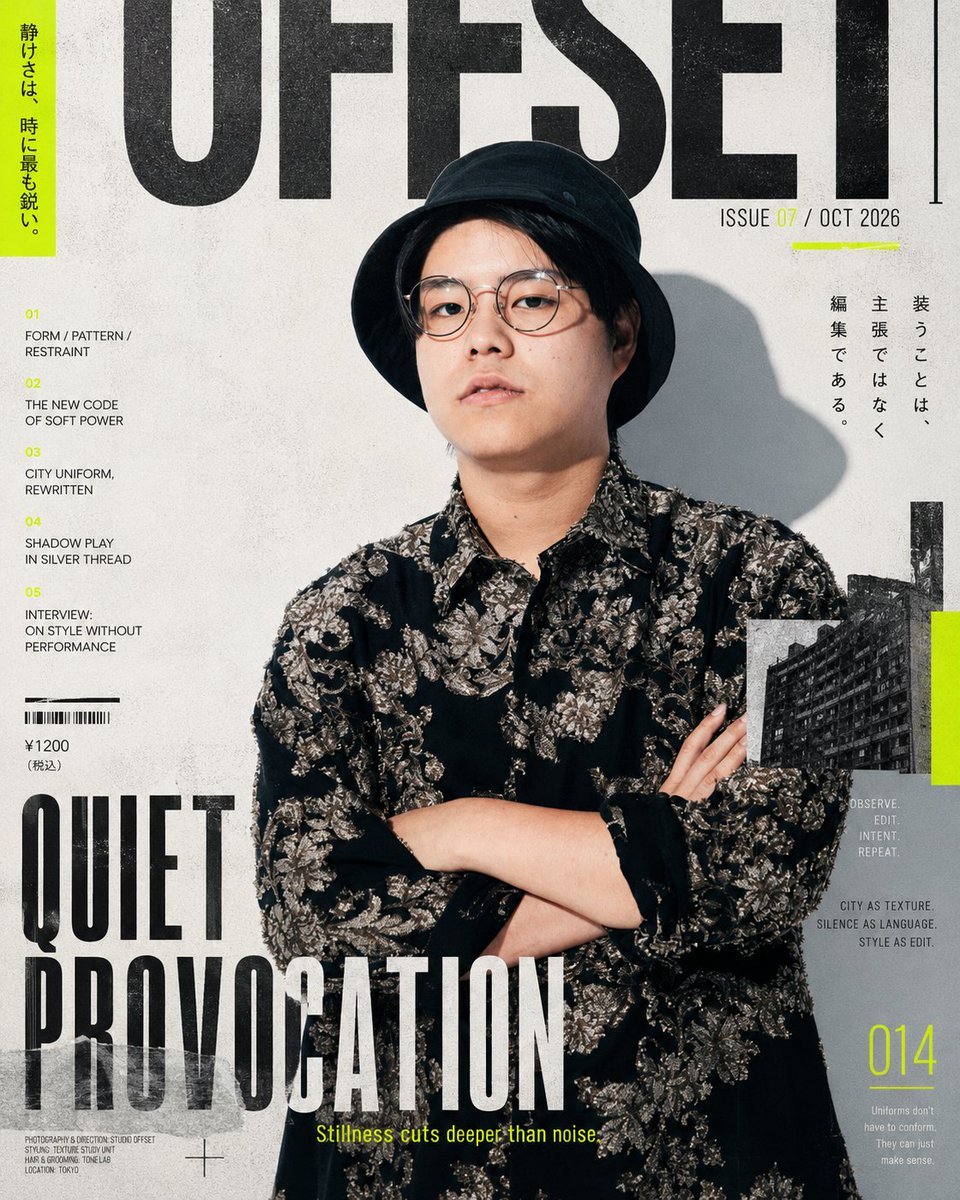
Editorial Fashion Magazine Cover
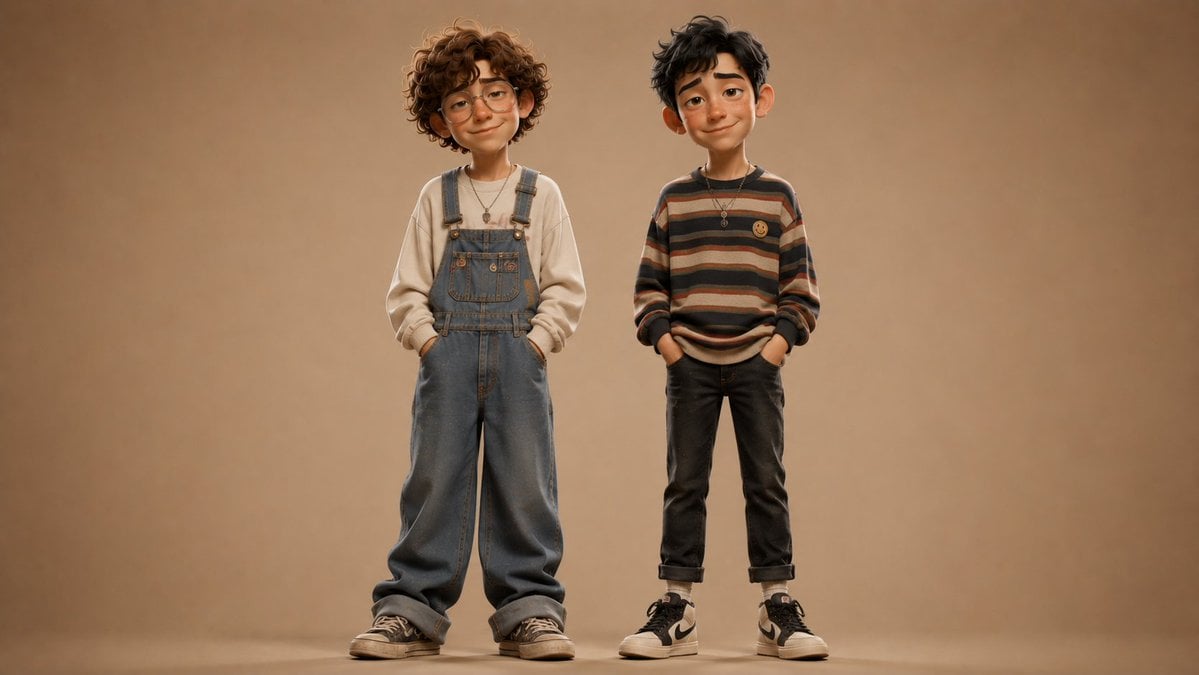
Anonymous Kids Studio Fashion Portrait
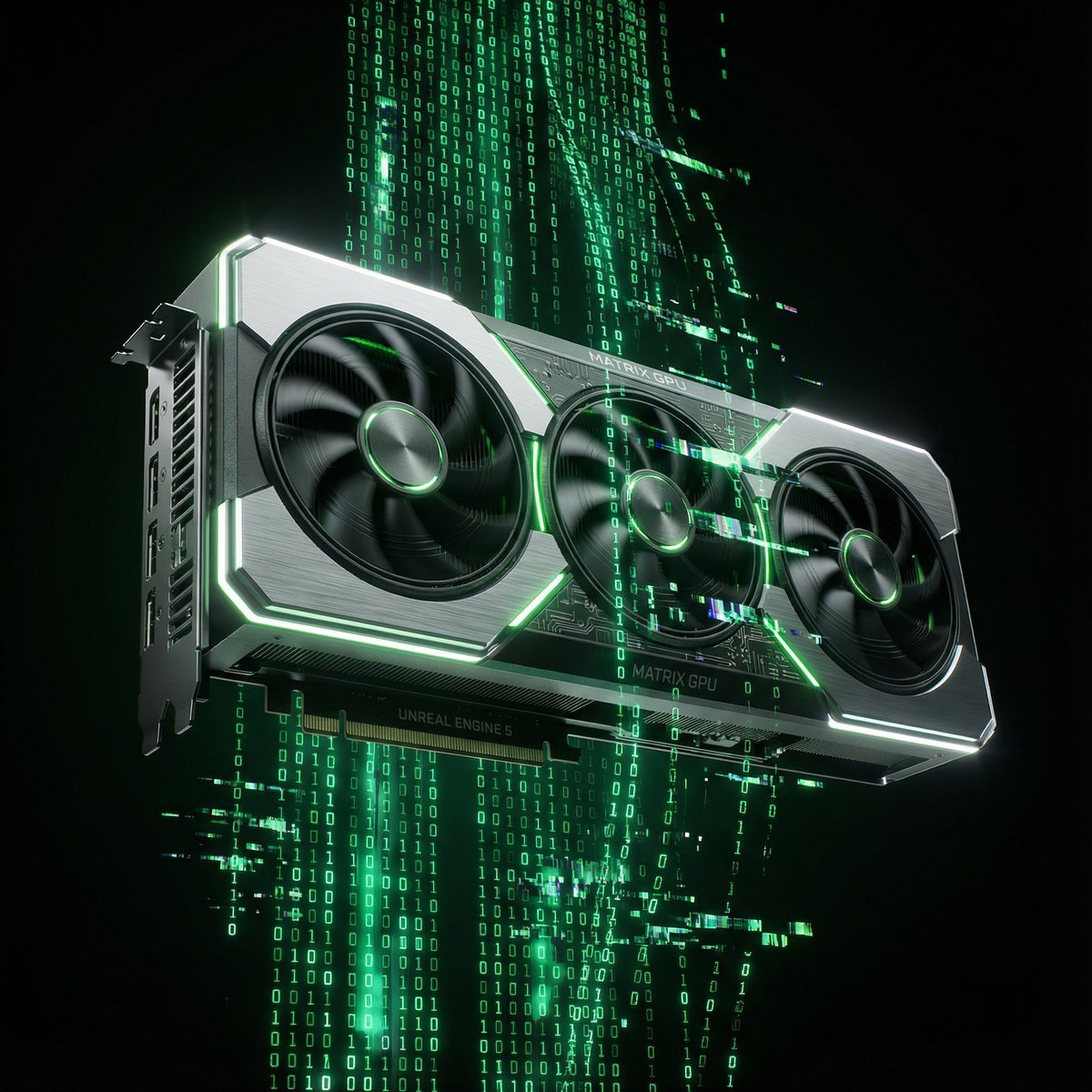
Matrix Digital Void Product Shot
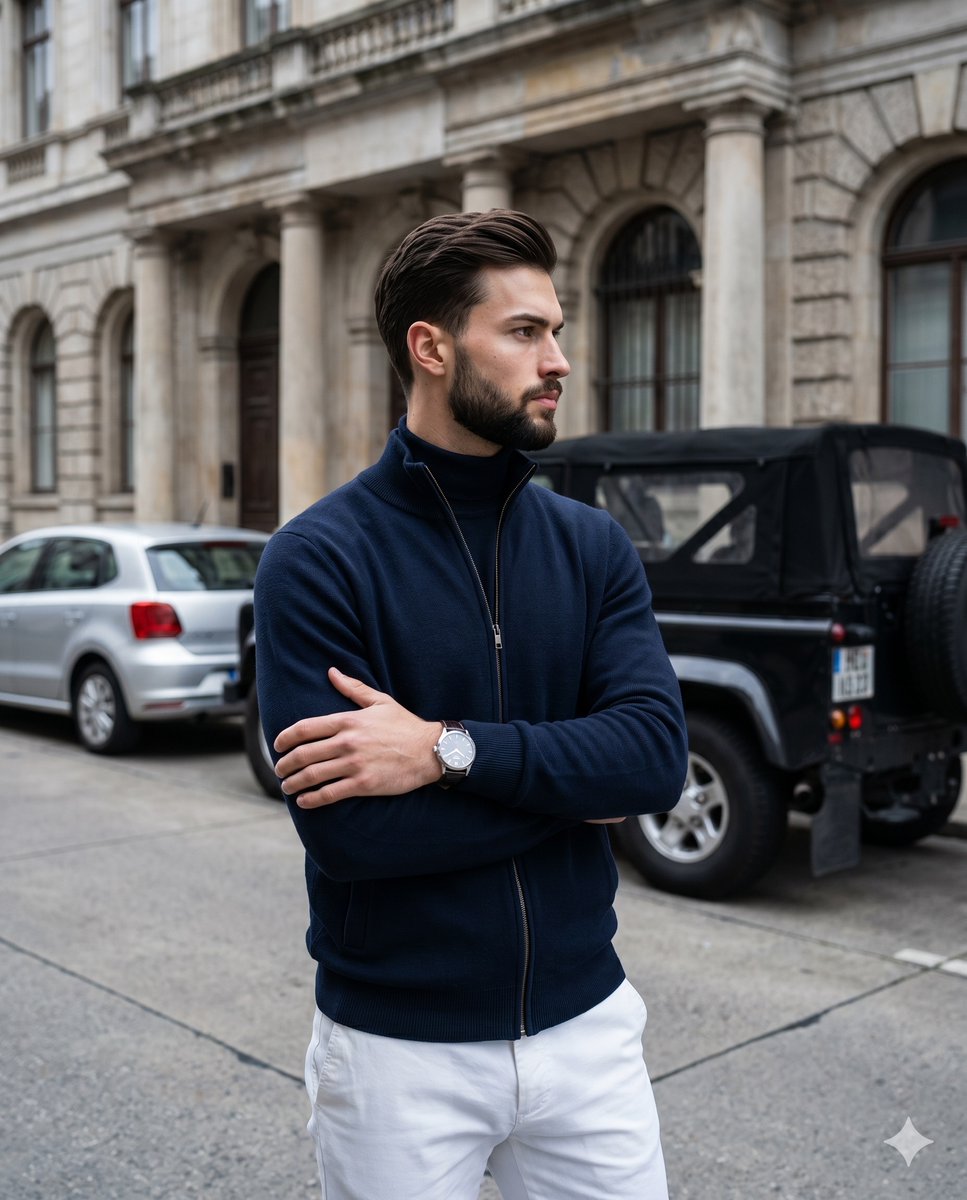
Old Money Men's Fashion Portrait

Cinematic Family Gathering Scene
Browse template categories
Magic Prompt for Automatic Infographic Generation with Nano Banana Pro questions
How do I use the Magic Prompt for Automatic Infographic Generation with Nano Banana Pro template?
Add your photo if the template asks for one, edit the prompt if you like — the template's model and format are already selected — and press Generate. Your version opens in PicX Studio.
Can I customize the Magic Prompt for Automatic Infographic Generation with Nano Banana Pro template?
Yes. You can change the subject, setting, lighting, mood, format, and available model controls before creating your image.
Is the Magic Prompt for Automatic Infographic Generation with Nano Banana Pro template free?
Opening and editing this template is free. Generating uses credits, shown on the Generate button when you are signed in.
Which AI model should I use?
Start with Nano Banana 2, which is the model associated with this template. You can compare another compatible model for a different finish.
Looking for something else? Browse all templates.

Your photo, any look
Thousands of ready templates for every top image and video model, from one credit balance.