
Cinematic Action Scene Identity Preservation Prompt
A highly specific and intense prompt for Nano Banana Pro designed to generate an ultra-realistic cinematic action scene frozen at the peak of chaos.

- Prompt included
- Model and format preset
- Free template
The prompt behind this image
Copy the exact prompt behind Cinematic Action Scene Identity Preservation Prompt, or open it in the studio and make it yours.
Use the uploaded image only to accurately reconstruct the subject’s face. Preserve exact facial identity, proportions, skin texture, pores, beard detail, eye shape, and realism. Do not reuse pose, lighting, or composition from the upload. Create an ultra-realistic cinematic action moment frozen at the absolute peak of chaos. A powerful adult male fills the extreme foreground, lunging toward the camera with one arm fully extended, fingers reaching past the lens. His expression is pure survival panic — eyes wide, mouth open mid-scream. The face is razor-sharp, perfectly integrated, and emotionally intense. In his other arm, he clutches a panicking tabby cat. The cat is fully alive and reactive: eyes wide and dilated, ears flattened back, mouth open in a silent hiss or scream, whiskers flared, body tense, claws fully extended, hind legs kicking slightly. Fur strands are hyper-detailed and bristled from fear. The cat’s panic mirrors the human’s, amplifying the chaos. Behind them, a massive stadium environment erupts. A violent explosion blossoms outward, throwing concrete, metal fragments, and dust into the air. A police vehicle is launched sideways mid-blast, twisted realistically, emergency lights flashing through smoke. Human silhouettes are flung backward, suspended mid-air in slow-motion realism. Lighting is physical and cinematic: blazing orange firelight rim-lighting the subjects, cold blue emergency strobes slicing through smoke, volumetric haze, flying embers, realistic shadow falloff, extreme dynamic range. Camera is ultra-wide and close, natural perspective distortion, shallow depth of field, sharp subject separation, no fisheye, no artificial blur. Photorealistic, hyper-detailed, cinematic color grading. No cartoon look. No AI artifacts. No softness. Mood: explosive, intense, absurdly unforgettable, viral blockbuster realism.
How to use Cinematic Action Scene Identity Preservation Prompt in 3 steps
- 1Upload ImagePNG, JPG or paste
Add your photo
Upload the photo the template builds on. The prompt, model and format are already set.
- 2…a portrait of your subject in softgolden-hour light, 85mm…
Personalize
Edit the subject and creative details for your destination.
- 3Generate
Generate
Press Generate — your image is created in PicX Studio, so you can compare it with the original and refine one variable at a time.
More like this
Templates with the same subject, style or setup. Open one to see its prompt.
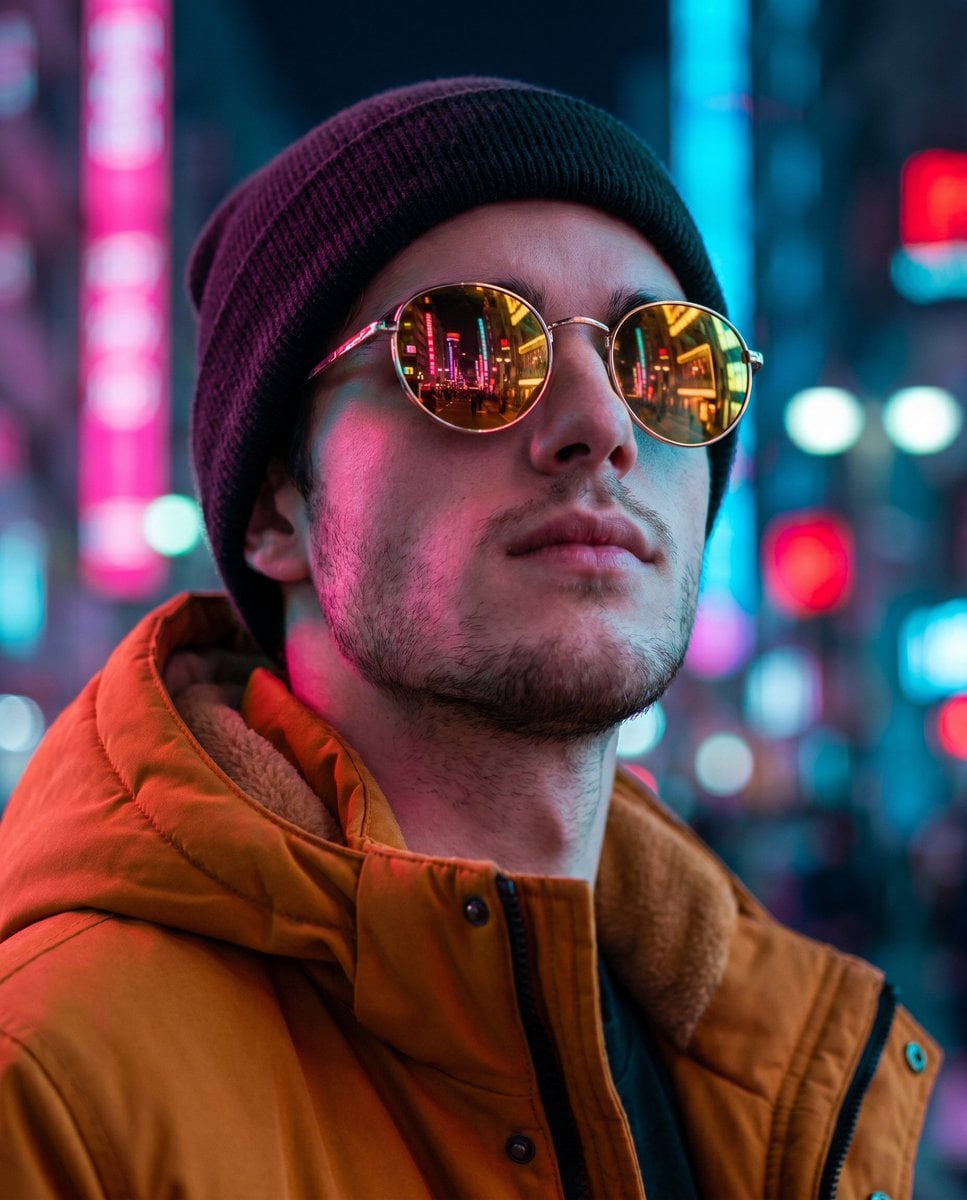
Cyberpunk Identity Preservation Portrait

Venom SpongeBob Hyperreal Cinematic Mix
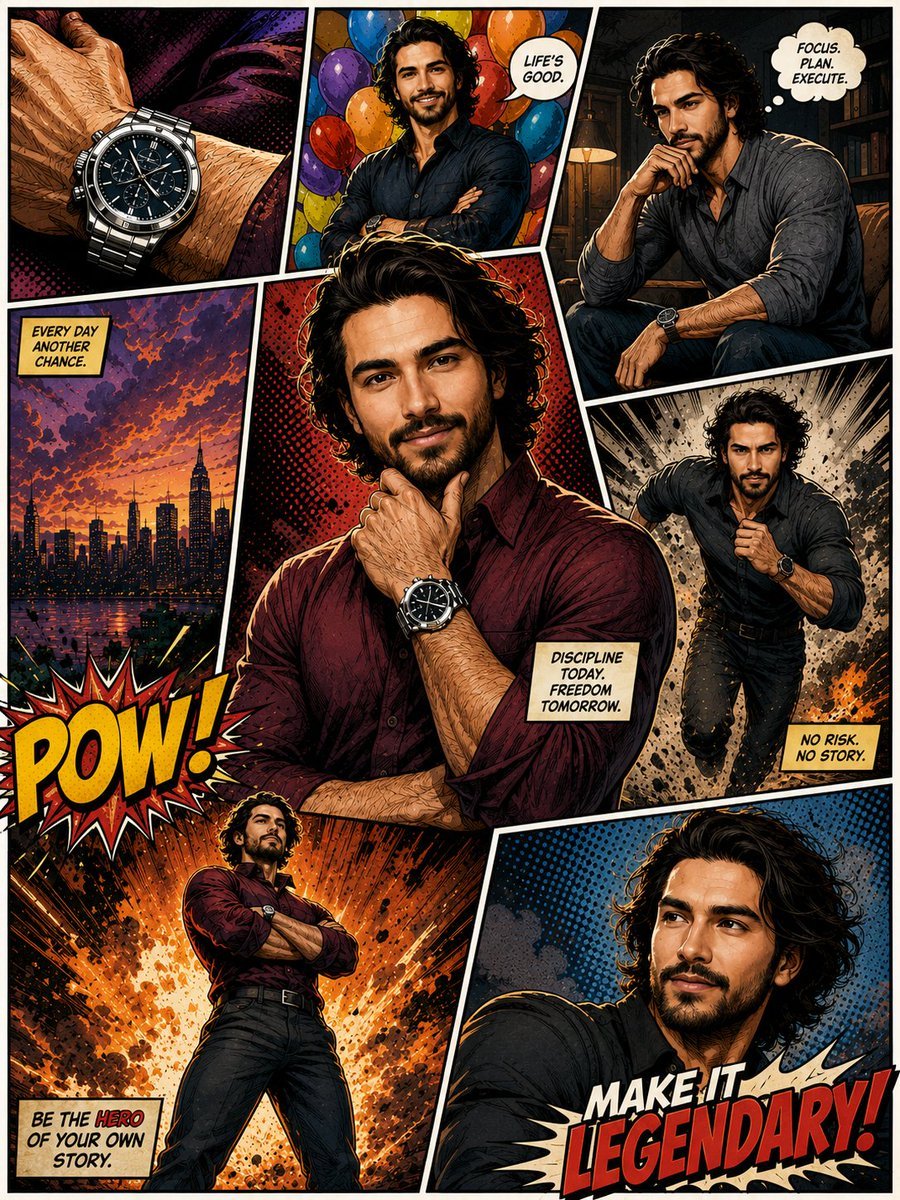
Hero Portrait Comic Multi-Panel Poster
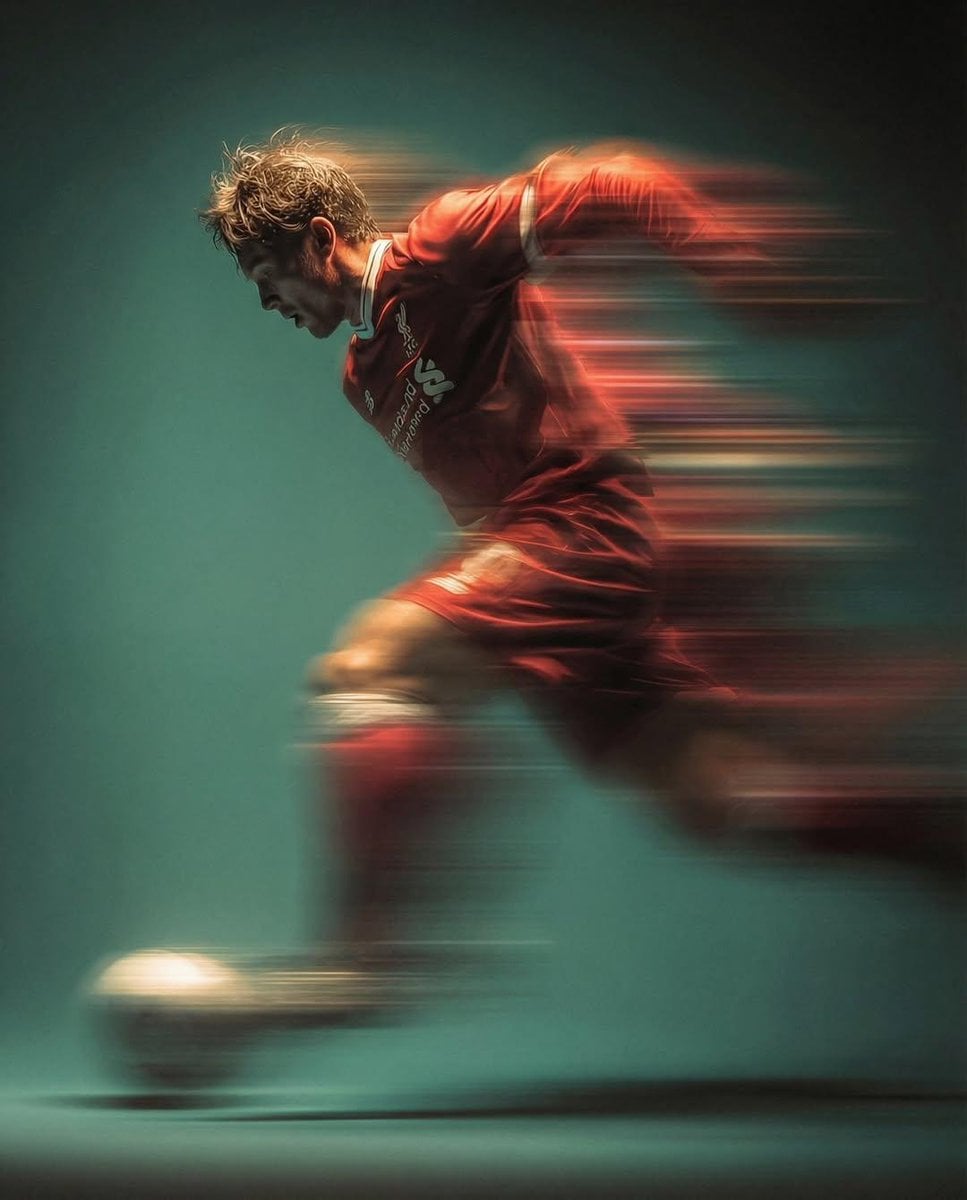
Panning Motion Soccer Kick Poster
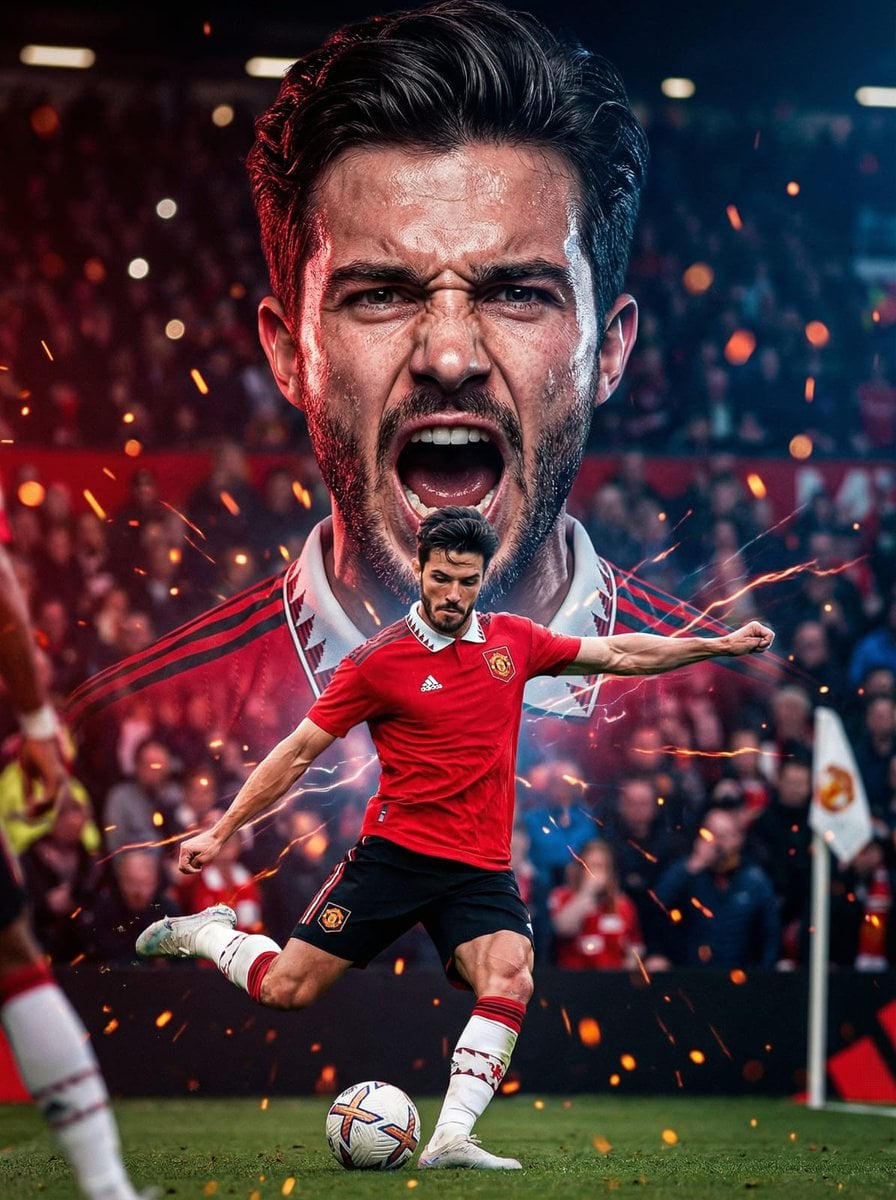
Dual Composition Hero Action Football Poster
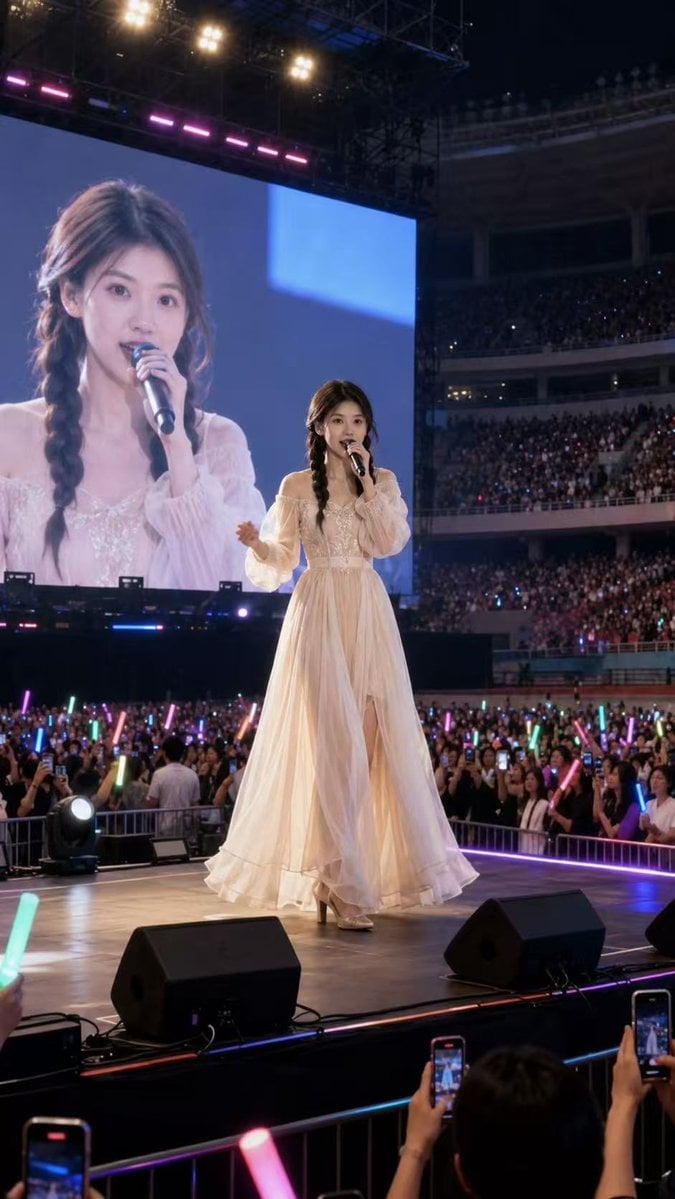
Natural Identity Preservation Prompt
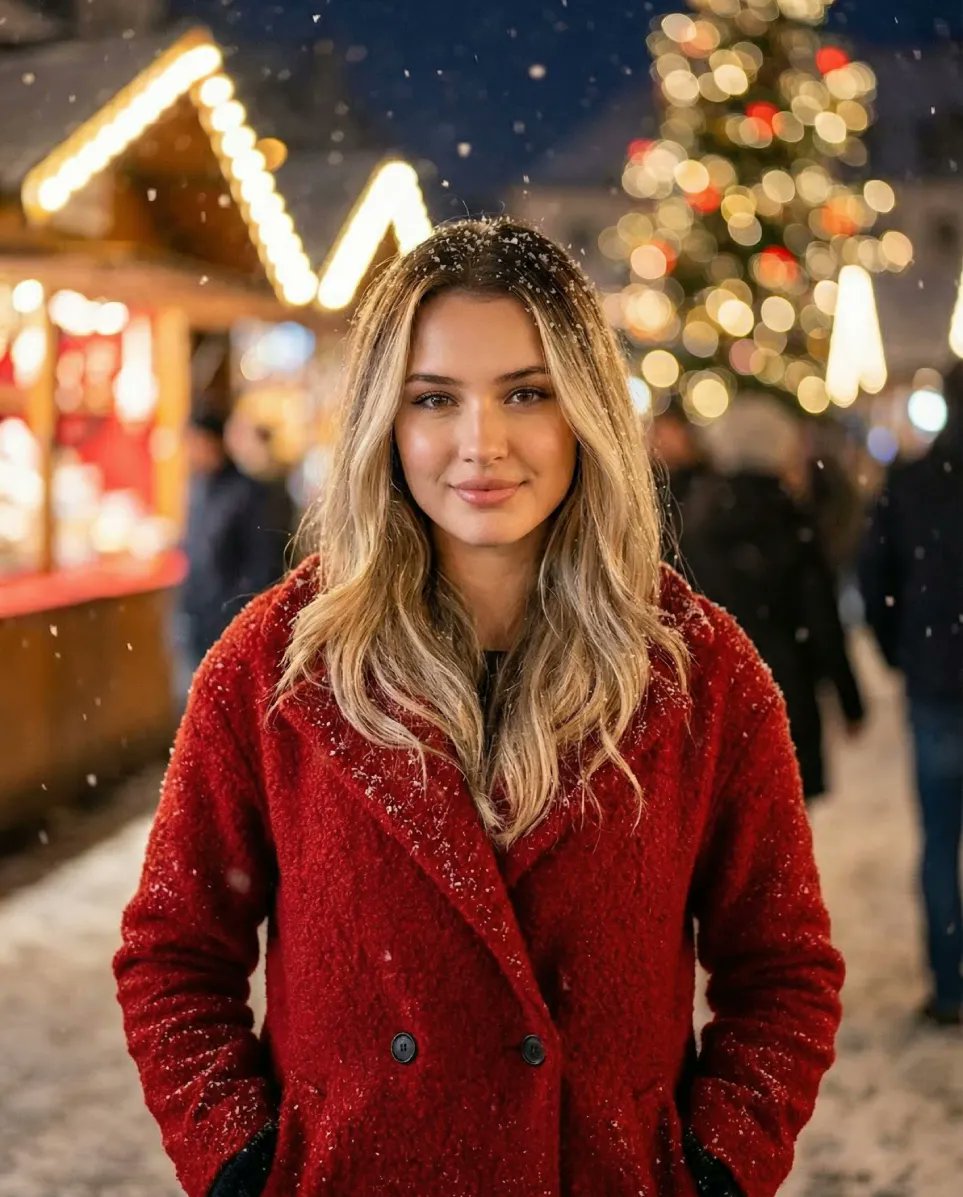
Cozy Christmas Market Portrait with Identity Preservation
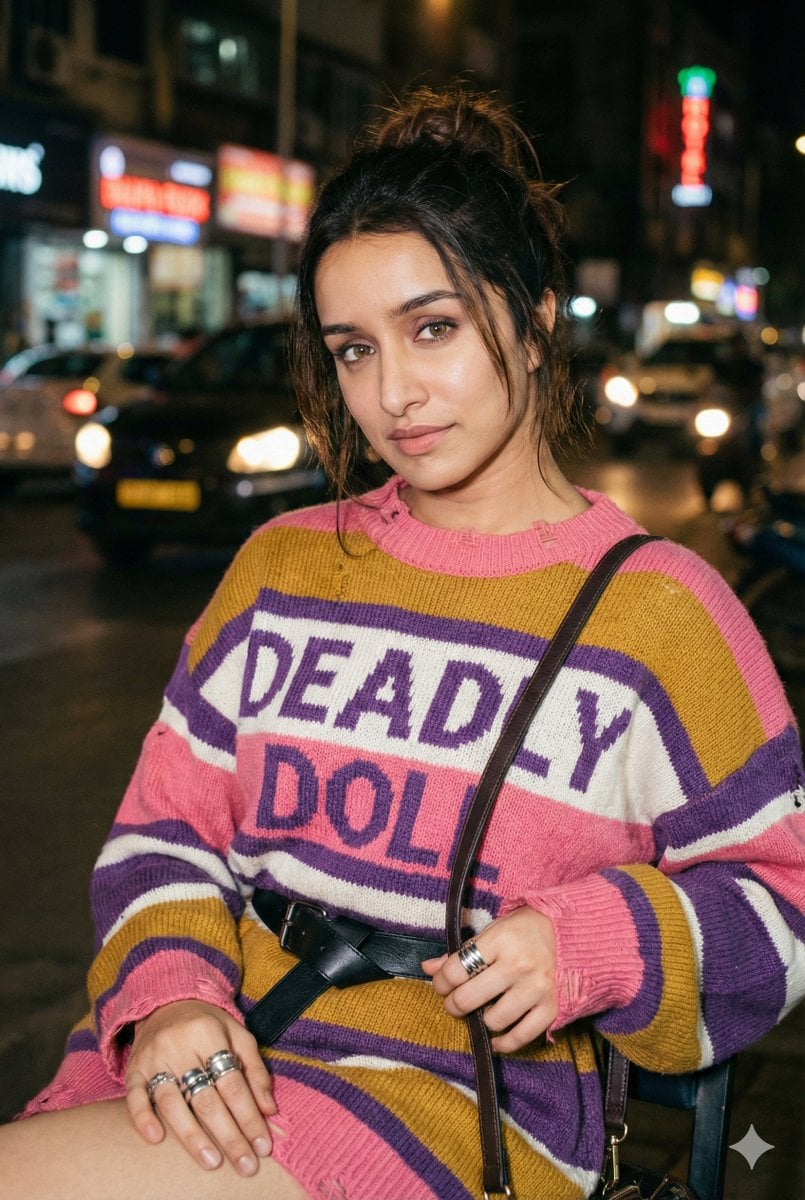
Editorial Nighttime Urban Portrait with Identity Preservation
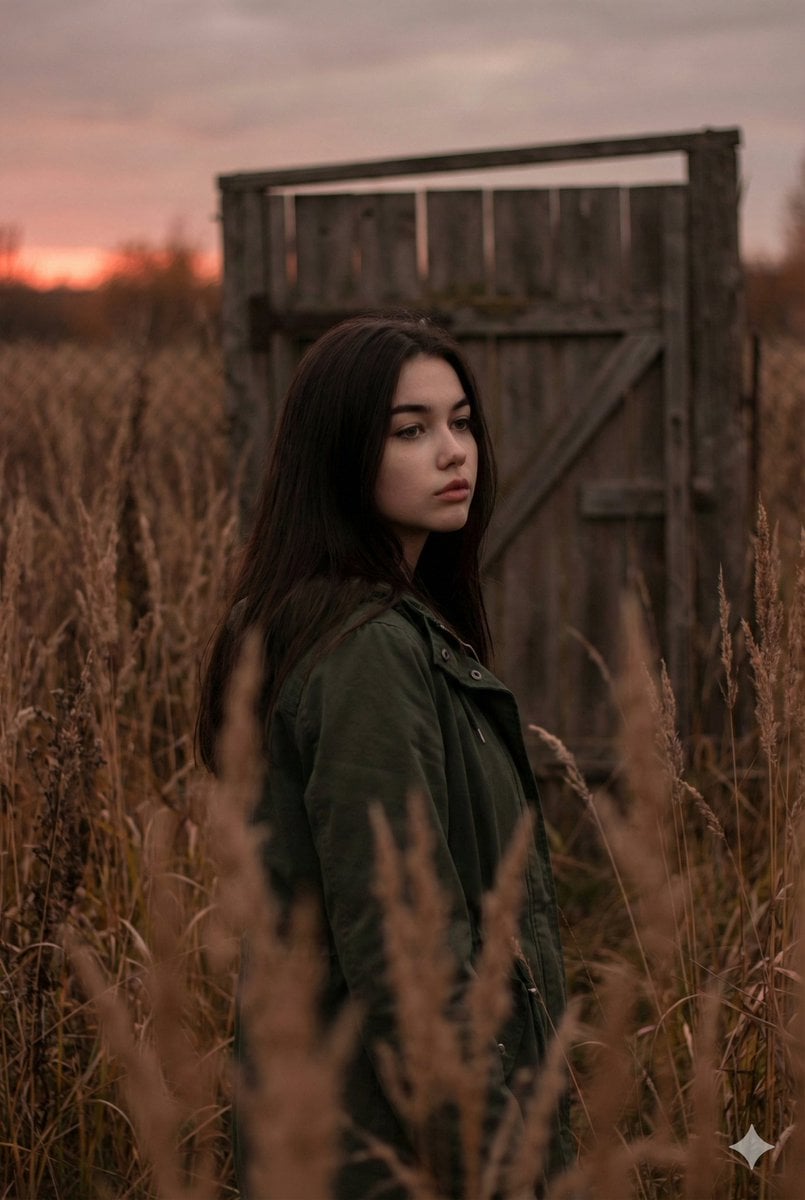
Atmospheric Sunset Portrait Edit Prompt with Identity Preservation
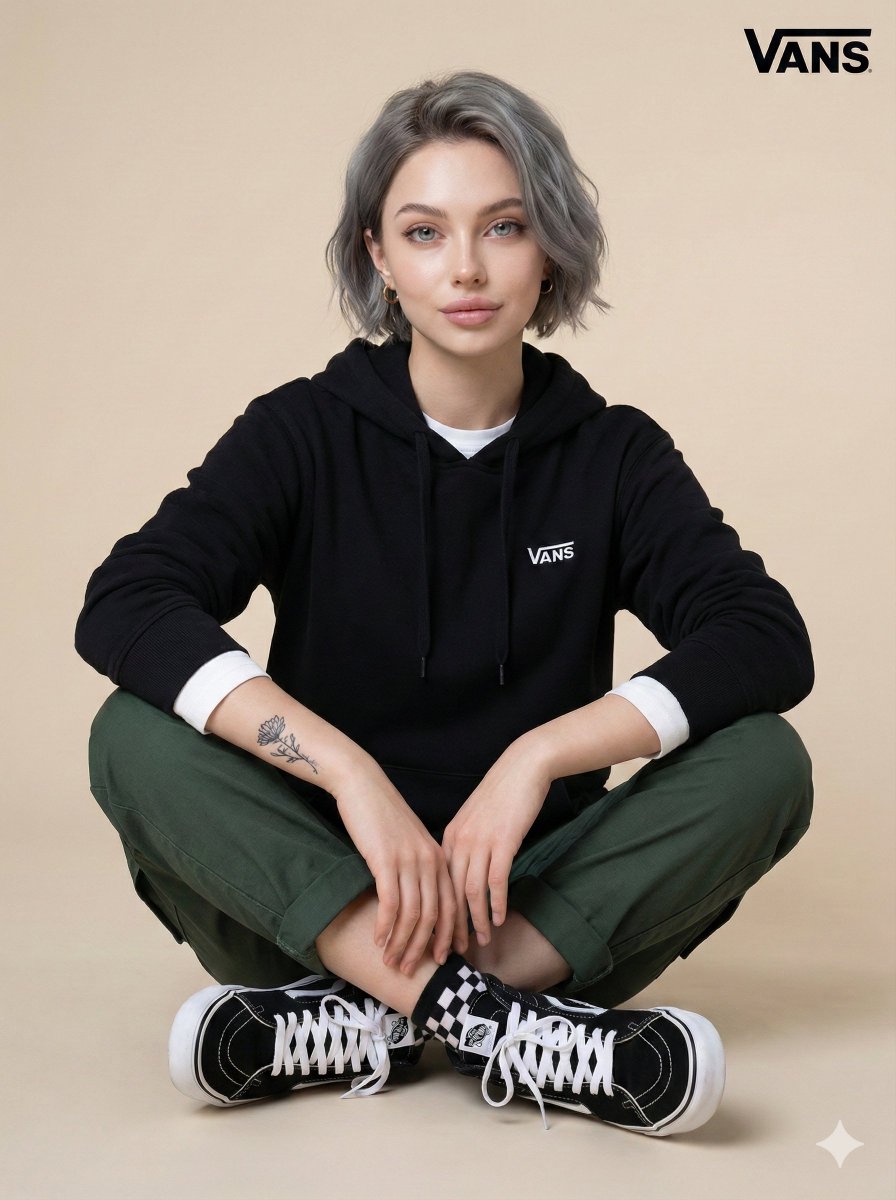
Casual Studio Portrait with Identity Preservation Prompt
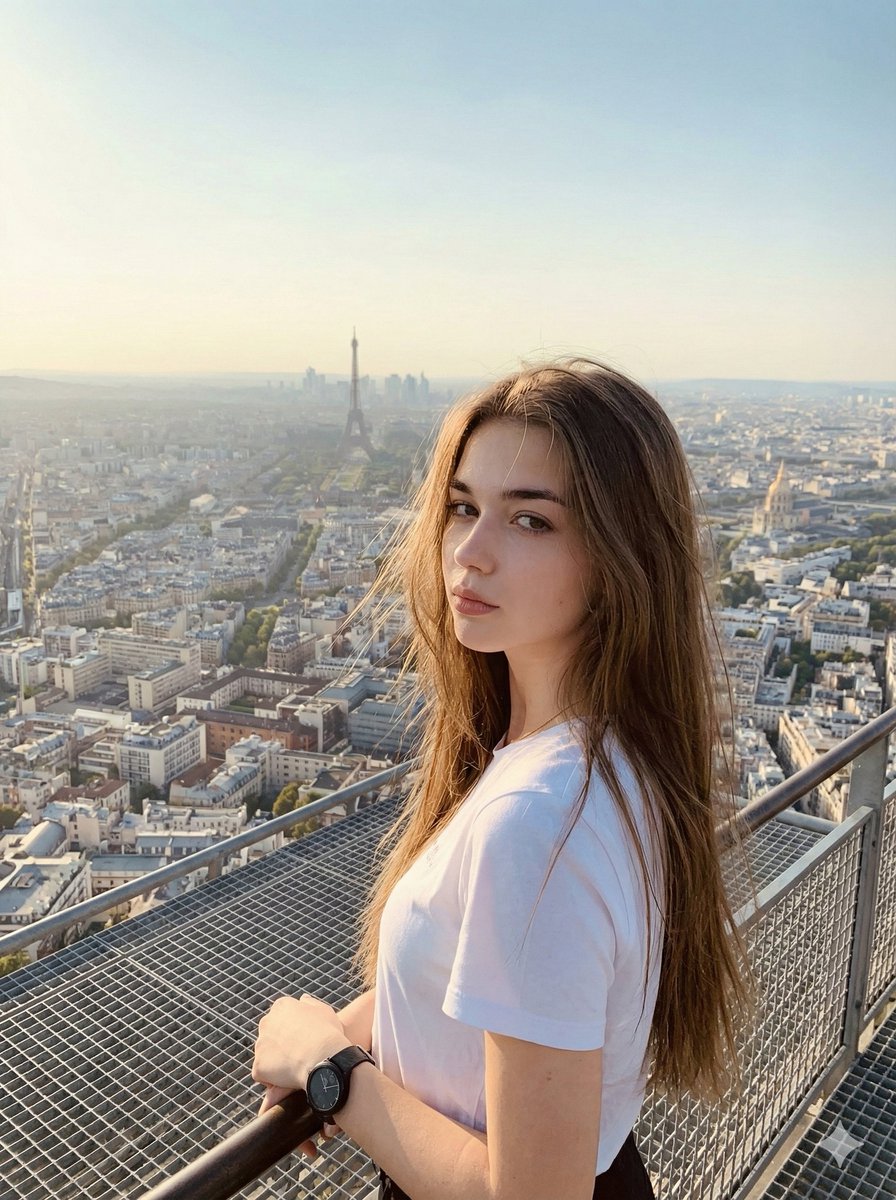
Cinematic Parisian Tower Portrait with Identity Preservation
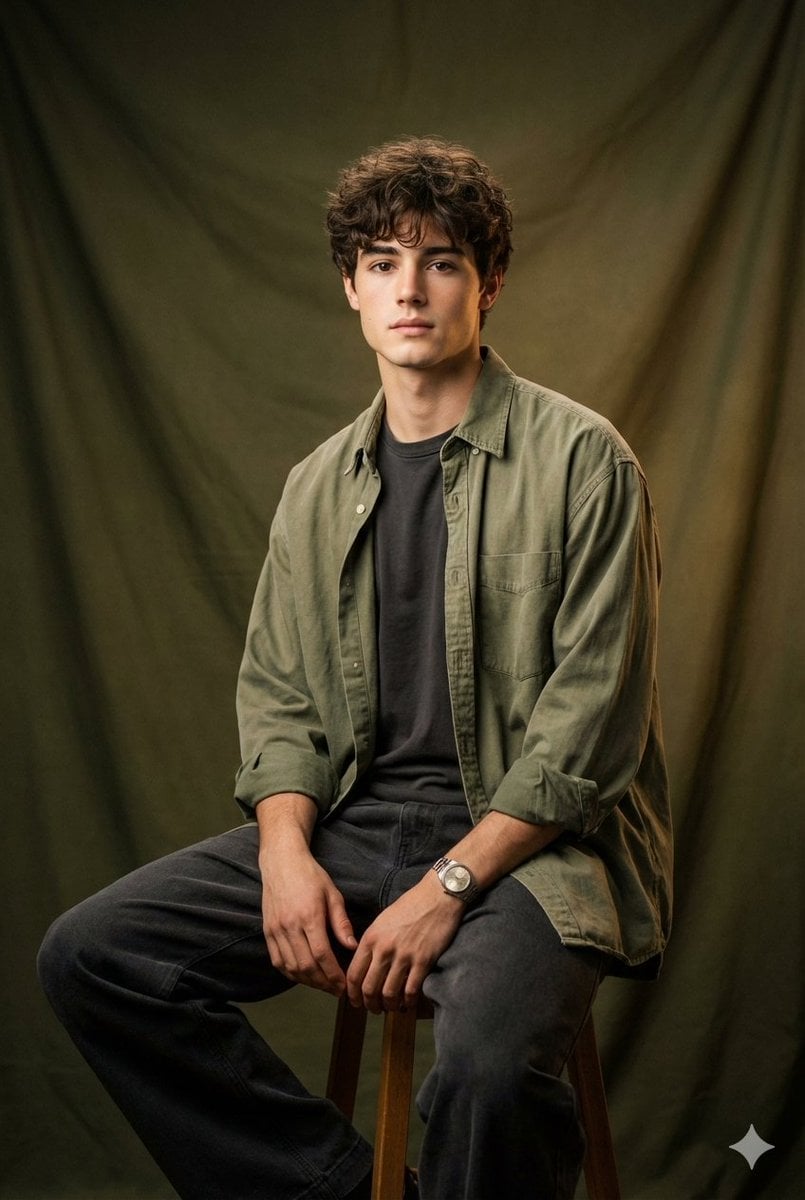
Vintage Studio Portrait with Identity Preservation Prompt
Make it yours
Cinematic Action Scene Identity Preservation Prompt works as-is. These are the safest ways to change it without losing the look.
Change one field
Copy a single group, rewrite it, and generate again so you can see what that field is doing.
Keep the frame, change the subject
Hold the composition and light of Cinematic Action Scene Identity Preservation Prompt, then swap wardrobe, props or the person for a new take.
| If the result… | Why | Fix |
|---|---|---|
| The result drifts from the preview | Too many fields changed at once. | Reuse Cinematic Action Scene Identity Preservation Prompt as-is first, then change one group — subject, light, or setting. |
| The model over-stylizes the scene | The prose prompt leaves finish and camera underspecified. | Add one camera or lighting sentence and stay on Nano Banana 2. |
More Nano Banana 2 templates
Other prompts made for Nano Banana 2.

Photorealistic Leaf Shaped Like a Dragon

K-Pop Idol Portrait Grid for Rapid Selection

Poetic Rain Forest Portrait During Golden Hour

Urban Street Portrait with Cartoon Inner Self Duo

Candid Nighttime Photo with Cat Prompt

High-Concept 3D Diorama Generation Prompt

Cinematic Futuristic Studio Portrait Template

Skincare Editorial Photography Collage Prompt

Hyper-Realistic Commercial Product Photography (Splash Effect)

Hyper-Realistic Nightclub Portrait Prompt
More image prompts
Fresh picks from across the catalog.
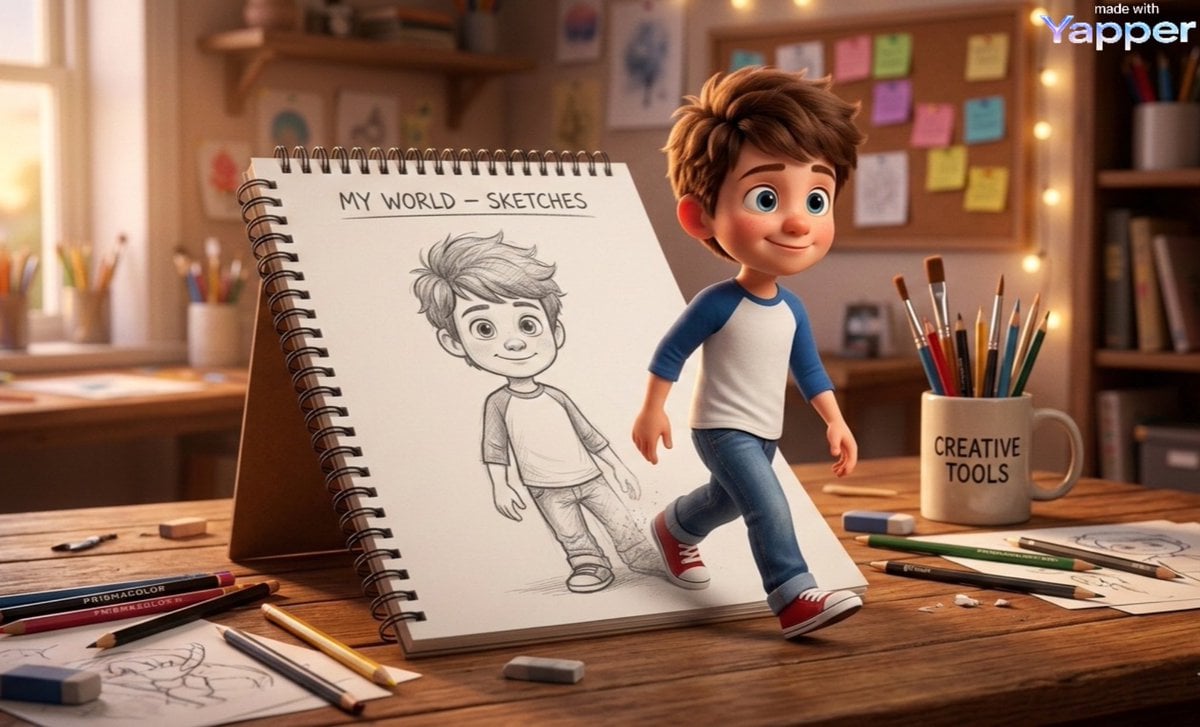
Cinematic 3D Illustration of Imagination Coming to Life
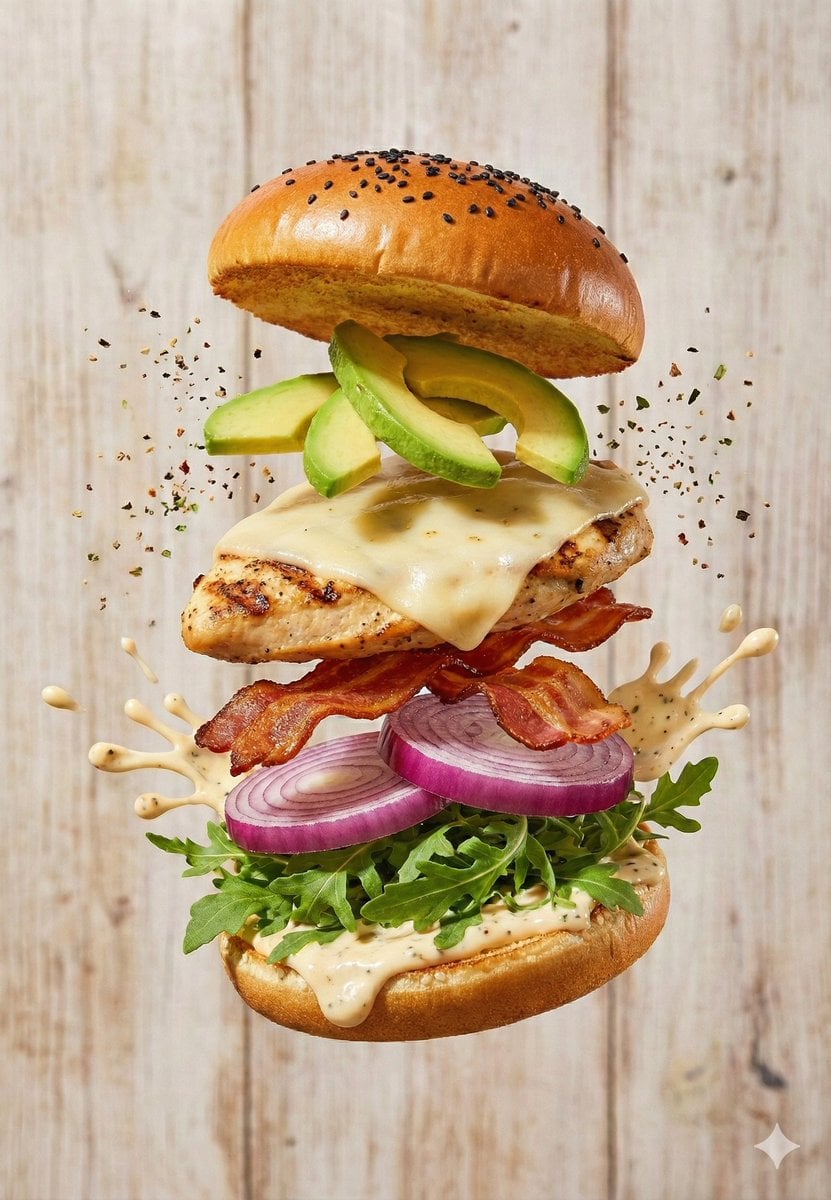
Floating Gourmet Burger Commercial Shot
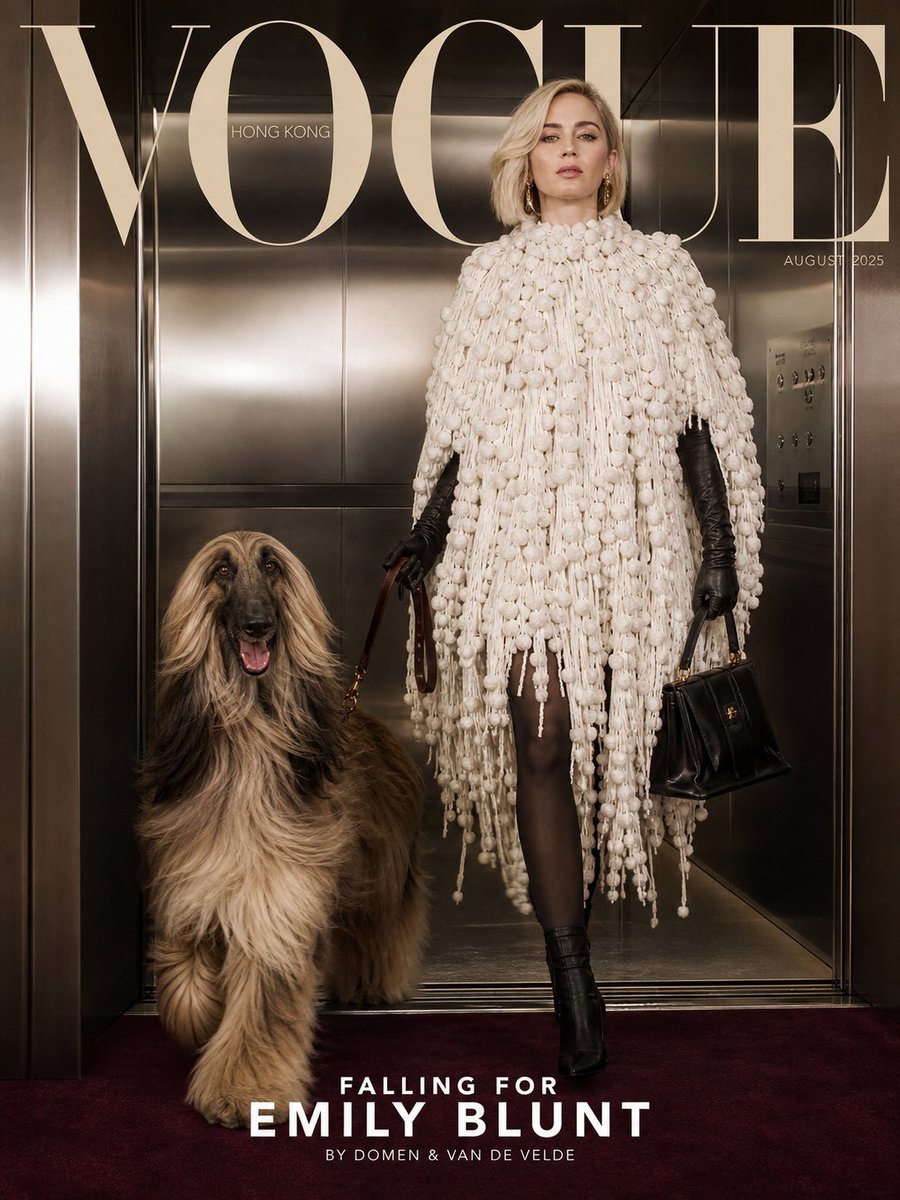
Vogue Cover with Emily Blunt

2x2 Social Media Course Banner Ads
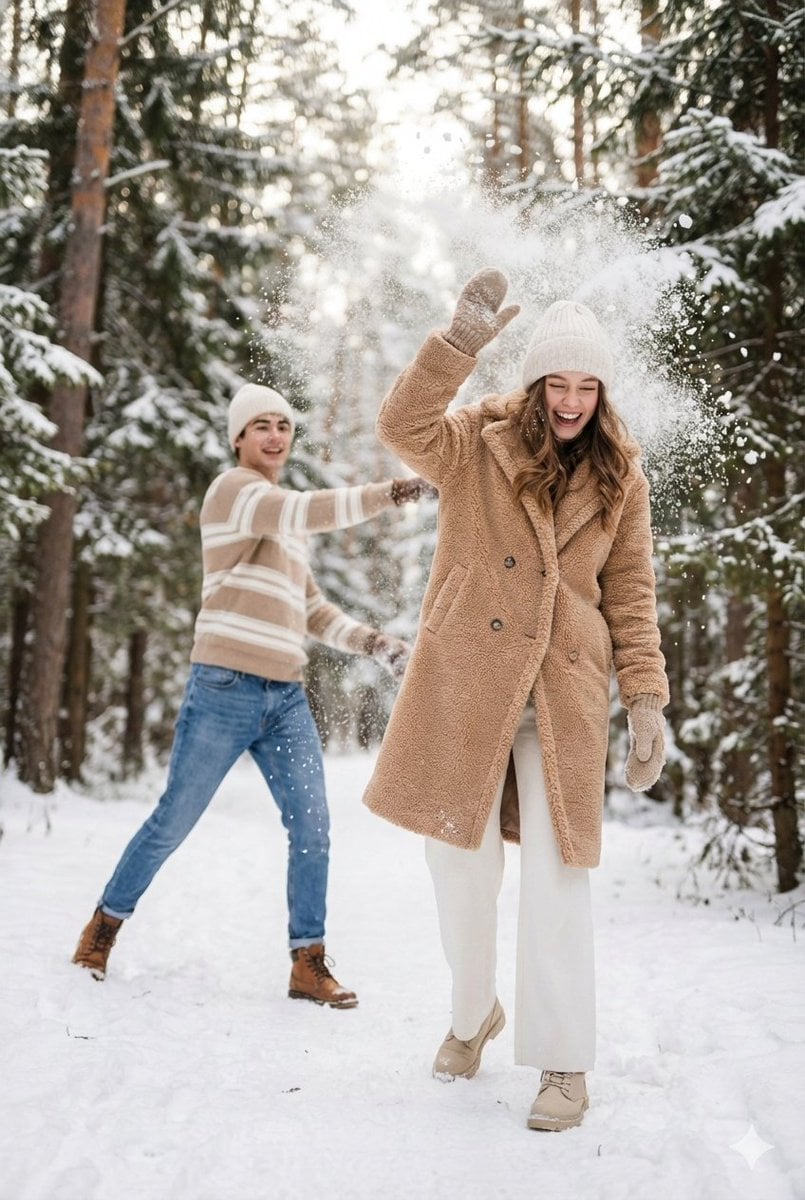
Cinematic Winter Scene Prompt of Couple Throwing Snow
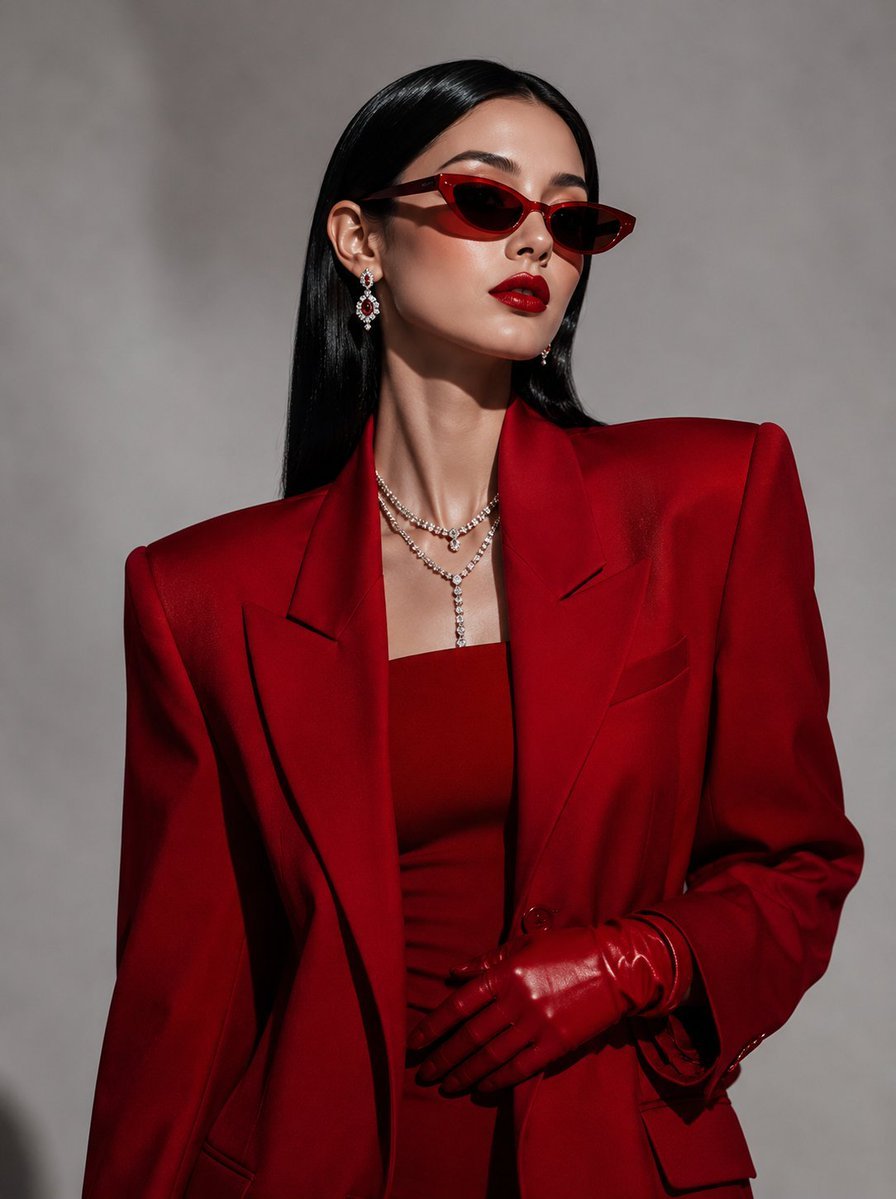
Vogue Korea Editorial Portrait
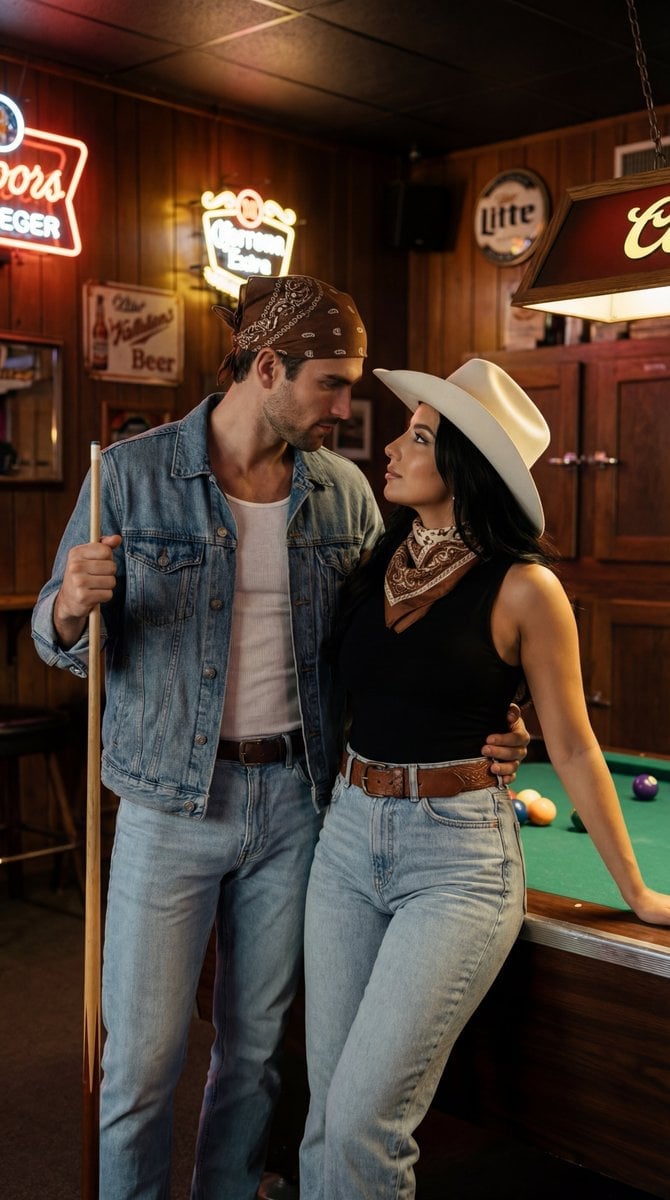
Americana Dive Bar Editorial Scene
Cloud Pareidolia Smartphone Snapshot
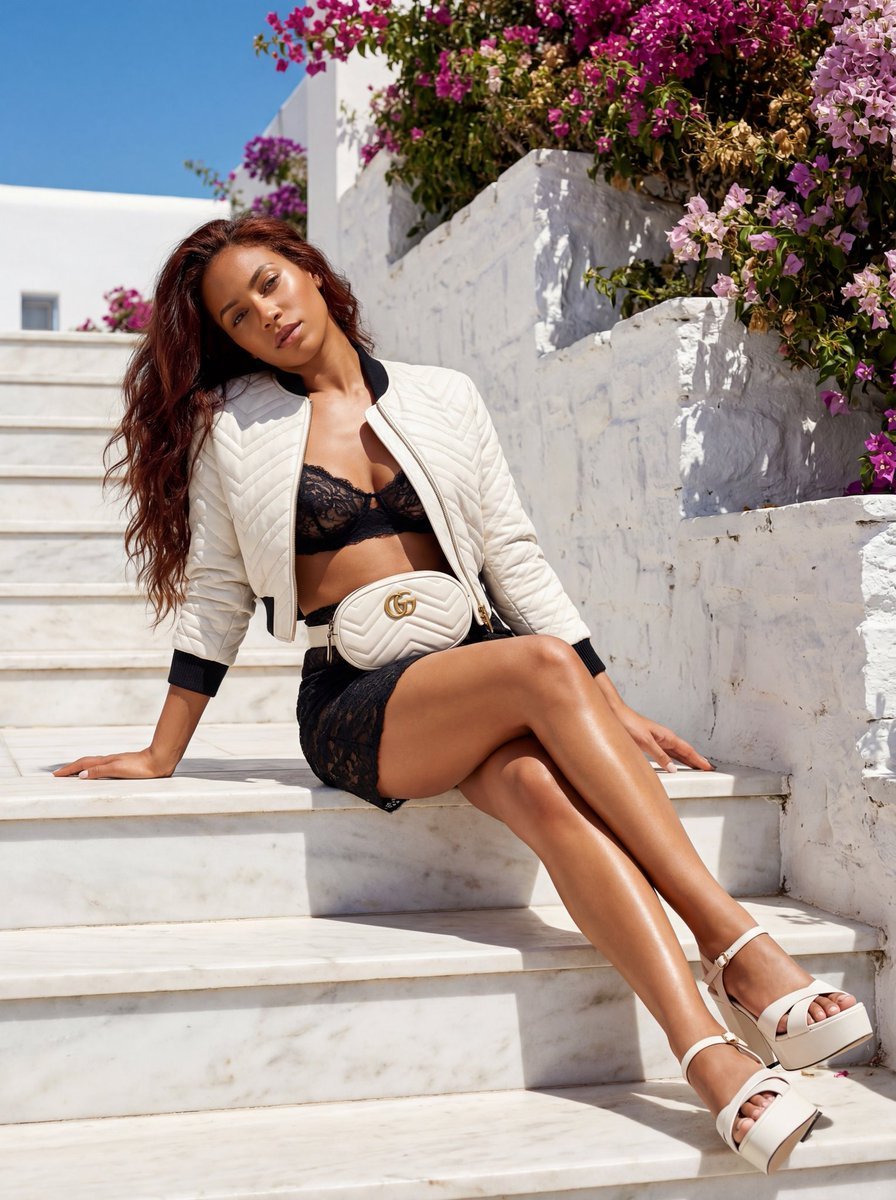
Gucci GG Marmont Fashion Shoot in Greece (JSON)
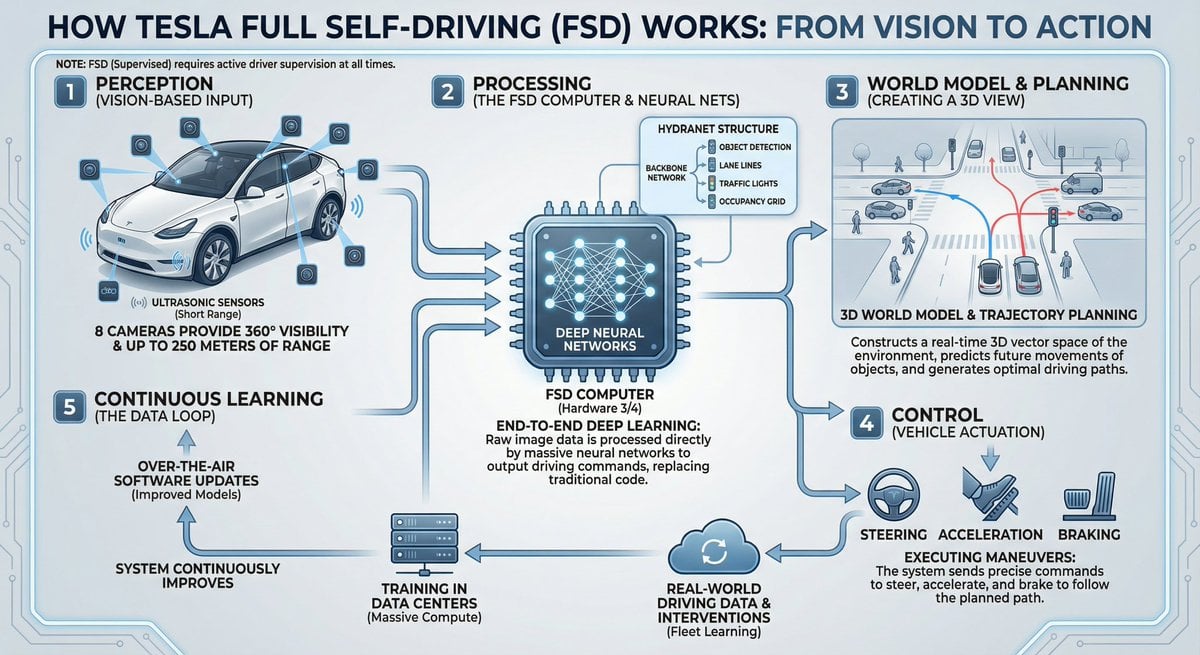
Tesla FSD explainer infographic
Browse template categories
Cinematic Action Scene Identity Preservation Prompt questions
How do I use the Cinematic Action Scene Identity Preservation Prompt template?
Add your photo if the template asks for one, edit the prompt if you like — the template's model and format are already selected — and press Generate. Your version opens in PicX Studio.
Can I customize the Cinematic Action Scene Identity Preservation Prompt template?
Yes. You can change the subject, setting, lighting, mood, format, and available model controls before creating your image.
Is the Cinematic Action Scene Identity Preservation Prompt template free?
Opening and editing this template is free. Generating uses credits, shown on the Generate button when you are signed in.
Which AI model should I use?
Start with Nano Banana 2, which is the model associated with this template. You can compare another compatible model for a different finish.
Looking for something else? Browse all templates.

Your photo, any look
Thousands of ready templates for every top image and video model, from one credit balance.