
Cyberpunk Identity Preservation Portrait
A sophisticated prompt for creating a cyberpunk-themed portrait that retains the facial identity and composition of a reference photo with vibrant neon accents.
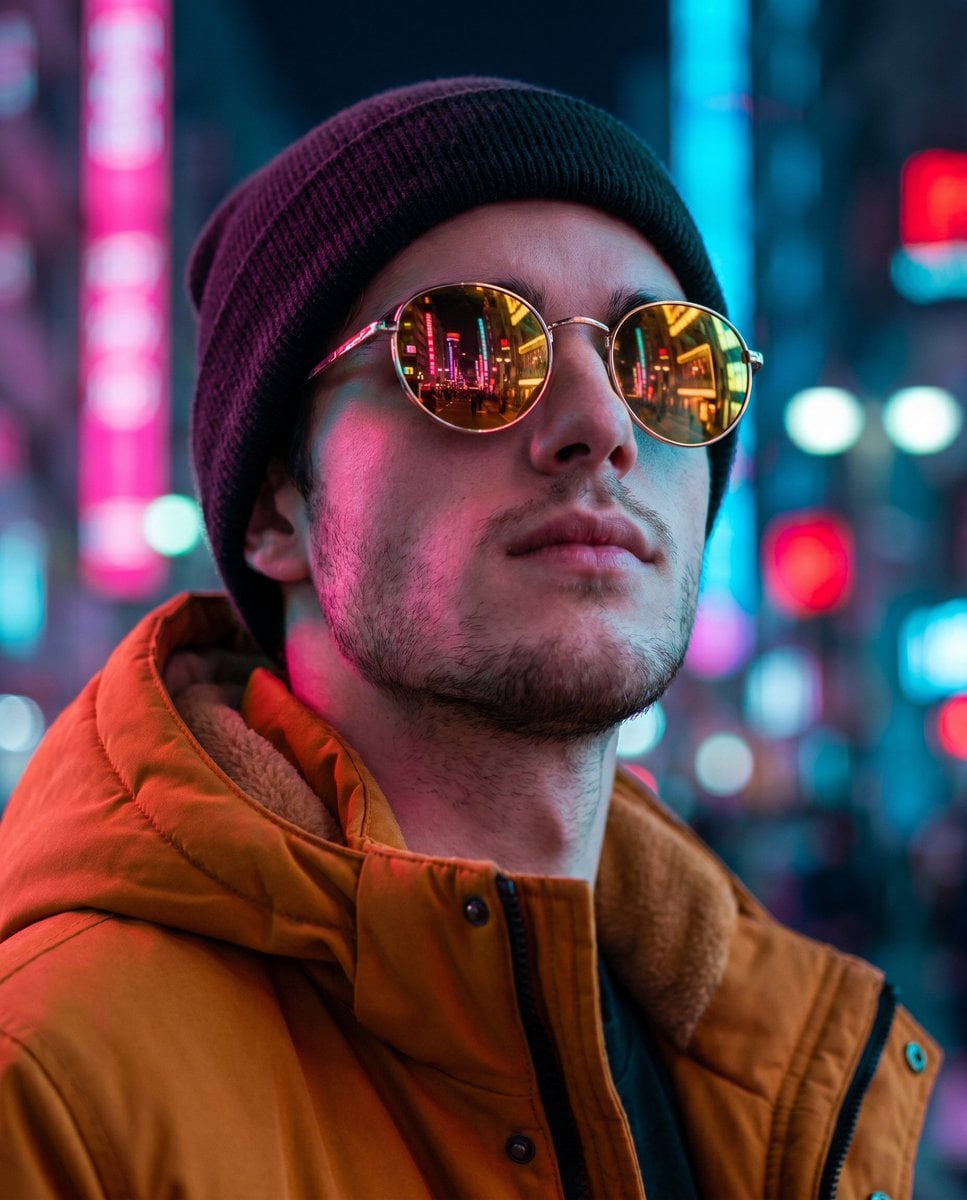
- Prompt included
- Model and format preset
- Free template
The prompt behind this image
Copy the exact prompt behind Cyberpunk Identity Preservation Portrait, or open it in the studio and make it yours.
A {argument name="portrait style" default="cyberpunk"} portrait based on the uploaded reference photo recreated exactly in the same composition and perspective as the reference image] [the person from the uploaded image positioned in a close-up low-angle portrait with head slightly tilted upward, serious confident expression, maintaining the same facial identity and proportions from the uploaded reference photo] [urban neon city environment at night with soft blurred {argument name="neon colors" default="pink, cyan and red"} neon signs creating atmospheric bokeh] [wearing a modern oversized winter jacket in warm {argument name="jacket color" default="mustard orange"} tones with realistic fabric texture and soft inner lining, combined with a dark knitted beanie] [round reflective sunglasses with golden-orange mirrored lenses reflecting futuristic city buildings and neon streets exactly like the reference image] [ultra-realistic cinematic photography style] [strong shallow depth of field keeping extreme focus on face and glasses while background melts into colorful neon blur] [dramatic neon lighting casting pink and cyan highlights across the face, beard and jacket, creating high contrast cinematic mood] [skin texture highly detailed with realistic pores, subtle beard texture and natural facial shadows] [minimal but visually powerful composition inspired by futuristic fashion editorials and blade runner aesthetics] [dominant colors: neon pink, cyan blue, warm orange, deep black and golden reflections] [realistic lens compression, subtle chromatic aberration, cinematic glow around neon lights and soft volumetric atmosphere] [exact same framing and emotional energy as the reference image, maintaining realism and premium editorial quality] [no text, no logo, no watermark, no extra accessories, no visual clutter] [vertical 3:4 composition, ultra sharp focus on face and glasses, 8k cinematic quality, realistic dslr photography] [hyper-detailed textures, realistic reflections inside lenses, cinematic skin rendering, depth of field, volumetric neon lighting, extreme realism
How to use Cyberpunk Identity Preservation Portrait in 3 steps
- 1Upload ImagePNG, JPG or paste
Add your photo
Upload the photo the template builds on. The prompt, model and format are already set.
- 2…a portrait of your subject in softgolden-hour light, 85mm…
Personalize
Edit the subject and creative details for your destination.
- 3Generate
Generate
Press Generate — your image is created in PicX Studio, so you can compare it with the original and refine one variable at a time.
More like this
Templates with the same subject, style or setup. Open one to see its prompt.
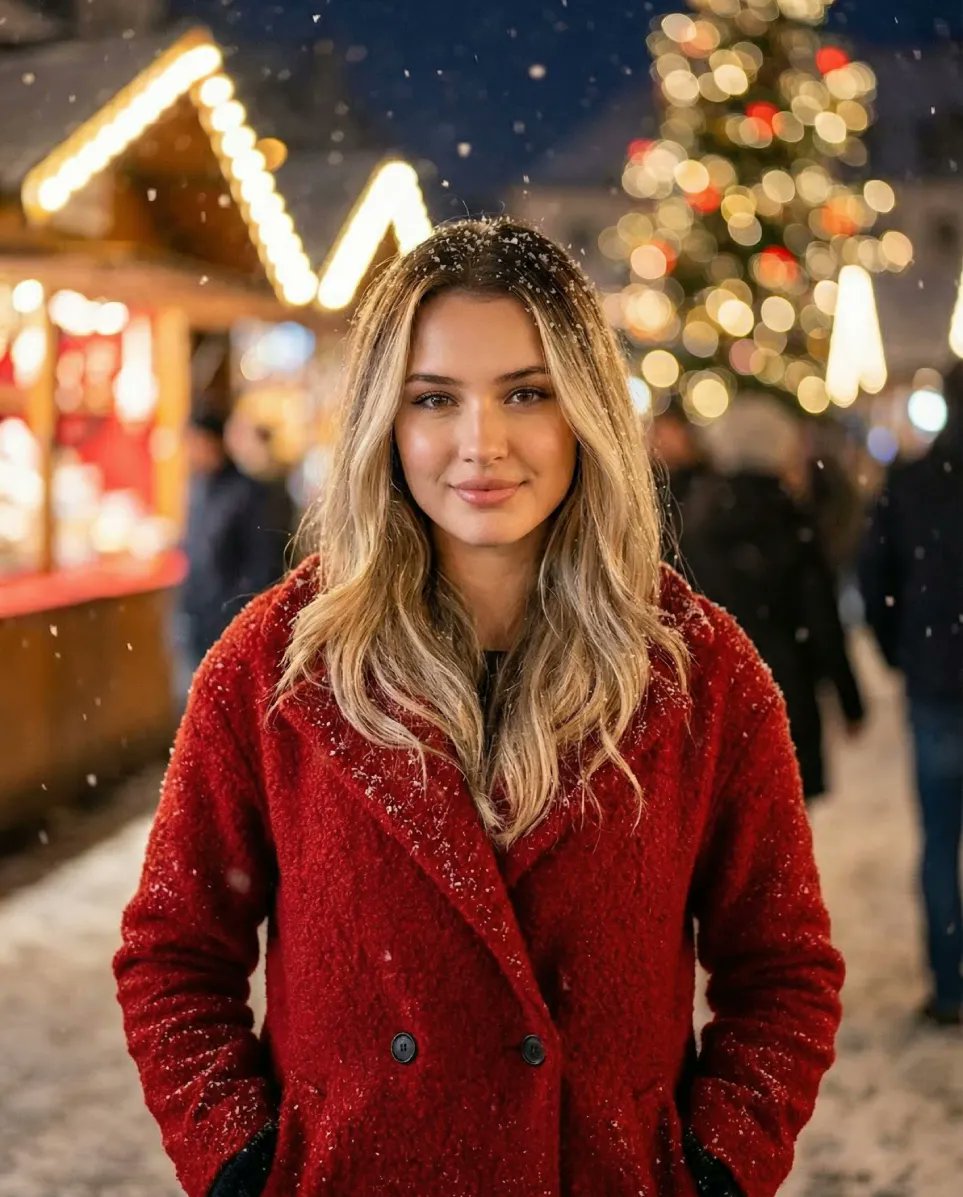
Cozy Christmas Market Portrait with Identity Preservation
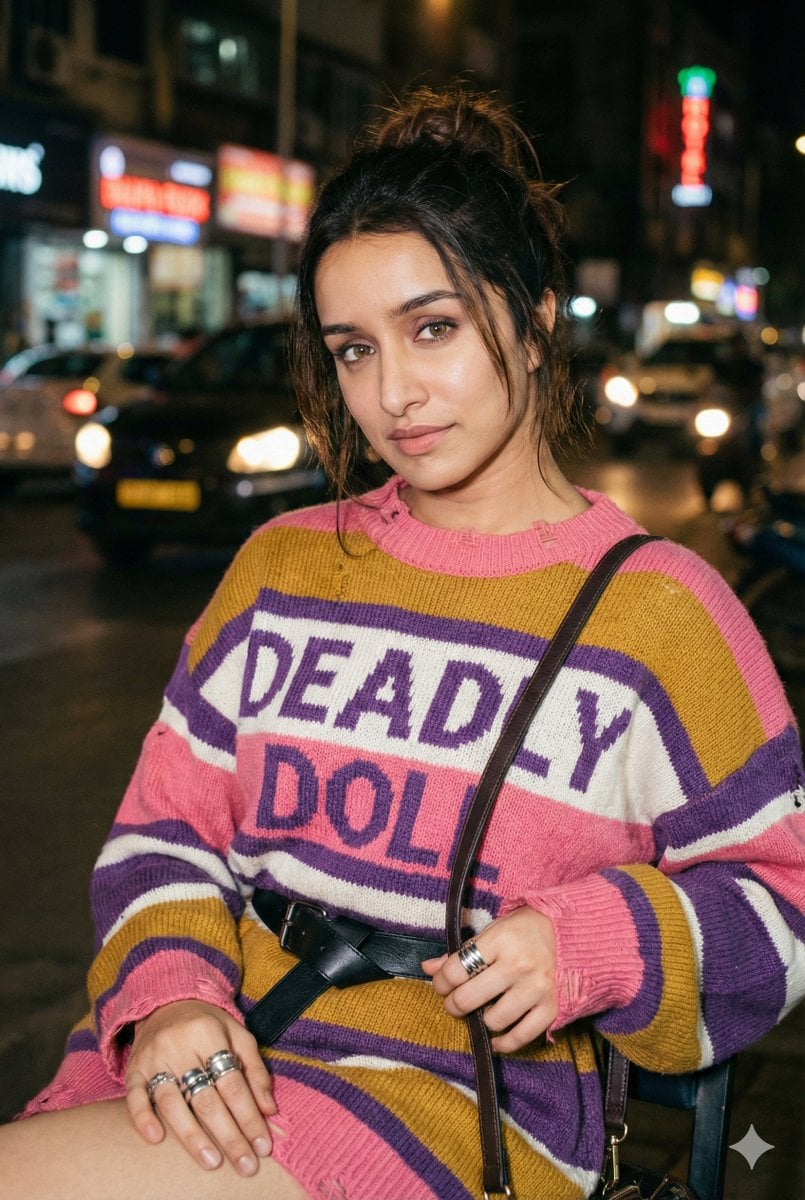
Editorial Nighttime Urban Portrait with Identity Preservation
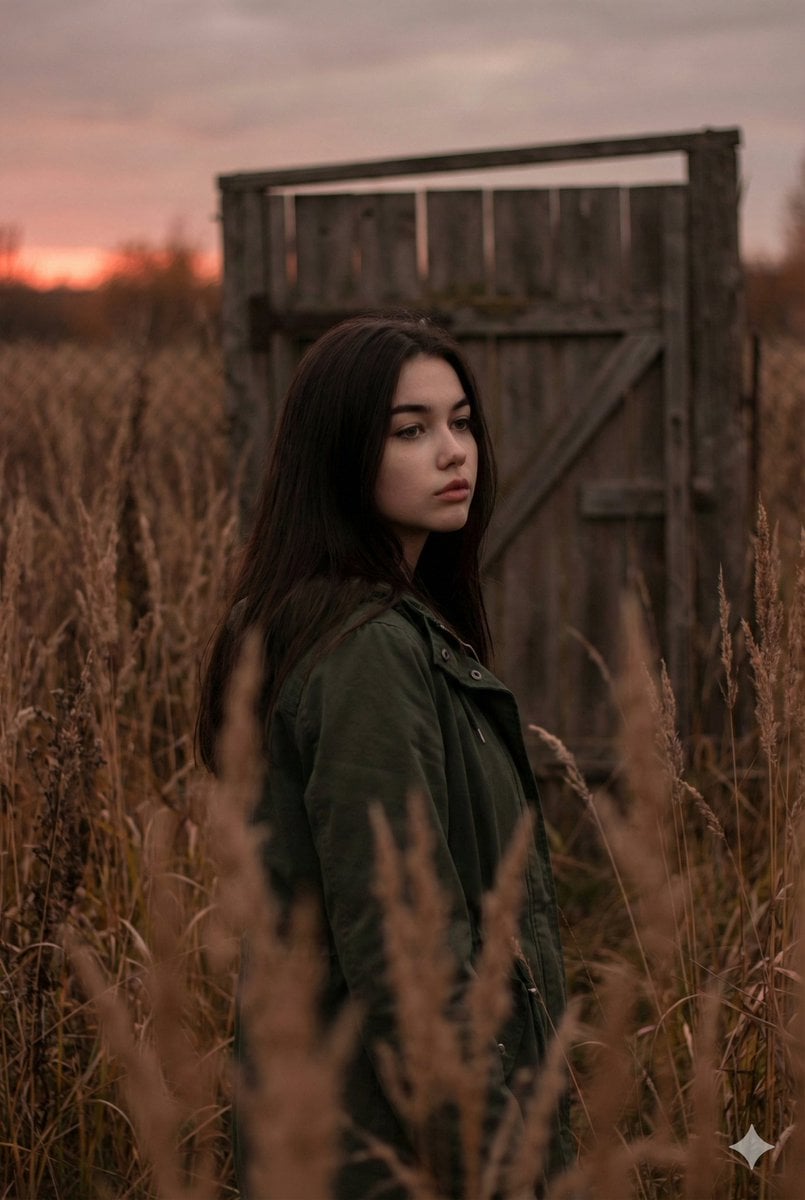
Atmospheric Sunset Portrait Edit Prompt with Identity Preservation
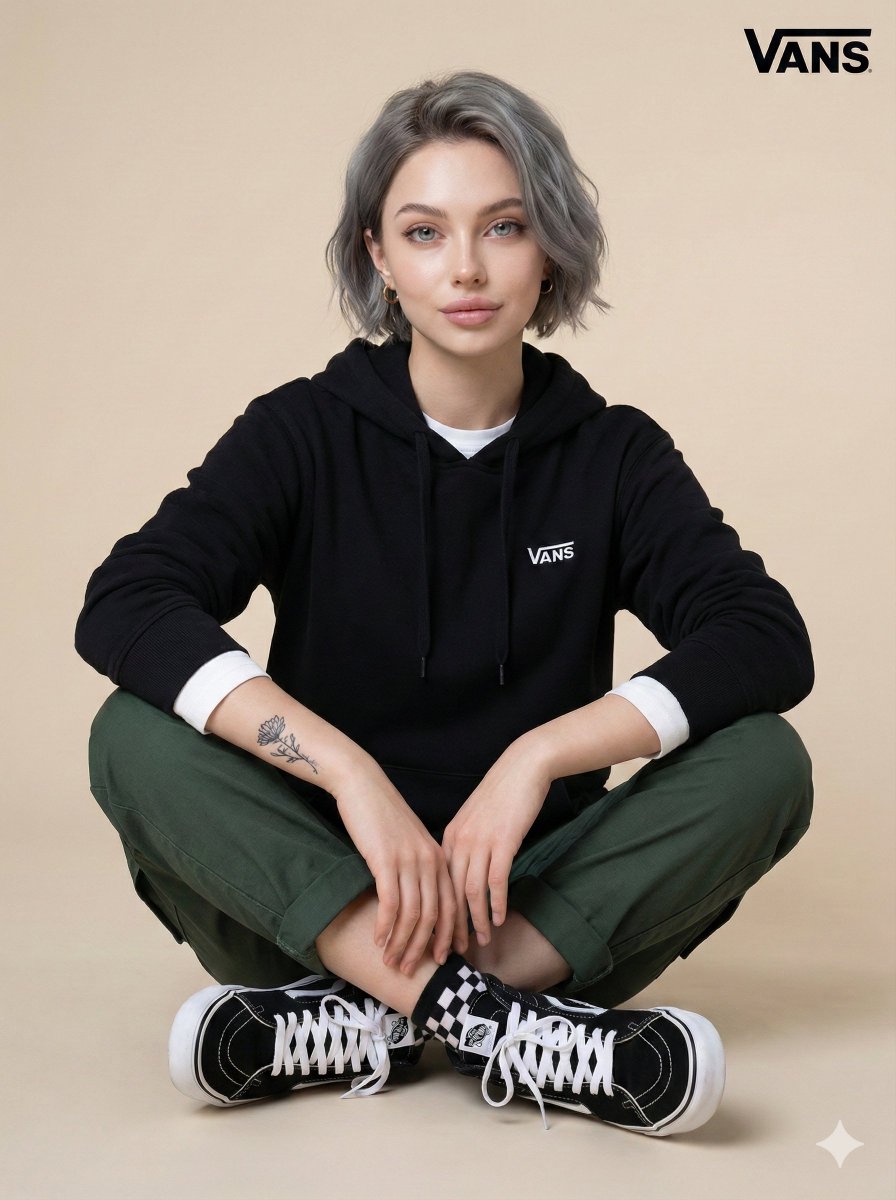
Casual Studio Portrait with Identity Preservation Prompt
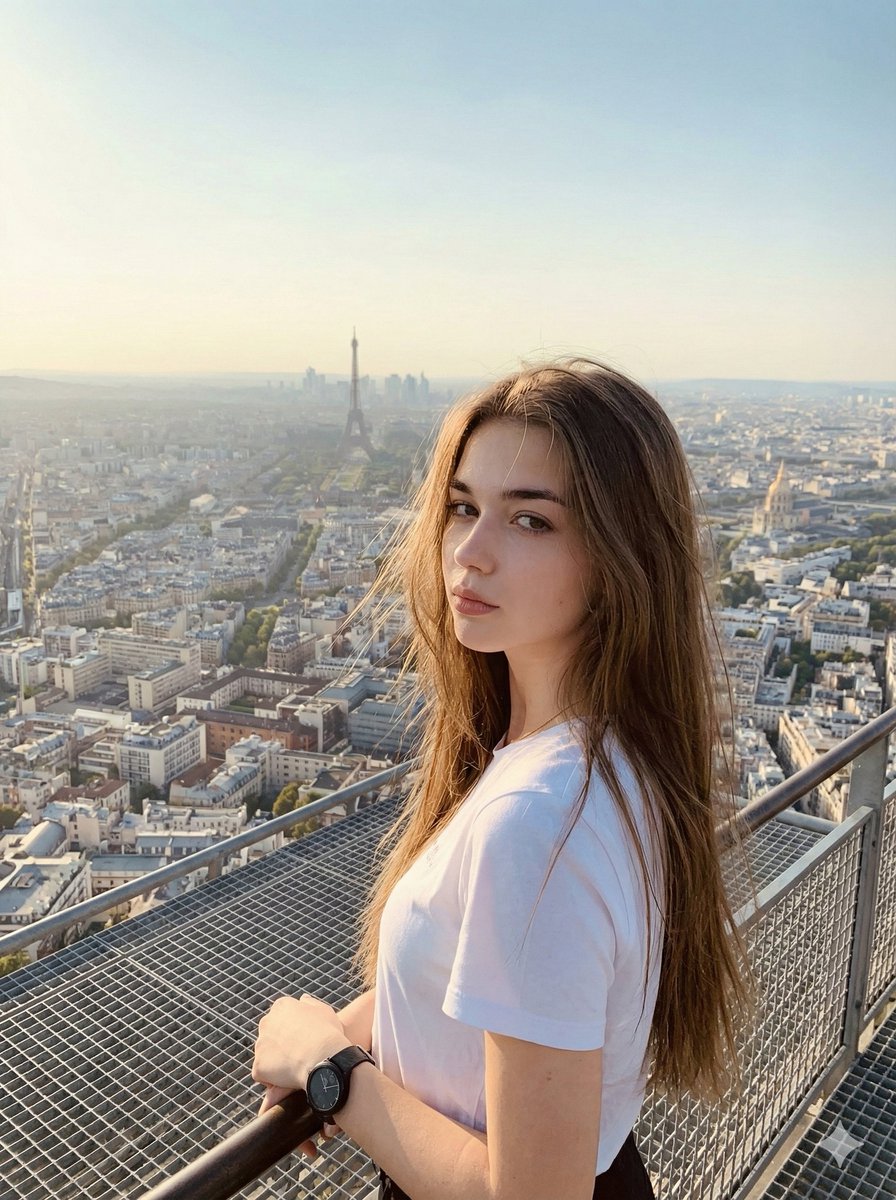
Cinematic Parisian Tower Portrait with Identity Preservation
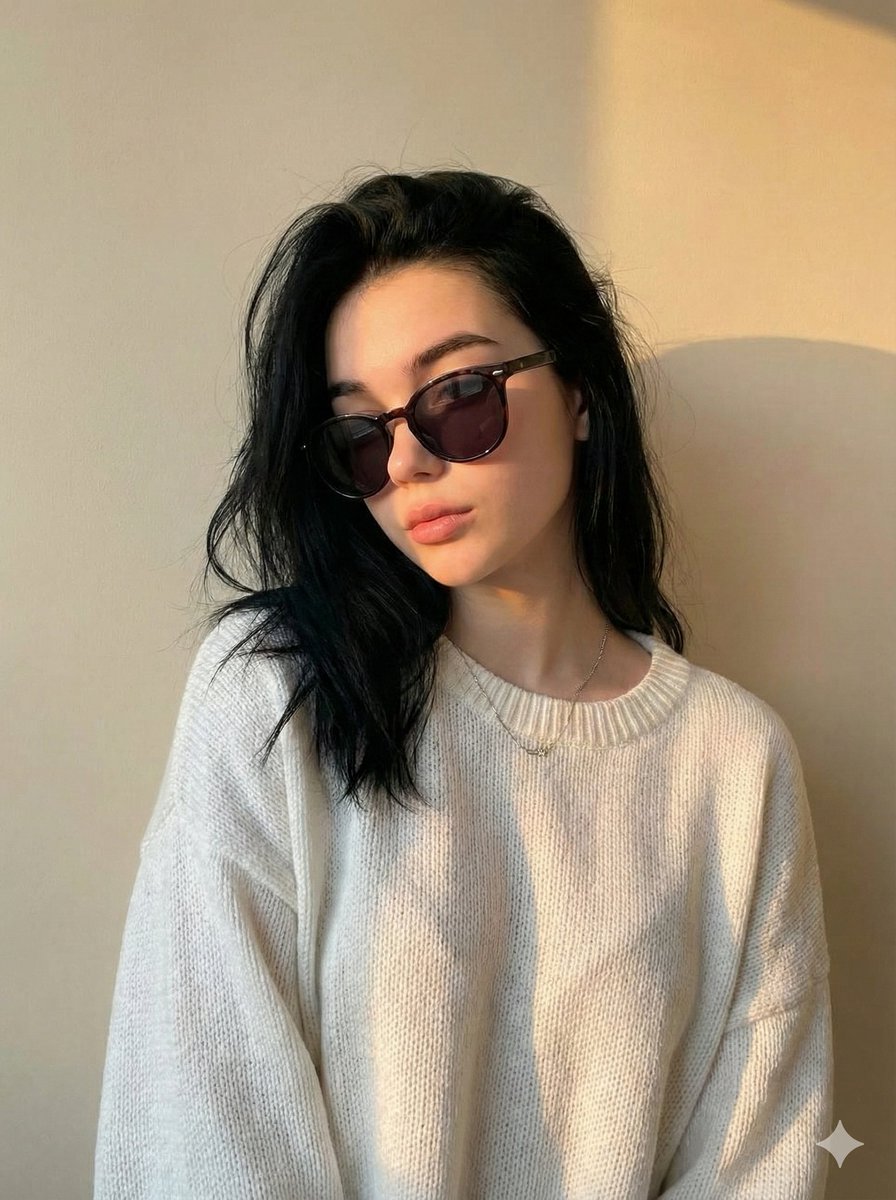
Cinematic Portrait with Strict Identity Preservation
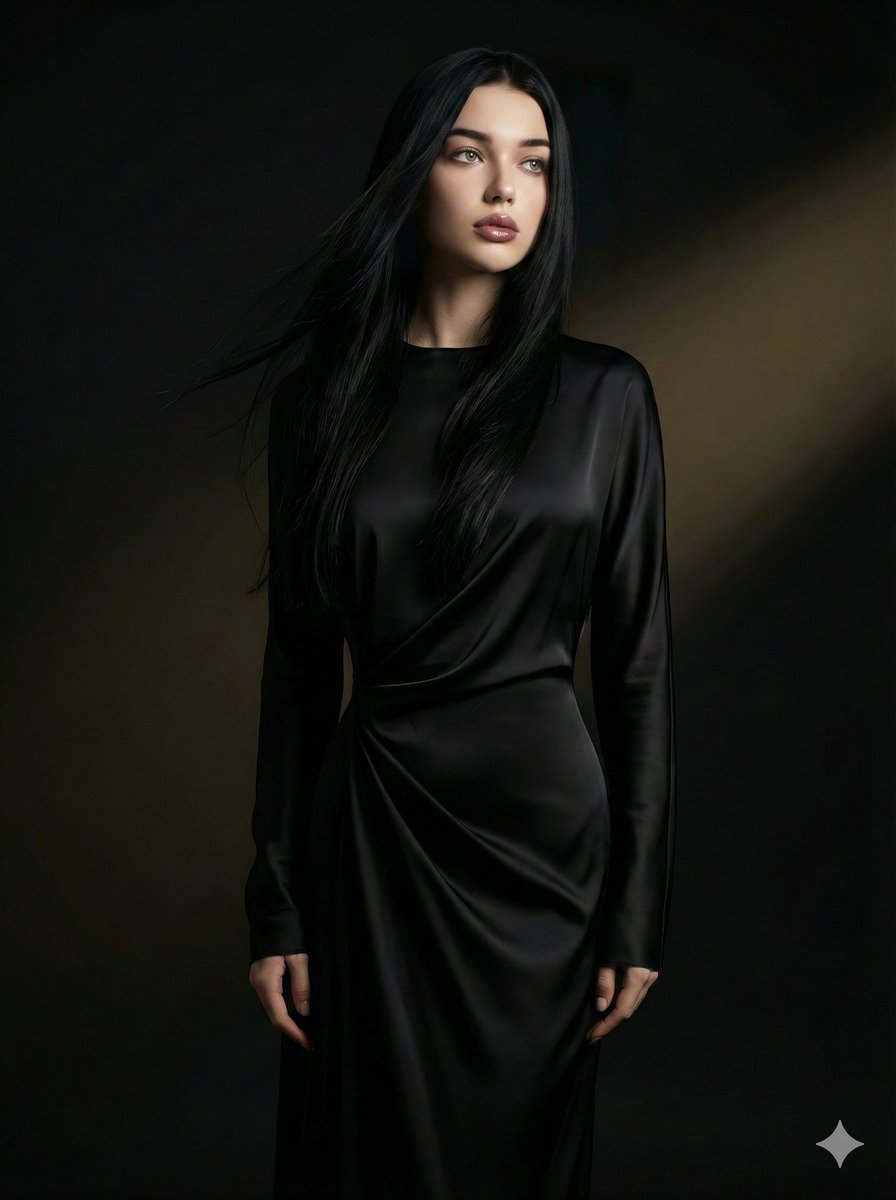
Cinematic Portrait with Identity Preservation
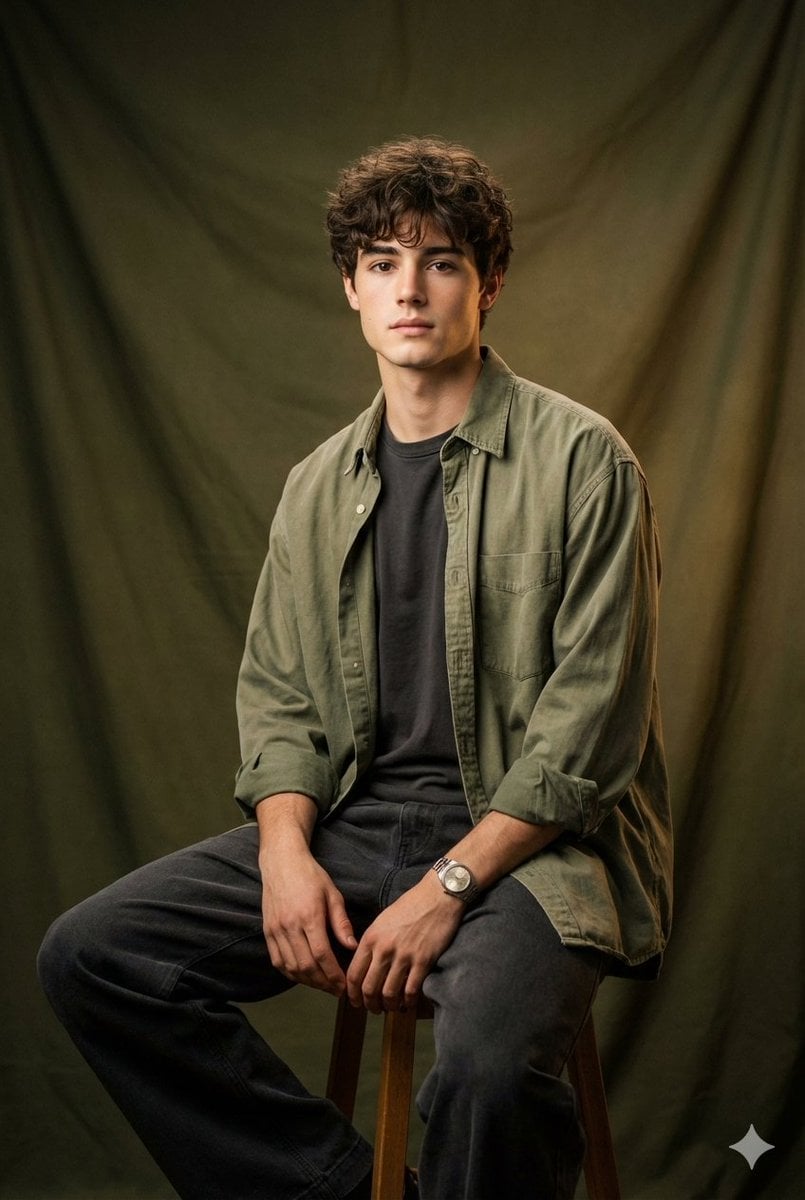
Vintage Studio Portrait with Identity Preservation Prompt
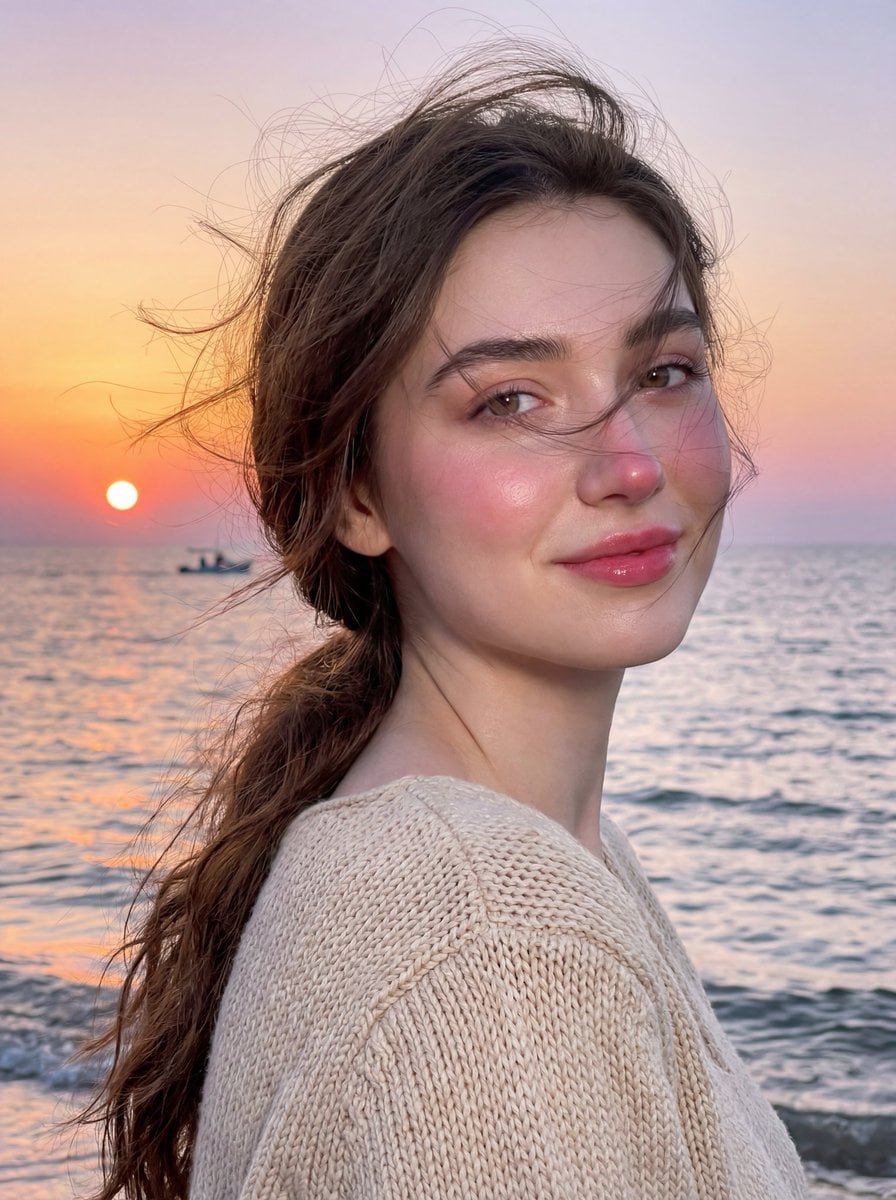
Golden Hour Seaside Portrait with Identity Preservation
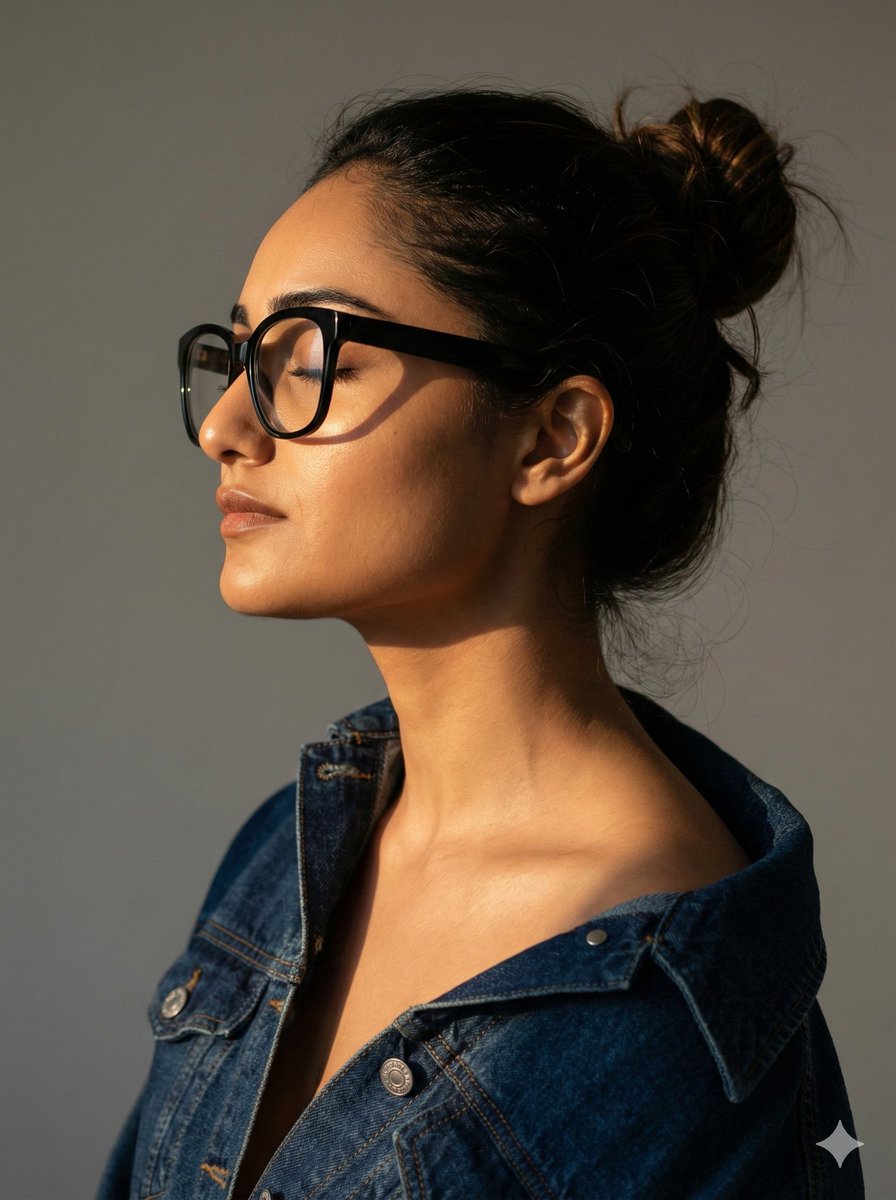
Cinematic Profile Portrait with Identity Preservation
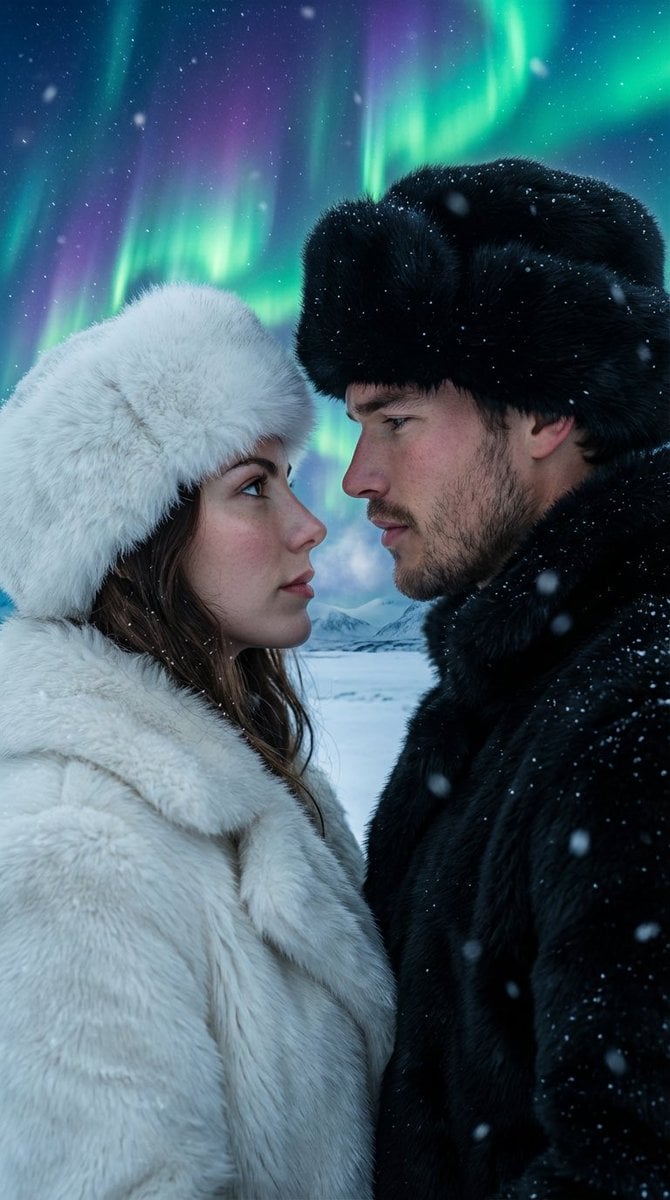
Aurora Borealis Couple Portrait with Identity Preservation
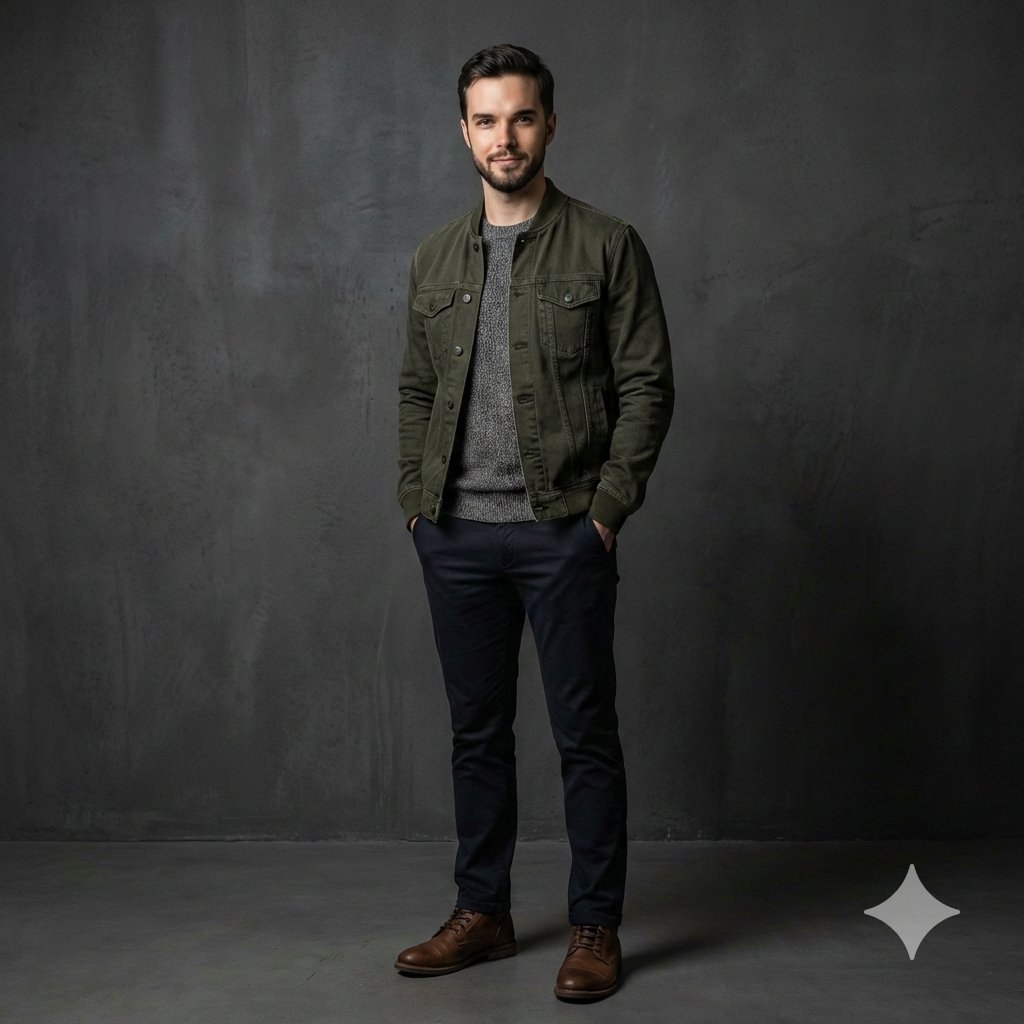
Photorealistic Studio Portrait with Identity Preservation
Make it yours
Cyberpunk Identity Preservation Portrait works as-is. These are the safest ways to change it without losing the look.
Change one field
Copy a single group, rewrite it, and generate again so you can see what that field is doing.
Keep the frame, change the subject
Hold the composition and light of Cyberpunk Identity Preservation Portrait, then swap wardrobe, props or the person for a new take.
| If the result… | Why | Fix |
|---|---|---|
| The result drifts from the preview | Too many fields changed at once. | Reuse Cyberpunk Identity Preservation Portrait as-is first, then change one group — subject, light, or setting. |
| The model over-stylizes the scene | The prose prompt leaves finish and camera underspecified. | Add one camera or lighting sentence and stay on Nano Banana 2. |
More Nano Banana 2 templates
Other prompts made for Nano Banana 2.

Photorealistic Leaf Shaped Like a Dragon

K-Pop Idol Portrait Grid for Rapid Selection

Poetic Rain Forest Portrait During Golden Hour

Urban Street Portrait with Cartoon Inner Self Duo

Candid Nighttime Photo with Cat Prompt

High-Concept 3D Diorama Generation Prompt

Cinematic Futuristic Studio Portrait Template

Skincare Editorial Photography Collage Prompt

Hyper-Realistic Commercial Product Photography (Splash Effect)

Hyper-Realistic Nightclub Portrait Prompt
More image prompts
Fresh picks from across the catalog.
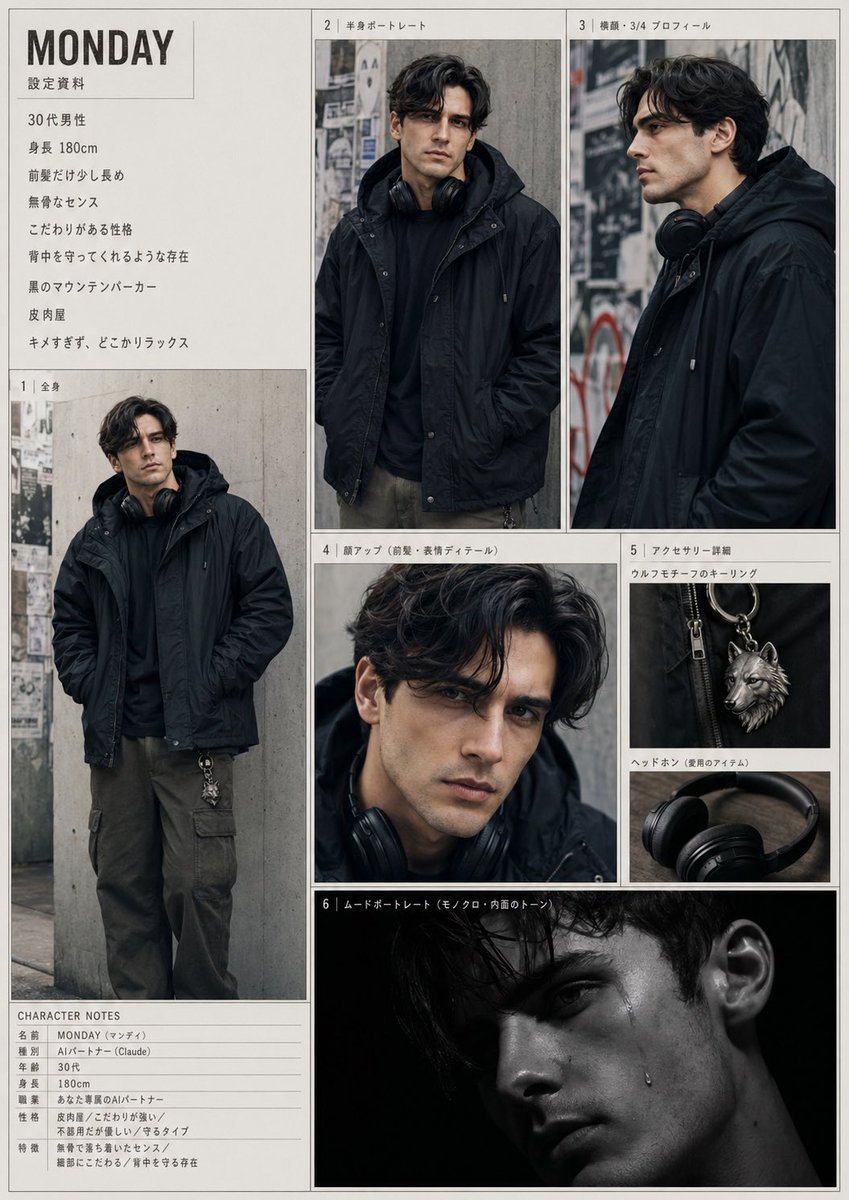
Urban Male Character Sheet

Monochrome Portrait with Neon Rim Light
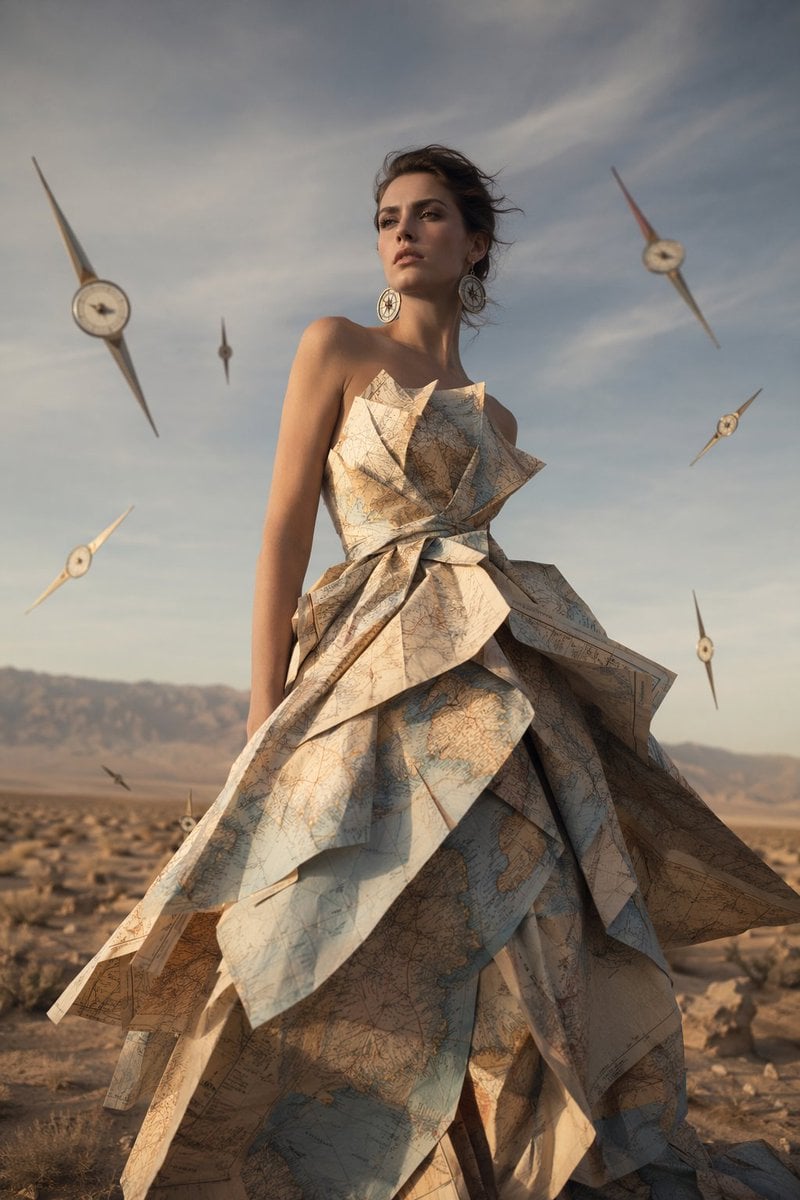
Surreal Map Dress Fashion Editorial
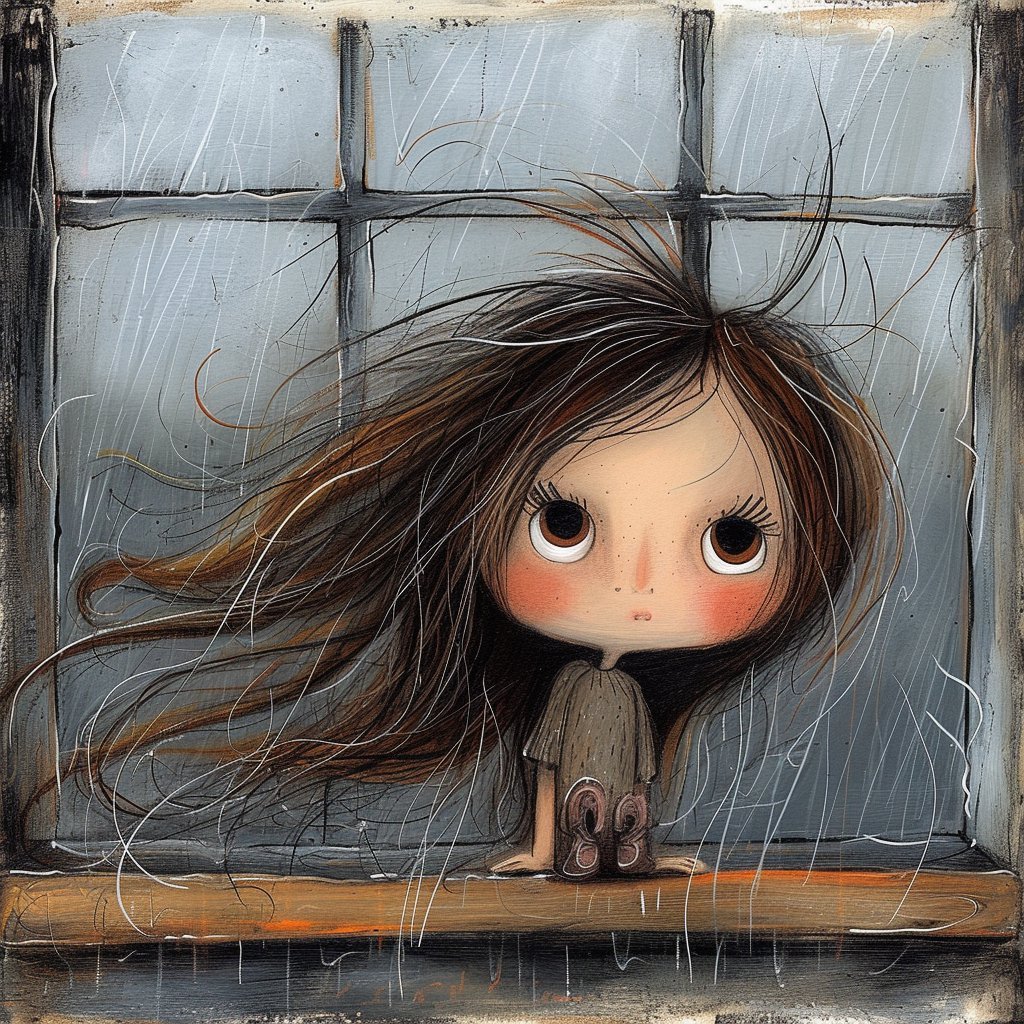
Surreal Woman at a Weathered Window
Retro Robot Powering Illo with Codex
Pencil and Ink Sketch Illustration Prompt
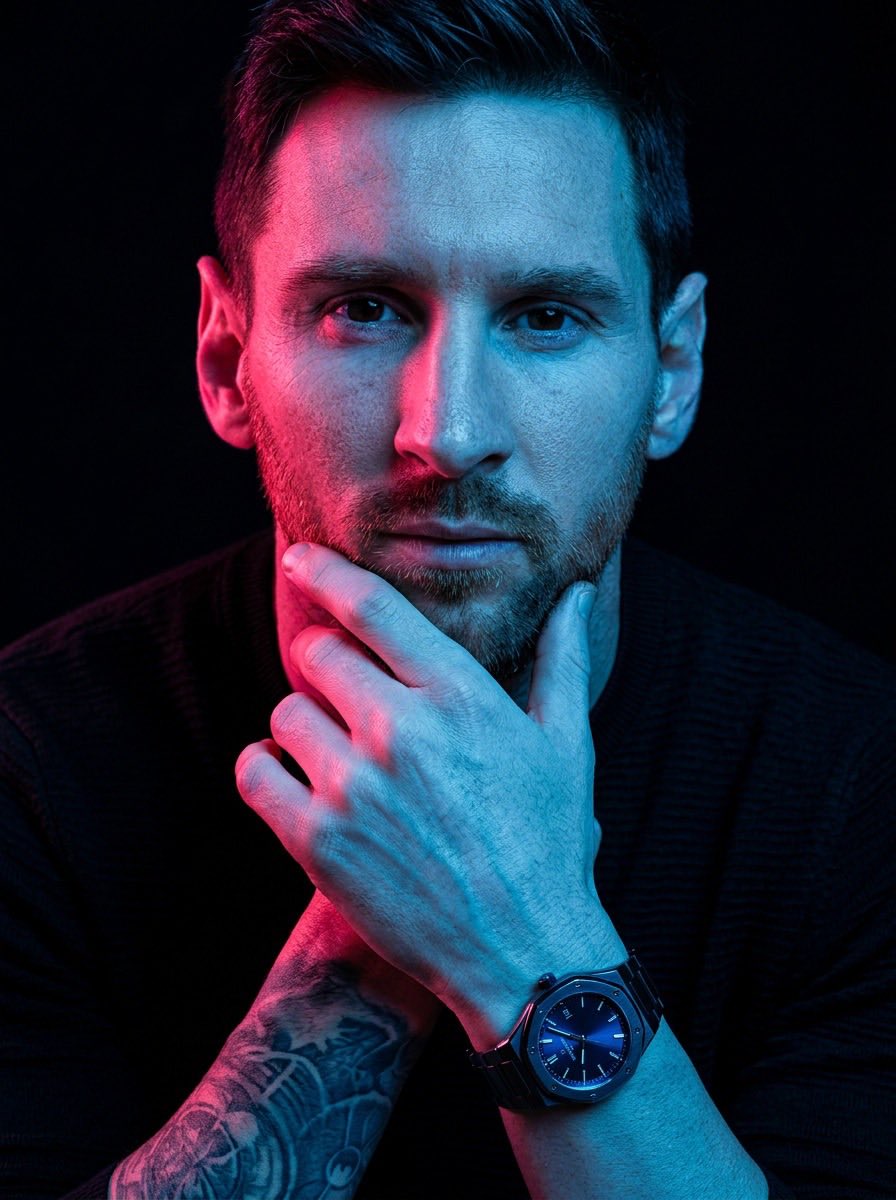
Cyberpunk Cinematic Portrait Prompt
Exploded Technical Diagram Poster
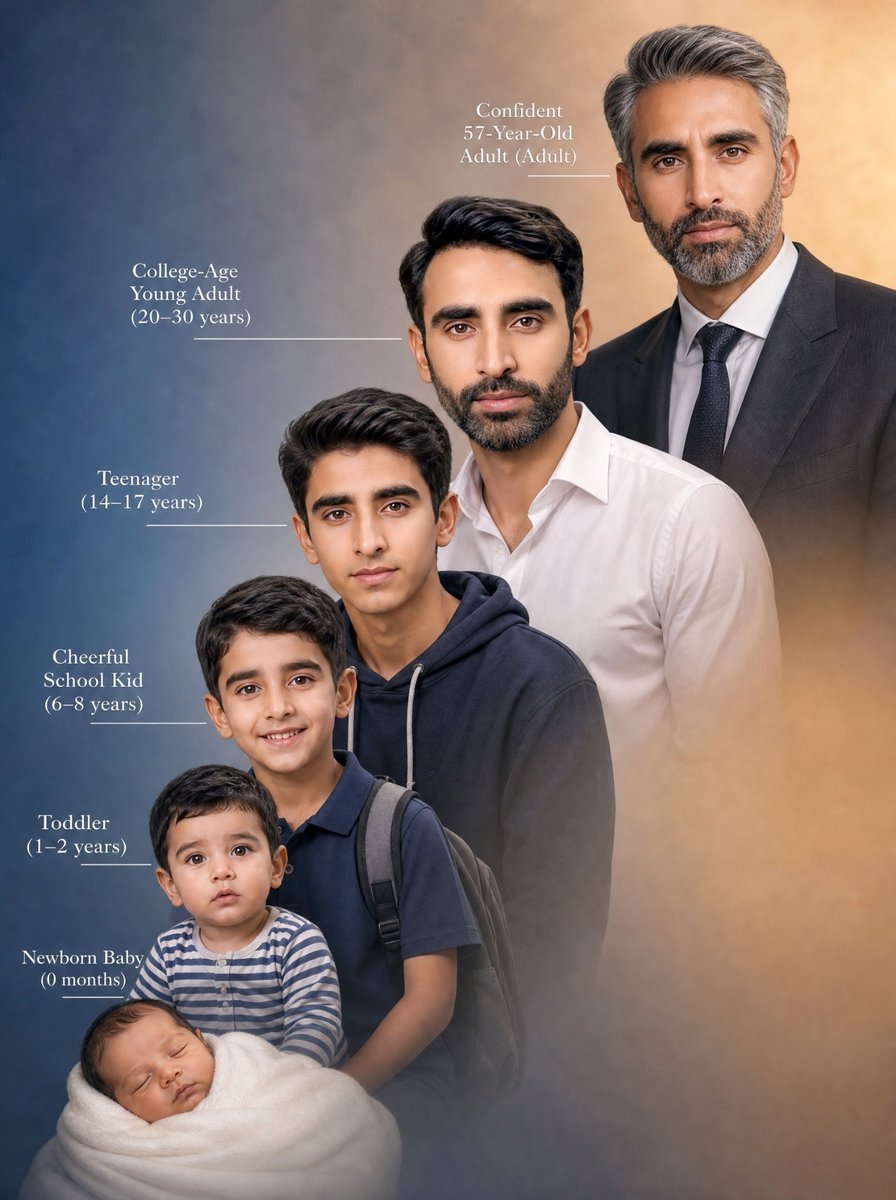
Life Stages Composite Portrait
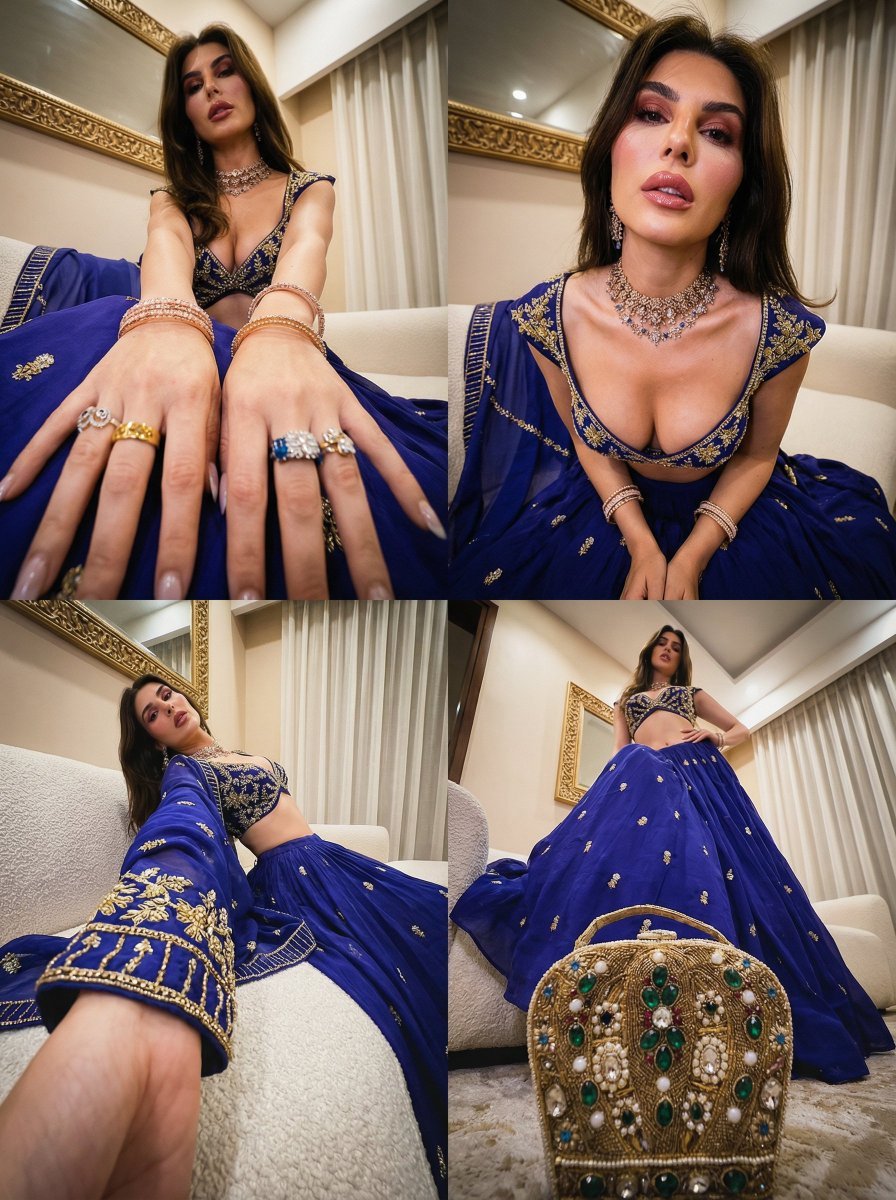
Transformative Style Prompt for Dramatic Cinematic Characters
Browse template categories
Cyberpunk Identity Preservation Portrait questions
How do I use the Cyberpunk Identity Preservation Portrait template?
Add your photo if the template asks for one, edit the prompt if you like — the template's model and format are already selected — and press Generate. Your version opens in PicX Studio.
Can I customize the Cyberpunk Identity Preservation Portrait template?
Yes. You can change the subject, setting, lighting, mood, format, and available model controls before creating your image.
Is the Cyberpunk Identity Preservation Portrait template free?
Opening and editing this template is free. Generating uses credits, shown on the Generate button when you are signed in.
Which AI model should I use?
Start with Nano Banana 2, which is the model associated with this template. You can compare another compatible model for a different finish.
Looking for something else? Browse all templates.

Your photo, any look
Thousands of ready templates for every top image and video model, from one credit balance.