
Golden Hour Seaside Portrait with Identity Preservation
A detailed image generation prompt focusing on creating a highly realistic, cinematic portrait of a young woman by the seaside during golden hour.
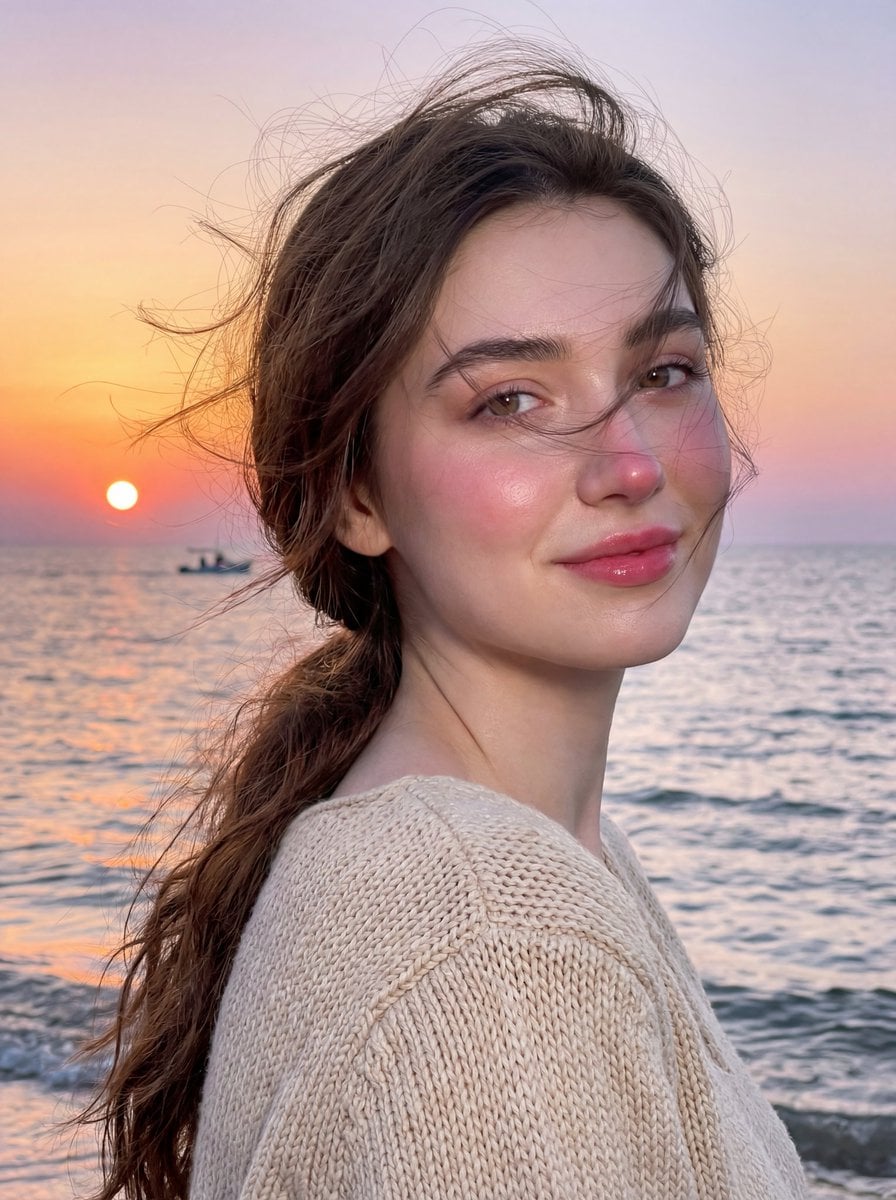
- Prompt included
- Model and format preset
- Free template
The prompt behind this image
Copy the exact prompt behind Golden Hour Seaside Portrait with Identity Preservation, or open it in the studio and make it yours.
Create an image using the exact same face as the reference image (100% identical, no facial changes at all). A close-up profile shot of a beautiful, cute young woman, standing slightly sideways and gently turning her face toward the camera with a soft, subtle smile. Makeup: Natural makeup with a dewy, glowing skin finish. Emphasis on healthy, luminous skin texture. Soft light pink blush applied on the cheeks and lightly across the tip of the nose. Glossy gradient pink lips, giving a juicy, hydrated look. Overall fresh, natural, and radiant (Dewy look). Skin: Very fair, bright, smooth, and flawless skin. Hair: Long brown hair loosely tied in a low ponytail at the back. Strong seaside wind causes the hair to flow freely and messily. Several loose strands blow across her face and eyes, creating natural movement and an effortless, cinematic feel. Clothing: Wearing a soft, fluffy {argument name="sweater color" default="cream-beige"} knit sweater with a wide neckline that subtly reveals the collarbones and upper chest area. Fabric looks warm, cozy, and textured. Scene & Atmosphere: Set by the seaside during sunset (Golden Hour). A vast ocean stretches into the background. The horizon meets a sky filled with soft orange and pink tones fading into light purple hues. The sun appears as a small glowing circle, about to dip below the horizon on the left side. A small boat floats far away in the distance. Lighting: Warm golden sunlight creates a delicate golden rim light around her hair, highlighting individual strands. Soft, natural light with gentle shadows. Mood & Style: Romantic, quiet, slightly lonely, melancholic yet beautiful. Dreamy, cinematic, emotional, and poetic atmosphere. Shallow depth of field, soft background blur, high realism, ultra-detailed, natural photography style.
How to use Golden Hour Seaside Portrait with Identity Preservation in 3 steps
- 1Upload ImagePNG, JPG or paste
Add your photo
Upload the photo the template builds on. The prompt, model and format are already set.
- 2…a portrait of your subject in softgolden-hour light, 85mm…
Personalize
Edit the subject and creative details for your destination.
- 3Generate
Generate
Press Generate — your image is created in PicX Studio, so you can compare it with the original and refine one variable at a time.
More like this
Templates with the same subject, style or setup. Open one to see its prompt.

80s Golden Hour Cinema

Rooftop Fisheye — Cat-Ear Balaclava at Golden Hour

Cinematic Golden Hour Garden Portrait

Cinematic Golden Hour Urban Portrait

Golden Hour Redhead Portrait

Golden Hour Cinematic Boss Energy Portrait

Golden Hour Cinematic Portrait
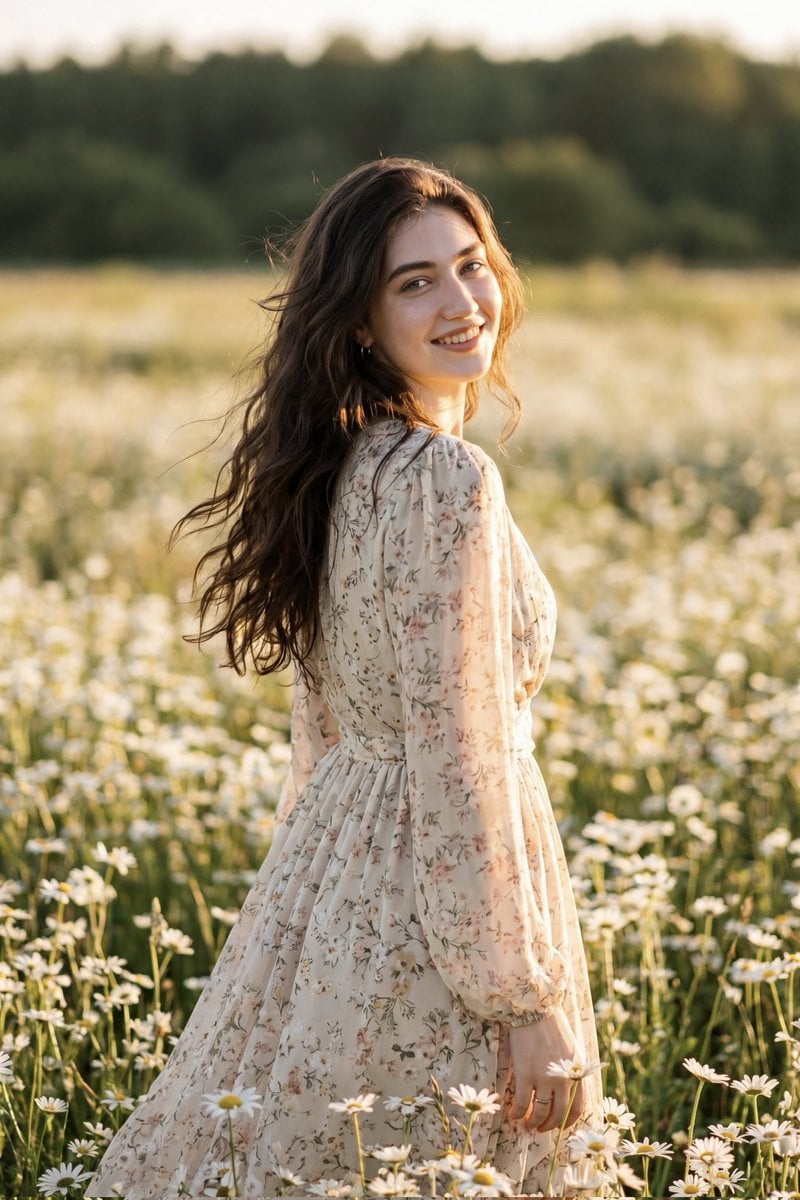
Golden Hour Daisy Field Portrait
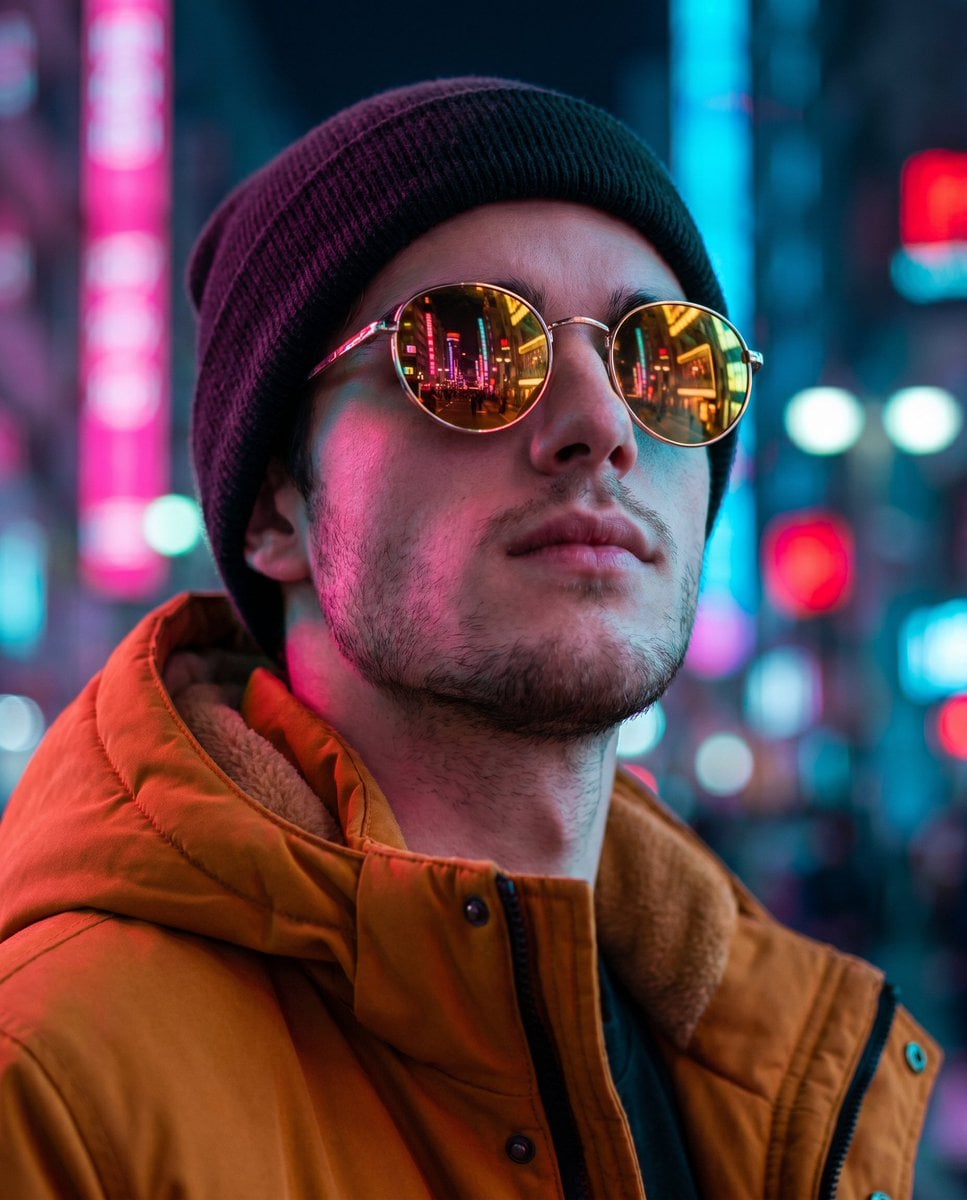
Cyberpunk Identity Preservation Portrait
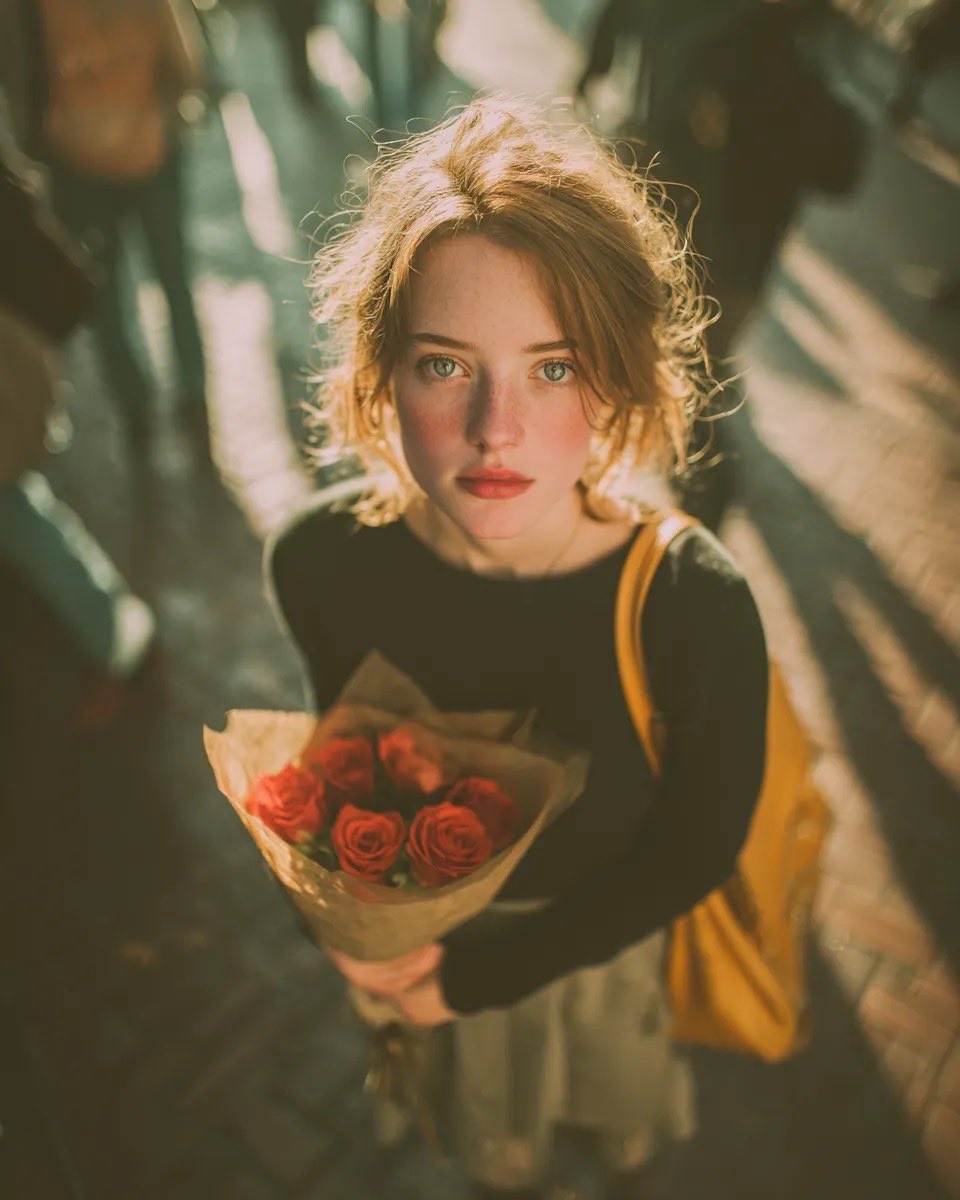
Golden Hour Rose Portrait

Golden Hour Korean Classroom Portrait
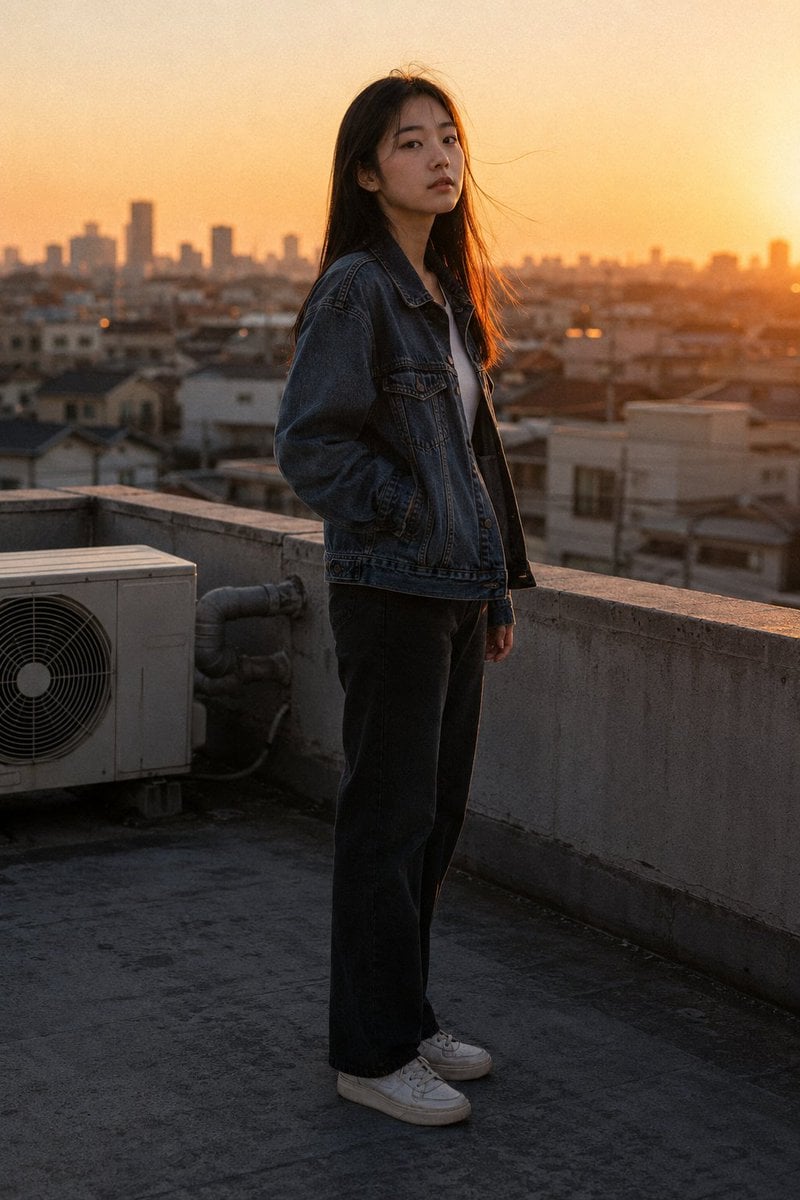
Golden Hour Rooftop Portrait
Make it yours
Golden Hour Seaside Portrait with Identity Preservation works as-is. These are the safest ways to change it without losing the look.
Change one field
Copy a single group, rewrite it, and generate again so you can see what that field is doing.
Keep the frame, change the subject
Hold the composition and light of Golden Hour Seaside Portrait with Identity Preservation, then swap wardrobe, props or the person for a new take.
| If the result… | Why | Fix |
|---|---|---|
| The result drifts from the preview | Too many fields changed at once. | Reuse Golden Hour Seaside Portrait with Identity Preservation as-is first, then change one group — subject, light, or setting. |
| The model over-stylizes the scene | The prose prompt leaves finish and camera underspecified. | Add one camera or lighting sentence and stay on Nano Banana 2. |
More Nano Banana 2 templates
Other prompts made for Nano Banana 2.

Photorealistic Leaf Shaped Like a Dragon

K-Pop Idol Portrait Grid for Rapid Selection

Poetic Rain Forest Portrait During Golden Hour

Urban Street Portrait with Cartoon Inner Self Duo

Candid Nighttime Photo with Cat Prompt

High-Concept 3D Diorama Generation Prompt

Cinematic Futuristic Studio Portrait Template

Skincare Editorial Photography Collage Prompt

Hyper-Realistic Commercial Product Photography (Splash Effect)

Hyper-Realistic Nightclub Portrait Prompt
More image prompts
Fresh picks from across the catalog.

Cinematic Behind-the-Scenes VFX Artists Prompt

AIFocus Twitter banner with Google branding
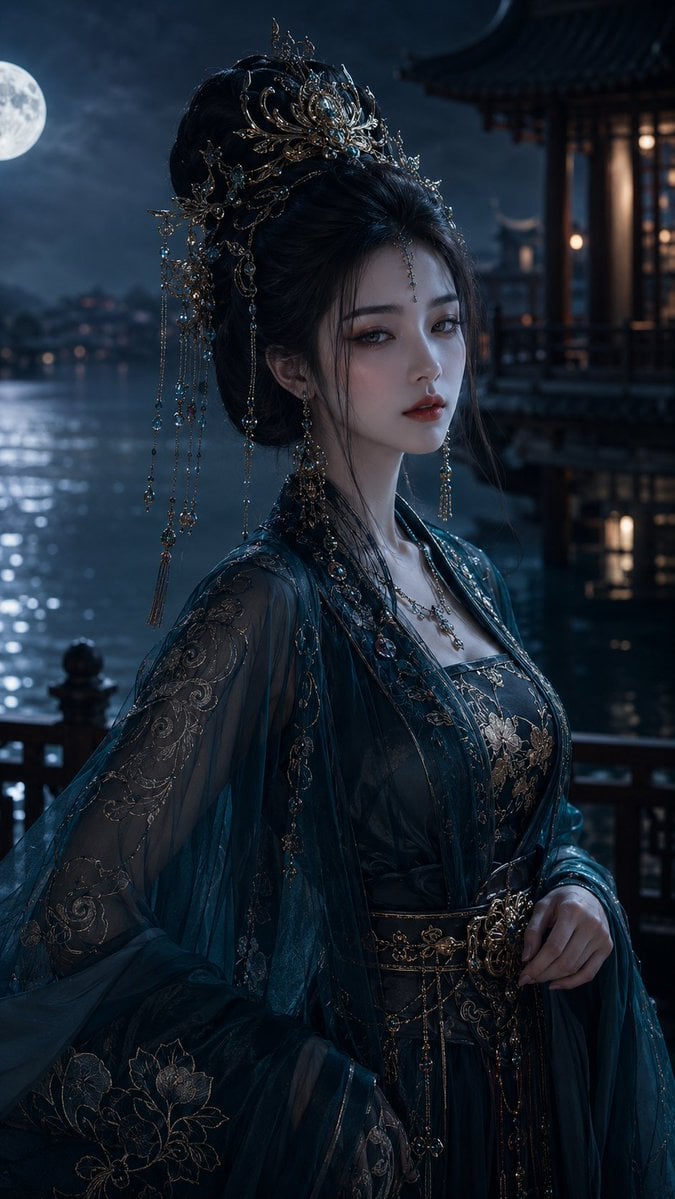
Palace Banquet Traditional Portrait
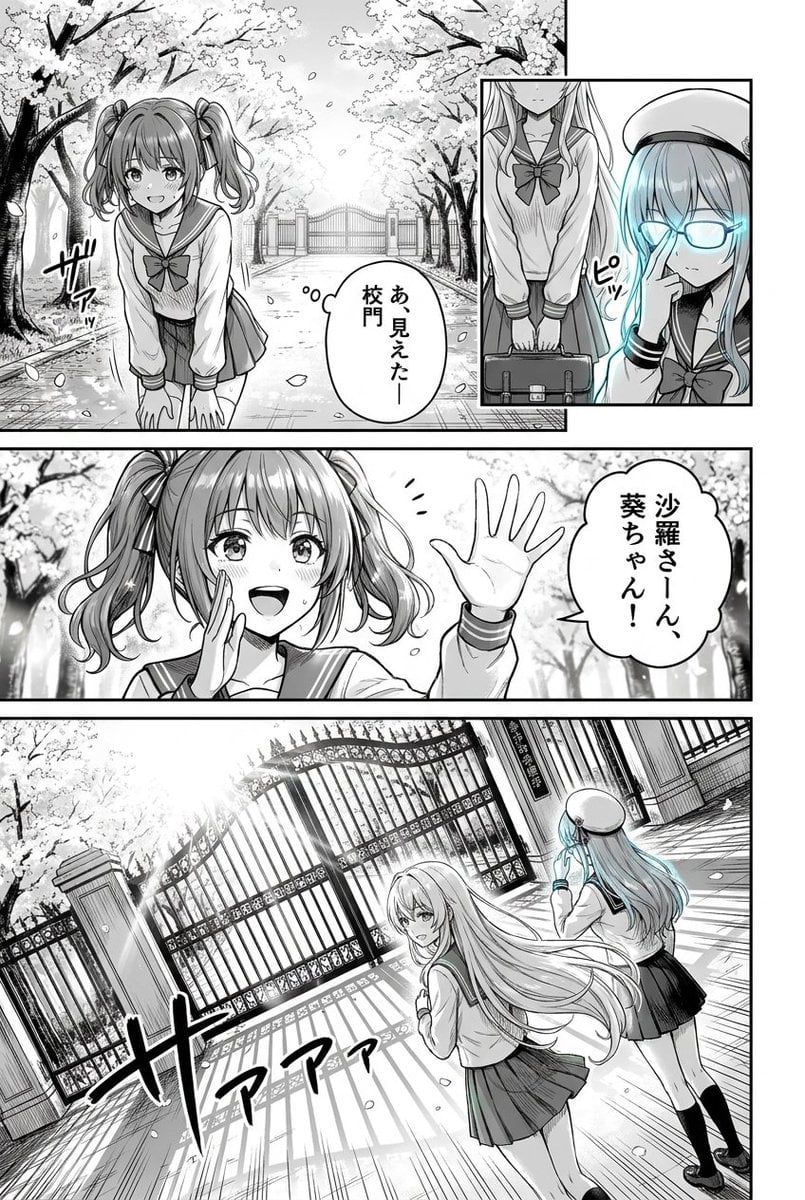
Cherry Blossom School Gate Manga Page
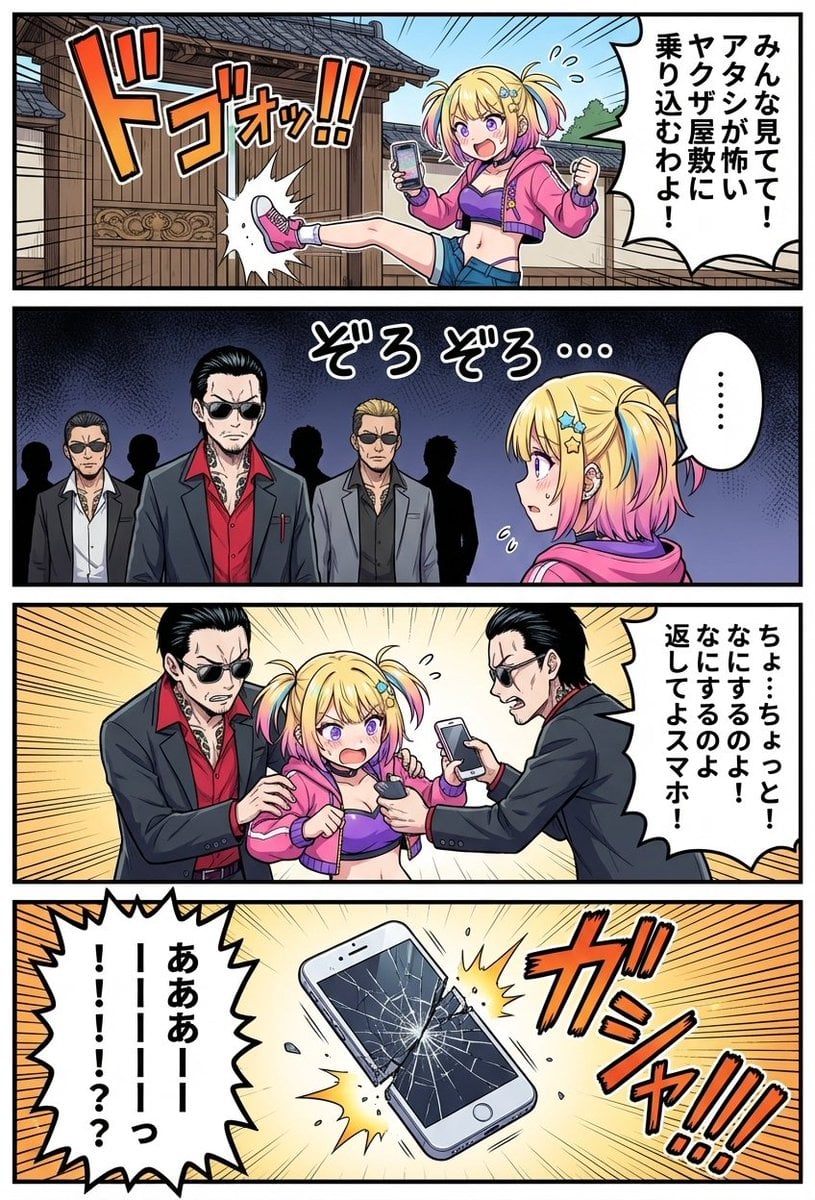
4‑panel manga of a girl streaming from a yakuza mansion
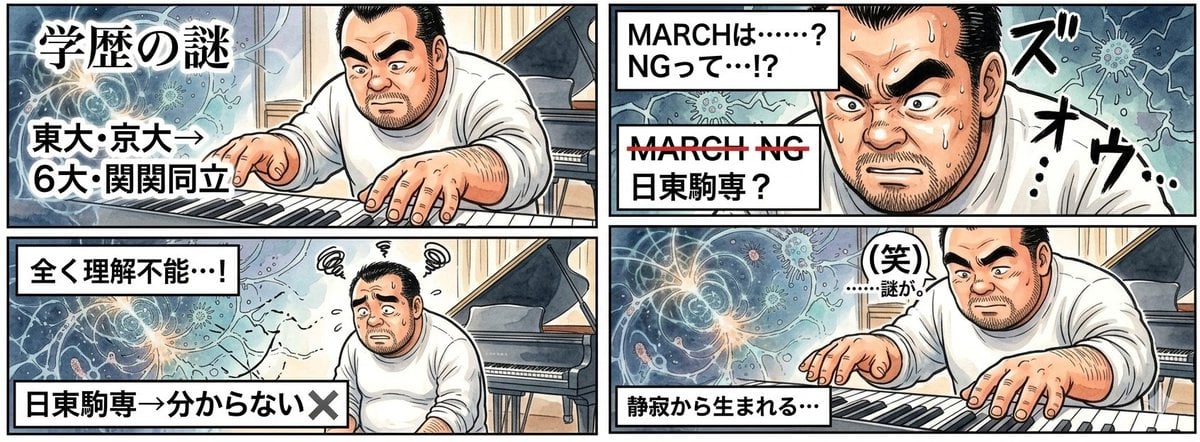
AI Image Generation Prompt for 4-Panel Manga: Academic Silence
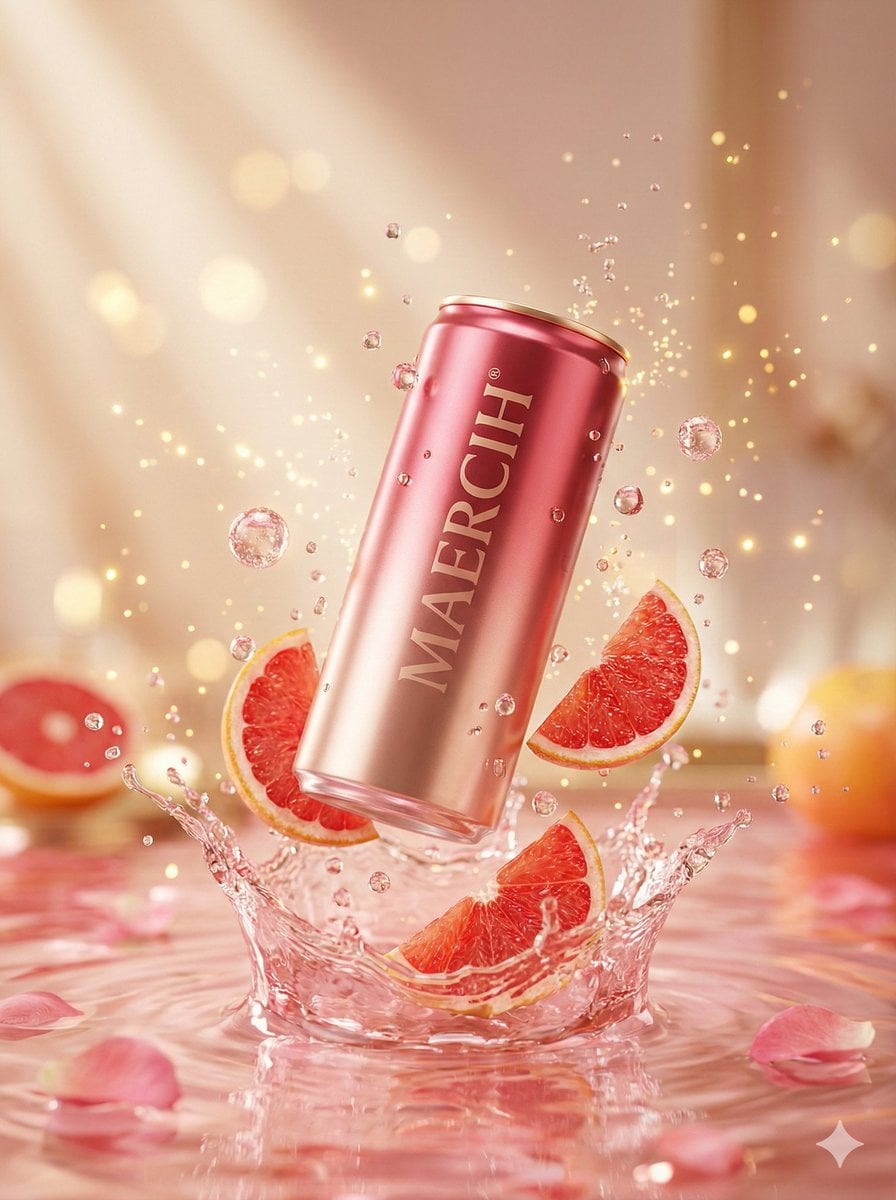
Luxury Commercial Shot of Floating Grapefruit Sparkling Can
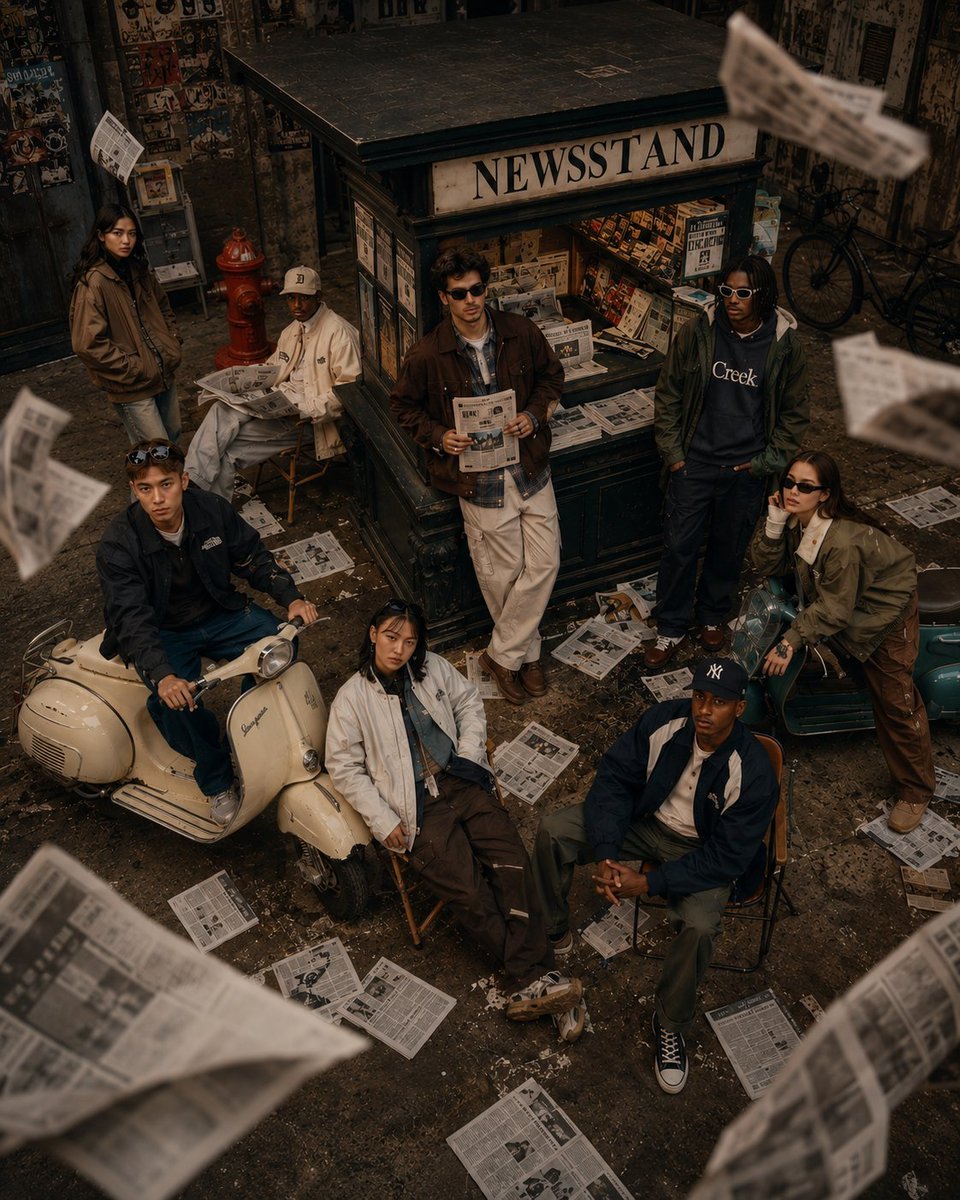
90s Retro Streetwear Fashion Editorial
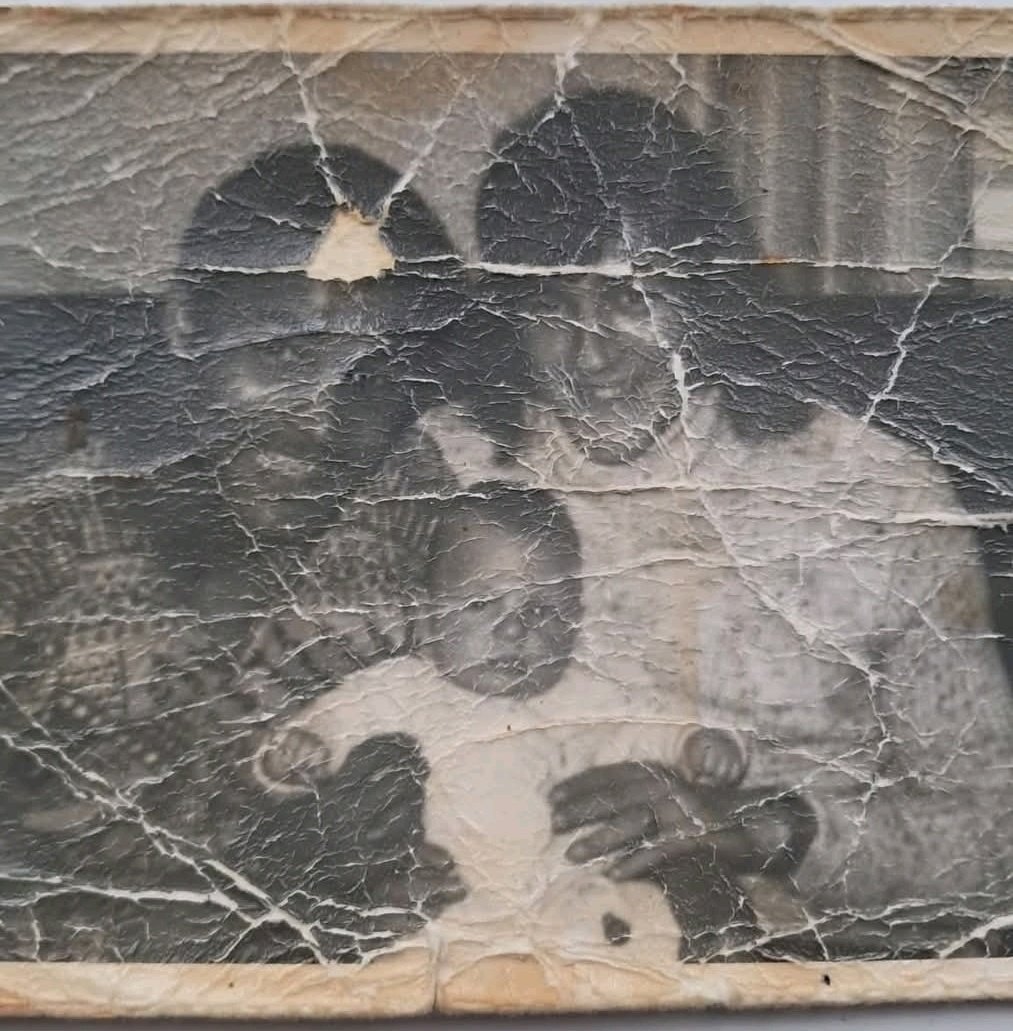
Old Photo Restoration Prompt
Luxury Lifestyle Mustang Shot
Browse template categories
Golden Hour Seaside Portrait with Identity Preservation questions
How do I use the Golden Hour Seaside Portrait with Identity Preservation template?
Add your photo if the template asks for one, edit the prompt if you like — the template's model and format are already selected — and press Generate. Your version opens in PicX Studio.
Can I customize the Golden Hour Seaside Portrait with Identity Preservation template?
Yes. You can change the subject, setting, lighting, mood, format, and available model controls before creating your image.
Is the Golden Hour Seaside Portrait with Identity Preservation template free?
Opening and editing this template is free. Generating uses credits, shown on the Generate button when you are signed in.
Which AI model should I use?
Start with Nano Banana 2, which is the model associated with this template. You can compare another compatible model for a different finish.
Looking for something else? Browse all templates.

Your photo, any look
Thousands of ready templates for every top image and video model, from one credit balance.