
Golden Hour Rooftop Portrait
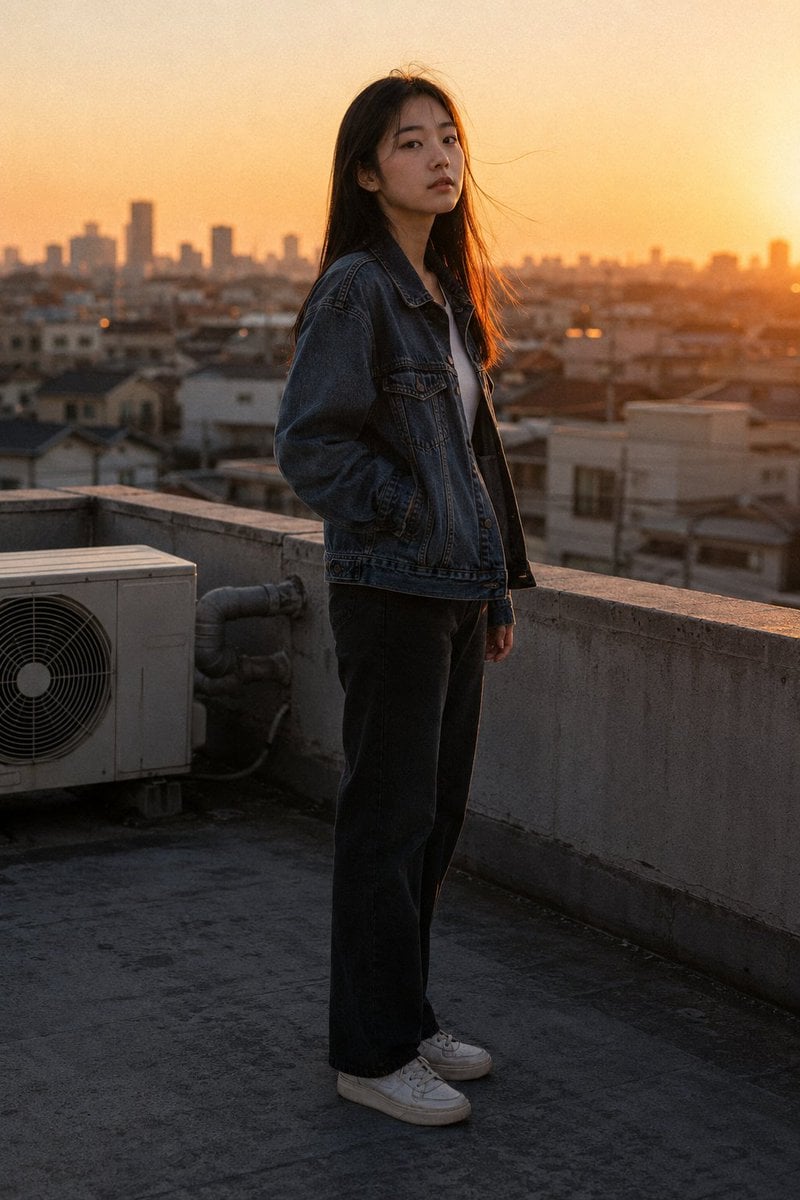
Generates a realistic candid rooftop portrait of a young woman at sunset with urban skyline bokeh, denim styling, and an anonymized face.
- Prompt included
- Model and format preset
- Free template
The prompt behind this image
Copy the exact prompt behind Golden Hour Rooftop Portrait, or open it in the studio and make it yours.
Create an authentic daily-life photographic image: a three-quarter full-body shot of {argument name="subject" default="a young East Asian Japanese woman in her early 20s"} standing alone on a residential rooftop at golden hour. Shoot from slightly below eye level at a three-quarter side angle, with her body turned left and her head angled slightly away from the camera; her face is intentionally anonymized by a centered rectangular warm-brown privacy blur covering the facial features. She has long, naturally straight fine {argument name="hair color" default="black hair"} worn loose, backlit into a subtle amber halo, with two or three stray strands lifted by a light rooftop breeze. She wears a slightly oversized vintage-wash denim jacket over a plain white inner top, straight-cut dark trousers, and simple worn white sneakers; one hand rests in a jacket pocket while the other hangs relaxed at her side. Place her near a low concrete rooftop parapet, with one visible industrial outdoor air-conditioning unit in the left foreground and grey rooftop pipes adding realistic texture. The background is softly blurred residential rooftops and a distant city skyline receding into an orange-tinted horizon, with the low sun glowing at the far right. Use warm low-angle sunset light, amber-orange rim lighting along her hair, shoulder, cheek area, and jacket edge, natural shadows, subdued urban colors, realistic lens bokeh, fine film-like grain, and candid documentary realism rather than fashion posing. Vertical composition, full body visible from head to shoes, quiet contemplative mood, no text, no logos.
How to use Golden Hour Rooftop Portrait in 3 steps
- 1Upload ImagePNG, JPG or paste
Add your photo
Upload the photo the template builds on. The prompt, model and format are already set.
- 2…a portrait of your subject in softgolden-hour light, 85mm…
Personalize
Edit the subject and creative details for your destination.
- 3Generate
Generate
Press Generate — your image is created in PicX Studio, so you can compare it with the original and refine one variable at a time.
More like this
Templates with the same subject, style or setup. Open one to see its prompt.

Rooftop Fisheye — Cat-Ear Balaclava at Golden Hour

80s Golden Hour Cinema

Cinematic Golden Hour Garden Portrait

Cinematic Golden Hour Urban Portrait

Golden Hour Redhead Portrait

Golden Hour Cinematic Boss Energy Portrait

Golden Hour Cinematic Portrait
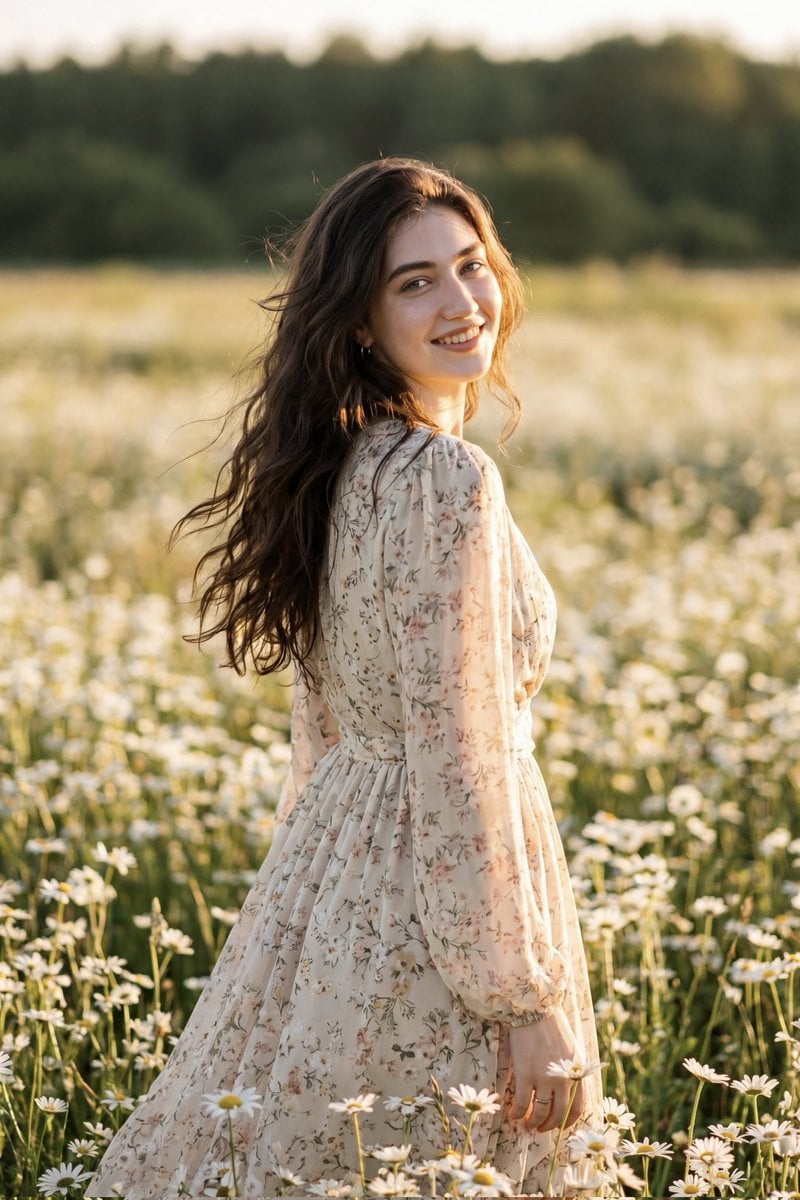
Golden Hour Daisy Field Portrait
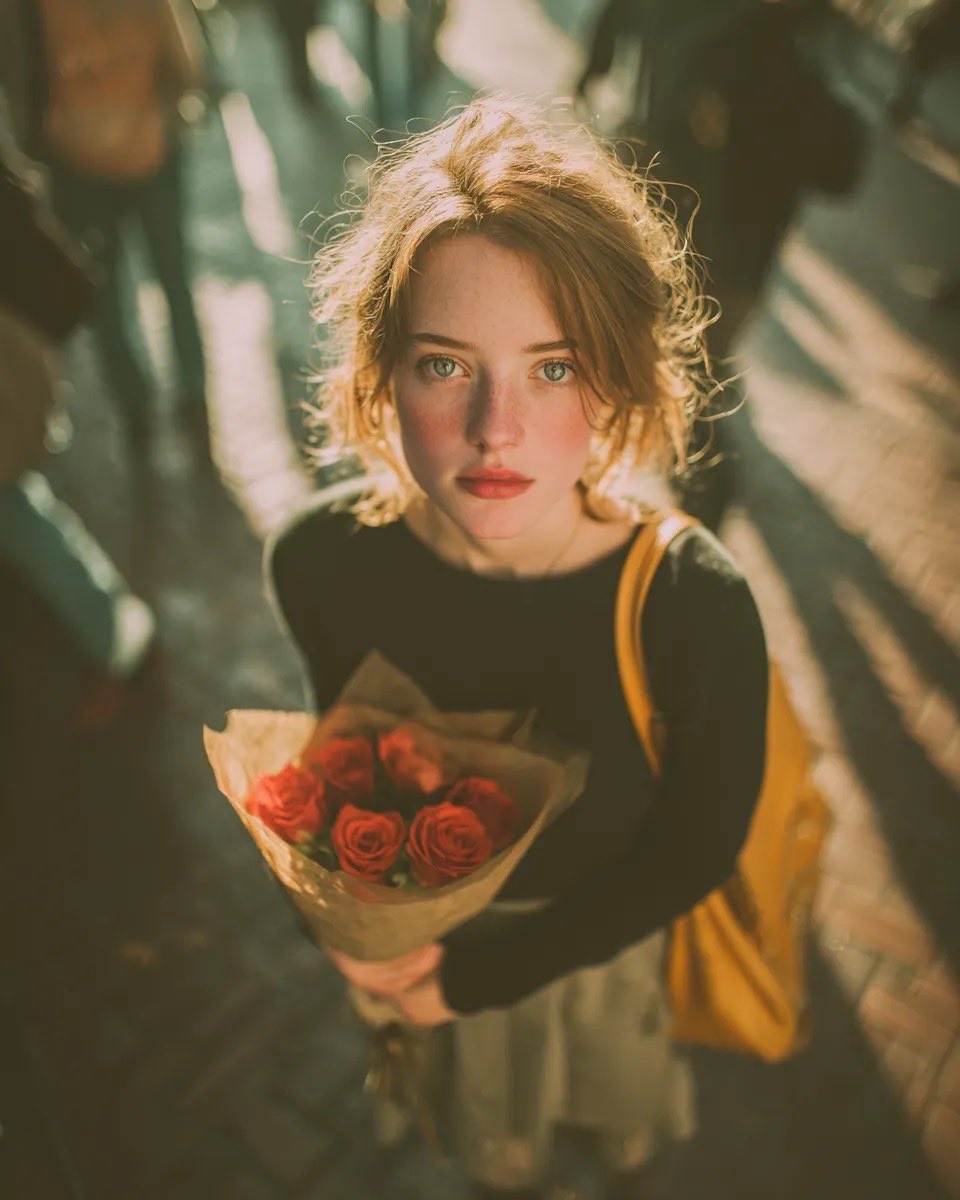
Golden Hour Rose Portrait

Golden Hour Korean Classroom Portrait
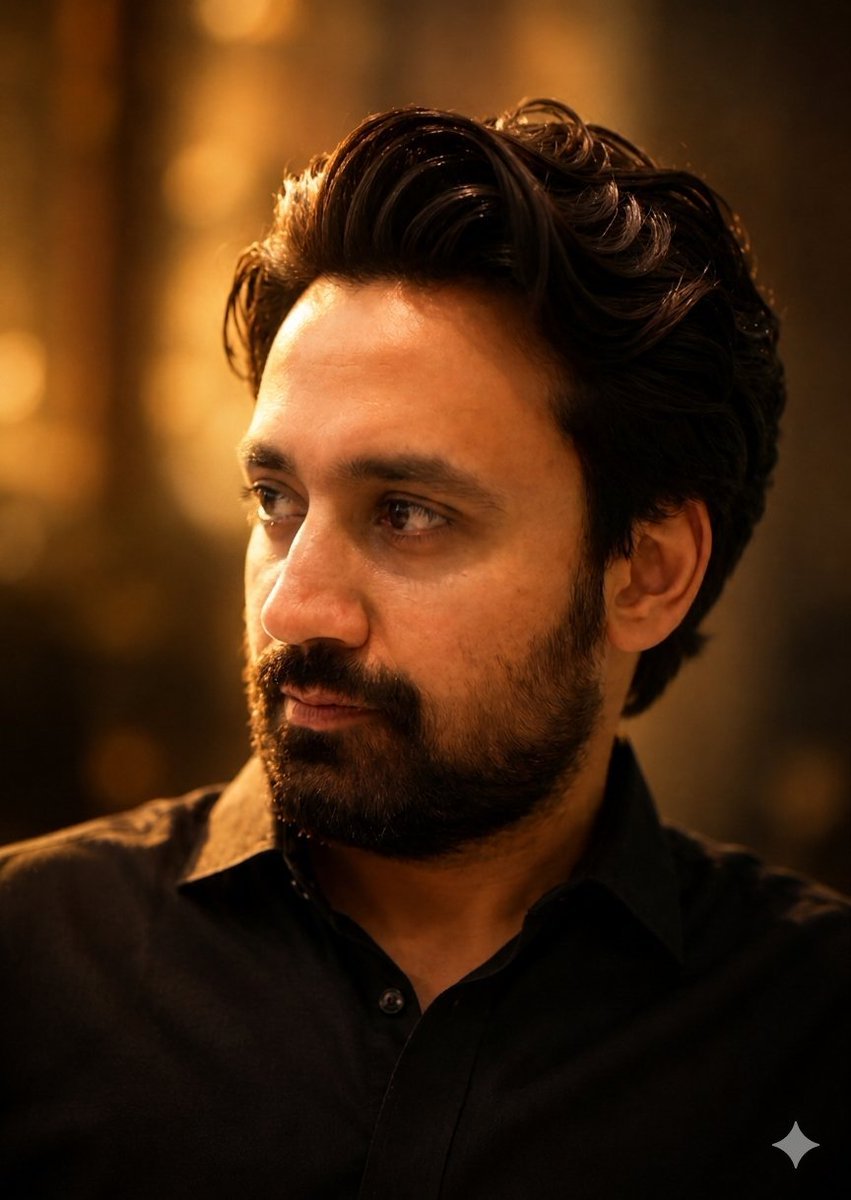
Golden Hour Contemplative Portrait

Poetic Rain Forest Portrait During Golden Hour
Make it yours
Golden Hour Rooftop Portrait works as-is. These are the safest ways to change it without losing the look.
Change one field
Copy a single group, rewrite it, and generate again so you can see what that field is doing.
Keep the frame, change the subject
Hold the composition and light of Golden Hour Rooftop Portrait, then swap wardrobe, props or the person for a new take.
| If the result… | Why | Fix |
|---|---|---|
| The result drifts from the preview | Too many fields changed at once. | Reuse Golden Hour Rooftop Portrait as-is first, then change one group — subject, light, or setting. |
| The model over-stylizes the scene | The prose prompt leaves finish and camera underspecified. | Add one camera or lighting sentence and stay on GPT Image 2. |
More GPT Image 2 templates
Other prompts made for GPT Image 2.

Six VTuber Japanese Logo Sheet

Realistic Portrait of Woman and Deer

The Vista Modular Condo Poster

AI Model Routing Comparison Infographic

2.5D Anime Art Board

Isometric Productivity Desk Scene

New York Double Exposure Poster

Four-Panel AI Landscape Comparison

Japanese Tatami Lifestyle Magazine Cover

NESCAFÉ Coffee Map Poster
More image prompts
Fresh picks from across the catalog.
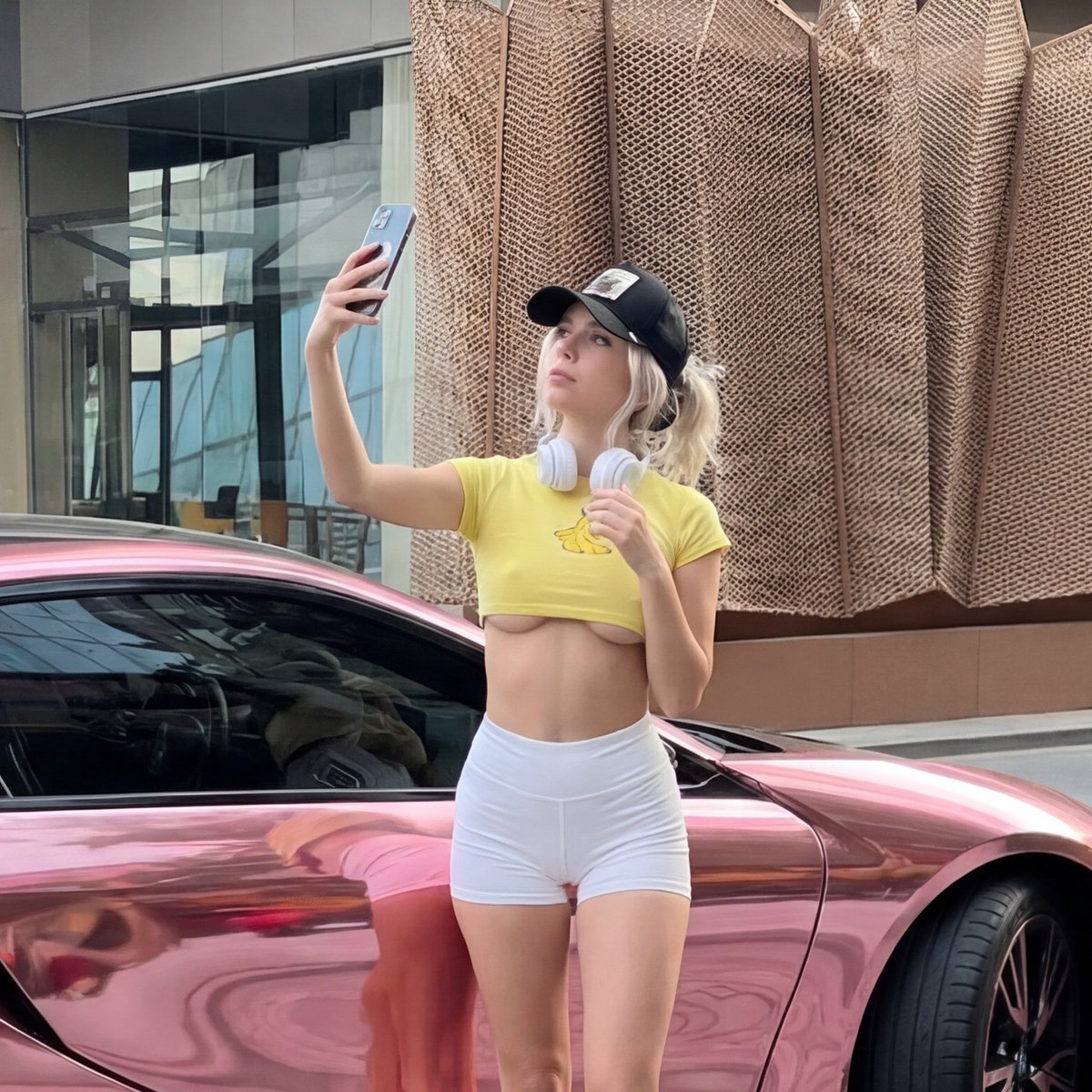
Viral Chrome Pink BMW Selfie Prompt (JSON format)
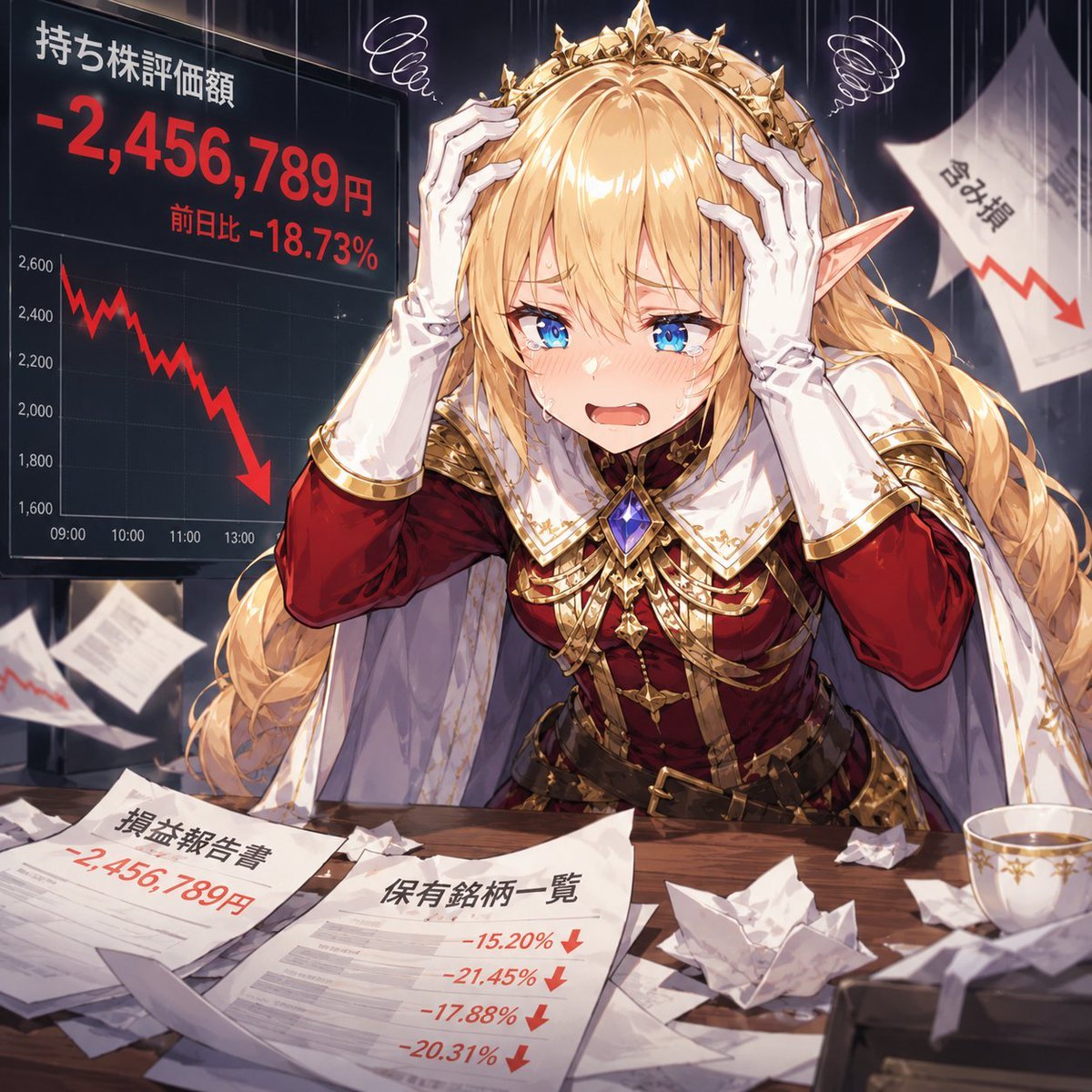
Elf Queen Stock Market Loss Panic
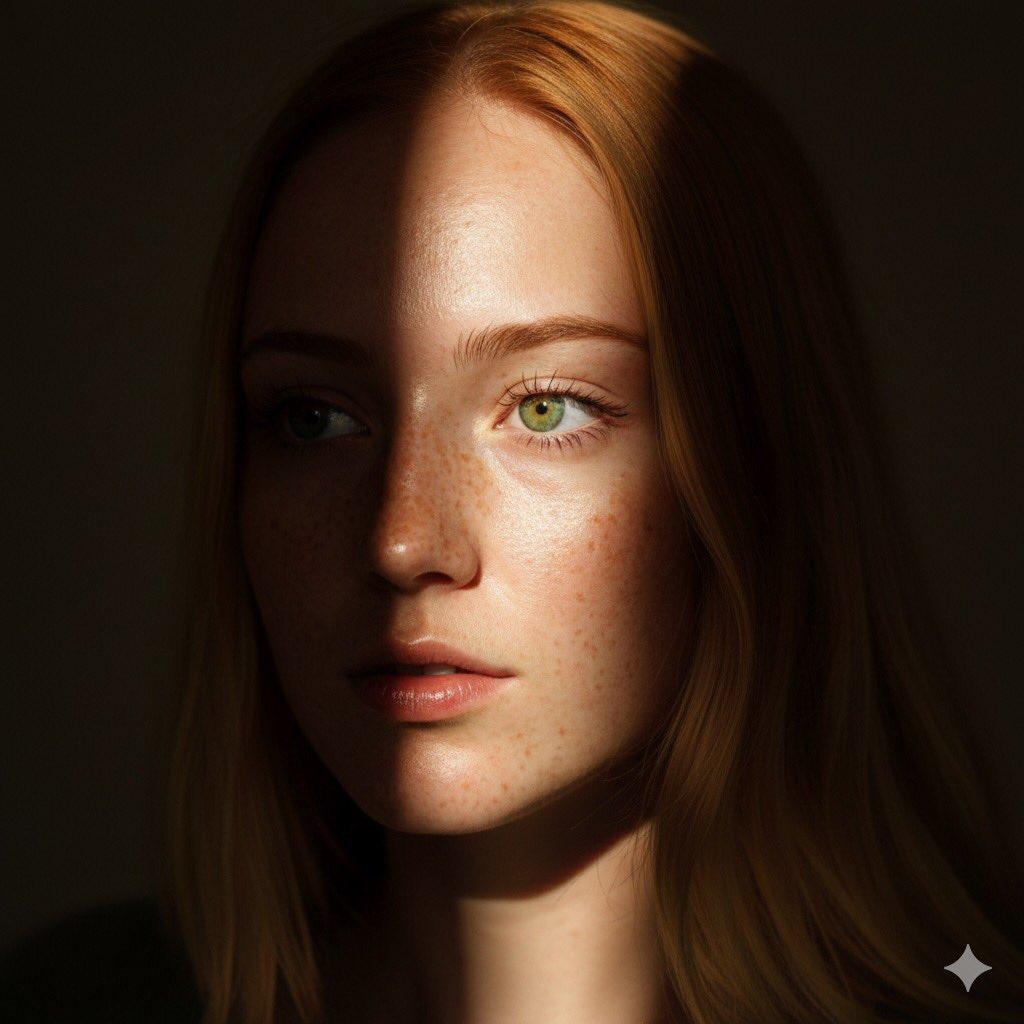
8K Chiaroscuro Portrait JSON
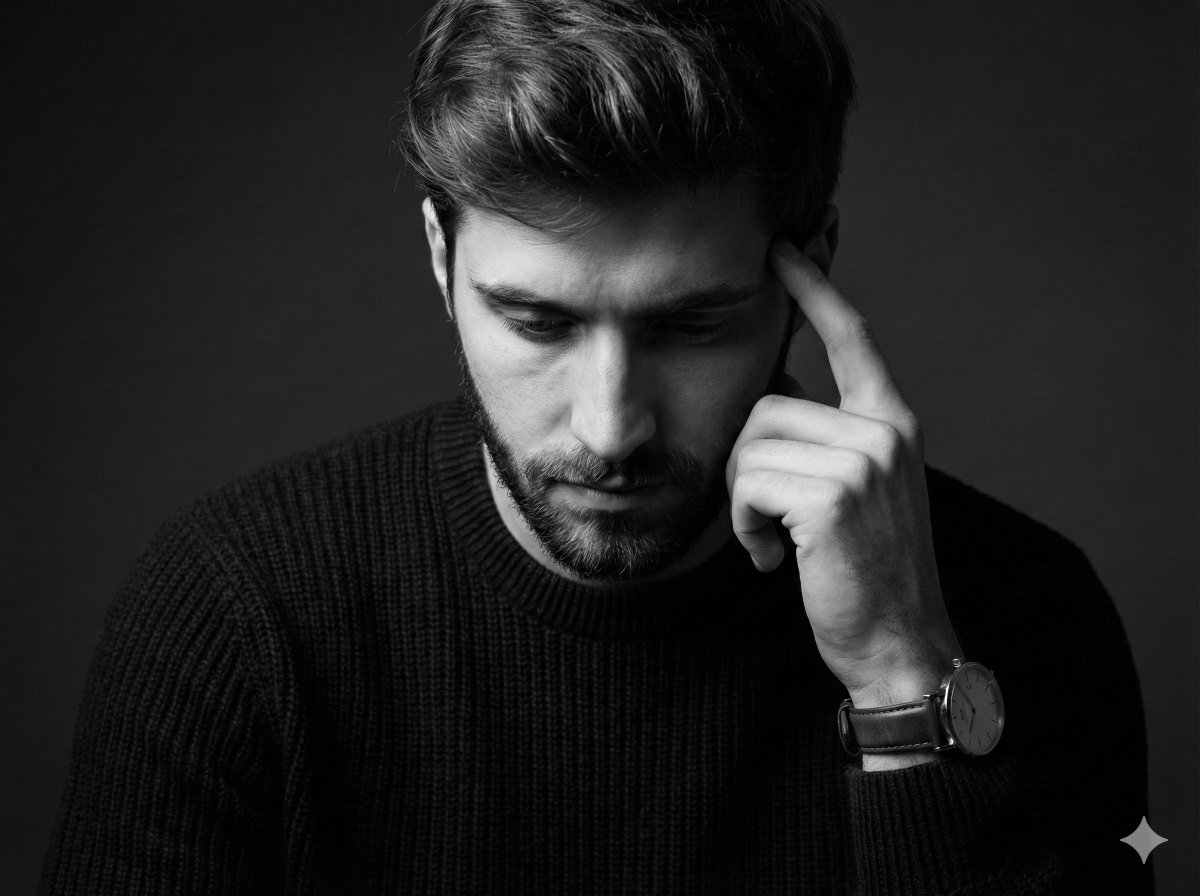
Monochrome Pensive Male Portrait (Fine Art Style)

Cinematic Urban Winter Night Portrait
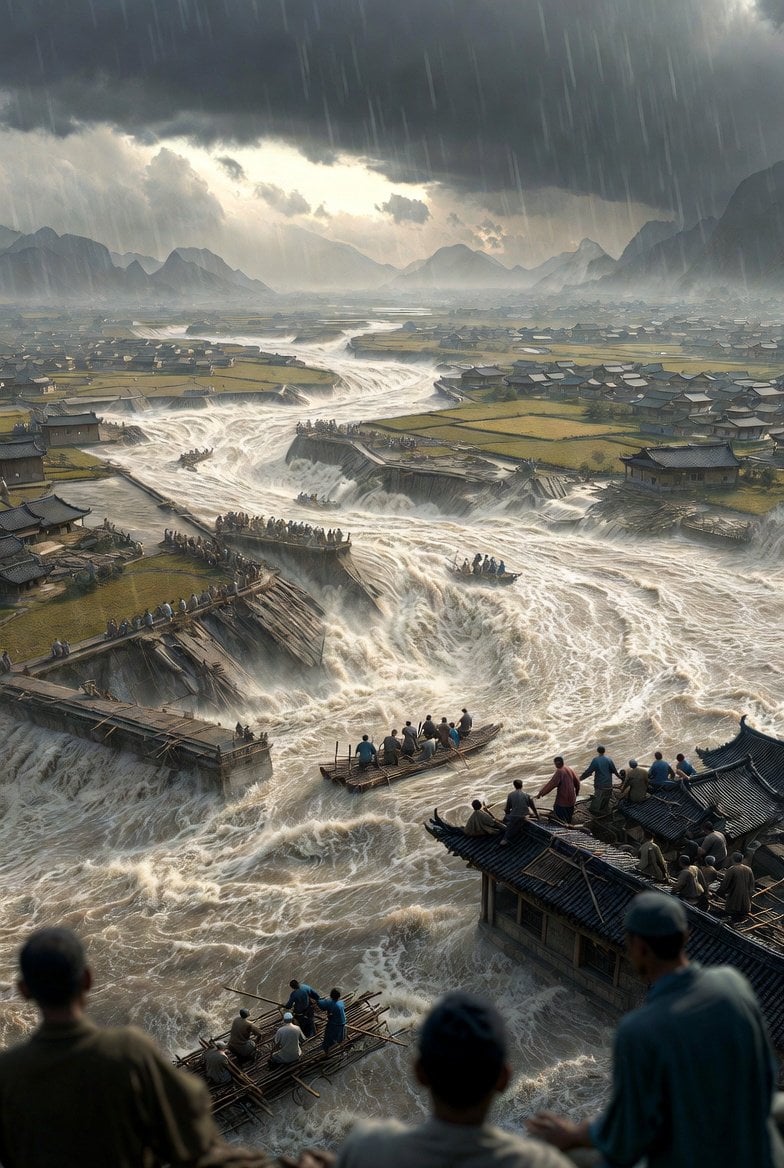
Historical Epic Scene: 1887 Yellow River Flood
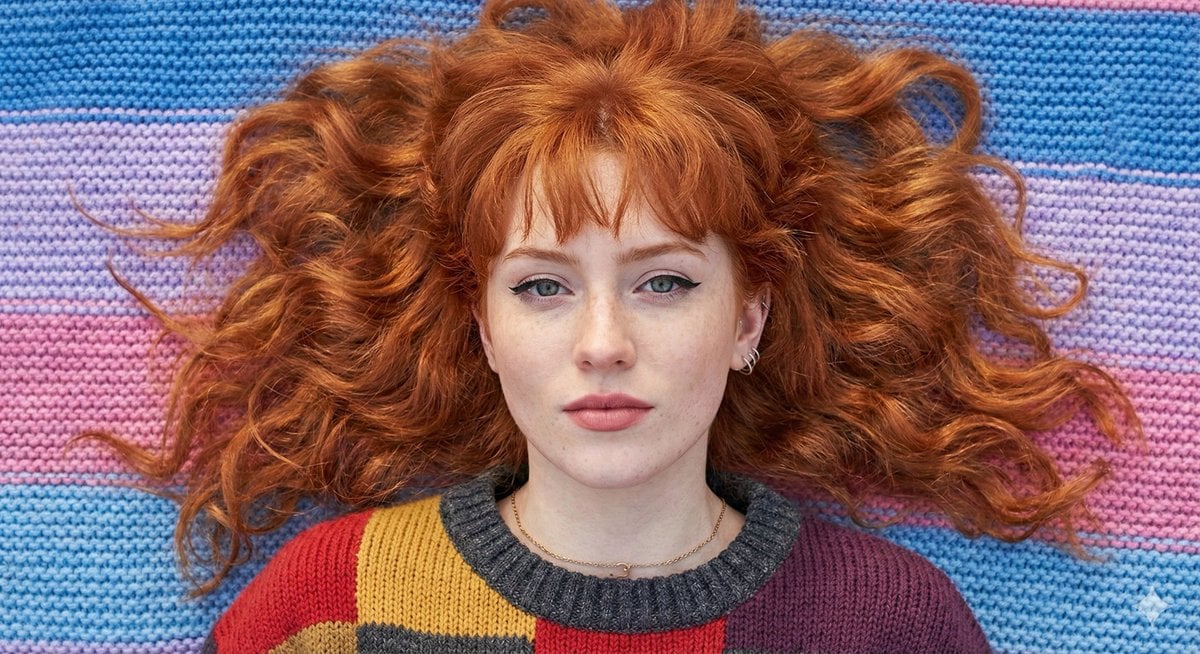
Flat Lay Portrait of a Ginger Woman on a Rainbow Blanket
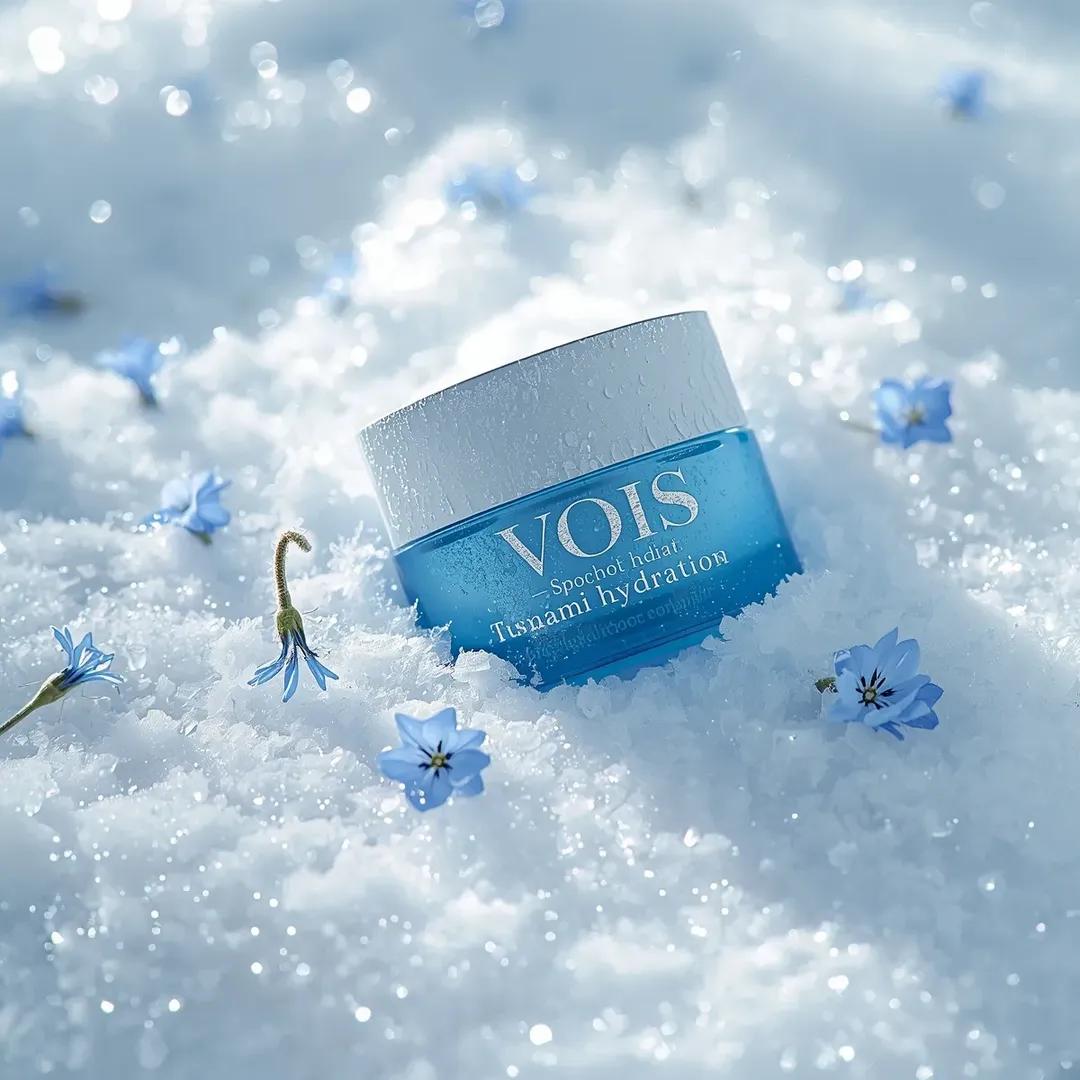
Photorealistic Skincare Product Photography Prompt for Nano Banana Pro
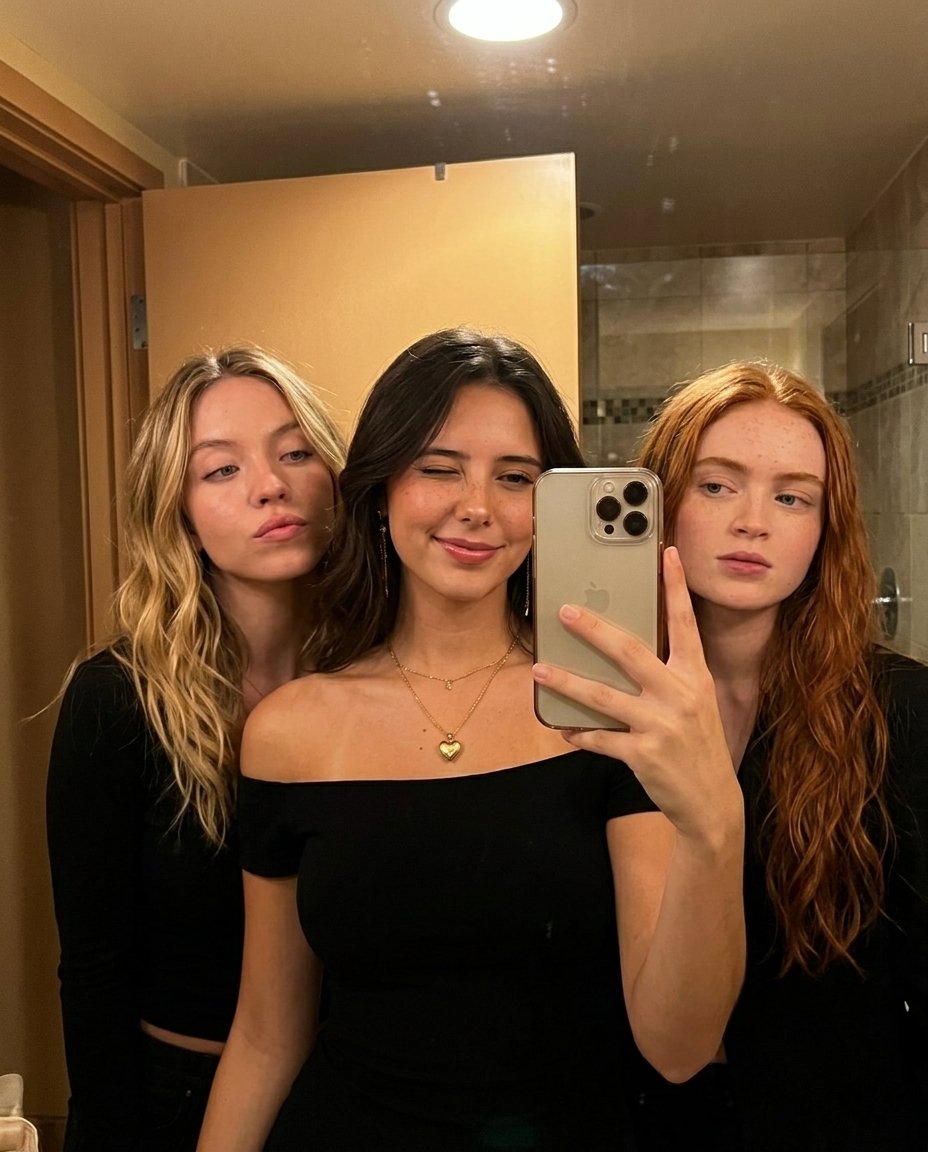
Warm Indoor Group Mirror Selfie Prompt for Nano Banana Pro
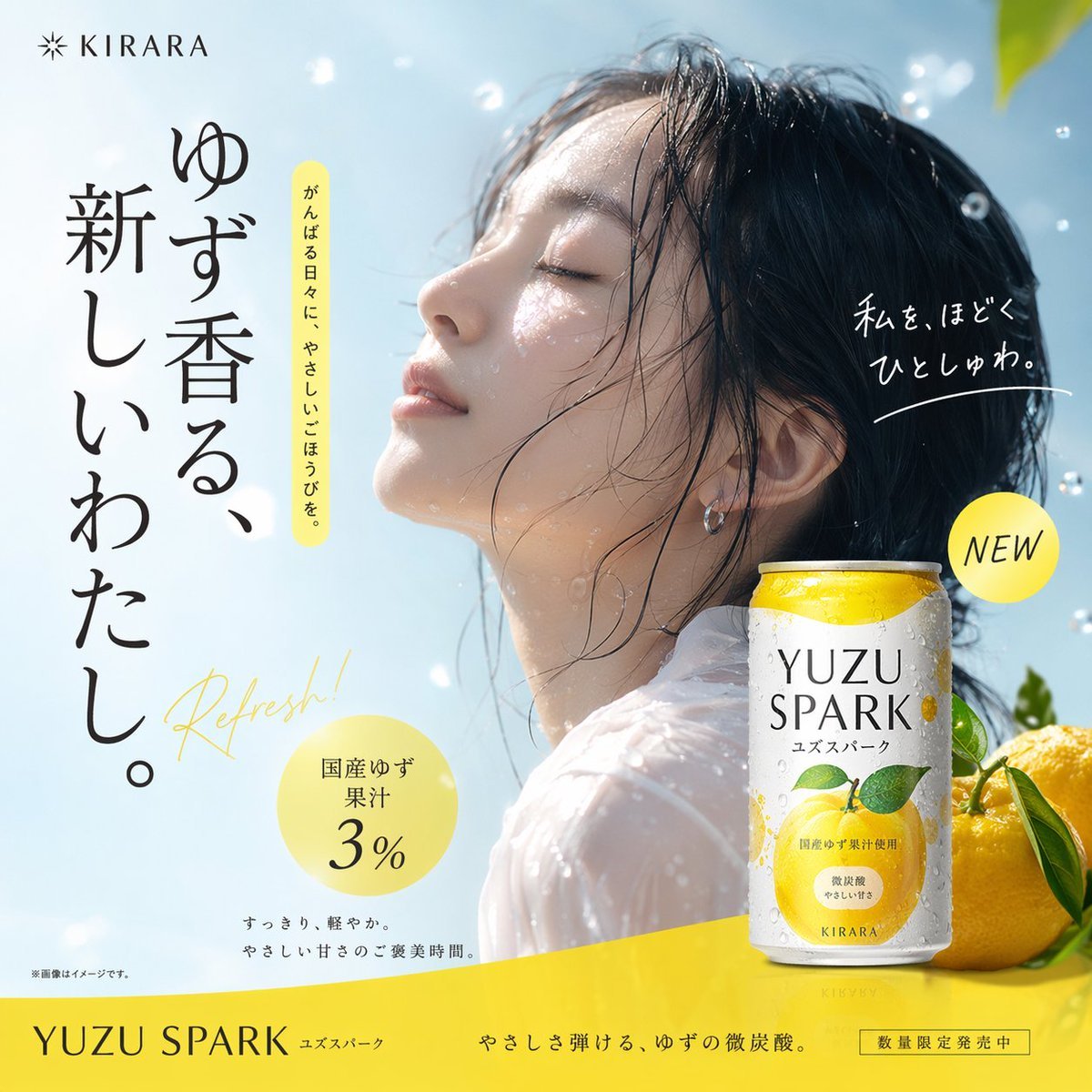
Sparkling Beverage Ad Banner
Browse template categories
Golden Hour Rooftop Portrait questions
How do I use the Golden Hour Rooftop Portrait template?
Add your photo if the template asks for one, edit the prompt if you like — the template's model and format are already selected — and press Generate. Your version opens in PicX Studio.
Can I customize the Golden Hour Rooftop Portrait template?
Yes. You can change the subject, setting, lighting, mood, format, and available model controls before creating your image.
Is the Golden Hour Rooftop Portrait template free?
Opening and editing this template is free. Generating uses credits, shown on the Generate button when you are signed in.
Which AI model should I use?
Start with GPT Image 2, which is the model associated with this template. You can compare another compatible model for a different finish.
Looking for something else? Browse all templates.

Your photo, any look
Thousands of ready templates for every top image and video model, from one credit balance.