
Elf Queen Stock Market Loss Panic
A detailed anime fantasy investor scene showing an elf queen despairing over a dramatic stock portfolio loss, suitable for finance-themed satire or social posts.
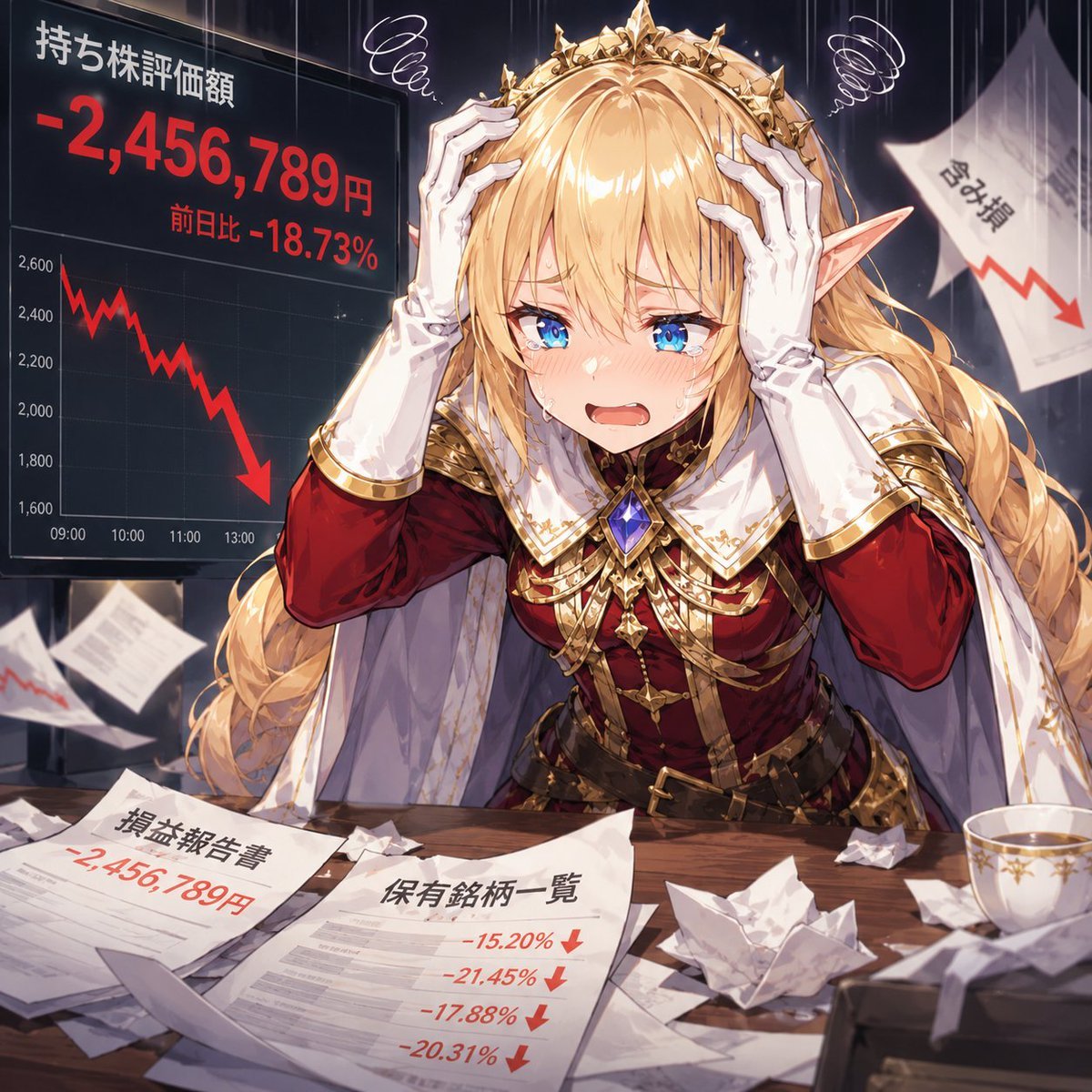
- Prompt included
- Model and format preset
- Free template
The prompt behind this image
Copy the exact prompt behind Elf Queen Stock Market Loss Panic, or open it in the studio and make it yours.
Goal: Create a dramatic anime-style financial loss illustration of a fantasy elf noblewoman investor panicking at her desk after a stock portfolio crash. Canvas: Square 1:1 composition, high-detail digital anime painting, cinematic lighting, dark office/trading room atmosphere, slightly cluttered foreground desk, no watermark. Main subject: Center a young adult elf princess or queen with long flowing blonde hair, pointed ears, a gold spiked crown, white gloves, a red royal dress with ornate gold armor-like trim, a white cape, and a blue-purple gemstone pendant. She is seated behind a desk, gripping both sides of her head in despair. Cover the entire face area with a plain opaque beige square censor block, positioned centrally over the face, with no facial features visible. Background and layout: On the left, place one large dark stock-market monitor showing Japanese loss information in red, including the headline {argument name="portfolio value label" default="持ち株評価額"}, a huge red negative value {argument name="main loss amount" default="-2,456,789円"}, and a smaller line {argument name="daily change text" default="前日比 -18.73%"}. Below it, include a red jagged downward line chart with y-axis numbers around 1,600 to 2,600 and time labels from 09:00 through 13:00, ending in a large downward red arrow. Foreground desk items: Include exactly 8 visible paper-related elements: 1 printed loss report on the left labeled {argument name="loss report title" default="損益報告書"} with red amount “-2,456,789円”; 1 central portfolio list sheet labeled {argument name="holdings list title" default="保有銘柄一覧"} showing exactly 4 red percentage losses with downward arrows: “-15.20%”, “-21.45%”, “-17.88%”, and “-20.31%”; 1 loose paper at the front-left edge; 1 flying paper in the lower-left foreground; 1 floating document behind the desk on the left; 1 floating document on the right labeled “含み損” with a red downward zigzag arrow; and exactly 2 crumpled paper balls on the desk, one near the center-right and one near the lower-right. Also include one white teacup with gold decoration at the far right edge of the desk. Emotional details: Add exactly 2 white spiral stress scribbles above the character’s head, one to the left and one to the right. Use scattered paper, downward red arrows, and tense body language to communicate panic, regret, and financial despair. Visual style: Polished GPT-image-2 style anime illustration, sharp linework, rich highlights on gold ornaments, soft glowing rim light on hair, detailed fabric and armor, dark cool background contrasted with vivid red loss numbers. Keep all visible Japanese text legible and integrated into the scene.
How to use Elf Queen Stock Market Loss Panic in 3 steps
- 1Upload ImagePNG, JPG or paste
Add your photo
Upload the photo the template builds on. The prompt, model and format are already set.
- 2…a portrait of your subject in softgolden-hour light, 85mm…
Personalize
Edit the subject and creative details for your destination.
- 3Generate
Generate
Press Generate — your image is created in PicX Studio, so you can compare it with the original and refine one variable at a time.
More like this
Templates with the same subject, style or setup. Open one to see its prompt.
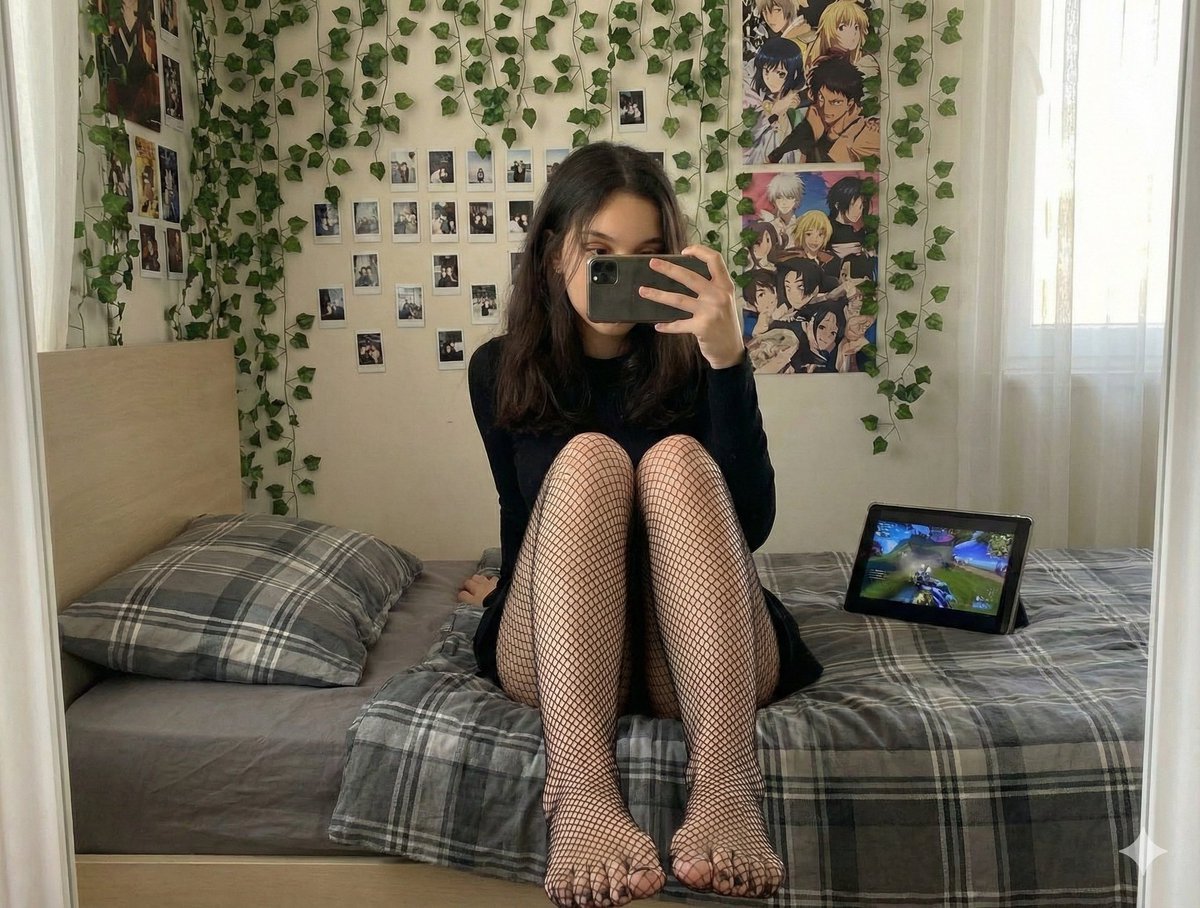
Candid Mirror Selfie with Fishnet Stockings Focus Prompt
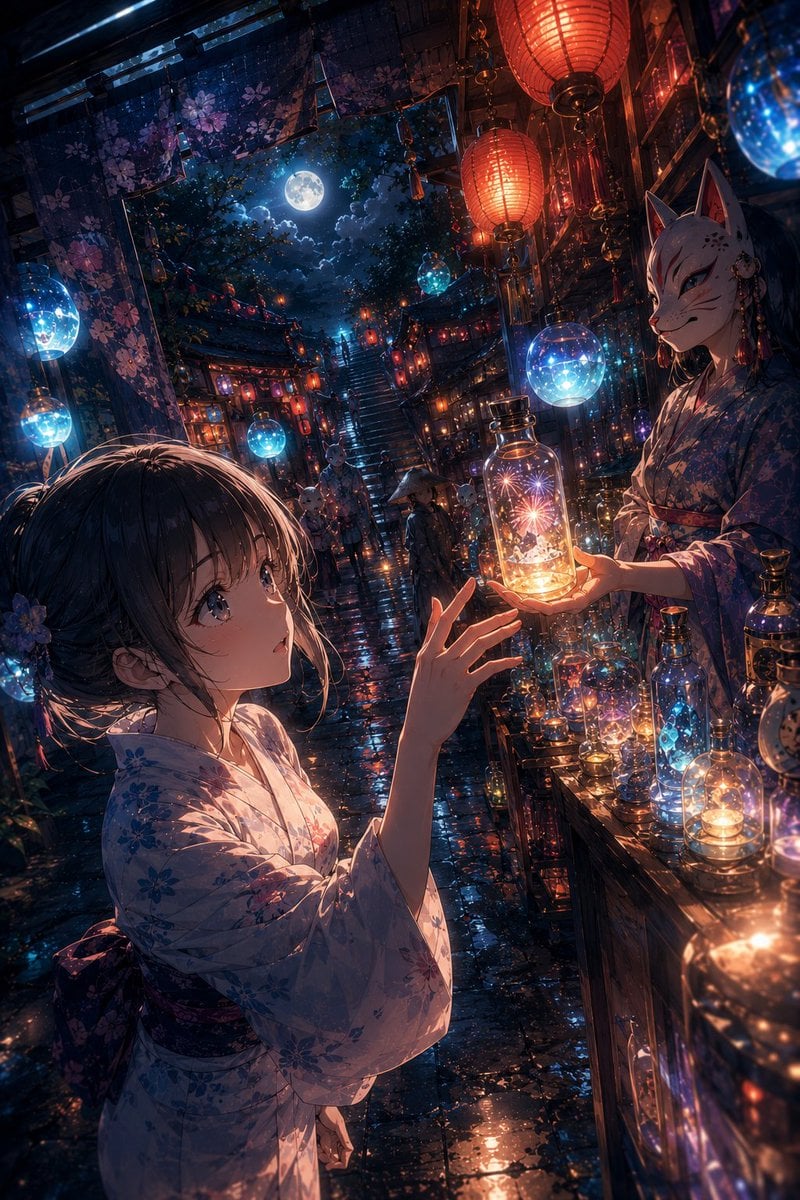
Moonlit Fox Mask Night Market
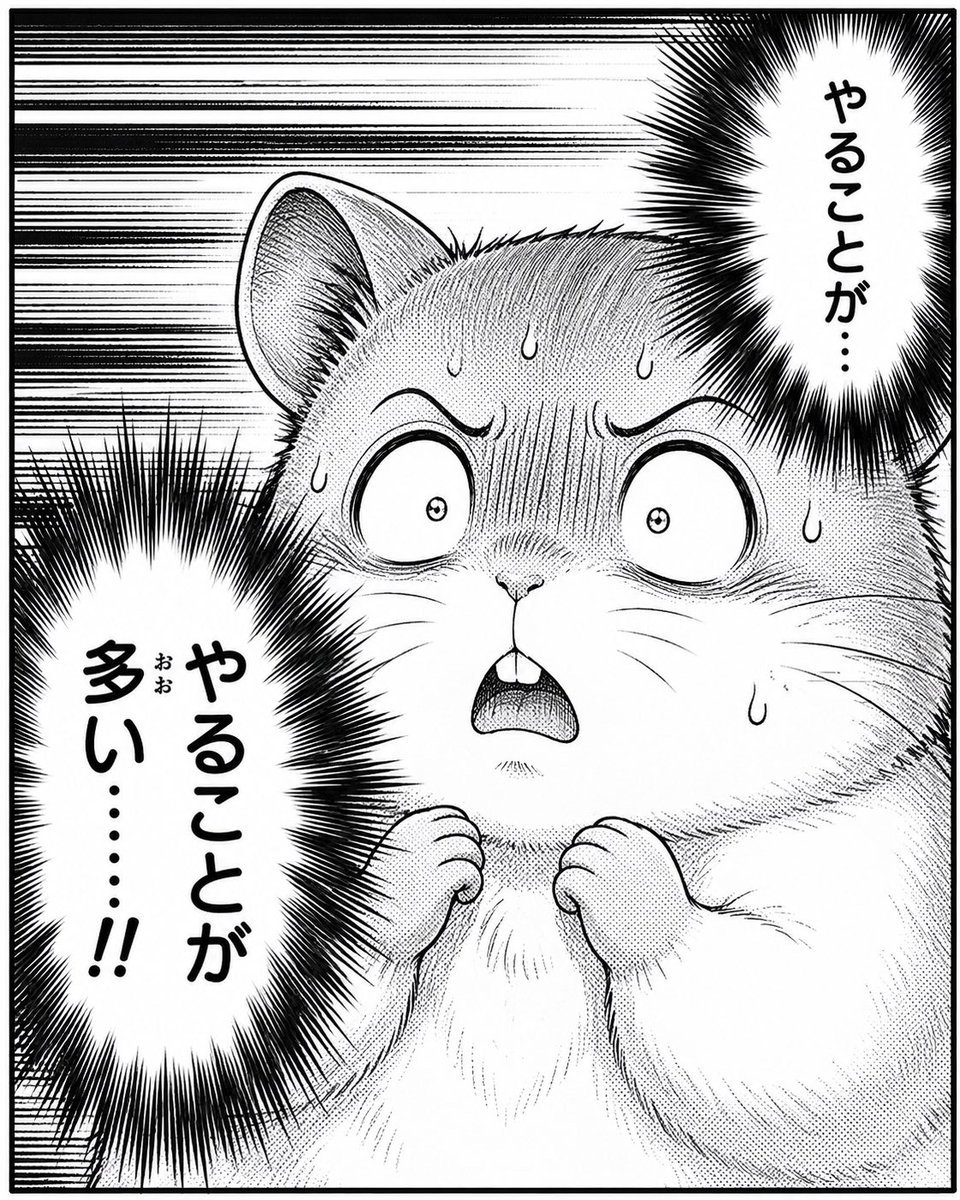
Panicked Hamster Manga Panel
Surreal Elf Couture Portrait
Anime Elf Maid Turnaround Sheet
Disco Queens 35-Year Reunion
Queen and Snake Portrait
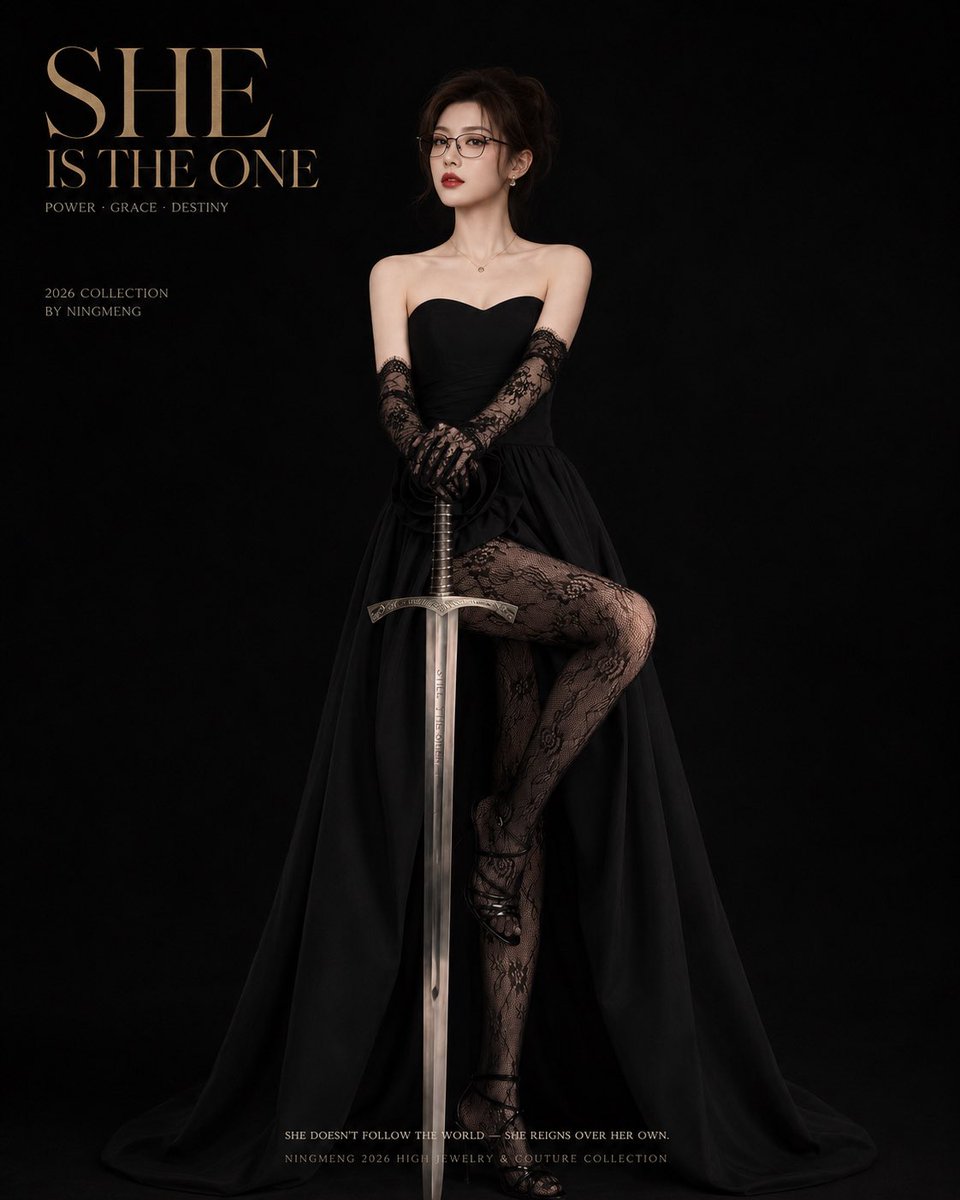
Dark Queen Aesthetic Fashion Elements
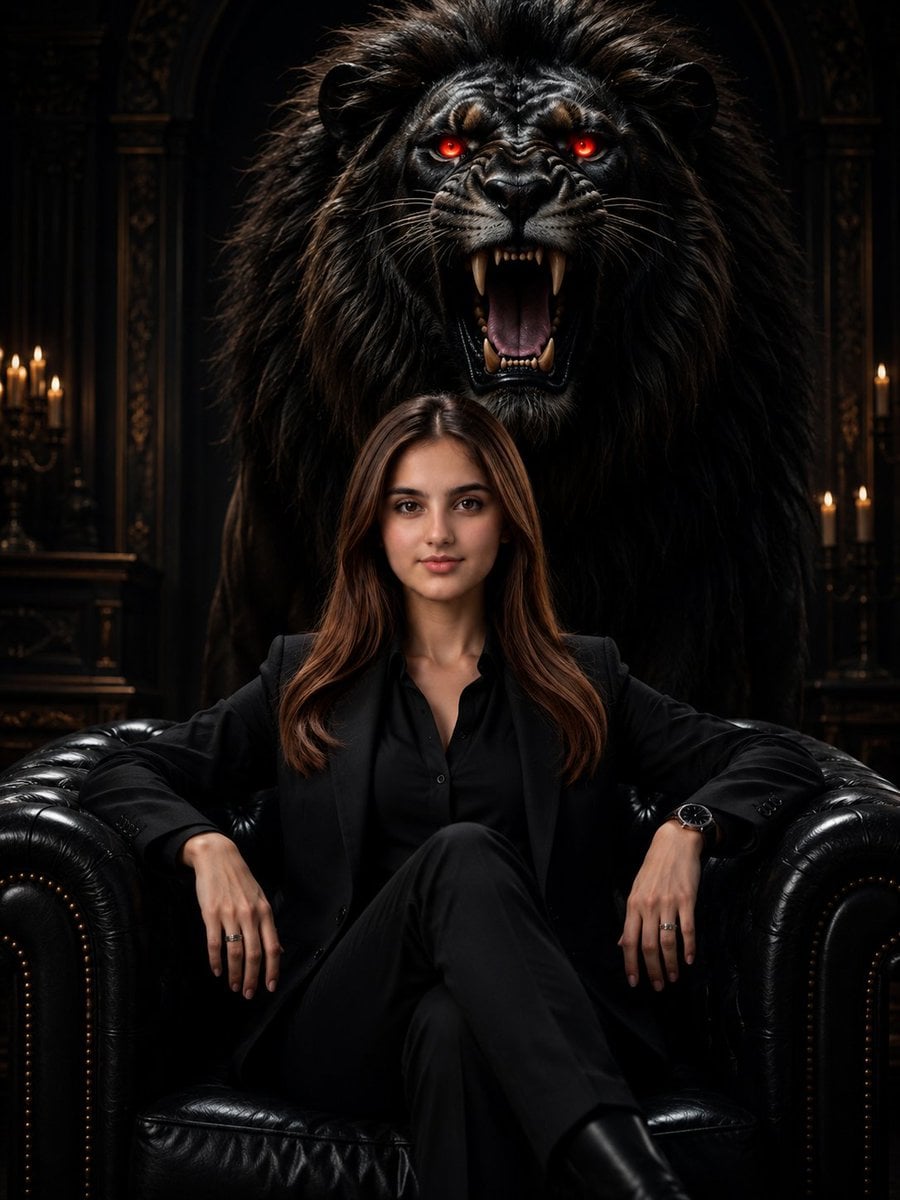
Gothic Lion Queen Portrait
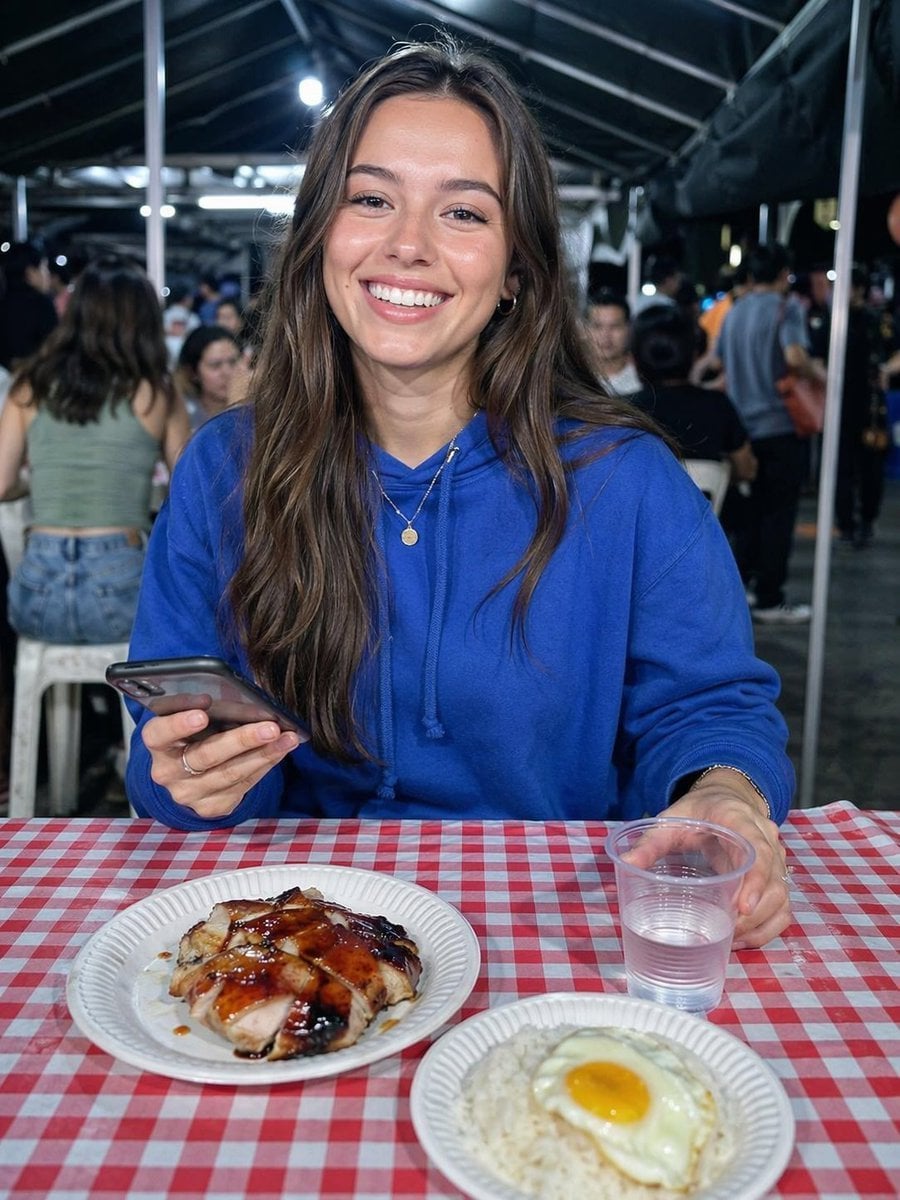
Night Market Dinner Portrait
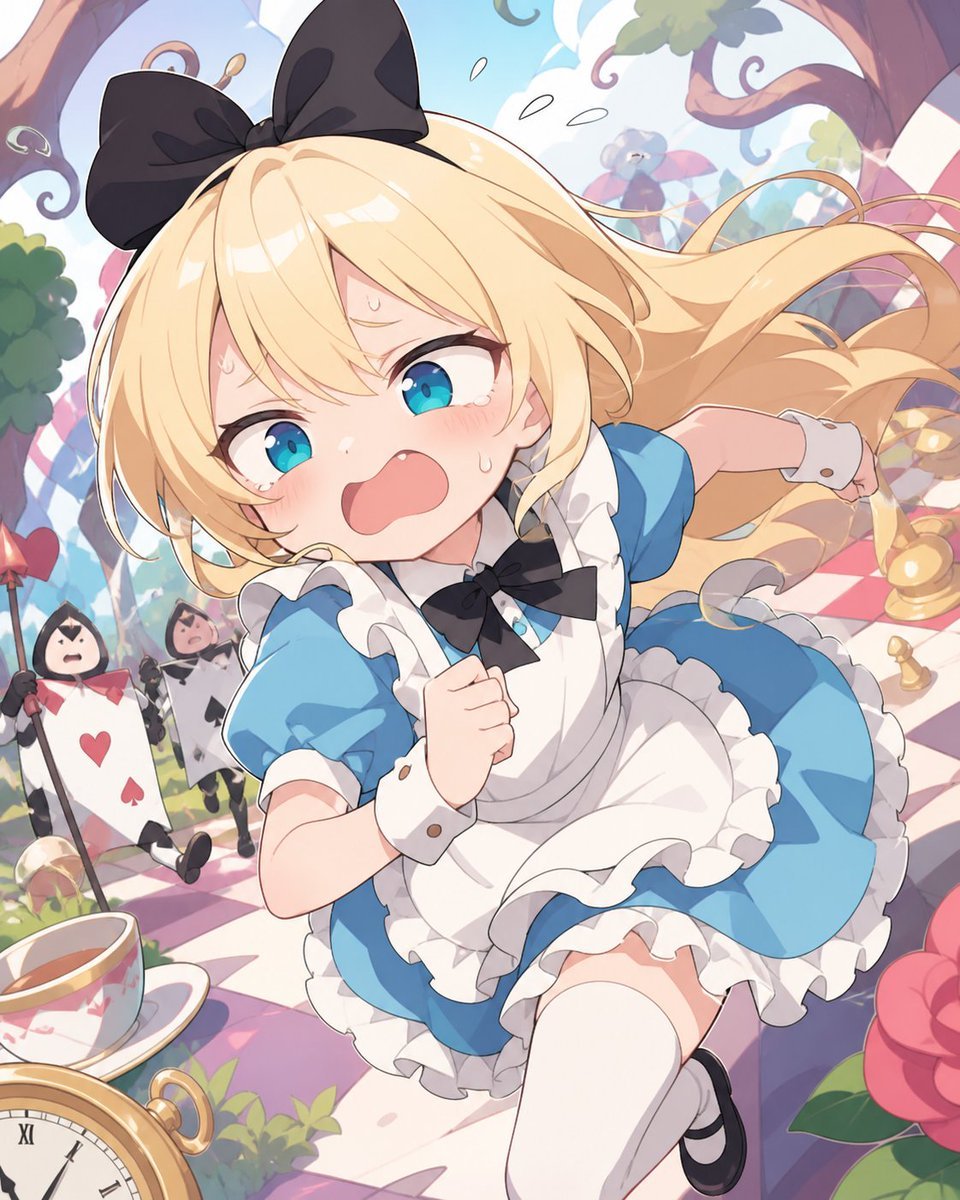
Panicked Alice in Wonderland Chase
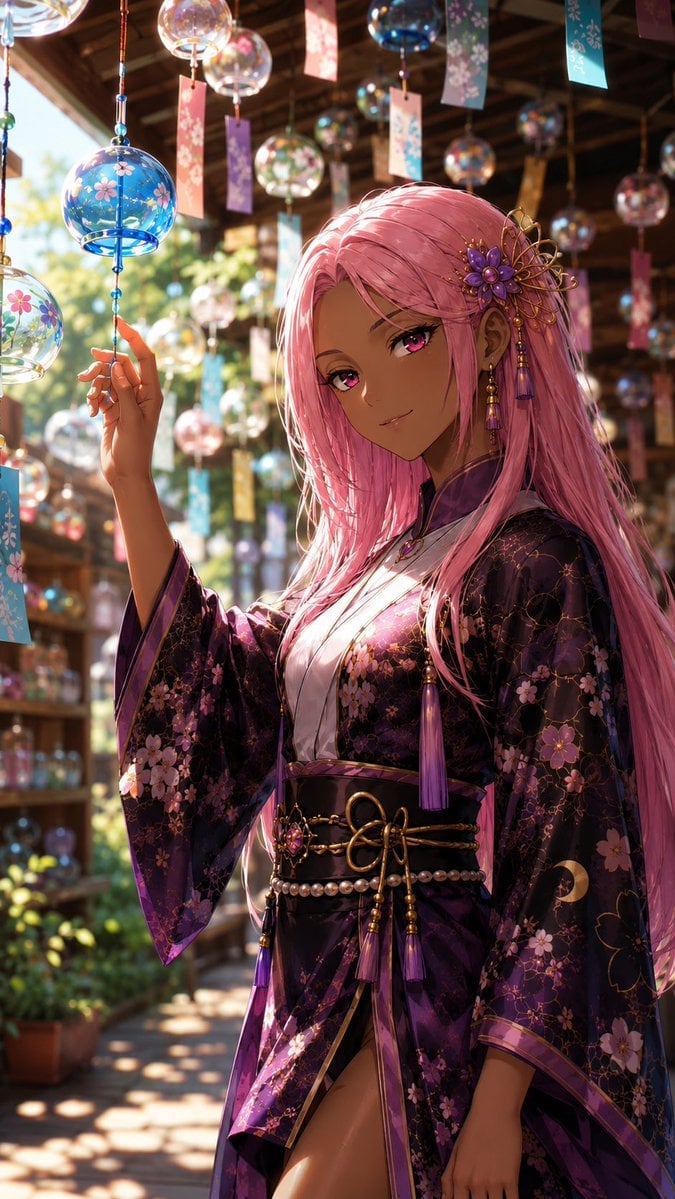
Tsuki at the Wind Chime Market
Make it yours
Elf Queen Stock Market Loss Panic works as-is. These are the safest ways to change it without losing the look.
Change one field
Copy a single group, rewrite it, and generate again so you can see what that field is doing.
Keep the frame, change the subject
Hold the composition and light of Elf Queen Stock Market Loss Panic, then swap wardrobe, props or the person for a new take.
| If the result… | Why | Fix |
|---|---|---|
| The result drifts from the preview | Too many fields changed at once. | Reuse Elf Queen Stock Market Loss Panic as-is first, then change one group — subject, light, or setting. |
| The model over-stylizes the scene | The prose prompt leaves finish and camera underspecified. | Add one camera or lighting sentence and stay on GPT Image 2. |
More GPT Image 2 templates
Other prompts made for GPT Image 2.

Six VTuber Japanese Logo Sheet

Realistic Portrait of Woman and Deer

The Vista Modular Condo Poster

AI Model Routing Comparison Infographic

2.5D Anime Art Board

Isometric Productivity Desk Scene

New York Double Exposure Poster

Four-Panel AI Landscape Comparison

Japanese Tatami Lifestyle Magazine Cover

NESCAFÉ Coffee Map Poster
More image prompts
Fresh picks from across the catalog.

Ultra-Wide Desert Dunes With Lone Palm
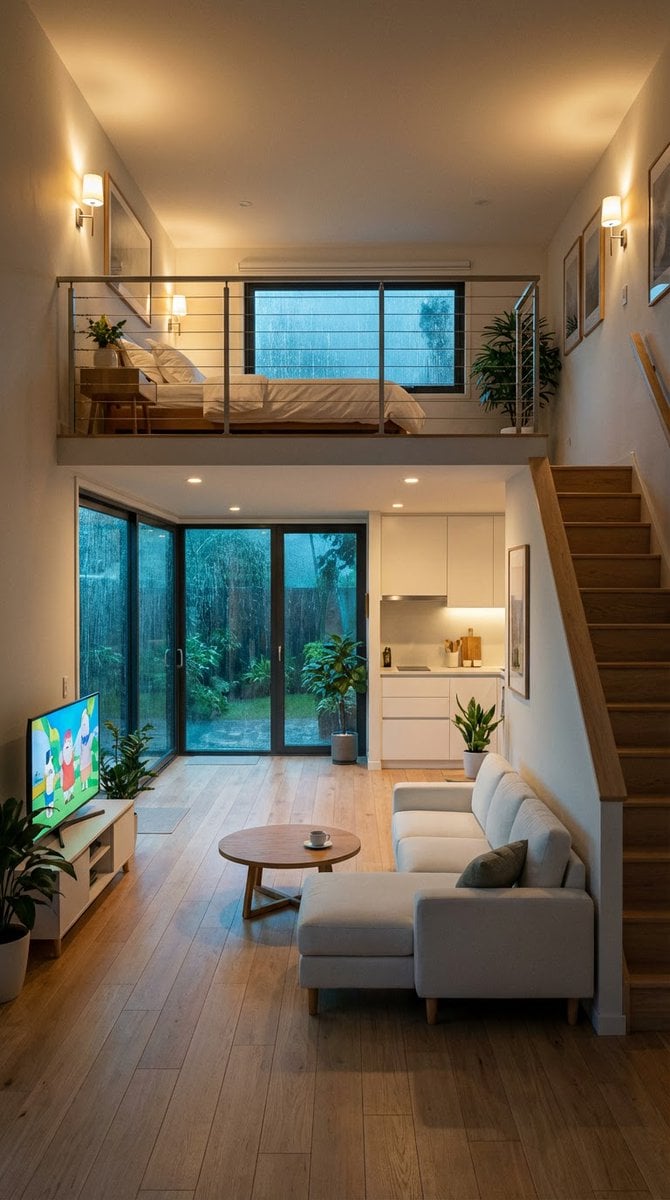
Cozy Split-Level Studio Apartment with Rainy Garden View
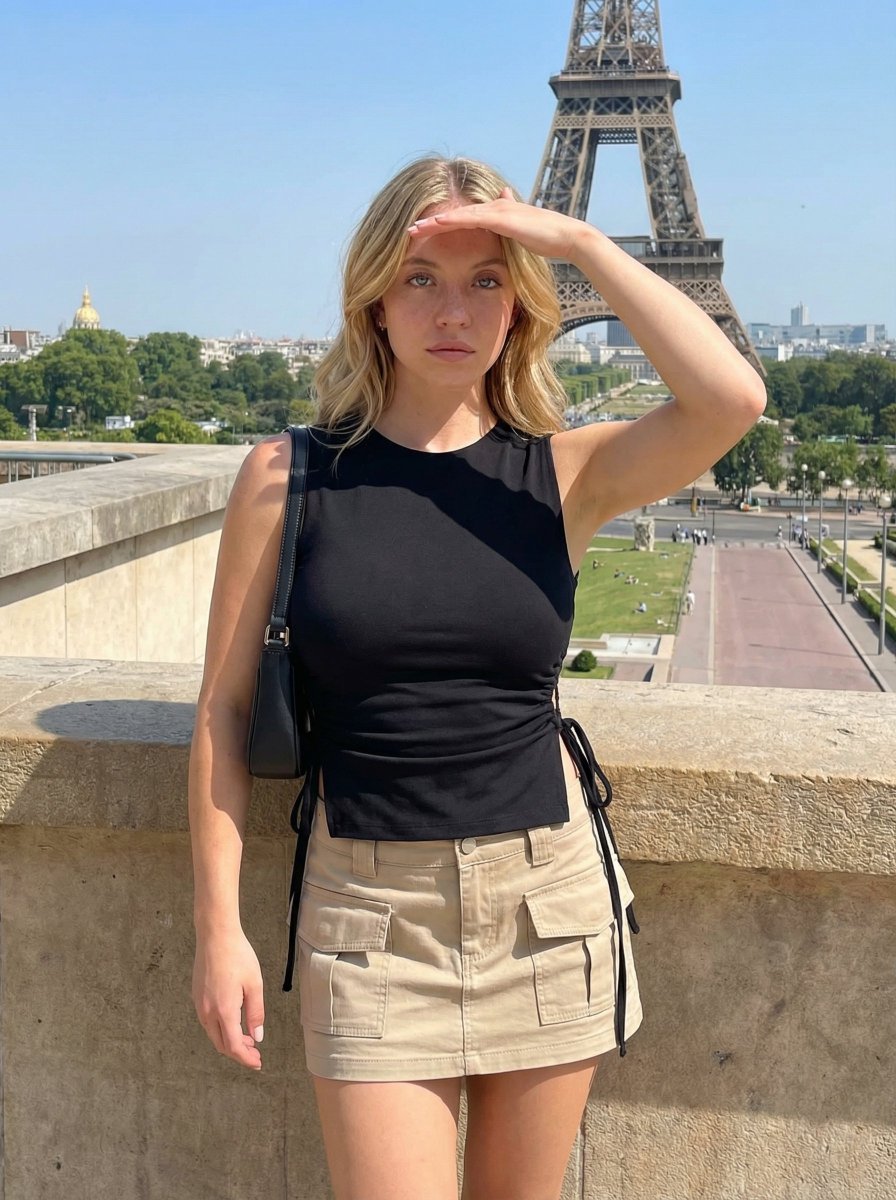
Travel Candid of Woman Shielding Eyes near Eiffel Tower
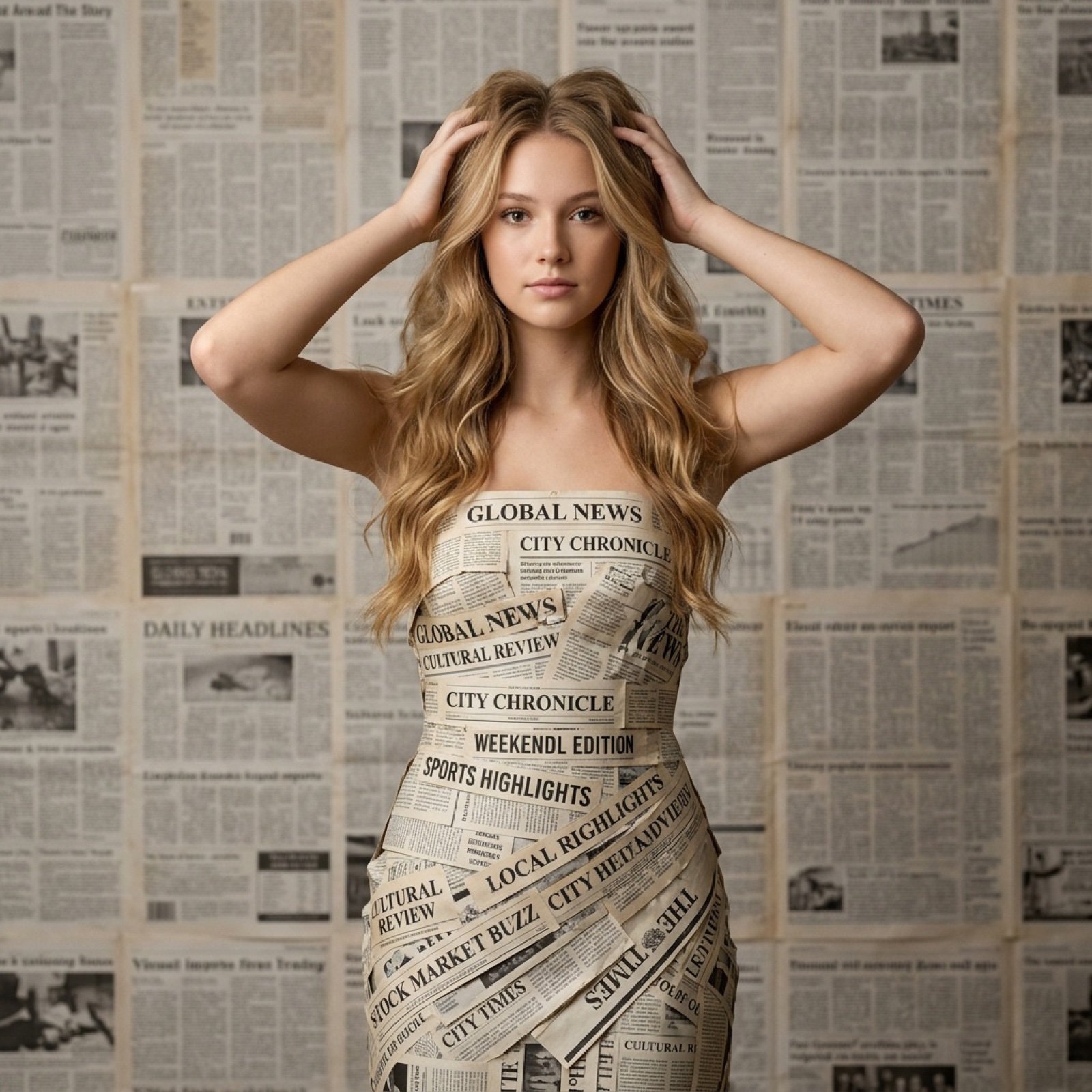
Newspaper Dress Editorial Prompt

Intentional Low Quality MS Paint Redraw

Photoreal Alien in Dark Ravine
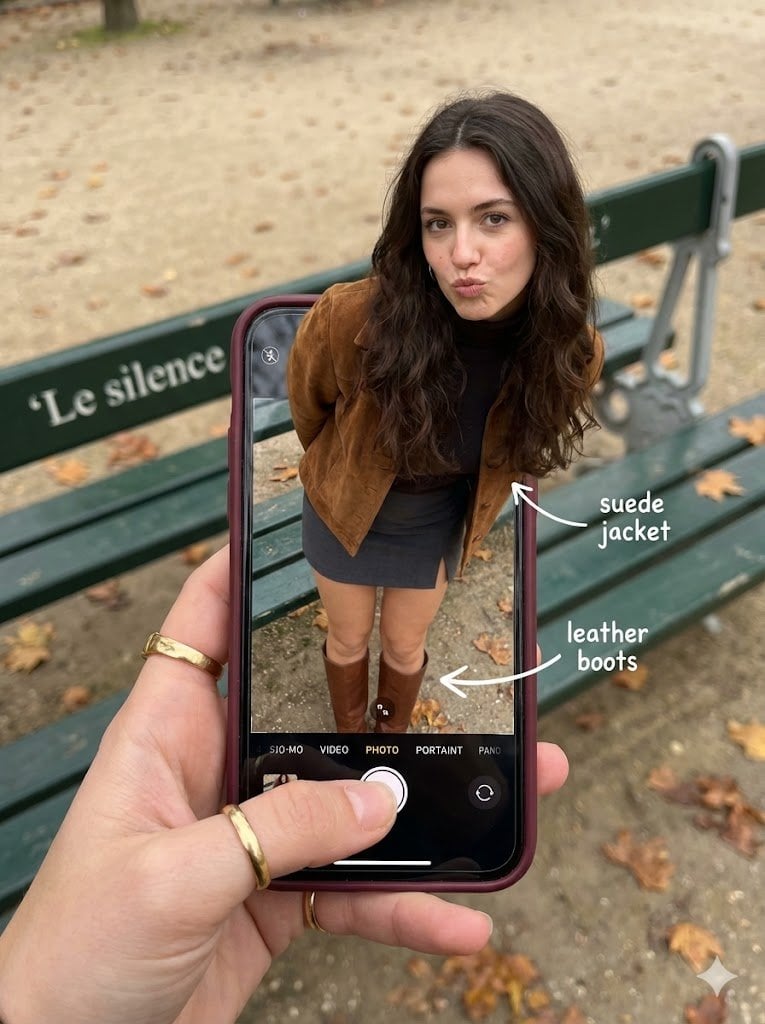
Hyper-Realistic Optical Illusion: Woman Emerging from Smartphone Screen
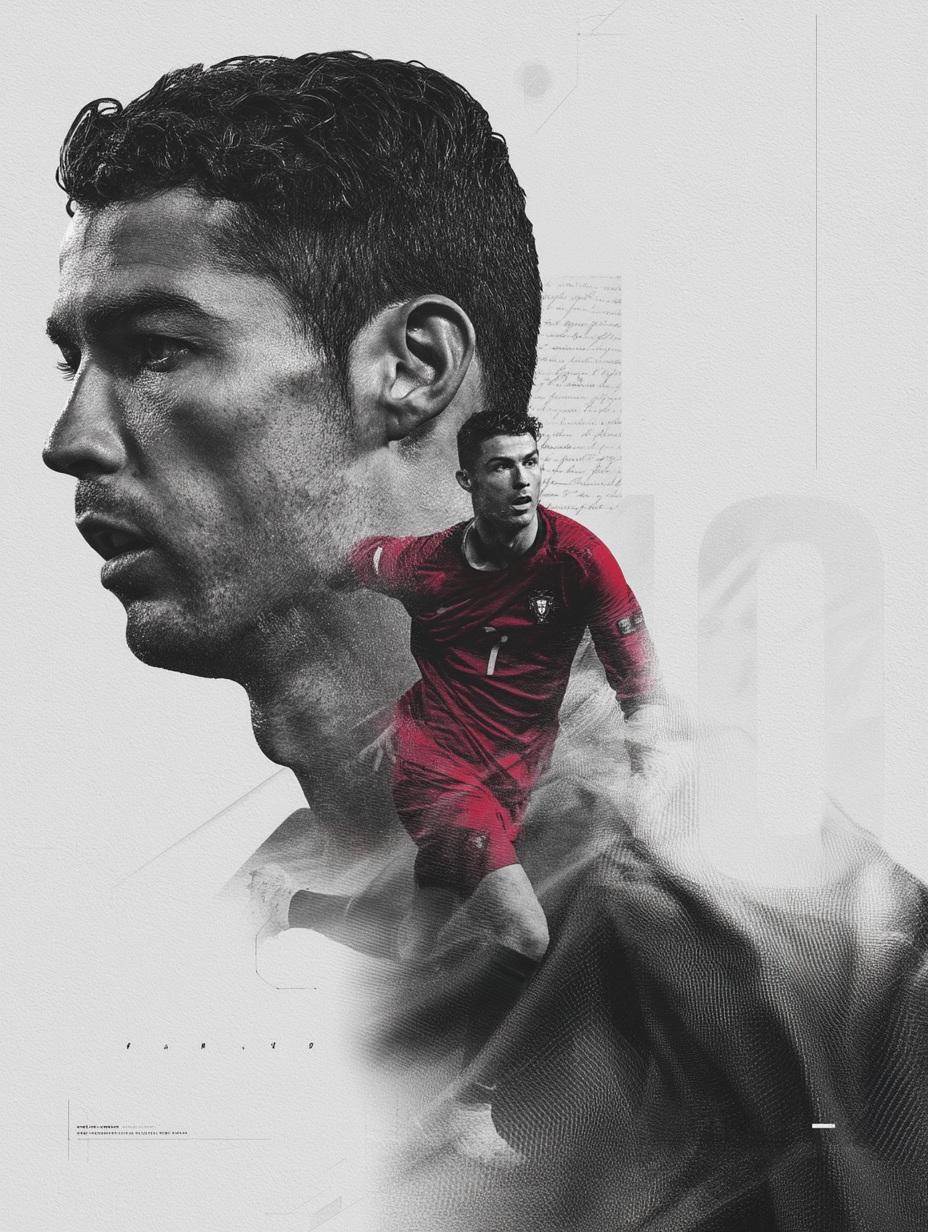
Nano Banana Pro on Gemini
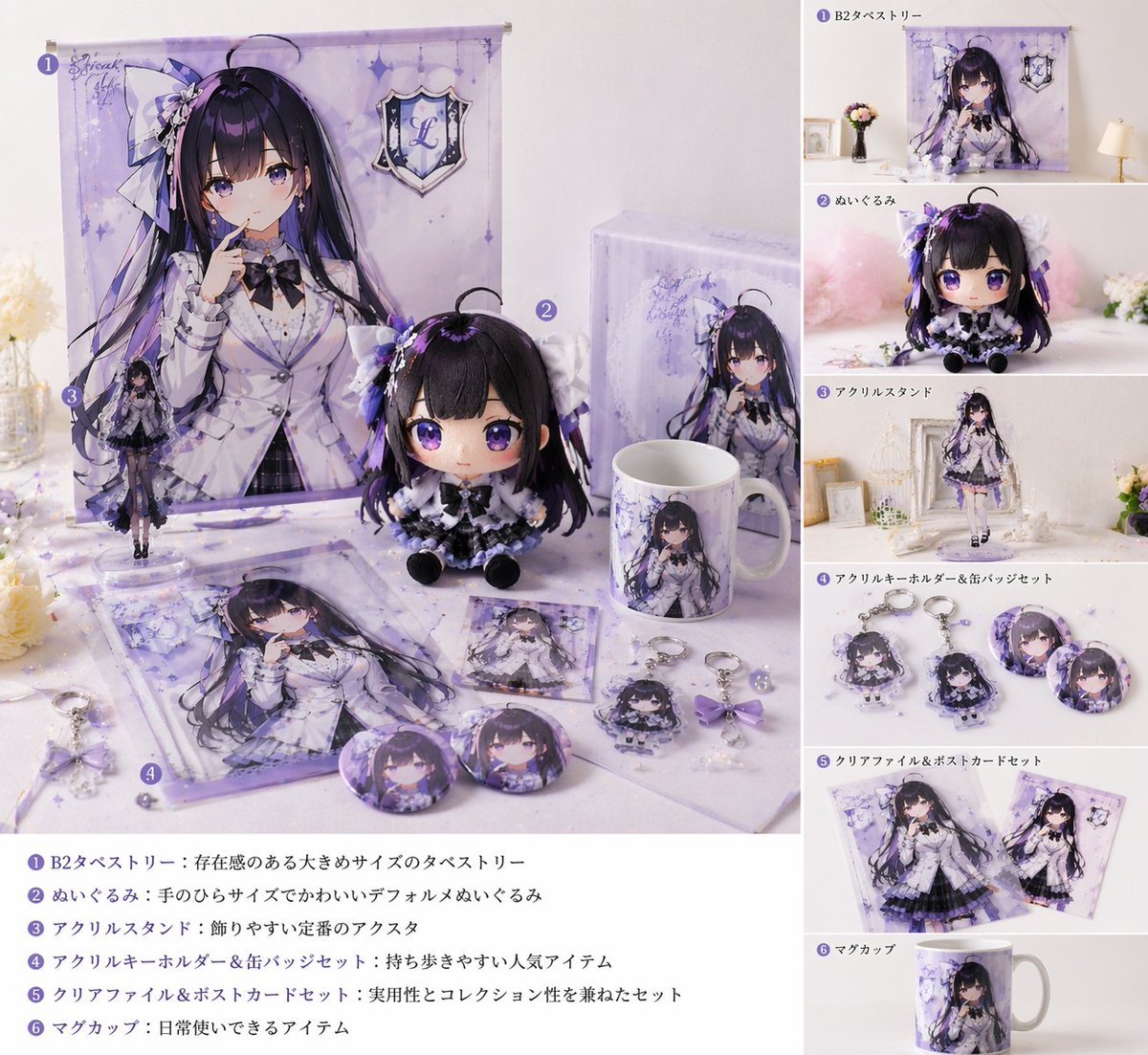
Realistic VTuber Merchandise Mockup
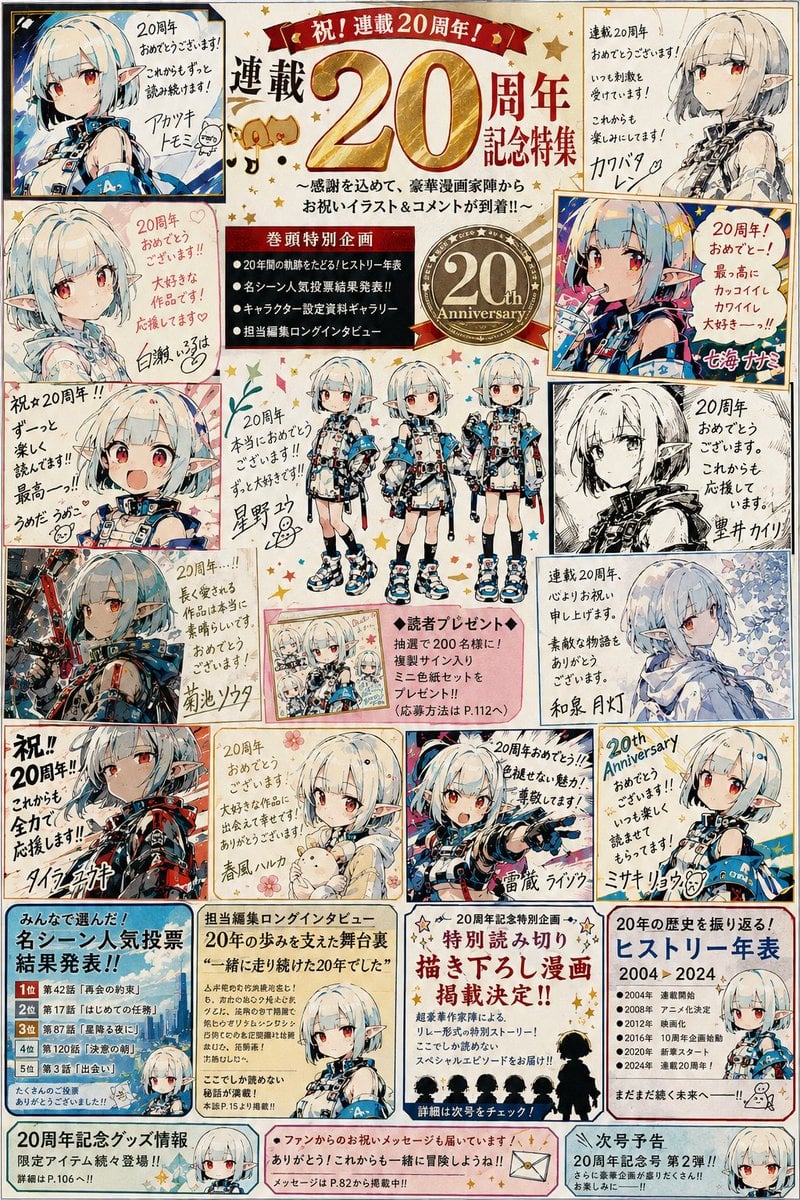
Manga Magazine 20th Anniversary Special Page
Browse template categories
Elf Queen Stock Market Loss Panic questions
How do I use the Elf Queen Stock Market Loss Panic template?
Add your photo if the template asks for one, edit the prompt if you like — the template's model and format are already selected — and press Generate. Your version opens in PicX Studio.
Can I customize the Elf Queen Stock Market Loss Panic template?
Yes. You can change the subject, setting, lighting, mood, format, and available model controls before creating your image.
Is the Elf Queen Stock Market Loss Panic template free?
Opening and editing this template is free. Generating uses credits, shown on the Generate button when you are signed in.
Which AI model should I use?
Start with GPT Image 2, which is the model associated with this template. You can compare another compatible model for a different finish.
Looking for something else? Browse all templates.

Your photo, any look
Thousands of ready templates for every top image and video model, from one credit balance.