
Disco Queens 35-Year Reunion
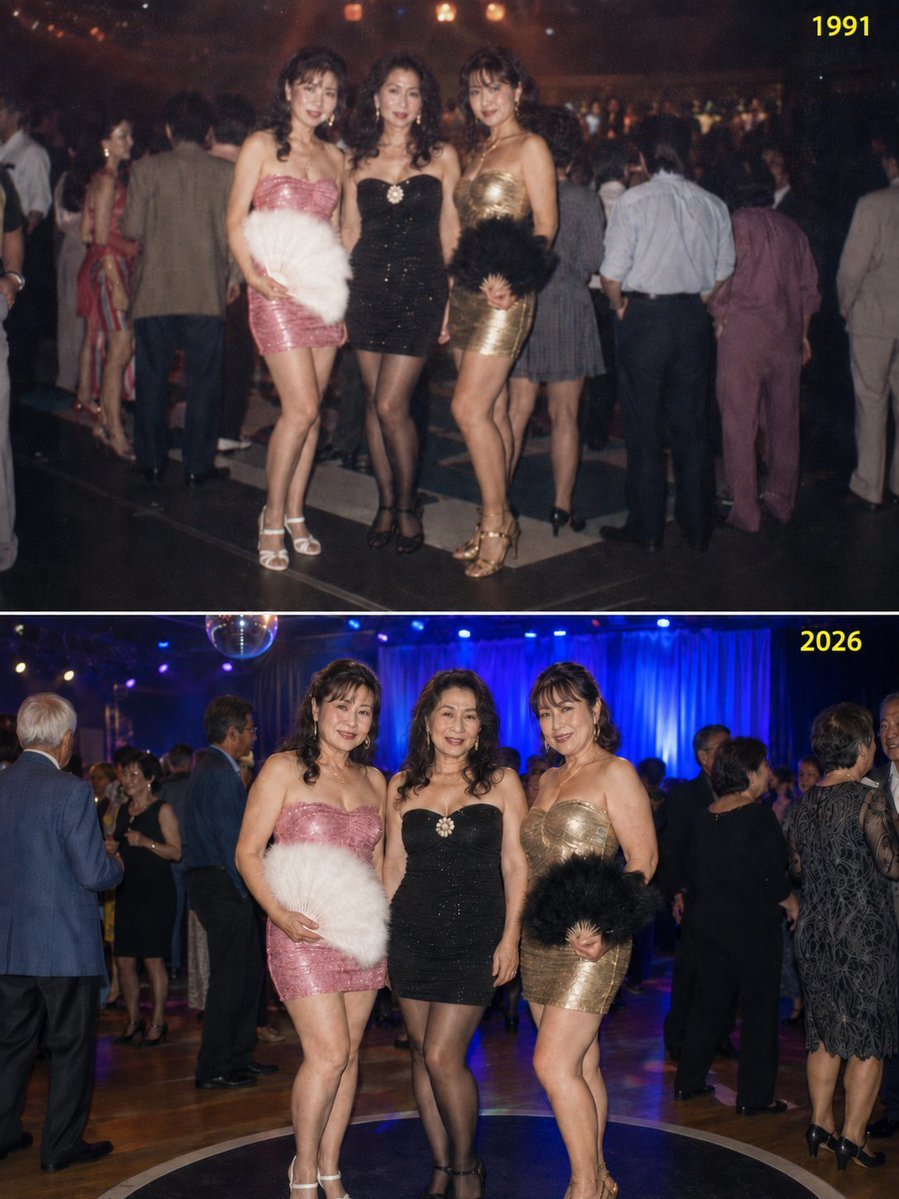
A complex time-progression prompt that generates a split-screen image comparing three friends at a disco in 1991 and their reunion in 2026, maintaining costume consistency.
- Prompt included
- Model and format preset
- Free template
The prompt behind this image
Copy the exact prompt behind Disco Queens 35-Year Reunion, or open it in the studio and make it yours.
{argument name="開始年" default="1991"}年、ディスコの「お立ち台」で踊っていた当時{argument name="年齢" default="25"}歳の美女の友達3人組(身長それぞれ165cm前後)が、35年後の2026年、60歳になった彼女たちが開催された「クラシック・ナイト」の臨時ディスコで再結集したときのスナップ写真。 生成画像は3:4の縦長比率。1枚のPNGファイルに上下2分割で構成し、上半分を1991年、下半分を2026年とする。 上半分の右上に「1991」、下半分の右上に「2026」と、背景色と明確に区別できる見やすい色(黄色や黄緑など)で小さく記載する。 【重要ポイント】 3人の衣装(ボディコンワンピースとハイヒール)および毛の扇などの小物は、1991年と2026年で完全に同一とする。 ボディコンワンピースは3人それぞれデザイン・色が異なるが、各人の衣装は1991年と2026年で全く同じものを着用。 1991年の画像では全員25歳の若々しい姿、2026年の画像では全員60歳でふくよかになった姿に描く。 お立ち台の上で踊っている写真ではなく、立っているだけのスナップ写真。 3人のポーズは1991年と2026年でほぼ同じにする。 背景の舞台デザインは1991年と2026年で異なるものとし、周囲で踊っている他の人々も異なるが、35年近く年を取った雰囲気を出す。 1991年の画像はわずかにピントがずれ、古ぼけたフィルム写真のような雰囲気にする。
How to use Disco Queens 35-Year Reunion in 3 steps
- 1
Open
The prompt is already in the box next to the preview, with the template's model and format selected.
- 2…a portrait of your subject in softgolden-hour light, 85mm…
Personalize
Edit the subject and creative details for your destination.
- 3Generate
Generate
Press Generate — your image is created in PicX Studio, so you can compare it with the original and refine one variable at a time.
More like this
Templates with the same subject, style or setup. Open one to see its prompt.


Make it yours
Disco Queens 35-Year Reunion works as-is. These are the safest ways to change it without losing the look.
Change one field
Copy a single group, rewrite it, and generate again so you can see what that field is doing.
Keep the frame, change the subject
Hold the composition and light of Disco Queens 35-Year Reunion, then swap wardrobe, props or the person for a new take.
| If the result… | Why | Fix |
|---|---|---|
| The result drifts from the preview | Too many fields changed at once. | Reuse Disco Queens 35-Year Reunion as-is first, then change one group — subject, light, or setting. |
| The model over-stylizes the scene | The prose prompt leaves finish and camera underspecified. | Add one camera or lighting sentence and stay on GPT Image 2. |
More GPT Image 2 templates
Other prompts made for GPT Image 2.

Six VTuber Japanese Logo Sheet

Realistic Portrait of Woman and Deer

The Vista Modular Condo Poster

AI Model Routing Comparison Infographic

2.5D Anime Art Board

Isometric Productivity Desk Scene

New York Double Exposure Poster

Four-Panel AI Landscape Comparison

Japanese Tatami Lifestyle Magazine Cover

NESCAFÉ Coffee Map Poster
More image prompts
Fresh picks from across the catalog.
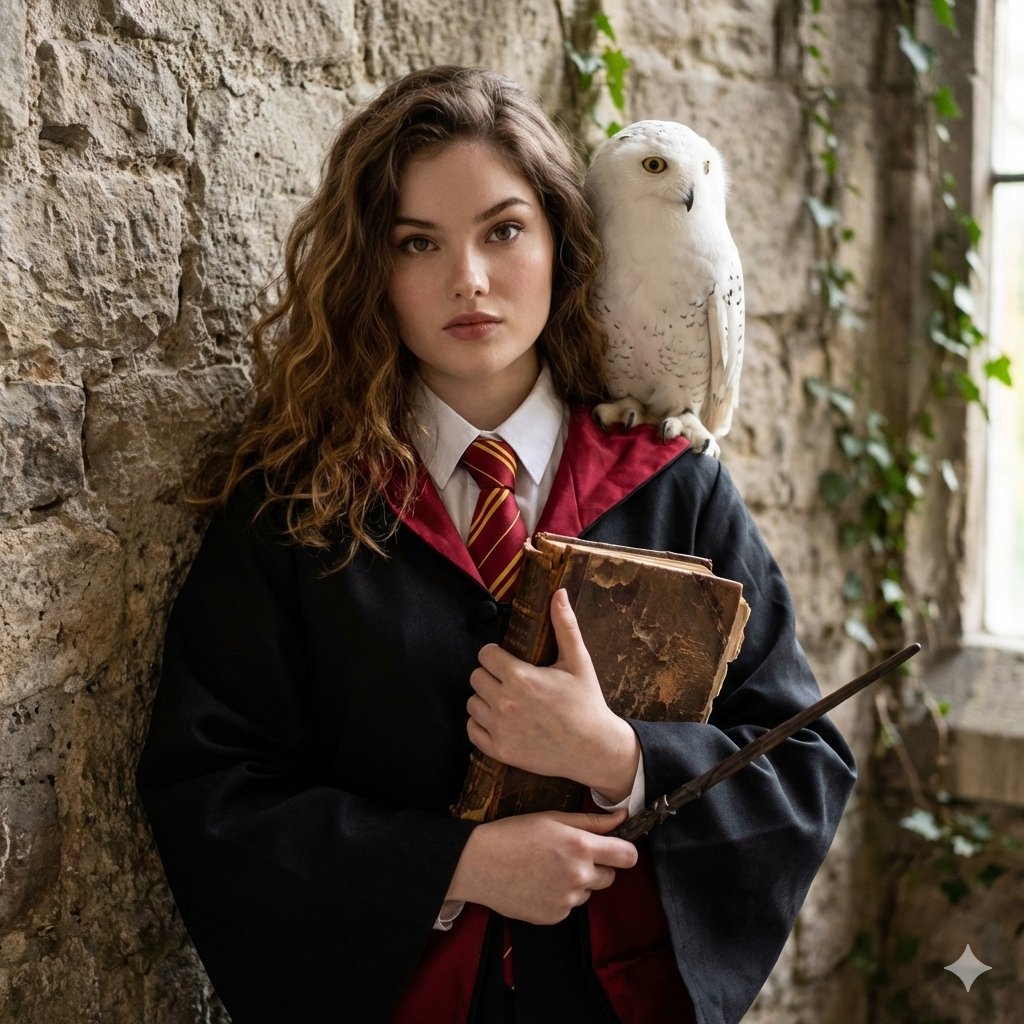
Hogwarts-Style Photoshoot Portrait
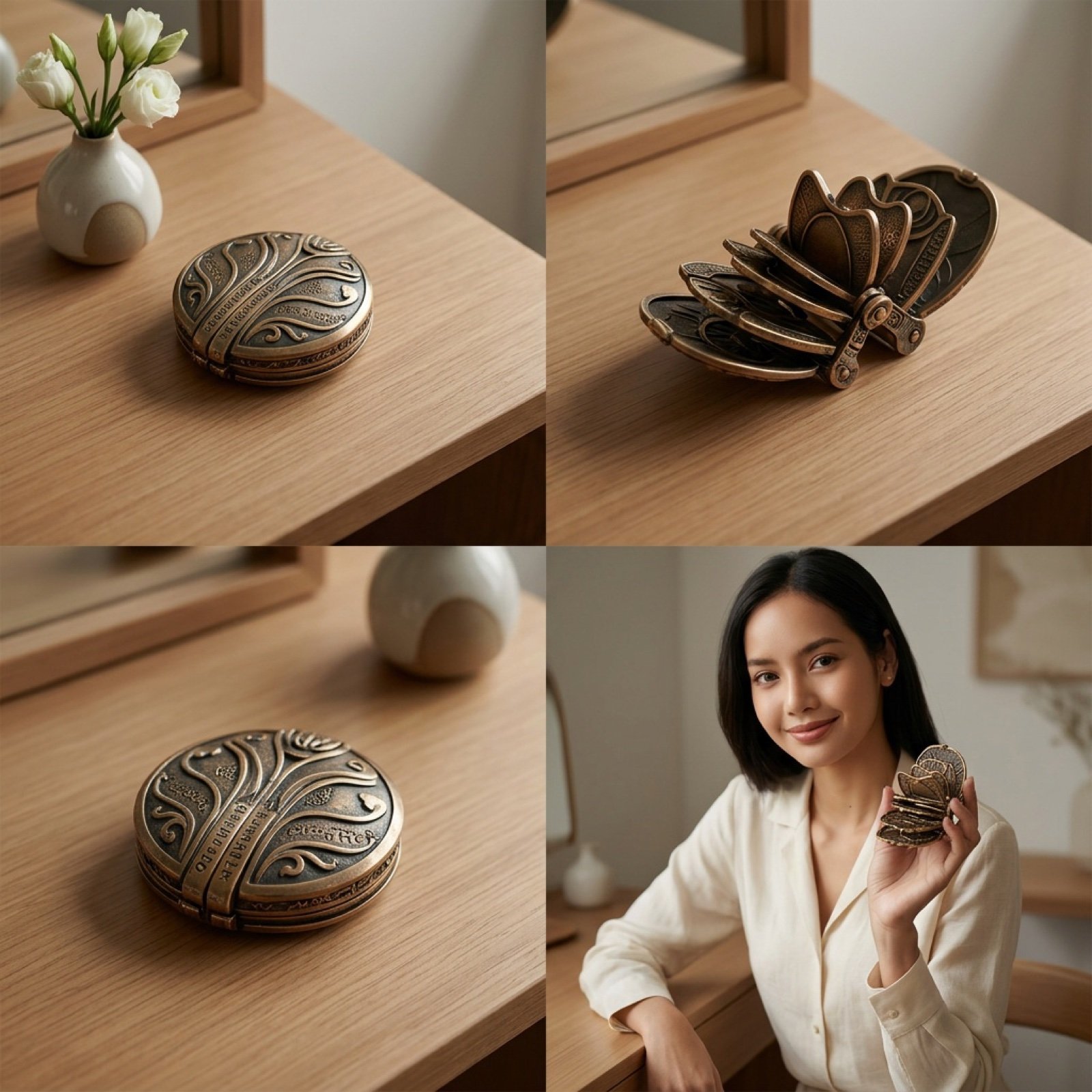
Detailed Video Generation Prompt for Product Display
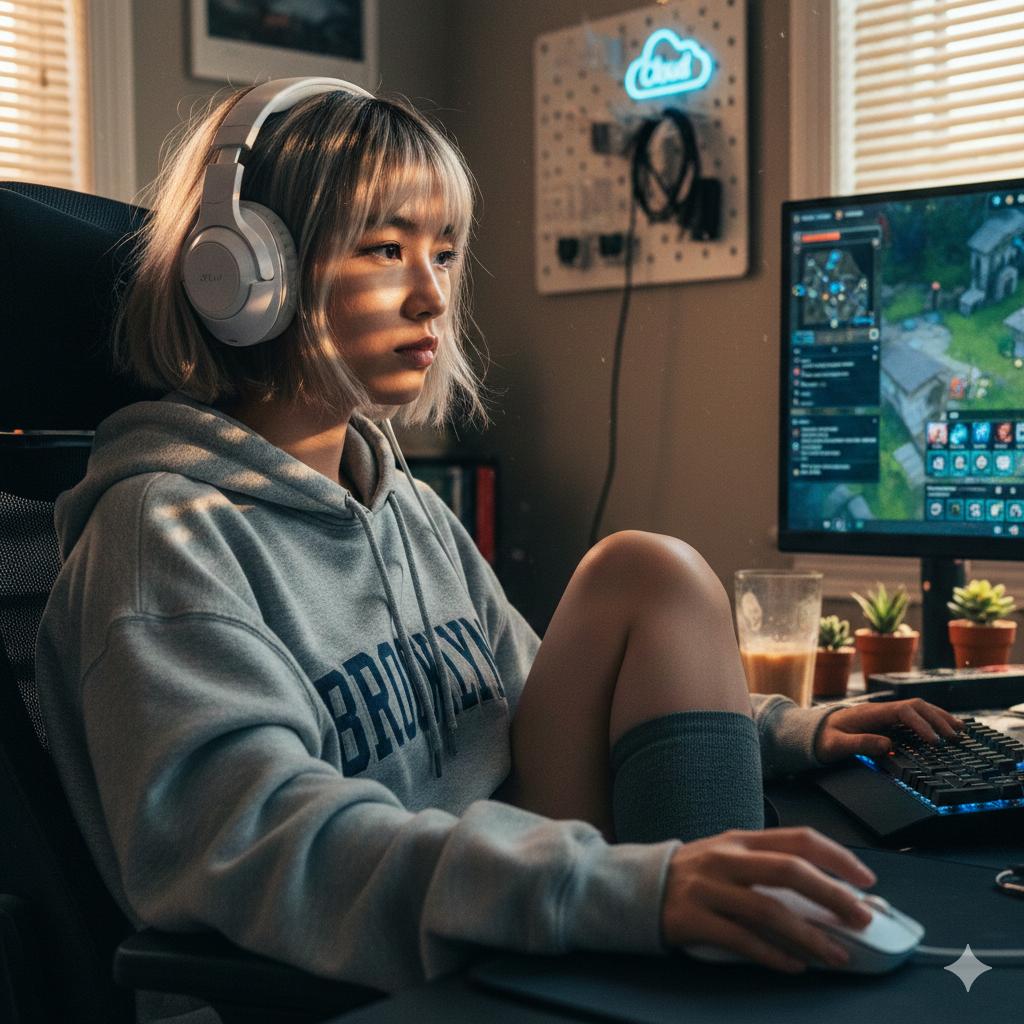
Cinematic Golden Hour Gaming Setup Portrait
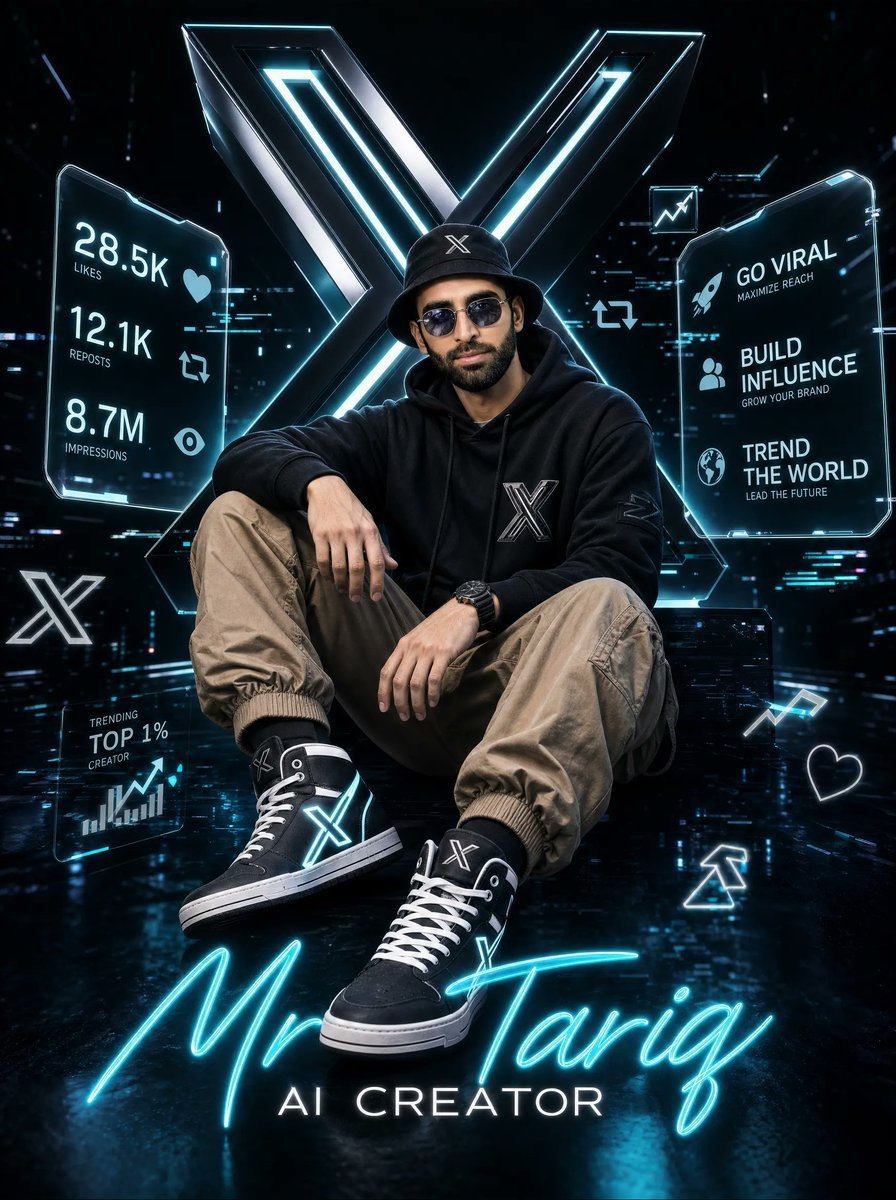
Futuristic AI Creator Poster
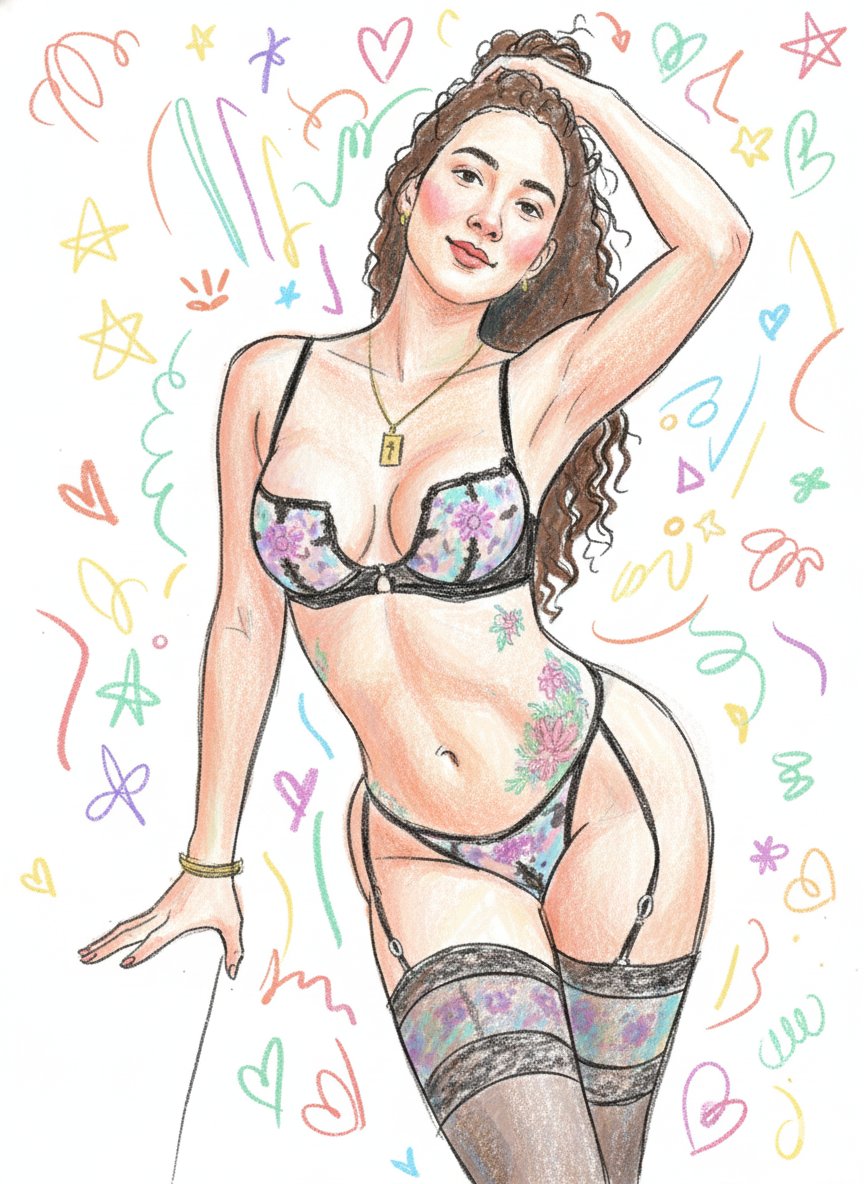
Scribbly Doodle Illustration Style Prompt
Sweet Japanese-style girl at subway door
Dynamic Anime Battle Poster with Japanese Text

Futuristic Life System Hologram Portrait
Dramatic Interior Fashion Portrait
Gigantic Product Buried in Snow with Miniature Explorers
Browse template categories
Disco Queens 35-Year Reunion questions
How do I use the Disco Queens 35-Year Reunion template?
Add your photo if the template asks for one, edit the prompt if you like — the template's model and format are already selected — and press Generate. Your version opens in PicX Studio.
Can I customize the Disco Queens 35-Year Reunion template?
Yes. You can change the subject, setting, lighting, mood, format, and available model controls before creating your image.
Is the Disco Queens 35-Year Reunion template free?
Opening and editing this template is free. Generating uses credits, shown on the Generate button when you are signed in.
Which AI model should I use?
Start with GPT Image 2, which is the model associated with this template. You can compare another compatible model for a different finish.
Looking for something else? Browse all templates.

Your photo, any look
Thousands of ready templates for every top image and video model, from one credit balance.