
Cinematic Golden Hour Gaming Setup Portrait
A highly detailed prompt for generating a hyper-realistic, cinematic portrait of a young woman in a cozy, cluttered home office/gaming setup.
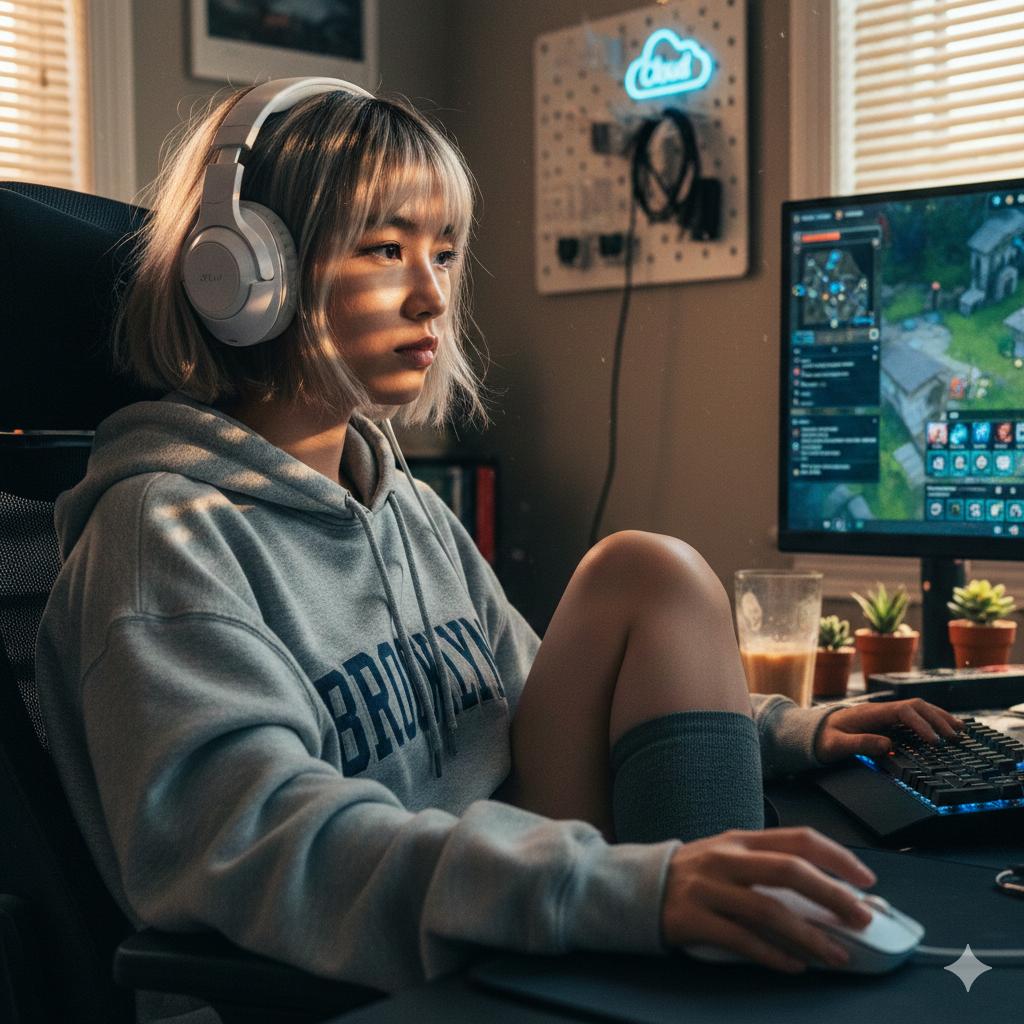
- Prompt included
- Model and format preset
- Free template
The prompt behind this image
Copy the exact prompt behind Cinematic Golden Hour Gaming Setup Portrait, or open it in the studio and make it yours.
- Prompt Structure › Subject Details › Demographics
- Young woman, East Asian heritage, light complexion, minimal makeup with subtle eyeliner wing
- Prompt Structure › Subject Details › Facial Features
- Heart-shaped face, focused expression, eyes reflecting the glow of a computer monitor
- Prompt Structure › Subject Details › Hair
- Short bob cut with curtain bangs, dyed ash-blonde with dark roots showing, slightly messy
- Prompt Structure › Subject Details › Clothing › Top
- Oversized grey heathered hoodie with '{argument name="hoodie text" default="Brooklyn"}' text in faded navy
- Prompt Structure › Subject Details › Clothing › Accessories
- Large over-ear white gaming headphones resting over the hair
- Prompt Structure › Subject Details › Pose
- Slumped comfortably in a black mesh ergonomic gaming chair. One leg is tucked under the other. Left hand is resting on a glowing mechanical keyboard, right hand is gripping a white gaming mouse.
- Prompt Structure › Environment Context › Setting
- Cozy, cluttered home office / gaming setup
- Prompt Structure › Environment Context › Background Elements
- Dual monitor setup displaying a complex RPG game interface, A half-empty clear glass of iced coffee with condensation beads, Small succulents in terracotta pots on the desk, Golden hour sunlight streaming through horizontal blinds, creating 'zebra' light patterns on the wall, Pegboard with hanging cables and a small neon 'Cloud' sign
- Prompt Structure › Lighting Atmosphere › Primary Source
- Strong golden hour sunlight from the side mixed with cool blue monitor glow
- Prompt Structure › Lighting Atmosphere › Quality
- High contrast, cinematic, warm orange highlights clashing with cool digital shadows
- Prompt Structure › Lighting Atmosphere › Shadows
- Sharp, defined shadows from the window blinds across the subject's face and hoodie
- Prompt Structure › Camera Technical › Style
- Candid indoor photography, lifestyle shot
- Prompt Structure › Camera Technical › Simulation
- Mirrorless Camera with 35mm Prime Lens
- Prompt Structure › Camera Technical › Angle
- Eye-level, slightly side-on profile
- Prompt Structure › Camera Technical › Focal Length
- 35mm
- Prompt Structure › Camera Technical › Aperture
- f/1.8 (creamy background bokeh)
- Prompt Structure › Camera Technical › Iso
- 400 (clean with very subtle organic grain)
- Prompt Structure › Camera Technical › Focus
- Tack-sharp focus on the subject's eye and the texture of the hoodie strings
- Prompt Structure › Quality Modifiers › Engine
- Nano Banana Pro
- Prompt Structure › Quality Modifiers › Details
- Hyper-realistic, 8k, photorealistic textures, visible stray hairs, dust motes dancing in the sunbeams, weave of the hoodie fabric, oily texture on the keyboard keys.
- Prompt Structure › Negative Prompt
- plastic skin, airbrushed, CGI, video game render, symmetrical face, perfect hair, studio lighting, watermark, signature
Raw JSON
{
  "prompt_structure": {
    "subject_details": {
      "demographics": "Young woman, East Asian heritage, light complexion, minimal makeup with subtle eyeliner wing",
      "facial_features": "Heart-shaped face, focused expression, eyes reflecting the glow of a computer monitor",
      "hair": "Short bob cut with curtain bangs, dyed ash-blonde with dark roots showing, slightly messy",
      "clothing": {
        "top": "Oversized grey heathered hoodie with '{argument name=\"hoodie text\" default=\"Brooklyn\"}' text in faded navy",
        "accessories": "Large over-ear white gaming headphones resting over the hair"
      },
      "pose": "Slumped comfortably in a black mesh ergonomic gaming chair. One leg is tucked under the other. Left hand is resting on a glowing mechanical keyboard, right hand is gripping a white gaming mouse."
    },
    "environment_context": {
      "setting": "Cozy, cluttered home office / gaming setup",
      "background_elements": [
        "Dual monitor setup displaying a complex RPG game interface",
        "A half-empty clear glass of iced coffee with condensation beads",
        "Small succulents in terracotta pots on the desk",
        "Golden hour sunlight streaming through horizontal blinds, creating 'zebra' light patterns on the wall",
        "Pegboard with hanging cables and a small neon 'Cloud' sign"
      ]
    },
    "lighting_atmosphere": {
      "primary_source": "Strong golden hour sunlight from the side mixed with cool blue monitor glow",
      "quality": "High contrast, cinematic, warm orange highlights clashing with cool digital shadows",
      "shadows": "Sharp, defined shadows from the window blinds across the subject's face and hoodie"
    },
    "camera_technical": {
      "style": "Candid indoor photography, lifestyle shot",
      "simulation": "Mirrorless Camera with 35mm Prime Lens",
      "angle": "Eye-level, slightly side-on profile",
      "focal_length": "35mm",
      "aperture": "f/1.8 (creamy background bokeh)",
      "iso": "400 (clean with very subtle organic grain)",
      "focus": "Tack-sharp focus on the subject's eye and the texture of the hoodie strings"
    },
    "quality_modifiers": {
      "engine": "Nano Banana Pro",
      "details": "Hyper-realistic, 8k, photorealistic textures, visible stray hairs, dust motes dancing in the sunbeams, weave of the hoodie fabric, oily texture on the keyboard keys."
    },
    "negative_prompt": "plastic skin, airbrushed, CGI, video game render, symmetrical face, perfect hair, studio lighting, watermark, signature"
  }
}How to use Cinematic Golden Hour Gaming Setup Portrait in 3 steps
- 1
Open
The prompt is already in the box next to the preview, with the template's model and format selected.
- 2…a portrait of your subject in softgolden-hour light, 85mm…
Personalize
Edit the subject and creative details for your destination.
- 3Generate
Generate
Press Generate — your image is created in PicX Studio, so you can compare it with the original and refine one variable at a time.
More like this
Templates with the same subject, style or setup. Open one to see its prompt.

80s Golden Hour Cinema

Rooftop Fisheye — Cat-Ear Balaclava at Golden Hour

Cinematic Golden Hour Garden Portrait

Cinematic Golden Hour Urban Portrait

Golden Hour Redhead Portrait

Golden Hour Cinematic Boss Energy Portrait

Golden Hour Cinematic Portrait
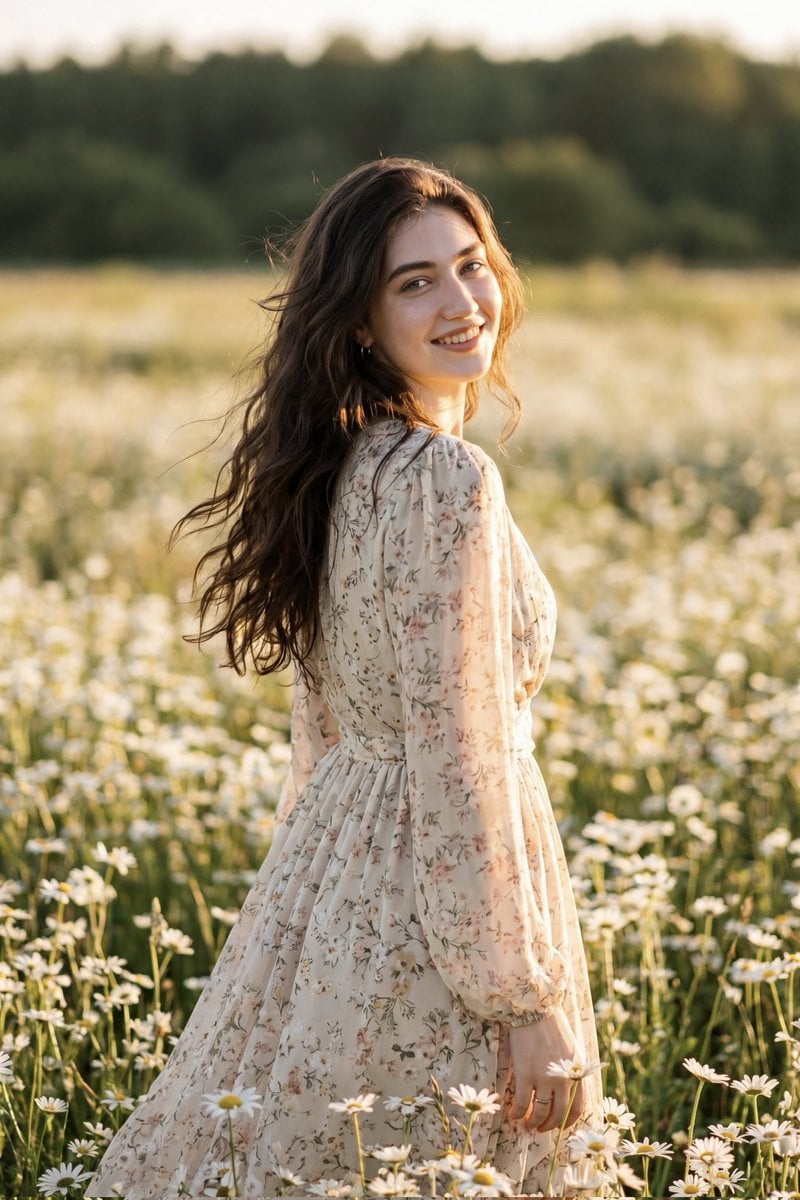
Golden Hour Daisy Field Portrait
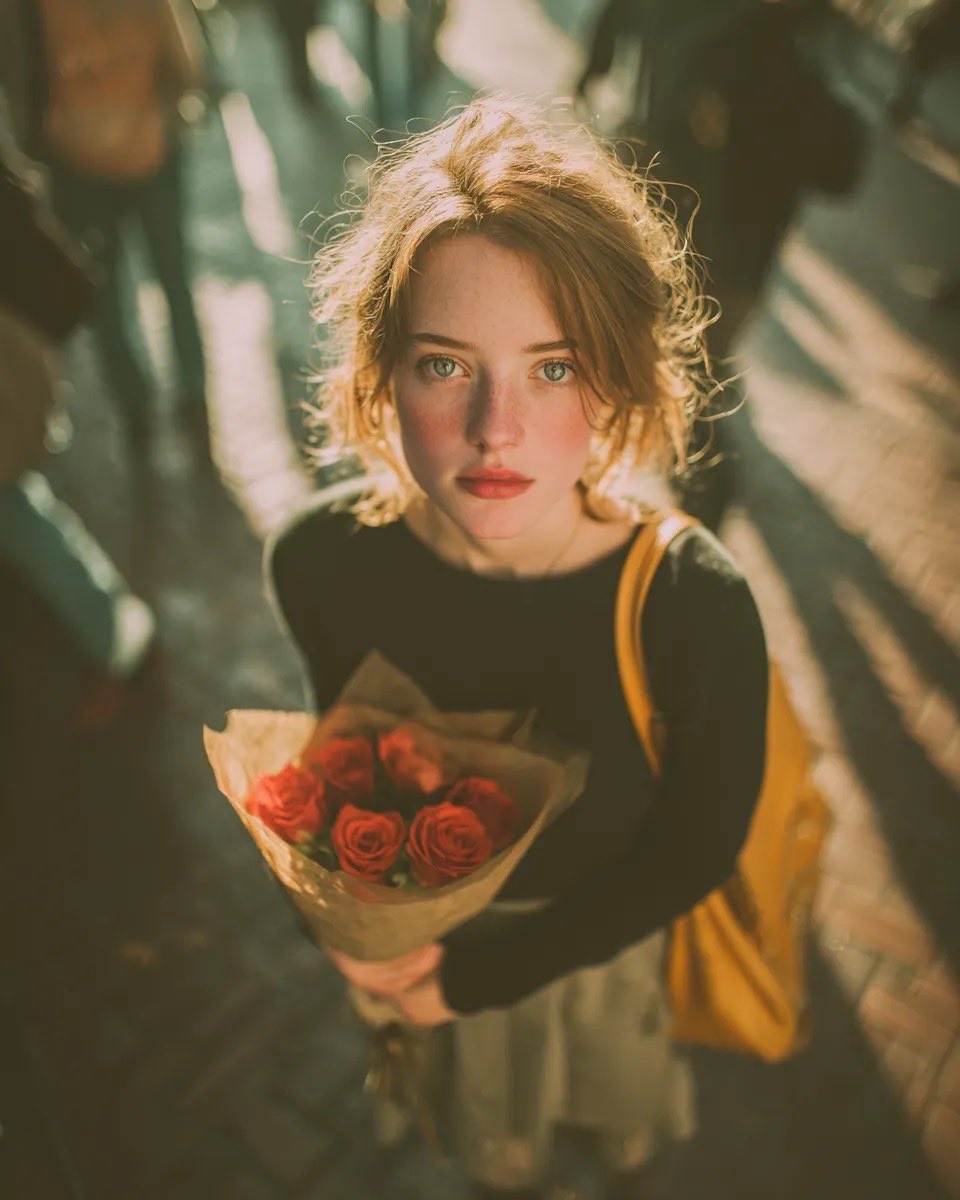
Golden Hour Rose Portrait

Golden Hour Korean Classroom Portrait
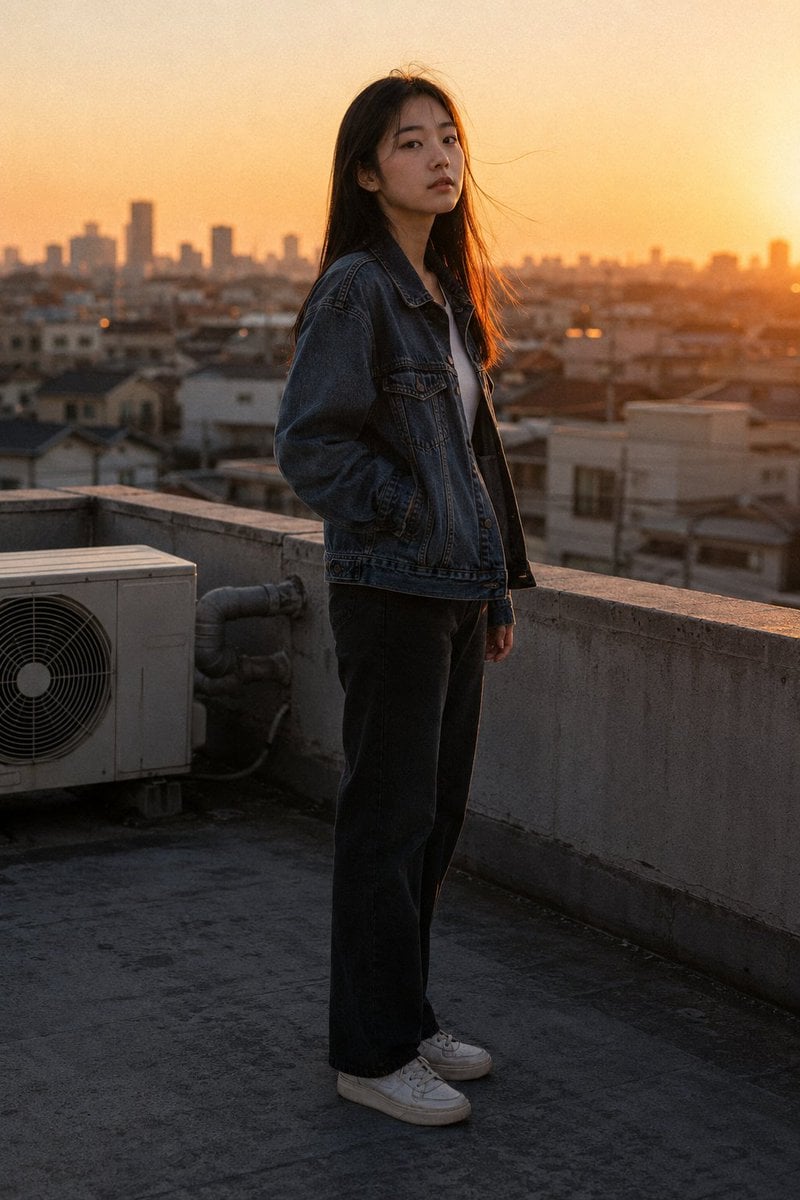
Golden Hour Rooftop Portrait
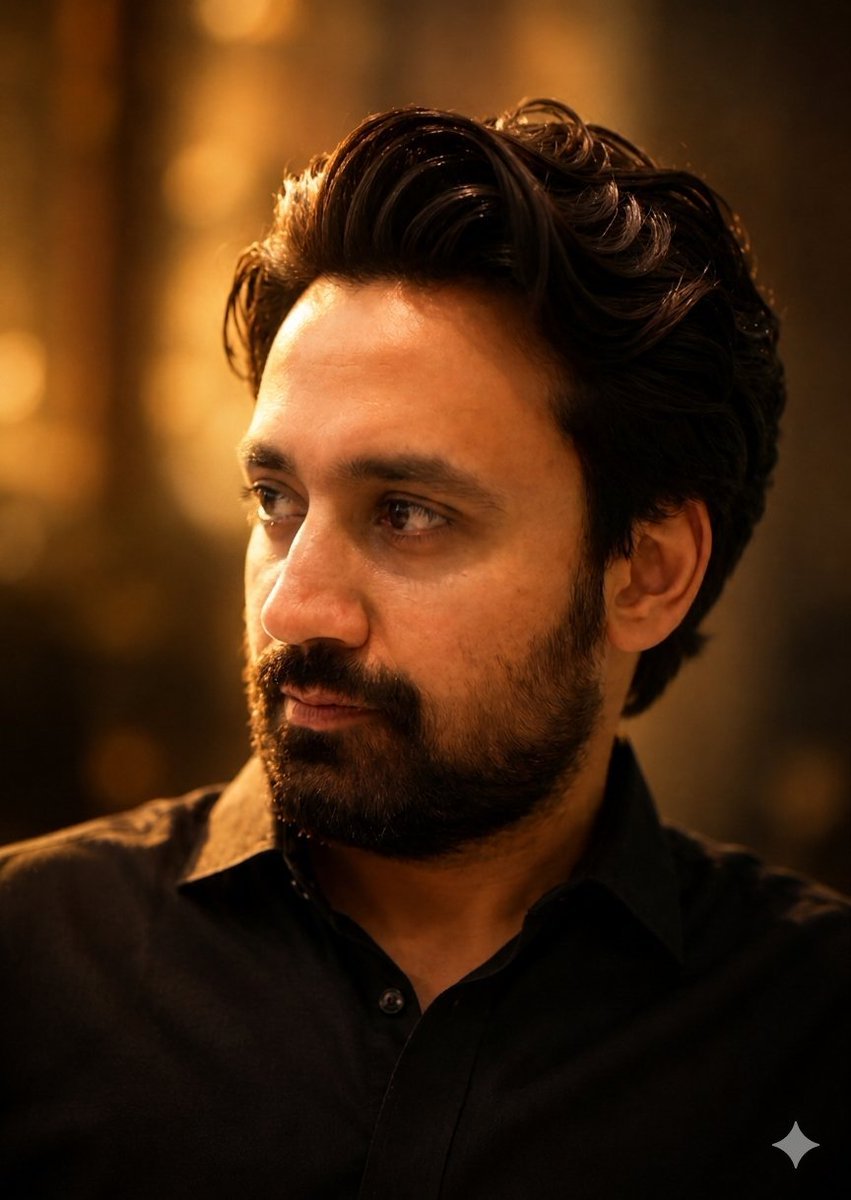
Golden Hour Contemplative Portrait
Make it yours
Cinematic Golden Hour Gaming Setup Portrait works as-is. These are the safest ways to change it without losing the look.
Swap the setting
Keep the rest of the prompt and replace the location block. The current setting is “Cozy, cluttered home office / gaming setup”.
Swap the light
One lighting change is enough to compare takes. Current light: “Strong golden hour sunlight from the side mixed with cool blue monitor glow”.
Change one field
Copy a single group, rewrite it, and generate again so you can see what that field is doing.
| If the result… | Why | Fix |
|---|---|---|
| The result drifts from the preview | Too many fields changed at once. | Reuse Cinematic Golden Hour Gaming Setup Portrait as-is first, then change one group — subject, light, or setting. |
| Nano Banana 2 ignores part of the JSON | Some models flatten or skip nested keys. | Keep the same values and paste them as a short paragraph instead. |
More Nano Banana 2 templates
Other prompts made for Nano Banana 2.

Photorealistic Leaf Shaped Like a Dragon

K-Pop Idol Portrait Grid for Rapid Selection

Urban Street Portrait with Cartoon Inner Self Duo

Candid Nighttime Photo with Cat Prompt

High-Concept 3D Diorama Generation Prompt

Cinematic Futuristic Studio Portrait Template

Skincare Editorial Photography Collage Prompt

Hyper-Realistic Commercial Product Photography (Splash Effect)

Hyper-Realistic Nightclub Portrait Prompt

Cinematic Urban Rain Scene Prompt (Neo-Noir)
More image prompts
Fresh picks from across the catalog.
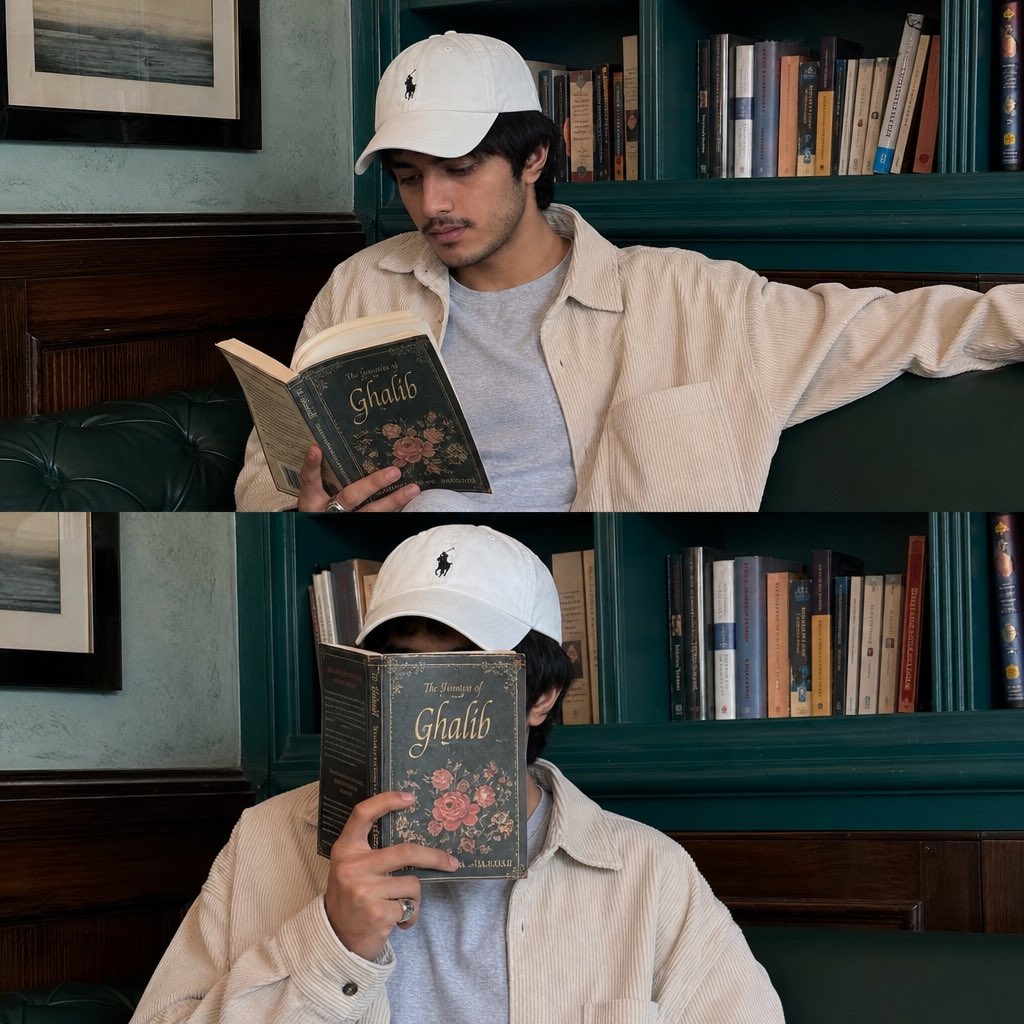
Instagram Lifestyle Collage Prompt
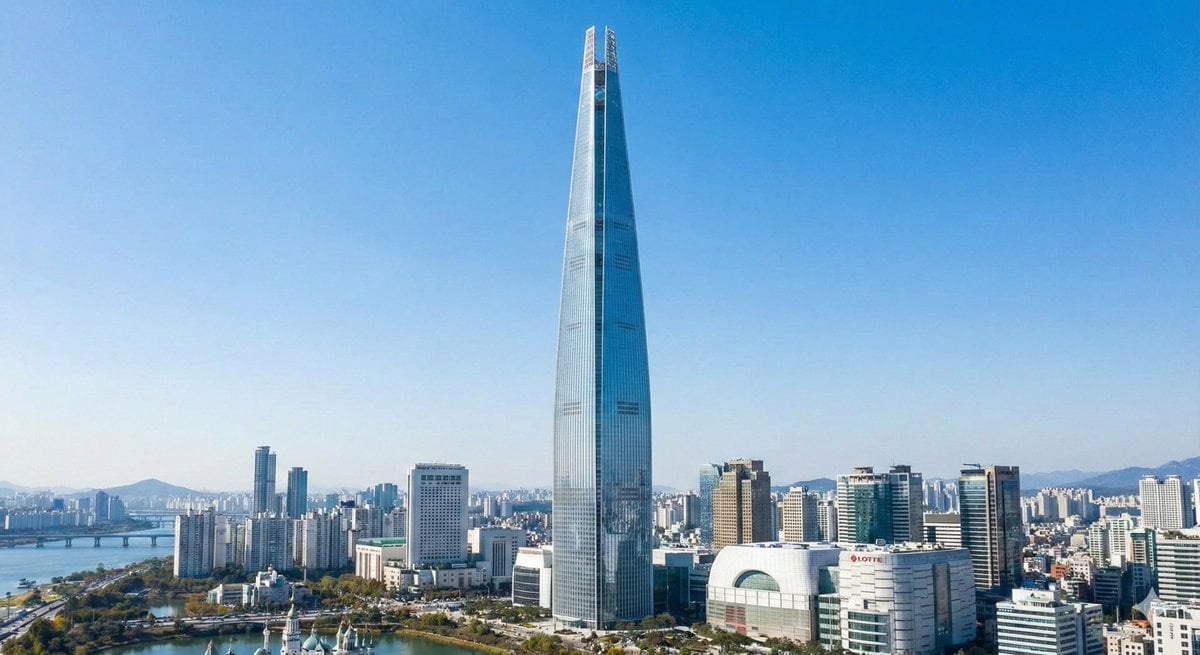
Lotte World Tower landmark-focused geolocation image
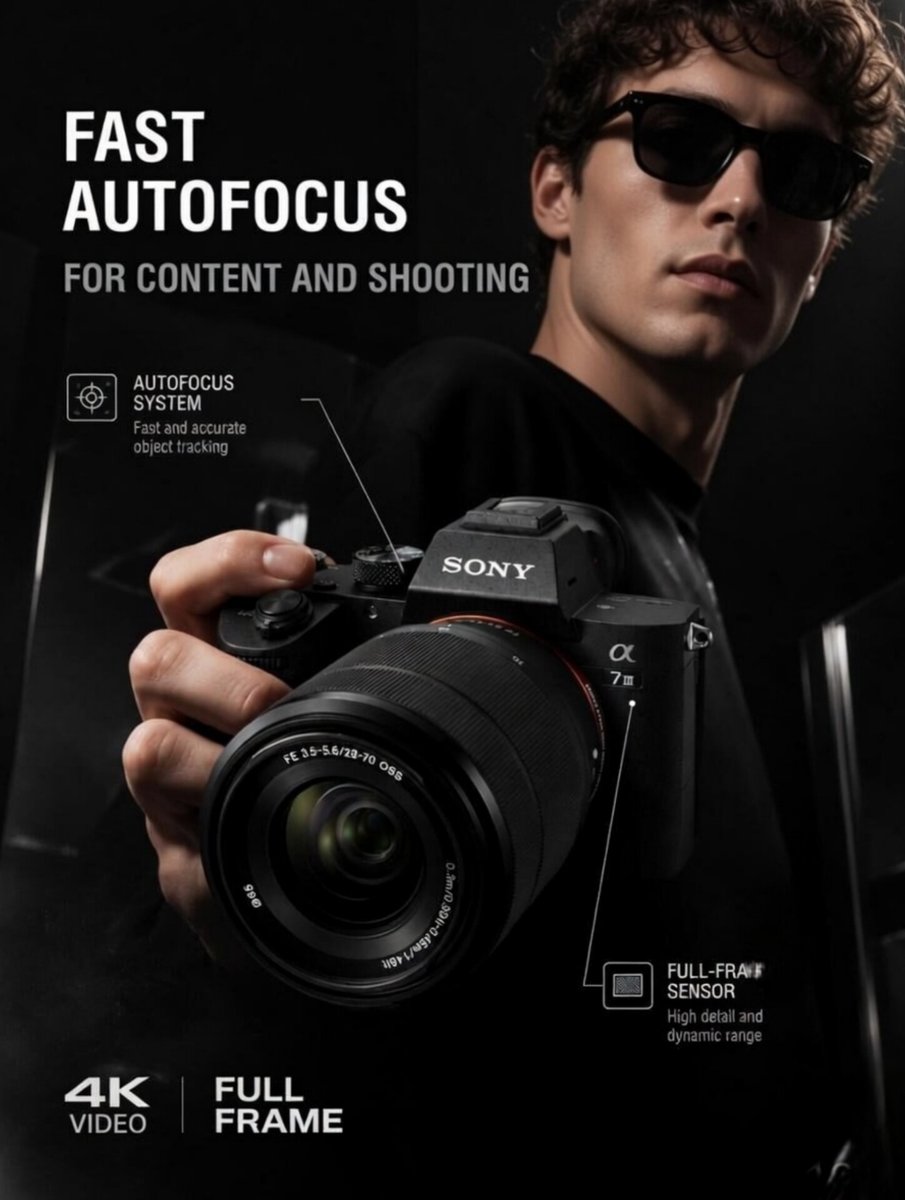
Premium Tech Product Photography
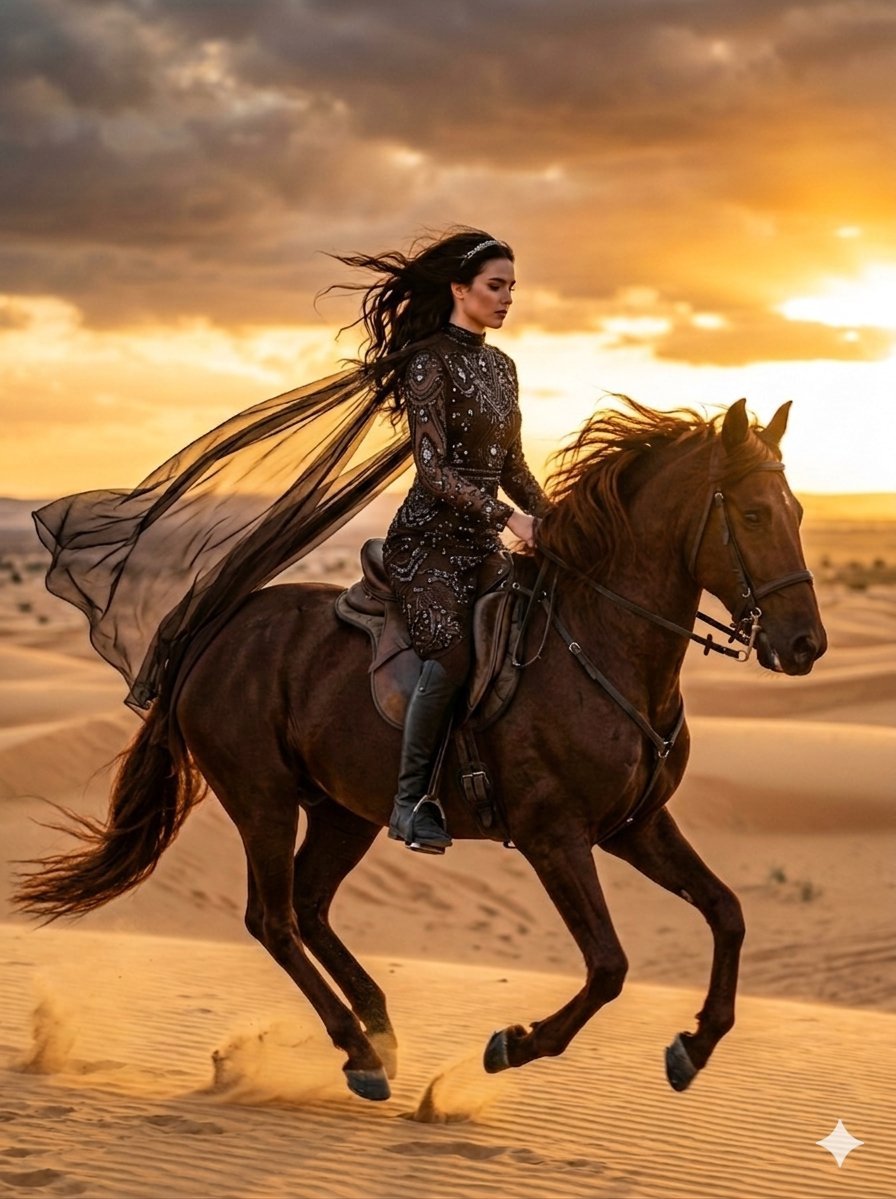
Cinematic Desert Horse Rider
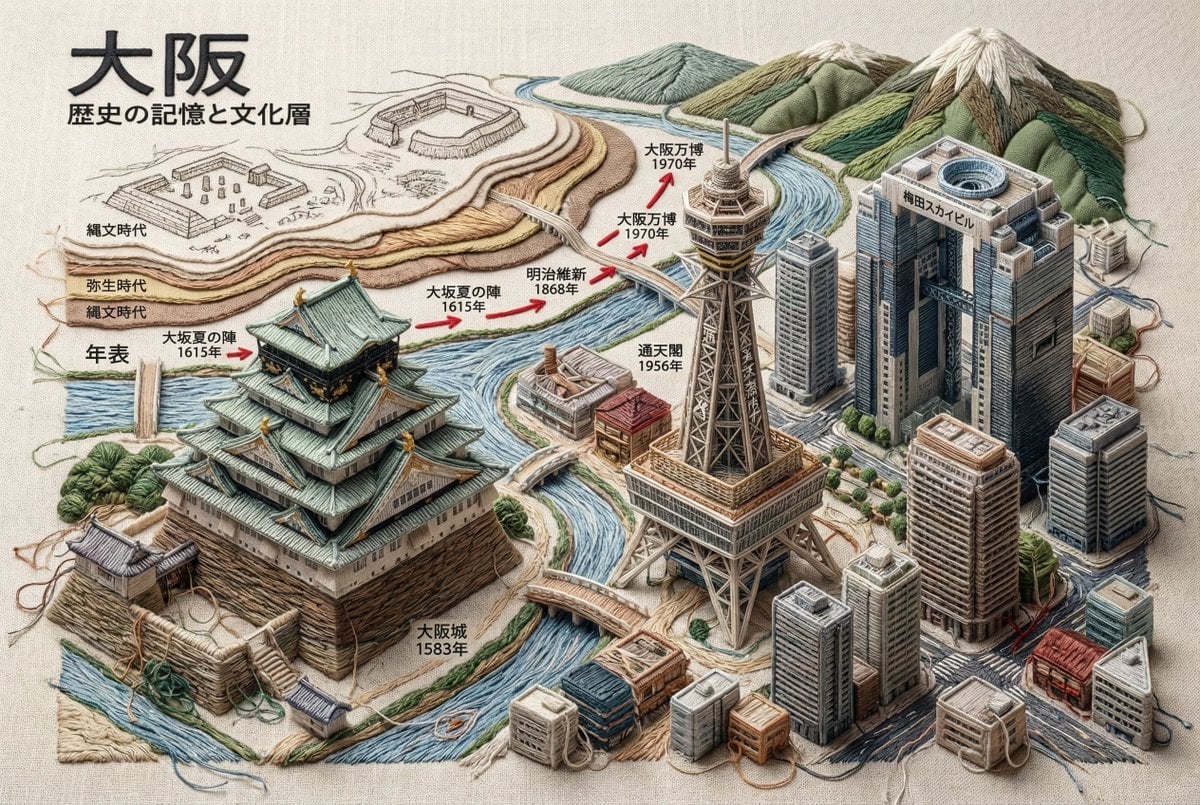
Embroidered 3D Isometric Cityscape Textile Art

Ultra-Photorealistic Jet Ski Vacation Selfie Kiss
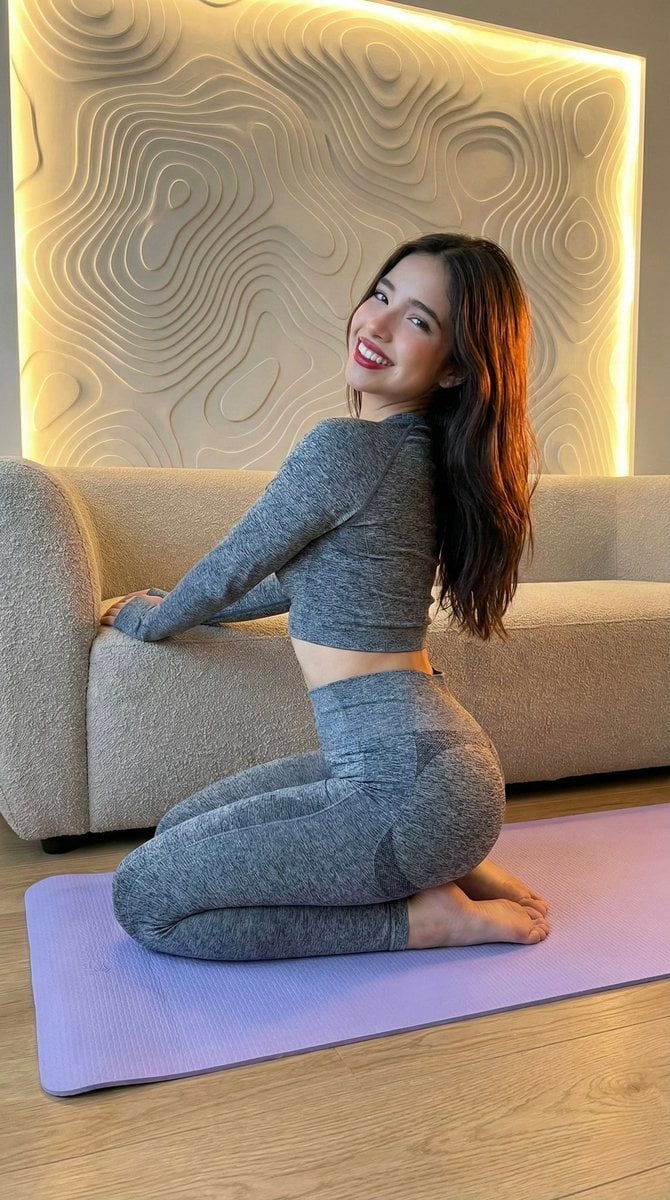
High-Fidelity Fitness Portrait Prompt (Identity Locking)
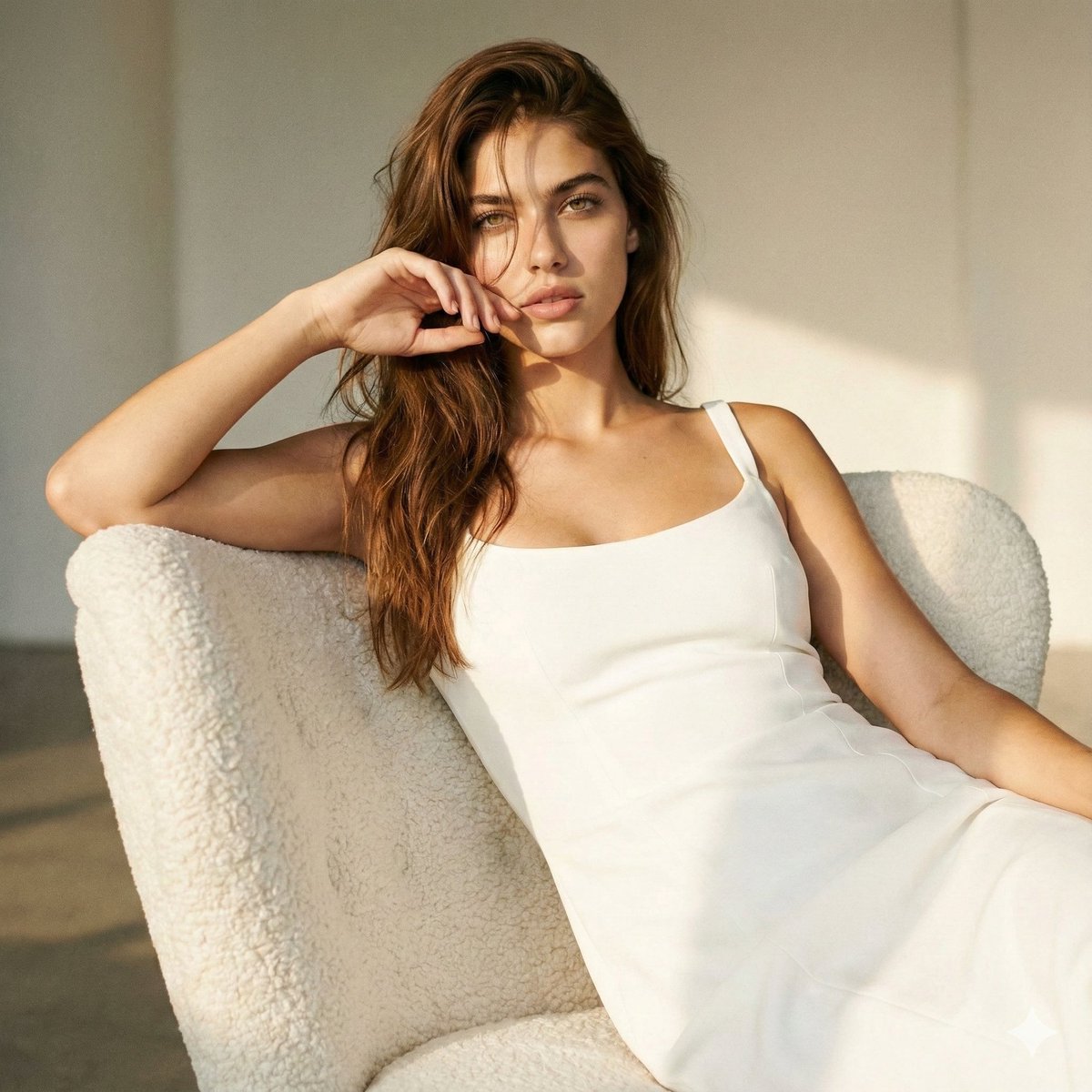
High-Fashion Editorial: Golden Hour Luxury
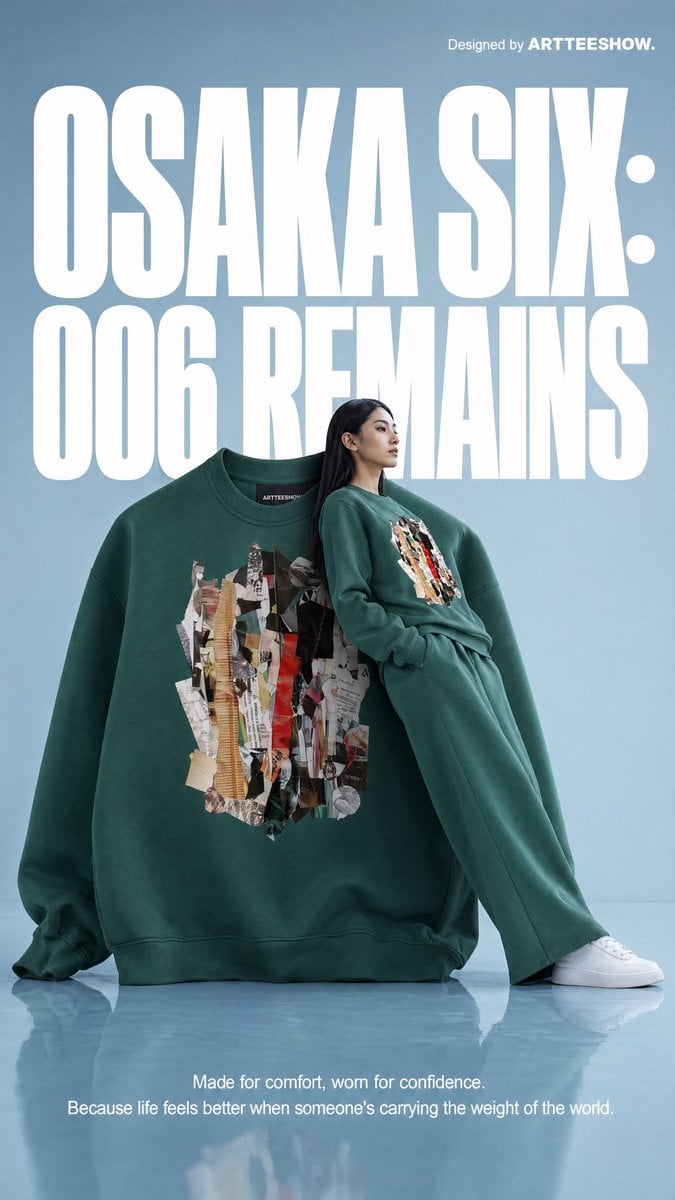
Gpt2 Product Marketing Editorial Osaka Six Sweatshirt Ad
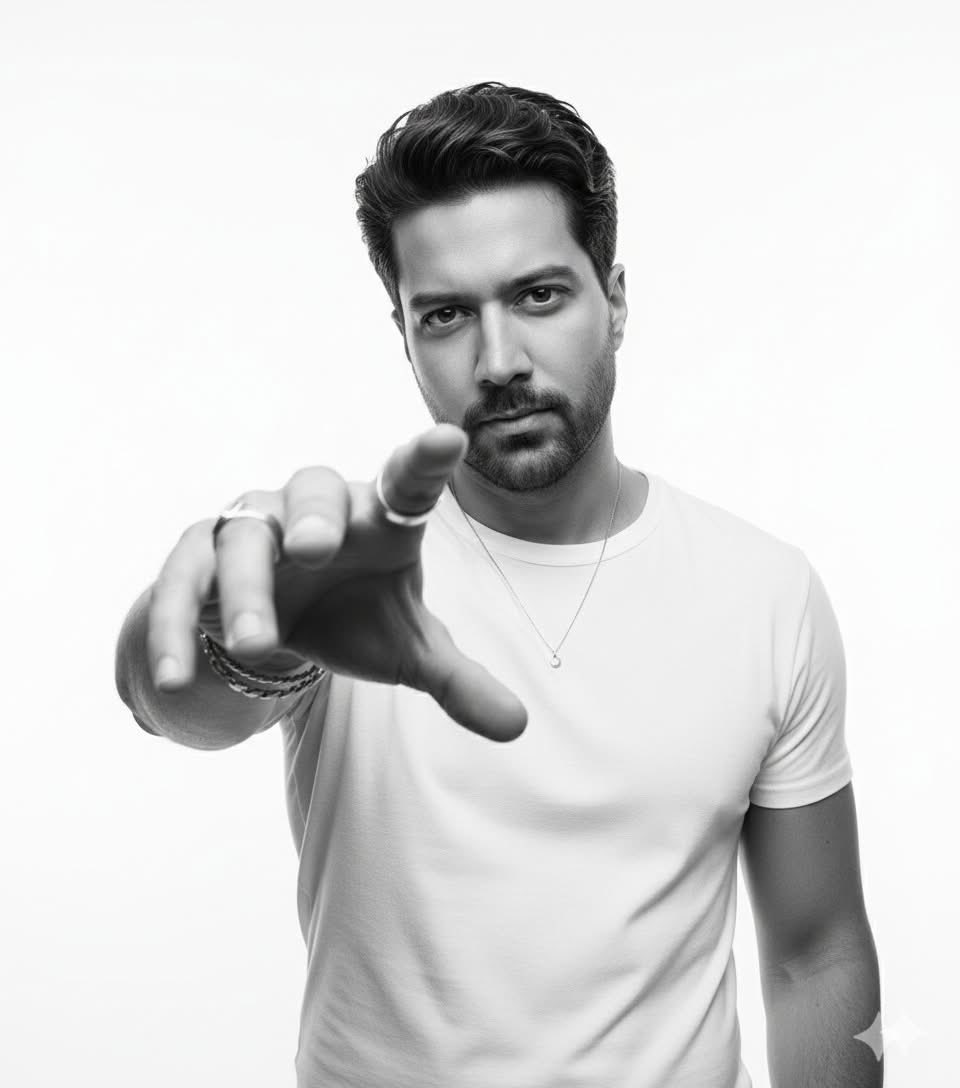
High-Key B&W Cinematic Portrait
Browse template categories
Cinematic Golden Hour Gaming Setup Portrait questions
How do I use the Cinematic Golden Hour Gaming Setup Portrait template?
Add your photo if the template asks for one, edit the prompt if you like — the template's model and format are already selected — and press Generate. Your version opens in PicX Studio.
Can I customize the Cinematic Golden Hour Gaming Setup Portrait template?
Yes. You can change the subject, setting, lighting, mood, format, and available model controls before creating your image.
Is the Cinematic Golden Hour Gaming Setup Portrait template free?
Opening and editing this template is free. Generating uses credits, shown on the Generate button when you are signed in.
Which AI model should I use?
Start with Nano Banana 2, which is the model associated with this template. You can compare another compatible model for a different finish.
Looking for something else? Browse all templates.

Your photo, any look
Thousands of ready templates for every top image and video model, from one credit balance.