
High-Key B&W Cinematic Portrait
Dramatic high-key black and white editorial portrait with worm's-eye perspective, extended hand in foreground, and blown-out white background.
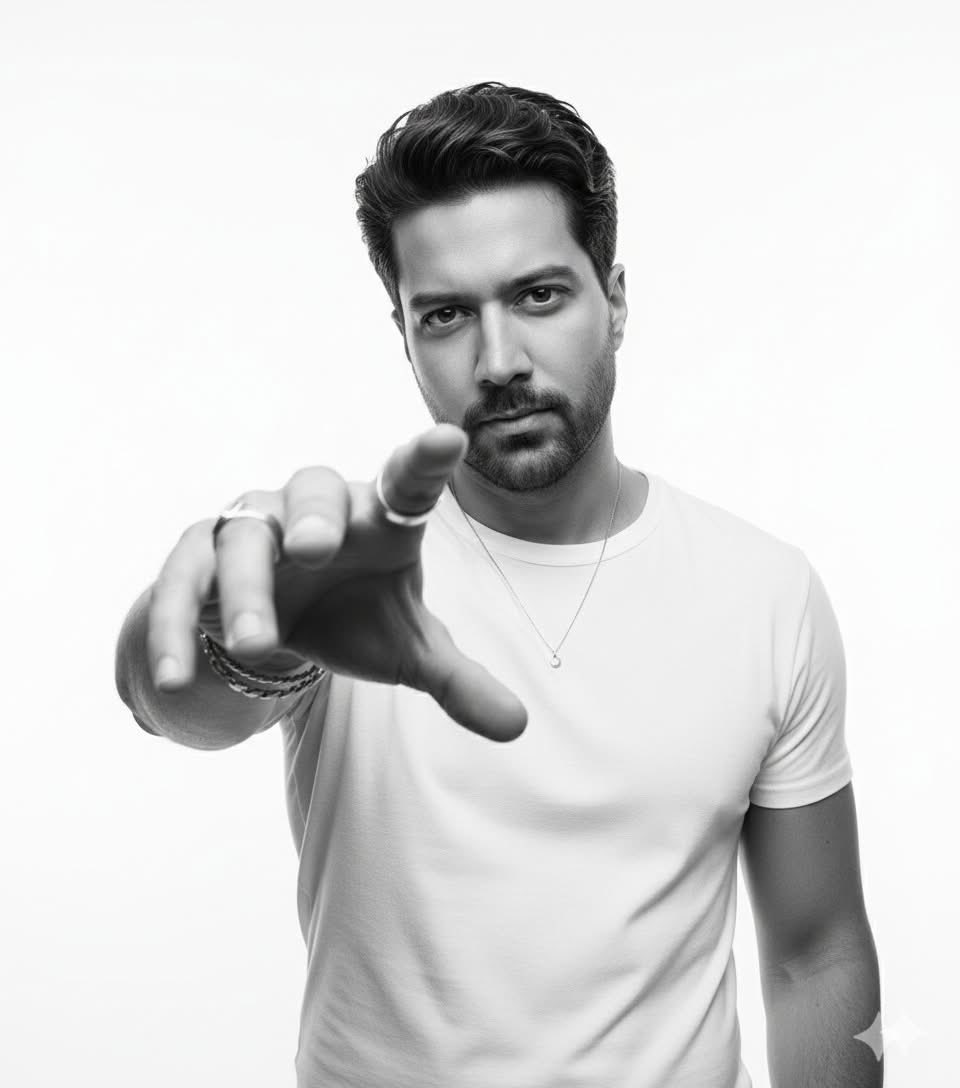
- Prompt included
- Model and format preset
- Free template
The prompt behind this image
Copy the exact prompt behind High-Key B&W Cinematic Portrait, or open it in the studio and make it yours.
High-key black and white cinematic portrait of a commanding man, Upload face as reference, with a defined jawline and light stubble, an intense and direct gaze, looking straight into the camera from a low, worm's eye view. His left arm is dramatically extended towards the camera, fingers splayed, wearing a prominent silver ring on the index finger and layered bracelets on the wrist. He is dressed in a simple, fitted white crew-neck t-shirt and a delicate silver pendant necklace. His wavy, textured hair is swept back with volume. The composition features a strong, dynamic perspective with the hand as a foreground element, creating a sense of intimate engagement. Shot with a wide-angle lens (e.g., 35mm, f/2. for a slight perspective distortion, achieving a shallow depth of field with sharp focus on the man's face and soft bokeh in the blown-out, pure white background. Emphasize crisp details on skin texture, fabric, and metallic jewelry. High contrast, brilliant highlights, and deep shadows define the form. Editorial photography, style of Annie Leibovitz and Peter Lindbergh, photorealistic, hyper-detailed, rendered in Octane Render, Unreal Engine 5, 8k resolution.
How to use High-Key B&W Cinematic Portrait in 3 steps
- 1Upload ImagePNG, JPG or paste
Add your photo
Upload the photo the template builds on. The prompt, model and format are already set.
- 2…a portrait of your subject in softgolden-hour light, 85mm…
Personalize
Edit the subject and creative details for your destination.
- 3Generate
Generate
Press Generate — your image is created in PicX Studio, so you can compare it with the original and refine one variable at a time.
More like this
Templates with the same subject, style or setup. Open one to see its prompt.

Caution Tape Fashion — Industrial Editorial

Couture Fashion Editorial Woman and Drag

Nano Banana 2 Editorial Fashion Portrait

80s Bollywood Star

80s Golden Hour Cinema

untitled

Toddler Version of a Person in 3d Pixar

Ultra Detailed 3d Plush Cartoon Characte

Nano Banana 2

Nano Banana 2 Gourmet Ice Cream Commerci

Nano Banana 2 High Fashion Sports Campai

Ive Yujin Fashion Portrait in Blue
Make it yours
High-Key B&W Cinematic Portrait works as-is. These are the safest ways to change it without losing the look.
Change one field
Copy a single group, rewrite it, and generate again so you can see what that field is doing.
Keep the frame, change the subject
Hold the composition and light of High-Key B&W Cinematic Portrait, then swap wardrobe, props or the person for a new take.
| If the result… | Why | Fix |
|---|---|---|
| The result drifts from the preview | Too many fields changed at once. | Reuse High-Key B&W Cinematic Portrait as-is first, then change one group — subject, light, or setting. |
| The model over-stylizes the scene | The prose prompt leaves finish and camera underspecified. | Add one camera or lighting sentence and stay on Nano Banana. |
More Nano Banana templates
Other prompts made for Nano Banana.










More image prompts
Fresh picks from across the catalog.
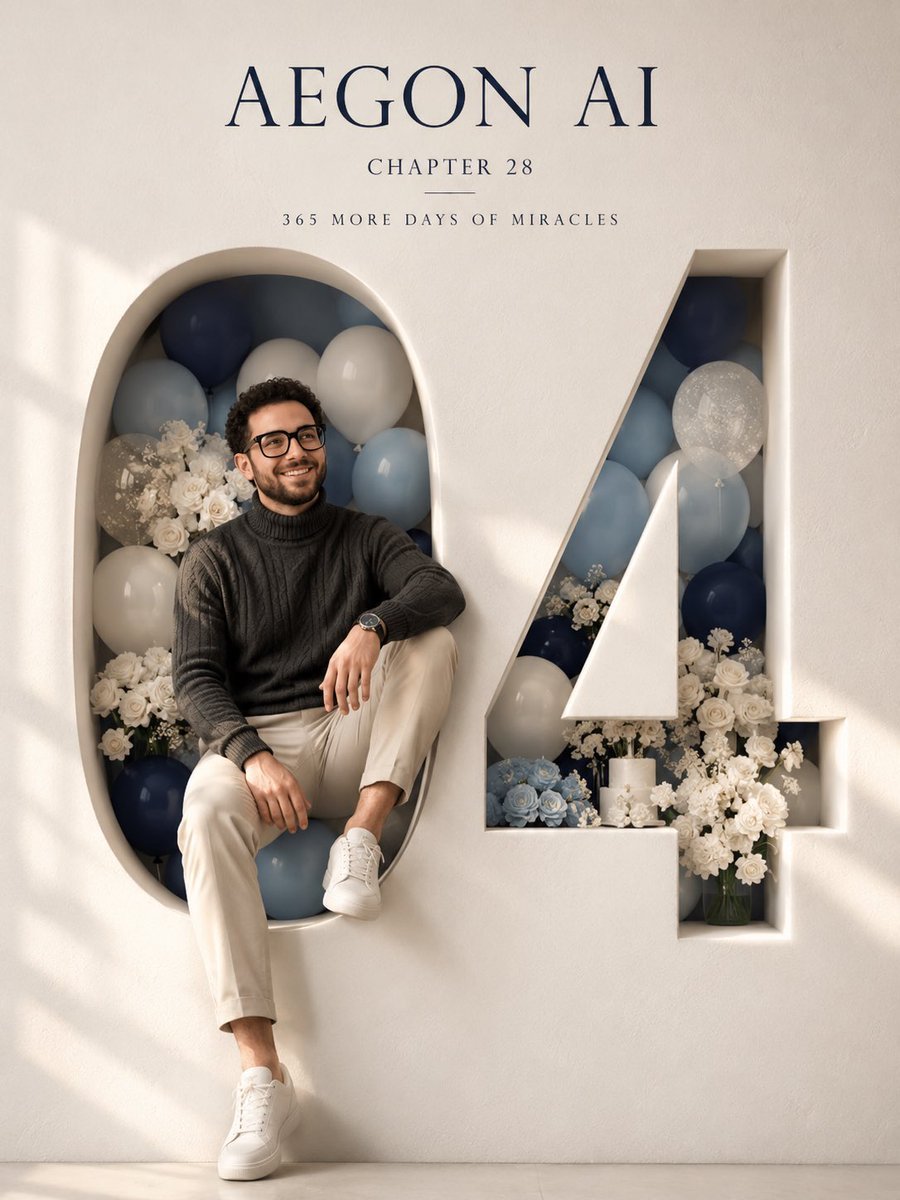
Architectural 3D Carved Birthday Poster
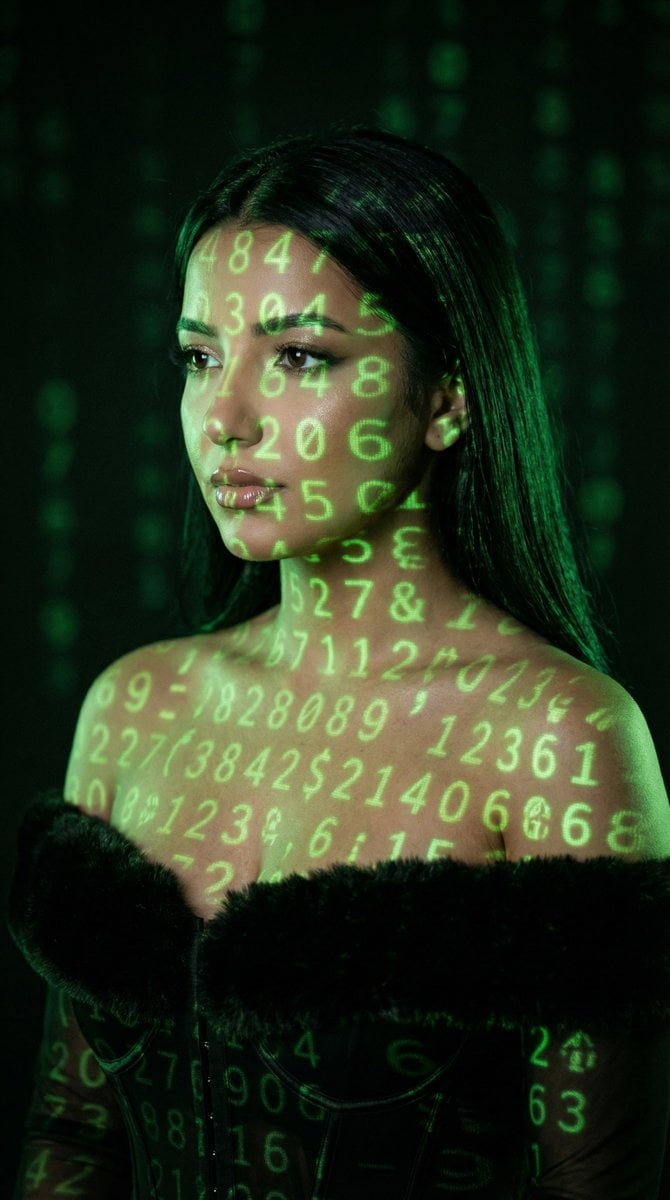
Cyber Projector Numbers Beauty Portrait Prompt (JSON format)
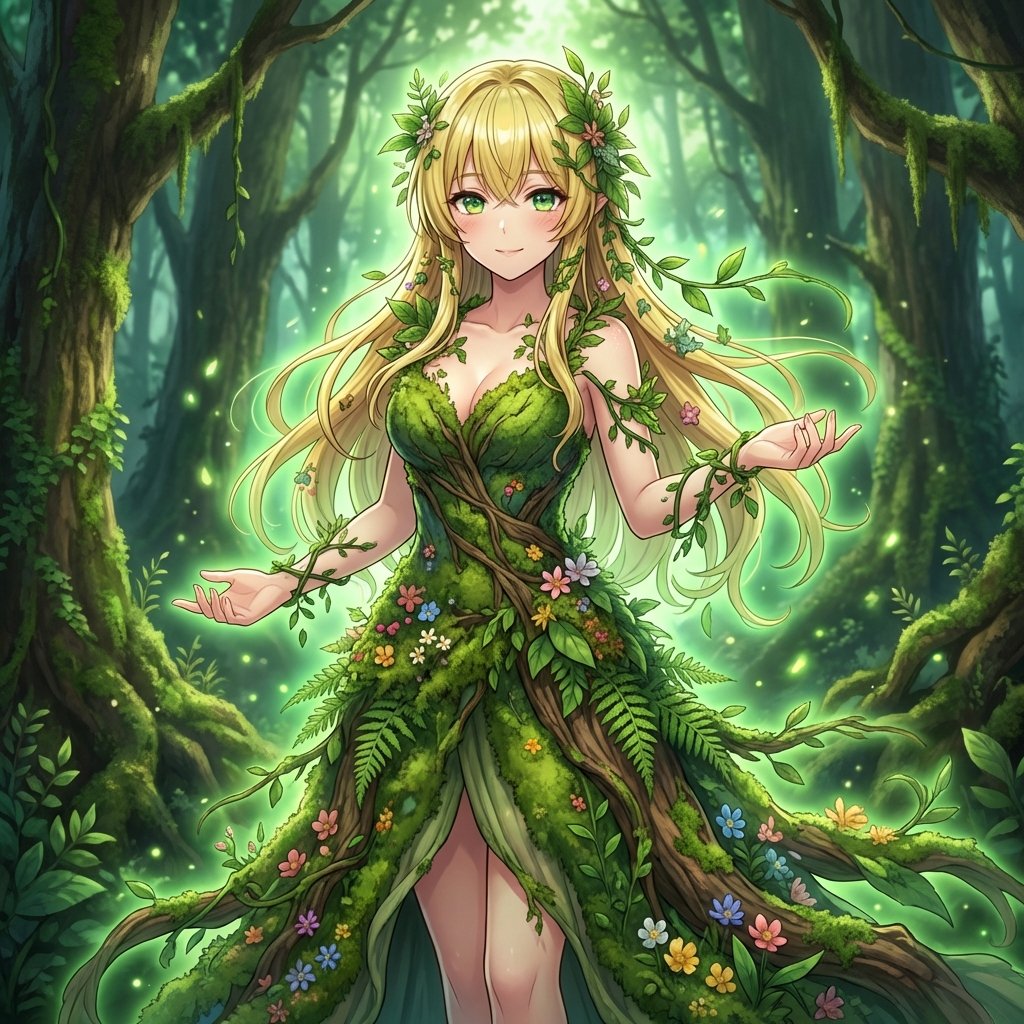
AI Transformation to Dryad
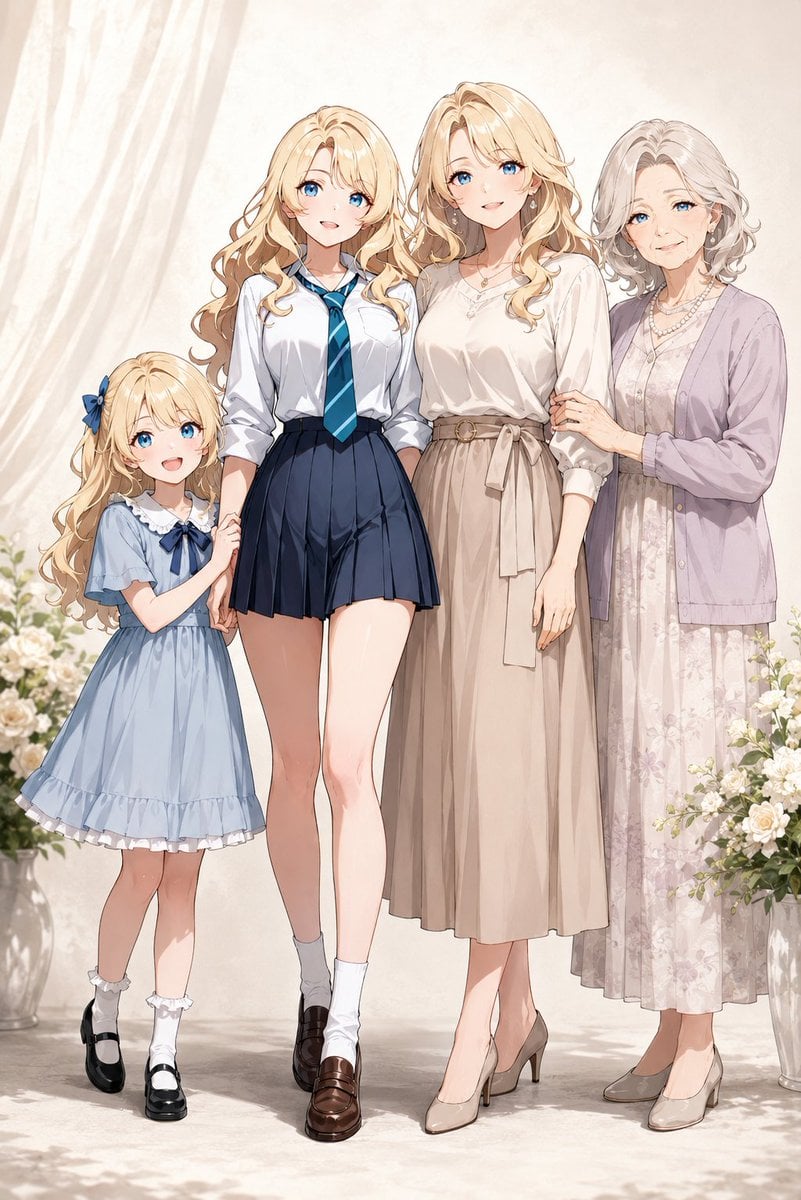
Four-Generation Family Portrait Prompt
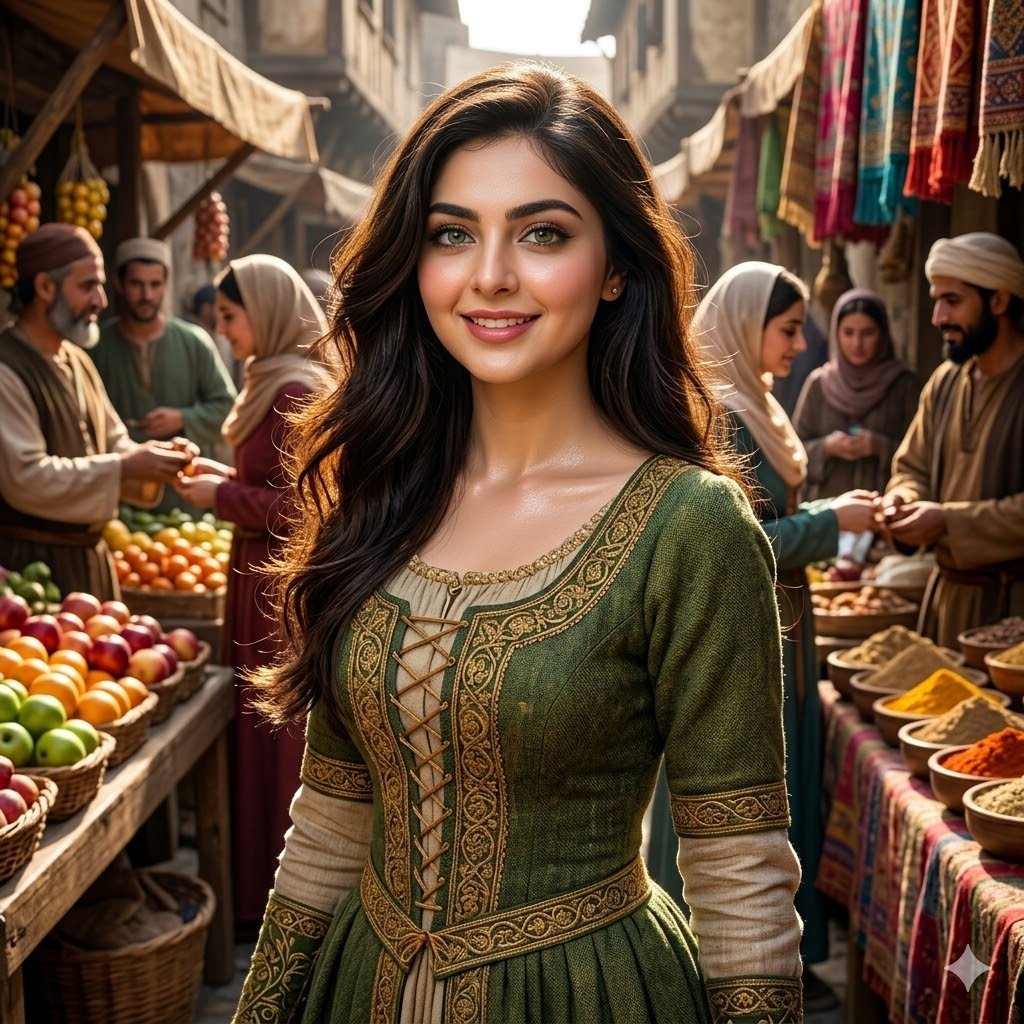
Medieval Market Girl Portrait
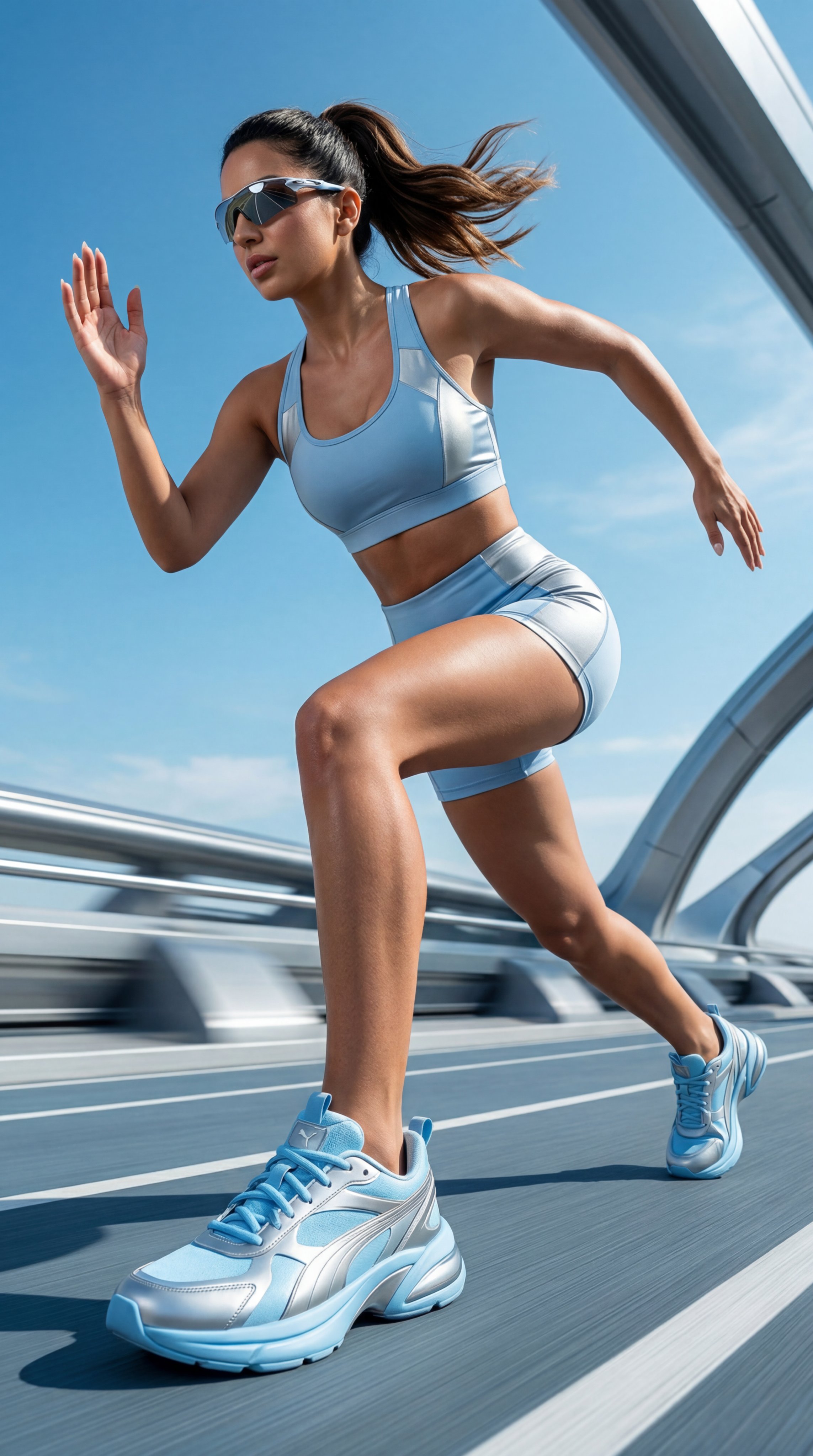
untitled
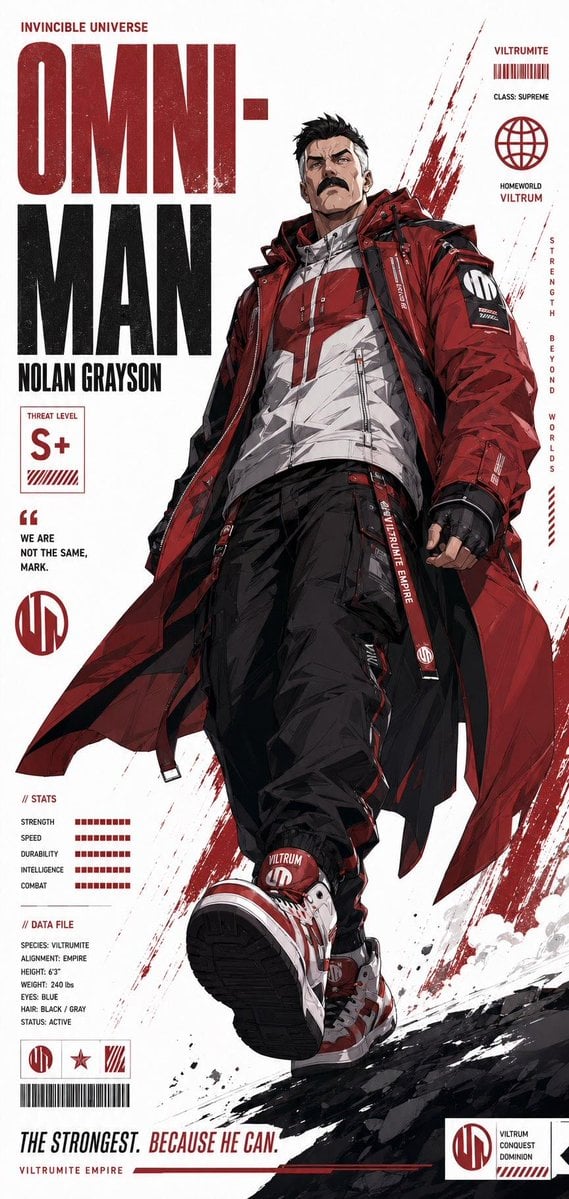
Futuristic Anime Superhero Techwear Poster
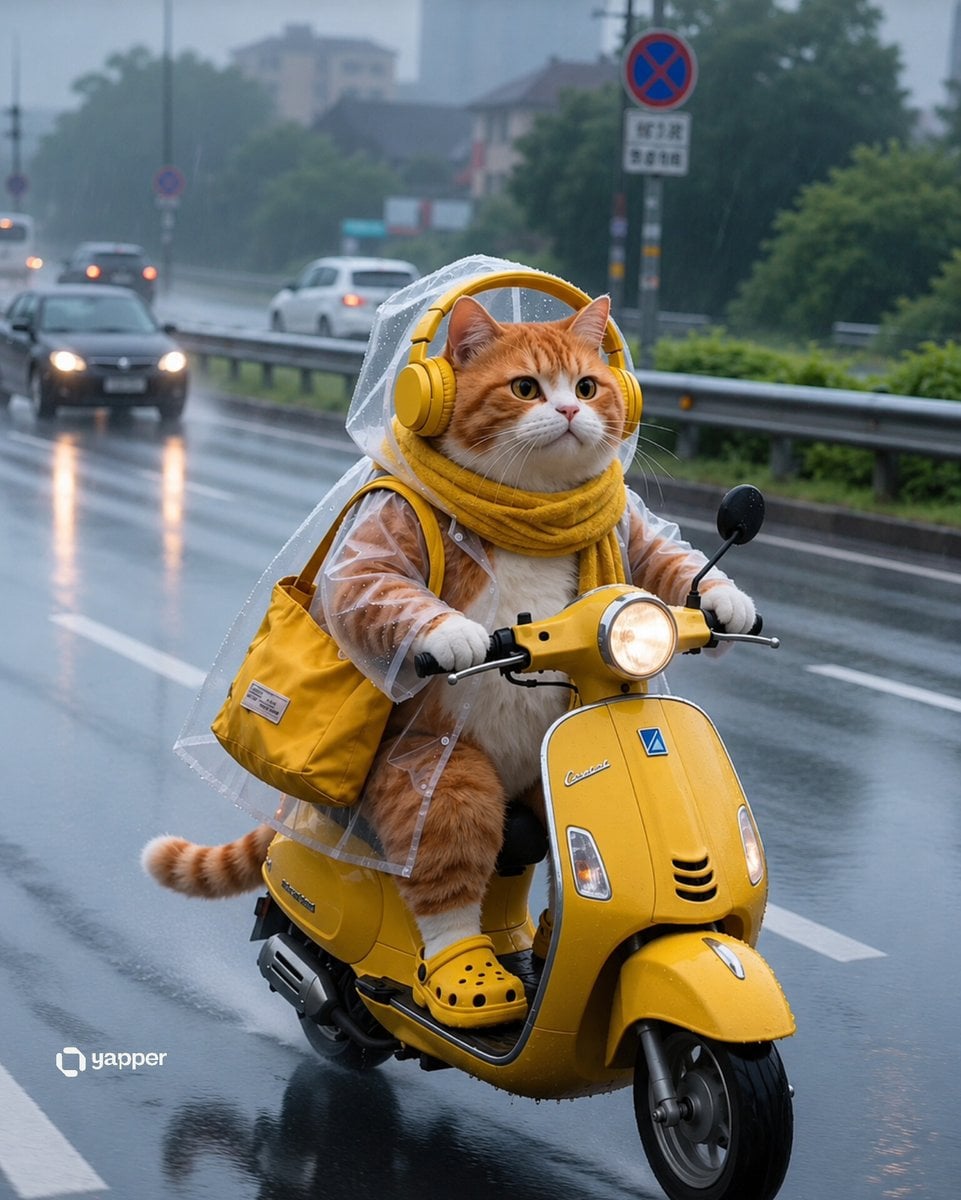
Rainy Tabby Scooter Ride
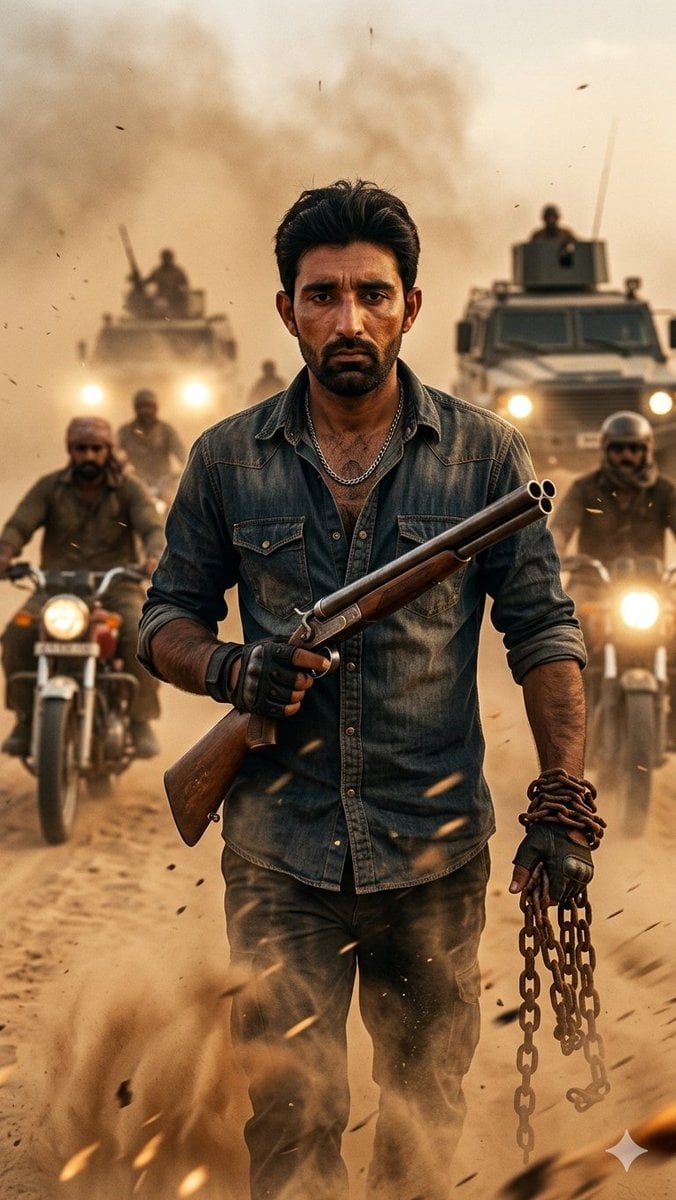
Desert Rebel Convoy Portrait
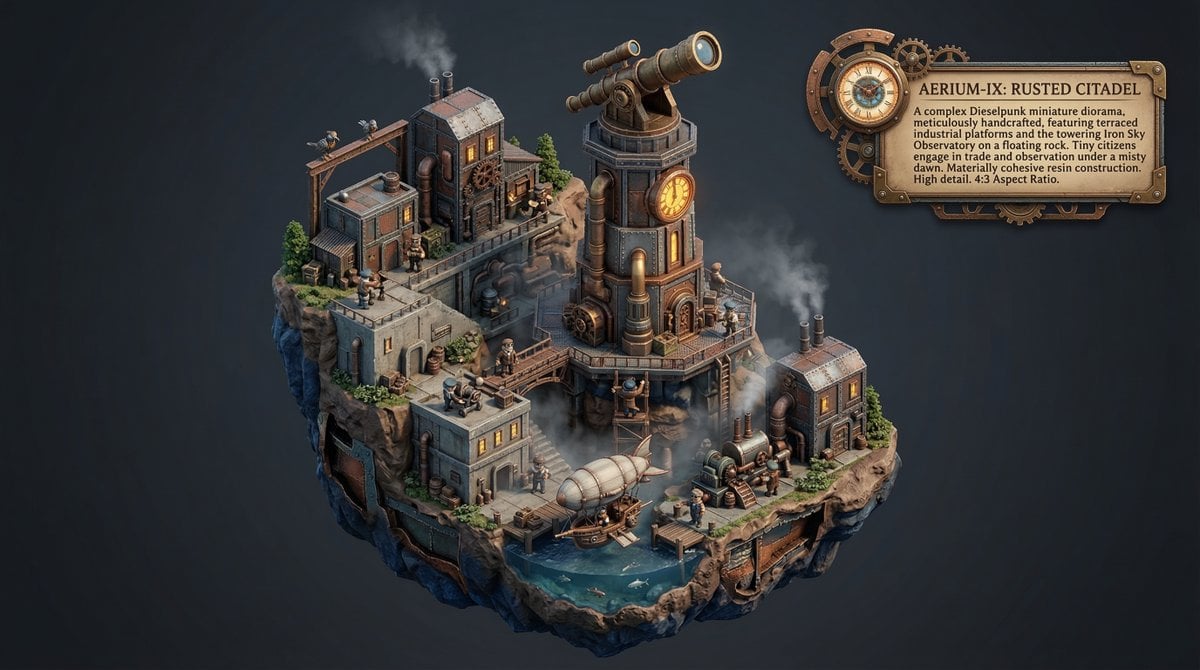
Procedural Whimsical Mono-Punk Floating Miniature Diorama Prompt
Featured in prompt roundups
Hand-picked collections that include this template.
Browse template categories
High-Key B&W Cinematic Portrait questions
How do I use the High-Key B&W Cinematic Portrait template?
Add your photo if the template asks for one, edit the prompt if you like — the template's model and format are already selected — and press Generate. Your version opens in PicX Studio.
Can I customize the High-Key B&W Cinematic Portrait template?
Yes. You can change the subject, setting, lighting, mood, format, and available model controls before creating your image.
Is the High-Key B&W Cinematic Portrait template free?
Opening and editing this template is free. Generating uses credits, shown on the Generate button when you are signed in.
Which AI model should I use?
Start with Nano Banana, which is the model associated with this template. You can compare another compatible model for a different finish.
Looking for something else? Browse all templates.

Your photo, any look
Thousands of ready templates for every top image and video model, from one credit balance.