
Cyber Projector Numbers Beauty Portrait Prompt (JSON format)
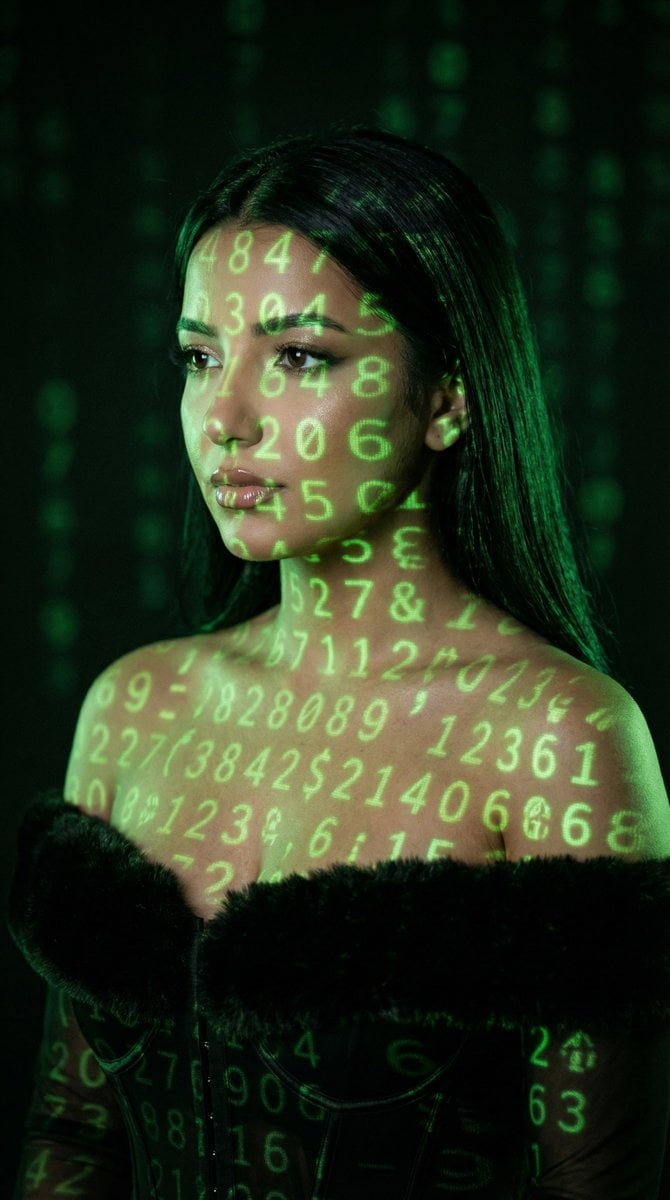
A highly detailed JSON-formatted Nano Banana Pro prompt for generating an ultra-high resolution, cinematic beauty portrait of a woman with green numeric projections mapped across her face and body, emphasizing…
- Prompt included
- Model and format preset
- Free template
The prompt behind this image
Copy the exact prompt behind Cyber Projector Numbers Beauty Portrait Prompt (JSON format), or open it in the studio and make it yours.
- Generation Request › Meta Data › Tool
- NanoBanana Pro
- Generation Request › Meta Data › Task Type
- cyber_projector_numbers_beauty_portrait
- Generation Request › Meta Data › Version
- v1.0_GREEN_NUMBERS_PROJECTION_BEAUTY
- Generation Request › Meta Data › Priority
- highest
- Generation Request › Meta Data › Language
- en
- Generation Request › Input › Mode
- text_to_image
- Generation Request › Input › Notes
- Create a photoreal cinematic beauty portrait of an adult woman with green numeric projections mapped across her face, neck, shoulders, and chest. The projection must look physically correct (wraps around facial contours), with soft falloff and slight blur at edges. Dark background with faint out-of-focus green digits. Moody, low-key lighting. No text, no watermark.
- Generation Request › Output Settings › Aspect Ratio
- 4:5
- Generation Request › Output Settings › Orientation
- portrait
- Generation Request › Output Settings › Resolution Target
- ultra_high_res
- Generation Request › Output Settings › Num Images
- 1
- Generation Request › Output Settings › Render Style
- cinematic_techno_editorial
- Generation Request › Output Settings › Sharpness
- filmic_crisp
- Generation Request › Output Settings › Grain
- subtle_35mm
- Generation Request › Output Settings › Color Grading
- green_on_black_low_key
- Generation Request › Scene › Environment
- dark studio, faint bokeh of green digits in the background
- Generation Request › Scene › Lighting
- primary light is the projector (green digits), minimal soft fill from camera-left, deep shadows
- Generation Request › Scene › Mood
- mysterious, cyber, intimate
- Generation Request › Subject › Person
- adult woman
- Generation Request › Subject › Pose
- 3/4 portrait, head slightly tilted, eyes looking sideways past camera
- Generation Request › Subject › Expression
- calm, intense, enigmatic
- Generation Request › Subject › Hair
- long dark hair, sleek and natural
- Generation Request › Subject › Makeup
- clean editorial skin, subtle shimmer on eyelids, soft liner, natural glossy lips
- Generation Request › Subject › Skin Texture
- natural pores, realistic highlights
Raw JSON
{
  "generation_request": {
    "meta_data": {
      "tool": "NanoBanana Pro",
      "task_type": "cyber_projector_numbers_beauty_portrait",
      "version": "v1.0_GREEN_NUMBERS_PROJECTION_BEAUTY",
      "priority": "highest",
      "language": "en"
    },
    "input": {
      "mode": "text_to_image",
      "notes": "Create a photoreal cinematic beauty portrait of an adult woman with green numeric projections mapped across her face, neck, shoulders, and chest. The projection must look physically correct (wraps around facial contours), with soft falloff and slight blur at edges. Dark background with faint out-of-focus green digits. Moody, low-key lighting. No text, no watermark."
    },
    "output_settings": {
      "aspect_ratio": "4:5",
      "orientation": "portrait",
      "resolution_target": "ultra_high_res",
      "num_images": 1,
      "render_style": "cinematic_techno_editorial",
      "sharpness": "filmic_crisp",
      "grain": "subtle_35mm",
      "color_grading": "green_on_black_low_key"
    },
    "scene": {
      "environment": "dark studio, faint bokeh of green digits in the background",
      "lighting": "primary light is the projector (green digits), minimal soft fill from camera-left, deep shadows",
      "mood": "mysterious, cyber, intimate"
    },
    "subject": {
      "person": "adult woman",
      "pose": "3/4 portrait, head slightly tilted, eyes looking sideways past camera",
      "expression": "calm, intense, enigmatic",
      "hair": "long dark hair, sleek and natural",
      "makeup": "clean editorial skin, subtle shimmer on eyelids, soft liner, natural glossy lips",
      "skin_texture": "natural pores, realistic highlights"
    },
    "camera": {
      "camera_body": "ARRI Alexa Mini",
      "lens": "85mm prime",
      "aperture": "f/2.0",
      "focus": "sharp on eyes and lips, projection still readable, background bokeh"
    },
    "projection_details": {
      "content": "random green digits (0-9) and simple symbols",
      "behavior": "wraps on cheekbones, nose bridge, jawline, collarbones",
      "quality": "slight projector softness, realistic spill light on skin"
    },
    "negative_prompt": "text, watermark, logo, letters, neon signs, cartoon, anime, CGI look, plastic skin, over-smoothing, distorted face, extra limbs, extra fingers, deformed hands, incorrect projection physics, flat overlay, low resolution, heavy HDR"
  }
}How to use Cyber Projector Numbers Beauty Portrait Prompt (JSON format) in 3 steps
- 1
Open
The prompt is already in the box next to the preview, with the template's model and format selected.
- 2…a portrait of your subject in softgolden-hour light, 85mm…
Personalize
Edit the subject and creative details for your destination.
- 3Generate
Generate
Press Generate — your image is created in PicX Studio, so you can compare it with the original and refine one variable at a time.
More like this
Templates with the same subject, style or setup. Open one to see its prompt.
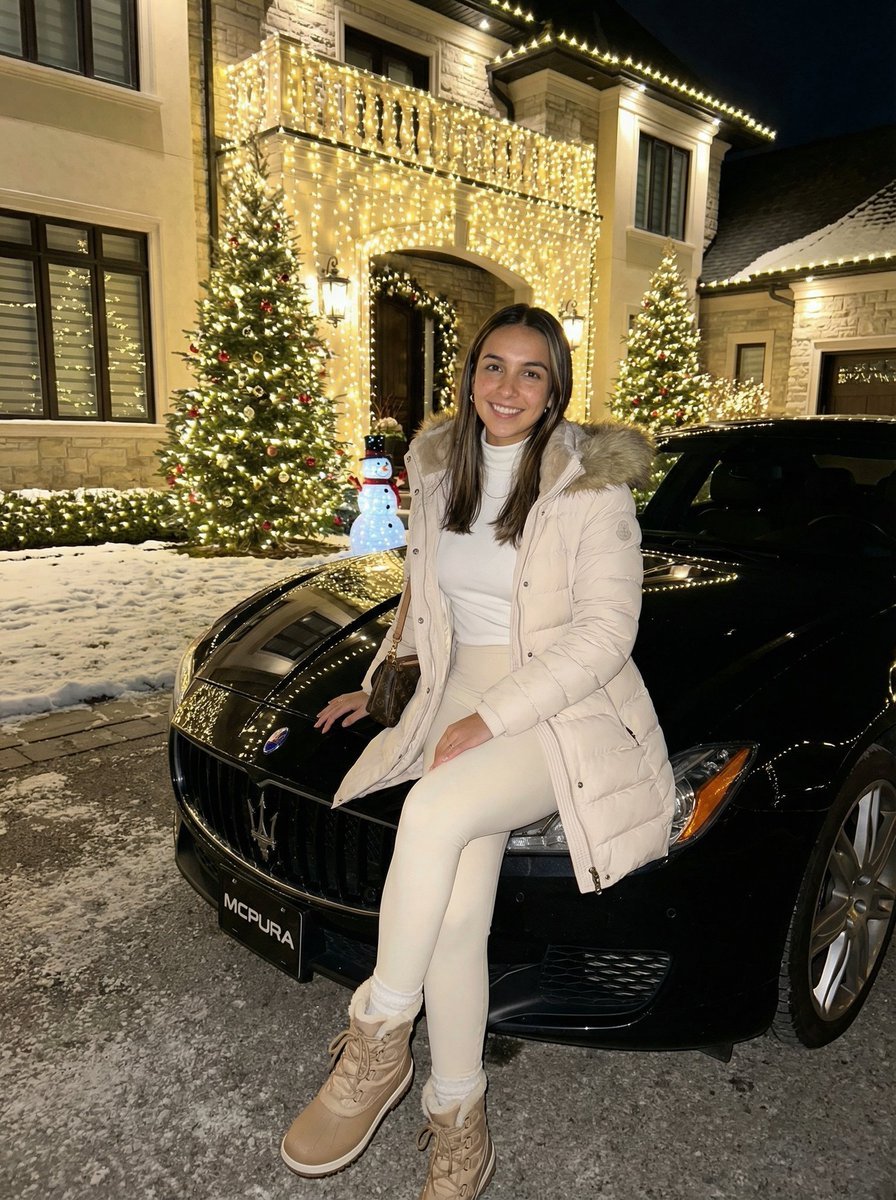
Ultra-Realistic Nighttime Winter Portrait in JSON Format
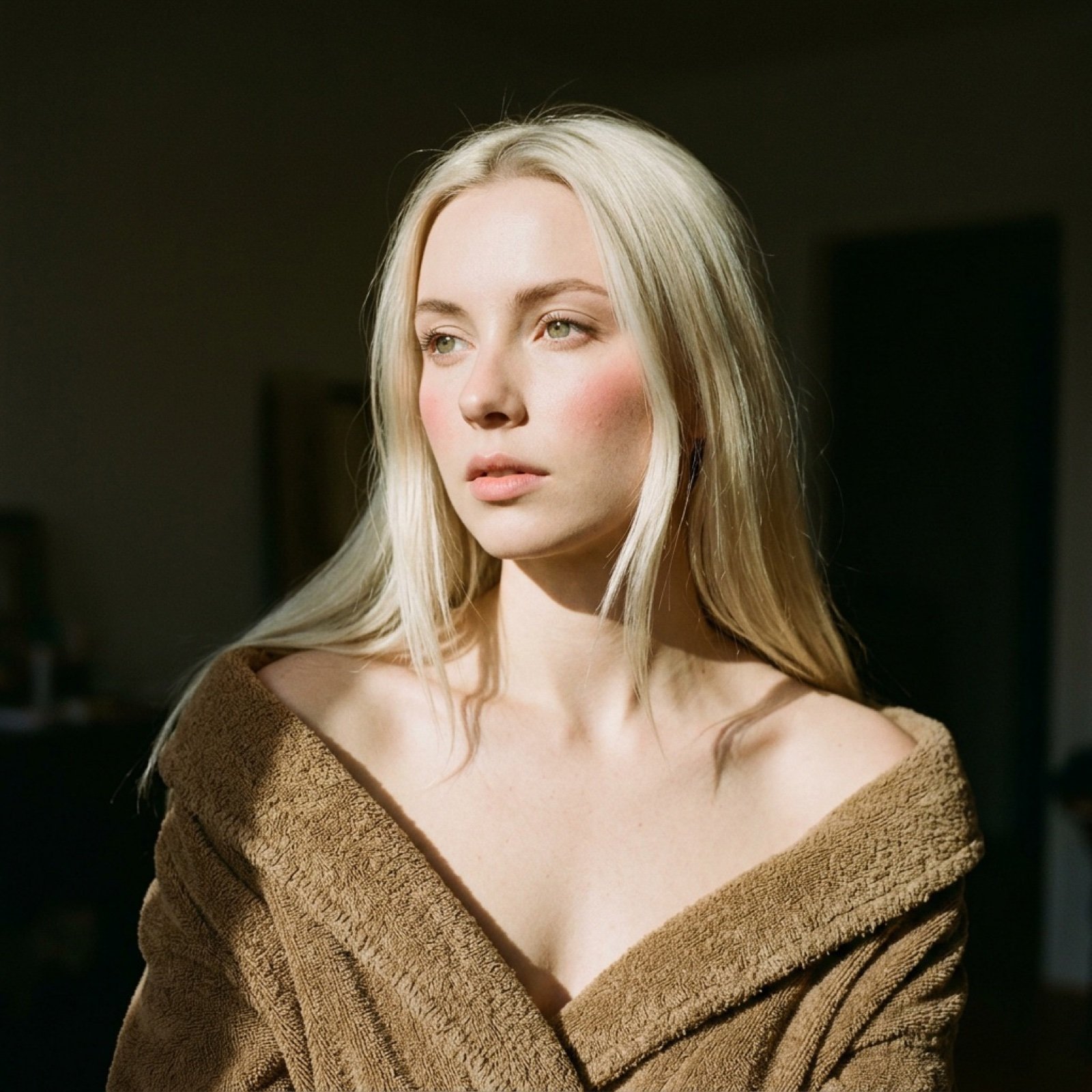
Cinematic Chiaroscuro Portrait Prompt in JSON Format
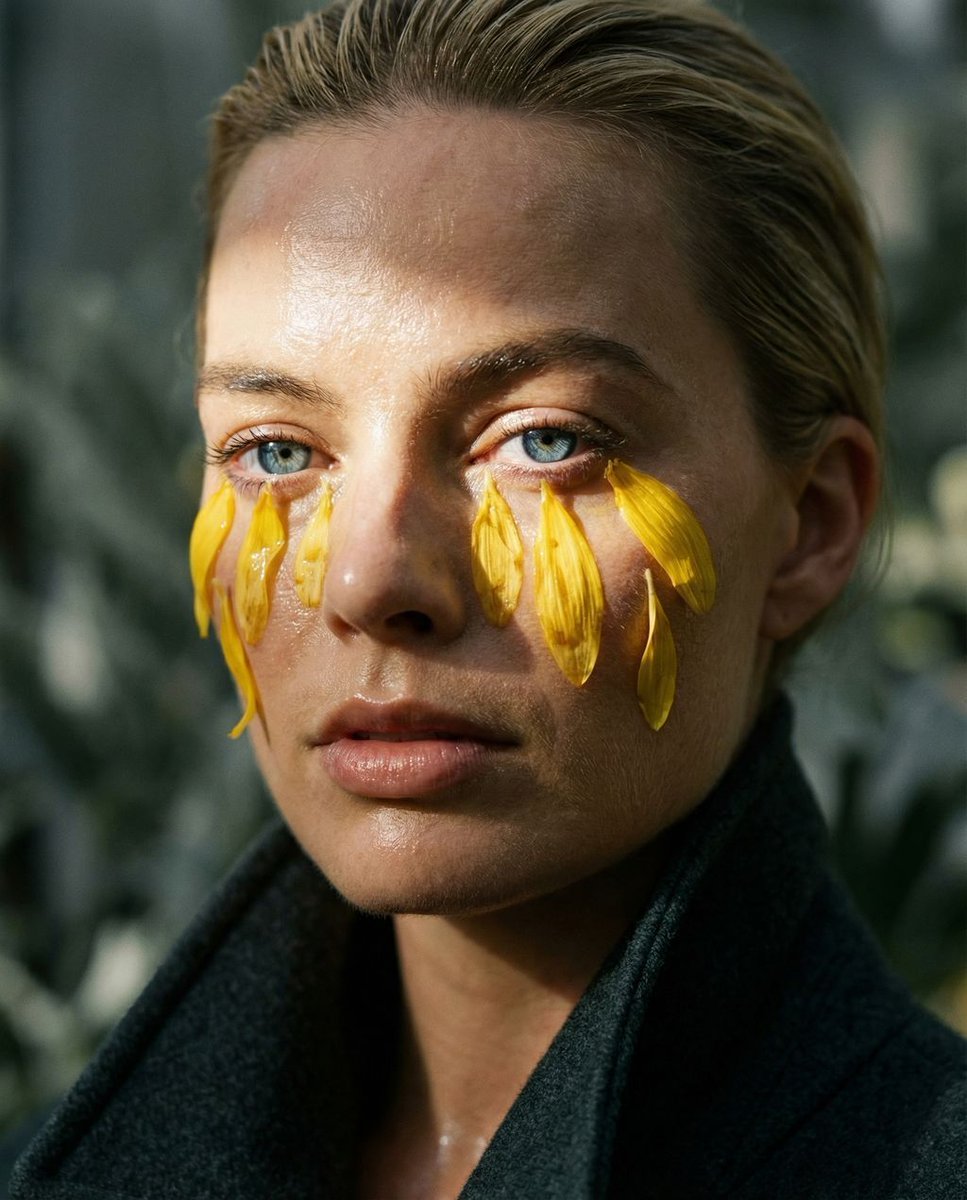
Macro Portrait with Organic Melancholy Aesthetic (JSON Format)

Transformation the Burger Seedance 2 0 a
Cinematic Portrait Transformation

Found Photograph: Us, 1970

80s Couple Studio Portrait

80s Bollywood Star

80s Golden Hour Cinema

Me in 1985

1985 Studio Portrait

Hyper-Realistic Minecraft POV Portrait
Make it yours
Cyber Projector Numbers Beauty Portrait Prompt (JSON format) works as-is. These are the safest ways to change it without losing the look.
Swap the setting
Keep the rest of the prompt and replace the location block. The current setting is “4:5”.
Swap the light
One lighting change is enough to compare takes. Current light: “primary light is the projector (green digits), minimal soft fill from camera-lef”.
Change one field
Copy a single group, rewrite it, and generate again so you can see what that field is doing.
| If the result… | Why | Fix |
|---|---|---|
| The result drifts from the preview | Too many fields changed at once. | Reuse Cyber Projector Numbers Beauty Portrait Prompt (JSON format) as-is first, then change one group — subject, light, or setting. |
| Nano Banana 2 ignores part of the JSON | Some models flatten or skip nested keys. | Keep the same values and paste them as a short paragraph instead. |
More Nano Banana 2 templates
Other prompts made for Nano Banana 2.

Photorealistic Leaf Shaped Like a Dragon

K-Pop Idol Portrait Grid for Rapid Selection

Poetic Rain Forest Portrait During Golden Hour

Urban Street Portrait with Cartoon Inner Self Duo

Candid Nighttime Photo with Cat Prompt

High-Concept 3D Diorama Generation Prompt

Cinematic Futuristic Studio Portrait Template

Skincare Editorial Photography Collage Prompt

Hyper-Realistic Commercial Product Photography (Splash Effect)

Hyper-Realistic Nightclub Portrait Prompt
More image prompts
Fresh picks from across the catalog.
Image prompt for a whimsical, high-detail, 3D rendered banana character
Whale Shark in Sunbeam
Watercolor Illustration of Enchanted Forest Clearing at Dawn

Grainy Paris Café Film Scene

Dynamic Football Superstar Illustration
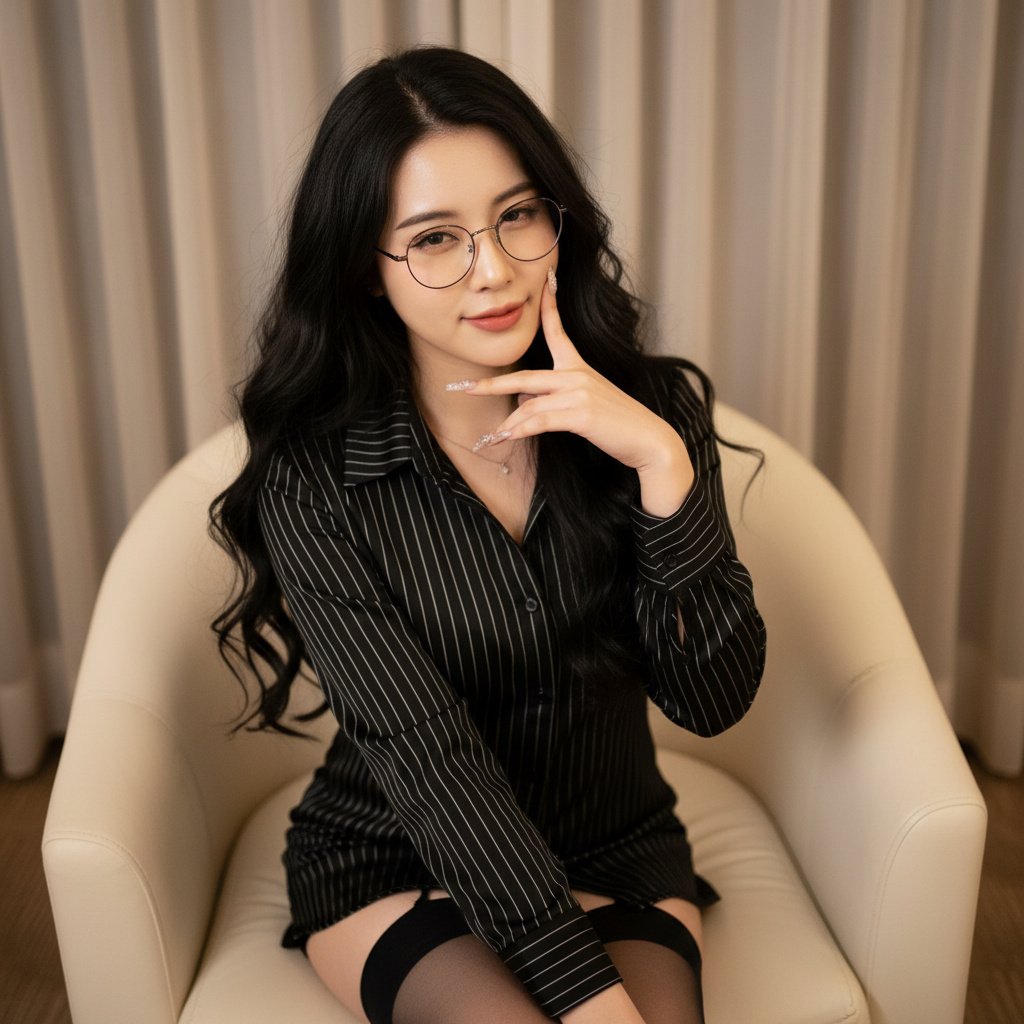
Photorealistic Portrait with Shallow Depth of Field
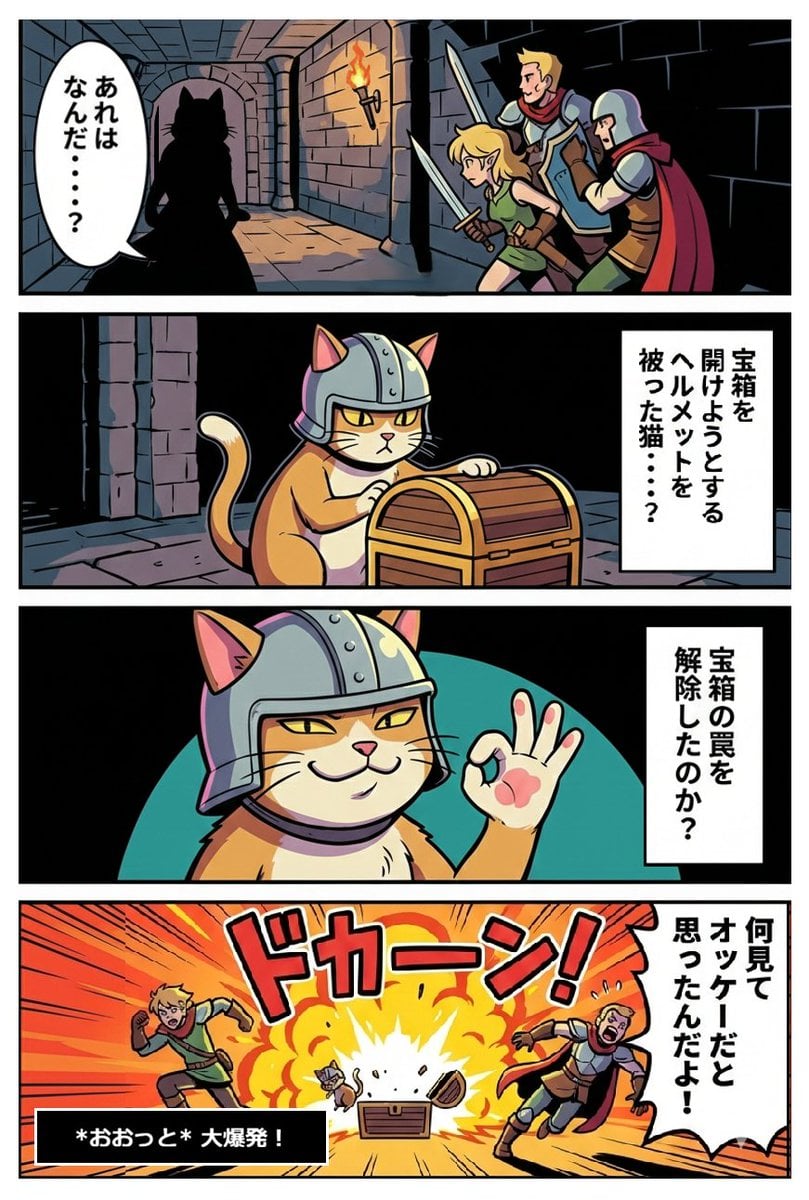
Wizardry x Genba Neko Collaboration Image
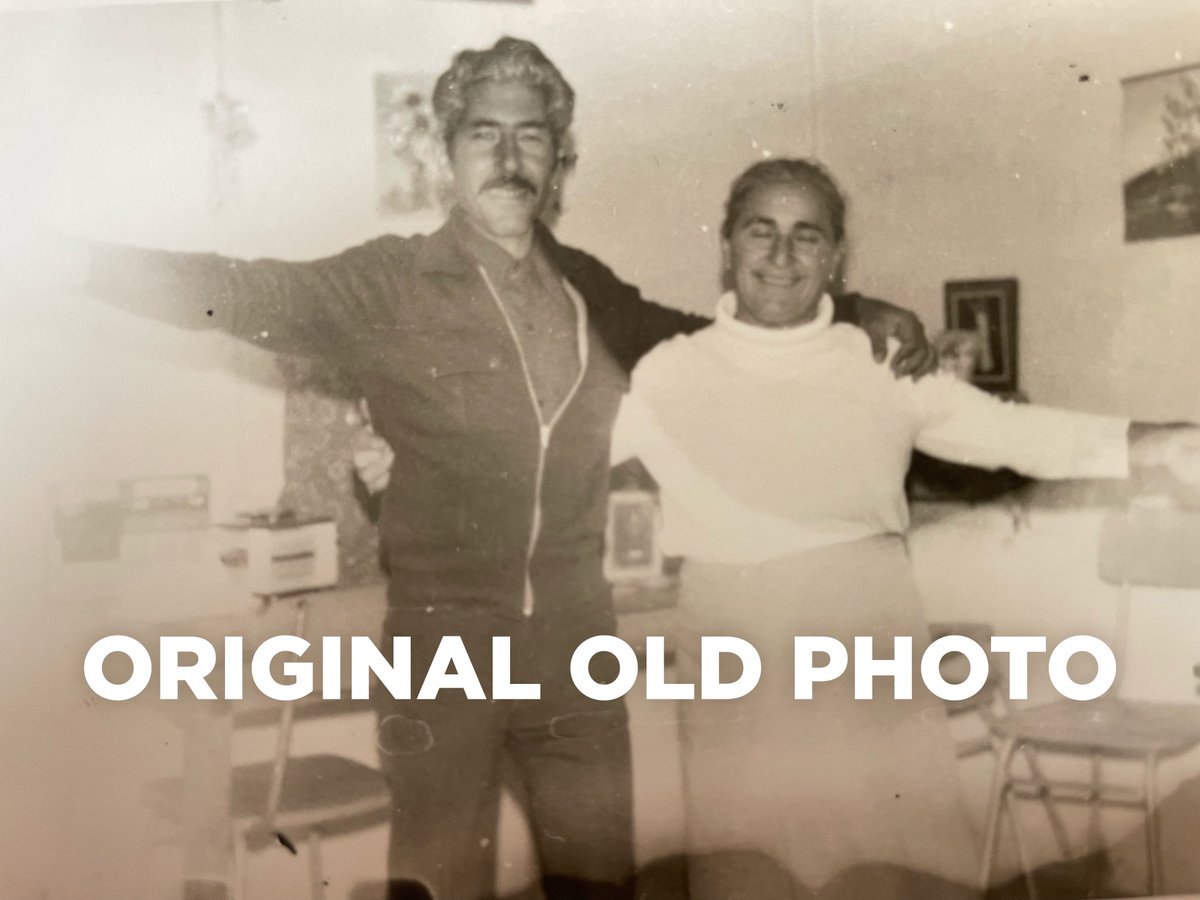
4K Photo Restoration Prompt
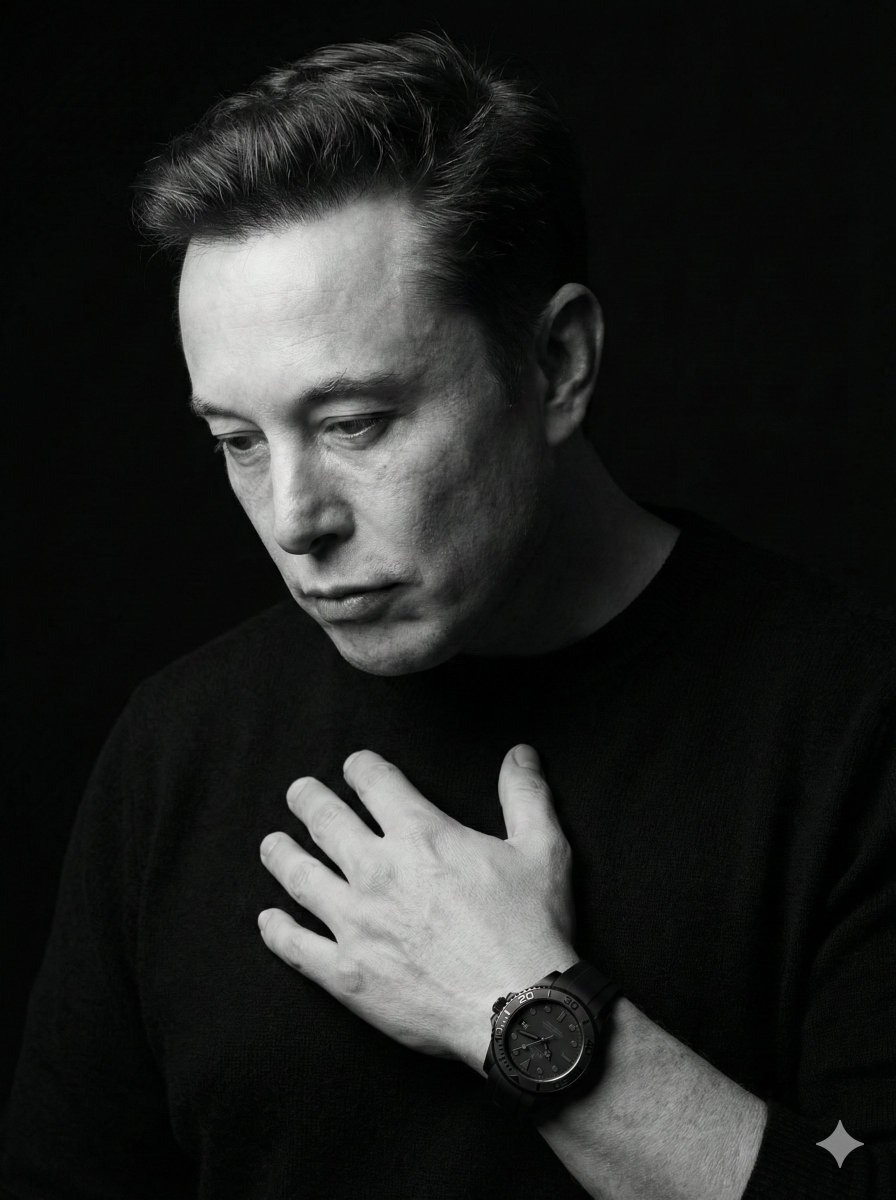
Dramatic Black & White Portrait
Minimalist Contemporary Typography Art
Browse template categories
Cyber Projector Numbers Beauty Portrait Prompt (JSON format) questions
How do I use the Cyber Projector Numbers Beauty Portrait Prompt (JSON format) template?
Add your photo if the template asks for one, edit the prompt if you like — the template's model and format are already selected — and press Generate. Your version opens in PicX Studio.
Can I customize the Cyber Projector Numbers Beauty Portrait Prompt (JSON format) template?
Yes. You can change the subject, setting, lighting, mood, format, and available model controls before creating your image.
Is the Cyber Projector Numbers Beauty Portrait Prompt (JSON format) template free?
Opening and editing this template is free. Generating uses credits, shown on the Generate button when you are signed in.
Which AI model should I use?
Start with Nano Banana 2, which is the model associated with this template. You can compare another compatible model for a different finish.
Looking for something else? Browse all templates.

Your photo, any look
Thousands of ready templates for every top image and video model, from one credit balance.