
High-Fashion Editorial: Golden Hour Luxury
A highly detailed, structured prompt for a high-fashion editorial photoshoot, emphasizing 'Golden Hour Luxury' and cinematic Tom Ford-inspired lighting.
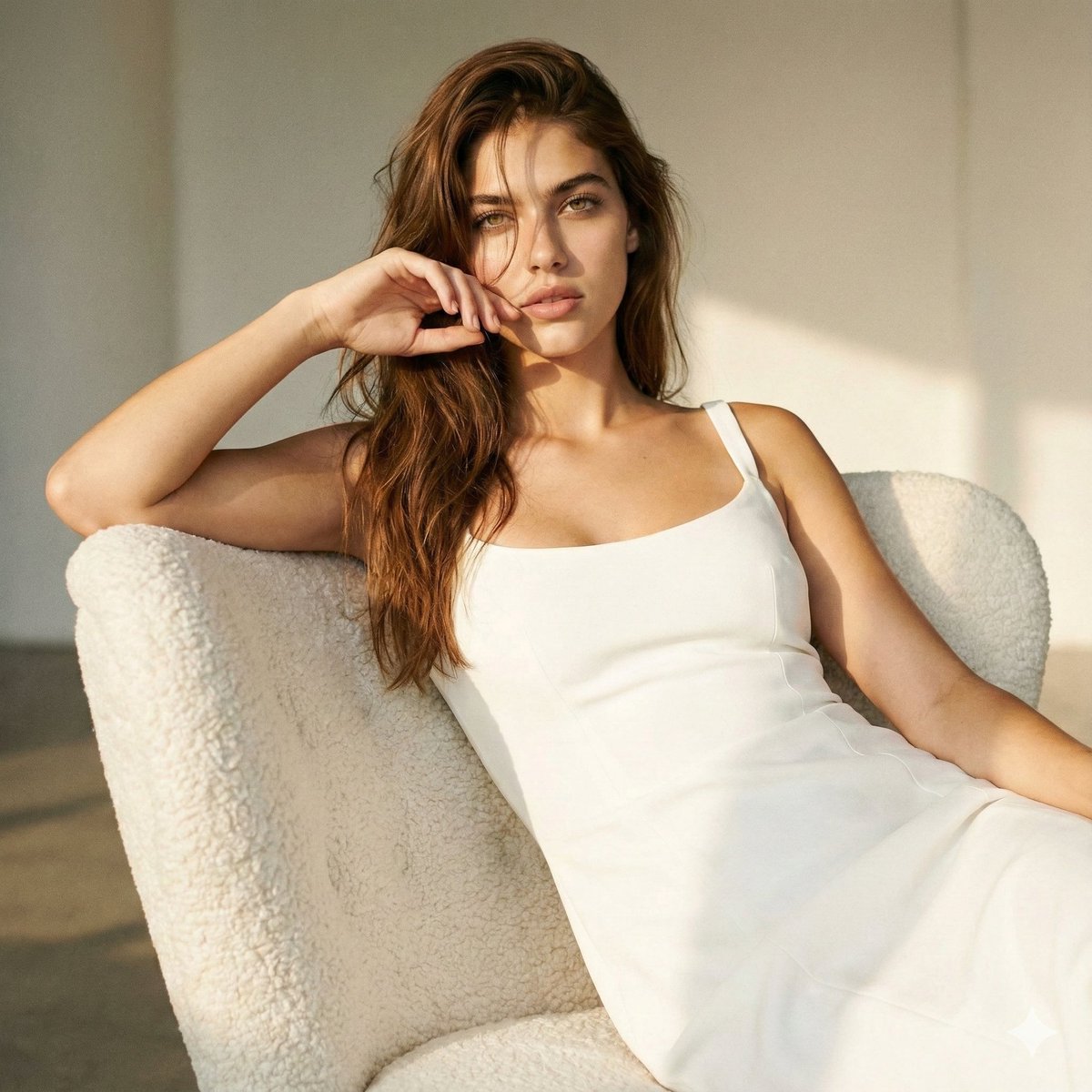
- Prompt included
- Model and format preset
- Premium template
The prompt behind this image
Copy the exact prompt behind High-Fashion Editorial: Golden Hour Luxury, or open it in the studio and make it yours.
{ "project_title": "High-Fashion Editorial: Golden Hour Luxury", "composition_settings": { "camera_angle": "Low-angle", "shot_type": "Waist-up / Tight framing", "composition_style": "Powerful, no negative space, full-frame immersion" }, "subject_details": { "model_identity": { "preservation_rules": [ "Maintain reference facial features", "Maintain reference hair color", "Maintain reference eye color" ], "complexion": "Ultra-polished skin texture, flawless finish" }, "posing_and_attitude": { "posture": "Seated elegantly, calm yet dominant, effortless grace", "hand_position": "Single hand raised softly near the face, controlled editorial gesture", "vibe": "Refined sensuality, fashion-film attitude" }, "styling": { "wardrobe": { "garment": "{argument name="garment type" default="slip dress"}", "material": "Luxurious fabric with visible couture tension", "silhouette": "Sculpted, high-precision tailoring" }, "hair_design": { "style": "Long, voluminous, deliberately loose", "detail": "Soft strands falling across the face for intimacy" }, "makeup": { "lashes": "Voluminous, dramatic, editorial-grade", "overall": "High-end studio polish" } } }, "environment_and_props": { "location": "Minimalist high-end studio", "furniture": "Sculptural {argument name="furniture style" default="white teddy-style armchair"}", "background": "Unified minimalist backdrop integrated with lighting" }, "lighting_and_aesthetics": { "primary_source": "Golden hour studio lighting", "lighting_style": "Cinematic Tom Ford-inspired", "tonality": { "palette": "Warm sunlit tones, rich highlights", "shadows": "Gentle, soft-focus transitions", "atmosphere": "Soft glow, expensive and timeless mood" }, "post_processing": { "texture": "Subtle film grain", "clarity": "Ultra-sharp focal points on subject" } } }
How to use High-Fashion Editorial: Golden Hour Luxury in 3 steps
- 1
Open
The prompt is already in the box next to the preview, with the template's model and format selected.
- 2…a portrait of your subject in softgolden-hour light, 85mm…
Personalize
Edit the subject and creative details for your destination.
- 3Generate
Generate
Press Generate — your image is created in PicX Studio, so you can compare it with the original and refine one variable at a time.
More like this
Templates with the same subject, style or setup. Open one to see its prompt.

19 Luxury Helicopter Travel — California Series

08 Rodeo Drive Luxury Exit — California Series

Google Gemini Nano Banana Pro

Conceptual Fashion Portrait in Spider We

01 Skincare Split Portrait — Nano Banana 2

24 The Getty Center — California Series

21 Glass Floor Skyscraper — California Series

03 Beverly Hills Convertible — California Series

Gpt Image 2 Fashion Portrait

Caution Tape Fashion — Industrial Editorial

Nano Banana - Paris Cafe Editorial

Luxury Fashion Editorial Portrait
Make it yours
High-Fashion Editorial: Golden Hour Luxury works as-is. These are the safest ways to change it without losing the look.
Change one field
Copy a single group, rewrite it, and generate again so you can see what that field is doing.
Keep the frame, change the subject
Hold the composition and light of High-Fashion Editorial: Golden Hour Luxury, then swap wardrobe, props or the person for a new take.
| If the result… | Why | Fix |
|---|---|---|
| The result drifts from the preview | Too many fields changed at once. | Reuse High-Fashion Editorial: Golden Hour Luxury as-is first, then change one group — subject, light, or setting. |
| The model over-stylizes the scene | The prose prompt leaves finish and camera underspecified. | Add one camera or lighting sentence and stay on Nano Banana 2. |
More Nano Banana 2 templates
Other prompts made for Nano Banana 2.

Photorealistic Leaf Shaped Like a Dragon

K-Pop Idol Portrait Grid for Rapid Selection

Poetic Rain Forest Portrait During Golden Hour

Urban Street Portrait with Cartoon Inner Self Duo

Candid Nighttime Photo with Cat Prompt

High-Concept 3D Diorama Generation Prompt

Cinematic Futuristic Studio Portrait Template

Skincare Editorial Photography Collage Prompt

Hyper-Realistic Commercial Product Photography (Splash Effect)

Hyper-Realistic Nightclub Portrait Prompt
More image prompts
Fresh picks from across the catalog.
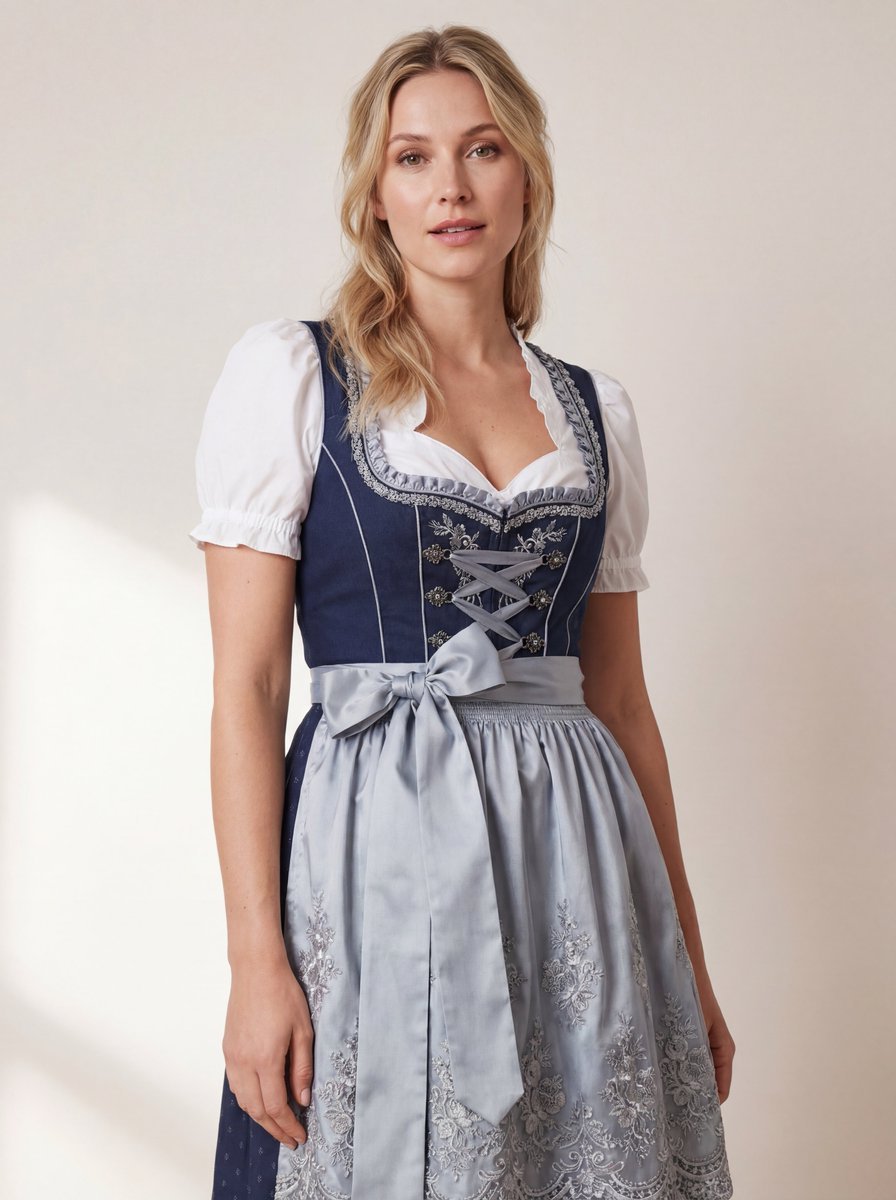
Hyper-Realistic Studio Photo of a Woman in Bavarian Dirndl
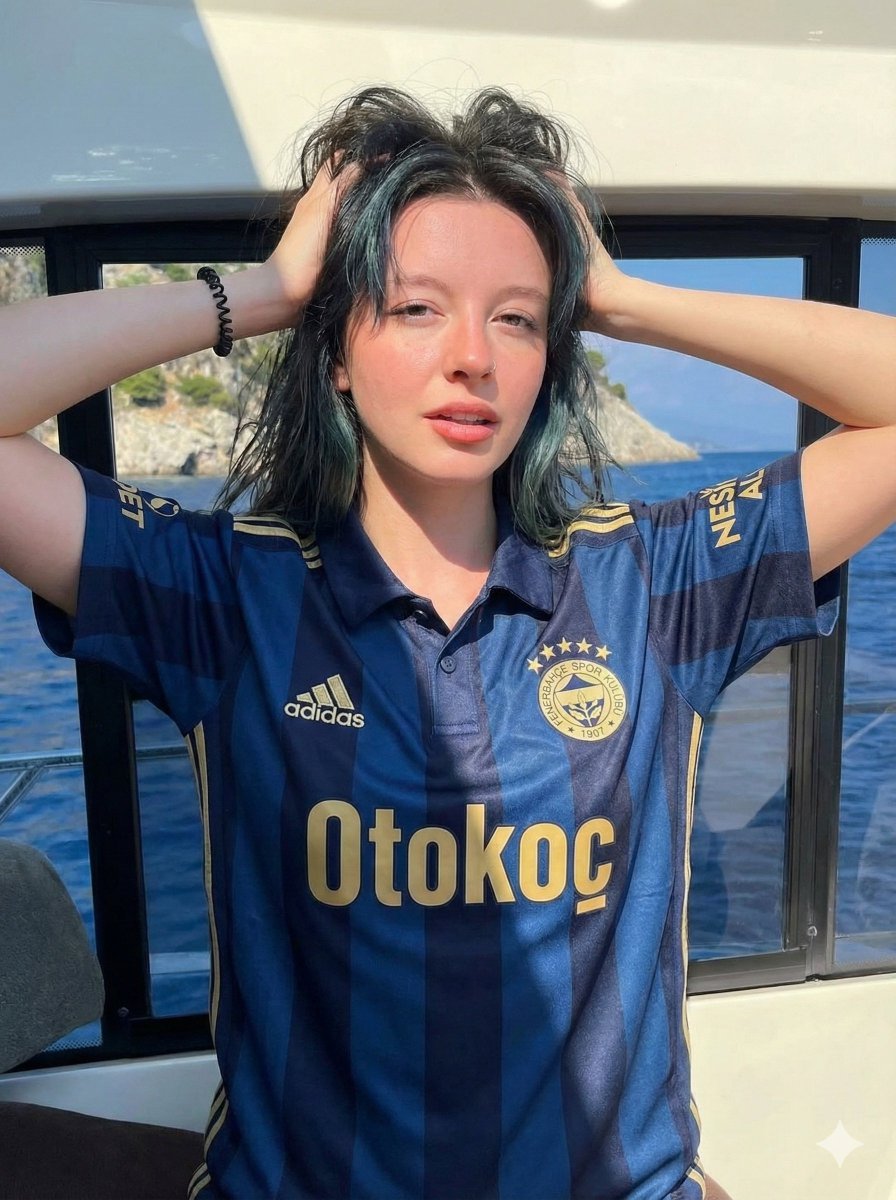
Photorealistic Fenerbahçe Jersey Portrait on a Yacht

Generating Images from Song Titles: Japanese Constitution
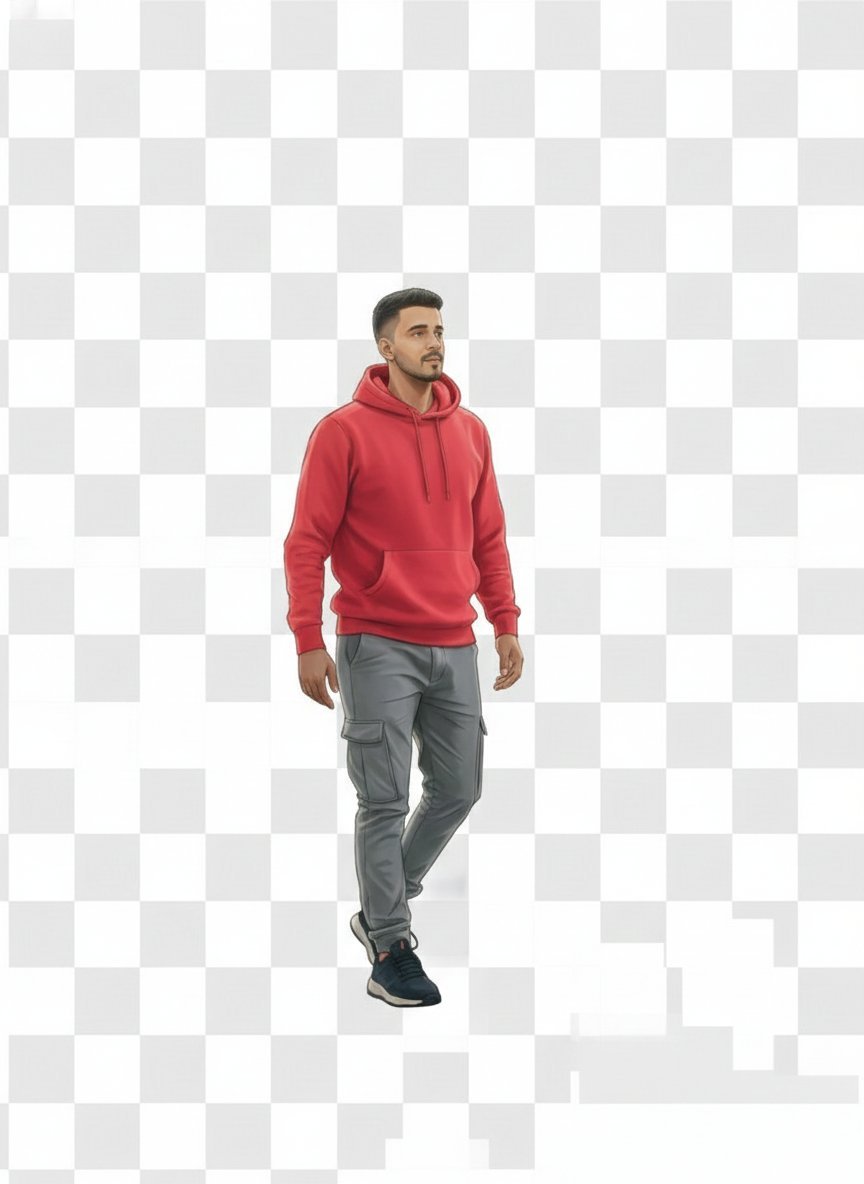
2D Vector Character Illustration from Reference Image
Classic Comic Book Panel Style

Nano Banana 2
Chaotic Y2K Cyber-Pop Editorial Portrait
Poster Style Anime Character
Historical Ingredient Journey Diorama
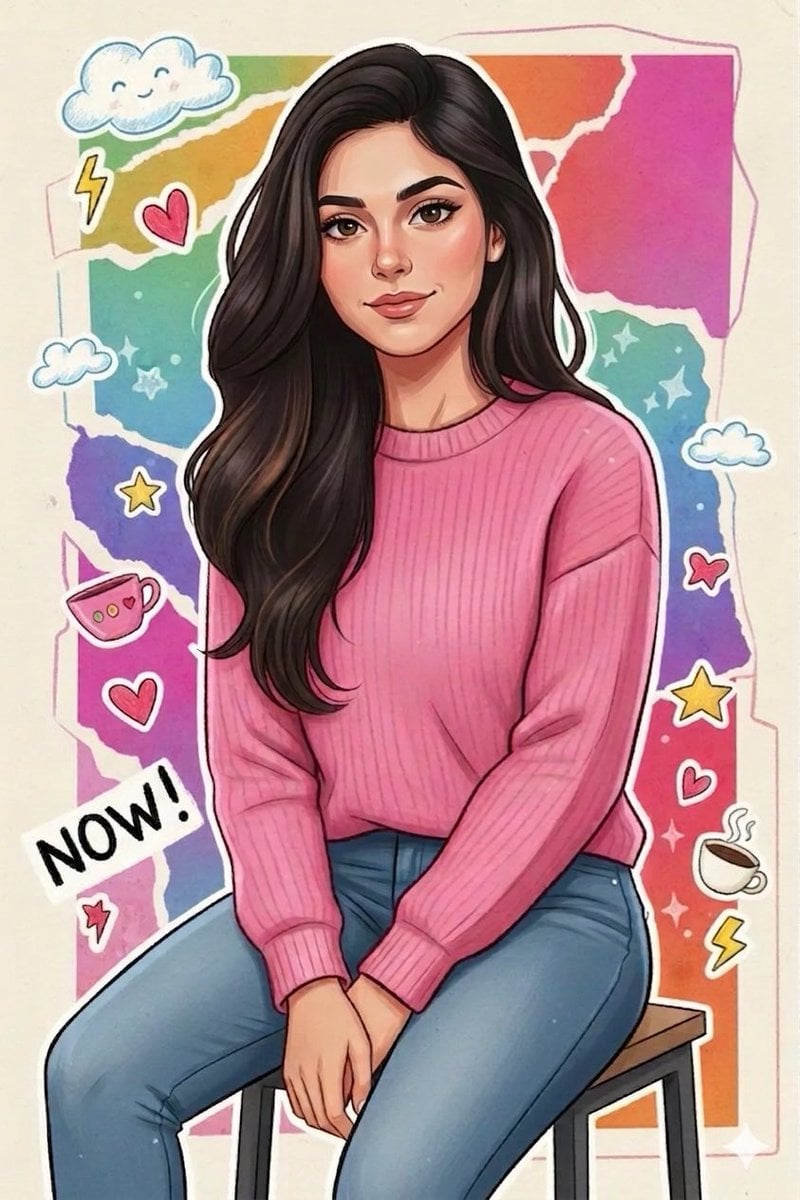
Vibrant Sticker Art Illustration of a Young Woman
Browse template categories
High-Fashion Editorial: Golden Hour Luxury questions
How do I use the High-Fashion Editorial: Golden Hour Luxury template?
Add your photo if the template asks for one, edit the prompt if you like — the template's model and format are already selected — and press Generate. Your version opens in PicX Studio.
Can I customize the High-Fashion Editorial: Golden Hour Luxury template?
Yes. You can change the subject, setting, lighting, mood, format, and available model controls before creating your image.
Is the High-Fashion Editorial: Golden Hour Luxury template free?
Opening and editing this template is free. Generating uses credits, shown on the Generate button when you are signed in.
Which AI model should I use?
Start with Nano Banana 2, which is the model associated with this template. You can compare another compatible model for a different finish.
Looking for something else? Browse all templates.

Your photo, any look
Thousands of ready templates for every top image and video model, from one credit balance.