
Historical Ingredient Journey Diorama
A complex, logic-based prompt designed to create a macro diorama showing the historical trade journey of a specific ingredient.
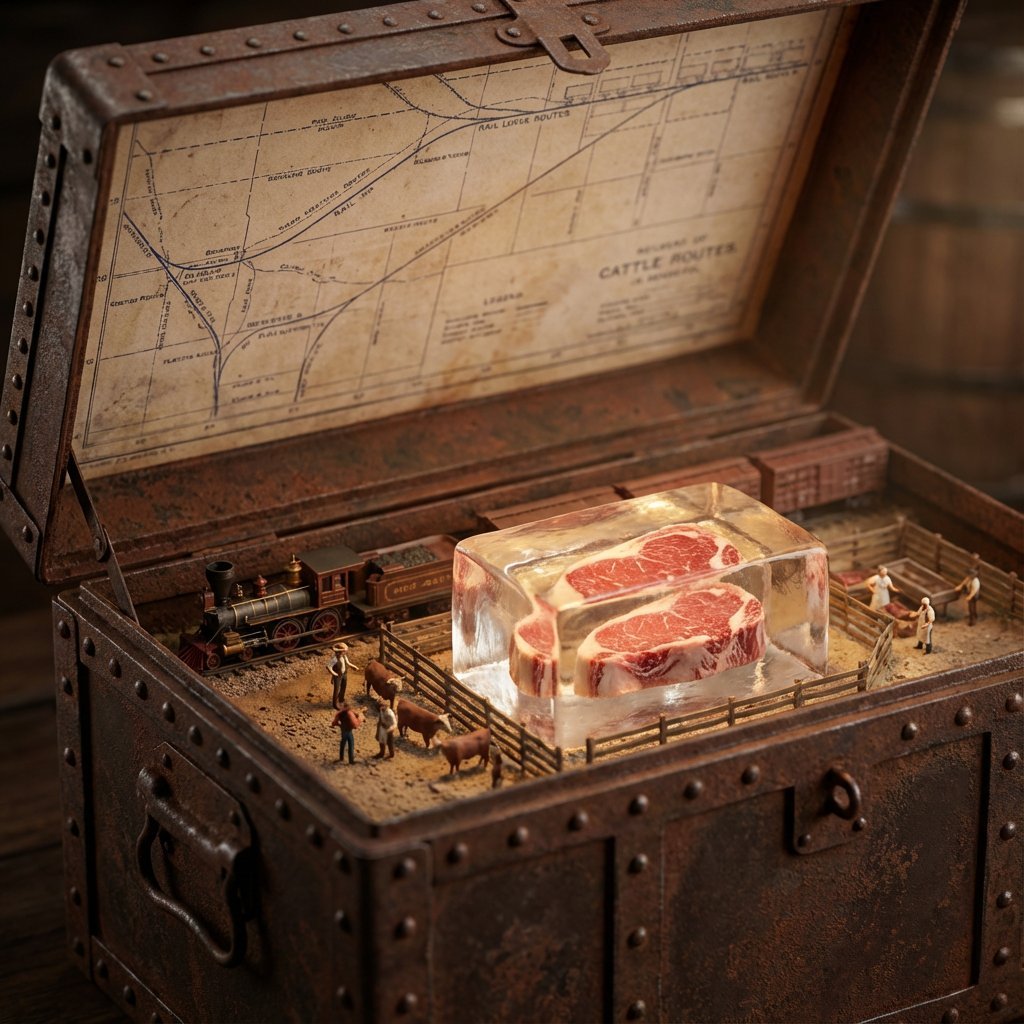
- Prompt included
- Model and format preset
- Free template
The prompt behind this image
Copy the exact prompt behind Historical Ingredient Journey Diorama, or open it in the studio and make it yours.
<instructions>Input Variable: {argument name="ingredient" default="INSERT INGREDIENT"} Logic 1. Analyze the Era: Before generating, determine the Golden Age of trade for the [Input]. (Example: Beef = 1880s Industrial Rail; Spices = 1500s Silk Road; Bananas = 1920s Steamships). 2. The Container: The chest material must match the Era. If Industrial: Rusted steel, riveted iron, or branded shipping crate wood. If Ancient: Carved sandalwood, brass-bound oak, or woven reed. If Modern: Polymer, aluminum, or sterile medical glass. 3. The Map (Inner Lid): Style must match the Era. (Blueprints for industrial, parchment for ancient, nautical charts for maritime). Route must be accurate. (Rail lines for beef, trade winds for fruit, caravan trails for spices). 4. The Diorama (Base): Transport: Use only the historically correct vehicle. (Steam train, Cargo ship, Camel, Truck, Ox-cart). Figures: Dress figurines in period-correct attire. (Cowboys/Butchers, Sailors/Dockworkers, Nomads/Merchants). Setting: The background of the box interior must match the source origin. (Stockyards, Tropical Port, Desert Oasis). 5. The Specimen (Center): The ingredient is the "Jewel." Encased in a preservation method distinct to the item. (Block of unmelting ice for meat, vacuum tube for delicate organics, crystal phial for powders, wax seal for liquids). Visual Output Rules: Macro lens, shallow depth of field. Volumetric lighting appropriate to the setting (e.g. sunlight, Lantern). No text overlays. Aspect Ratio 1:1.</instructions>
How to use Historical Ingredient Journey Diorama in 3 steps
- 1
Open
The prompt is already in the box next to the preview, with the template's model and format selected.
- 2…a portrait of your subject in softgolden-hour light, 85mm…
Personalize
Edit the subject and creative details for your destination.
- 3Generate
Generate
Press Generate — your image is created in PicX Studio, so you can compare it with the original and refine one variable at a time.
More like this
Templates with the same subject, style or setup. Open one to see its prompt.
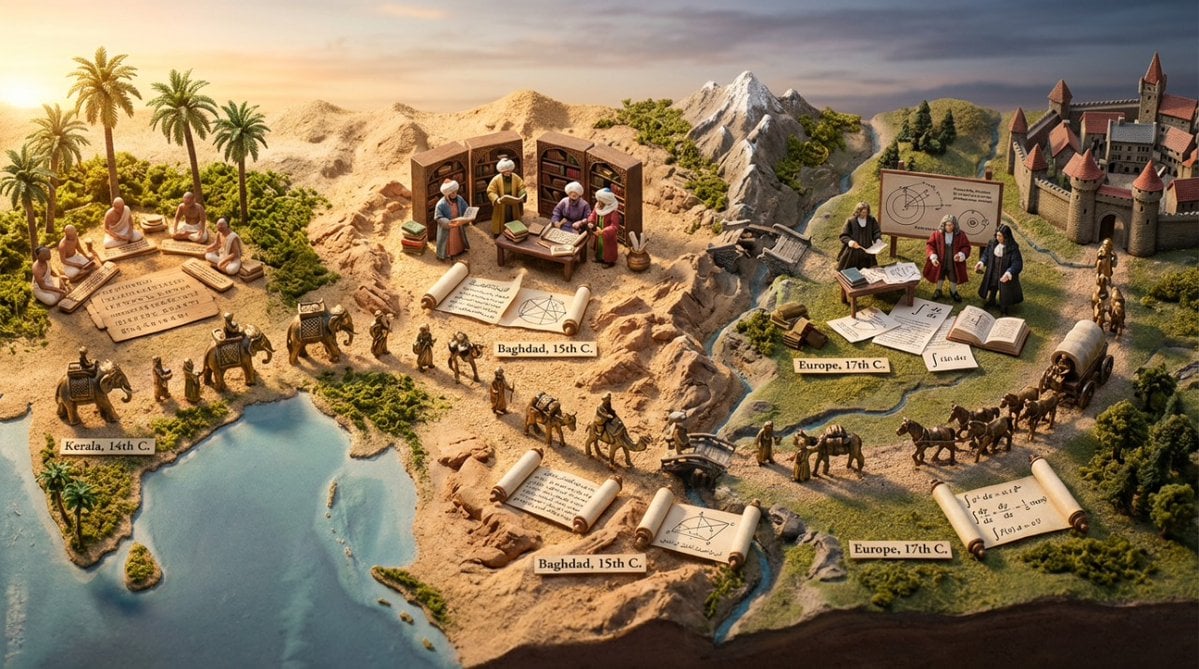
Miniature Diorama Prompt for Visualizing the Historical Journey of Calculus

Layered Paper Cut Forest Diorama

Soft Handcrafted Paper-Cut Layered Illustration

Isometric Process Educational Diorama

Isometric Brand Store Diorama

FIFA World Cup — Brazil National Pass Diorama

敦煌纸雕飞天 — 3D Layered Paper Cutout

Ancient Temple Portrait — White Dress Nano Banana

Adventurer and Tamed Slime Journey
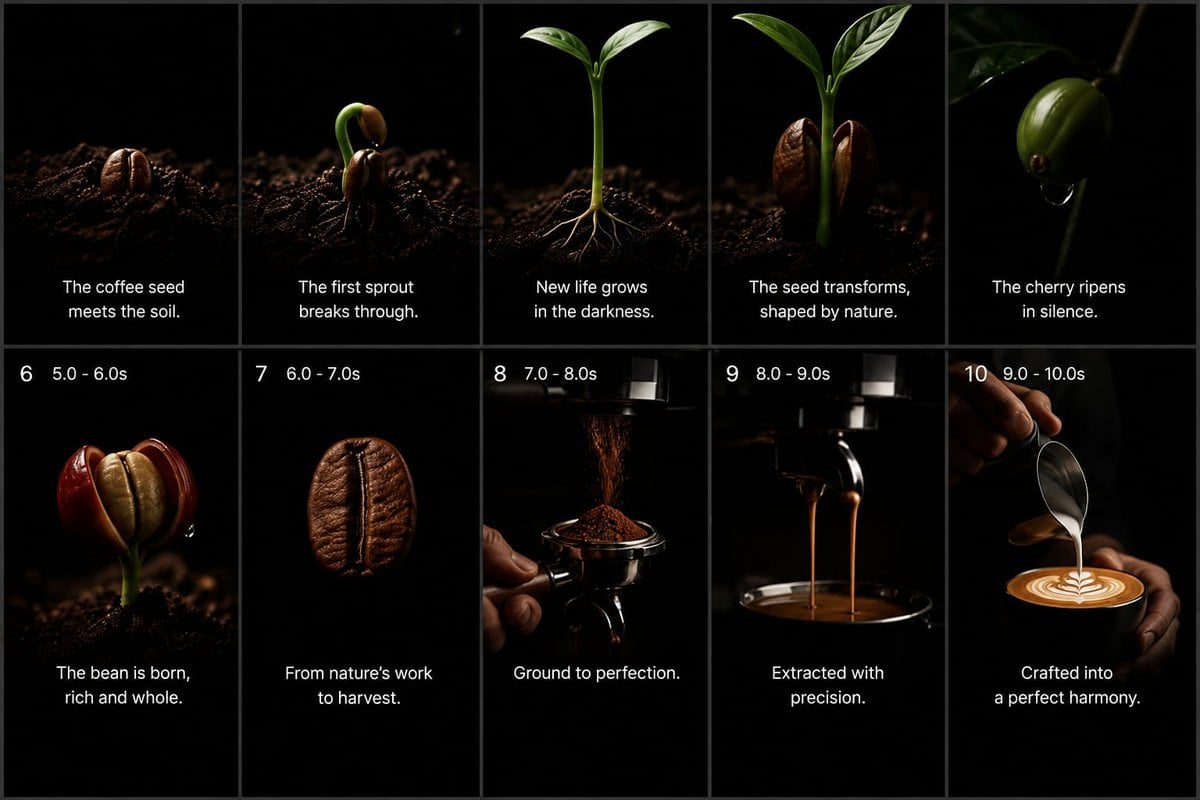
Cinematic Coffee Journey Storyboard

Miniature Sick Day Diorama

Stylized Miniature 3D Diorama Craft
Make it yours
Historical Ingredient Journey Diorama works as-is. These are the safest ways to change it without losing the look.
Change one field
Copy a single group, rewrite it, and generate again so you can see what that field is doing.
Keep the frame, change the subject
Hold the composition and light of Historical Ingredient Journey Diorama, then swap wardrobe, props or the person for a new take.
| If the result… | Why | Fix |
|---|---|---|
| The result drifts from the preview | Too many fields changed at once. | Reuse Historical Ingredient Journey Diorama as-is first, then change one group — subject, light, or setting. |
| The model over-stylizes the scene | The prose prompt leaves finish and camera underspecified. | Add one camera or lighting sentence and stay on Nano Banana 2. |
More Nano Banana 2 templates
Other prompts made for Nano Banana 2.

Photorealistic Leaf Shaped Like a Dragon

K-Pop Idol Portrait Grid for Rapid Selection

Poetic Rain Forest Portrait During Golden Hour

Urban Street Portrait with Cartoon Inner Self Duo

Candid Nighttime Photo with Cat Prompt

High-Concept 3D Diorama Generation Prompt

Cinematic Futuristic Studio Portrait Template

Skincare Editorial Photography Collage Prompt

Hyper-Realistic Commercial Product Photography (Splash Effect)

Hyper-Realistic Nightclub Portrait Prompt
More image prompts
Fresh picks from across the catalog.
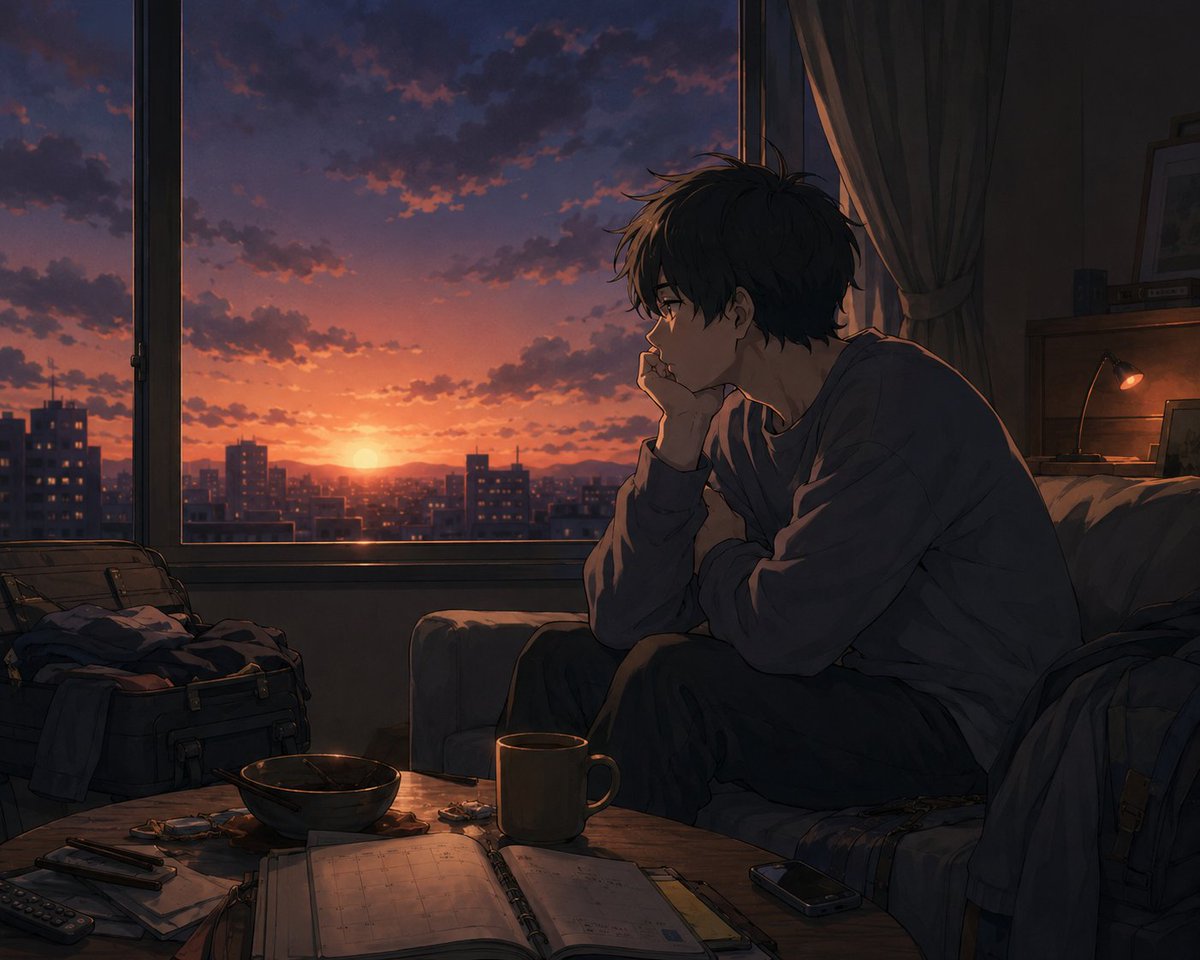
Golden Week Ending Melancholy
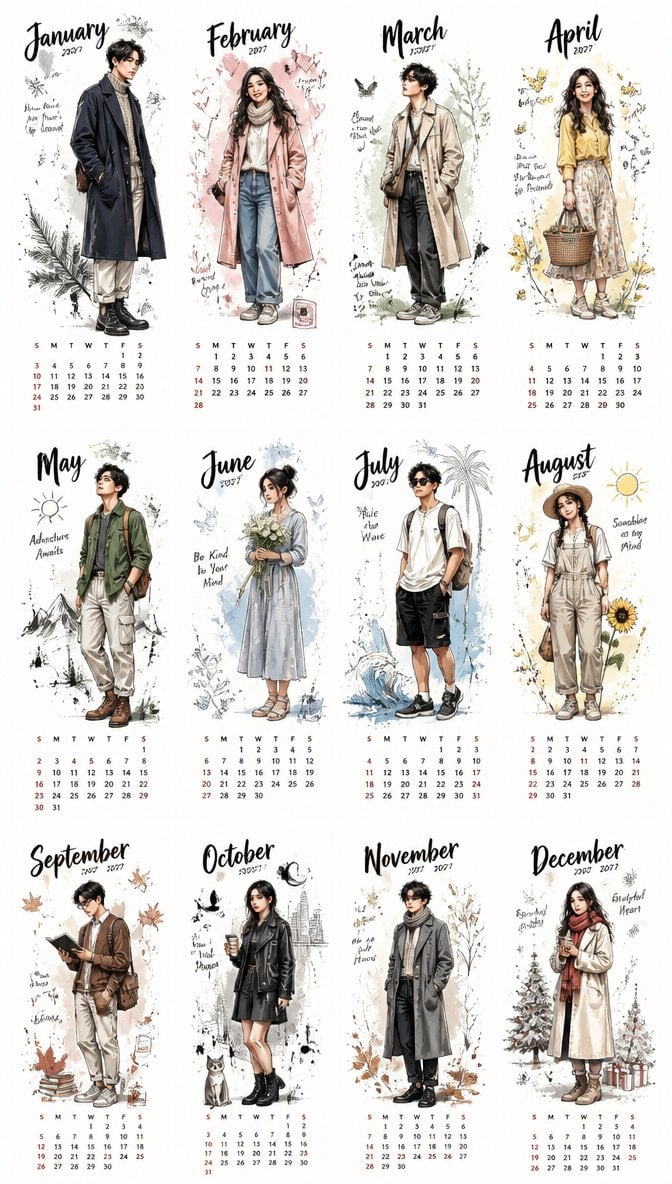
Aesthetic 2027 Desk Calendar
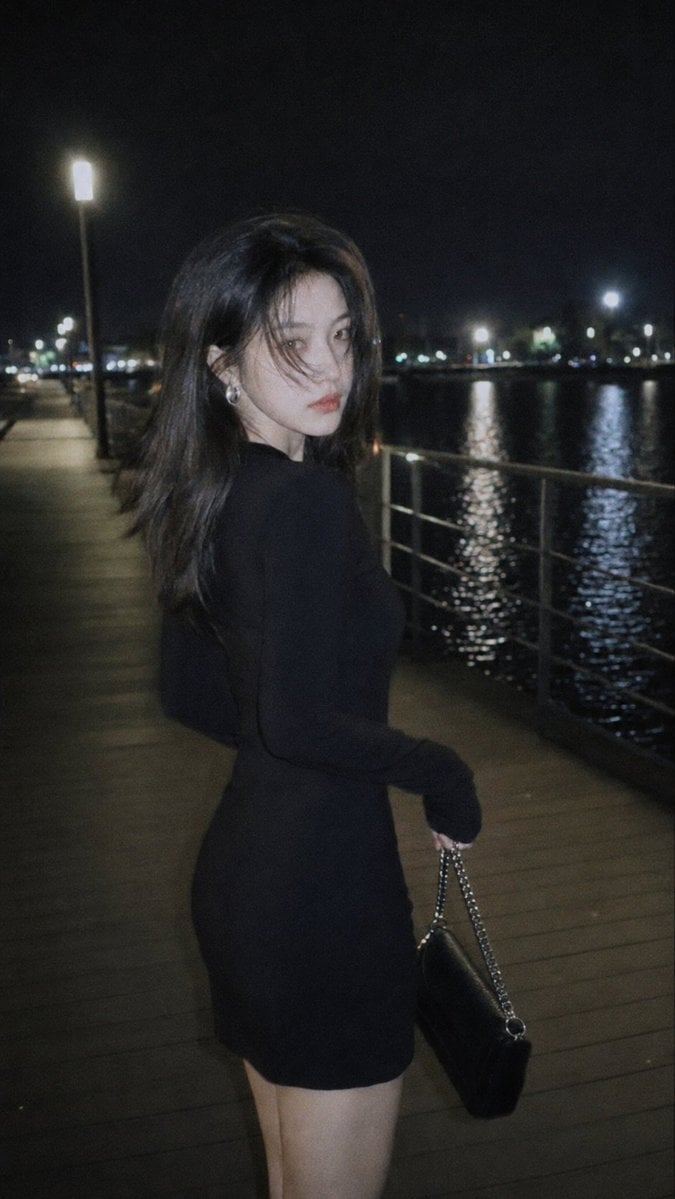
Nighttime Urban Film Portrait
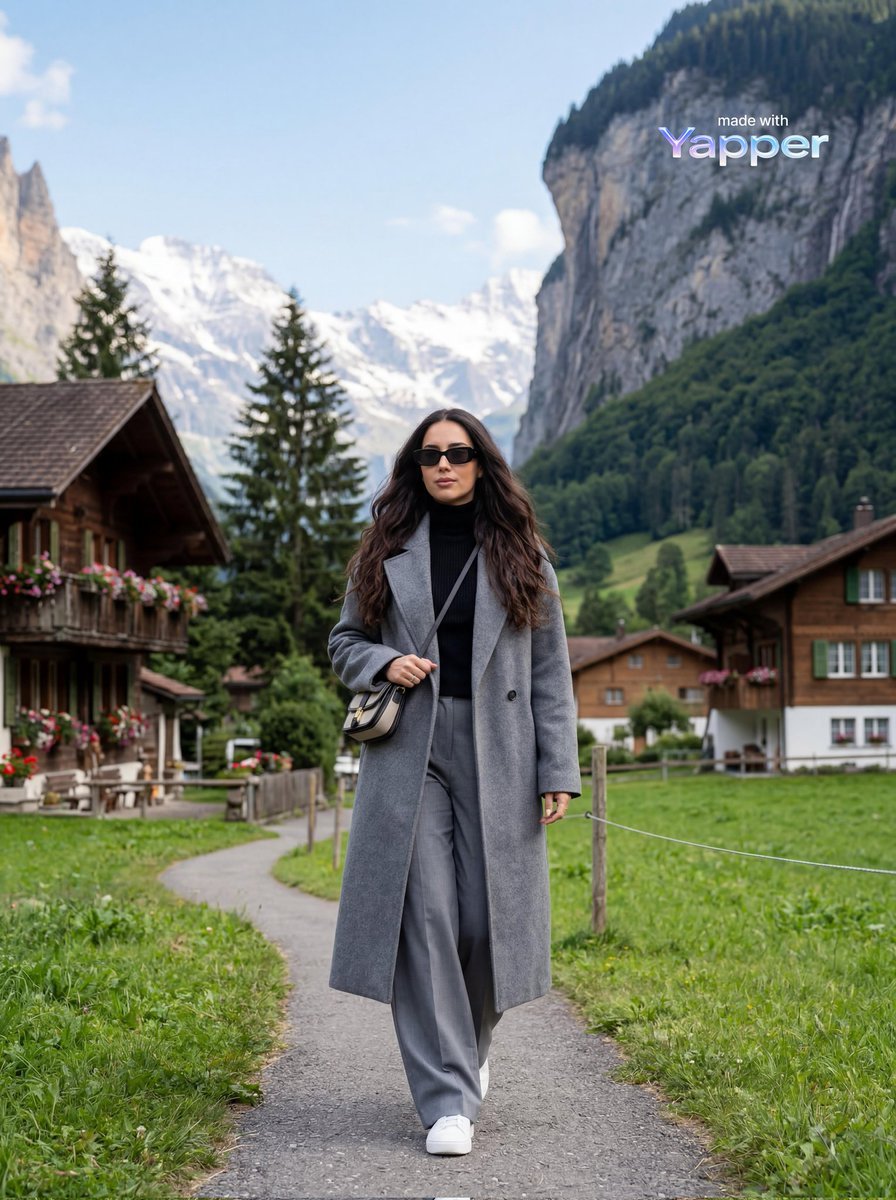
Travel Lifestyle Photography in Swiss Alpine Village
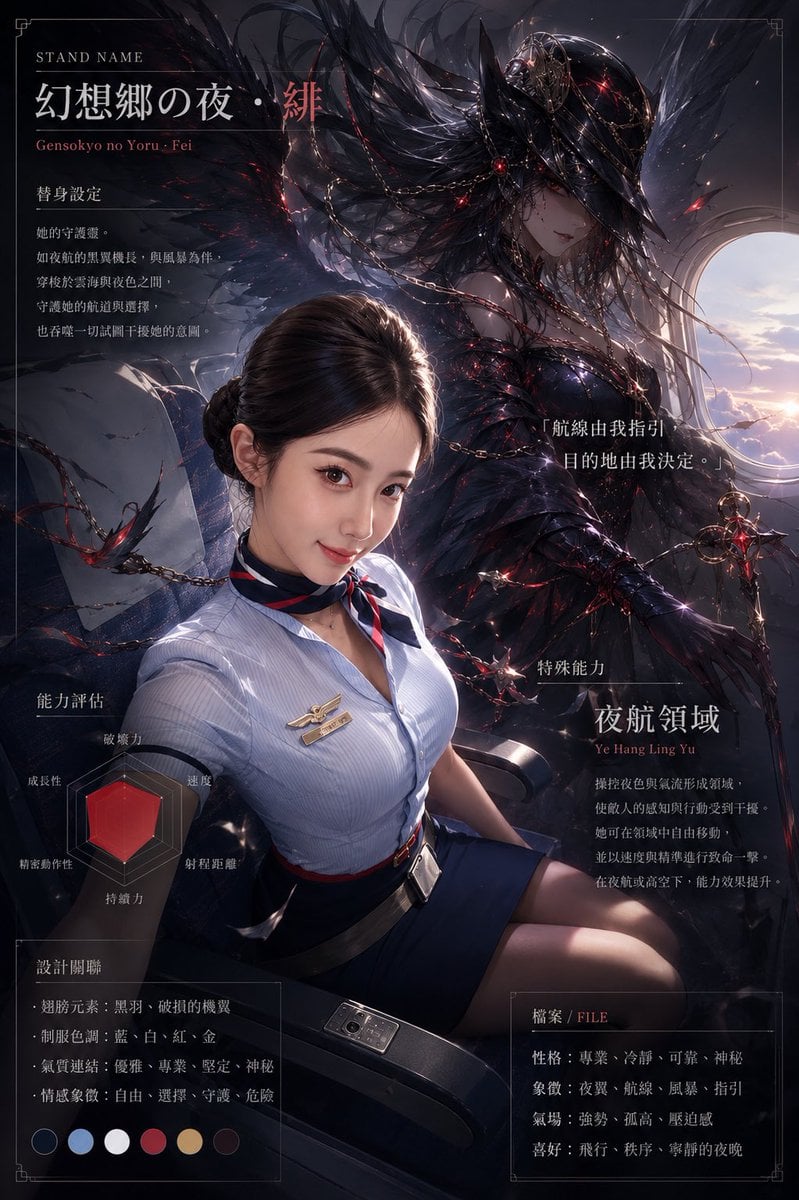
Dark Stand Guardian Profile Poster
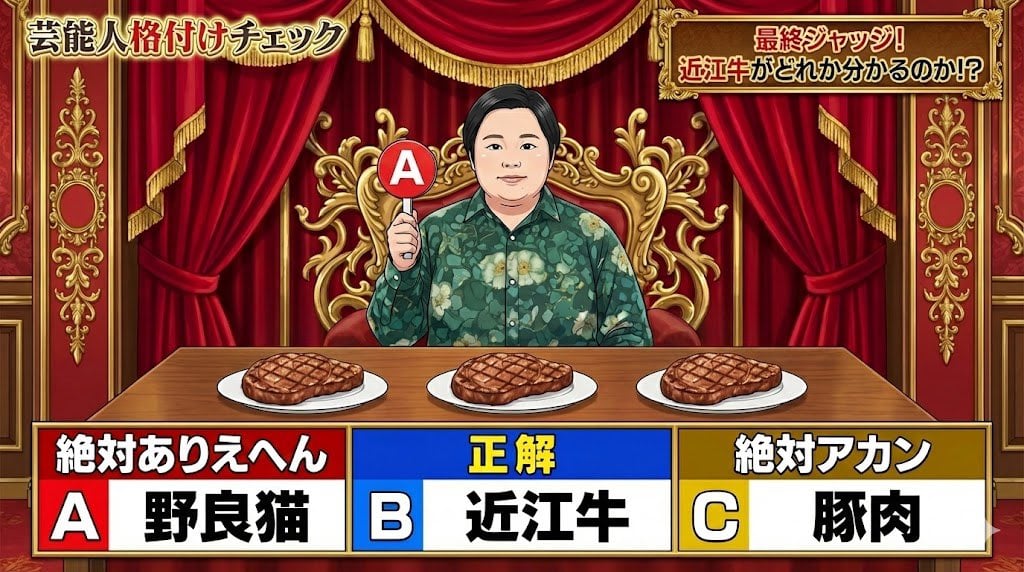
Japanese TV Parody Image Generation Prompt
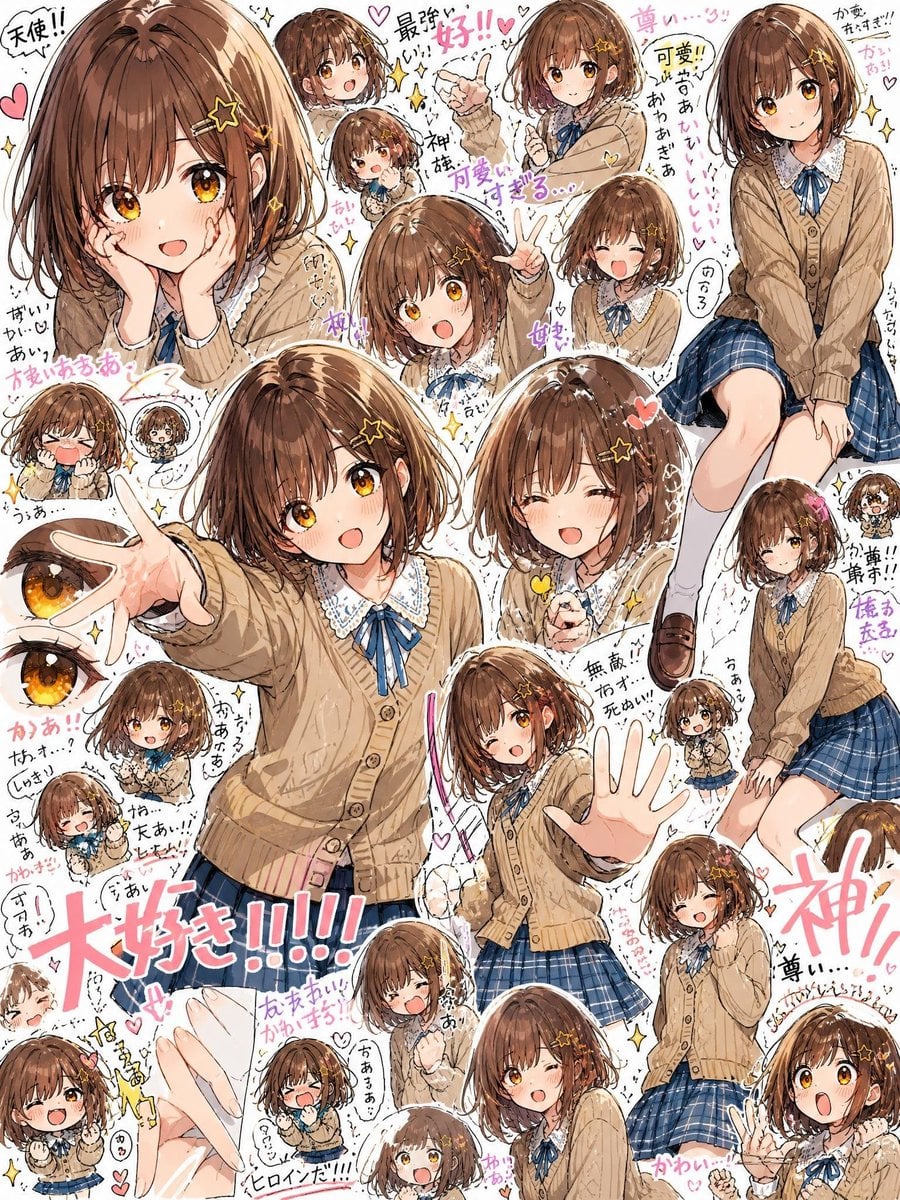
Dense Anime Schoolgirl Fan Collage
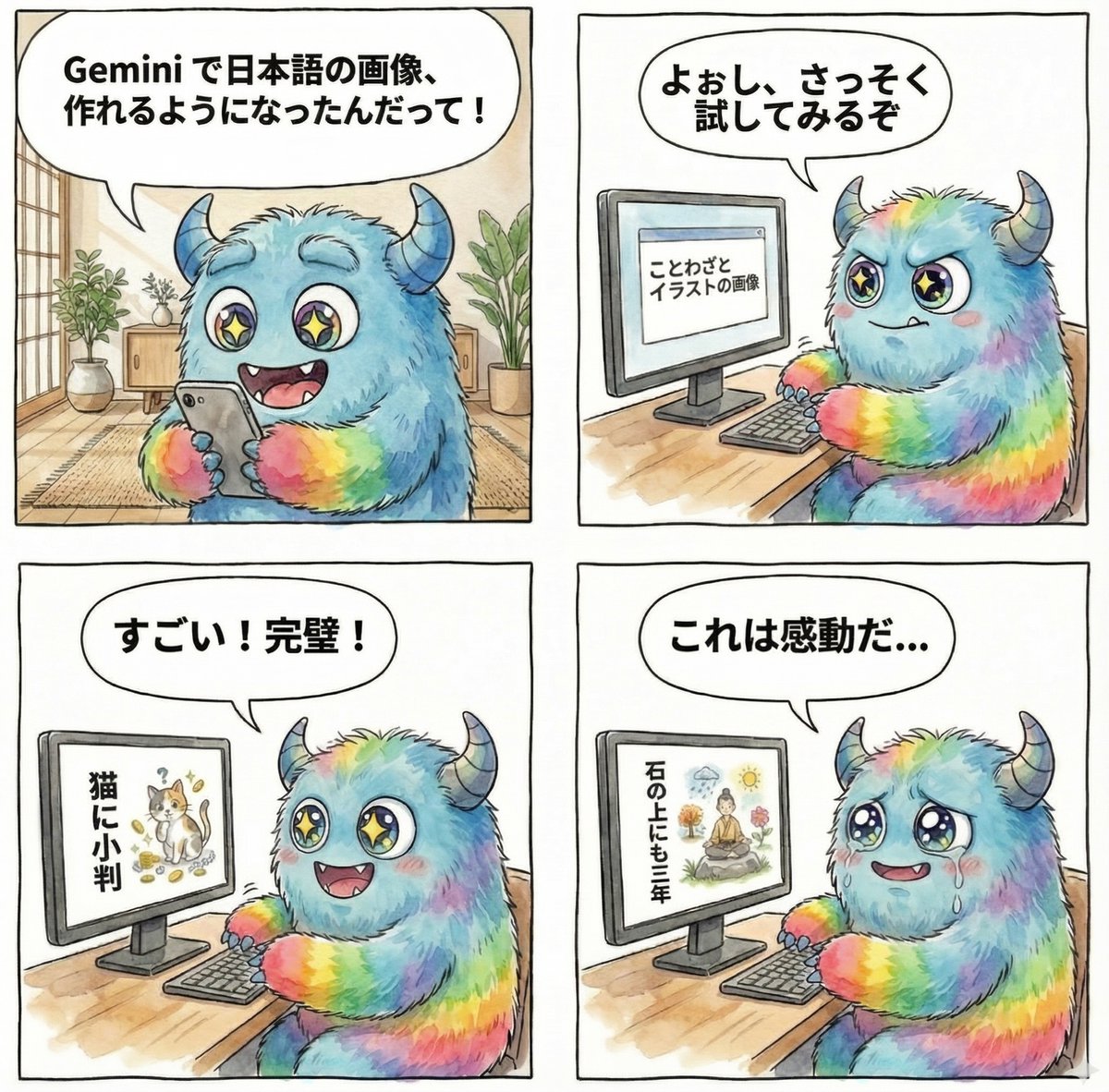
panel manga about Gemini generating Japanese text images
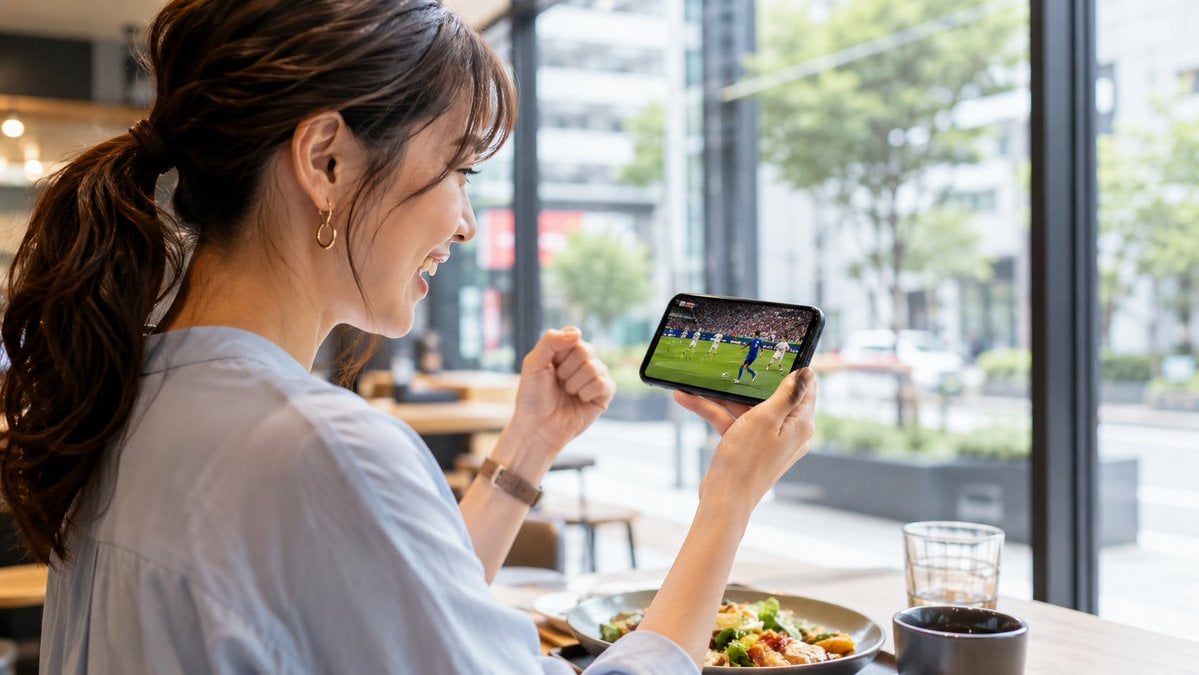
Sports Streaming Social Media Image

Snowy Locations Views Winter Special
Browse template categories
Historical Ingredient Journey Diorama questions
How do I use the Historical Ingredient Journey Diorama template?
Add your photo if the template asks for one, edit the prompt if you like — the template's model and format are already selected — and press Generate. Your version opens in PicX Studio.
Can I customize the Historical Ingredient Journey Diorama template?
Yes. You can change the subject, setting, lighting, mood, format, and available model controls before creating your image.
Is the Historical Ingredient Journey Diorama template free?
Opening and editing this template is free. Generating uses credits, shown on the Generate button when you are signed in.
Which AI model should I use?
Start with Nano Banana 2, which is the model associated with this template. You can compare another compatible model for a different finish.
Looking for something else? Browse all templates.

Your photo, any look
Thousands of ready templates for every top image and video model, from one credit balance.