
Cinematic Coffee Journey Storyboard
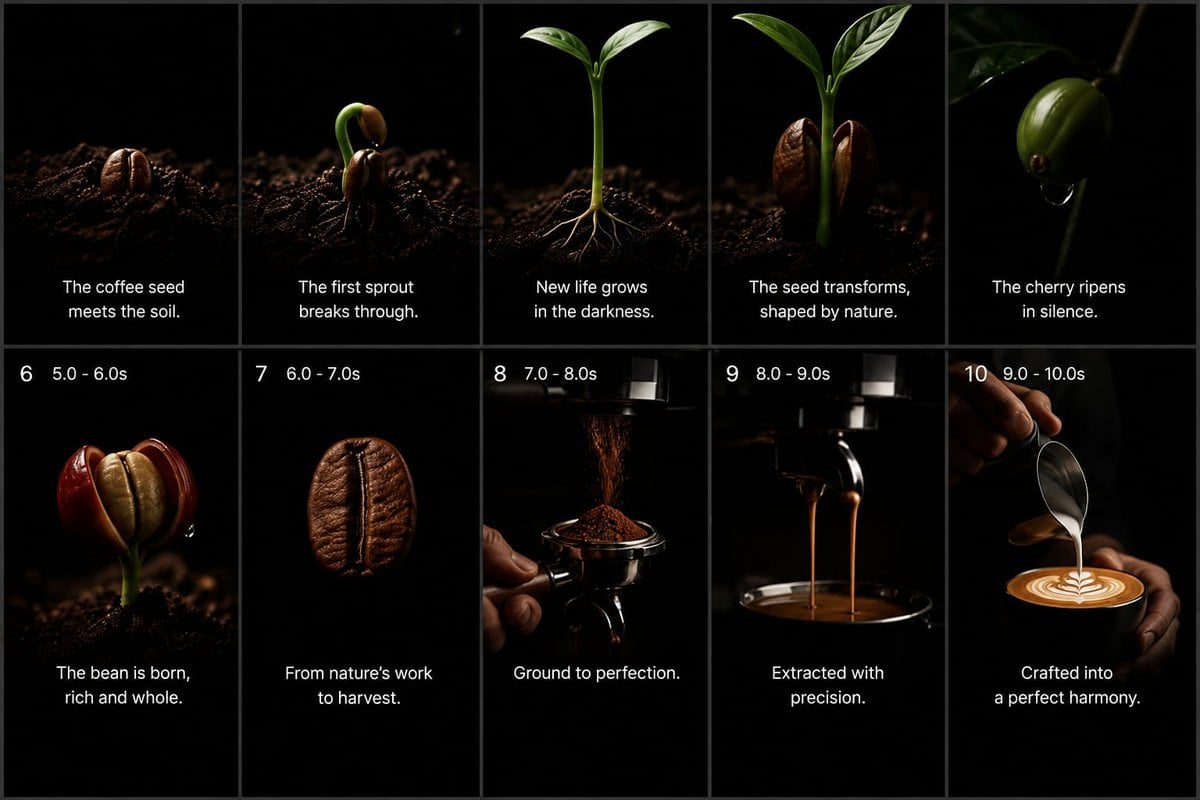
A 10-panel widescreen storyboard visualizing the premium coffee journey from seed and sprout to espresso extraction and latte art.
- Prompt included
- Model and format preset
- Free template
The prompt behind this image
Copy the exact prompt behind Cinematic Coffee Journey Storyboard, or open it in the studio and make it yours.
Goal: Create a premium cinematic coffee commercial storyboard as a single static image, showing the full journey from coffee seed to finished latte. Use a dark minimalist studio look with pure black backgrounds, dramatic low-key lighting, shallow depth of field, macro photography realism, rich brown coffee tones, glossy highlights, and elegant white captions. Canvas: 16:9 widescreen storyboard sheet, divided into exactly 10 vertical panels arranged in a 2-row by 5-column grid. Use thin dark gray dividers between panels. Each panel should feel like a high-end commercial still frame, with black negative space and a subject lit by a narrow soft spotlight. Layout: Top row contains panels 1–5 with centered white caption text near the lower third but no visible numbers. Bottom row contains panels 6–10 with small white timing labels at the top left of each panel and centered white caption text near the bottom. Keep all typography clean, modern, sans-serif, white, and unobtrusive. Storyboard panels, exactly 10: 1. A roasted-looking coffee seed partly embedded in dark soil, lit from the side, caption: “The coffee seed meets the soil.” 2. A coffee seed cracking open with a curved green sprout emerging upward from dark soil, caption: “The first sprout breaks through.” 3. A young coffee seedling with two fresh green leaves and thin pale roots visible in the soil, caption: “New life grows in the darkness.” 4. A taller green coffee sprout flanked by two split brown seed halves, caption: “The seed transforms, shaped by nature.” 5. A glossy green coffee cherry hanging from a thin branch in darkness, with a small droplet beneath it, caption: “The cherry ripens in silence.” 6. Bottom-left panel with top-left label “6 5.0 - 6.0s”; show a ripe red coffee cherry split open to reveal a pale bean inside, growing from dark soil, caption: “The bean is born, rich and whole.” 7. Top-left label “7 6.0 - 7.0s”; show a single roasted coffee bean floating or isolated against black, very close macro detail, caption: “From nature’s work to harvest.” 8. Top-left label “8 7.0 - 8.0s”; show finely ground coffee falling from a grinder into a portafilter held by a hand, caption: “Ground to perfection.” 9. Top-left label “9 8.0 - 9.0s”; show espresso extraction with two thin streams pouring from a portafilter into a dark cup below, caption: “Extracted with precision.” 10. Top-left label “10 9.0 - 10.0s”; show a barista hand pouring steamed milk from a metal pitcher into a cup of espresso, forming clean latte art, caption: “Crafted into a perfect harmony.” Text customization: Use {argument name="brand mood" default="premium cinematic coffee commercial"} styling. The main caption tone should be poetic and minimal. Optionally replace the final caption with {argument name="final caption" default="Crafted into a perfect harmony."} while preserving the same placement. Visual constraints: Keep exactly 10 panels, exactly 5 panels per row, and preserve the numbered timing labels only on panels 6 through 10. Do not add logos, watermarks, extra icons, extra panels, decorative borders, or unrelated text. Maintain realistic coffee textures, dark soil particles, deep blacks, warm highlights, and a luxurious commercial atmosphere.
How to use Cinematic Coffee Journey Storyboard in 3 steps
- 1Upload ImagePNG, JPG or paste
Add your photo
Upload the photo the template builds on. The prompt, model and format are already set.
- 2…a portrait of your subject in softgolden-hour light, 85mm…
Personalize
Edit the subject and creative details for your destination.
- 3Generate
Generate
Press Generate — your image is created in PicX Studio, so you can compare it with the original and refine one variable at a time.
More like this
Templates with the same subject, style or setup. Open one to see its prompt.

Pencil Sketch Coffee Storyboard

Astronaut Zero-Gravity Coffee Splash

Headphones Lifestyle Nine Panel Grid

Cappuccino Bottle Splash Product Ad
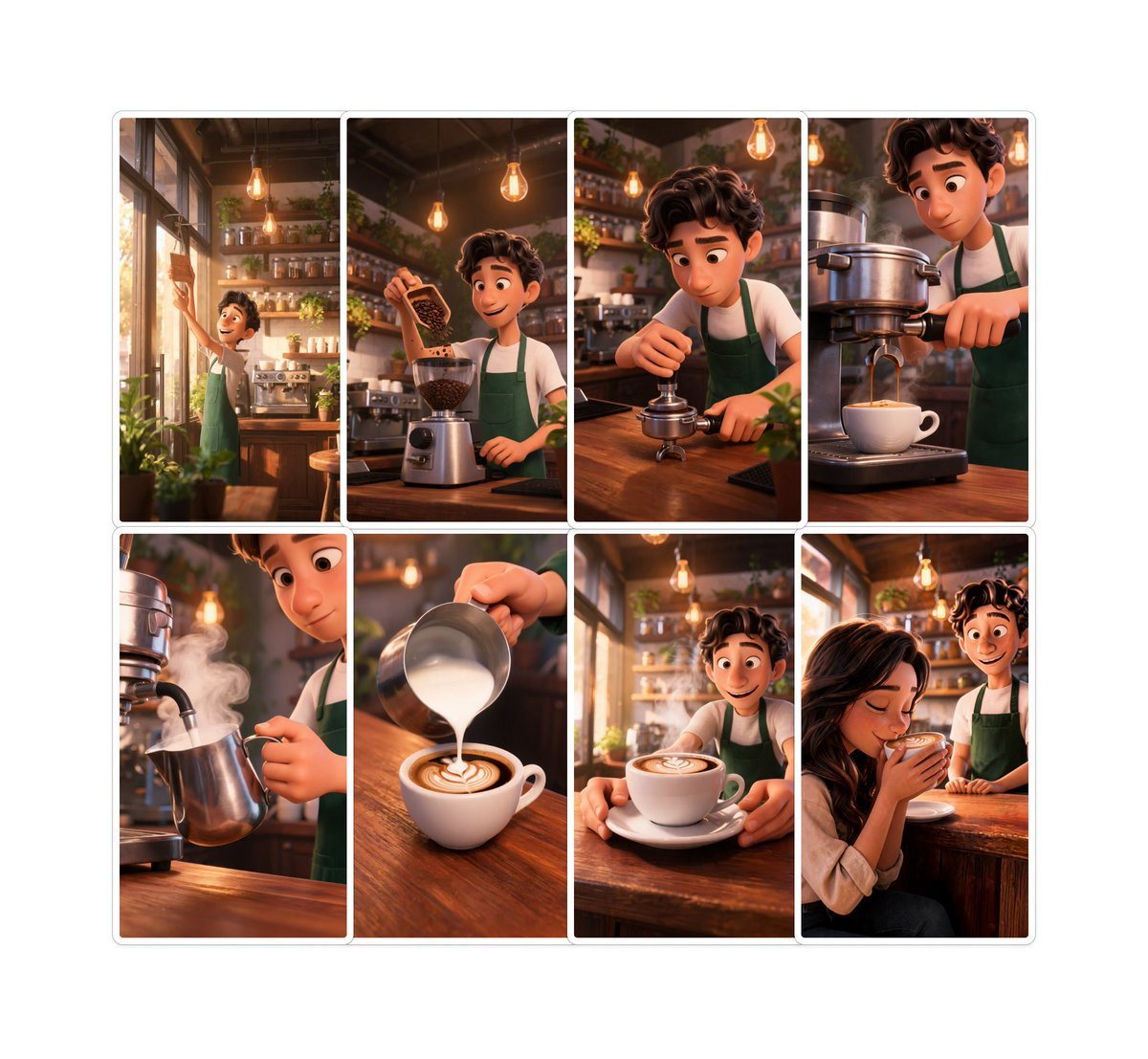
Pixar-Style Coffee Brand Storyboard
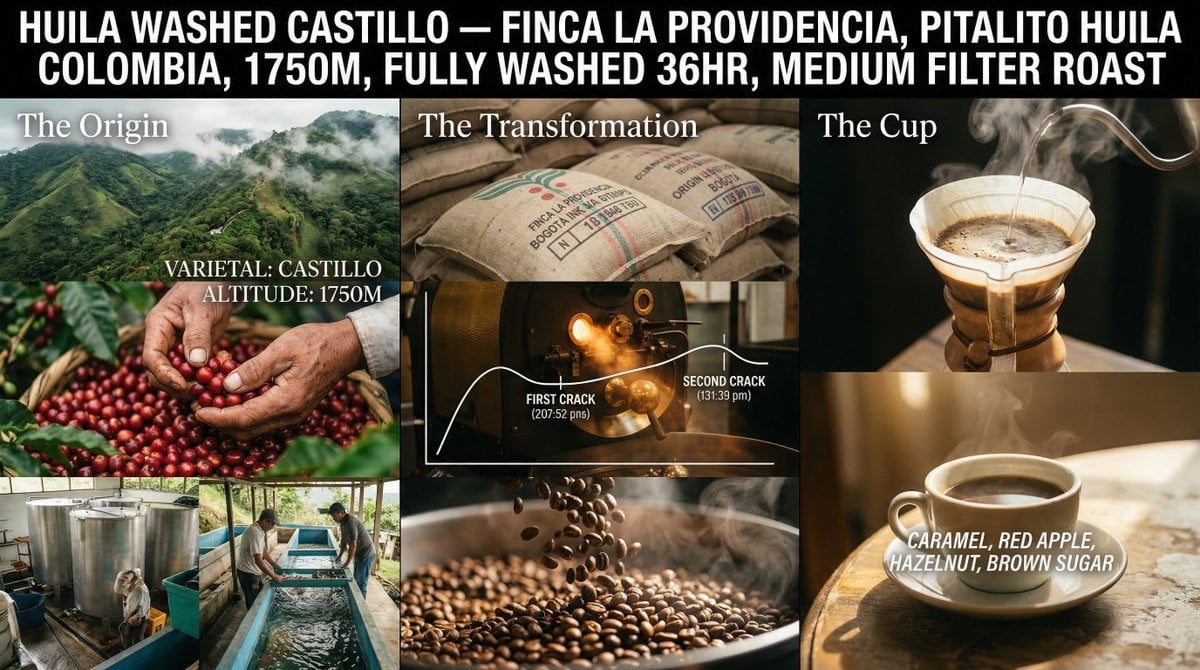
Coffee's Journey Board prompt for Nano Banana 2

Nano Banana - Paris Cafe Editorial
Seedance - Storyboard to Movie

Adventurer and Tamed Slime Journey

Cinematic portrait of showing his/her journey, with bold text

NESCAFÉ Coffee Map Poster

Coffee Date Journal Editorial Poster
Make it yours
Cinematic Coffee Journey Storyboard works as-is. These are the safest ways to change it without losing the look.
Change one field
Copy a single group, rewrite it, and generate again so you can see what that field is doing.
Keep the frame, change the subject
Hold the composition and light of Cinematic Coffee Journey Storyboard, then swap wardrobe, props or the person for a new take.
| If the result… | Why | Fix |
|---|---|---|
| The result drifts from the preview | Too many fields changed at once. | Reuse Cinematic Coffee Journey Storyboard as-is first, then change one group — subject, light, or setting. |
| The model over-stylizes the scene | The prose prompt leaves finish and camera underspecified. | Add one camera or lighting sentence and stay on GPT Image 2. |
More GPT Image 2 templates
Other prompts made for GPT Image 2.

Six VTuber Japanese Logo Sheet

Realistic Portrait of Woman and Deer

The Vista Modular Condo Poster

AI Model Routing Comparison Infographic

2.5D Anime Art Board

Isometric Productivity Desk Scene

New York Double Exposure Poster

Four-Panel AI Landscape Comparison

Japanese Tatami Lifestyle Magazine Cover

Brutalist Cogito Chinese Typography Poster
More image prompts
Fresh picks from across the catalog.
New Chinese Koi Fine Art Photography

Japanese Romance App Ad Panels

Crayon Style Picture Book Illustration
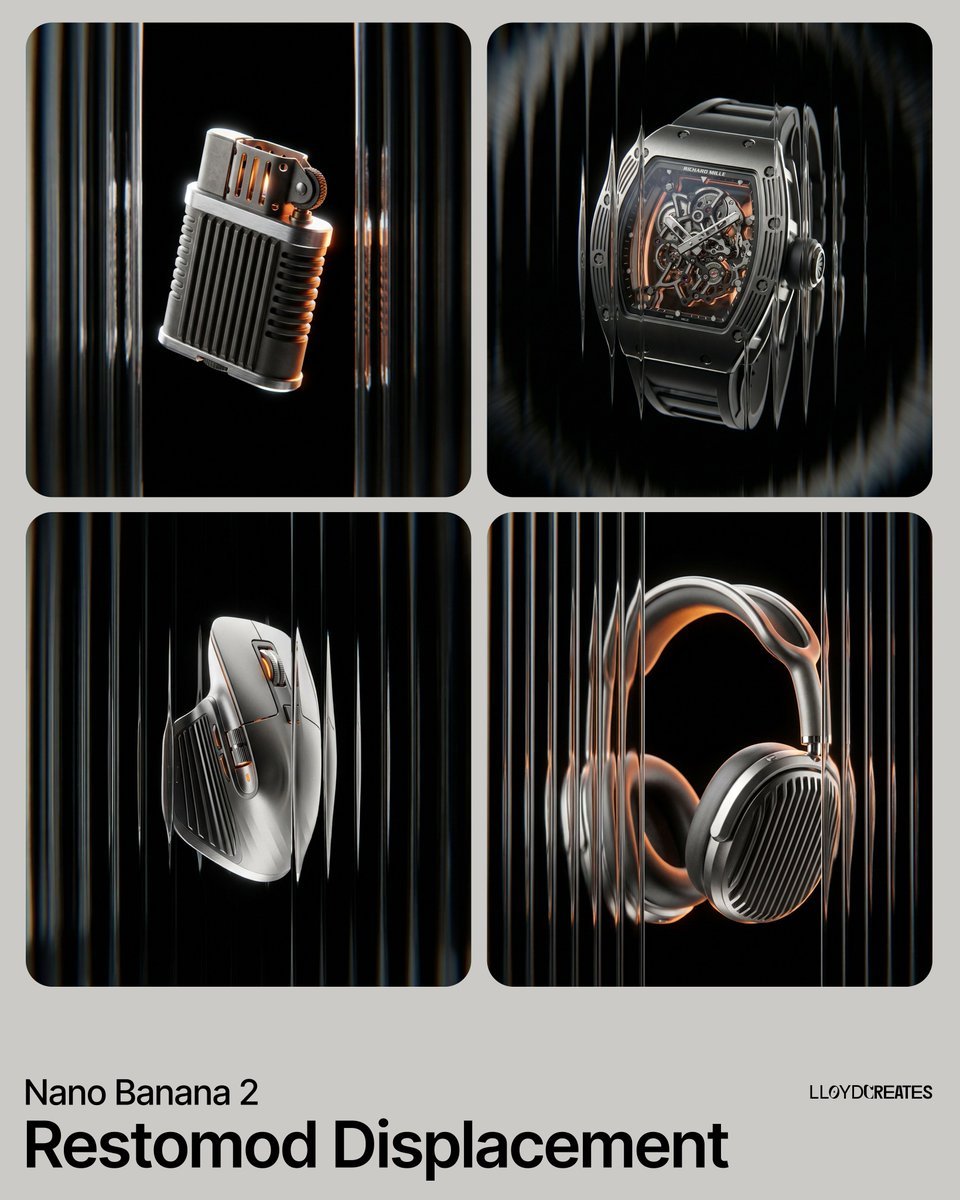
Restomod Product Shot with Chiaroscuro Lighting
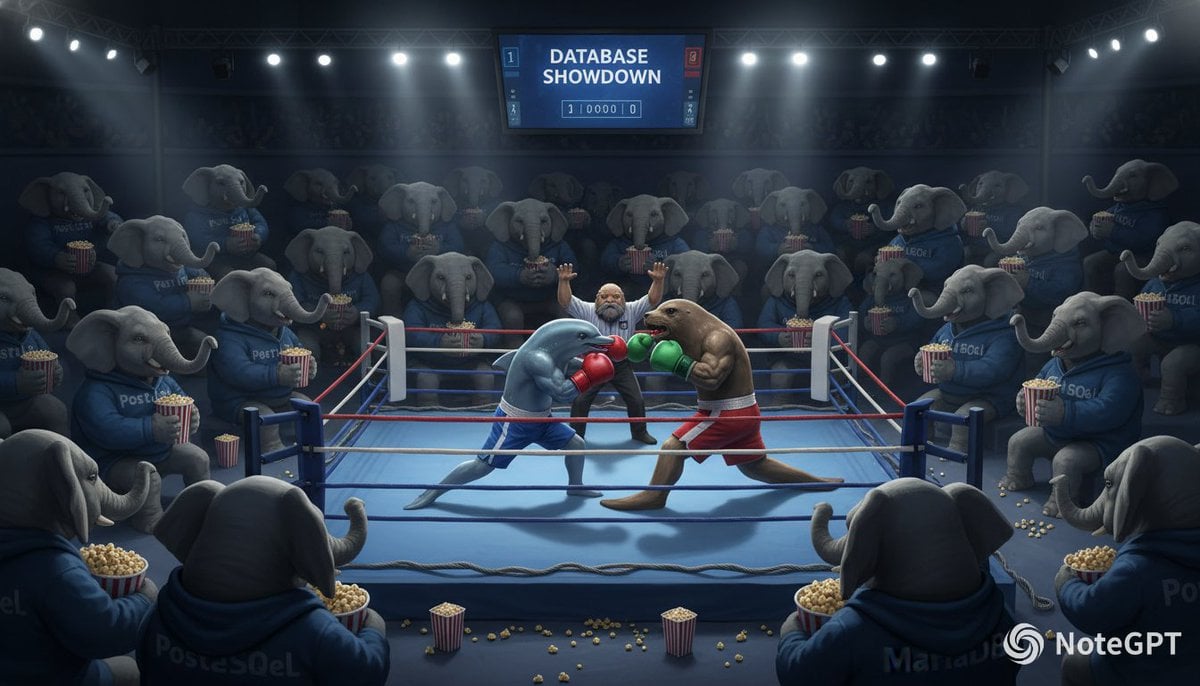
Database Mascot Boxing Match

Character Generation and Document Summary Visualization

Snow Forest Tree Girl

Surreal Resin-Split Portrait
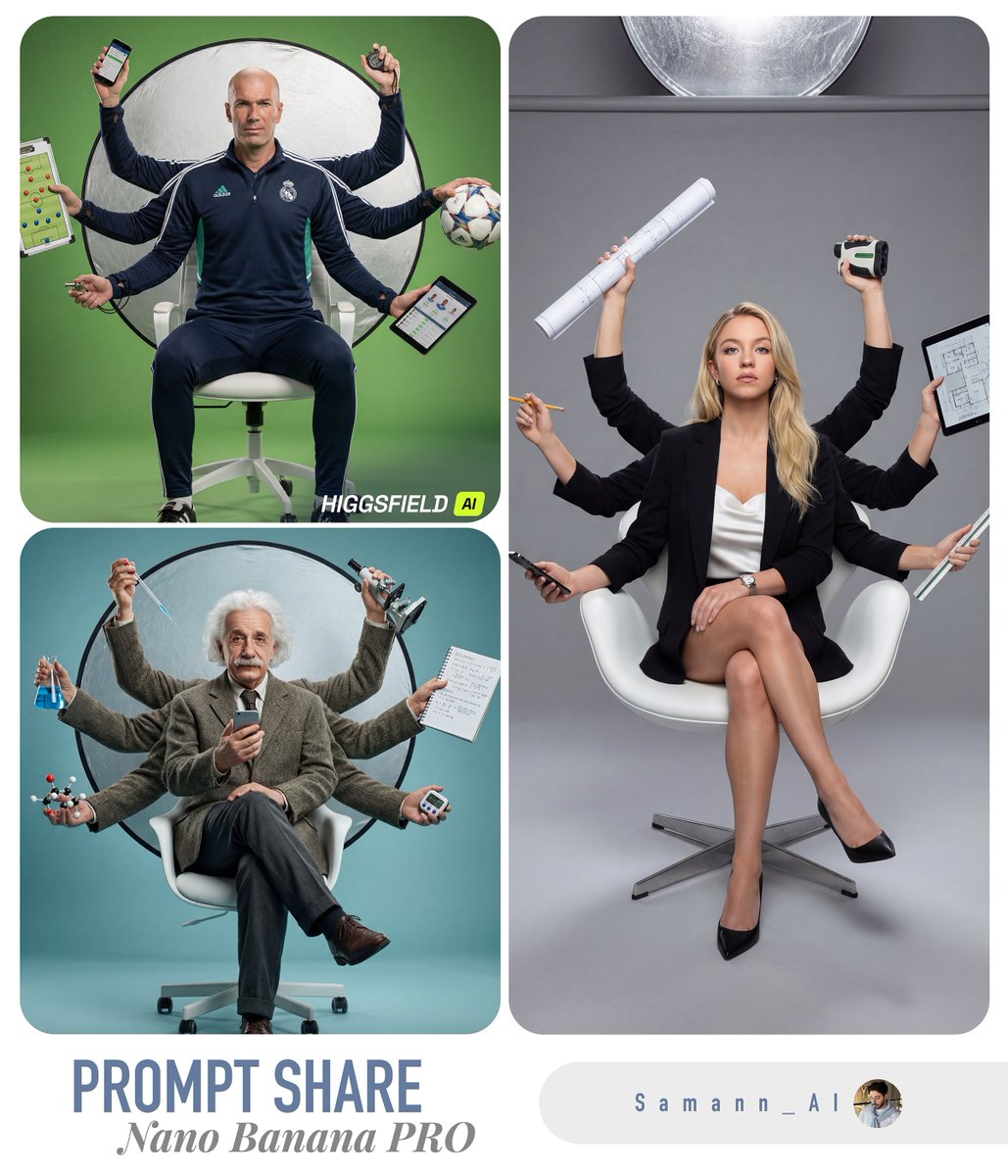
Hyper-Real Multi-Arm Professional Portrait

Gemini Nano Banana 2 Isometric 3d City D
Browse template categories
Cinematic Coffee Journey Storyboard questions
How do I use the Cinematic Coffee Journey Storyboard template?
Add your photo if the template asks for one, edit the prompt if you like — the template's model and format are already selected — and press Generate. Your version opens in PicX Studio.
Can I customize the Cinematic Coffee Journey Storyboard template?
Yes. You can change the subject, setting, lighting, mood, format, and available model controls before creating your image.
Is the Cinematic Coffee Journey Storyboard template free?
Opening and editing this template is free. Generating uses credits, shown on the Generate button when you are signed in.
Which AI model should I use?
Start with GPT Image 2, which is the model associated with this template. You can compare another compatible model for a different finish.
Looking for something else? Browse all templates.

Your photo, any look
Thousands of ready templates for every top image and video model, from one credit balance.