
Snow Forest Tree Girl
A dark fantasy prompt for generating a full-body anime dryad girl with bark limbs, branch arms, and eerie winter forest atmosphere.
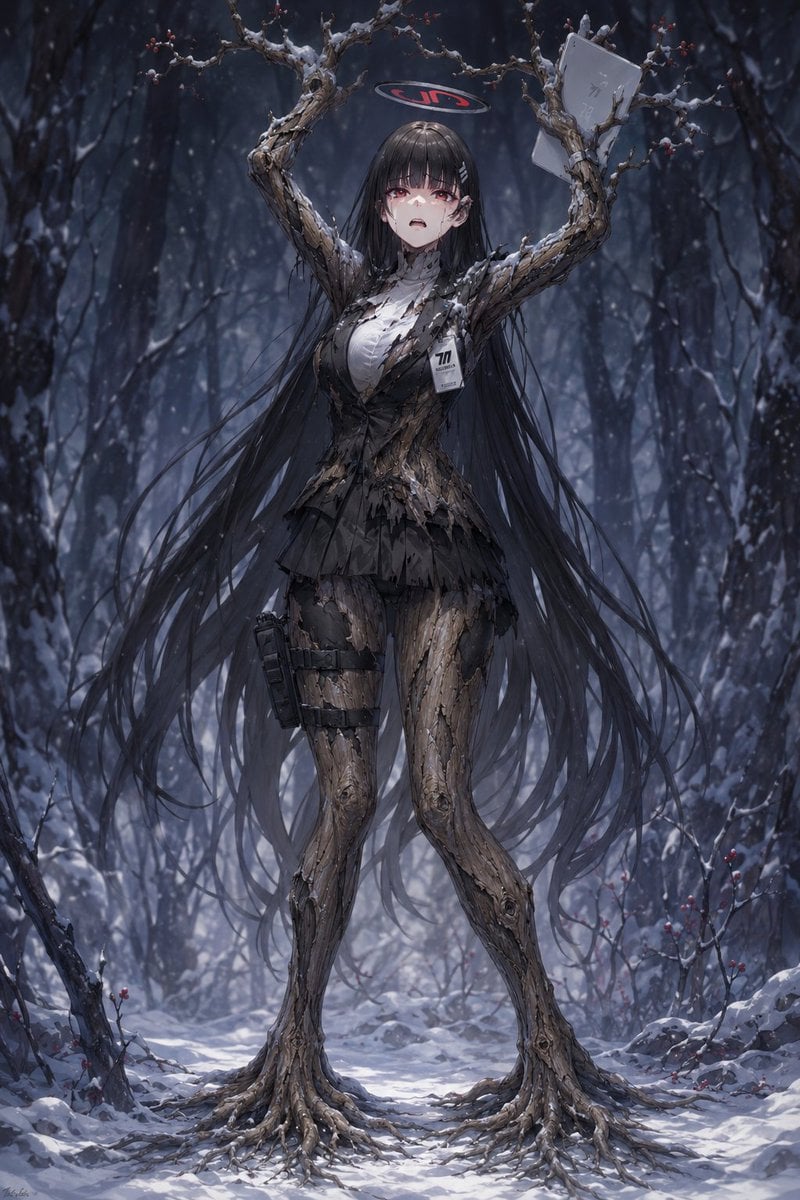
- Prompt included
- Model and format preset
- Free template
The prompt behind this image
Copy the exact prompt behind Snow Forest Tree Girl, or open it in the studio and make it yours.
Create a dark fantasy anime-style full-body portrait of a tree-human girl standing in a snowy winter forest. The subject is a tall feminine dryad/cyborg-like character with a human upper silhouette but her skin and limbs are transformed into cracked bark, twisted roots, and bare branches. She has extremely long flowing {argument name="hair color" default="black"} hair cascading almost to the ground, partially tangled with the branches, and a blurred/obscured face with a calm, eerie presence. Her arms are raised high and have become two large gnarled tree branches forming an arch above her head, with tiny red berries and patches of snow on the twigs. Her legs are bark-covered trunks ending in exposed root-like feet spreading across the snow. She wears the remnants of a torn black school-uniform-inspired outfit: a shredded black blazer, white shirt, short pleated skirt, thigh straps, and one tactical pouch strapped to her left thigh. Add exactly two distinct accessories/items: a rectangular ID badge pinned to her chest with the visible number {argument name="badge number" default="77"}, and a pale paper or envelope caught on the raised right-side branch. Above her head floats a small dark oval halo or sign with red lettering reading {argument name="halo text" default="JIS"}. The setting is a dense, cold, blue-gray forest at night or dusk, with dark tree trunks in the background, falling snow, snow-covered ground, scattered rocks, and sparse red berries on low branches. Use dramatic cinematic lighting, high detail, realistic bark texture, delicate snow accumulation, moody depth of field, elegant horror atmosphere, vertical composition, centered full-body framing, no extra characters, no gore, no watermark.
How to use Snow Forest Tree Girl in 3 steps
- 1Upload ImagePNG, JPG or paste
Add your photo
Upload the photo the template builds on. The prompt, model and format are already set.
- 2…a portrait of your subject in softgolden-hour light, 85mm…
Personalize
Edit the subject and creative details for your destination.
- 3Generate
Generate
Press Generate — your image is created in PicX Studio, so you can compare it with the original and refine one variable at a time.
More like this
Templates with the same subject, style or setup. Open one to see its prompt.
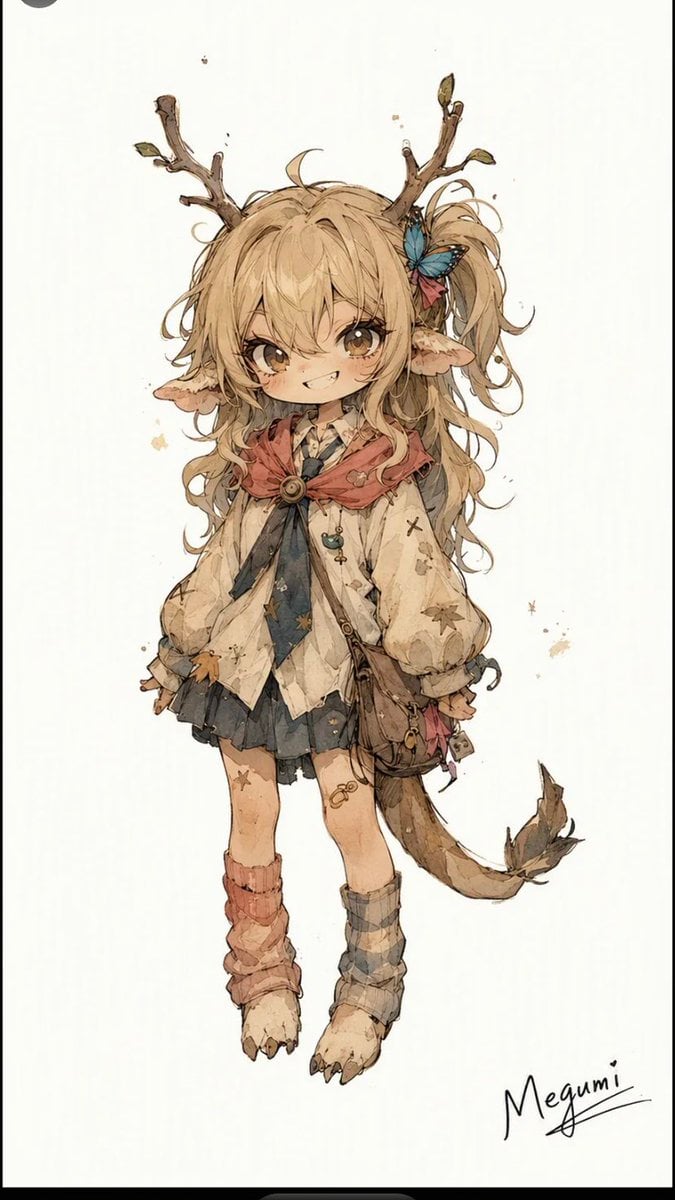
Mischievous Forest Faun Girl

Boardwalk Fashion Portrait

Teen Girl Alpine Lake Mountain View

Layered Paper Cut Forest Diorama

Canada Goalkeeper Twilight Editorial Portrait

Photoreal Snow Biome Name Tag UI

Minecraft You Died Winter Death Screen
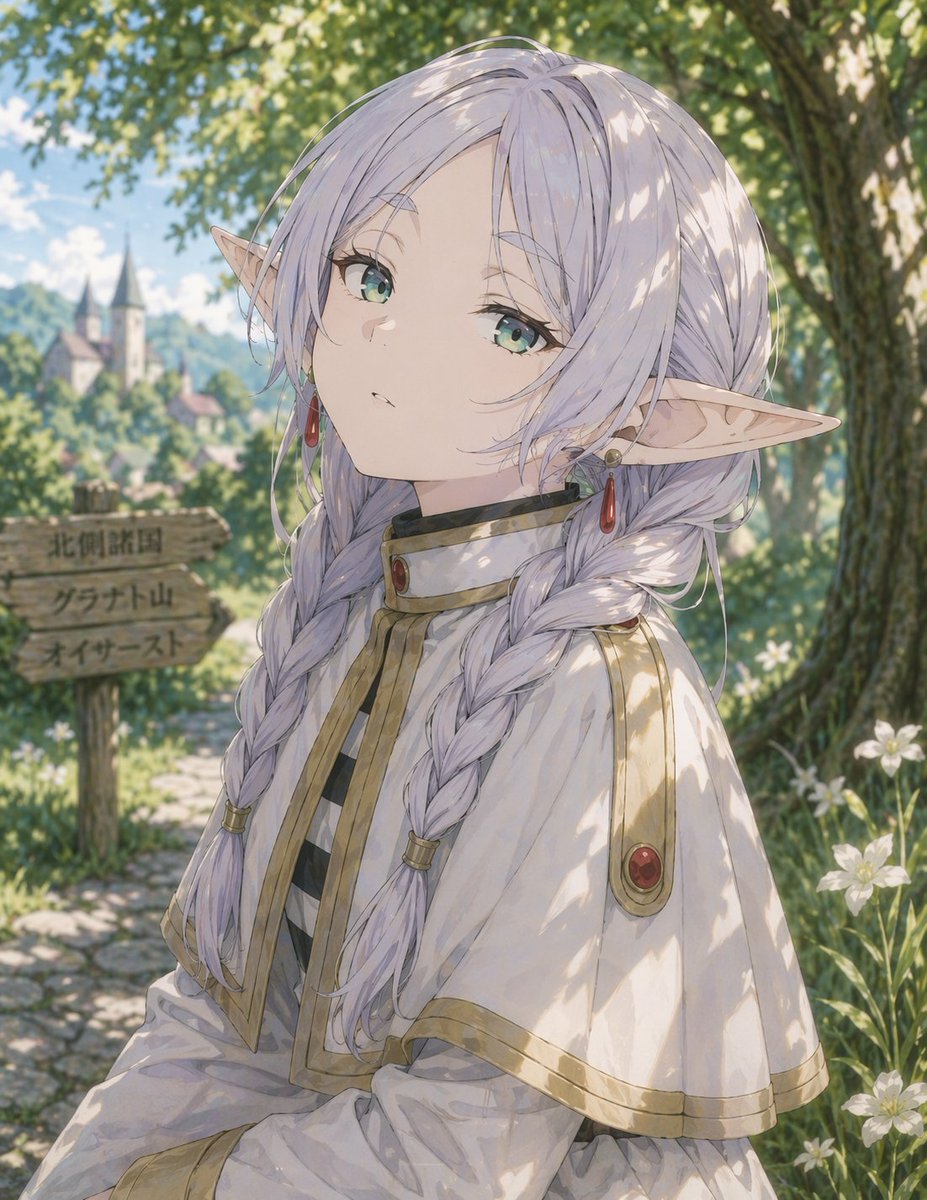
Anime Elf Girl on Forest Path
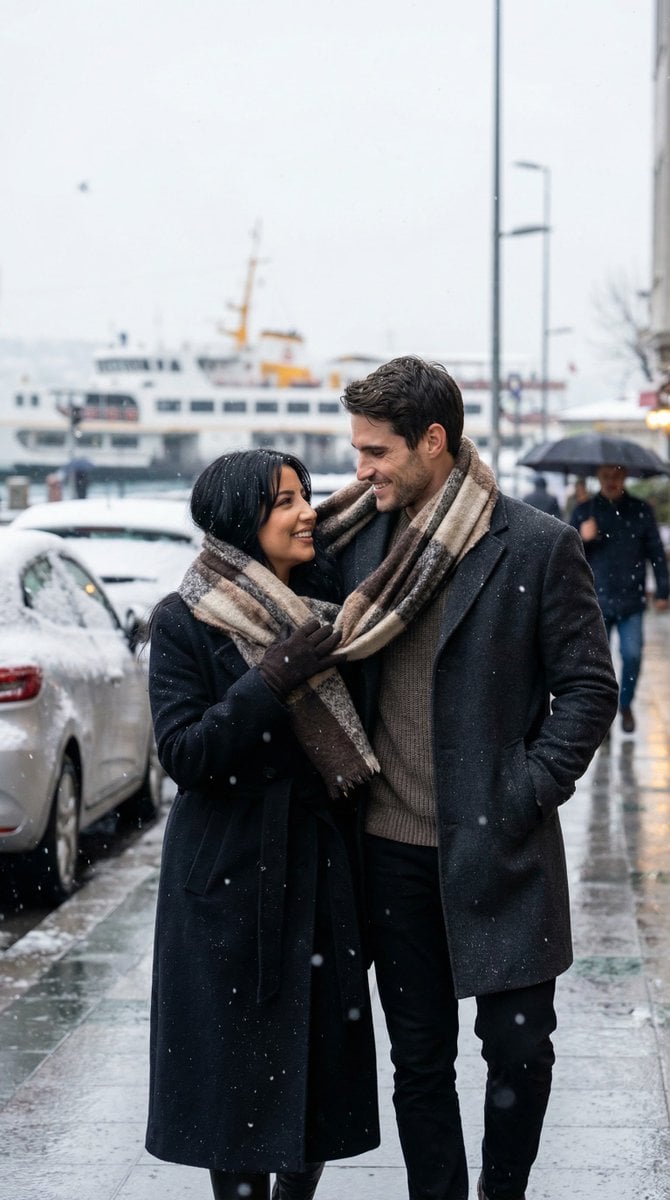
Photoreal Candid Street Romance in Winter Snow

The sweetest feeling of winter.

Lone Mountaineer in Moonlit Snow

Obscured Cyberpunk Girl Poster
Make it yours
Snow Forest Tree Girl works as-is. These are the safest ways to change it without losing the look.
Change one field
Copy a single group, rewrite it, and generate again so you can see what that field is doing.
Keep the frame, change the subject
Hold the composition and light of Snow Forest Tree Girl, then swap wardrobe, props or the person for a new take.
| If the result… | Why | Fix |
|---|---|---|
| The result drifts from the preview | Too many fields changed at once. | Reuse Snow Forest Tree Girl as-is first, then change one group — subject, light, or setting. |
| The model over-stylizes the scene | The prose prompt leaves finish and camera underspecified. | Add one camera or lighting sentence and stay on GPT Image 2. |
More GPT Image 2 templates
Other prompts made for GPT Image 2.

Six VTuber Japanese Logo Sheet

Realistic Portrait of Woman and Deer

The Vista Modular Condo Poster

AI Model Routing Comparison Infographic

2.5D Anime Art Board

Isometric Productivity Desk Scene

New York Double Exposure Poster

Four-Panel AI Landscape Comparison

Japanese Tatami Lifestyle Magazine Cover

NESCAFÉ Coffee Map Poster
More image prompts
Fresh picks from across the catalog.
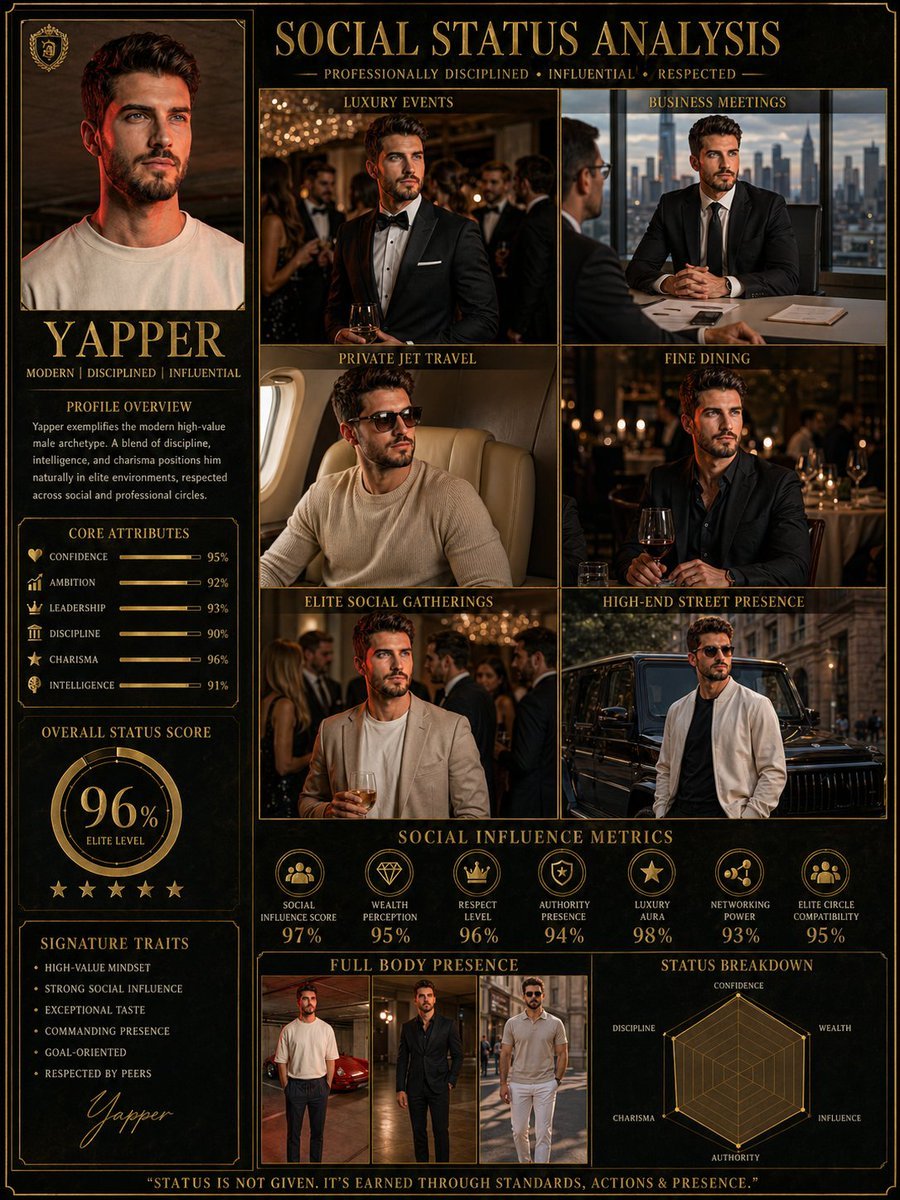
Social Status Analysis poster prompt
Google Gemini Nano Banana Pro
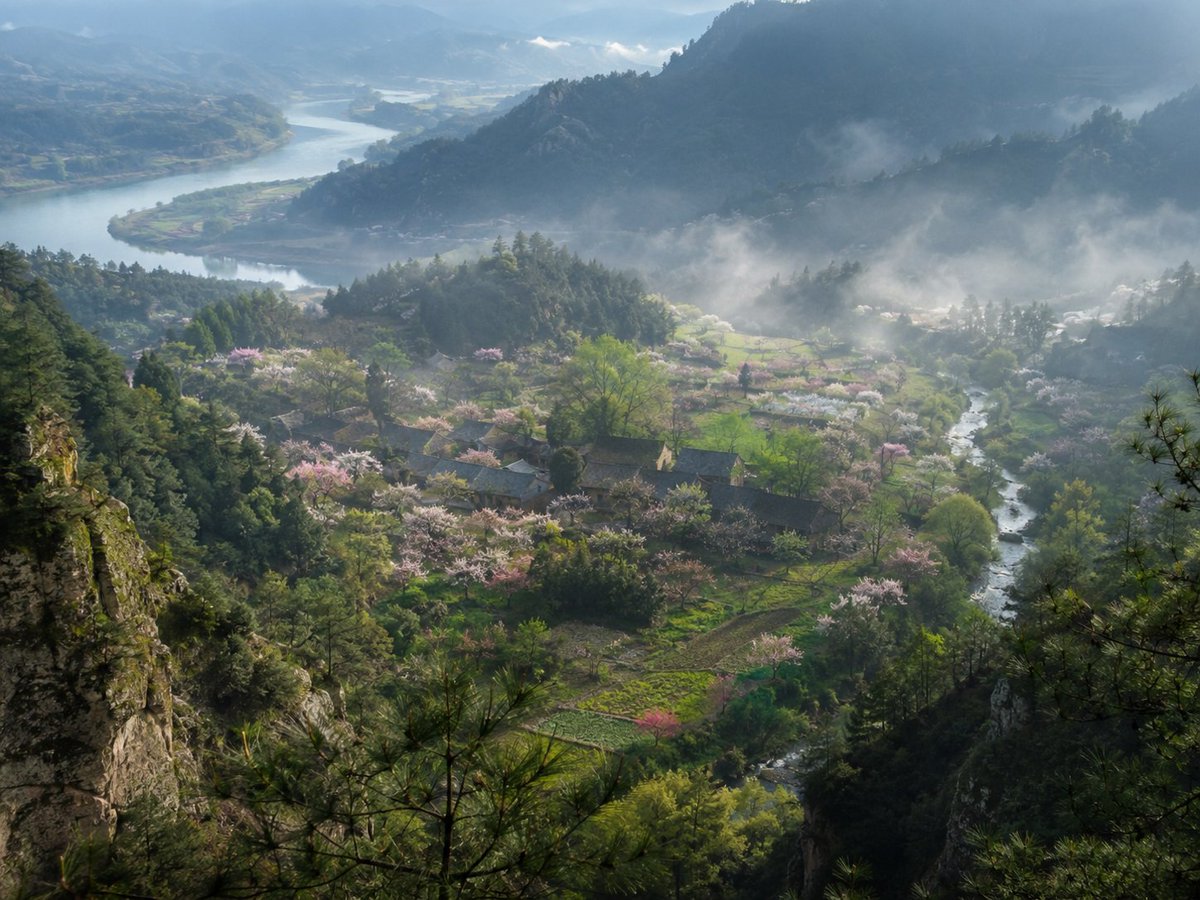
Misty Spring Mountain Village

Pastel Japanese Mobile Game Ad
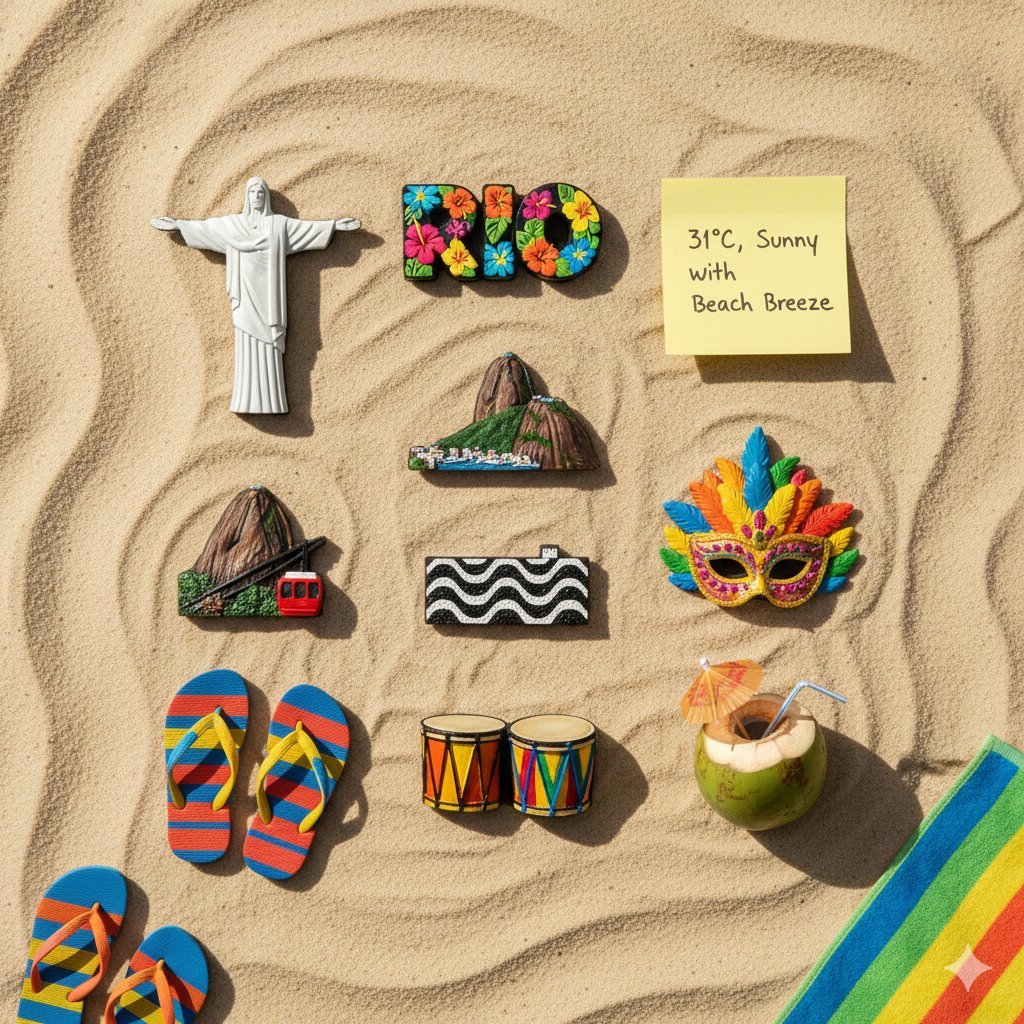
Knolling Flatlay of City Landmark Magnets

Minimalist Cosmetic Product Photography Prompts for Nano Banana Pro
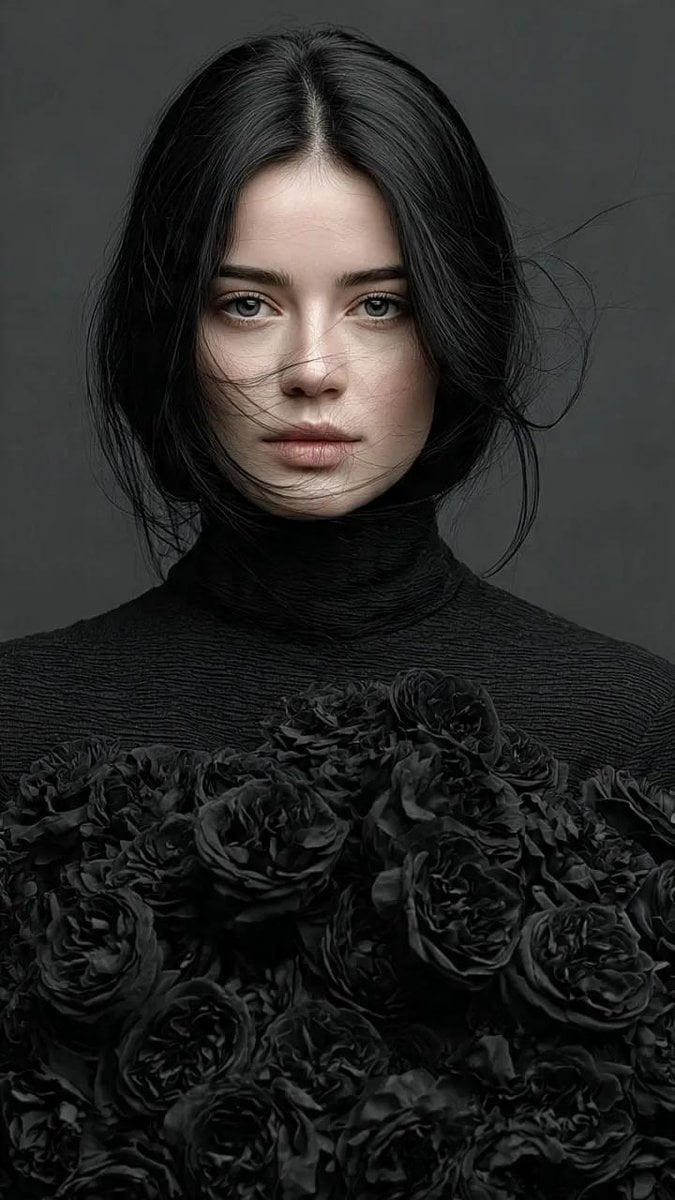
Gothic Elegance Fine-Art Editorial Portrait
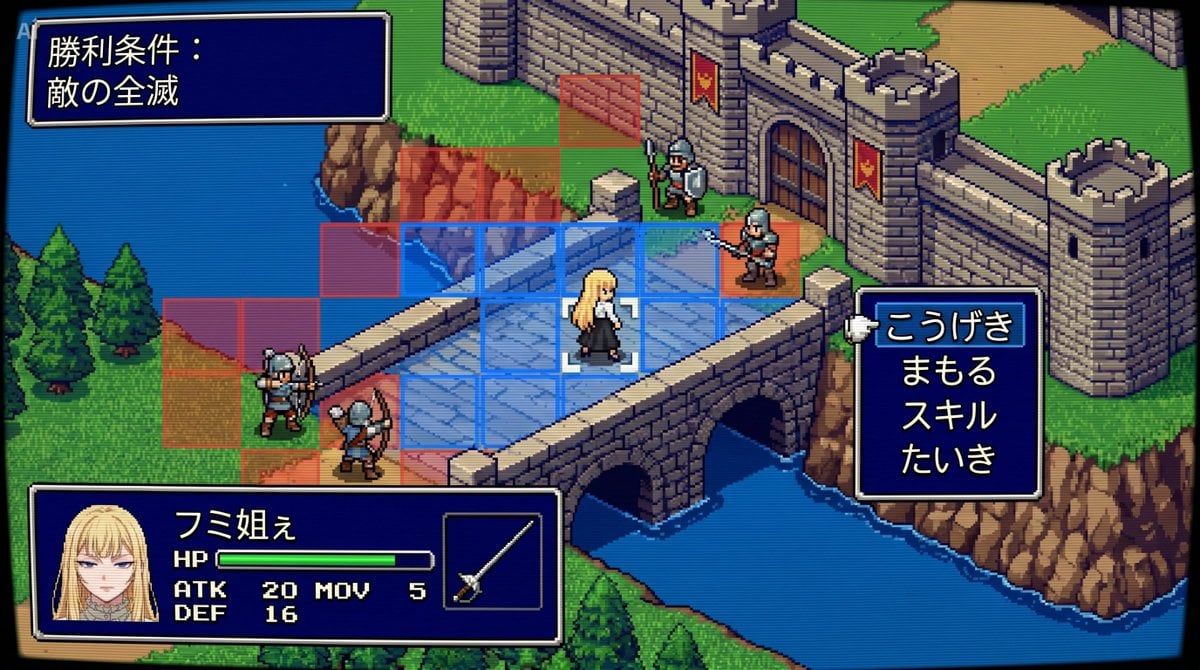
Tactical Simulation RPG Scene Prompt
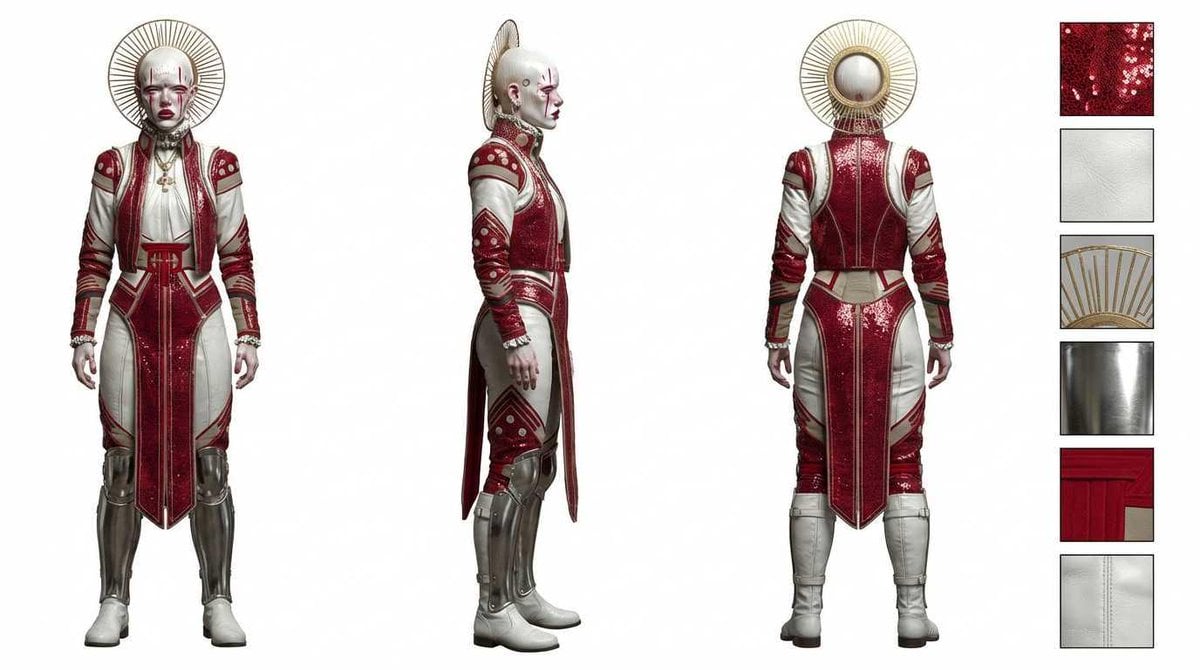
Photorealistic Character Design Sheet
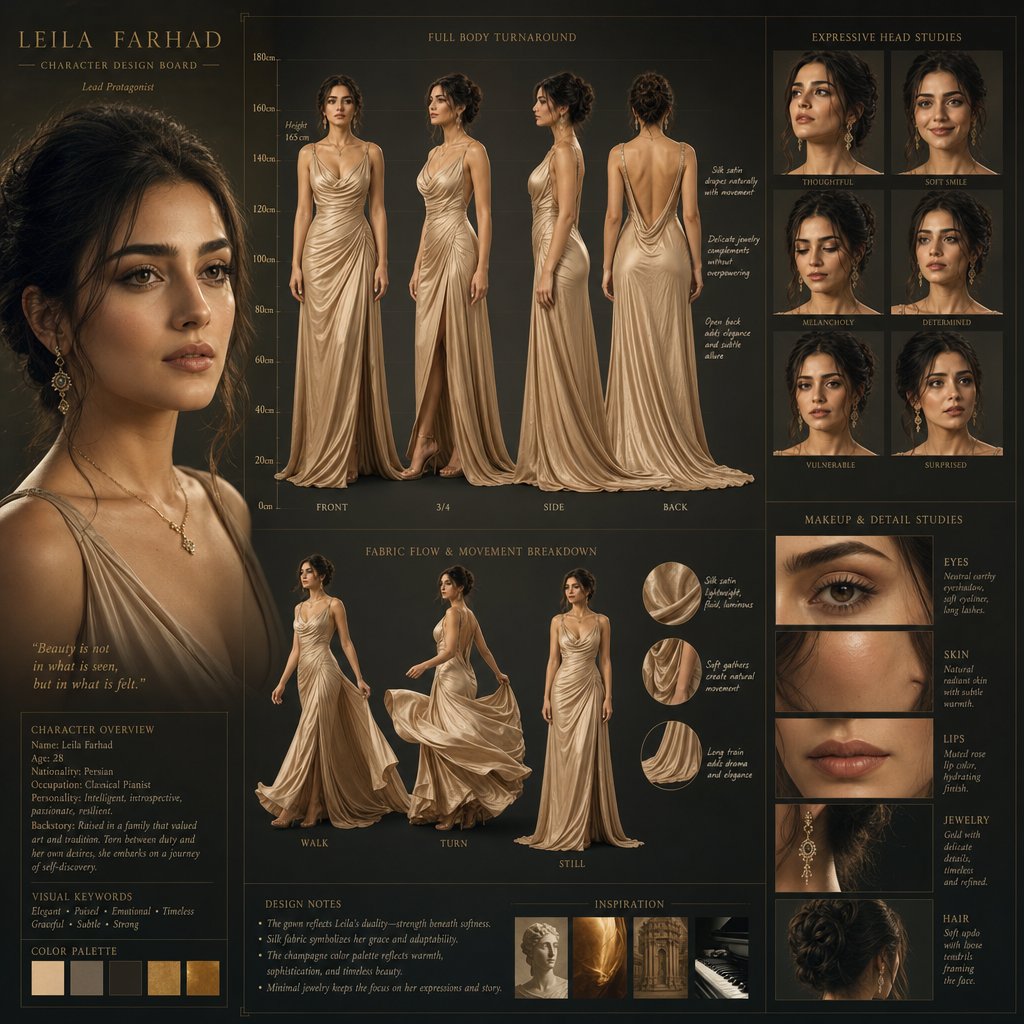
Cinematic Character Design Board
Browse template categories
Snow Forest Tree Girl questions
How do I use the Snow Forest Tree Girl template?
Add your photo if the template asks for one, edit the prompt if you like — the template's model and format are already selected — and press Generate. Your version opens in PicX Studio.
Can I customize the Snow Forest Tree Girl template?
Yes. You can change the subject, setting, lighting, mood, format, and available model controls before creating your image.
Is the Snow Forest Tree Girl template free?
Opening and editing this template is free. Generating uses credits, shown on the Generate button when you are signed in.
Which AI model should I use?
Start with GPT Image 2, which is the model associated with this template. You can compare another compatible model for a different finish.
Looking for something else? Browse all templates.

Your photo, any look
Thousands of ready templates for every top image and video model, from one credit balance.