
Misty Spring Mountain Village
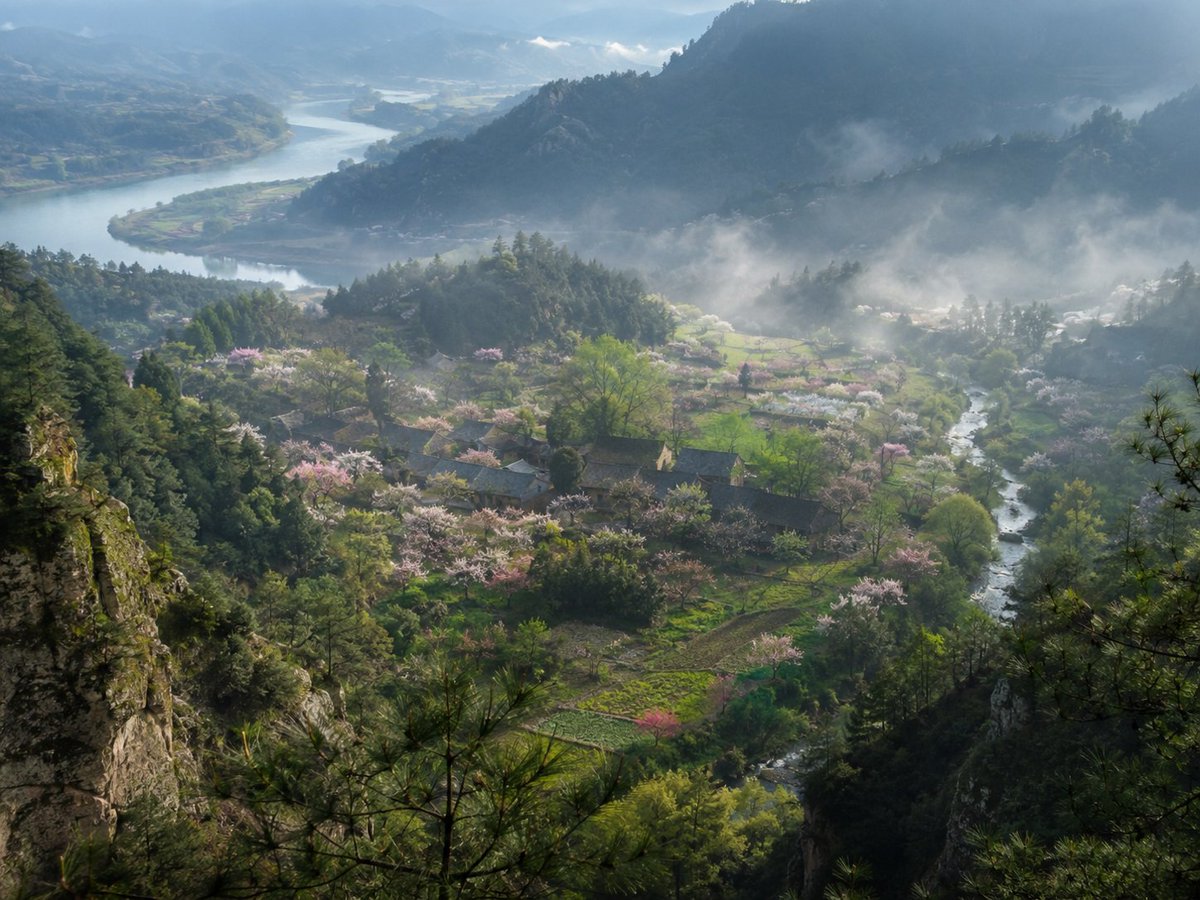
A realistic fine-art landscape photograph of a hidden Chinese mountain village with blossoms, rivers, pine cliffs, and morning mist.
- Prompt included
- Model and format preset
- Free template
The prompt behind this image
Copy the exact prompt behind Misty Spring Mountain Village, or open it in the studio and make it yours.
Create a museum-quality realistic landscape photograph inspired by {argument name="source material" default="an ancient Chinese poetic description of a hidden spring mountain village"}. Show a high, elevated viewpoint from a rocky pine-covered cliff looking down into a secluded valley village in {argument name="season" default="early spring"}. The composition features layered blue-green mountains receding into mist, a broad winding river in the far left background, and a smaller clear stream curving through the right side of the valley. In the middle ground, place a small traditional rural Chinese settlement with dark tiled roofs, scattered farm plots, footpaths, and orchards filled with pale pink and white blossoms. Count the visible major landscape elements as exactly 6: one foreground rocky cliff with pine branches, one central village, one blossom-filled orchard belt, one small winding valley stream, one distant broad river, and one layered misty mountain backdrop. Use soft morning light after rain, drifting low fog, luminous haze, wet greenery, and a tranquil atmosphere as if captured by a top National Geographic landscape photographer. The image should feel like a real, collectible fine-art photograph rather than an illustration: natural colors, deep depth, atmospheric perspective, crisp foreground texture, delicate highlights on the blossoms, no people, no animals, no modern buildings, no roads, no power lines, no text or watermark. Use a wide horizontal frame, approximately {argument name="aspect ratio" default="4:3"}, with cinematic realism and subtle Chinese shanshui sensibility.
How to use Misty Spring Mountain Village in 3 steps
- 1Upload ImagePNG, JPG or paste
Add your photo
Upload the photo the template builds on. The prompt, model and format are already set.
- 2…a portrait of your subject in softgolden-hour light, 85mm…
Personalize
Edit the subject and creative details for your destination.
- 3Generate
Generate
Press Generate — your image is created in PicX Studio, so you can compare it with the original and refine one variable at a time.
More like this
Templates with the same subject, style or setup. Open one to see its prompt.

Teen Girl Alpine Lake Mountain View
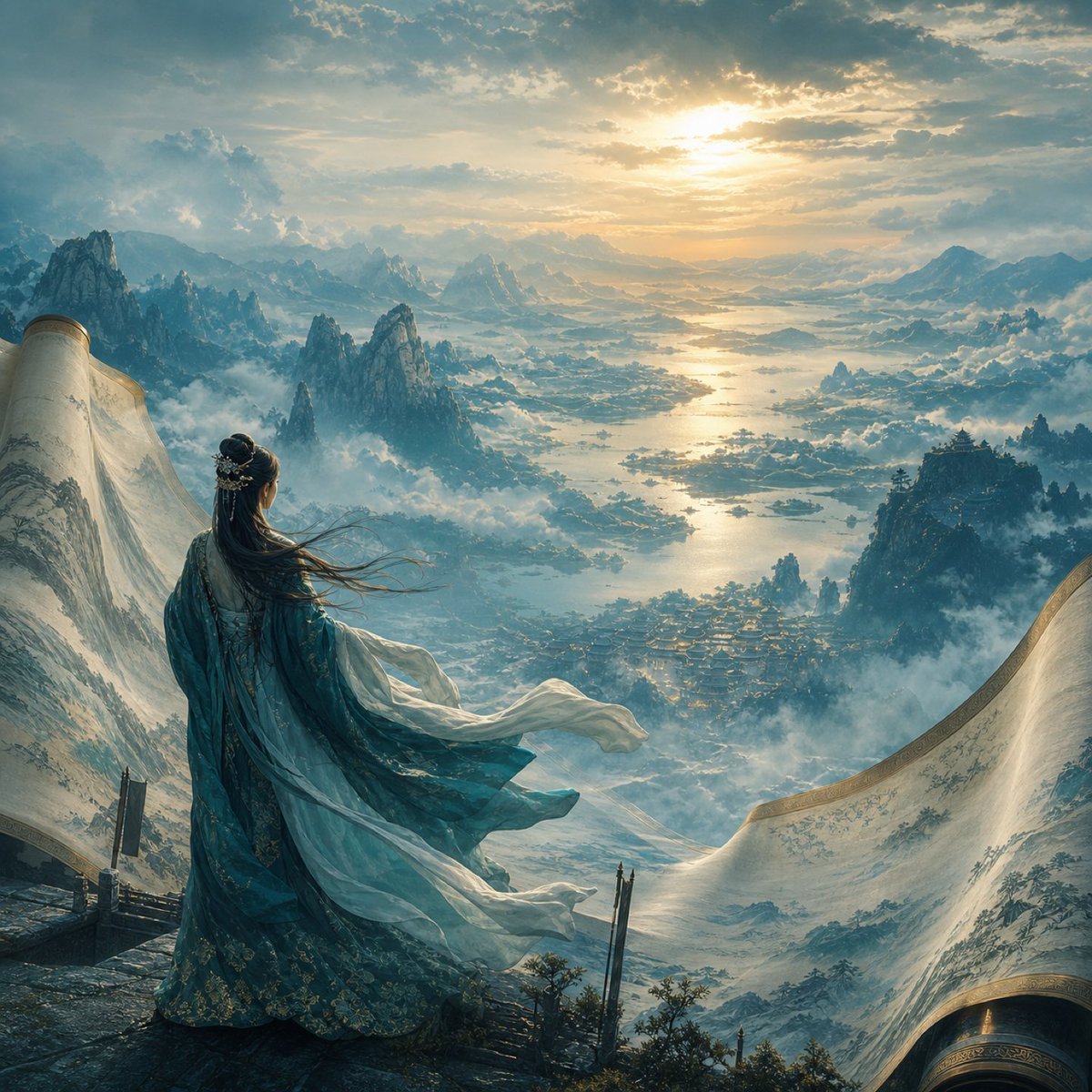
Xianxia Woman Over Misty Mountain Realm

Mountain Lake Sunset Landscape
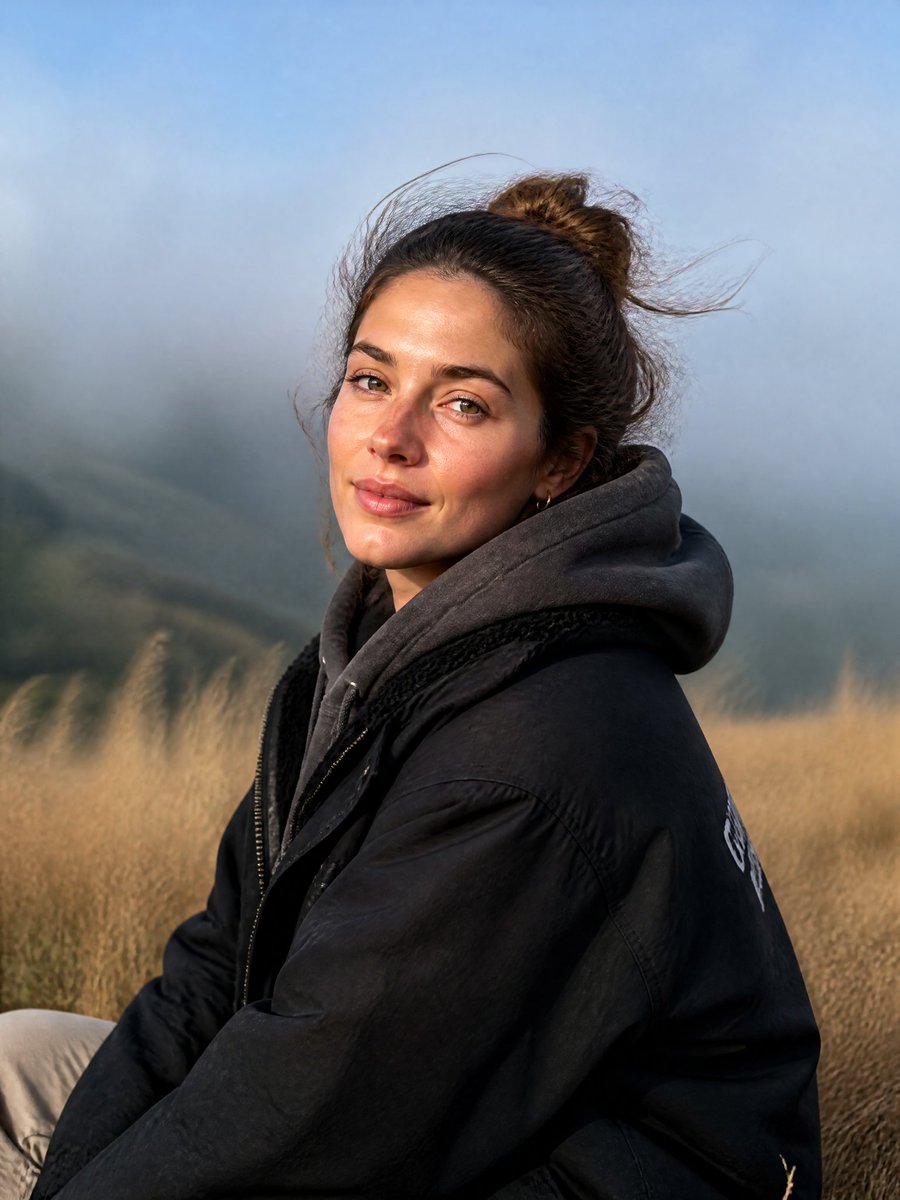
Misty Mountain Ridge Portrait

Premium Vintage Travel Poster Landscape

Photoreal Village Lanterns Minecraft Scene

Photoreal Selfie Minecraft Village Ghast UI
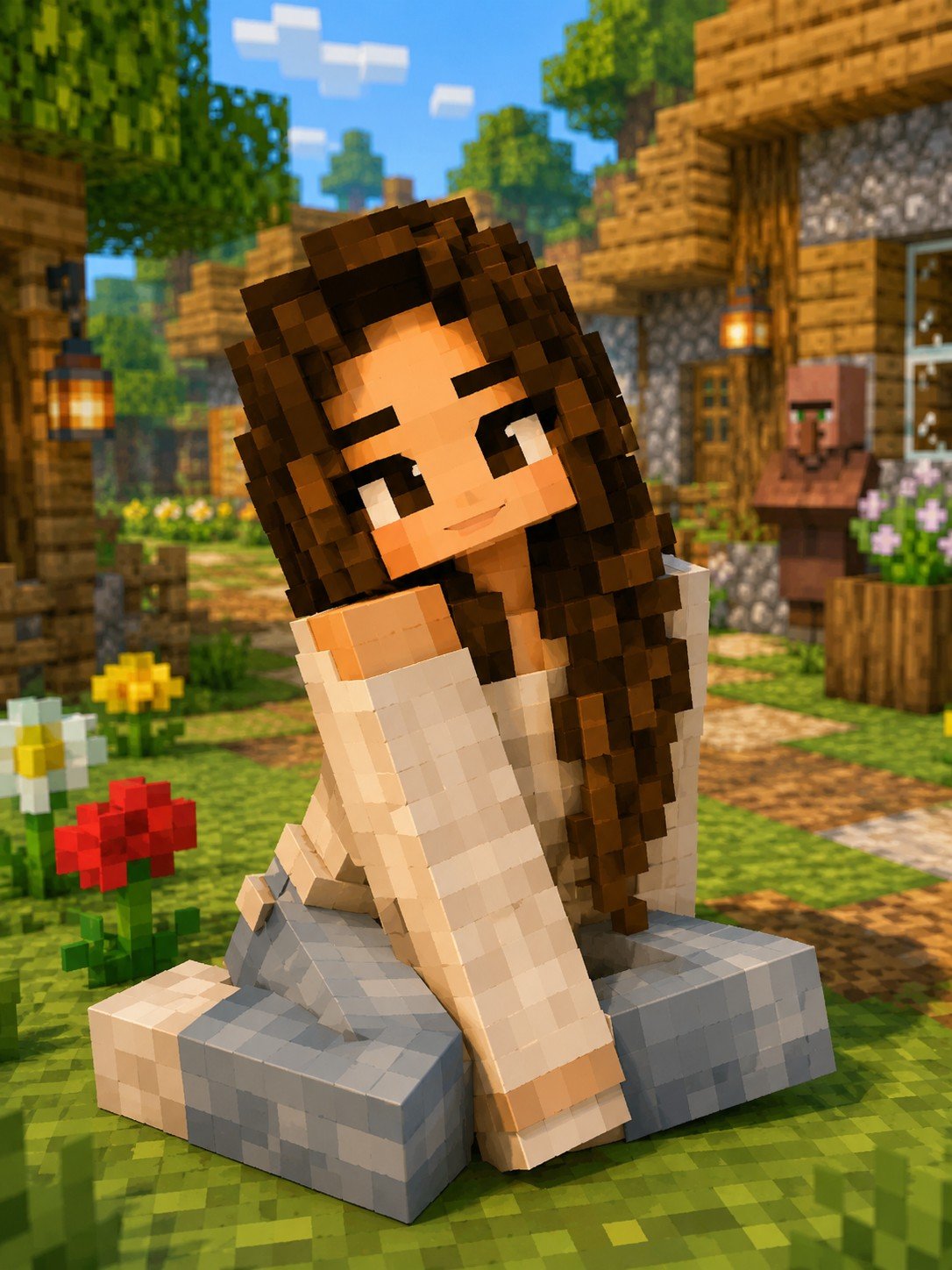
Minecraft Voxel Character Village Portrait
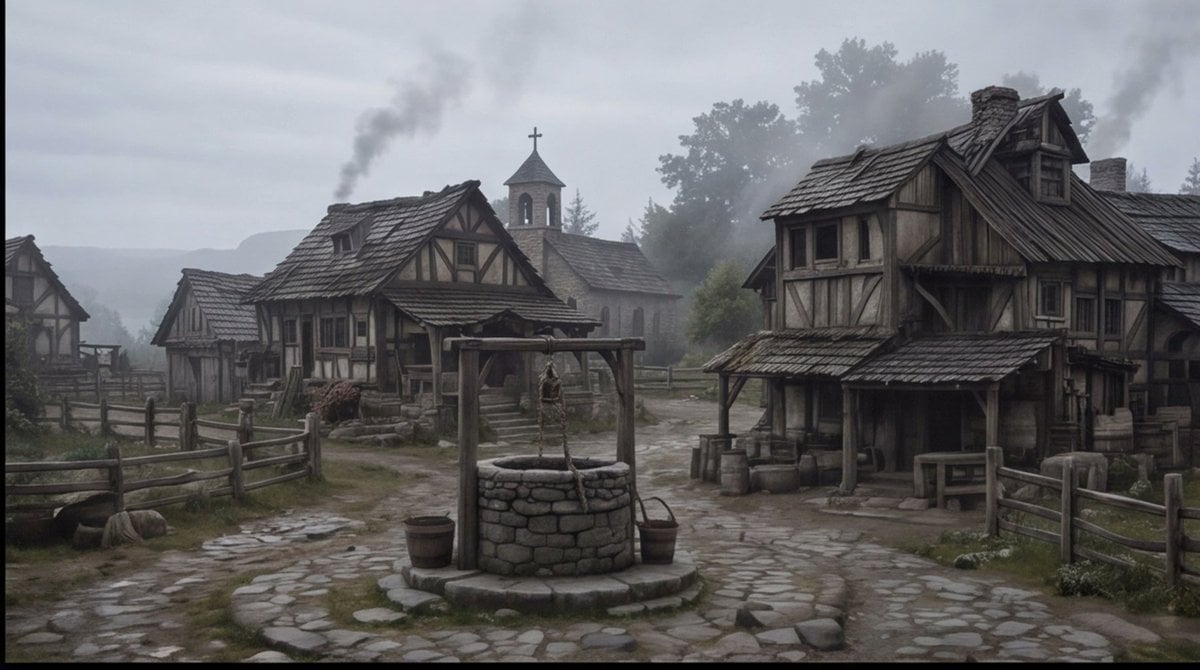
Misty Medieval Village Establishing Shot
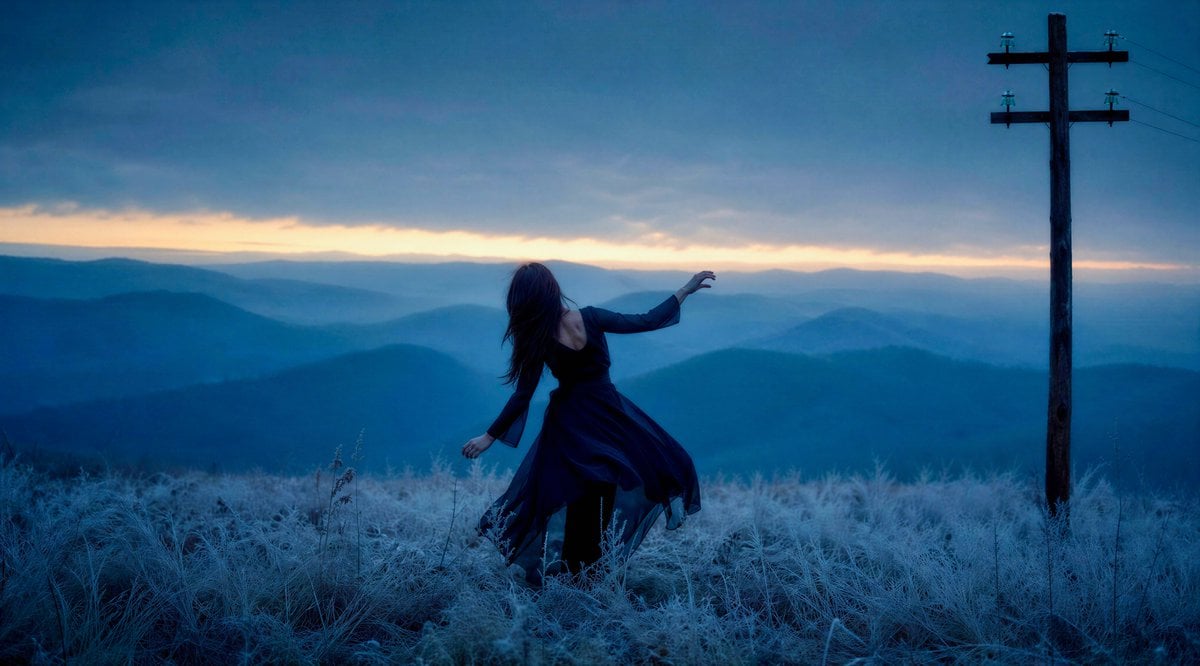
Windblown Woman on Misty Mountain
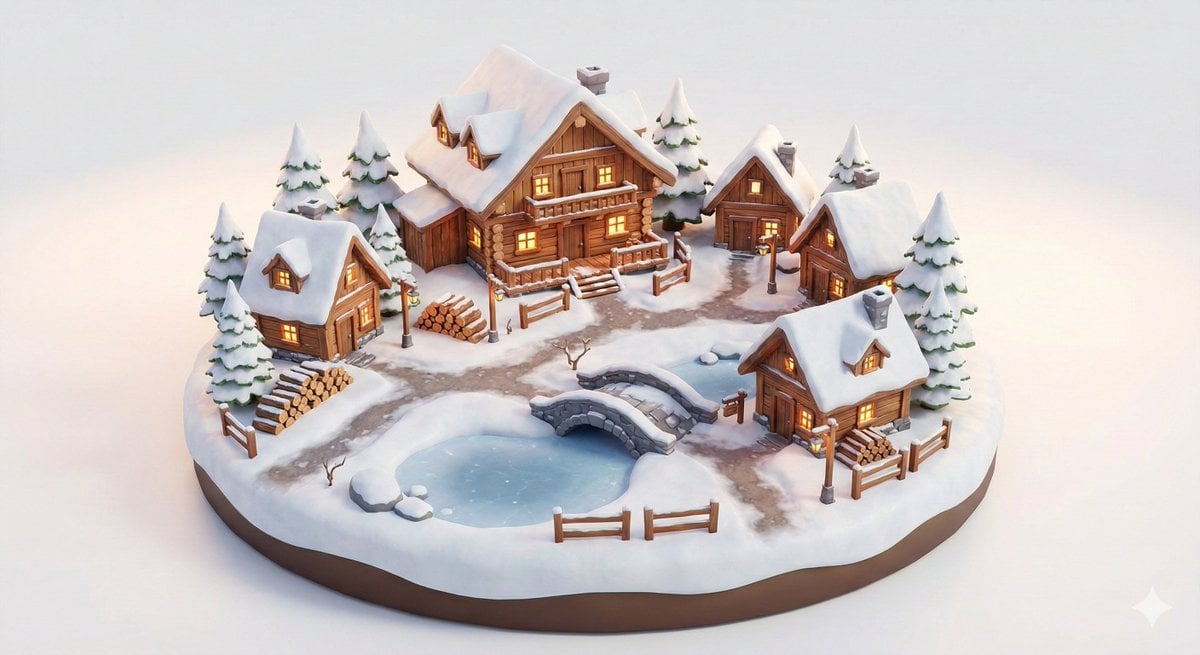
Miniature Alpine Mountainside Village Scene

Nano Banana 2 Tulip Field
Make it yours
Misty Spring Mountain Village works as-is. These are the safest ways to change it without losing the look.
Change one field
Copy a single group, rewrite it, and generate again so you can see what that field is doing.
Keep the frame, change the subject
Hold the composition and light of Misty Spring Mountain Village, then swap wardrobe, props or the person for a new take.
| If the result… | Why | Fix |
|---|---|---|
| The result drifts from the preview | Too many fields changed at once. | Reuse Misty Spring Mountain Village as-is first, then change one group — subject, light, or setting. |
| The model over-stylizes the scene | The prose prompt leaves finish and camera underspecified. | Add one camera or lighting sentence and stay on GPT Image 2. |
More GPT Image 2 templates
Other prompts made for GPT Image 2.

Six VTuber Japanese Logo Sheet

Realistic Portrait of Woman and Deer

The Vista Modular Condo Poster

AI Model Routing Comparison Infographic

2.5D Anime Art Board

Isometric Productivity Desk Scene

New York Double Exposure Poster

Four-Panel AI Landscape Comparison

Japanese Tatami Lifestyle Magazine Cover

NESCAFÉ Coffee Map Poster
More image prompts
Fresh picks from across the catalog.

Stylized 3D Vinyl Toy Avatar
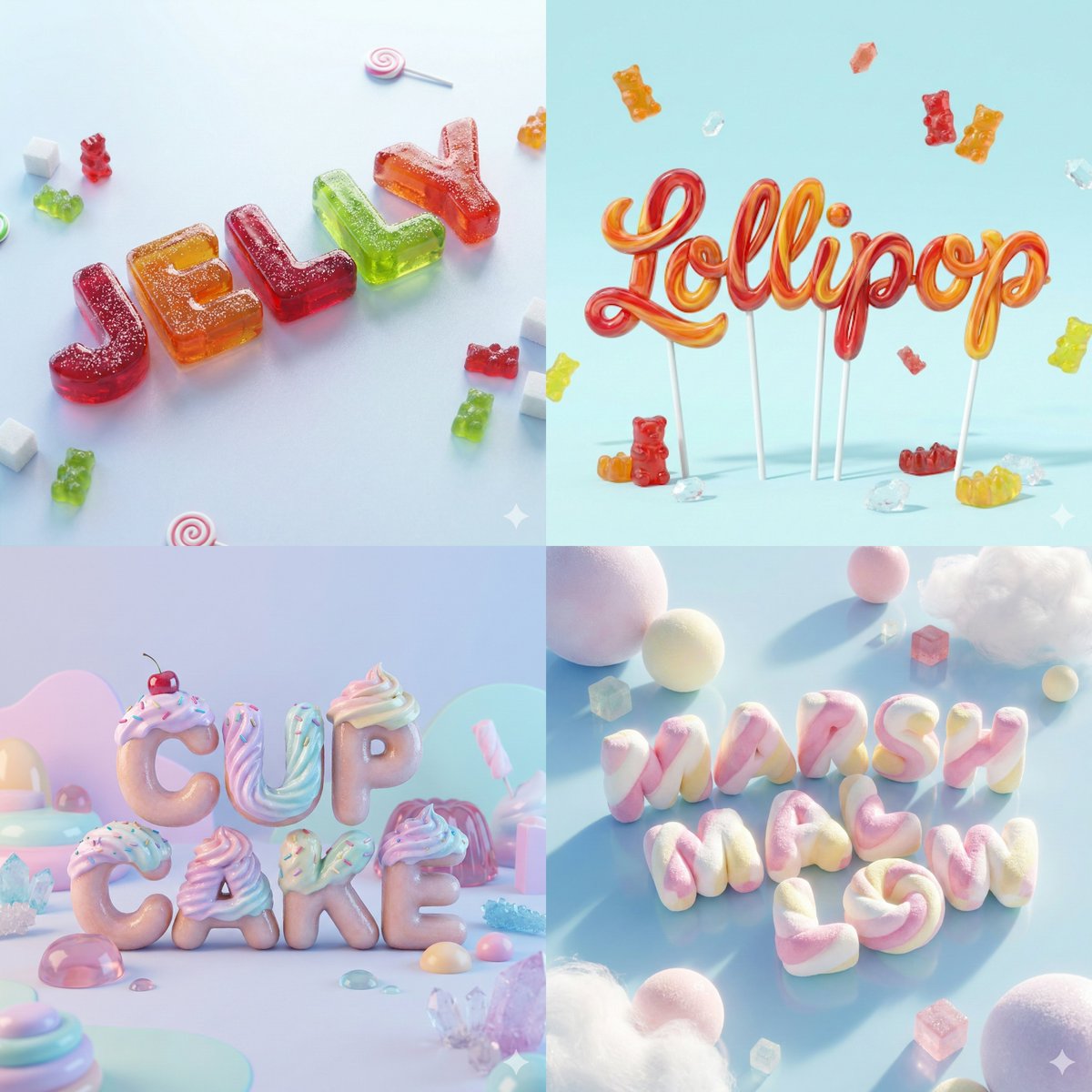
3D Render of Edible Letters Candy

Image Generation Prompt: Nishimura Mizuki Fishing Leviathan
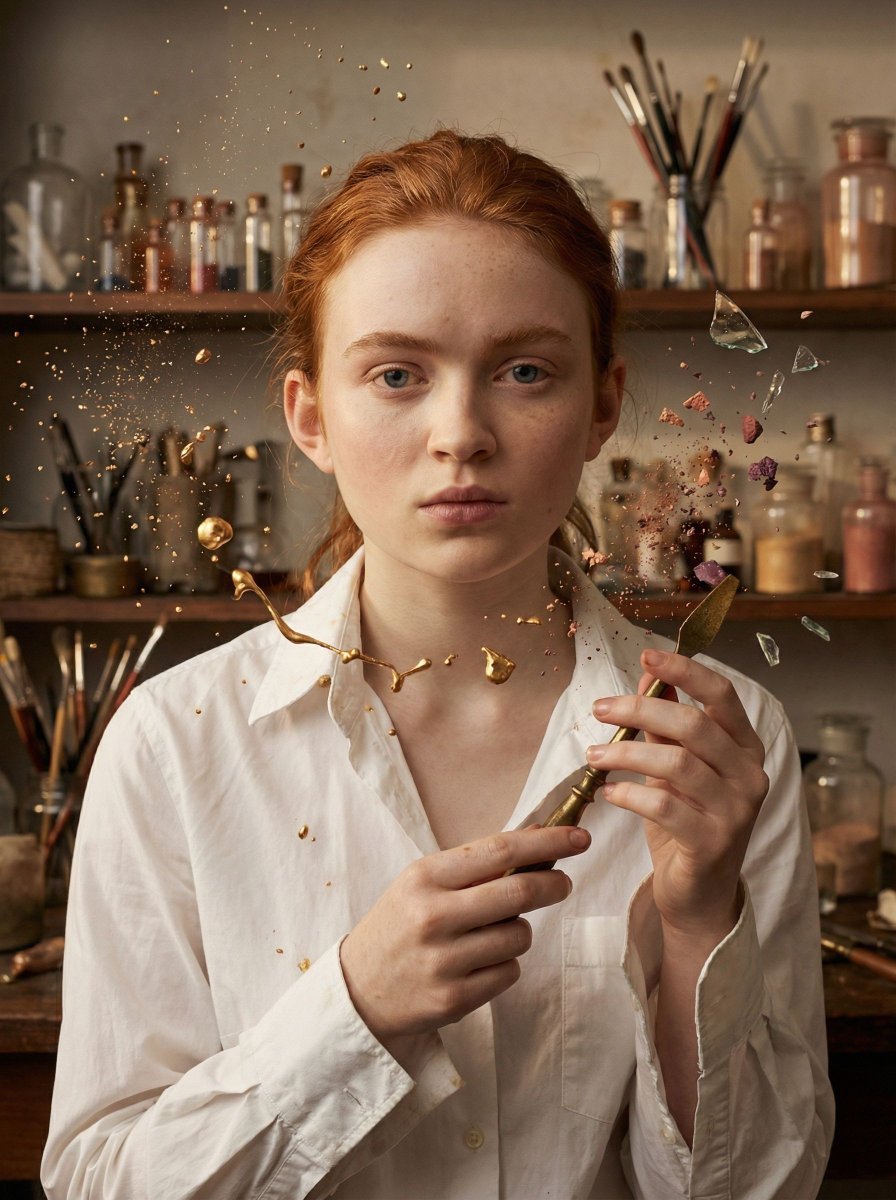
Surreal Cosmetic Alchemist Portrait Prompt

Pixar-Style Giant World Character Prompt
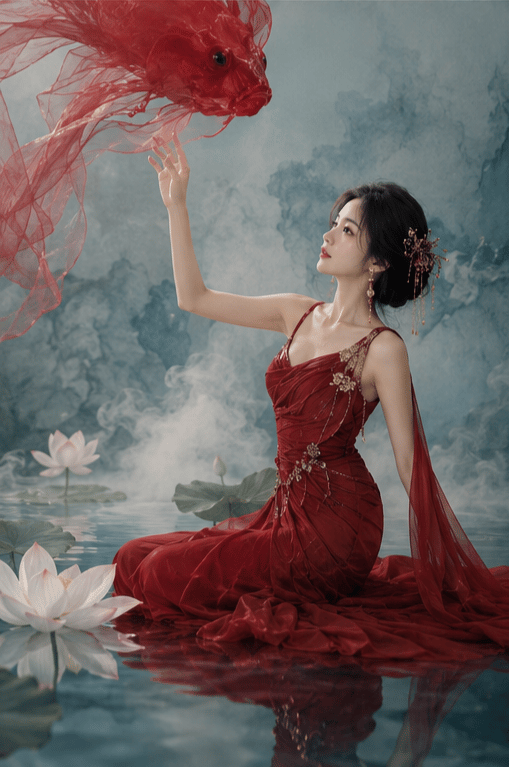
New Chinese Koi Fine Art Photography
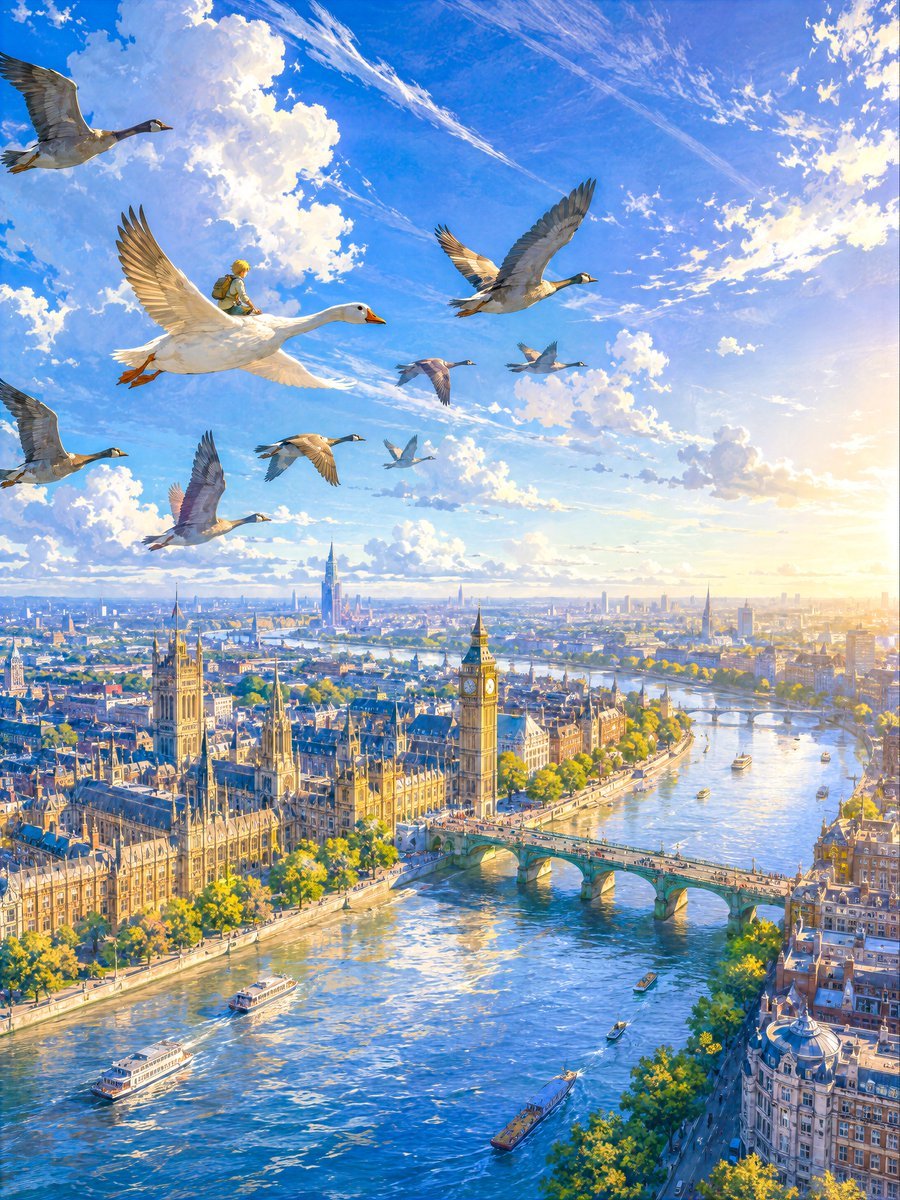
London Aerial Flight with Geese
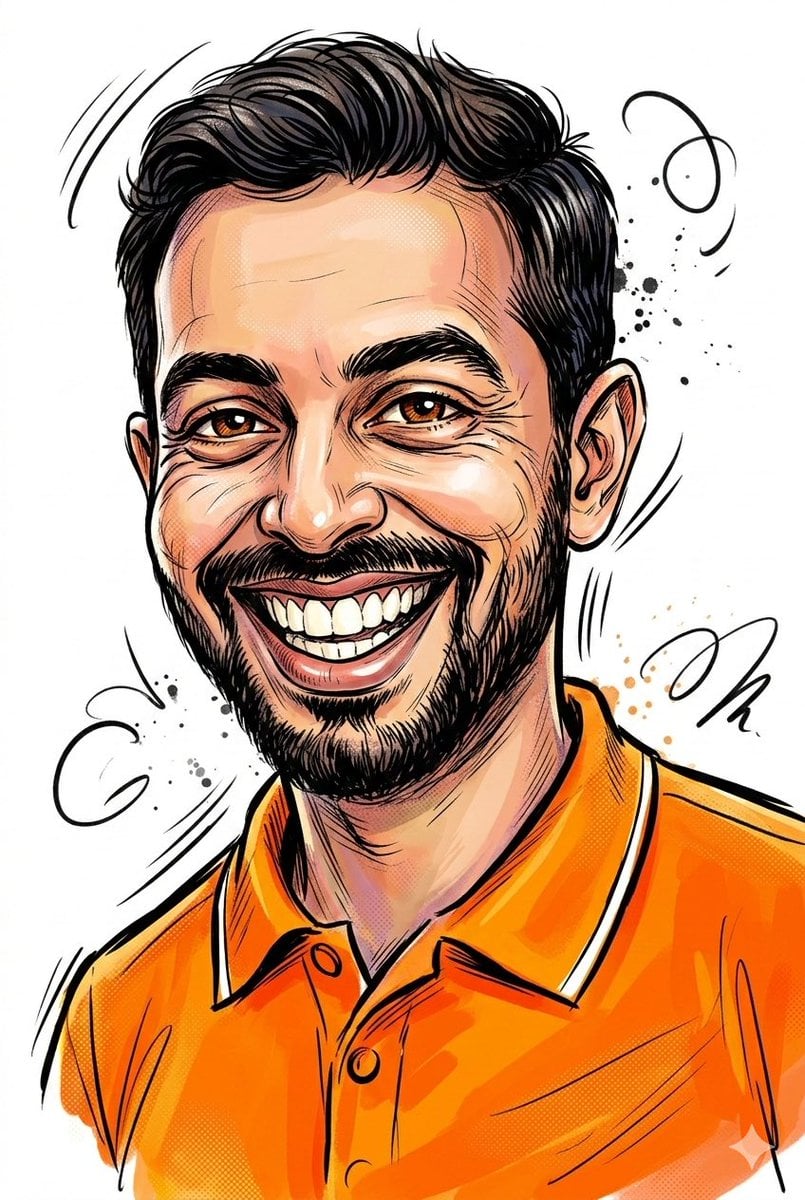
Image-to-Sketch Cartoon Transformation Prompt
High-Fashion Studio Portrait
Visual Novel Rejected Routes UI
Browse template categories
Misty Spring Mountain Village questions
How do I use the Misty Spring Mountain Village template?
Add your photo if the template asks for one, edit the prompt if you like — the template's model and format are already selected — and press Generate. Your version opens in PicX Studio.
Can I customize the Misty Spring Mountain Village template?
Yes. You can change the subject, setting, lighting, mood, format, and available model controls before creating your image.
Is the Misty Spring Mountain Village template free?
Opening and editing this template is free. Generating uses credits, shown on the Generate button when you are signed in.
Which AI model should I use?
Start with GPT Image 2, which is the model associated with this template. You can compare another compatible model for a different finish.
Looking for something else? Browse all templates.

Your photo, any look
Thousands of ready templates for every top image and video model, from one credit balance.