
Windblown Woman on Misty Mountain
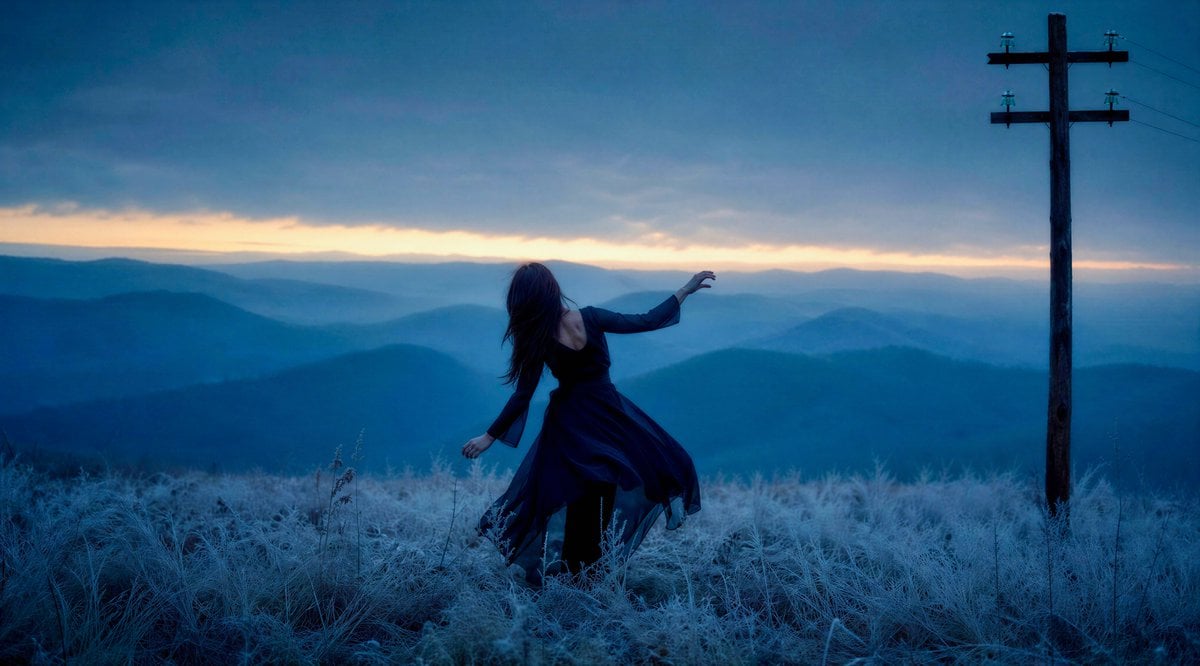
A cinematic blue-hour music video still of a windblown woman in a dark dress dancing on a frosted mountain ridge beside a lone utility pole.
- Prompt included
- Model and format preset
- Free template
The prompt behind this image
Copy the exact prompt behind Windblown Woman on Misty Mountain, or open it in the studio and make it yours.
Create a cinematic wide still for a moody music video called {argument name="music video title" default="Flown"}: a lone {argument name="subject" default="young woman"} in a flowing {argument name="dress color" default="dark navy blue"} chiffon dress stands and twists as if dancing or being pulled by the wind on a high mountain meadow at dawn. She is seen from behind and slightly to the side, centered a little left of frame, long dark hair blowing across her face, one arm drooping downward and the other reaching outward toward the horizon, her posture graceful but haunted. The foreground is covered in pale frosted grass and wild stems, glowing icy blue; the midground drops into many layered, misty mountain ridges fading into deep teal and blue. On the far right stands exactly one tall dark wooden utility pole with two horizontal crossbars, small insulators, and faint power lines disappearing off the upper right edge. The sky is heavy with dark blue storm clouds, but a thin warm strip of peach-orange sunrise light glows along the horizon. Use a wide 16:9 composition, realistic photography, soft atmospheric haze, strong depth, low natural light, cool blue color grade with subtle warm horizon contrast, wind-swept motion in the dress, melancholic dreamlike tone, no text, no buildings, no extra people, no watermark.
How to use Windblown Woman on Misty Mountain in 3 steps
- 1Upload ImagePNG, JPG or paste
Add your photo
Upload the photo the template builds on. The prompt, model and format are already set.
- 2…a portrait of your subject in softgolden-hour light, 85mm…
Personalize
Edit the subject and creative details for your destination.
- 3Generate
Generate
Press Generate — your image is created in PicX Studio, so you can compare it with the original and refine one variable at a time.
More like this
Templates with the same subject, style or setup. Open one to see its prompt.
Xianxia Woman Over Misty Mountain Realm

Teen Girl Alpine Lake Mountain View

Mountain Lake Sunset Landscape
Misty Mountain Ridge Portrait
Cinematic Portrait of English Woman on Snowy Mountain

Premium Vintage Travel Poster Landscape
Misty Spring Mountain Village

Woman in Mall with Chanel Bag - Heart Gesture

Floating Woman Above Cityscape with Notifications
Holographic Mountain Bedroom

Lone Mountaineer in Moonlit Snow
Sci-Fi Misty Antenna Terrain
Make it yours
Windblown Woman on Misty Mountain works as-is. These are the safest ways to change it without losing the look.
Change one field
Copy a single group, rewrite it, and generate again so you can see what that field is doing.
Keep the frame, change the subject
Hold the composition and light of Windblown Woman on Misty Mountain, then swap wardrobe, props or the person for a new take.
| If the result… | Why | Fix |
|---|---|---|
| The result drifts from the preview | Too many fields changed at once. | Reuse Windblown Woman on Misty Mountain as-is first, then change one group — subject, light, or setting. |
| The model over-stylizes the scene | The prose prompt leaves finish and camera underspecified. | Add one camera or lighting sentence and stay on GPT Image 2. |
More GPT Image 2 templates
Other prompts made for GPT Image 2.

Six VTuber Japanese Logo Sheet

The Vista Modular Condo Poster

AI Model Routing Comparison Infographic

2.5D Anime Art Board

Isometric Productivity Desk Scene

New York Double Exposure Poster

Four-Panel AI Landscape Comparison

Japanese Tatami Lifestyle Magazine Cover

NESCAFÉ Coffee Map Poster

Brutalist Cogito Chinese Typography Poster
More image prompts
Fresh picks from across the catalog.

Flashy Japanese AI Thumbnail
panel manga about Gemini generating Japanese text images
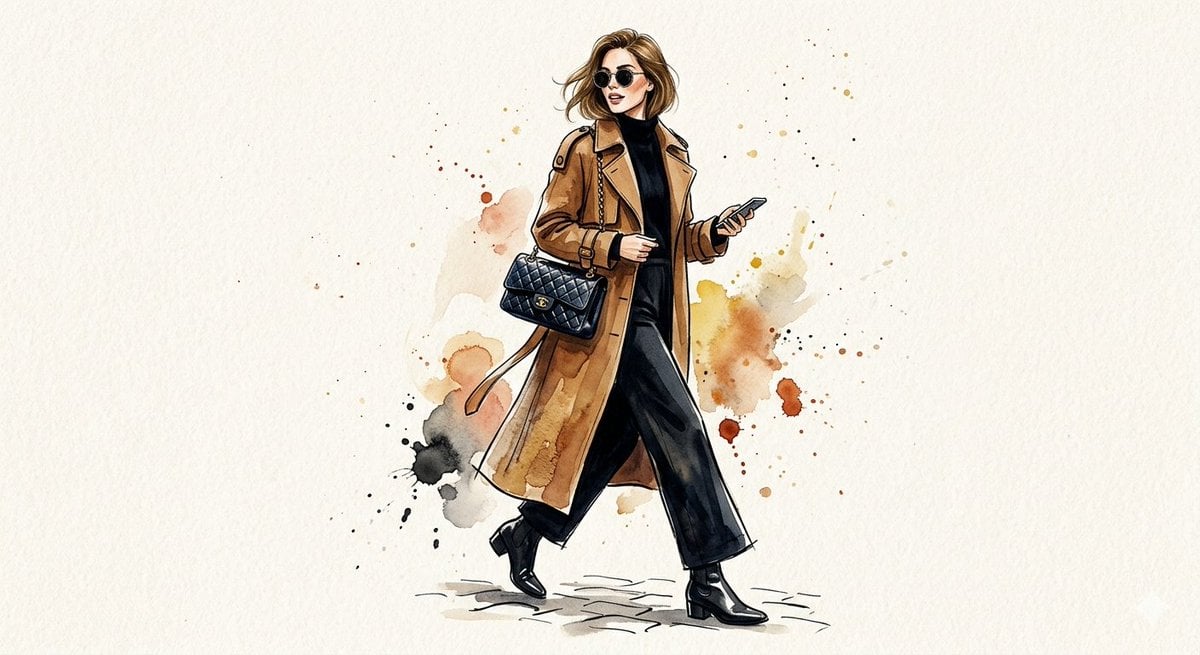
Watercolor Trench Coat Fashion Illustration
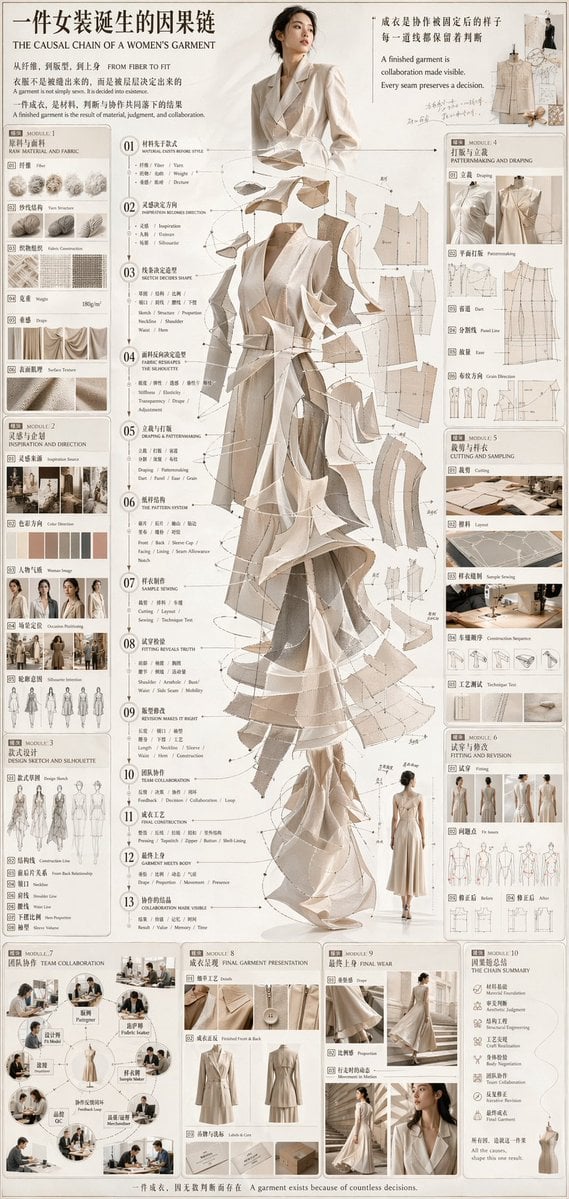
Couture Garment Process Infographic
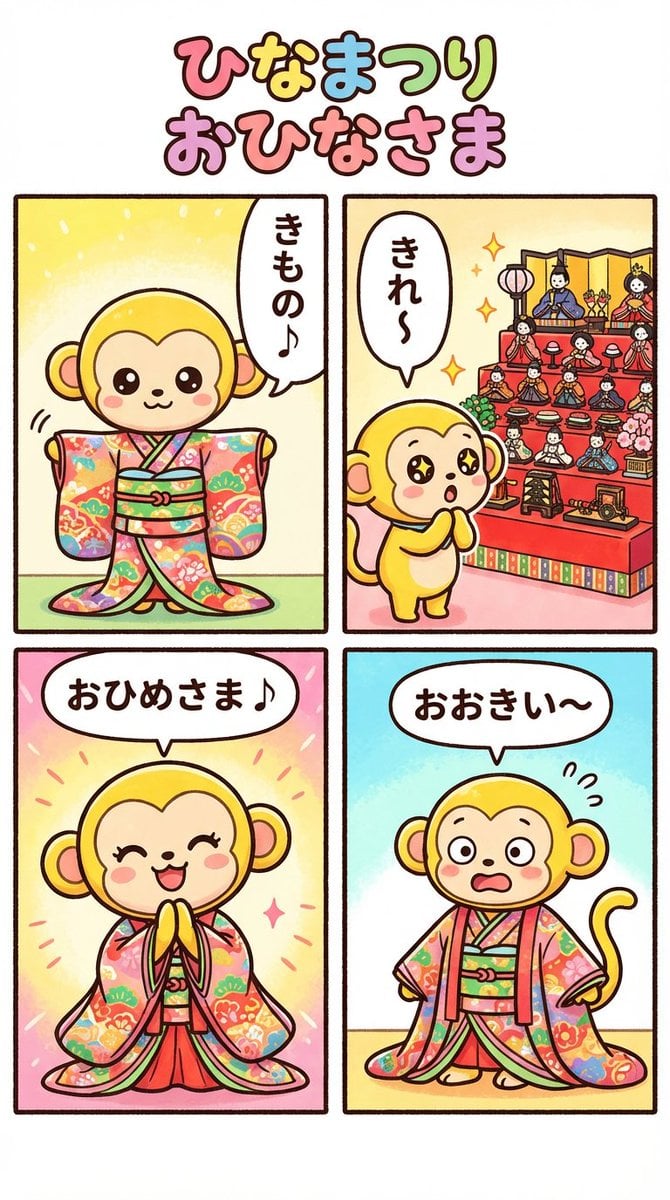
Nano Banana Pro 4-panel comic: Hina Matsuri
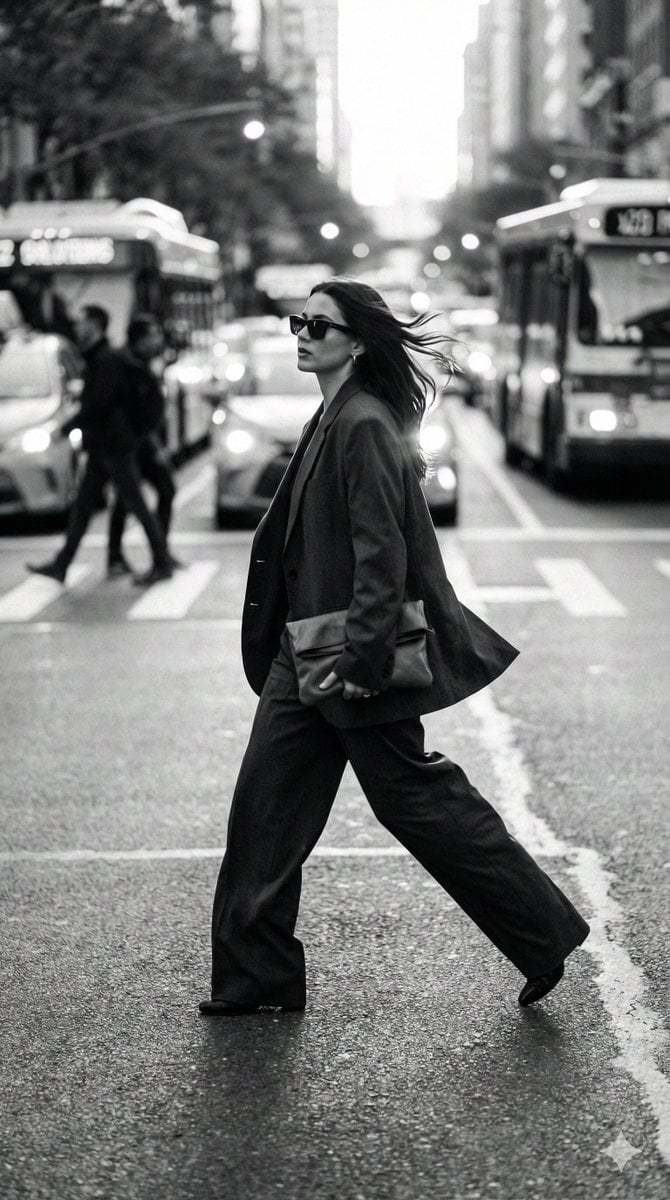
Dynamic Black and White Street Fashion Prompt

wikiHow Article Mockup
Isometric Miniature Stock Scene By Nano

Cinematic Juice Drink Ad Style
Portal Scene Generation Prompt
Browse template categories
Windblown Woman on Misty Mountain questions
How do I use the Windblown Woman on Misty Mountain template?
Add your photo if the template asks for one, edit the prompt if you like — the template's model and format are already selected — and press Generate. Your version opens in PicX Studio.
Can I customize the Windblown Woman on Misty Mountain template?
Yes. You can change the subject, setting, lighting, mood, format, and available model controls before creating your image.
Is the Windblown Woman on Misty Mountain template free?
Opening and editing this template is free. Generating uses credits, shown on the Generate button when you are signed in.
Which AI model should I use?
Start with GPT Image 2, which is the model associated with this template. You can compare another compatible model for a different finish.
Looking for something else? Browse all templates.

Your photo, any look
Thousands of ready templates for every top image and video model, from one credit balance.