
Flashy Japanese AI Thumbnail
This prompt generates a high-impact anime-style Japanese YouTube thumbnail for AI or tech explainers with oversized text, fiery effects, and a pointing character.

- Prompt included
- Model and format preset
- Free template
The prompt behind this image
Copy the exact prompt behind Flashy Japanese AI Thumbnail, or open it in the studio and make it yours.
Create a hyper-saturated Japanese YouTube thumbnail in a flashy clickbait anime style, 16:9 landscape, with a split composition: huge stacked text blocks dominating the left two-thirds and an anime character on the right one-third. The background is a fiery explosion of red, orange, and gold energy with glowing sparks, lens flares, glittering star highlights, and a high-contrast metallic shine effect everywhere. On the left, place 4 bold text groups stacked vertically with thick black outlines, white inner strokes, intense outer glow, and glossy 3D treatment. Top line: giant Japanese headline text {argument name="headline text" default="紅エンジニア必見"} in vivid red with white edging and bright gold spark accents. Second line: a rounded square orange app-like icon with a white stylized "M" to the left of the word {argument name="product name" default="masatra"} in enormous lowercase white sans-serif letters with black outline and subtle gray shading. Third line: a black rectangular banner with compact bold white Japanese text reading "次世代AIエージェントフレームワーク". Bottom line: very large gold metallic Japanese text {argument name="bottom text" default="徹底解説"} with beveled 3D embossing, orange-to-gold gradient, bright specular highlights, and glowing edges. On the right, show 1 anime-style young adult woman from chest up, with {argument name="hair color" default="brown"} medium-length hair, wearing a white open lab coat over a white shirt, leaning toward the camera and pointing directly at the viewer with a foreshortened hand and extended index finger in the foreground. Her pose should feel confident, urgent, and attention-grabbing. Use dramatic rim lighting from the fiery background, strong orange highlights on skin and clothing, and a polished commercial thumbnail finish. Reserve a large rectangular area over the upper-right face region as a flat placeholder block in {argument name="placeholder color" default="light brown"}, obscuring most of the face. Make the overall design extremely dense, glossy, explosive, and optimized for maximum readability at small size.
How to use Flashy Japanese AI Thumbnail in 3 steps
- 1Upload ImagePNG, JPG or paste
Add your photo
Upload the photo the template builds on. The prompt, model and format are already set.
- 2…a portrait of your subject in softgolden-hour light, 85mm…
Personalize
Edit the subject and creative details for your destination.
- 3Generate
Generate
Press Generate — your image is created in PicX Studio, so you can compare it with the original and refine one variable at a time.
More like this
Templates with the same subject, style or setup. Open one to see its prompt.

Minecraft Japanese Research Lab Exploration

Japanese Architectural Concrete Studio Fashion Campaign

Japanese Minimalist Concrete Studio Fashion Editorial

Blue Backdrop Luxury Fashion Portrait Campaign

Flashy Gold AI Income Thumbnail

Flashy VTuber Debut Stream Thumbnail

Flashy suspicious info-product style thumbnail

Japanese Film Reflection Idol
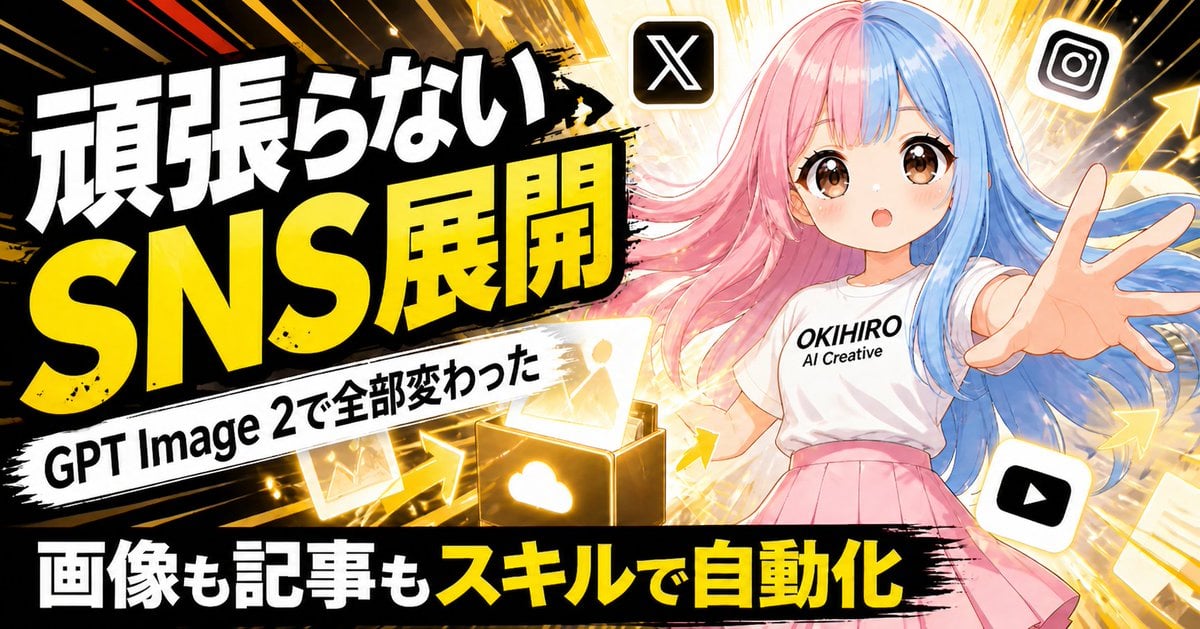
Japanese SNS Automation Thumbnail
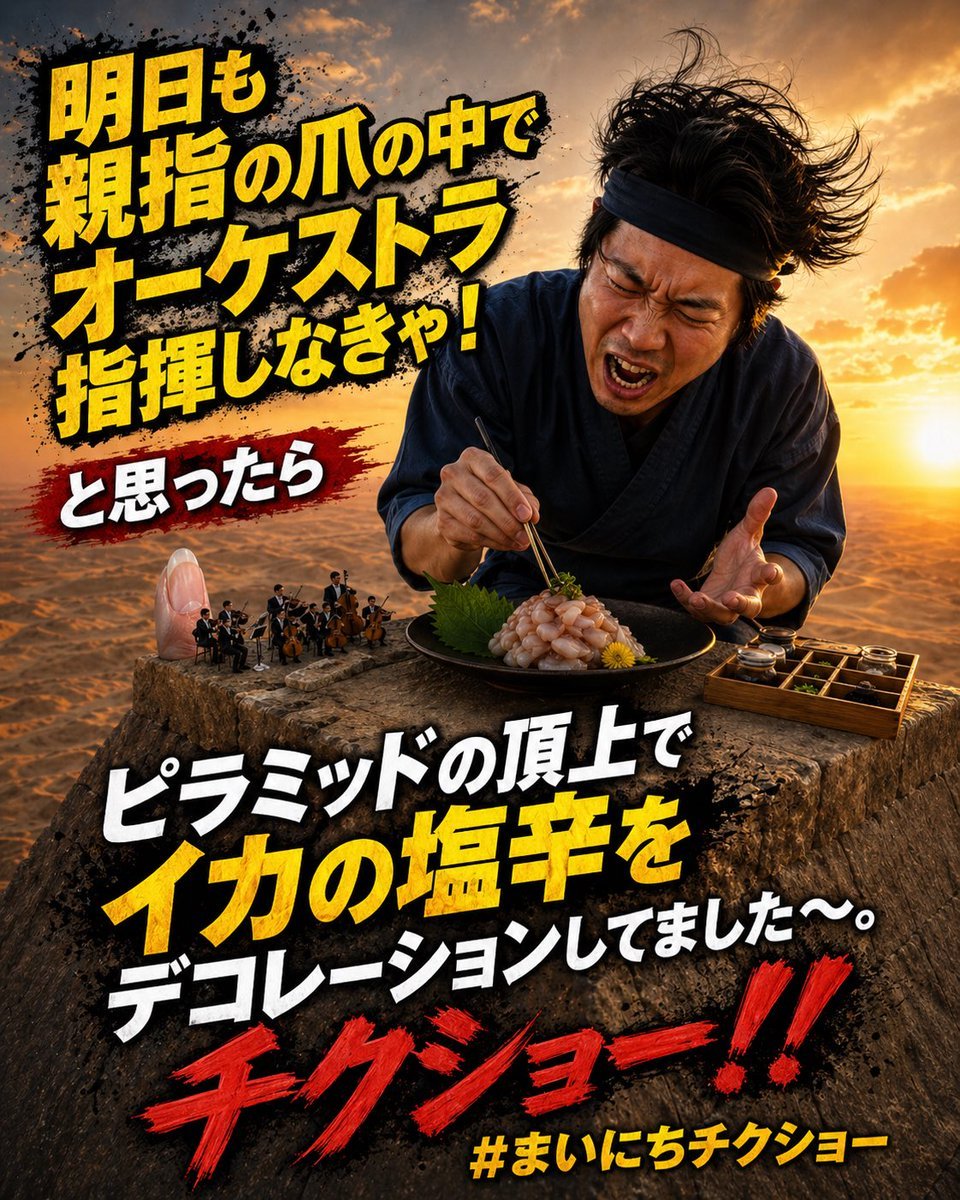
Surreal Japanese Meme Thumbnail at Pyramid
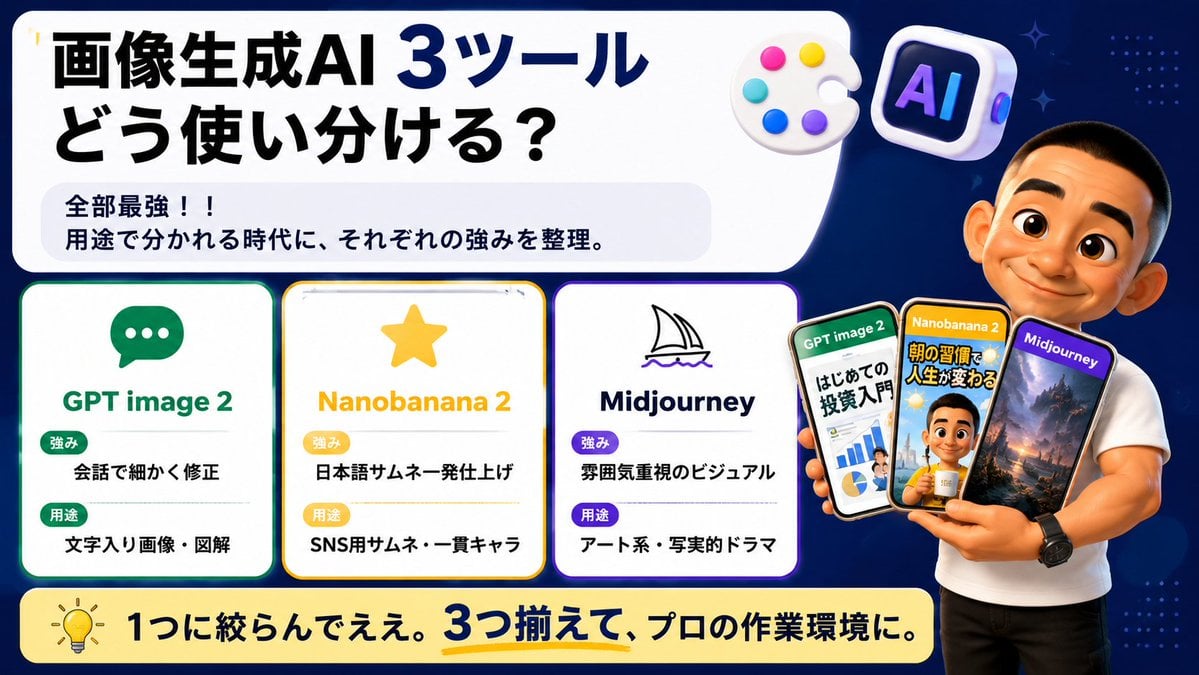
Japanese AI Tool Comparison Thumbnail

Explosive Japanese X Monetization Thumbnail
Make it yours
Flashy Japanese AI Thumbnail works as-is. These are the safest ways to change it without losing the look.
Change one field
Copy a single group, rewrite it, and generate again so you can see what that field is doing.
Keep the frame, change the subject
Hold the composition and light of Flashy Japanese AI Thumbnail, then swap wardrobe, props or the person for a new take.
| If the result… | Why | Fix |
|---|---|---|
| The result drifts from the preview | Too many fields changed at once. | Reuse Flashy Japanese AI Thumbnail as-is first, then change one group — subject, light, or setting. |
| The model over-stylizes the scene | The prose prompt leaves finish and camera underspecified. | Add one camera or lighting sentence and stay on GPT Image 2. |
More GPT Image 2 templates
Other prompts made for GPT Image 2.

Six VTuber Japanese Logo Sheet

Realistic Portrait of Woman and Deer

The Vista Modular Condo Poster

AI Model Routing Comparison Infographic

2.5D Anime Art Board

Isometric Productivity Desk Scene

New York Double Exposure Poster

Four-Panel AI Landscape Comparison

Japanese Tatami Lifestyle Magazine Cover

NESCAFÉ Coffee Map Poster
More image prompts
Fresh picks from across the catalog.
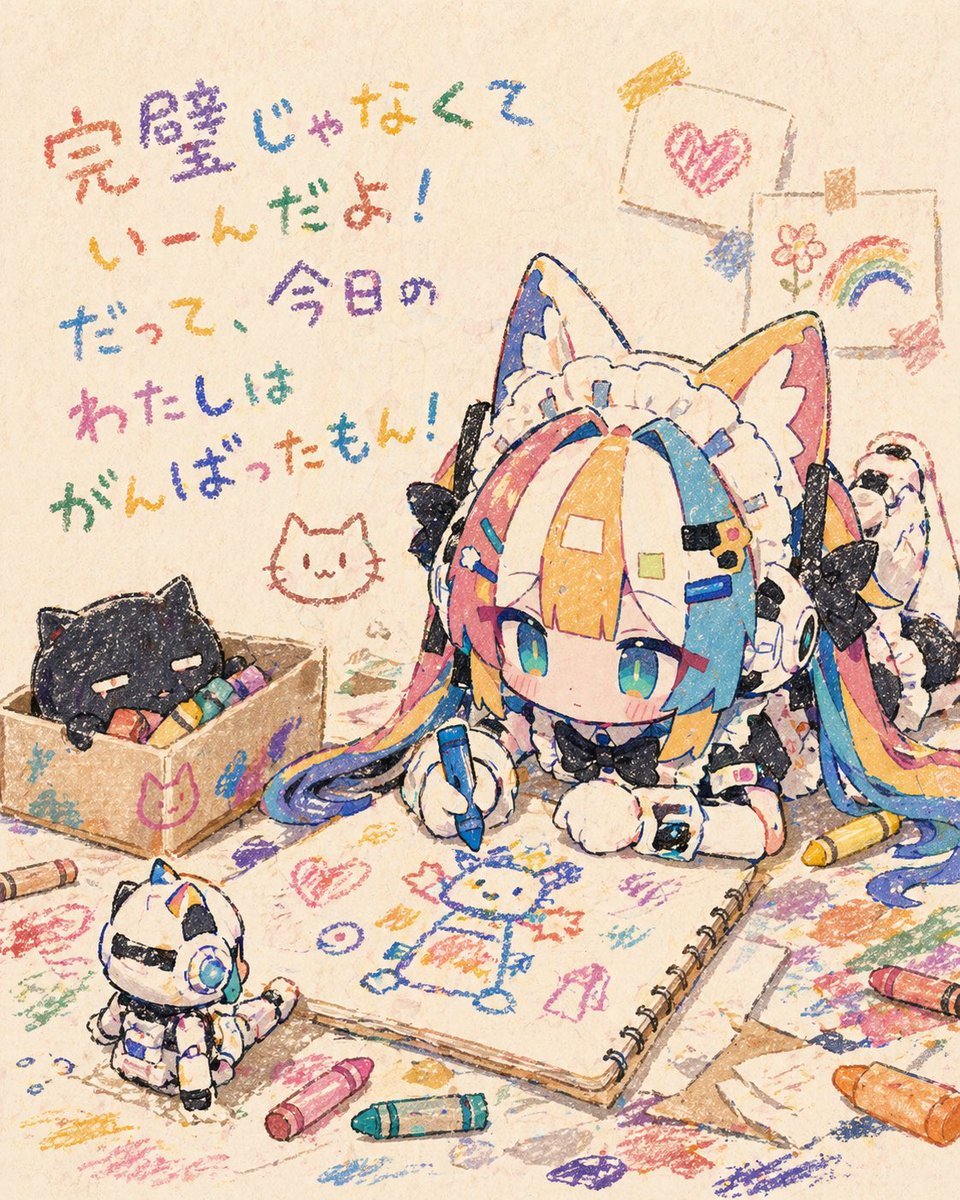
Chibi Cat Maid Crayon Art Scene
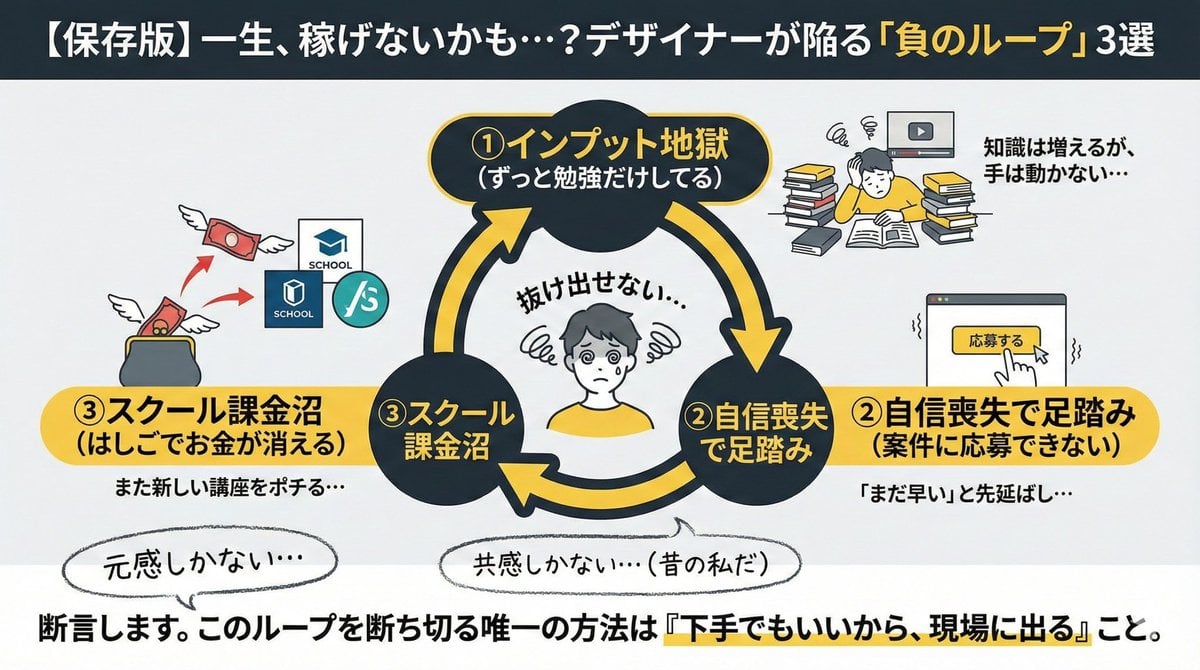
Infographic/Diagram Generation Prompt for Nano Banana Pro
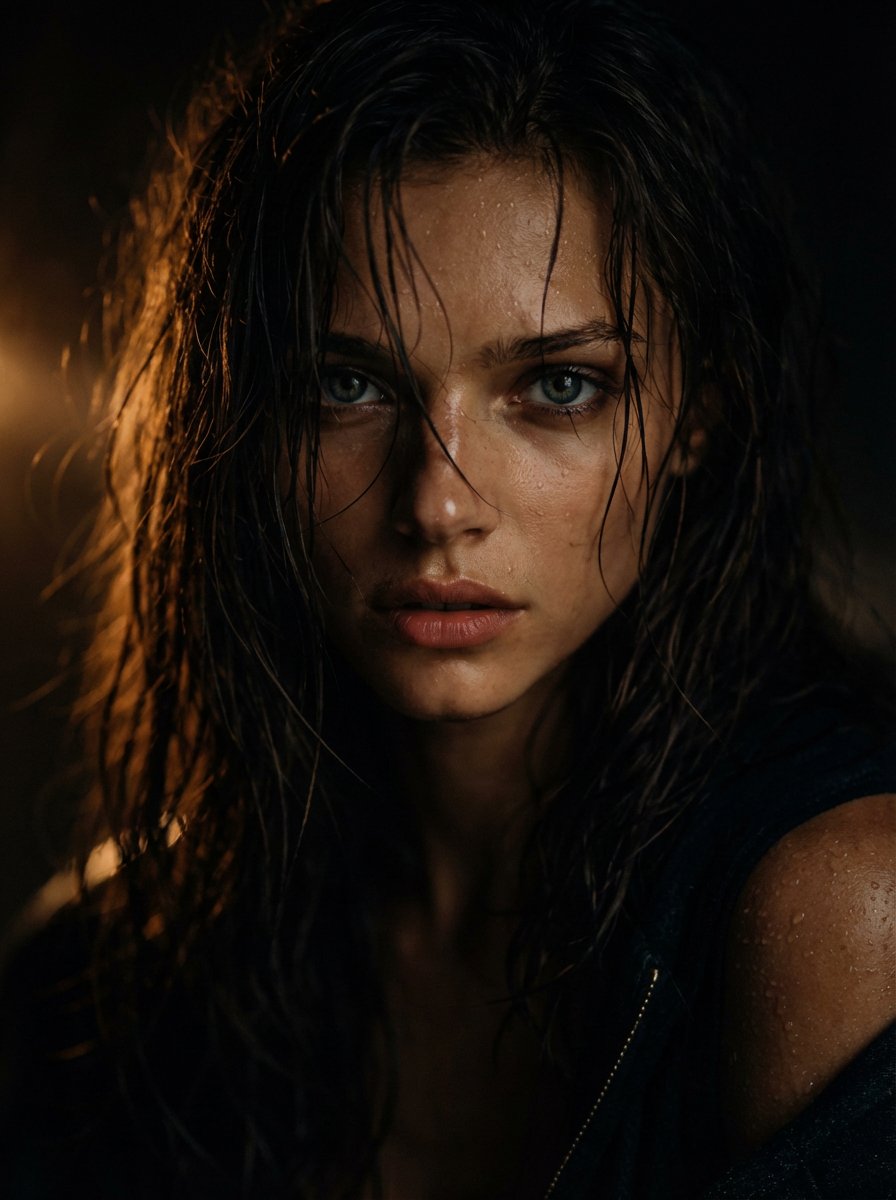
Cinematic Wet Hair Portrait Prompt
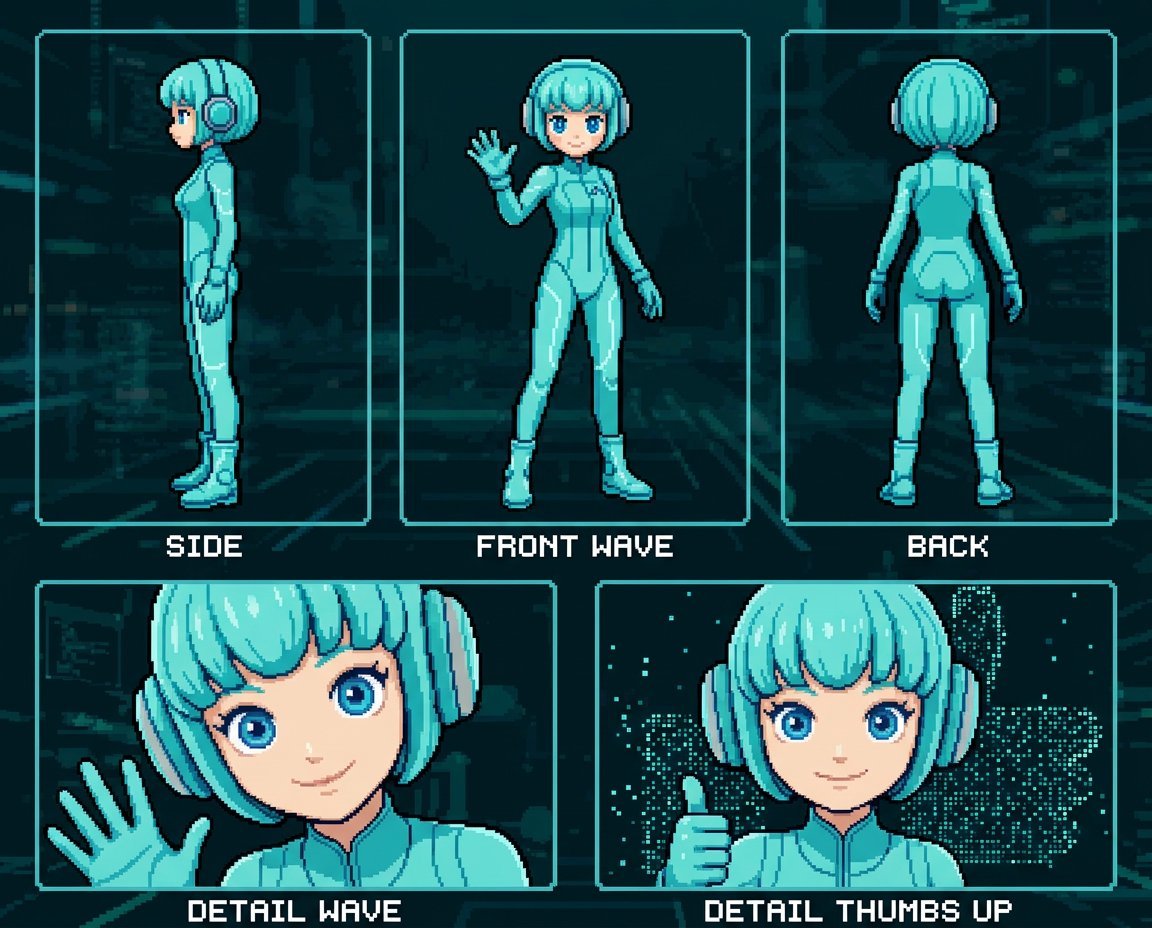
Retro 8-Bit Game Aesthetic Prompt
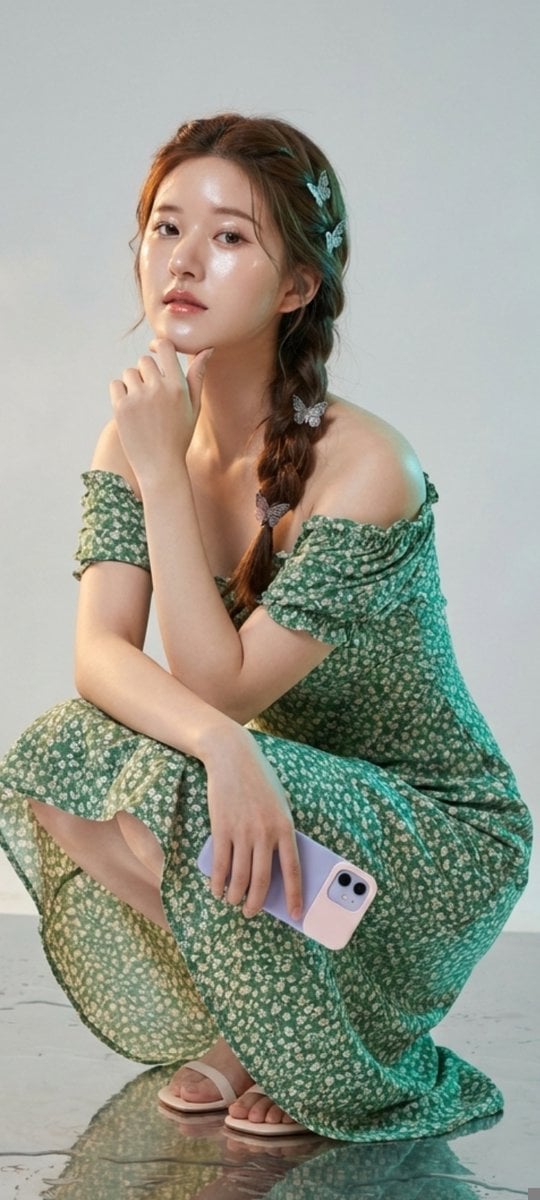
Photorealistic Portrait of Zhao Lusi (Rosy Zhao) with Cottagecore Vibe
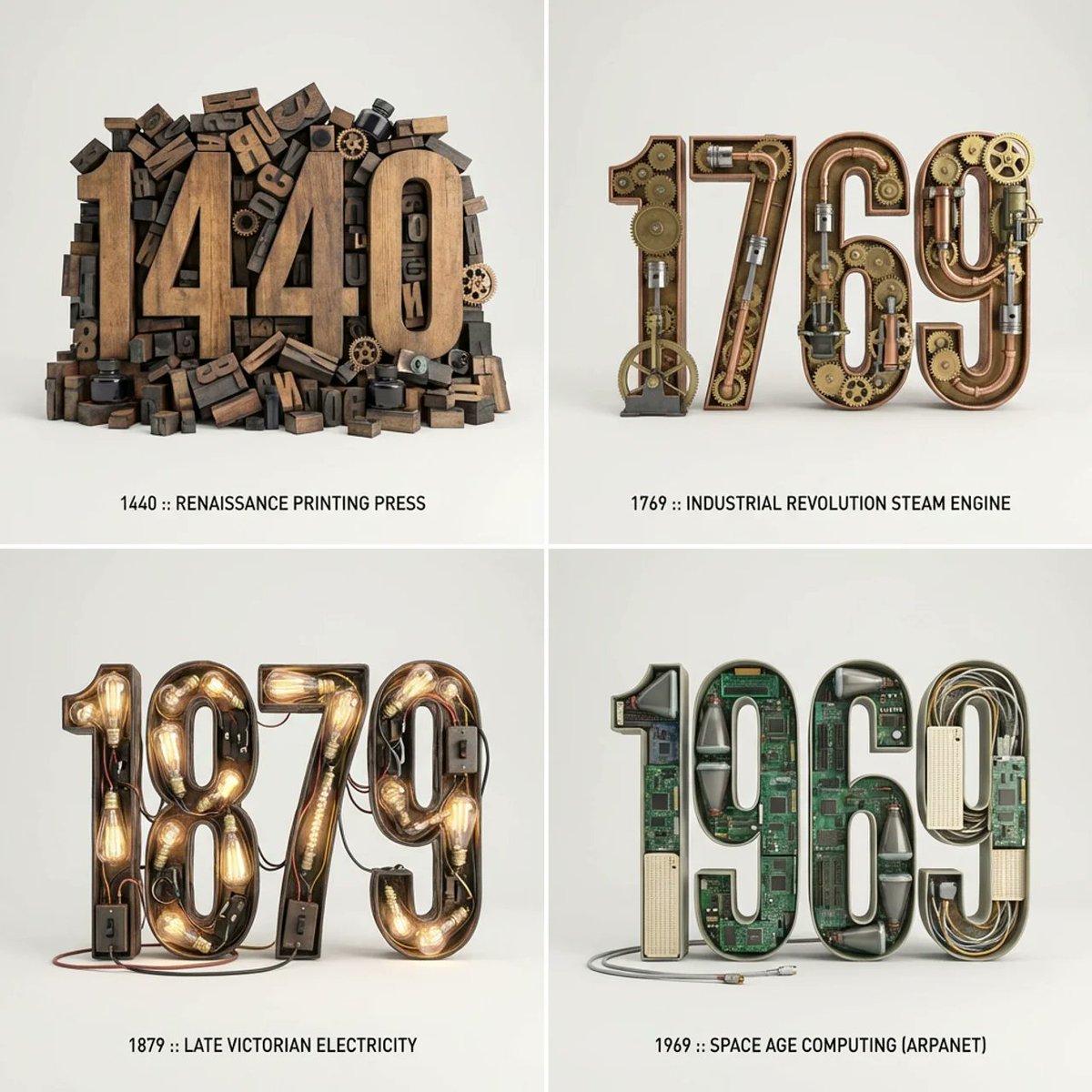
Typographic Sculpture of Historical Inventions
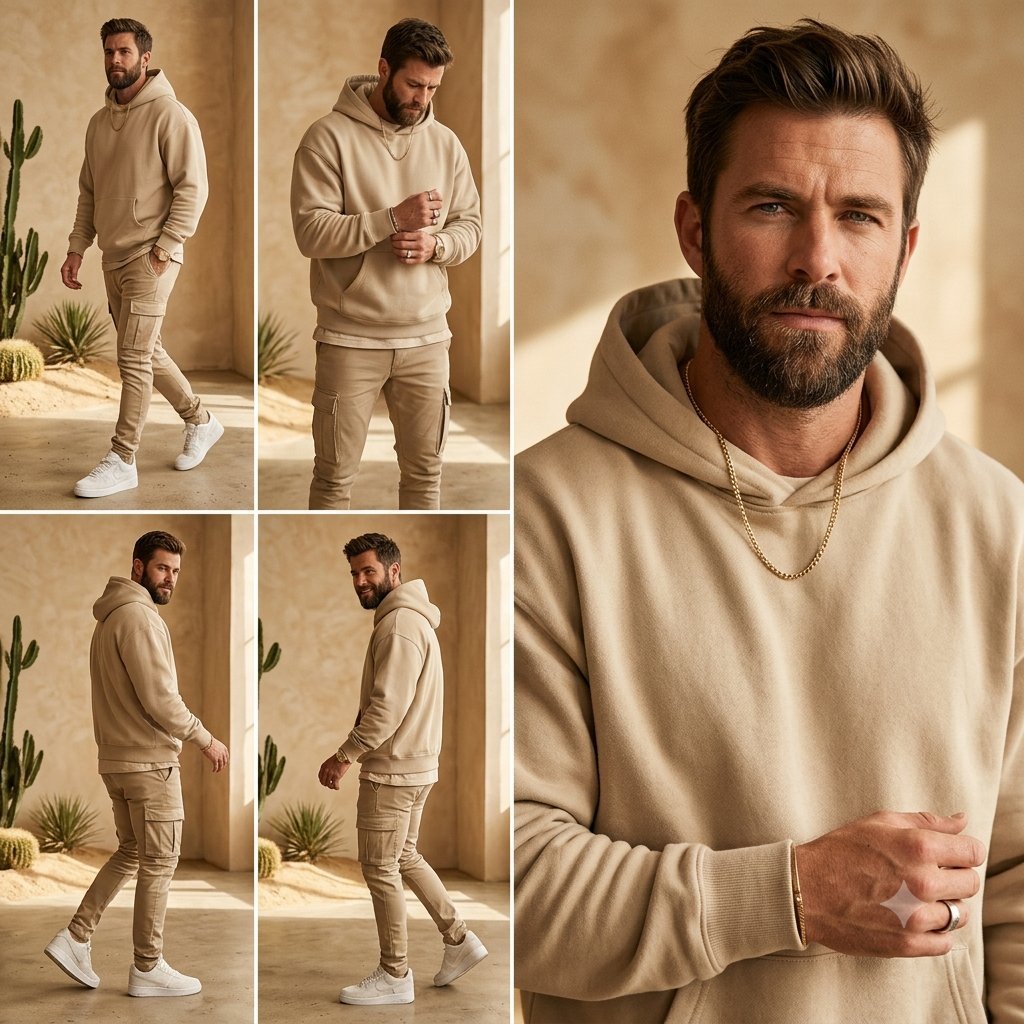
Beige Menswear Lookbook Collage
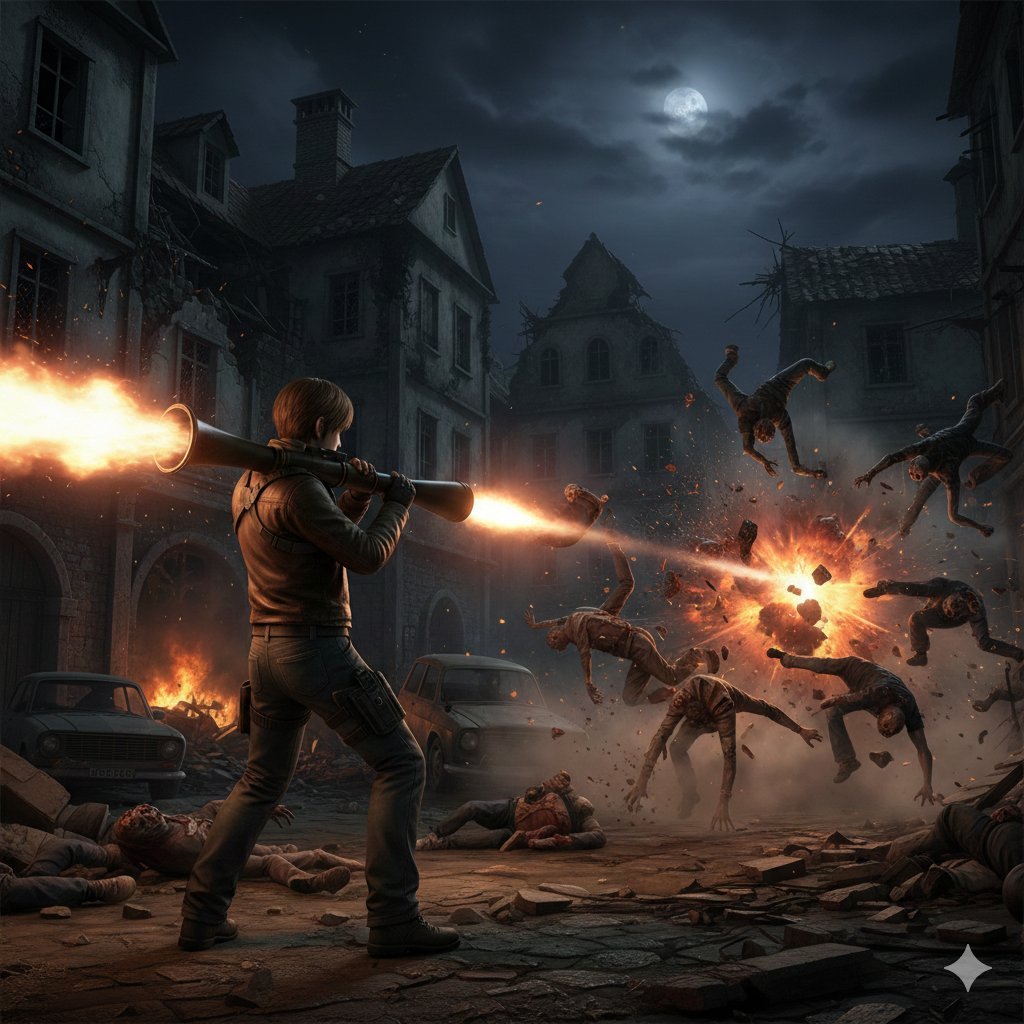
Resident Evil Rocket Launcher Action Scene
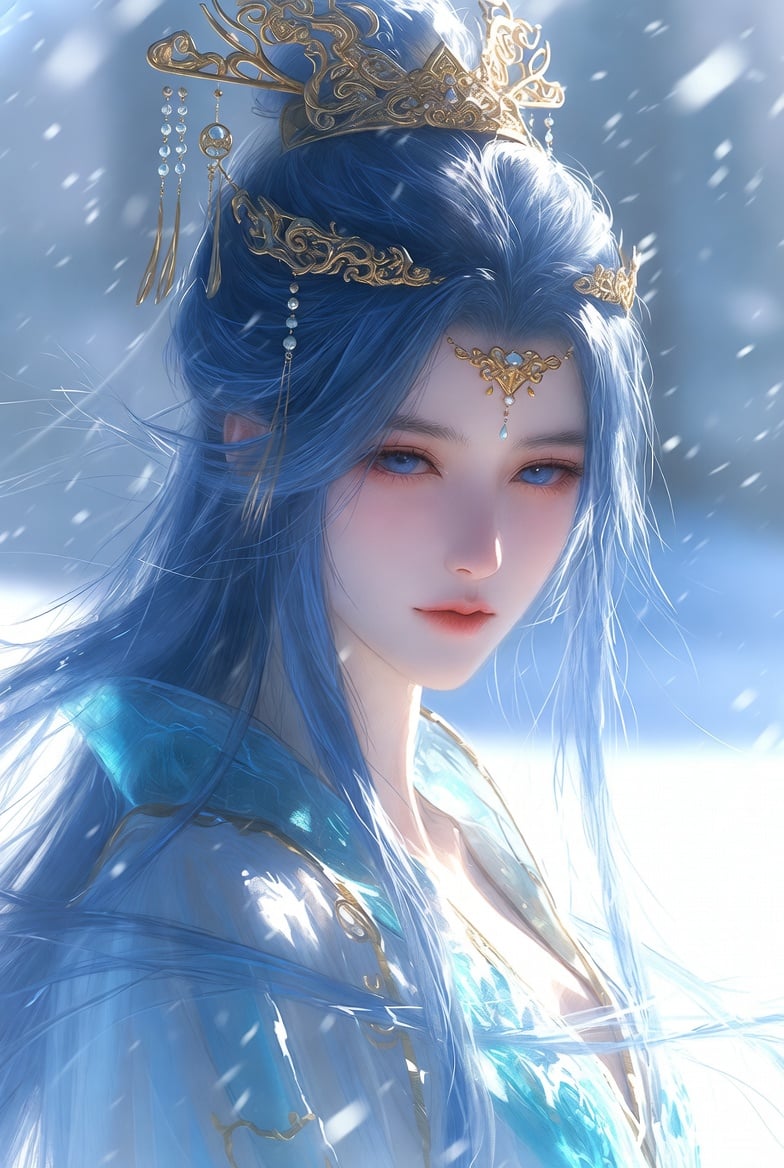
Detailed Cinematic Wuxia Scene Prompt: Dark Raven vs. Azure Frost
Kawaii Pastel Goth Editorial
Browse template categories
Flashy Japanese AI Thumbnail questions
How do I use the Flashy Japanese AI Thumbnail template?
Add your photo if the template asks for one, edit the prompt if you like — the template's model and format are already selected — and press Generate. Your version opens in PicX Studio.
Can I customize the Flashy Japanese AI Thumbnail template?
Yes. You can change the subject, setting, lighting, mood, format, and available model controls before creating your image.
Is the Flashy Japanese AI Thumbnail template free?
Opening and editing this template is free. Generating uses credits, shown on the Generate button when you are signed in.
Which AI model should I use?
Start with GPT Image 2, which is the model associated with this template. You can compare another compatible model for a different finish.
Looking for something else? Browse all templates.

Your photo, any look
Thousands of ready templates for every top image and video model, from one credit balance.