
Flashy Gold AI Income Thumbnail
This prompt generates a dramatic black-and-gold Japanese thumbnail for AI image-generation income content, ideal for YouTube covers and social media promotional graphics.

- Prompt included
- Model and format preset
- Free template
The prompt behind this image
Copy the exact prompt behind Flashy Gold AI Income Thumbnail, or open it in the studio and make it yours.
Create a flashy Japanese YouTube thumbnail in a luxurious black-and-gold money-making style, packed with dramatic visual impact and designed to feel viral, celebratory, and high-value. Use a dark black background filled with intense golden light bursts, glitter particles, sparkles, lens flares, and streaking fireworks radiating outward from the center. Scatter shiny gold confetti across the whole frame. Place piles and angled stacks of Japanese yen banknotes in the lower left and lower right background, partially visible and glowing under the gold lighting. In the center, feature huge embossed metallic gold Japanese typography with thick beveled 3D edges, strong highlights, black shadowing, and a premium foil texture. The top headline should read "フォロワー100人未満でも" in bold white Japanese text with a dark outline, centered near the top. The main central text should read "画像生成で" on the upper middle line and "月100万" on the largest line below, both in giant gold 3D serif-style Japanese characters, with "100" especially dominant and oversized. Beneath that, add a wide black banner with gold trim and elegant ornamental corners, containing the subtitle text "0からの実績を完全公開・再現可能メソッド" in white Japanese characters, with "完全公開" highlighted in gold. Along the bottom, place exactly 3 horizontally aligned black-and-gold rounded rectangular callout panels with ornate gold borders and subtle glow. The left panel contains a gold upward-trending chart icon and the text "実績スクショ公開". The center panel contains a gold map pin icon and the text "0→100ロードマップ". The right panel contains a gold rocket icon and the text "今すぐ始める方法". Add small laurel or decorative gold flourishes around these bottom panels. On the right side of the composition, place a cute chibi sheep mascot with fluffy light blue wool, cream-colored horns and ears, a simple neutral face, and a small body, holding an open red book labeled "BOOK". The mascot should overlap the right side of the main text area slightly and be outlined clearly so it stands out from the glittering background. Overall composition should be extremely high contrast, richly saturated gold, glossy, crowded, and optimized as a bold social media thumbnail that instantly communicates wealth, success, and AI image-generation income.
How to use Flashy Gold AI Income Thumbnail in 3 steps
- 1Upload ImagePNG, JPG or paste
Add your photo
Upload the photo the template builds on. The prompt, model and format are already set.
- 2…a portrait of your subject in softgolden-hour light, 85mm…
Personalize
Edit the subject and creative details for your destination.
- 3Generate
Generate
Press Generate — your image is created in PicX Studio, so you can compare it with the original and refine one variable at a time.
More like this
Templates with the same subject, style or setup. Open one to see its prompt.
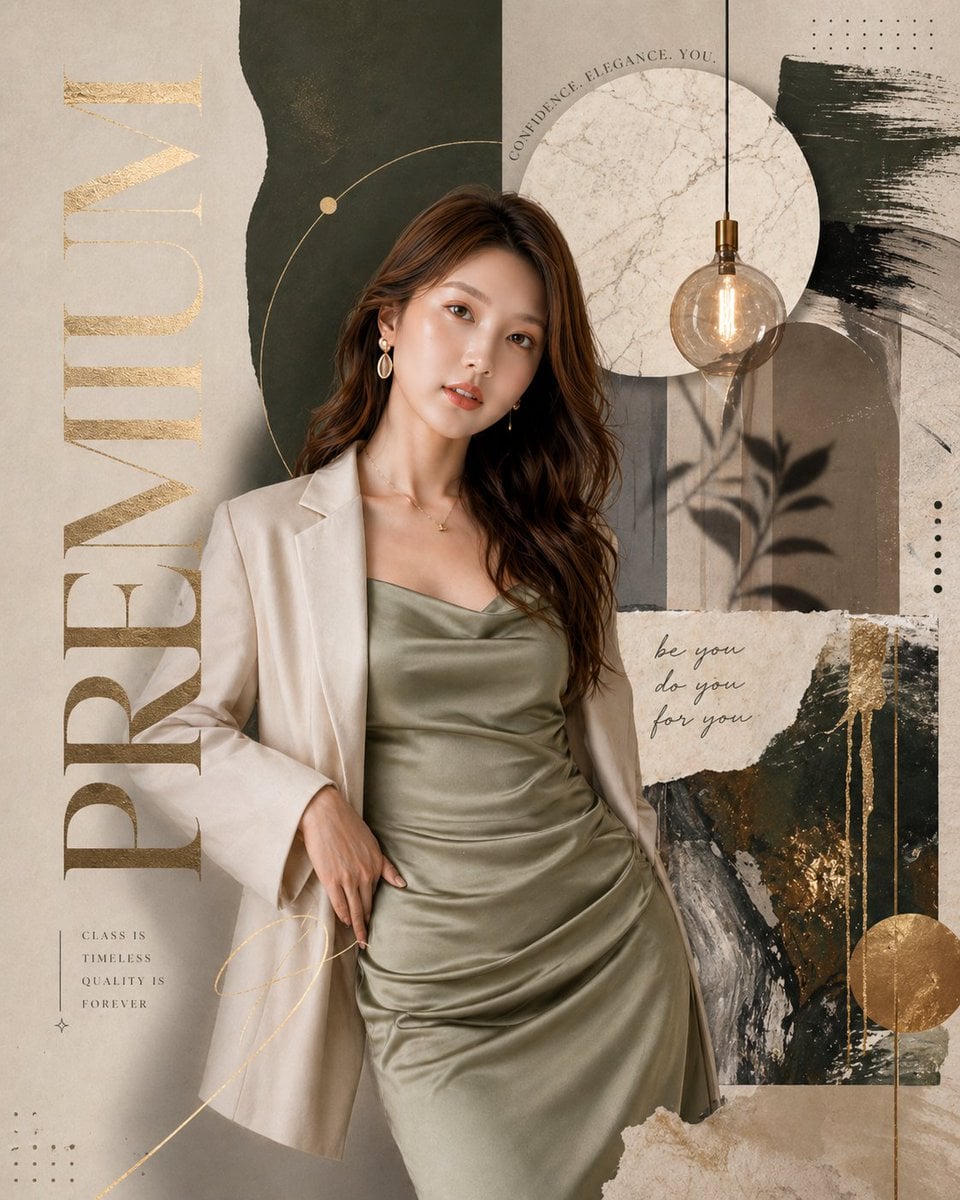
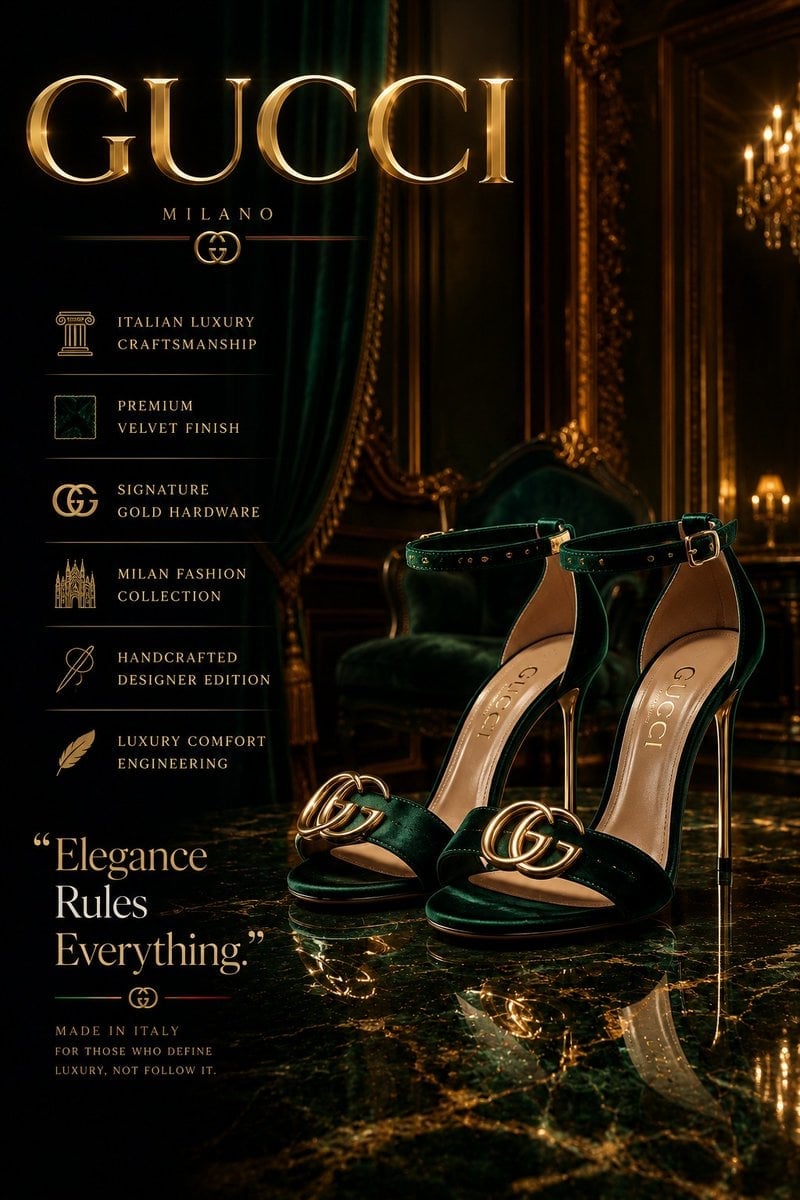


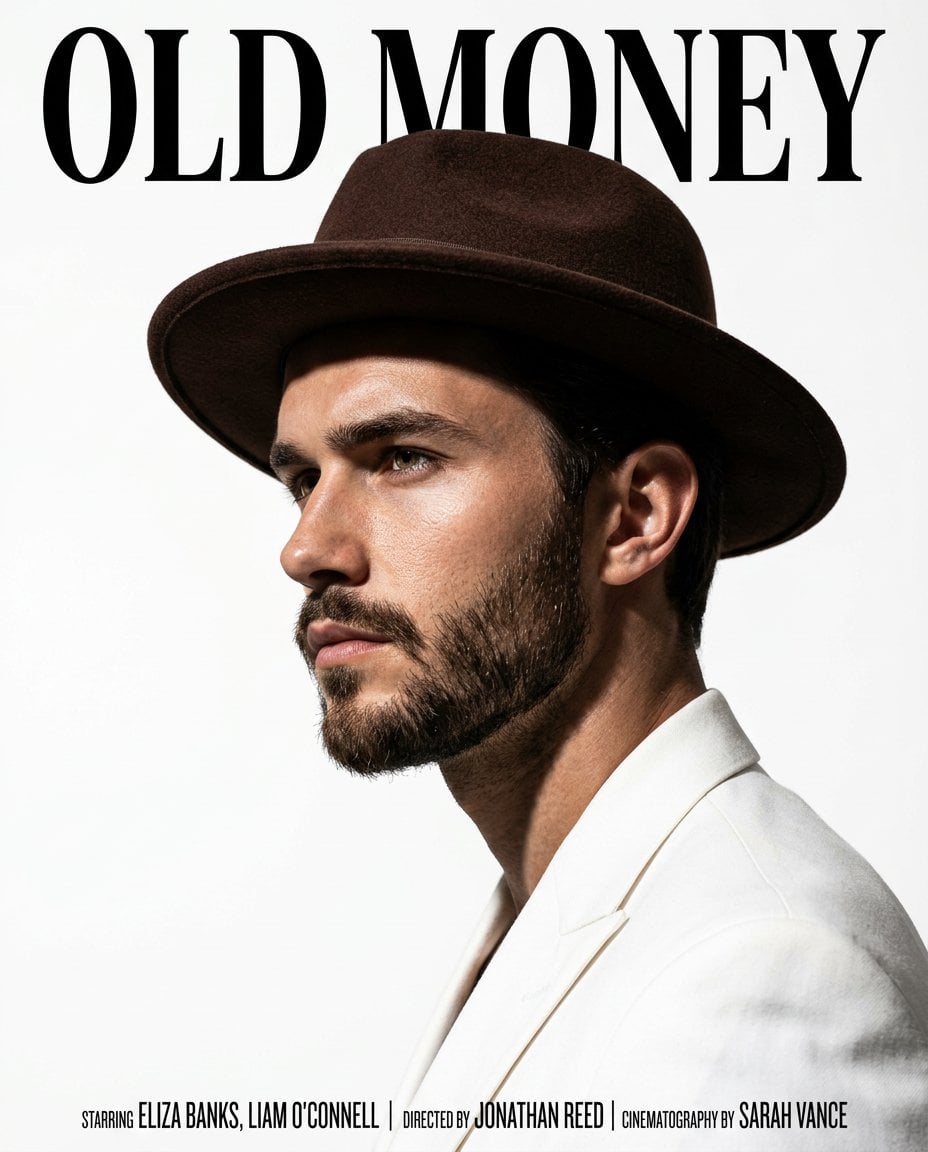


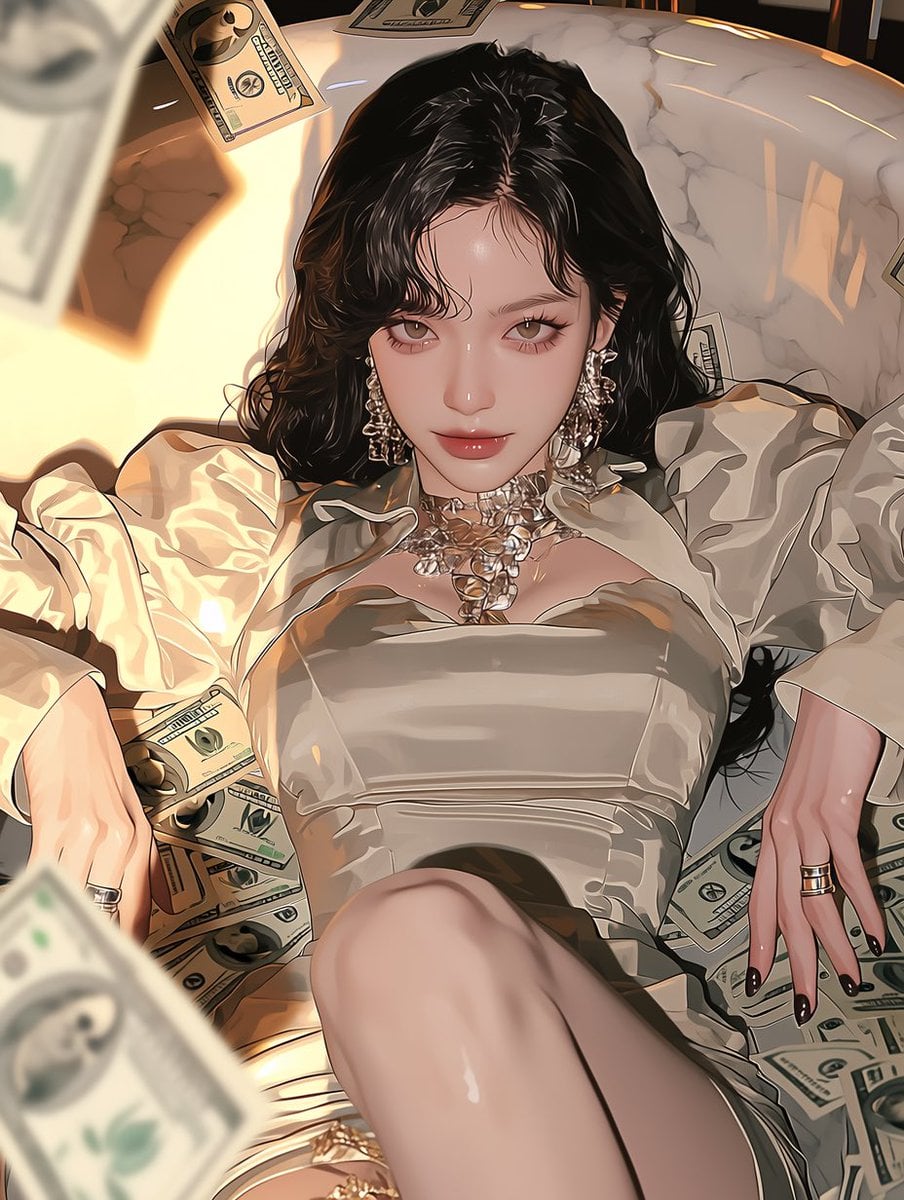
Make it yours
Flashy Gold AI Income Thumbnail works as-is. These are the safest ways to change it without losing the look.
Change one field
Copy a single group, rewrite it, and generate again so you can see what that field is doing.
Keep the frame, change the subject
Hold the composition and light of Flashy Gold AI Income Thumbnail, then swap wardrobe, props or the person for a new take.
| If the result… | Why | Fix |
|---|---|---|
| The result drifts from the preview | Too many fields changed at once. | Reuse Flashy Gold AI Income Thumbnail as-is first, then change one group — subject, light, or setting. |
| The model over-stylizes the scene | The prose prompt leaves finish and camera underspecified. | Add one camera or lighting sentence and stay on GPT Image 2. |
More GPT Image 2 templates
Other prompts made for GPT Image 2.

Six VTuber Japanese Logo Sheet

Realistic Portrait of Woman and Deer

The Vista Modular Condo Poster

AI Model Routing Comparison Infographic

2.5D Anime Art Board

Isometric Productivity Desk Scene

New York Double Exposure Poster

Four-Panel AI Landscape Comparison

Japanese Tatami Lifestyle Magazine Cover

NESCAFÉ Coffee Map Poster
More image prompts
Fresh picks from across the catalog.

Vintage Brush Flag City Posters
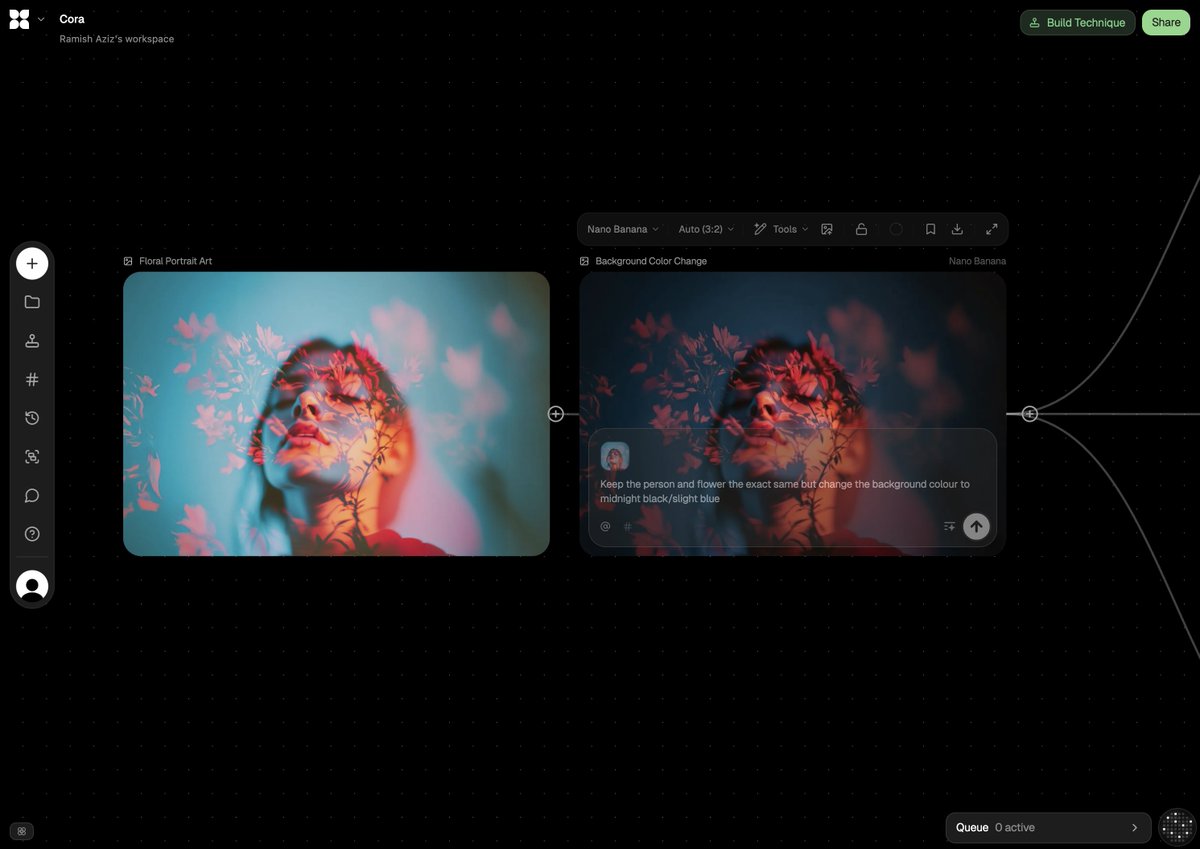
Image Adjustment Prompt for Nano Banana

Dynamic Perspective Flat Vector Illustration
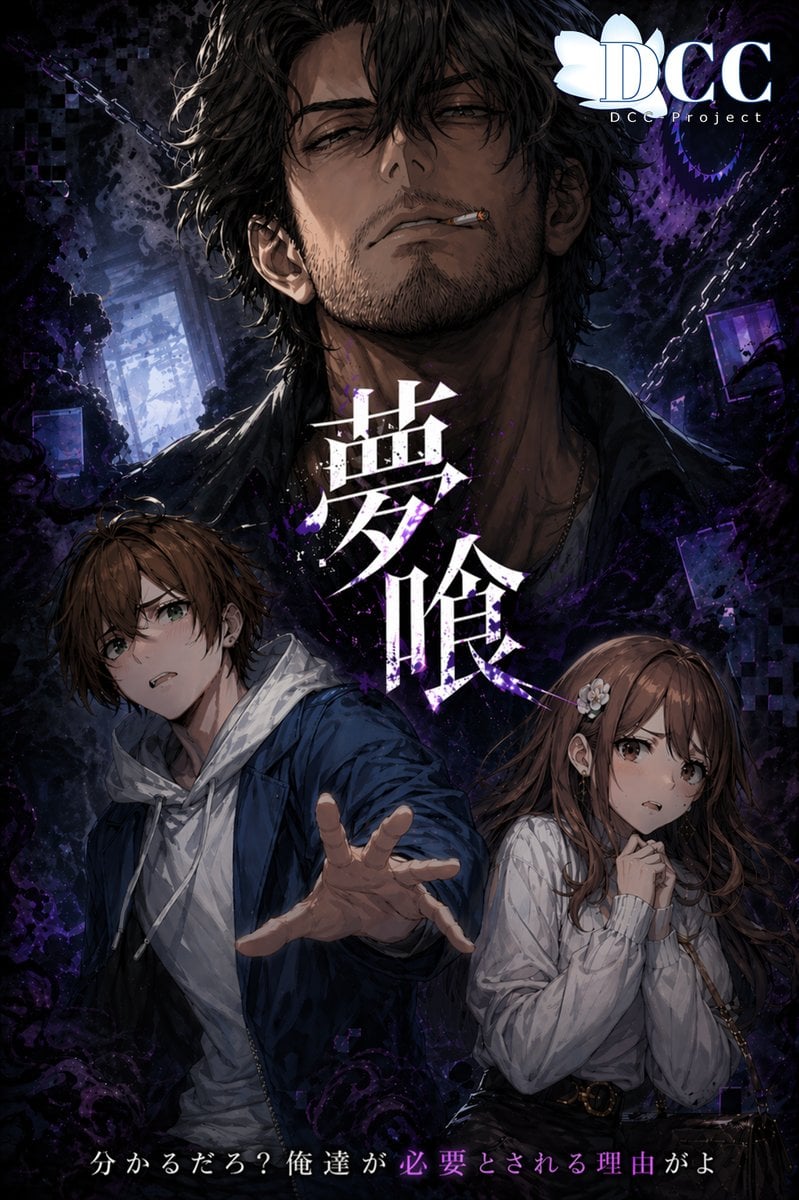
Dark Fantasy RPG Key Visual Poster
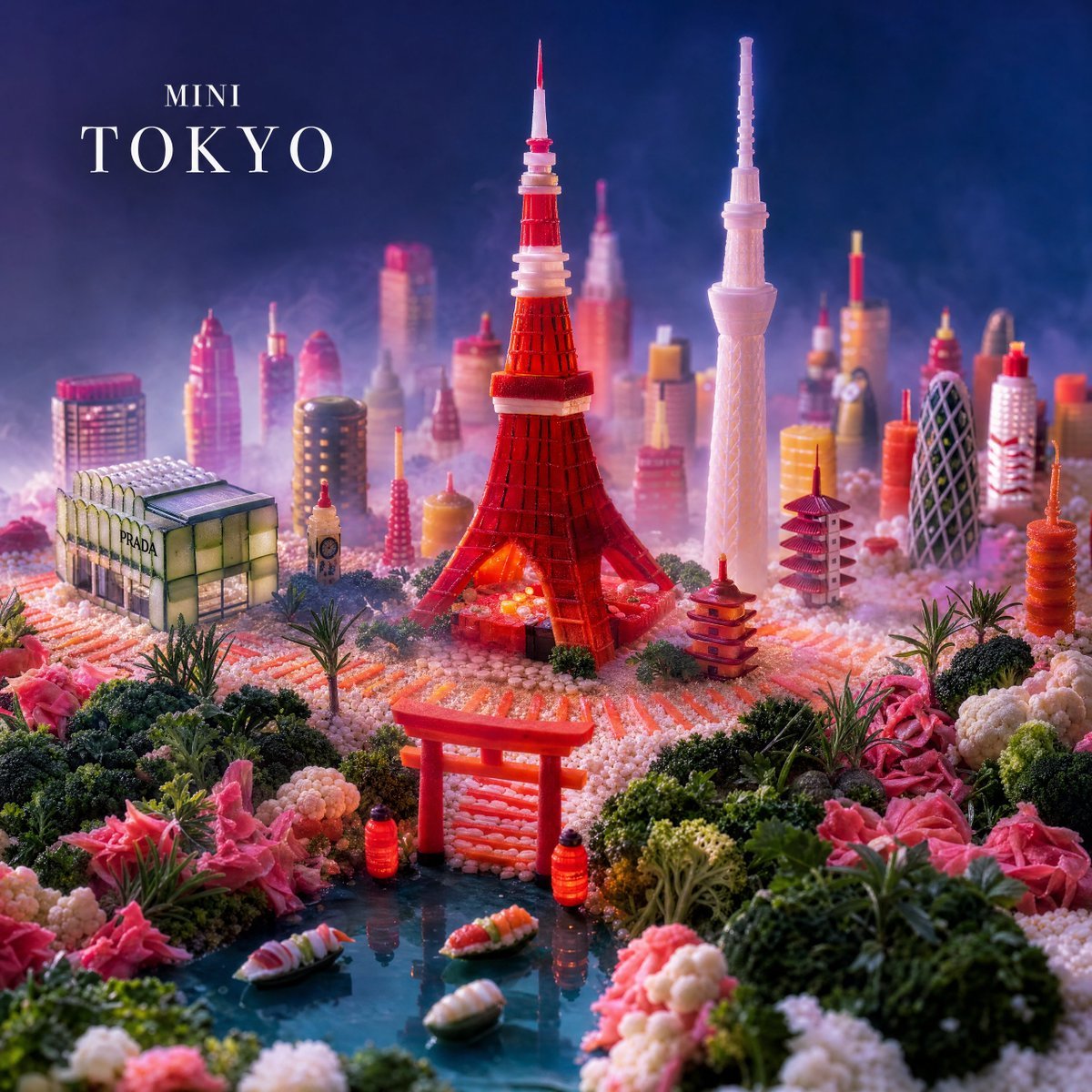
Mini Tokyo Food Landscape
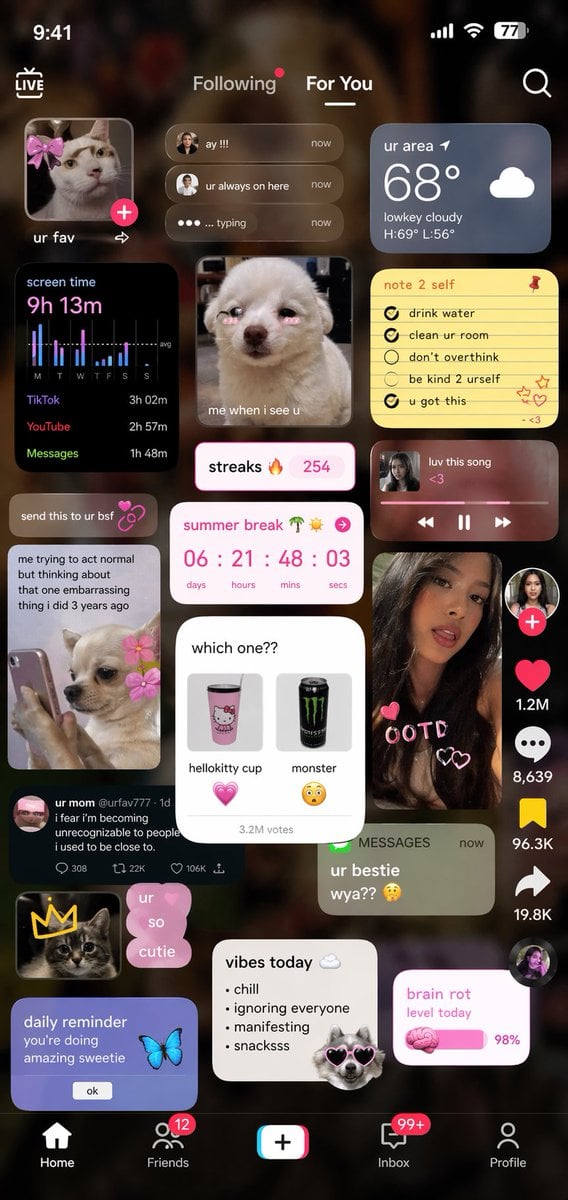
Zoomer UI Design Concept
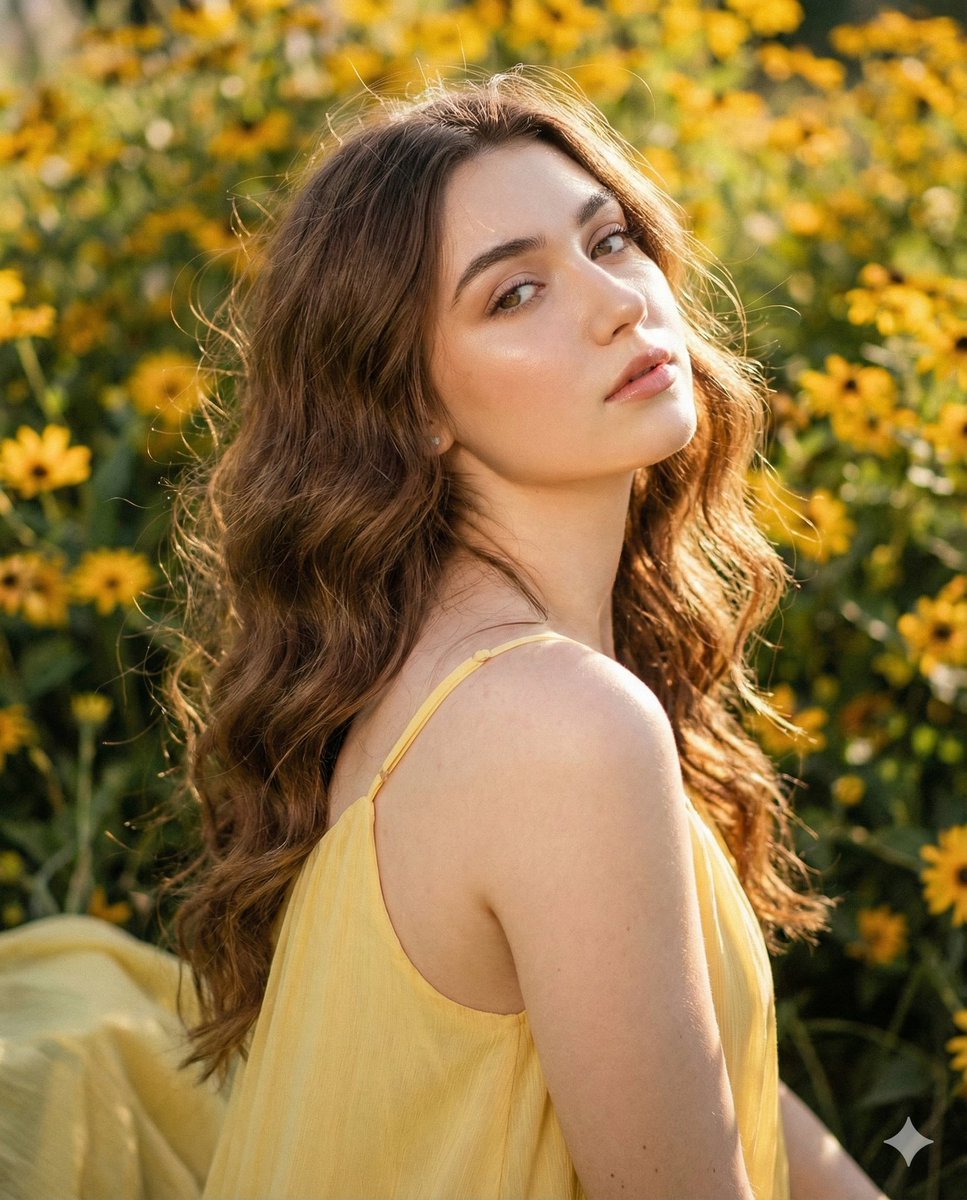
Cinematic Portrait with Harsh Flash and Floral Background
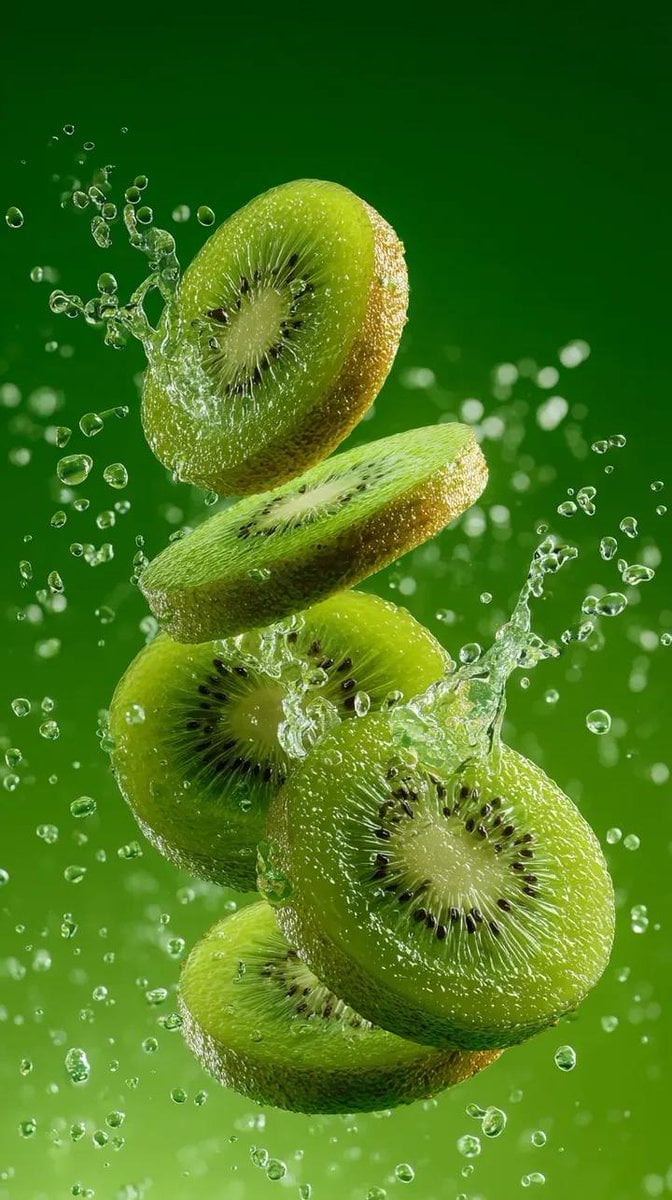
Hyper-Realistic Kiwi Splash Macro Photography Prompt
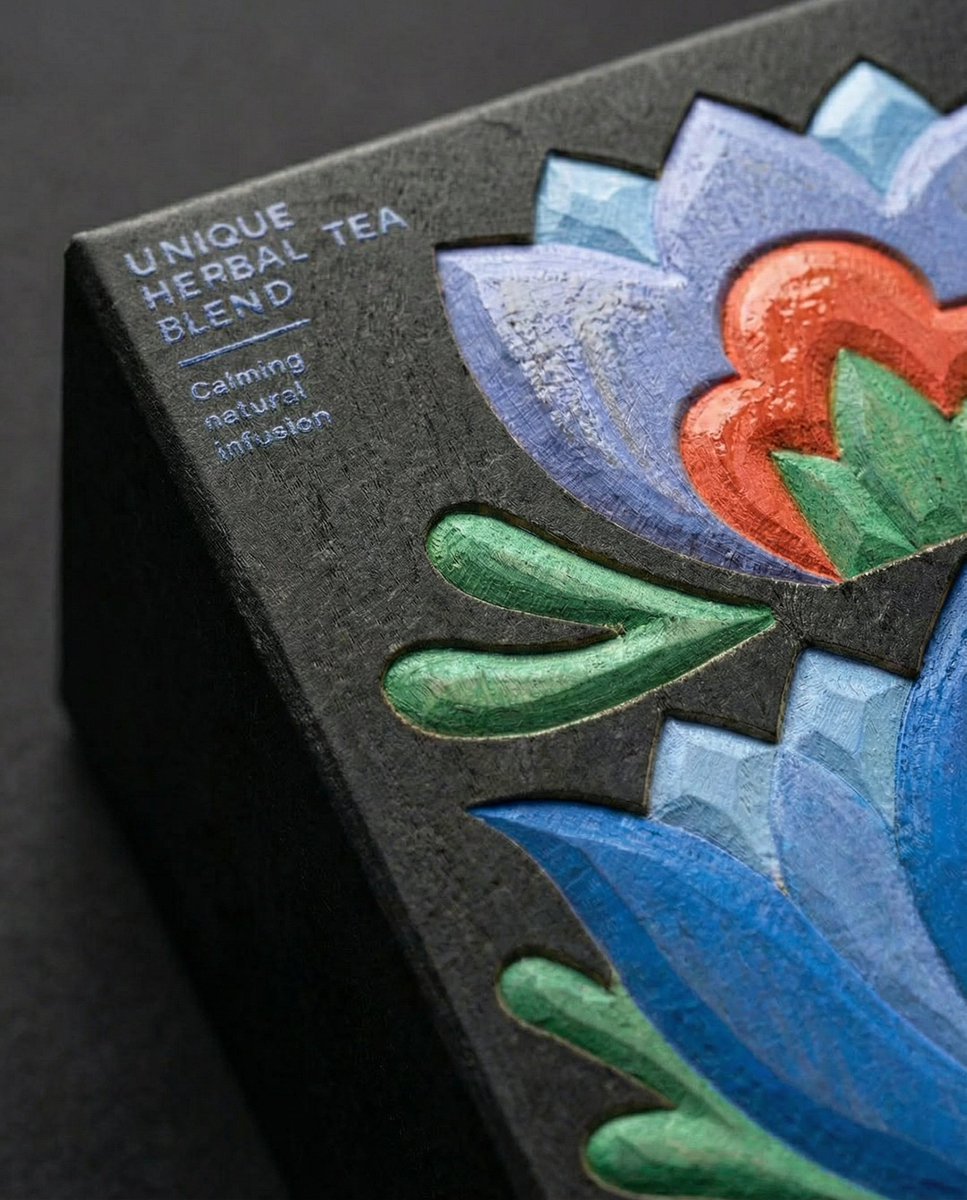
Close-Up Illustration Detail Enhancement Prompt

Documentary Photo of African Village Scene
Browse template categories
Flashy Gold AI Income Thumbnail questions
How do I use the Flashy Gold AI Income Thumbnail template?
Add your photo if the template asks for one, edit the prompt if you like — the template's model and format are already selected — and press Generate. Your version opens in PicX Studio.
Can I customize the Flashy Gold AI Income Thumbnail template?
Yes. You can change the subject, setting, lighting, mood, format, and available model controls before creating your image.
Is the Flashy Gold AI Income Thumbnail template free?
Opening and editing this template is free. Generating uses credits, shown on the Generate button when you are signed in.
Which AI model should I use?
Start with GPT Image 2, which is the model associated with this template. You can compare another compatible model for a different finish.
Looking for something else? Browse all templates.

Your photo, any look
Thousands of ready templates for every top image and video model, from one credit balance.