
Dark Fantasy RPG Key Visual Poster
This prompt generates a polished anime-style vertical key visual for a psychological horror RPG, suitable for game promotion, title screens, and social media announcements.
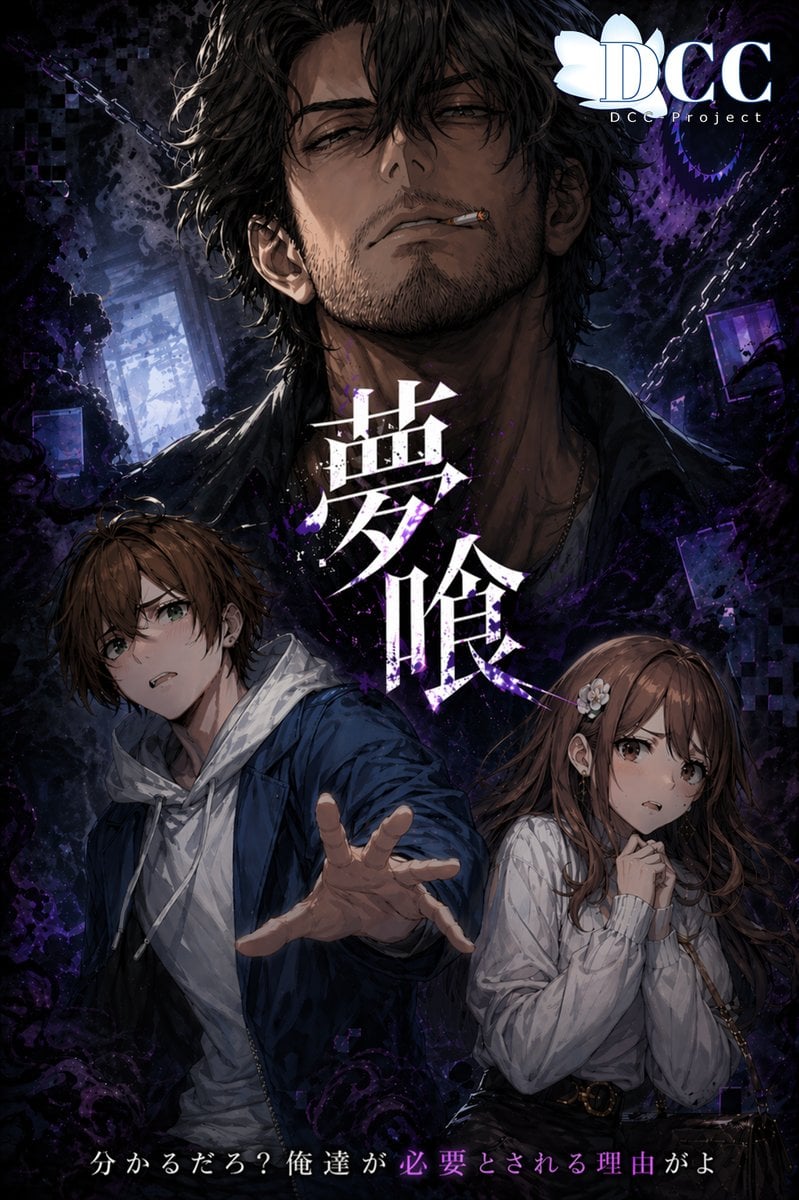
- Prompt included
- Model and format preset
- Free template
The prompt behind this image
Copy the exact prompt behind Dark Fantasy RPG Key Visual Poster, or open it in the studio and make it yours.
A dramatic vertical dark-fantasy anime key visual poster for the RPG {argument name="game title" default="夢喰-BAKU-"}. Center the composition around 3 human figures layered in depth. In the background, a large intimidating adult man is shown from the chest up, facing forward, with messy wavy dark hair, light stubble, a partially open dark shirt, and a shadowed, ominous presence; his face is mostly obscured by darkness and framing, making him feel mysterious and threatening. In the foreground left, place 1 young man in a dynamic three-quarter pose lunging toward the viewer with his right hand stretched out dramatically, wearing a blue jacket over a white hoodie, with short tousled brown hair and a determined expression. In the foreground right, place 1 young woman standing slightly behind him, with long brown hair, a pale blouse, and a dark skirt or high-waisted bottom with a belt; she clasps her hands near her mouth or chest and looks anxious and vulnerable. Use a moody supernatural atmosphere with swirling black and deep violet smoke, ink-like shadows, spectral textures, and pixel-glitch fragments around the edges. Add broken chains diagonally in the background, several floating rectangular frames or screens, and a faint interior corridor or room behind the characters. Integrate the large Japanese title {argument name="title text" default="夢喰"} vertically in the center, rendered in bold white calligraphic kanji with purple splatter, scratches, and glow accents, partially overlapping the characters. At the bottom, include the Japanese tagline {argument name="tagline text" default="分かるだろ?俺達が必要とされる理由がよ"} in elegant white text with part of the sentence highlighted in purple. In the top right corner, add a white studio logo reading {argument name="logo text" default="DCC Project"} with a lotus-like emblem and large serif letters. Overall style: polished illustrated key art for a psychological horror RPG, ultra-detailed anime painting, high contrast, cinematic lighting, deep blacks, indigo and violet palette, ominous supernatural energy, poster-ready typography, premium promotional visual.
How to use Dark Fantasy RPG Key Visual Poster in 3 steps
- 1Upload ImagePNG, JPG or paste
Add your photo
Upload the photo the template builds on. The prompt, model and format are already set.
- 2…a portrait of your subject in softgolden-hour light, 85mm…
Personalize
Edit the subject and creative details for your destination.
- 3Generate
Generate
Press Generate — your image is created in PicX Studio, so you can compare it with the original and refine one variable at a time.
More like this
Templates with the same subject, style or setup. Open one to see its prompt.

Selective Color Monochrome Football Poster

Anime Fantasy Celestial Movie Poster
Anime Fantasy Celestial Movie Poster
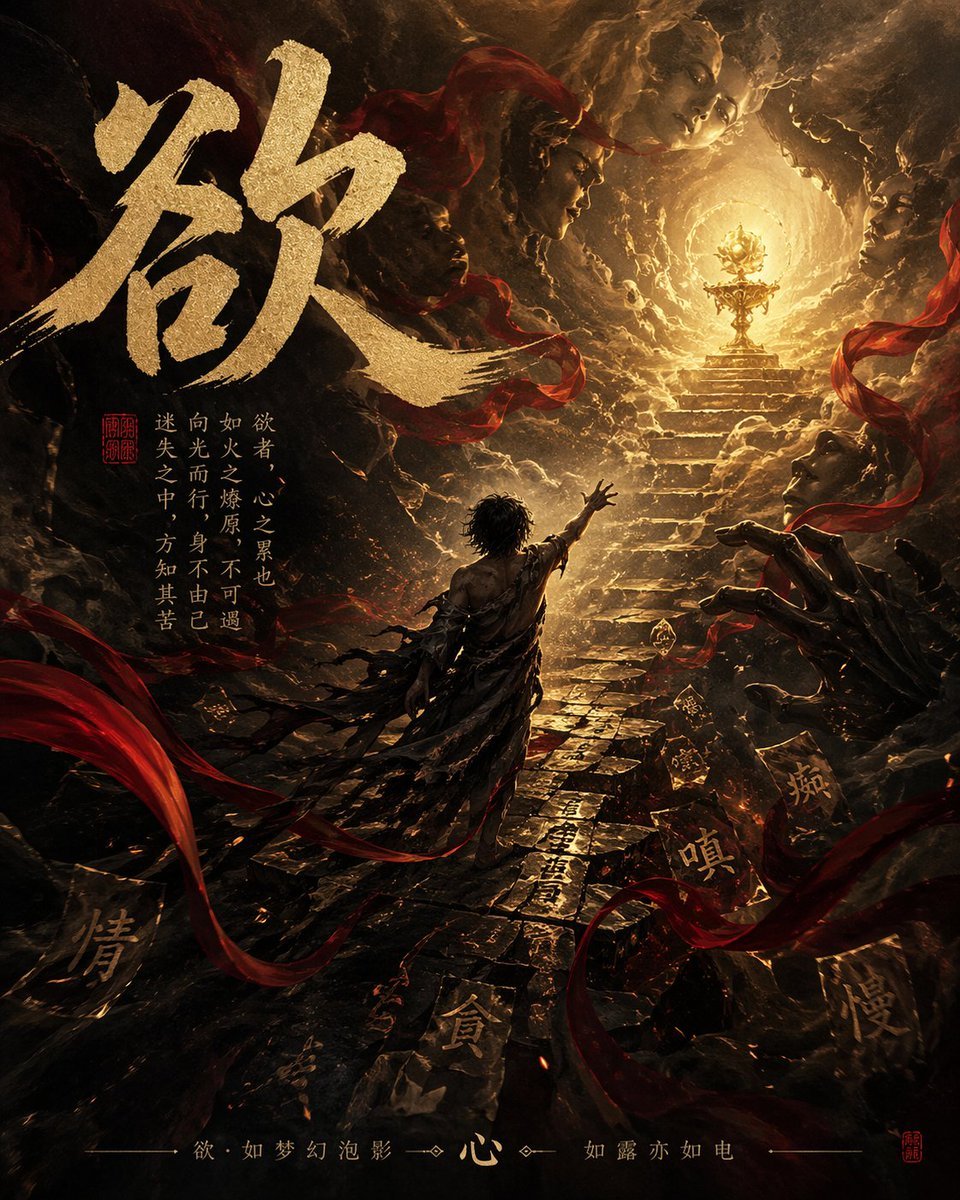
Dark Chinese Fantasy Desire Poster
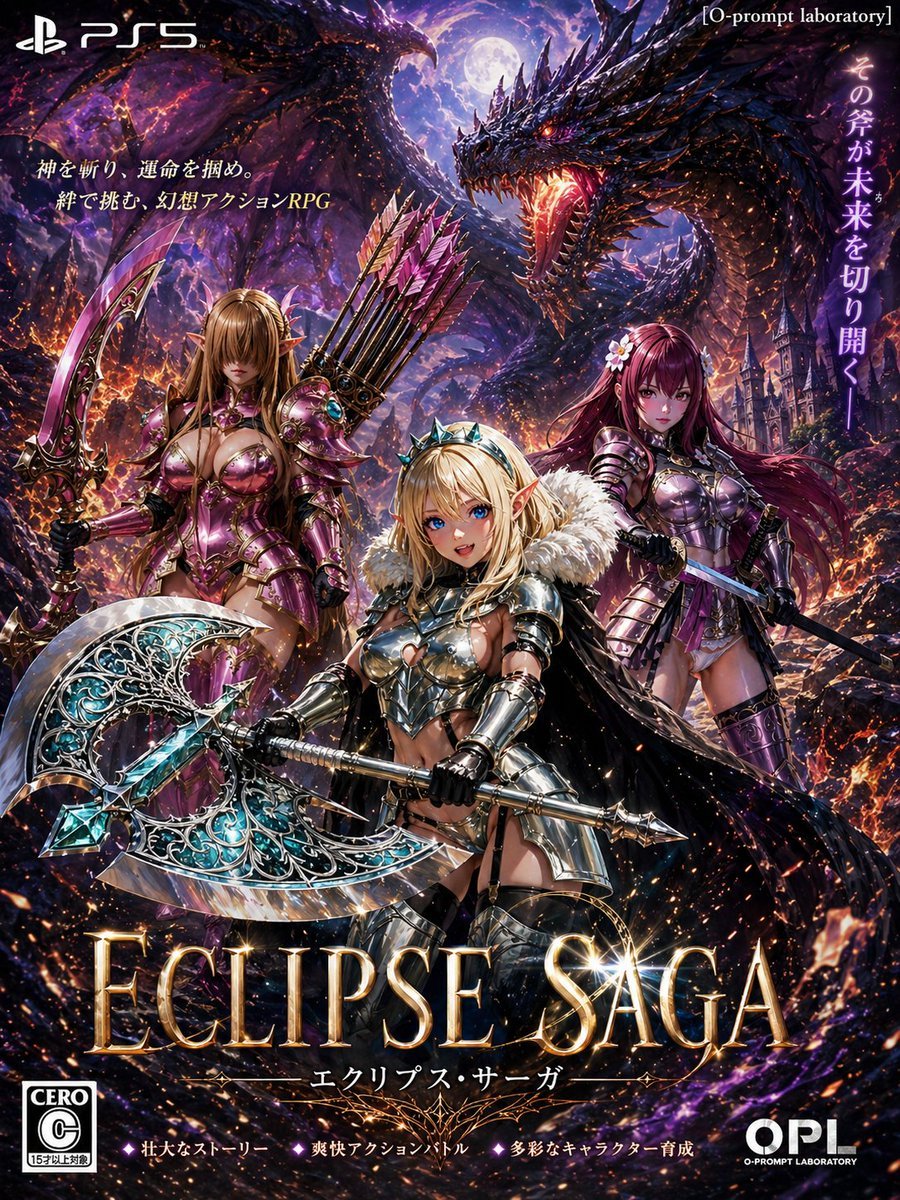
Dark Fantasy PS5 RPG Cover Art
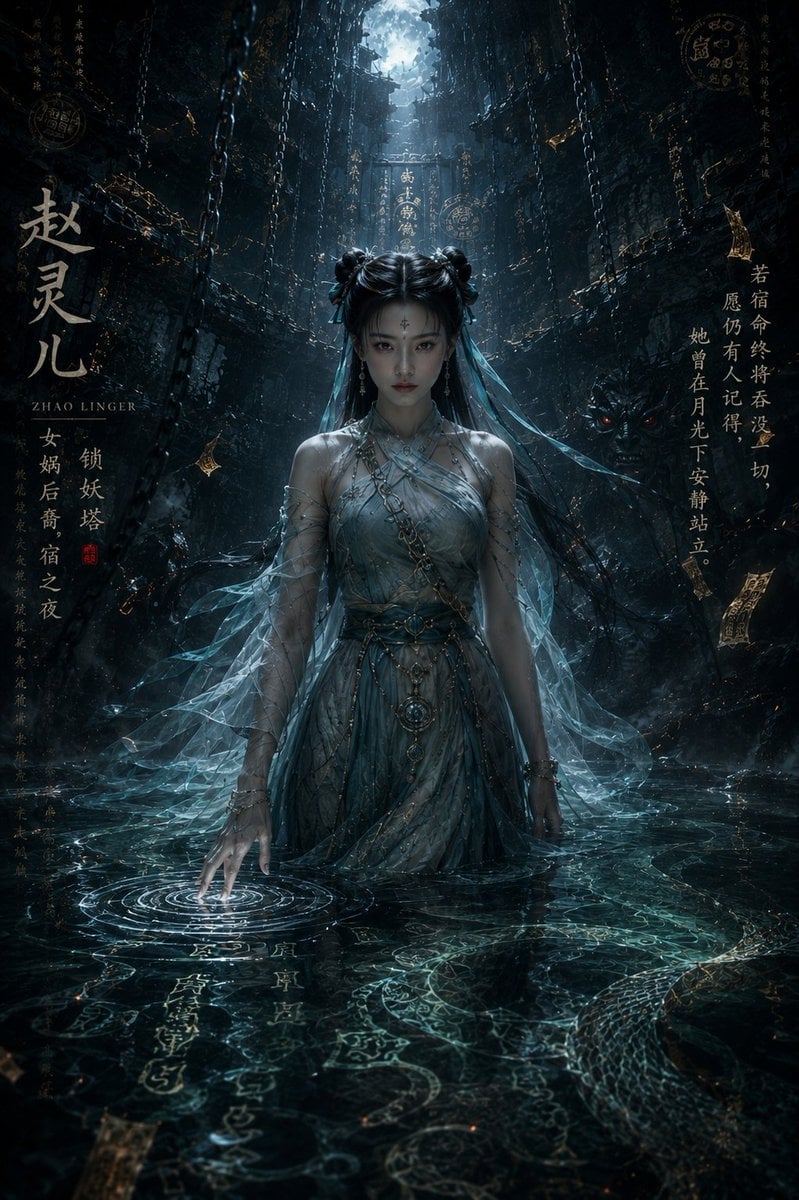
Dark Eastern Fantasy Zhao Ling'er Poster
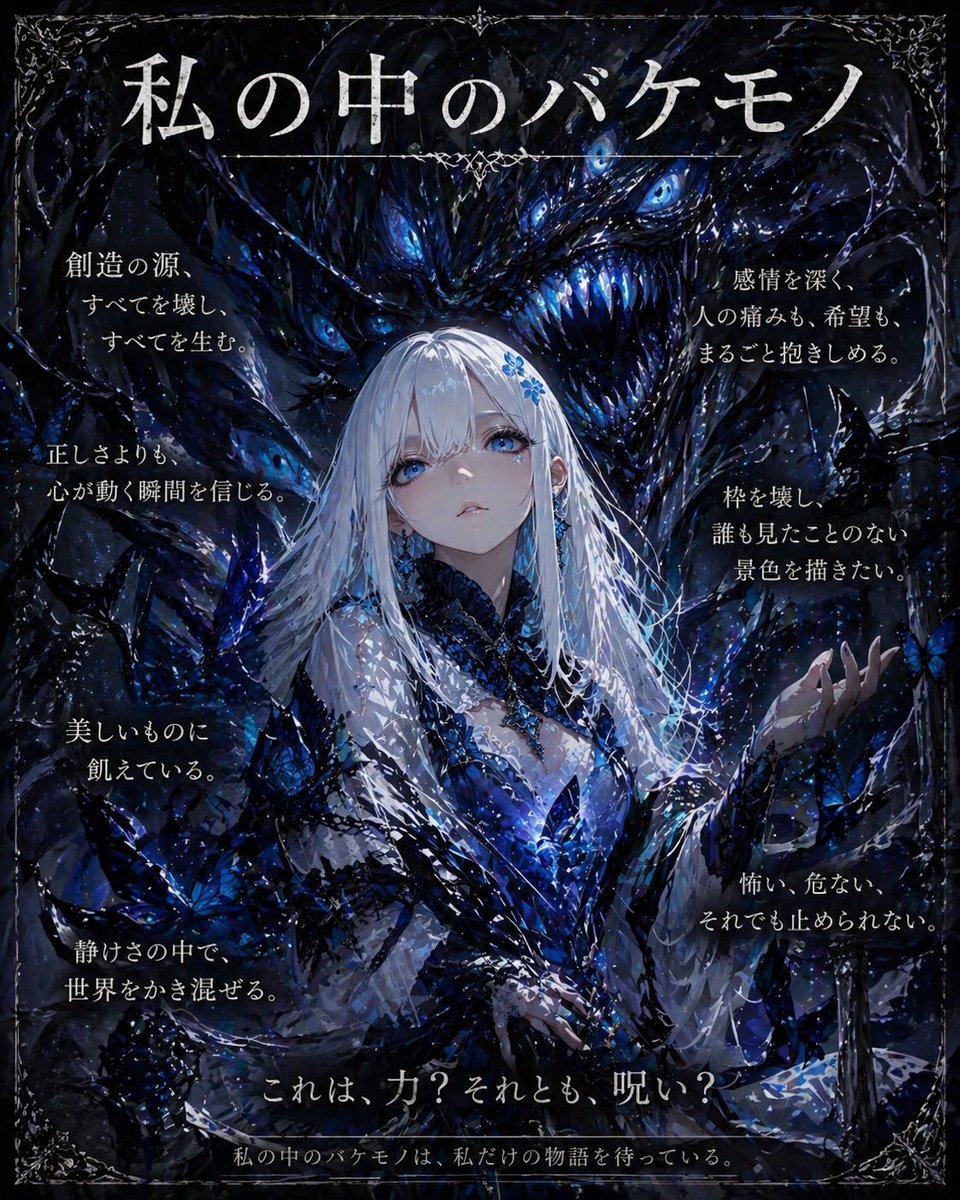
Dark Fantasy Inner Monster Poster
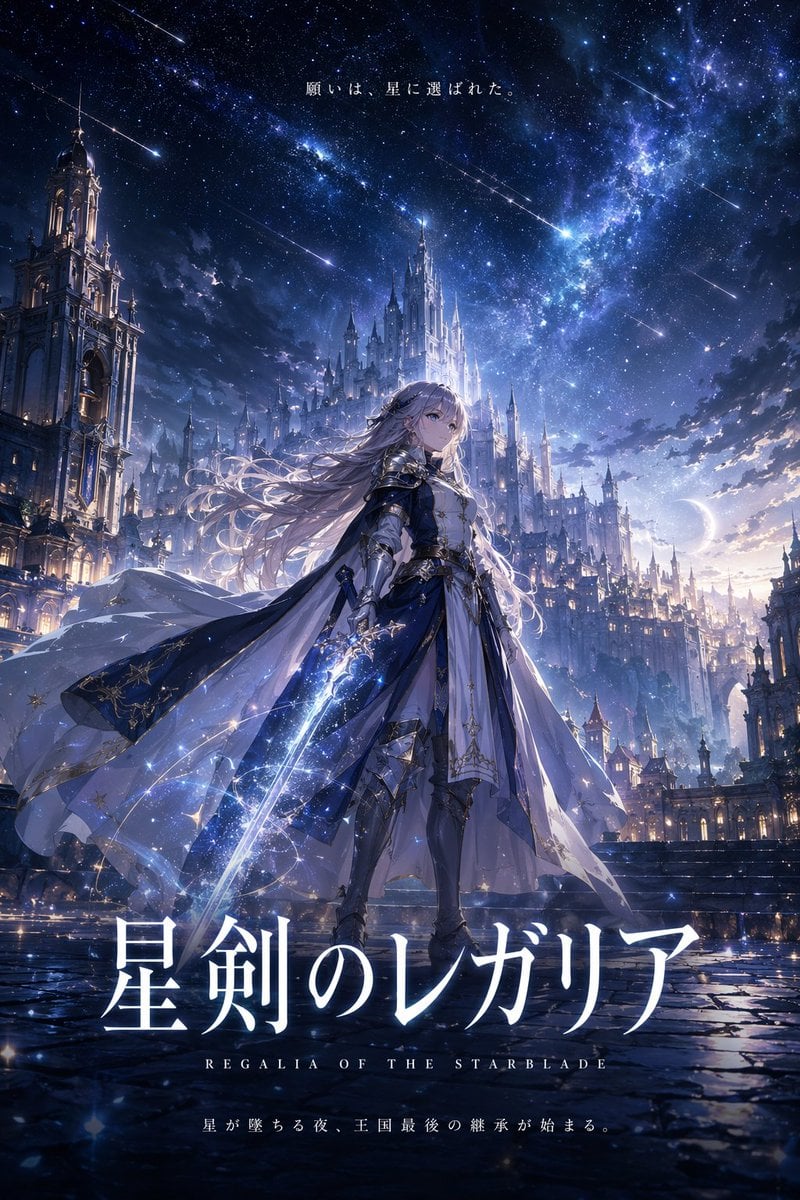
Fantasy Anime Key Visual Prompt
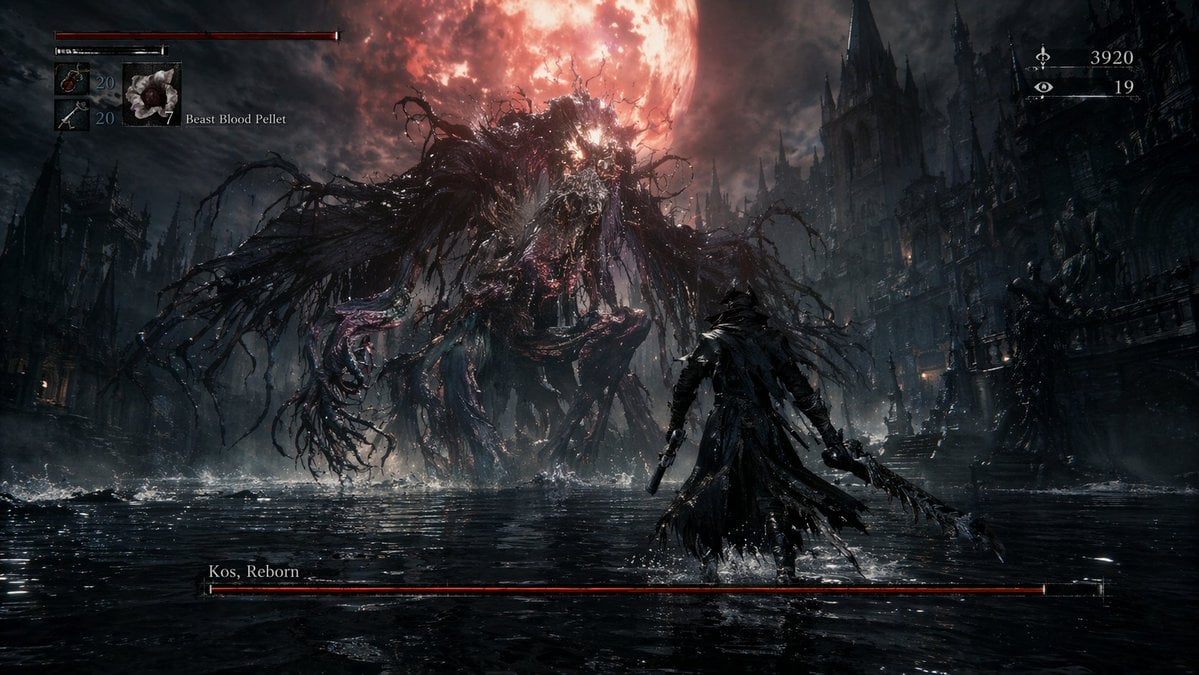
Dark Fantasy RPG Boss Fight Screenshot

Gpt2 Infographic Edu Visual Ink Wash Tribute Poster for Chen Uen

Gpt2 Infographic Edu Visual Biomimetic Skyray Aircraft Poster

Beverage Campaign Key Visual
Make it yours
Dark Fantasy RPG Key Visual Poster works as-is. These are the safest ways to change it without losing the look.
Change one field
Copy a single group, rewrite it, and generate again so you can see what that field is doing.
Keep the frame, change the subject
Hold the composition and light of Dark Fantasy RPG Key Visual Poster, then swap wardrobe, props or the person for a new take.
| If the result… | Why | Fix |
|---|---|---|
| The result drifts from the preview | Too many fields changed at once. | Reuse Dark Fantasy RPG Key Visual Poster as-is first, then change one group — subject, light, or setting. |
| The model over-stylizes the scene | The prose prompt leaves finish and camera underspecified. | Add one camera or lighting sentence and stay on GPT Image 2. |
More GPT Image 2 templates
Other prompts made for GPT Image 2.

Six VTuber Japanese Logo Sheet

Realistic Portrait of Woman and Deer

The Vista Modular Condo Poster

AI Model Routing Comparison Infographic

2.5D Anime Art Board

Isometric Productivity Desk Scene

New York Double Exposure Poster

Four-Panel AI Landscape Comparison

Japanese Tatami Lifestyle Magazine Cover

NESCAFÉ Coffee Map Poster
More image prompts
Fresh picks from across the catalog.

Travel Advertisement Web Banner

Kimetsu no Yaiba-style anime transformation with brush calligraphy
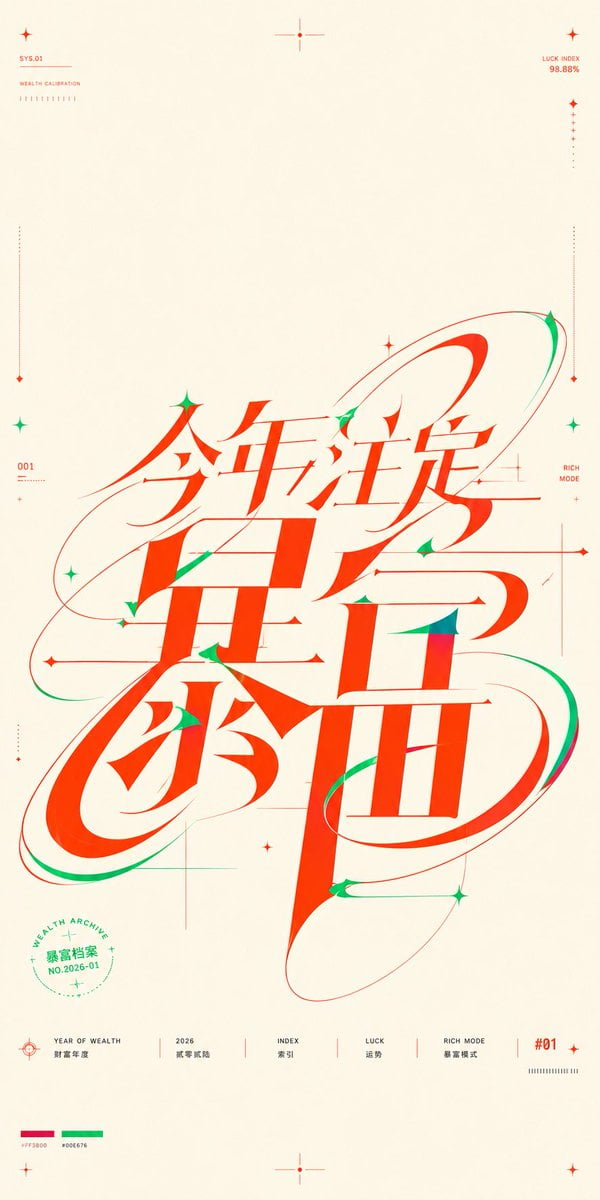
Chinese Wealth Typography Poster

3D Diorama of Ahmedabad Landmark
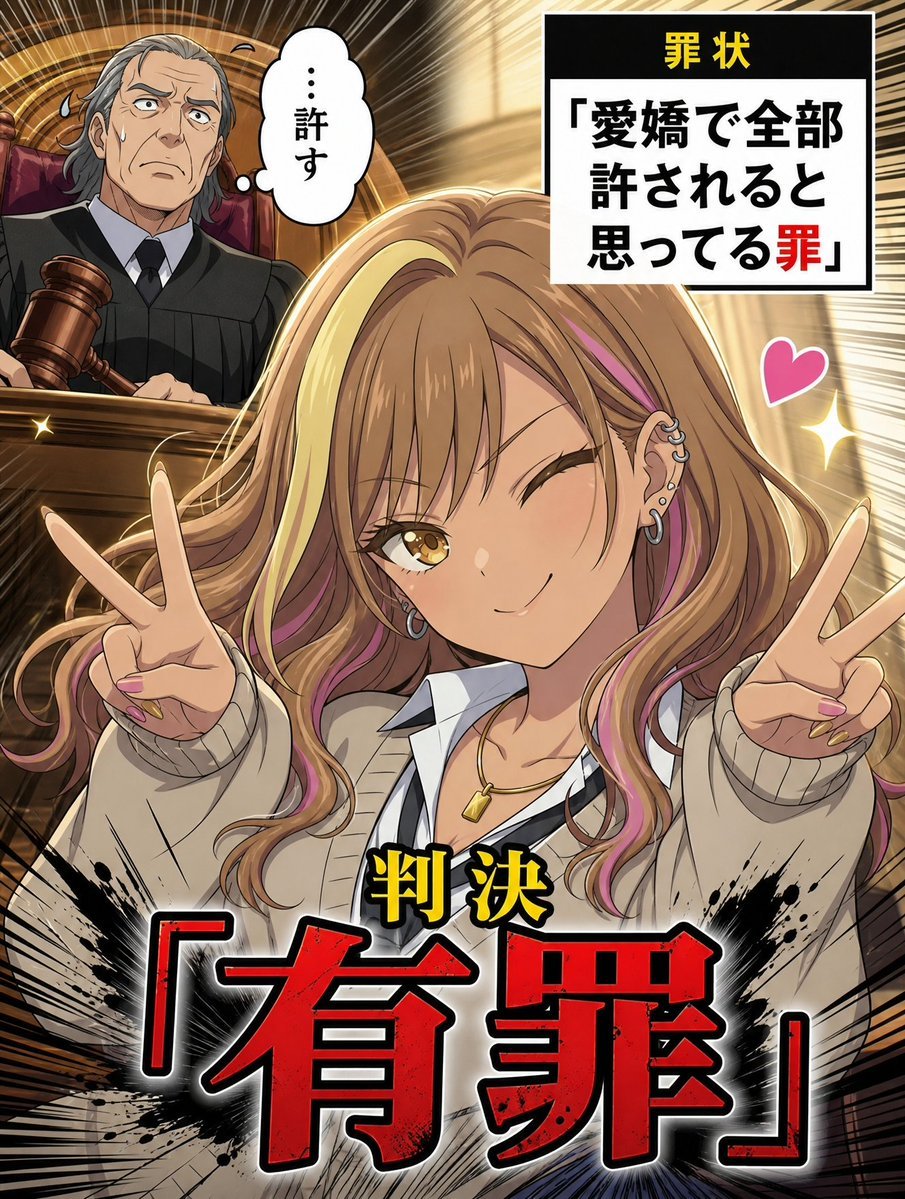
AI Character Courtroom Verdict Meme Generator
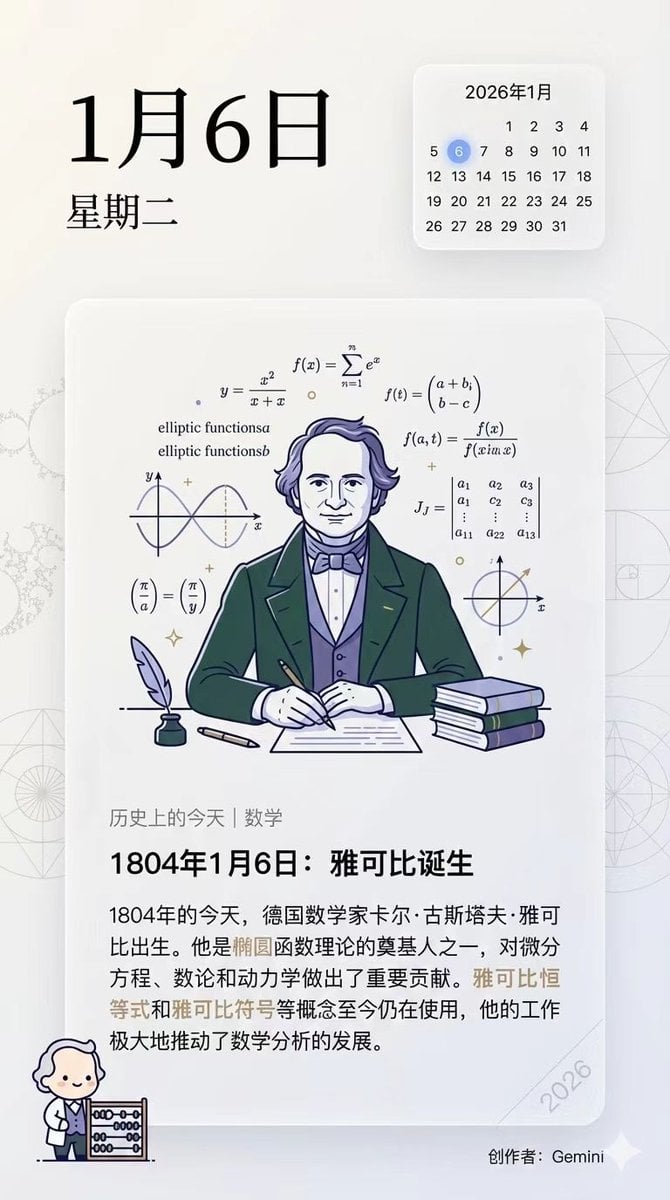
Ensuring Nano Banana Pro is used for Chinese prompts
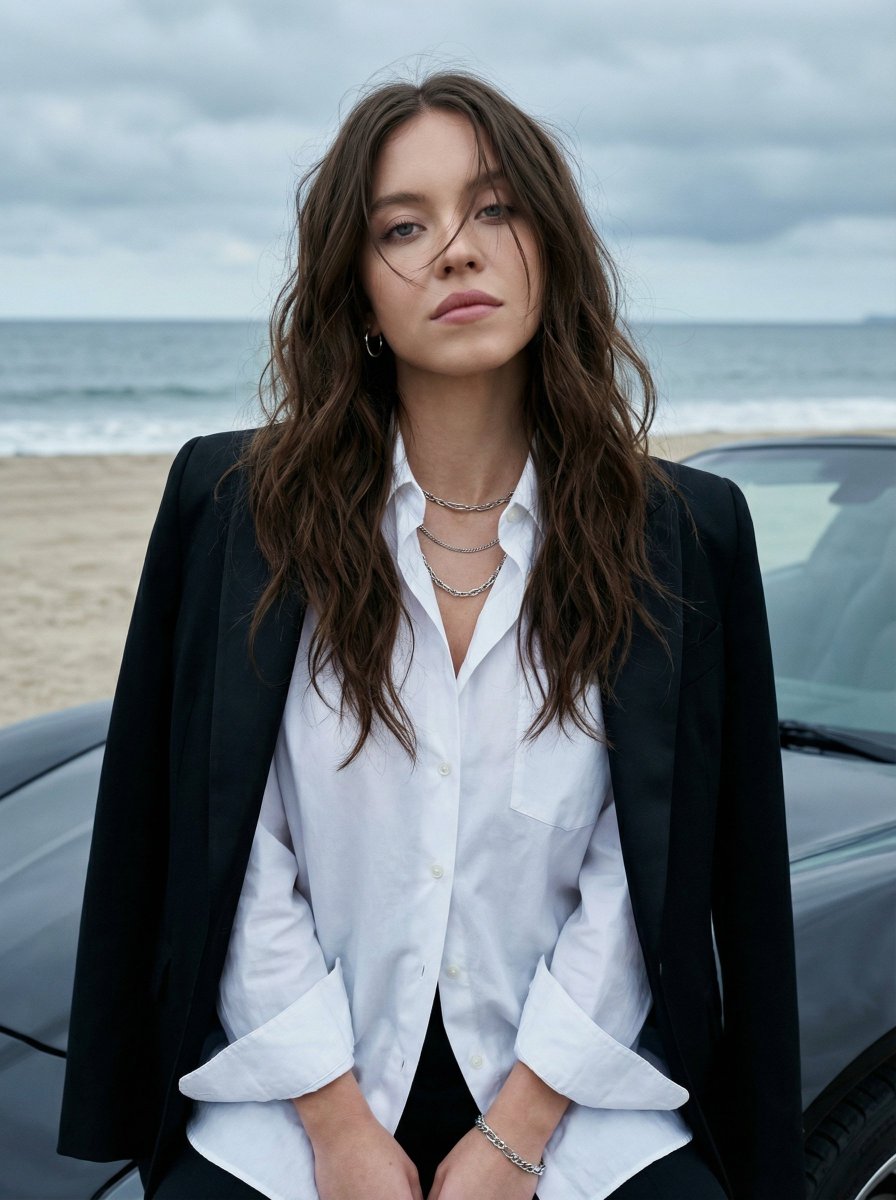
Photorealistic Fashion Portrait on Car Hood at Seaside
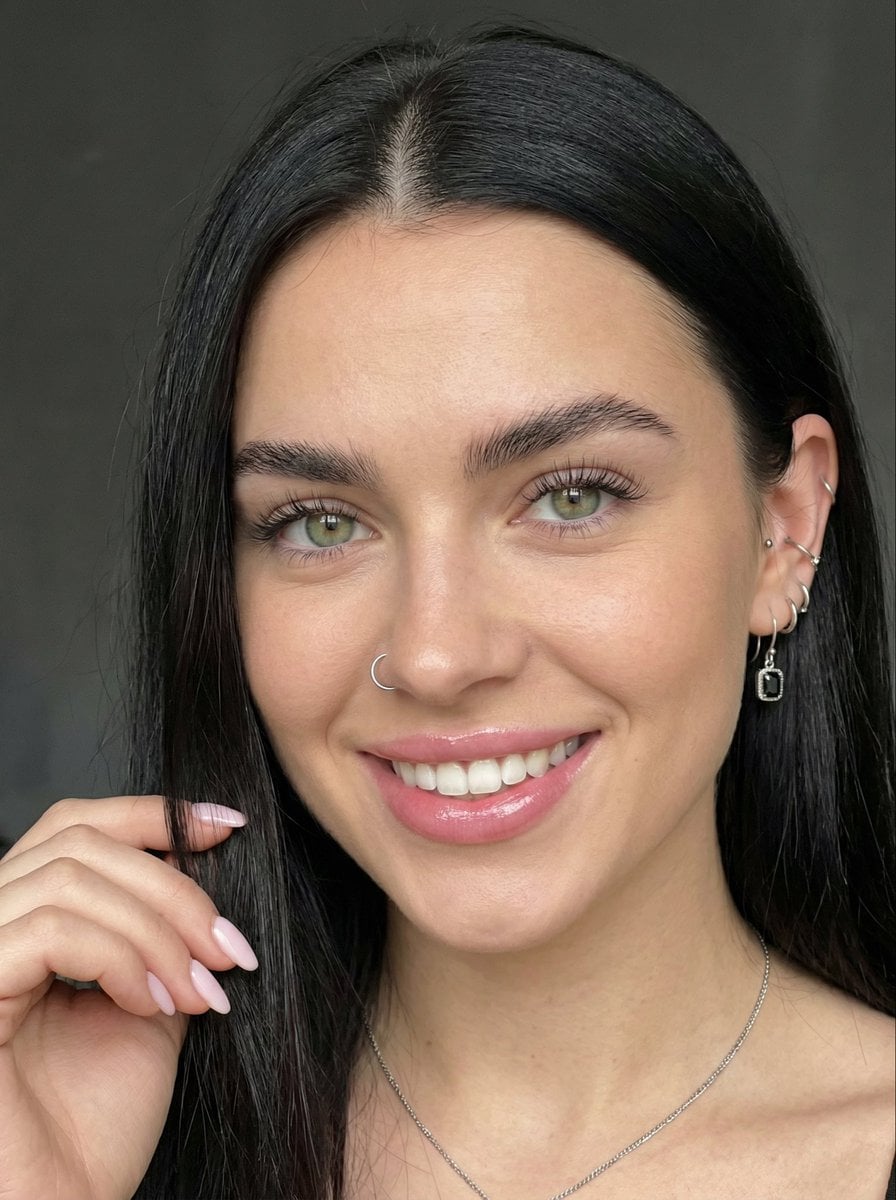
Close-up Portrait with Reference Prompt
Macro Snail with Plastic Costume Jewelry

Anime Police Mannequin Fashion Display
Browse template categories
Dark Fantasy RPG Key Visual Poster questions
How do I use the Dark Fantasy RPG Key Visual Poster template?
Add your photo if the template asks for one, edit the prompt if you like — the template's model and format are already selected — and press Generate. Your version opens in PicX Studio.
Can I customize the Dark Fantasy RPG Key Visual Poster template?
Yes. You can change the subject, setting, lighting, mood, format, and available model controls before creating your image.
Is the Dark Fantasy RPG Key Visual Poster template free?
Opening and editing this template is free. Generating uses credits, shown on the Generate button when you are signed in.
Which AI model should I use?
Start with GPT Image 2, which is the model associated with this template. You can compare another compatible model for a different finish.
Looking for something else? Browse all templates.

Your photo, any look
Thousands of ready templates for every top image and video model, from one credit balance.