
Dark Fantasy Inner Monster Poster
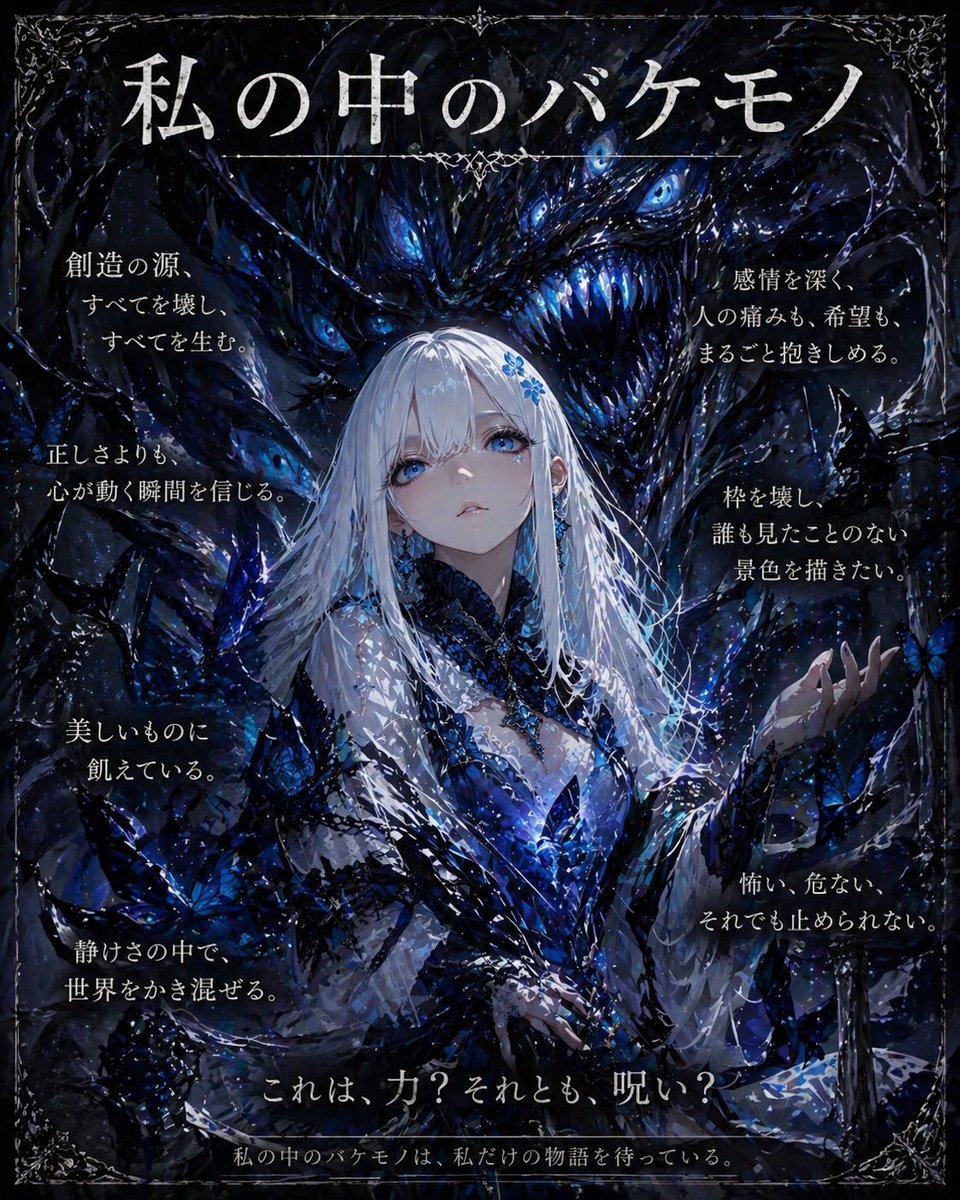
This prompt generates a dramatic gothic anime-style poster of a silver-haired woman and a blue-eyed eldritch monster, ideal for moody art campaigns, book-cover concepts, or social media design pieces.
- Prompt included
- Model and format preset
- Premium template
The prompt behind this image
Copy the exact prompt behind Dark Fantasy Inner Monster Poster, or open it in the studio and make it yours.
A dark fantasy gothic poster in a vertical composition, painted in a highly detailed anime-inspired style with dramatic lighting and rich texture. At the center is a beautiful young woman with long straight {argument name="hair color" default="silver-white"} hair, pale skin, and an elegant, calm but dangerous presence. Her face is mostly obscured in shadow and mystery. She wears an ornate black-and-deep-blue crystalline dress with lace, feathered and jagged organic details, semi-transparent flowing sleeves, and glowing blue highlights across the bodice and collar, as if infused with magic. Her right hand is raised slightly with an open gesture, while her left hand rests lower near her waist. Surrounding and partly growing from her are luminous blue butterflies and shard-like petals, creating a sense of transformation and corruption. Behind her looms a gigantic monstrous entity made of darkness, ink, smoke, and cosmic texture, with exactly 7 glowing blue eyes visible and a huge fanged grin packed with sharp icy-blue teeth. The creature feels Lovecraftian, predatory, and intimate, curling around her like a guardian, curse, or inner demon. The palette is dominated by black, midnight navy, indigo, and electric blue, with sparkling highlights like stars or wet paint splatter. Add a decorative antique silver filigree border in all 4 corners and along the edges, making it feel like a sinister book cover or exhibition poster. Place large Japanese title text at the top: {argument name="title text" default="私の中のバケモノ"}. Add 8 blocks of vertical Japanese copy around the figure, 4 on the left and 4 on the right, in elegant white Mincho-style type. Left side text blocks, top to bottom: 「創造の源、すべてを壊し、すべてを生む。」, 「正しさよりも、心が動く瞬間を信じる。」, 「美しいものに飢えている。」, 「静けさの中で、世界をかき混ぜる。」. Right side text blocks, top to bottom: 「感情を深く、人の痛みも、希望も、まるごと抱きしめる。」, 「枠を壊し、誰も見たことのない景色を描きたい。」, 「怖い、危ない、それでも止められない。」, plus a short atmospheric handwritten-style accent near the mid-right edge. At the lower center, add a large Japanese question line: {argument name="bottom question" default="これは、力?それとも、呪い?"}. At the very bottom, add a smaller Japanese line: {argument name="tagline text" default="私の中のバケモノは、私だけの物語を待っている。"}. Make the whole image feel obsessive, beautiful, unsettling, and emotionally intense, like a high-end dark art poster about inner monsters and creative power.
How to use Dark Fantasy Inner Monster Poster in 3 steps
- 1Upload ImagePNG, JPG or paste
Add your photo
Upload the photo the template builds on. The prompt, model and format are already set.
- 2…a portrait of your subject in softgolden-hour light, 85mm…
Personalize
Edit the subject and creative details for your destination.
- 3Generate
Generate
Press Generate — your image is created in PicX Studio, so you can compare it with the original and refine one variable at a time.
More like this
Templates with the same subject, style or setup. Open one to see its prompt.

Selective Color Monochrome Football Poster

Dark Fantasy Smoke Monster Transformation
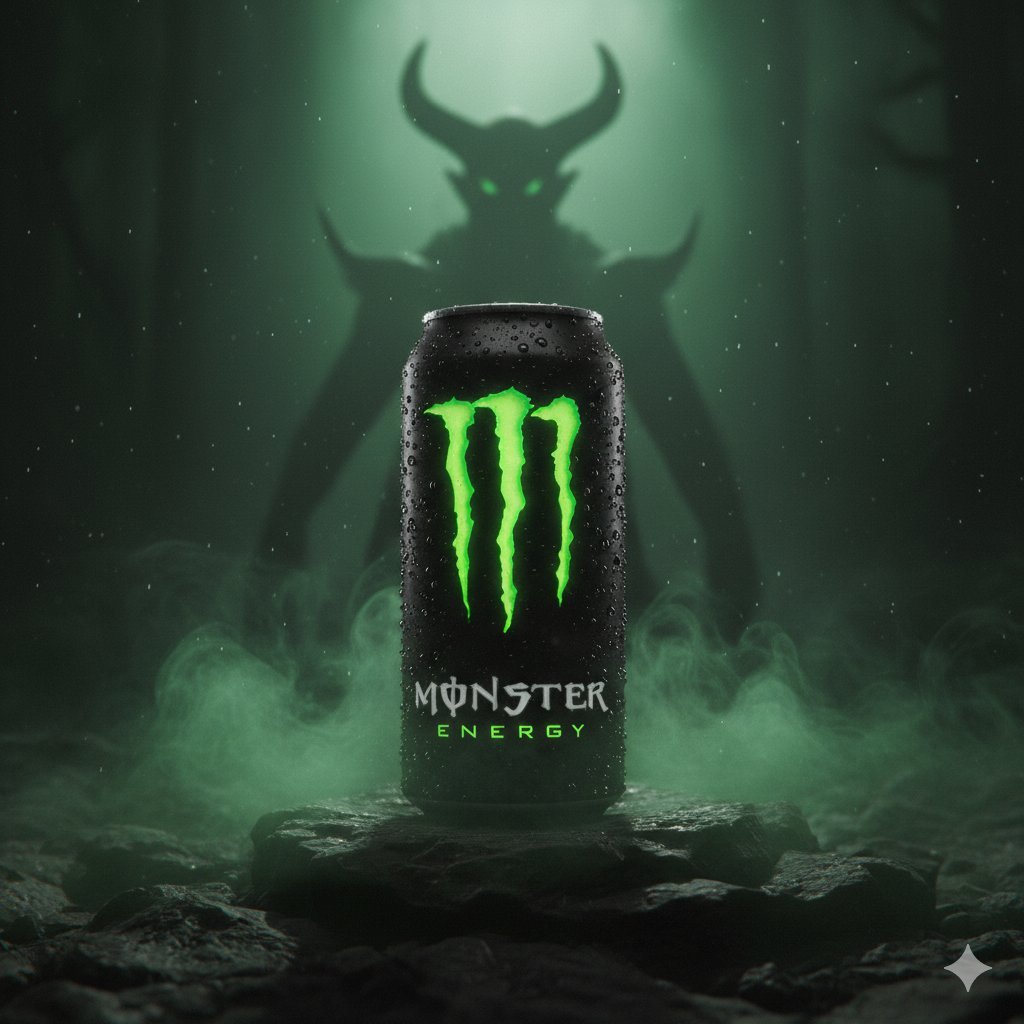
Dark Fantasy Product Shot of Monster Energy Drink

Anime Fantasy Celestial Movie Poster
Anime Fantasy Celestial Movie Poster
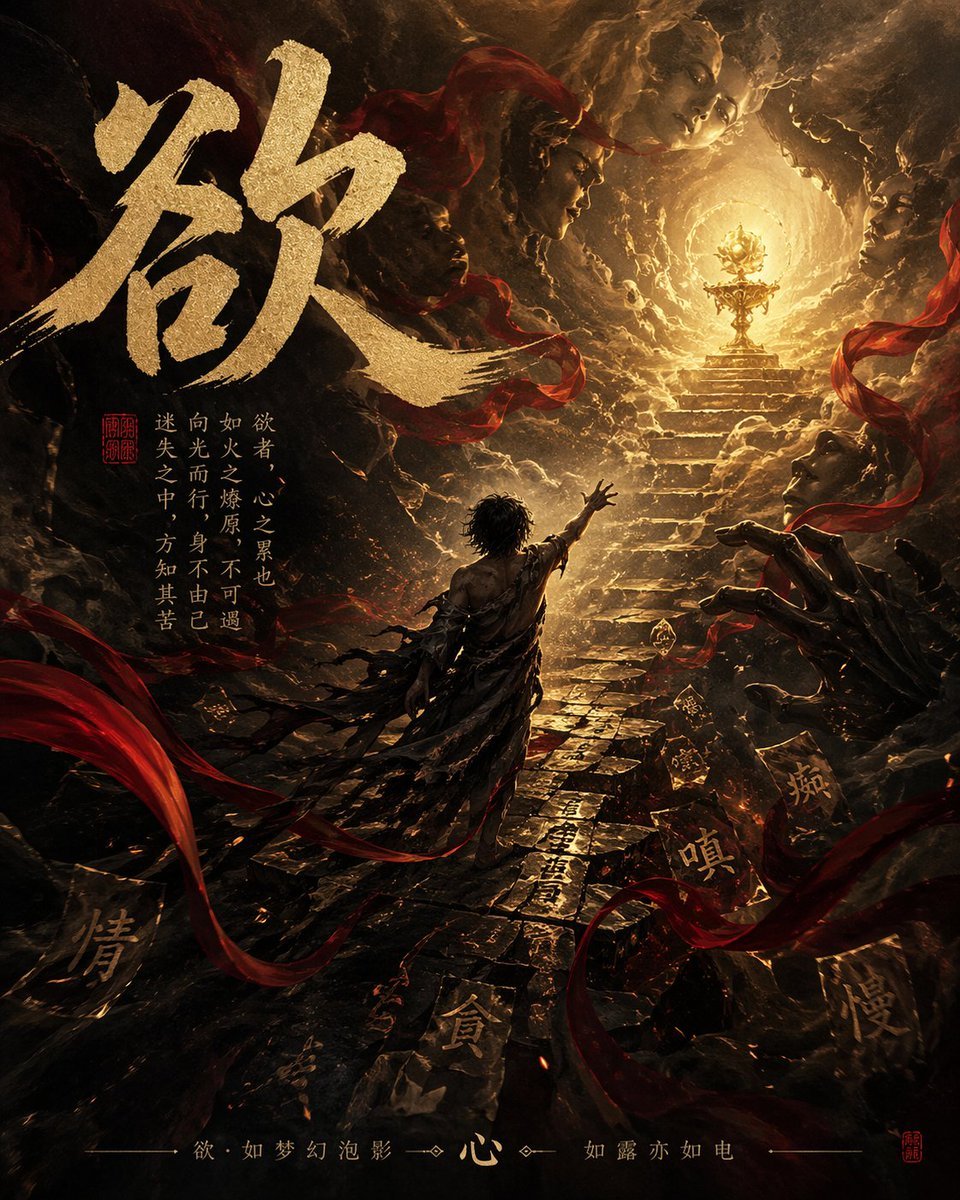
Dark Chinese Fantasy Desire Poster
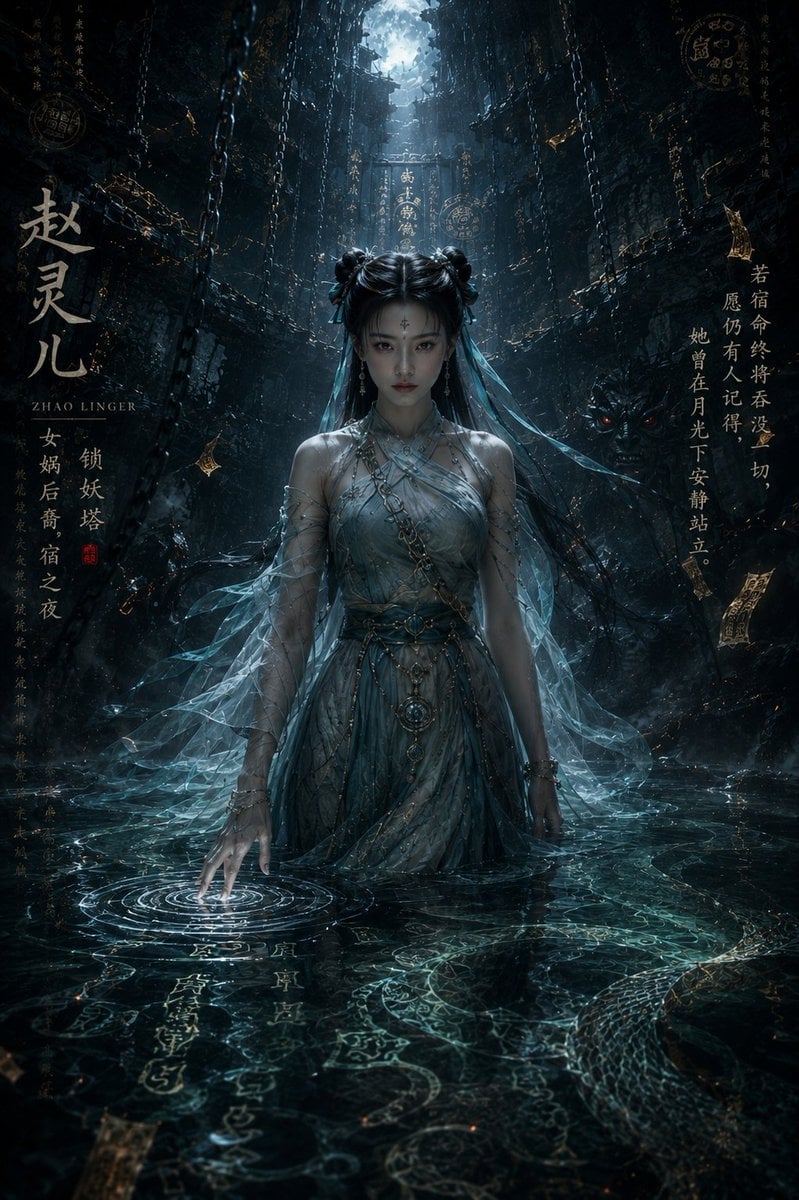
Dark Eastern Fantasy Zhao Ling'er Poster
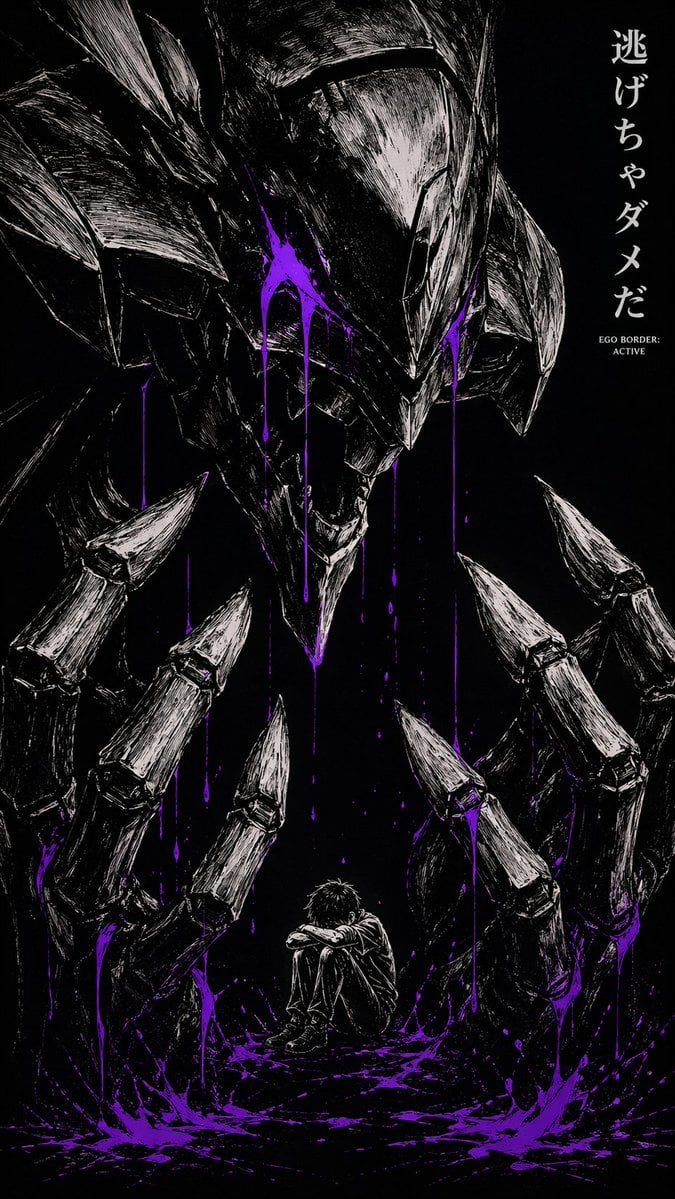
Dark Manga Monster Poster
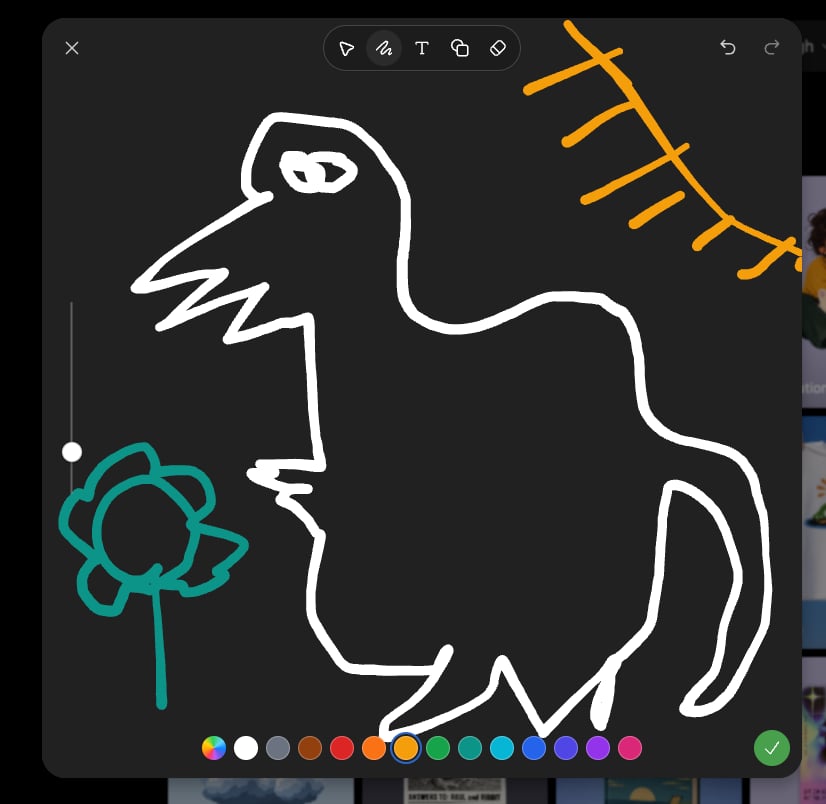
Dark Sketch Mode Monster Doodle

Japan Travel Brochure Poster

Dark Fantasy Sorceress Storyboard

Cartoon TV Show Poster Pack
Make it yours
Dark Fantasy Inner Monster Poster works as-is. These are the safest ways to change it without losing the look.
Change one field
Copy a single group, rewrite it, and generate again so you can see what that field is doing.
Keep the frame, change the subject
Hold the composition and light of Dark Fantasy Inner Monster Poster, then swap wardrobe, props or the person for a new take.
| If the result… | Why | Fix |
|---|---|---|
| The result drifts from the preview | Too many fields changed at once. | Reuse Dark Fantasy Inner Monster Poster as-is first, then change one group — subject, light, or setting. |
| The model over-stylizes the scene | The prose prompt leaves finish and camera underspecified. | Add one camera or lighting sentence and stay on GPT Image 2. |
More GPT Image 2 templates
Other prompts made for GPT Image 2.

Six VTuber Japanese Logo Sheet

Realistic Portrait of Woman and Deer

The Vista Modular Condo Poster

AI Model Routing Comparison Infographic

2.5D Anime Art Board

Isometric Productivity Desk Scene

New York Double Exposure Poster

Four-Panel AI Landscape Comparison

Japanese Tatami Lifestyle Magazine Cover

NESCAFÉ Coffee Map Poster
More image prompts
Fresh picks from across the catalog.
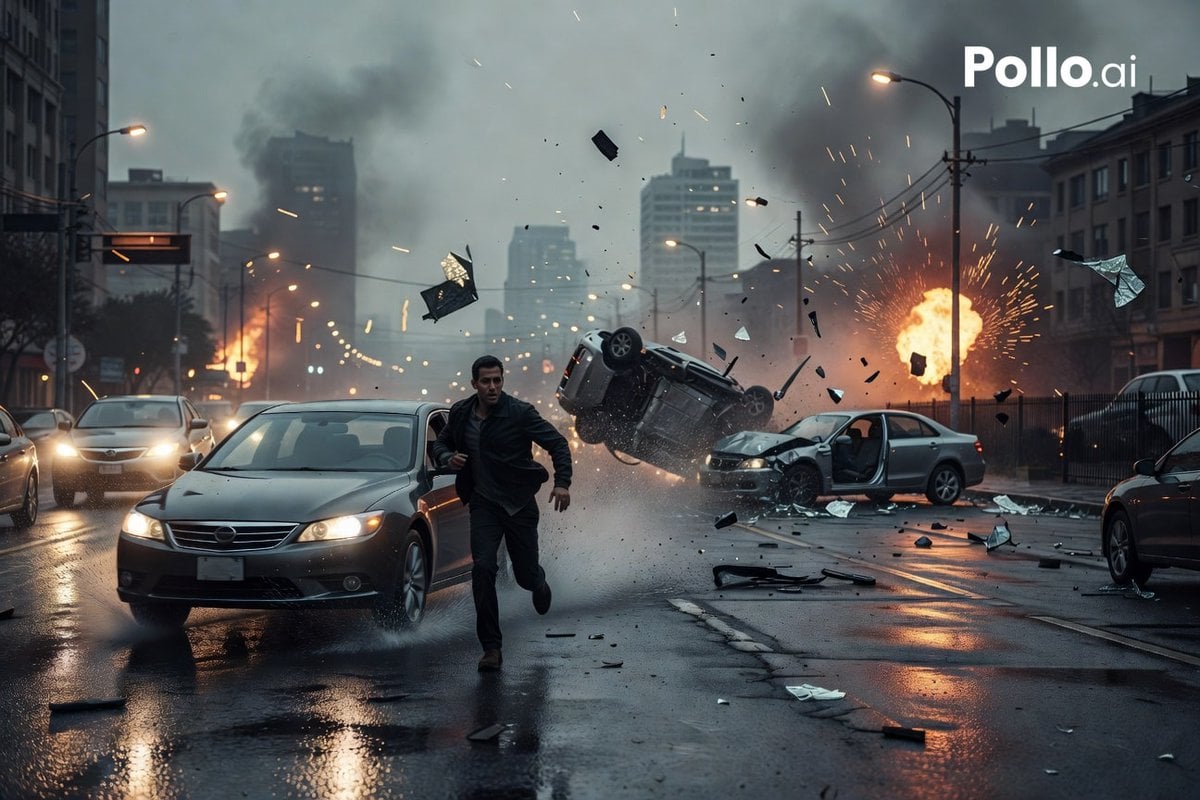
Cinematic City Crash Explosion
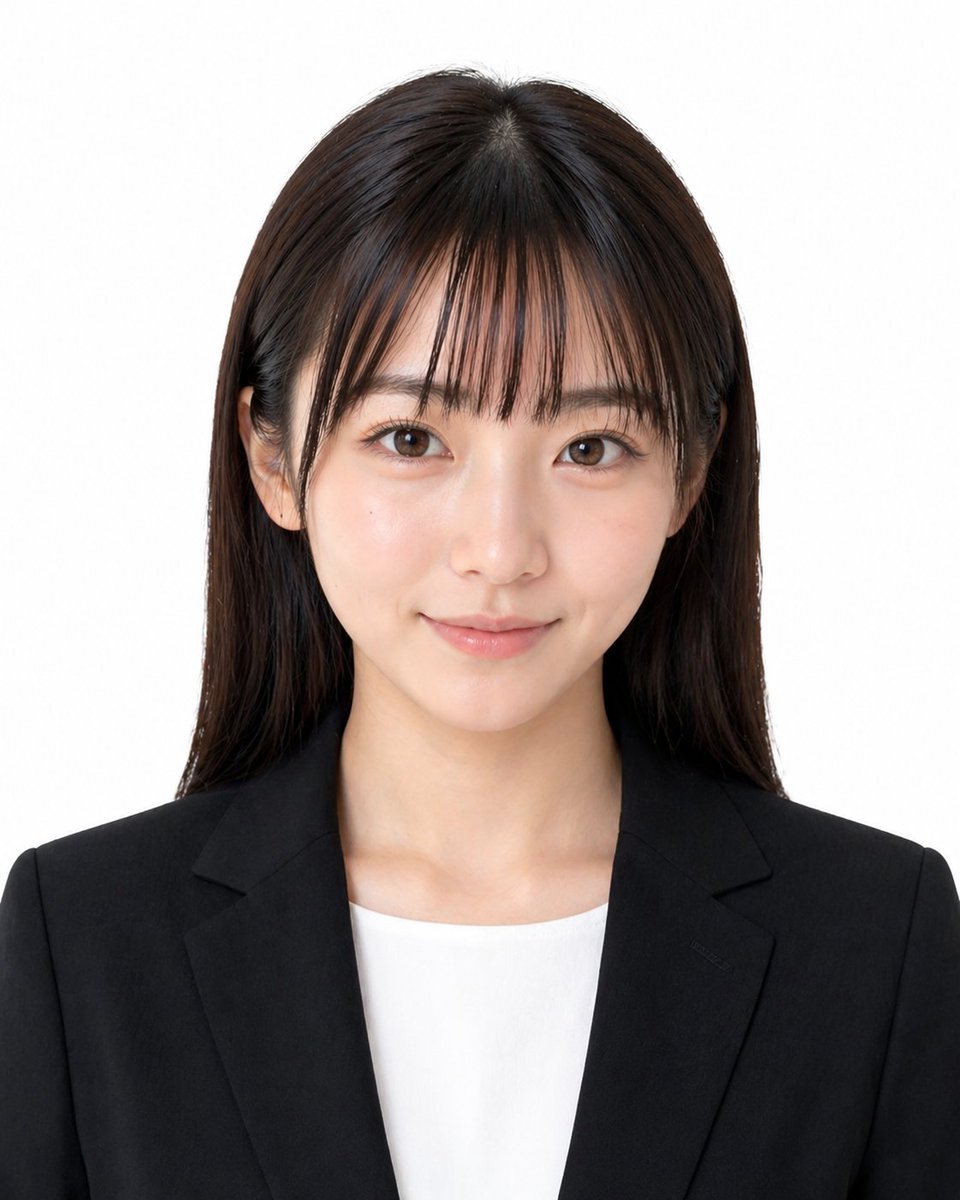
Formal Japanese ID Photo Portrait
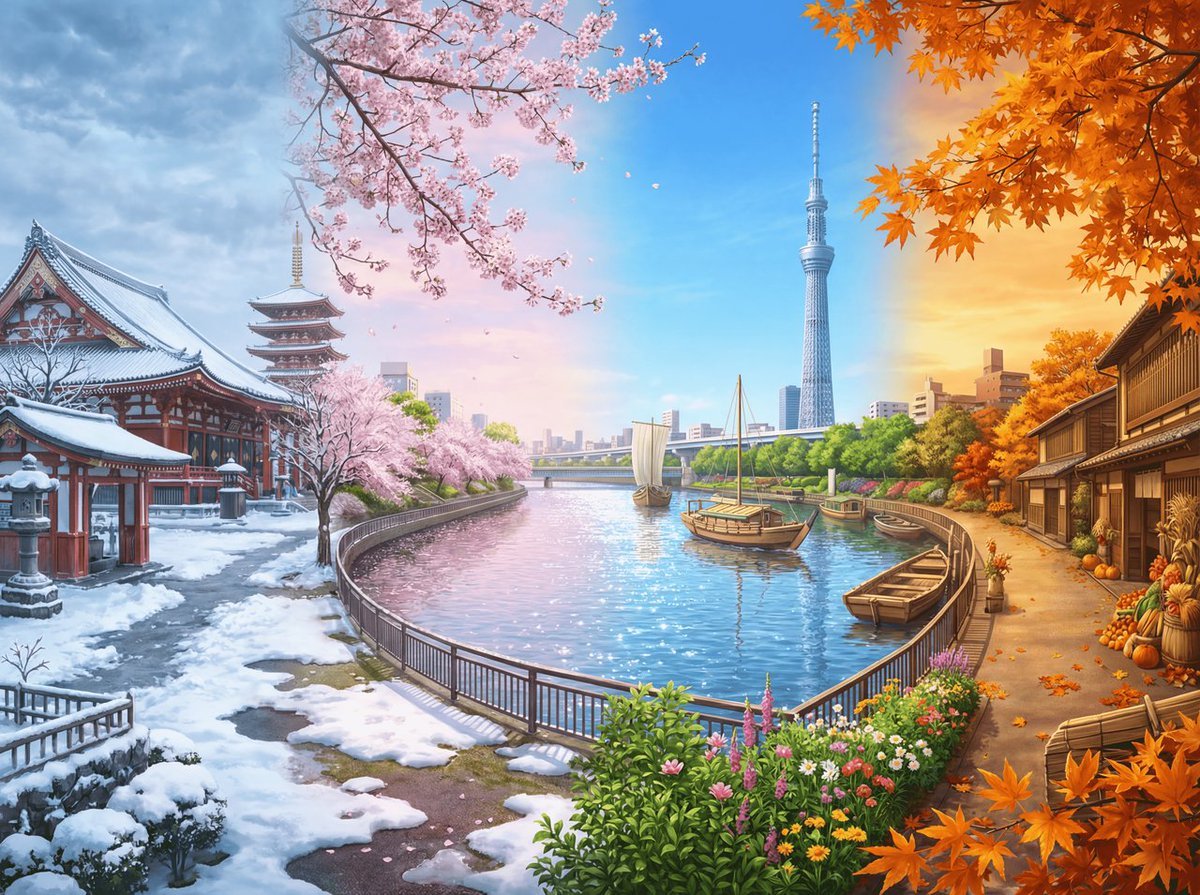
Four Seasons Panorama of Asakusa and Skytree
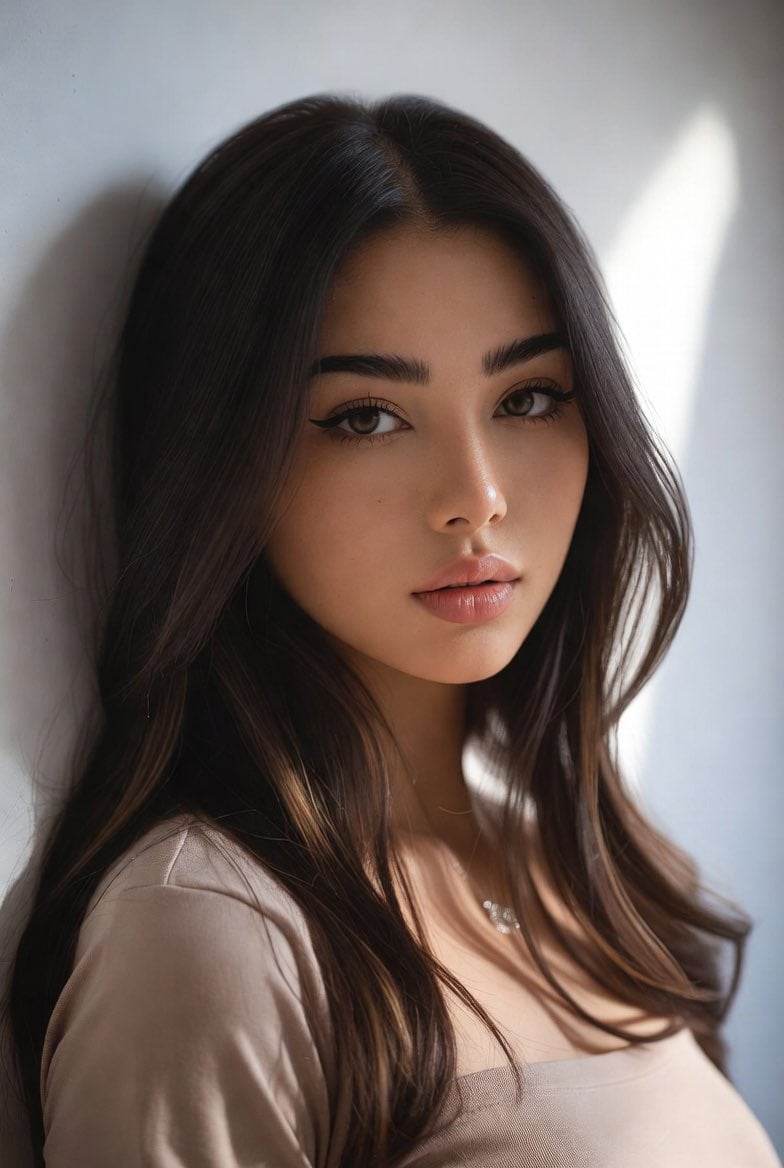
Censored Mixed-Heritage Portrait
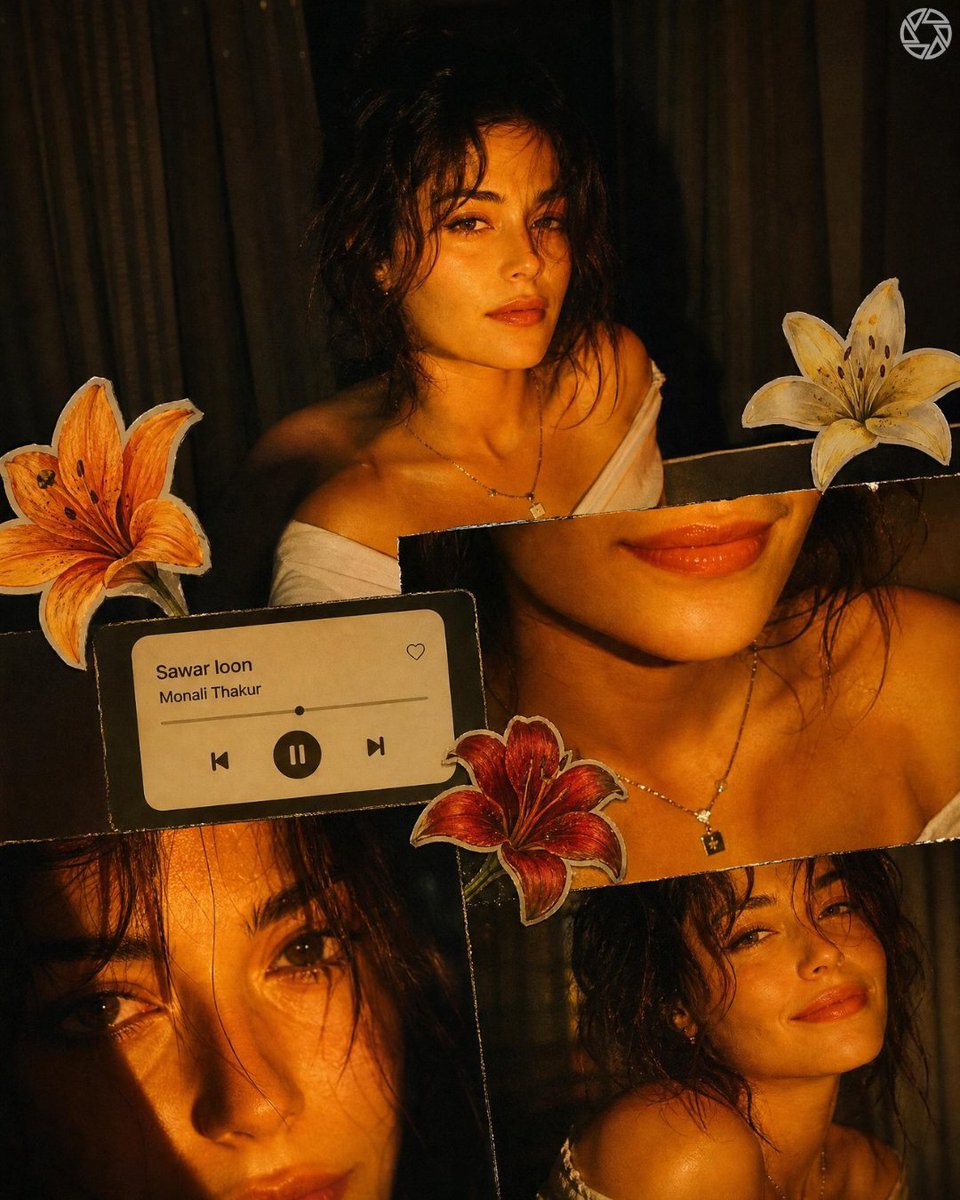
Scrapbook Music Visual
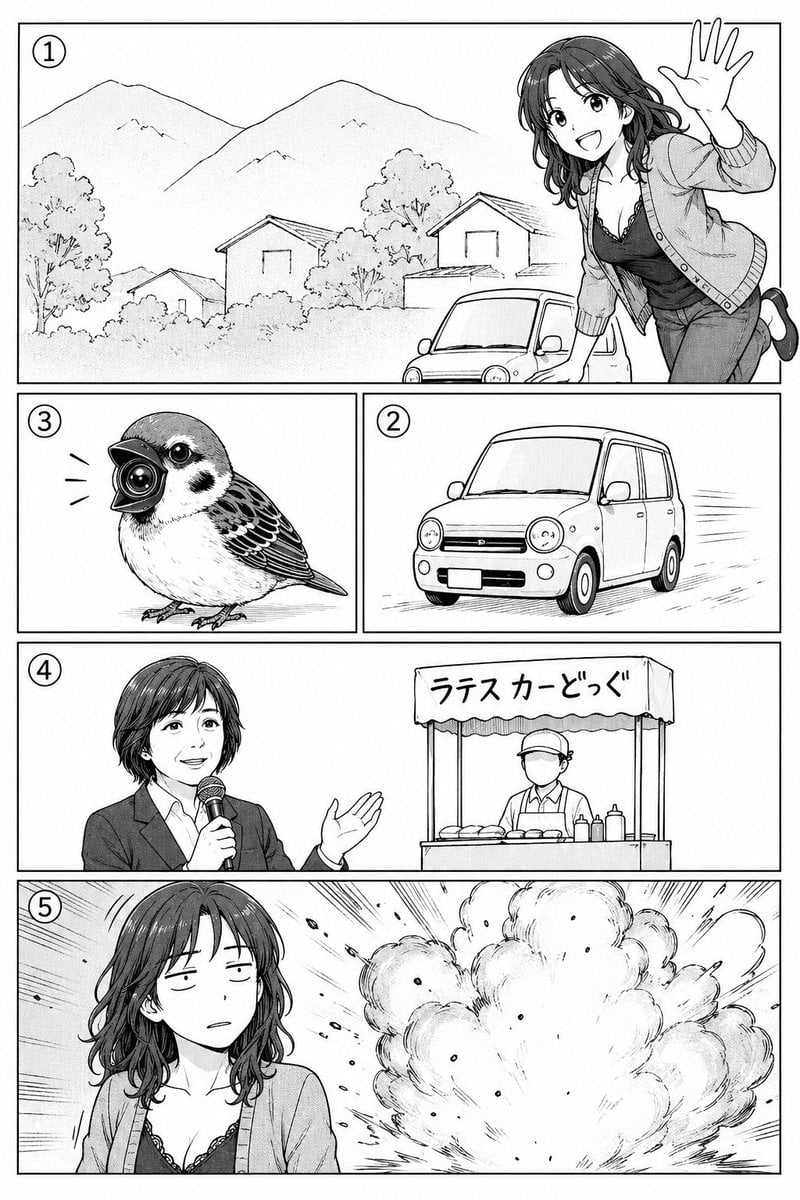
Polished Manga Page From Rough Storyboard
Raw iPhone Candid Vanity Mirror Selfie
Minimalist Scandinavian Editorial Portrait Series
Magical Seed Packet Diorama
Ethereal Tang-Style Fantasy Portrait
Browse template categories
Dark Fantasy Inner Monster Poster questions
How do I use the Dark Fantasy Inner Monster Poster template?
Add your photo if the template asks for one, edit the prompt if you like — the template's model and format are already selected — and press Generate. Your version opens in PicX Studio.
Can I customize the Dark Fantasy Inner Monster Poster template?
Yes. You can change the subject, setting, lighting, mood, format, and available model controls before creating your image.
Is the Dark Fantasy Inner Monster Poster template free?
Opening and editing this template is free. Generating uses credits, shown on the Generate button when you are signed in.
Which AI model should I use?
Start with GPT Image 2, which is the model associated with this template. You can compare another compatible model for a different finish.
Looking for something else? Browse all templates.

Your photo, any look
Thousands of ready templates for every top image and video model, from one credit balance.