
Dark Manga Monster Poster
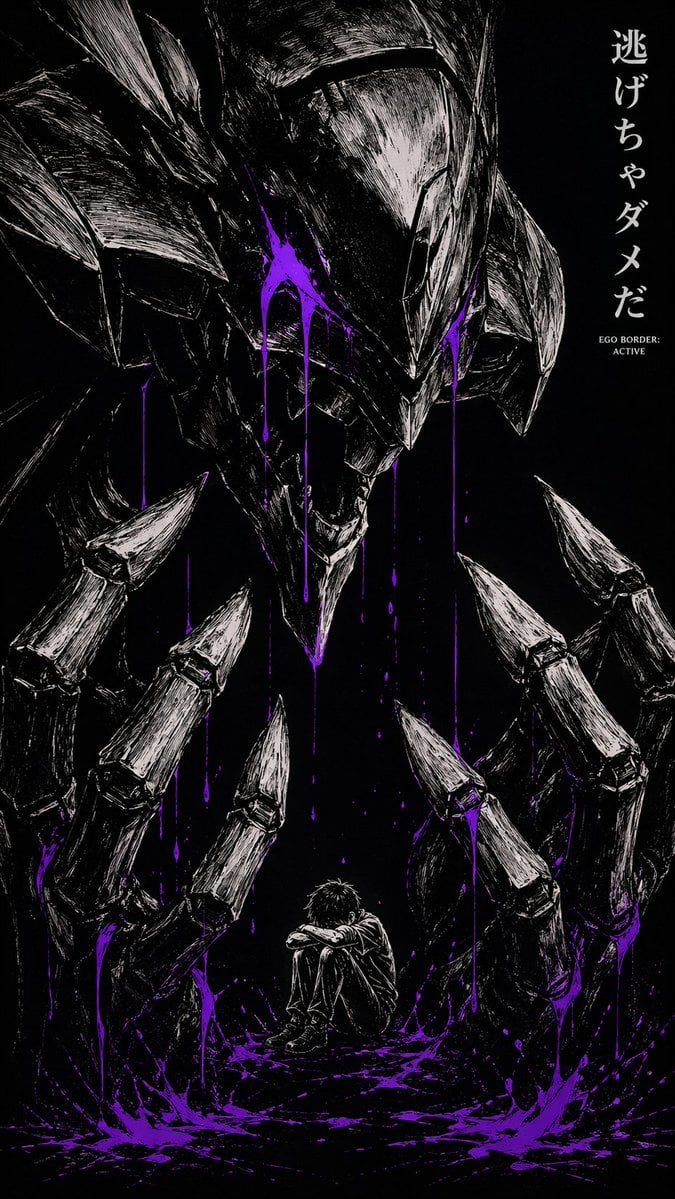
This prompt generates a high-contrast psychological horror anime poster with a small frightened boy trapped beneath a giant skeletal biomechanical monster, ideal for dramatic cover art or dark character-themed visuals.
- Prompt included
- Model and format preset
- Free template
The prompt behind this image
Copy the exact prompt behind Dark Manga Monster Poster, or open it in the studio and make it yours.
A dark monochrome manga-style horror illustration on a pure black background, in a tall vertical poster composition. Centered at the bottom is a small lonely teenage boy with messy short dark hair, sitting on the ground with his knees pulled to his chest and his arms wrapped around them, head slightly bowed, conveying fear, isolation, and helplessness. Towering over him is a gigantic biomechanical demon or armored monster head descending from above, with a long angular skull-like face, sharp chin, narrow hollow eye sockets, layered helmet-like plates, and a jagged open mouth. Surrounding the boy are exactly 2 enormous skeletal clawed hands, one on the left and one on the right, framing him like a cage; each hand has long segmented metallic fingers ending in sharp pointed tips, bent inward menacingly. Render everything in rough scratchy white ink linework and heavy crosshatching against deep black, with intense high-contrast seinen manga energy. Add vivid neon purple paint-like liquid in splashes and long dripping streaks from the monster’s face, the hands, and the ground, pooling around the boy for the only strong color accent. On the upper right side, add vertical Japanese text reading 逃げちゃダメだ, and beneath it in small white English text: EGO BORDER: ACTIVE. The mood is oppressive, psychological, claustrophobic, and nightmarish, like a dark anime poster about inner fear and mental collapse.
How to use Dark Manga Monster Poster in 3 steps
- 1Upload ImagePNG, JPG or paste
Add your photo
Upload the photo the template builds on. The prompt, model and format are already set.
- 2…a portrait of your subject in softgolden-hour light, 85mm…
Personalize
Edit the subject and creative details for your destination.
- 3Generate
Generate
Press Generate — your image is created in PicX Studio, so you can compare it with the original and refine one variable at a time.
More like this
Templates with the same subject, style or setup. Open one to see its prompt.

Selective Color Monochrome Football Poster
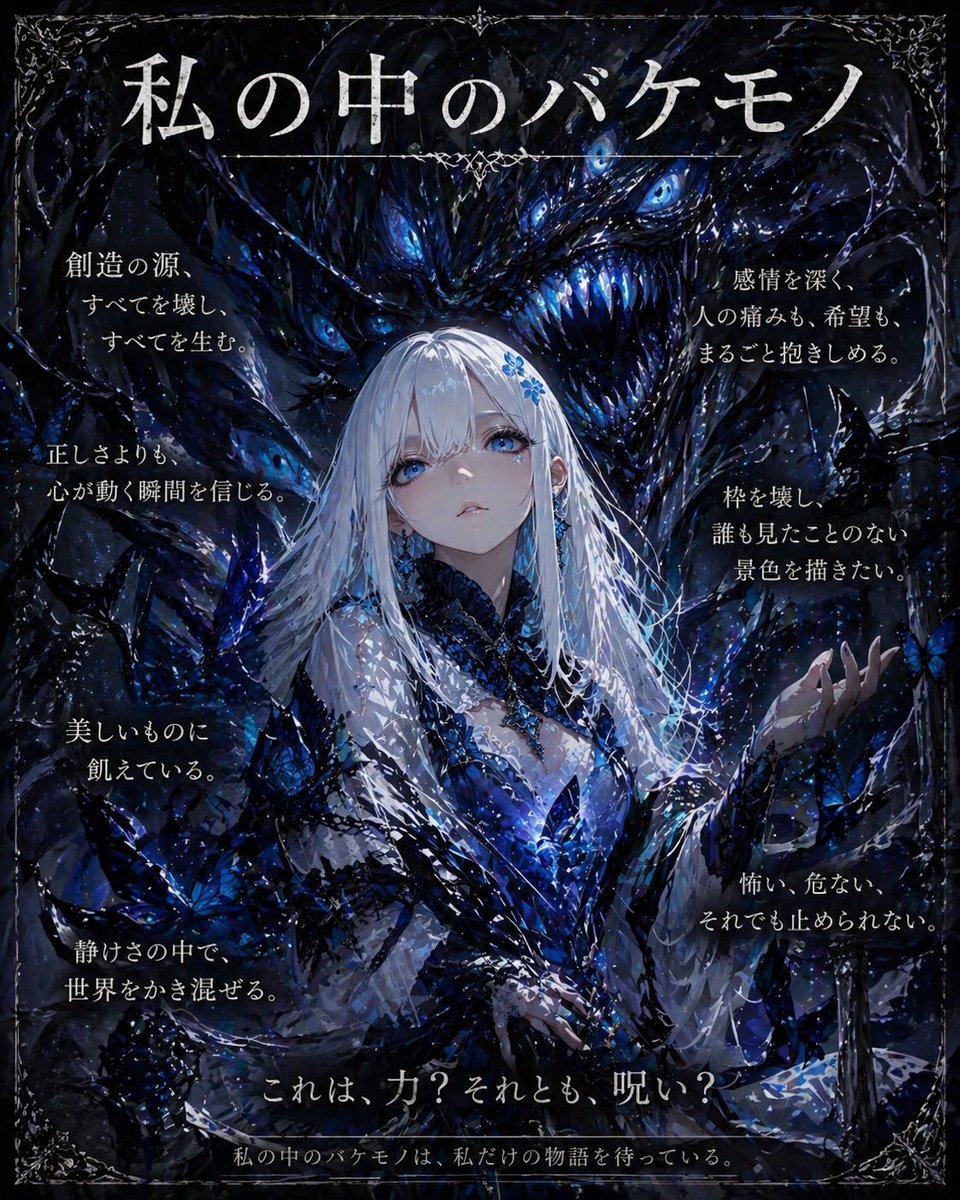
Dark Fantasy Inner Monster Poster
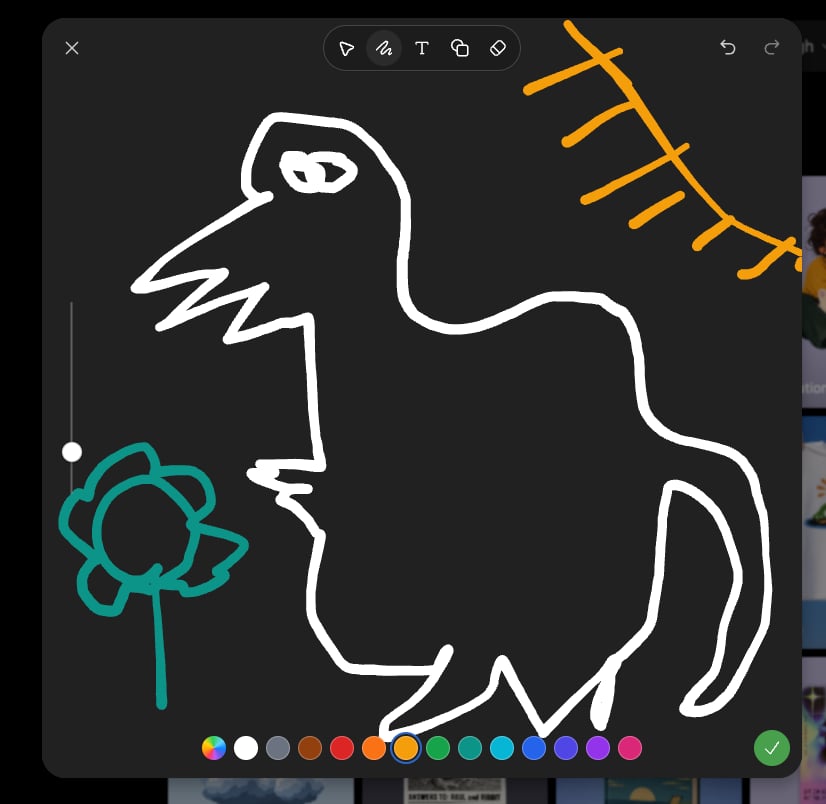
Dark Sketch Mode Monster Doodle

Japan Travel Brochure Poster

Dark Fantasy Smoke Monster Transformation

Cartoon TV Show Poster Pack

Trendy Cafe Drink Promo Poster

Urban Fashion Editorial Collage Streetwear Poster

Premium Fashion Editorial Cover Layout System

Polo Ralph Lauren Luxury American Heritage Fashion Campaign

Monochrome Halftone Editorial Fashion Poster

Retro Mirror Luxury Fashion Campaign Poster
Make it yours
Dark Manga Monster Poster works as-is. These are the safest ways to change it without losing the look.
Change one field
Copy a single group, rewrite it, and generate again so you can see what that field is doing.
Keep the frame, change the subject
Hold the composition and light of Dark Manga Monster Poster, then swap wardrobe, props or the person for a new take.
| If the result… | Why | Fix |
|---|---|---|
| The result drifts from the preview | Too many fields changed at once. | Reuse Dark Manga Monster Poster as-is first, then change one group — subject, light, or setting. |
| The model over-stylizes the scene | The prose prompt leaves finish and camera underspecified. | Add one camera or lighting sentence and stay on GPT Image 2. |
More GPT Image 2 templates
Other prompts made for GPT Image 2.

Six VTuber Japanese Logo Sheet

Realistic Portrait of Woman and Deer

The Vista Modular Condo Poster

AI Model Routing Comparison Infographic

2.5D Anime Art Board

Isometric Productivity Desk Scene

New York Double Exposure Poster

Four-Panel AI Landscape Comparison

Japanese Tatami Lifestyle Magazine Cover

NESCAFÉ Coffee Map Poster
More image prompts
Fresh picks from across the catalog.
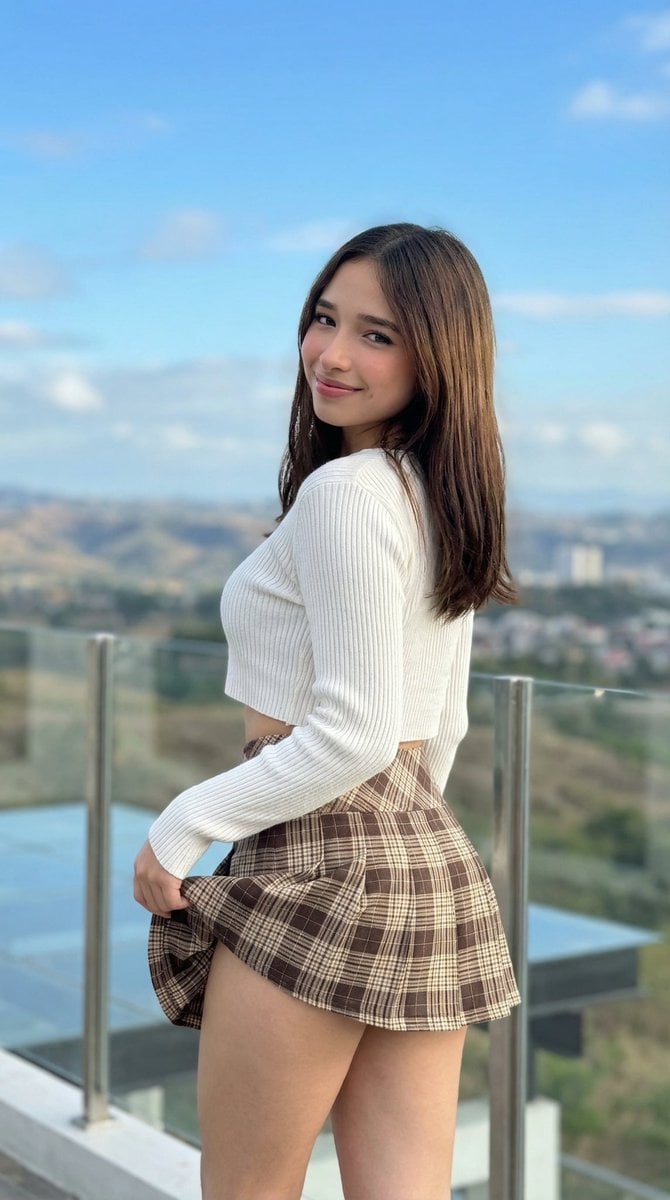
iPhone Pro Environmental Portrait on Terrace

Christmas Surprise Box Dynamic Action Shot
Luxury Perfume Bottle and Exploded Composition Prompts
Fashion Editorial Portrait Prompt for Gemini Nano Banana Pro

Cinematic Street Photography with Motion Blur
Conceptual Trapped Reflection Art
Noir Paris Taxi Anthro Couple
Ancient Chinese Fantasy Female Portrait
Ultra-detailed high fashion ethnic portrait prompt
3D Hair Texture Height Map
Browse template categories
Dark Manga Monster Poster questions
How do I use the Dark Manga Monster Poster template?
Add your photo if the template asks for one, edit the prompt if you like — the template's model and format are already selected — and press Generate. Your version opens in PicX Studio.
Can I customize the Dark Manga Monster Poster template?
Yes. You can change the subject, setting, lighting, mood, format, and available model controls before creating your image.
Is the Dark Manga Monster Poster template free?
Opening and editing this template is free. Generating uses credits, shown on the Generate button when you are signed in.
Which AI model should I use?
Start with GPT Image 2, which is the model associated with this template. You can compare another compatible model for a different finish.
Looking for something else? Browse all templates.

Your photo, any look
Thousands of ready templates for every top image and video model, from one credit balance.