How do I use the Formal Japanese ID Photo Portrait template?
Edit the prompt in the box under the preview — the template's model and format are already selected — and press Generate. Your version appears right on this page.
A realistic studio-style identification portrait of a professionally dressed young woman, suitable for passport, resume, or official document photo generation.

This template uses your photo — add one with the + button.
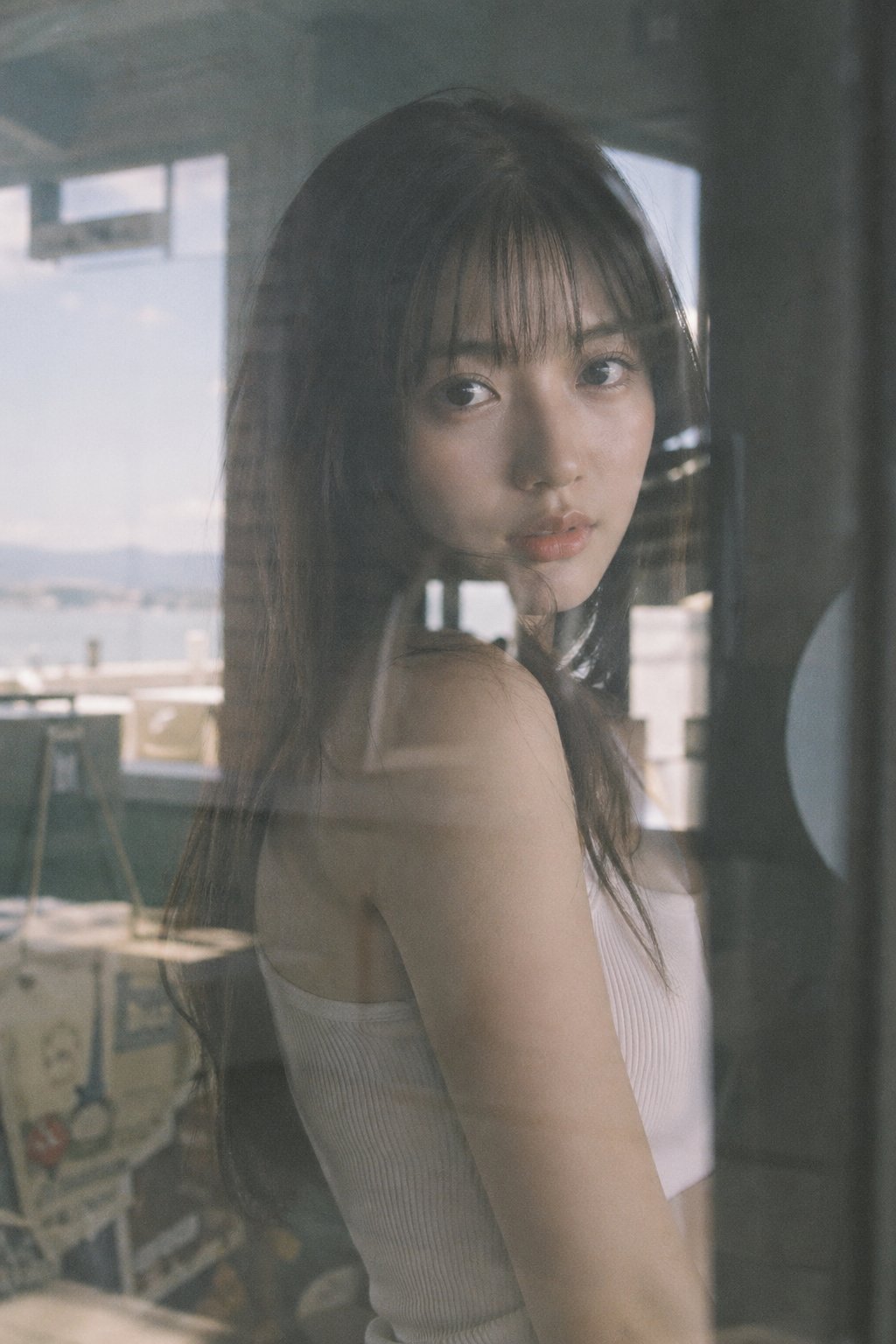
A formal Japanese-style passport or ID photo of a young adult woman, chest-up and centered, facing straight toward the camera with a neutral professional expression, on a clean light gray studio background. She has straight dark brown to near-black hair, smooth and glossy, parted slightly off-center near the top, with the hair falling evenly past the shoulders on both sides. Her ears are partially visible, with no noticeable accessories. She wears a tailored black business blazer over a plain white crew-neck blouse, creating a conservative job-application or official-document look. The lighting is soft, even, and frontal with minimal shadows, high sharpness, natural skin tones, and a realistic photographic finish. Composition is symmetrical and tightly cropped like an ID photo, showing the top of the head, shoulders, neckline, and upper chest. No smile, no dramatic styling, no props, no text, no border, no background details.
A formal Japanese-style passport or ID photo of a young adult woman, chest-up and centered, facing straight toward the camera with a neutral professional expression, on a clean light gray studio background. She has straight dark brown to near-black hair, smooth and glossy, parted slightly off-center near the top, with the hair falling evenly past the shoulders on both sides. Her ears are partially visible, with no noticeable accessories. She wears a tailored black business blazer over a plain white crew-neck blouse, creating a conservative job-application or official-document look. The lighting is soft, even, and frontal with minimal shadows, high sharpness, natural skin tones, and a realistic photographic finish. Composition is symmetrical and tightly cropped like an ID photo, showing the top of the head, shoulders, neckline, and upper chest. No smile, no dramatic styling, no props, no text, no border, no background details.
Edit the prompt in the box under the preview — the template's model and format are already selected — and press Generate. Your version appears right on this page.
Yes. You can change the subject, setting, lighting, mood, format, and available model controls before creating your image.
Opening and editing this template is free. Generating uses credits, shown on the Generate button when you are signed in.
Start with GPT Image 2, which is the model associated with this template. You can compare another compatible model for a different finish.
Follow a topic to a crawlable collection of related PicX Studio templates.