
untitled
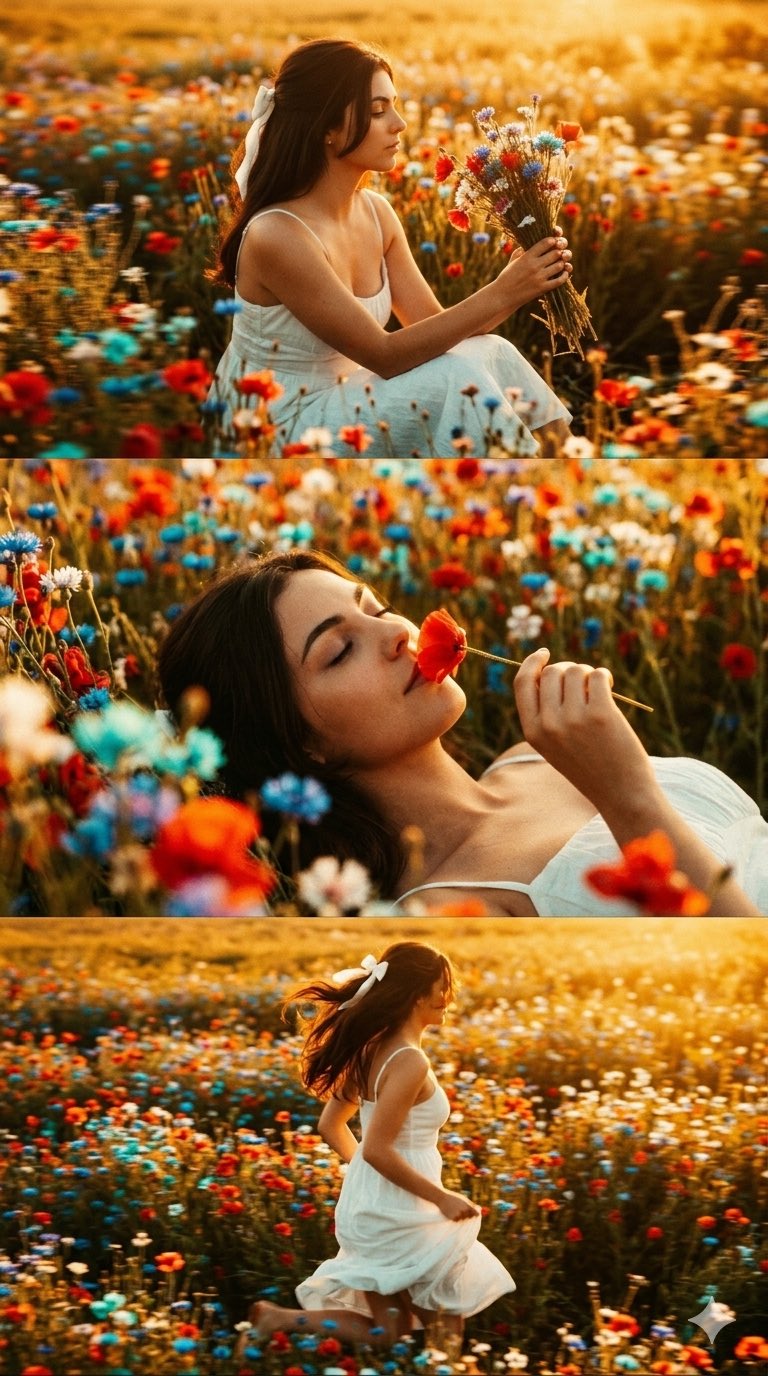
untitled is a ready photo look for Nano Banana.
- Prompt included
- Model and format preset
- Free template
The prompt behind this image
Copy the exact prompt behind untitled, or open it in the studio and make it yours.
Prompt 112 Create A Vertical Collage in Vintage Cinematic Style.✨ Use Gemini Nano Banana Pro 2.0 🍌 Prompt ⤵️ Do not change facial features. A vertical triptych collage of three horizontal cinematic frames: Top panel: A girl positioned sideways to the camera, wearing a white spaghetti-strap sundress, sitting in a field of bright wildflowers of various shades. There is an abundance of vibrant flowers around her. She is holding a bouquet of wildflowers and looking at it. Everything is in golden tones, warm light highlights the surroundings, motion blur effect. Middle panel: A mysterious close-up shot. She is lying on her back with closed eyes, holding and smelling a red flower. Most of her face is visible against the floral background. In the out-of-focus foreground, there are bright red, light blue, dark blue, and white wildflowers. Everything is bathed in golden light. Bottom panel: She is running sideways away from the camera through a field of bright, vibrant wildflowers, her hair blowing in the wind. Motion blur effect. She is wearing the same white spaghetti-strap sundress, slightly lifting the dress with her hands. Everything is bathed in golden light. Lighting: High-contrast, low-key chiaroscuro with a warm golden glow. Atmosphere: Intimate, set against a bright wildflower field, enhanced by coarse film grain and vintage aesthetics. Consistency: Dress and hair must be identical across all panels. Hair is straight, shiny, voluminous, partially gathered at the back with a white ribbon bow, with loose locks falling onto her face. Overall style: Golden hour photography throughout, cinematic effect with added film grain and a golden haze. Aspect Ratio: 9:16
How to use untitled in 3 steps
- 1
Open
The prompt is already in the box next to the preview, with the template's model and format selected.
- 2…a portrait of your subject in softgolden-hour light, 85mm…
Personalize
Edit the subject and creative details for your destination.
- 3Generate
Generate
Press Generate — your image is created in PicX Studio, so you can compare it with the original and refine one variable at a time.
More like this
Templates with the same subject, style or setup. Open one to see its prompt.










Make it yours
untitled works as-is. These are the safest ways to change it without losing the look.
Change one field
Copy a single group, rewrite it, and generate again so you can see what that field is doing.
Keep the frame, change the subject
Hold the composition and light of 156-untitled, then swap wardrobe, props or the person for a new take.
| If the result… | Why | Fix |
|---|---|---|
| The result drifts from the preview | Too many fields changed at once. | Reuse 156-untitled as-is first, then change one group — subject, light, or setting. |
| The model over-stylizes the scene | The prose prompt leaves finish and camera underspecified. | Add one camera or lighting sentence and stay on Nano Banana. |
More Nano Banana templates
Other prompts made for Nano Banana.









More image prompts
Fresh picks from across the catalog.
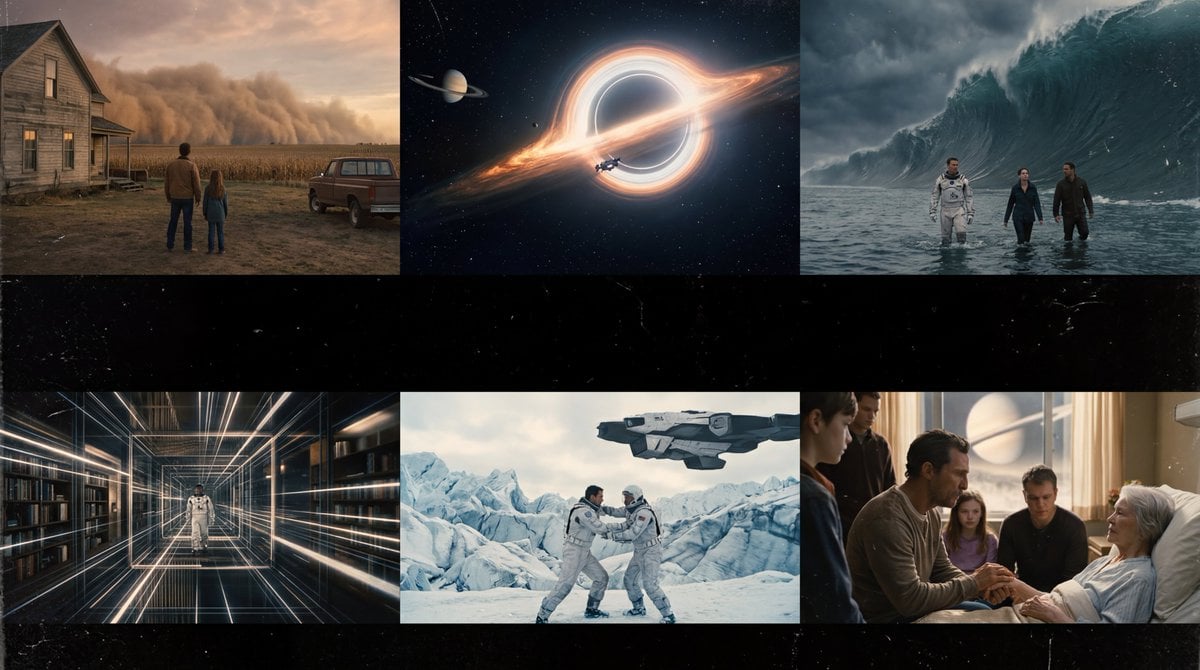
Interstellar-Inspired Cinematic Film Stills Prompt
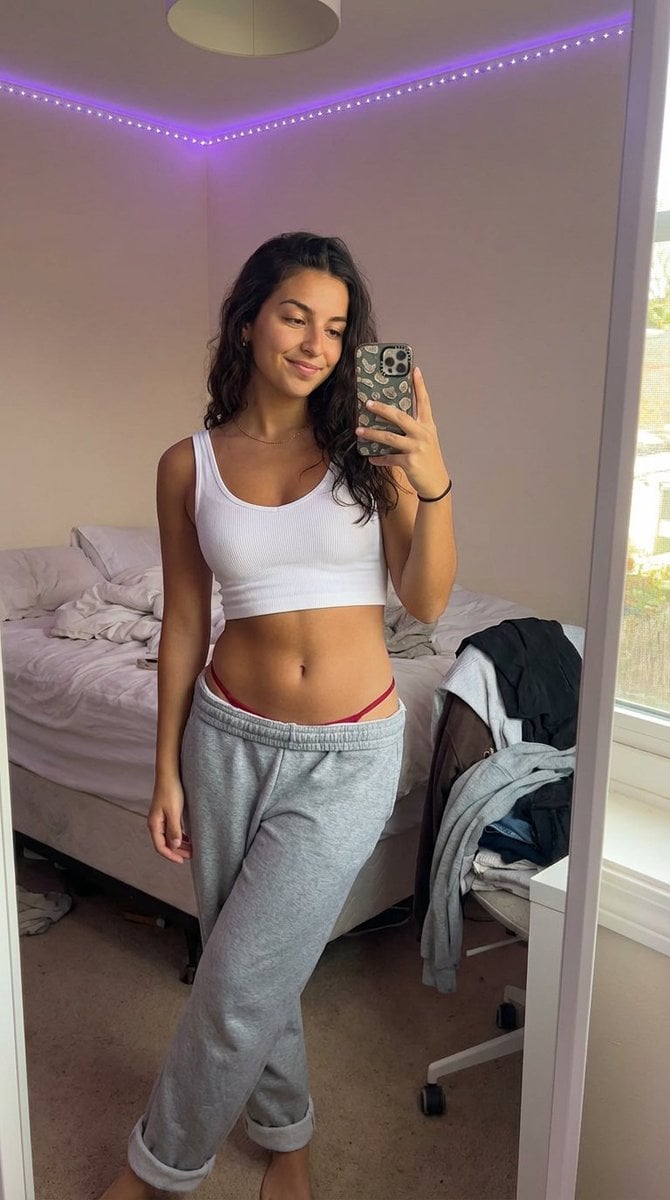
Realistic 'Lazy-Hot' Mirror Selfie in Dorm Room
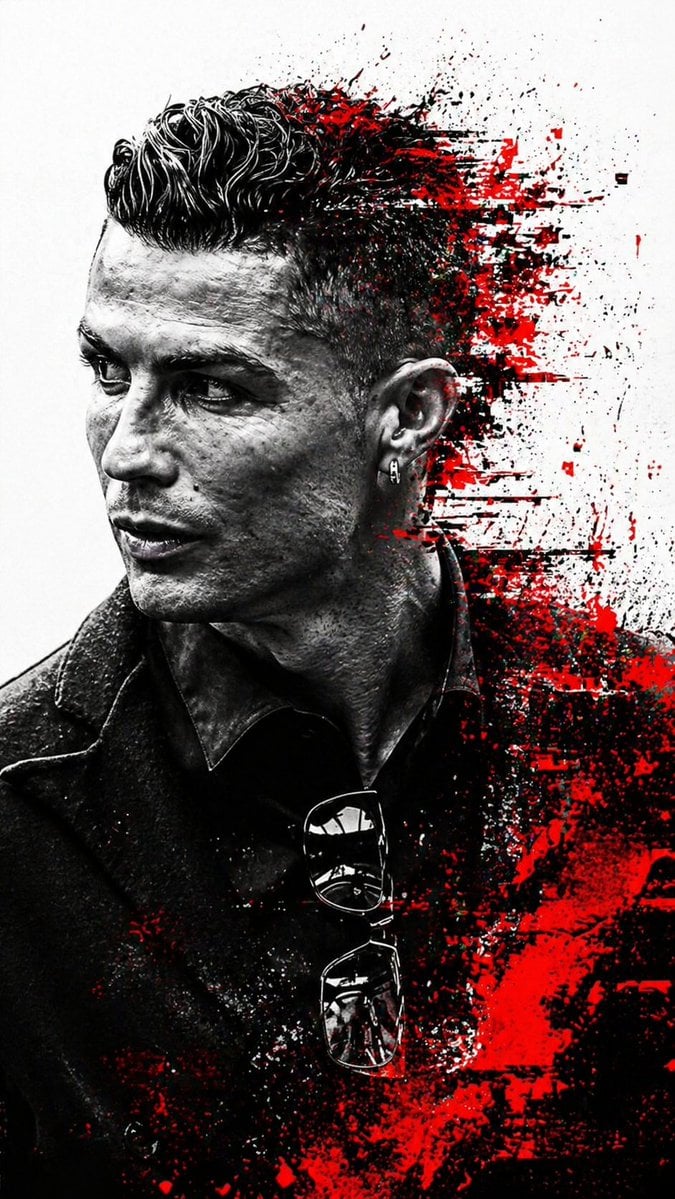
Cyberpunk Glitch Profile Portrait
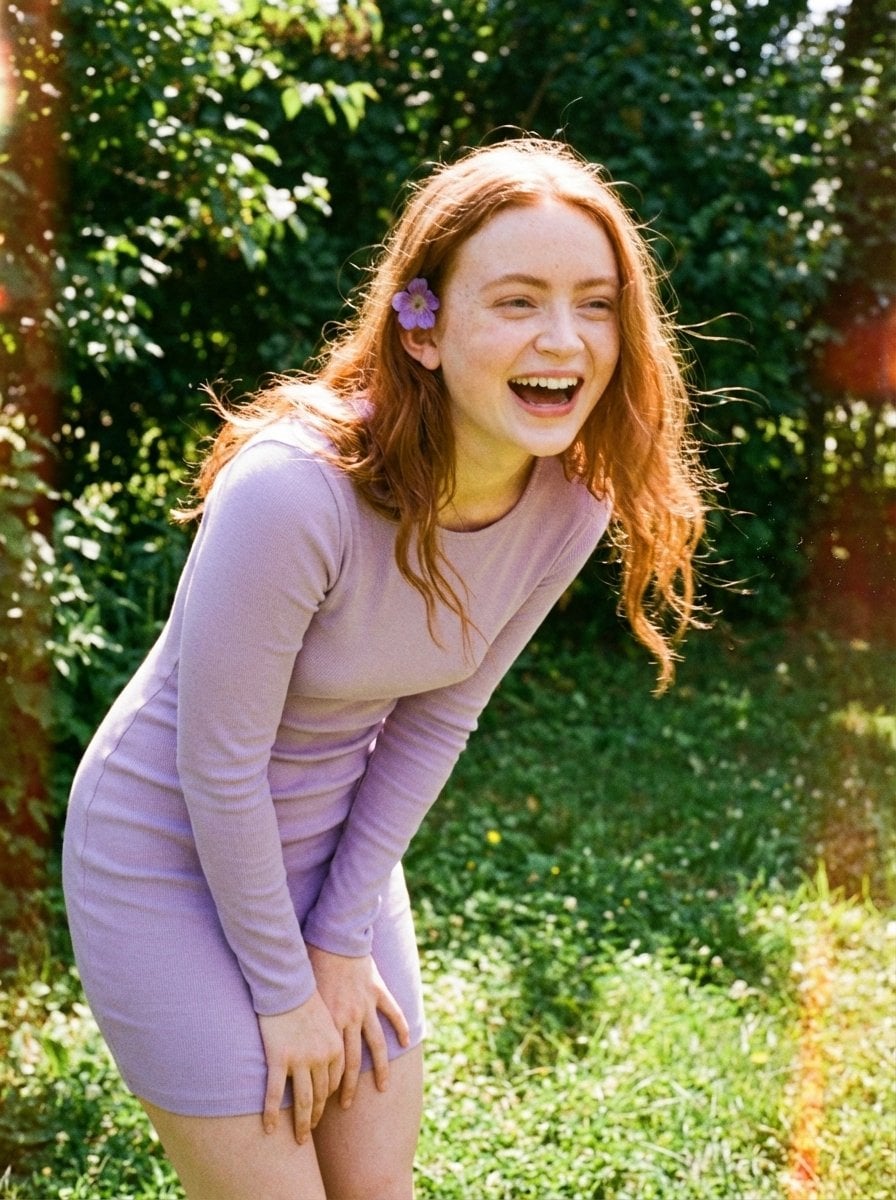
Candid Vintage Photo Aesthetic Prompt for Nano Banana Pro
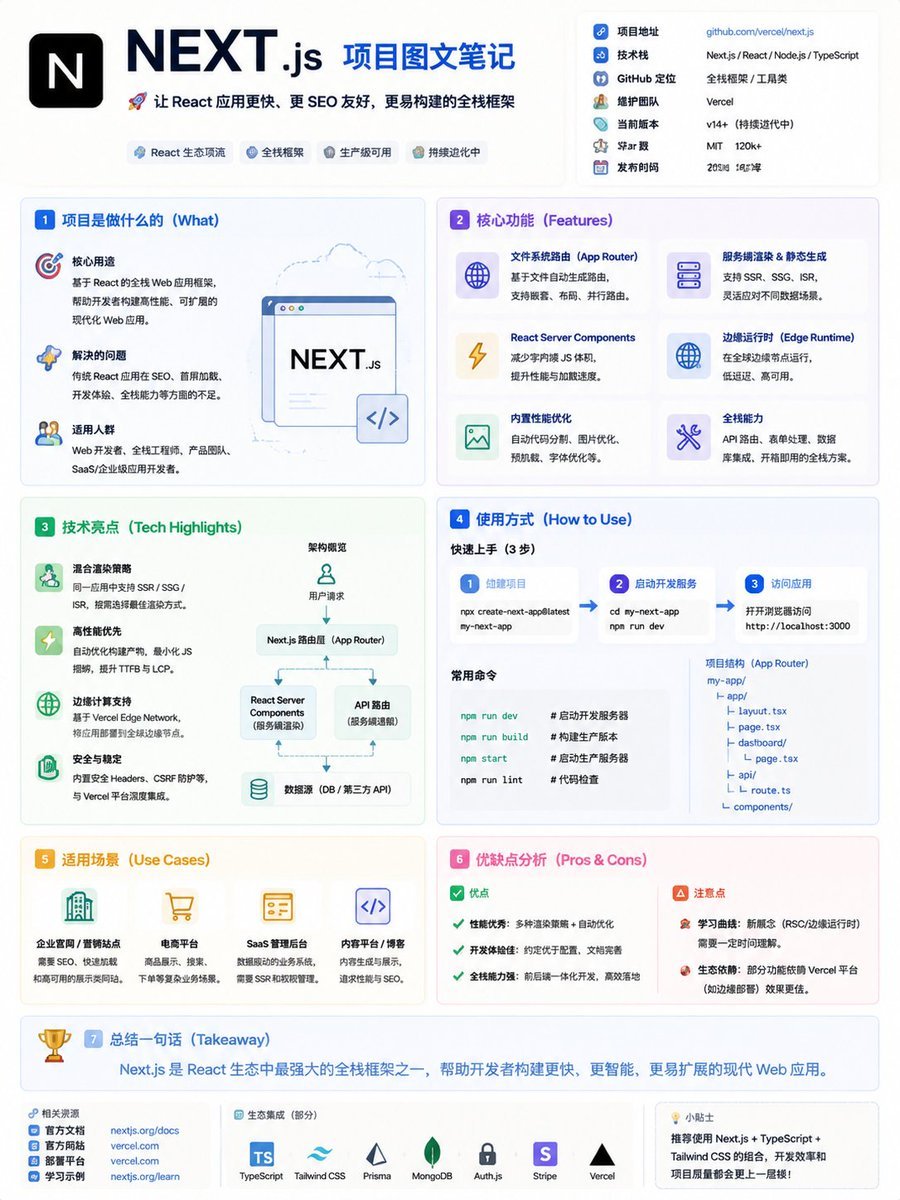
GitHub Project Infographic Poster
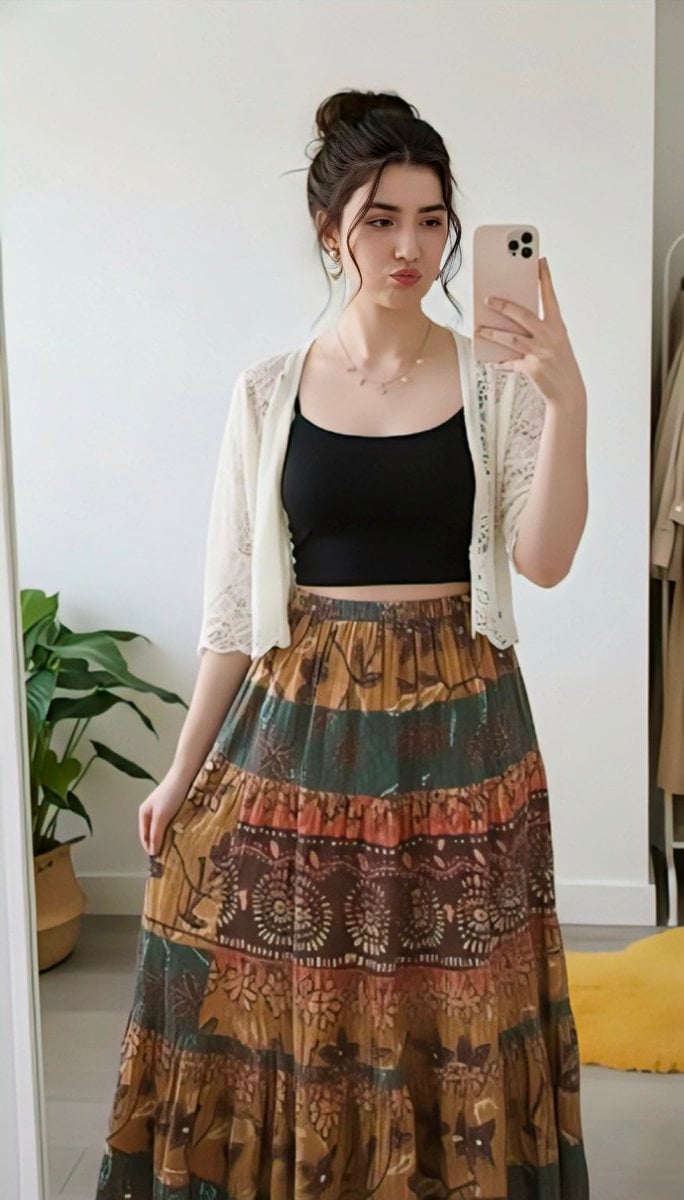
Replace clothing while keeping identity and pose
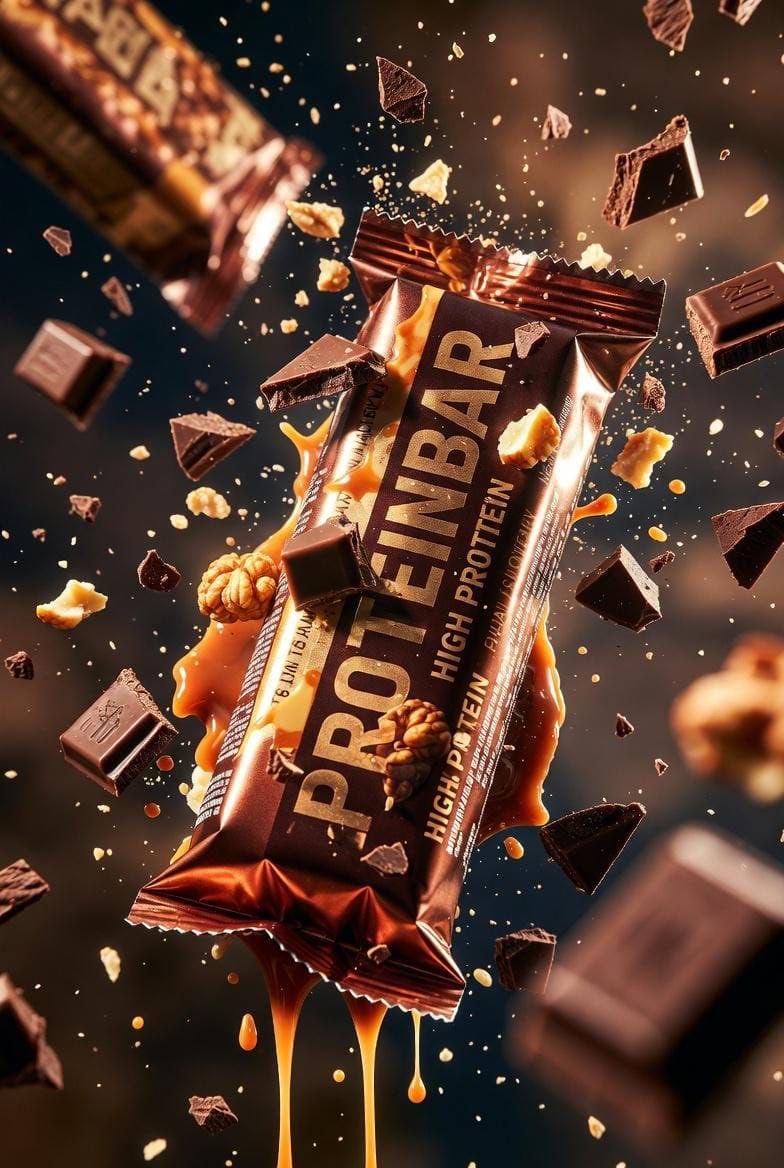
Ultra-cinematic Protein Bar Product Photography
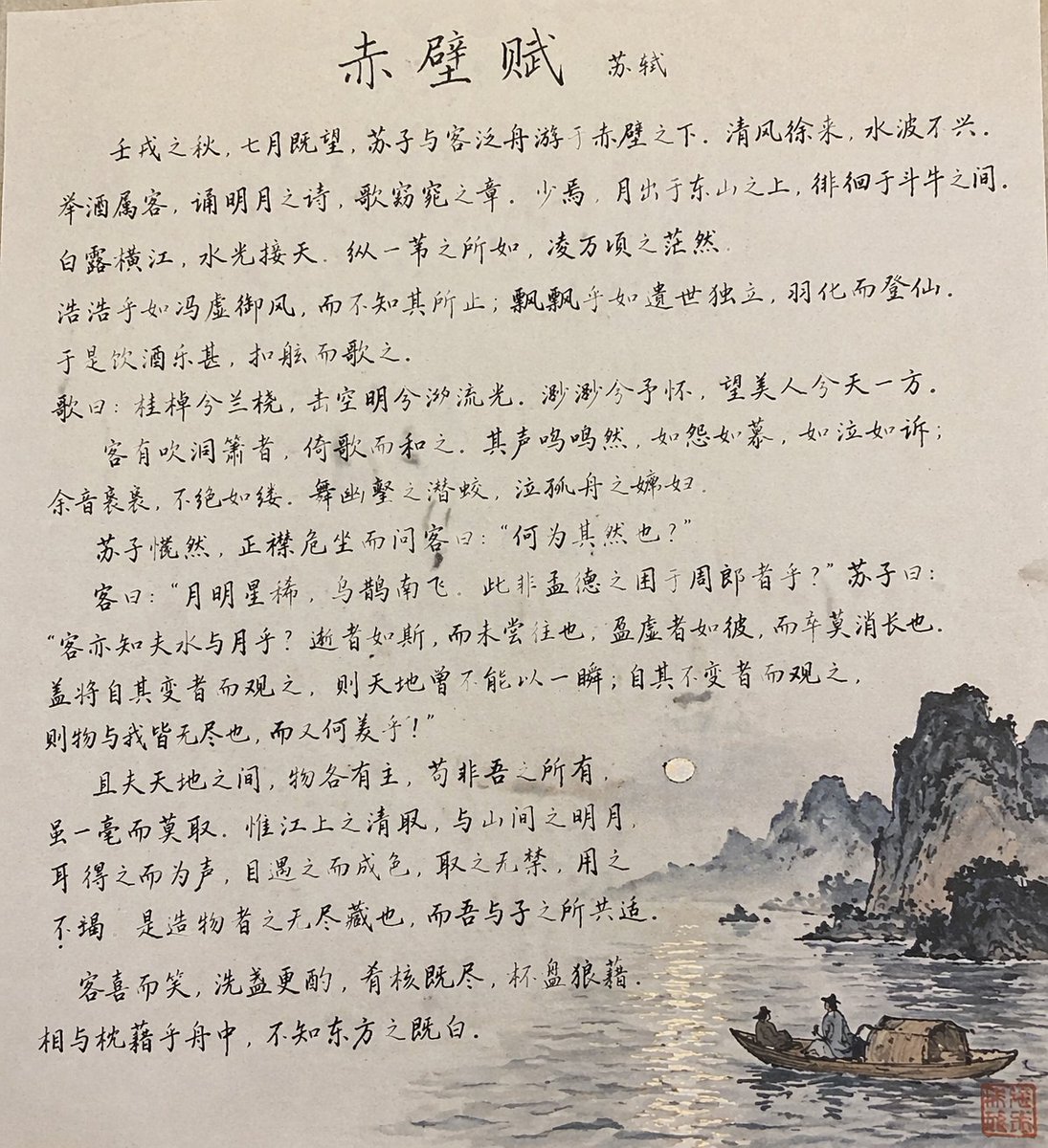
Traditional Chinese Calligraphy and Ink Painting
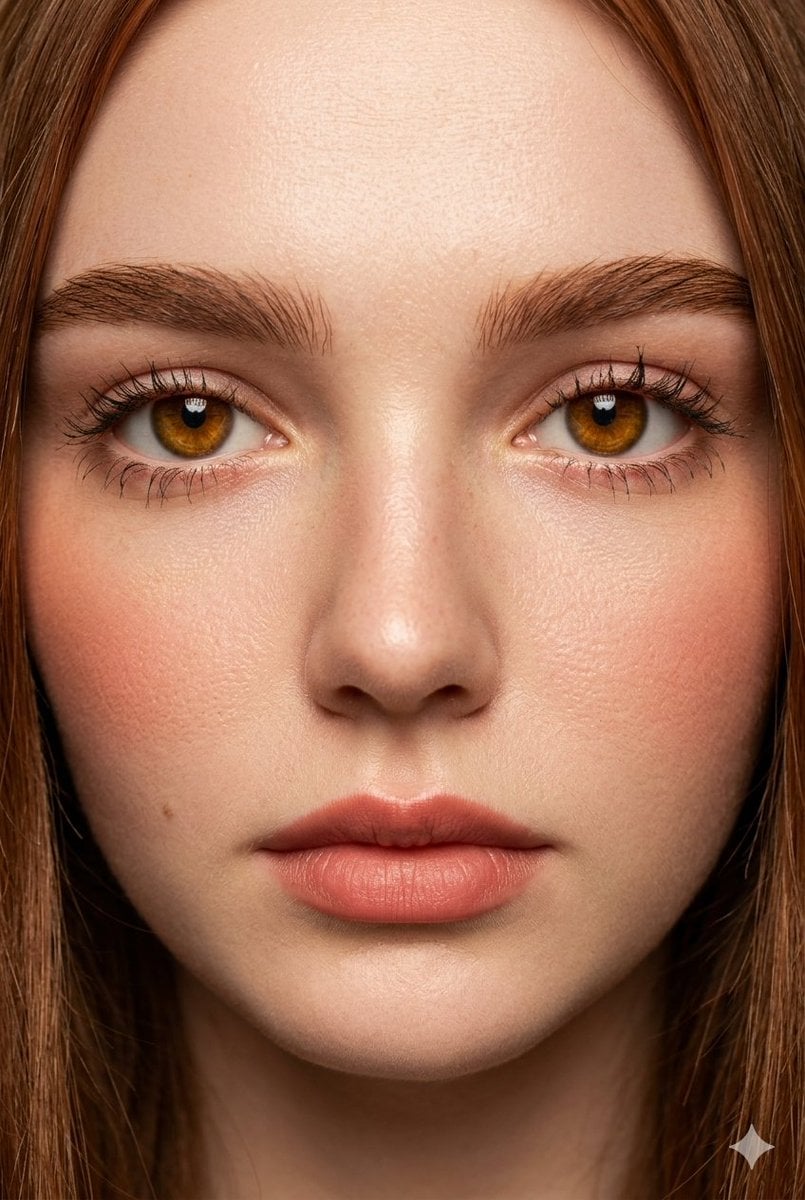
Extreme Close-Up Fashion Beauty Portrait
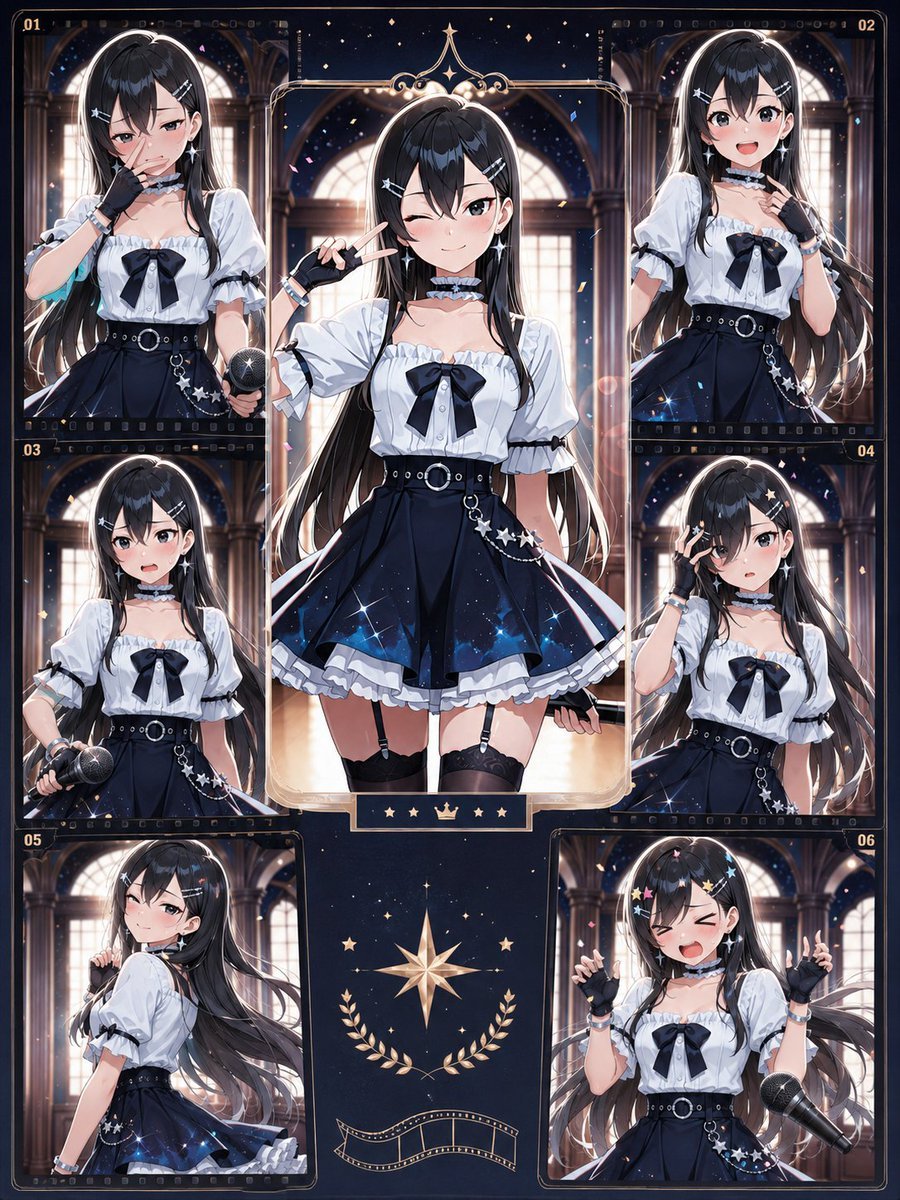
Celestial Idol Character Poster
Browse template categories
untitled questions
How do I use the 156-untitled template?
Add your photo if the template asks for one, edit the prompt if you like — the template's model and format are already selected — and press Generate. Your version opens in PicX Studio.
Can I customize the 156-untitled template?
Yes. You can change the subject, setting, lighting, mood, format, and available model controls before creating your image.
Is the 156-untitled template free?
Opening and editing this template is free. Generating uses credits, shown on the Generate button when you are signed in.
Which AI model should I use?
Start with Nano Banana, which is the model associated with this template. You can compare another compatible model for a different finish.
Looking for something else? Browse all templates.

Your photo, any look
Thousands of ready templates for every top image and video model, from one credit balance.