
Celestial Idol Character Poster
Generates an ornate anime idol showcase poster with one central full-body character and six numbered pose panels for character design presentation.
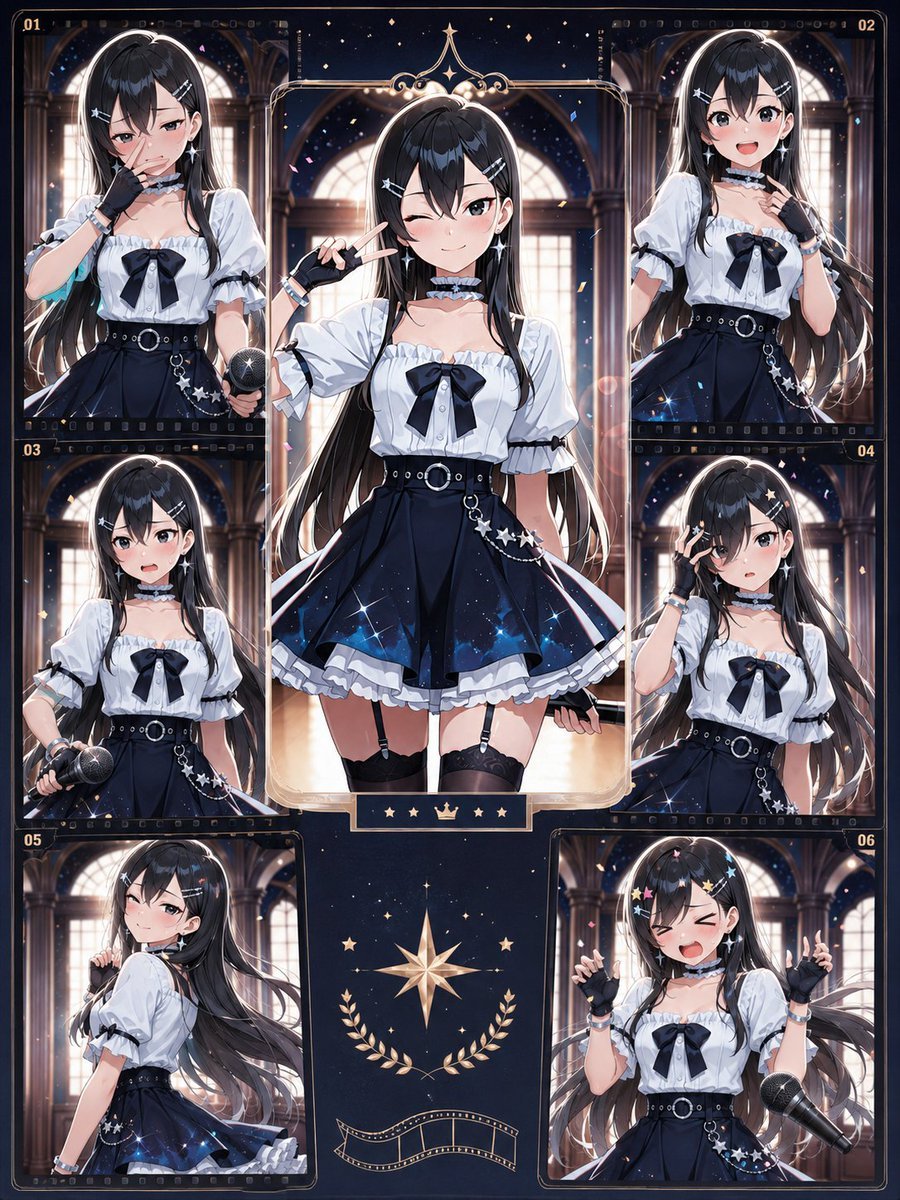
- Prompt included
- Model and format preset
- Free template
The prompt behind this image
Copy the exact prompt behind Celestial Idol Character Poster, or open it in the studio and make it yours.
Goal: Create a highly detailed anime idol character showcase poster featuring {argument name="character name" default="a mysterious starlight idol"}, with a dark celestial concert aesthetic and ornate trading-card layout. Canvas: Vertical 3:4 poster, richly detailed, dark navy and warm gold palette, glossy premium illustration finish. The design should look like an idol character card collection page with decorative borders, film-strip accents, tiny stars, confetti, and elegant gothic arches in the background. Layout: Use exactly 7 character illustrations total: 1 large central full-body portrait and 6 smaller surrounding portrait panels. The 6 smaller panels are numbered in small gold text as 01, 02, 03, 04, 05, and 06. Arrange them as two panels across the top corners, two panels in the middle left and middle right, and two panels along the lower left and lower right, framing the central figure. The central portrait is the largest, inside an ornate rounded rectangular gold frame with a crown-like decorative crest at the top and a small plaque at the bottom showing five small gold icons: star, star, crown, star, star. Subject details: The character is a young anime idol girl with {argument name="hair color" default="very long glossy black hair"}, straight bangs, long flowing side strands, and small silver star hairpins. Her face is intentionally obscured in every panel by a soft rectangular blur, while the rest of the illustration remains sharp. She wears a white short-sleeve puff blouse with frilled neckline, black ribbon bow at the chest, black choker with white frill trim, black fingerless gloves, silver bracelets, a high-waisted dark navy pleated skirt with a galaxy sparkle gradient, white underskirt ruffles, black belt with silver ring buckle, dangling silver star chains on the hip, black thigh garters, and idol accessories. The overall outfit theme is {argument name="outfit theme" default="gothic celestial idol"}. Panel poses: Include exactly these 6 numbered side-panel variations: 01 shows an upper-body idol pose holding a microphone near the lower right, one hand near the chest; 02 shows an upper-body pose touching the choker or collar with one hand; 03 shows a waist-up pose holding a microphone downward in one hand; 04 shows an upper-body pose with one hand near the face making a playful idol gesture; 05 shows a side/back three-quarter pose looking over the shoulder with long hair flowing dramatically; 06 shows a cheerful upper-body pose with both hands raised in small finger-heart or pointing gestures and a large microphone floating near the right side. The central portrait shows the idol standing full-body, one hand making a peace sign beside the face, skirt flared outward, confident concert-poster stance. Background and decoration: Set all portraits inside a grand cathedral-like hall with tall arched windows glowing with warm light, dark columns, night-sky sparkles, floating confetti, lens flares, and magical star particles. The bottom center outside the portraits contains a large gold compass star emblem, laurel branches, and a curved film-strip ribbon. Add tiny gold numbering, thin ornamental borders, subtle film sprocket marks, and a polished collectible-card feel. Visual style: High-resolution anime illustration, crisp line art, luminous highlights, glossy hair shading, dramatic rim lighting, intricate fabric folds, deep navy shadows, gold accents, magical idol atmosphere, symmetrical composition, premium poster design. Constraints: Use exactly 7 character depictions and exactly 6 numbered side panels labeled 01 through 06. Keep all faces covered by the same soft blur effect. Do not add readable text besides the small panel numbers and decorative icons. Avoid logos, watermarks, and extra characters.
How to use Celestial Idol Character Poster in 3 steps
- 1Upload ImagePNG, JPG or paste
Add your photo
Upload the photo the template builds on. The prompt, model and format are already set.
- 2…a portrait of your subject in softgolden-hour light, 85mm…
Personalize
Edit the subject and creative details for your destination.
- 3Generate
Generate
Press Generate — your image is created in PicX Studio, so you can compare it with the original and refine one variable at a time.
More like this
Templates with the same subject, style or setup. Open one to see its prompt.

Anime Fantasy Celestial Movie Poster
Anime Fantasy Celestial Movie Poster

Japan Travel Brochure Poster

Cartoon TV Show Poster Pack

Trendy Cafe Drink Promo Poster

Urban Fashion Editorial Collage Streetwear Poster

Premium Fashion Editorial Cover Layout System

Polo Ralph Lauren Luxury American Heritage Fashion Campaign

Monochrome Halftone Editorial Fashion Poster

Retro Mirror Luxury Fashion Campaign Poster

Luxury Fashion Campaign Typography Poster System

Premium Fashion Editorial Campaign Poster System
Make it yours
Celestial Idol Character Poster works as-is. These are the safest ways to change it without losing the look.
Change one field
Copy a single group, rewrite it, and generate again so you can see what that field is doing.
Keep the frame, change the subject
Hold the composition and light of Celestial Idol Character Poster, then swap wardrobe, props or the person for a new take.
| If the result… | Why | Fix |
|---|---|---|
| The result drifts from the preview | Too many fields changed at once. | Reuse Celestial Idol Character Poster as-is first, then change one group — subject, light, or setting. |
| The model over-stylizes the scene | The prose prompt leaves finish and camera underspecified. | Add one camera or lighting sentence and stay on GPT Image 2. |
More GPT Image 2 templates
Other prompts made for GPT Image 2.

Six VTuber Japanese Logo Sheet

Realistic Portrait of Woman and Deer

The Vista Modular Condo Poster

AI Model Routing Comparison Infographic

2.5D Anime Art Board

Isometric Productivity Desk Scene

New York Double Exposure Poster

Four-Panel AI Landscape Comparison

Japanese Tatami Lifestyle Magazine Cover

NESCAFÉ Coffee Map Poster
More image prompts
Fresh picks from across the catalog.
Hyper-Realistic Gym Mirror Selfie

Explosive Anime Launch Thumbnail
Fantasy GPT Image Skills Banner

Stylish Person in Cargo Pants Against Ethereal Landscape
Neon Night Market Food Photography
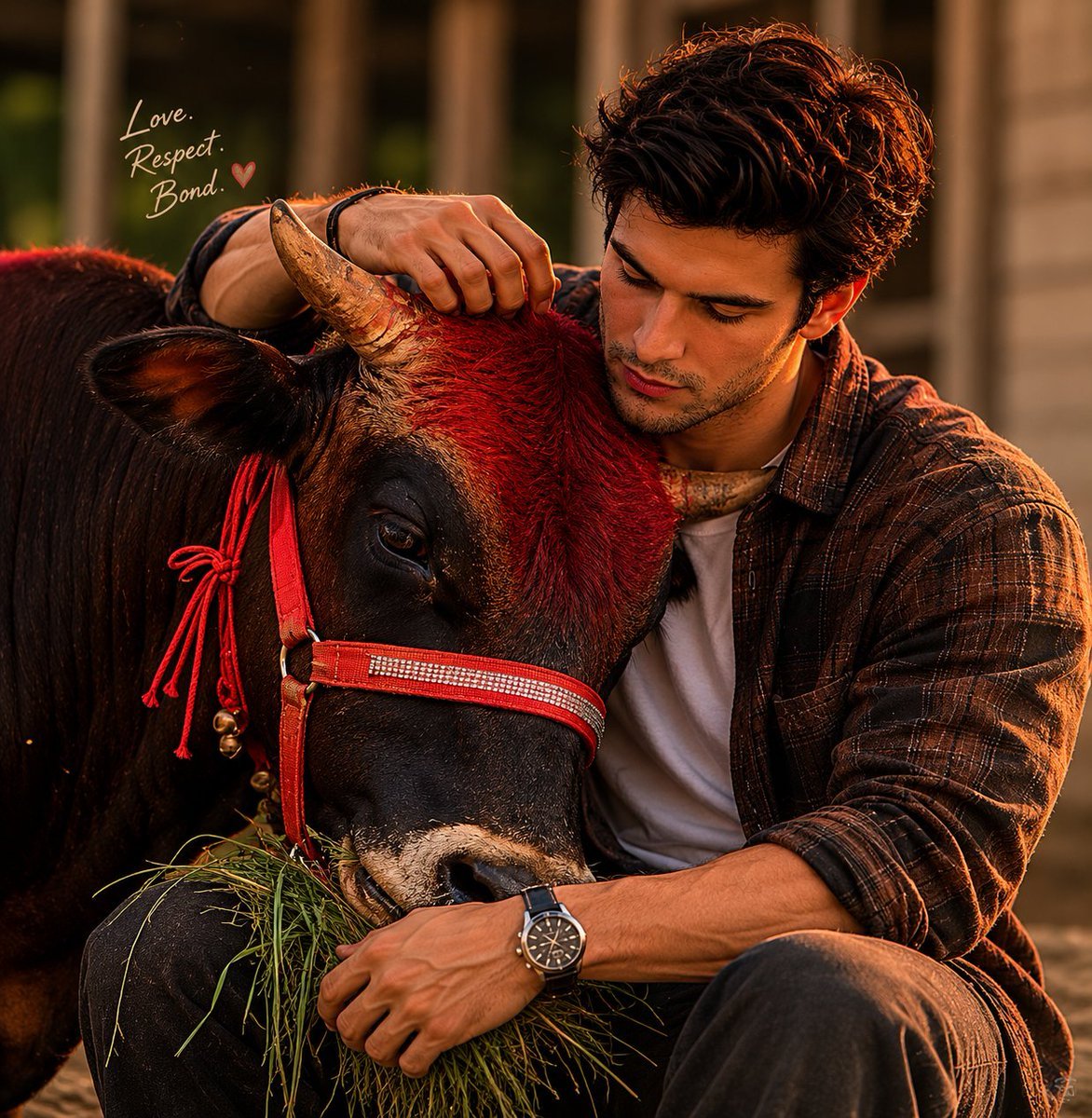
Man and Bull Emotional Bond Portrait

Ultra-Realistic Winking Portrait with Playful Expression
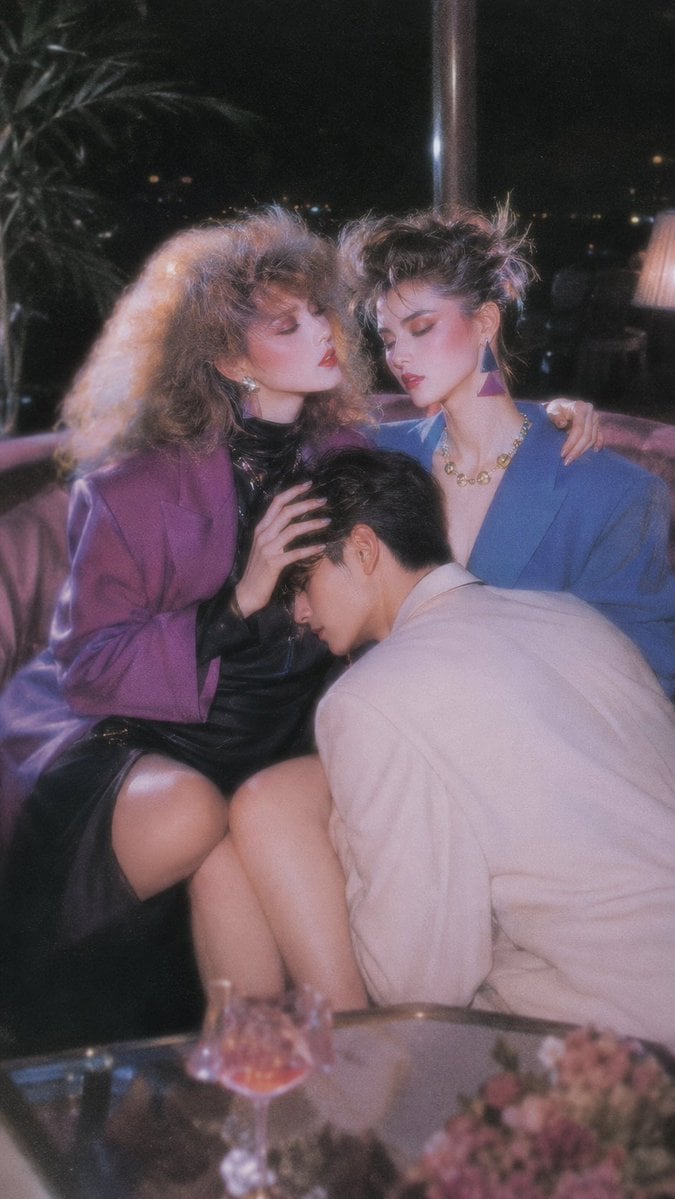
Retro Nightlife Flash Wallpaper
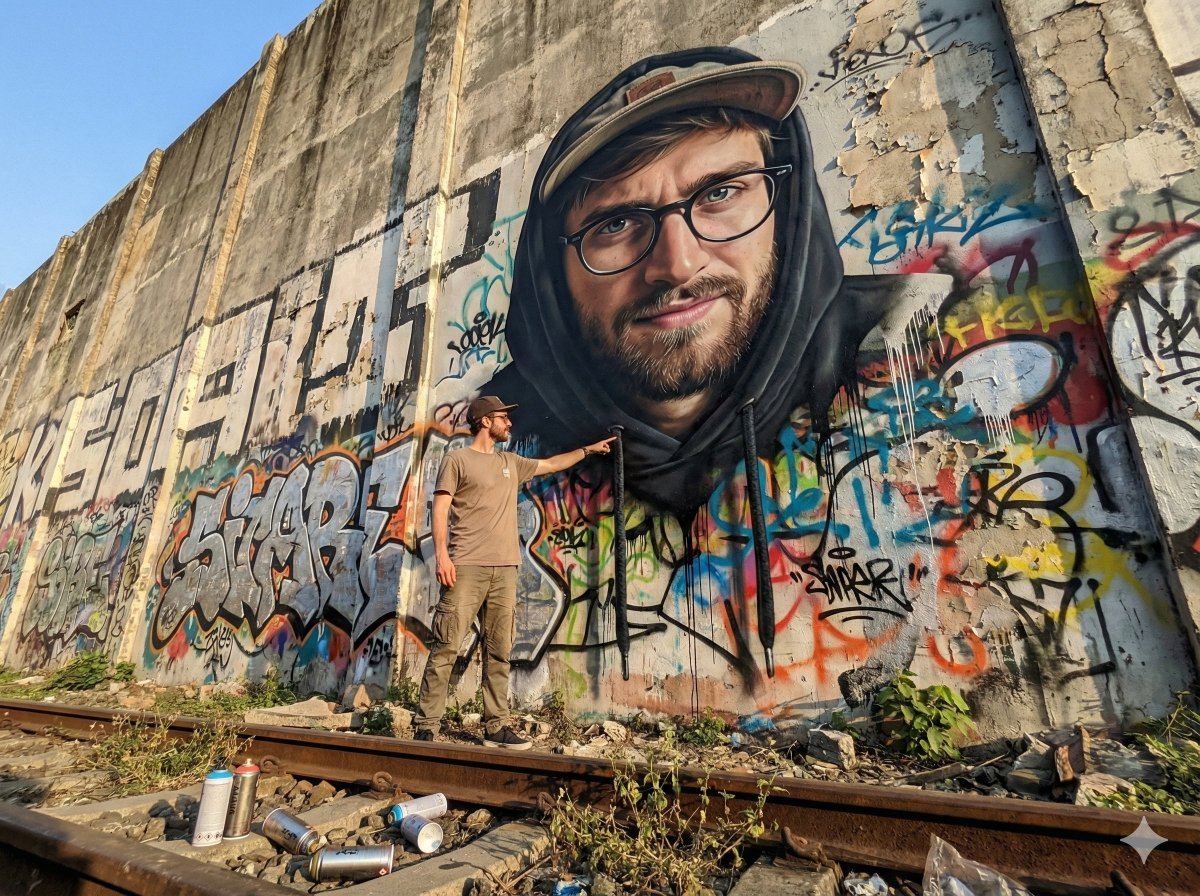
2D Mural to 3D Reality Street Art Prompt
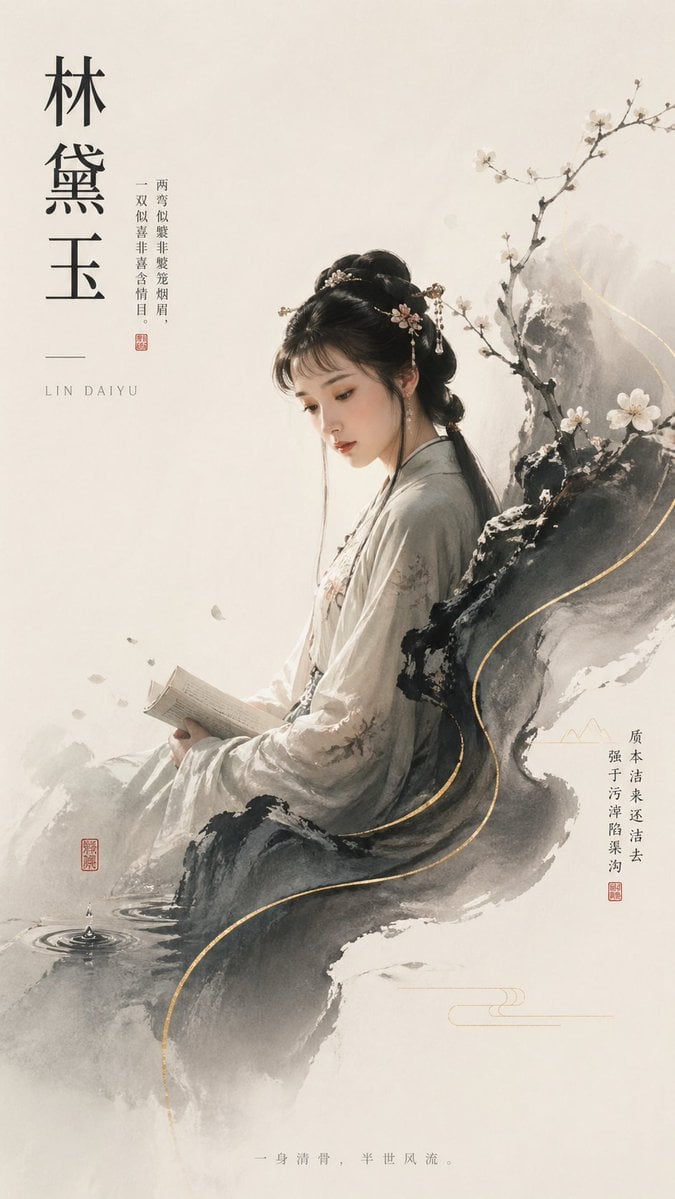
Lin Daiyu Ink-Wash Poster
Browse template categories
Celestial Idol Character Poster questions
How do I use the Celestial Idol Character Poster template?
Add your photo if the template asks for one, edit the prompt if you like — the template's model and format are already selected — and press Generate. Your version opens in PicX Studio.
Can I customize the Celestial Idol Character Poster template?
Yes. You can change the subject, setting, lighting, mood, format, and available model controls before creating your image.
Is the Celestial Idol Character Poster template free?
Opening and editing this template is free. Generating uses credits, shown on the Generate button when you are signed in.
Which AI model should I use?
Start with GPT Image 2, which is the model associated with this template. You can compare another compatible model for a different finish.
Looking for something else? Browse all templates.

Your photo, any look
Thousands of ready templates for every top image and video model, from one credit balance.