
Fantasy GPT Image Skills Banner
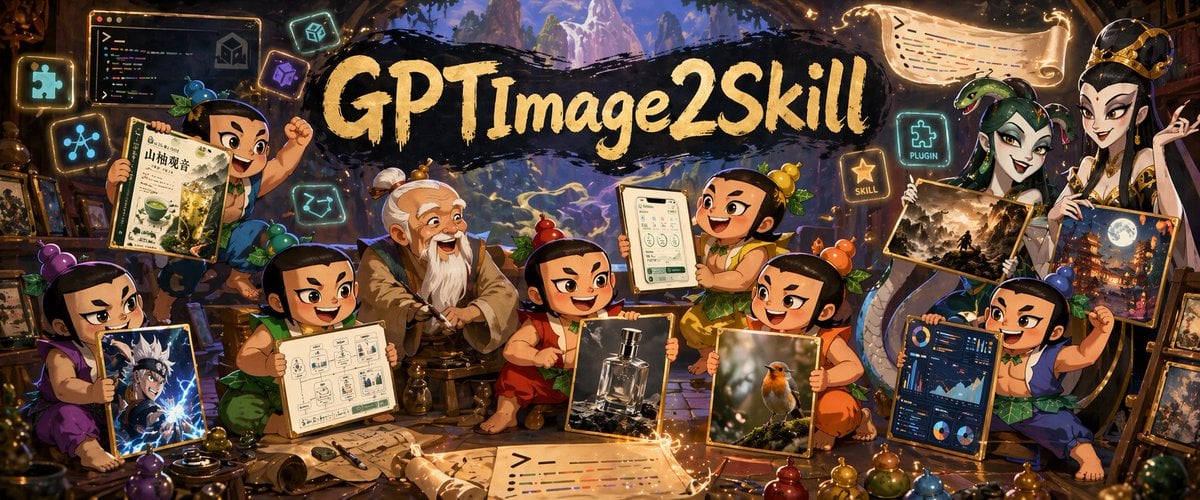
A wide fantasy workshop banner showing chibi apprentices presenting different AI-generated image styles around a master, ideal for social headers or promotional art about creative image-generation skills.
- Prompt included
- Model and format preset
- Free template
The prompt behind this image
Copy the exact prompt behind Fantasy GPT Image Skills Banner, or open it in the studio and make it yours.
A richly detailed fantasy workshop illustration in a wide cinematic banner format, crowded with playful young apprentice characters gathered around an elderly master in the center. The scene has a magical artisan studio atmosphere with warm amber lighting, glowing runes, floating icons, scrolls, framed artworks, and shelves full of tools and curios. At the top center, a dramatic black brushstroke banner carries large hand-painted gold lettering reading {argument name="headline text" default="GPTImage2Skill"}. In the middle sits an old sage-like teacher with white hair in a topknot and a long white beard, wearing layered tan and gray robes, seated calmly on a low stool as if mentoring the group. Around him are 8 chibi-style apprentices with exaggerated expressive faces, black hair tied in small topknots, colorful traditional outfits in purple, green, red, orange, yellow, blue, and teal, each proudly presenting a different creation. Count and show exactly 8 apprentices plus the central master. On the far left, one purple-clad child kneels and holds a framed anime-style action portrait with electric blue effects. Above left, one green-clad child raises a drink poster featuring a matcha beverage and East Asian typography. Near lower left-center, one apprentice in green presents a clean schematic page with small UI-like boxes and diagrams. Near center-right, one orange-red-clad child holds a realistic luxury perfume bottle product shot. To the right of that, one yellow-orange child presents a realistic bird photograph with soft bokeh. Upper center-right, one cheerful child lifts a tablet or framed mobile app screen showing a clean interface. Far right lower side, one blue-clad child displays a dark-themed analytics dashboard full of charts and graphs. On the upper right, a tall regal figure in ornate white-and-gold robes and crown-like headpiece stands holding 2 framed fantasy artworks: one darker landscape scene and one moonlit city or temple scene. Include exactly 2 artworks in this upper-right display. Scatter glowing floating UI-style icons around the room; include exactly 6 floating icon/sign elements: a puzzle-piece icon, a network-node icon, a code window, a cube icon, a glowing sign reading "PLUGIN" beside a puzzle icon, and a glowing star sign reading "SKILL". Also add 2 magical scroll banners with glowing edges, one near the top right and one across the bottom foreground, both covered in stylized code-like colored lines. The environment should feel like a blend of ancient atelier, fantasy library, and creative AI studio, with stone arches, wooden beams, distant mountainous scenery visible through openings, and golden magical particles swirling through the air. Highly polished digital illustration, dense composition, whimsical epic tone, saturated jewel colors, dramatic rim lighting, crisp detail, painterly textures, fantasy promotional poster quality.
How to use Fantasy GPT Image Skills Banner in 3 steps
- 1Upload ImagePNG, JPG or paste
Add your photo
Upload the photo the template builds on. The prompt, model and format are already set.
- 2…a portrait of your subject in softgolden-hour light, 85mm…
Personalize
Edit the subject and creative details for your destination.
- 3Generate
Generate
Press Generate — your image is created in PicX Studio, so you can compare it with the original and refine one variable at a time.
More like this
Templates with the same subject, style or setup. Open one to see its prompt.
Fantasy GPTImage2 Skill Banner
Fantasy GPT Image 2 Skill Banner
Felt GPT Image 2 Apple Design Banner

ChatGPT Bonus Banner Screenshot

Anime Fantasy Celestial Movie Poster
Anime Fantasy Celestial Movie Poster

Minecraft Fantasy Kingdom Voxel Landscape

Unfinished Sketch Comes Alive Portrait

Open Travel Journal Overhead Still Life

Tiny Woman Miniature Fantasy Macro Scene

GPT-Image2 E-Commerce Course Banner
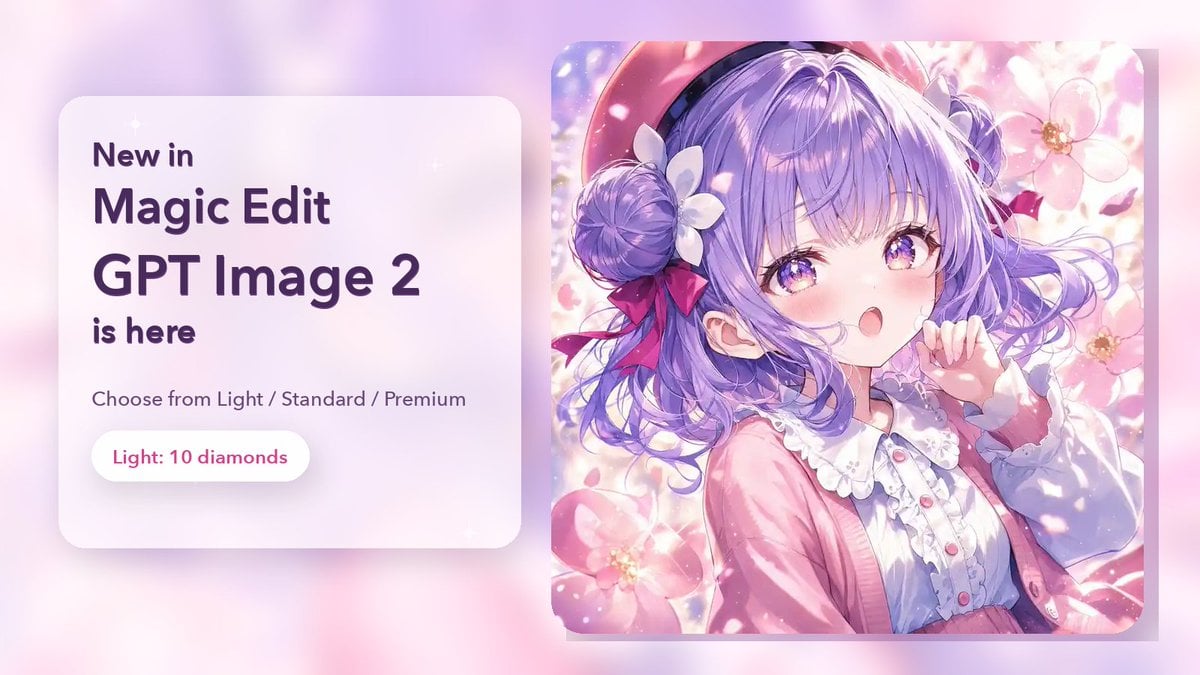
Magic Edit GPT Image 2 Promo Banner
Make it yours
Fantasy GPT Image Skills Banner works as-is. These are the safest ways to change it without losing the look.
Change one field
Copy a single group, rewrite it, and generate again so you can see what that field is doing.
Keep the frame, change the subject
Hold the composition and light of Fantasy GPT Image Skills Banner, then swap wardrobe, props or the person for a new take.
| If the result… | Why | Fix |
|---|---|---|
| The result drifts from the preview | Too many fields changed at once. | Reuse Fantasy GPT Image Skills Banner as-is first, then change one group — subject, light, or setting. |
| The model over-stylizes the scene | The prose prompt leaves finish and camera underspecified. | Add one camera or lighting sentence and stay on GPT Image 2. |
More GPT Image 2 templates
Other prompts made for GPT Image 2.

Six VTuber Japanese Logo Sheet

Realistic Portrait of Woman and Deer

The Vista Modular Condo Poster

AI Model Routing Comparison Infographic

2.5D Anime Art Board

Isometric Productivity Desk Scene

New York Double Exposure Poster

Four-Panel AI Landscape Comparison

Japanese Tatami Lifestyle Magazine Cover

NESCAFÉ Coffee Map Poster
More image prompts
Fresh picks from across the catalog.
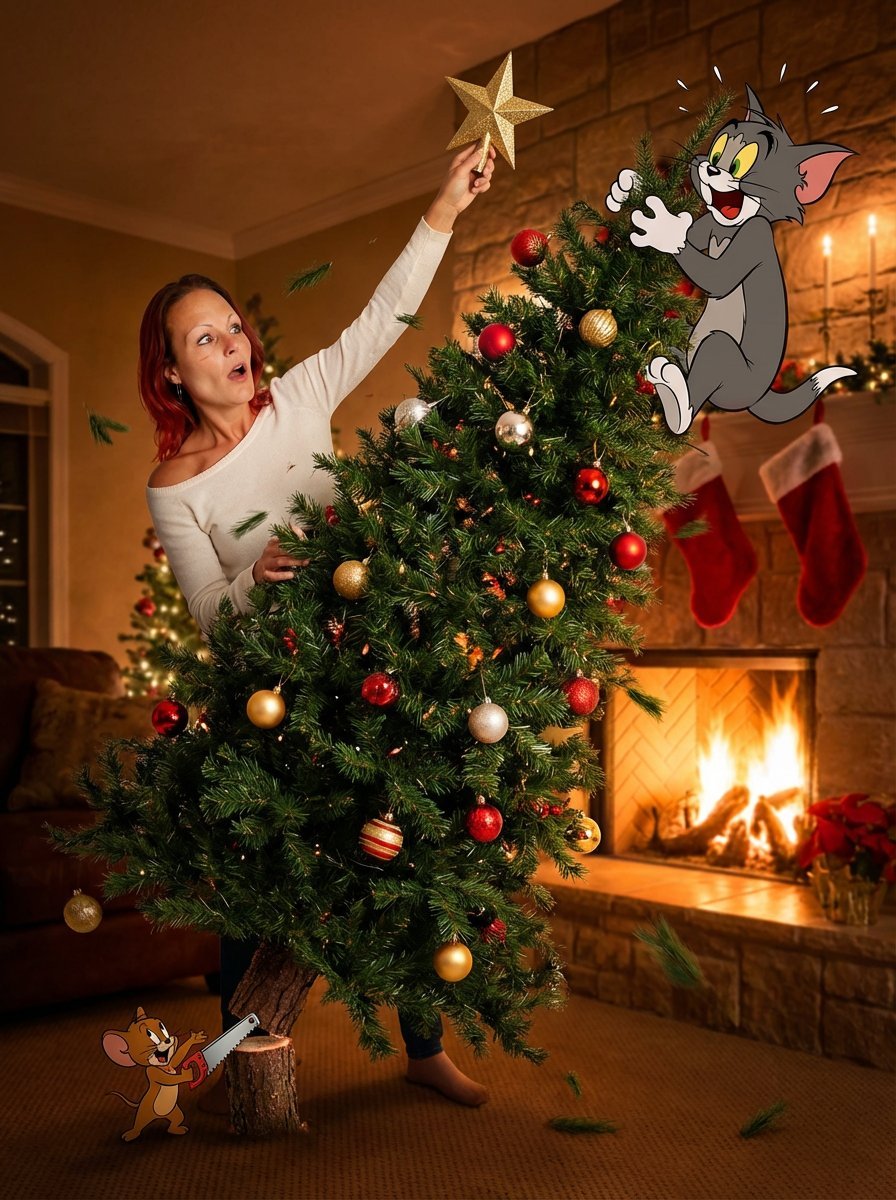
Christmas Tree Disaster Action Freeze (Tom and Jerry Style)
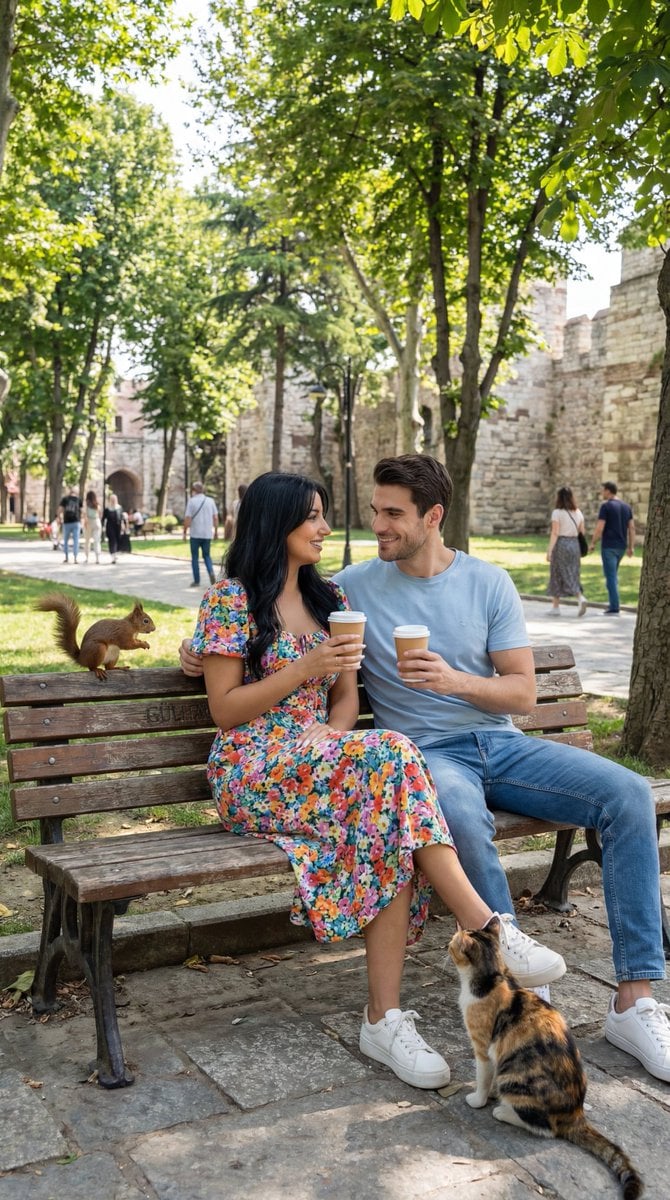
Ultra-Photoreal Candid Street Romance Prompt
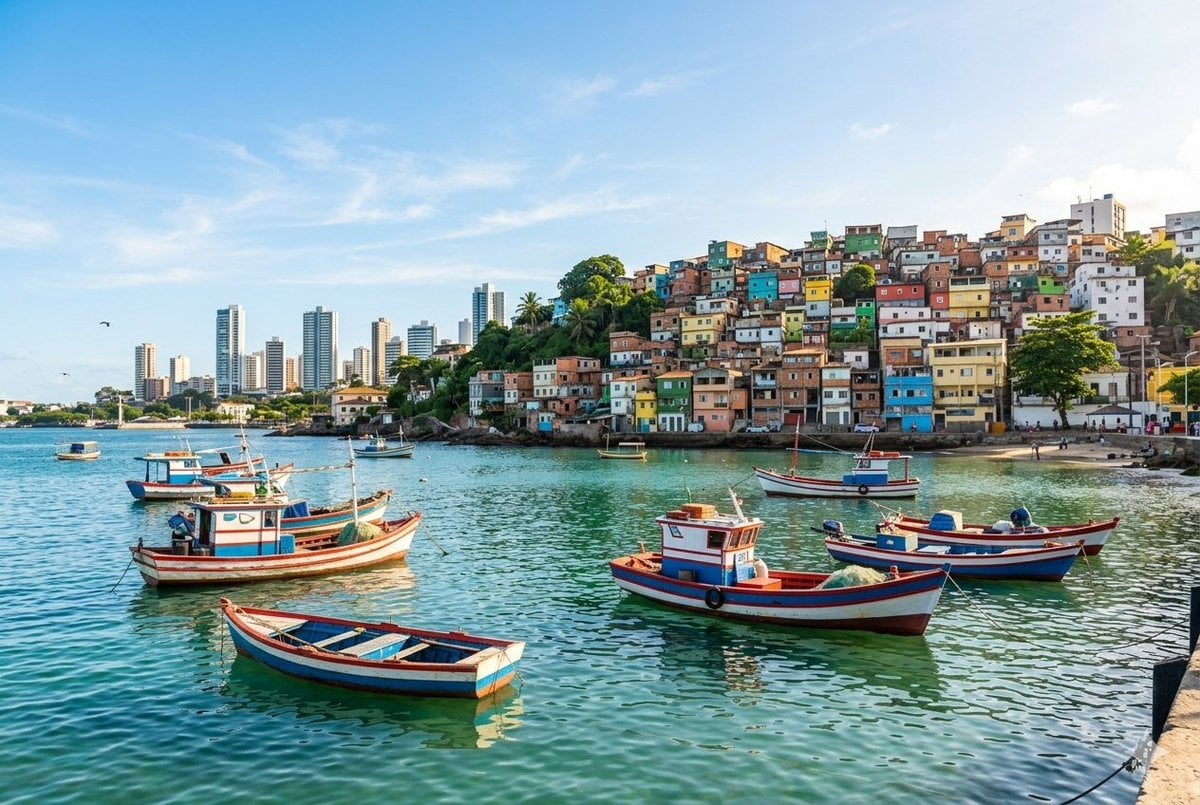
Realistic port scene in Salvador, Bahia
Gpt2 Profile Avatar Portrait of a Gentle Woman with Glasses
Shocked Expression Candid Photo Prompt
Cinematic Baijiu 9-Panel Storyboard
Hyperrealistic glass pork belly on a grill
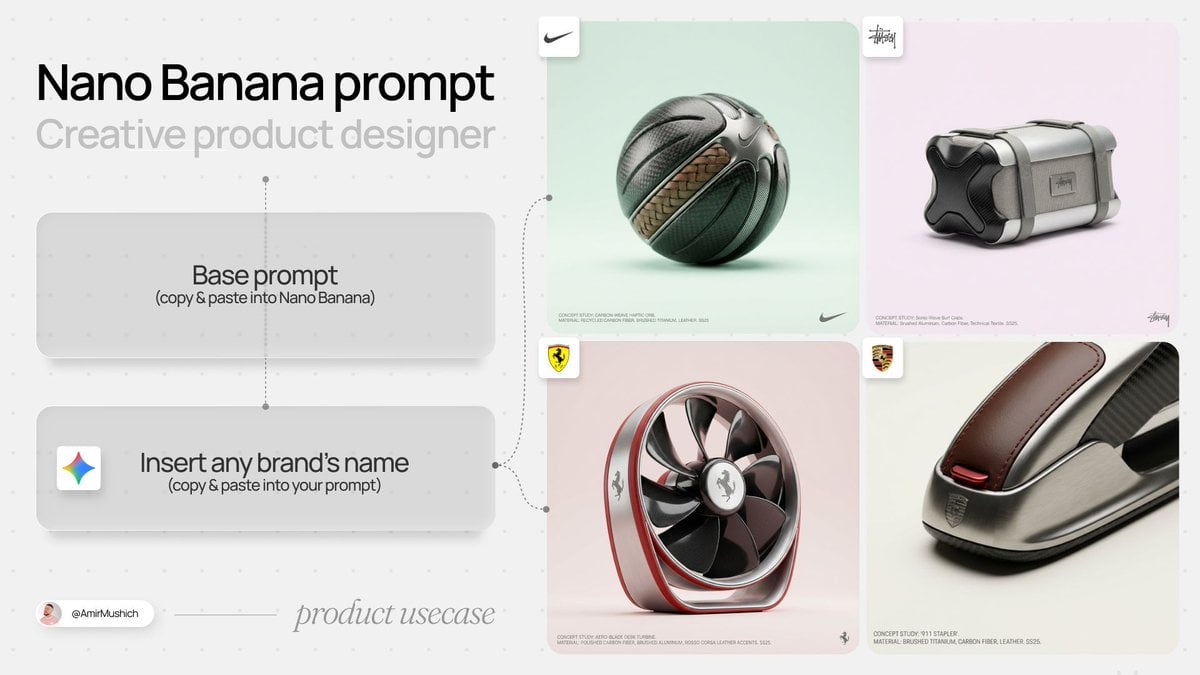
High-End Concept Art Magazine Editorial Prompt
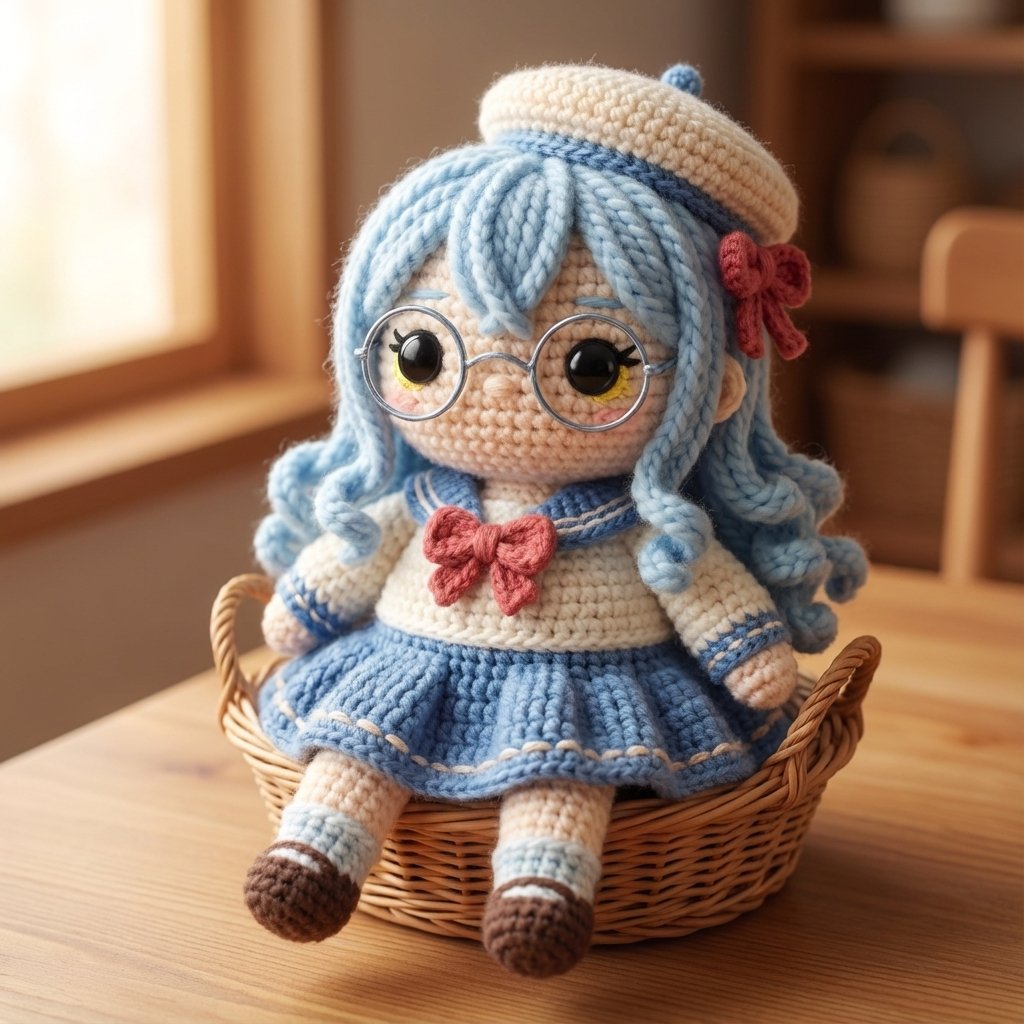
Amigurumi Style Conversion Prompt
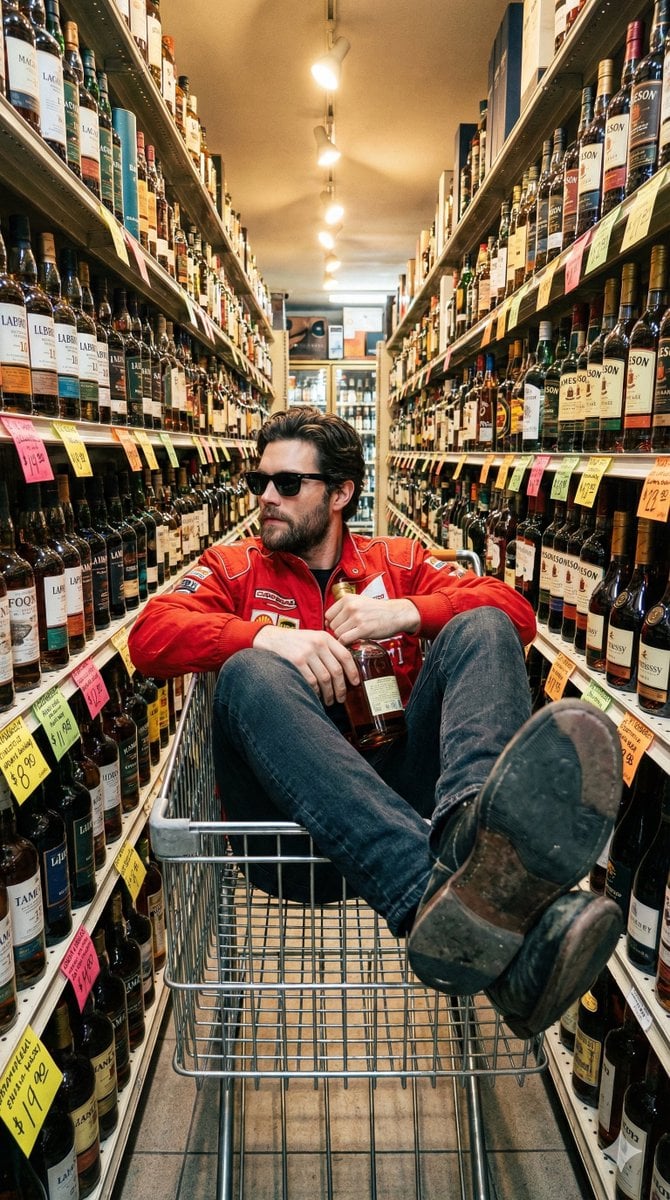
Unfiltered Smartphone Photo of Man in Shopping Cart in Liquor Store
Browse template categories
Fantasy GPT Image Skills Banner questions
How do I use the Fantasy GPT Image Skills Banner template?
Add your photo if the template asks for one, edit the prompt if you like — the template's model and format are already selected — and press Generate. Your version opens in PicX Studio.
Can I customize the Fantasy GPT Image Skills Banner template?
Yes. You can change the subject, setting, lighting, mood, format, and available model controls before creating your image.
Is the Fantasy GPT Image Skills Banner template free?
Opening and editing this template is free. Generating uses credits, shown on the Generate button when you are signed in.
Which AI model should I use?
Start with GPT Image 2, which is the model associated with this template. You can compare another compatible model for a different finish.
Looking for something else? Browse all templates.

Your photo, any look
Thousands of ready templates for every top image and video model, from one credit balance.