
High-End Concept Art Magazine Editorial Prompt
A detailed prompt template for generating a high-end, glossy editorial photograph of a unique, unexpected functional object conceptualized by a brand.
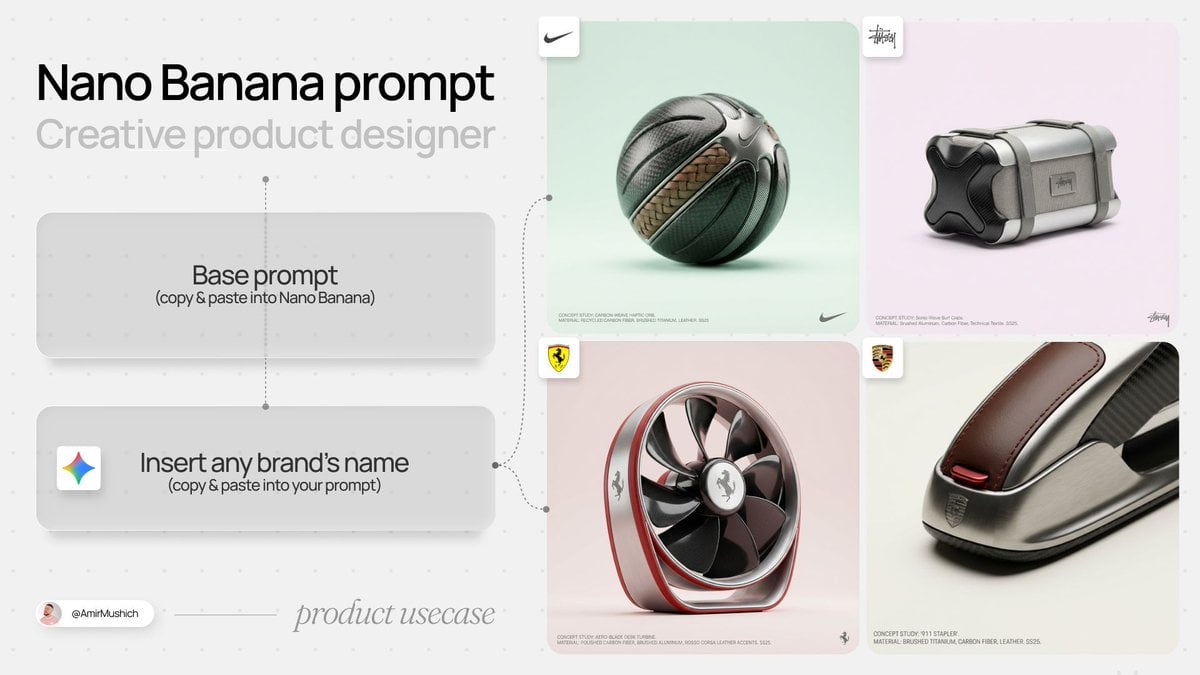
- Prompt included
- Model and format preset
- Premium template
The prompt behind this image
Copy the exact prompt behind High-End Concept Art Magazine Editorial Prompt, or open it in the studio and make it yours.
[BRAND NAME]: A high-end, glossy concept art magazine editorial photograph of a unique, unexpected functional object conceptualized and designed by the brand. **1. The Concept & Object (AI Invention):** Based on the design philosophy, heritage, and material vocabulary of the specified brand, the AI must invent a novel utility product (NOT standard clothing, shoes, or bags). Examples could be home goods, tech accessories, tools, or sporting equipment, reinterpretated through the brand's lens. The object should feel sculptural yet functional. **2. Materials & Details (Hyper-Premium):** The object is constructed from ultra-premium, highly tactile materials characteristic of the brand (e.g., patinated exotic leathers, brushed aerospace-grade titanium, sculpted matte ceramics, molded carbon fiber, or technical high-fashion textiles). Every detail is hyper-realistic: visible stitching, microscopic material grain, precision engravings, and complex texture contrasts. **3. Photography & Lighting (Cinematic Studio):** Shot on a medium format Phase One camera with a 100mm macro lens. Extremely shallow depth of field, with sharp focus on the hero details of the object and a creamy, smooth bokeh background. The lighting is sophisticated studio softbox lighting: gentle, enveloping fill light with precise rim lighting to accentuate contours and material textures. **4. Environment:** A seamless, impeccably clean studio cyclorama background in a pure, ultra-light pastel tone (e.g., desaturated mint, pale blush, or off-white), free of shadows. **5. Layout & UI Elements (Strict Placement):** - **Bottom Right Corner:** A small, understated, monochrome gray logo of the {argument name="brand name" default="BRAND NAME"}. - **Bottom Left Corner:** Small, minimalist monochrome gray text describing the invented product. The font style looks like Manrope Regular with very tight tracking (kerning) and balanced line spacing. Example format: "CONCEPT STUDY: {argument name="invented product name" default="[AI inserts invented product name]"}. MATERIAL: [AI inserts main materials]. SS25."
How to use High-End Concept Art Magazine Editorial Prompt in 3 steps
- 1
Open
The prompt is already in the box next to the preview, with the template's model and format selected.
- 2…a portrait of your subject in softgolden-hour light, 85mm…
Personalize
Edit the subject and creative details for your destination.
- 3Generate
Generate
Press Generate — your image is created in PicX Studio, so you can compare it with the original and refine one variable at a time.
More like this
Templates with the same subject, style or setup. Open one to see its prompt.

Monochrome Halftone Editorial Fashion Poster

Korean Model Floating Magazine Pages Campaign

Glass Brand Logo Volcanic Landscape

Dark Runway Luxury Fashion Magazine Cover

High-Fashion Editorial Magazine Cover ICON

Blue Hour Editorial Fashion Portrait

Conceptual Fashion Portrait in Spider We
High-End Laptop Packaging Concept Board
High-End Menswear Editorial Photography
Lavender Salwar Kameez Editorial Portrait
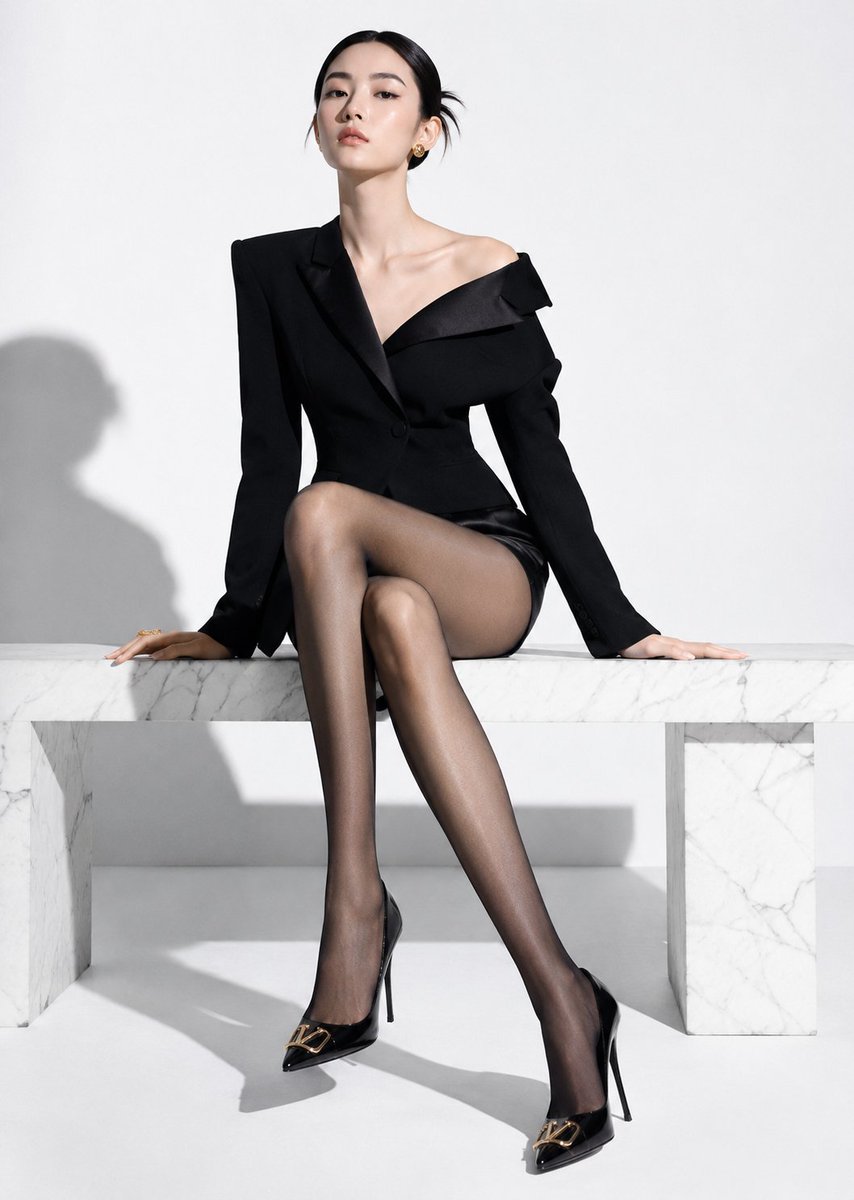
High-End Fashion Editorial Shoot with Chinese Model

Urban Fashion Editorial Collage Streetwear Poster
Make it yours
High-End Concept Art Magazine Editorial Prompt works as-is. These are the safest ways to change it without losing the look.
Change one field
Copy a single group, rewrite it, and generate again so you can see what that field is doing.
Keep the frame, change the subject
Hold the composition and light of High-End Concept Art Magazine Editorial Prompt, then swap wardrobe, props or the person for a new take.
| If the result… | Why | Fix |
|---|---|---|
| The result drifts from the preview | Too many fields changed at once. | Reuse High-End Concept Art Magazine Editorial Prompt as-is first, then change one group — subject, light, or setting. |
| The model over-stylizes the scene | The prose prompt leaves finish and camera underspecified. | Add one camera or lighting sentence and stay on Nano Banana 2. |
More Nano Banana 2 templates
Other prompts made for Nano Banana 2.

Photorealistic Leaf Shaped Like a Dragon

K-Pop Idol Portrait Grid for Rapid Selection

Poetic Rain Forest Portrait During Golden Hour

Urban Street Portrait with Cartoon Inner Self Duo

Candid Nighttime Photo with Cat Prompt

High-Concept 3D Diorama Generation Prompt

Cinematic Futuristic Studio Portrait Template

Skincare Editorial Photography Collage Prompt

Hyper-Realistic Commercial Product Photography (Splash Effect)

Hyper-Realistic Nightclub Portrait Prompt
More image prompts
Fresh picks from across the catalog.
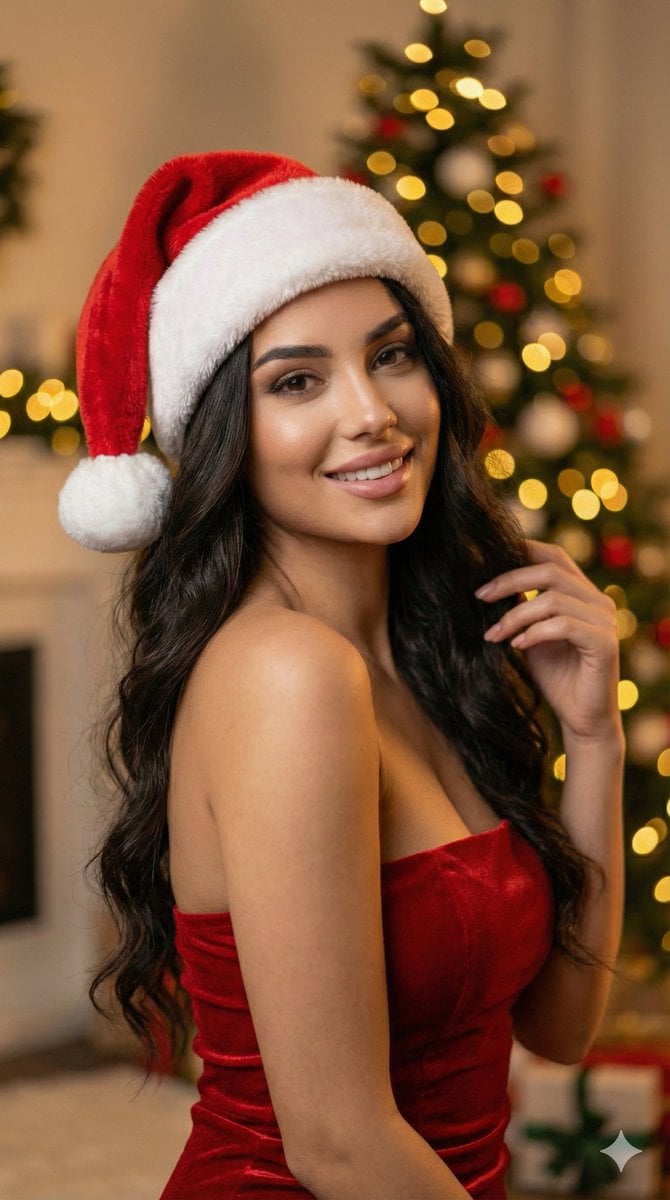
Ultra-realistic Christmas Glam Portrait Prompt
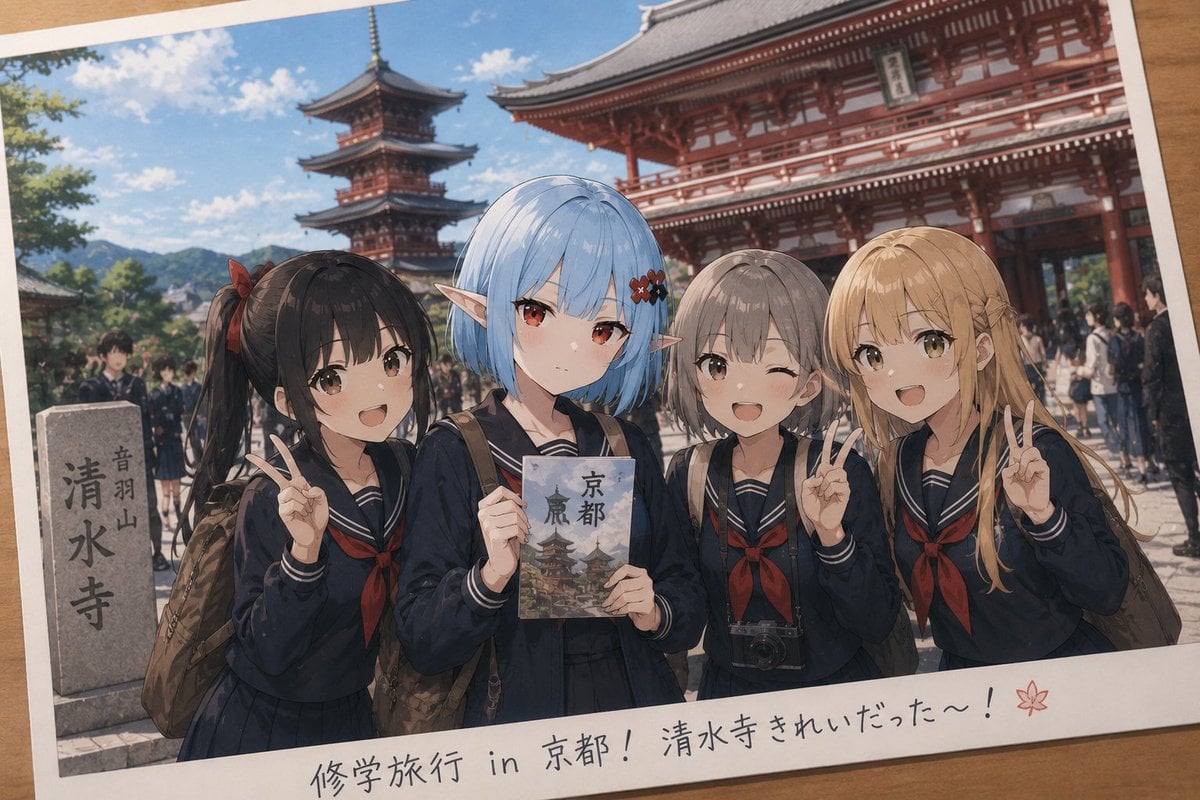
Event Photo Synthesis Illustration
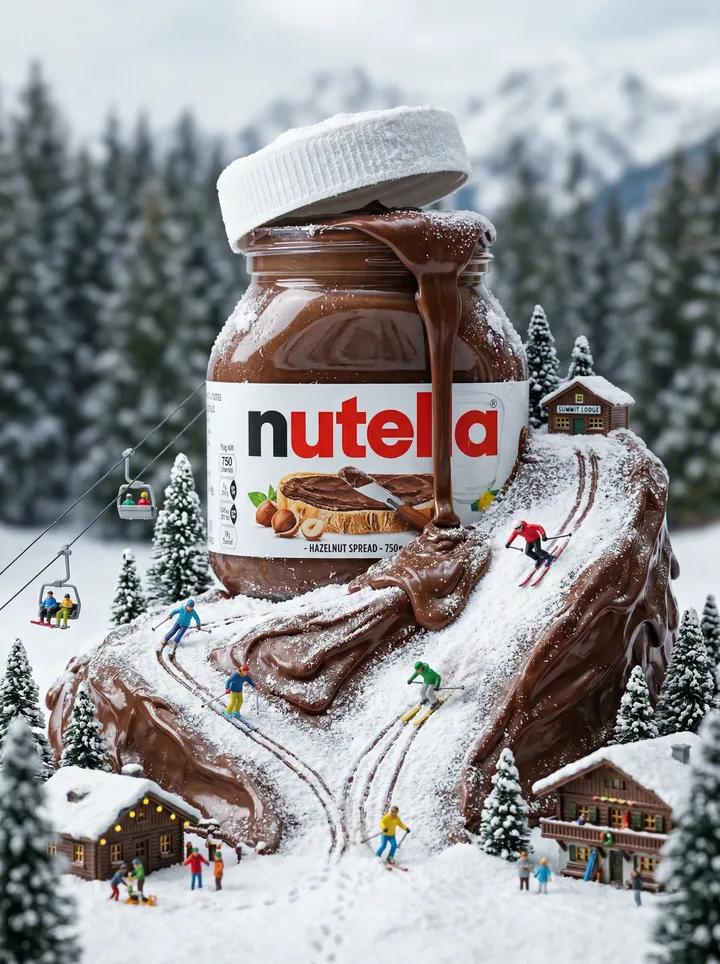
Nutella Miniature Winter World Video Prompt (JSON)
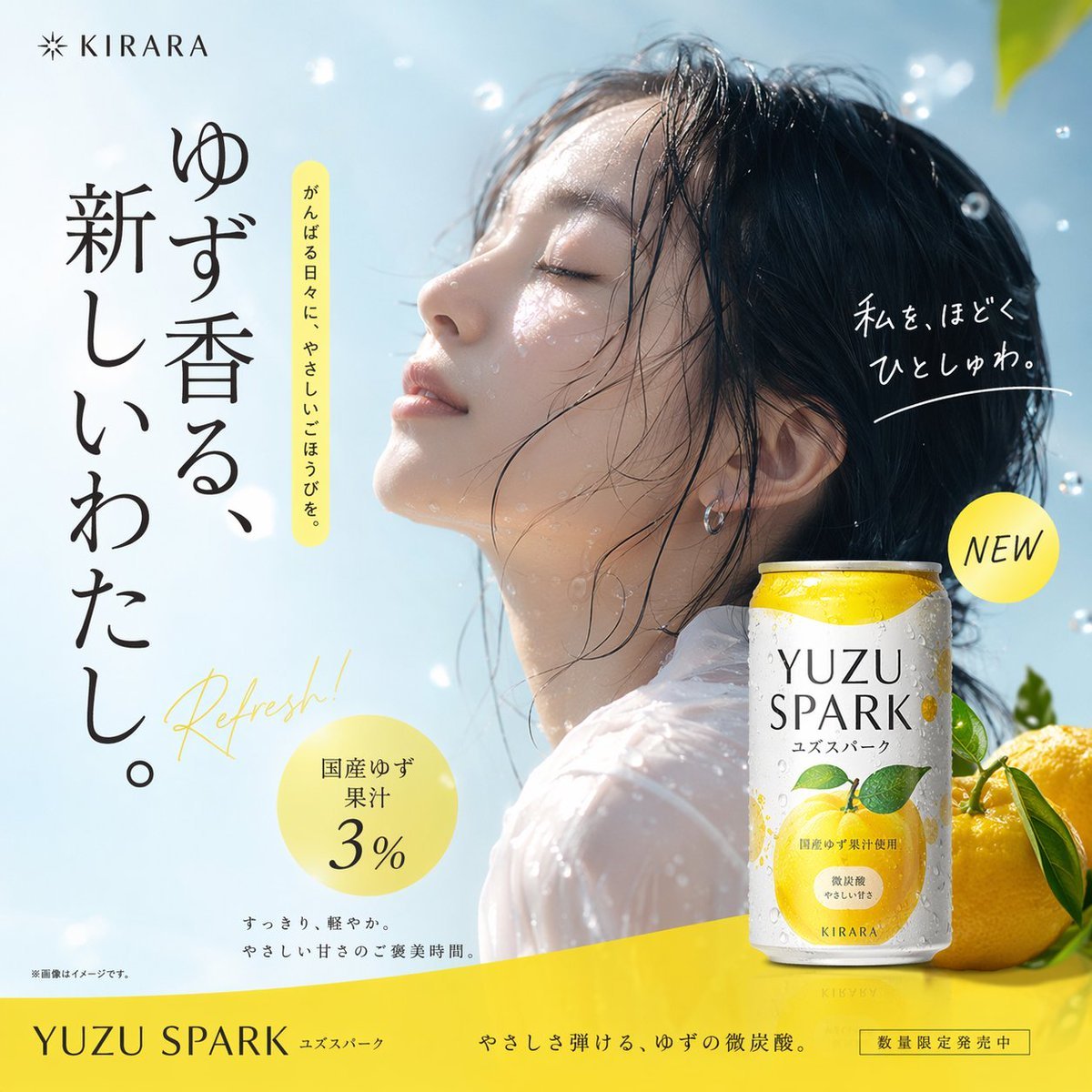
Yuzu Sparkling Water Advertisement
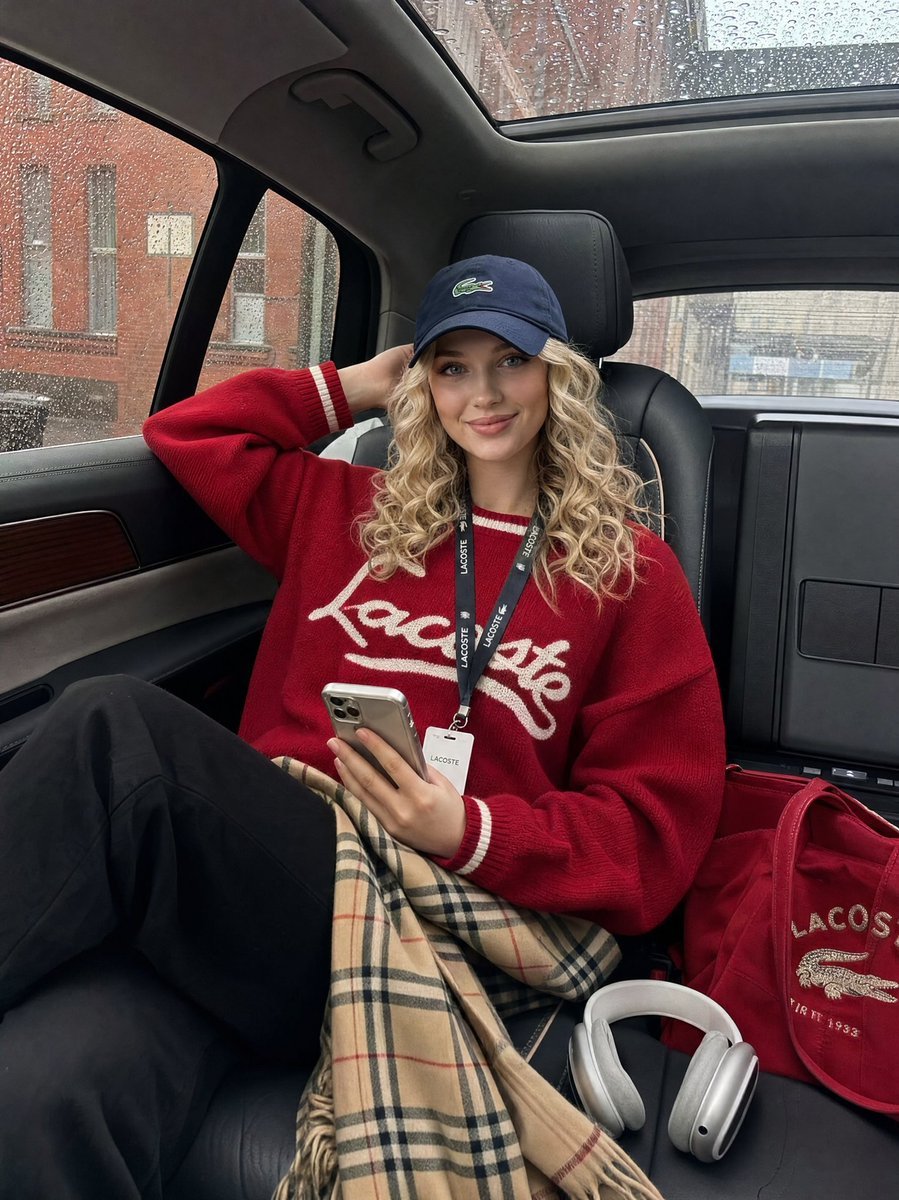
Luxury SUV Interior Lifestyle Snapshot
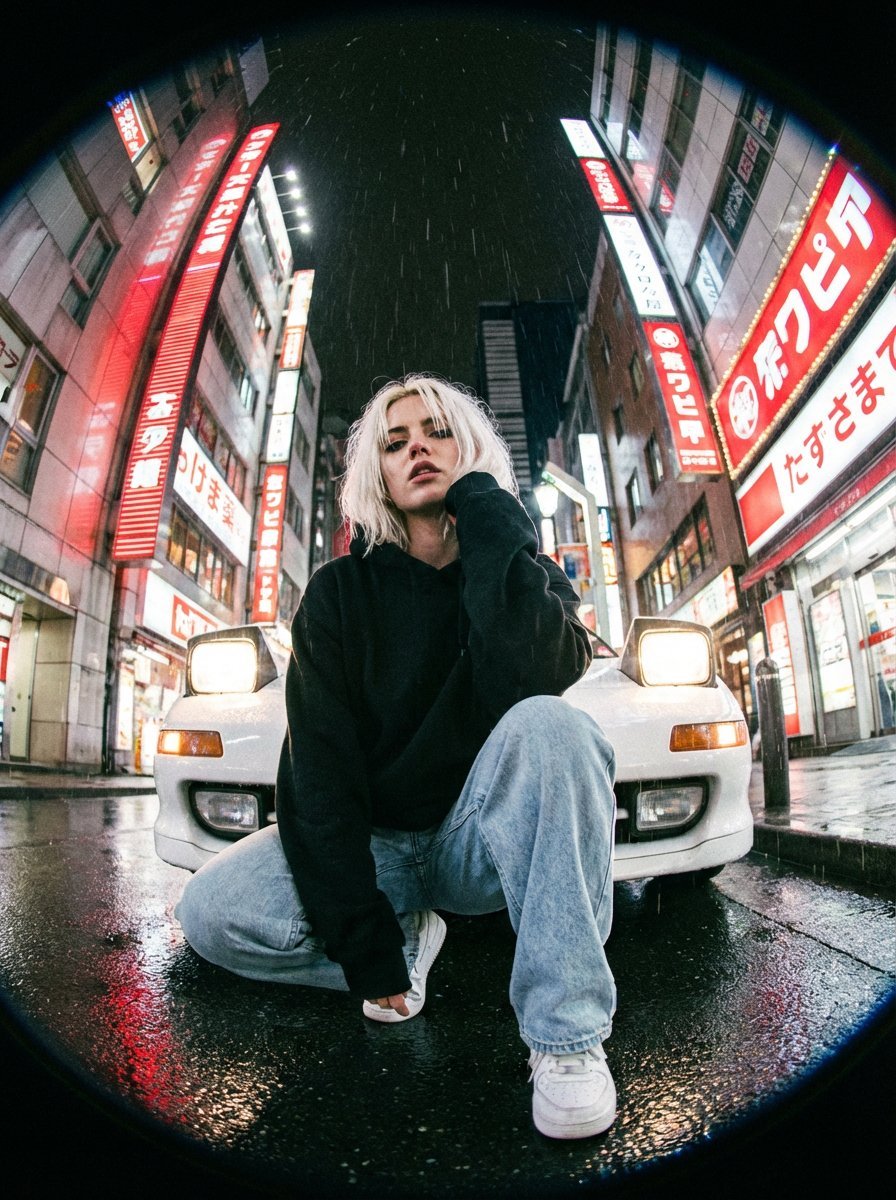
Hyper-Realistic Fisheye Street Portrait in Tokyo Rain
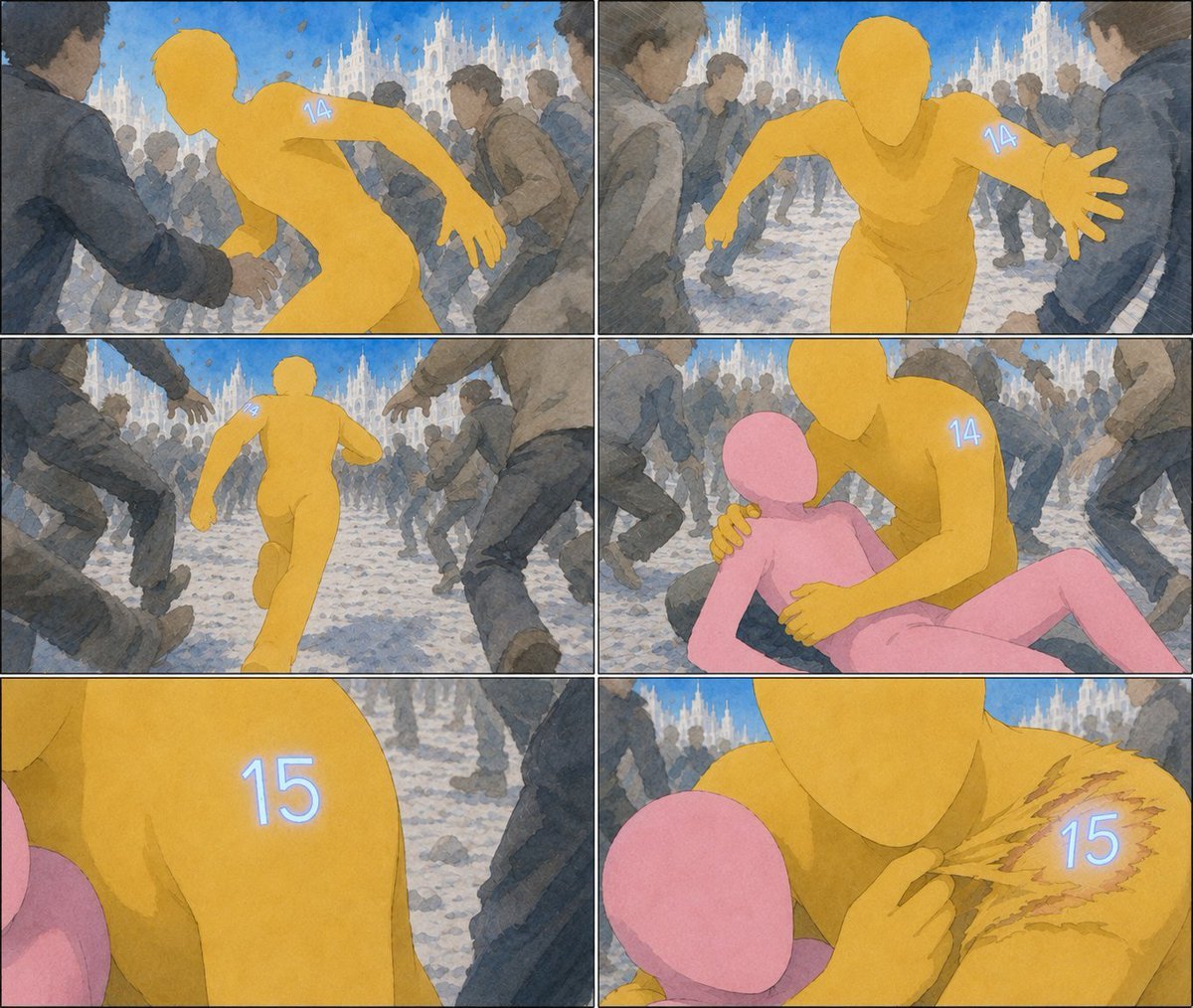
Six-Panel Numbered Humanoid Storyboard
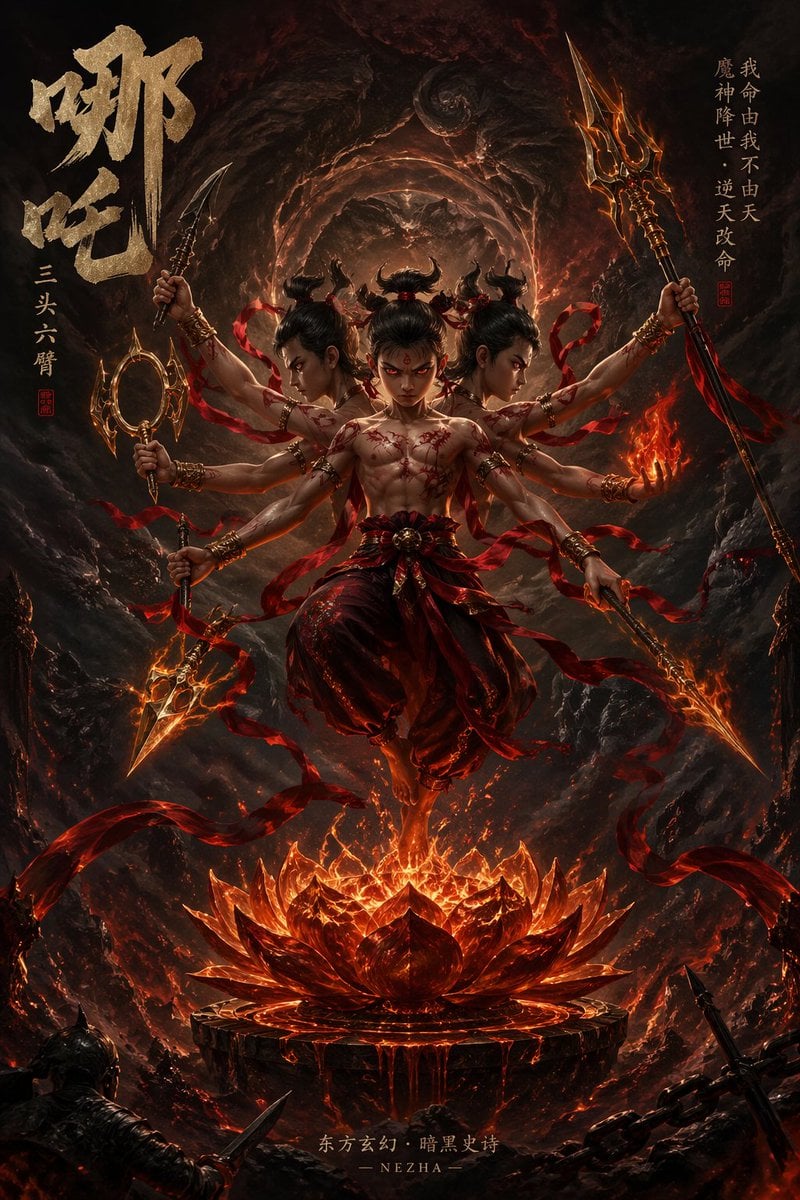
Epic Fantasy Novel Cover for Nezha
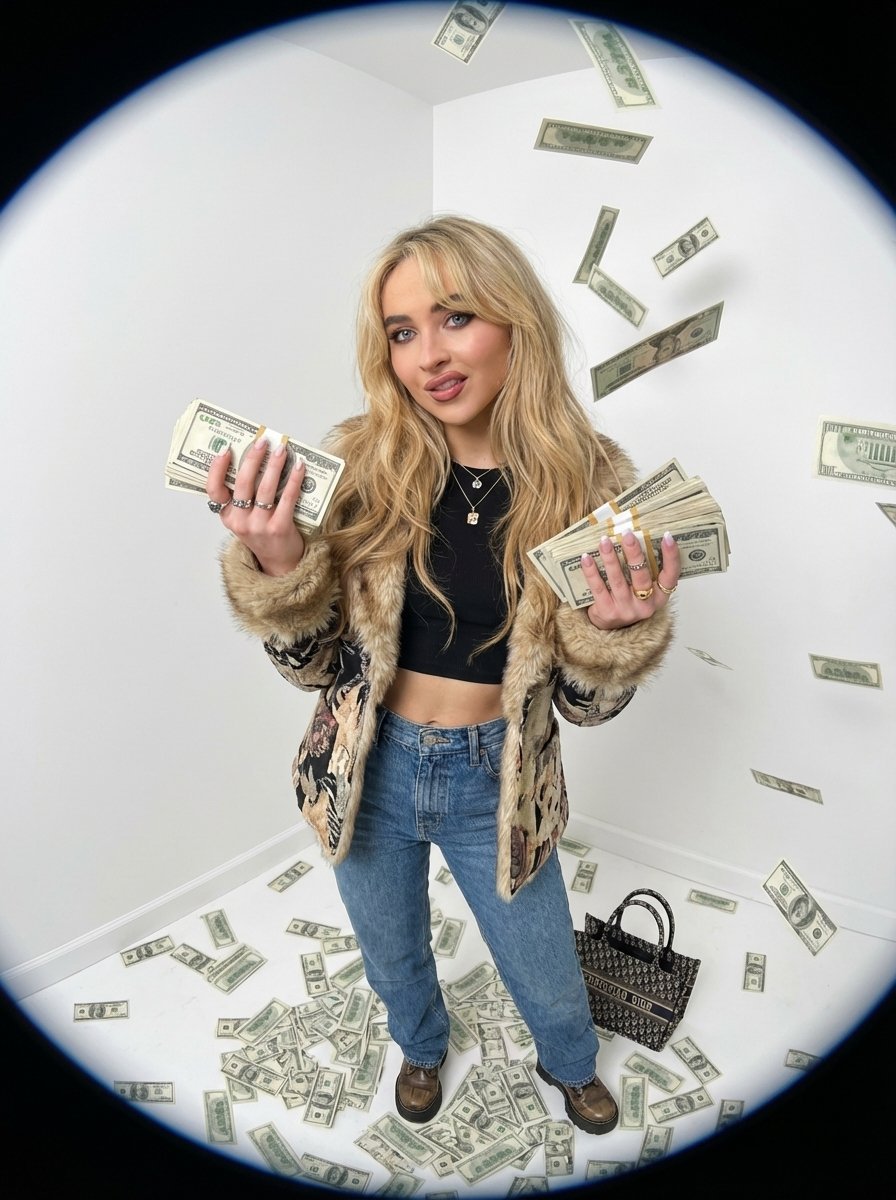
Fisheye portrait with money in a white studio
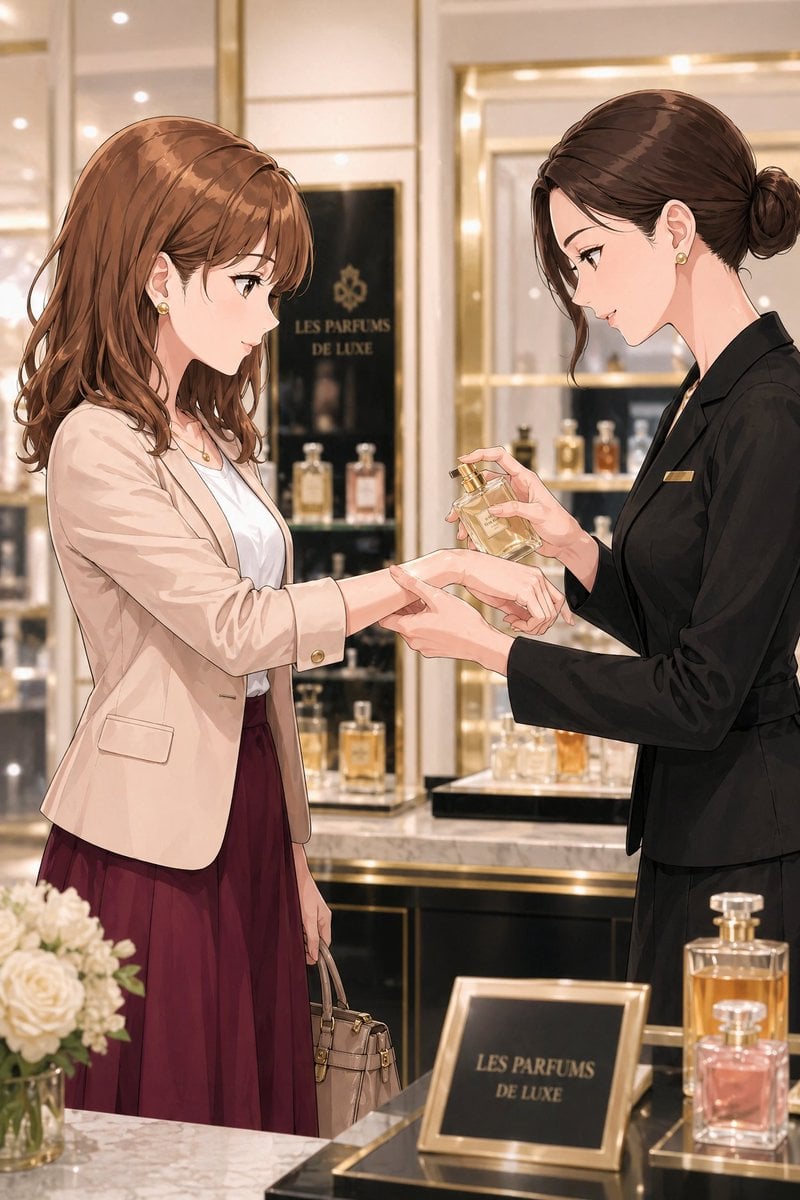
Luxury Perfume Counter Office Lady Scene
Browse template categories
High-End Concept Art Magazine Editorial Prompt questions
How do I use the High-End Concept Art Magazine Editorial Prompt template?
Add your photo if the template asks for one, edit the prompt if you like — the template's model and format are already selected — and press Generate. Your version opens in PicX Studio.
Can I customize the High-End Concept Art Magazine Editorial Prompt template?
Yes. You can change the subject, setting, lighting, mood, format, and available model controls before creating your image.
Is the High-End Concept Art Magazine Editorial Prompt template free?
Opening and editing this template is free. Generating uses credits, shown on the Generate button when you are signed in.
Which AI model should I use?
Start with Nano Banana 2, which is the model associated with this template. You can compare another compatible model for a different finish.
Looking for something else? Browse all templates.

Your photo, any look
Thousands of ready templates for every top image and video model, from one credit balance.