
Luxury SUV Interior Lifestyle Snapshot
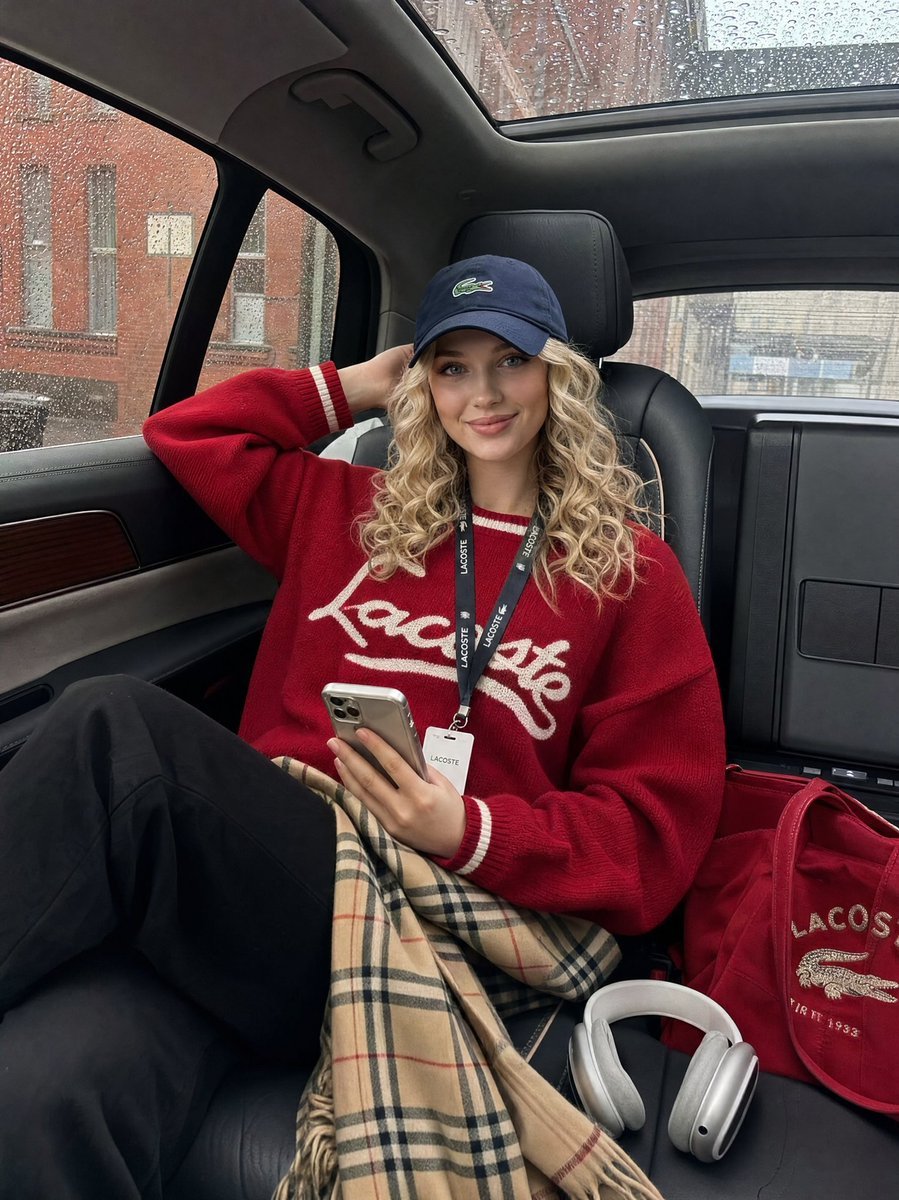
A detailed prompt for a candid, off-duty model shot inside a luxury SUV during a rainy day with soft overcast lighting.
- Prompt included
- Model and format preset
- Free template
The prompt behind this image
Copy the exact prompt behind Luxury SUV Interior Lifestyle Snapshot, or open it in the studio and make it yours.
{ "prompt": { "subject": "{argument name="subject" default="young woman seated in luxury SUV backseat, one arm raised behind head, holding smartphone, relaxed confident pose"}", "styling": { "top": "{argument name="clothing" default="red varsity knit sweater with white stripe detailing and script lettering"}", "bottom": "black pants with Burberry plaid skirt or scarf draped over lap", "headwear": "navy blue Lacoste dad cap, slightly forward", "accessories": [ "lanyard badge around neck", "AirPods Max headphones on floor", "red tote bag with embroidered detail" ] }, "setting": { "location": "luxury SUV backseat interior", "interior": "black leather seats with cream contrast stitching, panoramic sunroof, wood trim accents", "background": "urban street visible through rain-speckled car window, brick buildings" }, "mood": "effortlessly cool, candid, off-duty model energy", "lighting": "natural daylight through car windows, soft overcast light", "camera": { "angle": "slight low angle, 3/4 view", "style": "candid iPhone snapshot, realistic, not staged" }, "color_palette": ["crimson red", "navy blue", "cream white", "camel plaid", "black"] } }
How to use Luxury SUV Interior Lifestyle Snapshot in 3 steps
- 1
Open
The prompt is already in the box next to the preview, with the template's model and format selected.
- 2…a portrait of your subject in softgolden-hour light, 85mm…
Personalize
Edit the subject and creative details for your destination.
- 3Generate
Generate
Press Generate — your image is created in PicX Studio, so you can compare it with the original and refine one variable at a time.
More like this
Templates with the same subject, style or setup. Open one to see its prompt.
Luxury Car Interior Lifestyle Portrait
Luxury Fashion Editorial SUV Shoot
Luxury Men's Lifestyle Portrait

A k.pop idol on the stage with mic
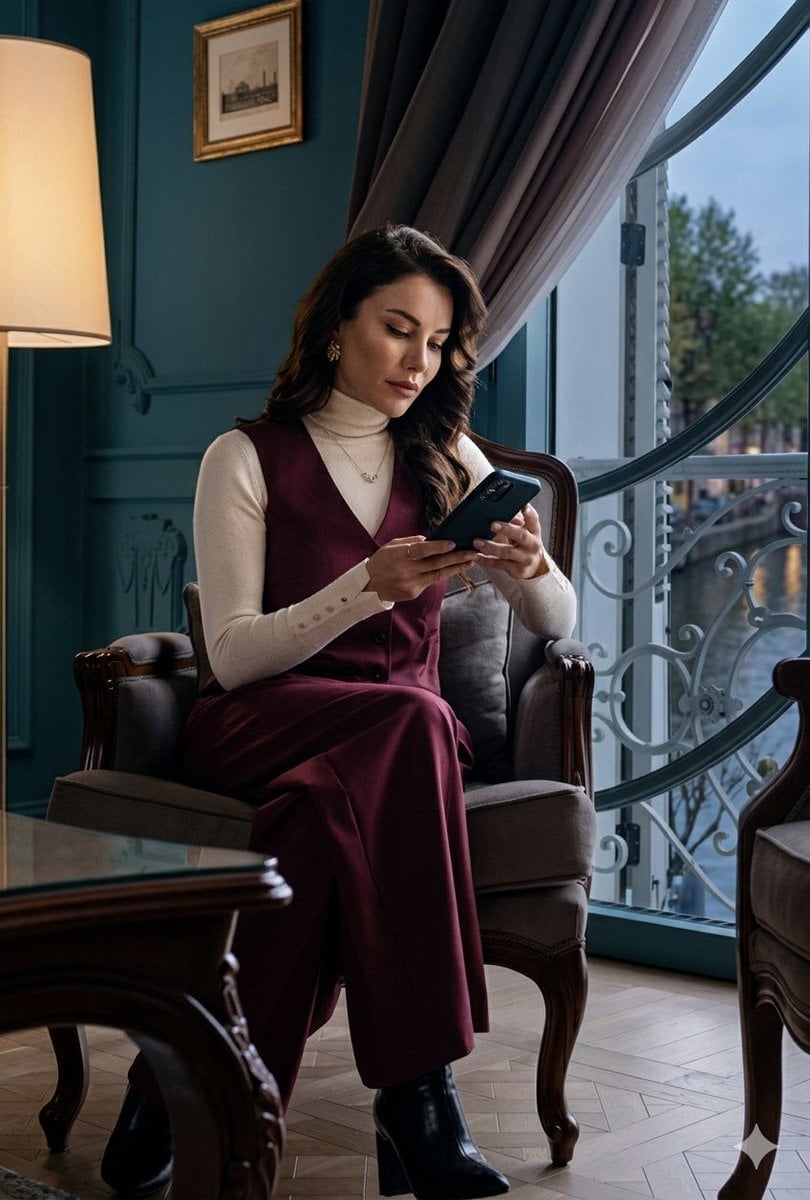
Sophisticated Luxury Interior Portrait
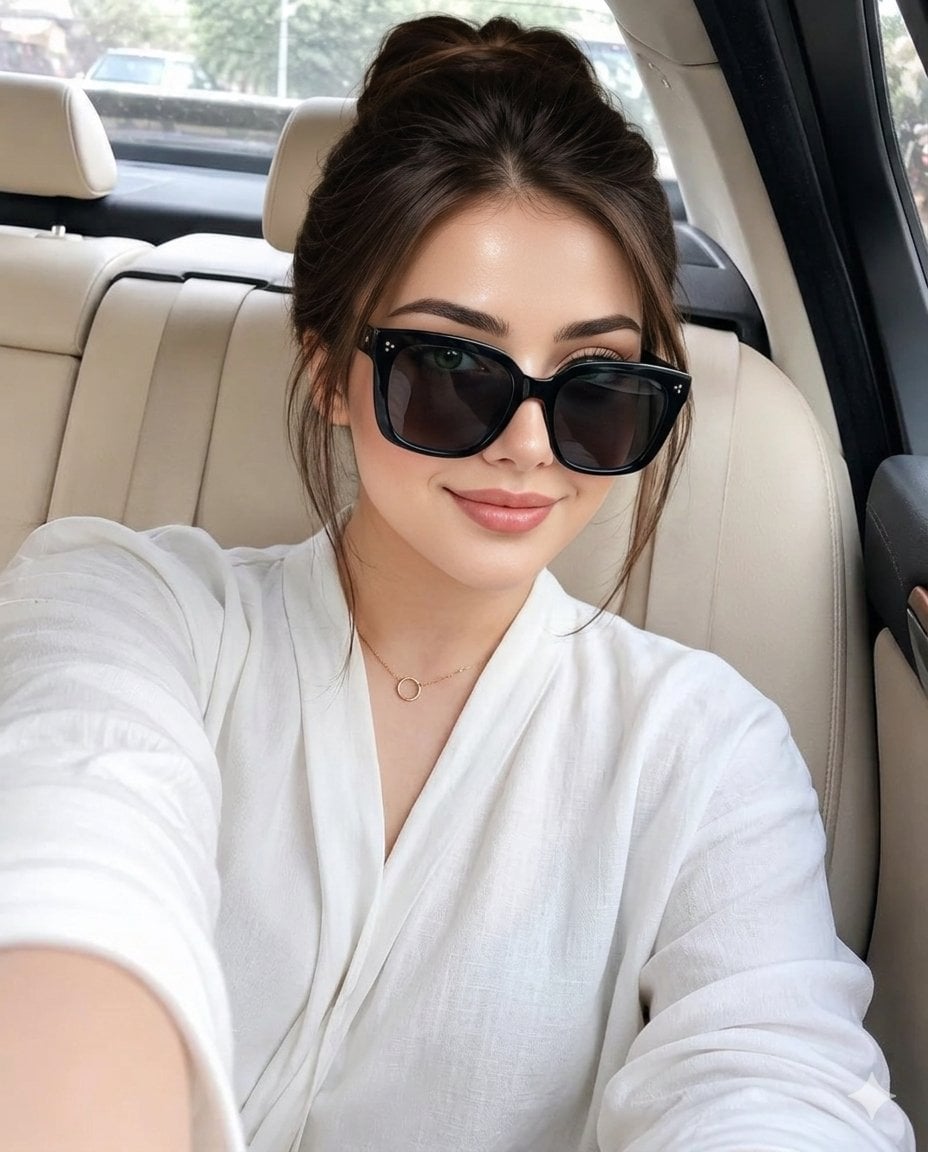
Luxury Car Interior Selfie
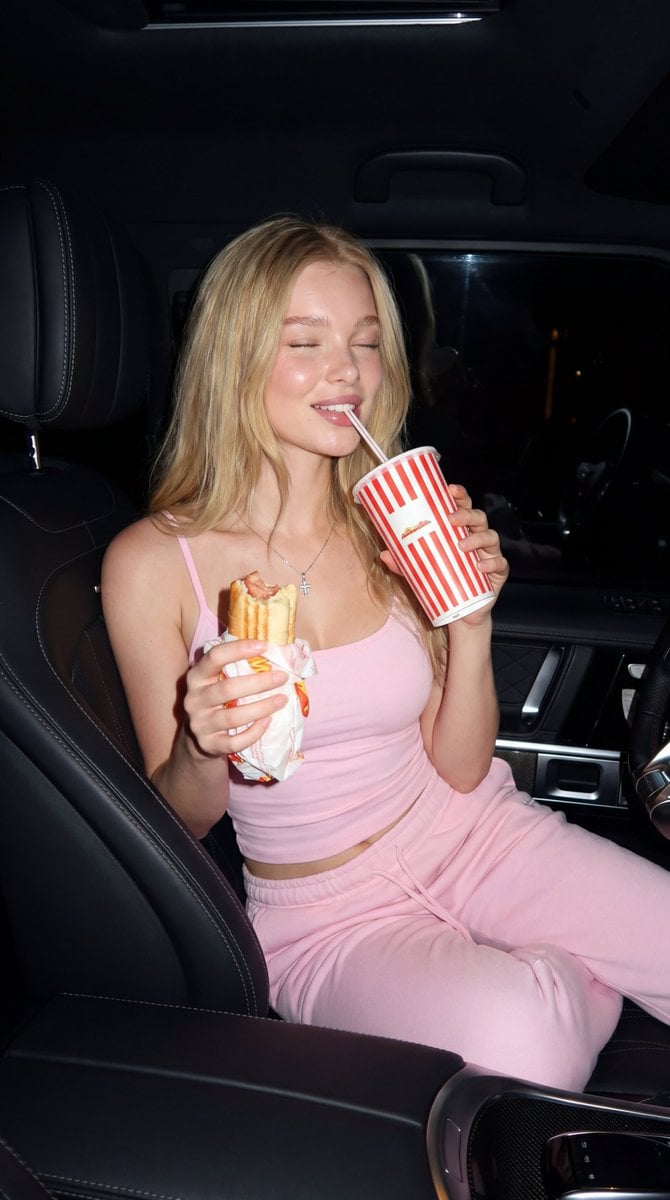
Late Night SUV Lifestyle Photo

Sealing Wax Letter Desk

Ballroom Floor Reflections

Vintage Camera Leather Case

Hedge Maze Aerial Dawn

Tuxedo Cuff Adjust
Make it yours
Luxury SUV Interior Lifestyle Snapshot works as-is. These are the safest ways to change it without losing the look.
Change one field
Copy a single group, rewrite it, and generate again so you can see what that field is doing.
Keep the frame, change the subject
Hold the composition and light of Luxury SUV Interior Lifestyle Snapshot, then swap wardrobe, props or the person for a new take.
| If the result… | Why | Fix |
|---|---|---|
| The result drifts from the preview | Too many fields changed at once. | Reuse Luxury SUV Interior Lifestyle Snapshot as-is first, then change one group — subject, light, or setting. |
| The model over-stylizes the scene | The prose prompt leaves finish and camera underspecified. | Add one camera or lighting sentence and stay on GPT Image 2. |
More GPT Image 2 templates
Other prompts made for GPT Image 2.

Six VTuber Japanese Logo Sheet

Realistic Portrait of Woman and Deer

The Vista Modular Condo Poster

AI Model Routing Comparison Infographic

2.5D Anime Art Board

Isometric Productivity Desk Scene

New York Double Exposure Poster

Four-Panel AI Landscape Comparison

Japanese Tatami Lifestyle Magazine Cover

NESCAFÉ Coffee Map Poster
More image prompts
Fresh picks from across the catalog.
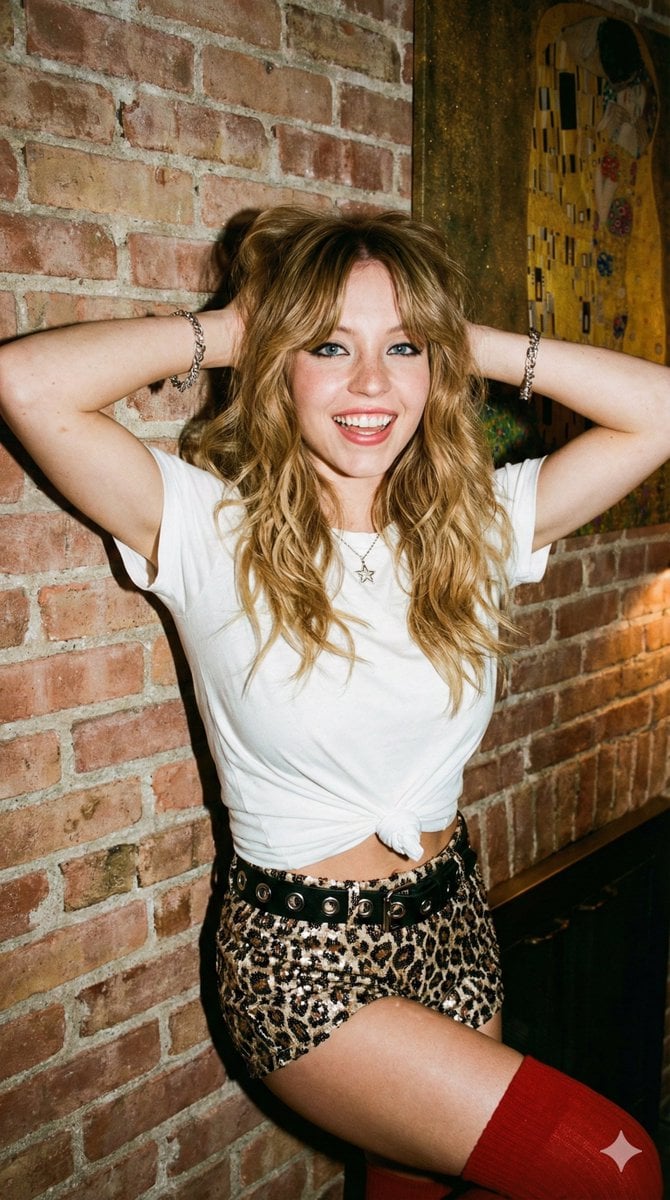
Flash Photography Portrait with Brick Wall

Vertical Pixel Art Asteroid Field
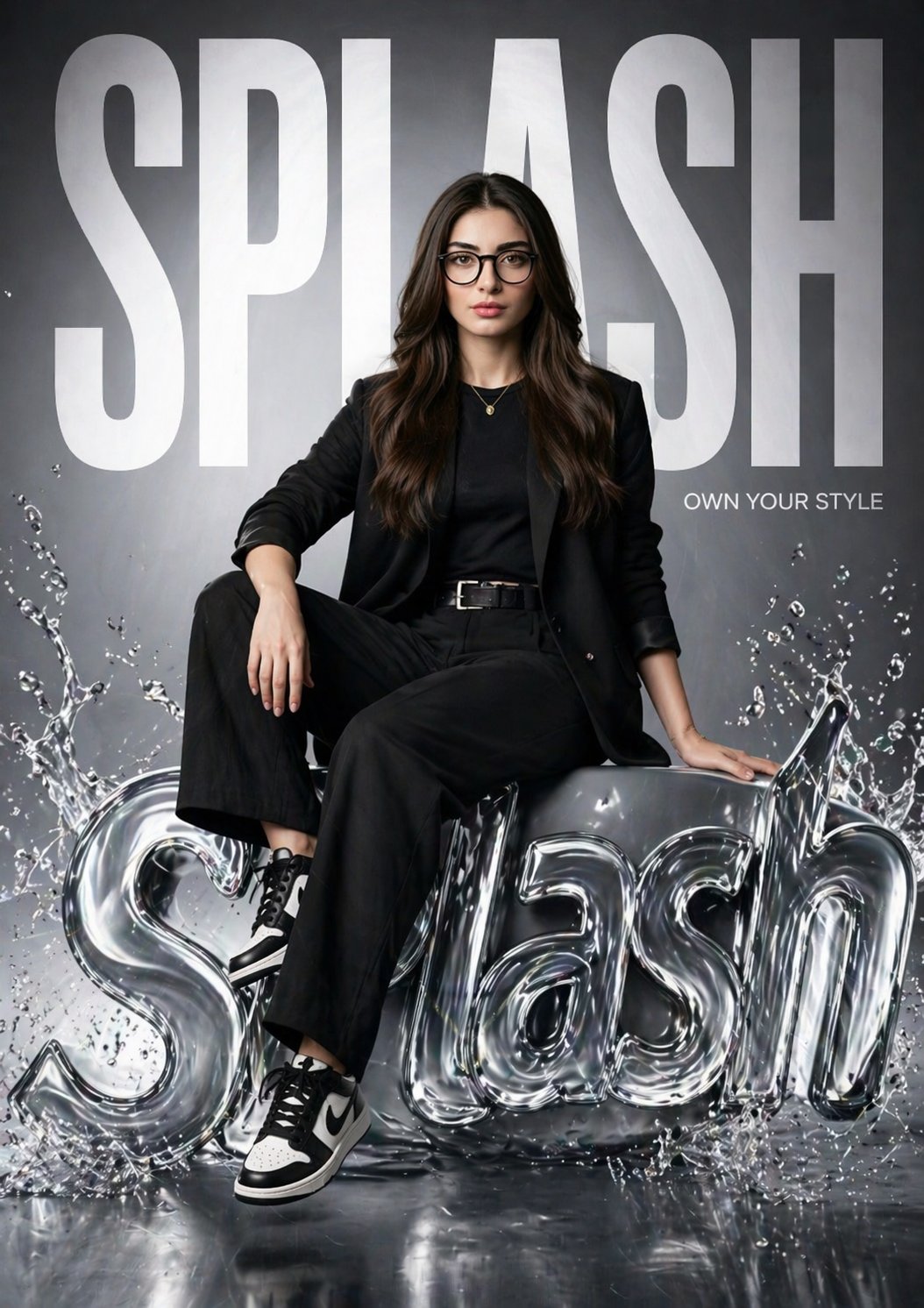
Gpt2 Time Magazine Cover

08 Rodeo Drive Luxury Exit — California Series
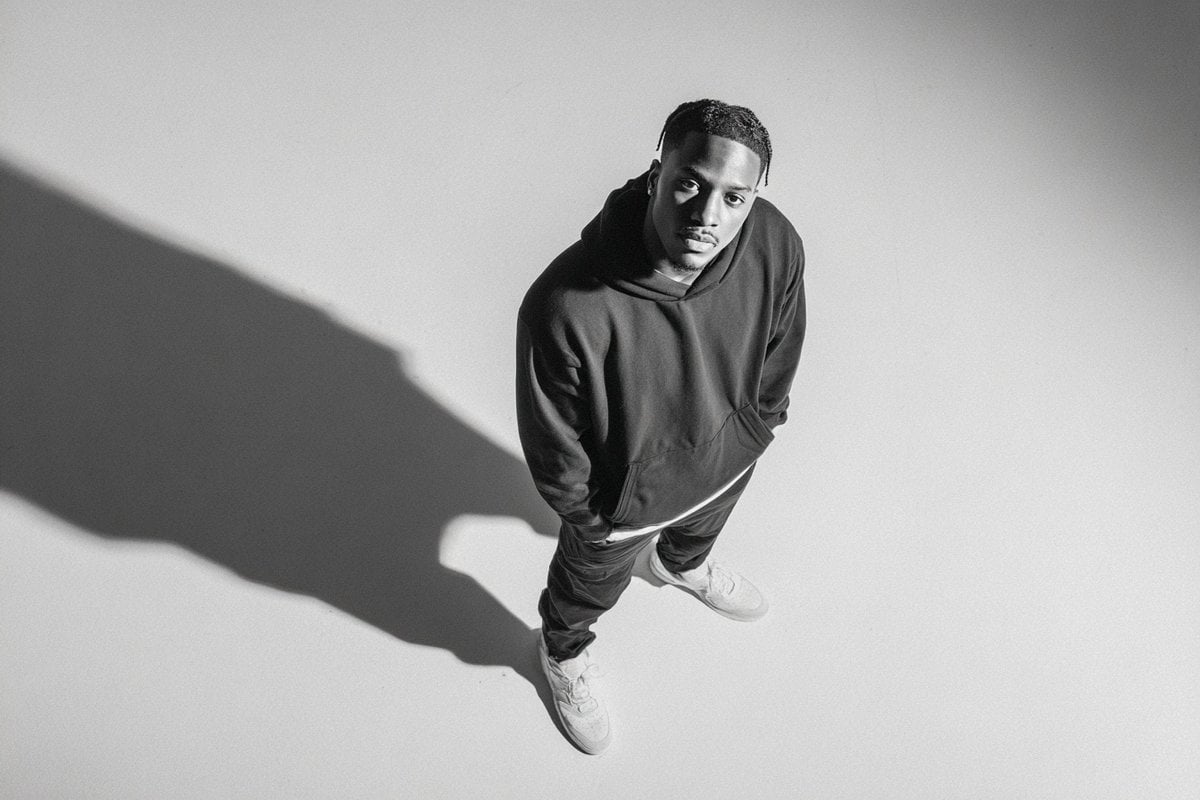
Studio Editorial Fashion Portrait
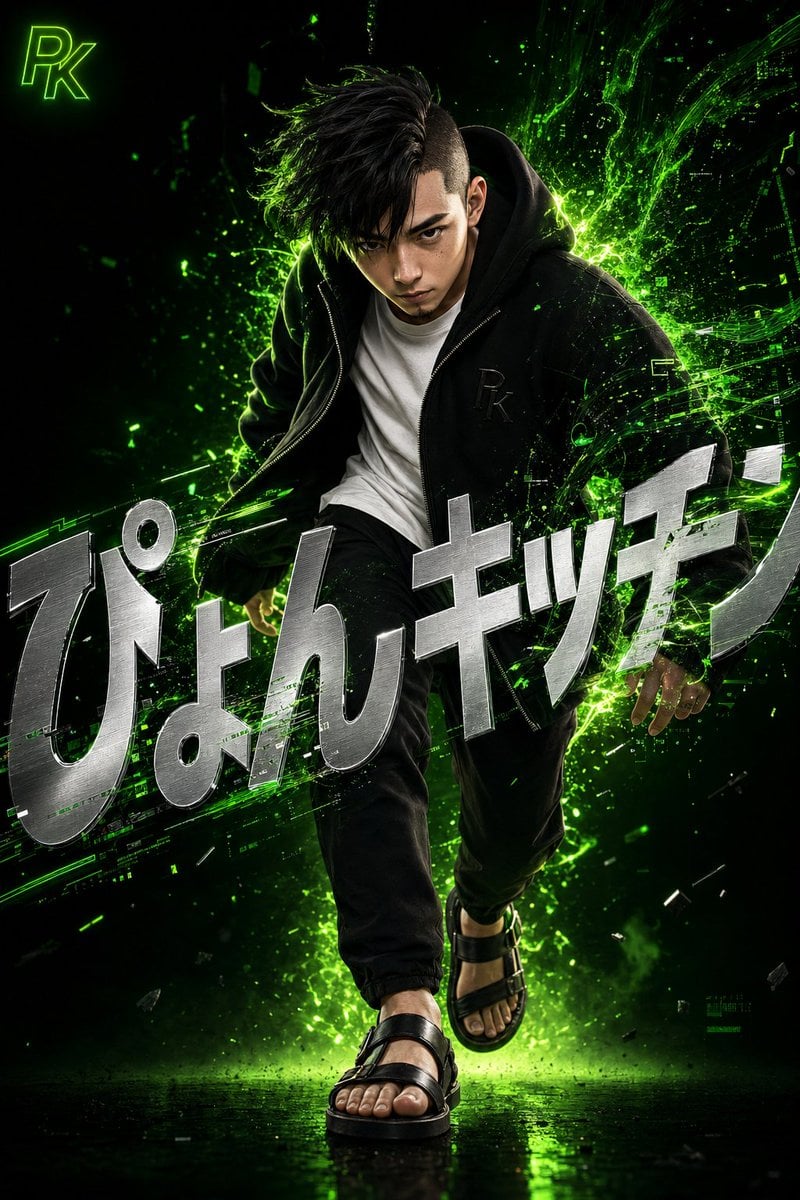
Surreal Japanese Tech Style Poster
Nano Banana - Rooftop Dinner Night
Dramatic Spotlight Studio Portrait
Hyper-Real Orc Realism Test Prompt
Curvy Woman Tennis Court Portrait
Browse template categories
Luxury SUV Interior Lifestyle Snapshot questions
How do I use the Luxury SUV Interior Lifestyle Snapshot template?
Add your photo if the template asks for one, edit the prompt if you like — the template's model and format are already selected — and press Generate. Your version opens in PicX Studio.
Can I customize the Luxury SUV Interior Lifestyle Snapshot template?
Yes. You can change the subject, setting, lighting, mood, format, and available model controls before creating your image.
Is the Luxury SUV Interior Lifestyle Snapshot template free?
Opening and editing this template is free. Generating uses credits, shown on the Generate button when you are signed in.
Which AI model should I use?
Start with GPT Image 2, which is the model associated with this template. You can compare another compatible model for a different finish.
Looking for something else? Browse all templates.

Your photo, any look
Thousands of ready templates for every top image and video model, from one credit balance.