
Late Night SUV Lifestyle Photo
A hyper-realistic candid-style photo prompt of a woman in an SUV, using nighttime flash photography for an influencer aesthetic.
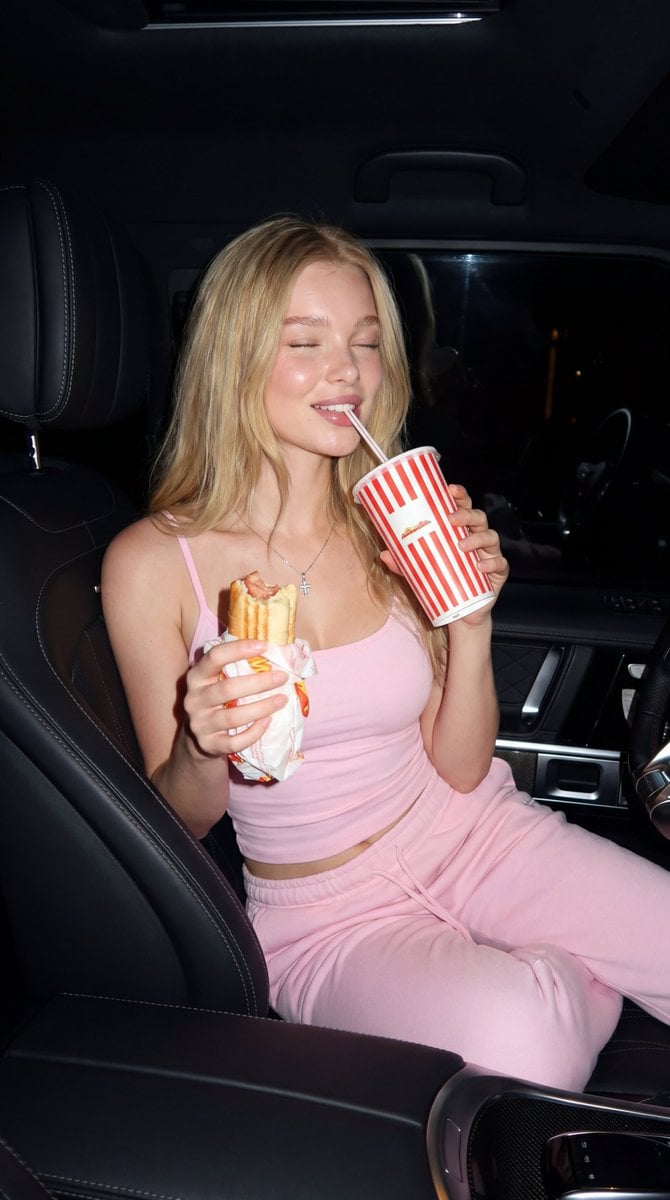
- Prompt included
- Model and format preset
- Free template
The prompt behind this image
Copy the exact prompt behind Late Night SUV Lifestyle Photo, or open it in the studio and make it yours.
Ultra-realistic nighttime flash photograph of a {argument name="subject" default="beautiful blonde woman sitting comfortably in the front passenger seat of a luxury SUV"}. She has long wavy golden-blonde hair, luminous skin, and a relaxed smile with her eyes gently closed while sipping from a {argument name="prop" default="large red-and-white striped fast-food drink cup"} through a straw. In her other hand, she casually holds a partially eaten hot dog wrapped in branded paper. She wears a {argument name="outfit" default="fitted pastel pink spaghetti-strap tank top and matching soft pink sweatpants"}, creating a cozy yet stylish aesthetic. A delicate silver cross necklace rests on her collarbone. The premium vehicle interior features black leather seats with contrast stitching, modern metallic trim, a spacious center console, and subtle ambient lighting. Direct on-camera flash illuminates the subject, creating crisp shadows, glossy highlights, and highly detailed textures while the dark exterior outside the windows emphasizes the nighttime atmosphere. The composition feels candid and effortless, resembling a luxury lifestyle influencer photo captured during a late-night drive. Photorealistic, natural skin texture, realistic hair strands, editorial fashion photography, luxury lifestyle aesthetic, high contrast flash lighting, shallow depth of field, sharp focus, HDR, 35mm lens, f/2.8, ultra detailed, 8K quality.
How to use Late Night SUV Lifestyle Photo in 3 steps
- 1
Open
The prompt is already in the box next to the preview, with the template's model and format selected.
- 2…a portrait of your subject in softgolden-hour light, 85mm…
Personalize
Edit the subject and creative details for your destination.
- 3Generate
Generate
Press Generate — your image is created in PicX Studio, so you can compare it with the original and refine one variable at a time.
More like this
Templates with the same subject, style or setup. Open one to see its prompt.

Subway Platform Quiet Introspective Portrait

Mirror Selfie Chibi Characters Pixar Style

A k.pop idol on the stage with mic

Minimalist Fashion Editorial Split Layout
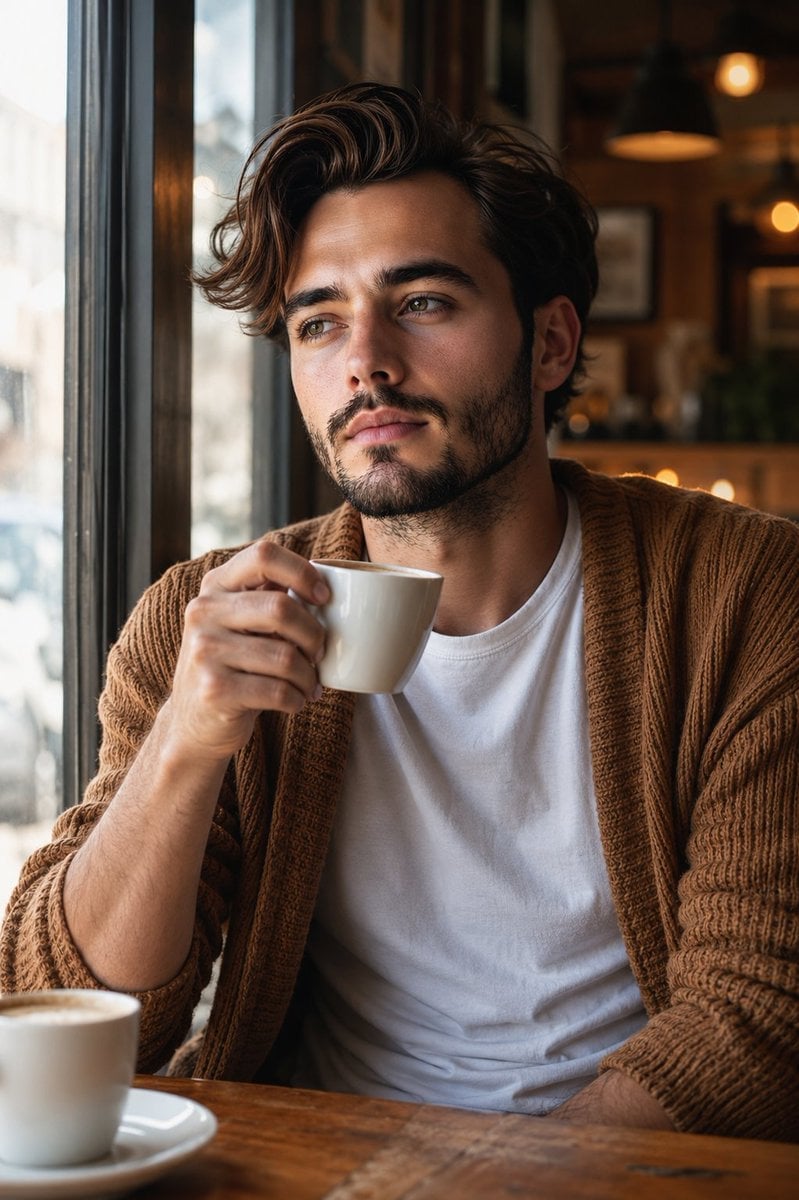
Warm Window Side Café Studio Portrait
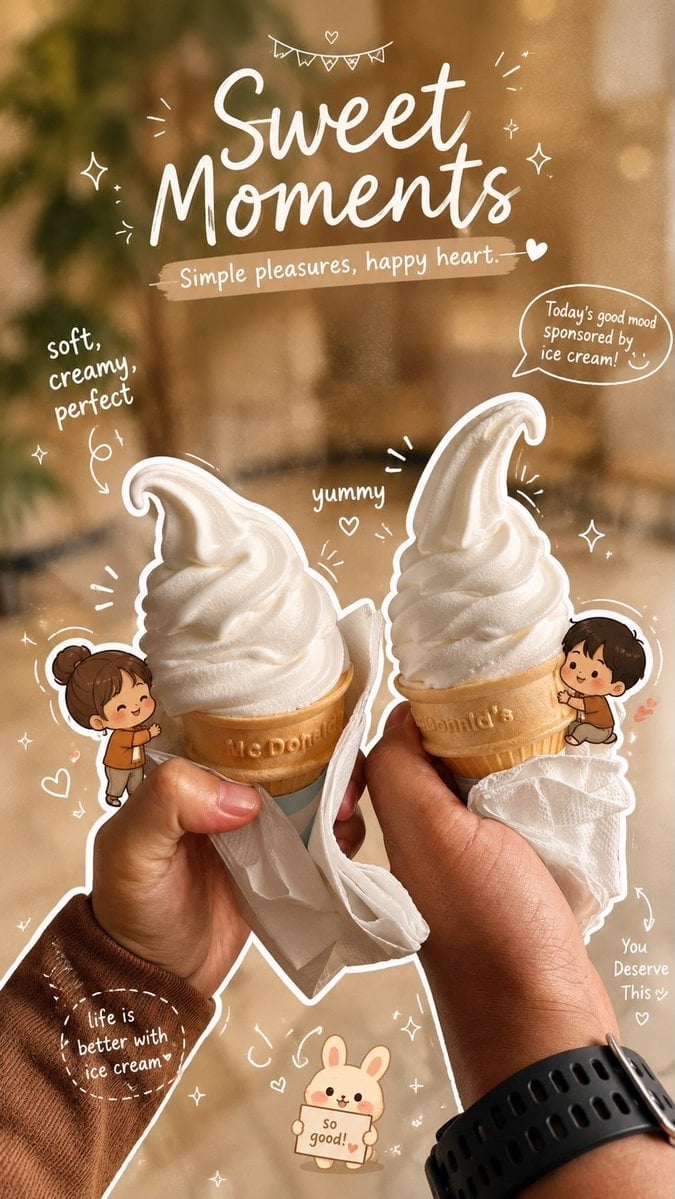
Cozy Café Ice Cream Hands Close-Up

Parisian Outdoor Café Silver-Hair Portrait
Warm Window Side Café Studio Portrait
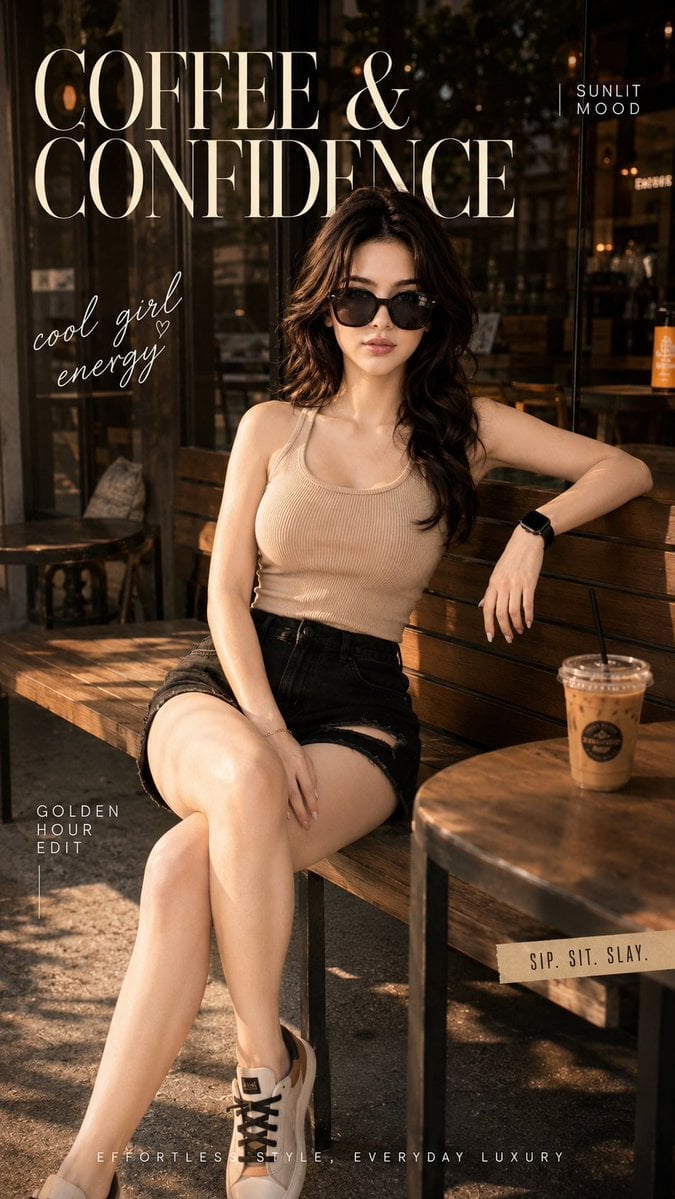
Ultra-Cinematic Lifestyle Fashion Portrait

Delicate Japanese Café Lifestyle Illustration
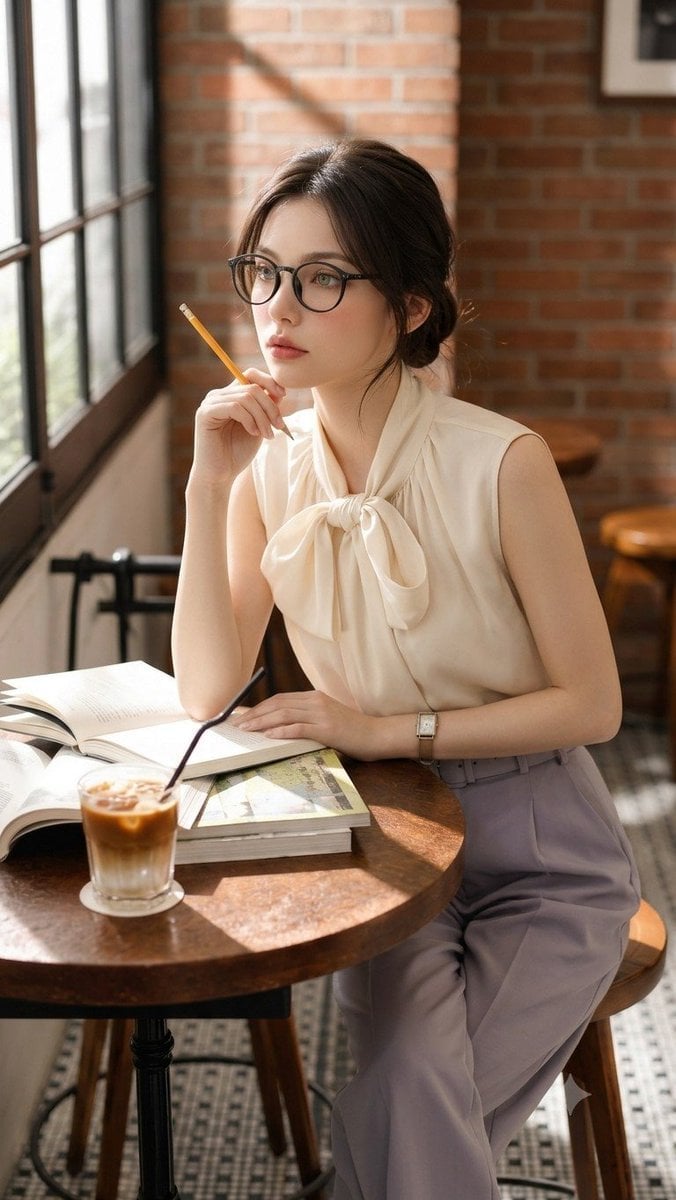
Douyin Aesthetic Café Study Portrait
Subway Platform Quiet Introspective Portrait
Make it yours
Late Night SUV Lifestyle Photo works as-is. These are the safest ways to change it without losing the look.
Change one field
Copy a single group, rewrite it, and generate again so you can see what that field is doing.
Keep the frame, change the subject
Hold the composition and light of Late Night SUV Lifestyle Photo, then swap wardrobe, props or the person for a new take.
| If the result… | Why | Fix |
|---|---|---|
| The result drifts from the preview | Too many fields changed at once. | Reuse Late Night SUV Lifestyle Photo as-is first, then change one group — subject, light, or setting. |
| The model over-stylizes the scene | The prose prompt leaves finish and camera underspecified. | Add one camera or lighting sentence and stay on Nano Banana 2. |
More Nano Banana 2 templates
Other prompts made for Nano Banana 2.

Photorealistic Leaf Shaped Like a Dragon

K-Pop Idol Portrait Grid for Rapid Selection

Poetic Rain Forest Portrait During Golden Hour

Urban Street Portrait with Cartoon Inner Self Duo

Candid Nighttime Photo with Cat Prompt

High-Concept 3D Diorama Generation Prompt

Cinematic Futuristic Studio Portrait Template

Skincare Editorial Photography Collage Prompt

Hyper-Realistic Commercial Product Photography (Splash Effect)

Hyper-Realistic Nightclub Portrait Prompt
More image prompts
Fresh picks from across the catalog.
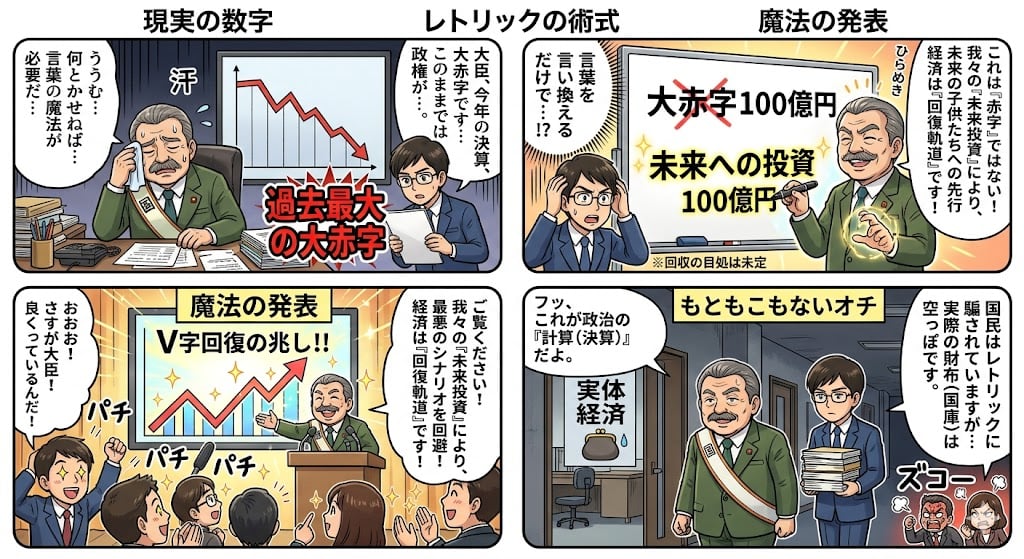
Four-Panel Manga: The Magic of Numbers
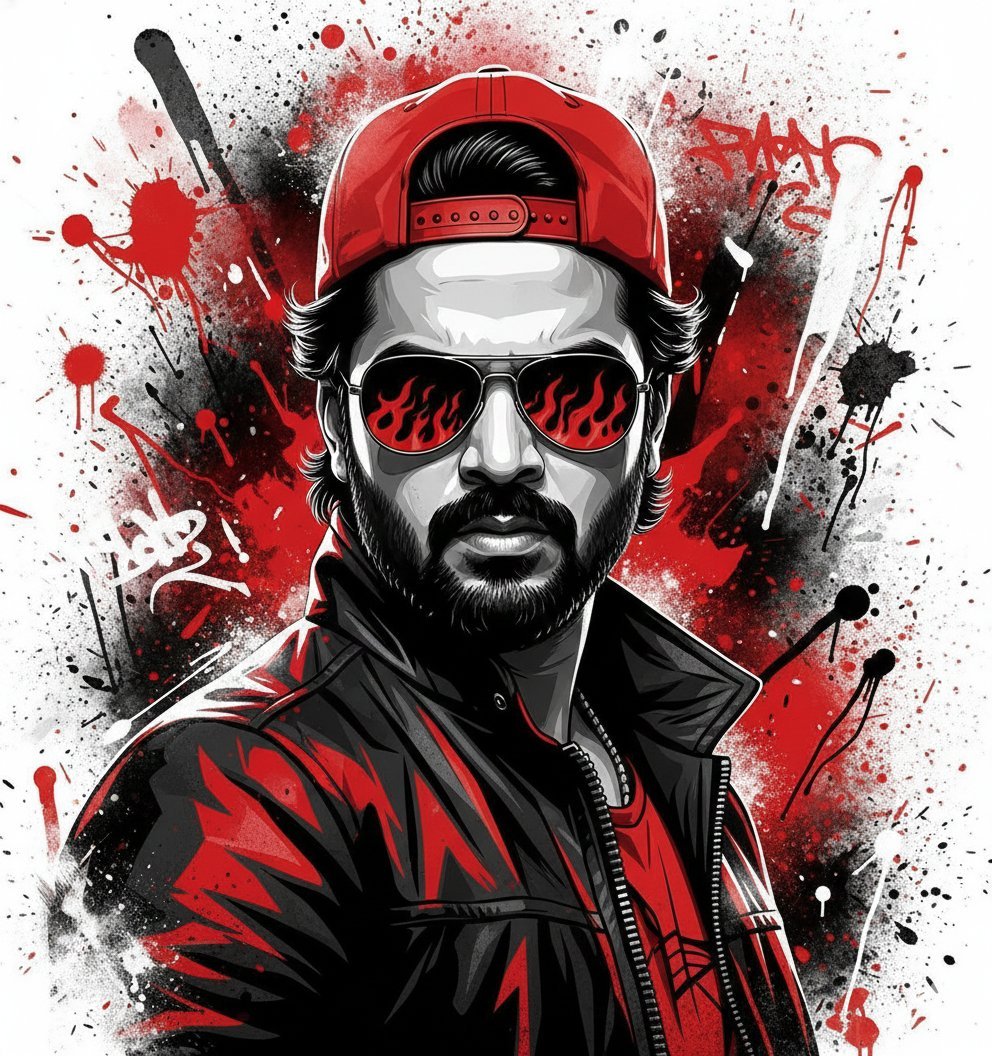
Street Art Style Portrait of a Man with Face Preservation
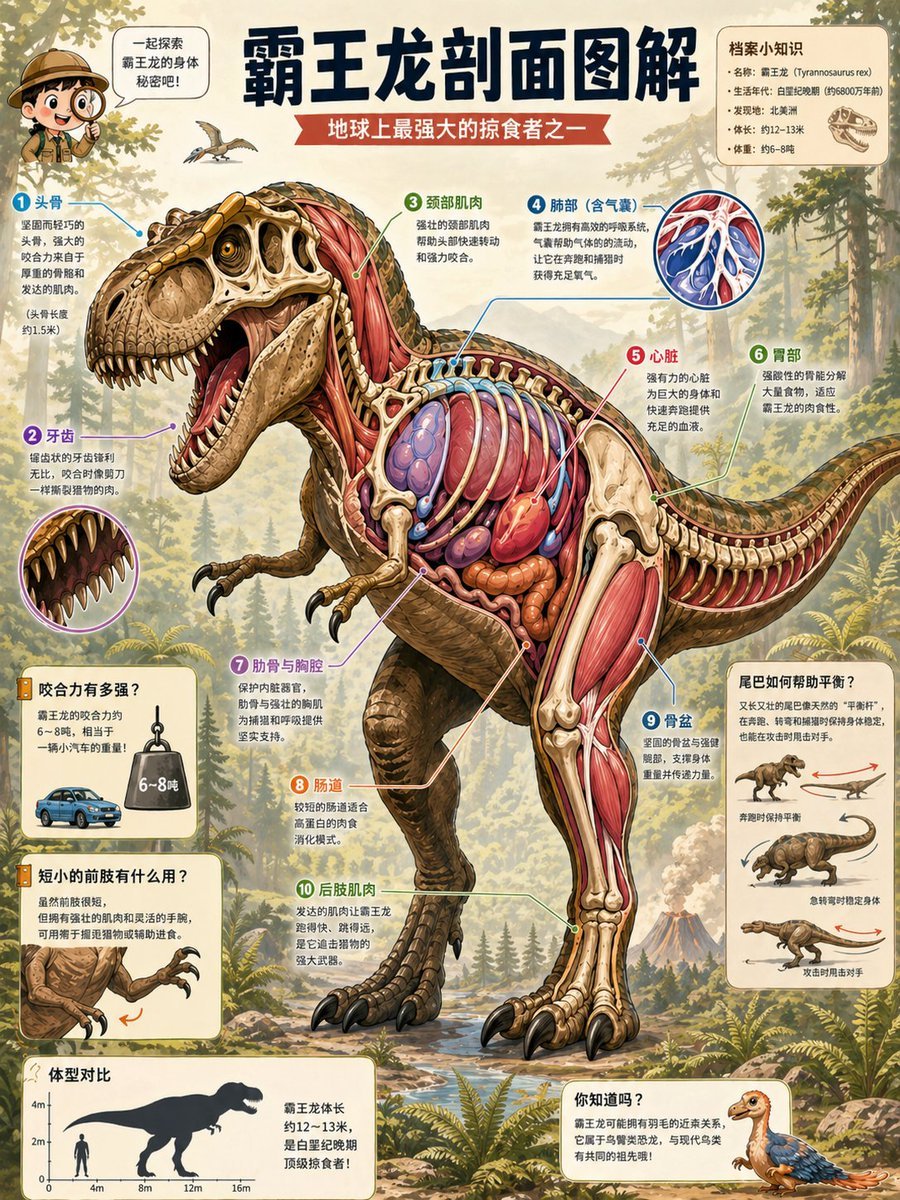
T. Rex Cutaway Encyclopedia Poster
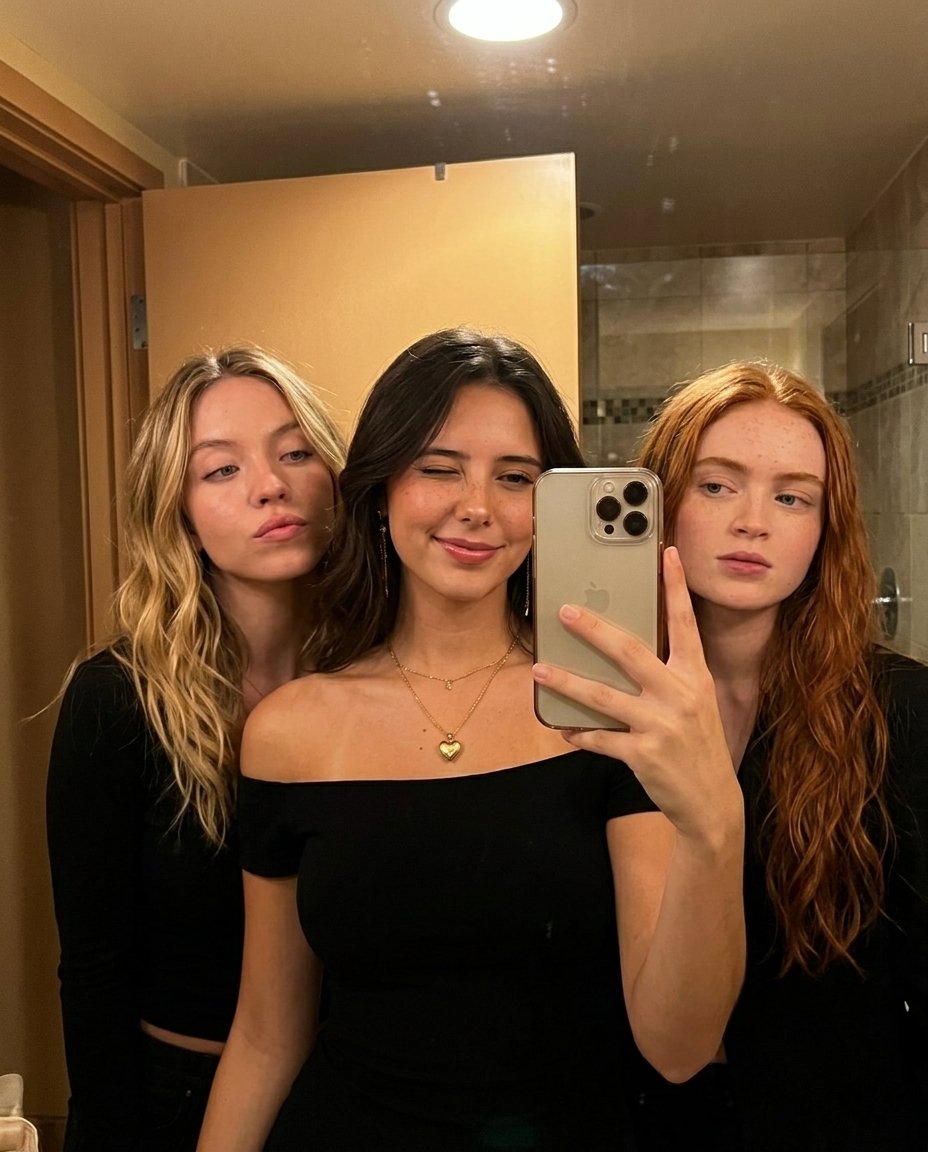
Warm Indoor Group Mirror Selfie Prompt for Nano Banana Pro
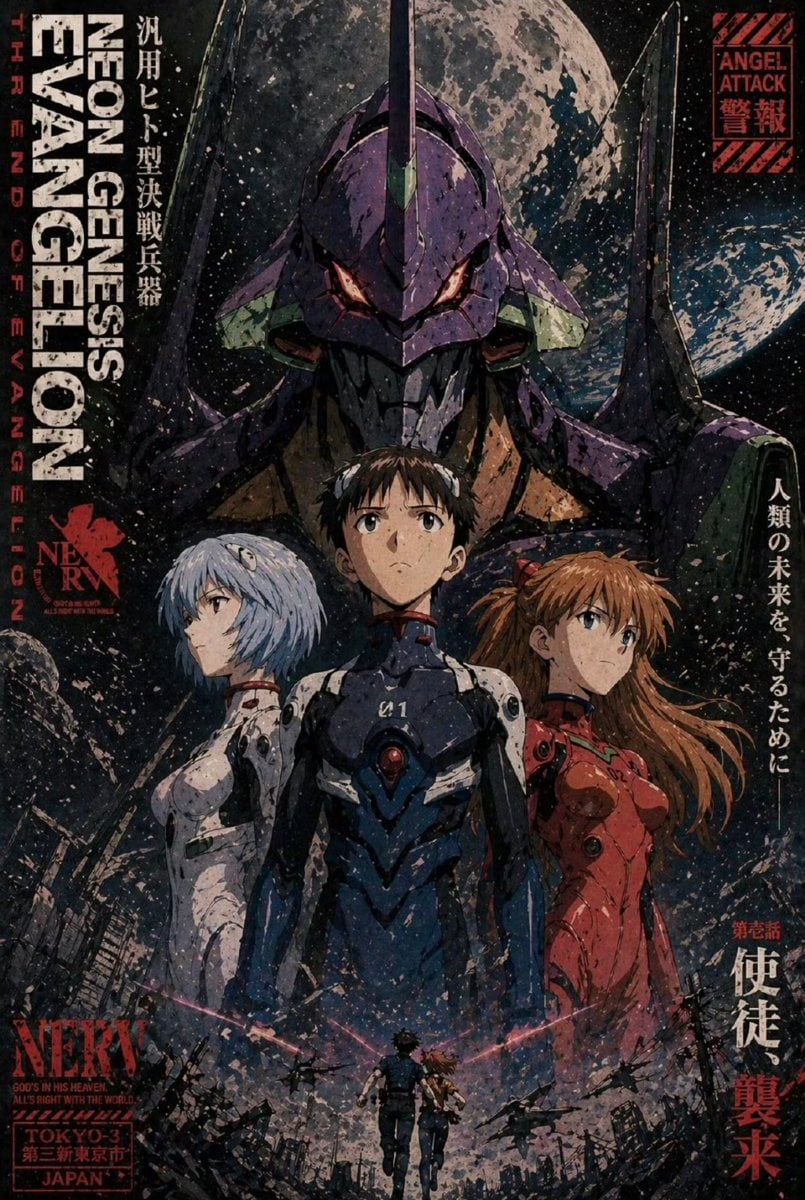
Gritty Evangelion Poster
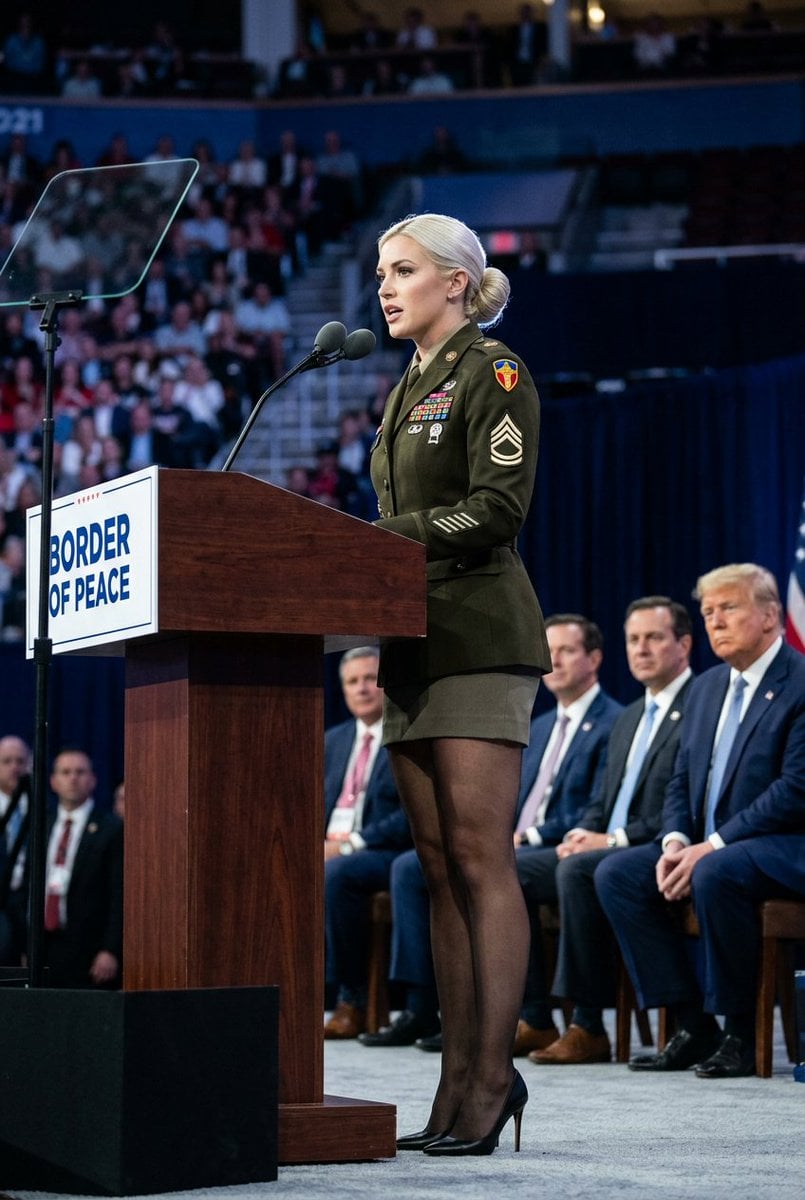
Political Speaker in Provocative Military Uniform
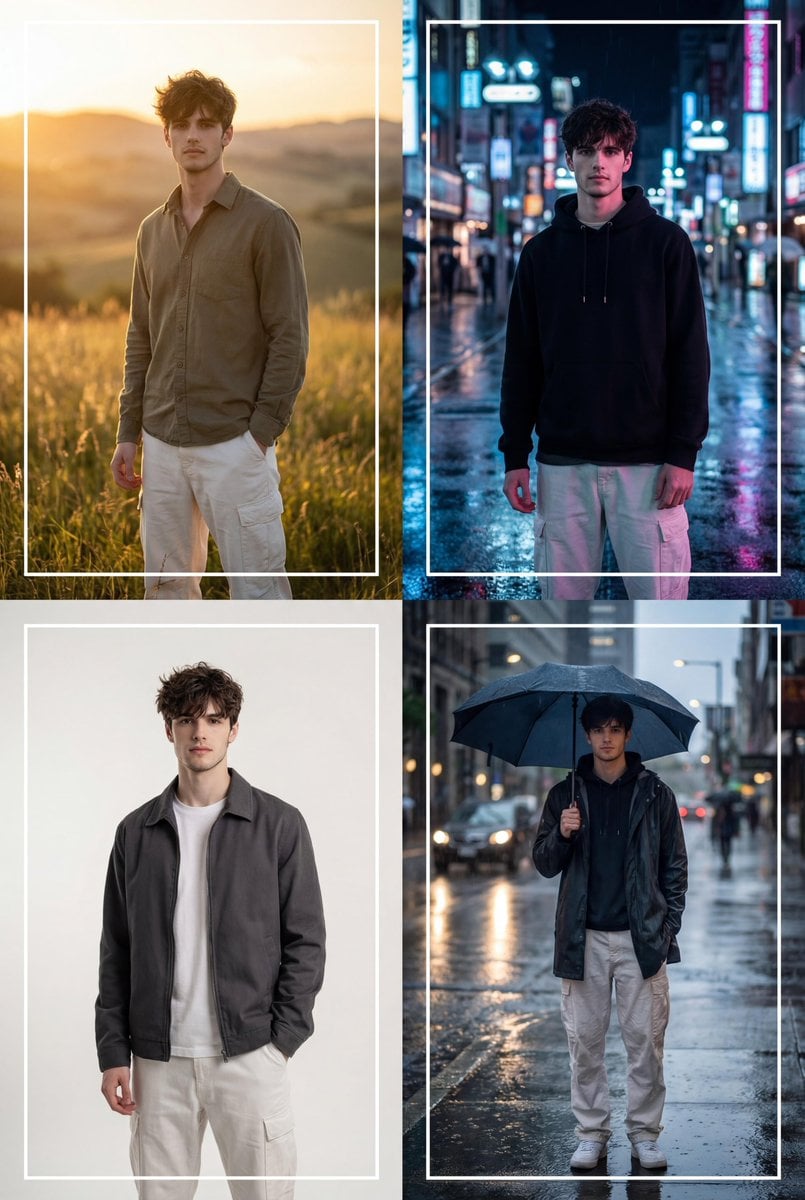
Cinematic 2x2 Grid Portrait with Consistent Identity

Chaoshan Beef Ball Vintage Food Poster
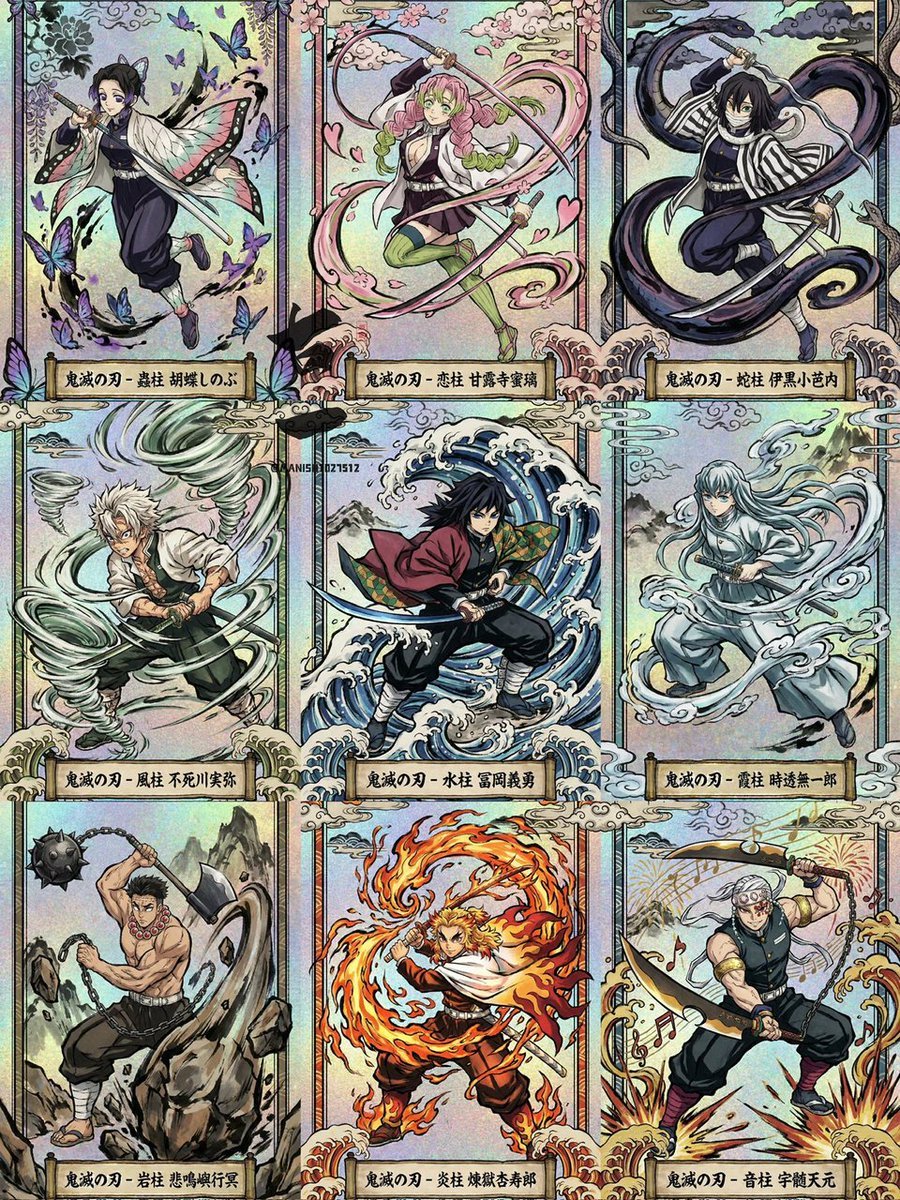
Ukiyo-e Demon Slayer Card Grid
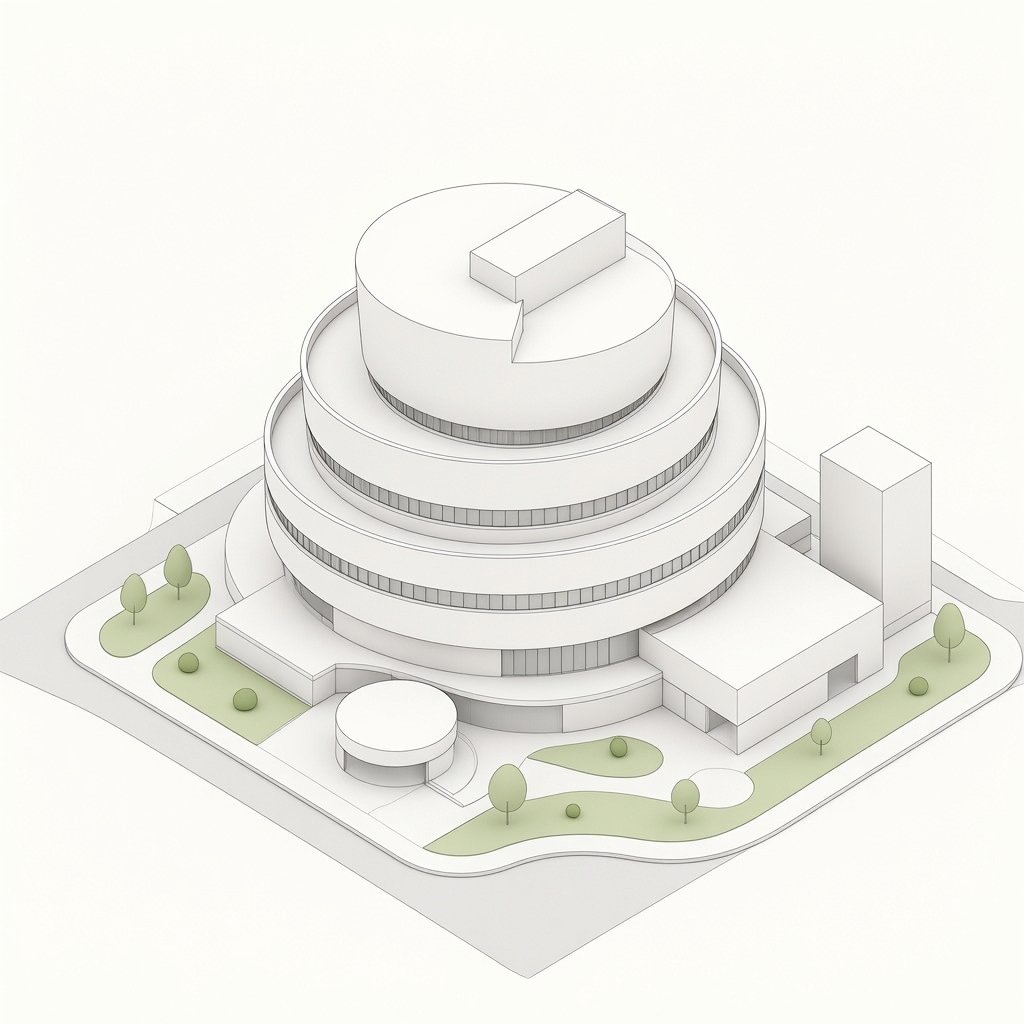
Isometric Circular Museum Architecture
Browse template categories
Late Night SUV Lifestyle Photo questions
How do I use the Late Night SUV Lifestyle Photo template?
Add your photo if the template asks for one, edit the prompt if you like — the template's model and format are already selected — and press Generate. Your version opens in PicX Studio.
Can I customize the Late Night SUV Lifestyle Photo template?
Yes. You can change the subject, setting, lighting, mood, format, and available model controls before creating your image.
Is the Late Night SUV Lifestyle Photo template free?
Opening and editing this template is free. Generating uses credits, shown on the Generate button when you are signed in.
Which AI model should I use?
Start with Nano Banana 2, which is the model associated with this template. You can compare another compatible model for a different finish.
Looking for something else? Browse all templates.

Your photo, any look
Thousands of ready templates for every top image and video model, from one credit balance.