
Isometric Circular Museum Architecture
A minimalist isometric architectural massing render of a tiered circular modern building on a landscaped site.
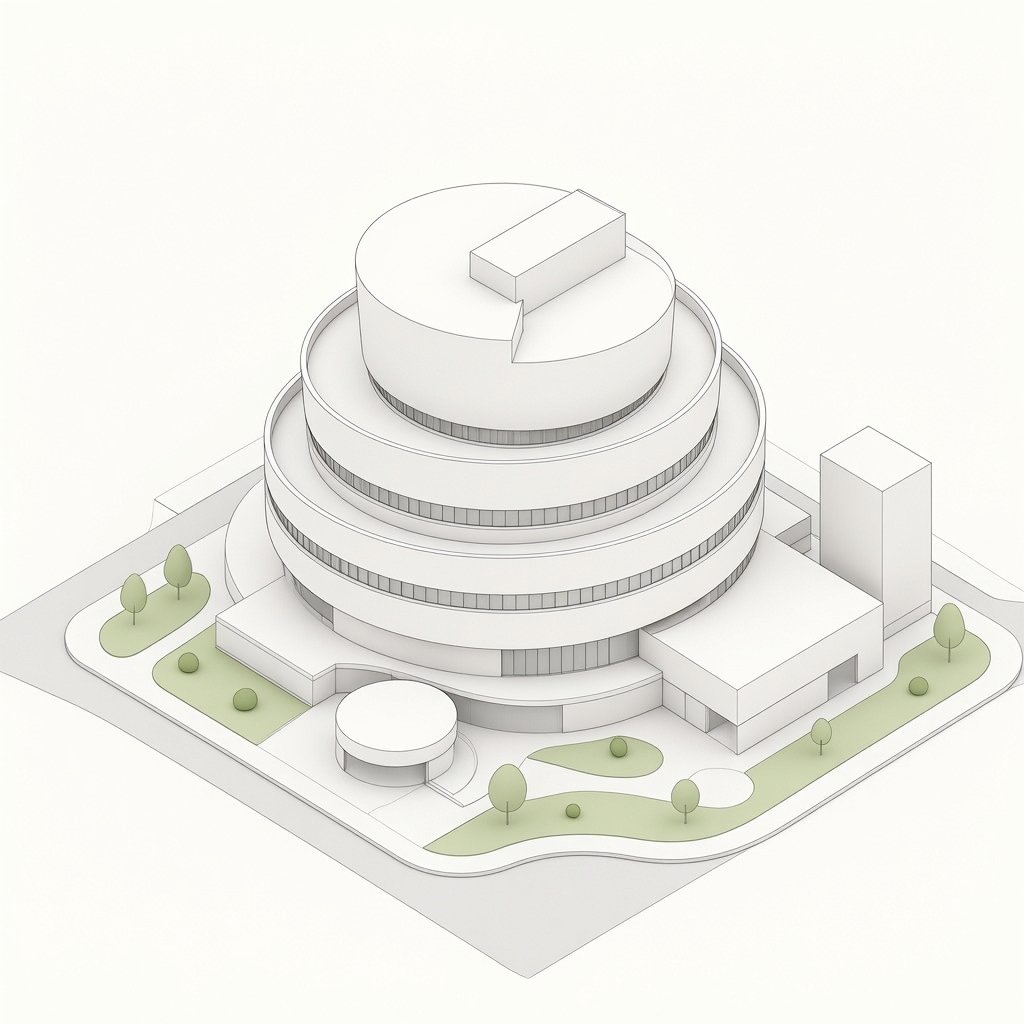
- Prompt included
- Model and format preset
- Free template
The prompt behind this image
Copy the exact prompt behind Isometric Circular Museum Architecture, or open it in the studio and make it yours.
Create a clean isometric architectural concept rendering of a modern circular tiered building on a square site, in a minimalist white paper-model style. The main subject is a large round multi-level structure with exactly 5 visible stacked circular tiers: a wide ground floor ring, three progressively smaller upper rings with continuous narrow vertical window bands, and a top circular roof level. Add a small rectangular rooftop volume placed off-center on the top disk, and a wedge-shaped cut or recessed notch in the top roof edge. Attach two simple rectilinear annexes to the main building: one low rectangular wing extending to the right front, and one tall plain rectangular tower block at the rear right. Include one small separate circular pavilion near the front left of the building, connected by a short walkway. The site should be a square raised base with rounded road edges, pale gray paths, and soft green landscaping. Count the landscape elements clearly: exactly 9 small stylized trees or shrubs visible around the site, including 3 at the left green island, 2 small round shrubs at the front-left lawn, 1 tree near the front center, 1 shrub on the central lawn, 1 tree near the front-right curve, and 1 tree at the far right lawn. Use an orthographic isometric camera looking down from above, centered composition, lots of negative space, off-white background, subtle ambient occlusion, fine gray outline strokes, soft shadows, no people, no cars, no signage, no text. Color palette: warm white architecture, light gray pavement, muted sage green grass, delicate technical-illustration linework. Render as a polished architectural massing model, crisp and elegant, with simple geometry and smooth rounded forms.
How to use Isometric Circular Museum Architecture in 3 steps
- 1Upload ImagePNG, JPG or paste
Add your photo
Upload the photo the template builds on. The prompt, model and format are already set.
- 2…a portrait of your subject in softgolden-hour light, 85mm…
Personalize
Edit the subject and creative details for your destination.
- 3Generate
Generate
Press Generate — your image is created in PicX Studio, so you can compare it with the original and refine one variable at a time.
More like this
Templates with the same subject, style or setup. Open one to see its prompt.

Japanese Architectural Concrete Studio Fashion Campaign

Japanese Minimalist Concrete Studio Fashion Editorial

Isometric Process Educational Diorama

Isometric Brand Store Diorama

Isometric Vehicle Teardown Infographic Template
Isometric Religion Architecture Grid
Waterfront Museum Architecture Board
3D Isometric Diorama of a Household Object as Architecture

博物馆图鉴式汉服拆解图 — GPT-image-2
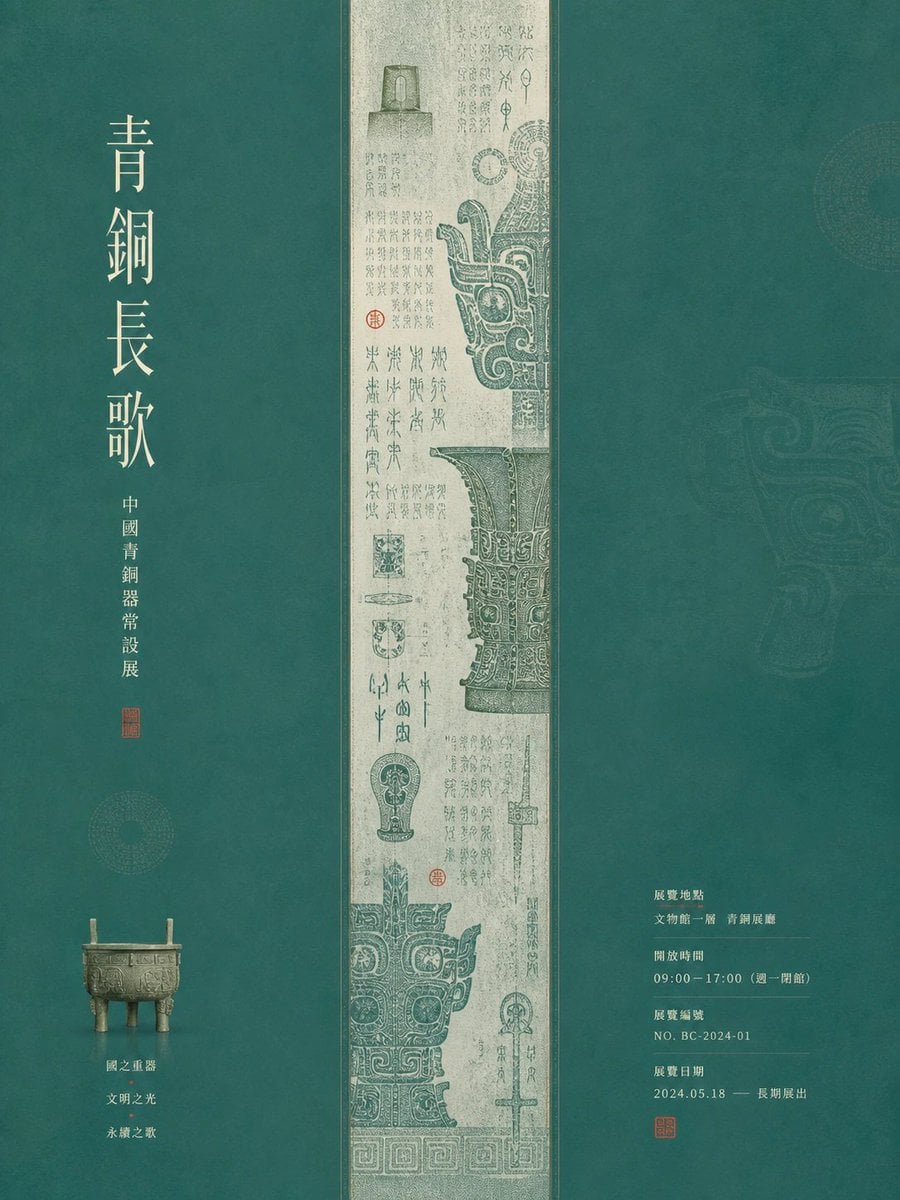
Museum Poster Design Template
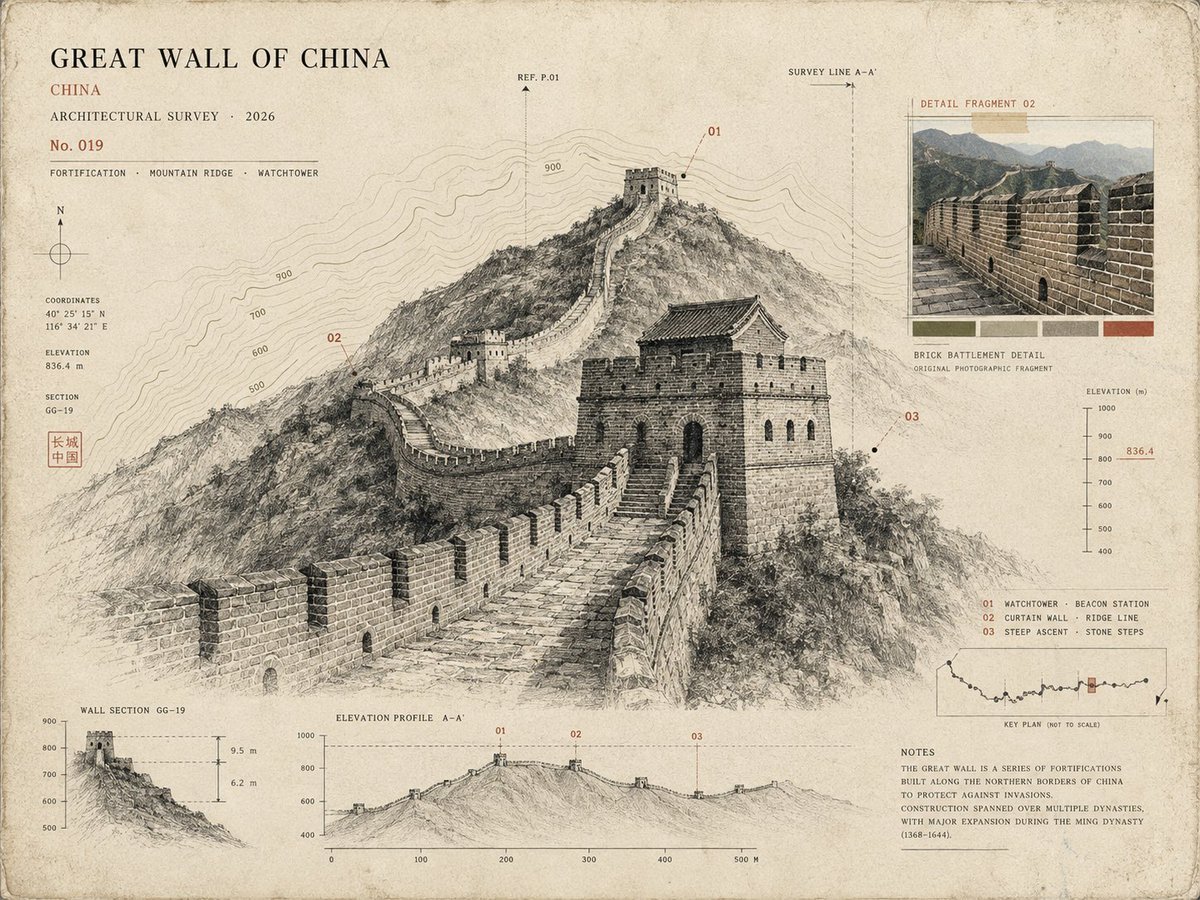
Architectural Museum Specimen Card

Cozy Isometric Bathroom Miniature Diorama
Make it yours
Isometric Circular Museum Architecture works as-is. These are the safest ways to change it without losing the look.
Change one field
Copy a single group, rewrite it, and generate again so you can see what that field is doing.
Keep the frame, change the subject
Hold the composition and light of Isometric Circular Museum Architecture, then swap wardrobe, props or the person for a new take.
| If the result… | Why | Fix |
|---|---|---|
| The result drifts from the preview | Too many fields changed at once. | Reuse Isometric Circular Museum Architecture as-is first, then change one group — subject, light, or setting. |
| The model over-stylizes the scene | The prose prompt leaves finish and camera underspecified. | Add one camera or lighting sentence and stay on GPT Image 2. |
More GPT Image 2 templates
Other prompts made for GPT Image 2.

Six VTuber Japanese Logo Sheet

Realistic Portrait of Woman and Deer

The Vista Modular Condo Poster

AI Model Routing Comparison Infographic

2.5D Anime Art Board

New York Double Exposure Poster

Four-Panel AI Landscape Comparison

Japanese Tatami Lifestyle Magazine Cover

NESCAFÉ Coffee Map Poster

Brutalist Cogito Chinese Typography Poster
More image prompts
Fresh picks from across the catalog.
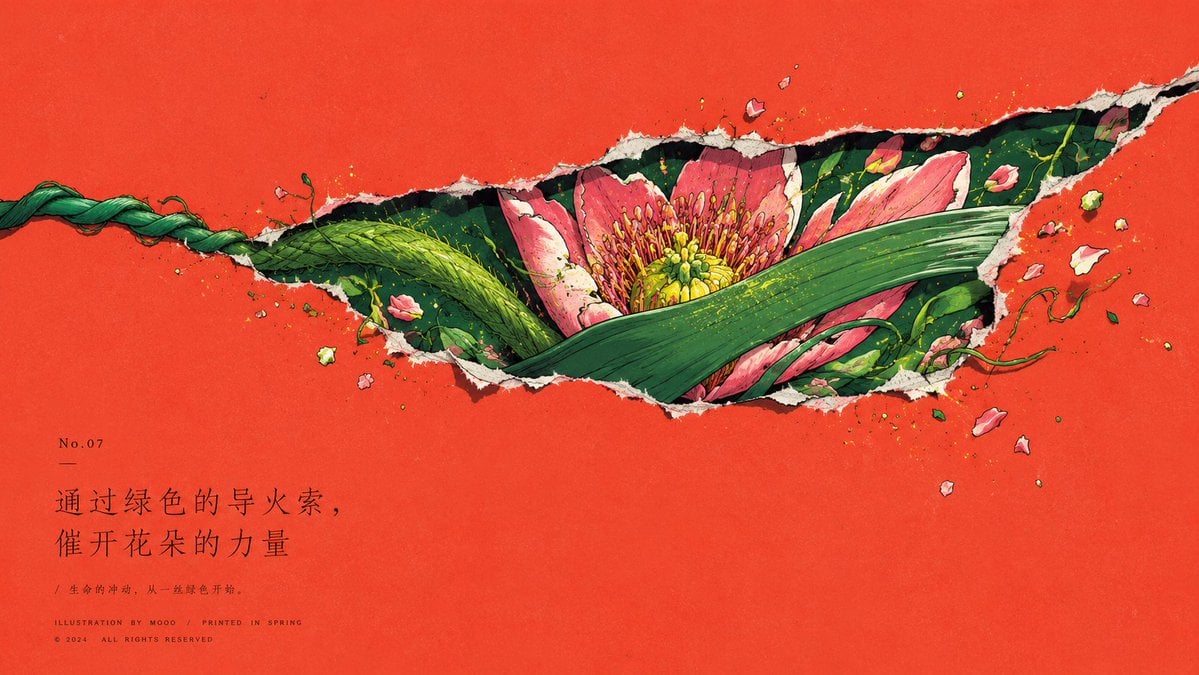
Paper Tear Flat Illustration Poster
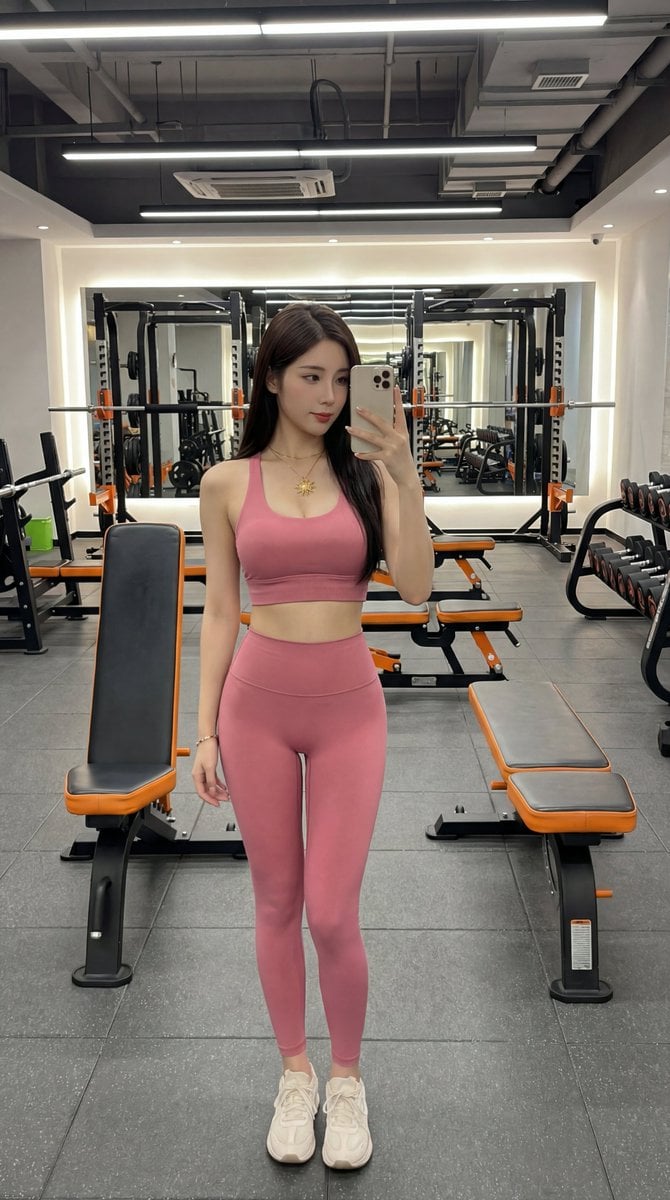
Photorealistic Gym Selfie Portrait with Specific Composition and Color Palette

Cyberpunk Neon Chinese Diviner
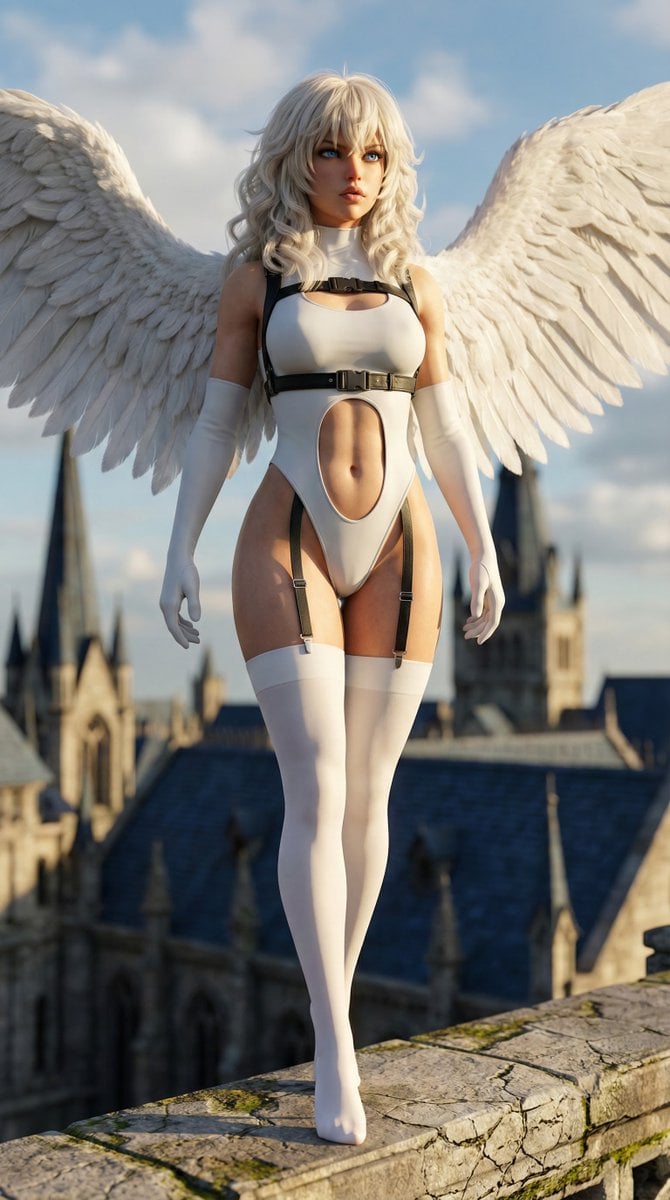
Hyper-realistic anime warrior portrait with tactical gear

Web3 Ecosystem Food Chain
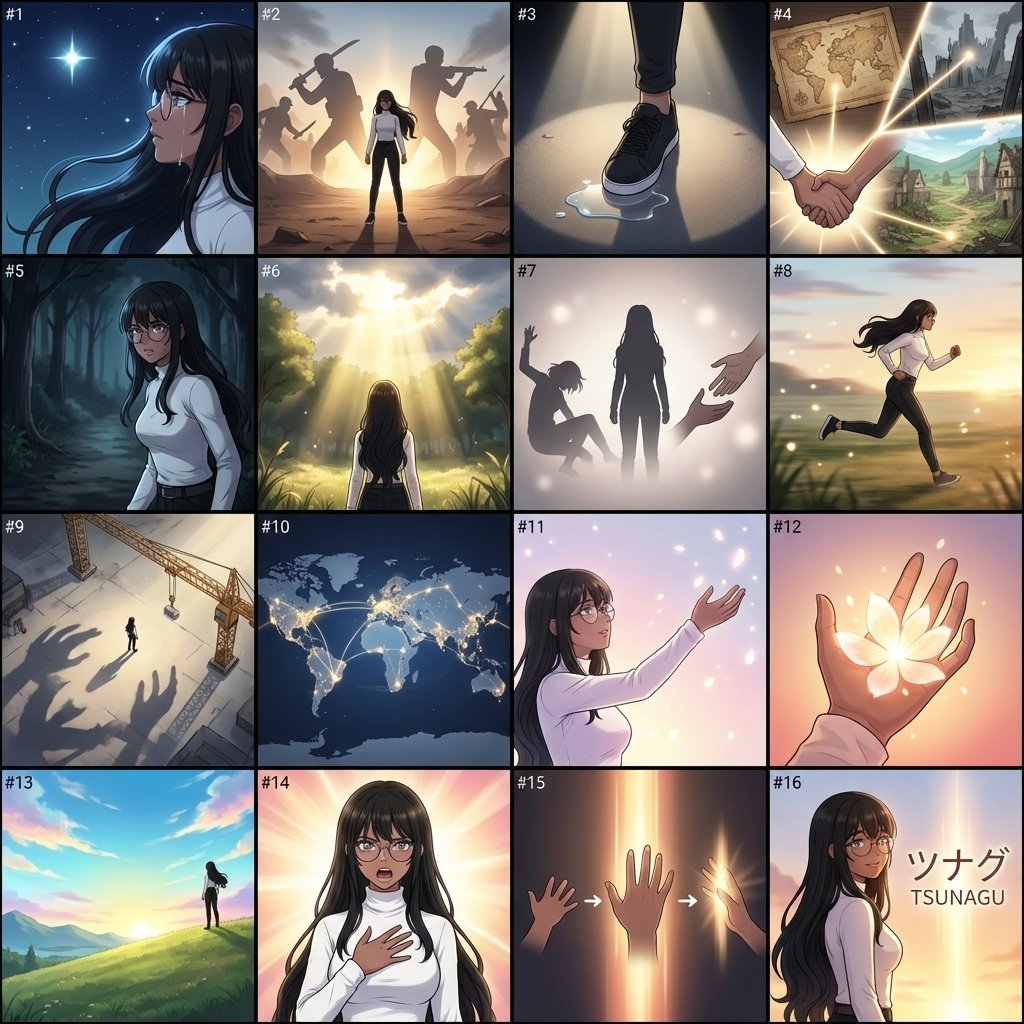
AI Anime Music Video Storyboard Prompt
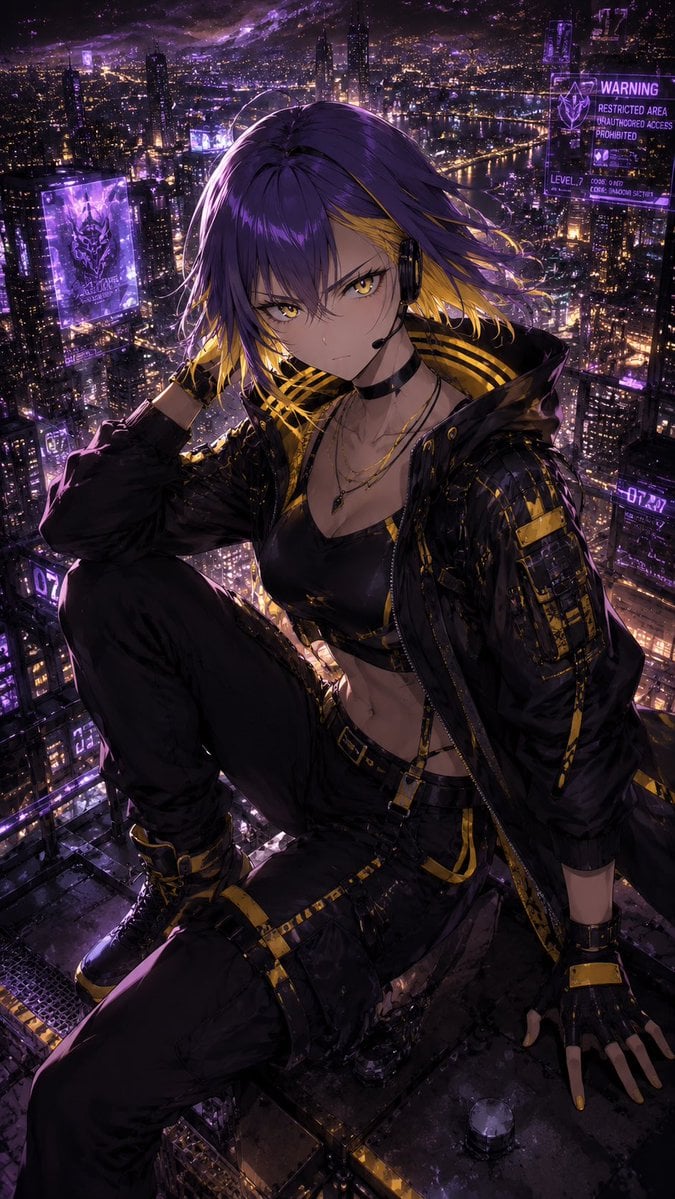
Consistent Character Illustration with Stylish Pose
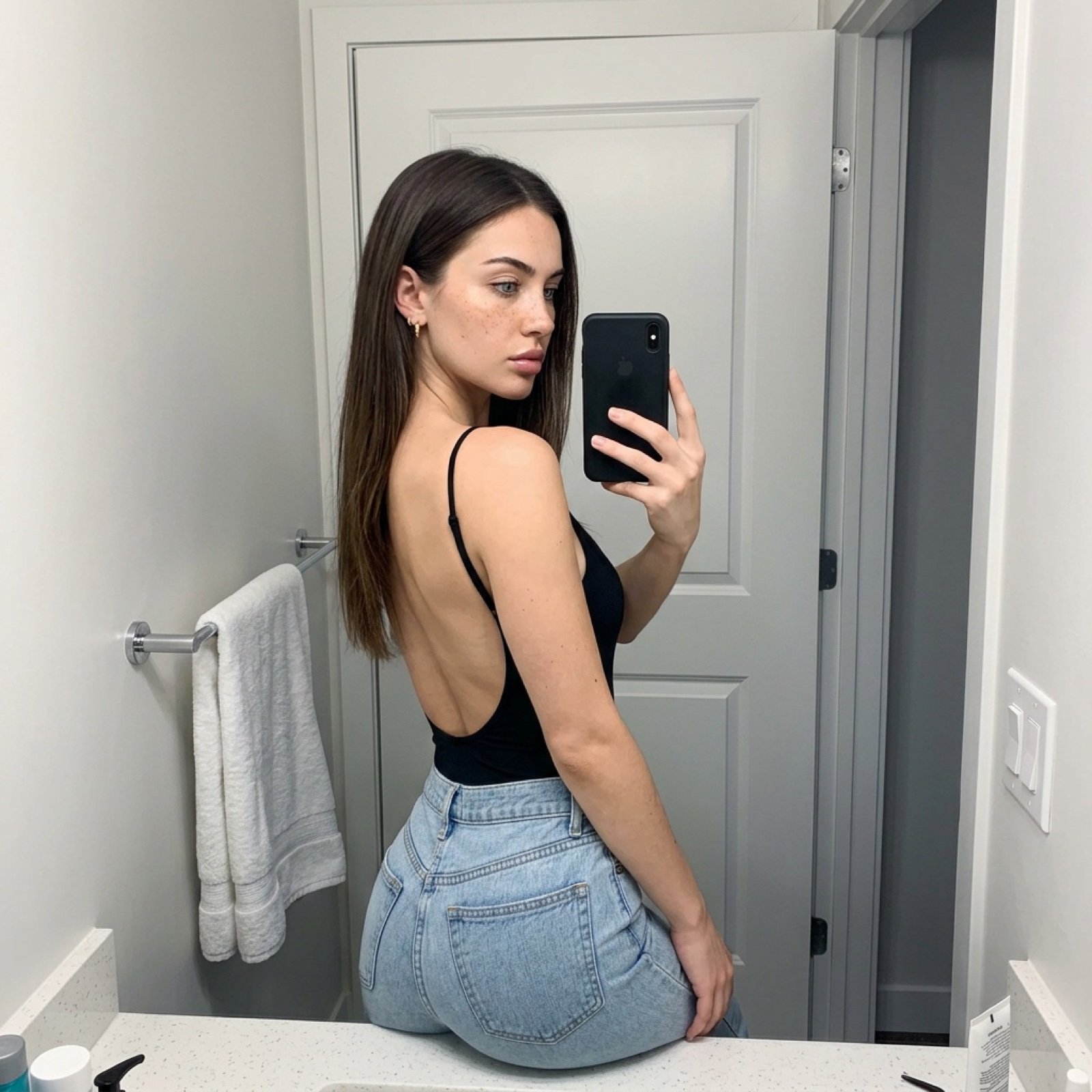
Viral TikTok Mirror Selfie Prompt
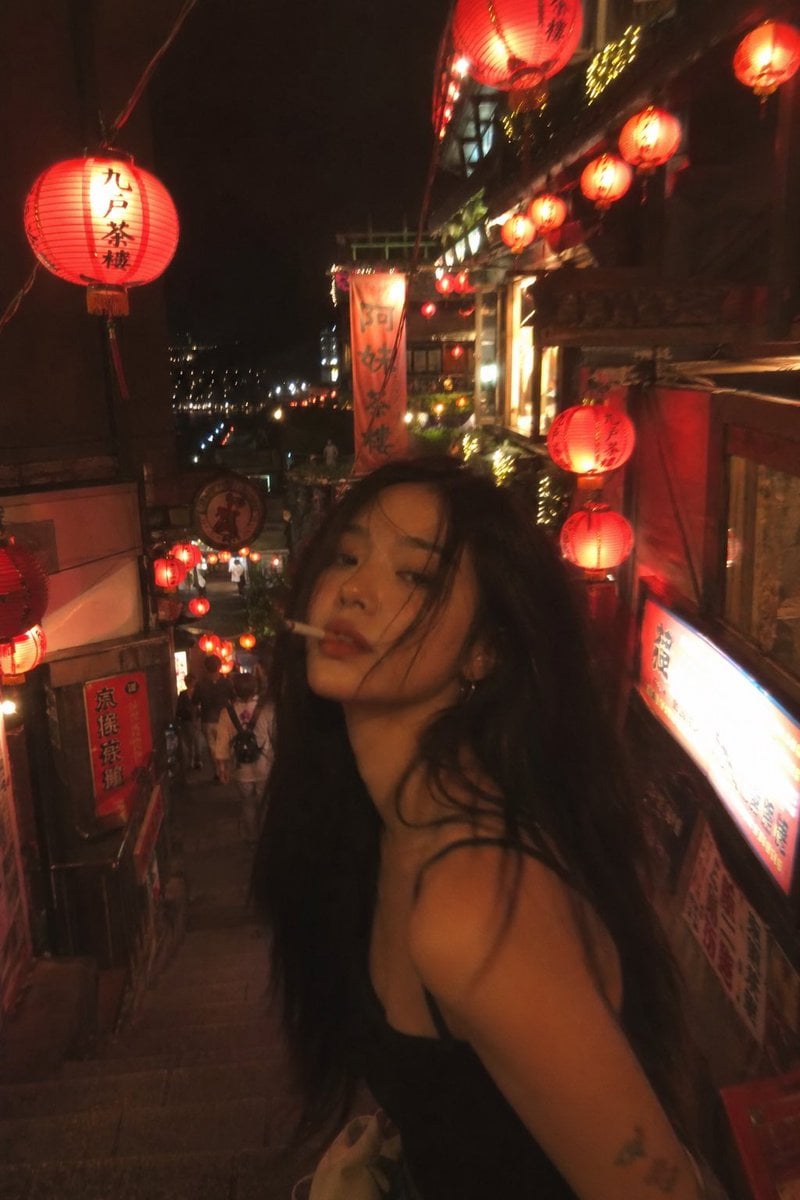
Asian Fashion Model in Taipei Night Scene

The Big Bang Theory Cinematic Poster
Browse template categories
Isometric Circular Museum Architecture questions
How do I use the Isometric Circular Museum Architecture template?
Add your photo if the template asks for one, edit the prompt if you like — the template's model and format are already selected — and press Generate. Your version opens in PicX Studio.
Can I customize the Isometric Circular Museum Architecture template?
Yes. You can change the subject, setting, lighting, mood, format, and available model controls before creating your image.
Is the Isometric Circular Museum Architecture template free?
Opening and editing this template is free. Generating uses credits, shown on the Generate button when you are signed in.
Which AI model should I use?
Start with GPT Image 2, which is the model associated with this template. You can compare another compatible model for a different finish.
Looking for something else? Browse all templates.

Your photo, any look
Thousands of ready templates for every top image and video model, from one credit balance.