
Museum Poster Design Template
A sophisticated prompt template for creating clean, minimalist museum-style posters with precise typography, strong layout order, and ceremonial aesthetic.
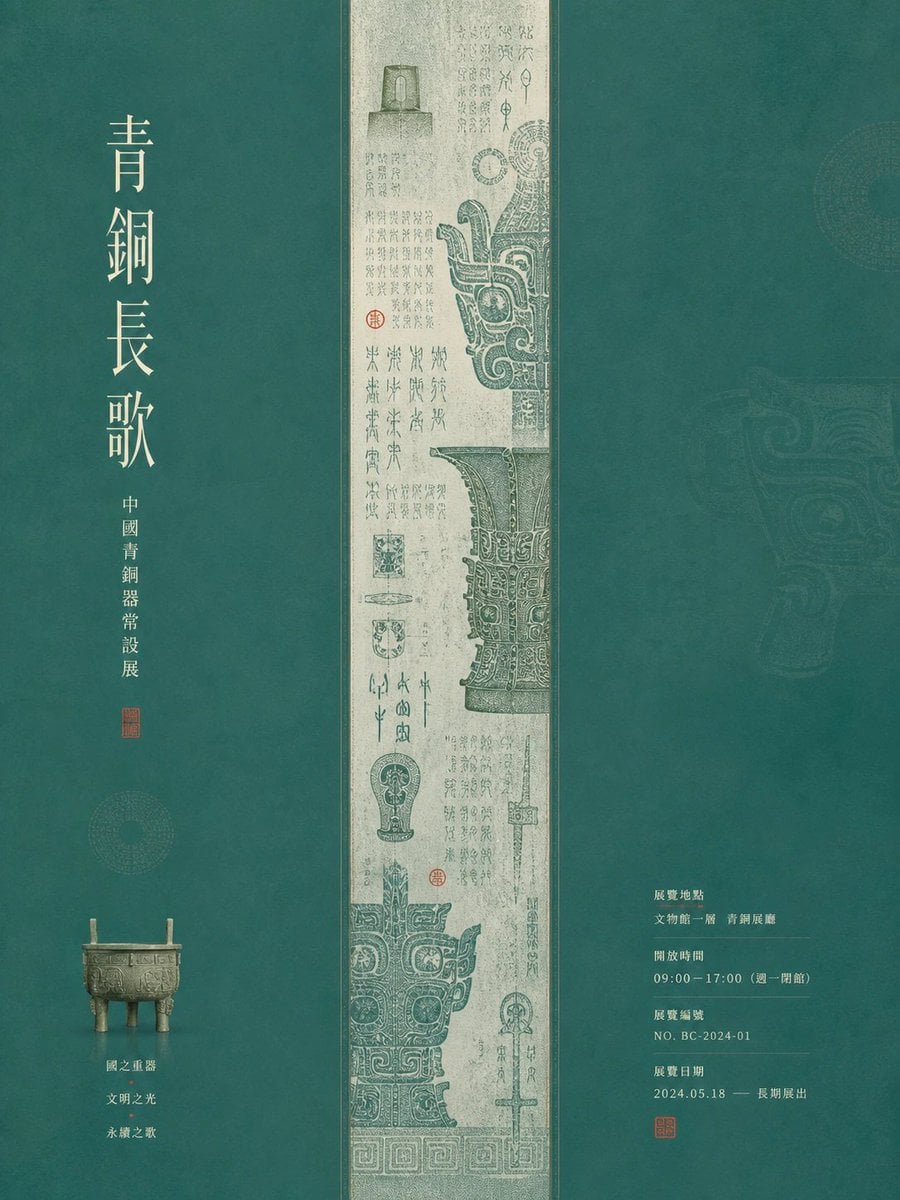
- Prompt included
- Model and format preset
- Free template
The prompt behind this image
Copy the exact prompt behind Museum Poster Design Template, or open it in the studio and make it yours.
围绕{argument name="主题对象" default="任意主题对象"}生成一张安静而有仪式感的图文视觉:画面由大面积主题底场与一条居中的窄幅主视觉带形成强烈分栏秩序,主视觉带承载主题派生的主要形体、线性纹理或图像叙事,像被精确装裱的细密画面一样贯穿阅读路径;两侧底场保持宽阔、柔和、可呼吸,放置少量主题相关器物或符号作为轻量锚点,使视觉先读到中央的密集细节,再读到大字标题和分组信息。主题对象不要被孤立陈列,而要拆解成主形体、附着细节、信息层和小型物件四种角色,形成中心密、两侧疏、文字有停顿的展陈节奏。文字若出现,使用高瘦、清雅、留有字距的标题字,少字成列形成静默重量;说明文字用小号、整齐、克制的组块,与图像保持精确边距,像展签和日期信息嵌在色场里。色彩从主题自身的材质、季节、文化语义与情绪中提取,保留大面积清透明亮底色、较浅的主视觉承托色、清晰深浅色阶、少量高饱和强调色和浅色信息文字的角色关系;整体明亮干净、温润安静,有清晰边界和柔和印刷颗粒,纹理只增加纸面与材质触感,不让画面变脏、灰暗、烟雾化或陈旧。
How to use Museum Poster Design Template in 3 steps
- 1
Open
The prompt is already in the box next to the preview, with the template's model and format selected.
- 2…a portrait of your subject in softgolden-hour light, 85mm…
Personalize
Edit the subject and creative details for your destination.
- 3Generate
Generate
Press Generate — your image is created in PicX Studio, so you can compare it with the original and refine one variable at a time.
More like this
Templates with the same subject, style or setup. Open one to see its prompt.

Japan Travel Brochure Poster

Cartoon TV Show Poster Pack

Trendy Cafe Drink Promo Poster

Urban Fashion Editorial Collage Streetwear Poster

Premium Fashion Editorial Cover Layout System

Polo Ralph Lauren Luxury American Heritage Fashion Campaign

Monochrome Halftone Editorial Fashion Poster

Retro Mirror Luxury Fashion Campaign Poster

Luxury Fashion Campaign Typography Poster System

Premium Fashion Editorial Campaign Poster System

Ultra-Stylized High-Fashion Streetwear Poster

Urban Fashion Editorial Collage Poster
Make it yours
Museum Poster Design Template works as-is. These are the safest ways to change it without losing the look.
Change one field
Copy a single group, rewrite it, and generate again so you can see what that field is doing.
Keep the frame, change the subject
Hold the composition and light of Museum Poster Design Template, then swap wardrobe, props or the person for a new take.
| If the result… | Why | Fix |
|---|---|---|
| The result drifts from the preview | Too many fields changed at once. | Reuse Museum Poster Design Template as-is first, then change one group — subject, light, or setting. |
| The model over-stylizes the scene | The prose prompt leaves finish and camera underspecified. | Add one camera or lighting sentence and stay on GPT Image 2. |
More GPT Image 2 templates
Other prompts made for GPT Image 2.

Six VTuber Japanese Logo Sheet

Realistic Portrait of Woman and Deer

The Vista Modular Condo Poster

AI Model Routing Comparison Infographic

2.5D Anime Art Board

Isometric Productivity Desk Scene

New York Double Exposure Poster

Four-Panel AI Landscape Comparison

Japanese Tatami Lifestyle Magazine Cover

NESCAFÉ Coffee Map Poster
More image prompts
Fresh picks from across the catalog.
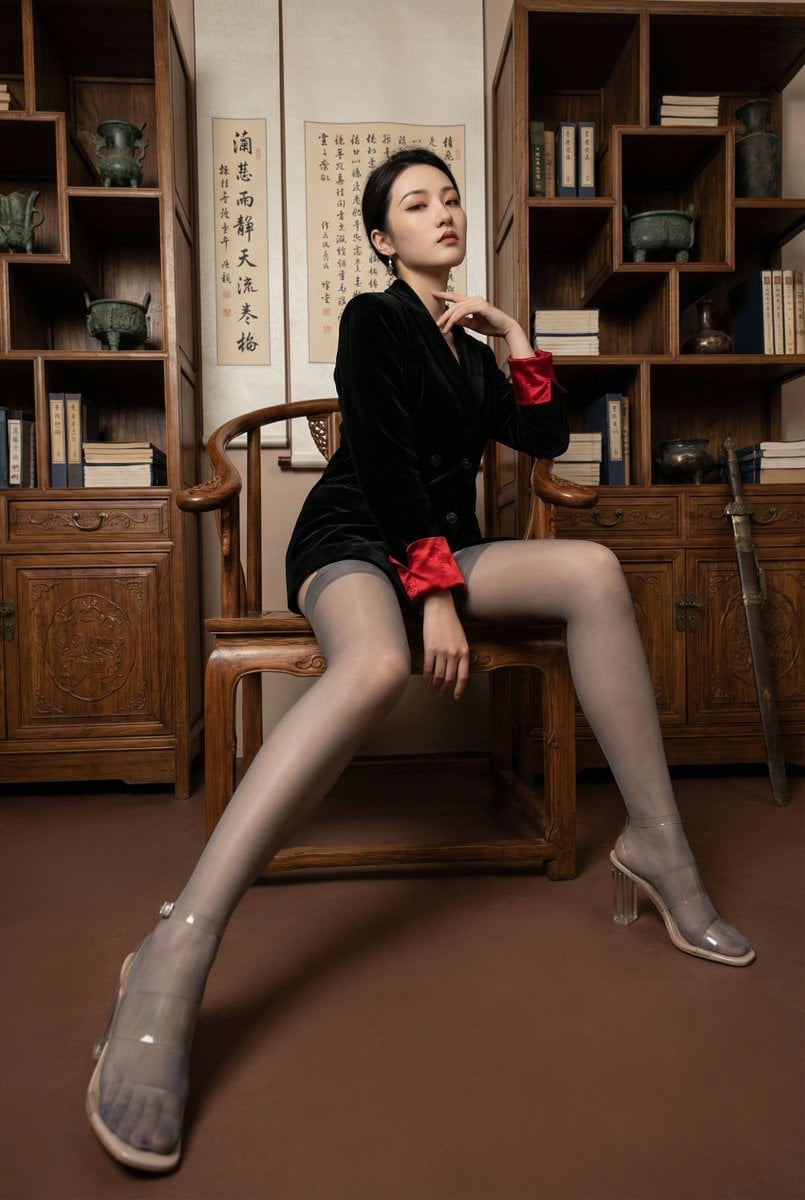
Modern Chinese Retro Fashion Photography Prompt
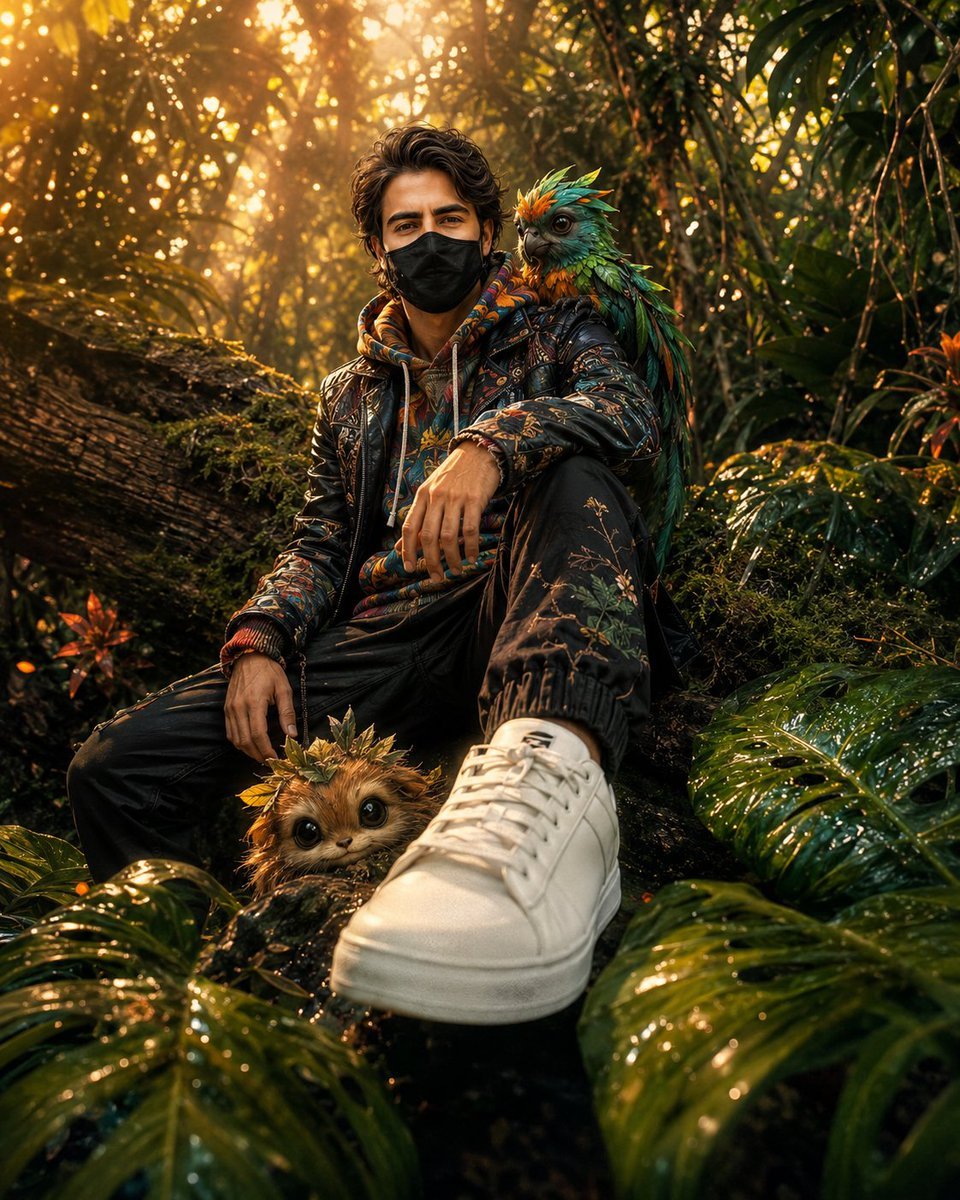
Hyper-Realistic Fantasy Jungle Adventure
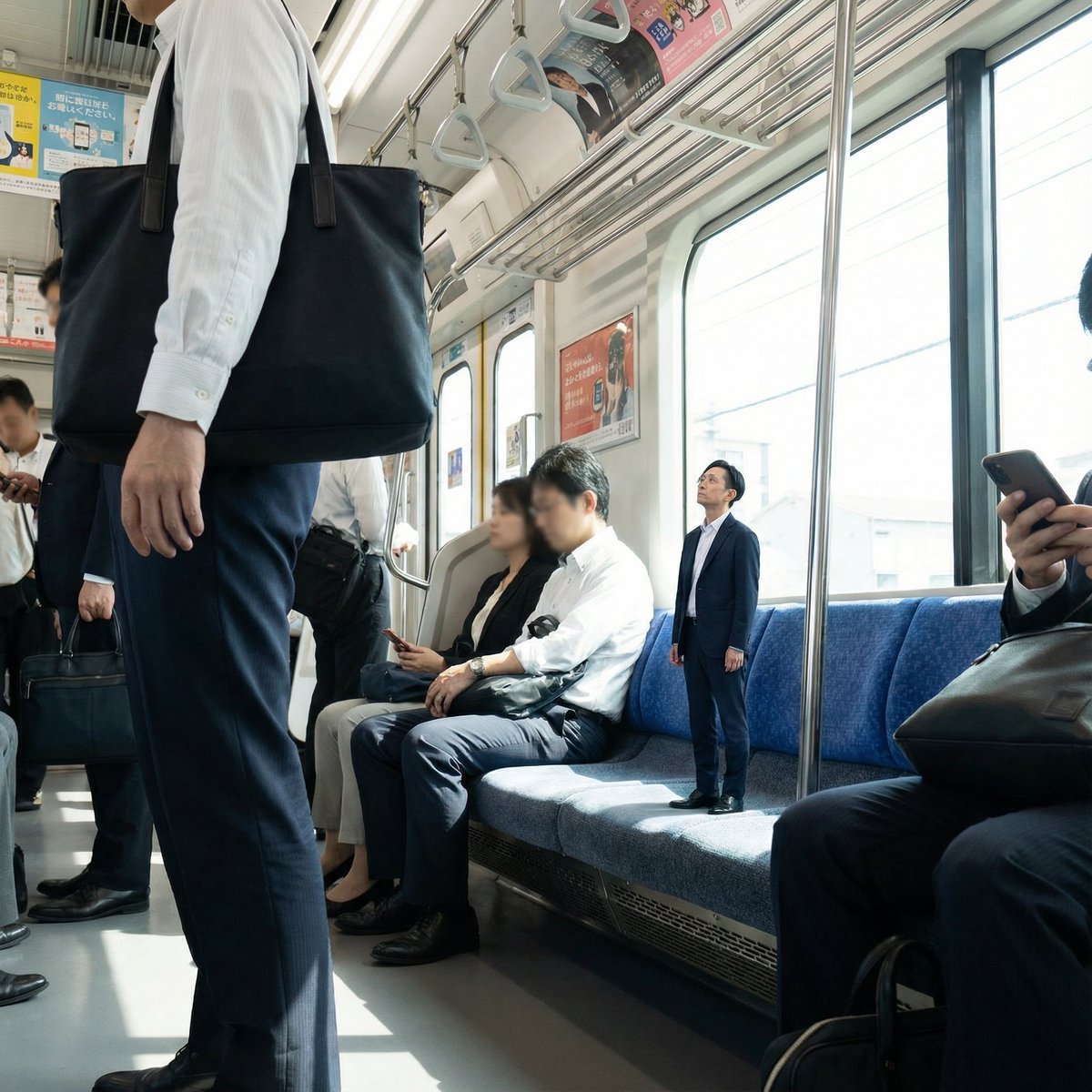
Miniature Person in Train Prompt
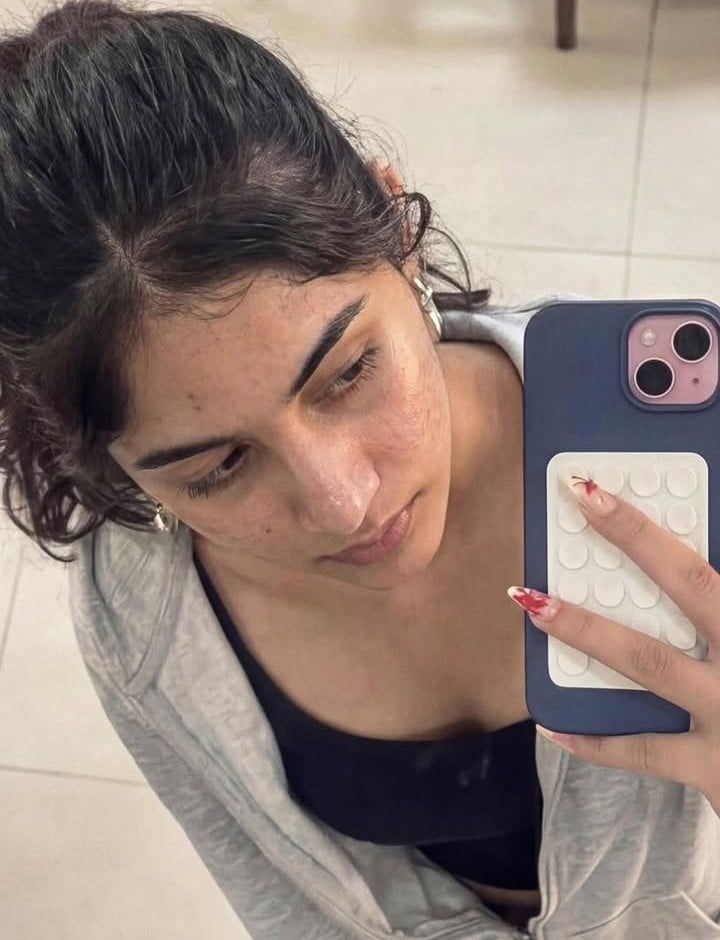
Image-to-Image Editing Example
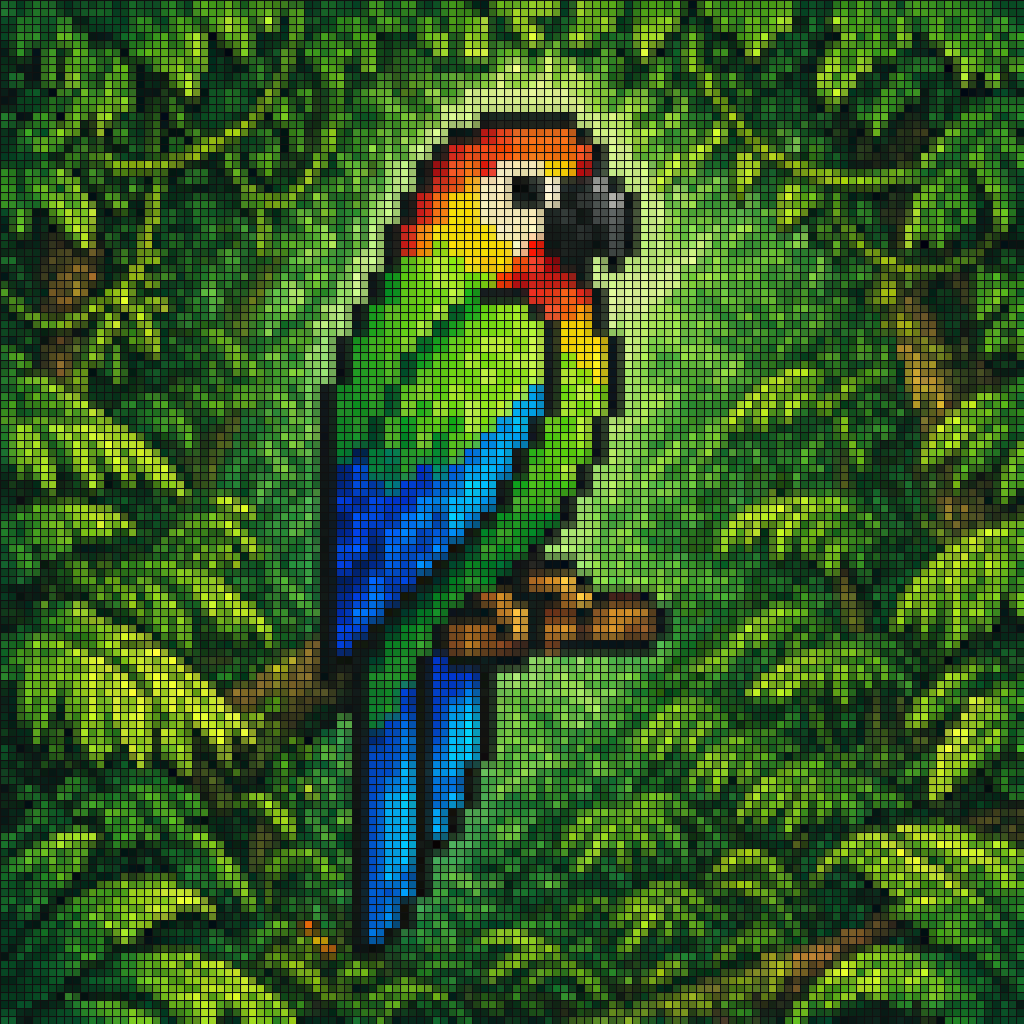
Gpt2 Social Media Post Tropical Parrot Pixel Mosaic

Violet Ghost in a Golden Room K-Pop Aesthetic Image Prompt

Dynamic Motorcycle Rider Portrait on Yellow Background
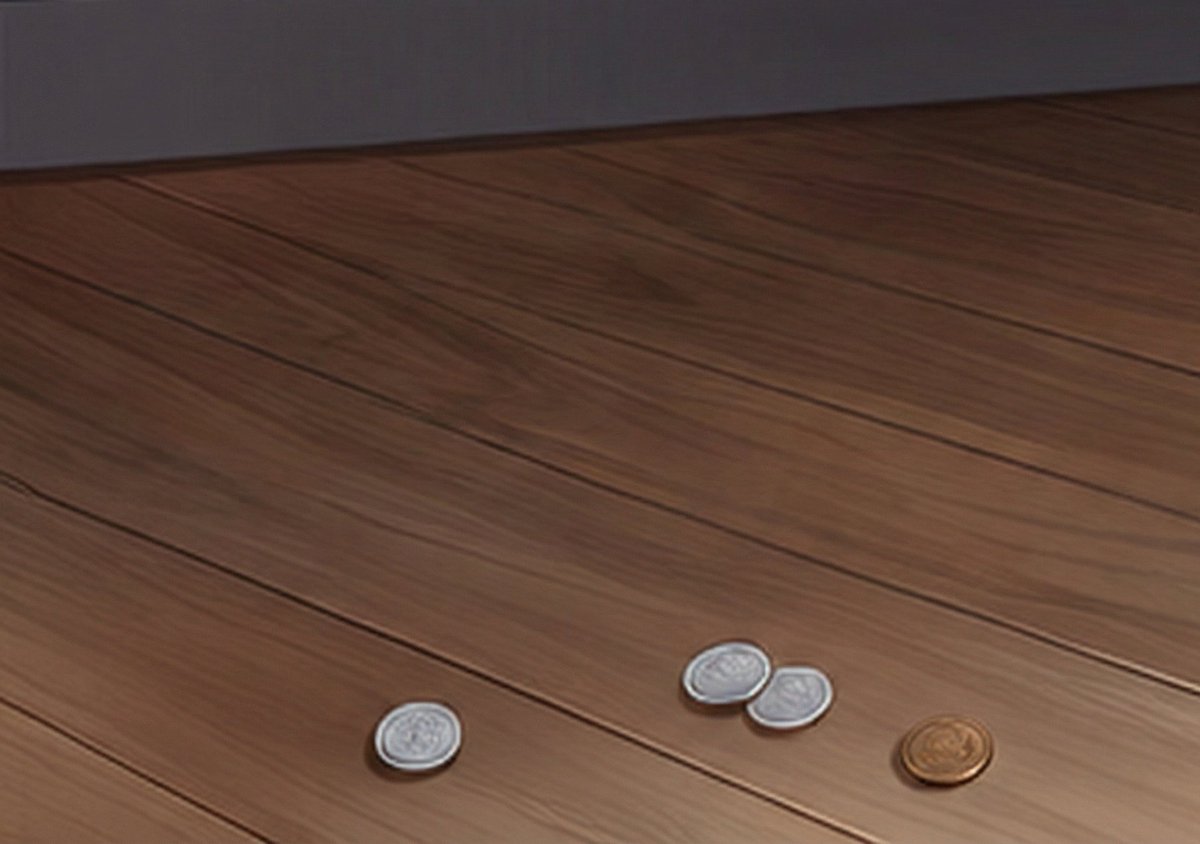
Generating Realistic Japanese Currency on a Floor

Software Workflow Infographic
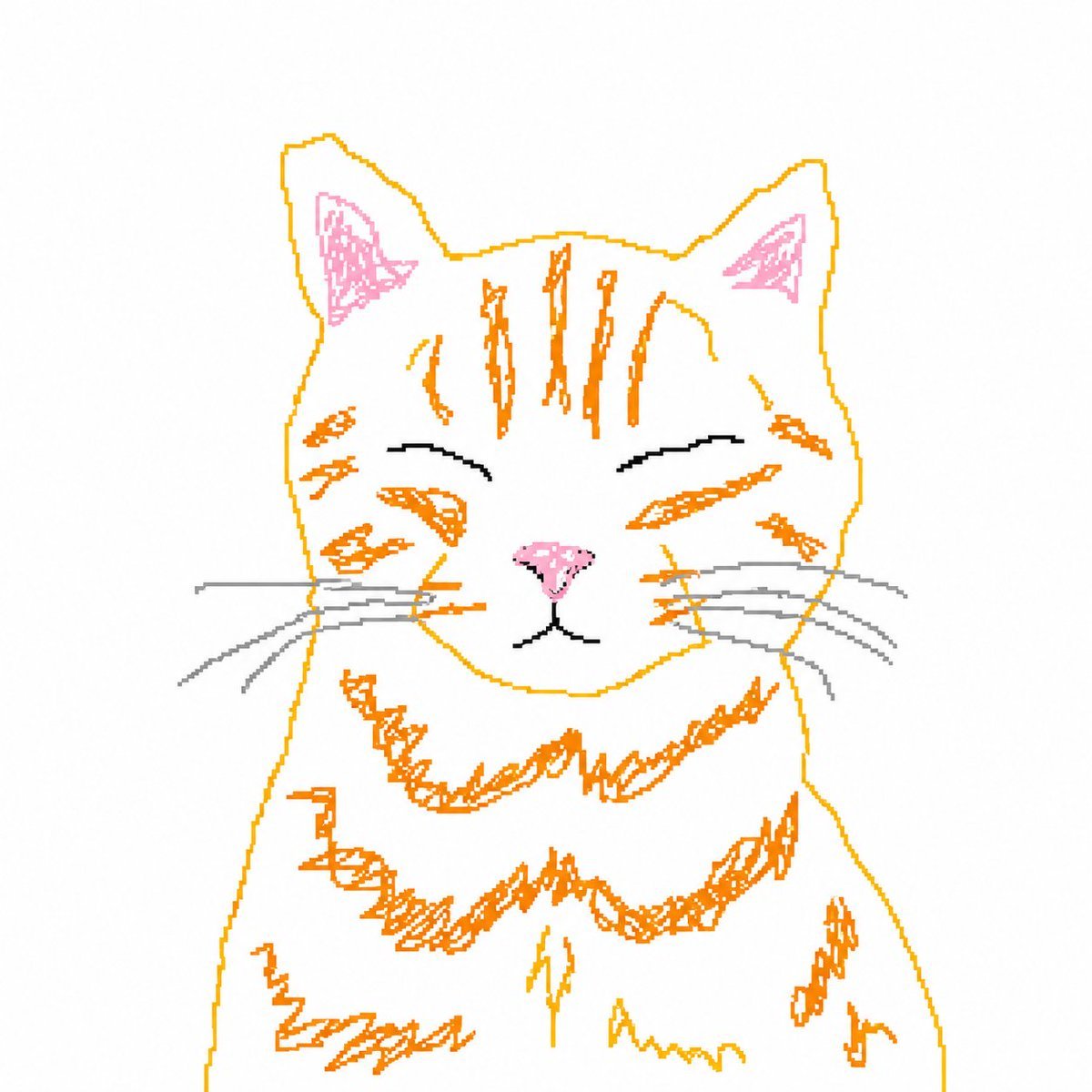
Bad MS Paint Cat Redraw
Browse template categories
Museum Poster Design Template questions
How do I use the Museum Poster Design Template template?
Add your photo if the template asks for one, edit the prompt if you like — the template's model and format are already selected — and press Generate. Your version opens in PicX Studio.
Can I customize the Museum Poster Design Template template?
Yes. You can change the subject, setting, lighting, mood, format, and available model controls before creating your image.
Is the Museum Poster Design Template template free?
Opening and editing this template is free. Generating uses credits, shown on the Generate button when you are signed in.
Which AI model should I use?
Start with GPT Image 2, which is the model associated with this template. You can compare another compatible model for a different finish.
Looking for something else? Browse all templates.

Your photo, any look
Thousands of ready templates for every top image and video model, from one credit balance.