
Gpt2 Social Media Post Tropical Parrot Pixel Mosaic
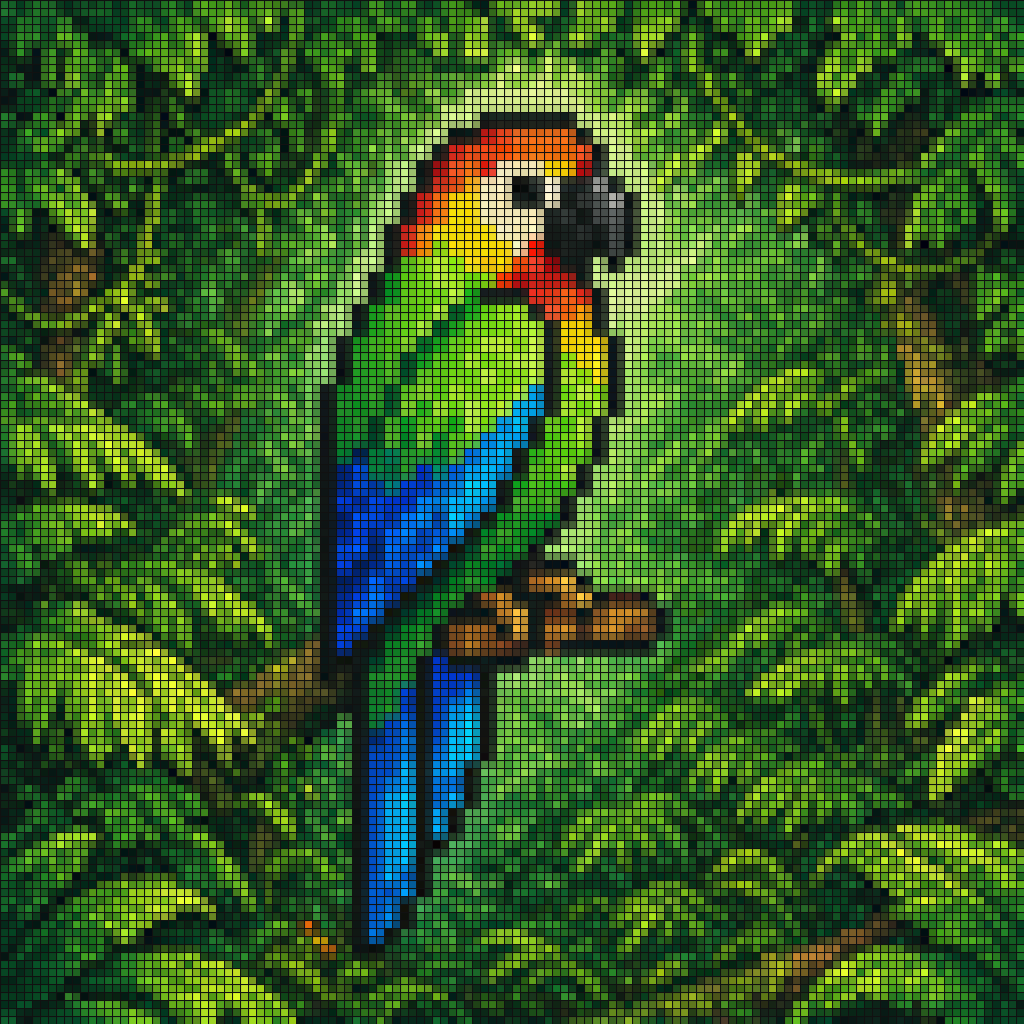
A colorful tiled mosaic illustration of a tropical parrot in lush jungle foliage, ideal for generating decorative pixel-art or stained-glass-style nature images.
- Prompt included
- Model and format preset
- Free template
The prompt behind this image
Copy the exact prompt behind Gpt2 Social Media Post Tropical Parrot Pixel Mosaic, or open it in the studio and make it yours.
A vibrant pixel-art style mosaic of a tropical parrot perched on a small brown branch in the middle of dense rainforest foliage. The entire image is rendered as a tight grid of tiny square tiles with visible black outlines, creating a stained-glass or LED-screen effect. The bird is shown in side profile facing right, with a large curved black beak, a pale cream face, a bright red-orange forehead and throat, vivid green upper body, and long wings and tail in saturated blue and cyan. The surrounding jungle is filled edge to edge with layered green leaves in many shades, with a soft light green glow behind the parrot to separate it from the background. High color contrast, rich tropical palette, crisp tile pattern, centered composition, decorative digital mosaic aesthetic.
How to use Gpt2 Social Media Post Tropical Parrot Pixel Mosaic in 3 steps
- 1
Open
The prompt is already in the box next to the preview, with the template's model and format selected.
- 2…a portrait of your subject in softgolden-hour light, 85mm…
Personalize
Edit the subject and creative details for your destination.
- 3Generate
Generate
Press Generate — your image is created in PicX Studio, so you can compare it with the original and refine one variable at a time.
More like this
Templates with the same subject, style or setup. Open one to see its prompt.

Gpt2 Social Media Post Nostalgic 16 Photo Couple Grid

Gpt2 Social Media Post Cinematic Chicken Momos Ad Poster

Gpt2 Social Media Post Bmw Performance Social Poster
Gpt2 Social Media Post Anime Campers in a Winter Tent

Gpt2 Social Media Post Gothic Android Warrior Cathedral Key Art

Gpt2 Social Media Post 4 Panel Japanese Digital Ad Banner Grid
Tropical Parrot Pixel Mosaic

VLOG Style Social Media Post
Pixel Mosaic Jungle Parrot

Pixel Limited Finale Fireworks

Pixel Limited Garden Maze

Pixel Limited Rooftop Concert
Make it yours
Gpt2 Social Media Post Tropical Parrot Pixel Mosaic works as-is. These are the safest ways to change it without losing the look.
Change one field
Copy a single group, rewrite it, and generate again so you can see what that field is doing.
Keep the frame, change the subject
Hold the composition and light of gpt2-social-media-post-tropical-parrot-pixel-mosaic, then swap wardrobe, props or the person for a new take.
| If the result… | Why | Fix |
|---|---|---|
| The result drifts from the preview | Too many fields changed at once. | Reuse gpt2-social-media-post-tropical-parrot-pixel-mosaic as-is first, then change one group — subject, light, or setting. |
| The model over-stylizes the scene | The prose prompt leaves finish and camera underspecified. | Add one camera or lighting sentence and stay on GPT Image 2. |
More GPT Image 2 templates
Other prompts made for GPT Image 2.

Six VTuber Japanese Logo Sheet

Realistic Portrait of Woman and Deer

The Vista Modular Condo Poster

AI Model Routing Comparison Infographic

2.5D Anime Art Board

Isometric Productivity Desk Scene

New York Double Exposure Poster

Four-Panel AI Landscape Comparison

Japanese Tatami Lifestyle Magazine Cover

NESCAFÉ Coffee Map Poster
More image prompts
Fresh picks from across the catalog.

Cinematic Emotional Portrait with Motion Blur

Black Leggings Side Pose Mirror Selfie

Fast-Food Lifestyle Commercial

Heroic Action Train Stopping Portrait

Chinese Ink Animation Poster Style

Aspect Ratio Change Utility Prompt

Macro Photography of Subject in Glass Workspace
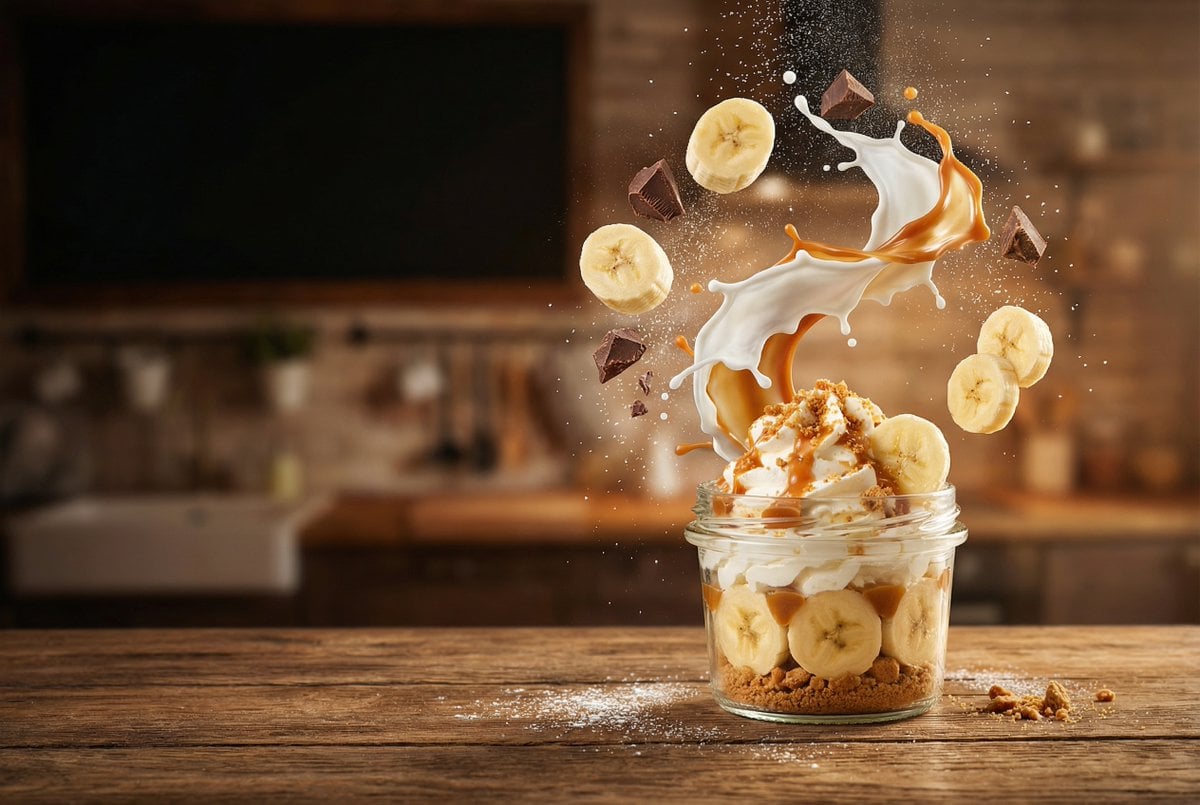
Advertising-Style Food Photography Prompt
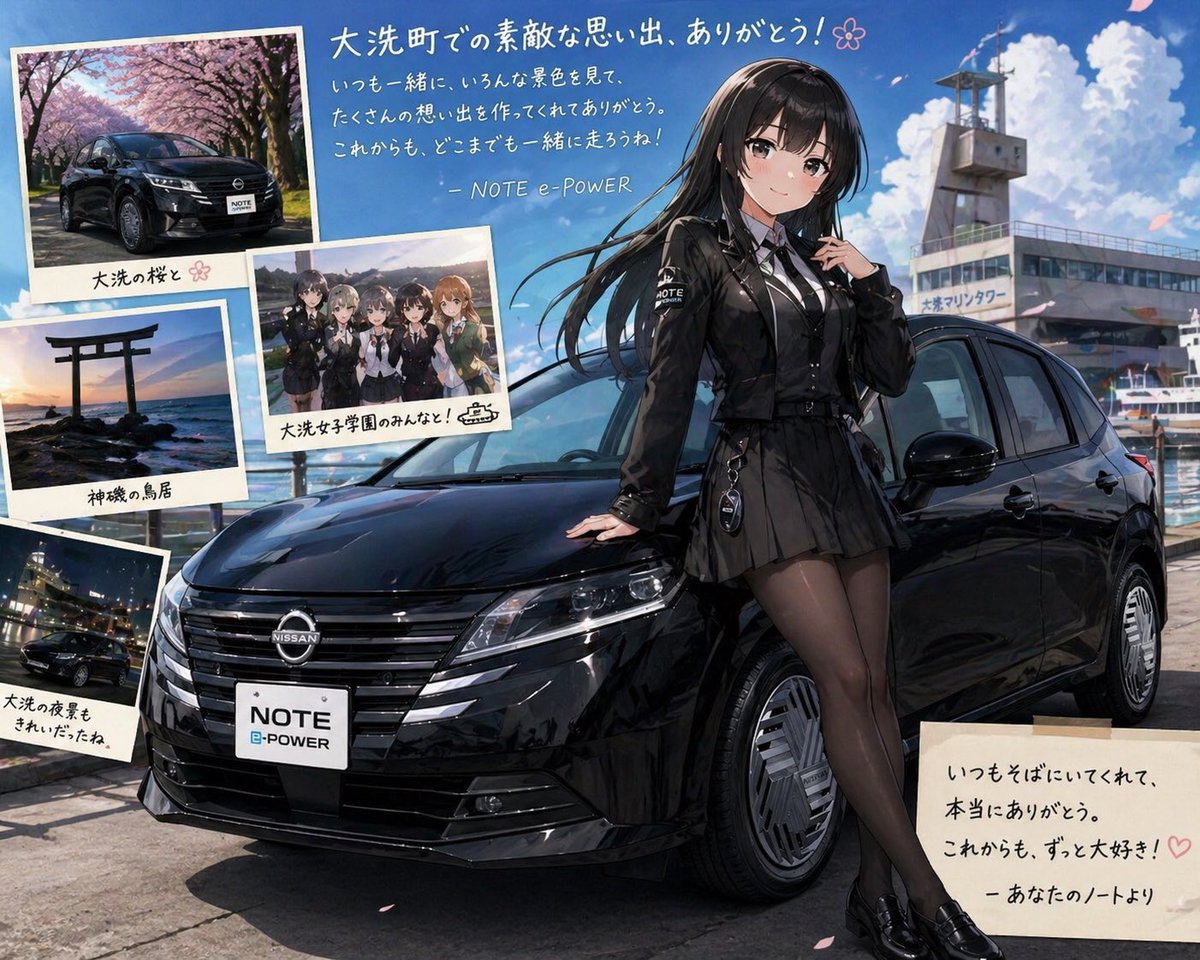
Anime Car Personification Tribute Poster

Nano Banana - Window Wine Red Dress
Featured in prompt roundups
Hand-picked collections that include this template.
Browse template categories
Gpt2 Social Media Post Tropical Parrot Pixel Mosaic questions
How do I use the gpt2-social-media-post-tropical-parrot-pixel-mosaic template?
Add your photo if the template asks for one, edit the prompt if you like — the template's model and format are already selected — and press Generate. Your version opens in PicX Studio.
Can I customize the gpt2-social-media-post-tropical-parrot-pixel-mosaic template?
Yes. You can change the subject, setting, lighting, mood, format, and available model controls before creating your image.
Is the gpt2-social-media-post-tropical-parrot-pixel-mosaic template free?
Opening and editing this template is free. Generating uses credits, shown on the Generate button when you are signed in.
Which AI model should I use?
Start with GPT Image 2, which is the model associated with this template. You can compare another compatible model for a different finish.
Looking for something else? Browse all templates.

Your photo, any look
Thousands of ready templates for every top image and video model, from one credit balance.