
Chinese Ink Animation Poster Style
A template for creating posters with traditional Chinese ink animation aesthetics, featuring heavy ink strokes, light coloring, and intentional negative space.
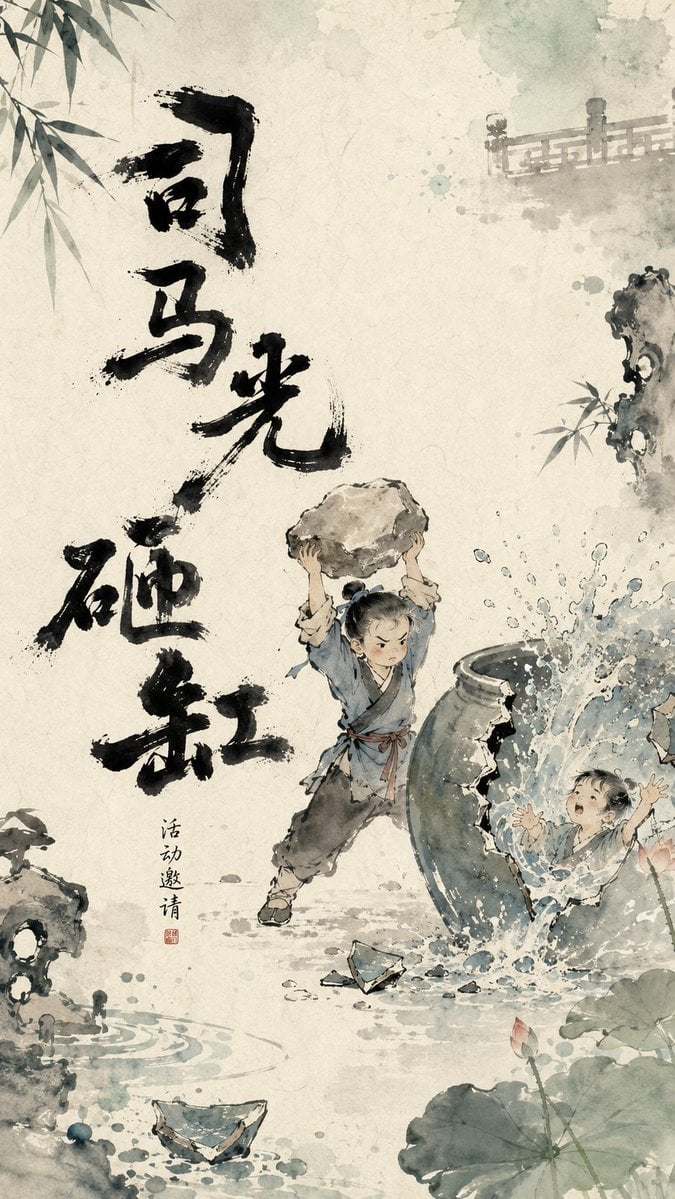
- Prompt included
- Model and format preset
- Free template
The prompt behind this image
Copy the exact prompt behind Chinese Ink Animation Poster Style, or open it in the studio and make it yours.
Design a visual poster with the temperament of an Eastern ink-wash animation for 【{argument name="Theme" default="Borrowing Arrows with Straw Boats"}】. The overall visual logic follows "heavy ink forms the bone structure, light color builds the mood, negative space tells the story, edges breathe." The background has a warm xuan-paper texture, with off-white, pale blue-gray, and light watery tones blending naturally, with a slight paper grain, water marks, and spreading ink. The core text in the image is not fixed to any single position, but is intelligently placed according to the subject's action, gaze direction, negative space, and the visual weight of the composition. The title can appear on the left, right, top, bottom, diagonally, partially revealed at the edge, or arranged unevenly around the subject. The text's placement should feel like a natural part of the image's growth, not typography pasted on afterward. The main title participates in the composition as a heavy-ink visual anchor, serving to anchor the image, support the subject, guide the eye, or create rhythm. The title font is handwritten heavy-ink calligraphy, with strokes that are thick, wet, naive, and irregular, featuring dry-brush streaks, broken strokes, ink blots, bleeding, and rough edges. The character sizes are uneven, the visual weight slightly off-balance, giving it the handcrafted feel of a children's picture book or the opening titles of a Chinese ink-wash animation. The title should not use a neat commercial font, but should instead read like a set of black graphic symbols that echo the subject, the edge elements, and the negative space. Keep moderate negative space at the center of the image, letting the main character or core object rest lightly in the paper's open air. Around the edges, add light-colored edge elements that vary with the theme, such as 【{argument name="Edge Elements" default="willow branches, water splashes"}】; these elements extend in from outside the frame, showing only a partial glimpse rather than the full form. The edge elements should use ink-wash light color, transparent blending, and partial blur, creating a sense of off-frame space and breathing room. Color should mainly appear at the edges and four corners, keeping the central area restrained and clean. The overall mood should be poetic, playful, Eastern, warm, and hand-drawn in feel, like a single breathing frame of a Chinese ink-wash animation poster. The image should convey a refined sense of design where "heavy-ink text forms the skeleton, light-color edges create the atmosphere, and the negative space tells the story." Aspect ratio 9:16
How to use Chinese Ink Animation Poster Style in 3 steps
- 1
Open
The prompt is already in the box next to the preview, with the template's model and format selected.
- 2…a portrait of your subject in softgolden-hour light, 85mm…
Personalize
Edit the subject and creative details for your destination.
- 3Generate
Generate
Press Generate — your image is created in PicX Studio, so you can compare it with the original and refine one variable at a time.
More like this
Templates with the same subject, style or setup. Open one to see its prompt.
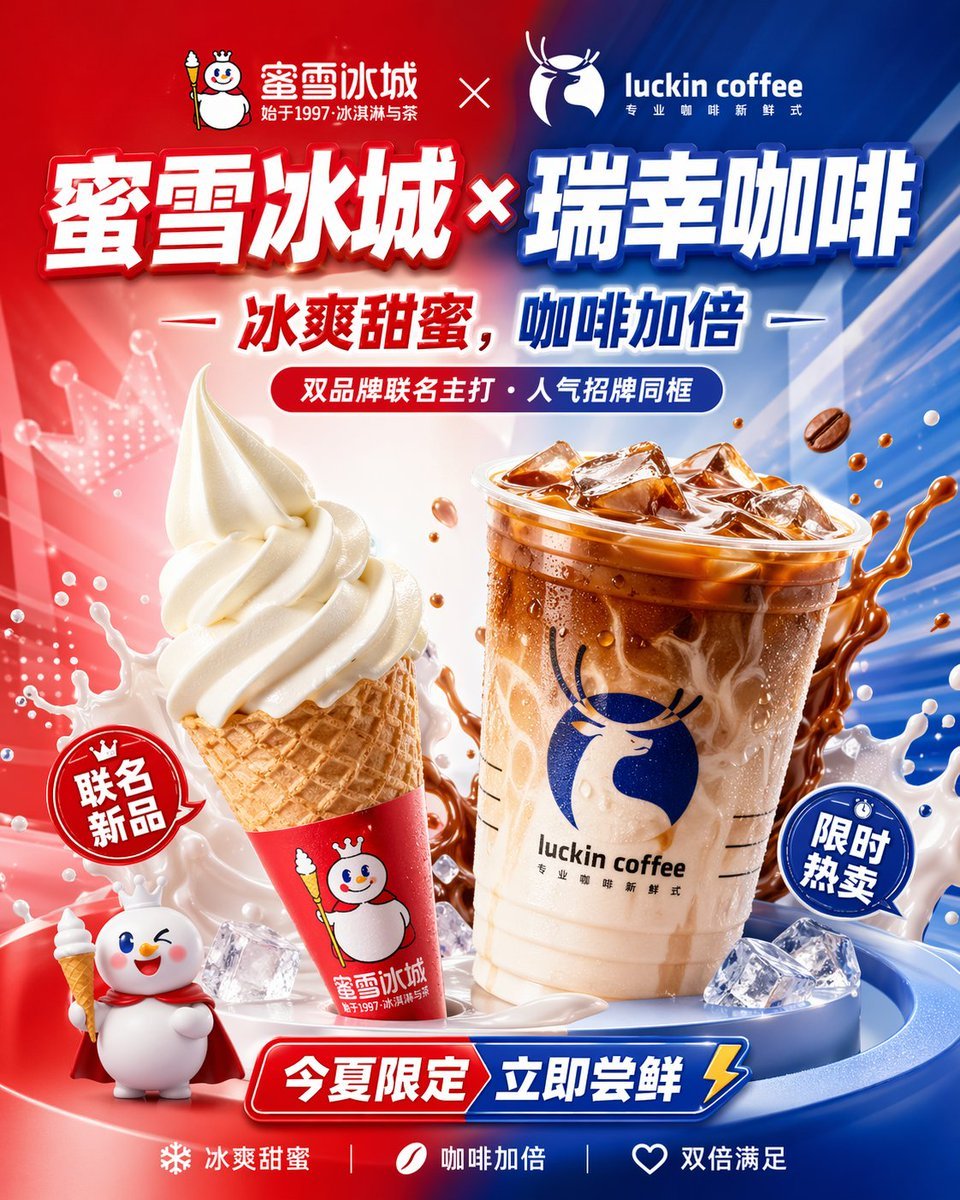
Chinese Co-Branded Summer Drink Poster
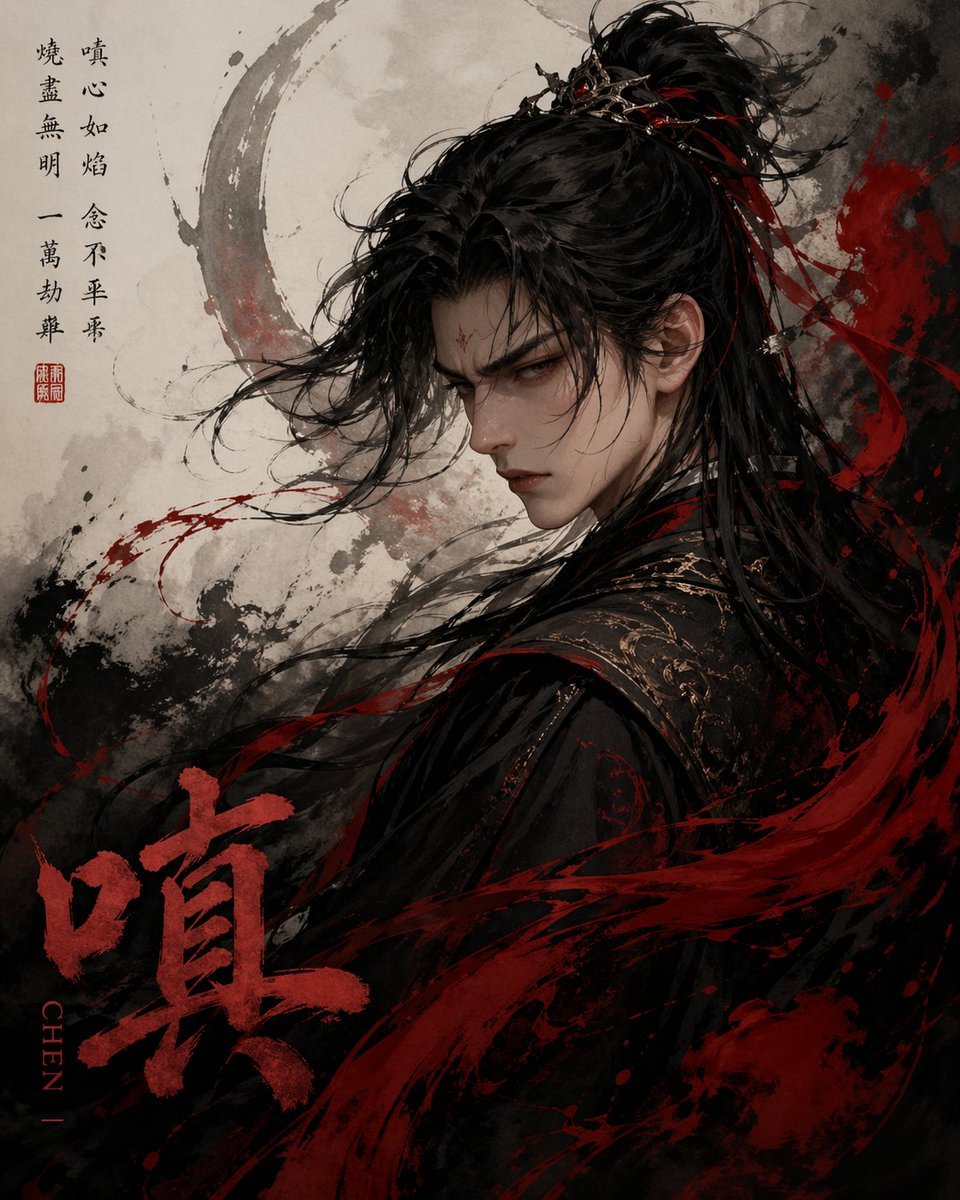
Chinese Ink Fury Character Poster
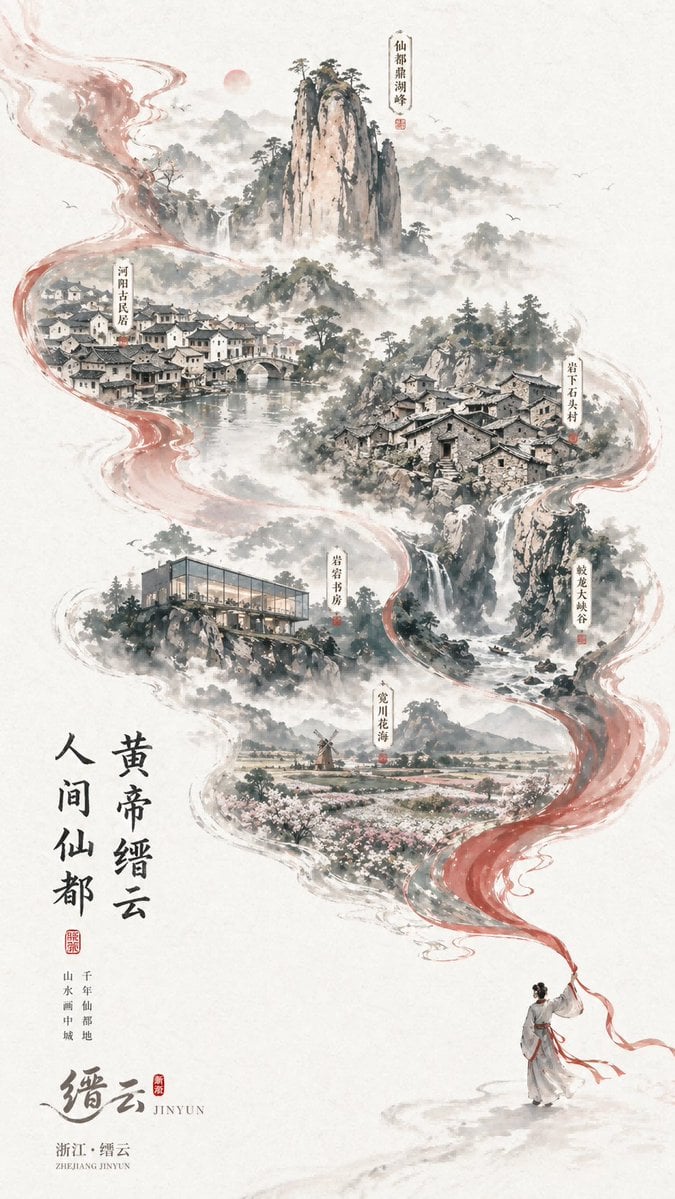
Chinese Ink-Wash Jinyun Travel Poster

Gpt2 Infographic Edu Visual Ink Wash Tribute Poster for Chen Uen

Japan Travel Brochure Poster

Anime Catgirl in Chinese Ink Landscape

Brutalist Cogito Chinese Typography Poster
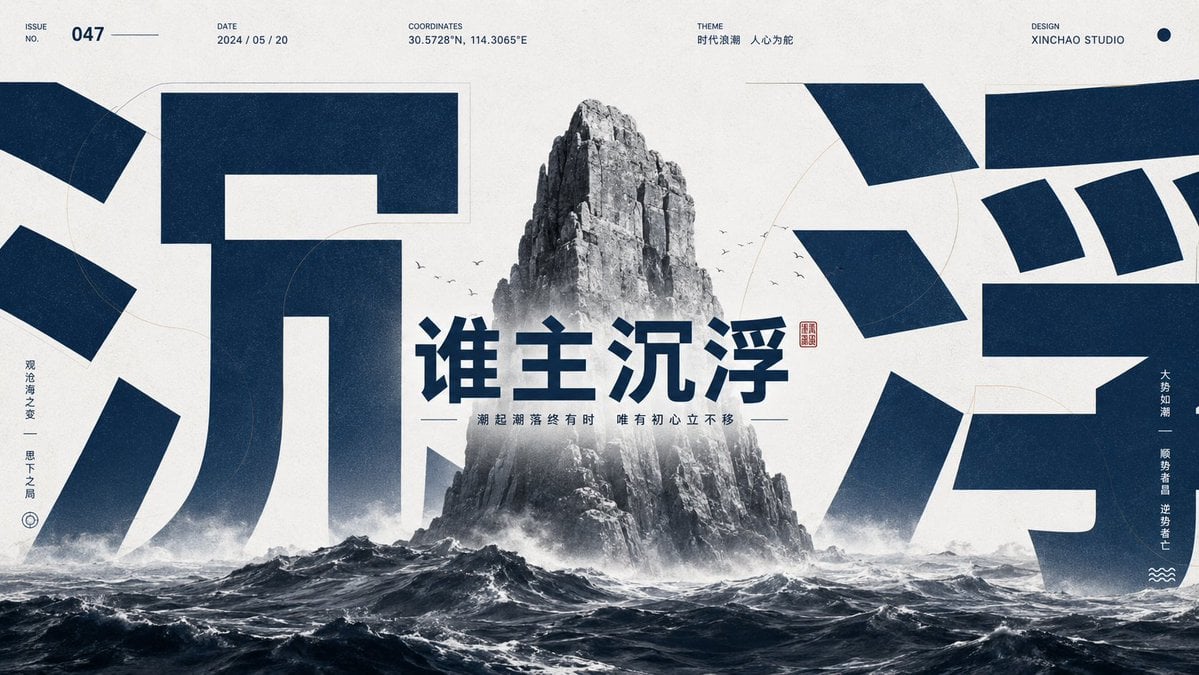
Monumental Chinese Ocean Poster
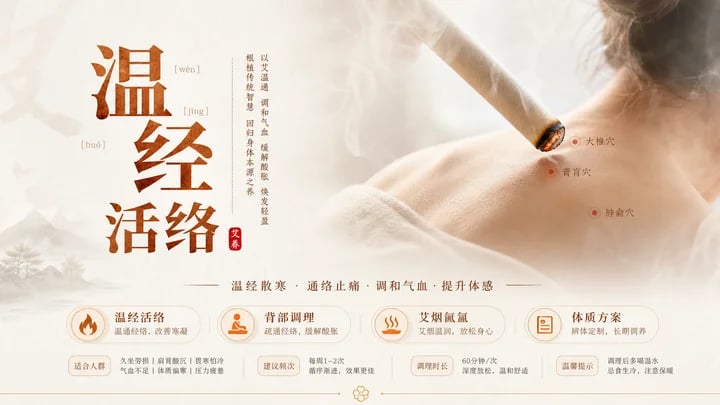
Traditional Chinese Moxibustion Poster
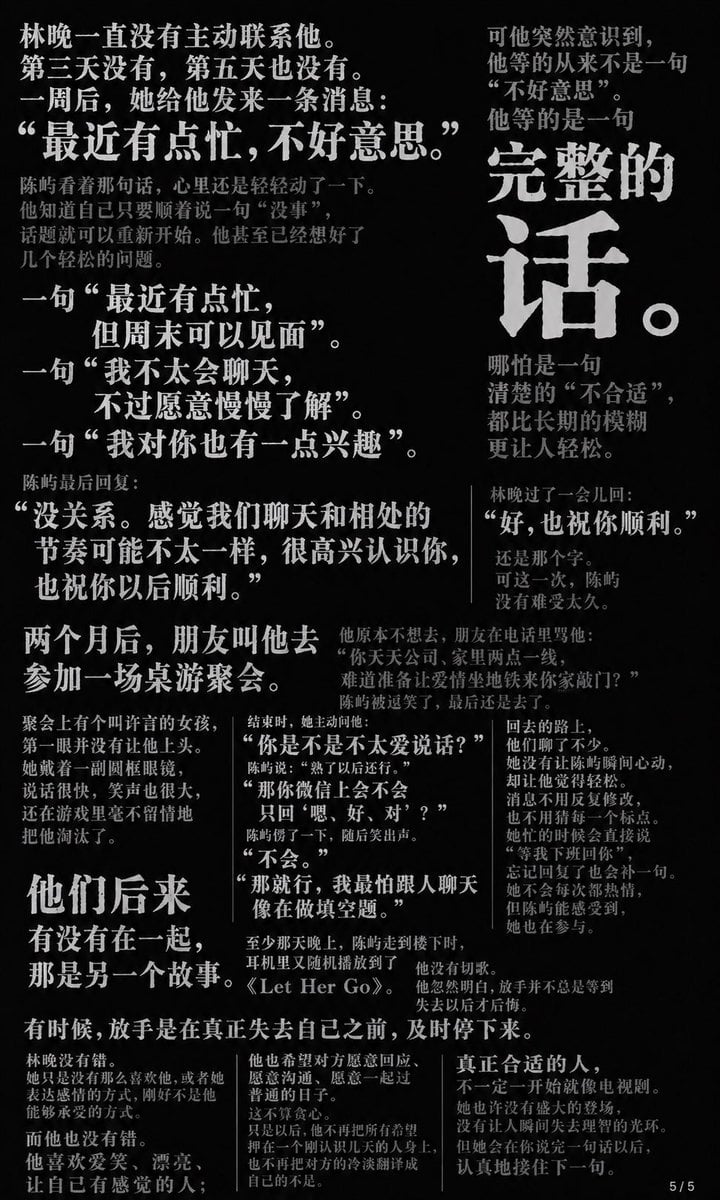
Chinese Novel Quote Typography Poster
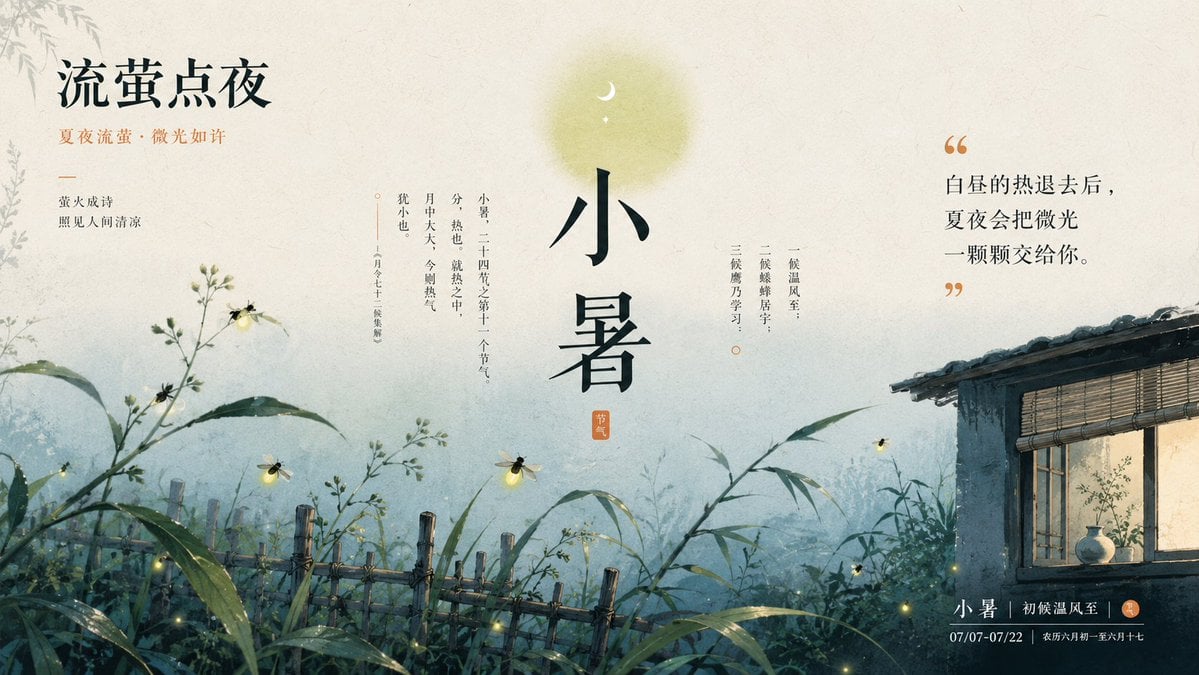
Chinese Firefly Summer Night Poster
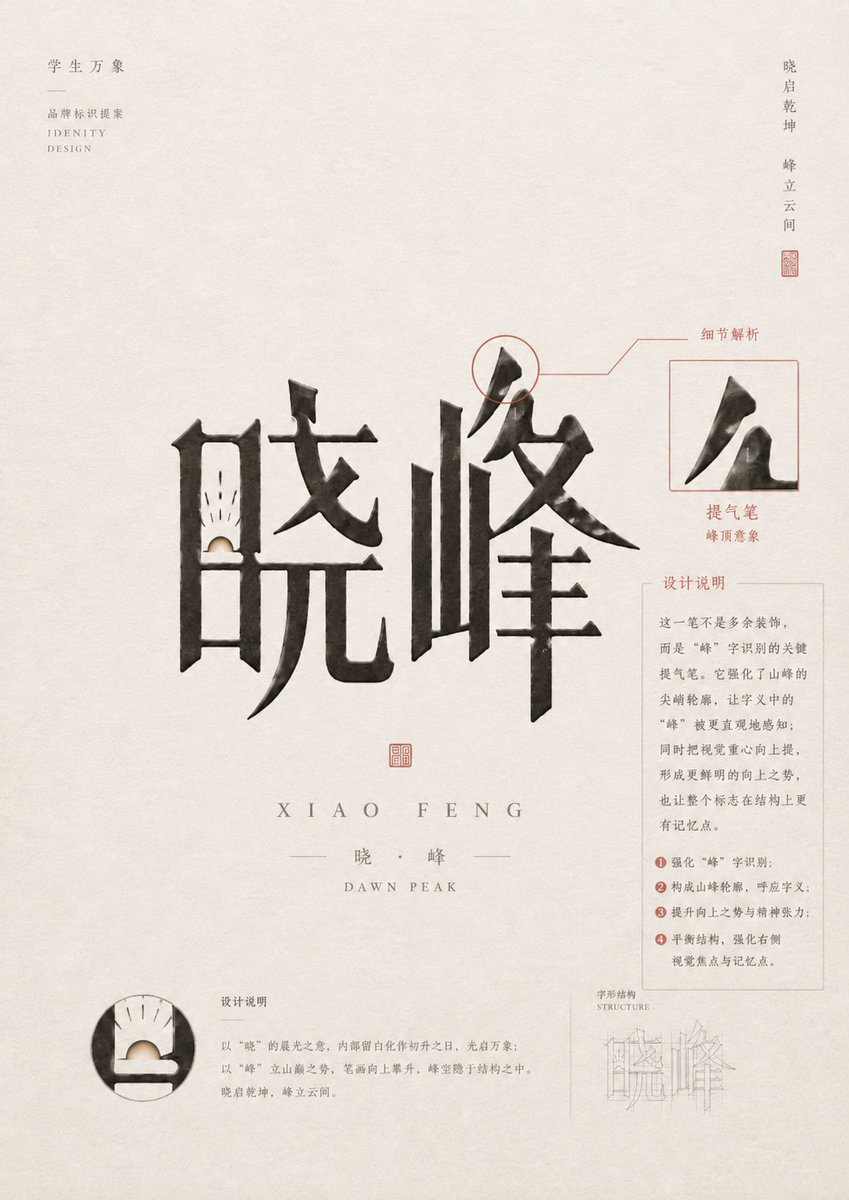
Chinese Calligraphy Identity Poster
Make it yours
Chinese Ink Animation Poster Style works as-is. These are the safest ways to change it without losing the look.
Change one field
Copy a single group, rewrite it, and generate again so you can see what that field is doing.
Keep the frame, change the subject
Hold the composition and light of Chinese Ink Animation Poster Style, then swap wardrobe, props or the person for a new take.
| If the result… | Why | Fix |
|---|---|---|
| The result drifts from the preview | Too many fields changed at once. | Reuse Chinese Ink Animation Poster Style as-is first, then change one group — subject, light, or setting. |
| The model over-stylizes the scene | The prose prompt leaves finish and camera underspecified. | Add one camera or lighting sentence and stay on GPT Image 2. |
More GPT Image 2 templates
Other prompts made for GPT Image 2.

Six VTuber Japanese Logo Sheet

Realistic Portrait of Woman and Deer

The Vista Modular Condo Poster

AI Model Routing Comparison Infographic

2.5D Anime Art Board

Isometric Productivity Desk Scene

New York Double Exposure Poster

Four-Panel AI Landscape Comparison

Japanese Tatami Lifestyle Magazine Cover

NESCAFÉ Coffee Map Poster
More image prompts
Fresh picks from across the catalog.
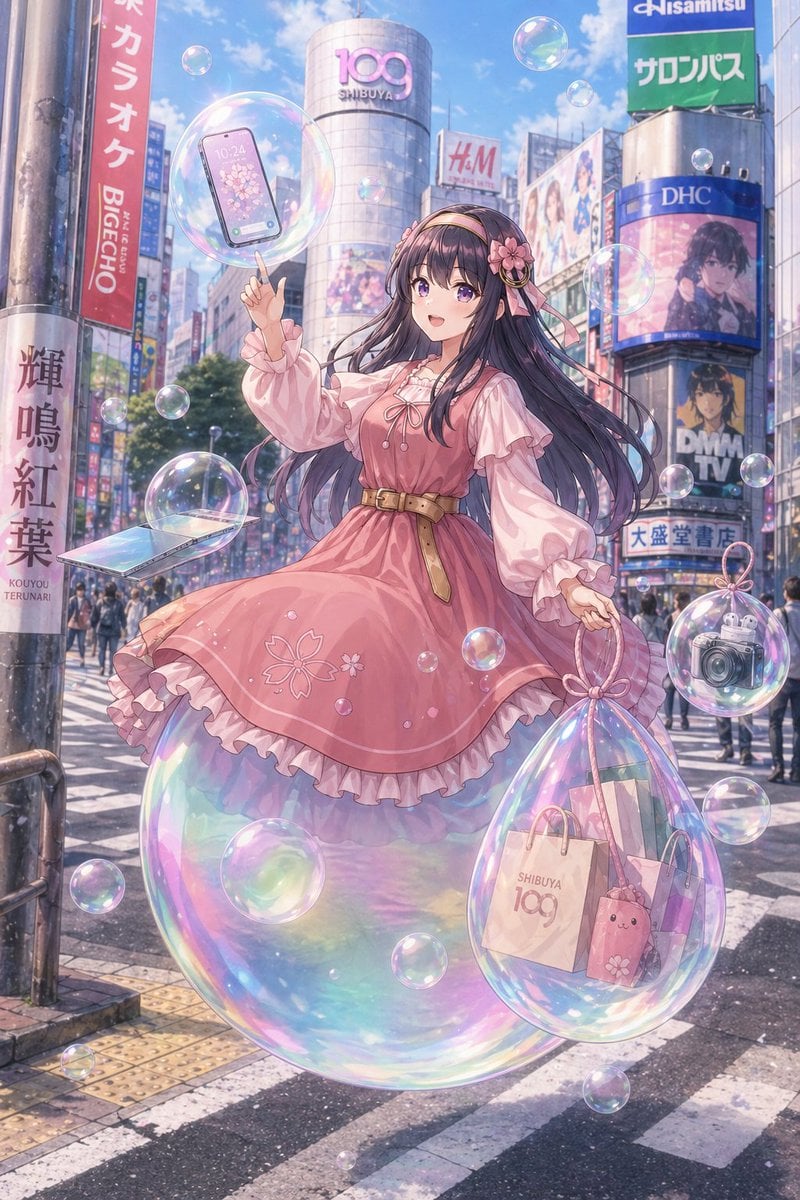
Gpt2 Comic Storyboard Dreamy Shibuya Bubble Girl
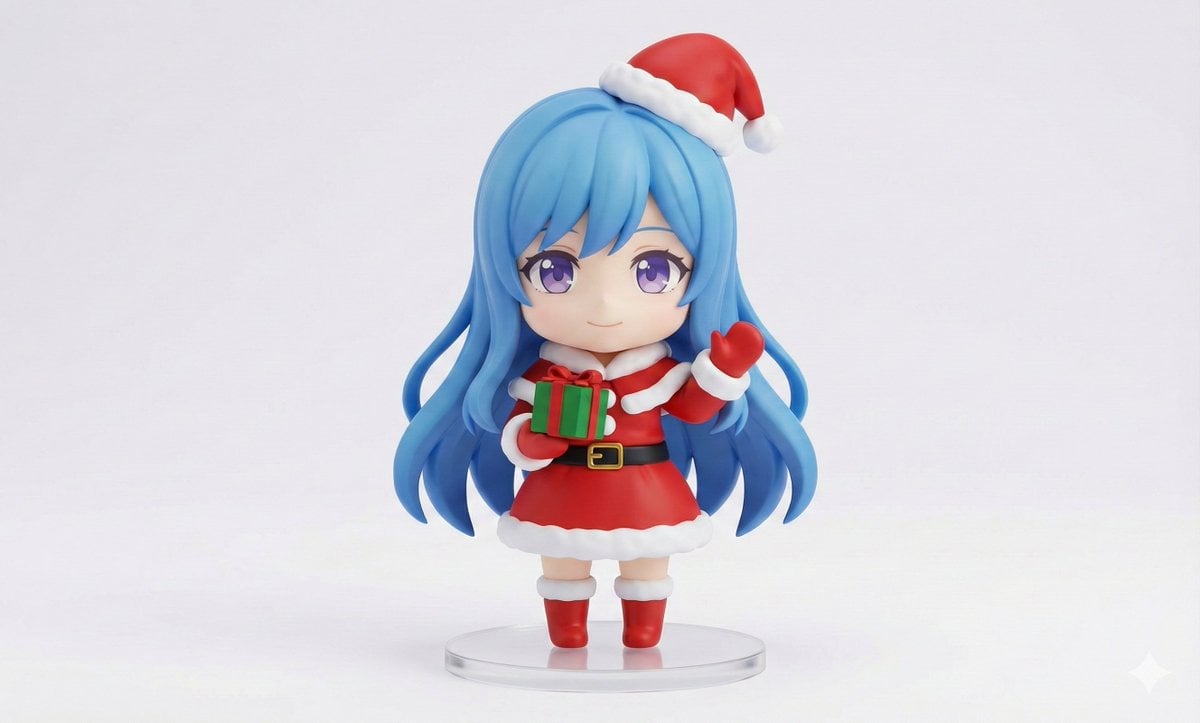
Chibi Santa Character Figure Generation Prompt
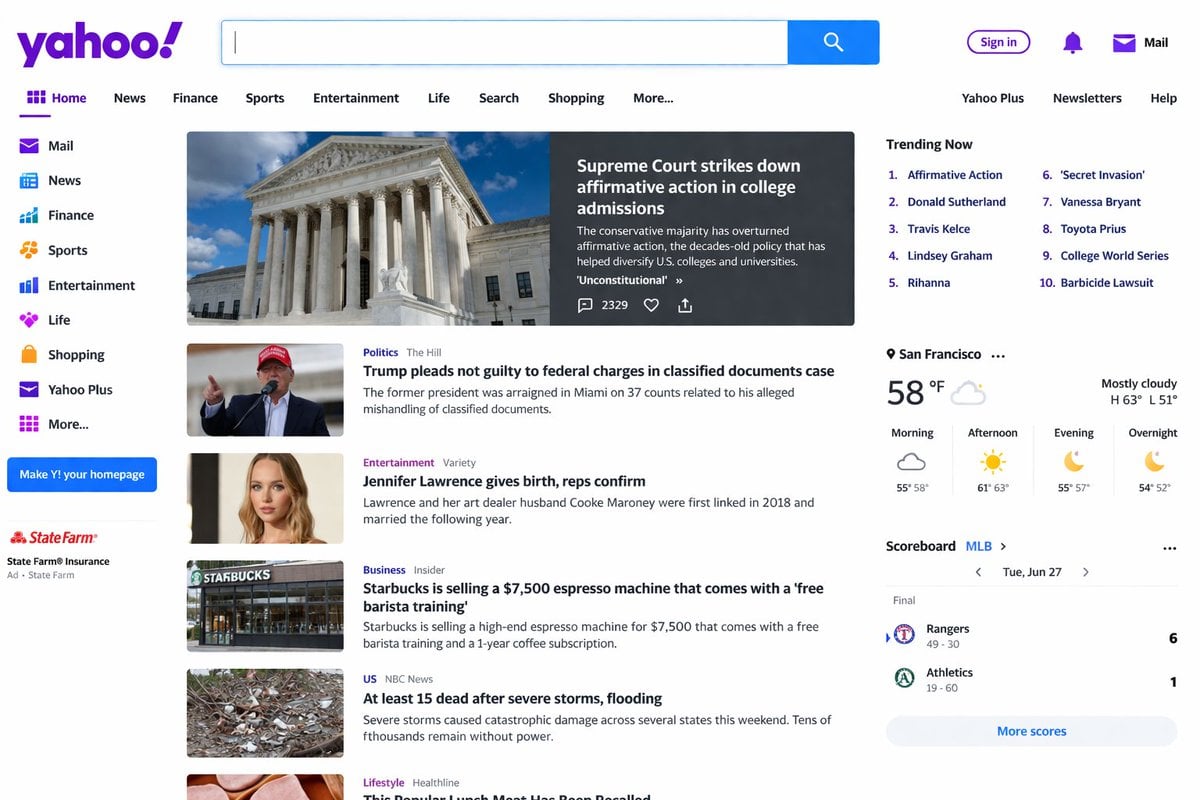
Website Homepage Screenshot Generation
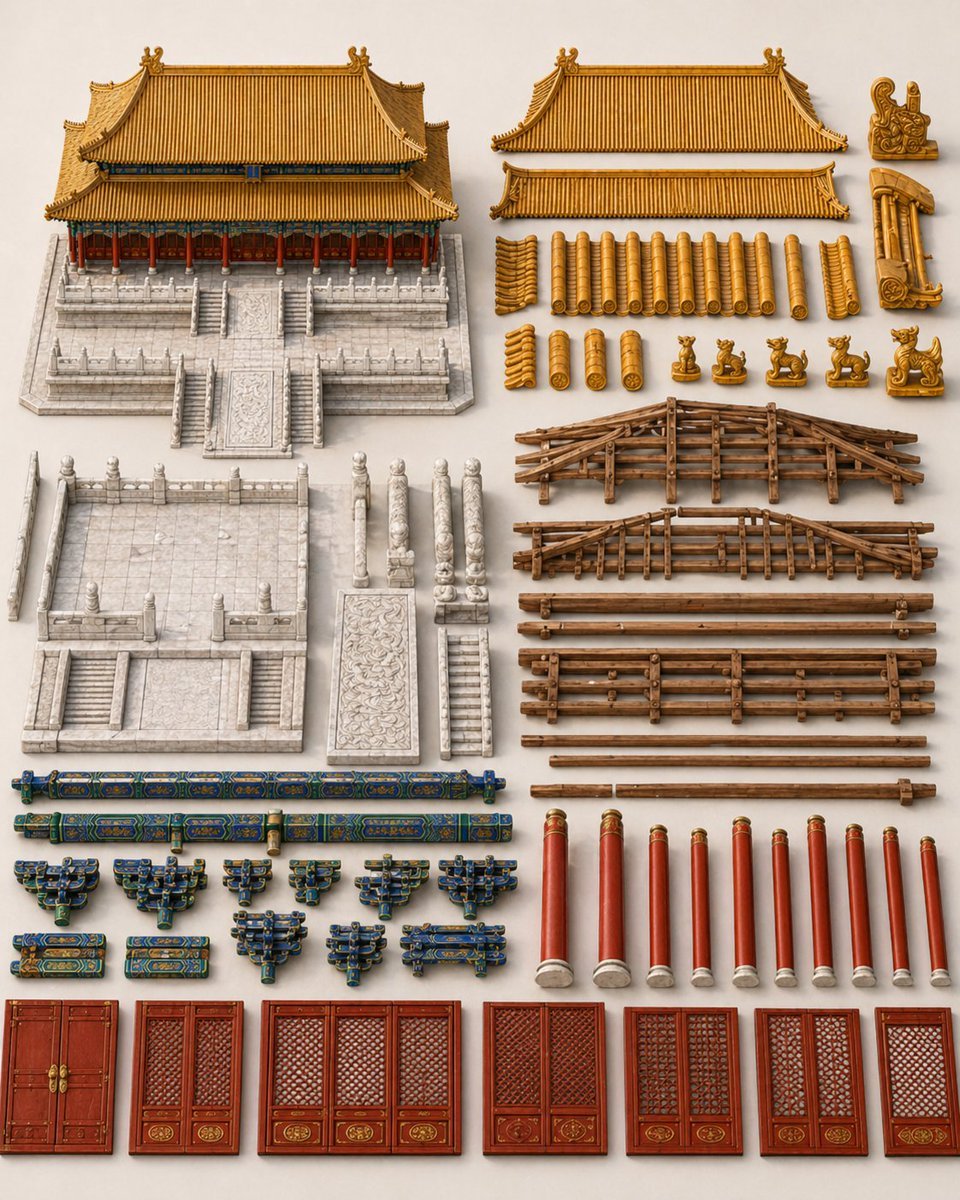
Chinese Palace Components Board
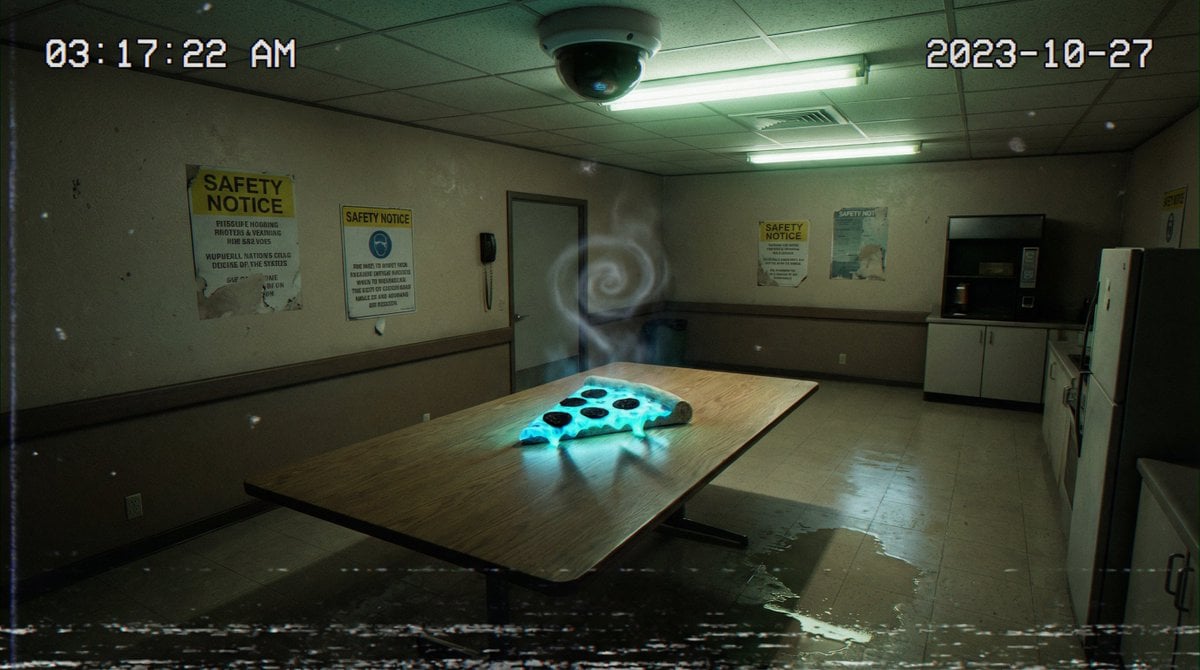
Forensic Surrealist Photography Prompt for Liminal Breakroom Incident
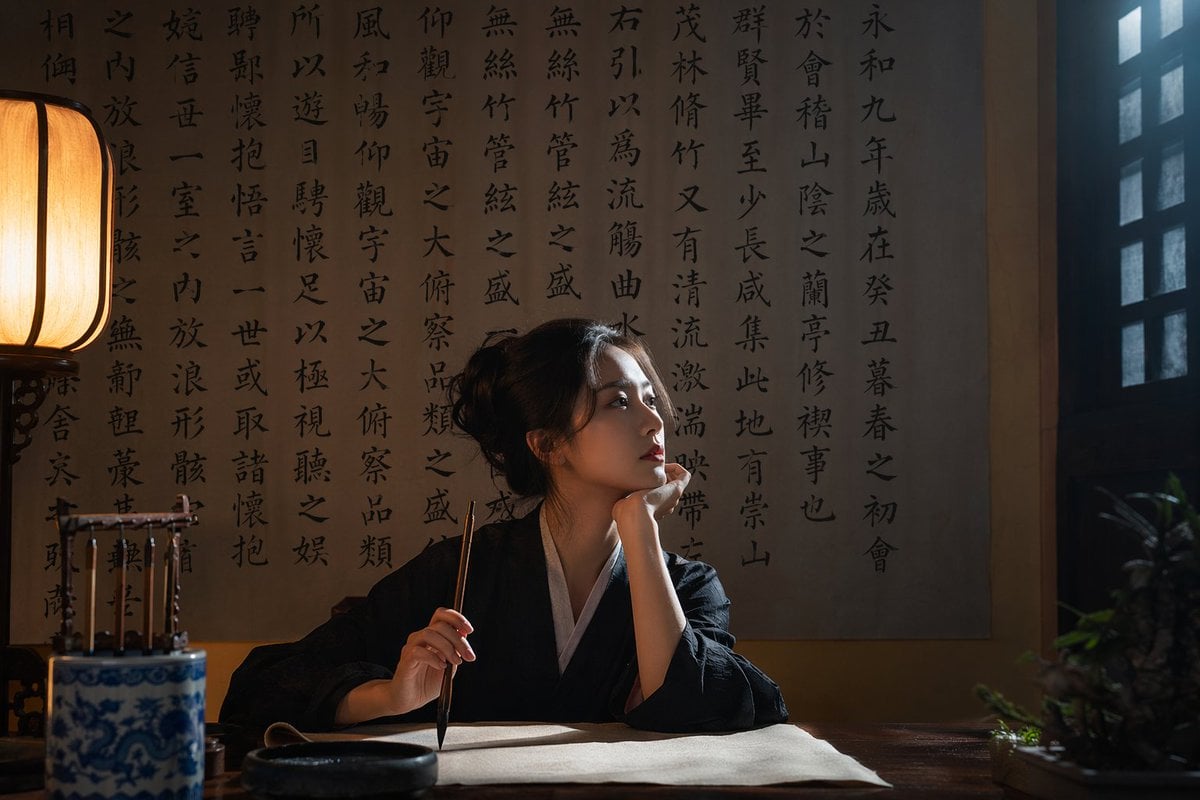
Cinematic Calligraphy Portrait
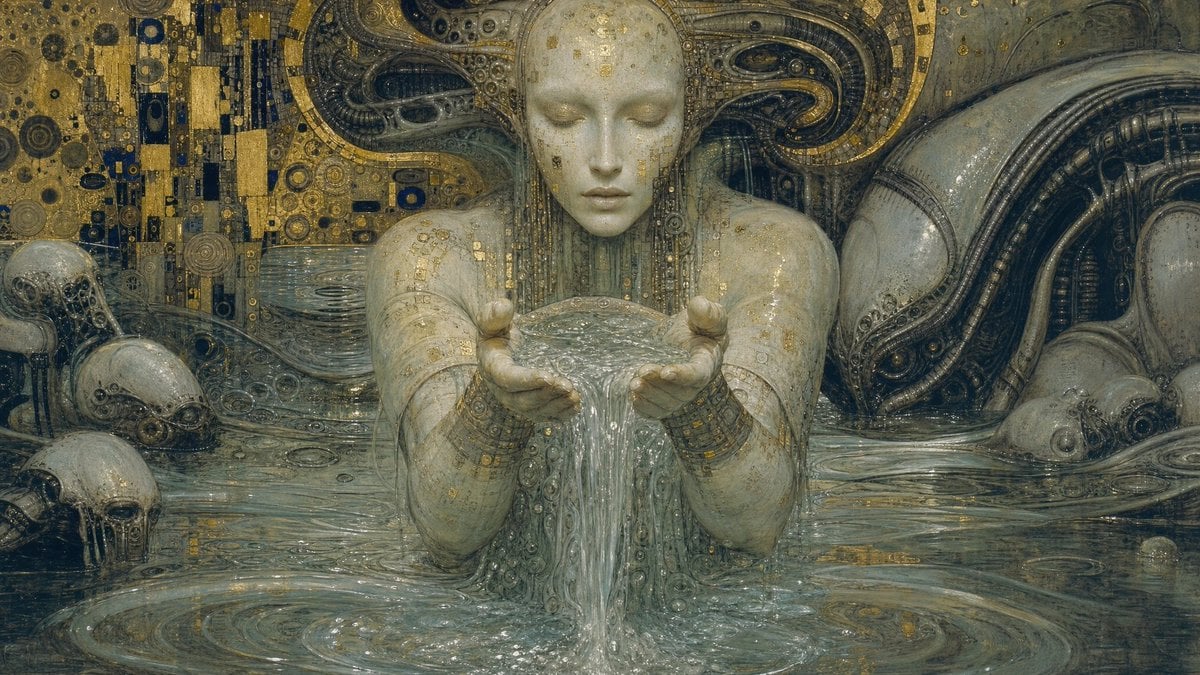
Biomechanical Surrealism with Gold Leaf
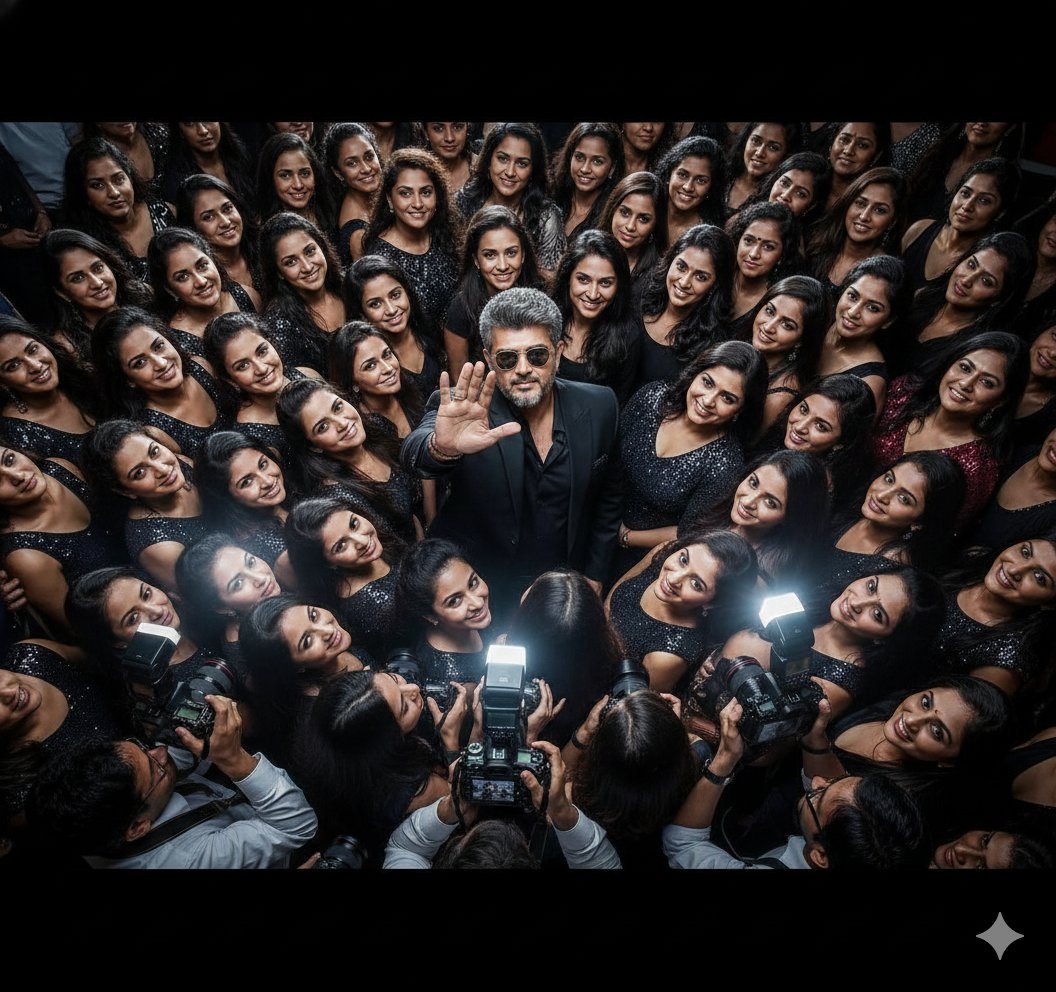
Paparazzi Flash Crowd Scene Prompt (Identity Preservation)
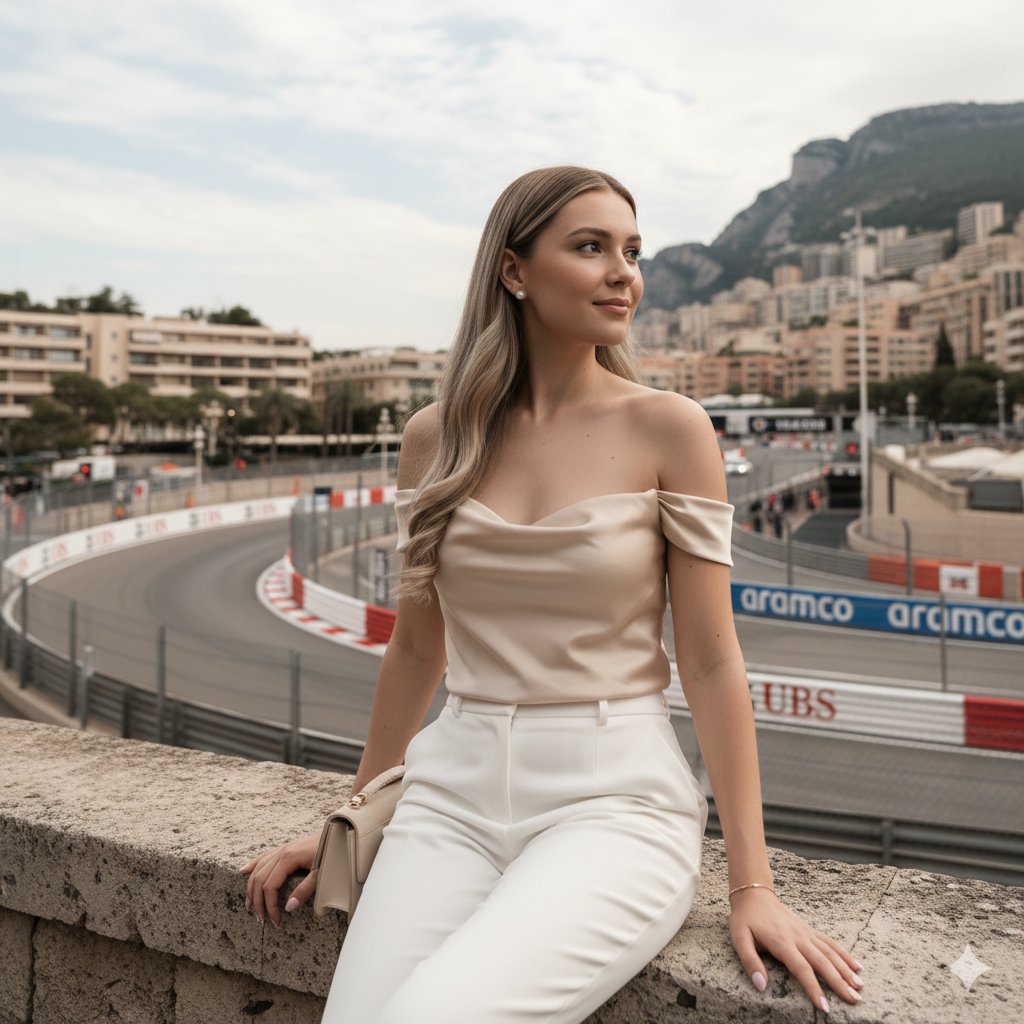
Candid Travel-Lifestyle Photograph: Monaco Terrace
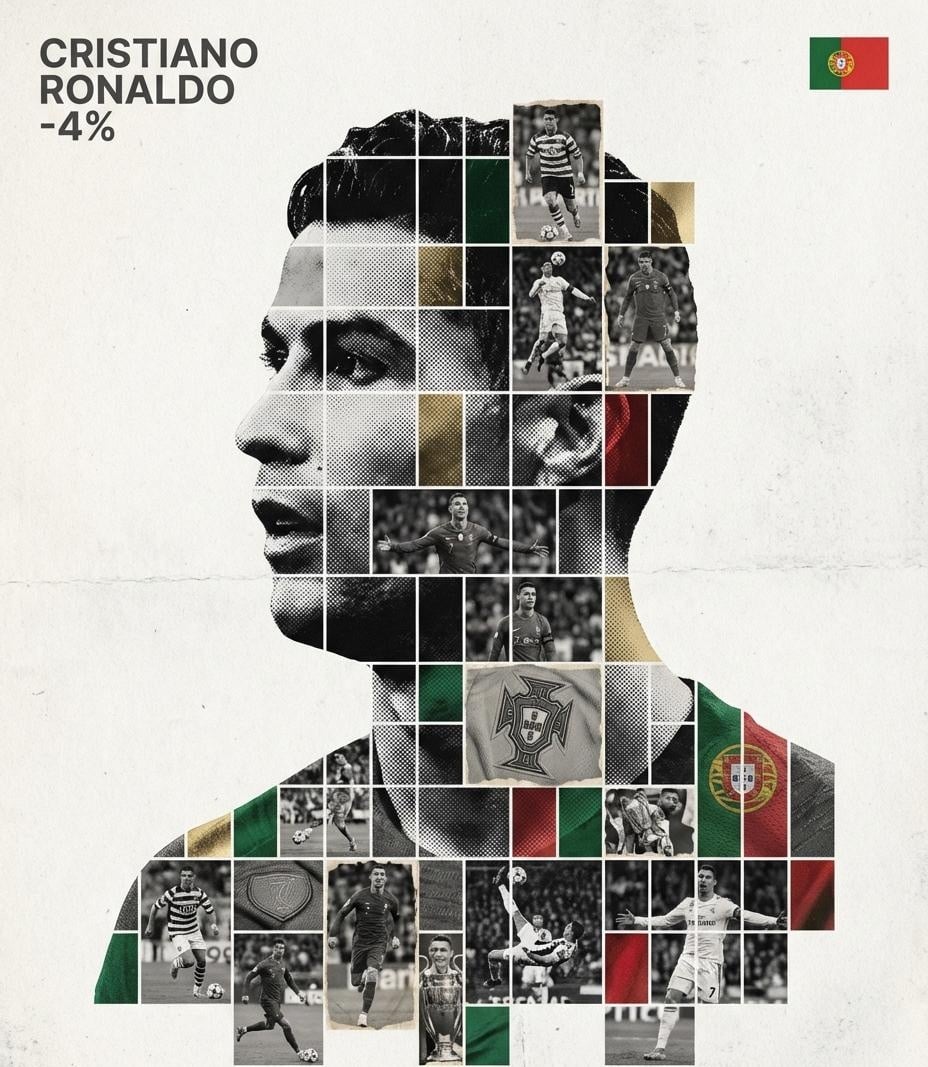
Gallery-Quality Tribute Poster with Textured Photo Mosaic Silhouette
Browse template categories
Chinese Ink Animation Poster Style questions
How do I use the Chinese Ink Animation Poster Style template?
Add your photo if the template asks for one, edit the prompt if you like — the template's model and format are already selected — and press Generate. Your version opens in PicX Studio.
Can I customize the Chinese Ink Animation Poster Style template?
Yes. You can change the subject, setting, lighting, mood, format, and available model controls before creating your image.
Is the Chinese Ink Animation Poster Style template free?
Opening and editing this template is free. Generating uses credits, shown on the Generate button when you are signed in.
Which AI model should I use?
Start with GPT Image 2, which is the model associated with this template. You can compare another compatible model for a different finish.
Looking for something else? Browse all templates.

Your photo, any look
Thousands of ready templates for every top image and video model, from one credit balance.