
Chinese Ink Fury Character Poster
This prompt generates a moody vertical xianxia-style ink poster centered on a single Chinese character, useful for expressive typographic character art or dramatic fantasy cover imagery.
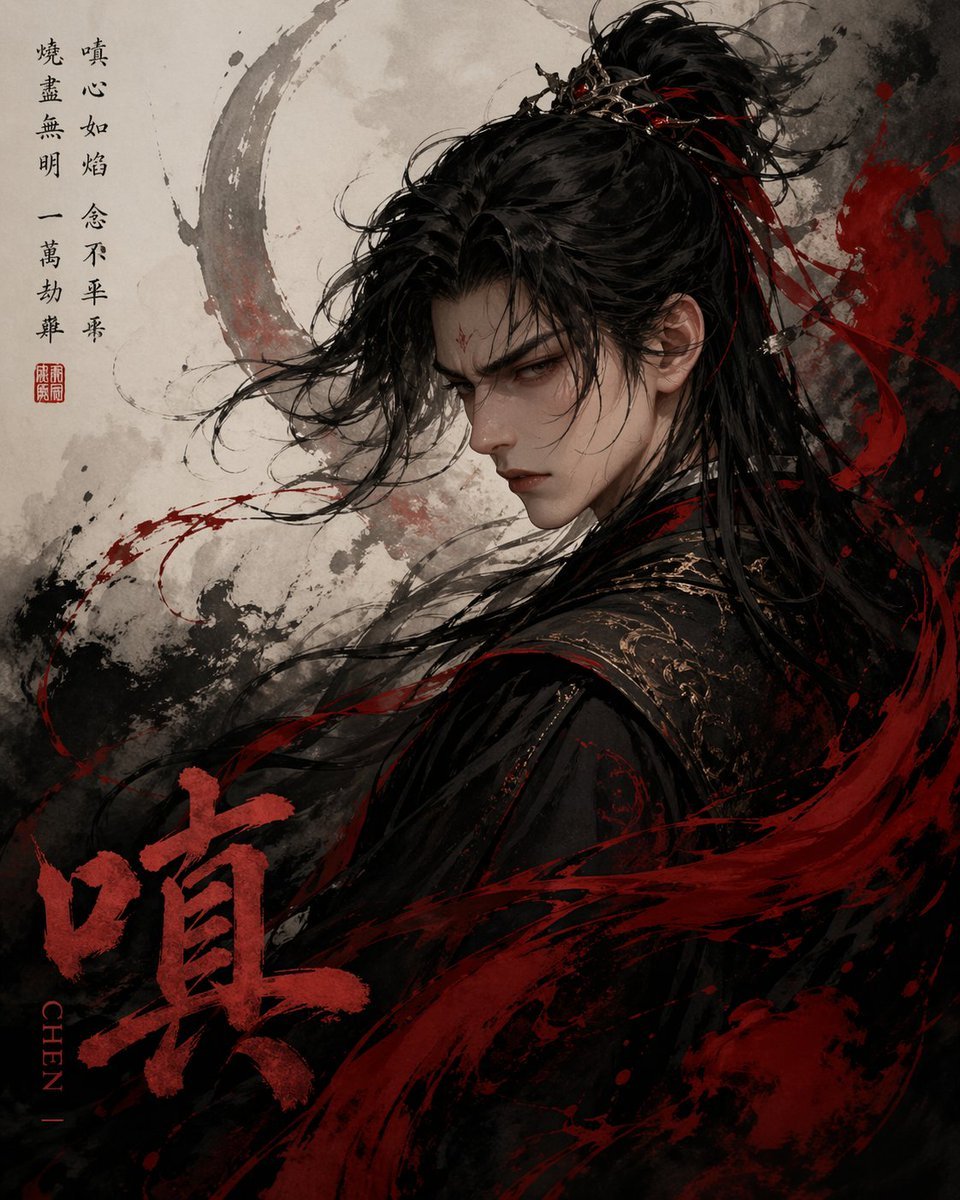
- Prompt included
- Model and format preset
- Free template
The prompt behind this image
Copy the exact prompt behind Chinese Ink Fury Character Poster, or open it in the studio and make it yours.
A dramatic Chinese ink-wash fantasy portrait based on the single Chinese character {argument name="character" default="嗔"}, showing a male xianxia or wuxia warrior from the back in three-quarter profile, turning slightly to the side. He has long, windswept black hair tied in a high half-up topknot with an ornate dark metallic hair crown, with several thin red ribbons threaded through the hair and trailing in the wind. His clothing is a black embroidered robe with subtle gold patterning on the shoulder and collar, layered and heavy, with flowing fabric merging into the surrounding brushwork. The face is mostly obscured by angle and hair, creating a mysterious and intense mood. The overall composition is vertical poster art with a pale parchment background, textured with gray and black ink splashes, a large faded circular brushstroke halo behind the figure’s head, and violent red paint streaks sweeping across the lower half and right side like blood-red calligraphy in motion. Use a limited palette of black, charcoal gray, parchment beige, and deep crimson red. Add 2 calligraphic text areas: a vertical poem column in black Chinese calligraphy on the upper left with a small red seal stamp beneath it, and a very large bold red Chinese character {argument name="large title character" default="嗔"} painted at the lower left. Beside the large red character, place a vertical Romanized label reading {argument name="romanization" default="CHEN"}. The style should feel like expressive ink painting mixed with ultra-detailed cinematic character illustration, with flying hair strands, splattered brush textures, emotional tension, and a dark, wrathful, elegant atmosphere.
How to use Chinese Ink Fury Character Poster in 3 steps
- 1Upload ImagePNG, JPG or paste
Add your photo
Upload the photo the template builds on. The prompt, model and format are already set.
- 2…a portrait of your subject in softgolden-hour light, 85mm…
Personalize
Edit the subject and creative details for your destination.
- 3Generate
Generate
Press Generate — your image is created in PicX Studio, so you can compare it with the original and refine one variable at a time.
More like this
Templates with the same subject, style or setup. Open one to see its prompt.
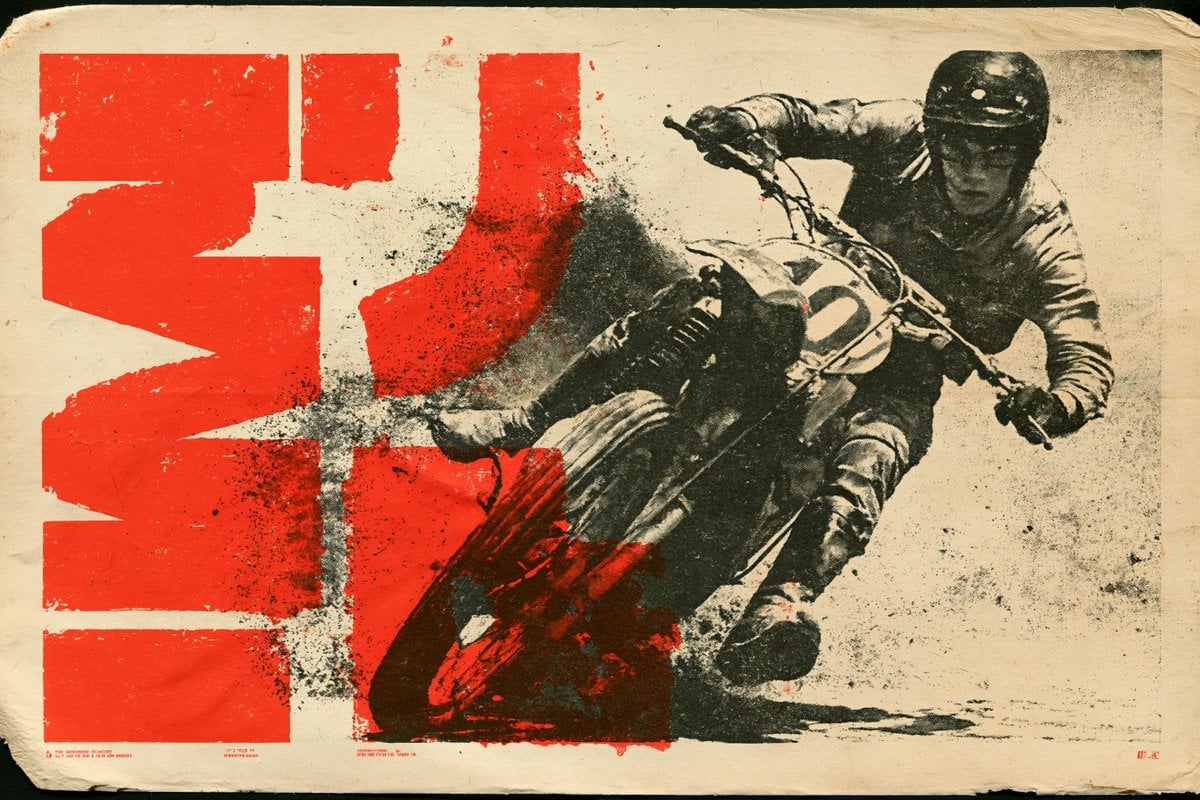
Vintage Lithograph Retro World Cup Poster

Trendy Cafe Drink Promo Poster
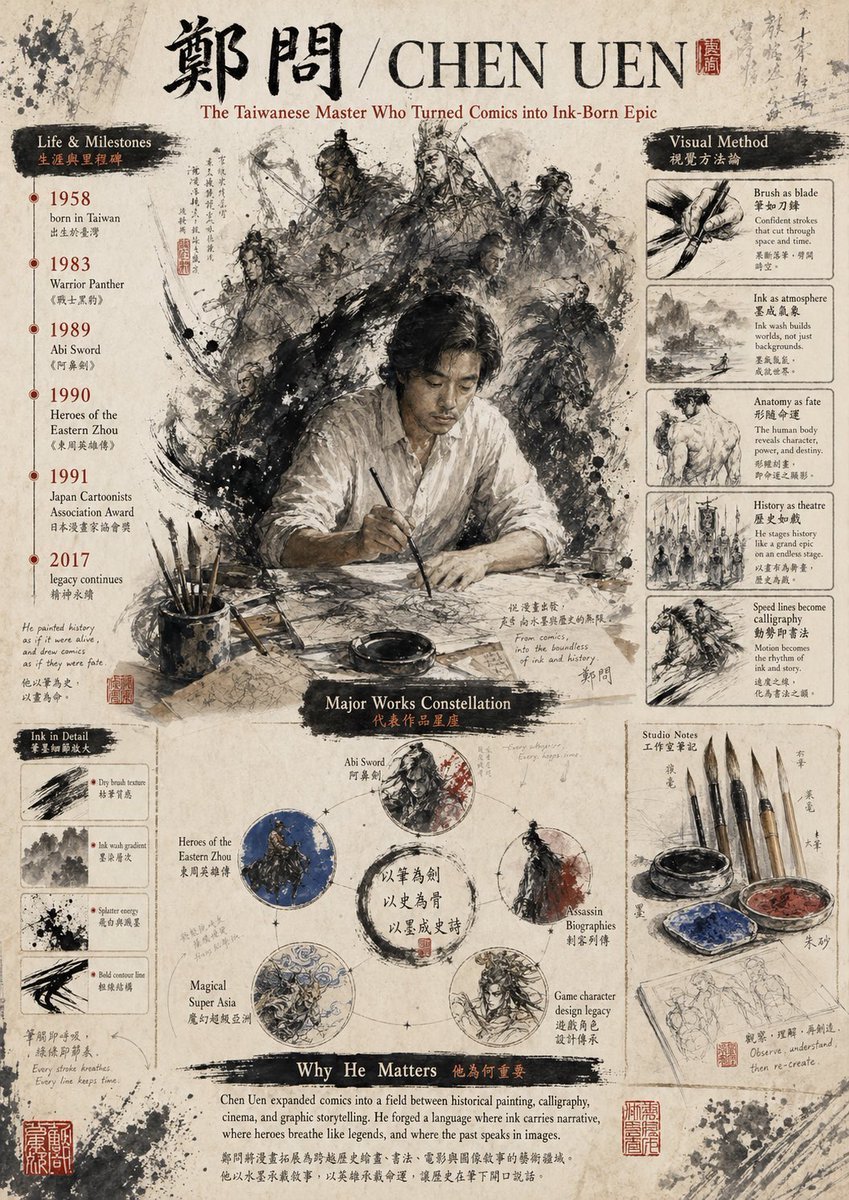
Gpt2 Infographic Edu Visual Ink Wash Tribute Poster for Chen Uen
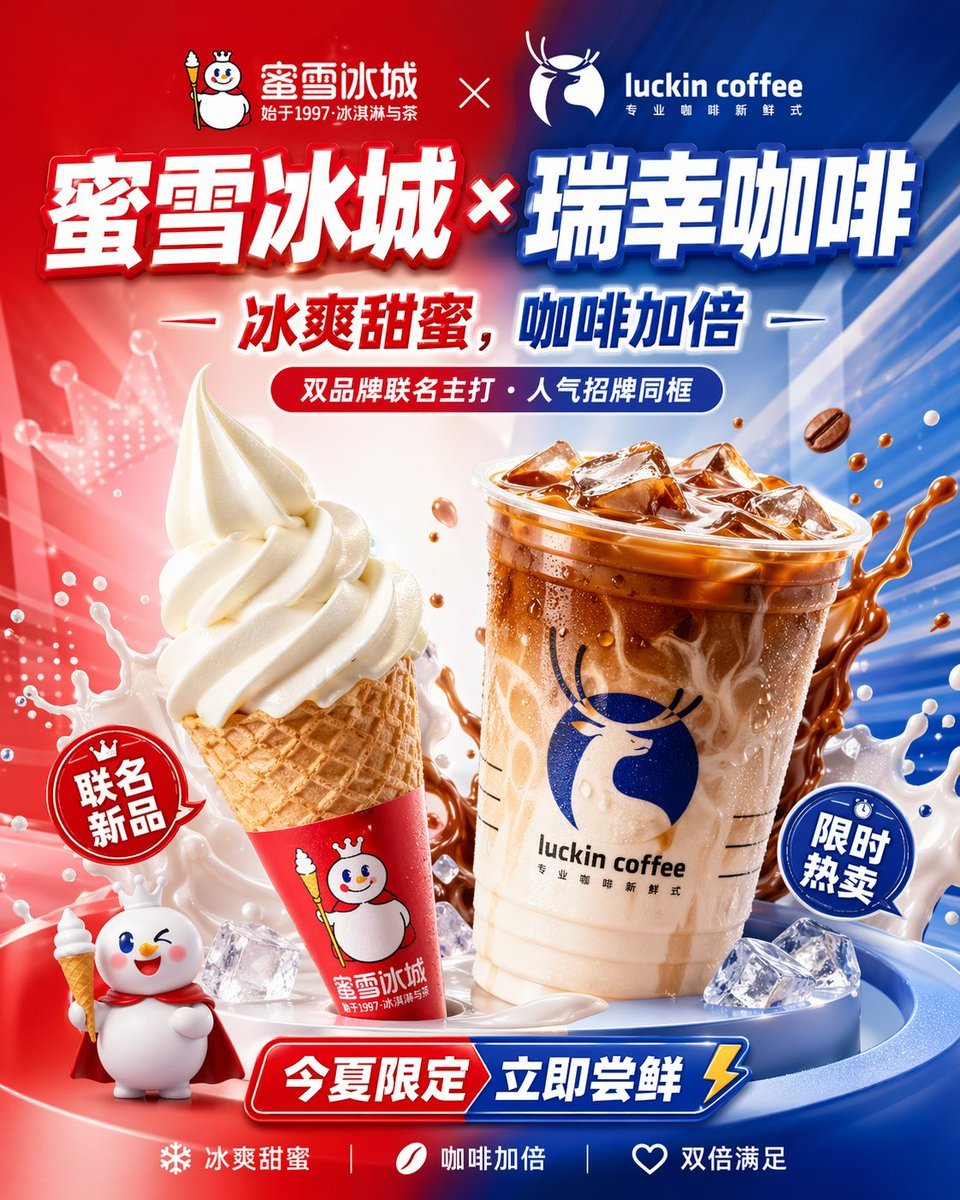
Chinese Co-Branded Summer Drink Poster
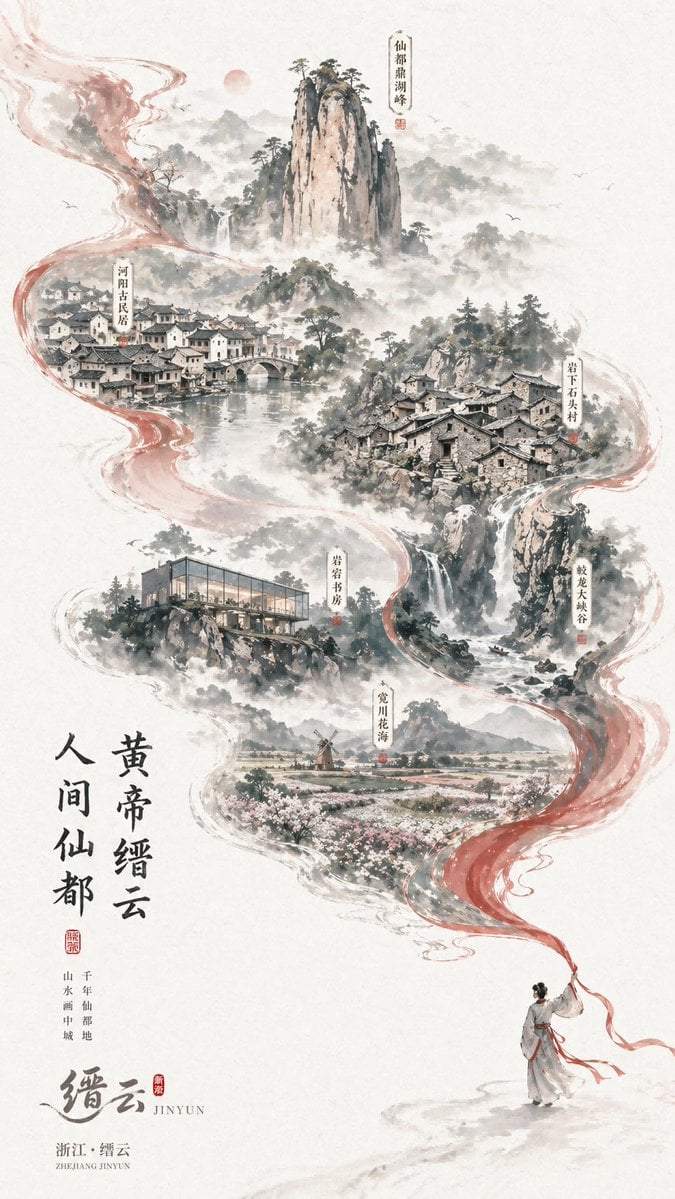
Chinese Ink-Wash Jinyun Travel Poster

Japan Travel Brochure Poster
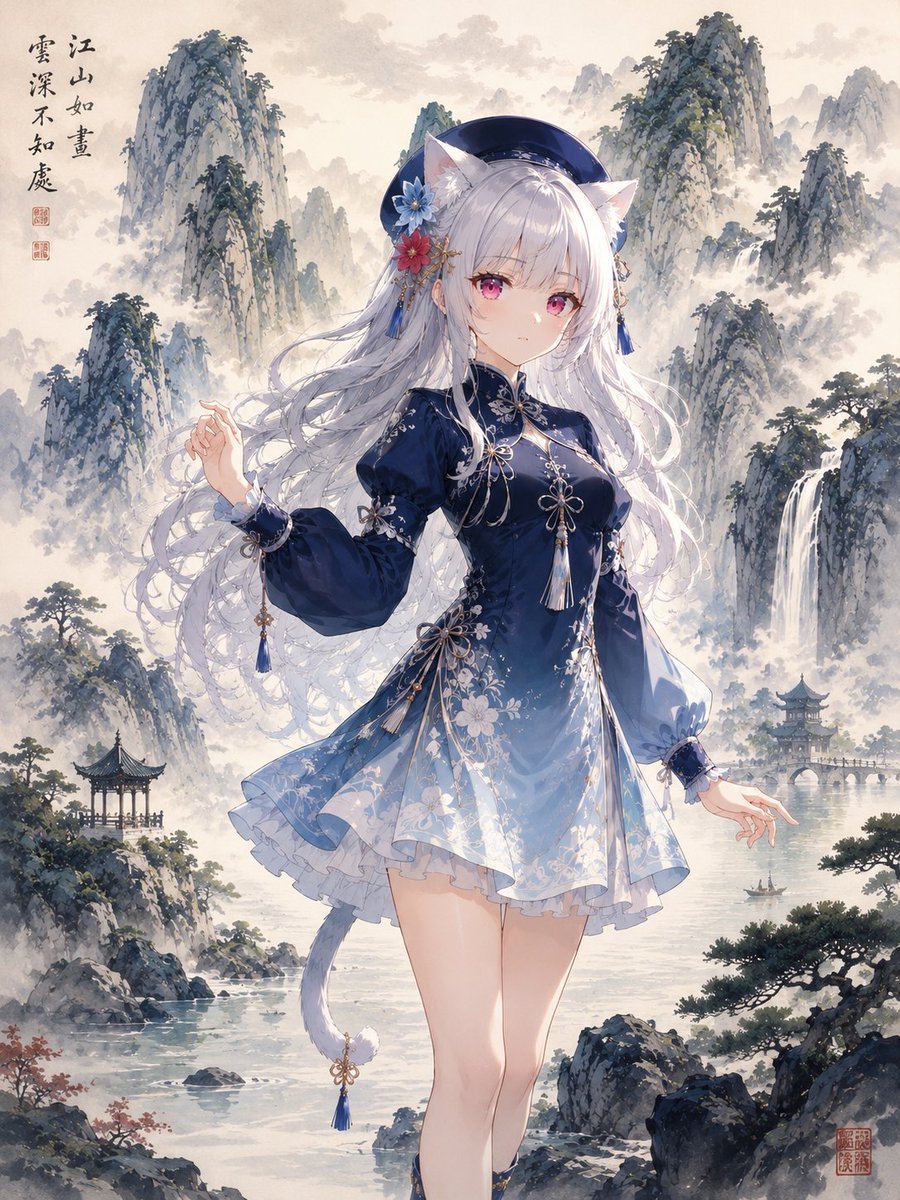
Anime Catgirl in Chinese Ink Landscape

Cartoon TV Show Poster Pack

Urban Fashion Editorial Collage Streetwear Poster

Premium Fashion Editorial Cover Layout System

Polo Ralph Lauren Luxury American Heritage Fashion Campaign

Monochrome Halftone Editorial Fashion Poster
Make it yours
Chinese Ink Fury Character Poster works as-is. These are the safest ways to change it without losing the look.
Change one field
Copy a single group, rewrite it, and generate again so you can see what that field is doing.
Keep the frame, change the subject
Hold the composition and light of Chinese Ink Fury Character Poster, then swap wardrobe, props or the person for a new take.
| If the result… | Why | Fix |
|---|---|---|
| The result drifts from the preview | Too many fields changed at once. | Reuse Chinese Ink Fury Character Poster as-is first, then change one group — subject, light, or setting. |
| The model over-stylizes the scene | The prose prompt leaves finish and camera underspecified. | Add one camera or lighting sentence and stay on GPT Image 2. |
More GPT Image 2 templates
Other prompts made for GPT Image 2.

Six VTuber Japanese Logo Sheet

Realistic Portrait of Woman and Deer

The Vista Modular Condo Poster

AI Model Routing Comparison Infographic

2.5D Anime Art Board

Isometric Productivity Desk Scene

New York Double Exposure Poster

Four-Panel AI Landscape Comparison

Japanese Tatami Lifestyle Magazine Cover

NESCAFÉ Coffee Map Poster
More image prompts
Fresh picks from across the catalog.
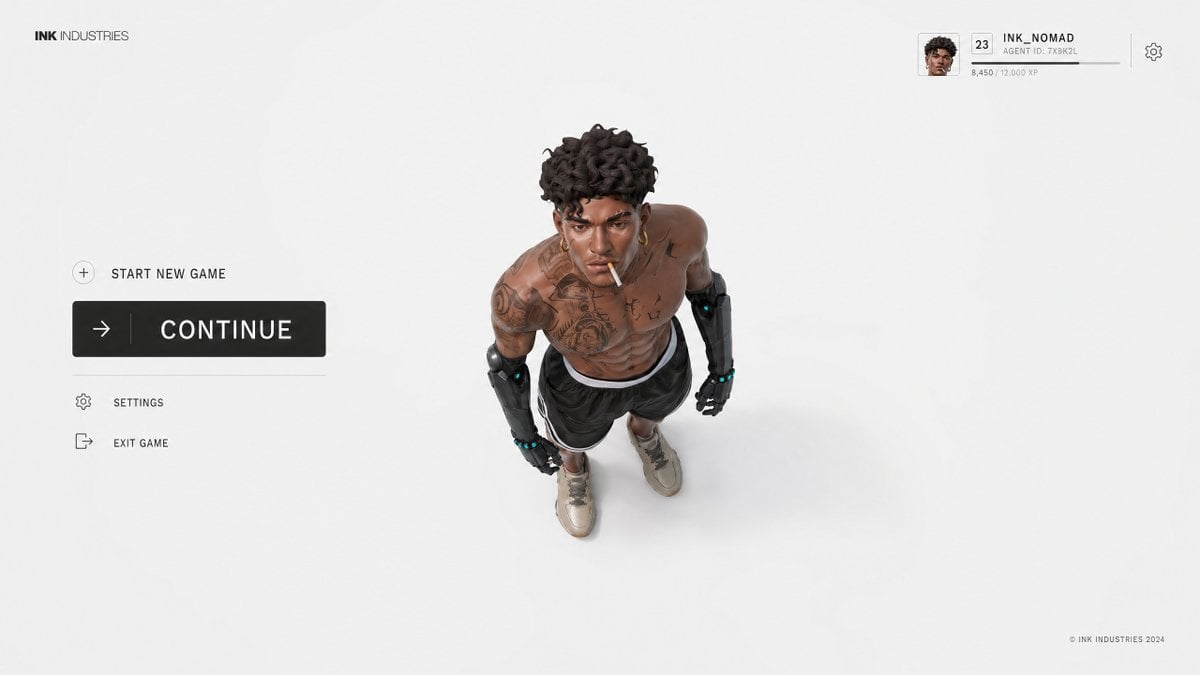
Video Game Lobby Interface Prompt

Soft Focus High-Angle Selfie Prompt
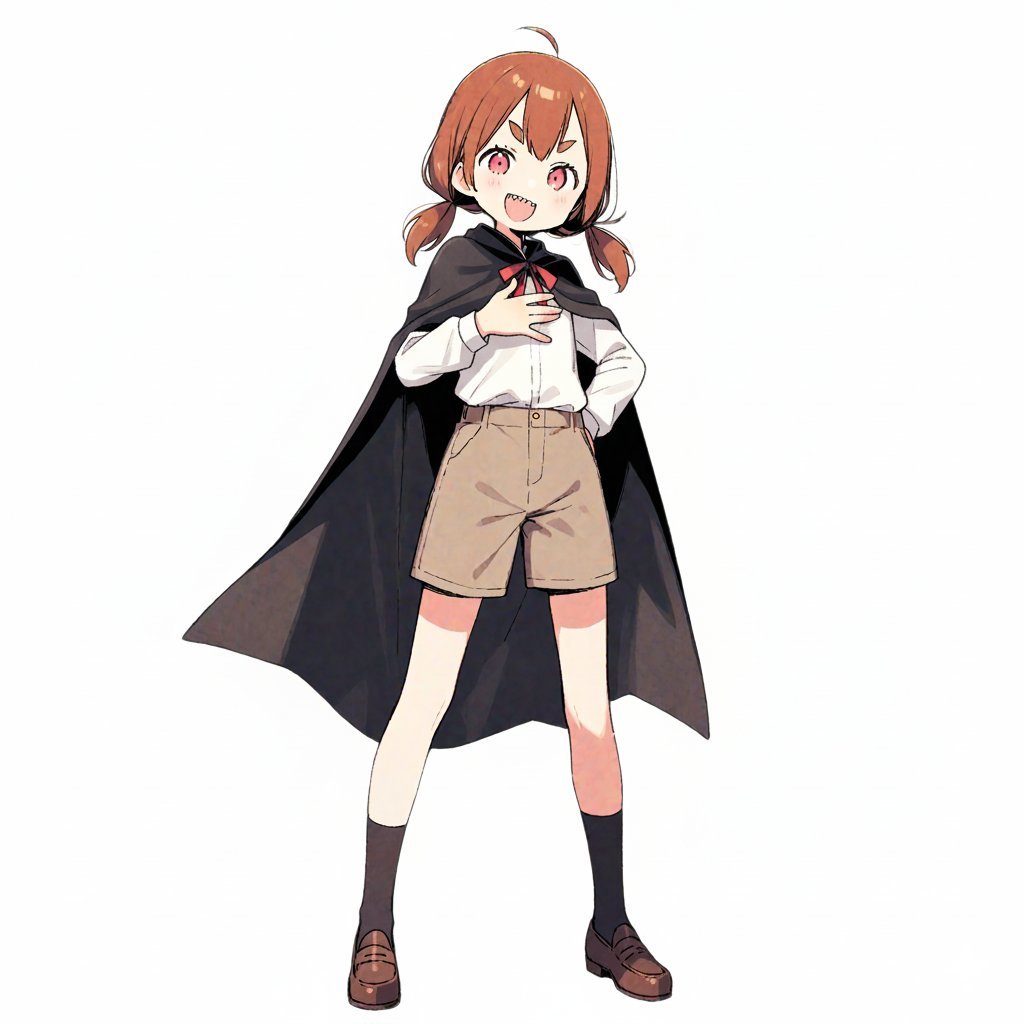
Travel Itinerary Illustration Generation Prompt
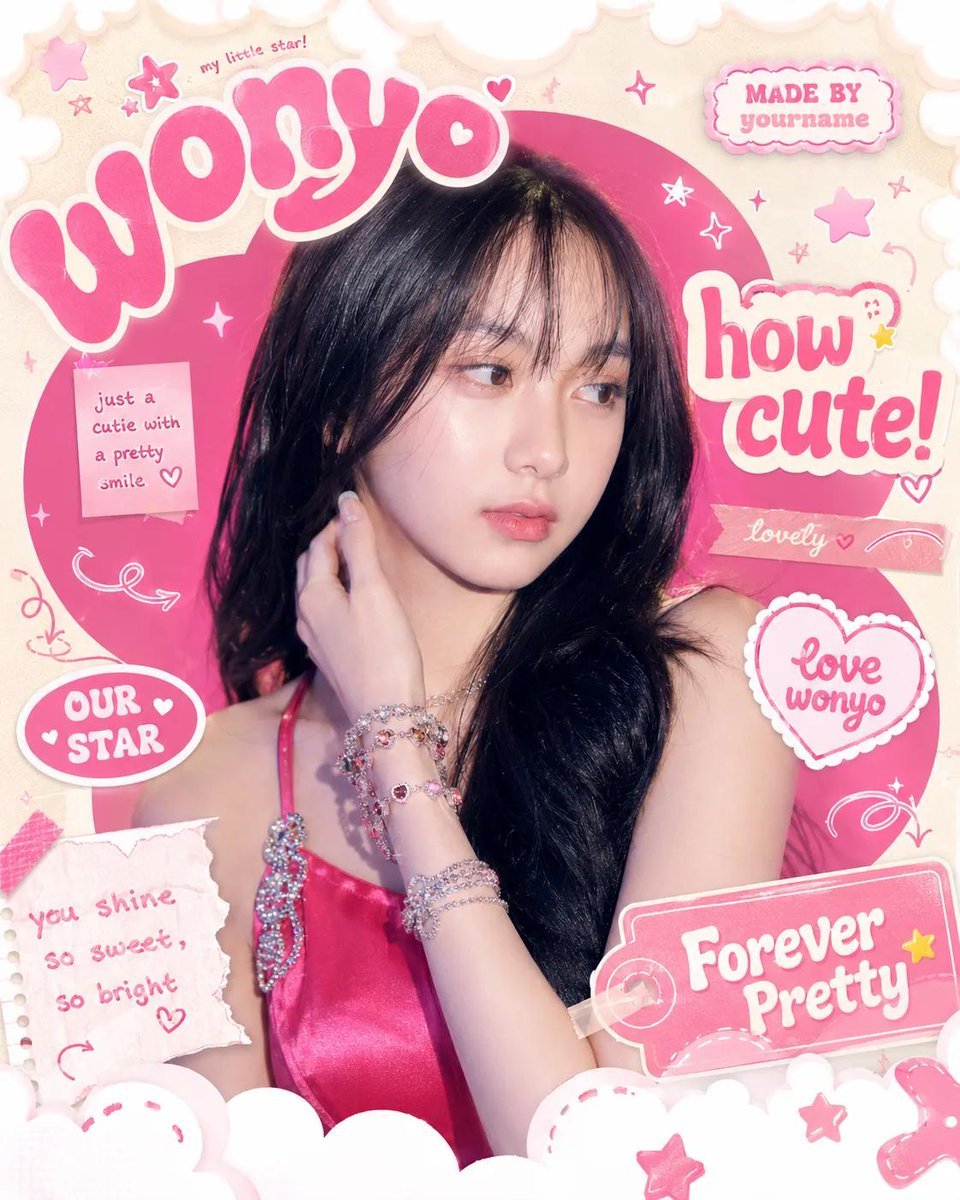
Gen Z Meme Doodle Poster
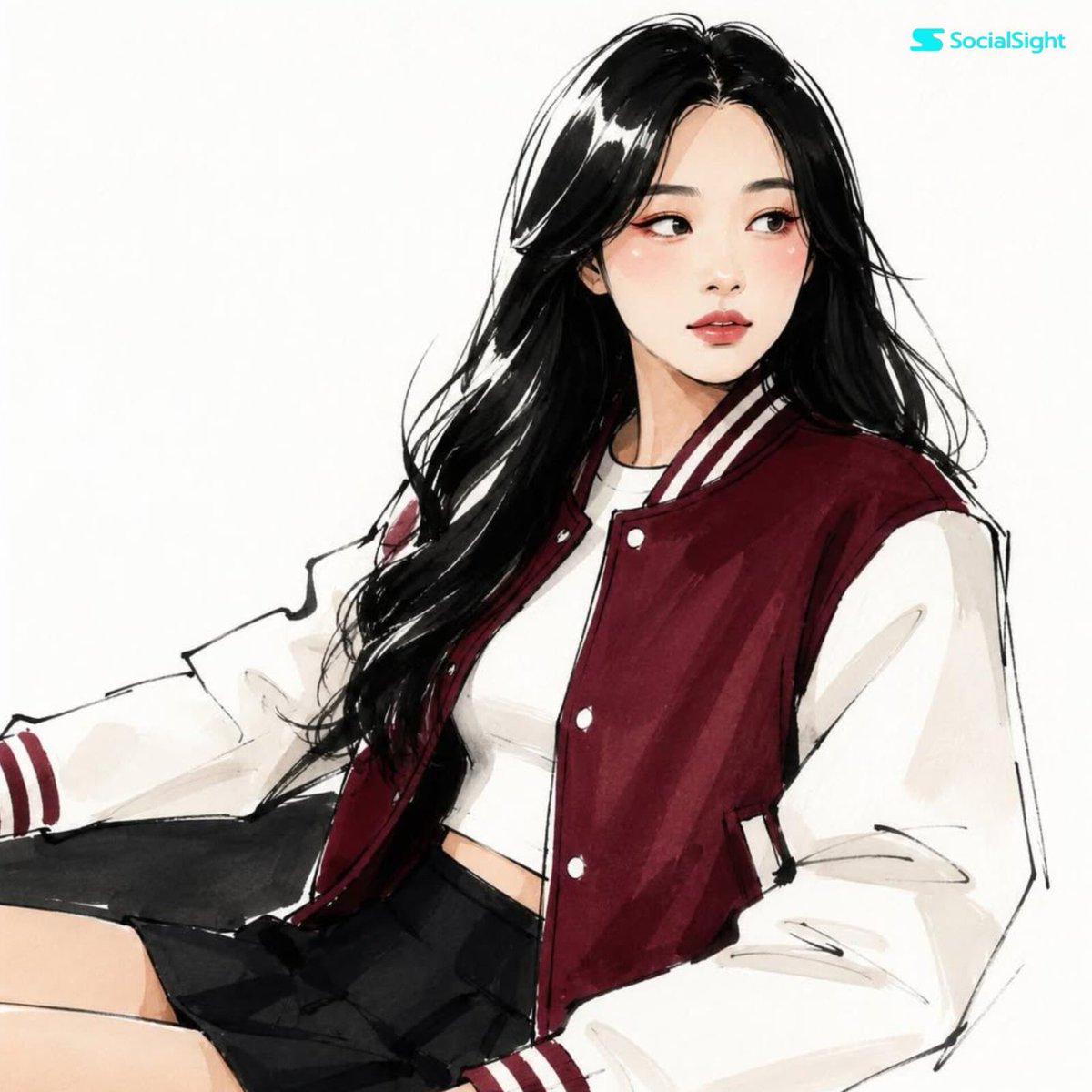
Fashion Editorial Illustration Sketch
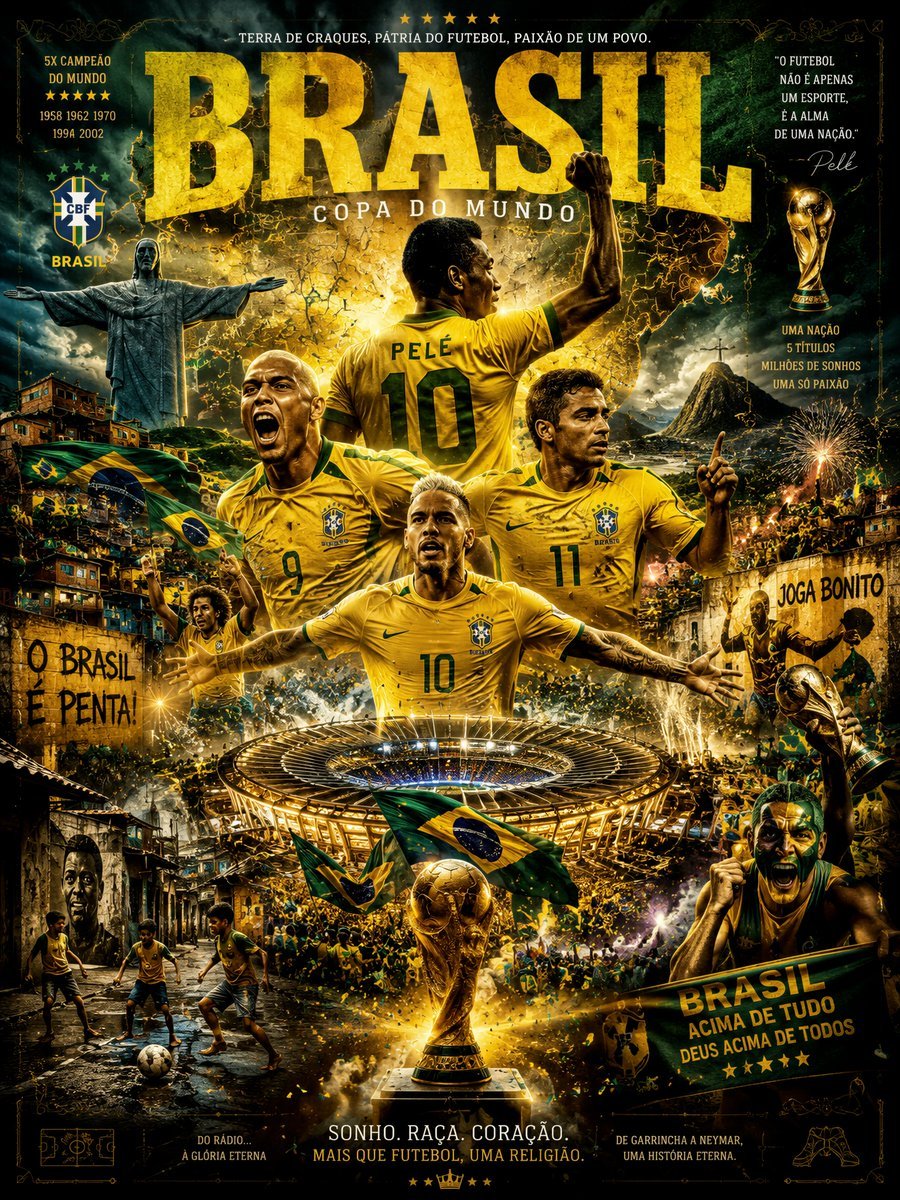
National Sports Celebration Poster
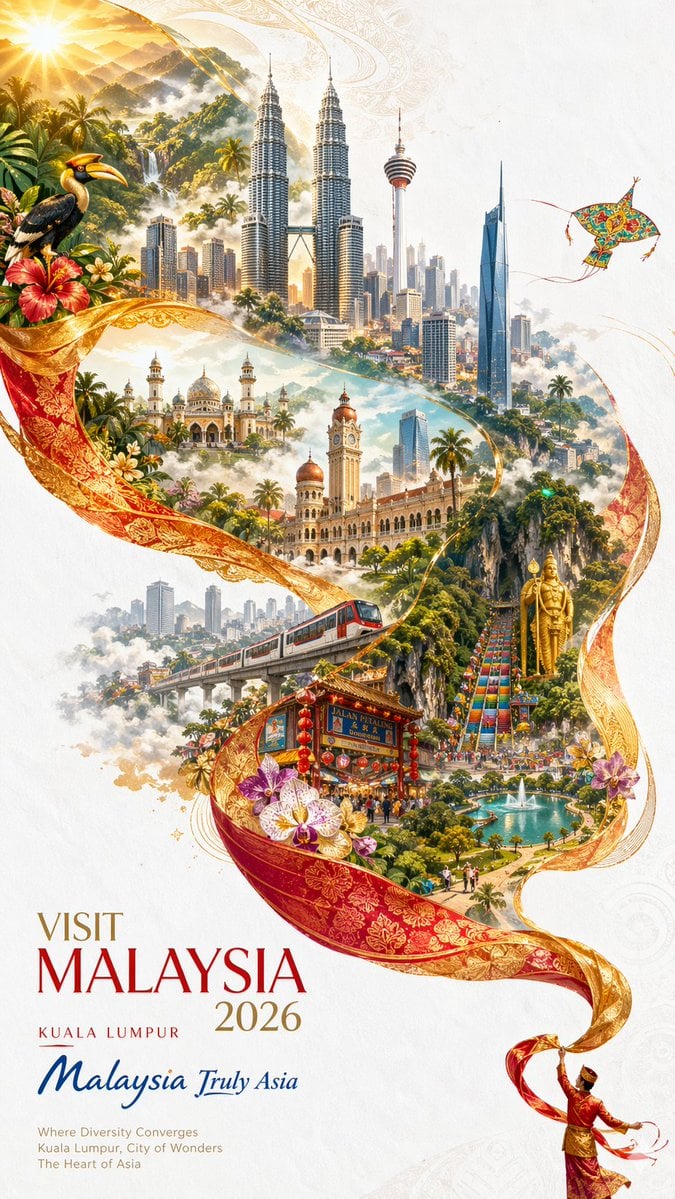
Visit Malaysia 2026 Travel Poster

Coquette Aesthetic Cozy Portrait Prompt
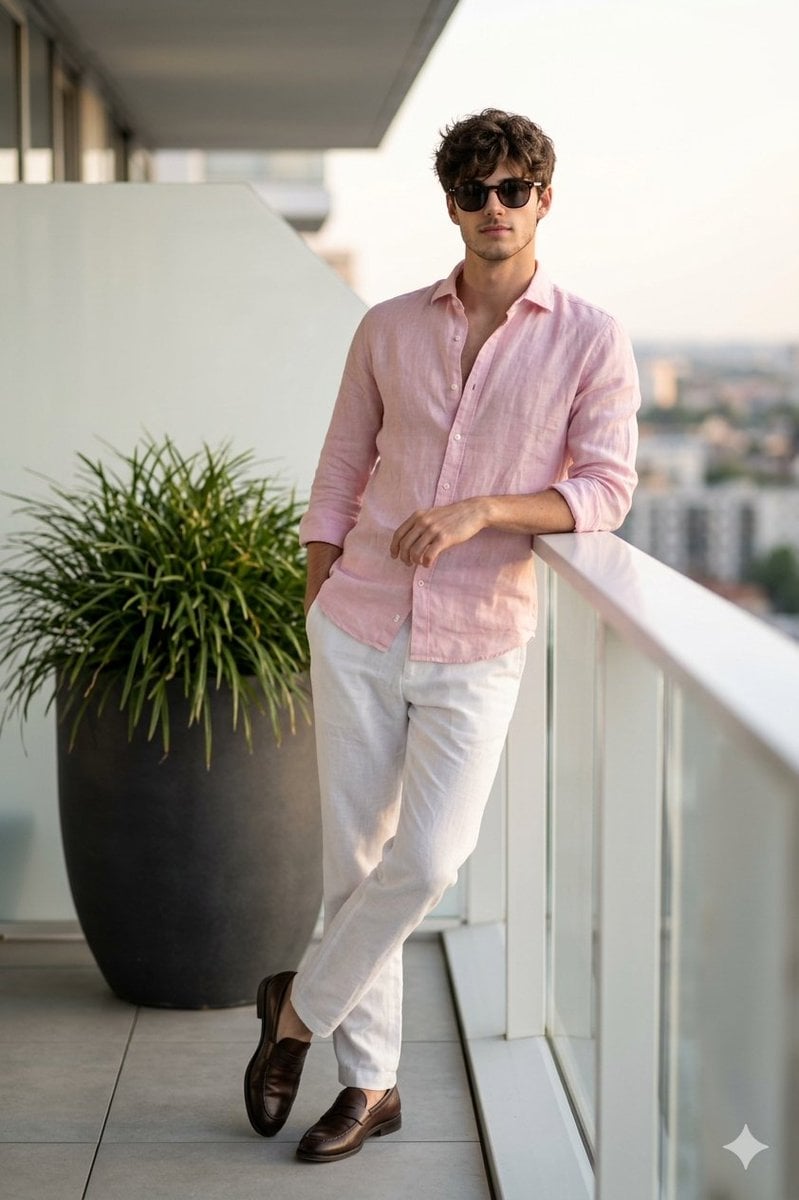
Cinematic Portrait of a Man on a Luxury Balcony
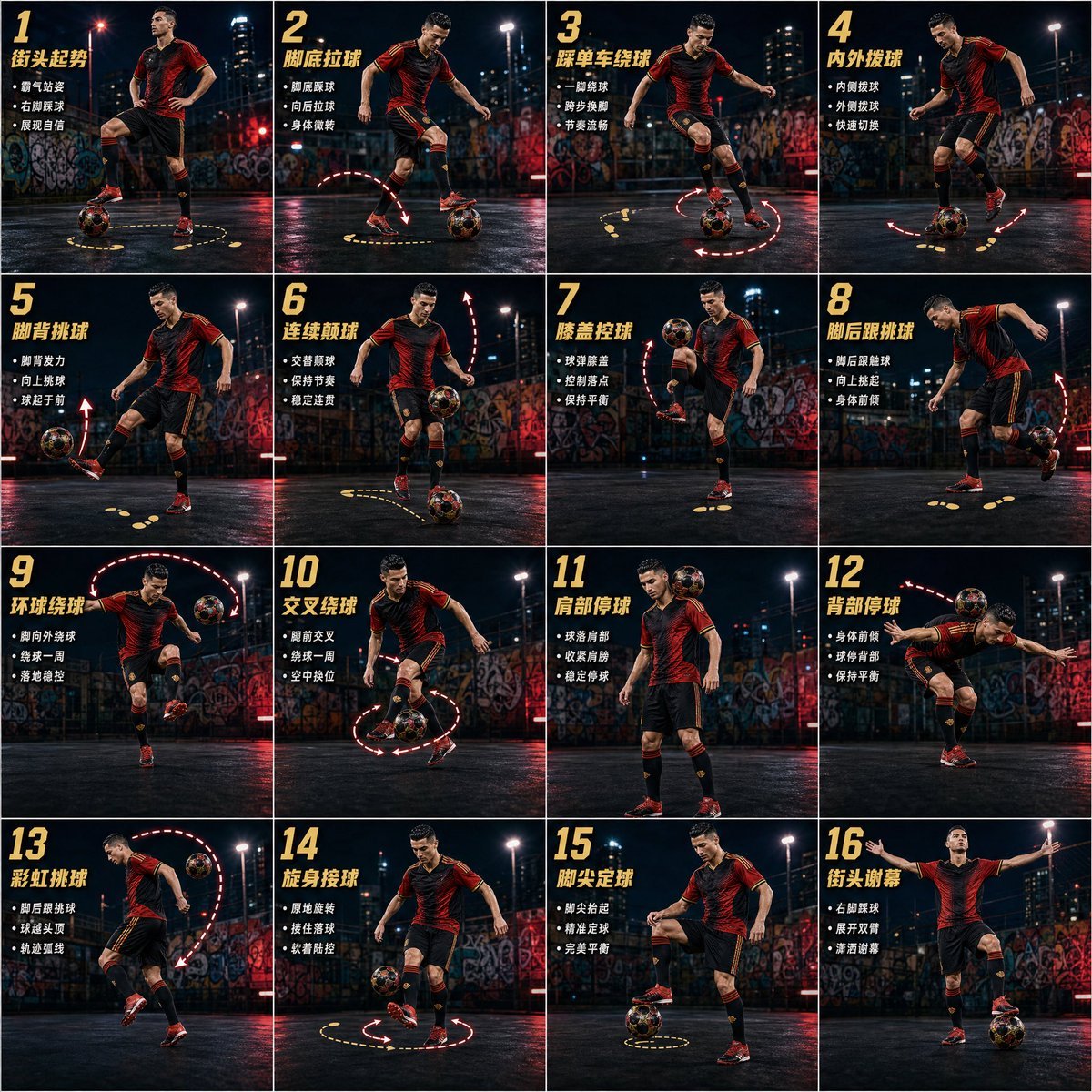
Freestyle Football 16-Step Action Poster
Browse template categories
Chinese Ink Fury Character Poster questions
How do I use the Chinese Ink Fury Character Poster template?
Add your photo if the template asks for one, edit the prompt if you like — the template's model and format are already selected — and press Generate. Your version opens in PicX Studio.
Can I customize the Chinese Ink Fury Character Poster template?
Yes. You can change the subject, setting, lighting, mood, format, and available model controls before creating your image.
Is the Chinese Ink Fury Character Poster template free?
Opening and editing this template is free. Generating uses credits, shown on the Generate button when you are signed in.
Which AI model should I use?
Start with GPT Image 2, which is the model associated with this template. You can compare another compatible model for a different finish.
Looking for something else? Browse all templates.

Your photo, any look
Thousands of ready templates for every top image and video model, from one credit balance.