
Travel Itinerary Illustration Generation Prompt
A detailed prompt for Nano Banana Pro to generate a 'hand-drawn travel itinerary' illustration based on a character reference image.
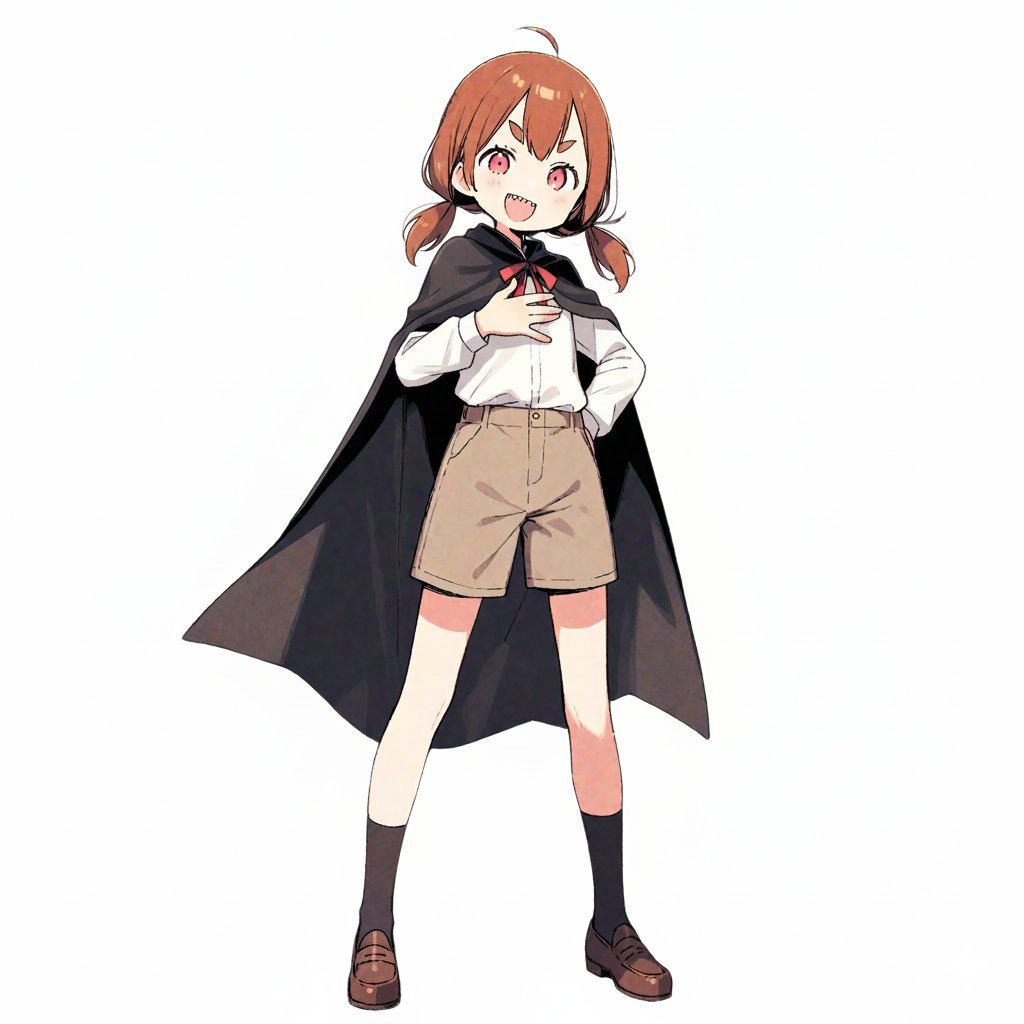
- Prompt included
- Model and format preset
- Free template
The prompt behind this image
Copy the exact prompt behind Travel Itinerary Illustration Generation Prompt, or open it in the studio and make it yours.
Please generate a travel-itinerary-style illustrated image meeting the following requirements. ## 1. Input settings **(Rewrite this part. If left blank, treat it as "up to you.")** - **Character features**: {argument name="character features" default="a girl with short brown hair, wearing a black cloak"} - **Name (for the title)**: {argument name="name (for the title)" default="ドーナツ博物館完全攻略!"} - **Tourist destination**: {argument name="tourist destination" default="ドーナツ博物館"} - **Schedule**: [ How to write it: "time : place/action : a one-line comment (the mood or feeling at that moment)" ] - **Belongings**: ## 2. Image-generation specifications You are a travel-magazine illustrator. Based on the settings above, please draw a single "hand-drawn travel itinerary" in the following style. **【Style and composition】** - **Aspect ratio**: Portrait (a vertical format close to A4 paper proportions) - **Background**: Graph-paper (grid-notebook) texture. - **Art style**: A warm, hand-drawn illustration style like the reference image (watercolor, marker, colored-pencil touches). - **Layout**: - Place the title large at the top. - A timeline composition connected by arrows flowing from upper-left to lower-right. - A memo-style illustration of a "belongings list" in the lower-right or any empty space. **【Reflecting the content and comments】** - Draw each item of the specified "schedule" as a **small 5–6 panel cut illustration**. - Maintain **character consistency**. - **Reflecting the one-line comments**: - Reflect the content of each schedule item's "one-line comment" in the character's **expression and pose** (e.g., for "delicious," soften the cheeks; for "excited," make the eyes sparkle). - Beside or below each panel, place a **handwritten-style text space (like a speech bubble, a sign, or writing in the margin)** for writing that comment. - ※Make sure any text within the image is accurate Japanese. Use a font that looks like a handwritten memo. **【Decoration】** - An overall fun, pop mood. - Add masking tape, stamps, hand-drawn arrows, musical-note marks, and similar touches.
How to use Travel Itinerary Illustration Generation Prompt in 3 steps
- 1Upload ImagePNG, JPG or paste
Add your photo
Upload the photo the template builds on. The prompt, model and format are already set.
- 2…a portrait of your subject in softgolden-hour light, 85mm…
Personalize
Edit the subject and creative details for your destination.
- 3Generate
Generate
Press Generate — your image is created in PicX Studio, so you can compare it with the original and refine one variable at a time.
More like this
Templates with the same subject, style or setup. Open one to see its prompt.
![Nano Banana — One Day In [CITY] Travel Route](https://cdn.picxstudio.com/cdn-cgi/image/format=auto,quality=85,fit=scale-down,onerror=redirect,width=3840,metadata=none/uploads/ai_gezgini_travel_d9a86f2e-c1f5-41a8-a4ef-5d96a8a7a023.jpg)
Nano Banana — One Day In [CITY] Travel Route

City Posters by Nano Banana Pro

Open Travel Journal Overhead Still Life

Kids Crayon Travel Journal Illustration

Japan Travel Brochure Poster

Miniature Travel Diorama Postcard

Boardwalk Fashion Portrait

Master Paper Cut Illustration — Saudi Arabia Travel Poster in Layered Paper Art

Quiet Minimalist Anime Style Guide

Real Illustration Split Portrait Transition

Clay Miniature Landmark Travel Diorama
Quiet Minimalist Anime Style Guide
Make it yours
Travel Itinerary Illustration Generation Prompt works as-is. These are the safest ways to change it without losing the look.
Change one field
Copy a single group, rewrite it, and generate again so you can see what that field is doing.
Keep the frame, change the subject
Hold the composition and light of Travel Itinerary Illustration Generation Prompt, then swap wardrobe, props or the person for a new take.
| If the result… | Why | Fix |
|---|---|---|
| The result drifts from the preview | Too many fields changed at once. | Reuse Travel Itinerary Illustration Generation Prompt as-is first, then change one group — subject, light, or setting. |
| The model over-stylizes the scene | The prose prompt leaves finish and camera underspecified. | Add one camera or lighting sentence and stay on Nano Banana 2. |
More Nano Banana 2 templates
Other prompts made for Nano Banana 2.

Photorealistic Leaf Shaped Like a Dragon

K-Pop Idol Portrait Grid for Rapid Selection

Poetic Rain Forest Portrait During Golden Hour

Urban Street Portrait with Cartoon Inner Self Duo

Candid Nighttime Photo with Cat Prompt

High-Concept 3D Diorama Generation Prompt

Cinematic Futuristic Studio Portrait Template

Skincare Editorial Photography Collage Prompt

Hyper-Realistic Commercial Product Photography (Splash Effect)

Hyper-Realistic Nightclub Portrait Prompt
More image prompts
Fresh picks from across the catalog.
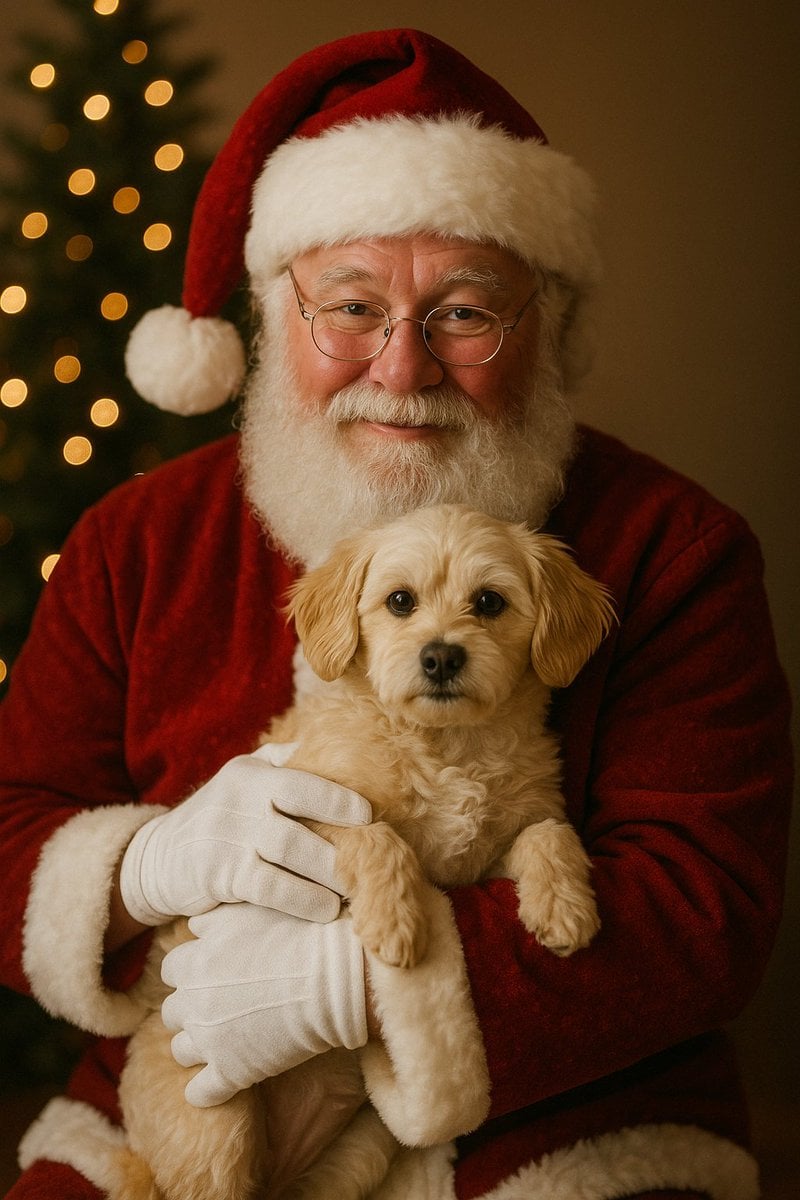
Simple Christmas dog and Santa image prompt
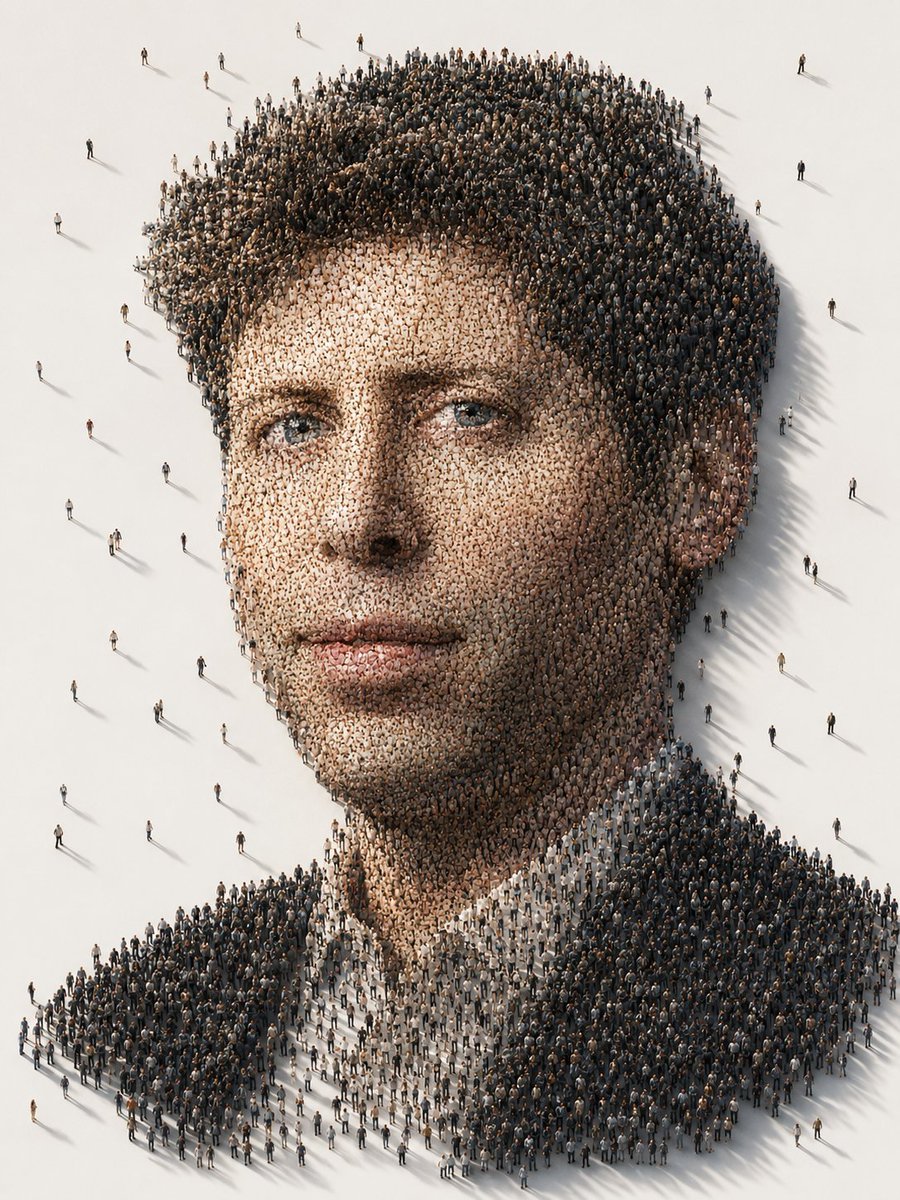
Conceptual Crowd Portrait Installation Art
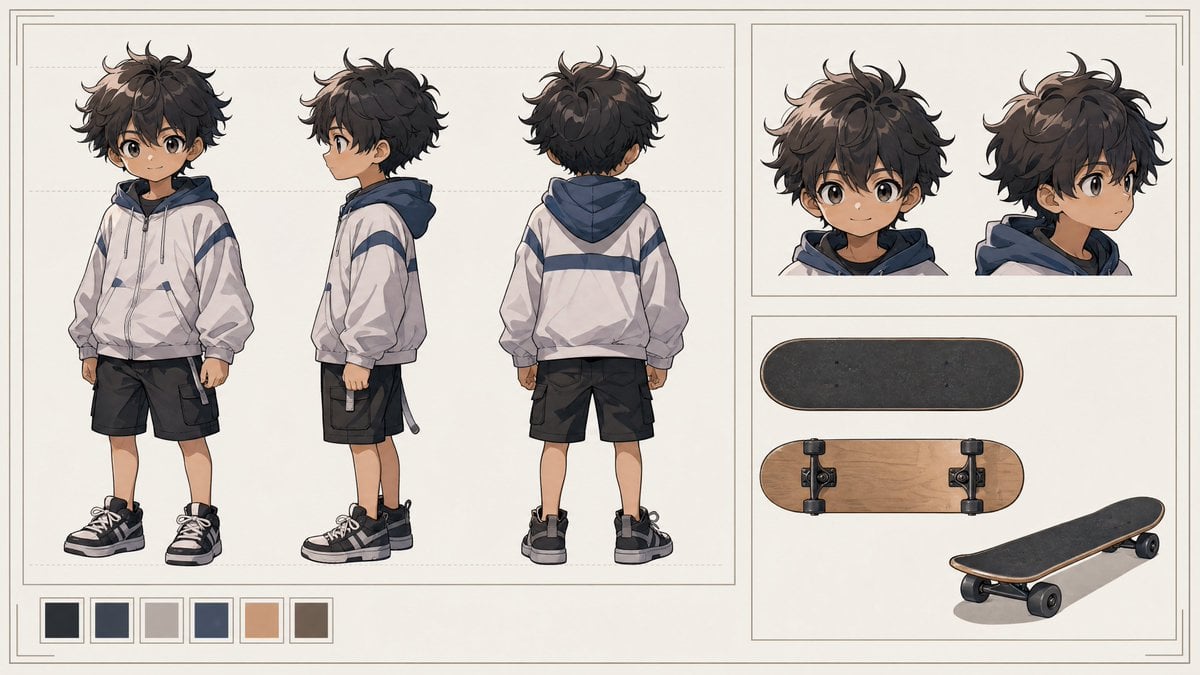
Tiny Boy Character Sheet
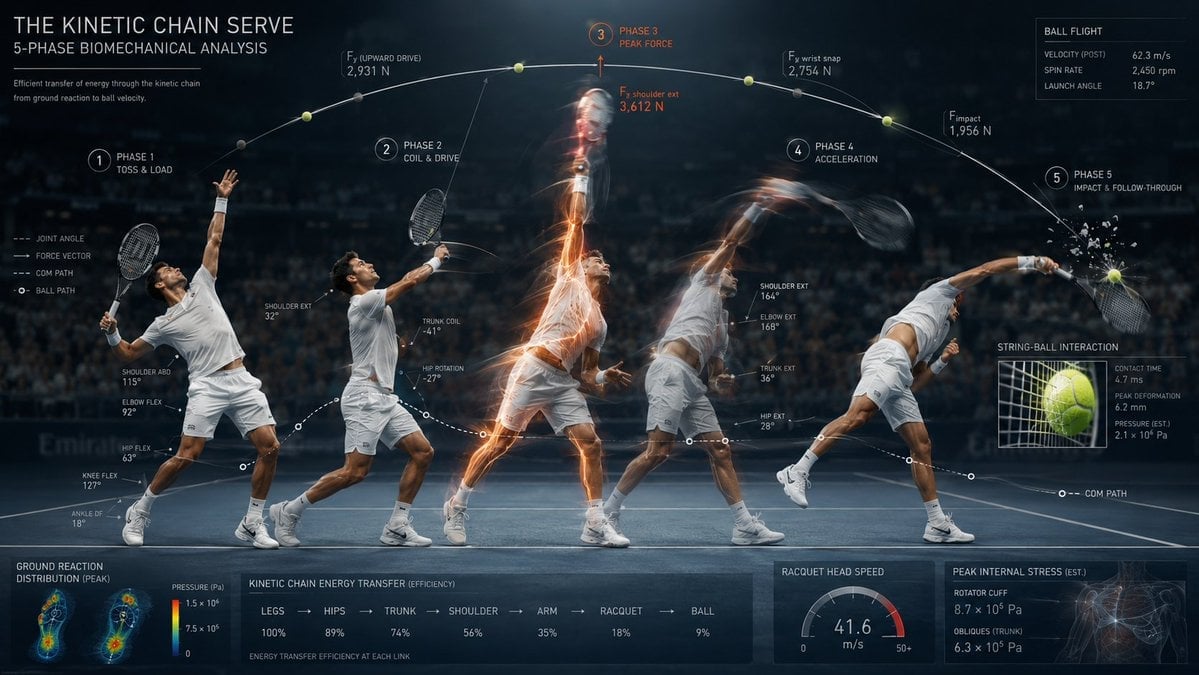
Stroboscopic Multi-Exposure Sports Action
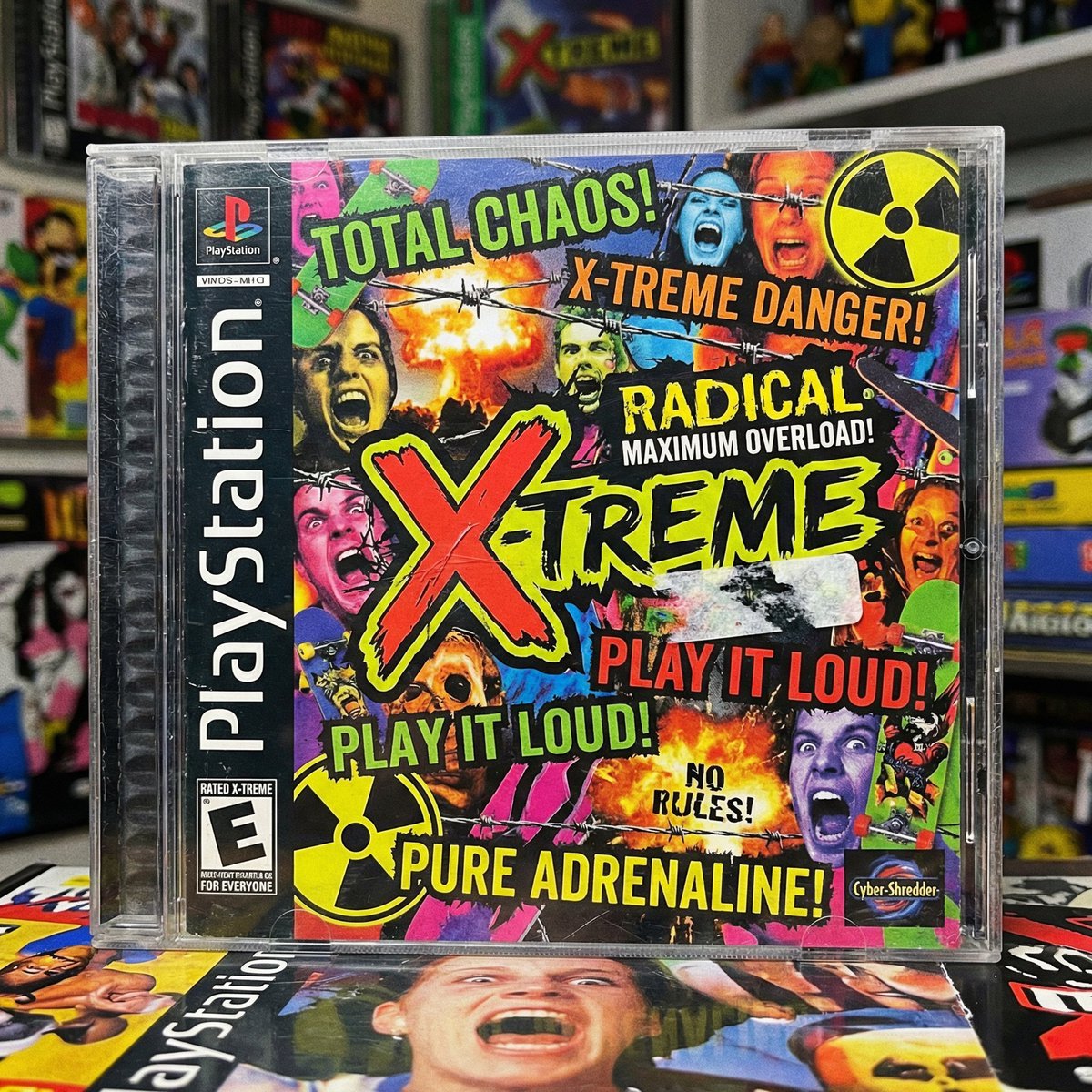
X-Treme 90s PlayStation Game Case
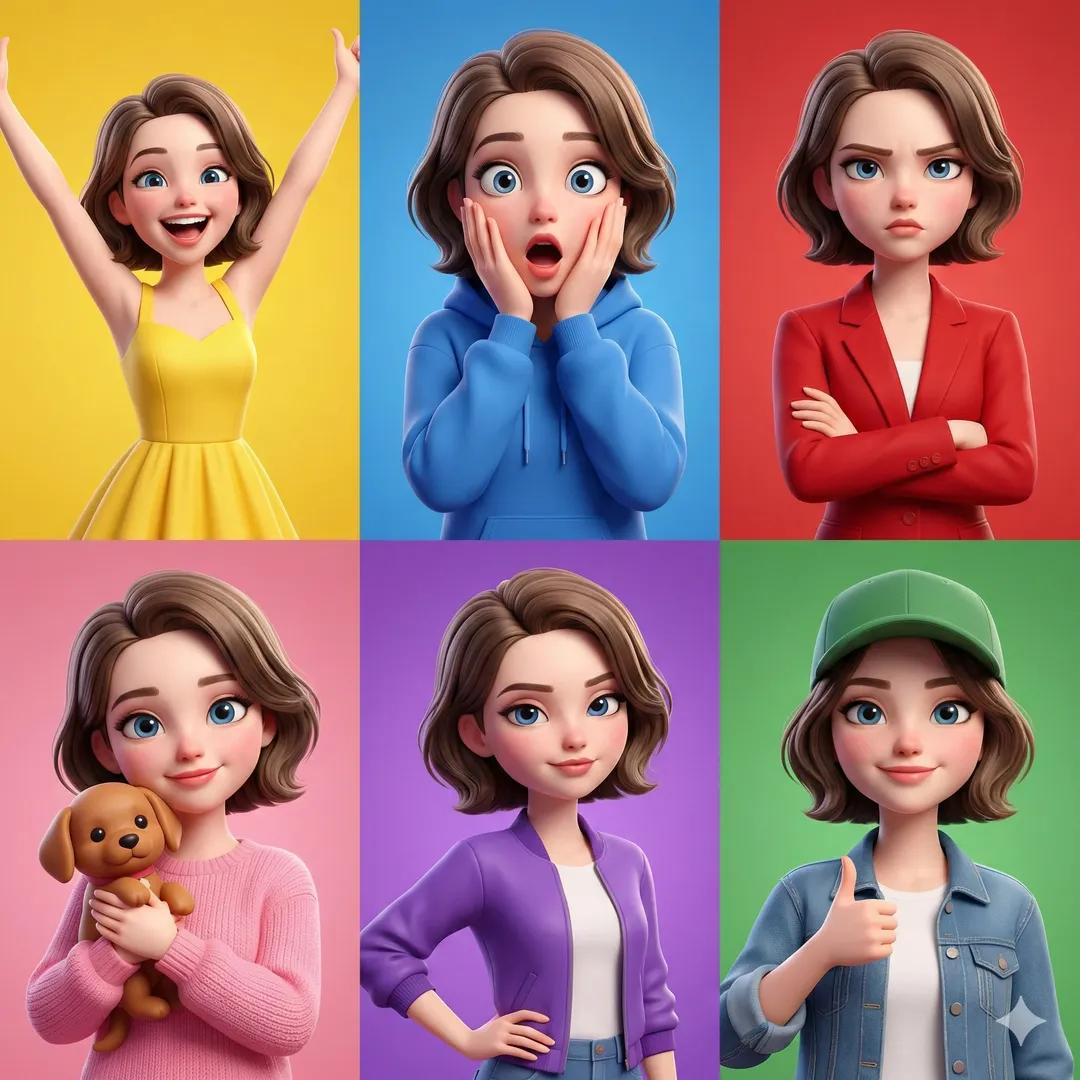
3D Pixar-Style Character Emotion Grid Prompt

Nightlife Fashion Portrait in Luxury Car
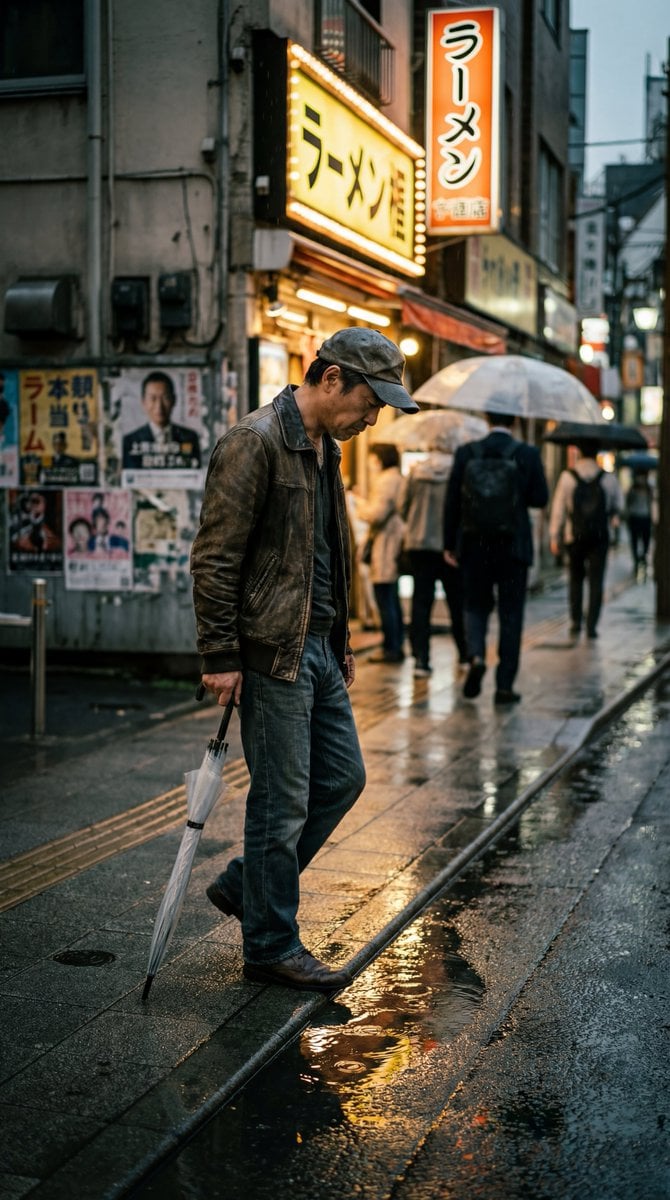
Structured Prompt for Ultra-Photorealistic Candid Street Photography

8K High Fashion Portrait with Grapes
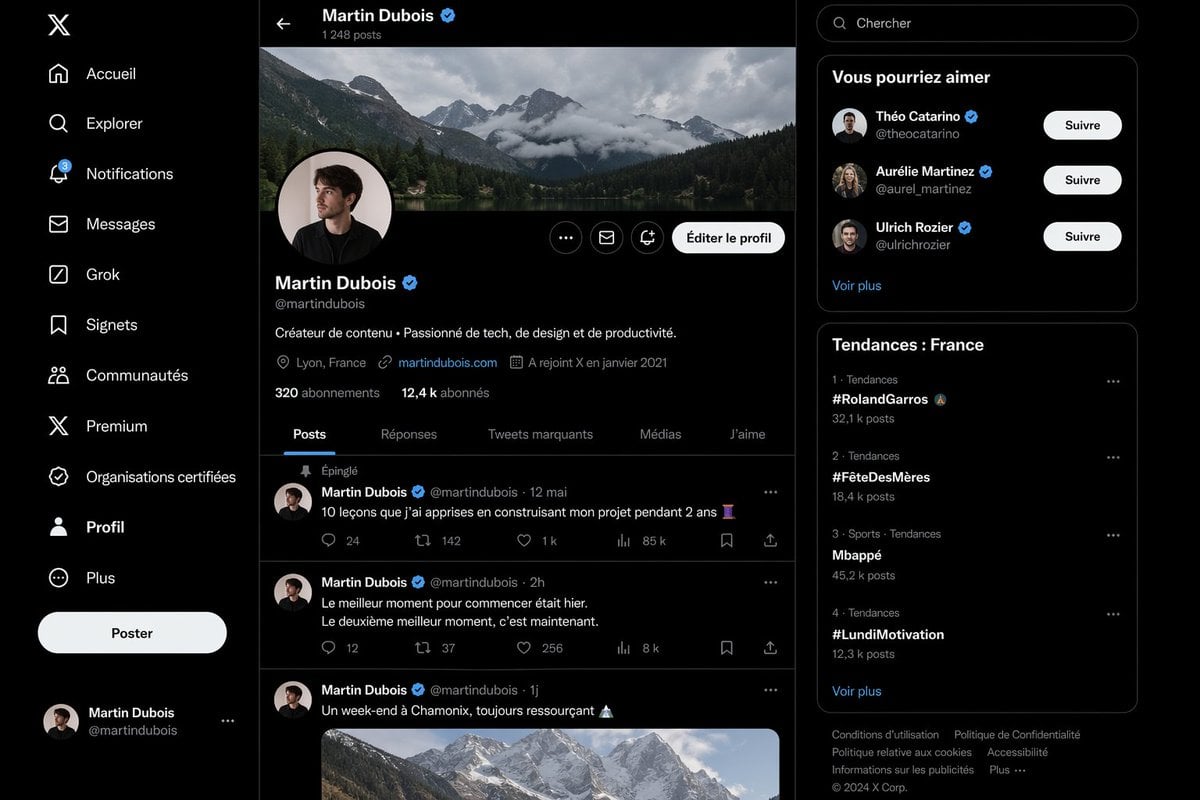
Realistic X Profile Page Mockup
Browse template categories
Travel Itinerary Illustration Generation Prompt questions
How do I use the Travel Itinerary Illustration Generation Prompt template?
Add your photo if the template asks for one, edit the prompt if you like — the template's model and format are already selected — and press Generate. Your version opens in PicX Studio.
Can I customize the Travel Itinerary Illustration Generation Prompt template?
Yes. You can change the subject, setting, lighting, mood, format, and available model controls before creating your image.
Is the Travel Itinerary Illustration Generation Prompt template free?
Opening and editing this template is free. Generating uses credits, shown on the Generate button when you are signed in.
Which AI model should I use?
Start with Nano Banana 2, which is the model associated with this template. You can compare another compatible model for a different finish.
Looking for something else? Browse all templates.

Your photo, any look
Thousands of ready templates for every top image and video model, from one credit balance.