
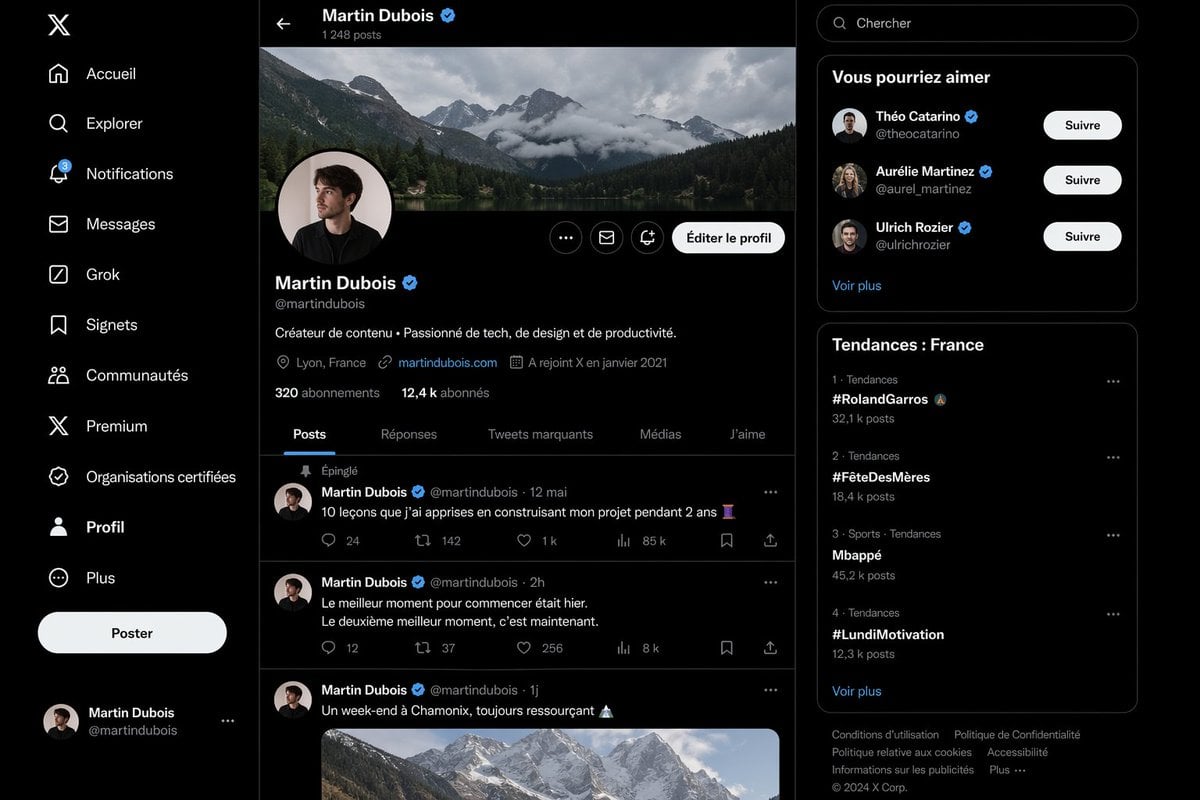
Realistic X Profile Page Mockup
A photorealistic desktop X-style profile interface in French, useful for showcasing AI-generated social media UI screenshots and product comparison demos.
- Prompt included
- Model and format preset
- Free template
The prompt behind this image
Copy the exact prompt behind Realistic X Profile Page Mockup, or open it in the studio and make it yours.
Create a highly realistic dark-mode social media interface mockup that closely resembles the desktop X/Twitter layout in French, shown as a full-browser screenshot with three vertical columns on a black background and subtle dark gray separators. The left sidebar contains exactly 11 navigation items stacked vertically with white icons and labels: “Accueil”, “Explorer”, “Notifications” with a small blue badge showing 3, “Messages”, “Grok”, “Signets”, “Communautés”, “Premium”, “Organisations certifiées”, “Profil”, and “Plus”. At the top of this sidebar place the white X logo, near the lower-middle add a large rounded white button labeled “Poster”, and at the bottom show a compact logged-in account block for Martin Dubois with handle @martindubois and a small circular avatar. The center column is the main profile page for {argument name="profile name" default="Martin Dubois"}, with a top bar showing a back arrow, the name “Martin Dubois” and a blue verification badge, and underneath the text “1 248 posts”. Below that, include a wide panoramic cover photo of dramatic cloudy alpine mountains above a forest lake. Overlapping the bottom-left of the banner, place a circular profile picture of a young man in dark clothing, face slightly obscured or blurred, with a pale background and a thin border. On the right side of the profile header place three small circular action buttons and one prominent rounded light button labeled “Éditer le profil”. Under the avatar show the display name Martin Dubois with a blue verification badge, the handle @martindubois, and a one-line bio in French: “Créateur de contenu • Passionné de tech, de design et de productivité.” Then add a metadata row with exactly 4 items: location “Lyon, France”, website “martindubois.com”, and “A rejoint X en janvier 2021”, followed by a follower row reading “320 abonnements” and “12,4 k abonnés”. Add a horizontal tab bar with exactly 5 tabs: “Posts”, “Réponses”, “Tweets marquants”, “Médias”, and “J’aime”, with “Posts” active and underlined in blue. Beneath the tabs, show a feed containing exactly 3 visible posts by Martin Dubois. Post 1 is pinned, indicated by “Épinglé”, dated “12 mai”, with the French text “10 leçons que j’ai apprises en construisant mon projet pendant 2 ans” followed by an emoji, and an engagement row with 5 values: 24 replies, 142 reposts, 1 k likes, 85 k views, and a bookmark/share area. Post 2 is dated “2h” with the French text “Le meilleur moment pour commencer était hier. Le deuxième meilleur moment, c’est maintenant.” and engagement values 12 replies, 37 reposts, 256 likes, and 8 k views. Post 3 is dated “1j” with the French text “Un week-end à Chamonix, toujours ressourçant” followed by a mountain emoji, and includes a large embedded image of snowy mountain peaks under soft daylight. Use circular avatars at the left of each post and thin separators between posts. The right sidebar starts with a rounded search field containing the placeholder “Chercher”. Below it, include a card titled “Vous pourriez aimer” with exactly 3 suggested profiles, each with avatar, display name, handle, blue verification badge, and a white rounded “Suivre” button: “Théo Catarino” @theocatarino, “Aurélie Martinez” @aurel_martinez, and “Ulrich Rozier” @ulrichrozier. Add a “Voir plus” link at the bottom of that card. Under it, create a trends card titled “Tendances : France” listing exactly 4 trends in ranked order with category and post counts: 1. “#RolandGarros” with “32,1 k posts”, 2. “#FêteDesMères” with “18,4 k posts”, 3. “Mbappé” with “45,2 k posts”, 4. “#LundiMotivation” with “12,3 k posts”. Add a “Voir plus” link below the trend list. At the very bottom place a compact footer with multiple small gray legal links and “© 2024 X Corp.”. The entire image should look almost indistinguishable from a real desktop screenshot: crisp typography, authentic spacing, realistic UI proportions, subtle rounded cards, white and gray text on near-black surfaces, blue accent color, polished anti-aliased icons, and a clean modern product-design aesthetic.
How to use Realistic X Profile Page Mockup in 3 steps
- 1Upload ImagePNG, JPG or paste
Add your photo
Upload the photo the template builds on. The prompt, model and format are already set.
- 2…a portrait of your subject in softgolden-hour light, 85mm…
Personalize
Edit the subject and creative details for your destination.
- 3Generate
Generate
Press Generate — your image is created in PicX Studio, so you can compare it with the original and refine one variable at a time.
More like this
Templates with the same subject, style or setup. Open one to see its prompt.

Cyberpunk Neon Profile Fashion Portrait
Low-Angle Cyberpunk Neon Profile Portrait

Luxury E-Commerce Landing Page Mockup

Mechanical Keyboard Product Page Mockup

X Profile Mockup Generator (Clean and Modern)

Nano Banana Pro 2.0 — 3x3 Travel Profile Grid

Product Shot - T-Shirt Mockup

Quiet Hamster Manga Page

Cinematic Anime Shinobi Poster Mockup

Late-Night Hamster Manga Page

Lumen iOS Wellness App Mockup
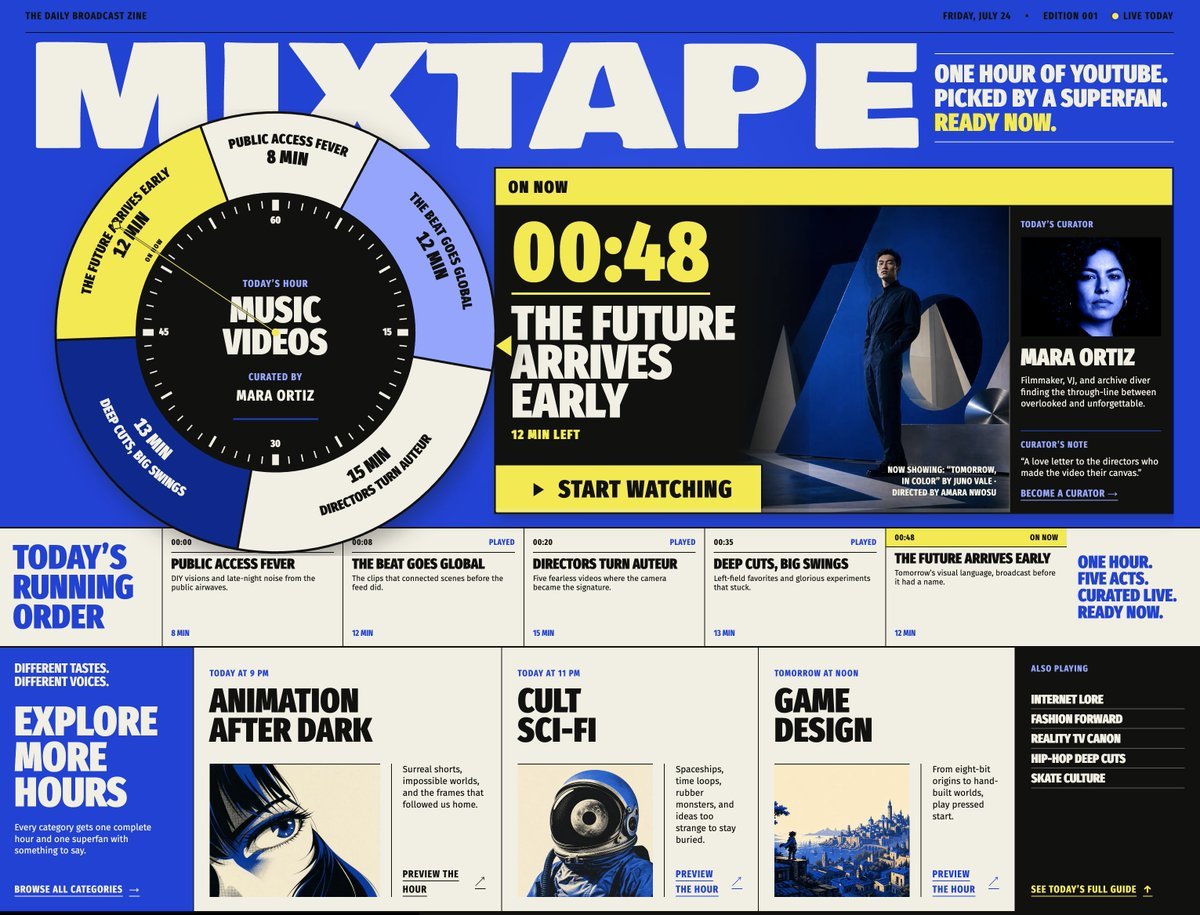
Mixtape Zine Webpage Redesign
Make it yours
Realistic X Profile Page Mockup works as-is. These are the safest ways to change it without losing the look.
Change one field
Copy a single group, rewrite it, and generate again so you can see what that field is doing.
Keep the frame, change the subject
Hold the composition and light of Realistic X Profile Page Mockup, then swap wardrobe, props or the person for a new take.
| If the result… | Why | Fix |
|---|---|---|
| The result drifts from the preview | Too many fields changed at once. | Reuse Realistic X Profile Page Mockup as-is first, then change one group — subject, light, or setting. |
| The model over-stylizes the scene | The prose prompt leaves finish and camera underspecified. | Add one camera or lighting sentence and stay on GPT Image 2. |
More GPT Image 2 templates
Other prompts made for GPT Image 2.

Six VTuber Japanese Logo Sheet

Realistic Portrait of Woman and Deer

The Vista Modular Condo Poster

AI Model Routing Comparison Infographic

2.5D Anime Art Board

Isometric Productivity Desk Scene

New York Double Exposure Poster

Four-Panel AI Landscape Comparison

Japanese Tatami Lifestyle Magazine Cover

NESCAFÉ Coffee Map Poster
More image prompts
Fresh picks from across the catalog.

Hyper-Realistic Cinematic Portrait with Luxury Sports Car
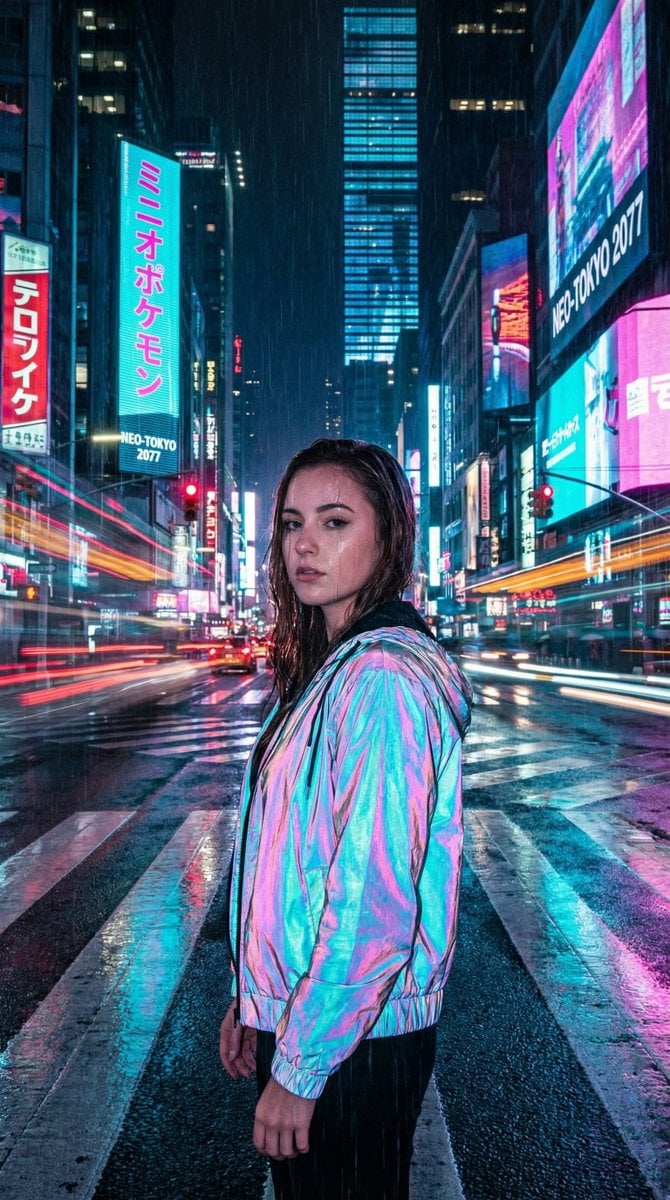
Cyberpunk City Night Scene
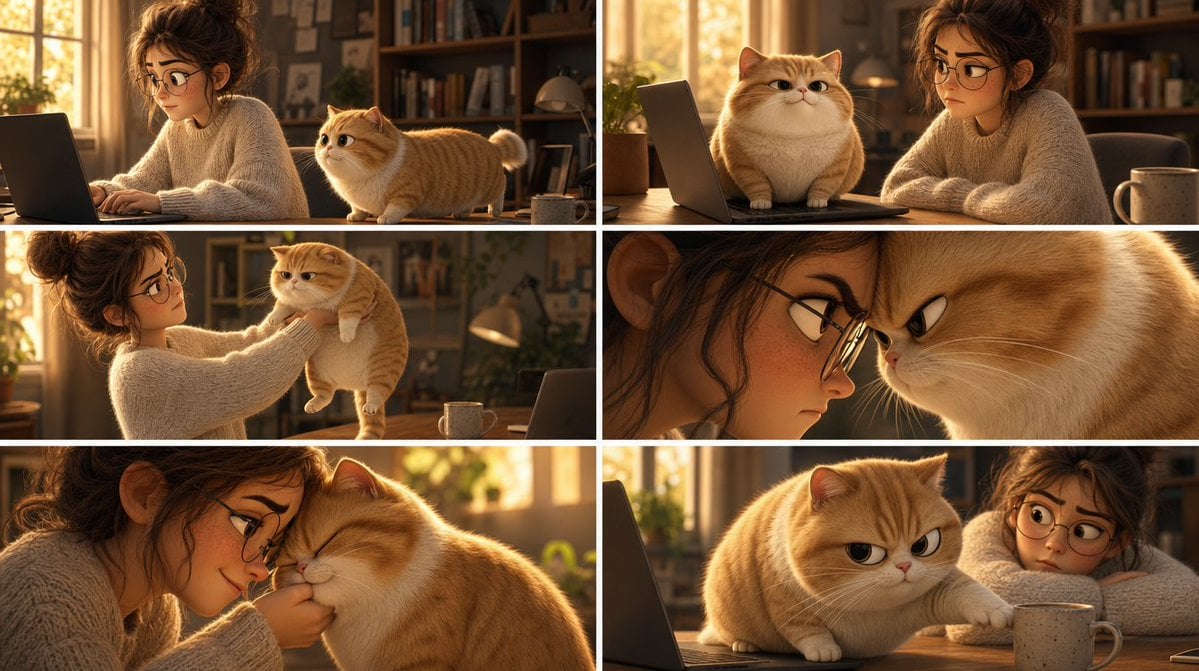
Pixar Cat Desk Storyboard
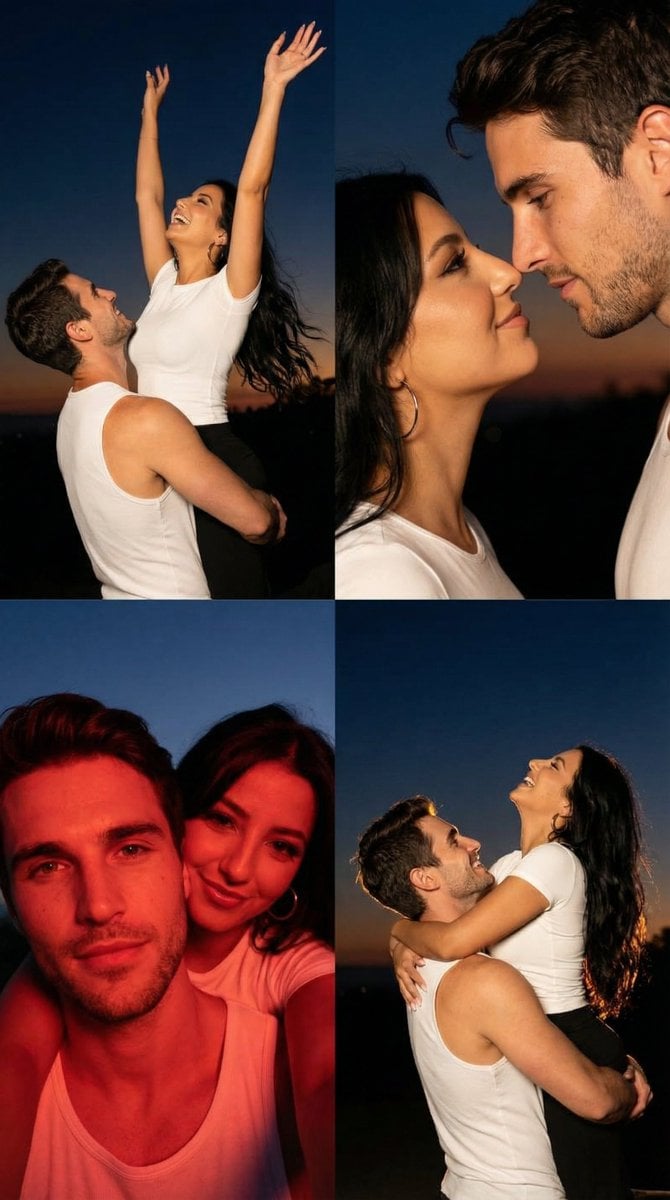
2x2 Grid Cinematic Night Couple Portrait with Identity Lock

Dynamic Japan Soccer Poster
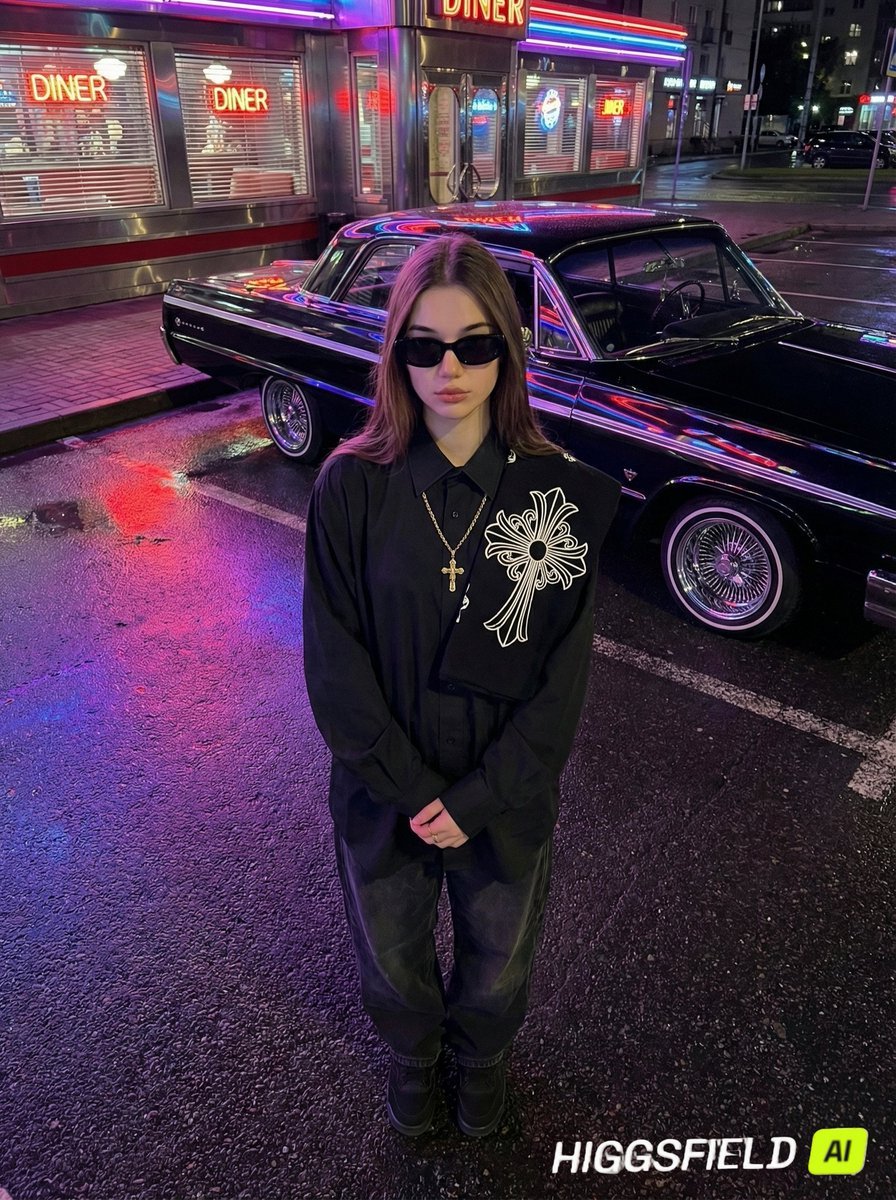
Urban Noir Identity Preservation Prompt
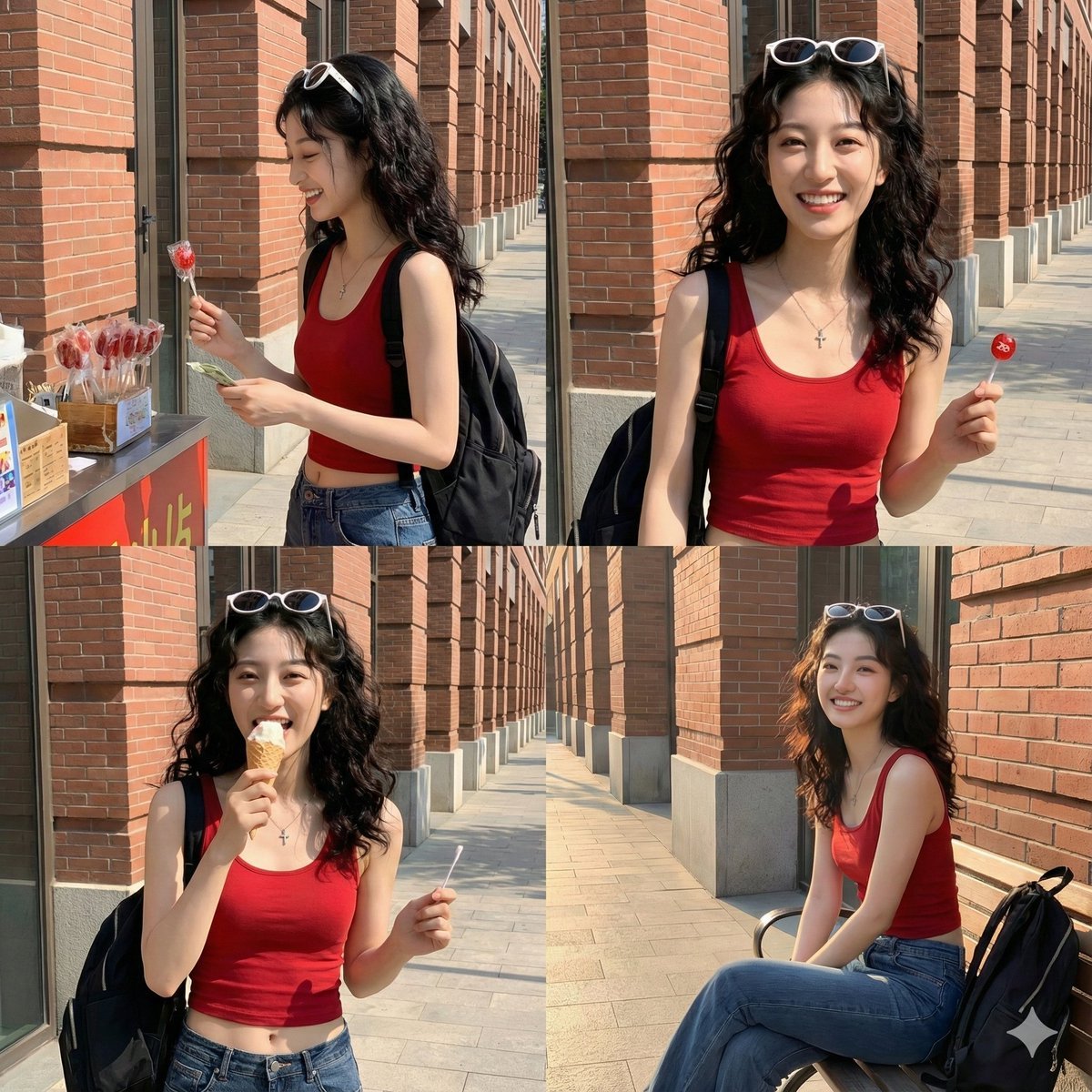
Time Progression Image Generation Prompt
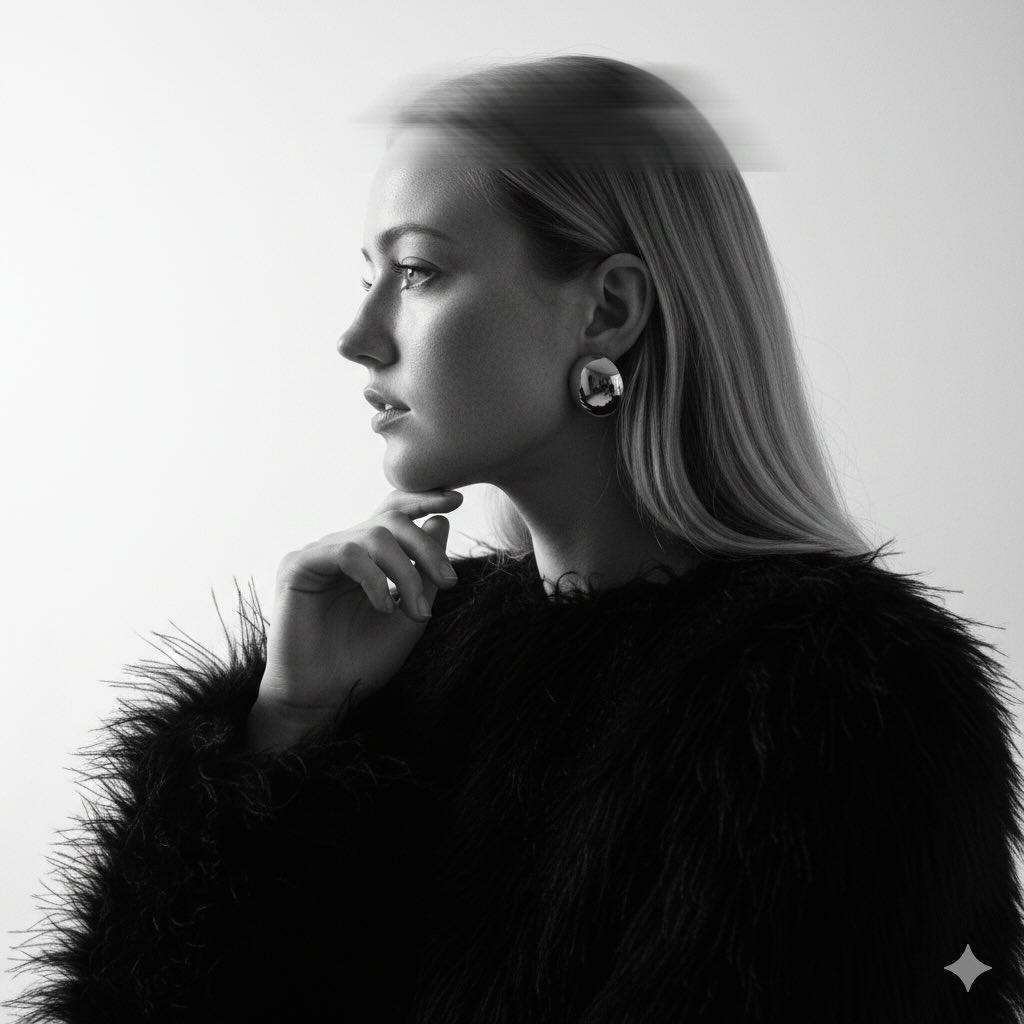
Black-and-White Surreal Editorial Portrait Prompt
Vintage Garden Wedding Portrait

Cybernetic Kimono Shaved Ice Cafe
Browse template categories
Realistic X Profile Page Mockup questions
How do I use the Realistic X Profile Page Mockup template?
Add your photo if the template asks for one, edit the prompt if you like — the template's model and format are already selected — and press Generate. Your version opens in PicX Studio.
Can I customize the Realistic X Profile Page Mockup template?
Yes. You can change the subject, setting, lighting, mood, format, and available model controls before creating your image.
Is the Realistic X Profile Page Mockup template free?
Opening and editing this template is free. Generating uses credits, shown on the Generate button when you are signed in.
Which AI model should I use?
Start with GPT Image 2, which is the model associated with this template. You can compare another compatible model for a different finish.
Looking for something else? Browse all templates.

Your photo, any look
Thousands of ready templates for every top image and video model, from one credit balance.