
Mixtape Zine Webpage Redesign
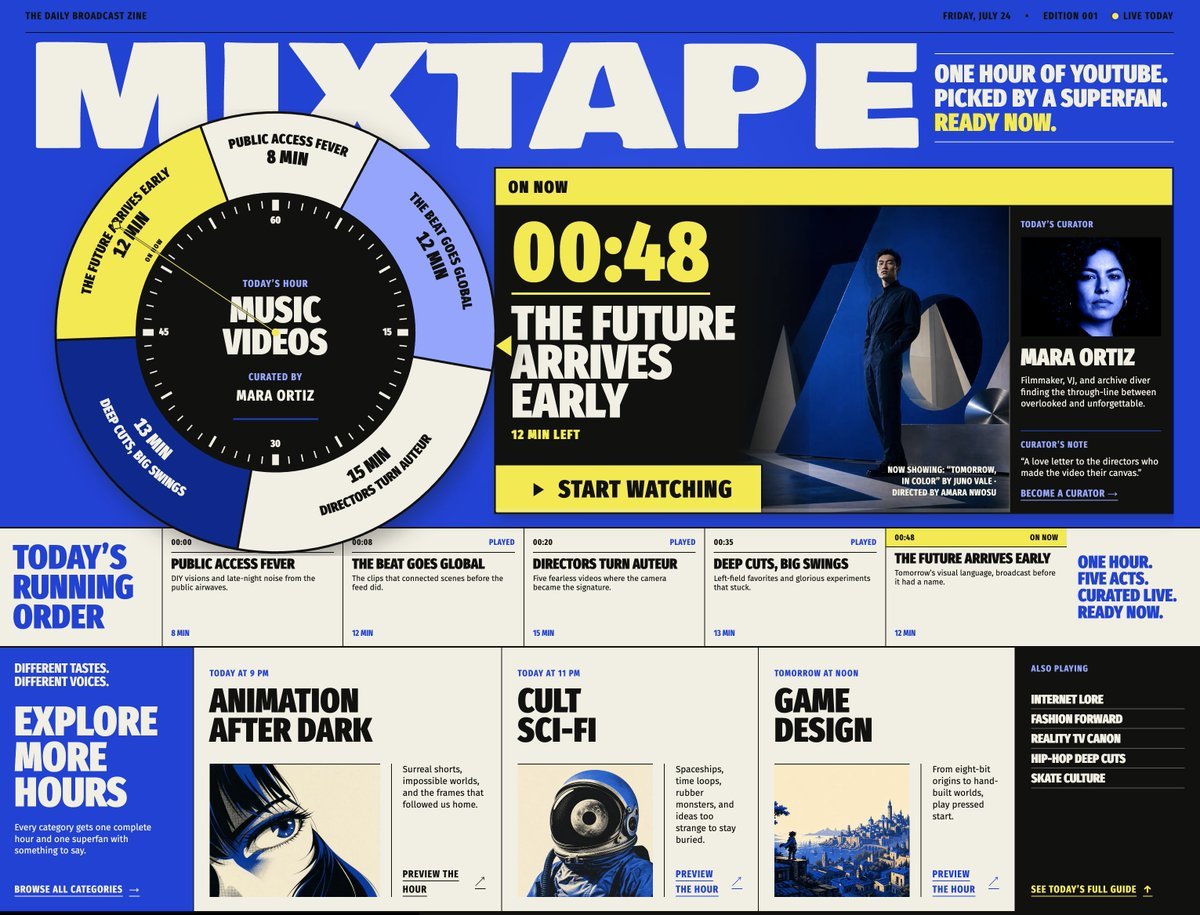
Transforms a reference Mixtape broadcast-zine layout into a refreshed issue mockup with updated program timing, feature art, and bottom preview cards.
- Prompt included
- Model and format preset
- Premium template
The prompt behind this image
Copy the exact prompt behind Mixtape Zine Webpage Redesign, or open it in the studio and make it yours.
Using REFERENCE_0 as the design/style base, regenerate the same Mixtape broadcast-zine webpage as a revised issue mockup. Keep the bold retro editorial layout, electric blue/cream/yellow/black palette, oversized block typography, circular clock-selector motif, curator panel, running-order strip, and bottom category-card structure, but update the page to look like a new edition with changed content and slightly cleaner spacing. Key changes to apply: - Change the top metadata to a new issue: Friday, July 24, Edition 001, with a small “Live Today” indicator. - Update the top-right headline to: “One hour of YouTube. Picked by a superfan. Ready now.” - Reposition the large circular hour dial farther left so it overlaps the main title more dramatically. Keep the center label “Today’s Hour / Music Videos / Curated by Mara Ortiz,” but rotate the outer five segments to match the new active order. - Make the active “On Now” feature the final act, with large timecode {argument name="current timecode" default="00:48"}, headline {argument name="featured act title" default="The Future Arrives Early"}, and “12 min left.” Replace the feature artwork with a cinematic dark blue scene of a suited man standing in a modern architectural setting, with small now-showing/director credit text in the lower-right. - Preserve the curator as Mara Ortiz, but use a darker blue-black portrait crop and keep the curator-card structure: portrait, name, short bio, curator’s note, and “Become a curator →”. Running order strip: create exactly 5 act cells, left to right: 1. “Public Access Fever” — 00:00, played, 8 min 2. “The Beat Goes Global” — 00:08, played, 12 min 3. “Directors Turn Auteur” — 00:20, played, 15 min 4. “Deep Cuts, Big Swings” — 00:35, played, 13 min 5. “The Future Arrives Early” — 00:48, on now, 12 min Keep the bold left label “Today’s Running Order” and the right slogan “One hour. Five acts. Curated live. Ready now.” Bottom section: replace the previous lower grid with a cleaner set of exactly 3 large preview cards plus a side list. 1. {argument name="first preview card" default="Animation After Dark"} — labeled “Today at 9 PM,” with a blue-toned anime eye image. 2. {argument name="second preview card" default="Cult Sci-Fi"} — labeled “Today at 11 PM,” with a retro astronaut/space helmet image. 3. {argument name="third preview card" default="Game Design"} — labeled “Tomorrow at Noon,” with a blue pixel-art landscape image. Add a left blue panel reading “Explore More Hours” with short supporting copy and “Browse all categories →”. Add a right black “Also Playing” panel listing exactly 5 items: Internet Lore, Fashion Forward, Reality TV Canon, Hip-Hop Deep Cuts, Skate Culture, plus a yellow “See today’s full guide →” link. Style constraints: preserve the reference’s high-contrast zine aesthetic, sharp grid, thick borders, condensed uppercase type, imperfect print-like texture, and screen-poster feel. Do not add extra sections, watermarks, browser chrome, or unrelated UI.
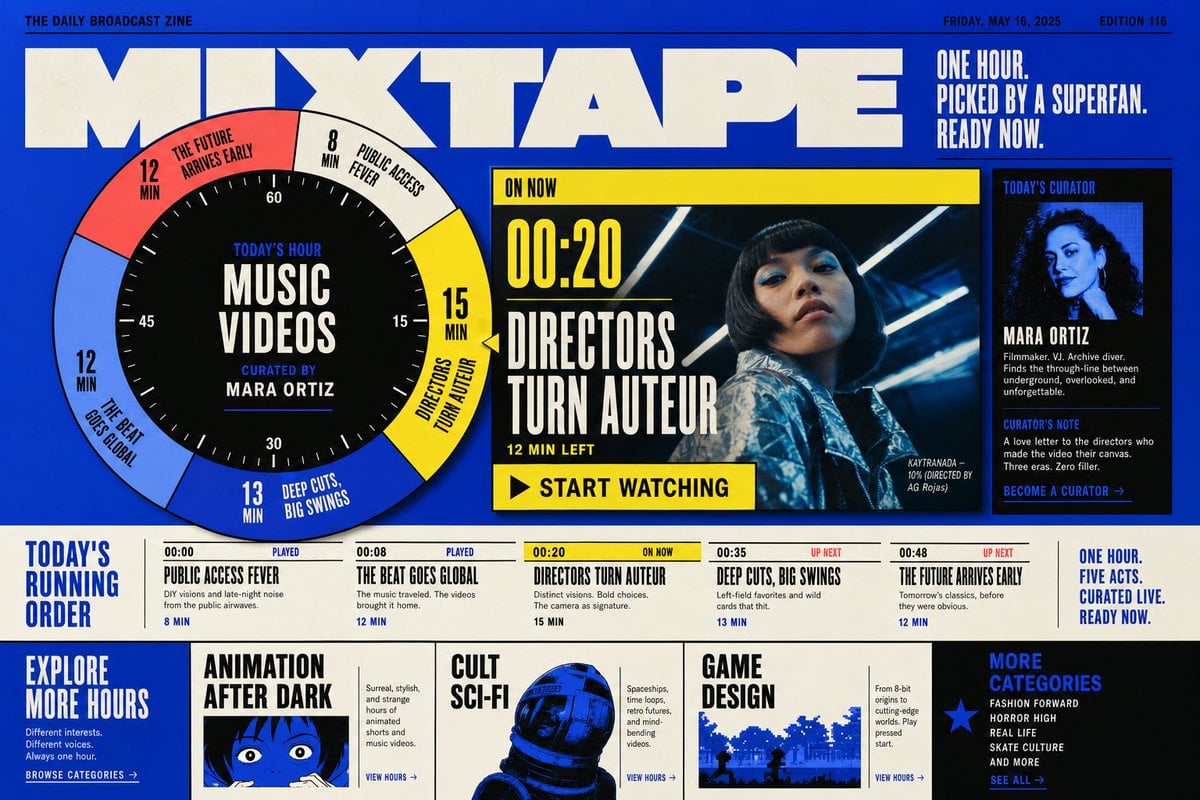
Reference images included
Mixtape Zine Webpage Redesign needs input media to work. They load alongside the prompt when you open it in the studio.
How to use Mixtape Zine Webpage Redesign in 3 steps
- 1Upload ImagePNG, JPG or paste
Add your photo
Upload the photo the template builds on. The prompt, model and format are already set.
- 2…a portrait of your subject in softgolden-hour light, 85mm…
Personalize
Edit the subject and creative details for your destination.
- 3Generate
Generate
Press Generate — your image is created in PicX Studio, so you can compare it with the original and refine one variable at a time.
More like this
Templates with the same subject, style or setup. Open one to see its prompt.
1970s Sci-Fi Zine Ink Drawing
DIY ZINE and Cultural Poster
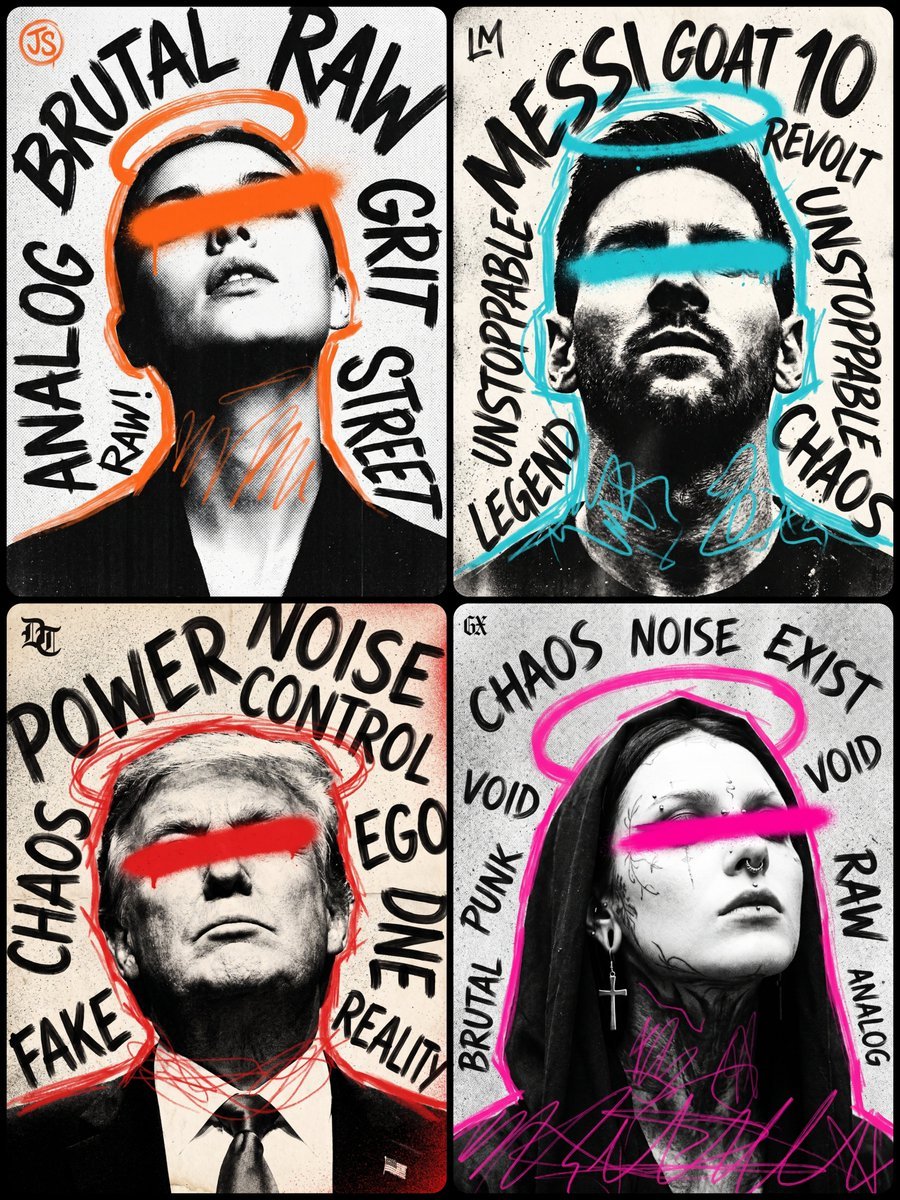
Punk Zine Grunge Poster
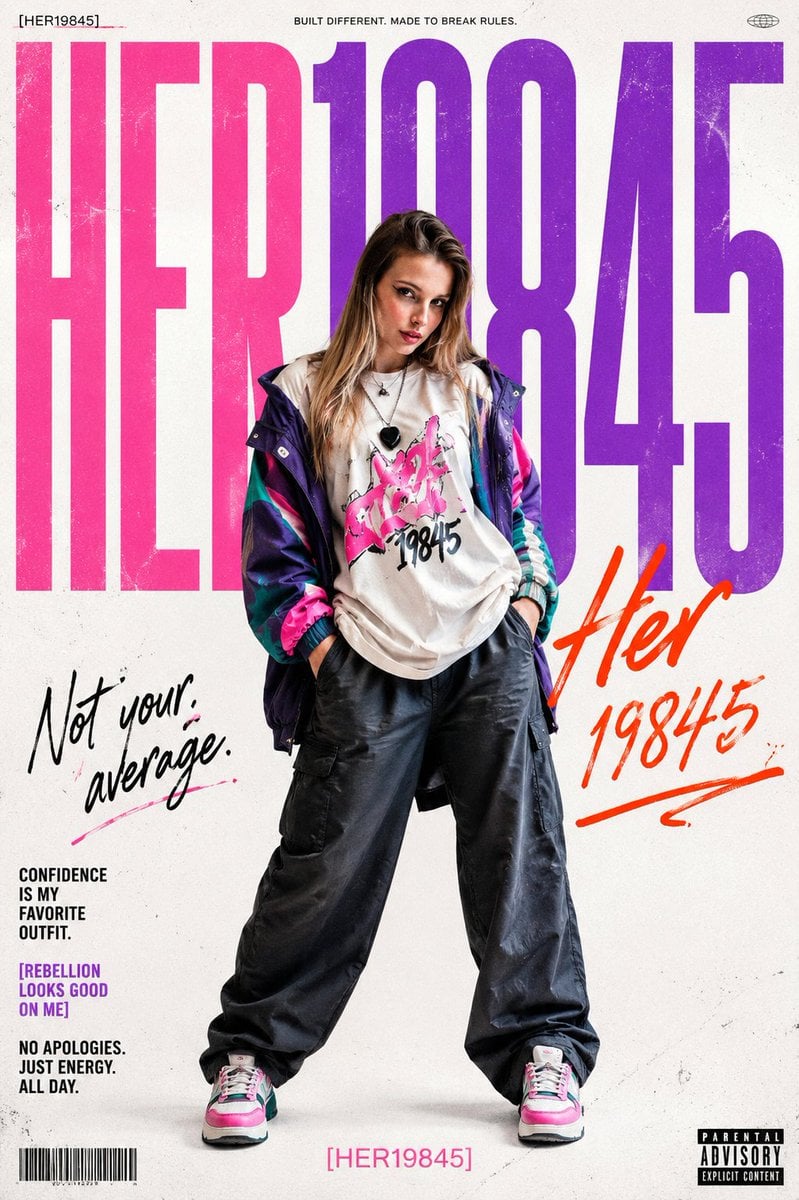
Rebellious Streetwear Magazine Poster
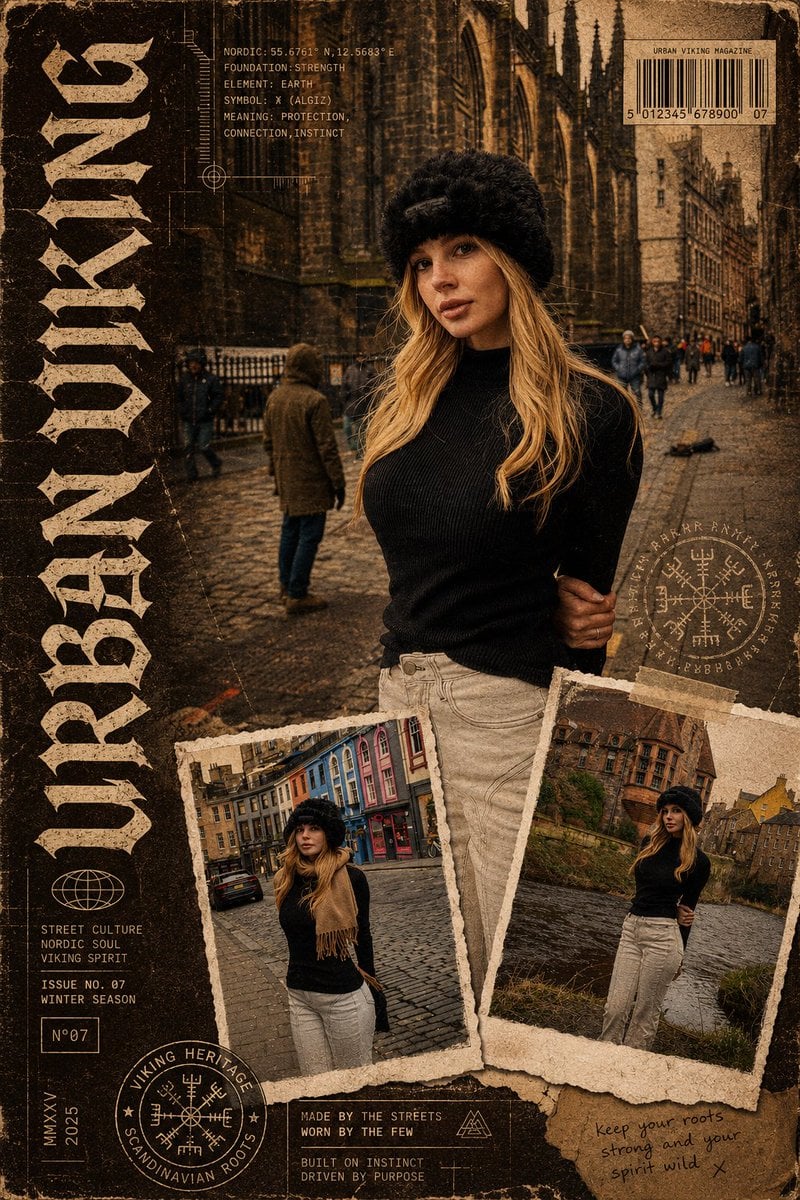
Urban Viking Magazine Cover
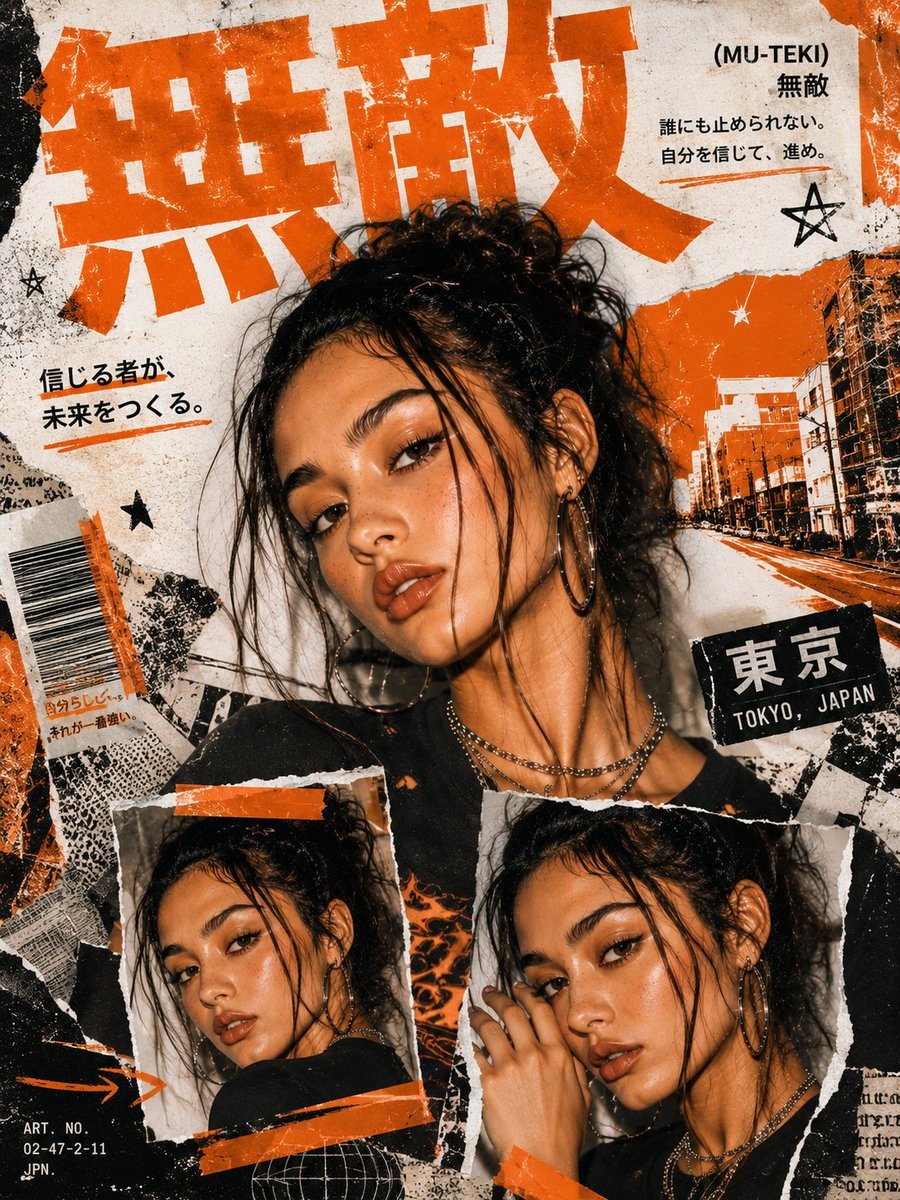
Y2K Tokyo Zine Collage
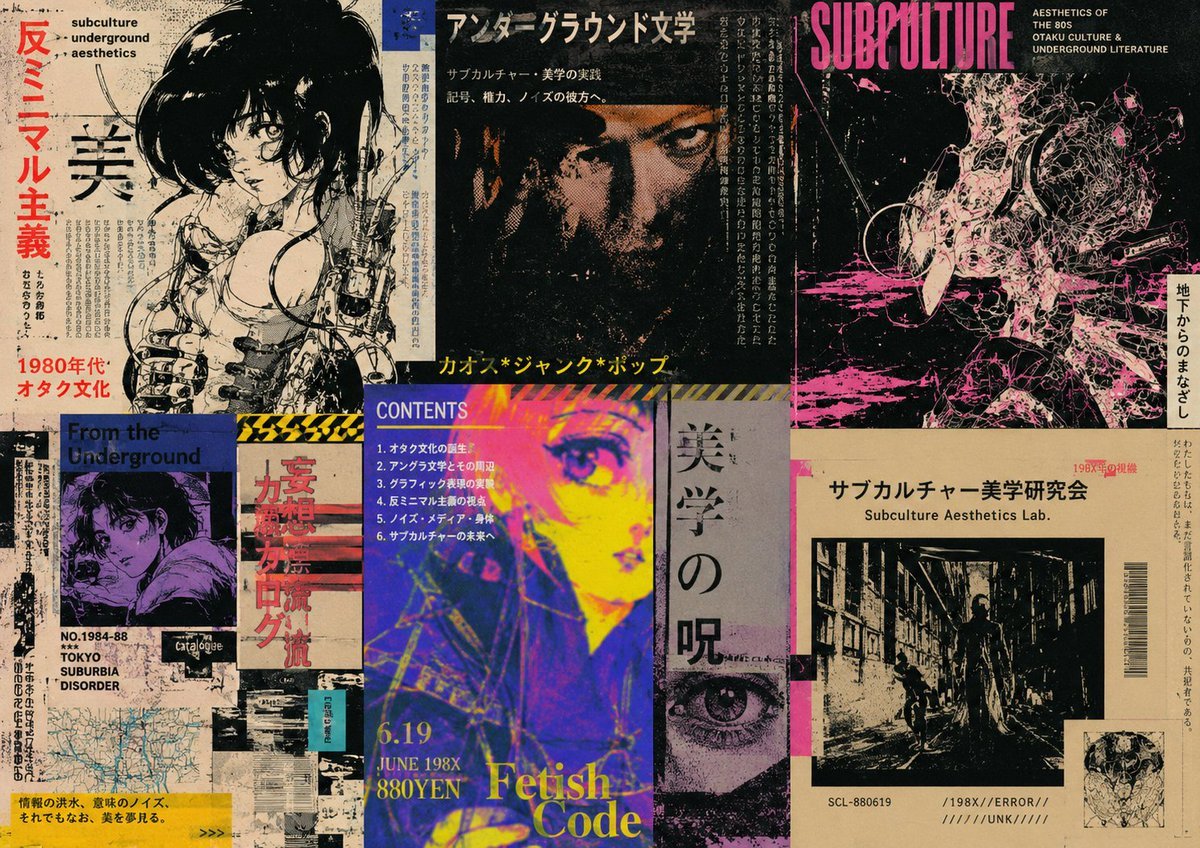
Retro Underground Subculture Zine Collage
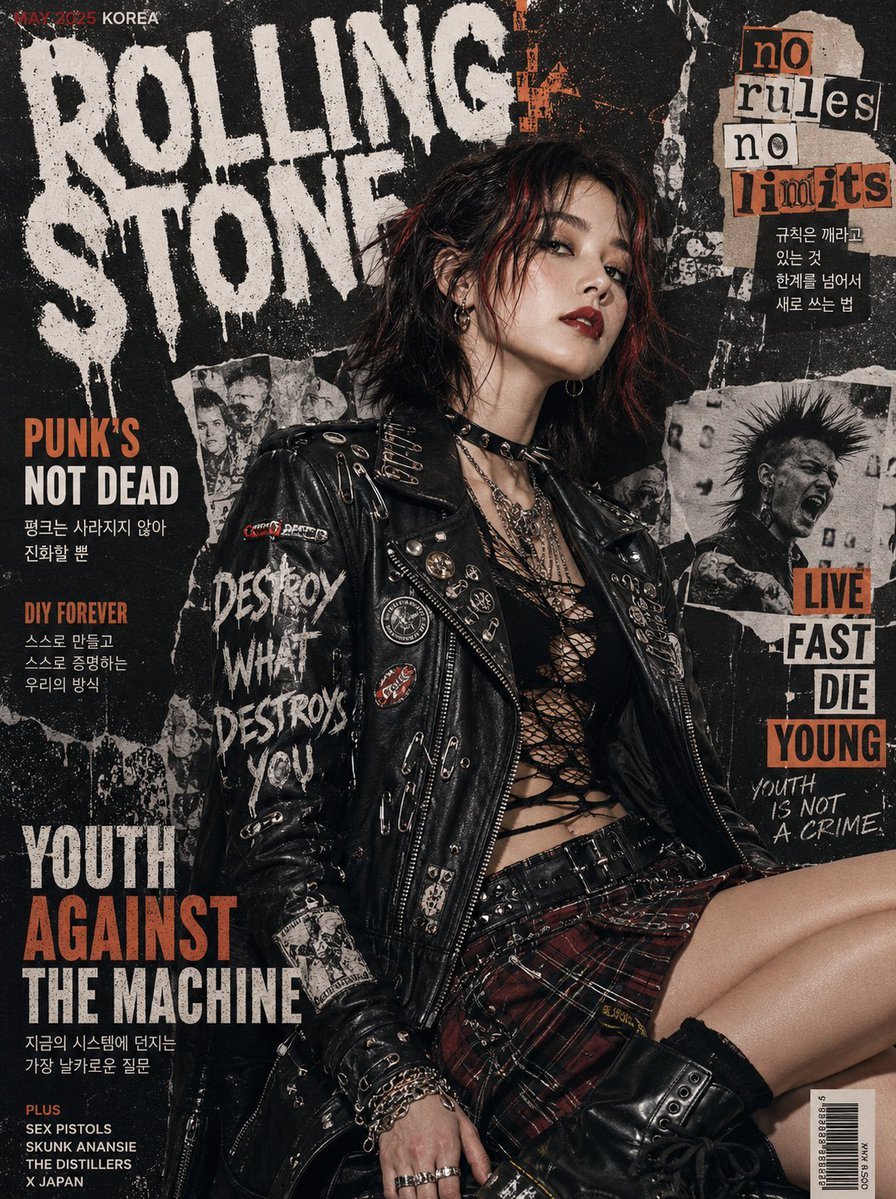
Punk Magazine Cover Korea Style
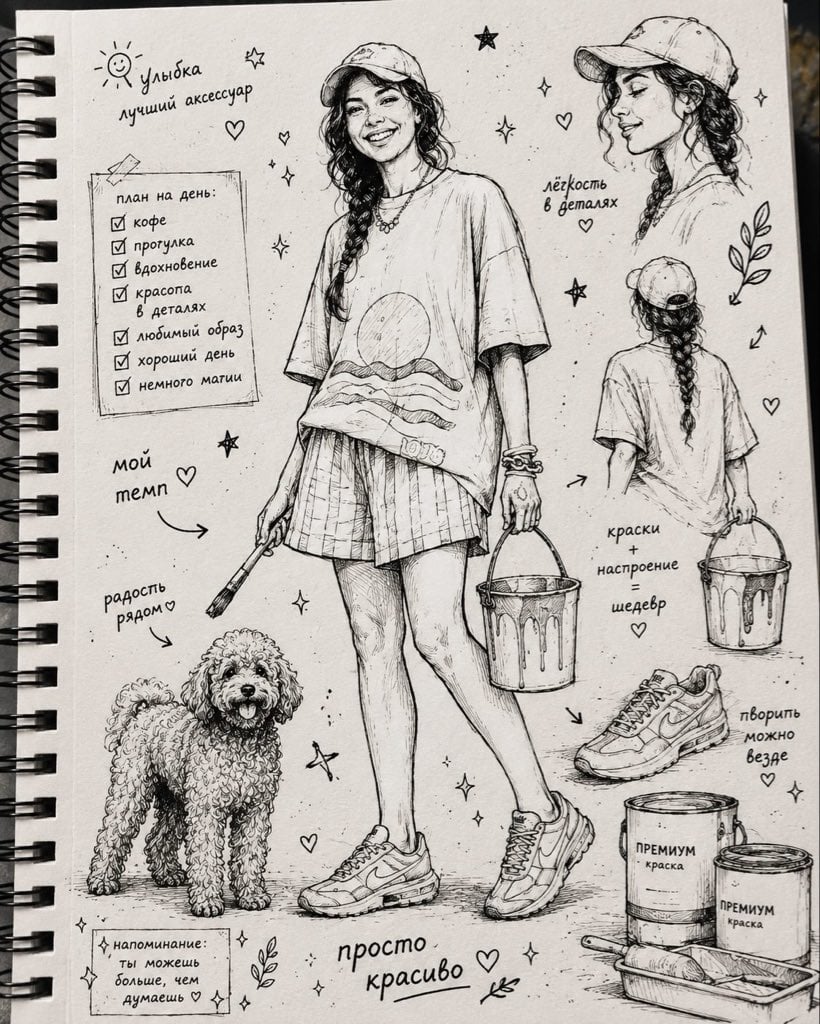
Ink Sketchbook Zine Illustration
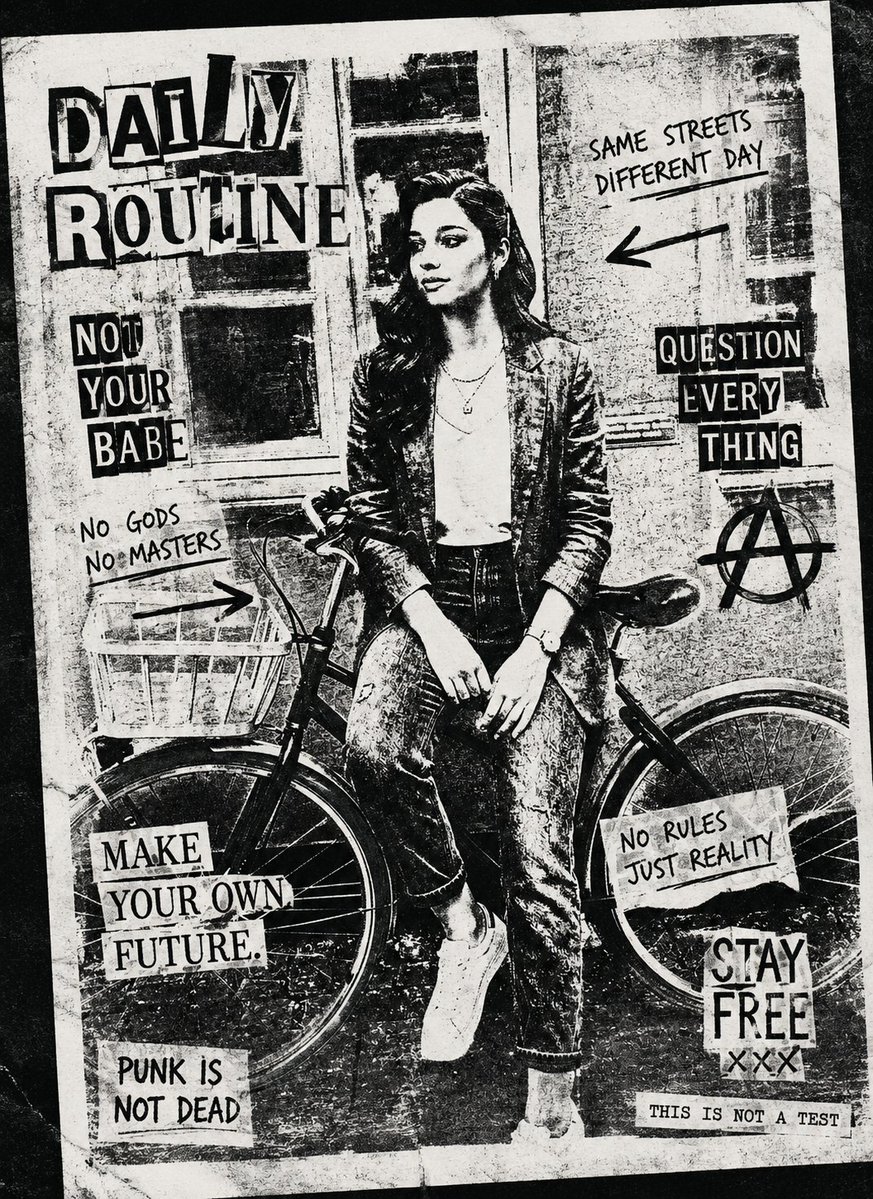
Black and White Xerox Zine Effect
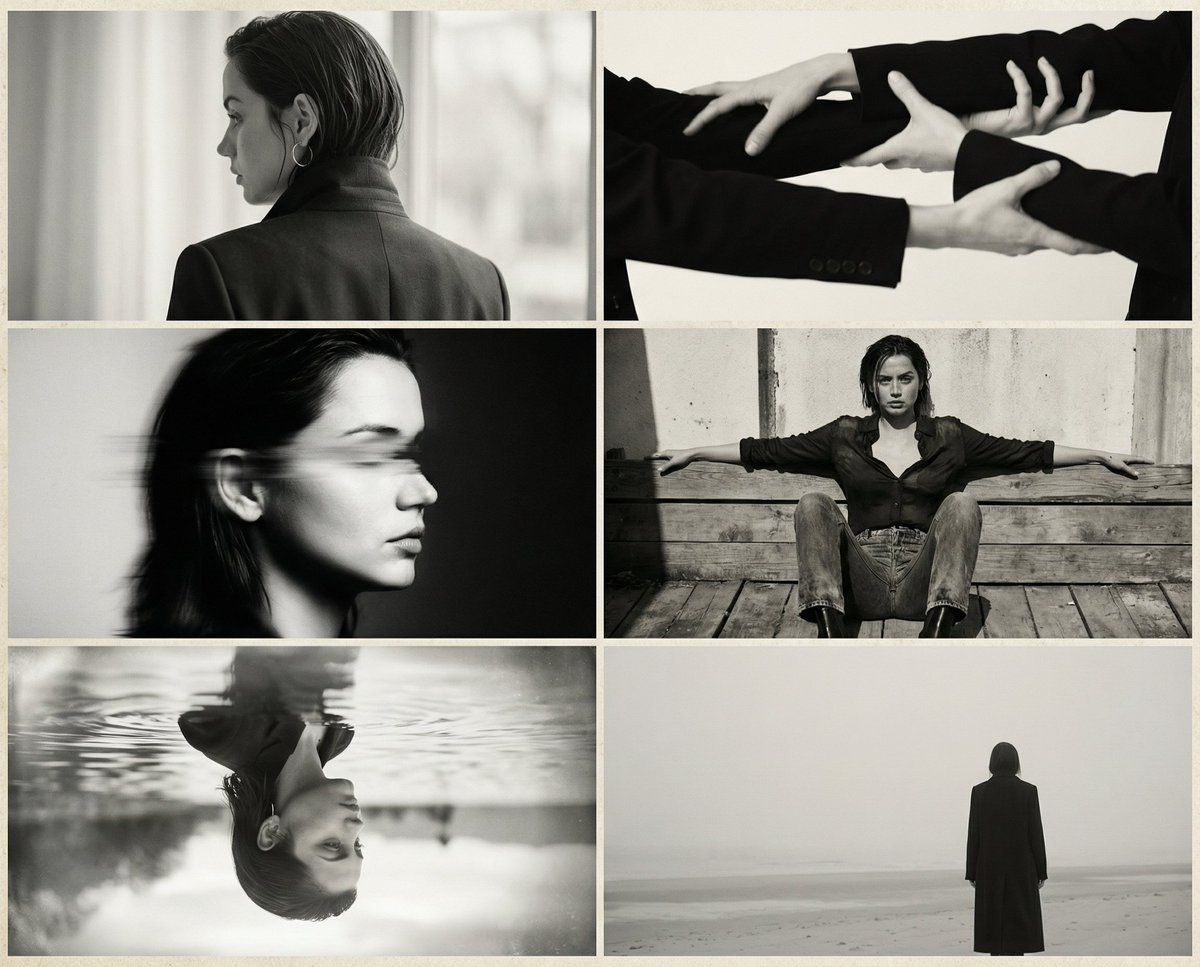
Six-Image 90s Zine Fashion Collage
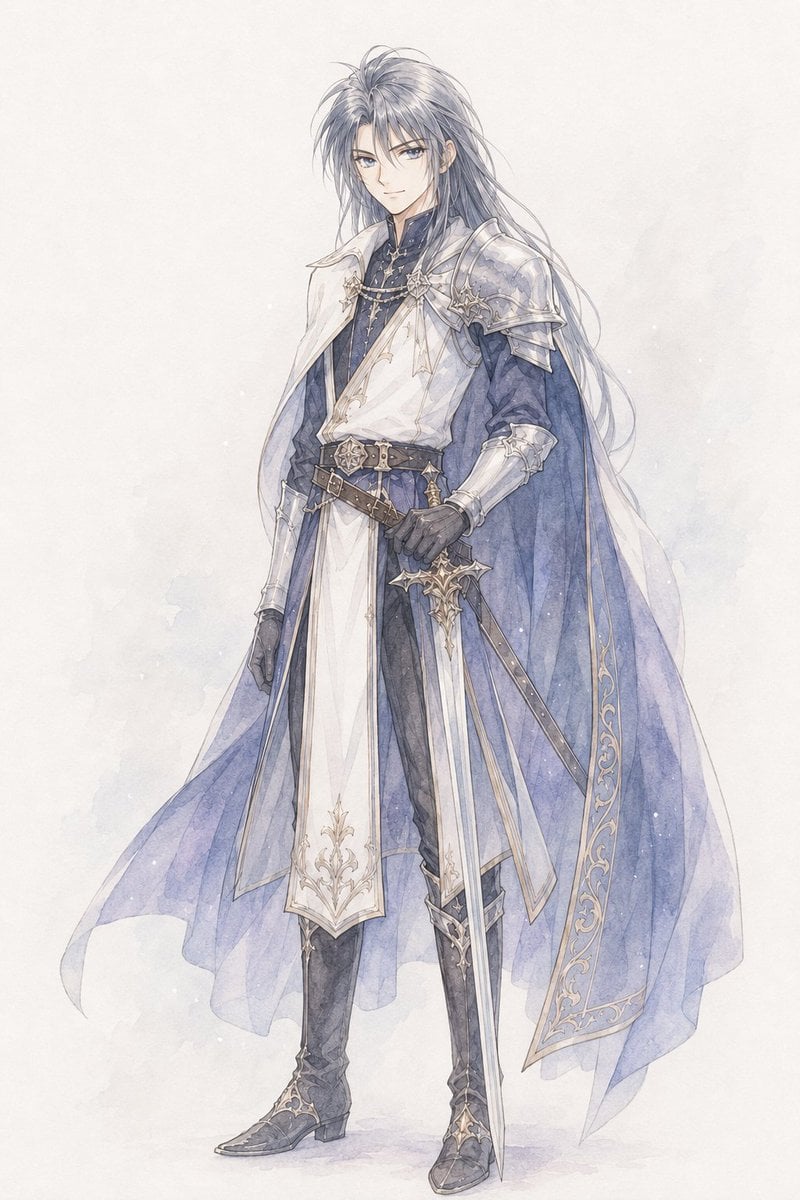
Watercolor Fantasy Knight Redesign
Make it yours
Mixtape Zine Webpage Redesign works as-is. These are the safest ways to change it without losing the look.
Change one field
Copy a single group, rewrite it, and generate again so you can see what that field is doing.
Keep the frame, change the subject
Hold the composition and light of Mixtape Zine Webpage Redesign, then swap wardrobe, props or the person for a new take.
| If the result… | Why | Fix |
|---|---|---|
| The result drifts from the preview | Too many fields changed at once. | Reuse Mixtape Zine Webpage Redesign as-is first, then change one group — subject, light, or setting. |
| The model over-stylizes the scene | The prose prompt leaves finish and camera underspecified. | Add one camera or lighting sentence and stay on GPT Image 2. |
More GPT Image 2 templates
Other prompts made for GPT Image 2.

Six VTuber Japanese Logo Sheet

Realistic Portrait of Woman and Deer

The Vista Modular Condo Poster

AI Model Routing Comparison Infographic

2.5D Anime Art Board

Isometric Productivity Desk Scene

New York Double Exposure Poster

Four-Panel AI Landscape Comparison

Japanese Tatami Lifestyle Magazine Cover

NESCAFÉ Coffee Map Poster
More image prompts
Fresh picks from across the catalog.
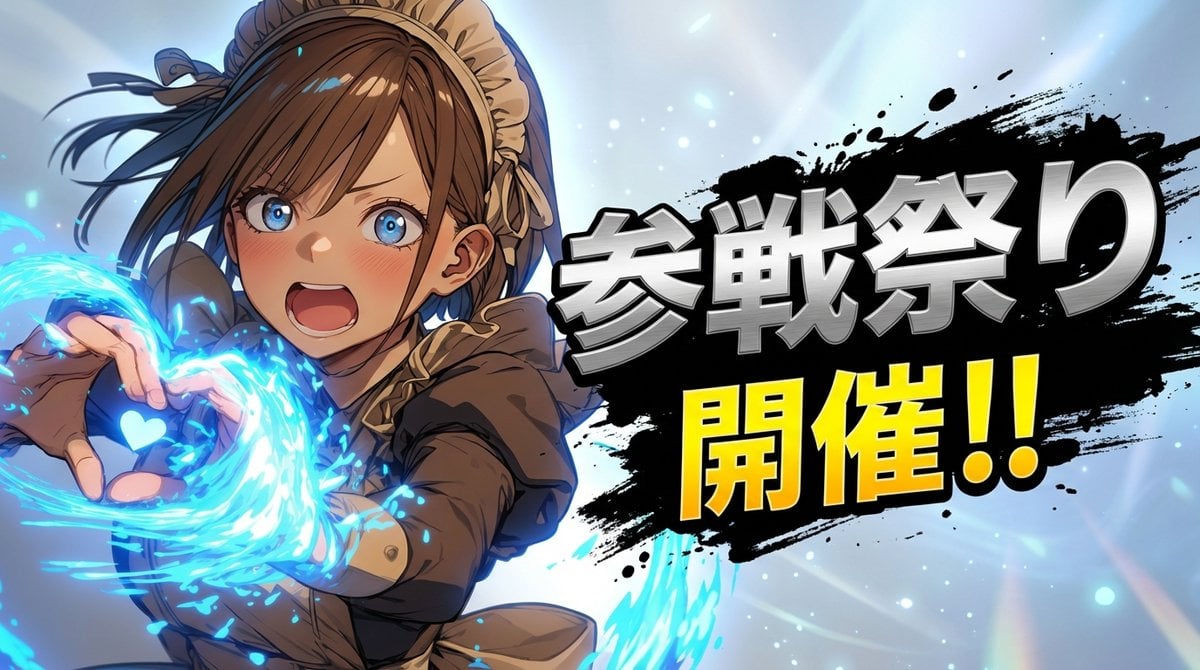
Character 'Participation Screen' Reveal Prompt
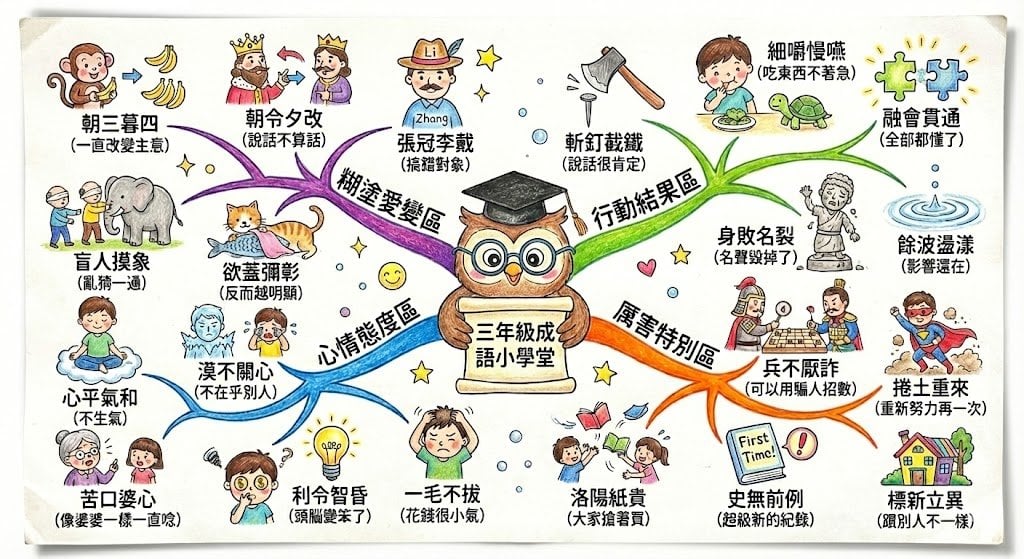
Hand-drawn mind map for explaining Chinese idioms
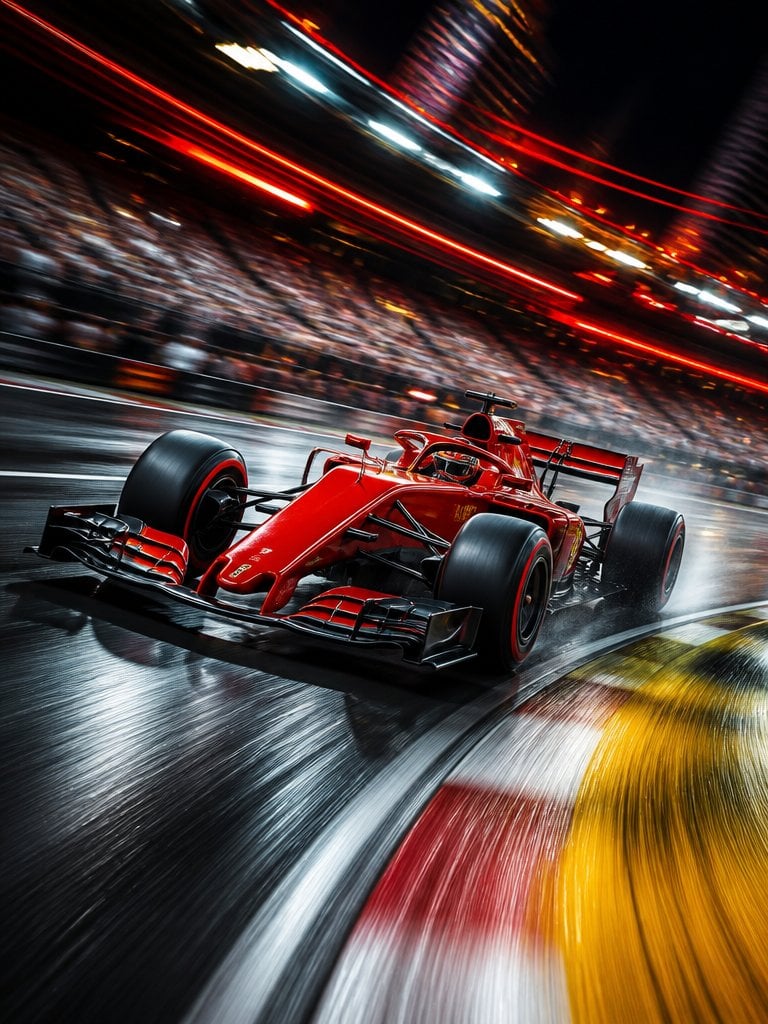
Long Exposure Motion Blur Photography
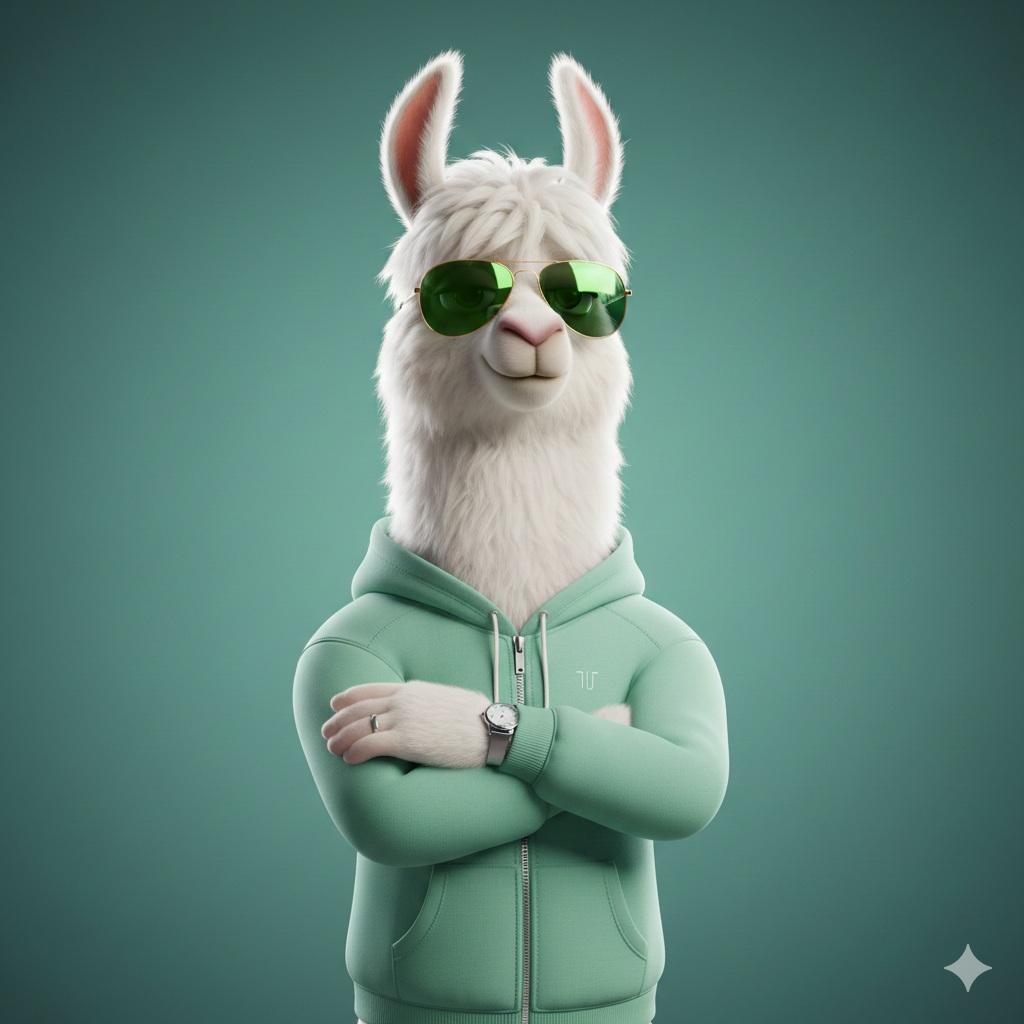
Stylized 3D Llama Character in Streetwear
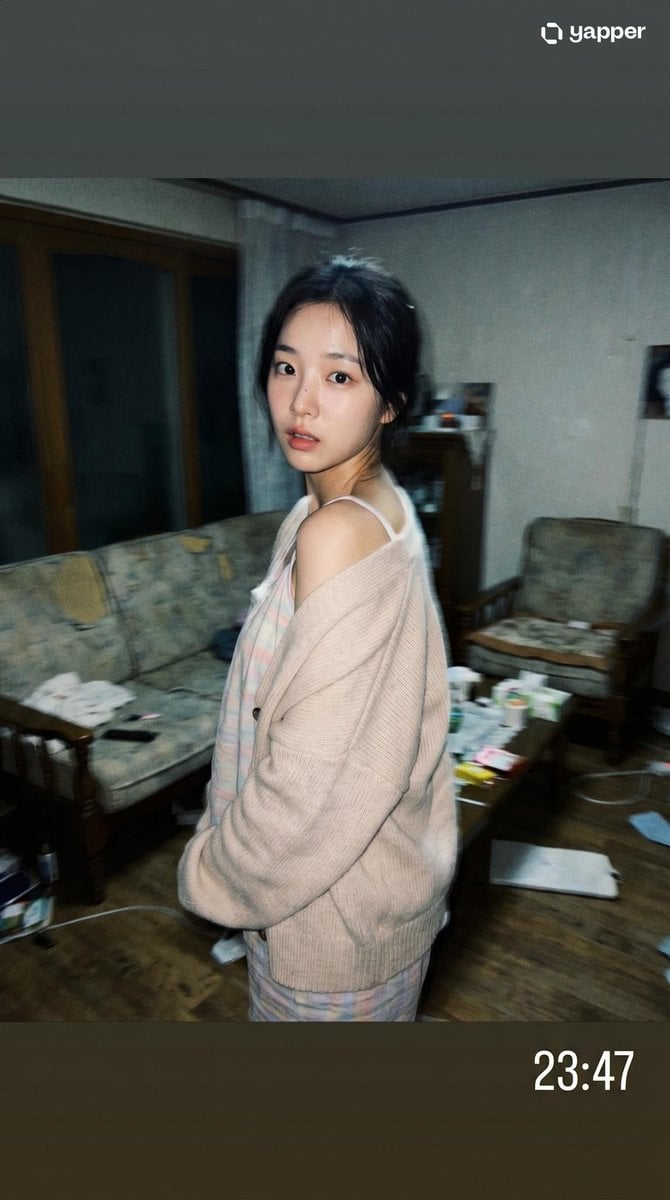
Korean Idol Candid Snapshot

Pastel Luxury AI Branding Poster
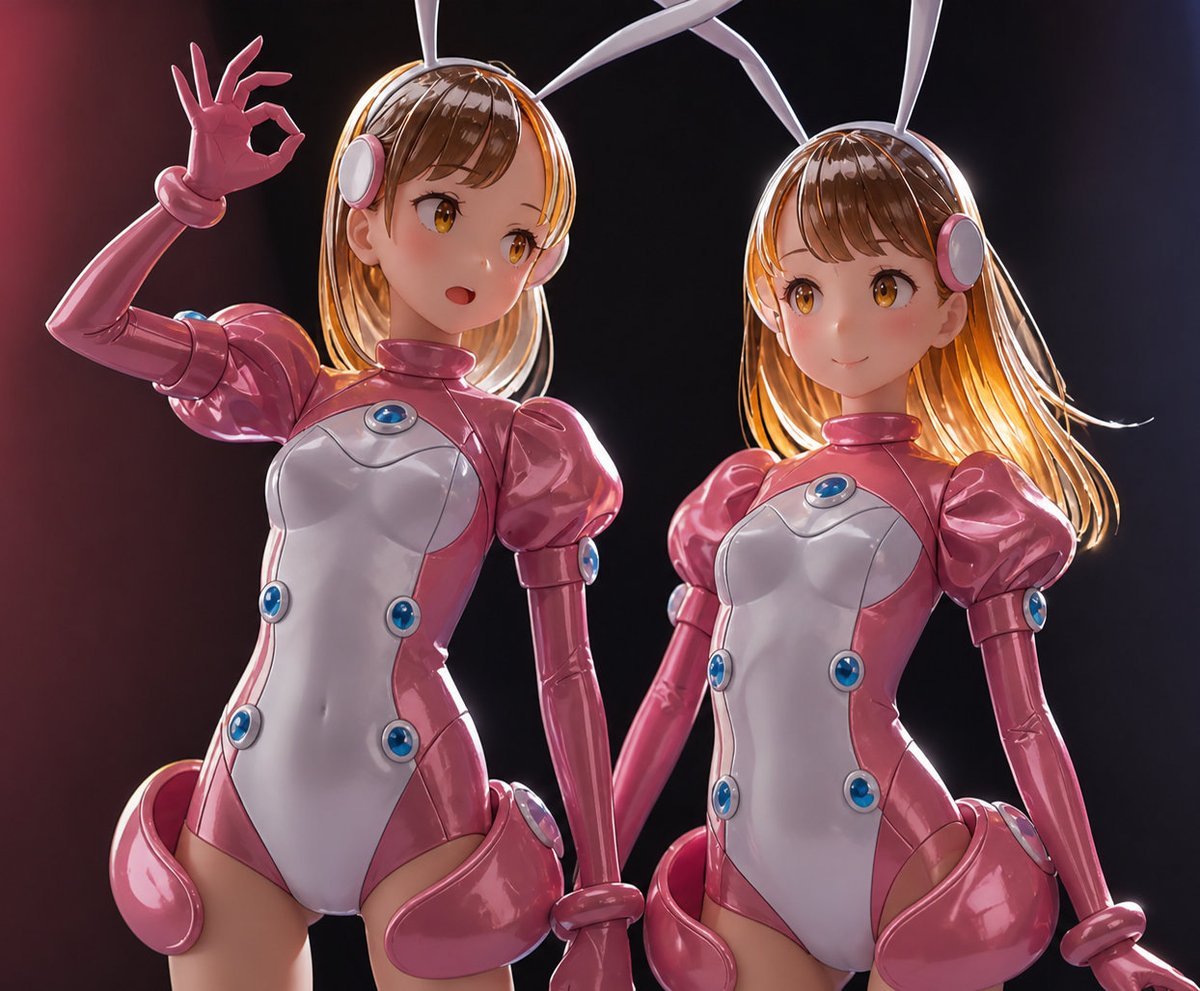
High-End Sofubi Figure Model

Luxury Automotive Editorial Photo Prompt
Abstract Brand Illustration for Innovation and Clarity
Rabbit Character Sprite Sheet
Browse template categories
Mixtape Zine Webpage Redesign questions
How do I use the Mixtape Zine Webpage Redesign template?
Add your photo if the template asks for one, edit the prompt if you like — the template's model and format are already selected — and press Generate. Your version opens in PicX Studio.
Can I customize the Mixtape Zine Webpage Redesign template?
Yes. You can change the subject, setting, lighting, mood, format, and available model controls before creating your image.
Is the Mixtape Zine Webpage Redesign template free?
Opening and editing this template is free. Generating uses credits, shown on the Generate button when you are signed in.
Which AI model should I use?
Start with GPT Image 2, which is the model associated with this template. You can compare another compatible model for a different finish.
Looking for something else? Browse all templates.

Your photo, any look
Thousands of ready templates for every top image and video model, from one credit balance.