
Pastel Luxury AI Branding Poster
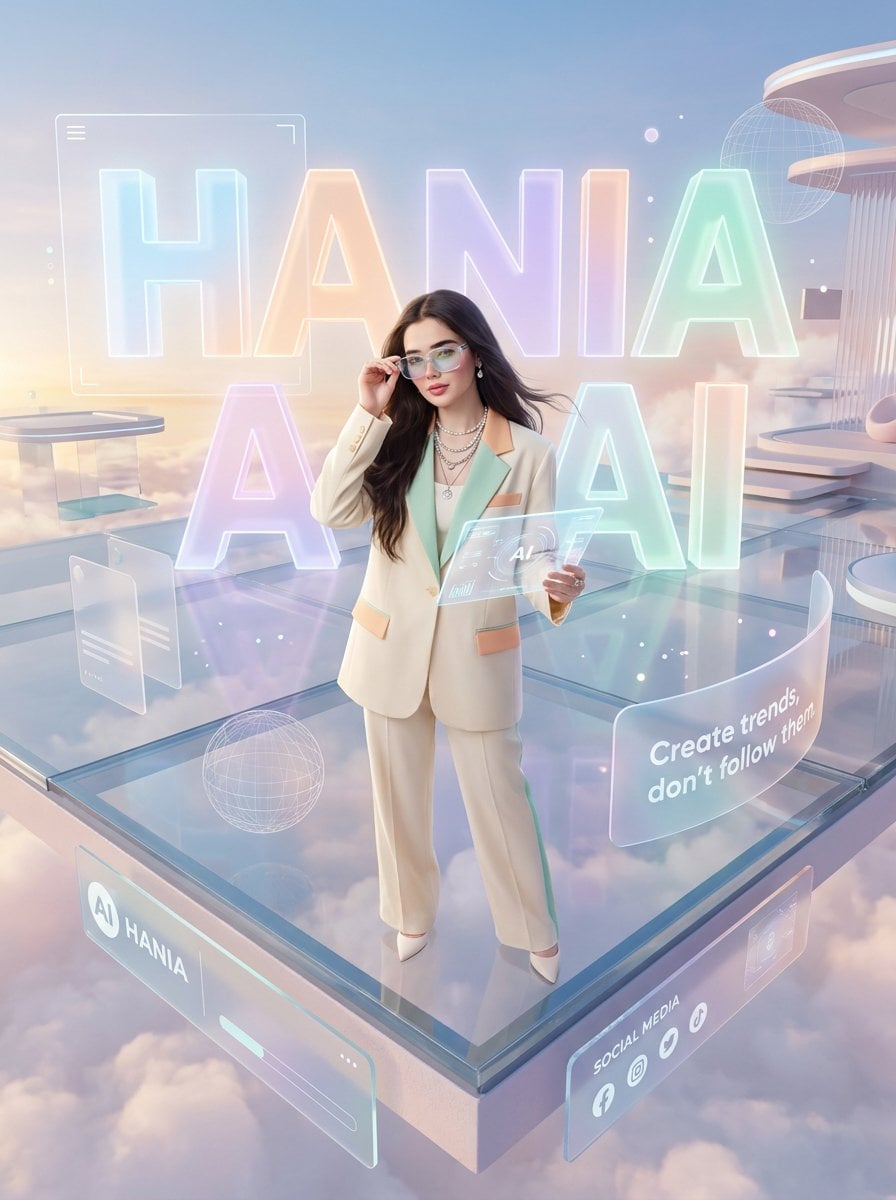
A cinematic glassmorphism poster of a stylish woman on a floating futuristic AI platform, ideal for personal branding or social media promotion.
- Prompt included
- Model and format preset
- Free template
The prompt behind this image
Copy the exact prompt behind Pastel Luxury AI Branding Poster, or open it in the studio and make it yours.
Goal: Create a high-resolution photorealistic luxury AI branding poster featuring a confident fashion-forward woman in a dreamy pastel futuristic environment. Canvas: Vertical 3:4 poster, cinematic wide-angle view from slightly above, ultra-polished commercial advertising quality, soft pastel palette, glossy glass reflections, volumetric clouds, glowing holograms, no black borders. Main subject: A glamorous young woman named {argument name="character name" default="Hania"} stands confidently near the front edge of a transparent floating glass platform above soft clouds. She has long flowing dark brown hair, soft glamorous makeup, elegant pearl jewelry, and a poised influencer/CEO posture. Her face should be intentionally softly obscured or blurred for privacy while the rest of the image remains sharp. She wears a cream tailored pantsuit with mint inner top and peach pocket accents, white pointed heels, layered necklaces, and small earrings. One hand touches her hair or sunglasses near her temple; the other holds a transparent glowing tablet displaying minimal AI interface graphics. Layout: Place the woman centered foreground, full body visible. Behind her, create giant translucent 3D glowing letters spelling {argument name="headline text" default="HANIA AI"}, with the first word across the upper background and the second word large behind her lower torso. The letters are pastel cyan, peach, lavender, and mint, with luminous edges and glass-like material. Build the scene as a futuristic floating social-media control deck with rounded platforms, soft clouds below, and minimal sci-fi architectural elements on the right. Discrete visible elements to include: exactly 1 central woman; exactly 2 rows of giant headline letters, reading “HANIA” on the top row and “AI” on the lower row; exactly 1 transparent tablet in her hand; exactly 1 large curved quote panel on the right; exactly 1 front-left branding panel; exactly 1 front-right social-media panel; exactly 2 wireframe globe graphics; exactly 2 small floating translucent UI cards on the left; exactly 1 large rounded rectangular HUD frame behind the left side of the headline; exactly 1 futuristic column-and-canopy structure in the upper-right background. Text content: The giant background headline reads {argument name="headline text" default="HANIA AI"}. The curved translucent quote panel on the right reads {argument name="quote" default="Create trends, don’t follow them."}. The front-left floating panel reads “AI HANIA” with a circular AI icon. The front-right panel title reads “SOCIAL MEDIA” and includes exactly 4 small social icons underneath. Keep text clean, bold, white or softly glowing, and legible. Visual style: Fresh pastel luxury aesthetic, cinematic art direction, photorealistic fashion editorial mixed with futuristic UI design. Use glassmorphism, translucent acrylic surfaces, glowing neon outlines, subtle bokeh particles, soft sunrise sky gradients, pearlescent highlights, and gentle reflections on the platform. Color palette should emphasize {argument name="pastel color palette" default="mint, lavender, peach, powder blue, and warm cream"}. Constraints: Do not add extra people, extra headline words, cluttered text, watermarks, or logos beyond the specified brand panels. Keep the composition airy, aspirational, premium, and social-media-ready, with sharp clothing details and intentionally blurred facial identity.
How to use Pastel Luxury AI Branding Poster in 3 steps
- 1Upload ImagePNG, JPG or paste
Add your photo
Upload the photo the template builds on. The prompt, model and format are already set.
- 2…a portrait of your subject in softgolden-hour light, 85mm…
Personalize
Edit the subject and creative details for your destination.
- 3Generate
Generate
Press Generate — your image is created in PicX Studio, so you can compare it with the original and refine one variable at a time.
More like this
Templates with the same subject, style or setup. Open one to see its prompt.

Luxury Sliced Wordmark Player Poster

Premium Vintage Travel Poster Landscape
Premium Vintage Travel Poster Landscape
Luxury Influencer Branding Poster

Japan Travel Brochure Poster

Luxury ABKR Portrait Poster
Japanese Creator Branding Poster
Luxury Oriental Mansion Opening Poster

Doctor Doom Luxury Armor Poster
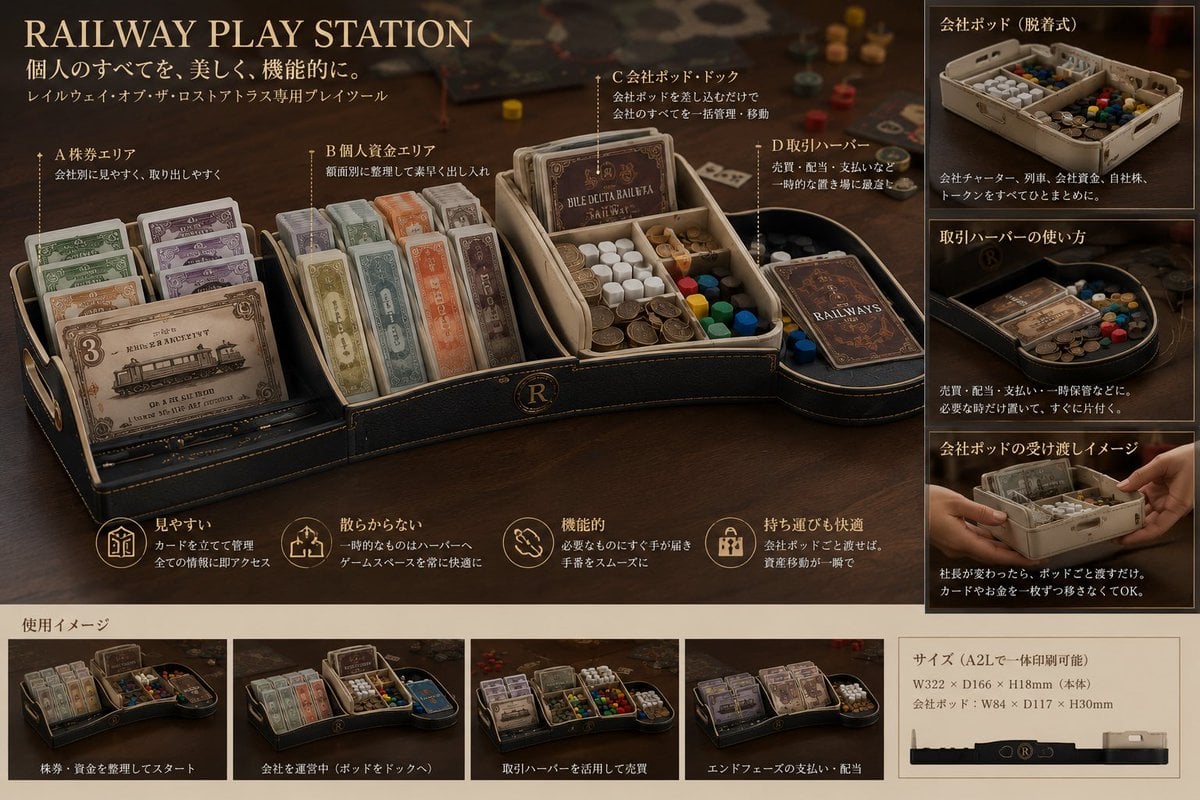
Luxury Railway Board Game Organizer Poster
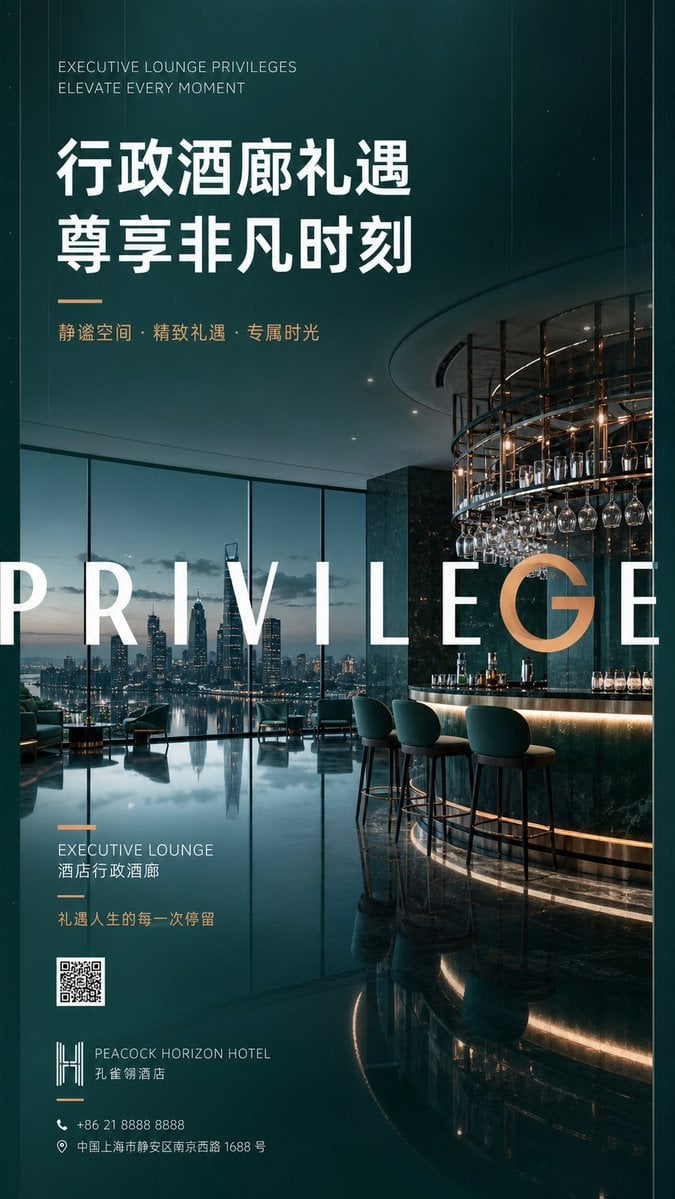
Luxury Executive Lounge Hotel Poster
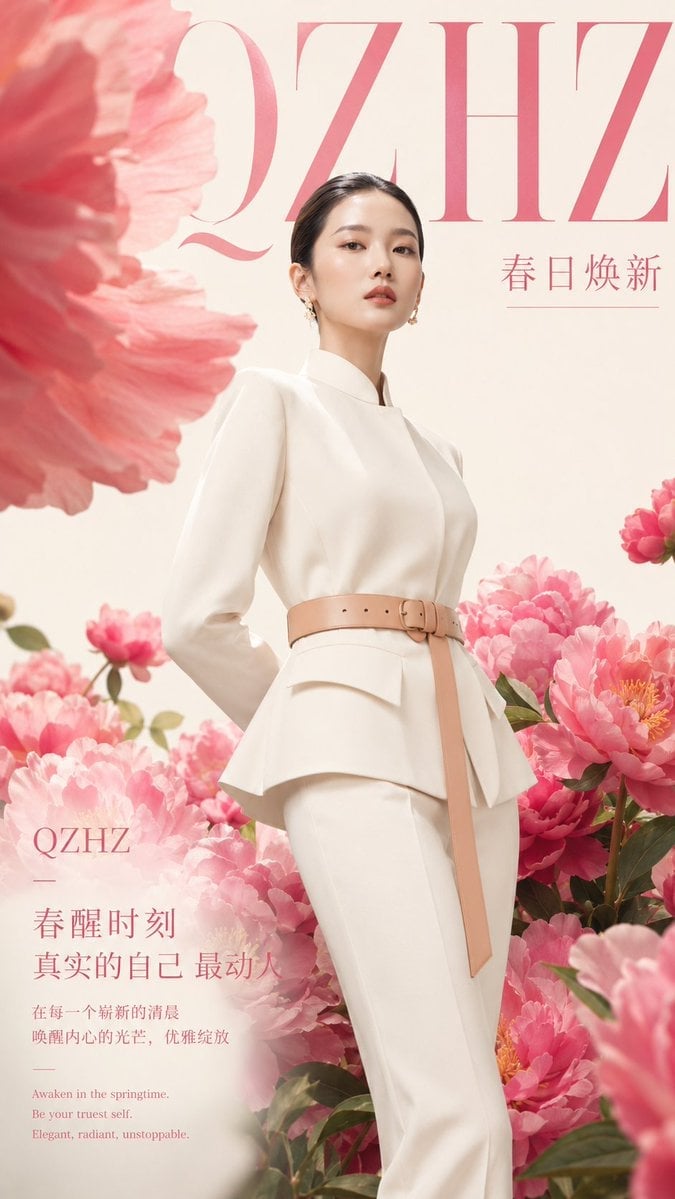
Luxury Spring Peony Fashion Poster
Make it yours
Pastel Luxury AI Branding Poster works as-is. These are the safest ways to change it without losing the look.
Change one field
Copy a single group, rewrite it, and generate again so you can see what that field is doing.
Keep the frame, change the subject
Hold the composition and light of Pastel Luxury AI Branding Poster, then swap wardrobe, props or the person for a new take.
| If the result… | Why | Fix |
|---|---|---|
| The result drifts from the preview | Too many fields changed at once. | Reuse Pastel Luxury AI Branding Poster as-is first, then change one group — subject, light, or setting. |
| The model over-stylizes the scene | The prose prompt leaves finish and camera underspecified. | Add one camera or lighting sentence and stay on GPT Image 2. |
More GPT Image 2 templates
Other prompts made for GPT Image 2.

Six VTuber Japanese Logo Sheet

Realistic Portrait of Woman and Deer

The Vista Modular Condo Poster

AI Model Routing Comparison Infographic

2.5D Anime Art Board

Isometric Productivity Desk Scene

New York Double Exposure Poster

Four-Panel AI Landscape Comparison

Japanese Tatami Lifestyle Magazine Cover

NESCAFÉ Coffee Map Poster
More image prompts
Fresh picks from across the catalog.
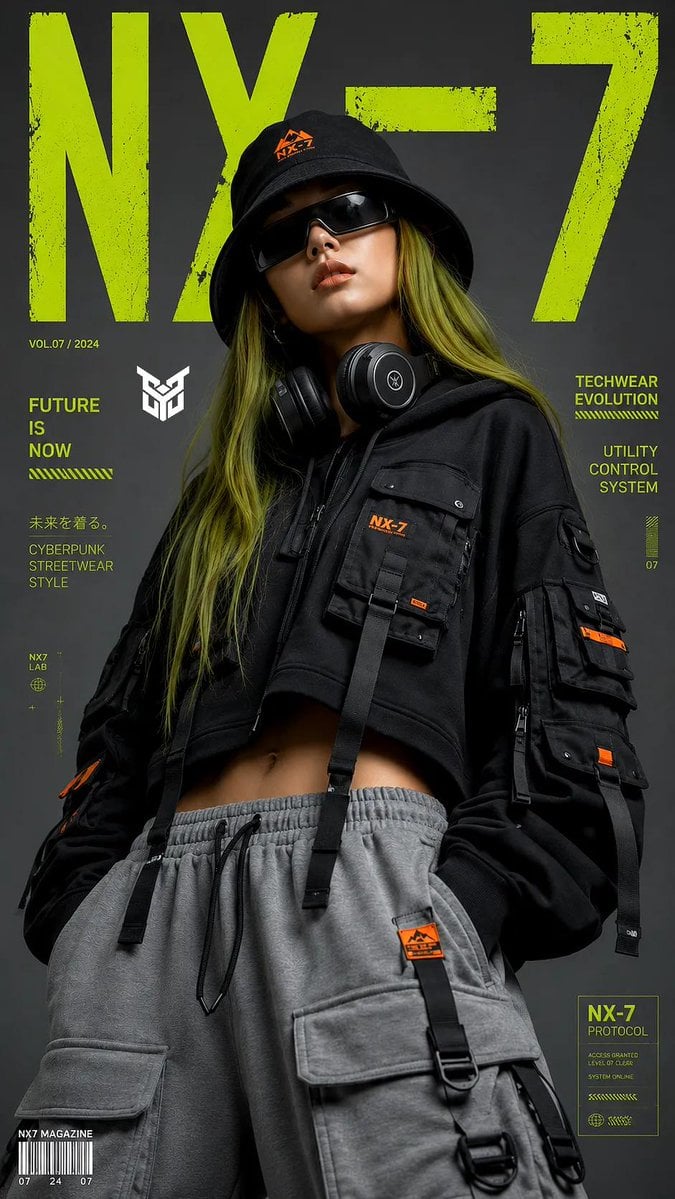
Techwear Tech High-Fashion Editorial
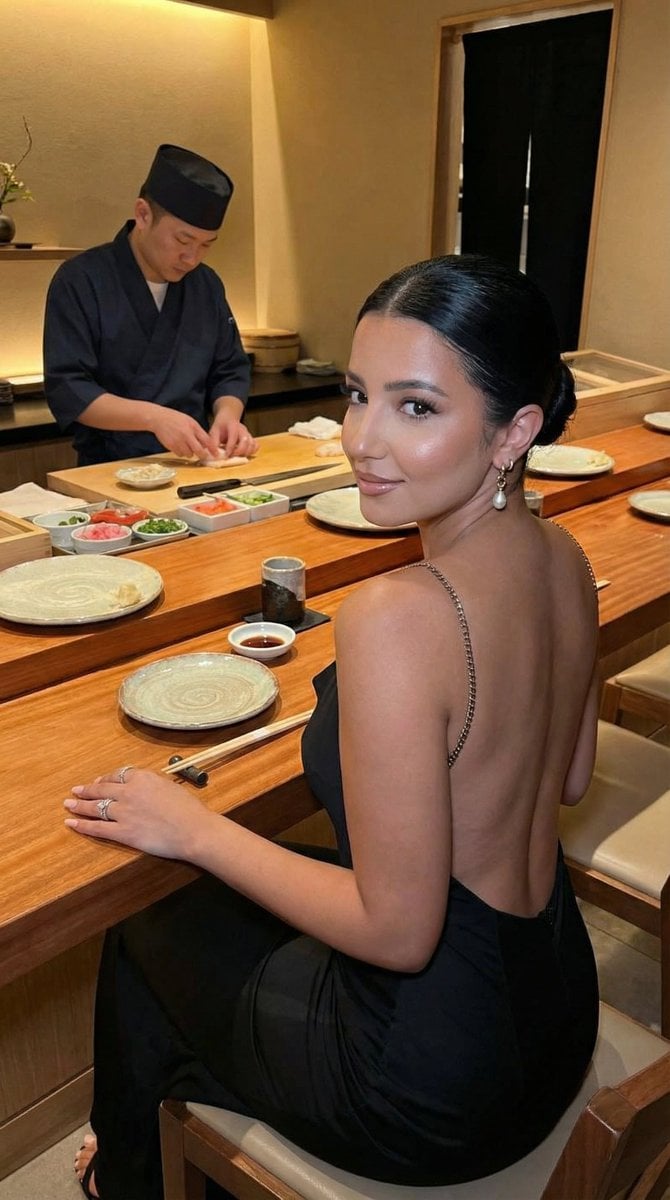
Luxury Omakase Sushi Bar Editorial Portrait (Image-to-Image)

Gpt2 Youtube Thumbnail Anime Fantasy Travel Movie Poster
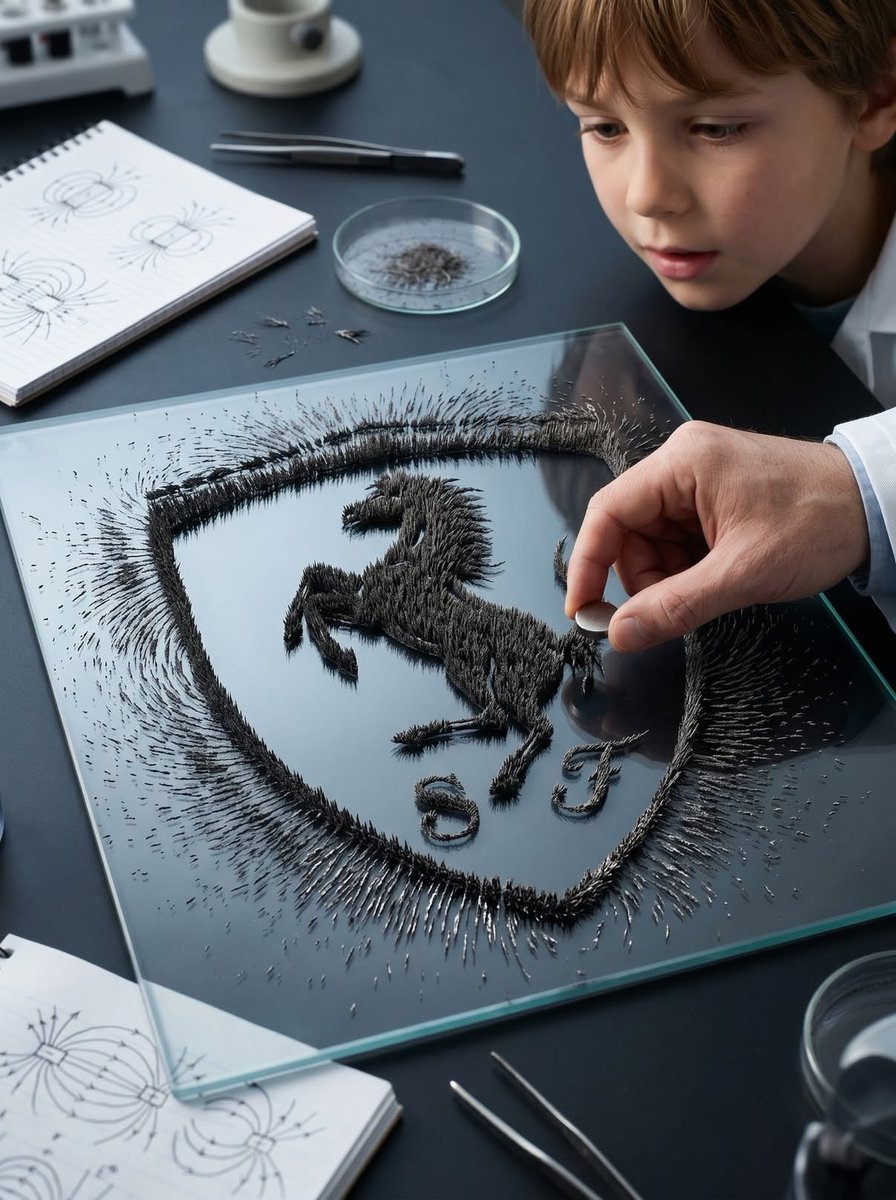
Magnetic Iron Filings Logo Scene
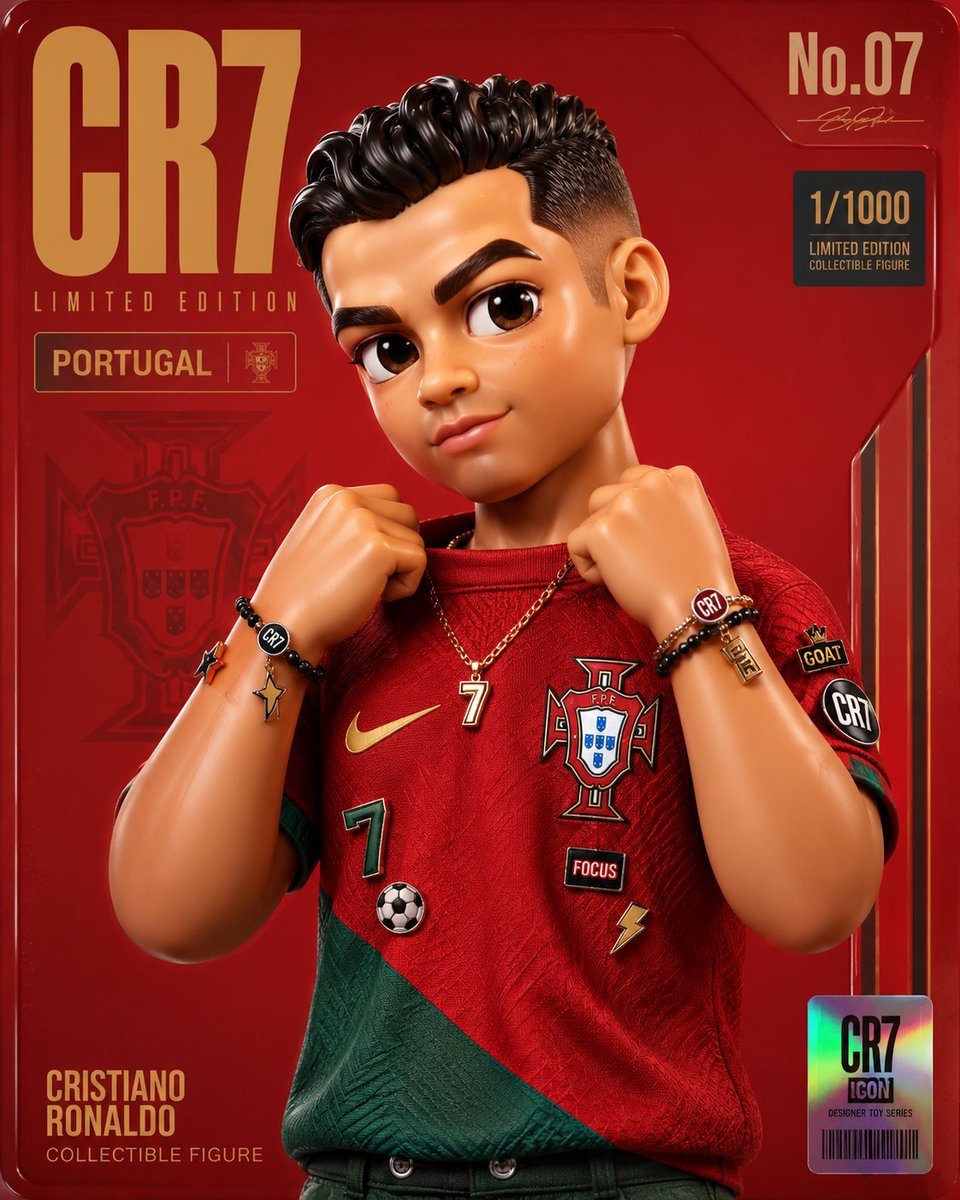
Premium Designer Collectible Toy Aesthetic
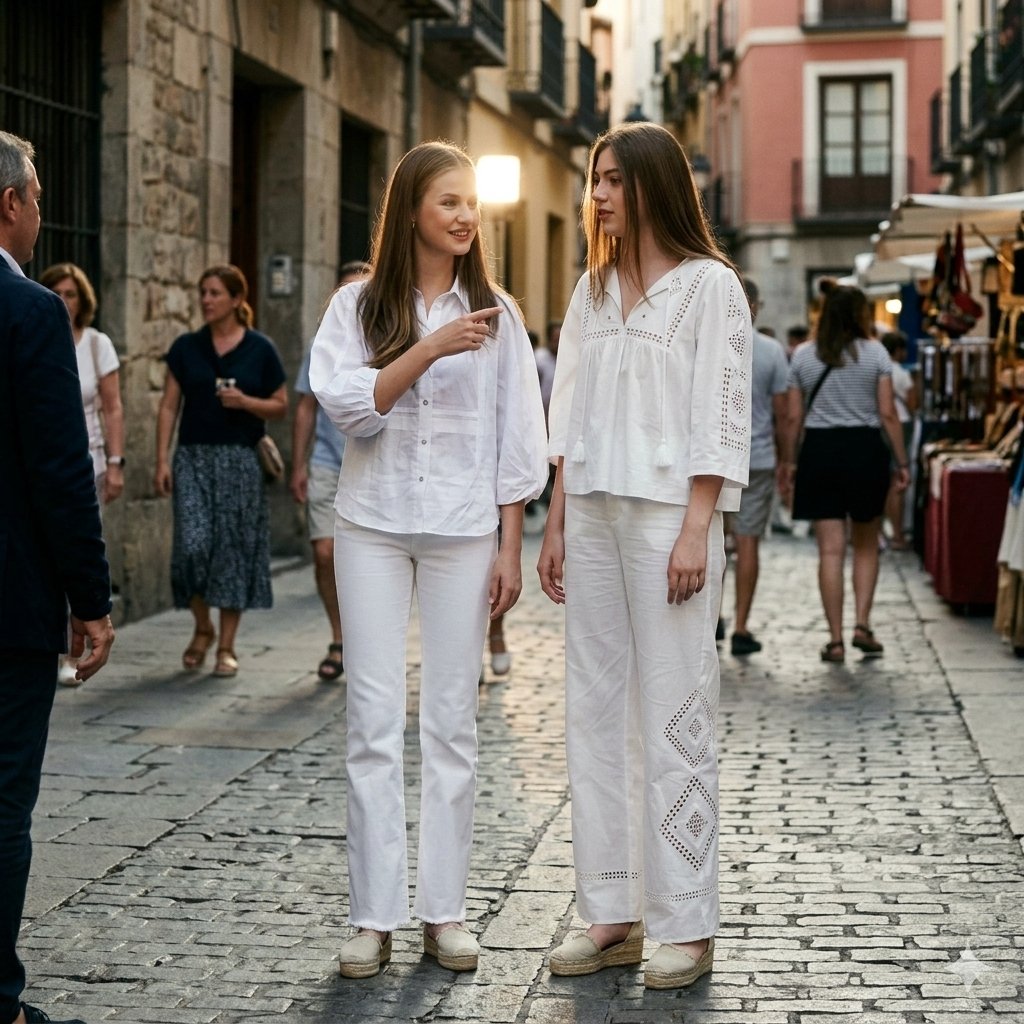
Candid Paparazzi Street Fashion in All White
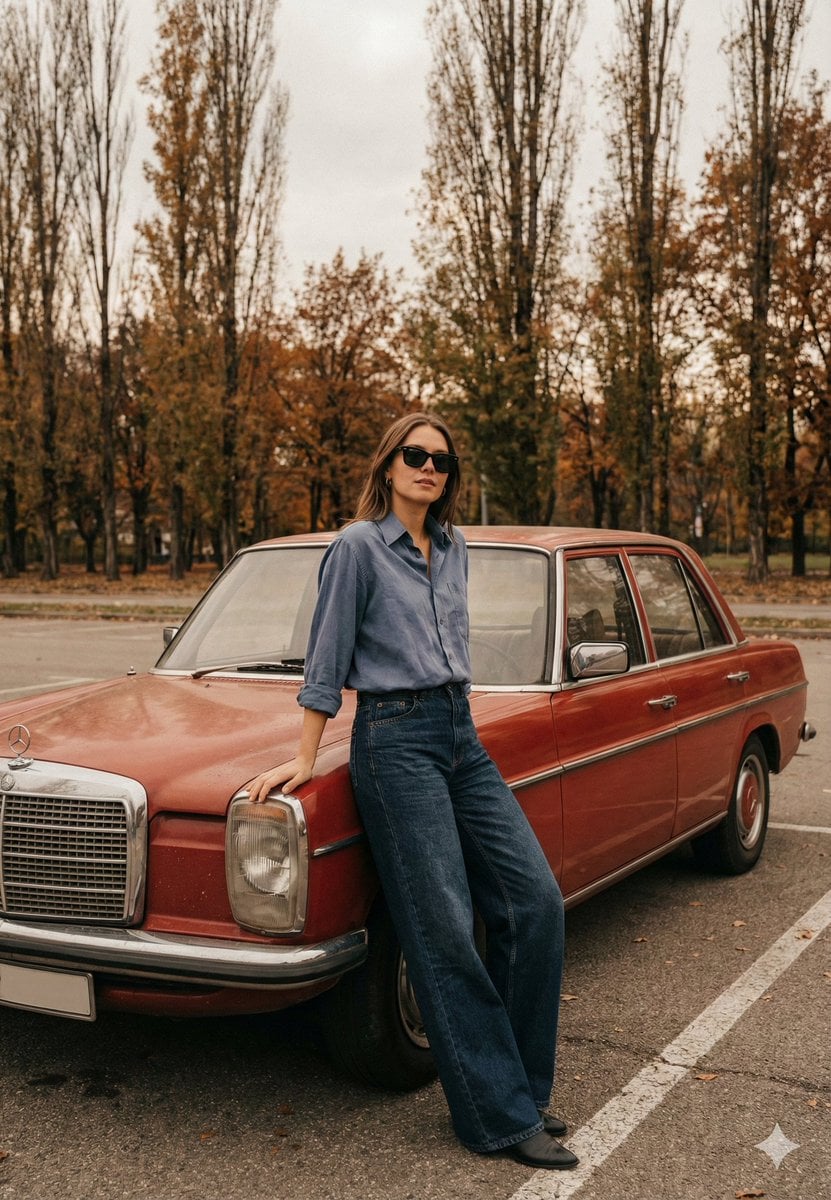
Old Money Cinematic Portrait with Vintage Sedan
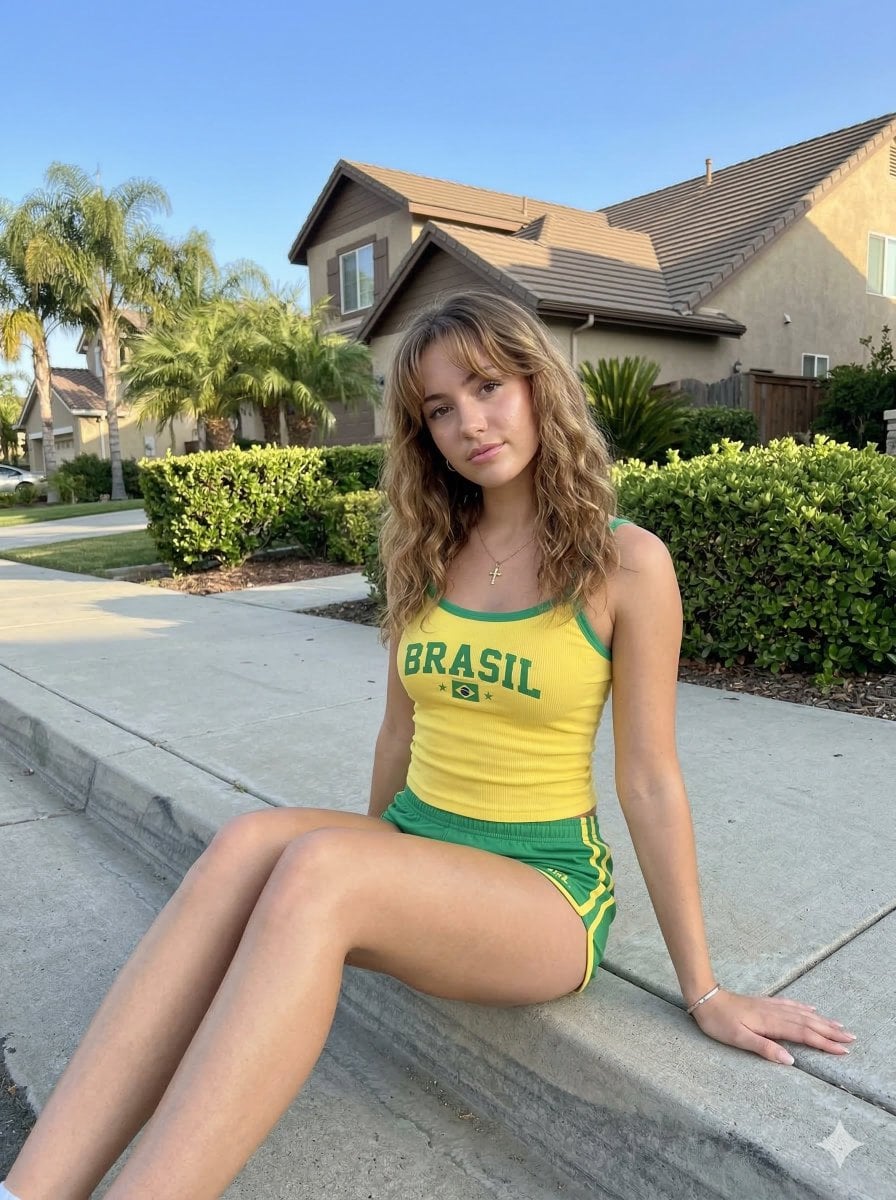
Casual Smartphone Photo of a Woman on a Curb
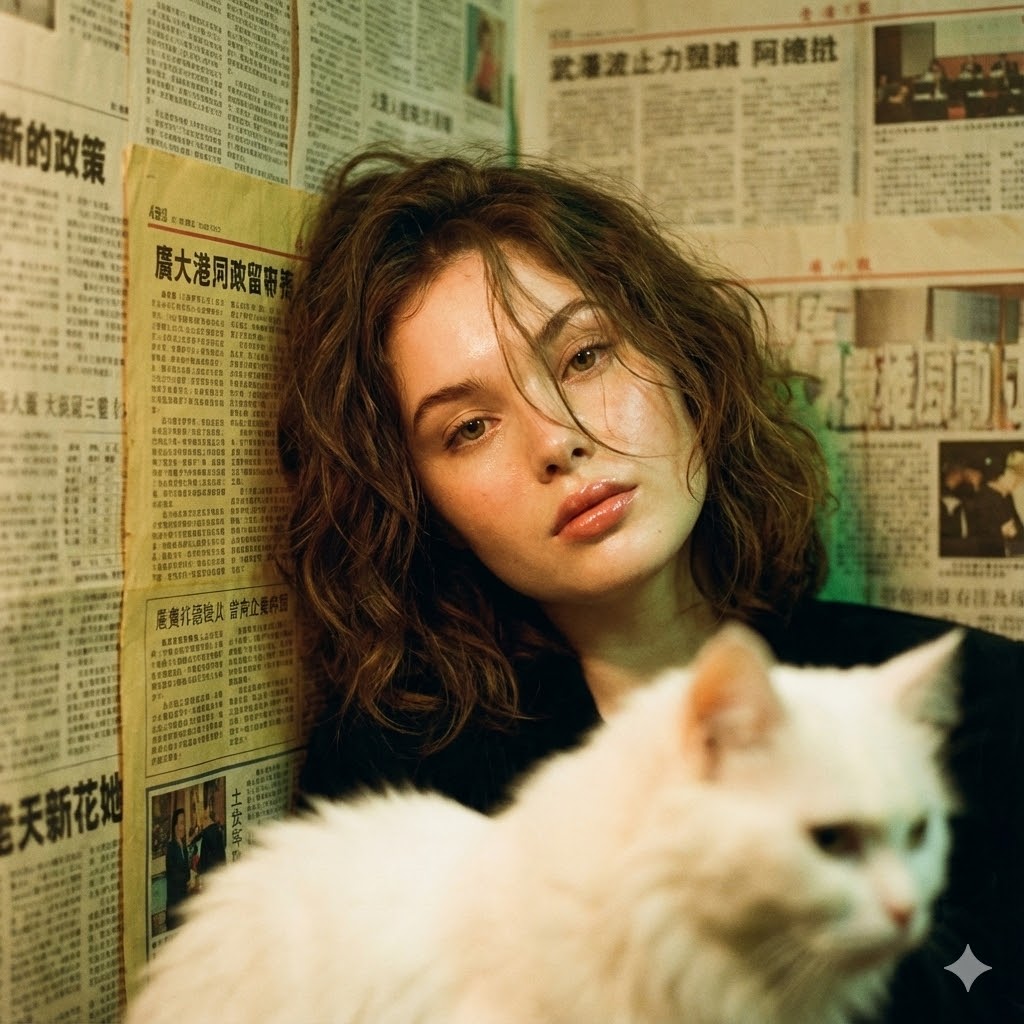
Photorealistic Hong Kong Retro Portrait Prompt
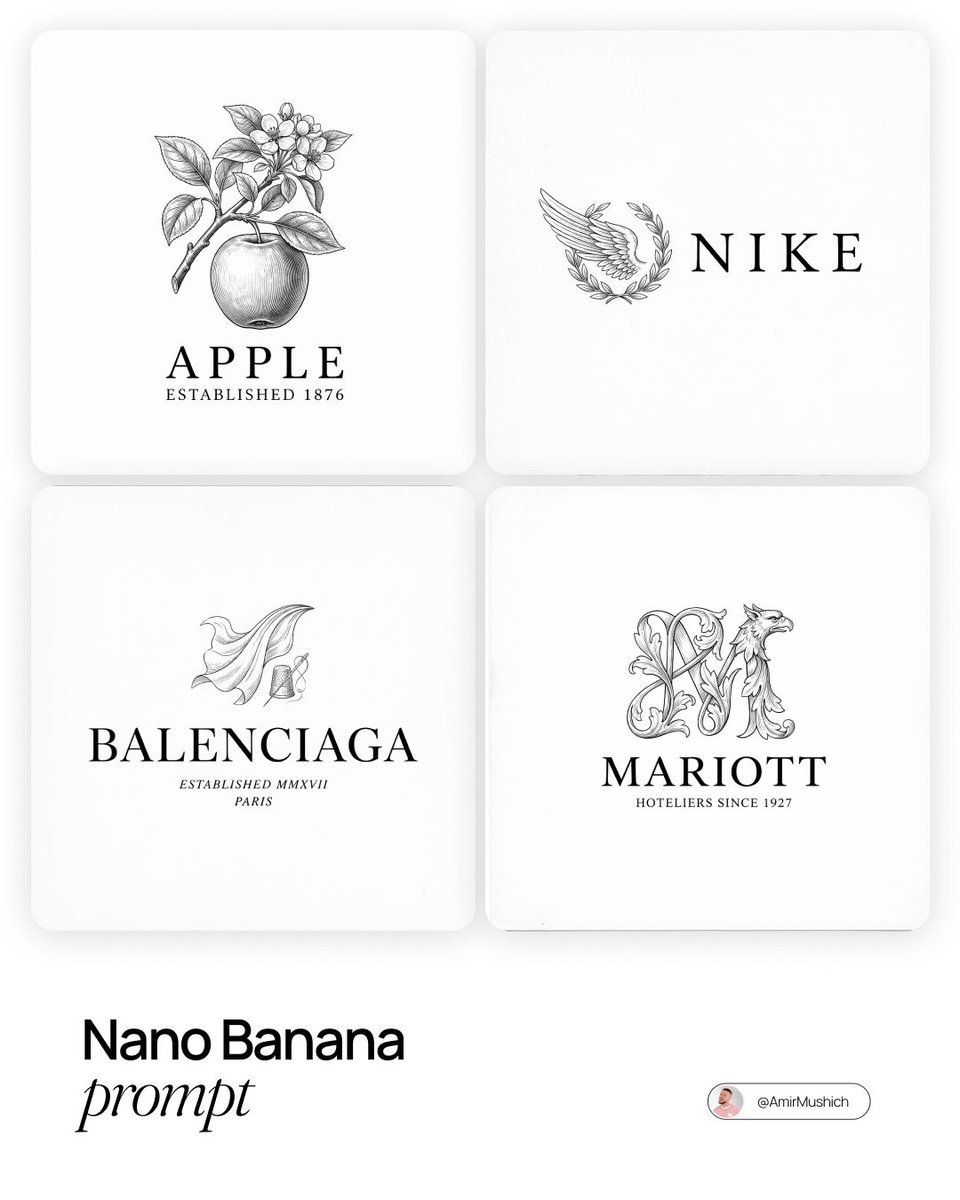
Modern Brands in 19th Century Prompt
Browse template categories
Pastel Luxury AI Branding Poster questions
How do I use the Pastel Luxury AI Branding Poster template?
Add your photo if the template asks for one, edit the prompt if you like — the template's model and format are already selected — and press Generate. Your version opens in PicX Studio.
Can I customize the Pastel Luxury AI Branding Poster template?
Yes. You can change the subject, setting, lighting, mood, format, and available model controls before creating your image.
Is the Pastel Luxury AI Branding Poster template free?
Opening and editing this template is free. Generating uses credits, shown on the Generate button when you are signed in.
Which AI model should I use?
Start with GPT Image 2, which is the model associated with this template. You can compare another compatible model for a different finish.
Looking for something else? Browse all templates.

Your photo, any look
Thousands of ready templates for every top image and video model, from one credit balance.