
Japanese Creator Branding Poster
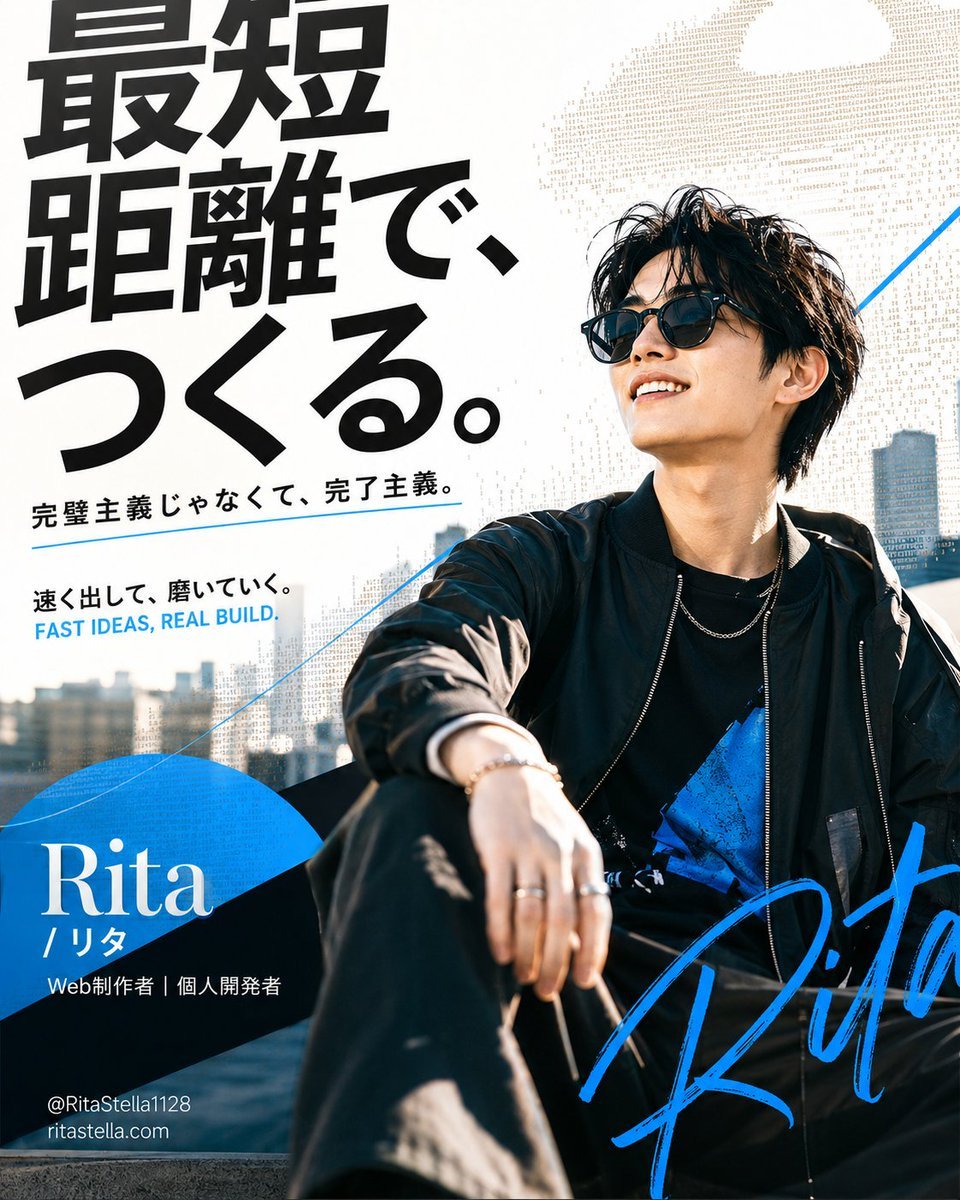
A bold square personal branding poster featuring a stylish Japanese creator portrait, large Japanese typography, blue accents, and startup-style promotional text.
- Prompt included
- Model and format preset
- Premium template
The prompt behind this image
Copy the exact prompt behind Japanese Creator Branding Poster, or open it in the studio and make it yours.
Goal: Create a bold personal branding poster for a Japanese web creator and indie developer, mixing editorial street photography with modern startup typography. Canvas: Square 1:1 poster, high-resolution, clean white background with a sunlit urban rooftop photo occupying the right and lower half. Use strong contrast, crisp details, and a premium tech-brand aesthetic. Main subject: A stylish young Japanese man, {argument name="character name" default="Rita"}, seated casually on a rooftop or outdoor ledge in bright daylight. He has messy black medium-length hair, black sunglasses, a relaxed confident smile, a black bomber jacket, black shirt with a vivid blue graphic accent, black pants, silver necklace, bracelet, and rings. Pose him leaning back with one knee forward and one hand resting near the foreground, looking upward to the right. Background includes a blurred modern city skyline and blue sky. Layout: Large Japanese headline on the upper left in thick black condensed sans-serif type, stacked vertically in three bold lines with dramatic scale. Keep the subject on the right, partially overlapping the typography area. Add thin electric-blue diagonal lines across the composition for motion and structure. Add a large blue geometric semicircle/arc block in the lower-left behind the name. Add a huge handwritten electric-blue signature sweeping across the lower-right foreground. Text content: Use exactly 6 text groups. 1) Main headline in Japanese: {argument name="headline text" default="最短距離で、つくる。"}. 2) Small Japanese subheadline below it: {argument name="subheadline text" default="完璧主義じゃなくて、完了主義。"}. 3) Small Japanese tagline: {argument name="tagline text" default="速く出して、磨いていく。"}. 4) English tagline beneath in blue uppercase: “FAST IDEAS, REAL BUILD.” 5) Name block in the lower-left: large white serif “Rita”, smaller “/ リタ”, and role line “Web制作者|個人開発者”. 6) Contact lines at the bottom-left: “@RitaStella1128” and “ritastella.com”. Visual style: Japanese startup poster design, high-fashion street portrait, editorial magazine layout, bold black typography, electric blue accent color, white negative space, subtle beige halftone or ASCII-text texture behind the subject and headline, sharp sunlight, cinematic realism, clean modern graphic design. Constraints: Keep all Japanese text legible and correctly placed, no extra text, no watermark, no logo other than the signature-style “Rita”, maintain a polished square social-media poster composition.
How to use Japanese Creator Branding Poster in 3 steps
- 1Upload ImagePNG, JPG or paste
Add your photo
Upload the photo the template builds on. The prompt, model and format are already set.
- 2…a portrait of your subject in softgolden-hour light, 85mm…
Personalize
Edit the subject and creative details for your destination.
- 3Generate
Generate
Press Generate — your image is created in PicX Studio, so you can compare it with the original and refine one variable at a time.
More like this
Templates with the same subject, style or setup. Open one to see its prompt.
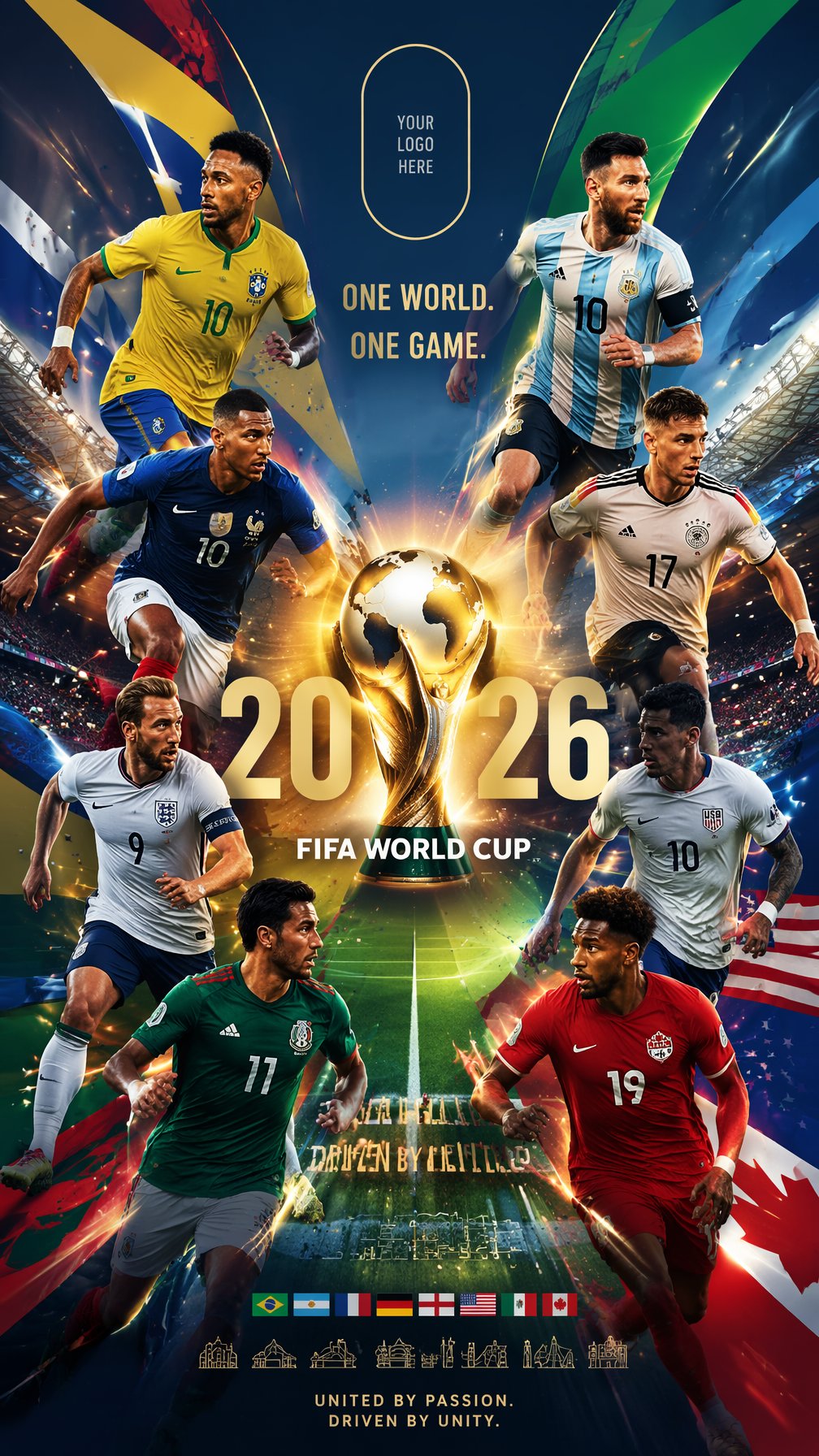
Global Slugfest Multi Nation Poster

Premium Vertical Product Campaign Poster

Minecraft Japanese Research Lab Exploration

Japan Travel Brochure Poster

Cartoon TV Show Poster Pack

Trendy Cafe Drink Promo Poster

Urban Fashion Editorial Collage Streetwear Poster

Japanese Architectural Concrete Studio Fashion Campaign

Premium Fashion Editorial Cover Layout System

Polo Ralph Lauren Luxury American Heritage Fashion Campaign

Monochrome Halftone Editorial Fashion Poster

Retro Mirror Luxury Fashion Campaign Poster
Make it yours
Japanese Creator Branding Poster works as-is. These are the safest ways to change it without losing the look.
Change one field
Copy a single group, rewrite it, and generate again so you can see what that field is doing.
Keep the frame, change the subject
Hold the composition and light of Japanese Creator Branding Poster, then swap wardrobe, props or the person for a new take.
| If the result… | Why | Fix |
|---|---|---|
| The result drifts from the preview | Too many fields changed at once. | Reuse Japanese Creator Branding Poster as-is first, then change one group — subject, light, or setting. |
| The model over-stylizes the scene | The prose prompt leaves finish and camera underspecified. | Add one camera or lighting sentence and stay on GPT Image 2. |
More GPT Image 2 templates
Other prompts made for GPT Image 2.

Six VTuber Japanese Logo Sheet

Realistic Portrait of Woman and Deer

The Vista Modular Condo Poster

AI Model Routing Comparison Infographic

2.5D Anime Art Board

Isometric Productivity Desk Scene

New York Double Exposure Poster

Four-Panel AI Landscape Comparison

Japanese Tatami Lifestyle Magazine Cover

NESCAFÉ Coffee Map Poster
More image prompts
Fresh picks from across the catalog.
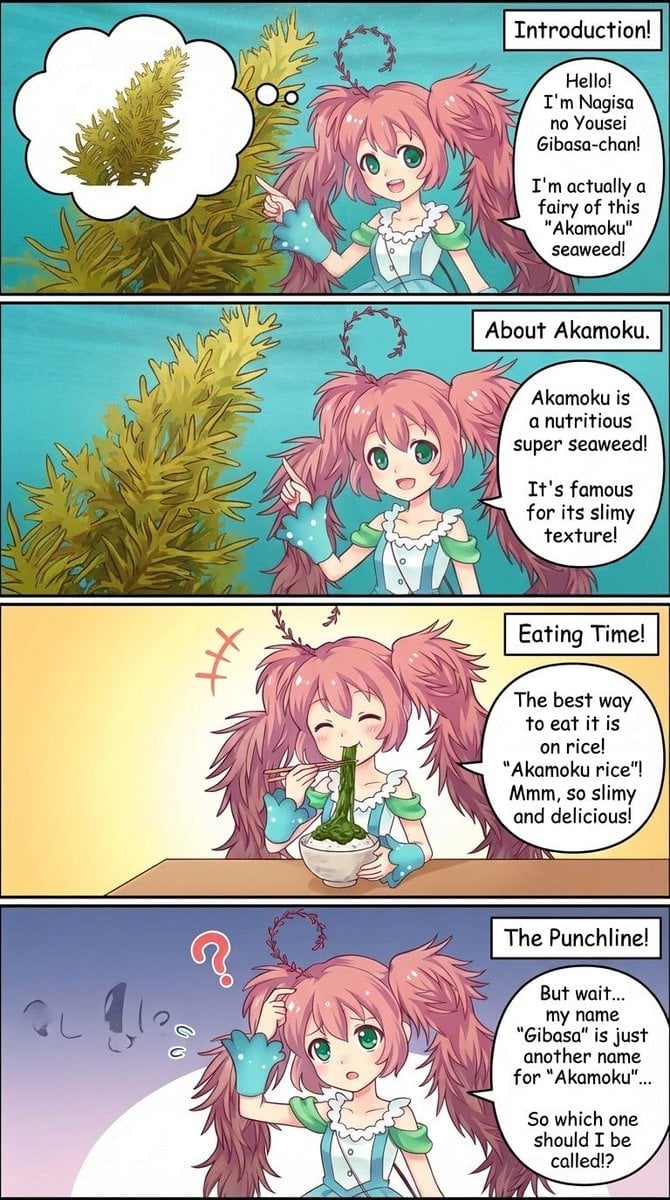
Four-Panel Manga Creation Prompt (Version 2 with Formatting)

Gemini Nano Banana Realistic Portrait Re
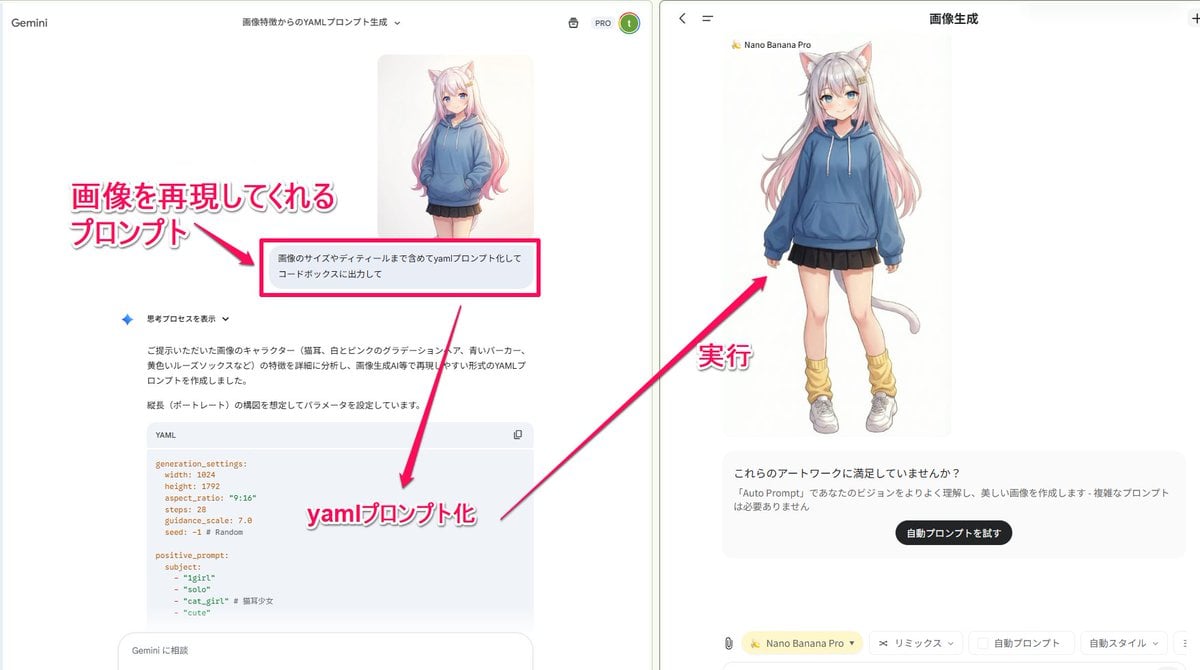
YAML prompt conversion for images and diagrams
Vibrant Abstract Fluid Art Pour
Crimson Volcanic Heart Tree
Chengdu Hand-Drawn Food Map UI
Curvy Woman Bathroom Mirror Selfie
Tiny Characters Festival on Everyday Object Prompt
Photorealistic Portrait of a Woman on a Seaside Terrace at Blue Hour
Gpt2 Social Media Post Multi Panel Image Board Template
Browse template categories
Japanese Creator Branding Poster questions
How do I use the Japanese Creator Branding Poster template?
Add your photo if the template asks for one, edit the prompt if you like — the template's model and format are already selected — and press Generate. Your version opens in PicX Studio.
Can I customize the Japanese Creator Branding Poster template?
Yes. You can change the subject, setting, lighting, mood, format, and available model controls before creating your image.
Is the Japanese Creator Branding Poster template free?
Opening and editing this template is free. Generating uses credits, shown on the Generate button when you are signed in.
Which AI model should I use?
Start with GPT Image 2, which is the model associated with this template. You can compare another compatible model for a different finish.
Looking for something else? Browse all templates.

Your photo, any look
Thousands of ready templates for every top image and video model, from one credit balance.