
Chengdu Hand-Drawn Food Map UI
This prompt generates a screenshot-like AI chat interface showcasing a whimsical illustrated Chengdu food map, useful for recreating social media demos of gpt-image-2 outputs.
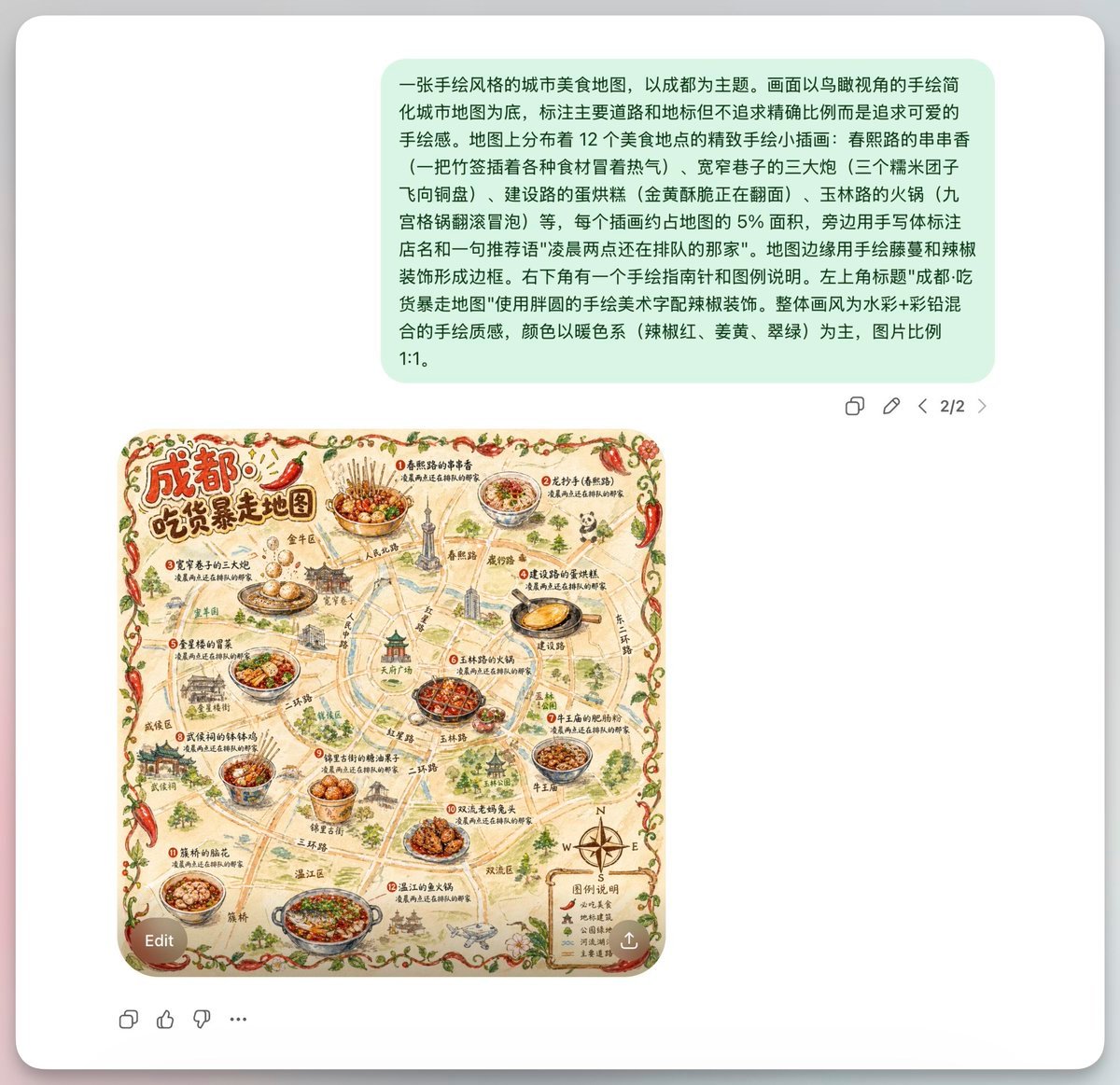
- Prompt included
- Model and format preset
- Free template
The prompt behind this image
Copy the exact prompt behind Chengdu Hand-Drawn Food Map UI, or open it in the studio and make it yours.
A screenshot-style composition of an AI image generation chat interface on a light gray app background, centered inside a rounded white panel with a soft drop shadow. Near the top is a large pale mint-green chat bubble containing a long Chinese prompt in black sans-serif text, describing a hand-drawn food map of Chengdu. Beneath it, aligned slightly left of center, is a square illustrated map image with rounded corners. The map is a whimsical hand-painted tourist food map titled in large Chinese calligraphy at the upper left: {argument name="headline text" default="成都! 吃货暴走地图"}. The subject is {argument name="city name" default="Chengdu"}, presented as a vintage hand-drawn local cuisine map with warm beige paper texture, watercolor ink outlines, and a playful artisanal travel-poster feel. The map shows simplified streets, landmarks, and district labels in Chinese, not geographically exact, but cute and decorative. Place exactly 12 featured food locations, each marked with a numbered red dot and a small Chinese label, each paired with a detailed illustrated dish. Include 12 dishes total: 1) a bowl of skewers in red chili broth, 2) a bowl of sweet water noodles, 3) rabbit head specialty, 4) guokui or stuffed baked flatbread, 5) hot pot, 6) maocai, 7) dan dan noodles, 8) hongyou chaoshou or chili oil wontons, 9) bobo chicken, 10) fuqi feipian, 11) a spicy stir-fried dish, 12) another classic Chengdu snack platter. Add a few Chengdu landmarks sketched in miniature around the roads, including a pagoda-like tower, traditional gate architecture, modern city buildings, and a central emblematic structure. Frame the entire map with a decorative border made of red chili peppers, green vines, and small leaves. Use a warm color palette dominated by chili red, mustard yellow, olive green, tea brown, and muted jade. In the lower right corner of the map, include a small legend box labeled {argument name="legend title" default="图例说明"} with 4 legend items, each with a tiny icon and Chinese text, plus a compass rose with N, E, S, W. Add many handwritten-style Chinese road names and annotations throughout. Outside the image, the interface includes small gray action icons beneath the green chat bubble on the right, a page indicator reading 2/2, an Edit pill button overlapping the lower left of the map image, a circular download/share button at the lower right of the image, and a sparse bottom toolbar with 4 small reaction/action icons. Overall look: clean modern chat UI presenting a generated square illustration, with the map as the visual focus.
How to use Chengdu Hand-Drawn Food Map UI in 3 steps
- 1Upload ImagePNG, JPG or paste
Add your photo
Upload the photo the template builds on. The prompt, model and format are already set.
- 2…a portrait of your subject in softgolden-hour light, 85mm…
Personalize
Edit the subject and creative details for your destination.
- 3Generate
Generate
Press Generate — your image is created in PicX Studio, so you can compare it with the original and refine one variable at a time.
More like this
Templates with the same subject, style or setup. Open one to see its prompt.
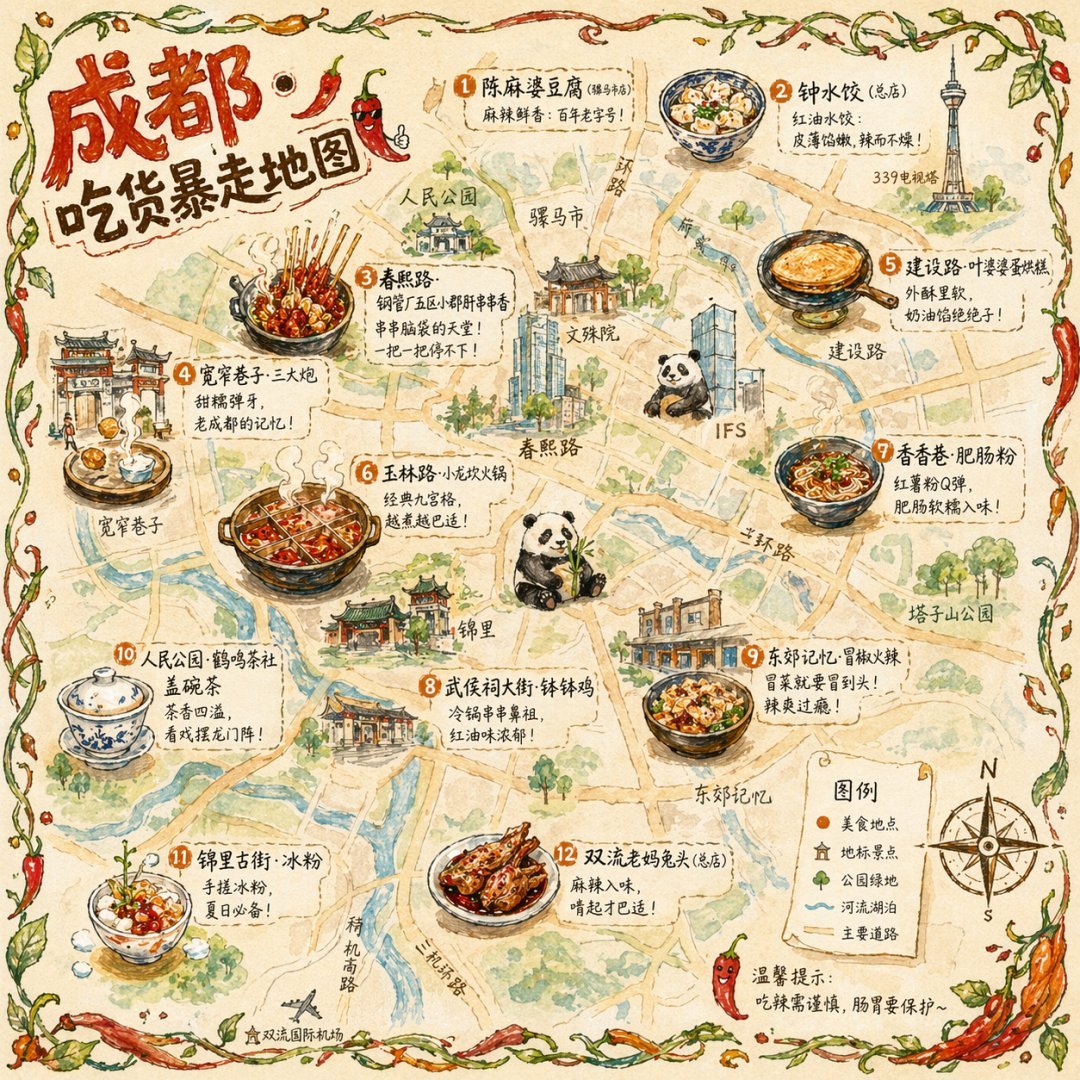
Hand-drawn Chengdu Food Map
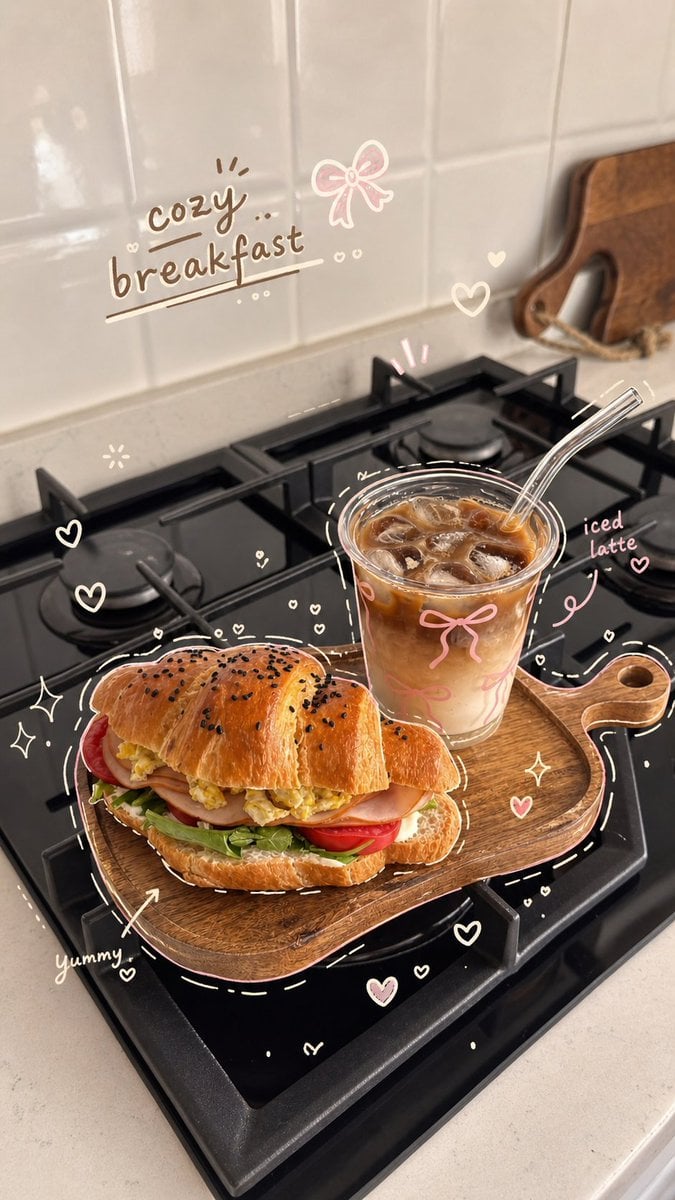
Cozy Hand-Drawn Food Doodle
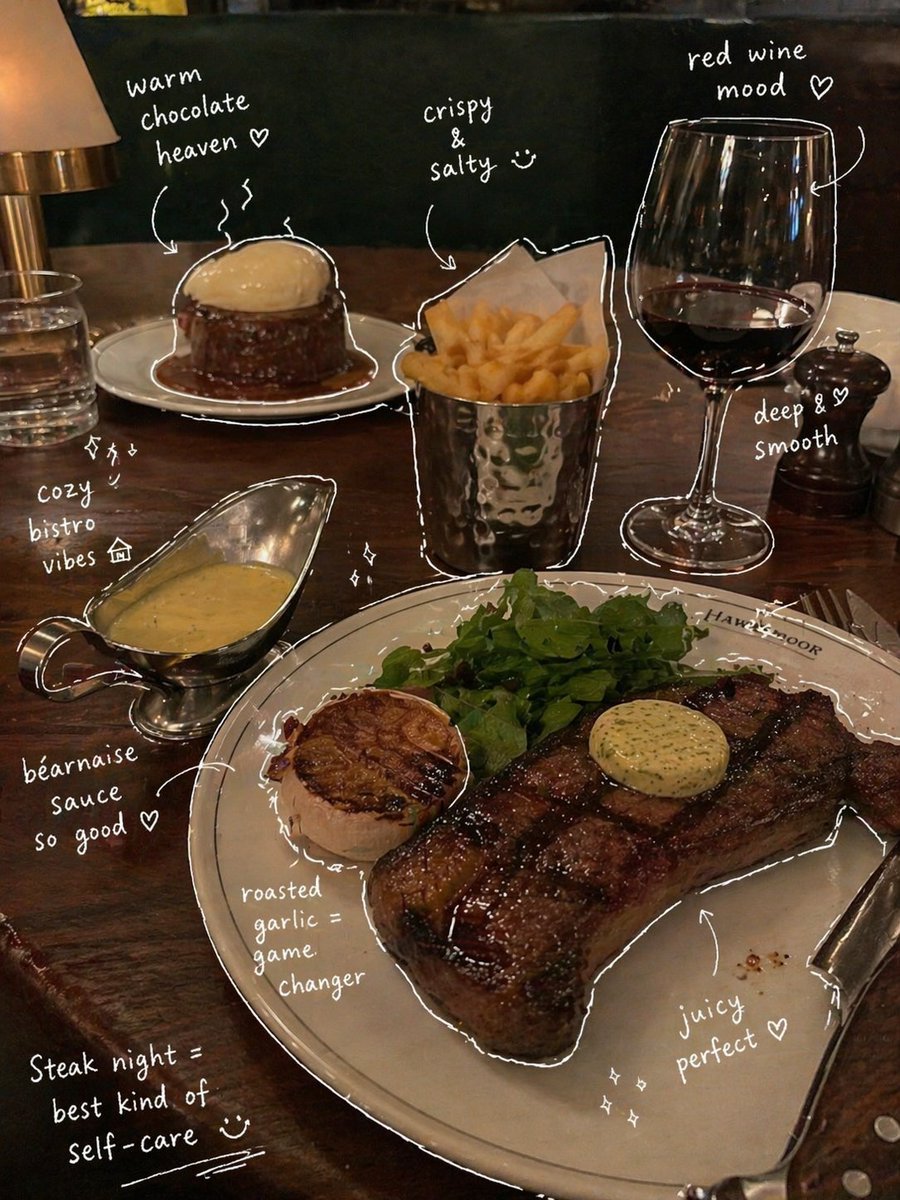
Hand-Drawn Annotated Food Diary Style
Hand-drawn mind map for explaining Chinese idioms
Hand-drawn map of a fictional Japanese town
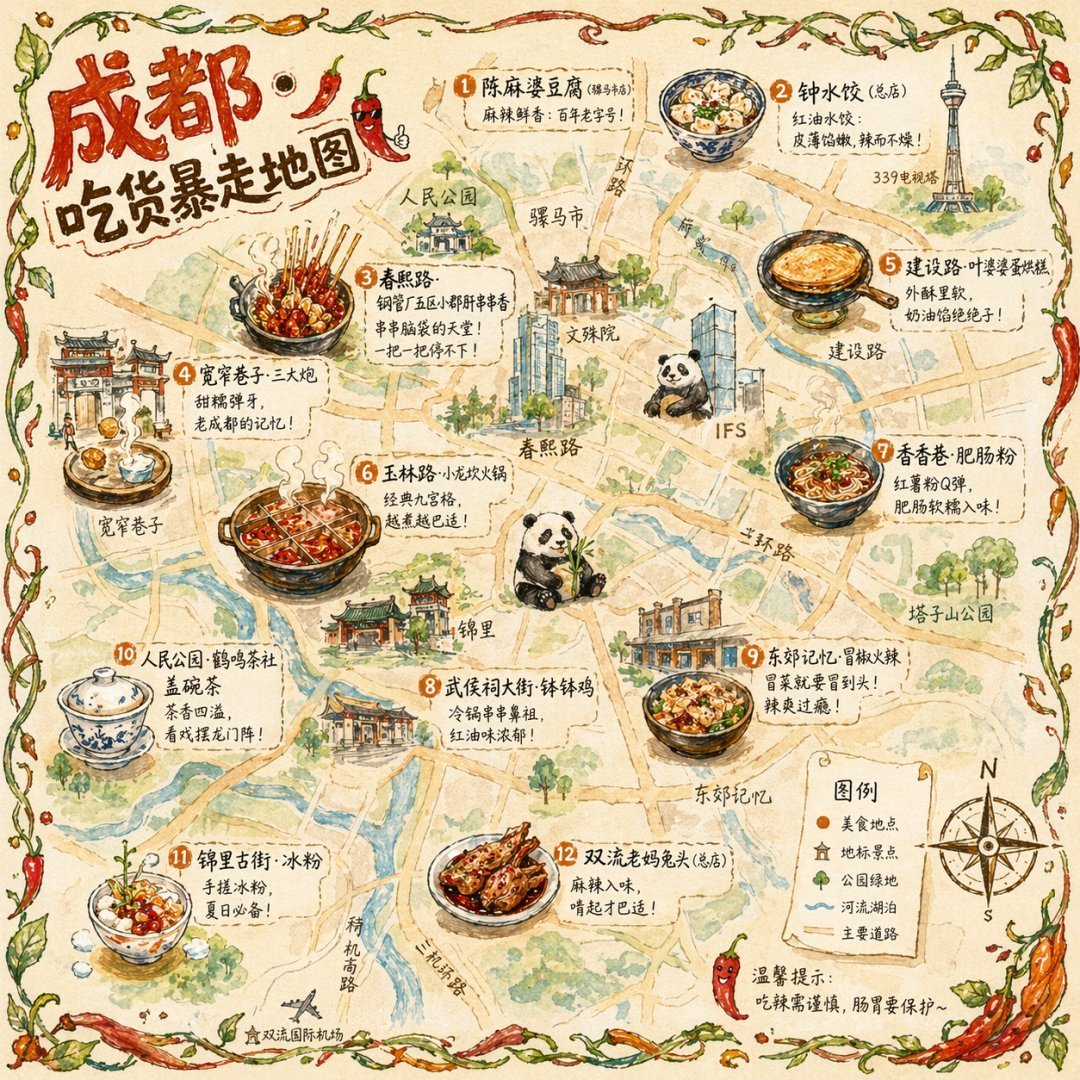
Gpt2 Illustrated City Food Map
Simple Hand-Drawn Koala Mascot

Hand-Drawn Doodle Grid Poster

Hand-drawn Breakfast Journal Aesthetic Poster
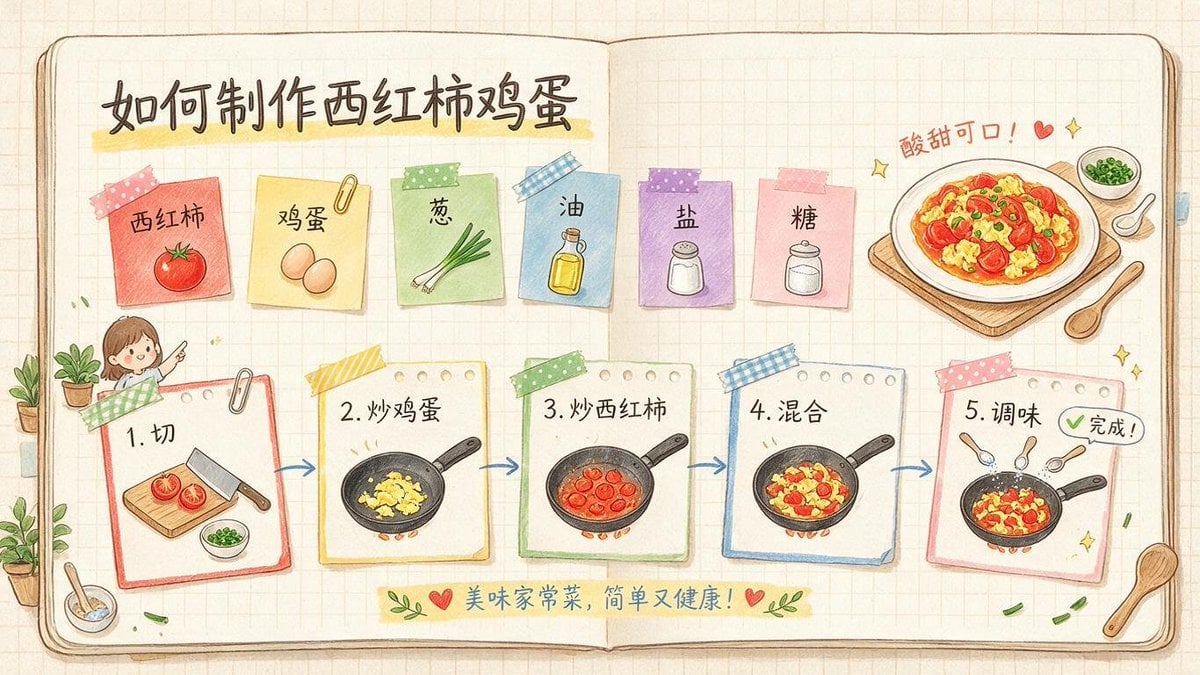
Hand-Drawn Tomato Egg Recipe Infographic
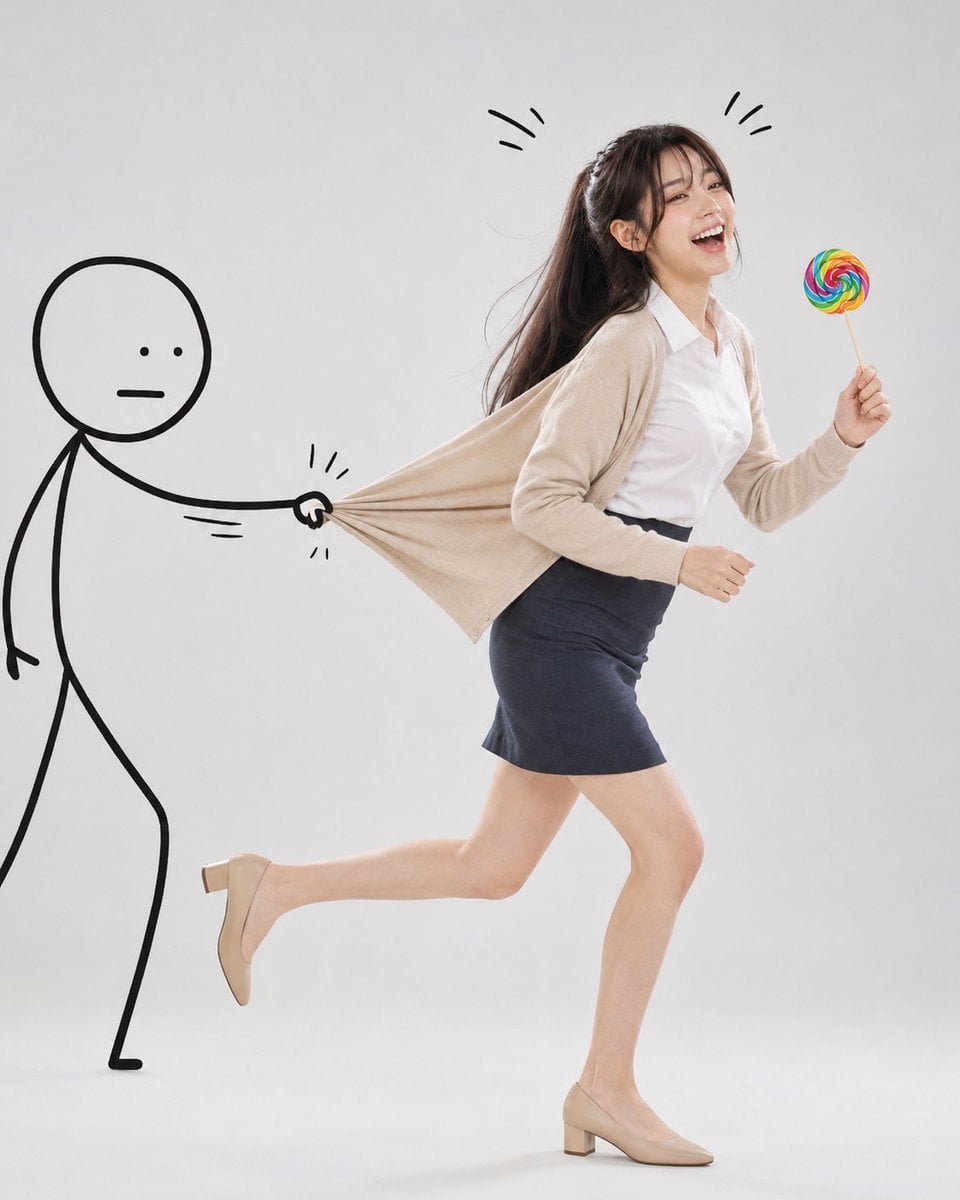
Surreal Studio Photography with Hand-Drawn Doodle

Minimal Hand-Drawn Sketch Watercolor Portrait
Make it yours
Chengdu Hand-Drawn Food Map UI works as-is. These are the safest ways to change it without losing the look.
Change one field
Copy a single group, rewrite it, and generate again so you can see what that field is doing.
Keep the frame, change the subject
Hold the composition and light of Chengdu Hand-Drawn Food Map UI, then swap wardrobe, props or the person for a new take.
| If the result… | Why | Fix |
|---|---|---|
| The result drifts from the preview | Too many fields changed at once. | Reuse Chengdu Hand-Drawn Food Map UI as-is first, then change one group — subject, light, or setting. |
| The model over-stylizes the scene | The prose prompt leaves finish and camera underspecified. | Add one camera or lighting sentence and stay on GPT Image 2. |
More GPT Image 2 templates
Other prompts made for GPT Image 2.

Six VTuber Japanese Logo Sheet

Realistic Portrait of Woman and Deer

The Vista Modular Condo Poster

AI Model Routing Comparison Infographic

2.5D Anime Art Board

Isometric Productivity Desk Scene

New York Double Exposure Poster

Four-Panel AI Landscape Comparison

Japanese Tatami Lifestyle Magazine Cover

NESCAFÉ Coffee Map Poster
More image prompts
Fresh picks from across the catalog.
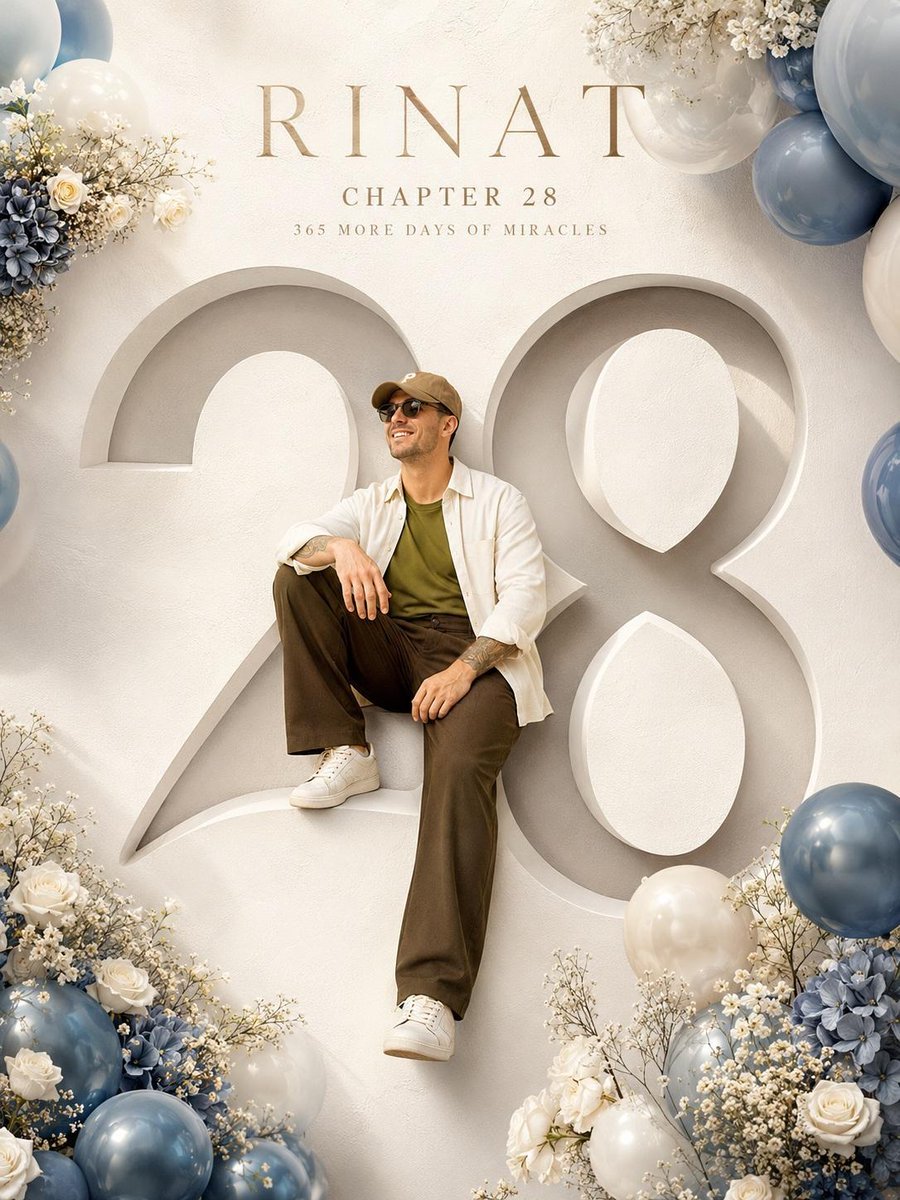
Luxury Birthday Milestone Poster
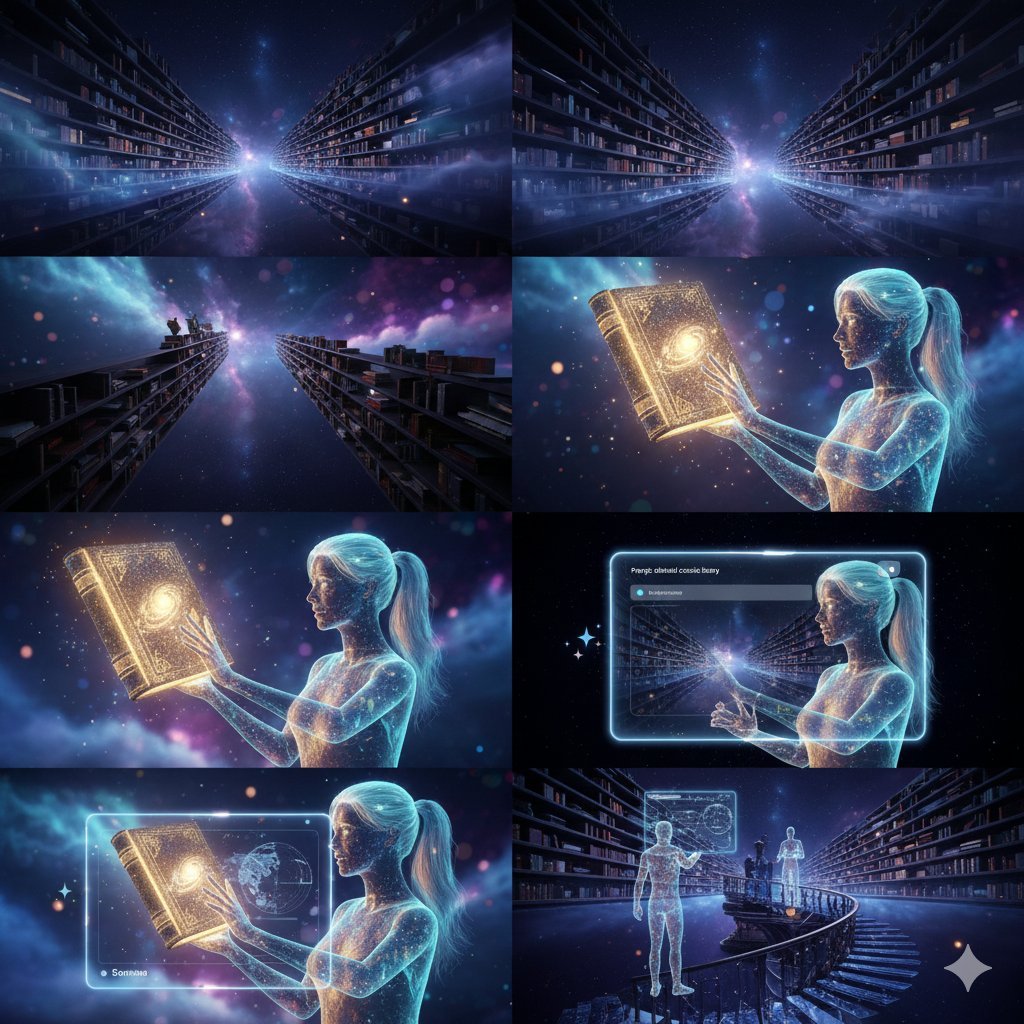
Ethereal Cosmic Library
Forest Spring Tomatoes
Cinematic Evening Street Portrait Prompt
RPG Status Screen Overlay
Expressive Portrait with Sketch Strokes and Paint Splashes

Mecha Girl figure concept generated by Nano Banana Pro
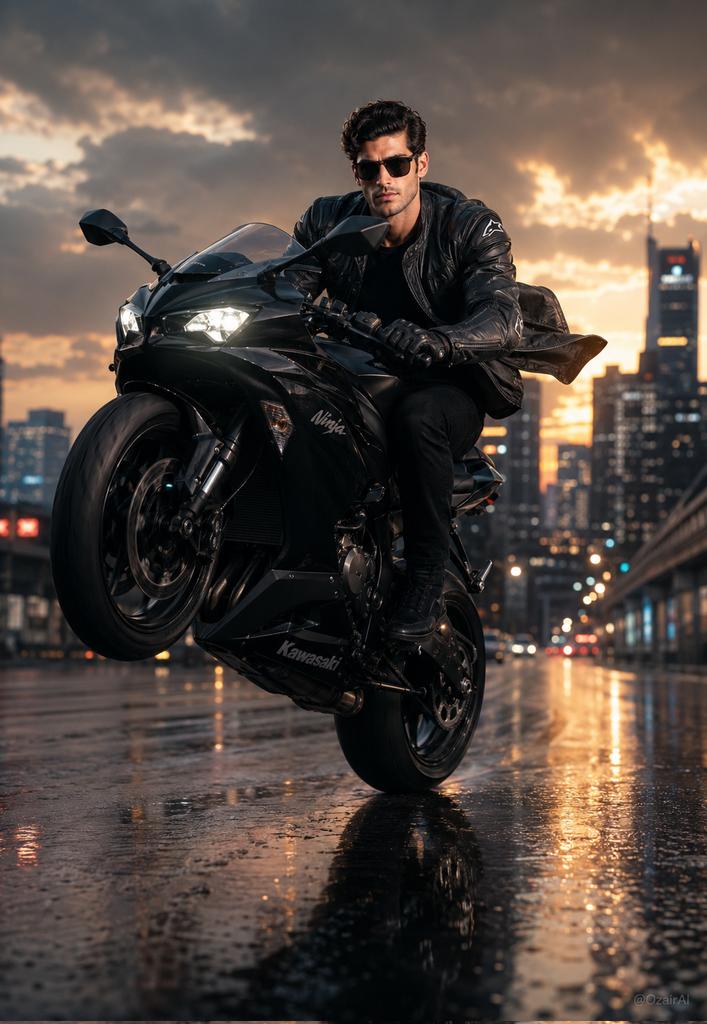
Hyper-Realistic Biker Wheelie Portrait
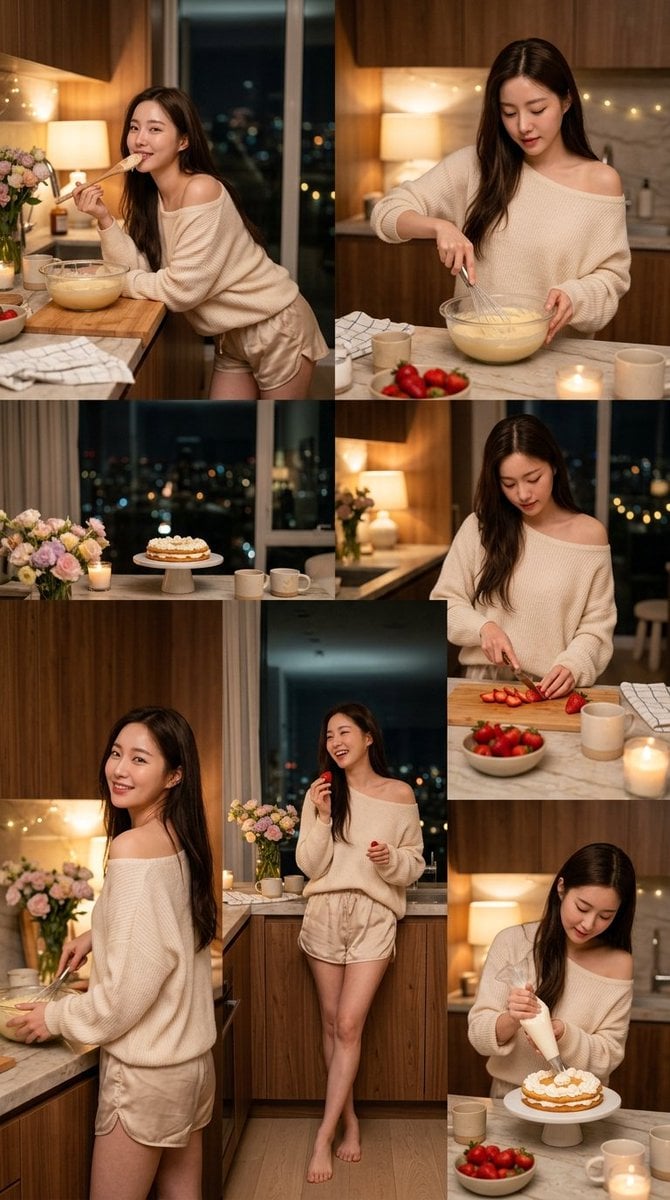
Korean Girl Kitchen Cooking Aesthetic
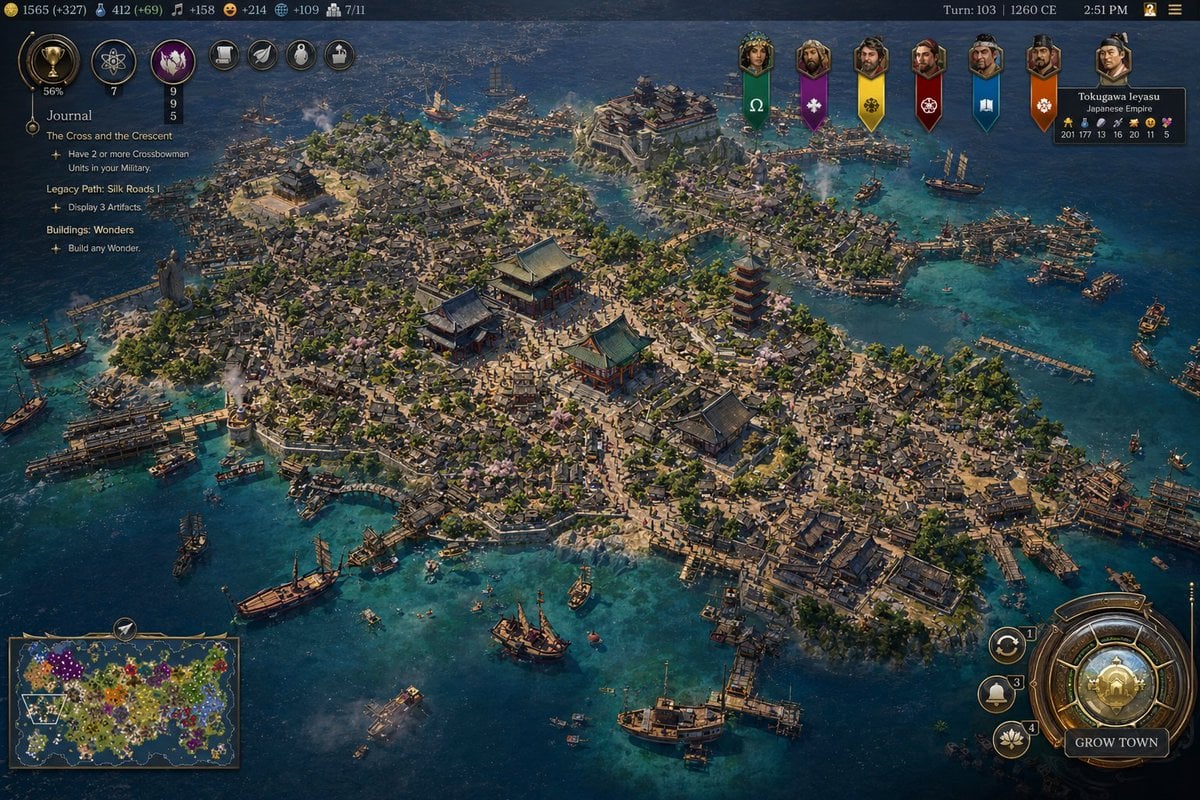
Civilization-Style Japanese Island City
Browse template categories
Chengdu Hand-Drawn Food Map UI questions
How do I use the Chengdu Hand-Drawn Food Map UI template?
Add your photo if the template asks for one, edit the prompt if you like — the template's model and format are already selected — and press Generate. Your version opens in PicX Studio.
Can I customize the Chengdu Hand-Drawn Food Map UI template?
Yes. You can change the subject, setting, lighting, mood, format, and available model controls before creating your image.
Is the Chengdu Hand-Drawn Food Map UI template free?
Opening and editing this template is free. Generating uses credits, shown on the Generate button when you are signed in.
Which AI model should I use?
Start with GPT Image 2, which is the model associated with this template. You can compare another compatible model for a different finish.
Looking for something else? Browse all templates.

Your photo, any look
Thousands of ready templates for every top image and video model, from one credit balance.