
Hand-Drawn Annotated Food Diary Style
A complex, multi-layered prompt for creating Instagram-style food photography with artistic hand-drawn notes and stickers.
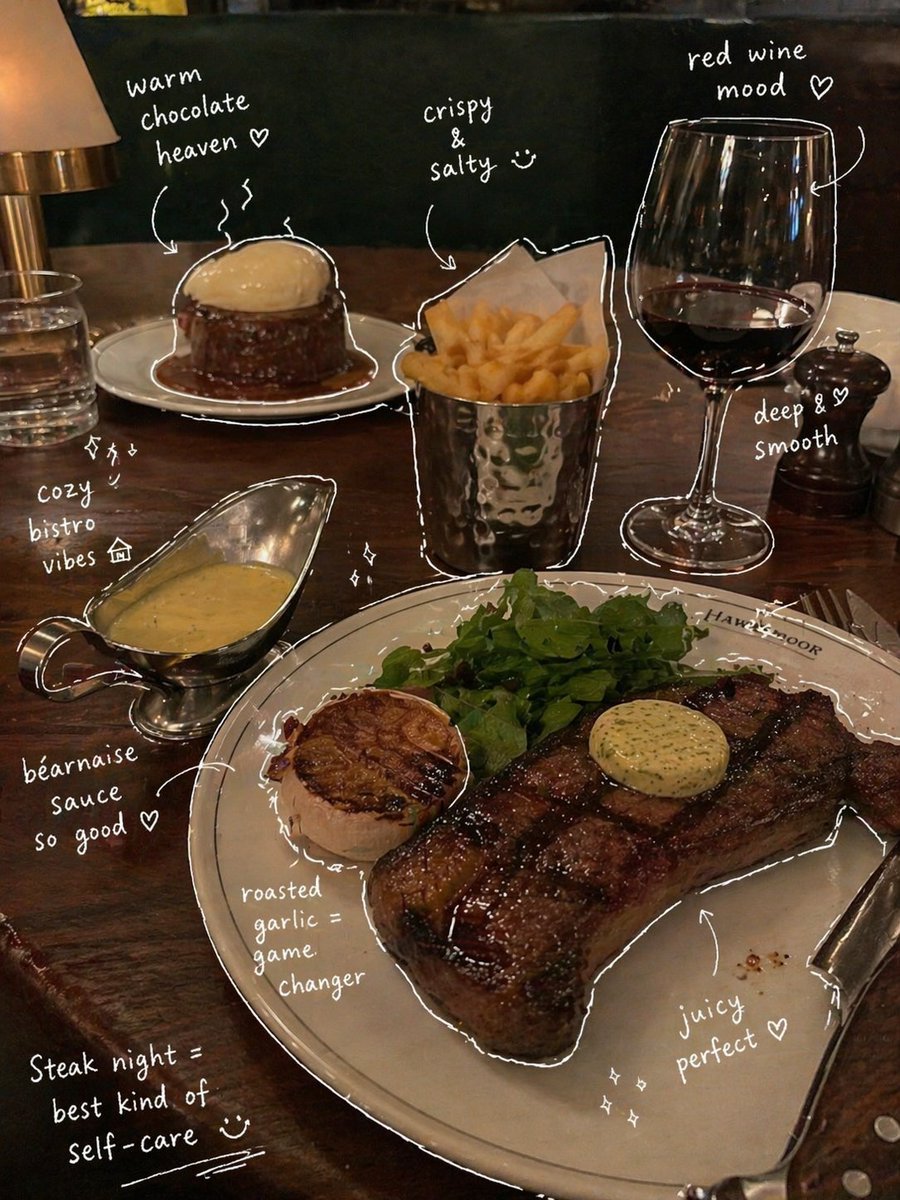
- Prompt included
- Model and format preset
- Free template
The prompt behind this image
Copy the exact prompt behind Hand-Drawn Annotated Food Diary Style, or open it in the studio and make it yours.
Generate a photo of {argument name="food" default="steak and dessert"} in the style of {argument name="style" default="a British steakhouse"}. It should look like a photo taken with a smartphone, suitable for posting on Instagram. No people. Then, observe the elements that appear in the photo, and add meaningful hand-drawn annotations for each element. 【Drawing rules】・Thin hand-drawn lines as if drawn with a white pen ・Rough, slightly uneven, drawn in a single continuous stroke style ・Add outlines as if tracing around the object ・Use arrows or dashed lines to guide the eye 【Text rules】・Handwritten English text ・Short, like a comment talking to oneself ・The tone is "diary-like, a passing remark, an emotional aside" 【Comment-generation rules】・Drinks → taste, temperature, mood (e.g.: refreshing, gently sweet) ・Food → texture, deliciousness (e.g.: moist, the best) ・Space → atmosphere (e.g.: relaxing, a wonderful time) ・Overall → a one-line summary (e.g.: almost too happy~) 【Decoration】・Add steam, sparkles, hearts, small emoji, etc. in moderation ・Don't overdo it — leave some "blank space" 【Finished style】・Instagram Story style, magazine-like rough note style ・A stylish and relaxed atmosphere
How to use Hand-Drawn Annotated Food Diary Style in 3 steps
- 1Upload ImagePNG, JPG or paste
Add your photo
Upload the photo the template builds on. The prompt, model and format are already set.
- 2…a portrait of your subject in softgolden-hour light, 85mm…
Personalize
Edit the subject and creative details for your destination.
- 3Generate
Generate
Press Generate — your image is created in PicX Studio, so you can compare it with the original and refine one variable at a time.
More like this
Templates with the same subject, style or setup. Open one to see its prompt.
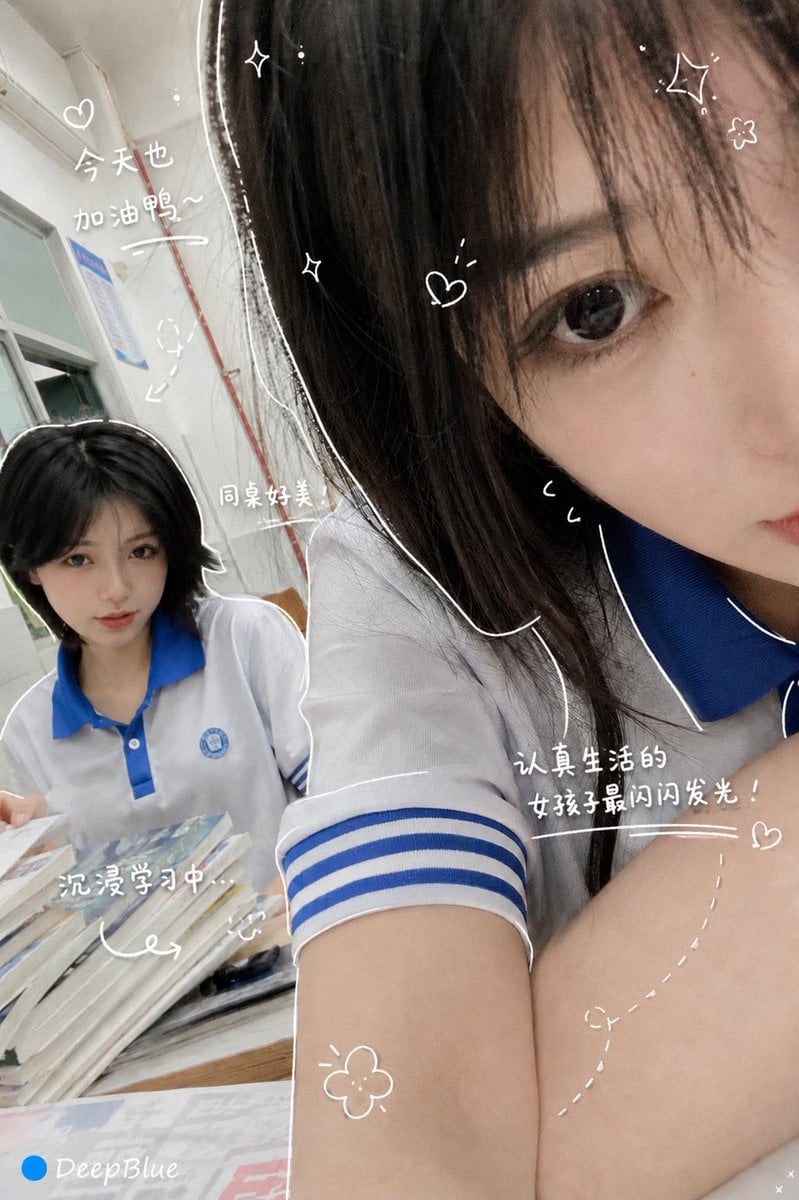
Hand-Drawn Diary Doodle Overlay
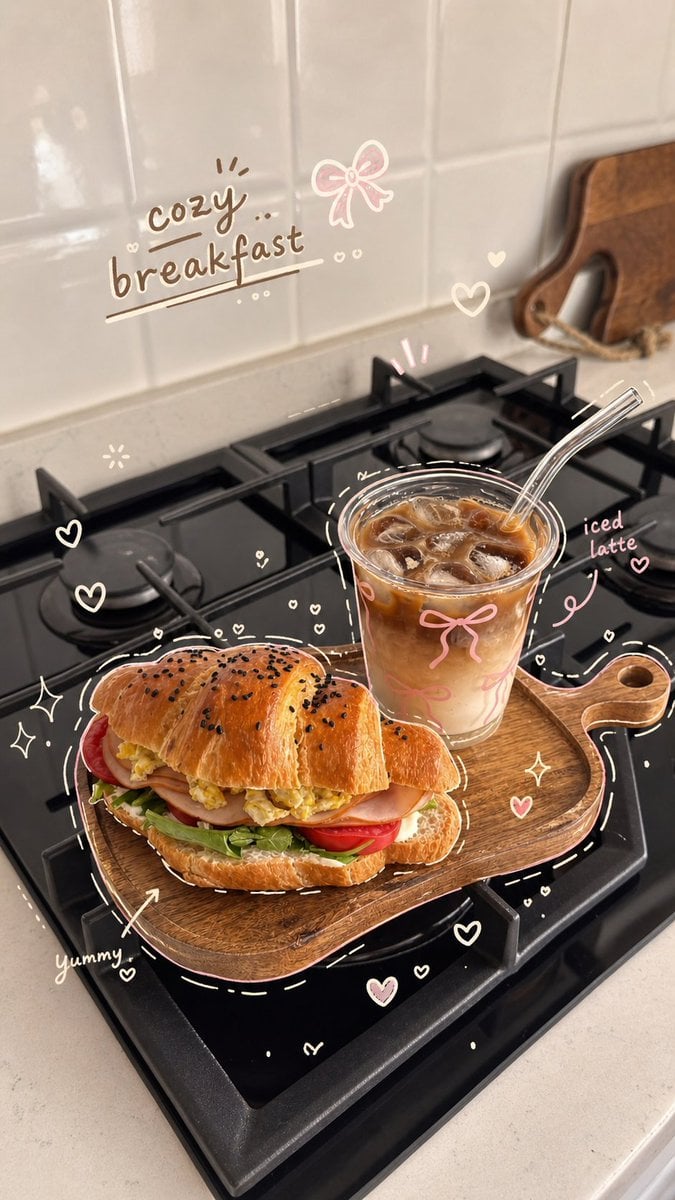
Cozy Hand-Drawn Food Doodle
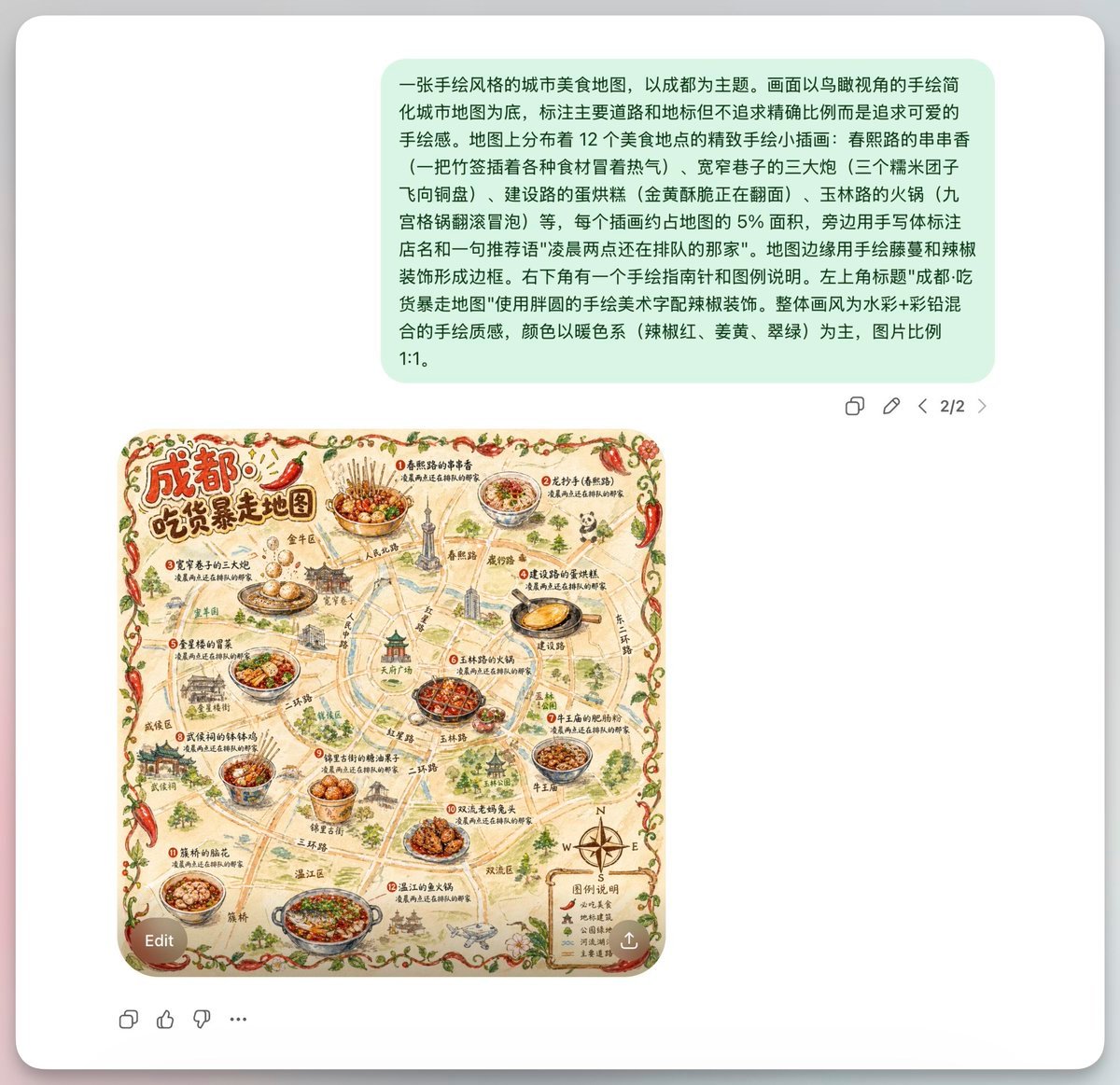
Chengdu Hand-Drawn Food Map UI
Simple Hand-Drawn Koala Mascot

Hand-Drawn Doodle Grid Poster

Hand-drawn Breakfast Journal Aesthetic Poster
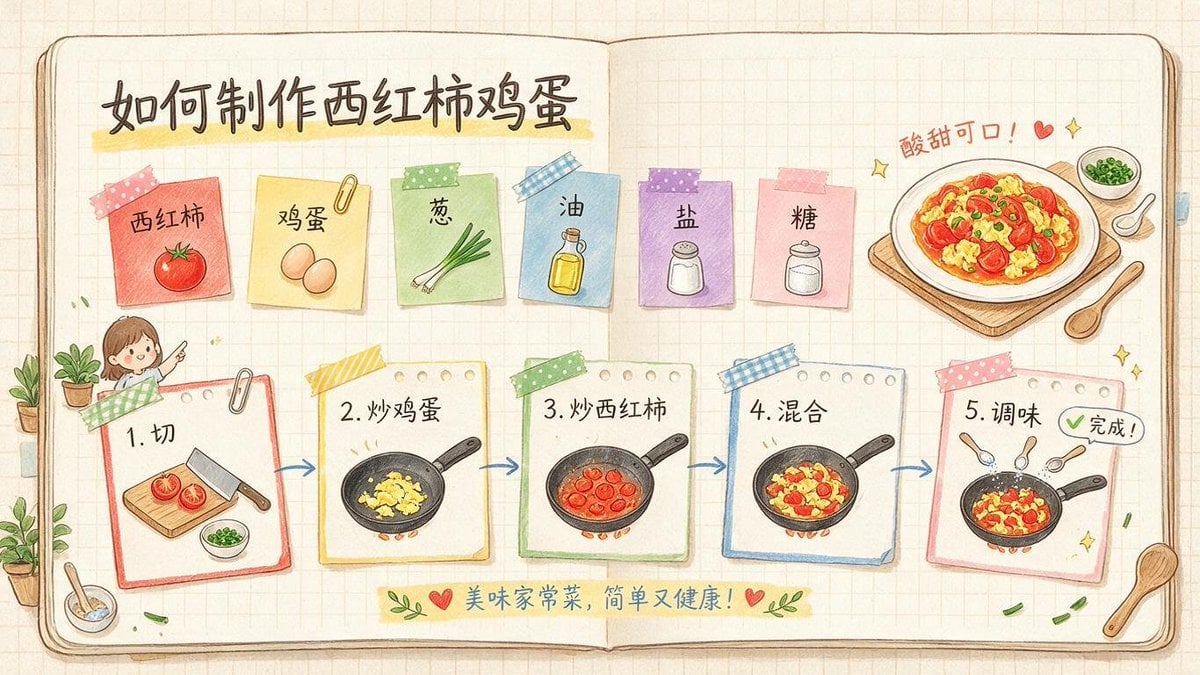
Hand-Drawn Tomato Egg Recipe Infographic
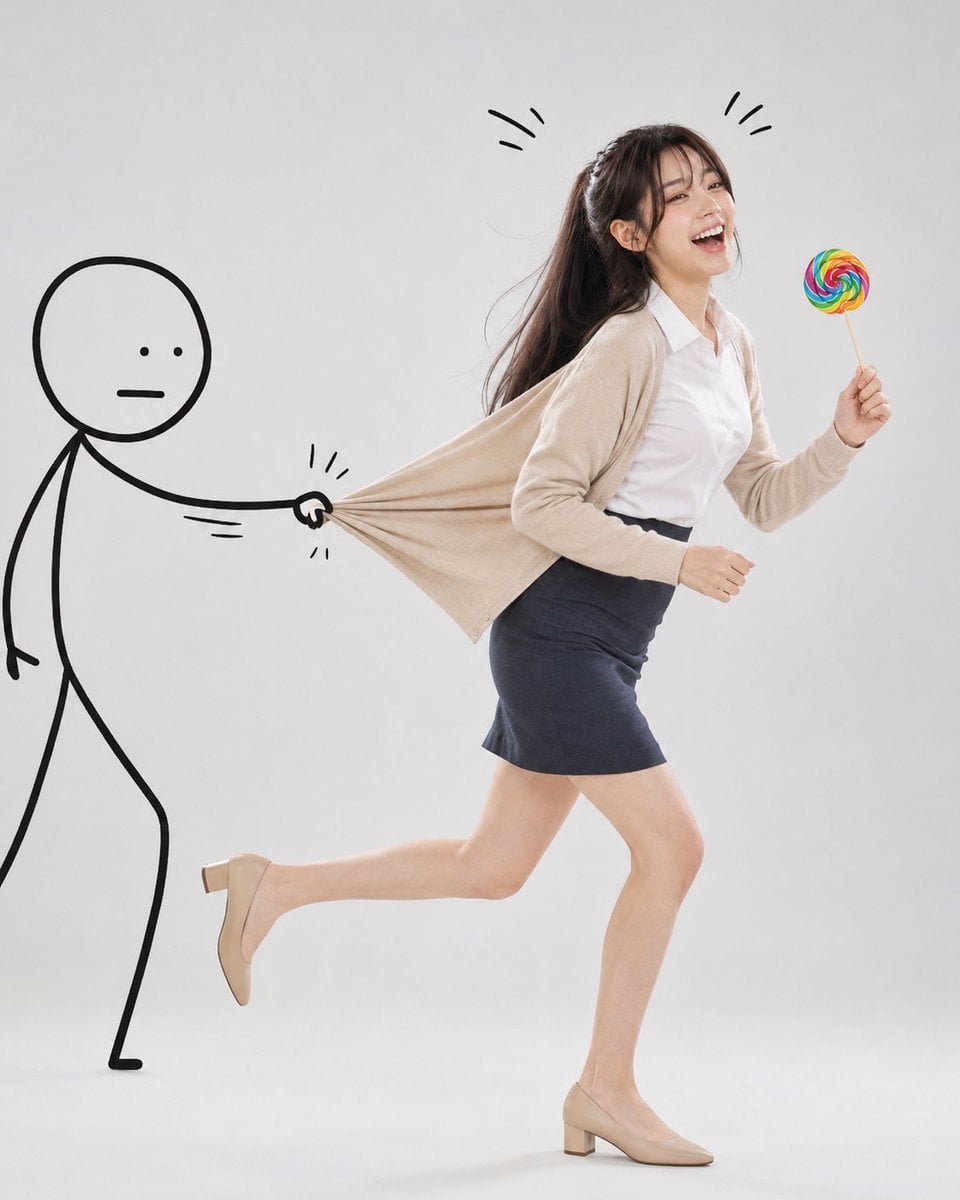
Surreal Studio Photography with Hand-Drawn Doodle

Minimal Hand-Drawn Sketch Watercolor Portrait
Whimsical Hand-Drawn Teacups

Cozy Food Flat Lay Doodle Labels
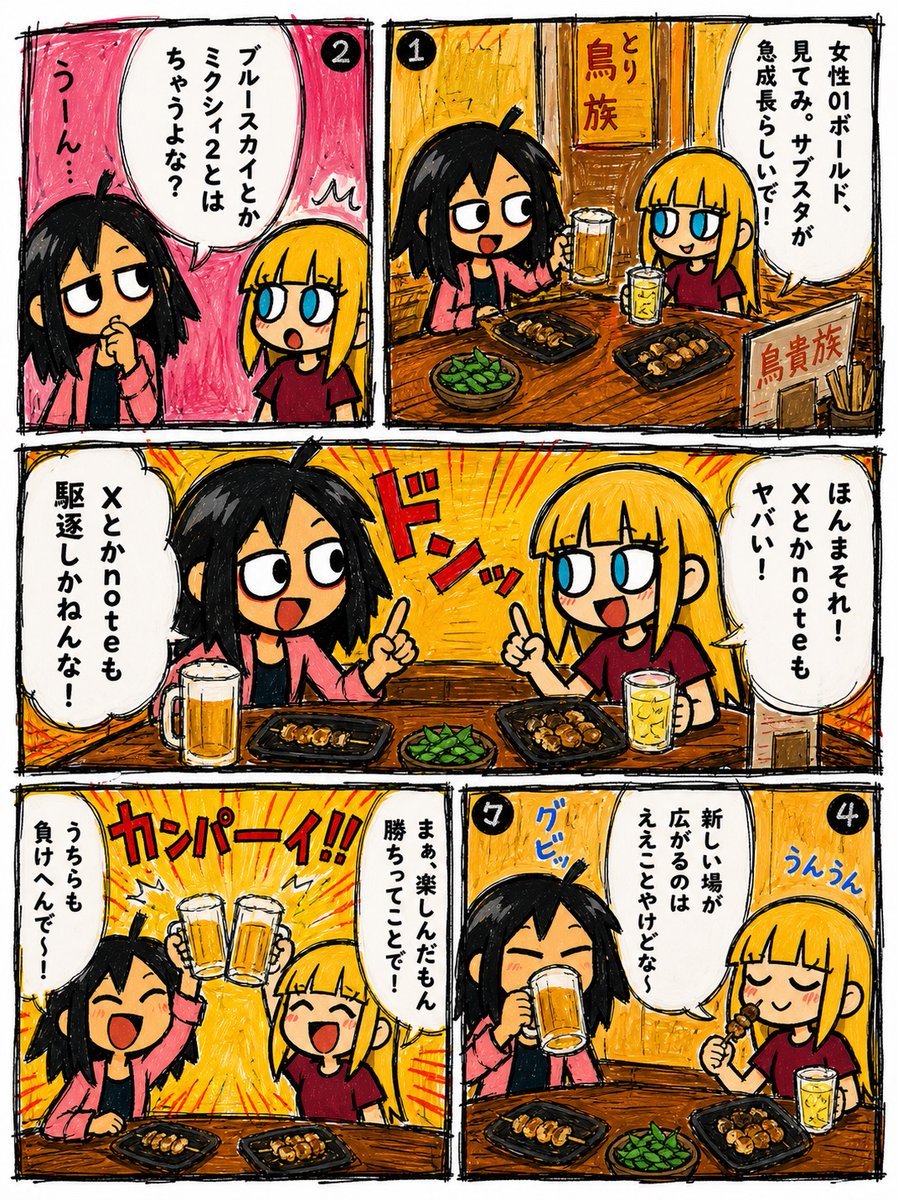
Hand-Drawn Izakaya Manga Page
Make it yours
Hand-Drawn Annotated Food Diary Style works as-is. These are the safest ways to change it without losing the look.
Change one field
Copy a single group, rewrite it, and generate again so you can see what that field is doing.
Keep the frame, change the subject
Hold the composition and light of Hand-Drawn Annotated Food Diary Style, then swap wardrobe, props or the person for a new take.
| If the result… | Why | Fix |
|---|---|---|
| The result drifts from the preview | Too many fields changed at once. | Reuse Hand-Drawn Annotated Food Diary Style as-is first, then change one group — subject, light, or setting. |
| The model over-stylizes the scene | The prose prompt leaves finish and camera underspecified. | Add one camera or lighting sentence and stay on GPT Image 2. |
More GPT Image 2 templates
Other prompts made for GPT Image 2.

Six VTuber Japanese Logo Sheet

Realistic Portrait of Woman and Deer

The Vista Modular Condo Poster

AI Model Routing Comparison Infographic

2.5D Anime Art Board

Isometric Productivity Desk Scene

New York Double Exposure Poster

Four-Panel AI Landscape Comparison

Japanese Tatami Lifestyle Magazine Cover

NESCAFÉ Coffee Map Poster
More image prompts
Fresh picks from across the catalog.
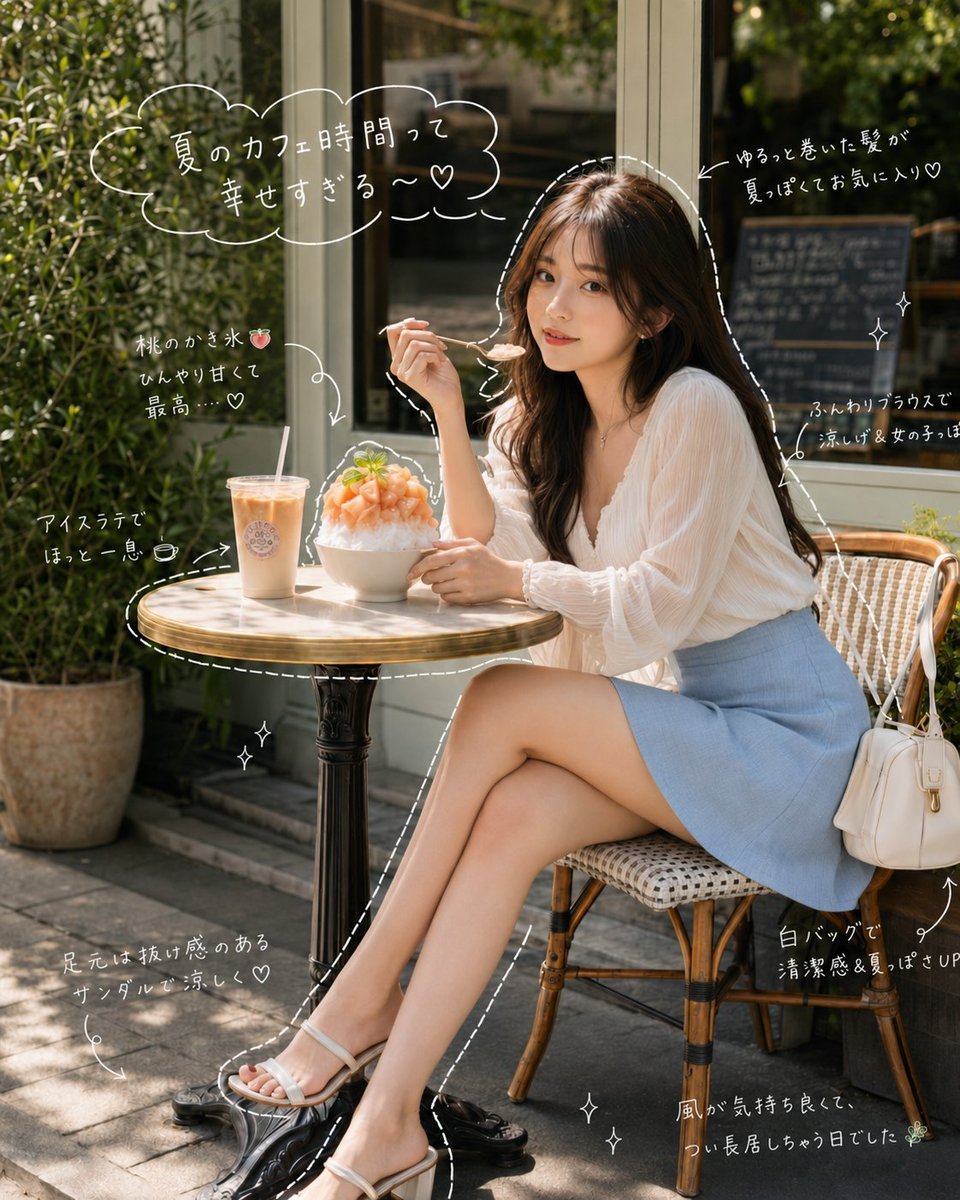
Japanese Summer Cafe Portrait
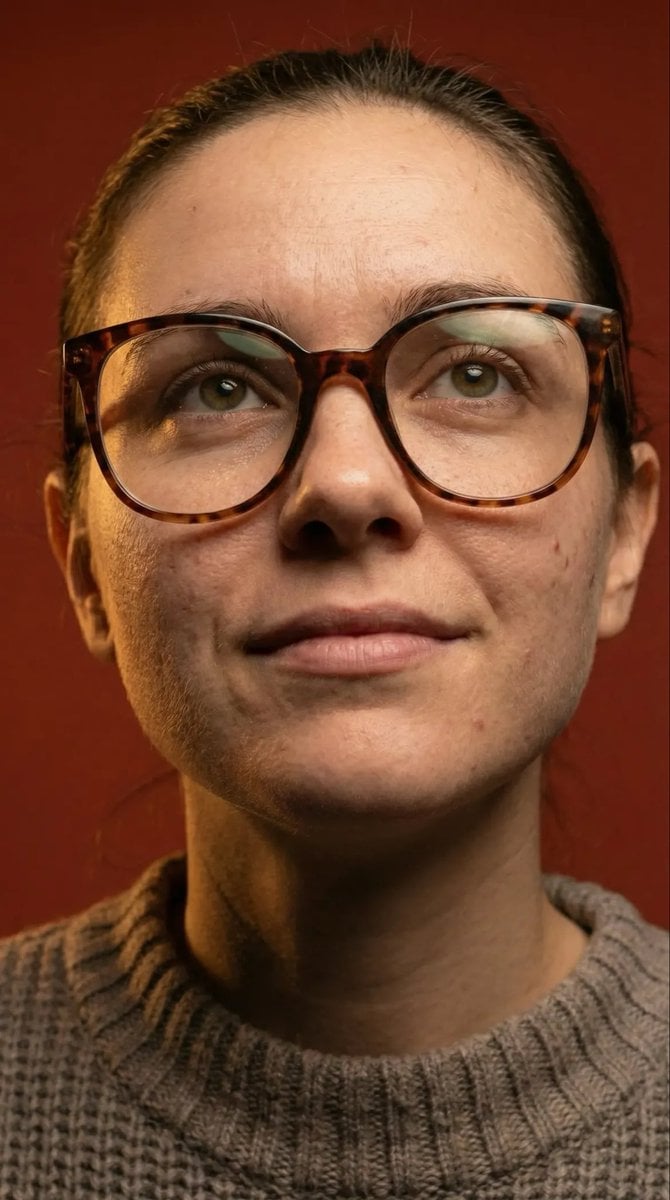
Macro Detail Portrait with Glasses and Skin Texture Prompt
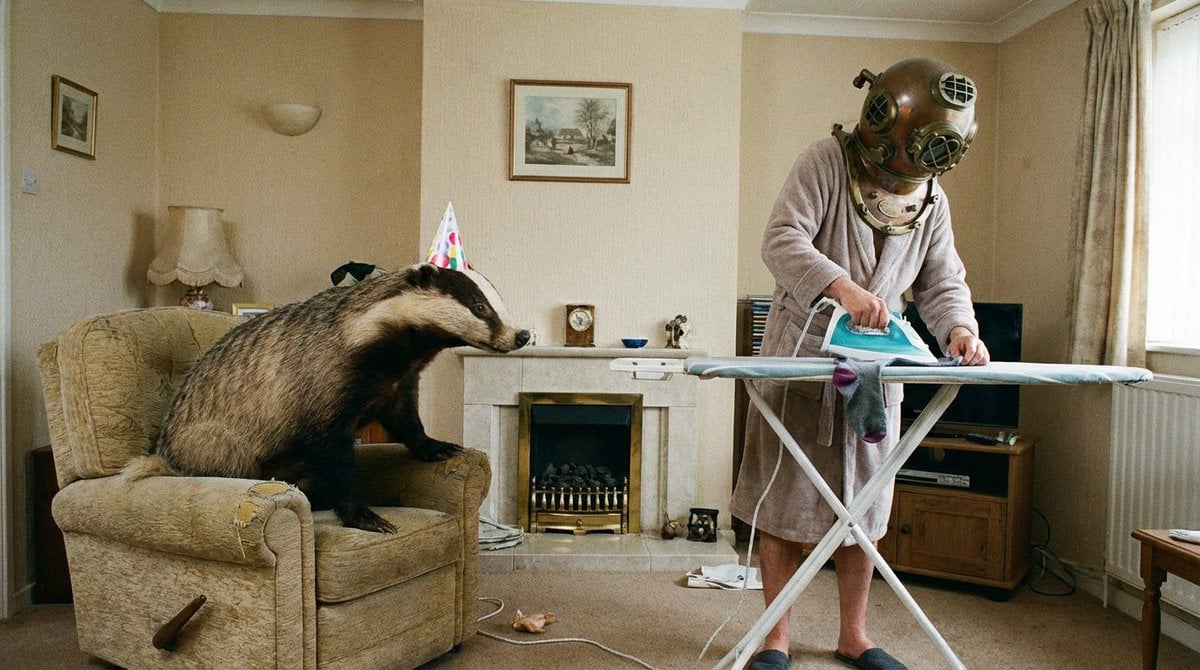
Weird mundane photo concept
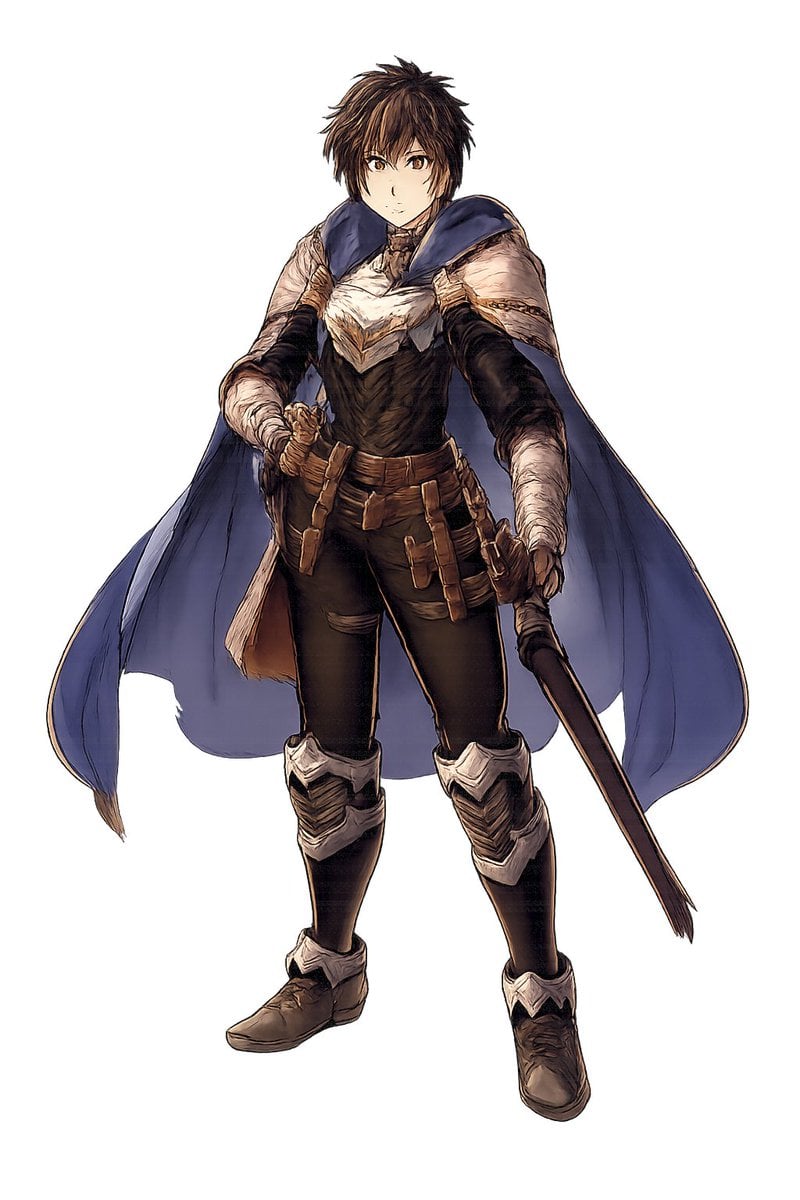
Fantasy Warrior Character Concept
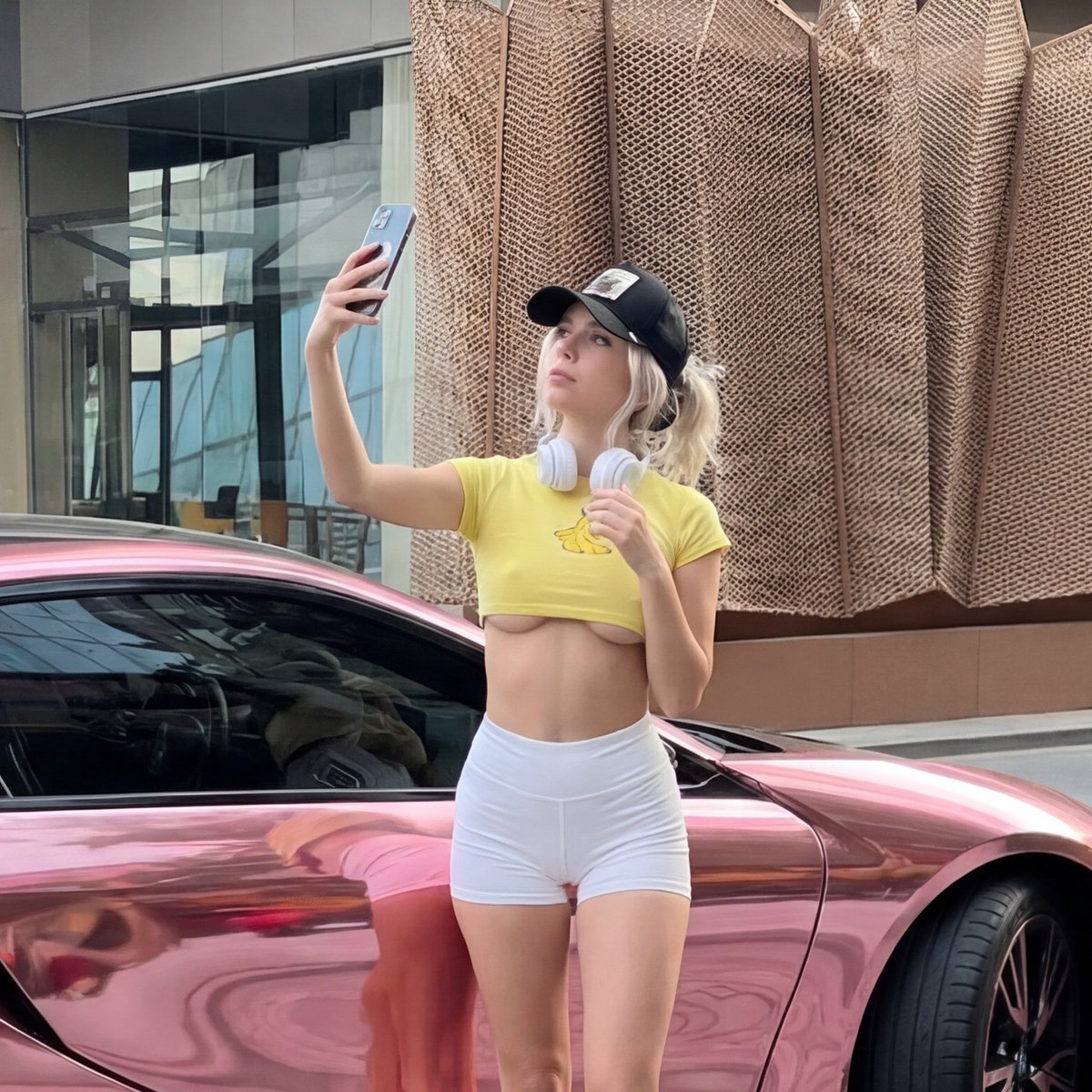
Viral Chrome Pink BMW Selfie Prompt (JSON format)
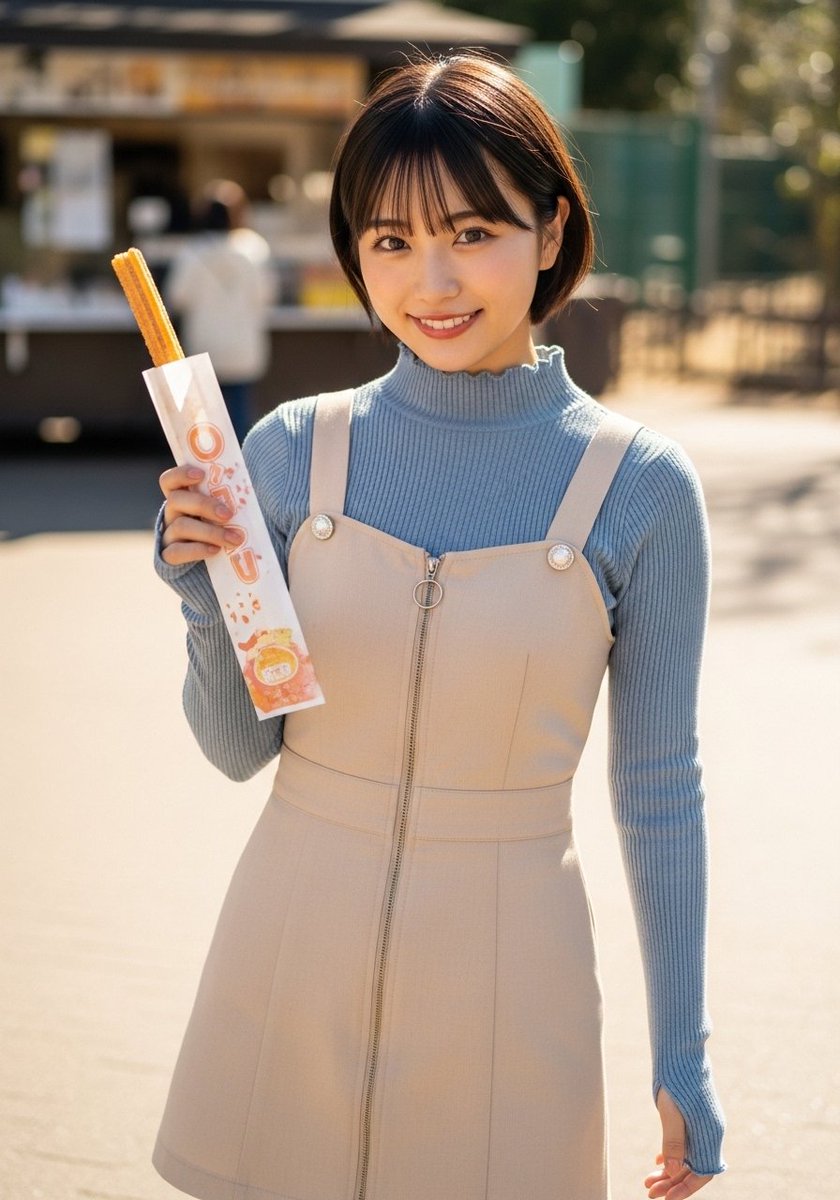
Street Portrait with Churro
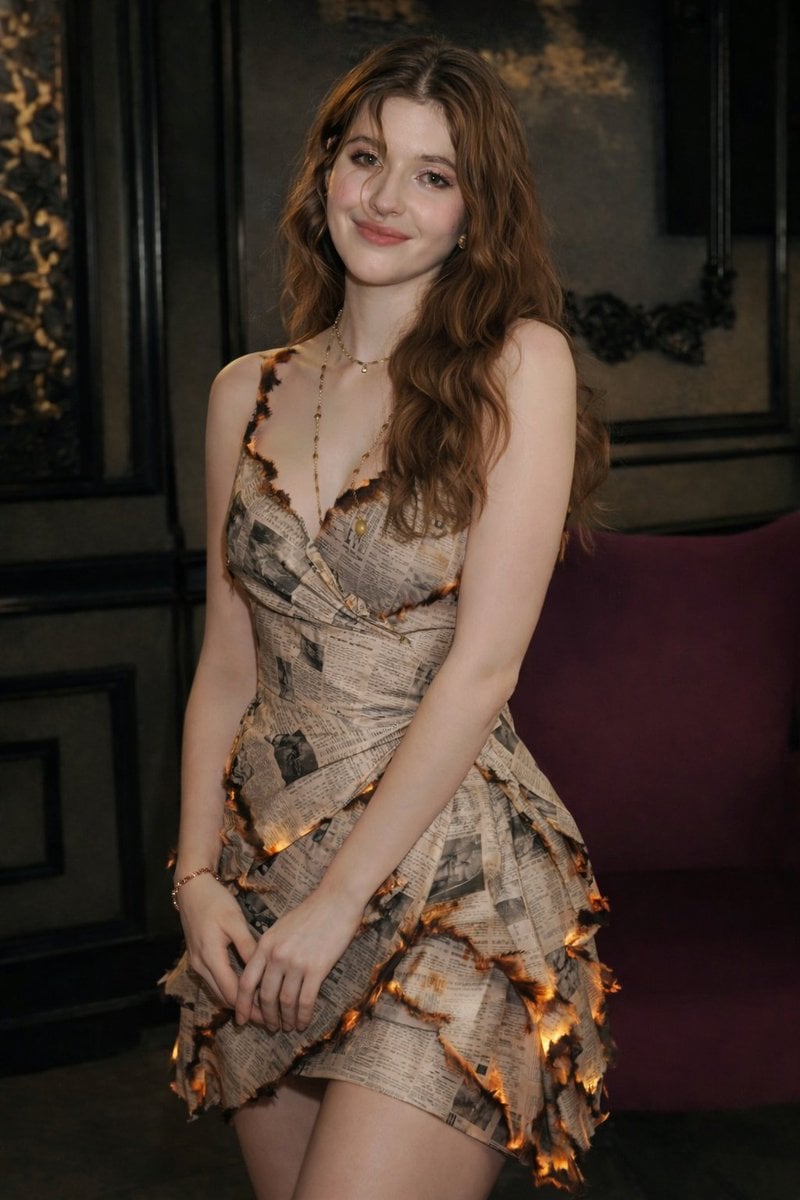
High-Fashion Editorial with Newspaper Dress
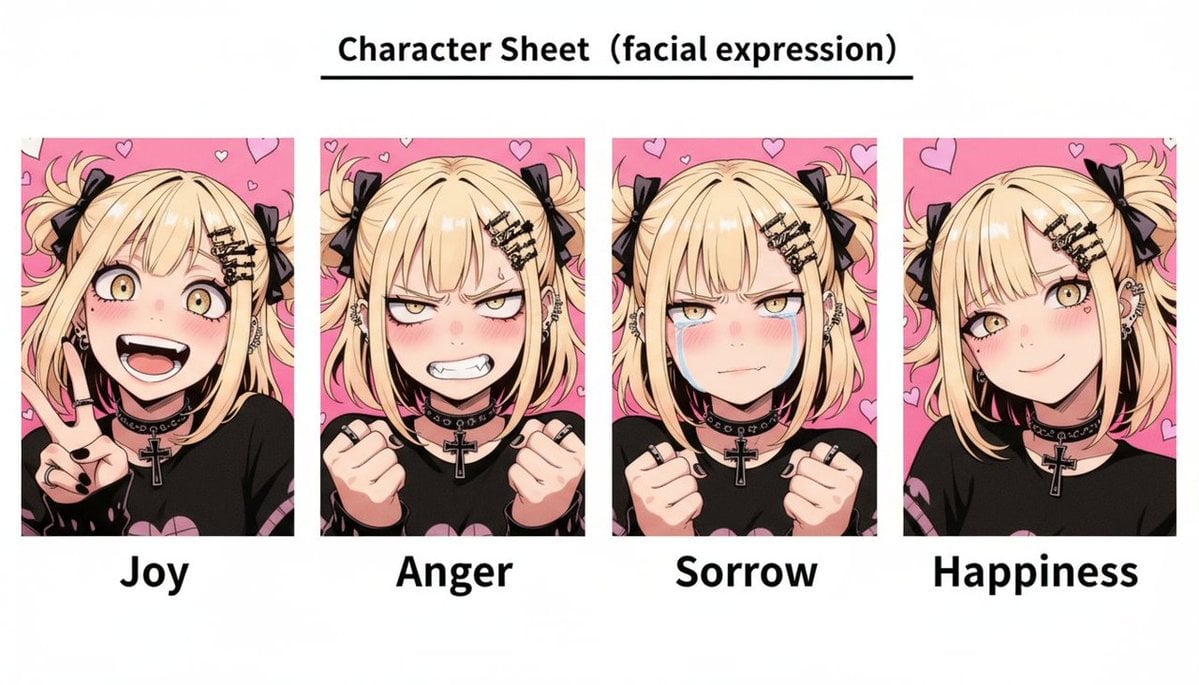
Gothic Anime Facial Expression Sheet
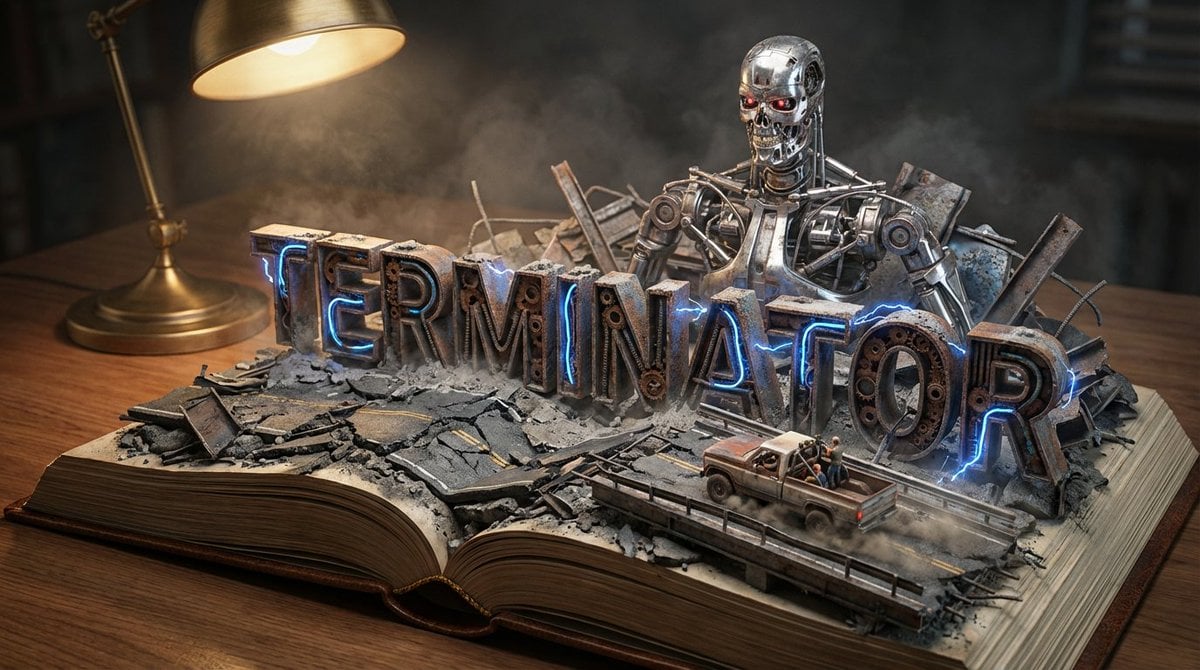
Pop-Up Book Diorama Generator Prompt
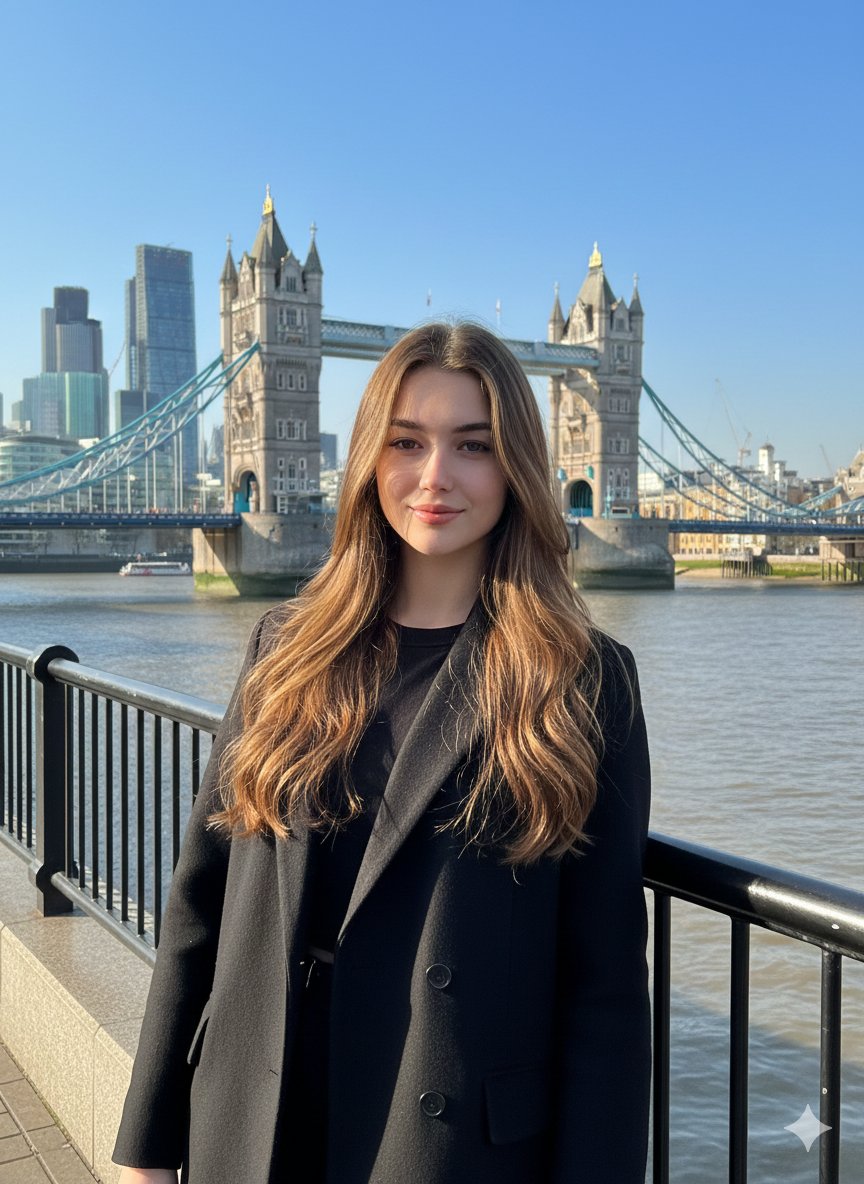
Photorealistic Travel Portrait with Identity Lock
Browse template categories
Hand-Drawn Annotated Food Diary Style questions
How do I use the Hand-Drawn Annotated Food Diary Style template?
Add your photo if the template asks for one, edit the prompt if you like — the template's model and format are already selected — and press Generate. Your version opens in PicX Studio.
Can I customize the Hand-Drawn Annotated Food Diary Style template?
Yes. You can change the subject, setting, lighting, mood, format, and available model controls before creating your image.
Is the Hand-Drawn Annotated Food Diary Style template free?
Opening and editing this template is free. Generating uses credits, shown on the Generate button when you are signed in.
Which AI model should I use?
Start with GPT Image 2, which is the model associated with this template. You can compare another compatible model for a different finish.
Looking for something else? Browse all templates.

Your photo, any look
Thousands of ready templates for every top image and video model, from one credit balance.