
Gothic Anime Facial Expression Sheet
Generates a four-panel anime character facial expression reference sheet with labeled emotions and consistent gothic-punk styling.
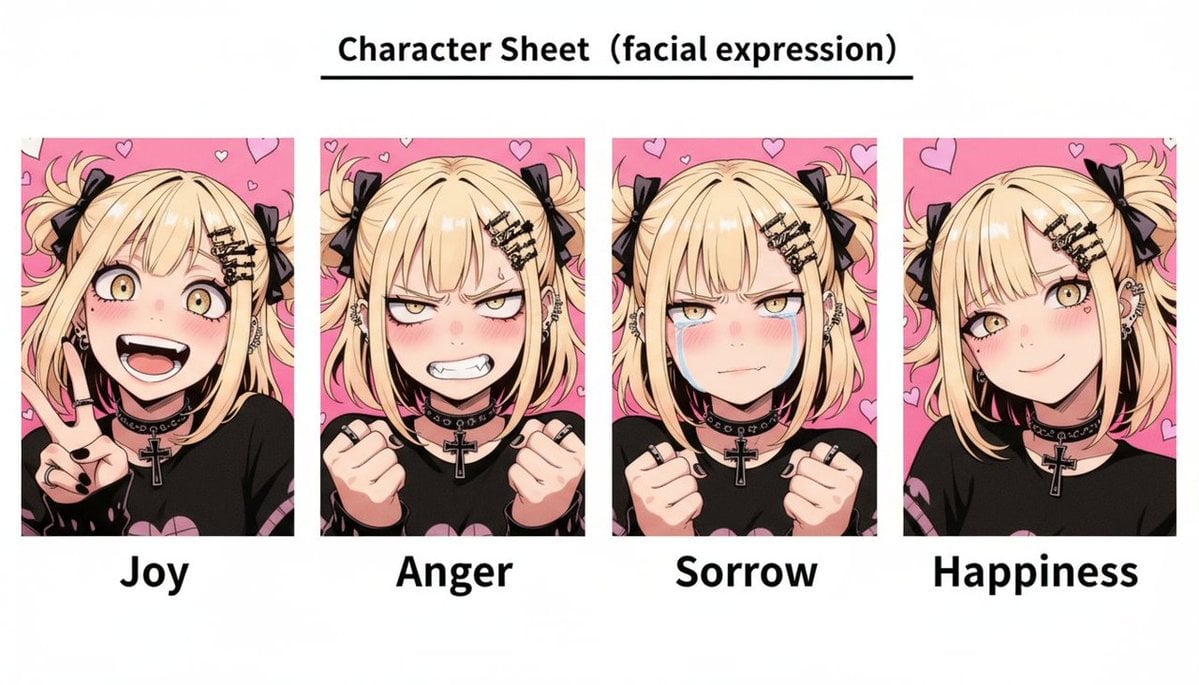
- Prompt included
- Model and format preset
- Free template
The prompt behind this image
Copy the exact prompt behind Gothic Anime Facial Expression Sheet, or open it in the studio and make it yours.
- Type
- anime character sheet, facial expression reference
- Title Text
- {argument name="sheet title" default="Character Sheet (facial expression)"}
- Canvas › Orientation
- wide landscape
- Canvas › Background
- plain white
- Canvas › Style
- clean printed reference sheet with bold black typography
- Canvas › Top Layout
- centered title at the top with a thin black underline
- Character › Description
- same blonde gothic-punk anime girl repeated in every panel, cropped bust portrait, pale skin, messy twin side ponytails tied with black ribbons, layered bangs with small black hair clips, multiple ear piercings, black choker with metal studs and a large silver cross pendant, black shirt with pink graphic accents, black nail polish and rings
- Character › Hair Color
- {argument name="hair color" default="light blonde"}
- Character › Outfit Style
- {argument name="outfit style" default="gothic punk black outfit with ribbons, choker, cross pendant, rings, and black nail polish"}
- Character › Face Treatment
- large centered opaque beige square covering the facial features in each portrait, leaving hair, ears, neck, hands, and outfit visible
- Layout › Section Count
- 4
- Layout › Sections › 0 › Label
- {argument name="first expression label" default="Joy"}
- Layout › Sections › 0 › Position
- far left
- Layout › Sections › 0 › Pose
- cheerful bust portrait, one hand raised in a peace sign near the cheek
- Layout › Sections › 0 › Background
- hot pink background with small hand-drawn heart outlines
- Layout › Sections › 1 › Label
- Anger
- Layout › Sections › 1 › Position
- center left
- Layout › Sections › 1 › Pose
- frustrated bust portrait, both fists clenched and raised near the chest
- Layout › Sections › 1 › Background
- hot pink background with small hand-drawn heart outlines
- Layout › Sections › 2 › Label
- Sorrow
- Layout › Sections › 2 › Position
- center right
- Layout › Sections › 2 › Pose
- sad bust portrait, both fists clenched and held close, shoulders slightly inward
- Layout › Sections › 2 › Background
- hot pink background with small hand-drawn heart outlines
- Layout › Sections › 3 › Label
- {argument name="fourth expression label" default="Happiness"}
Raw JSON
{"type":"anime character sheet, facial expression reference","title_text":"{argument name=\"sheet title\" default=\"Character Sheet (facial expression)\"}","canvas":{"orientation":"wide landscape","background":"plain white","style":"clean printed reference sheet with bold black typography","top_layout":"centered title at the top with a thin black underline"},"character":{"description":"same blonde gothic-punk anime girl repeated in every panel, cropped bust portrait, pale skin, messy twin side ponytails tied with black ribbons, layered bangs with small black hair clips, multiple ear piercings, black choker with metal studs and a large silver cross pendant, black shirt with pink graphic accents, black nail polish and rings","hair_color":"{argument name=\"hair color\" default=\"light blonde\"}","outfit_style":"{argument name=\"outfit style\" default=\"gothic punk black outfit with ribbons, choker, cross pendant, rings, and black nail polish\"}","face_treatment":"large centered opaque beige square covering the facial features in each portrait, leaving hair, ears, neck, hands, and outfit visible"},"layout":{"section_count":4,"sections":[{"label":"{argument name=\"first expression label\" default=\"Joy\"}","position":"far left","pose":"cheerful bust portrait, one hand raised in a peace sign near the cheek","background":"hot pink background with small hand-drawn heart outlines"},{"label":"Anger","position":"center left","pose":"frustrated bust portrait, both fists clenched and raised near the chest","background":"hot pink background with small hand-drawn heart outlines"},{"label":"Sorrow","position":"center right","pose":"sad bust portrait, both fists clenched and held close, shoulders slightly inward","background":"hot pink background with small hand-drawn heart outlines"},{"label":"{argument name=\"fourth expression label\" default=\"Happiness\"}","position":"far right","pose":"happy bust portrait with head slightly angled, hair and ribbon visible, relaxed shoulders","background":"hot pink background with small hand-drawn heart outlines"}],"panel_style":"four evenly spaced vertical rectangular portrait cards in a single horizontal row, each card has the same character and matching pink heart background","caption_style":"large bold black sans-serif expression label centered below each portrait"},"rendering":{"aesthetic":"high-quality anime illustration, crisp line art, cel shading, soft highlights, manga character design","composition":"symmetrical educational reference-sheet layout, consistent character identity across all four panels, no extra objects"}}How to use Gothic Anime Facial Expression Sheet in 3 steps
- 1Upload ImagePNG, JPG or paste
Add your photo
Upload the photo the template builds on. The prompt, model and format are already set.
- 2…a portrait of your subject in softgolden-hour light, 85mm…
Personalize
Edit the subject and creative details for your destination.
- 3Generate
Generate
Press Generate — your image is created in PicX Studio, so you can compare it with the original and refine one variable at a time.
More like this
Templates with the same subject, style or setup. Open one to see its prompt.
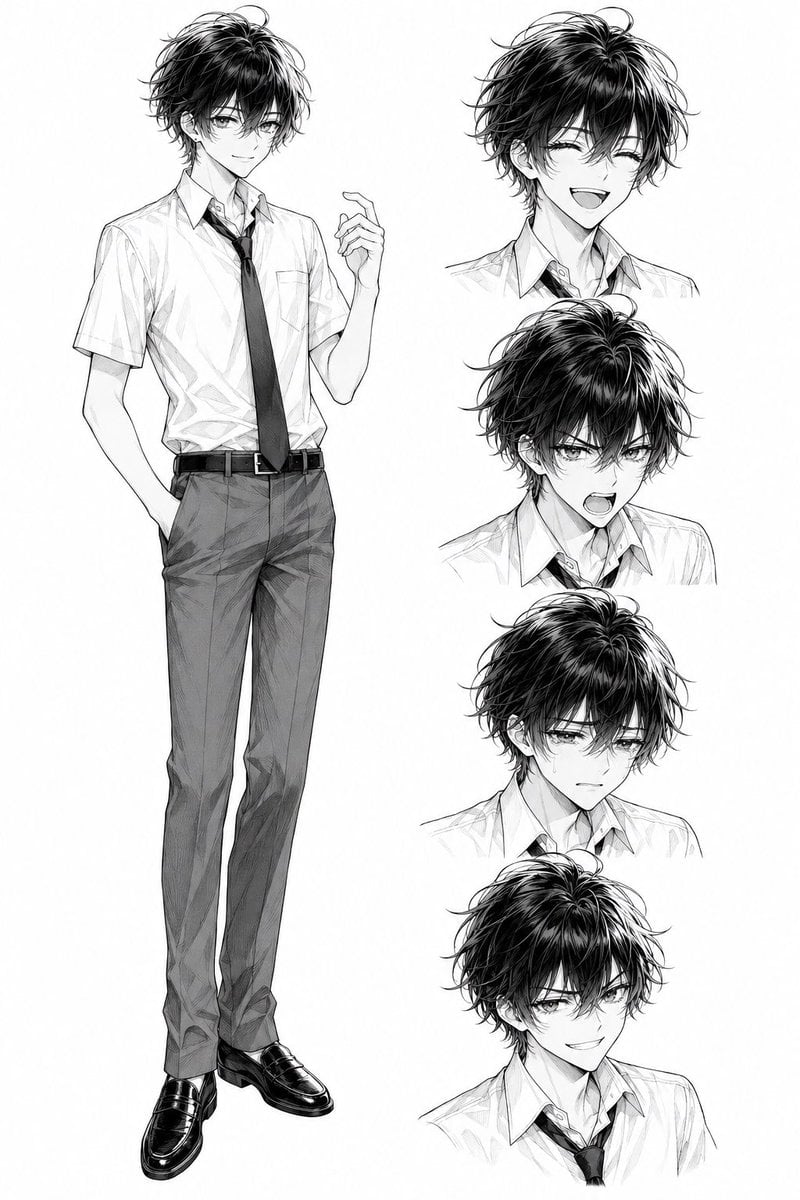
Monochrome Anime Schoolboy Expression Sheet

Anime Character Charm Analysis Sheet
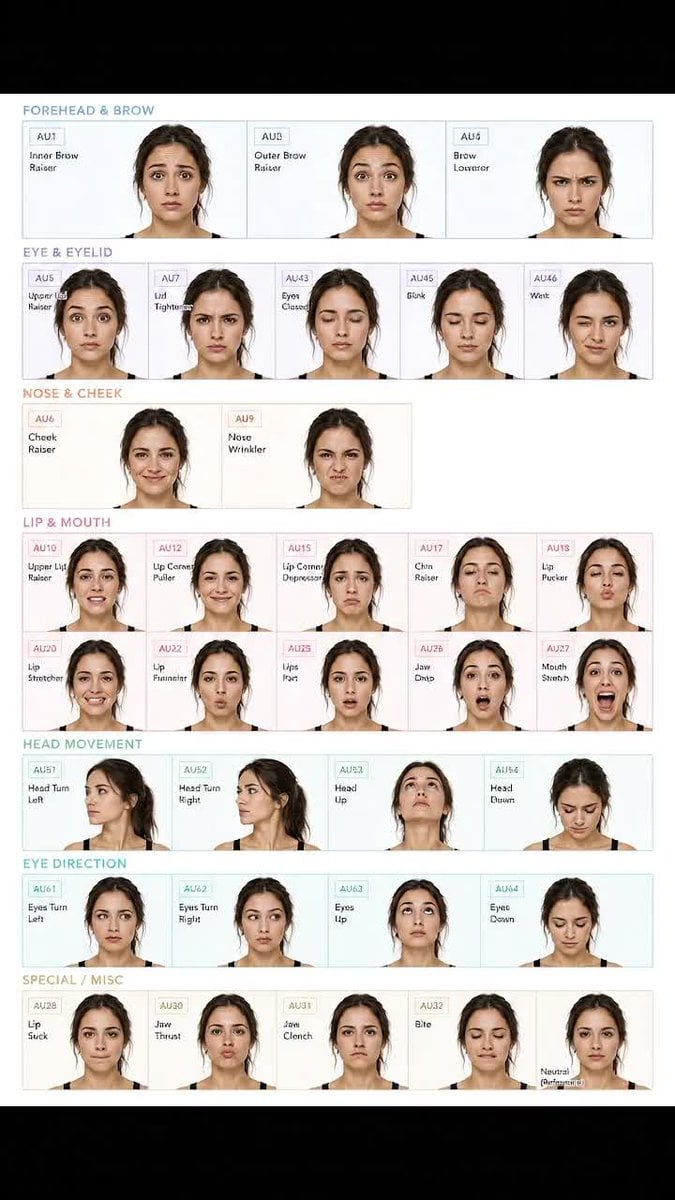
Facial Expression Anatomy Sheet

Anime Lantern Girl Character Sheet

Anime Character Sheet Reference Prompt

Gothic Girl Character Turnaround Sheet

Cel 2D Finale Fireworks

Cel 2D Garden Maze

Cel 2D Rooftop Concert

Cel 2D Bicycle Coast

Cel 2D Castle Gate

Cel 2D Kitchen Chaos
Make it yours
Gothic Anime Facial Expression Sheet works as-is. These are the safest ways to change it without losing the look.
Swap the setting
Keep the rest of the prompt and replace the location block. The current setting is “plain white”.
Change one field
Copy a single group, rewrite it, and generate again so you can see what that field is doing.
Keep the frame, change the subject
Hold the composition and light of Gothic Anime Facial Expression Sheet, then swap wardrobe, props or the person for a new take.
| If the result… | Why | Fix |
|---|---|---|
| The result drifts from the preview | Too many fields changed at once. | Reuse Gothic Anime Facial Expression Sheet as-is first, then change one group — subject, light, or setting. |
| GPT Image 2 ignores part of the JSON | Some models flatten or skip nested keys. | Keep the same values and paste them as a short paragraph instead. |
More GPT Image 2 templates
Other prompts made for GPT Image 2.

Six VTuber Japanese Logo Sheet

Realistic Portrait of Woman and Deer

The Vista Modular Condo Poster

AI Model Routing Comparison Infographic

2.5D Anime Art Board

Isometric Productivity Desk Scene

New York Double Exposure Poster

Four-Panel AI Landscape Comparison

Japanese Tatami Lifestyle Magazine Cover

NESCAFÉ Coffee Map Poster
More image prompts
Fresh picks from across the catalog.
Monochrome Fine Art Couple Portrait
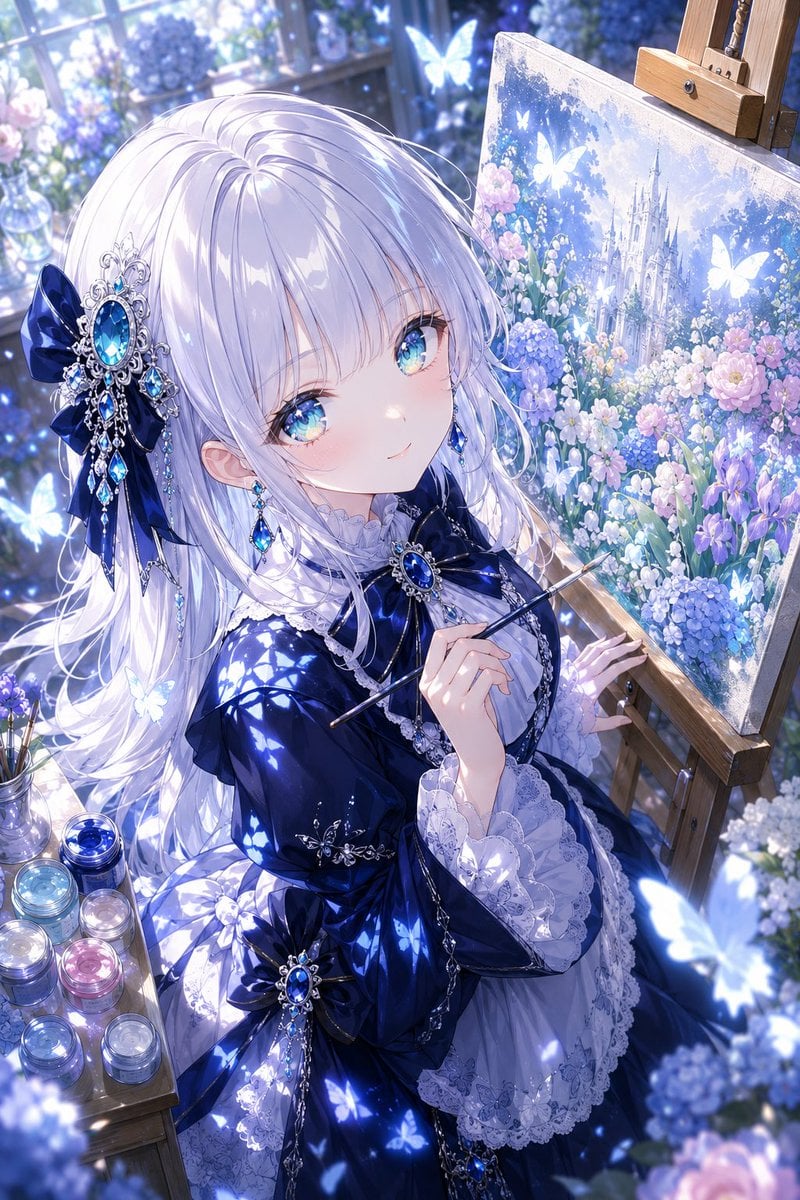
Anime Fantasy Painter in Blue Atelier
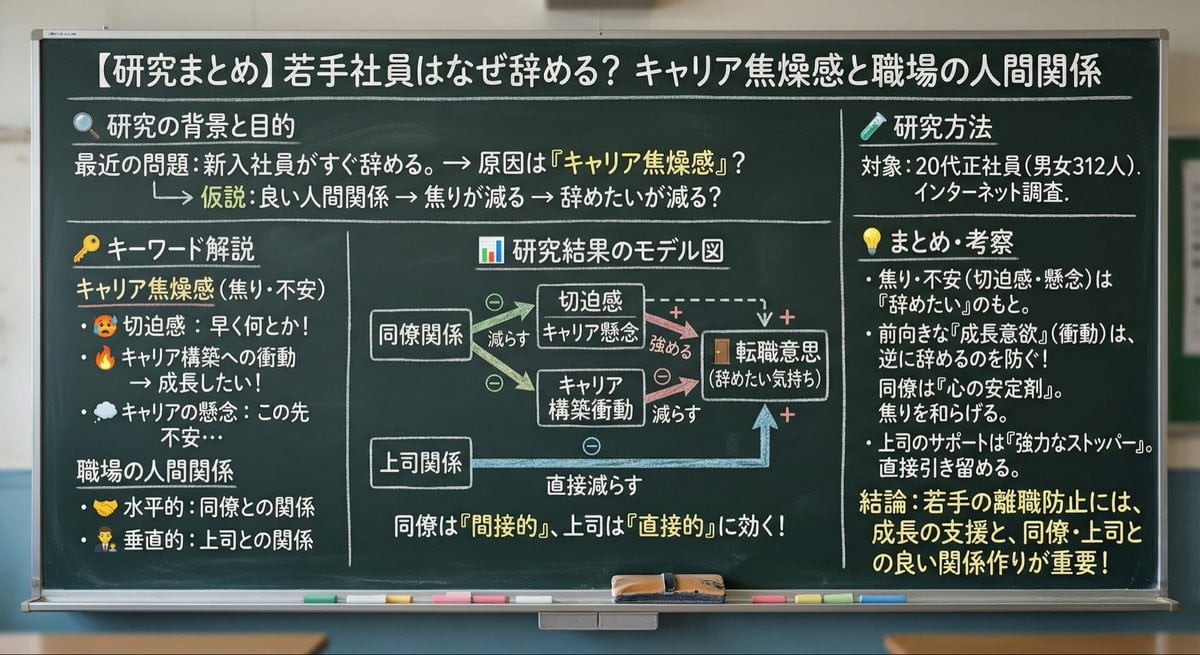
Blackboard summary of pasted content
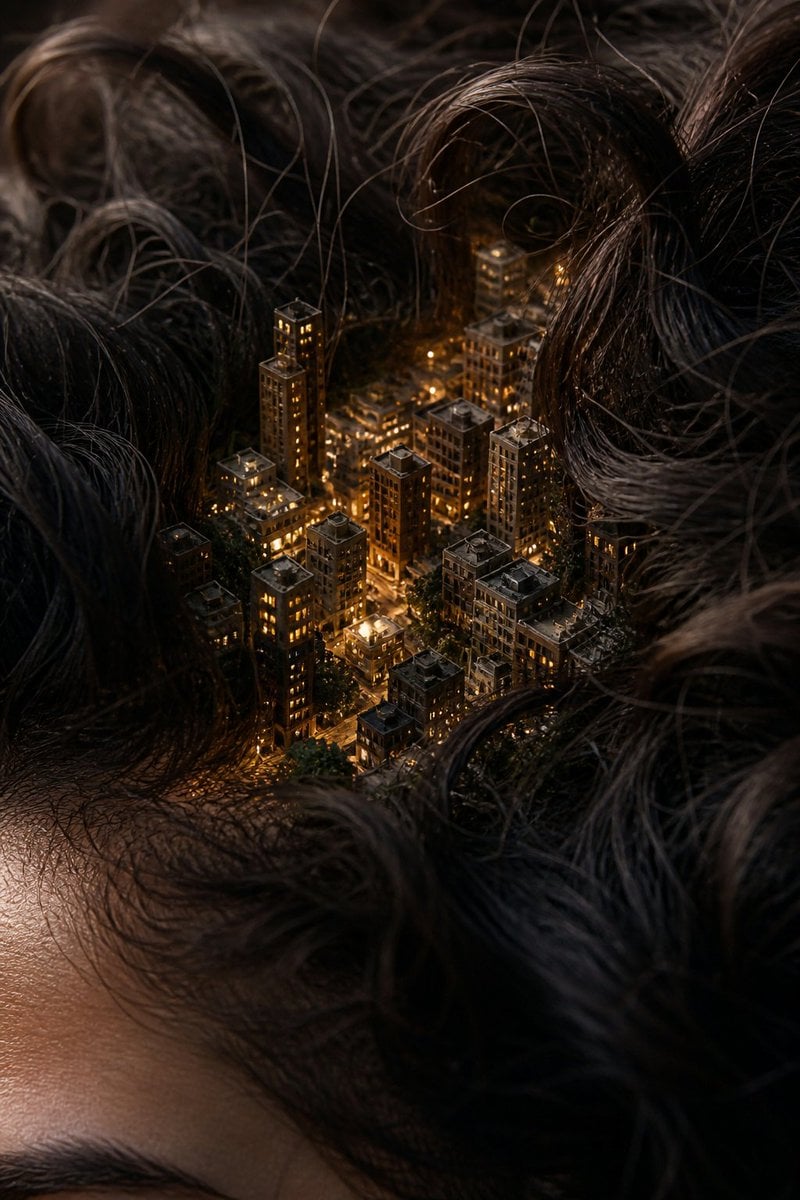
Miniature City Tiny Worlds

2025 Aesthetic Photography
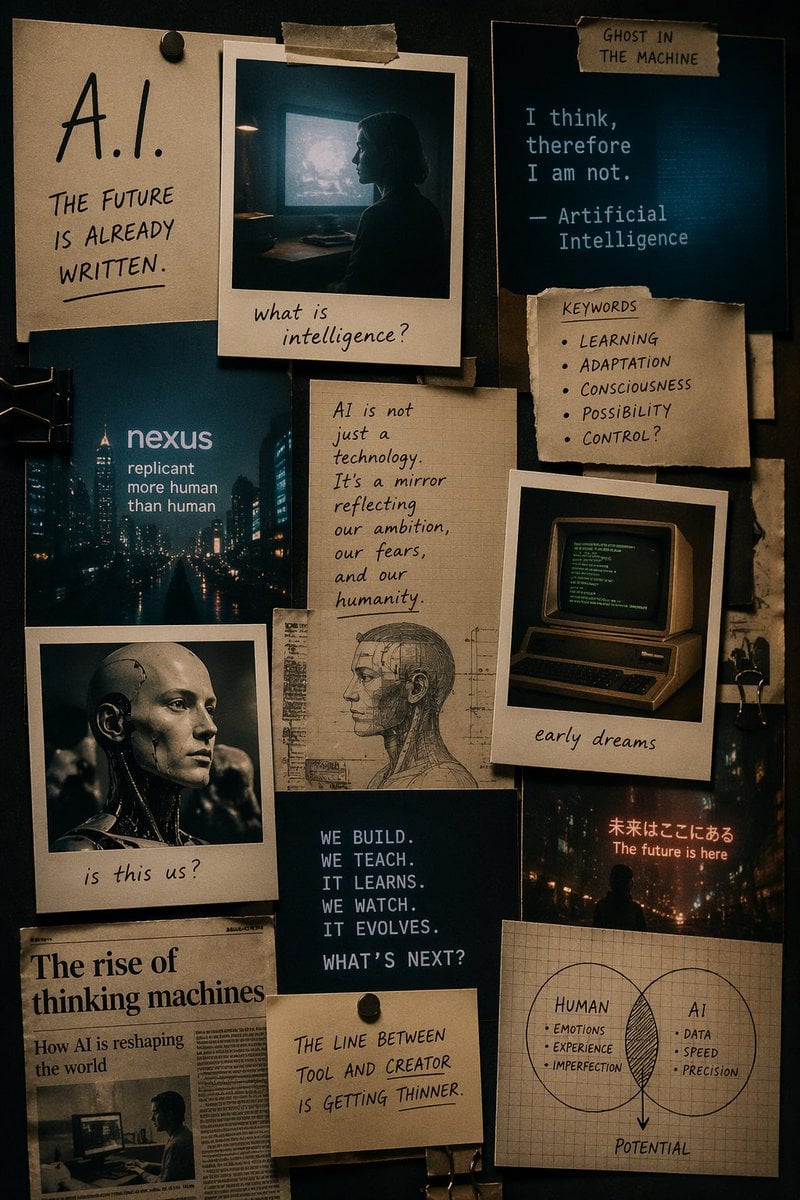
Cinematic AI mood board prompt
Medium Shot of Character Interacting with Floating Interface
Political Speaker in Provocative Military Uniform
2D Cel Animation - Seedance 2.0
Dragon Queen at Burning Sunset
Browse template categories
Gothic Anime Facial Expression Sheet questions
How do I use the Gothic Anime Facial Expression Sheet template?
Add your photo if the template asks for one, edit the prompt if you like — the template's model and format are already selected — and press Generate. Your version opens in PicX Studio.
Can I customize the Gothic Anime Facial Expression Sheet template?
Yes. You can change the subject, setting, lighting, mood, format, and available model controls before creating your image.
Is the Gothic Anime Facial Expression Sheet template free?
Opening and editing this template is free. Generating uses credits, shown on the Generate button when you are signed in.
Which AI model should I use?
Start with GPT Image 2, which is the model associated with this template. You can compare another compatible model for a different finish.
Looking for something else? Browse all templates.

Your photo, any look
Thousands of ready templates for every top image and video model, from one credit balance.