
Dragon Queen at Burning Sunset
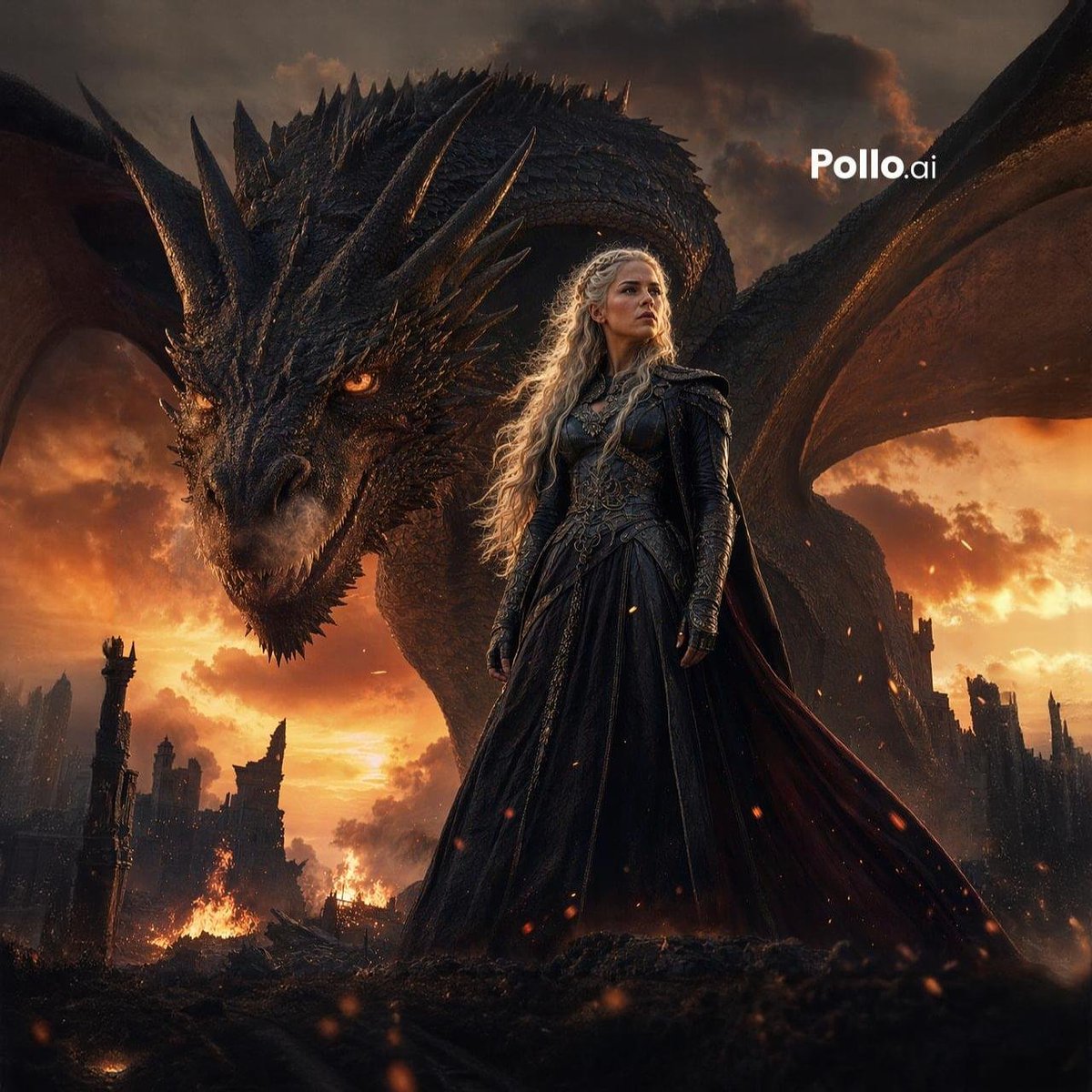
A photorealistic fantasy poster image of a silver-haired queen standing before a giant black dragon in a ruined city, ideal for cinematic book covers, promo art, or epic character key visuals.
- Prompt included
- Model and format preset
- Free template
The prompt behind this image
Copy the exact prompt behind Dragon Queen at Burning Sunset, or open it in the studio and make it yours.
A cinematic dark fantasy portrait of {argument name="character name" default="a silver-haired dragon queen"} standing in the foreground on blackened volcanic rubble, with an enormous black dragon looming protectively behind her. The woman wears an intricate floor-length black gown with armored detailing on the bodice and shoulders, long fitted sleeves, a high structured collar, and a heavy dark cape trailing to the right. Her hair is {argument name="hair color" default="platinum silver"}, extremely long, loose, and wavy, glowing softly in the firelight. Her face is intentionally obscured and indistinct, with no clear facial features. The dragon fills most of the background, with 2 large outstretched wings framing the scene, dense charcoal scales, many sharp horns and facial spikes, glowing amber eyes, and a massive curved neck arcing above the woman. Set in a ruined medieval city with burned stone towers and crumbling structures on both sides, active fires on the ground, drifting embers, smoke, and a blazing orange sunset sky with stormy clouds. Low-angle heroic composition, epic scale contrast between human and beast, ultra-detailed textures, photorealistic fantasy realism, dramatic rim lighting, fiery orange and black color palette, moody atmosphere, sharp focus on the queen and dragon, blockbuster poster aesthetic. Add the text {argument name="watermark text" default="Pollo.ai"} in clean white sans-serif near the upper right.
How to use Dragon Queen at Burning Sunset in 3 steps
- 1Upload ImagePNG, JPG or paste
Add your photo
Upload the photo the template builds on. The prompt, model and format are already set.
- 2…a portrait of your subject in softgolden-hour light, 85mm…
Personalize
Edit the subject and creative details for your destination.
- 3Generate
Generate
Press Generate — your image is created in PicX Studio, so you can compare it with the original and refine one variable at a time.
More like this
Templates with the same subject, style or setup. Open one to see its prompt.

Mountain Lake Sunset Landscape
Dragon and Burning Kingdom

Artistic Arborpunk Garden Observatory Complex

Minecraft Fantasy Kingdom Voxel Landscape
Dragon Queen in Black and Gold
Living Dragon Mural in Sunset Alley

Indian Village Cattle Herding — Nano Banana
Seedance - Dragon vs Python Battle
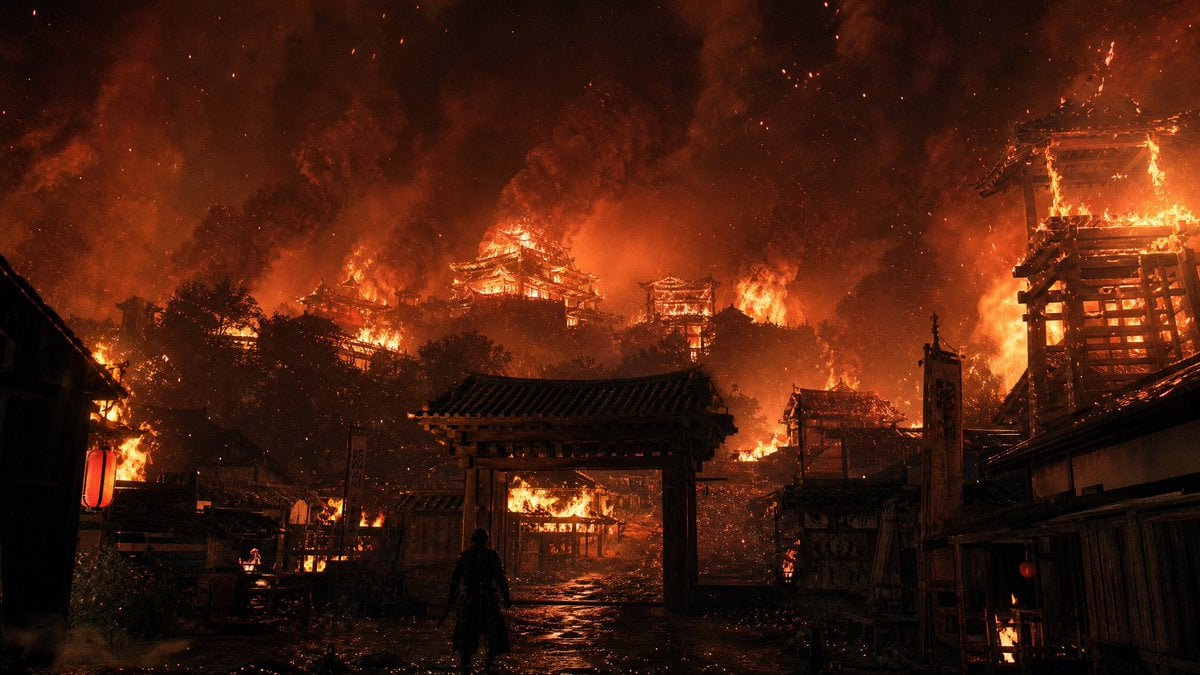
Burning Feudal Japanese Village
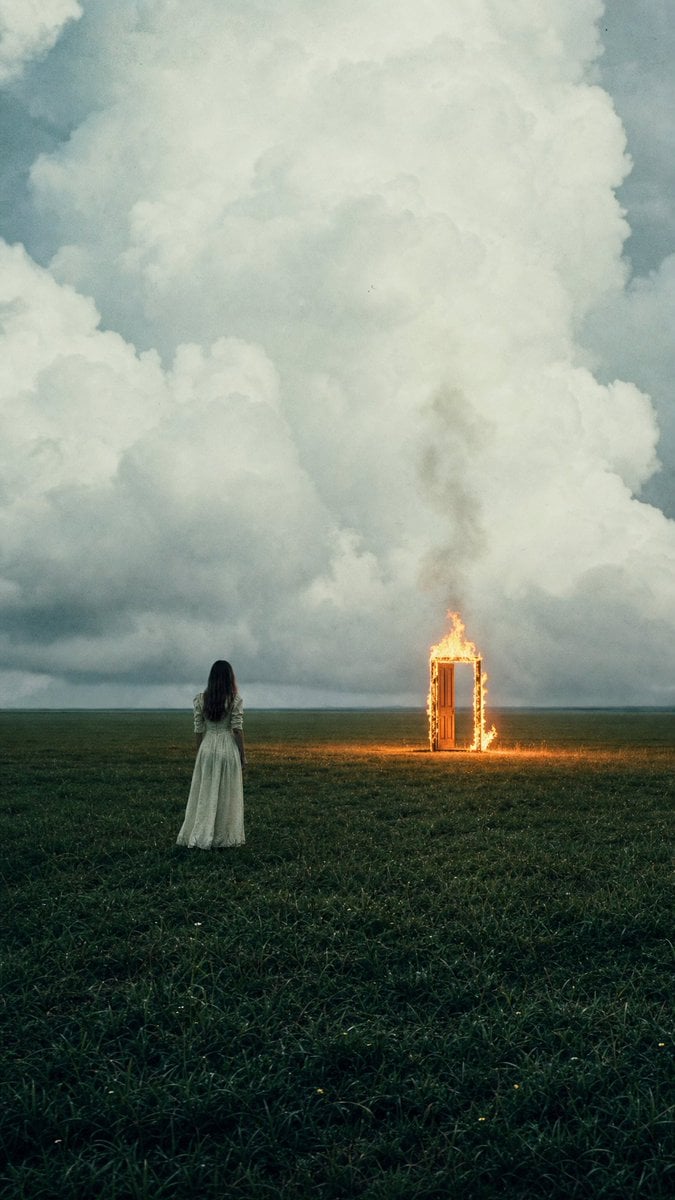
Woman Facing Burning Doorway

Burning Gothic Flood Escape
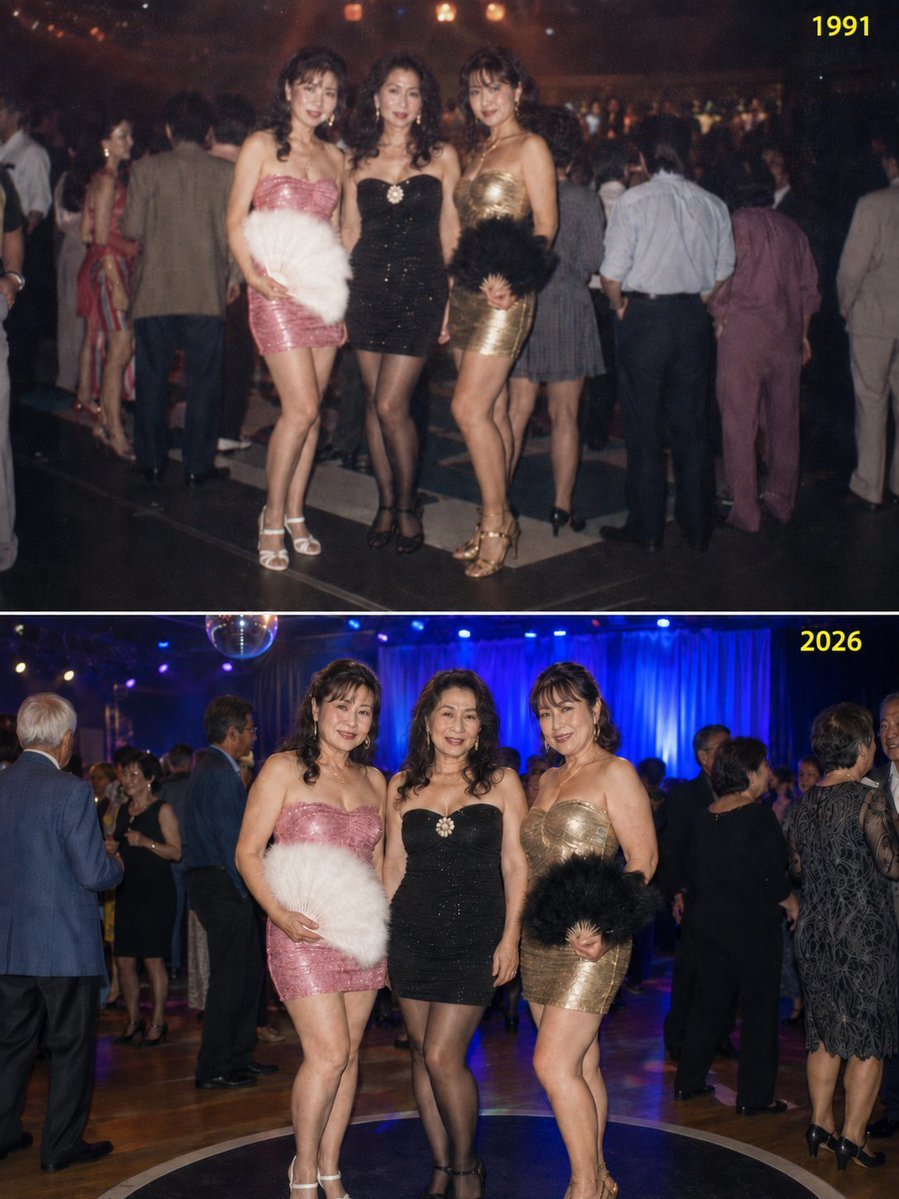
Disco Queens 35-Year Reunion
Make it yours
Dragon Queen at Burning Sunset works as-is. These are the safest ways to change it without losing the look.
Change one field
Copy a single group, rewrite it, and generate again so you can see what that field is doing.
Keep the frame, change the subject
Hold the composition and light of Dragon Queen at Burning Sunset, then swap wardrobe, props or the person for a new take.
| If the result… | Why | Fix |
|---|---|---|
| The result drifts from the preview | Too many fields changed at once. | Reuse Dragon Queen at Burning Sunset as-is first, then change one group — subject, light, or setting. |
| The model over-stylizes the scene | The prose prompt leaves finish and camera underspecified. | Add one camera or lighting sentence and stay on GPT Image 2. |
More GPT Image 2 templates
Other prompts made for GPT Image 2.

Six VTuber Japanese Logo Sheet

Realistic Portrait of Woman and Deer

The Vista Modular Condo Poster

AI Model Routing Comparison Infographic

2.5D Anime Art Board

Isometric Productivity Desk Scene

New York Double Exposure Poster

Four-Panel AI Landscape Comparison

Japanese Tatami Lifestyle Magazine Cover

NESCAFÉ Coffee Map Poster
More image prompts
Fresh picks from across the catalog.
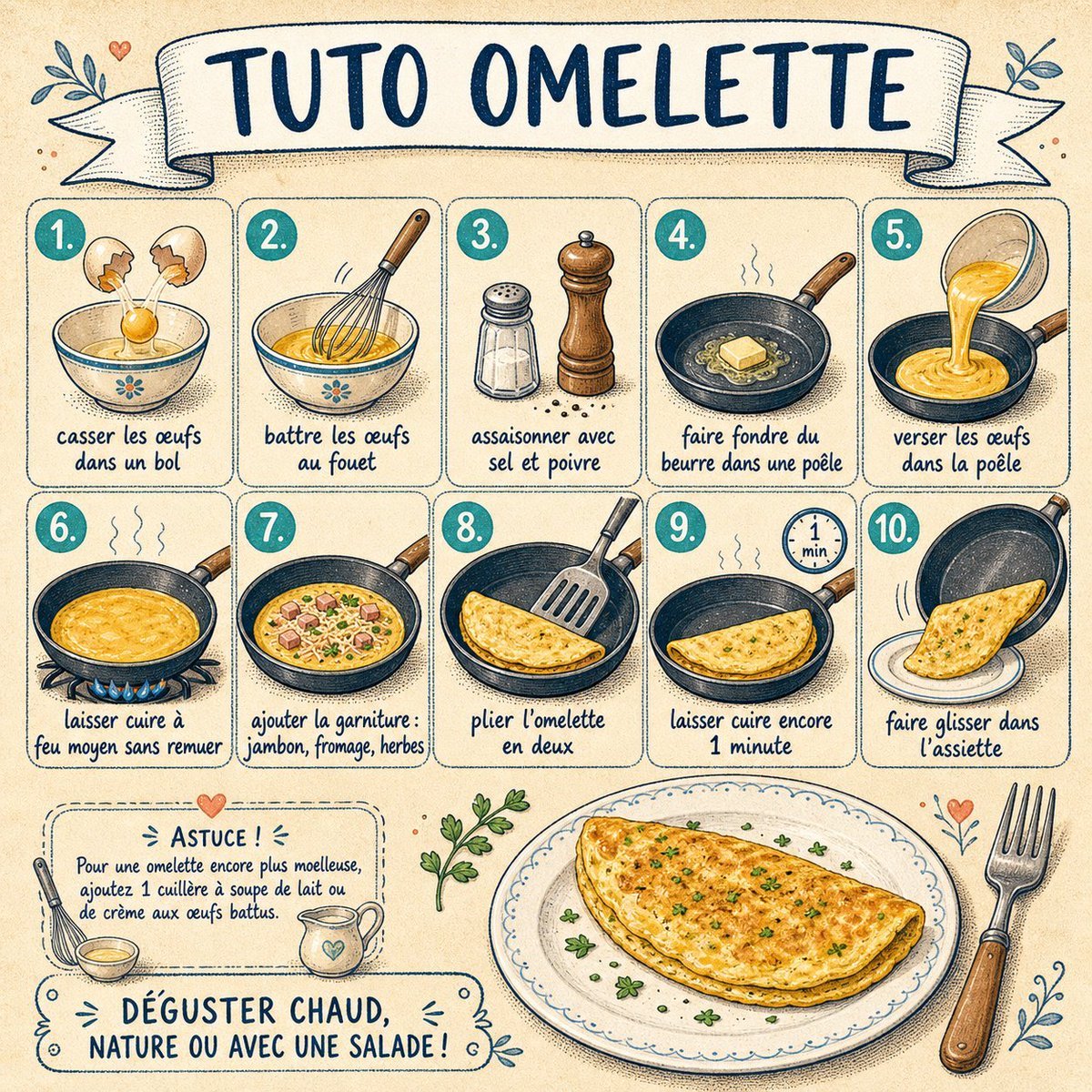
French Omelette Tutorial Poster
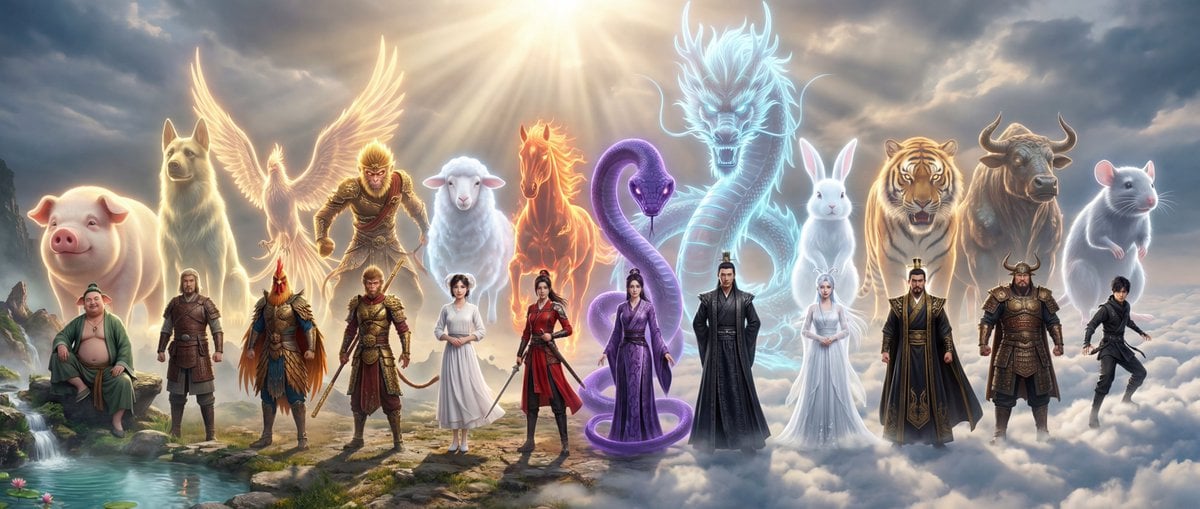
Epic Chinese Fantasy Zodiac Deities Prompt (12 Characters)
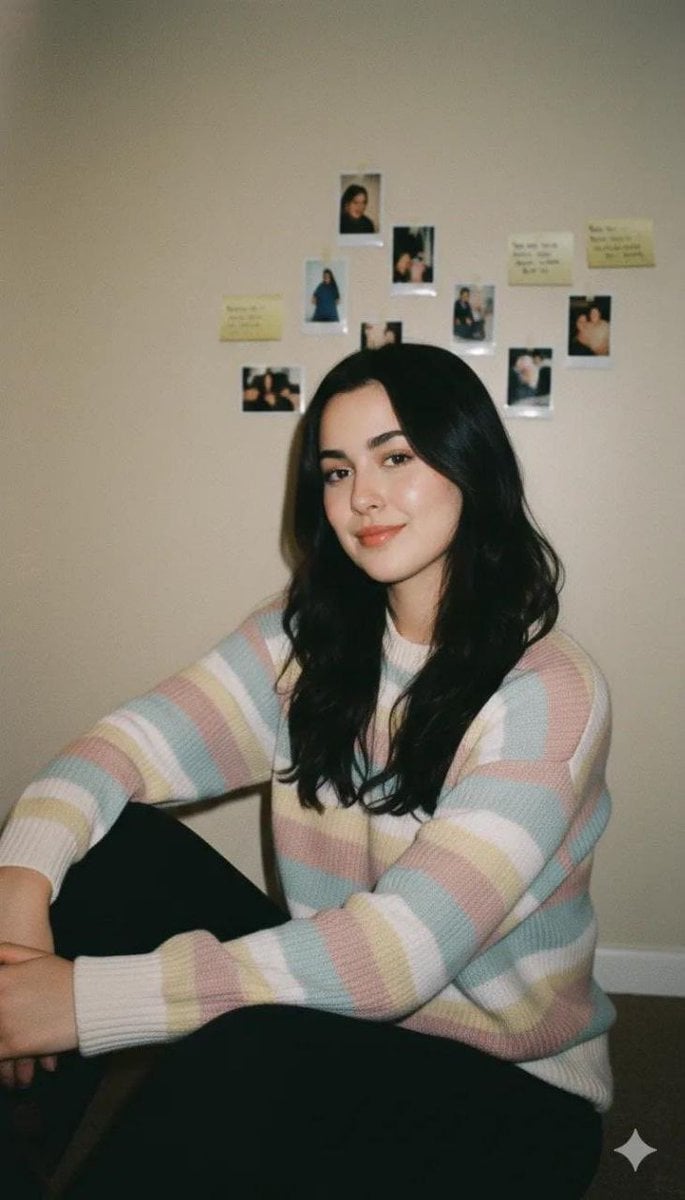
Cozy Vintage Indoor Lifestyle Portrait Prompt

Sauna builders blueprint from reference photo
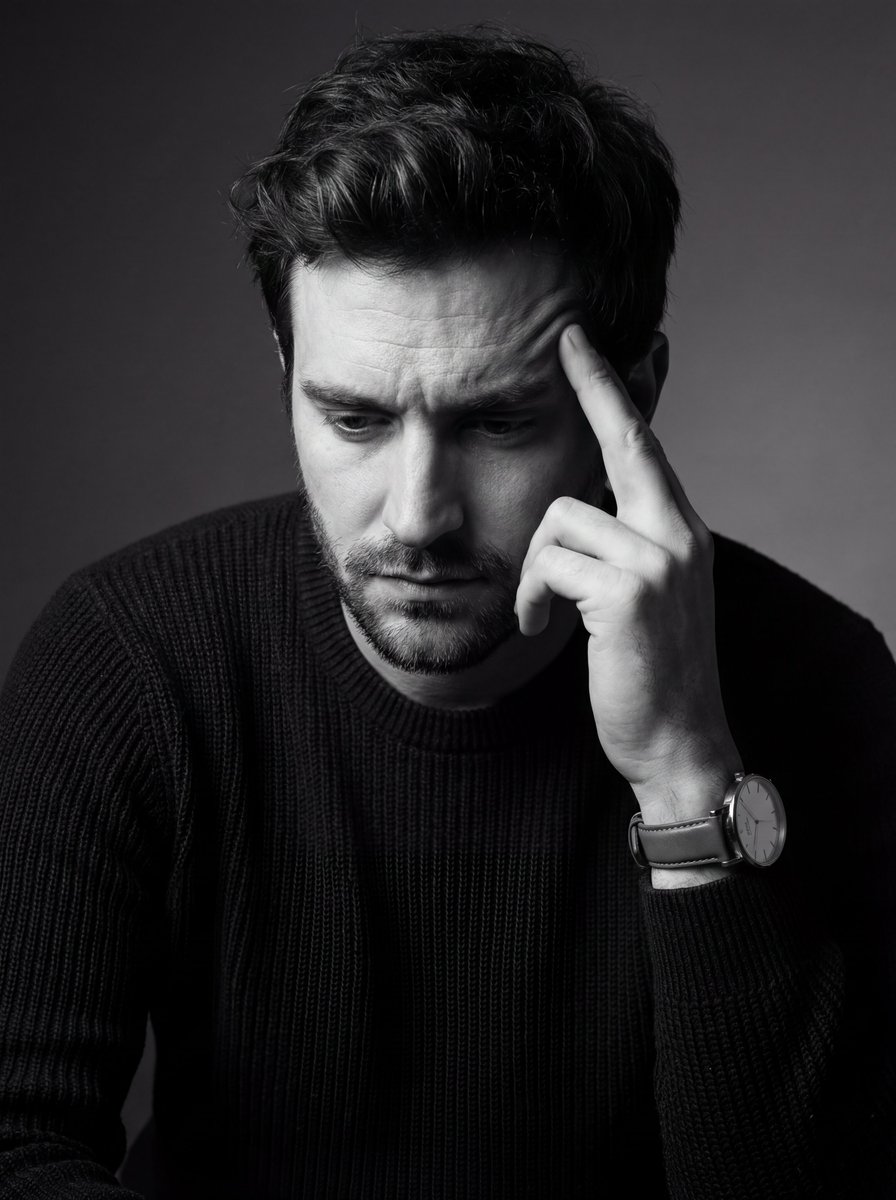
Monochrome Fine Art Portrait with Low-Key Lighting
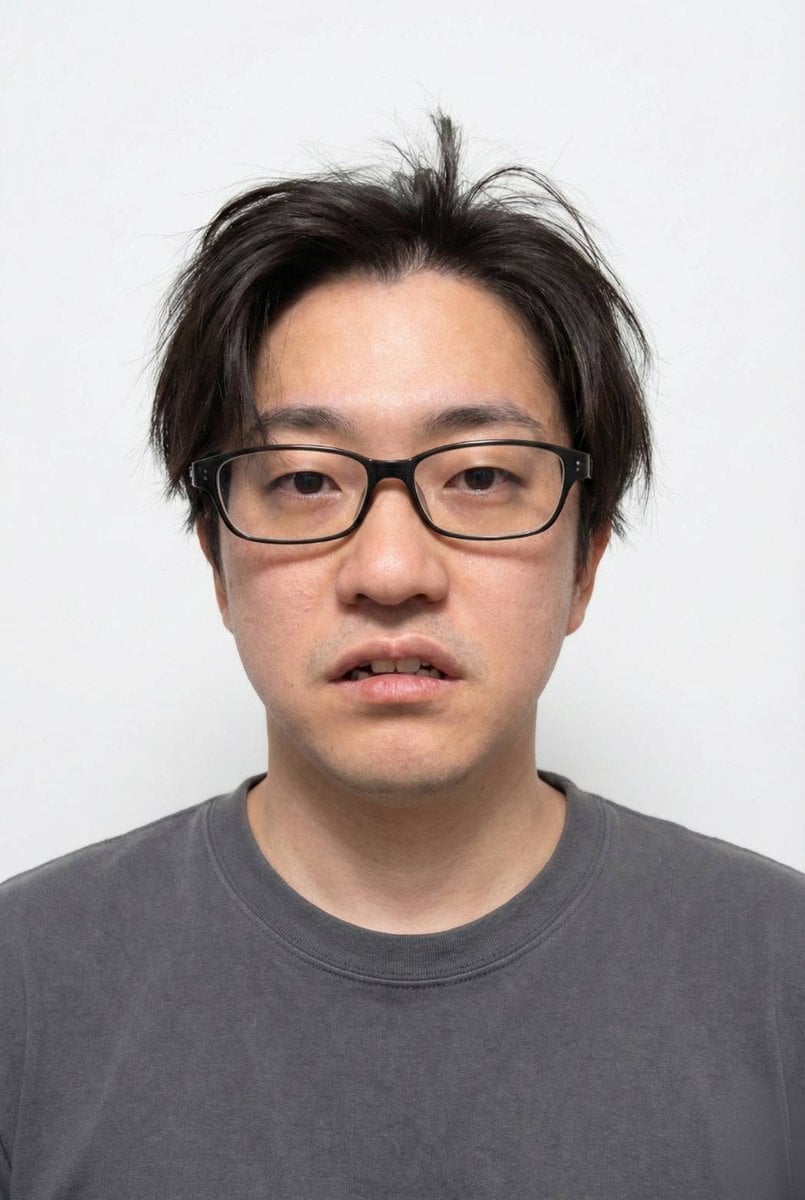
Panel Grid Layout for Portrait Photography with Detailed JSON Prompt

ASCII Layout Landing Page Generator
Backlit Anime Girl with Cat

Luxury Football Fan Editorial
Cinematic Urban Night Scene with Digital Billboard
Browse template categories
Dragon Queen at Burning Sunset questions
How do I use the Dragon Queen at Burning Sunset template?
Add your photo if the template asks for one, edit the prompt if you like — the template's model and format are already selected — and press Generate. Your version opens in PicX Studio.
Can I customize the Dragon Queen at Burning Sunset template?
Yes. You can change the subject, setting, lighting, mood, format, and available model controls before creating your image.
Is the Dragon Queen at Burning Sunset template free?
Opening and editing this template is free. Generating uses credits, shown on the Generate button when you are signed in.
Which AI model should I use?
Start with GPT Image 2, which is the model associated with this template. You can compare another compatible model for a different finish.
Looking for something else? Browse all templates.

Your photo, any look
Thousands of ready templates for every top image and video model, from one credit balance.