
Backlit Anime Girl with Cat
A dreamy watercolor anime illustration of a windblown girl walking with a black cat through a glowing pastel city scene.
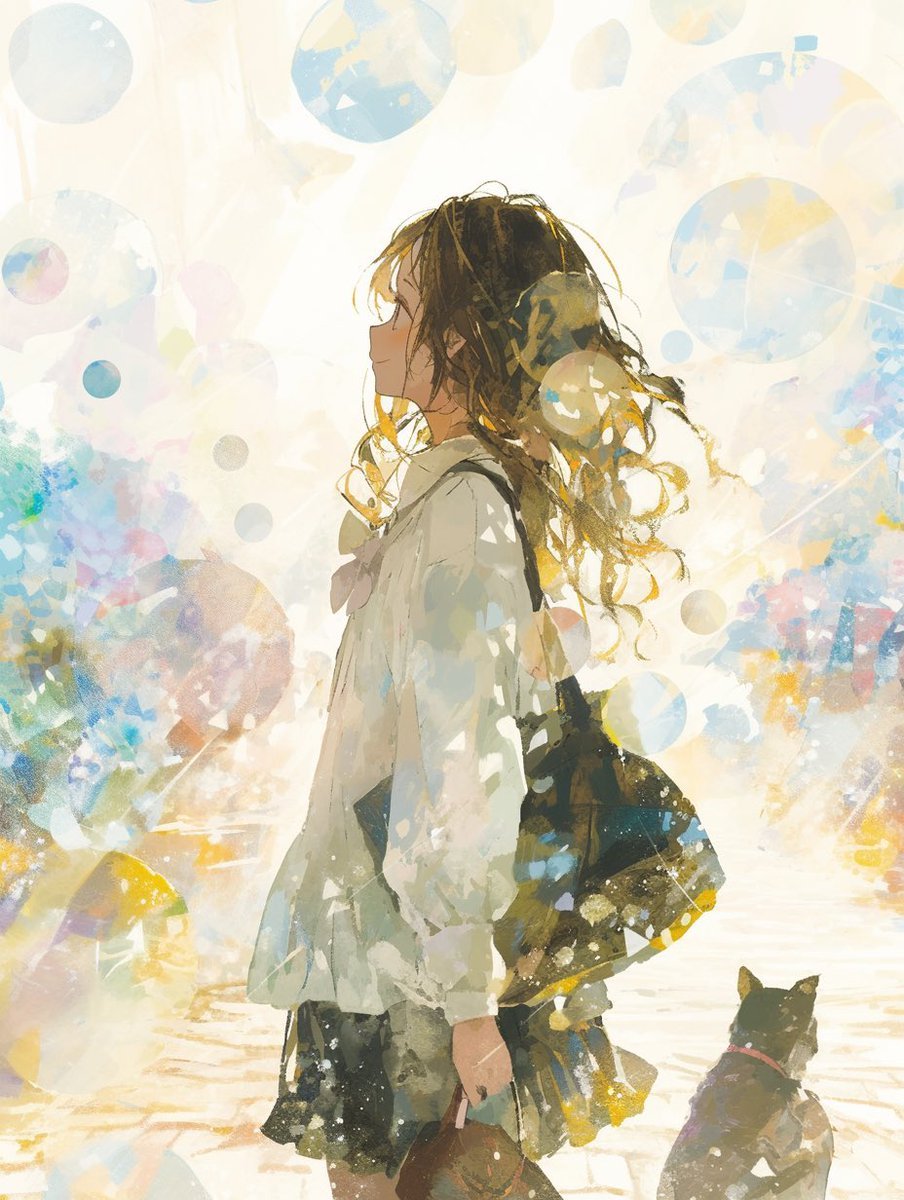
- Prompt included
- Model and format preset
- Free template
The prompt behind this image
Copy the exact prompt behind Backlit Anime Girl with Cat, or open it in the studio and make it yours.
Create a luminous vertical anime-style illustration of a young woman in side profile walking through a bright, dreamlike city street with her small black cat companion. The girl is centered slightly left, shown from about mid-thigh up to full body crop, facing left with a calm, introspective expression. She has long, messy, windblown {argument name="hair color" default="dark brown hair with golden sunlit ends"}, loose curls and strands around her face, and wears an oversized {argument name="outerwear" default="white loose jacket or blouse"} over a dark skirt. A large dark shoulder bag hangs from her right shoulder at her side, and she loosely holds a small rounded handbag near her thigh. At the lower right, include exactly one small black cat sitting or walking beside her, wearing a subtle red collar and looking upward or forward. Use a high-key backlit composition with the sun behind her head and hair, creating glowing rim light, translucent highlights, and a washed-out cream-white atmosphere. Surround the scene with many soft floating translucent circles and bokeh-like bubbles in pale blue, yellow, peach, and gray, layered over the foreground and background like watercolor stains. The background should suggest a bright pedestrian street or plaza with only vague architectural shapes and watercolor splashes, not detailed buildings. Style: delicate Japanese anime illustration, painterly watercolor and gouache texture, loose expressive brushwork, pastel color splashes, soft edges, airy composition, emotional and poetic mood, no text, no border, no watermark.
How to use Backlit Anime Girl with Cat in 3 steps
- 1Upload ImagePNG, JPG or paste
Add your photo
Upload the photo the template builds on. The prompt, model and format are already set.
- 2…a portrait of your subject in softgolden-hour light, 85mm…
Personalize
Edit the subject and creative details for your destination.
- 3Generate
Generate
Press Generate — your image is created in PicX Studio, so you can compare it with the original and refine one variable at a time.
More like this
Templates with the same subject, style or setup. Open one to see its prompt.

Anime Catgirl in Chinese Ink Landscape

Teen Girl Alpine Lake Mountain View

Cat-Eared Kimono Girl

Surreal Cat Astronaut — Humanoid Face Freefall

Cel 2D Finale Fireworks

Cel 2D Garden Maze

Cel 2D Rooftop Concert

Cel 2D Bicycle Coast

Cel 2D Castle Gate

Cel 2D Kitchen Chaos

Cel 2D Carnival Ride

Cel 2D Rainy Bus Stop
Make it yours
Backlit Anime Girl with Cat works as-is. These are the safest ways to change it without losing the look.
Change one field
Copy a single group, rewrite it, and generate again so you can see what that field is doing.
Keep the frame, change the subject
Hold the composition and light of Backlit Anime Girl with Cat, then swap wardrobe, props or the person for a new take.
| If the result… | Why | Fix |
|---|---|---|
| The result drifts from the preview | Too many fields changed at once. | Reuse Backlit Anime Girl with Cat as-is first, then change one group — subject, light, or setting. |
| The model over-stylizes the scene | The prose prompt leaves finish and camera underspecified. | Add one camera or lighting sentence and stay on GPT Image 2. |
More GPT Image 2 templates
Other prompts made for GPT Image 2.

Six VTuber Japanese Logo Sheet

Realistic Portrait of Woman and Deer

The Vista Modular Condo Poster

AI Model Routing Comparison Infographic

2.5D Anime Art Board

Isometric Productivity Desk Scene

New York Double Exposure Poster

Four-Panel AI Landscape Comparison

Japanese Tatami Lifestyle Magazine Cover

NESCAFÉ Coffee Map Poster
More image prompts
Fresh picks from across the catalog.
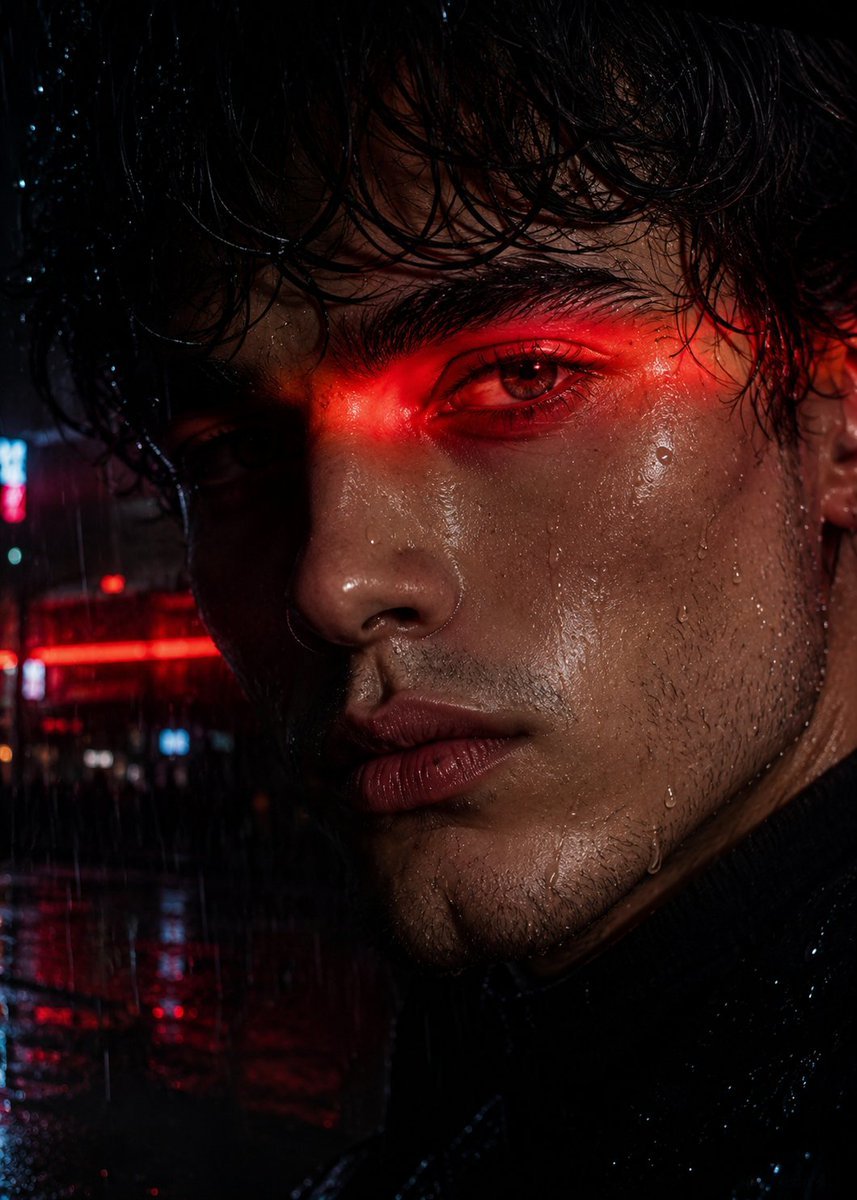
Neo-Noir Close-up Portrait
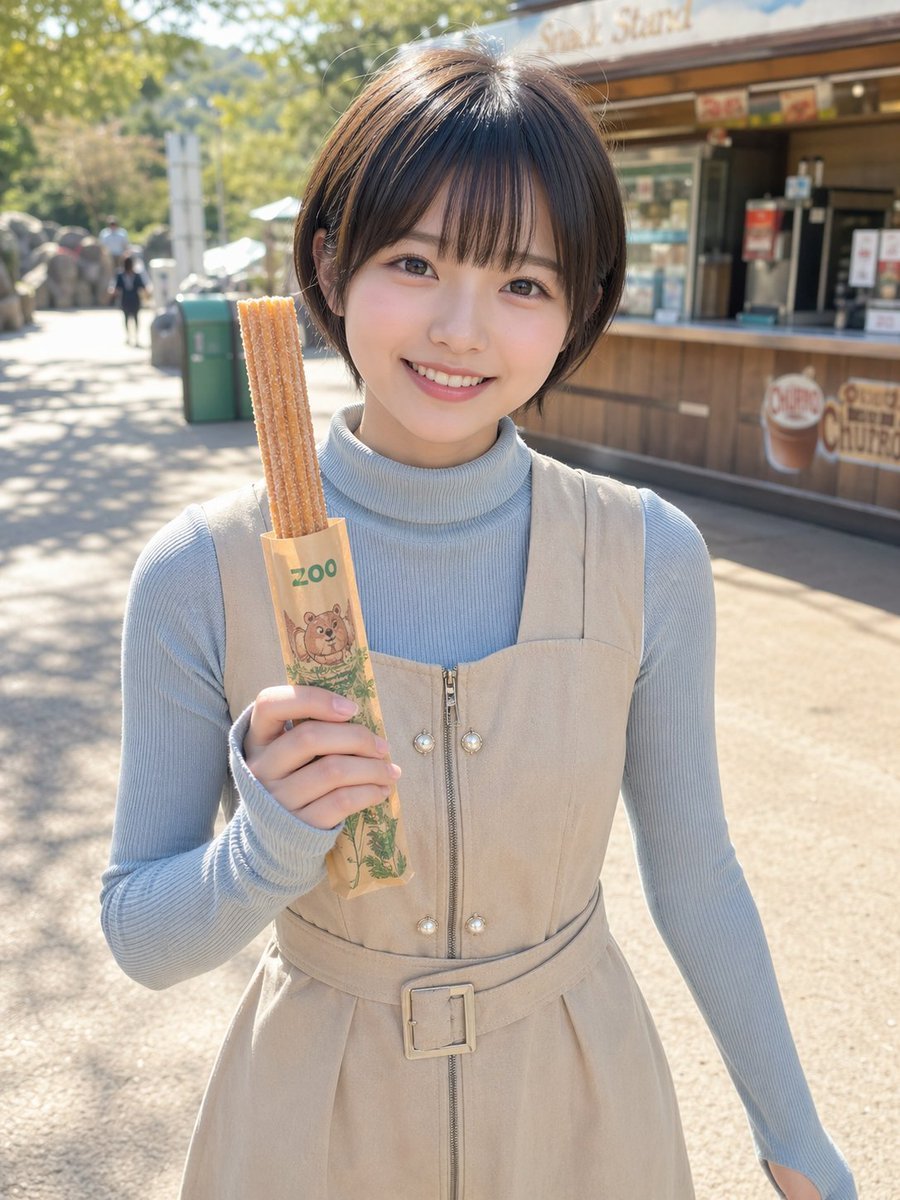
Zoo Churro Portrait Photo
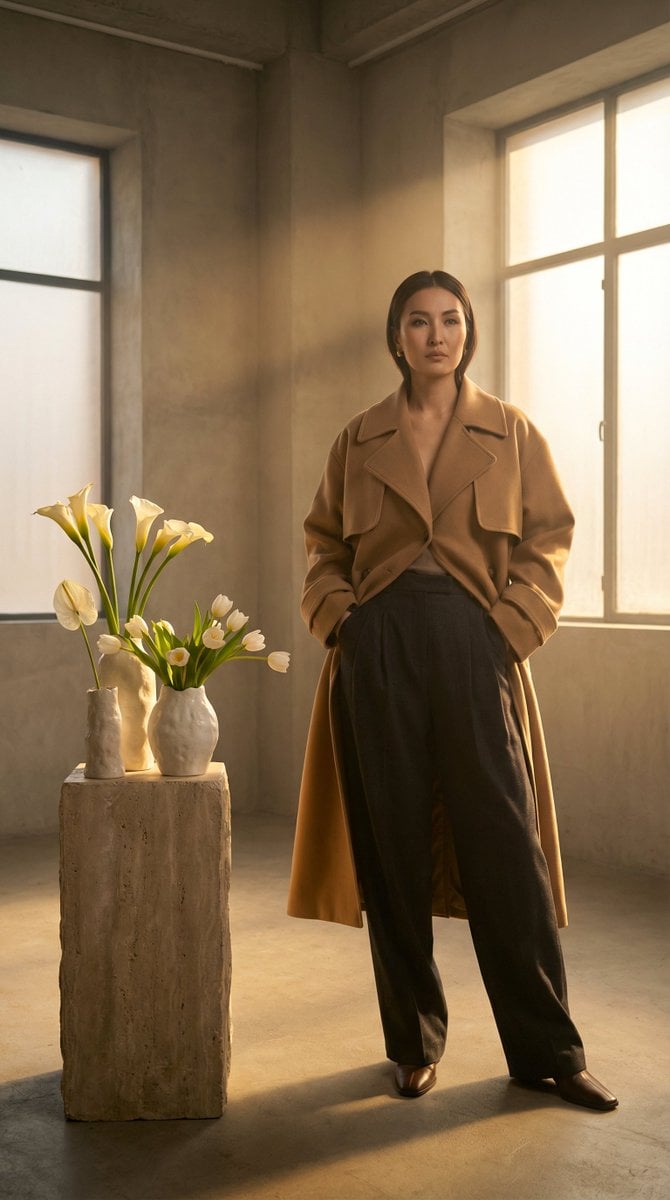
High-Fashion Kazakh Model Editorial Prompt
Golden Hour Beach Fashion Portrait
Hyper-Realistic POV Selfie with Bedhead Aesthetic
Japanese Fashion Point Poster Edit
Colossal Optimus Prime and Human Cinematic Photo Prompt
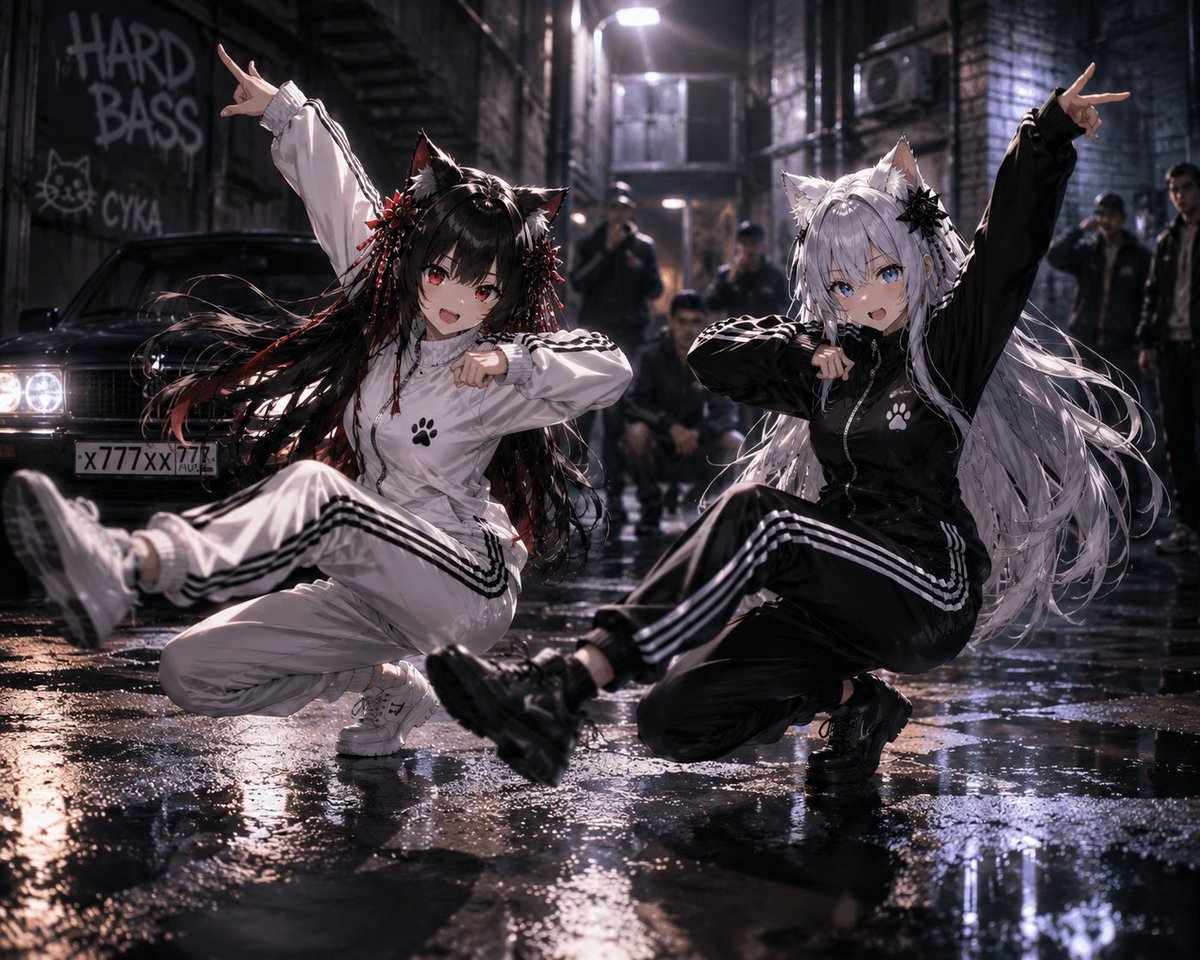
Catgirl Hardbass Alley Dancers
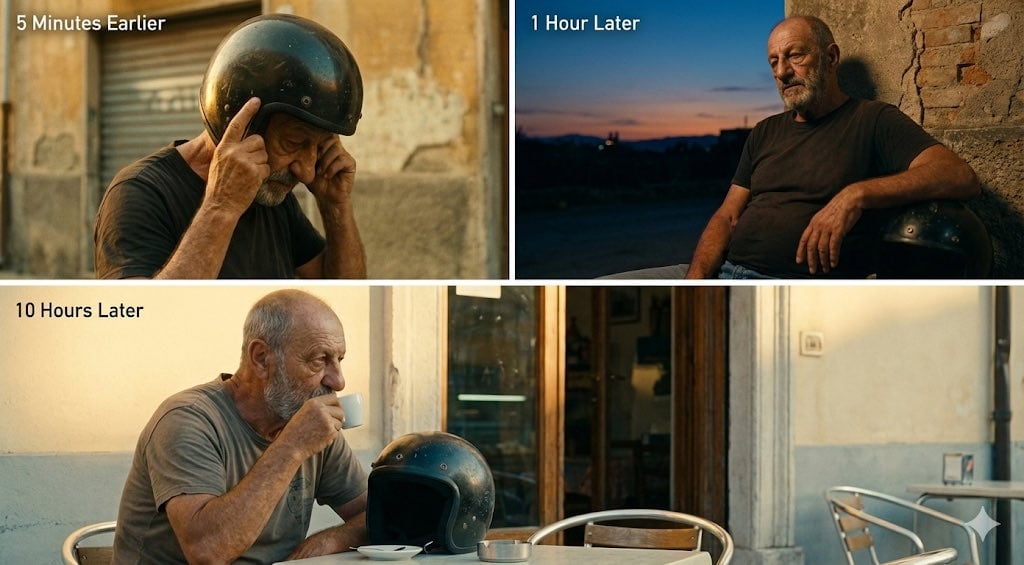
Time-Shifted Image Generation Prompt
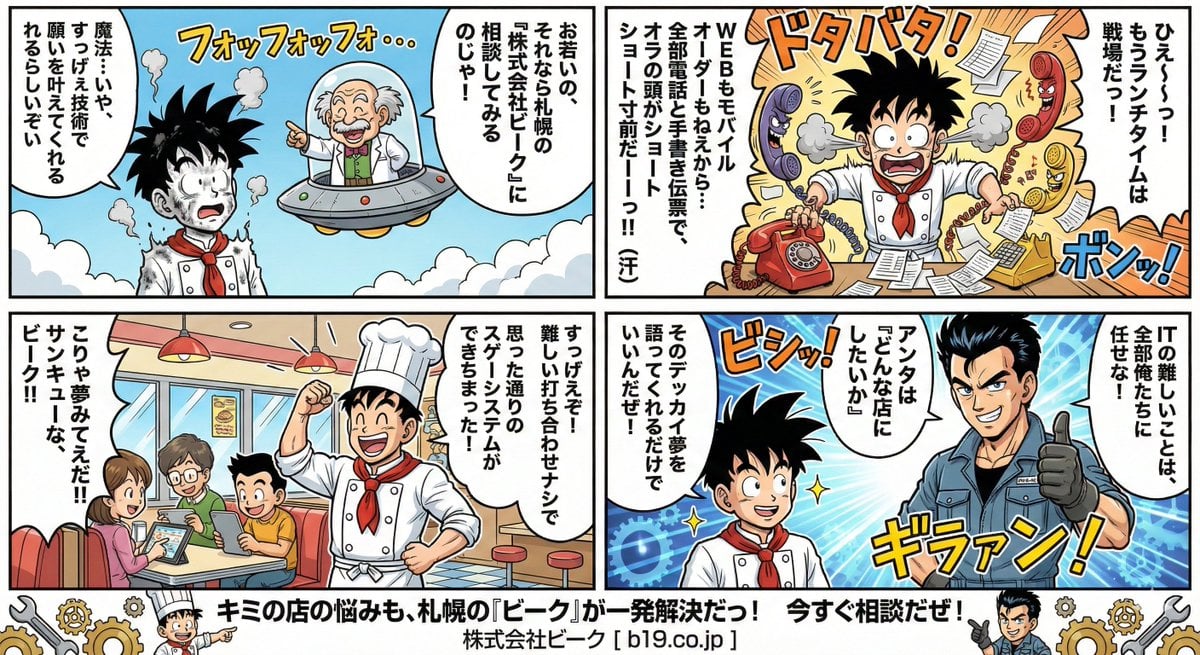
Manga Style Transfer Prompt (Toriyama Akira and Igarashi Yumiko)
Browse template categories
Backlit Anime Girl with Cat questions
How do I use the Backlit Anime Girl with Cat template?
Add your photo if the template asks for one, edit the prompt if you like — the template's model and format are already selected — and press Generate. Your version opens in PicX Studio.
Can I customize the Backlit Anime Girl with Cat template?
Yes. You can change the subject, setting, lighting, mood, format, and available model controls before creating your image.
Is the Backlit Anime Girl with Cat template free?
Opening and editing this template is free. Generating uses credits, shown on the Generate button when you are signed in.
Which AI model should I use?
Start with GPT Image 2, which is the model associated with this template. You can compare another compatible model for a different finish.
Looking for something else? Browse all templates.

Your photo, any look
Thousands of ready templates for every top image and video model, from one credit balance.