
Catgirl Hardbass Alley Dancers
Generates a cinematic wet-alley street dance scene with two mirrored cat-eared dancers in contrasting tracksuits for stylized anime-photoreal urban art.
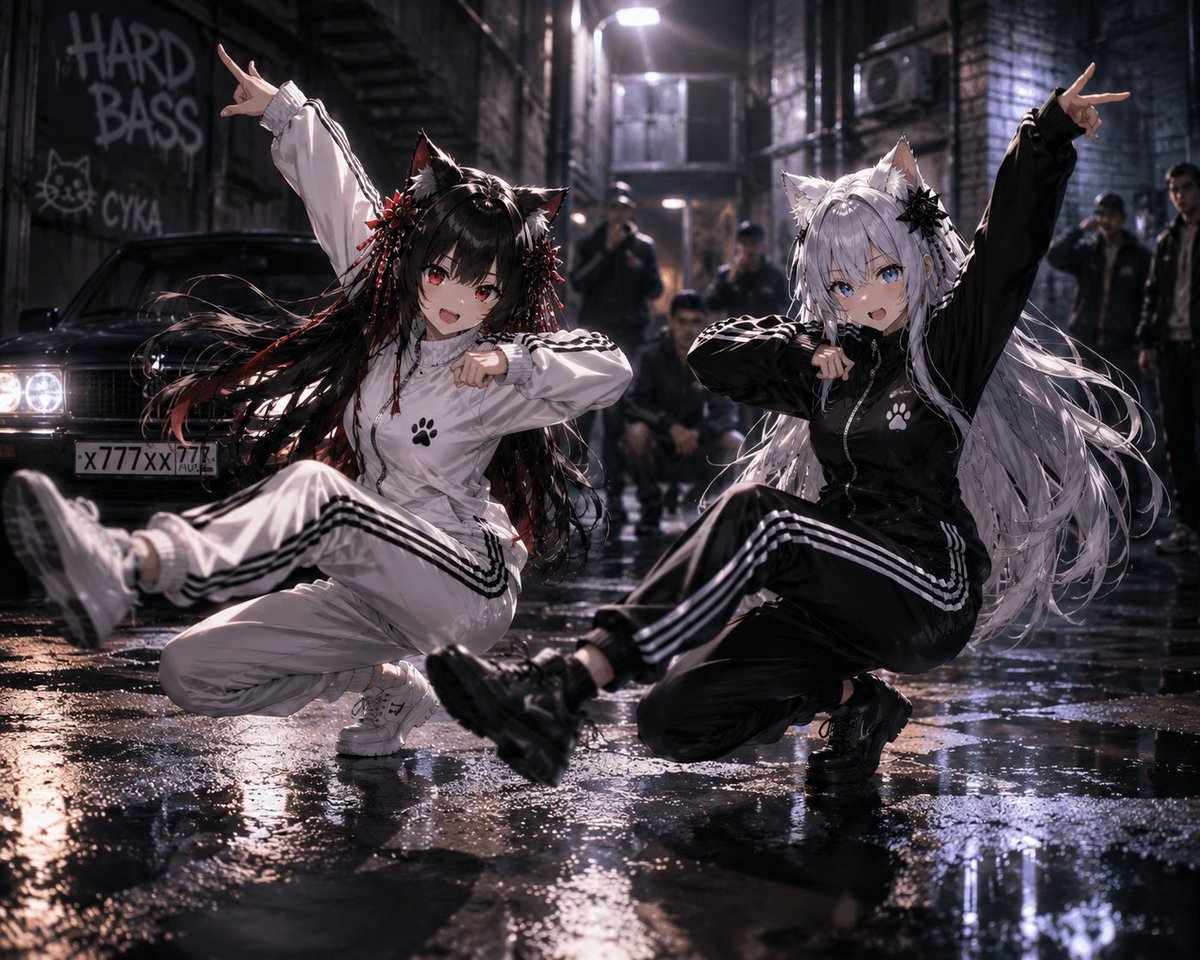
- Prompt included
- Model and format preset
- Free template
The prompt behind this image
Copy the exact prompt behind Catgirl Hardbass Alley Dancers, or open it in the studio and make it yours.
Create a cinematic photorealistic urban night scene in a narrow wet brick alley after rain, with exactly two young anime-inspired cat-eared female street dancers as the main subjects, both faces obscured by soft square blur blocks. The left dancer wears a {argument name="left outfit color" default="white"} zip-up tracksuit with black triple side stripes, white sneakers, a small black paw-print emblem on the chest, black cat ears, and very long black hair with red streaks, red bead tassels, and floral hair ornaments; she is squatting low in a dynamic breakdance pose with one leg kicked toward the camera, one arm raised in a hand sign, and the other arm bent across her face. The right dancer wears a {argument name="right outfit color" default="black"} zip-up tracksuit with white triple side stripes, black chunky shoes, a white paw-print emblem on the chest, white cat ears, and extremely long flowing silver-white hair with black floral hair ornaments; she mirrors the same low squat dance pose with one leg extended forward, one arm raised in a hand sign, and the other arm bent across her face. Include exactly five blurred background onlookers in dark streetwear: one standing in the center distance, one crouching behind the dancers, one small figure between them, and two figures on the far right. Place a dark old sedan on the left with bright headlights and a visible Russian-style license plate, beside graffiti reading {argument name="graffiti text" default="HARD BASS"} and {argument name="secondary graffiti" default="CYKA"} with a simple cat doodle. The alley should have black brick walls, metal fire escapes, overhead industrial lamps, misty backlight, puddles, glossy reflections, dramatic rim lighting, shallow depth of field, motion blur in the kicking shoes and flying hair, high-contrast cyberpunk street photography, ultra-detailed fabric folds, wet asphalt texture, and a low wide-angle camera viewpoint at ground level. Use a gritty but polished 2026 AI-image aesthetic, realistic lighting, 4:3 composition, no extra main characters, no readable text besides the graffiti and license plate.
How to use Catgirl Hardbass Alley Dancers in 3 steps
- 1Upload ImagePNG, JPG or paste
Add your photo
Upload the photo the template builds on. The prompt, model and format are already set.
- 2…a portrait of your subject in softgolden-hour light, 85mm…
Personalize
Edit the subject and creative details for your destination.
- 3Generate
Generate
Press Generate — your image is created in PicX Studio, so you can compare it with the original and refine one variable at a time.
More like this
Templates with the same subject, style or setup. Open one to see its prompt.
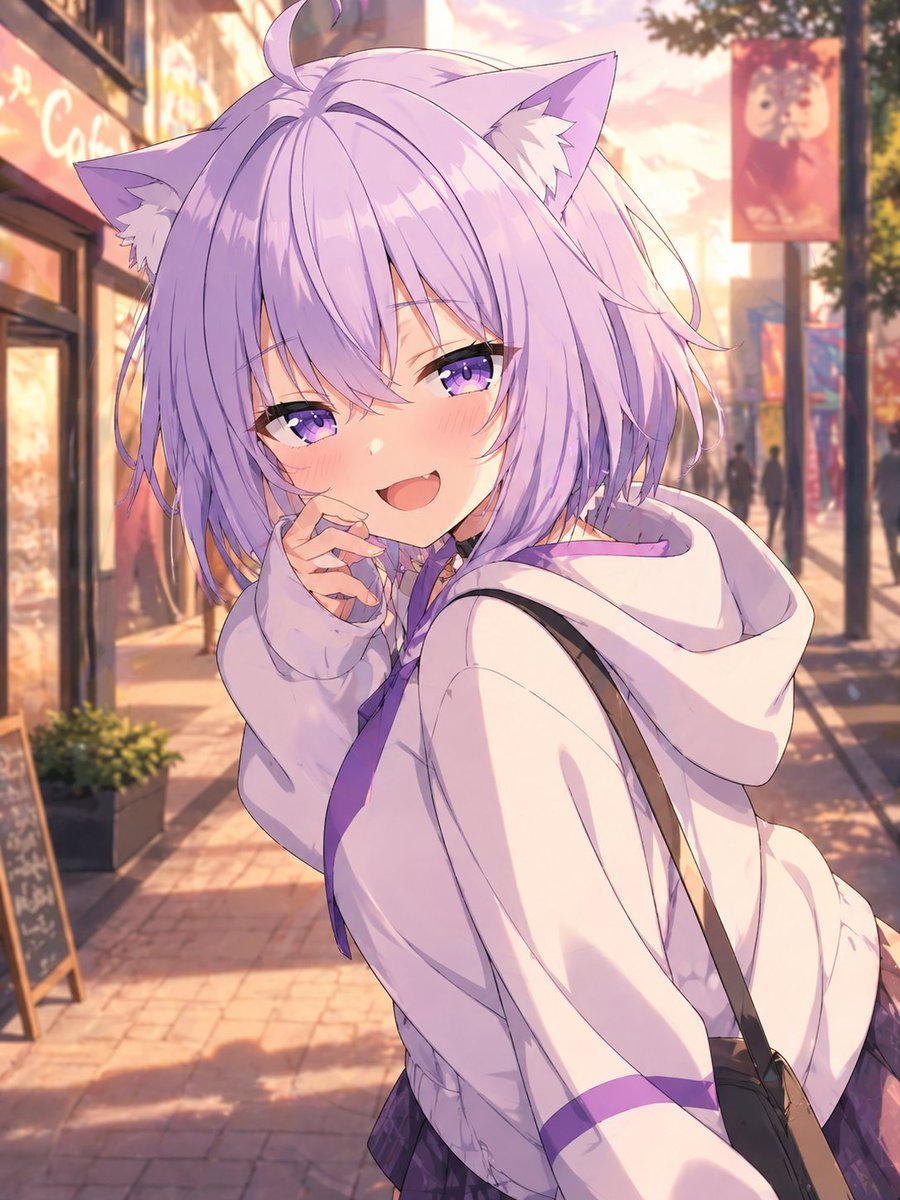
Lavender Catgirl at Sunset Street
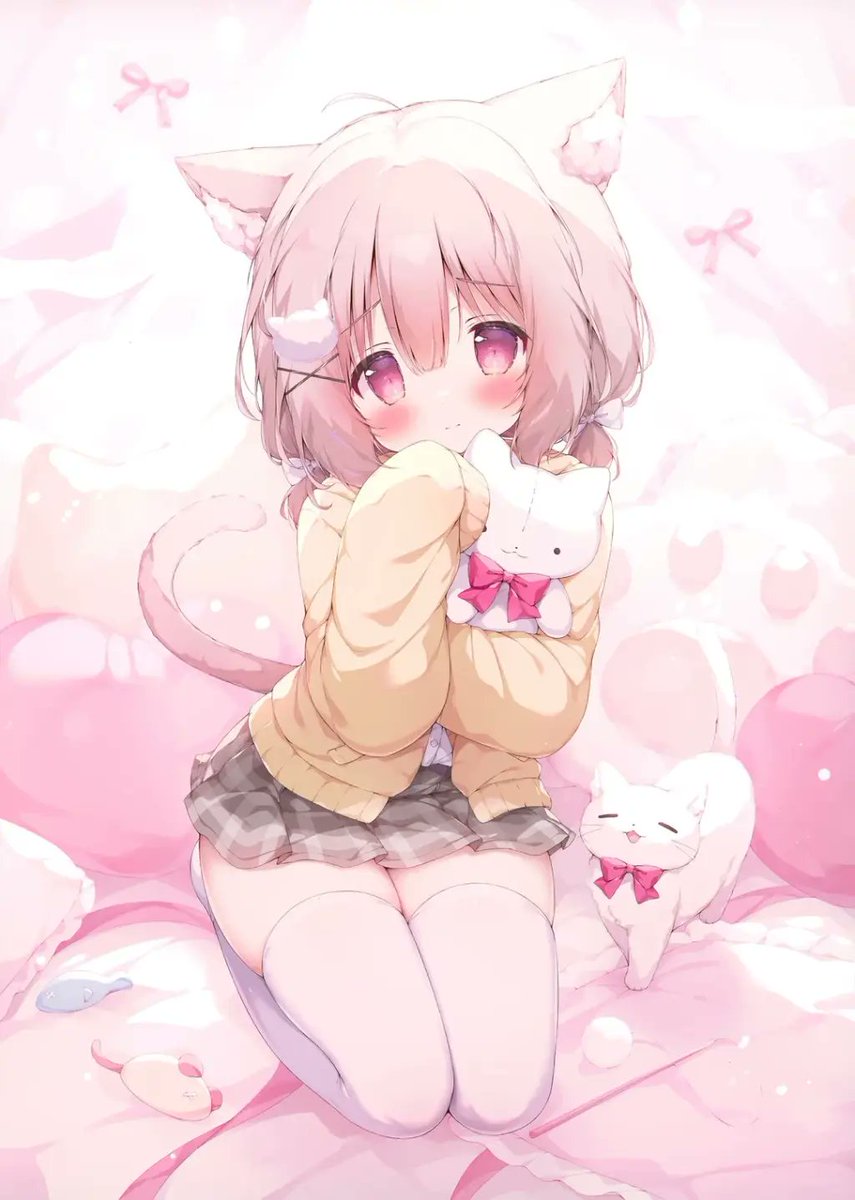
Pastel Shy Catgirl Bedroom

Anime Catgirl in Chinese Ink Landscape
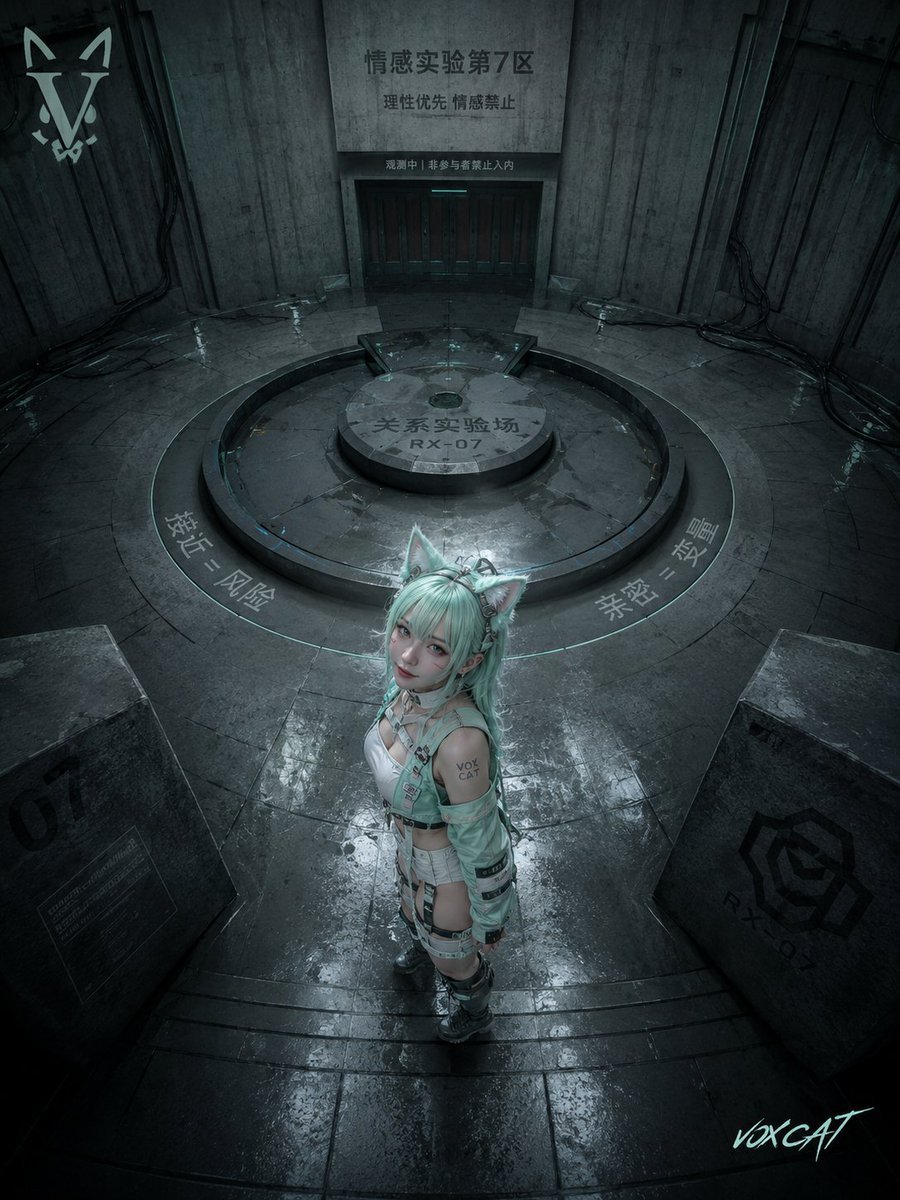
Overhead Sci-Fi Catgirl Test Yard
Chibi Catgirl Acrylic Charm Display
Neon Catgirl Soda Ad
Neon Catgirl Soda Burst
Catgirl Maid Free Wallpaper Banner
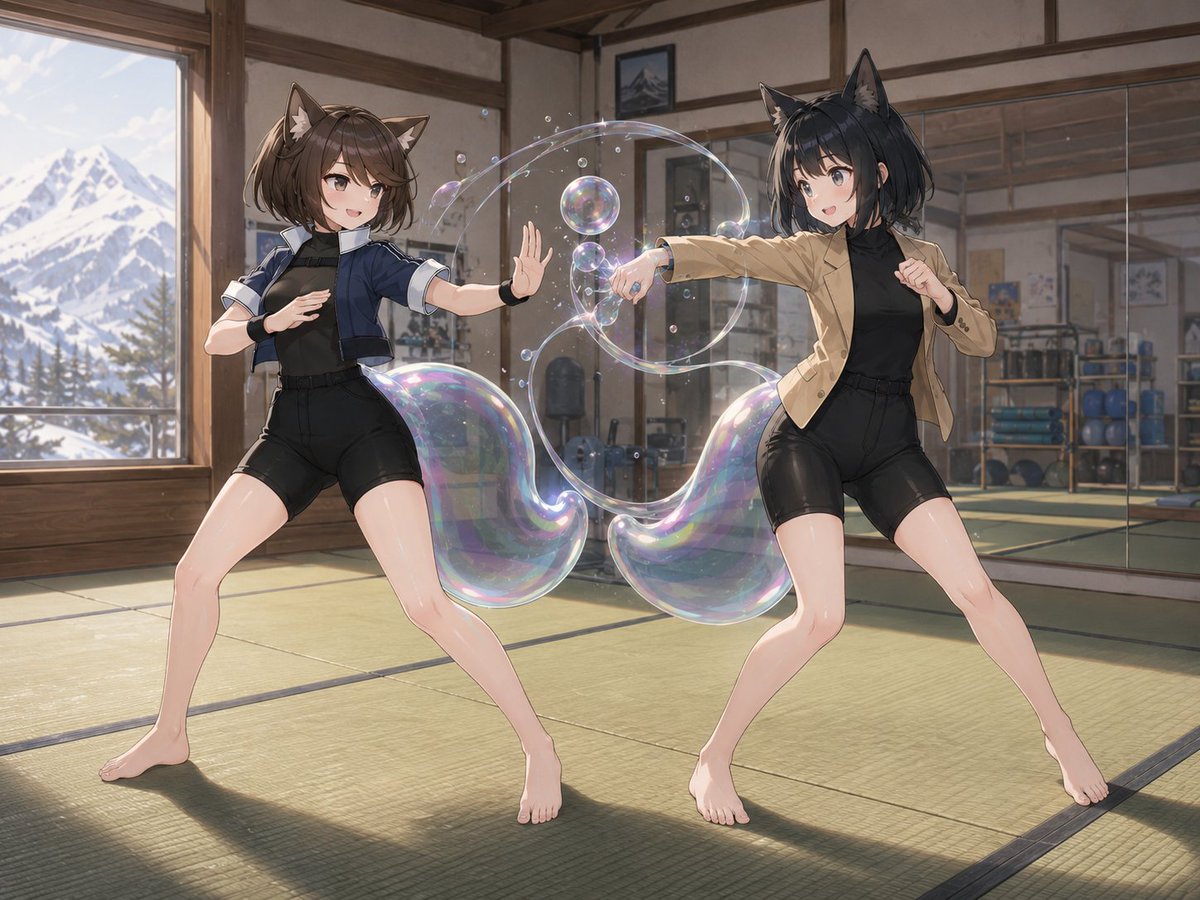
Catgirl Dojo Bubble Sparring
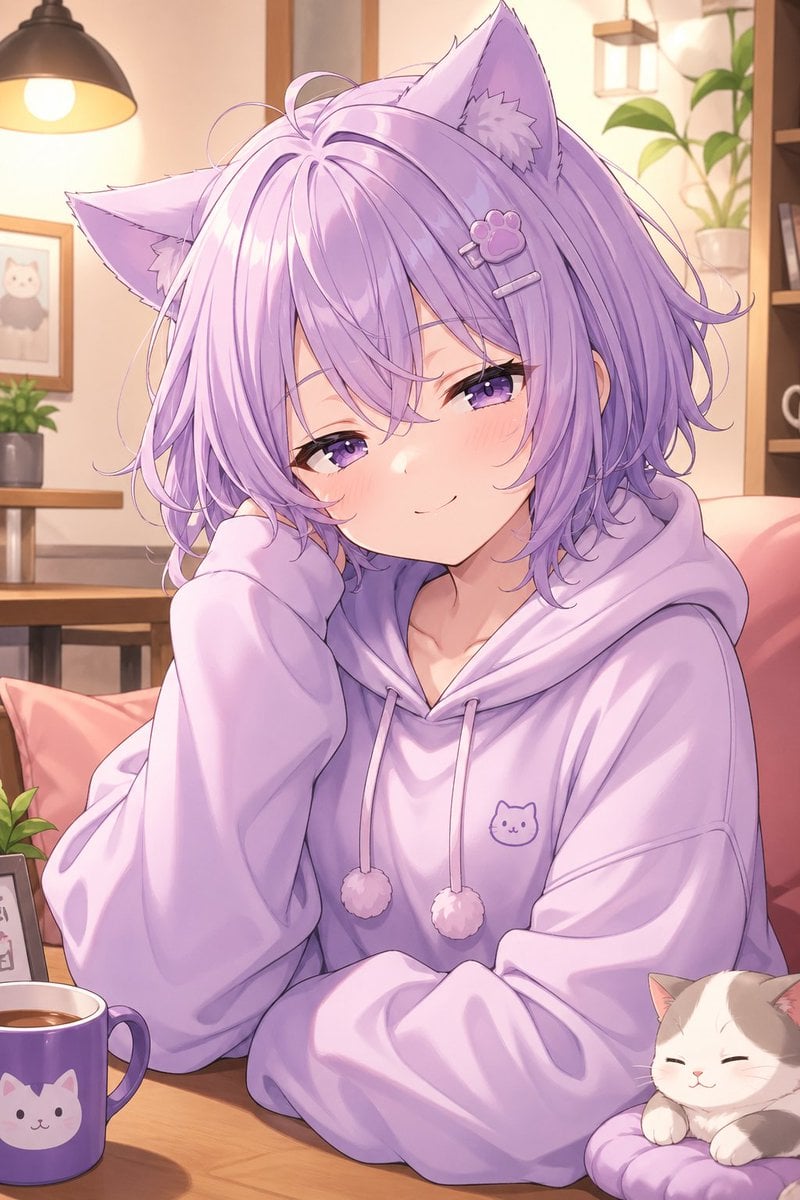
Cozy Lavender Catgirl Portrait
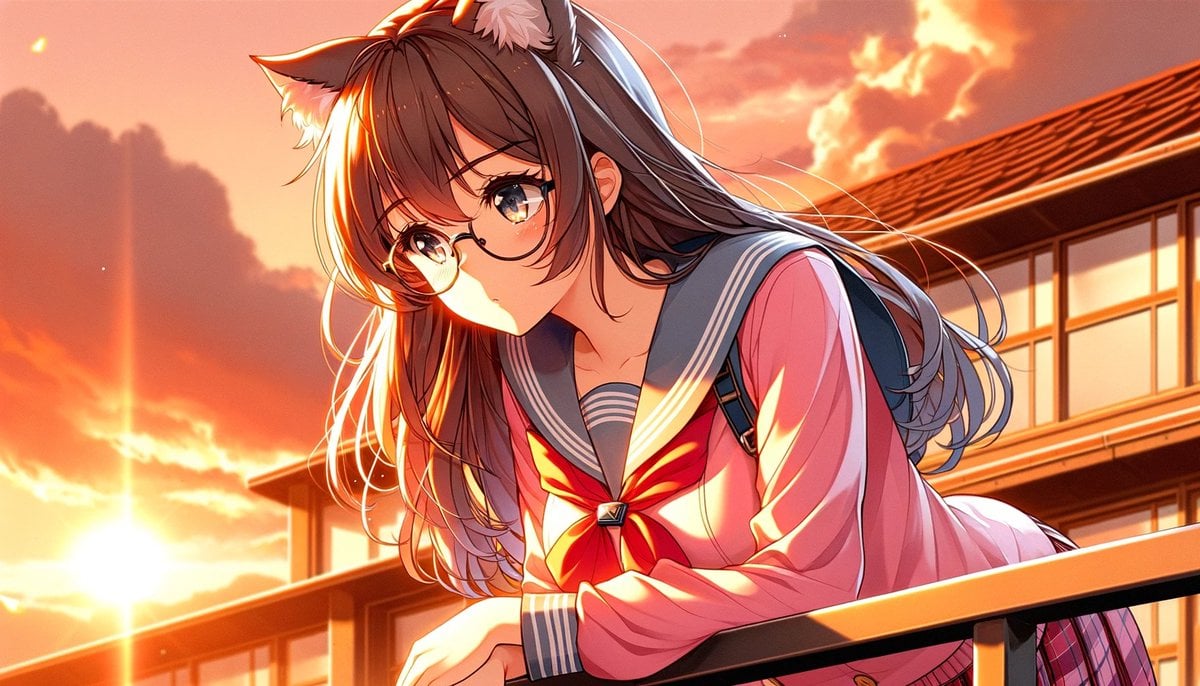
Sunset Catgirl School Rooftop Anime
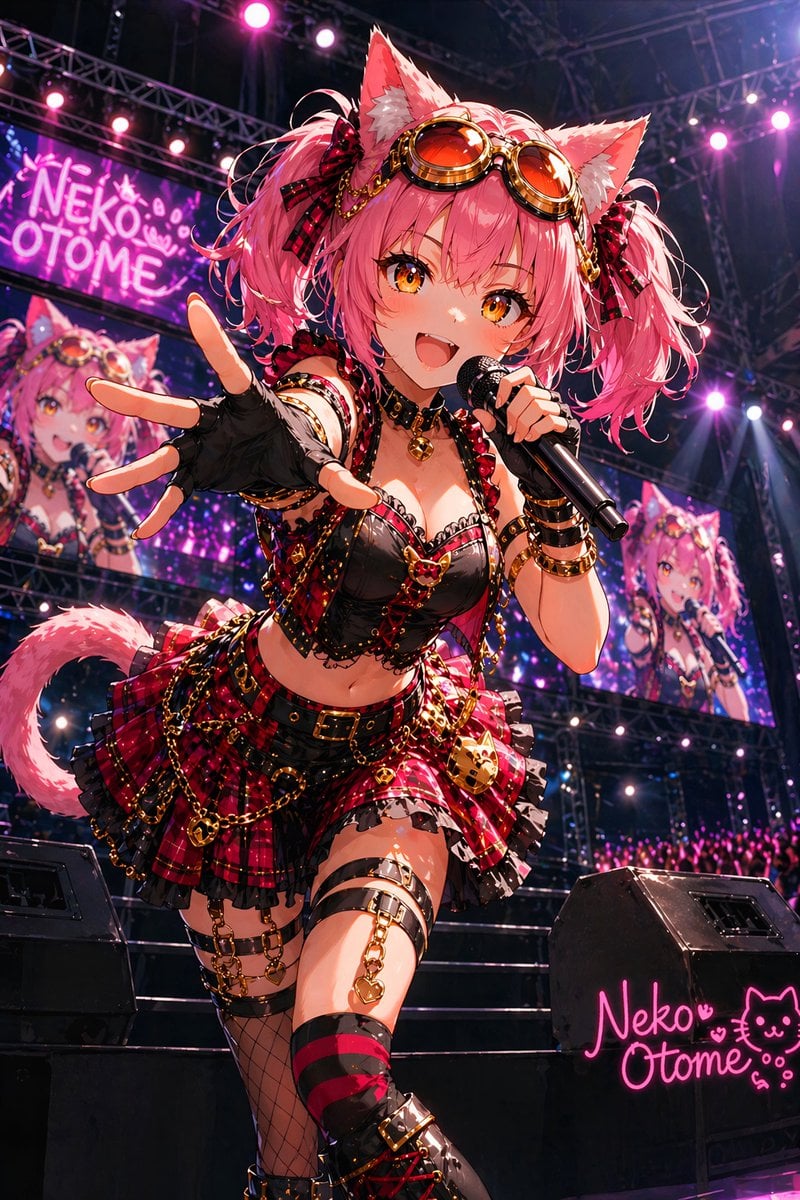
Catgirl Idol Concert Stage
Make it yours
Catgirl Hardbass Alley Dancers works as-is. These are the safest ways to change it without losing the look.
Change one field
Copy a single group, rewrite it, and generate again so you can see what that field is doing.
Keep the frame, change the subject
Hold the composition and light of Catgirl Hardbass Alley Dancers, then swap wardrobe, props or the person for a new take.
| If the result… | Why | Fix |
|---|---|---|
| The result drifts from the preview | Too many fields changed at once. | Reuse Catgirl Hardbass Alley Dancers as-is first, then change one group — subject, light, or setting. |
| The model over-stylizes the scene | The prose prompt leaves finish and camera underspecified. | Add one camera or lighting sentence and stay on GPT Image 2. |
More GPT Image 2 templates
Other prompts made for GPT Image 2.

Six VTuber Japanese Logo Sheet

Realistic Portrait of Woman and Deer

The Vista Modular Condo Poster

AI Model Routing Comparison Infographic

2.5D Anime Art Board

Isometric Productivity Desk Scene

New York Double Exposure Poster

Four-Panel AI Landscape Comparison

Japanese Tatami Lifestyle Magazine Cover

NESCAFÉ Coffee Map Poster
More image prompts
Fresh picks from across the catalog.
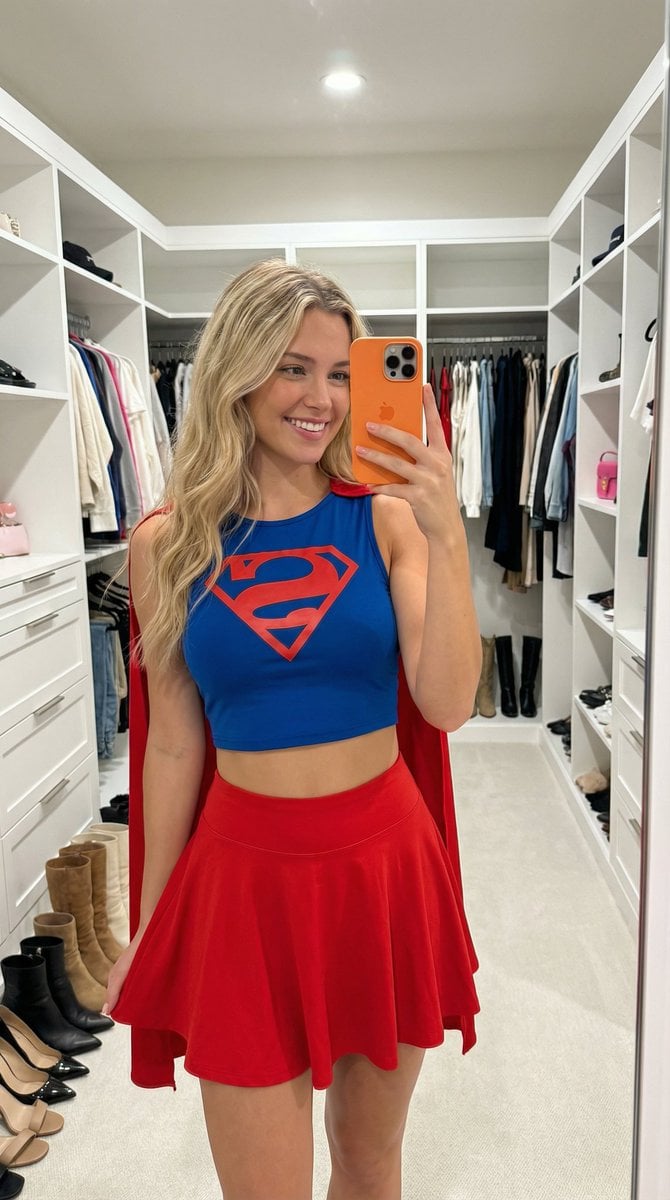
Superhero Athleisure Mirror Selfie Prompt
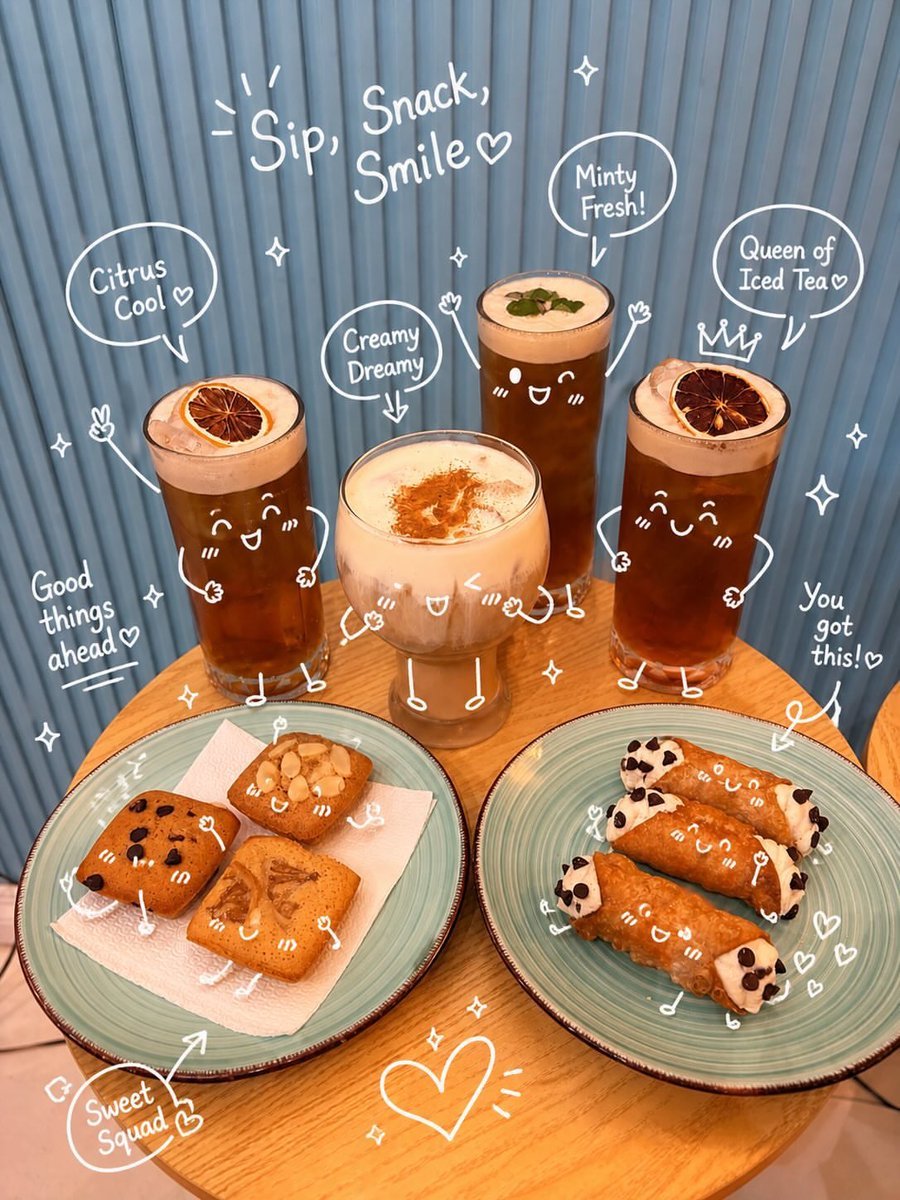
Interactive Hand-Drawn Doodle Overlay
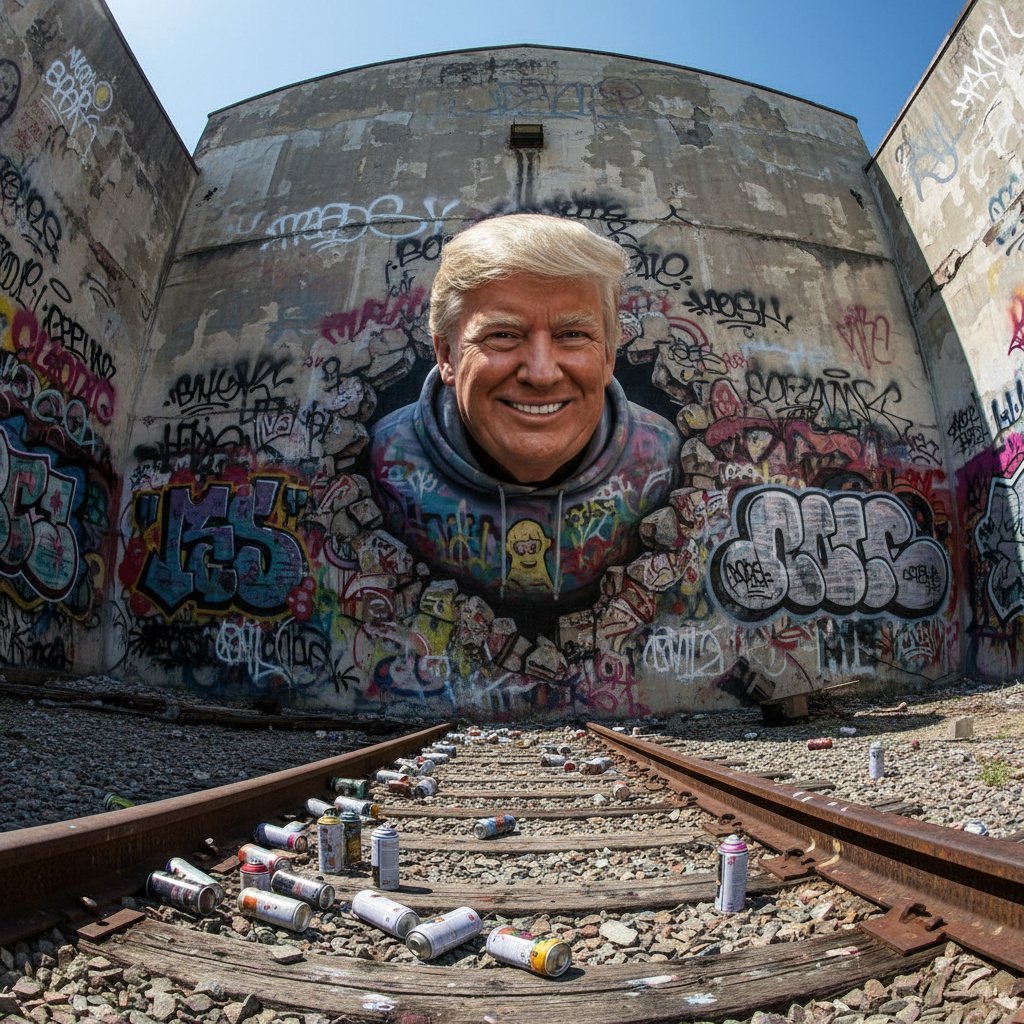
3D Breakout Graffiti Mural Portrait
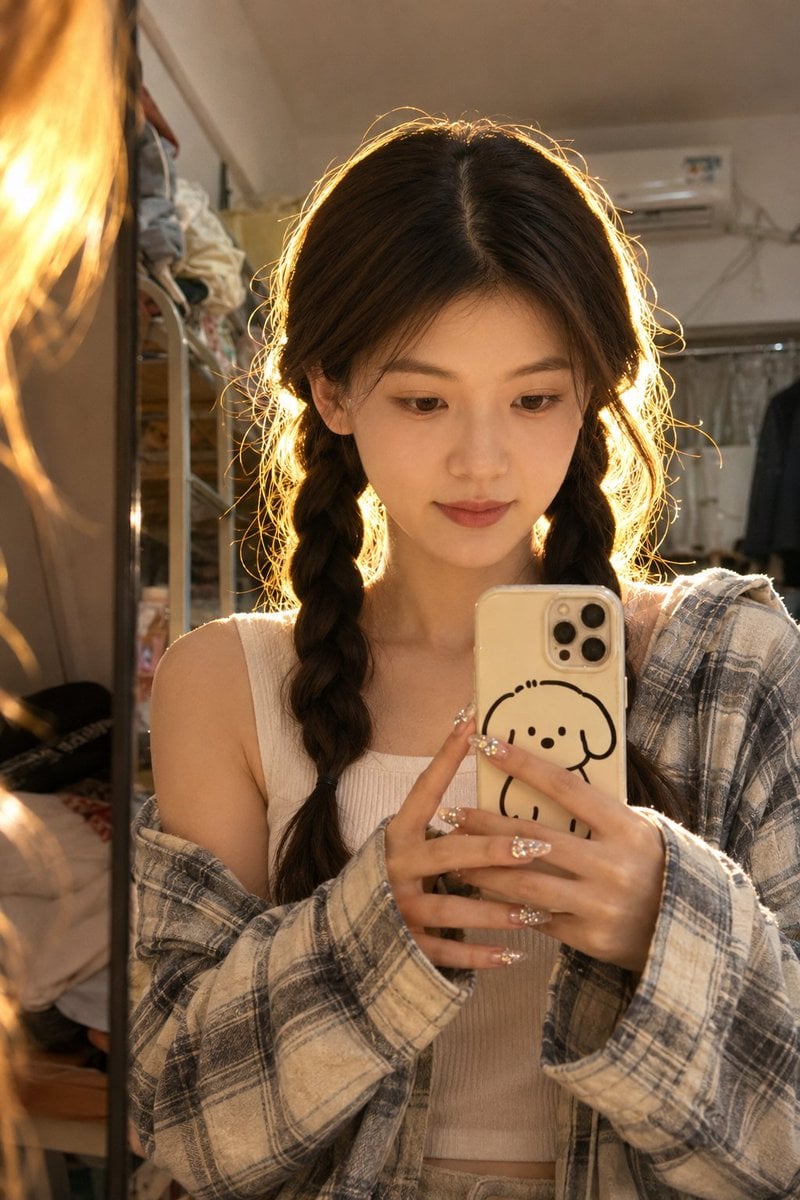
Dorm Mirror Selfie Identity Reference
Nano Banana Character Sheet and Fashion Prompts
High-Fashion Christmas Portrait with Holiday Sophistication
Ultra-Realistic Mirror Selfie Portrait in a Messy Kitchen
Creative Birthday Portrait Image Prompt
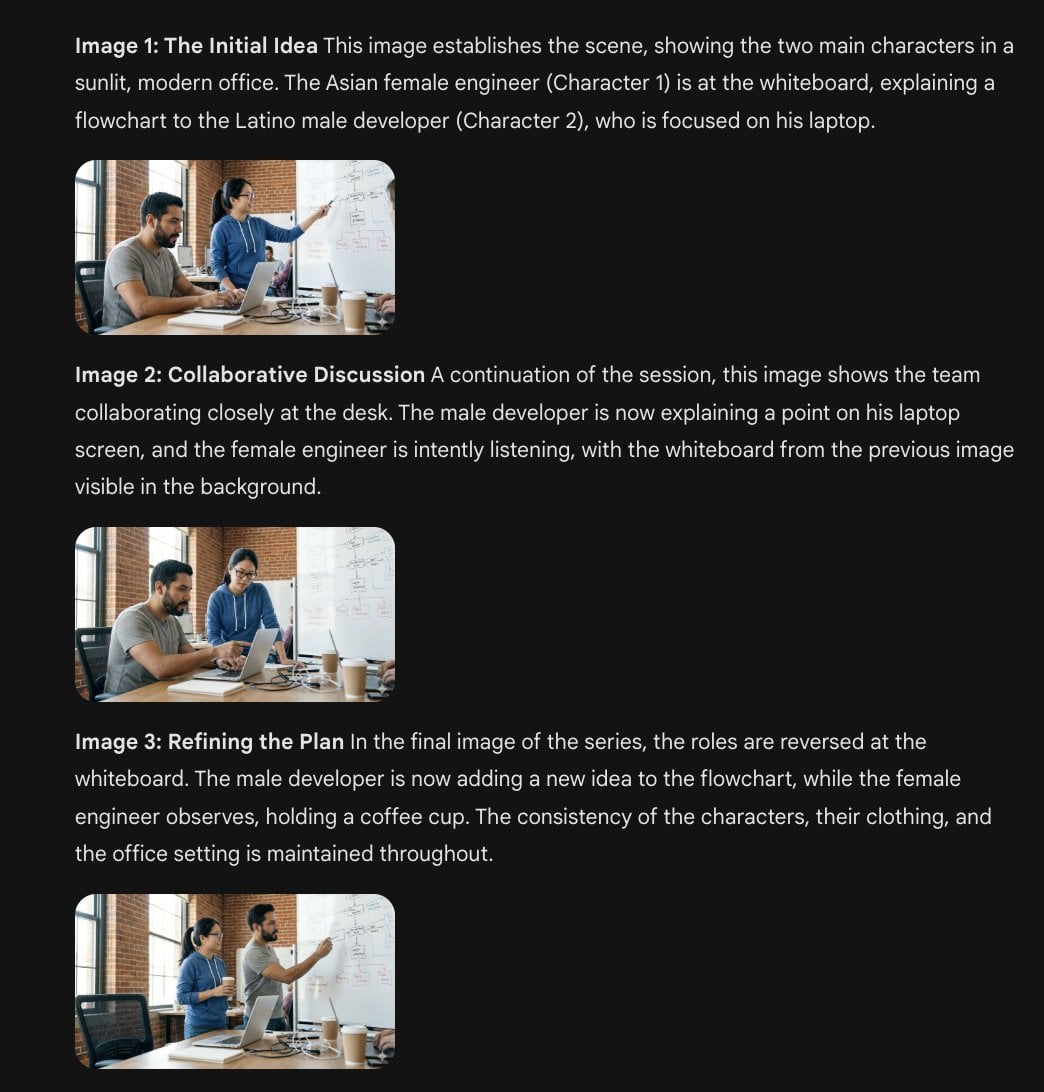
Character Consistency Template and Example Prompt
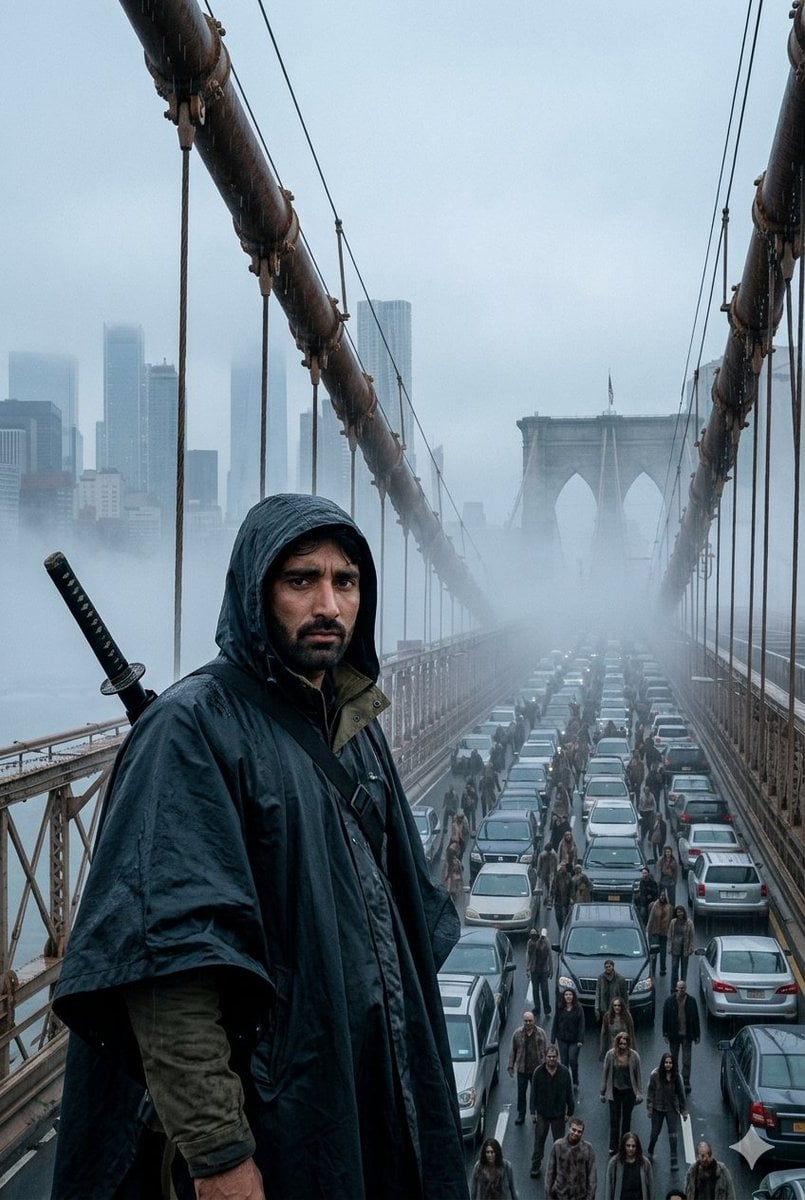
Foggy Brooklyn Bridge Survivor
Browse template categories
Catgirl Hardbass Alley Dancers questions
How do I use the Catgirl Hardbass Alley Dancers template?
Add your photo if the template asks for one, edit the prompt if you like — the template's model and format are already selected — and press Generate. Your version opens in PicX Studio.
Can I customize the Catgirl Hardbass Alley Dancers template?
Yes. You can change the subject, setting, lighting, mood, format, and available model controls before creating your image.
Is the Catgirl Hardbass Alley Dancers template free?
Opening and editing this template is free. Generating uses credits, shown on the Generate button when you are signed in.
Which AI model should I use?
Start with GPT Image 2, which is the model associated with this template. You can compare another compatible model for a different finish.
Looking for something else? Browse all templates.

Your photo, any look
Thousands of ready templates for every top image and video model, from one credit balance.