
Chibi Catgirl Acrylic Charm Display
A warm product-photography prompt for generating a tray of 15 sakura-themed anime acrylic keychain charms.
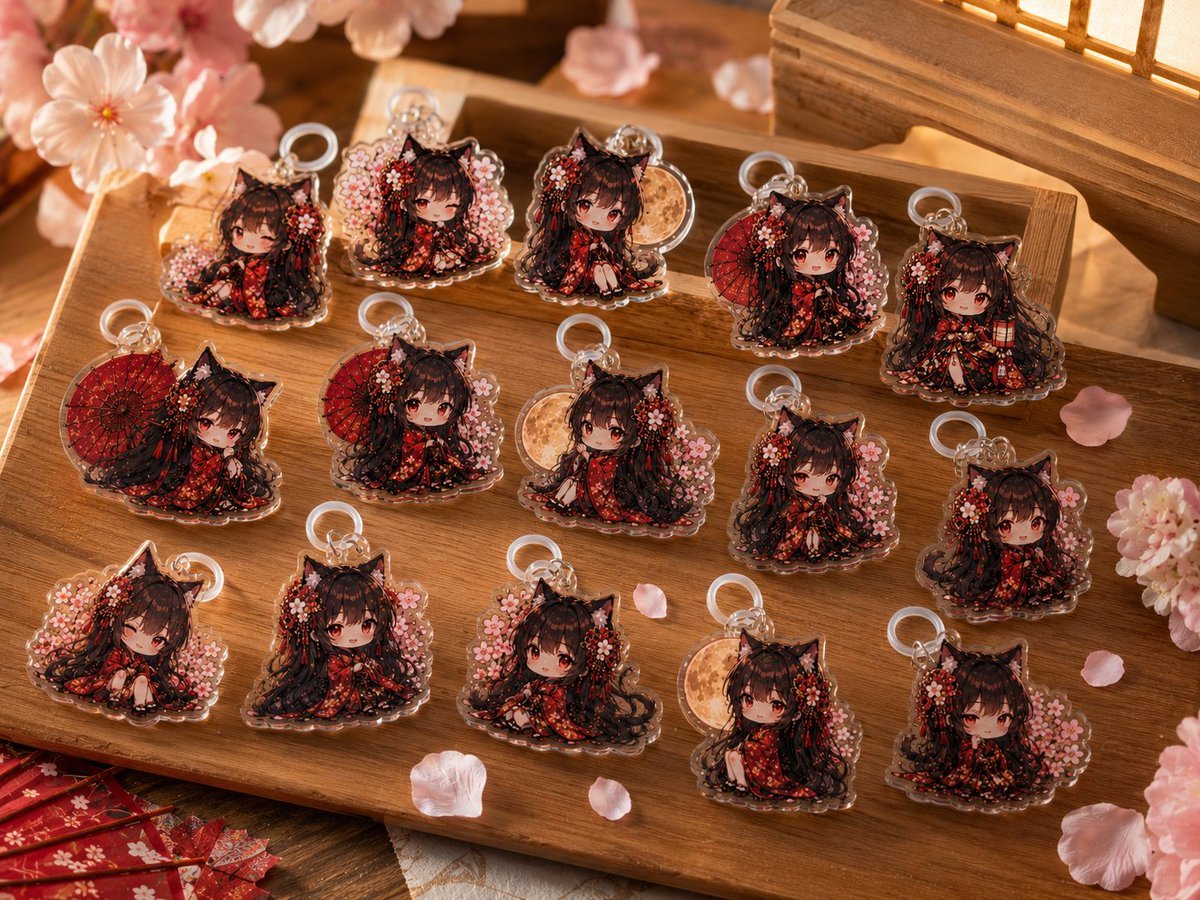
- Prompt included
- Model and format preset
- Free template
The prompt behind this image
Copy the exact prompt behind Chibi Catgirl Acrylic Charm Display, or open it in the studio and make it yours.
Create a warm, photorealistic product display of exactly 15 acrylic keychain charms featuring the same original chibi anime cat-eared girl character, {argument name="character name" default="an original black-haired catgirl"}, arranged neatly on a rectangular wooden tray. The character has long dark brown to black twin-tail hair, black cat ears, soft red-brown eyes, a tiny cute face, and wears an ornate {argument name="outfit style" default="red-and-black floral kimono with gold accents"}. Each charm is a transparent cut acrylic standee with a scalloped clear border and a small silver or clear keyring loop at the top, glossy reflections, and slight thickness visible along the edges. Count and show exactly 15 distinct charms: 1 top-left seated charm with cherry blossoms, 2 top-row standing charm framed by pale blossoms, 3 top-row seated charm with hands near knees, 4 top-row charm with a red paper umbrella behind her, 5 top-right charm holding a small lantern-like accessory, 6 middle-left charm with a large red umbrella background, 7 middle-left kneeling charm with blossoms, 8 middle-center charm with a pale golden moon disk behind her, 9 middle-right front-facing seated charm with blossom cluster, 10 middle-far-right seated charm with pink blossoms, 11 bottom-left shy seated charm surrounded by blossoms, 12 bottom-left-center front-facing charm with long hair spread out, 13 bottom-center charm with blossoms behind the head, 14 bottom-right-center charm with a pale moon disk and one leg visible, 15 bottom-right charm seated in front of cherry blossoms. Place them in a tidy 3-row grid across the tray, with natural small spacing and slight perspective from an overhead three-quarter angle. Surround the tray with {argument name="seasonal decoration" default="pink cherry blossom flowers and scattered petals"}, a partially visible red Japanese-style paper umbrella or fan at the lower left, and a softly glowing wooden lantern or shoji-style light box in the upper right. Use a cozy traditional Japanese spring atmosphere, warm amber lighting, shallow depth of field, realistic wood grain, soft bokeh, delicate highlights on the acrylic surfaces, highly detailed miniature printing, and a premium handmade merch photography aesthetic. No text, no watermark, no hands, no packaging, and no extra charms beyond the exact 15.
How to use Chibi Catgirl Acrylic Charm Display in 3 steps
- 1Upload ImagePNG, JPG or paste
Add your photo
Upload the photo the template builds on. The prompt, model and format are already set.
- 2…a portrait of your subject in softgolden-hour light, 85mm…
Personalize
Edit the subject and creative details for your destination.
- 3Generate
Generate
Press Generate — your image is created in PicX Studio, so you can compare it with the original and refine one variable at a time.
More like this
Templates with the same subject, style or setup. Open one to see its prompt.

Cute Layered Paper Cut Chibi Girl

Pixar-Style Chibi Café Morning Scene
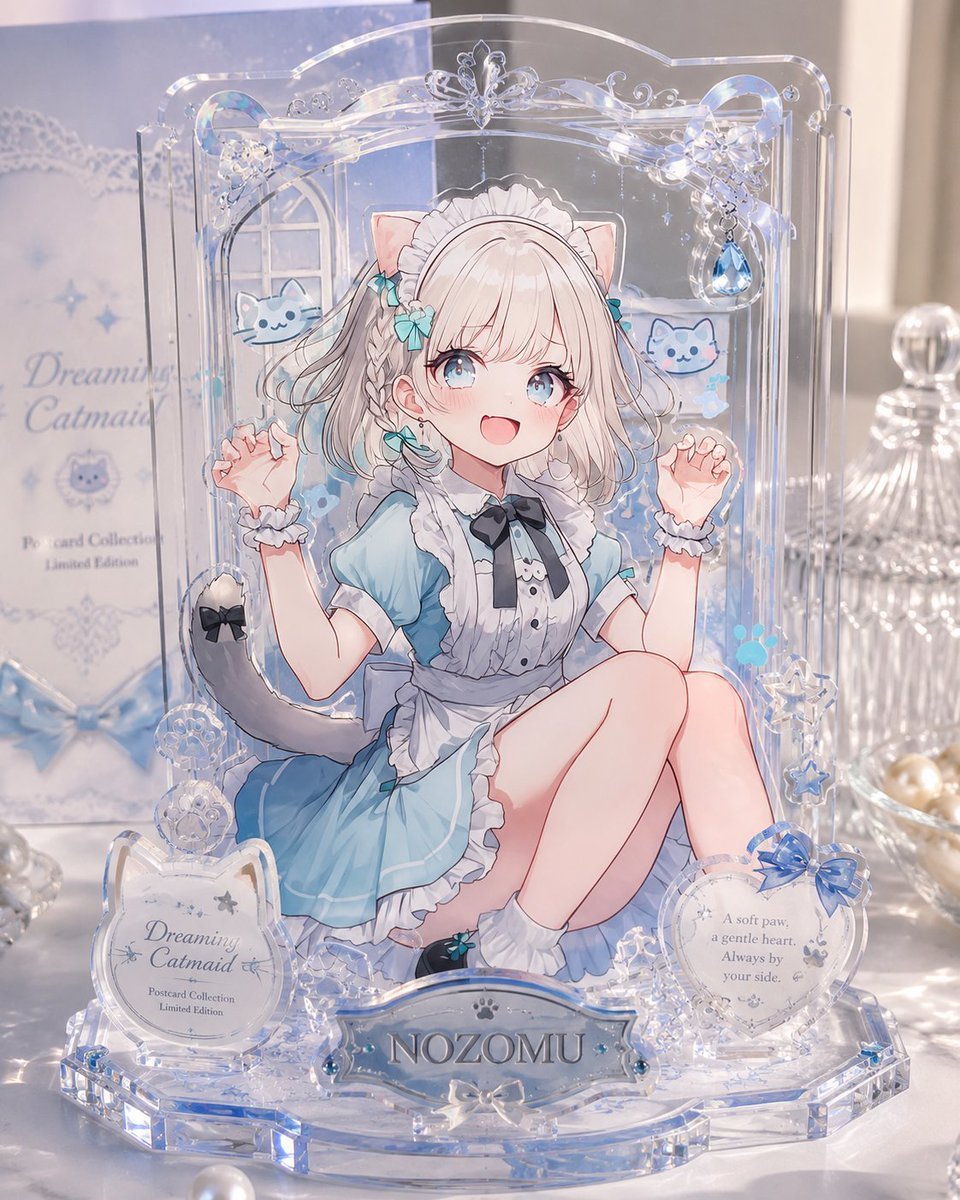
Layered Acrylic Catmaid Postcard Display
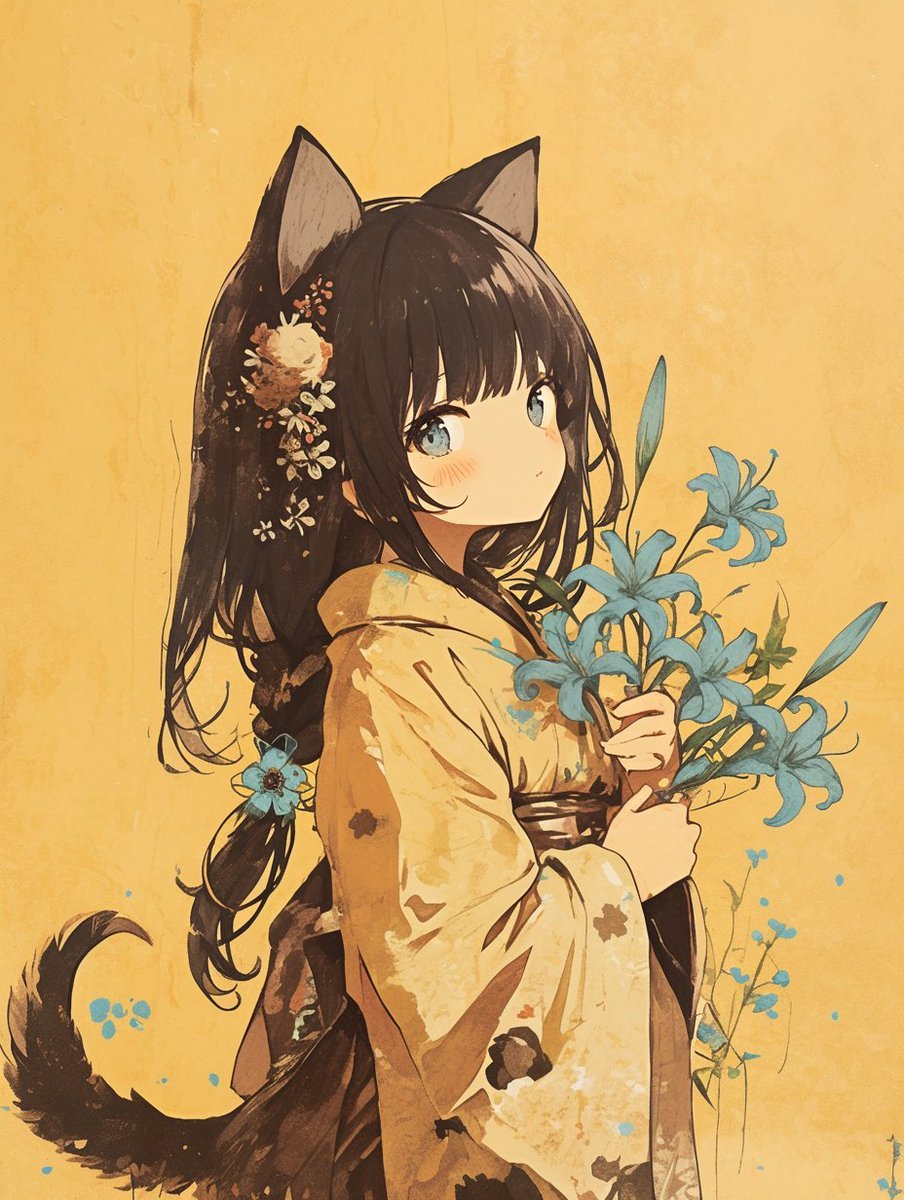
Bookstore POP display with acrylic marker illustration

Nano Banana Pro Pink Office Chibi

Lavender Catgirl at Sunset Street

Charming Winter Folk Art Illustration

Chibi Anime Ninja Sticker Sheet
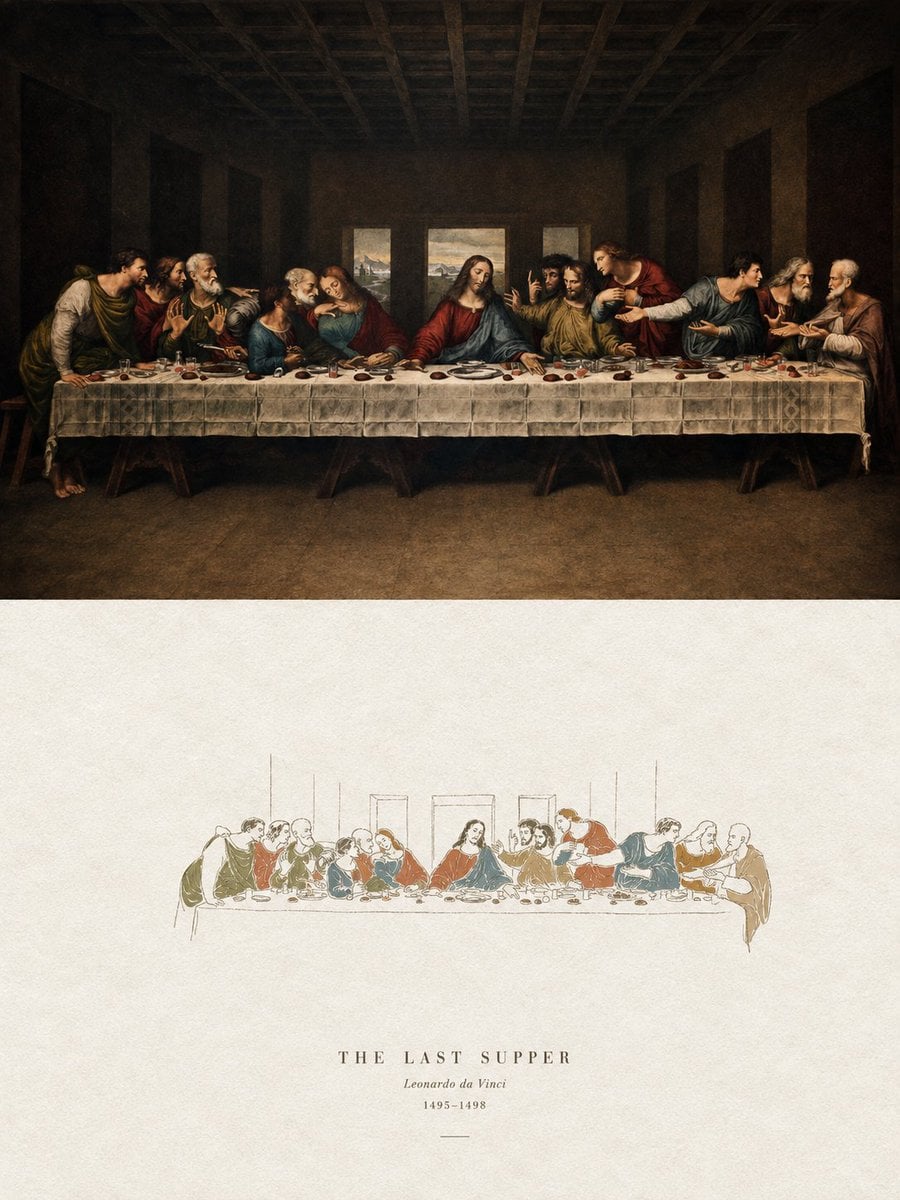
Acrylic Hand-Painted Style Poster Design
Pastel Shy Catgirl Bedroom

Anime Catgirl in Chinese Ink Landscape
Playful Semi-Chibi Lifestyle Editorial
Make it yours
Chibi Catgirl Acrylic Charm Display works as-is. These are the safest ways to change it without losing the look.
Change one field
Copy a single group, rewrite it, and generate again so you can see what that field is doing.
Keep the frame, change the subject
Hold the composition and light of Chibi Catgirl Acrylic Charm Display, then swap wardrobe, props or the person for a new take.
| If the result… | Why | Fix |
|---|---|---|
| The result drifts from the preview | Too many fields changed at once. | Reuse Chibi Catgirl Acrylic Charm Display as-is first, then change one group — subject, light, or setting. |
| The model over-stylizes the scene | The prose prompt leaves finish and camera underspecified. | Add one camera or lighting sentence and stay on GPT Image 2. |
More GPT Image 2 templates
Other prompts made for GPT Image 2.

Six VTuber Japanese Logo Sheet

Realistic Portrait of Woman and Deer

The Vista Modular Condo Poster

AI Model Routing Comparison Infographic

2.5D Anime Art Board

Isometric Productivity Desk Scene

New York Double Exposure Poster

Four-Panel AI Landscape Comparison

Japanese Tatami Lifestyle Magazine Cover

NESCAFÉ Coffee Map Poster
More image prompts
Fresh picks from across the catalog.

Nano Banana 2 Perspective Experiment
Using Nano Banana Pro as a Shading Tool for MMD Output

Premium Male Editorial Portrait
Christmas Advent Calendar Image Generation Prompt
Premium Japanese Gym Poster
Anime Maid Character Love Letter
Raw iPhone Street Photo of Woman
Sleeping Child with Dream Creatures
Korean Text Art with Emphasis Marks

Editorial Luxury Photo Analysis Prompt
Browse template categories
Chibi Catgirl Acrylic Charm Display questions
How do I use the Chibi Catgirl Acrylic Charm Display template?
Add your photo if the template asks for one, edit the prompt if you like — the template's model and format are already selected — and press Generate. Your version opens in PicX Studio.
Can I customize the Chibi Catgirl Acrylic Charm Display template?
Yes. You can change the subject, setting, lighting, mood, format, and available model controls before creating your image.
Is the Chibi Catgirl Acrylic Charm Display template free?
Opening and editing this template is free. Generating uses credits, shown on the Generate button when you are signed in.
Which AI model should I use?
Start with GPT Image 2, which is the model associated with this template. You can compare another compatible model for a different finish.
Looking for something else? Browse all templates.

Your photo, any look
Thousands of ready templates for every top image and video model, from one credit balance.