
Layered Acrylic Catmaid Postcard Display
A detailed prompt for generating a dreamy product photo of a multi-layer transparent acrylic anime catmaid postcard stand.
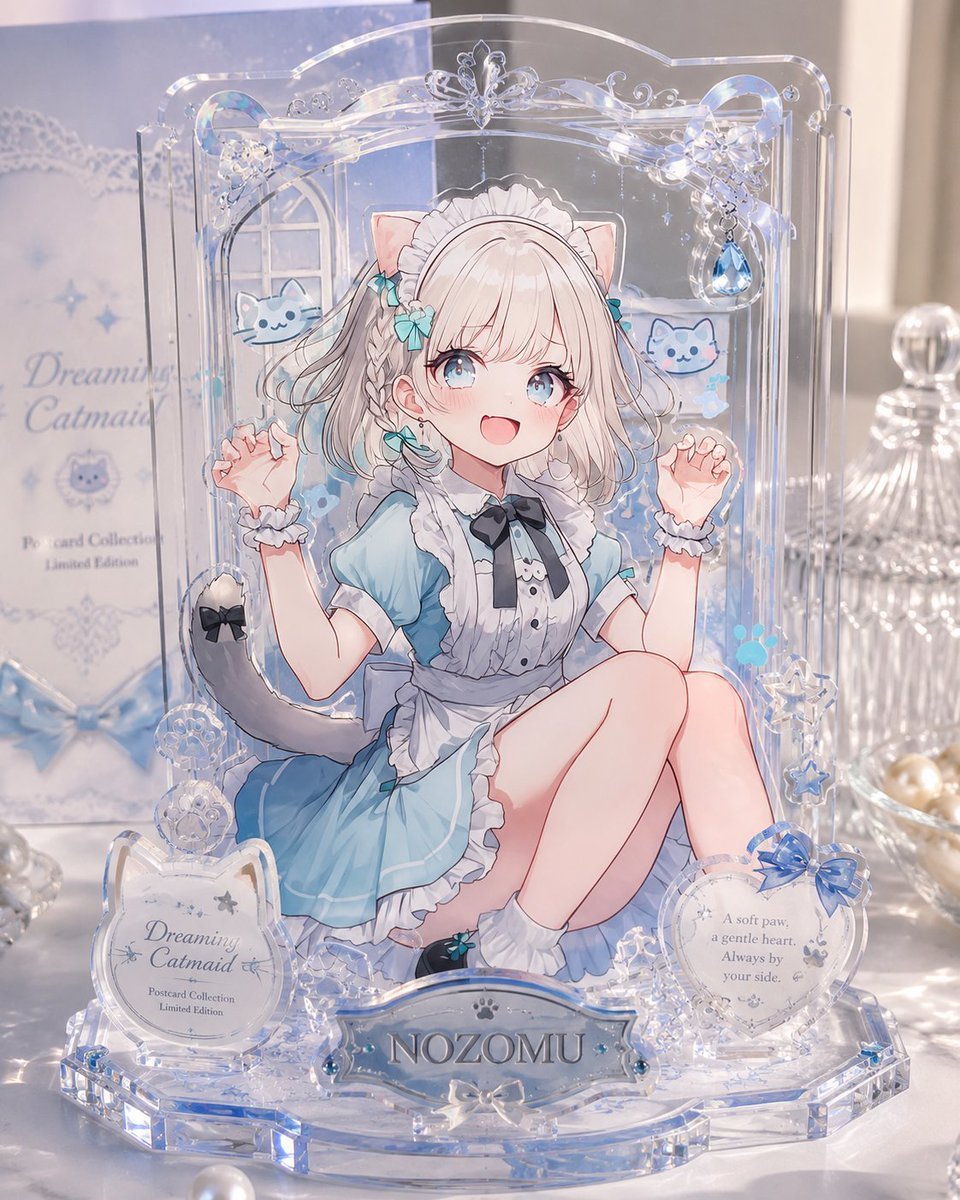
- Prompt included
- Model and format preset
- Free template
The prompt behind this image
Copy the exact prompt behind Layered Acrylic Catmaid Postcard Display, or open it in the studio and make it yours.
Goal: Create a polished product-style photograph of a layered transparent acrylic display postcard, like a miniature exhibition case, featuring an anime catmaid character in a dreamy blue theme. Canvas: Vertical 4:5 product photo, close-up view on a glossy white tabletop, soft natural window light, shallow depth of field, pastel blue and pearl highlights. Main subject: A freestanding clear acrylic postcard stand made of multiple stacked transparent layers. The back plate is tall with rounded decorative edges and an ornate arch top. The acrylic edges catch light with blue iridescent refractions, giving a premium collectible-goods look. Character layer: Center the anime character {argument name="character name" default="NOZOMU"}, a cute catmaid girl seated with knees bent, wearing a light blue maid dress with white frills, black ribbon tie, white apron, wrist cuffs, white socks, teal ribbon accents, cat ears, and a gray cat tail with a black bow. She has pale blonde bobbed hair with braids and soft line art. Place a plain opaque pale beige square censor block over the center of her face, covering the facial features while leaving hair, ears, outfit, arms, and pose visible. Layered acrylic construction: Make the image visibly built from separate flat acrylic parts: exactly 4 main layers — 1 background illustration layer, 1 character cutout layer, 1 foreground decorative ornament layer, and 1 front nameplate layer. Use transparent offsets and visible acrylic thickness to show depth. Decorations and counted elements: Include exactly 2 small blue cat mascot illustrations floating behind the character, one left and one right. Include exactly 3 front plaques: 1 left circular plaque with ornate cat-ear shape reading {argument name="collection title" default="Dreaming Catmaid"} plus small text "Postcard Collection" and "Limited Edition"; 1 center nameplate reading {argument name="nameplate text" default="NOZOMU"}; and 1 right circular plaque with a blue bow and the quote {argument name="quote text" default="A soft paw, a gentle heart. Always by your side."}. Include exactly 5 prominent dangling or raised clear ornaments around the frame: 1 butterfly ornament at the top center, 1 blue teardrop jewel at upper right, 1 snowflake-like crystal ornament at lower right, and 2 round clear floral rosettes at lower left. Add tiny stars, paw prints, bubbles, and lace-like swirls as subtle printed embellishments. Background setting: Behind the acrylic stand, place a pastel blue product box on the left with soft blurred readable text matching the collection title, plus a clear cut-glass jar on the right and scattered pearls or glass beads near the base. Keep the background elegant, bright, and softly out of focus. Visual style: High-end Japanese anime merchandise photography, transparent acrylic, glossy highlights, delicate blue-and-white color palette, dreamy catmaid theme, crystalline reflections, realistic product lighting mixed with crisp 2D anime illustration. Constraints: No extra characters, no extra plaques, no watermark, no hands holding the item, keep the face covered by the square censor block, preserve the layered postcard-display construction clearly.
How to use Layered Acrylic Catmaid Postcard Display in 3 steps
- 1Upload ImagePNG, JPG or paste
Add your photo
Upload the photo the template builds on. The prompt, model and format are already set.
- 2…a portrait of your subject in softgolden-hour light, 85mm…
Personalize
Edit the subject and creative details for your destination.
- 3Generate
Generate
Press Generate — your image is created in PicX Studio, so you can compare it with the original and refine one variable at a time.
More like this
Templates with the same subject, style or setup. Open one to see its prompt.

Saudi Arabia Paper Cut Travel Poster

Cute Layered Paper Cut Chibi Girl

Soft Handcrafted Paper-Cut Layered Illustration

Paper Cut Craft Illustration

Layered Paper Cut Illustration Template

Decorative Folk Flat Paper Cut Illustration

Paper Cut Finale Fireworks

Paper Cut Garden Maze

Paper Cut Rooftop Concert

Paper Cut Bicycle Coast

Paper Cut Castle Gate

Paper Cut Kitchen Chaos
Make it yours
Layered Acrylic Catmaid Postcard Display works as-is. These are the safest ways to change it without losing the look.
Change one field
Copy a single group, rewrite it, and generate again so you can see what that field is doing.
Keep the frame, change the subject
Hold the composition and light of Layered Acrylic Catmaid Postcard Display, then swap wardrobe, props or the person for a new take.
| If the result… | Why | Fix |
|---|---|---|
| The result drifts from the preview | Too many fields changed at once. | Reuse Layered Acrylic Catmaid Postcard Display as-is first, then change one group — subject, light, or setting. |
| The model over-stylizes the scene | The prose prompt leaves finish and camera underspecified. | Add one camera or lighting sentence and stay on GPT Image 2. |
More GPT Image 2 templates
Other prompts made for GPT Image 2.

Six VTuber Japanese Logo Sheet

Realistic Portrait of Woman and Deer

The Vista Modular Condo Poster

AI Model Routing Comparison Infographic

2.5D Anime Art Board

Isometric Productivity Desk Scene

New York Double Exposure Poster

Four-Panel AI Landscape Comparison

Japanese Tatami Lifestyle Magazine Cover

NESCAFÉ Coffee Map Poster
More image prompts
Fresh picks from across the catalog.
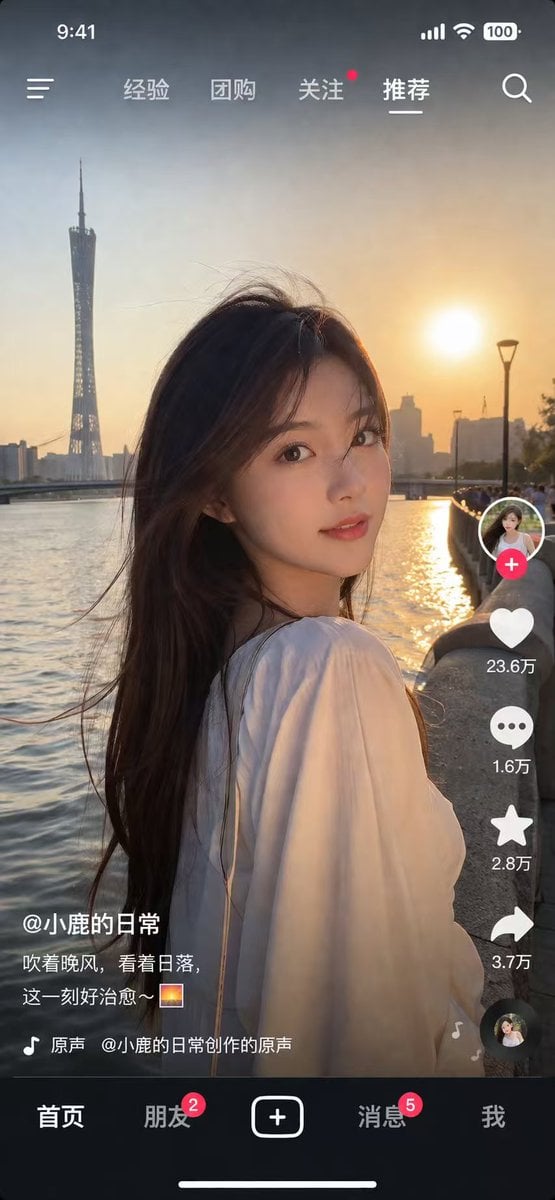
Social Media App Interface Mockup
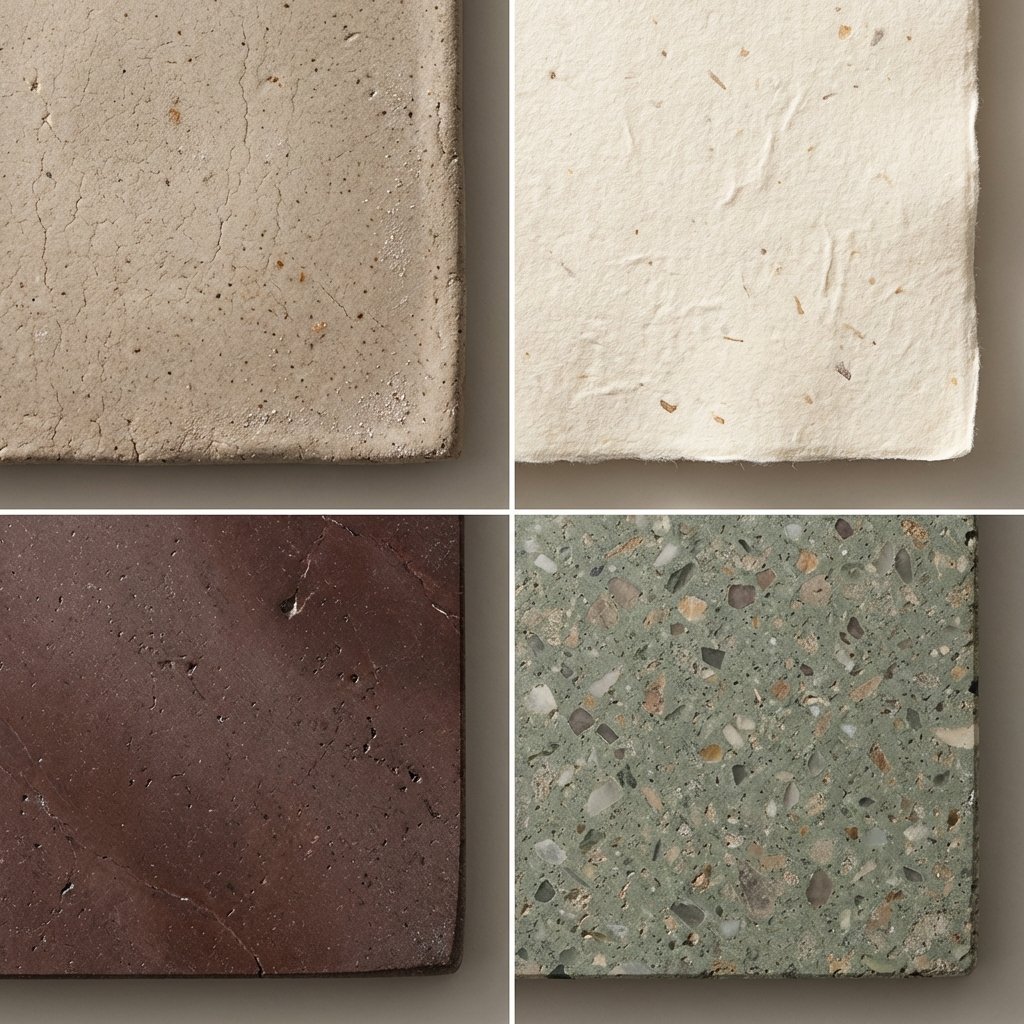
Material and Surface Study for Realism Testing

Classic Monochrome Portrait Style
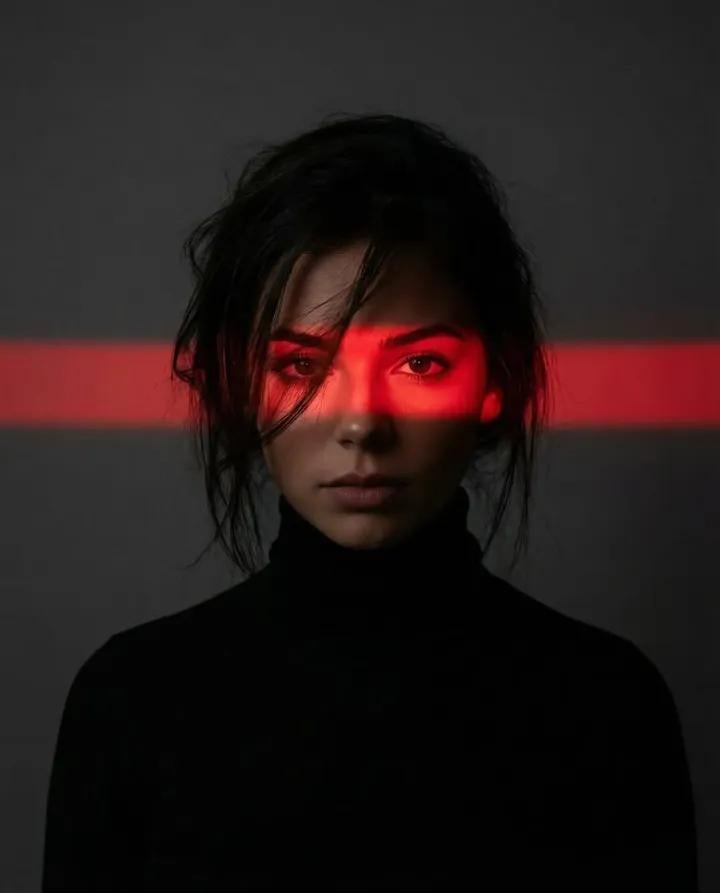
Ultra-Realistic Dramatic Portrait with Red Light Highlight
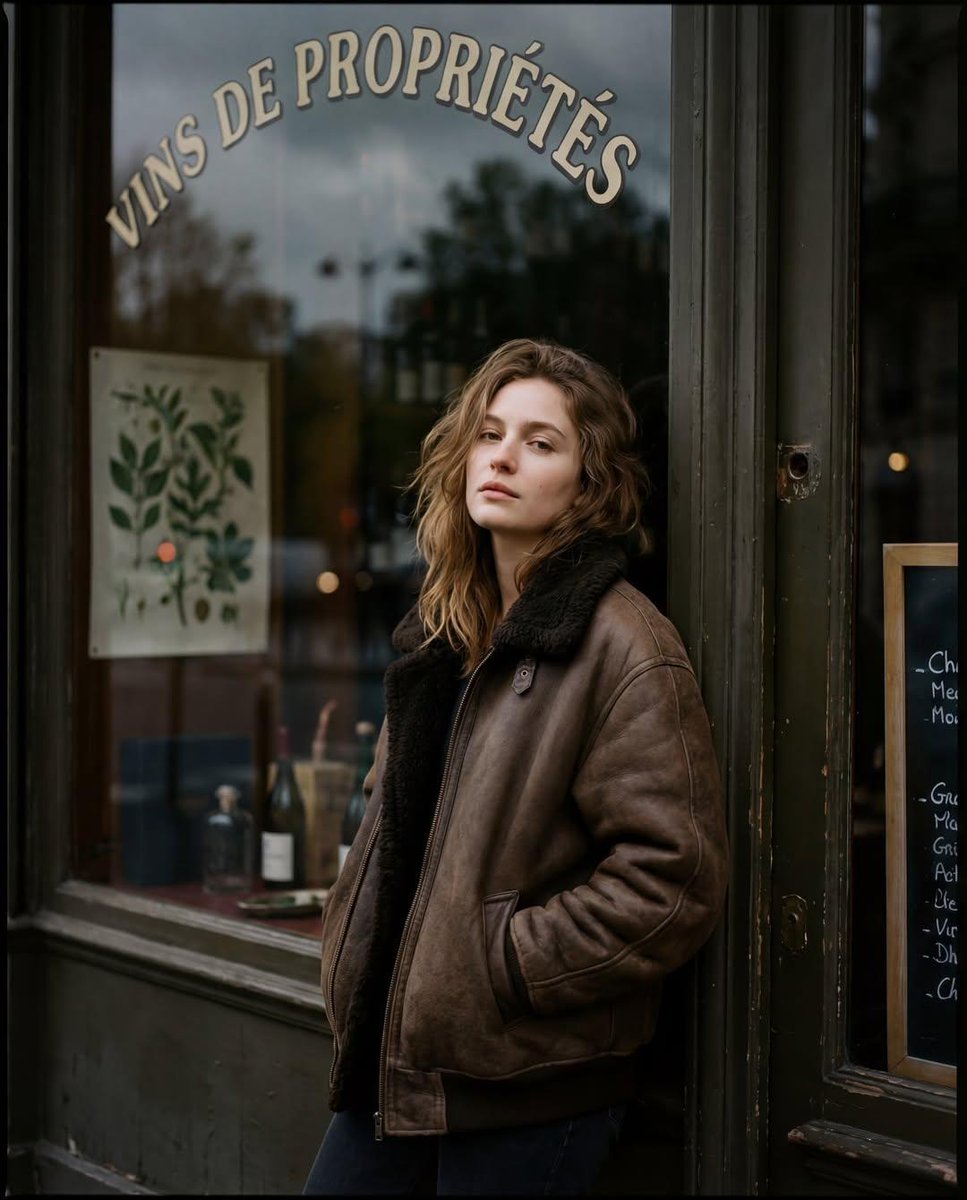
Moody Paris Street Editorial Portrait (Film Scan Aesthetic)
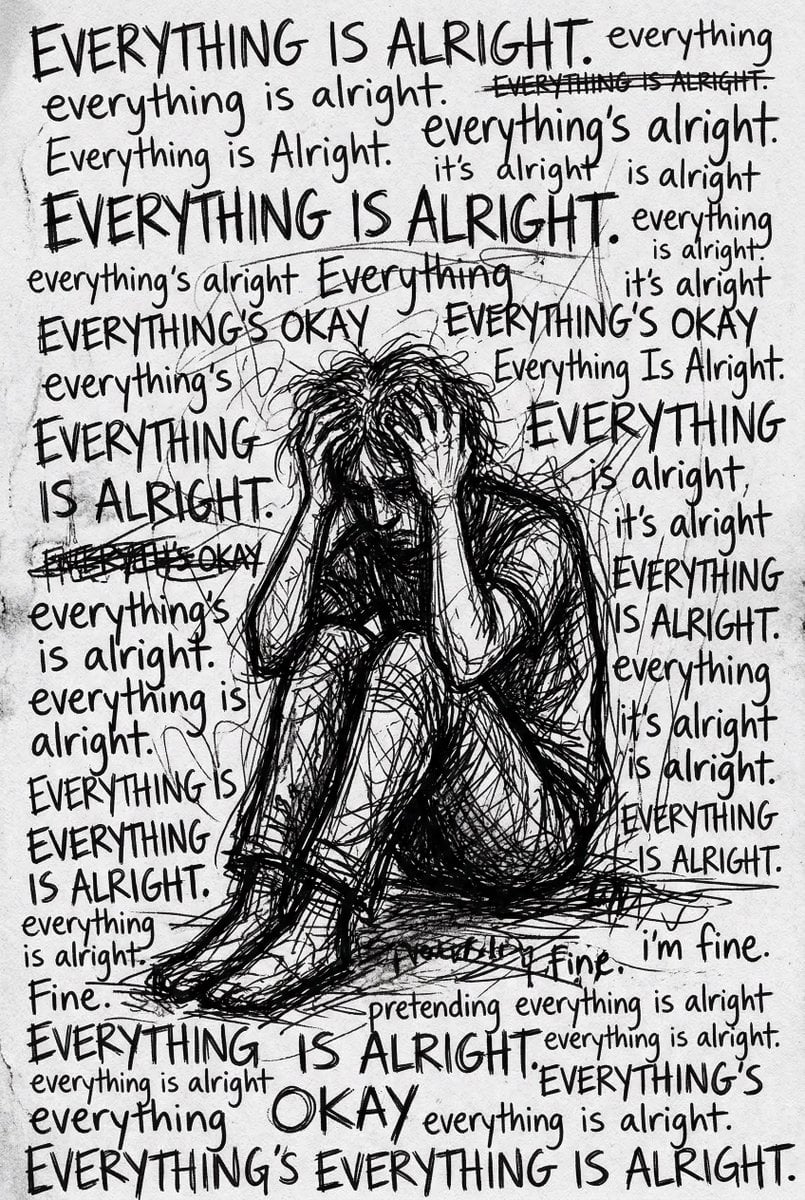
Depression Patient's Inner Monologue
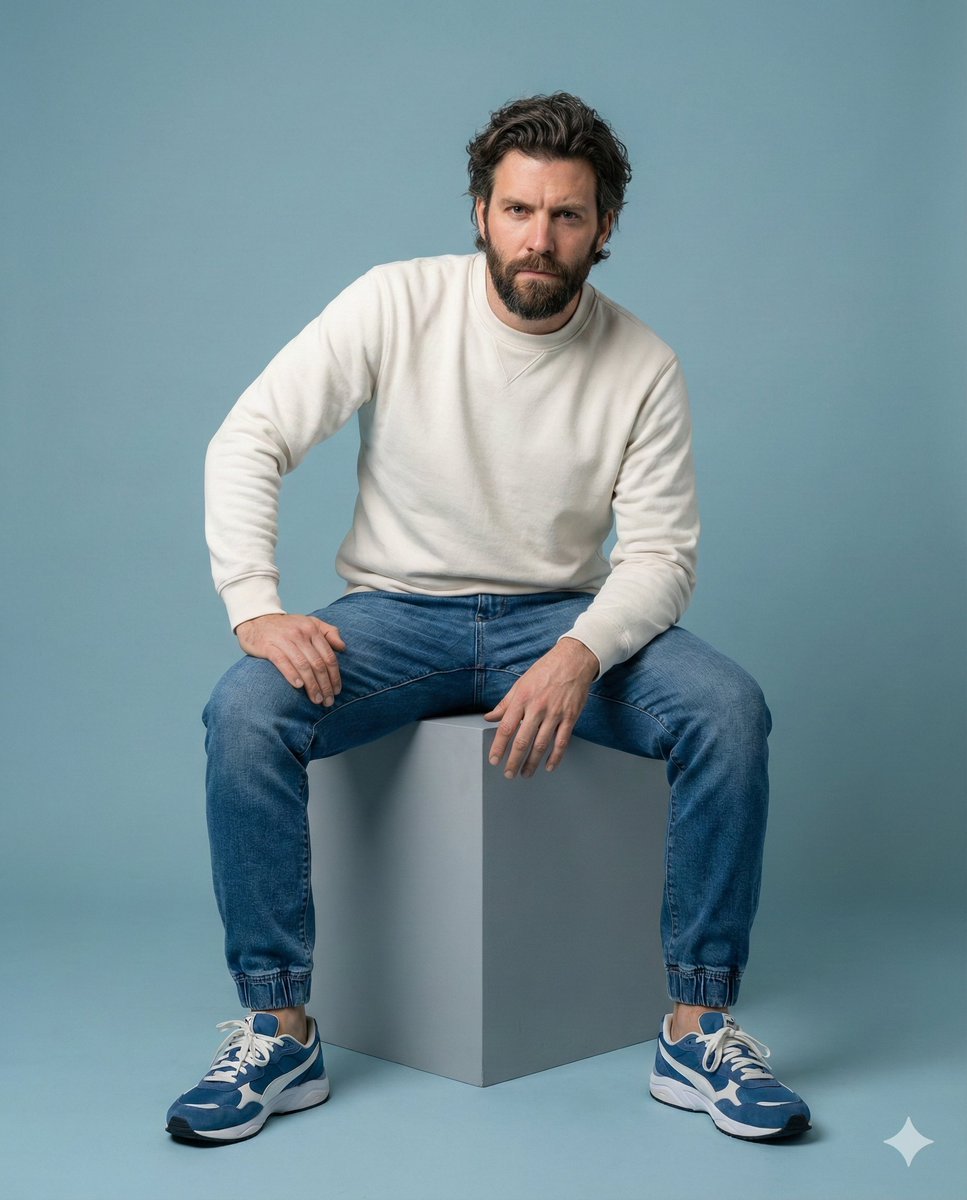
Minimalist Studio Portrait of a Man
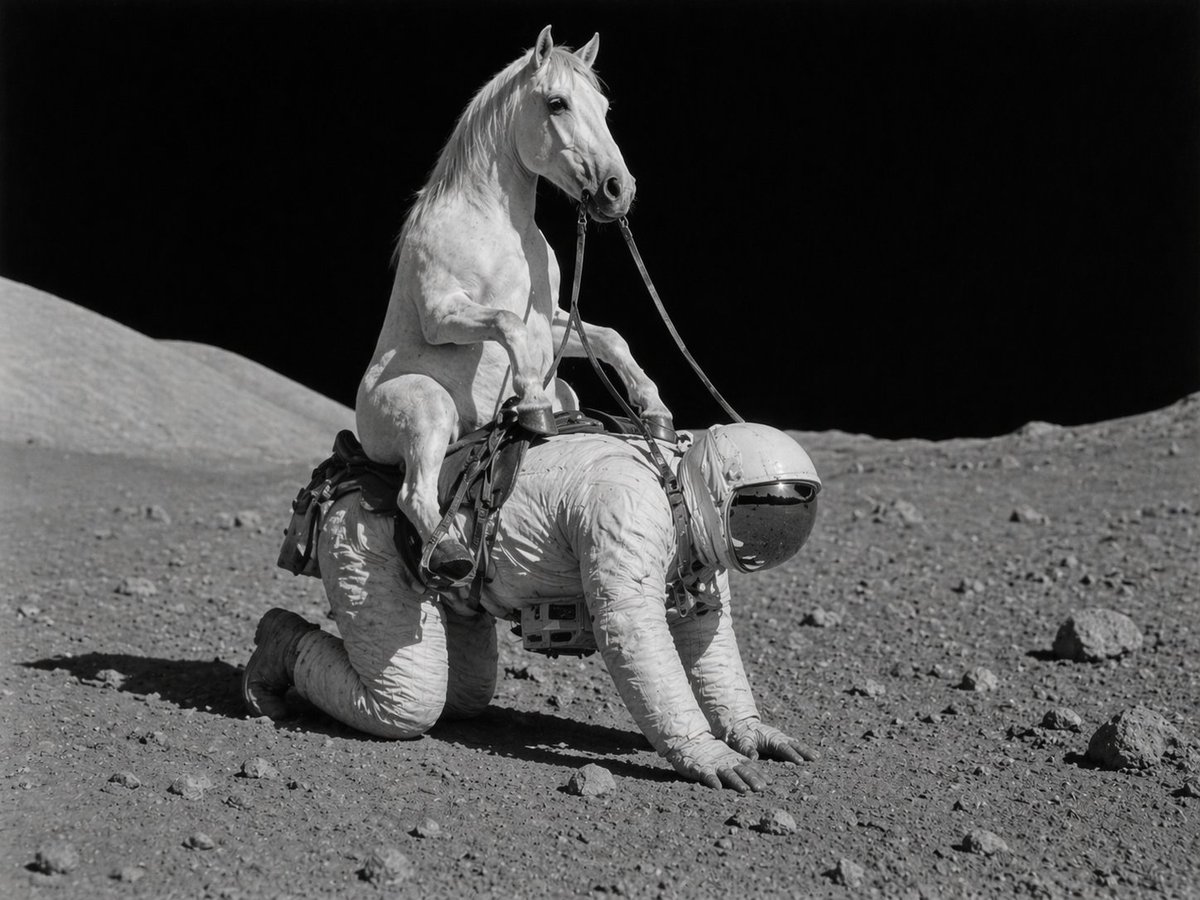
Surreal Lunar Horse Rider

Après-Ski Naughty Bunny Selfie Prompt
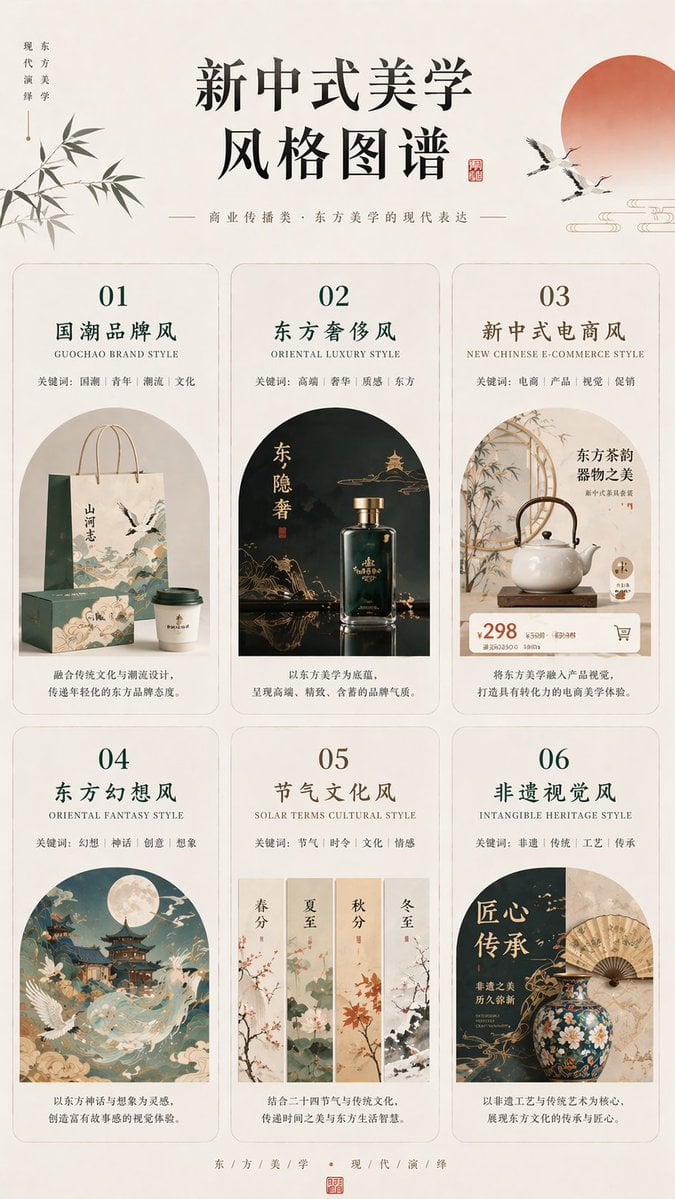
New Chinese Aesthetics Style Chart
Browse template categories
Layered Acrylic Catmaid Postcard Display questions
How do I use the Layered Acrylic Catmaid Postcard Display template?
Add your photo if the template asks for one, edit the prompt if you like — the template's model and format are already selected — and press Generate. Your version opens in PicX Studio.
Can I customize the Layered Acrylic Catmaid Postcard Display template?
Yes. You can change the subject, setting, lighting, mood, format, and available model controls before creating your image.
Is the Layered Acrylic Catmaid Postcard Display template free?
Opening and editing this template is free. Generating uses credits, shown on the Generate button when you are signed in.
Which AI model should I use?
Start with GPT Image 2, which is the model associated with this template. You can compare another compatible model for a different finish.
Looking for something else? Browse all templates.

Your photo, any look
Thousands of ready templates for every top image and video model, from one credit balance.