
Pastel Shy Catgirl Bedroom
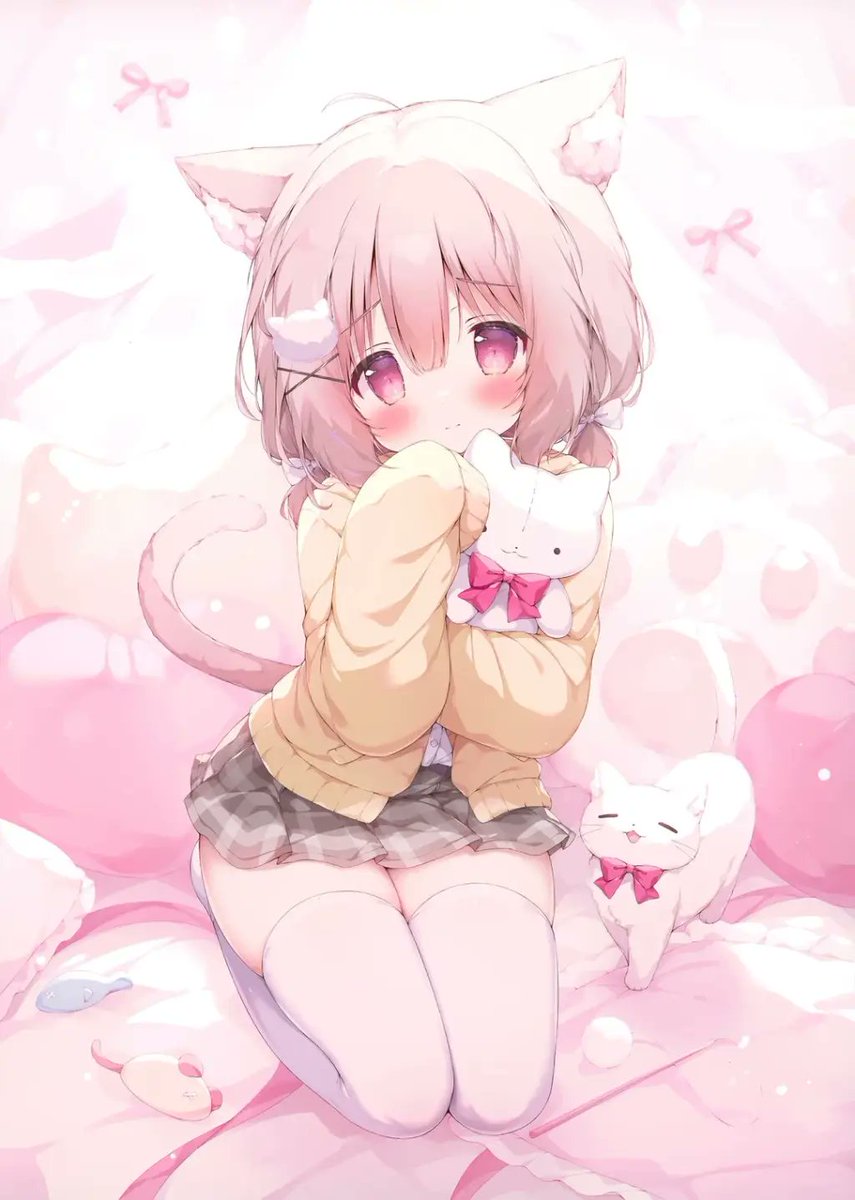
A soft kawaii anime prompt for generating a shy pink-haired catgirl kneeling on a plush pastel bed with cute animal companions.
- Prompt included
- Model and format preset
- Free template
The prompt behind this image
Copy the exact prompt behind Pastel Shy Catgirl Bedroom, or open it in the studio and make it yours.
Create a soft pastel anime illustration of {argument name="character name" default="a shy catgirl"} kneeling on a fluffy pink bed in a dreamy kawaii bedroom. She has fluffy pale pink bobbed hair with long bangs, large triangular cat ears with white-pink inner fur, a soft curled cat tail, big glossy magenta-pink eyes, flushed cheeks, and a timid expression while raising one oversized sweater sleeve to her mouth. She wears a loose cream-colored sweater, a short gray plaid pleated skirt, and white thigh-high stockings. Add one white plush bunny held tightly against her chest, decorated with a bright pink bow, and one small white cat beside her on the bed wearing a matching pink bow. Include exactly four small toy details around the bedding: one blue fish toy, one cream mouse toy with a pink tail, one small white ball, and one faint pink bow motif in the background. The setting is filled with rounded pink pillows, soft blankets, pale plush shapes, and subtle bow decorations, all in a high-key blush pink and white palette. Use delicate anime line art, watercolor-like shading, gentle bloom, soft highlights, airy lighting, shallow depth of field, and a sweet innocent mood. Vertical portrait composition, centered character, full body visible from ears to knees, no text, no watermark, no harsh shadows, no realism, no extra characters.
How to use Pastel Shy Catgirl Bedroom in 3 steps
- 1Upload ImagePNG, JPG or paste
Add your photo
Upload the photo the template builds on. The prompt, model and format are already set.
- 2…a portrait of your subject in softgolden-hour light, 85mm…
Personalize
Edit the subject and creative details for your destination.
- 3Generate
Generate
Press Generate — your image is created in PicX Studio, so you can compare it with the original and refine one variable at a time.
More like this
Templates with the same subject, style or setup. Open one to see its prompt.
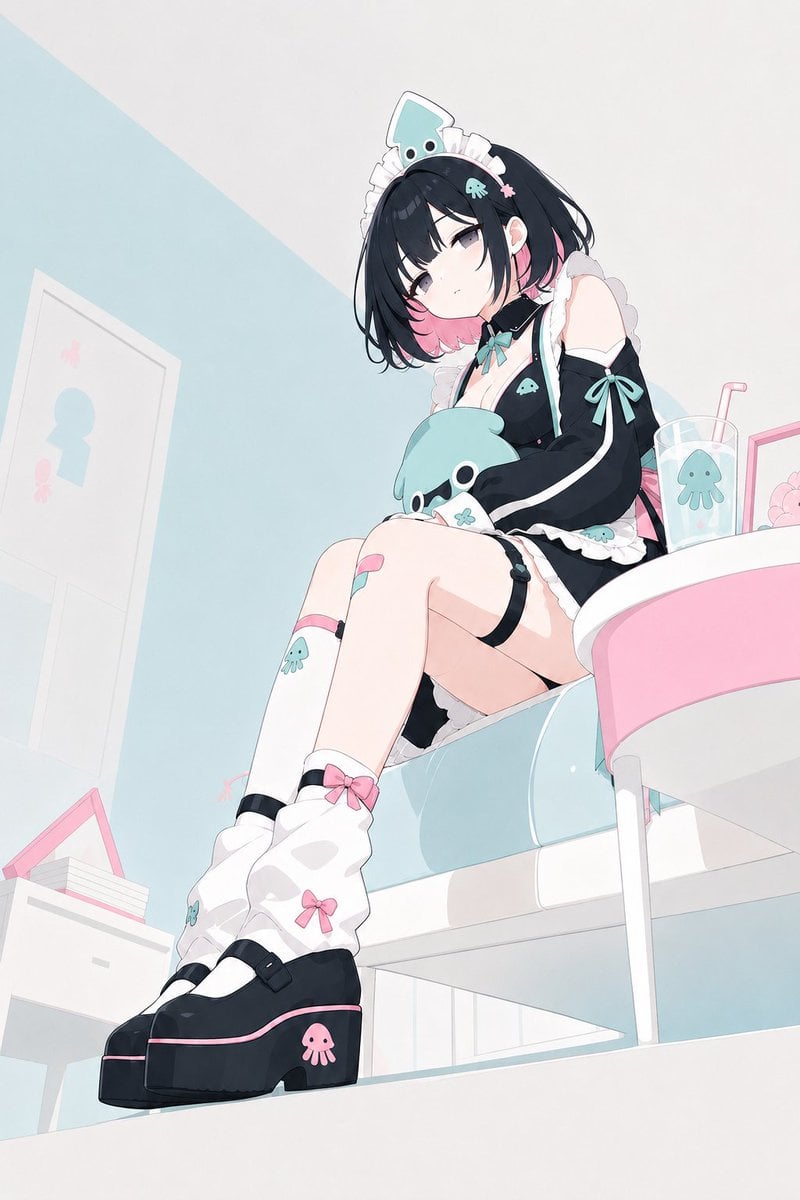
Pastel Squid Maid Bedroom Illustration

Eid al-Adha Cute Chaos — Fisheye Selfie with Farm Selfie, Mosque & Animals

Cute Layered Paper Cut Chibi Girl

Layered Paper Cut Illustration Template

Premium Vintage Travel Poster Landscape

Quiet Minimalist Anime Style Guide
Premium Vintage Travel Poster Landscape

Pastel Fantasy Pagoda Mountain Landscape

Korean Cafe Courtyard Gold Frame Mirror Selfie
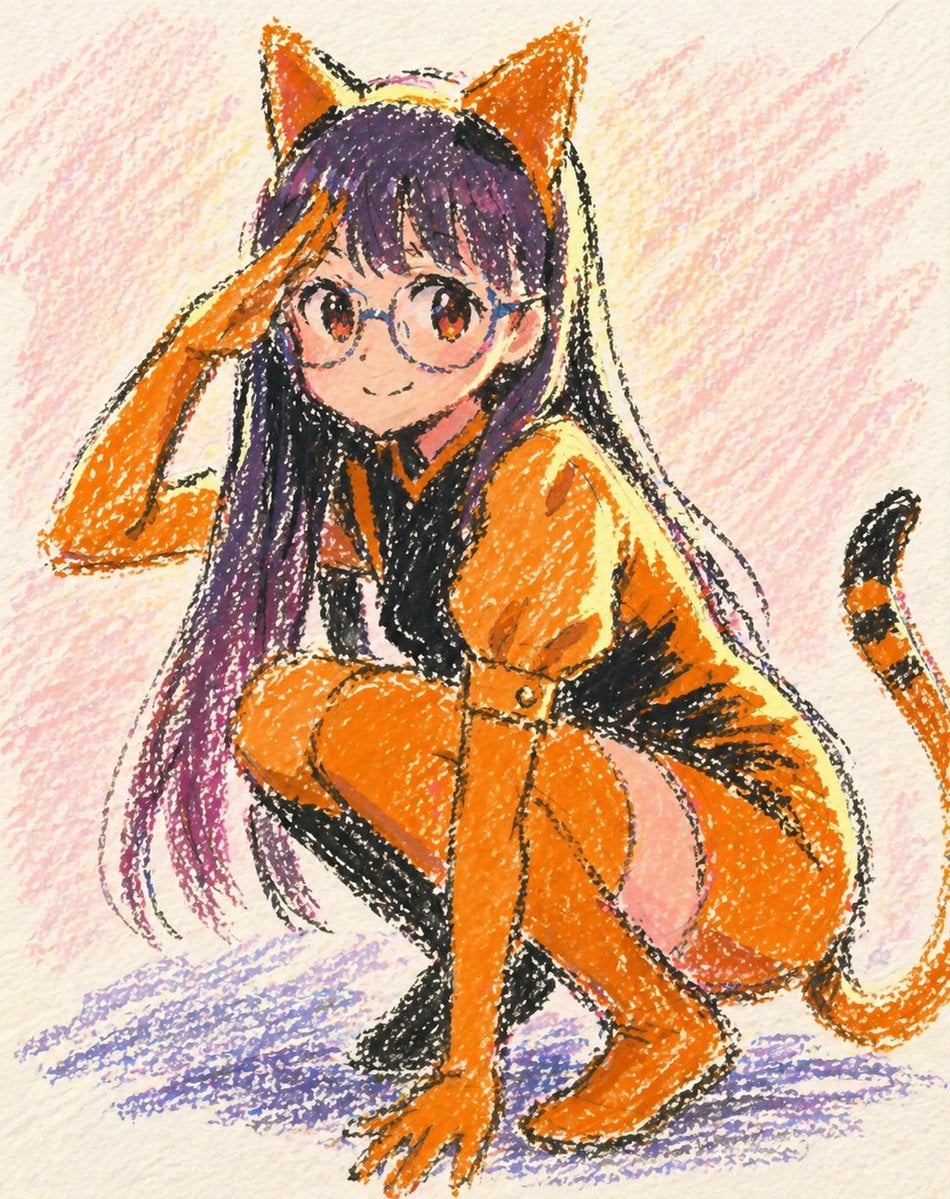
Oil Pastel Anime Catgirl
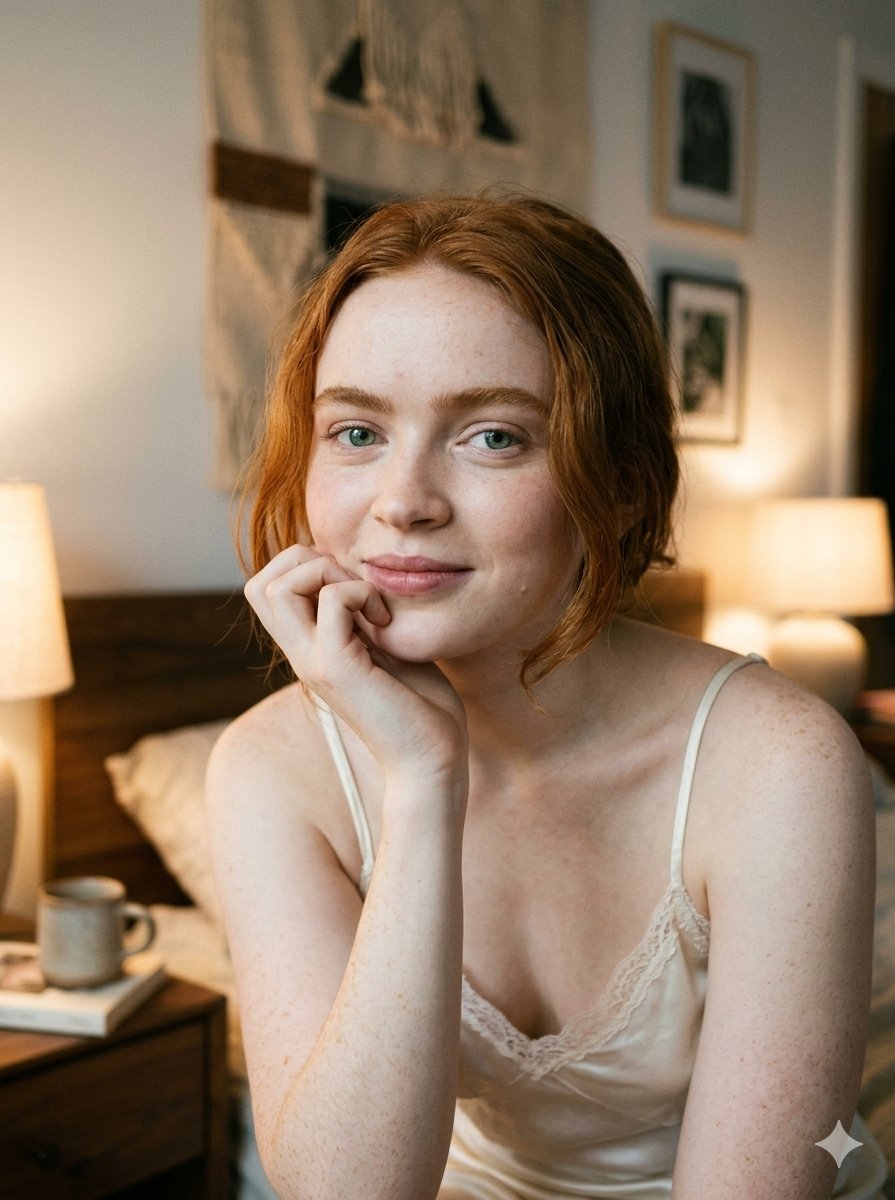
Google Nano Banana 2 — Cozy Bedroom Editorial

Glass Skin Beauty Portrait — Soft Pastel Nano Banana
Make it yours
Pastel Shy Catgirl Bedroom works as-is. These are the safest ways to change it without losing the look.
Change one field
Copy a single group, rewrite it, and generate again so you can see what that field is doing.
Keep the frame, change the subject
Hold the composition and light of Pastel Shy Catgirl Bedroom, then swap wardrobe, props or the person for a new take.
| If the result… | Why | Fix |
|---|---|---|
| The result drifts from the preview | Too many fields changed at once. | Reuse Pastel Shy Catgirl Bedroom as-is first, then change one group — subject, light, or setting. |
| The model over-stylizes the scene | The prose prompt leaves finish and camera underspecified. | Add one camera or lighting sentence and stay on GPT Image 2. |
More GPT Image 2 templates
Other prompts made for GPT Image 2.

Six VTuber Japanese Logo Sheet

Realistic Portrait of Woman and Deer

The Vista Modular Condo Poster

AI Model Routing Comparison Infographic

2.5D Anime Art Board

Isometric Productivity Desk Scene

New York Double Exposure Poster

Four-Panel AI Landscape Comparison

Japanese Tatami Lifestyle Magazine Cover

NESCAFÉ Coffee Map Poster
More image prompts
Fresh picks from across the catalog.
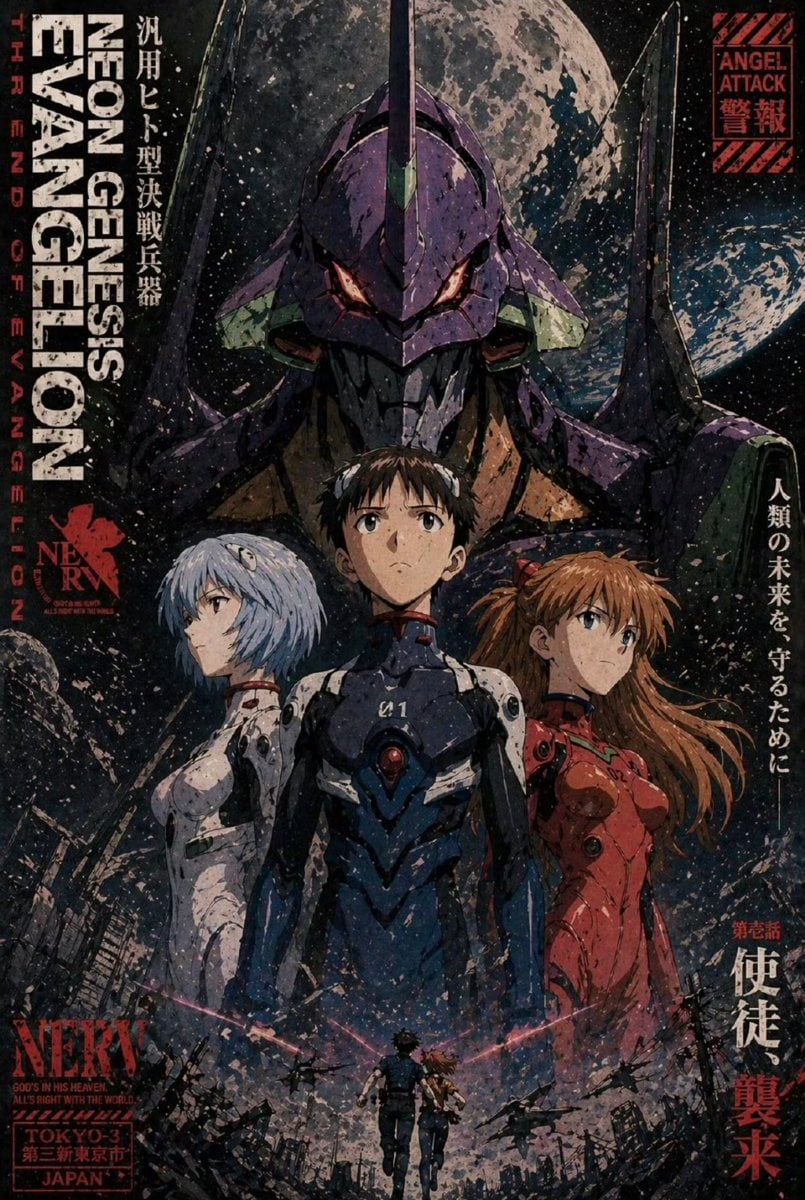
Gritty Evangelion Poster
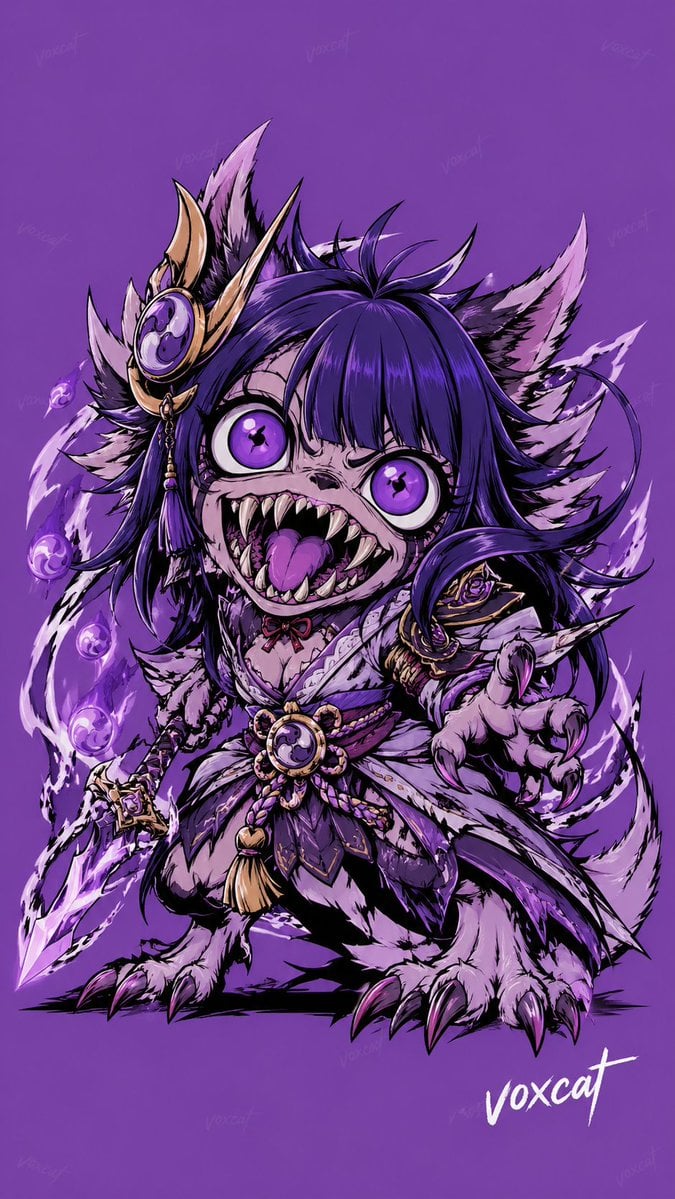
Chinese Mythological Beast Poster
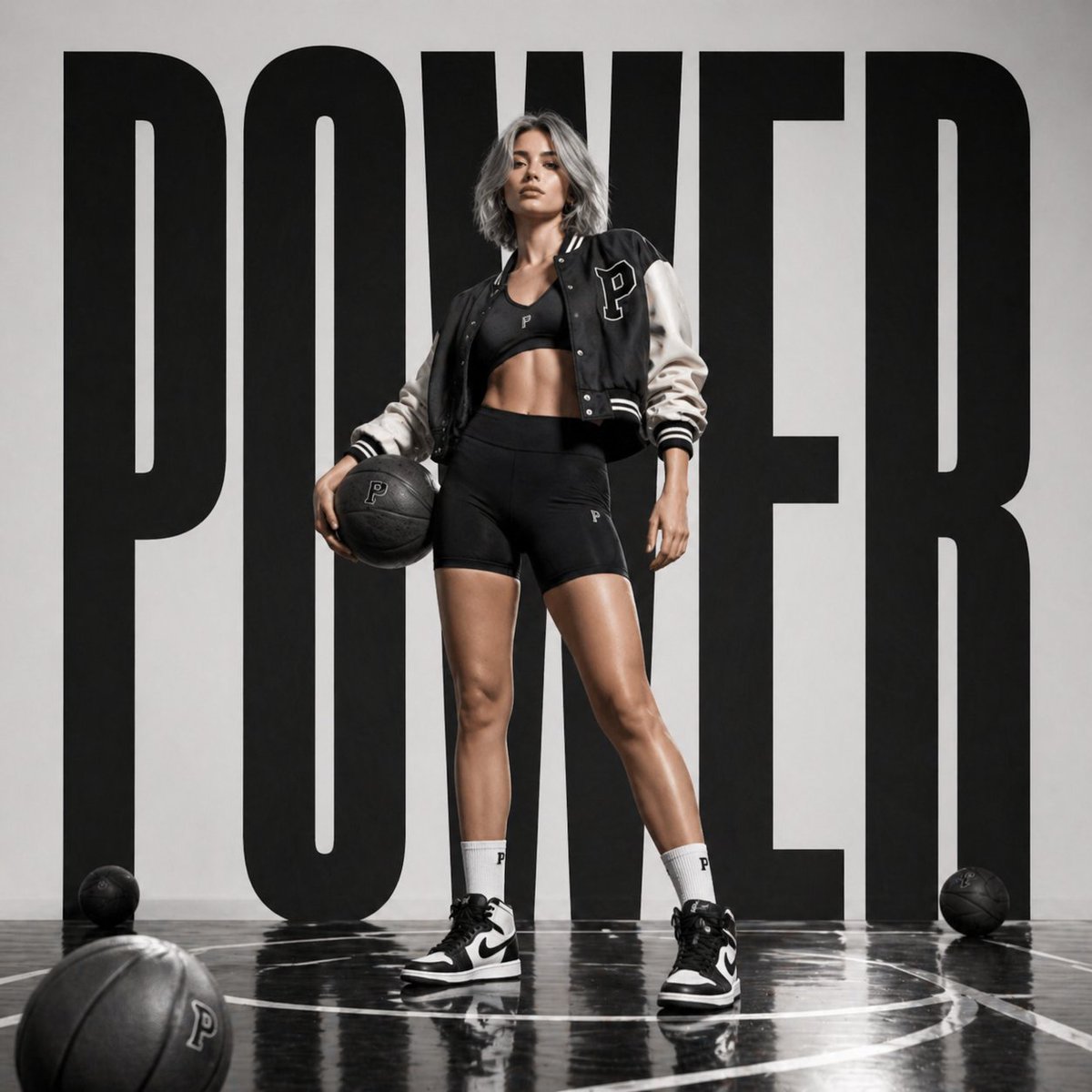
Luxury Sportswear Campaign Poster
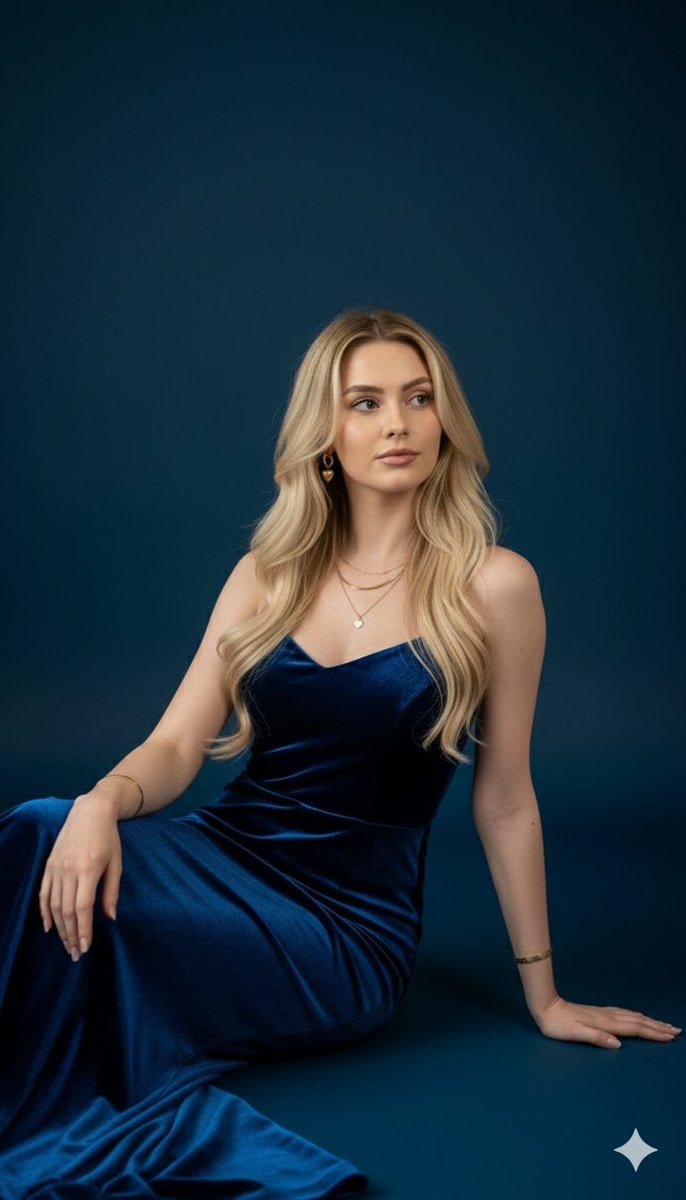
Royal Blue Velvet Evening Gown Portrait Prompt
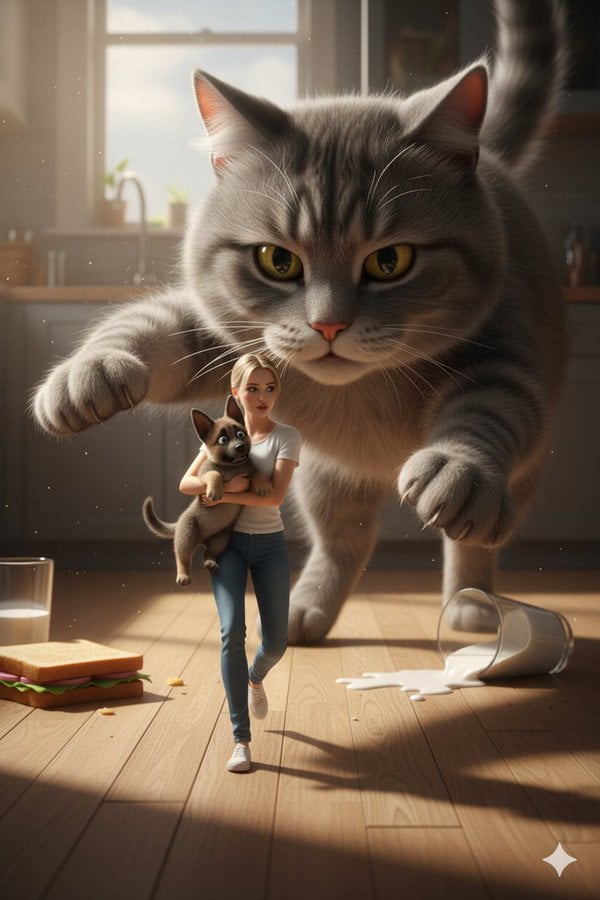
Cinematic Giant Cat Chasing Tiny Woman
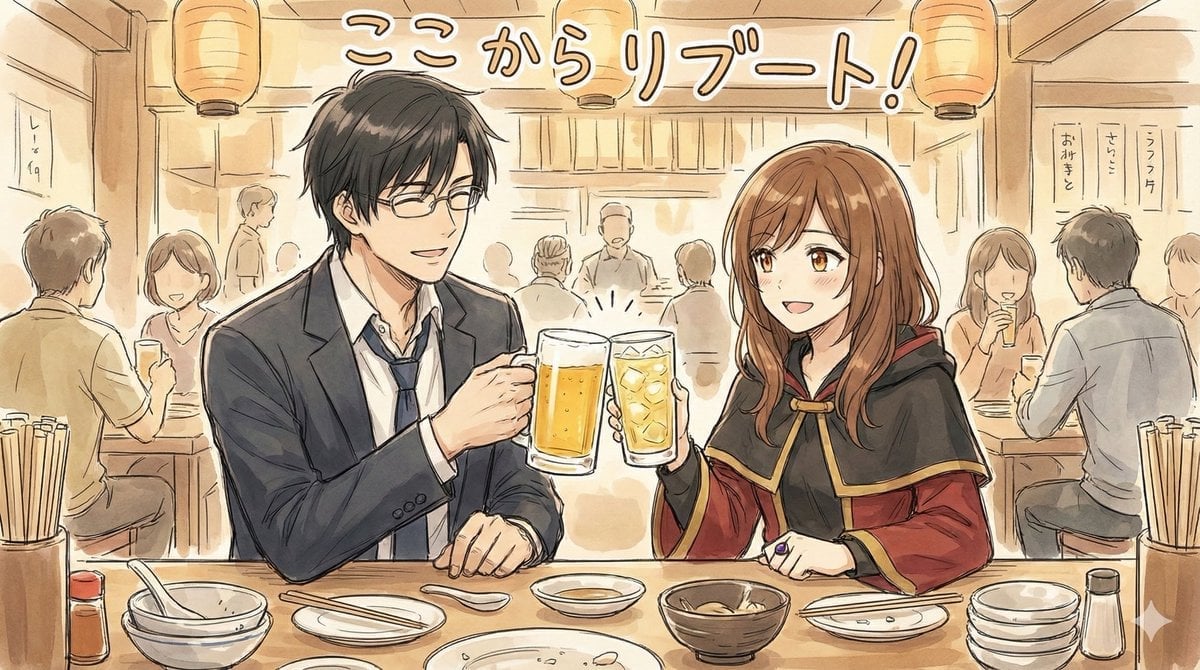
Manga-style Sketch Prompt for Nano Banana Pro
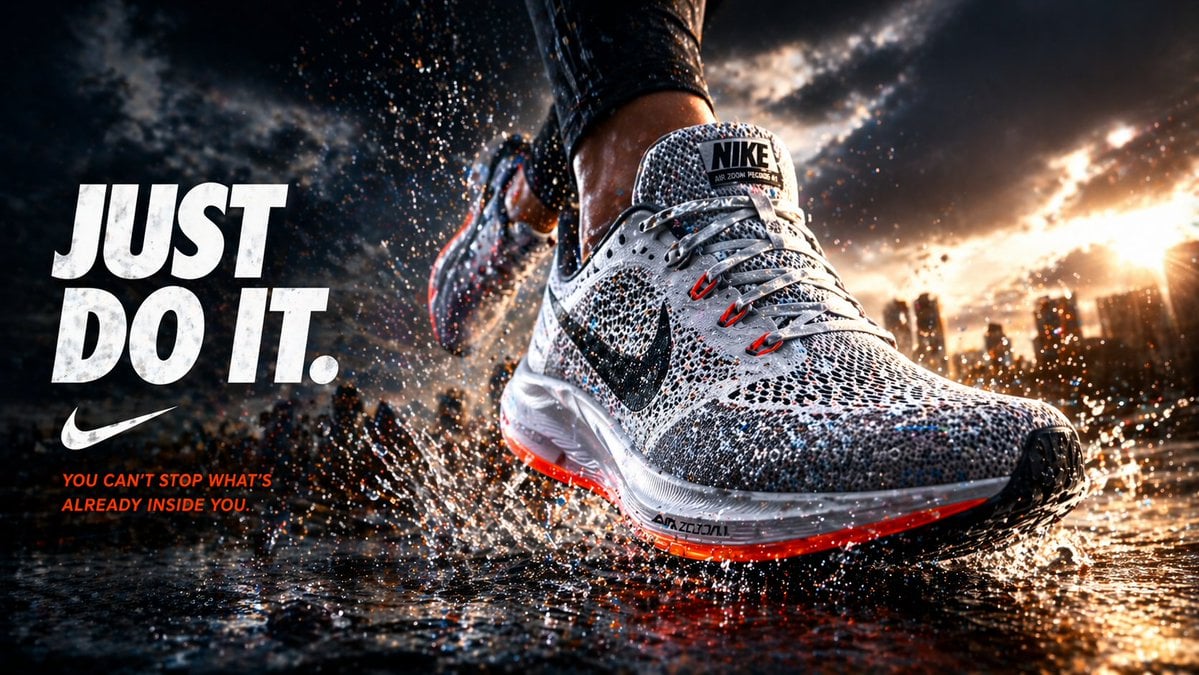
Cinematic Running Shoe Ad Poster

Ultra Cinematic Vfx Transformation Seque
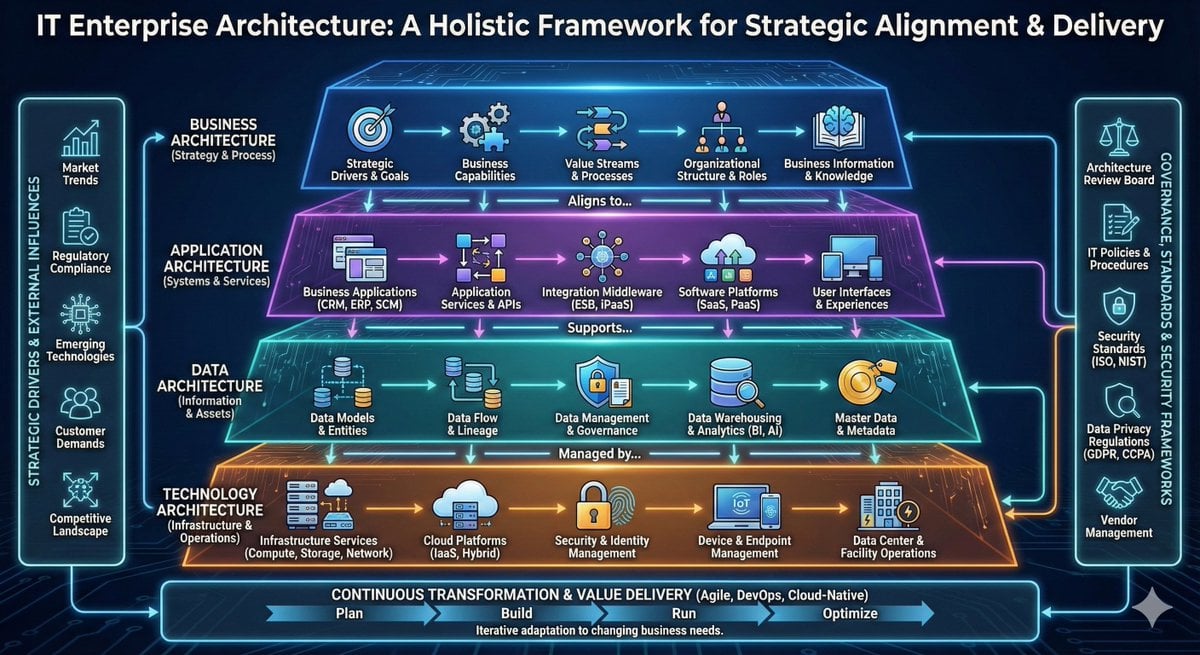
High-detail IT careers infographic (Thai/English mix)
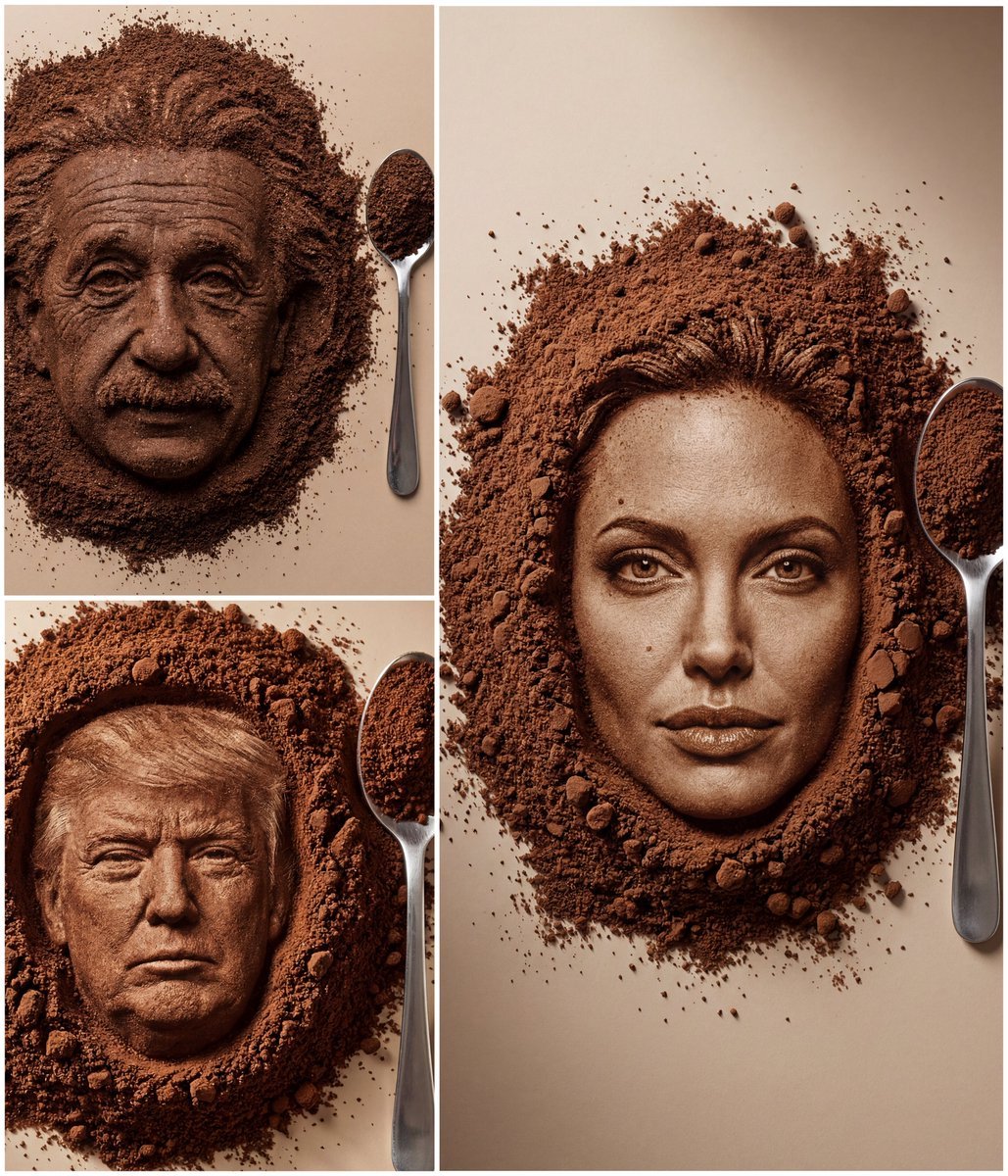
Hyper-Realistic Coffee Powder Face Impression
Browse template categories
Pastel Shy Catgirl Bedroom questions
How do I use the Pastel Shy Catgirl Bedroom template?
Add your photo if the template asks for one, edit the prompt if you like — the template's model and format are already selected — and press Generate. Your version opens in PicX Studio.
Can I customize the Pastel Shy Catgirl Bedroom template?
Yes. You can change the subject, setting, lighting, mood, format, and available model controls before creating your image.
Is the Pastel Shy Catgirl Bedroom template free?
Opening and editing this template is free. Generating uses credits, shown on the Generate button when you are signed in.
Which AI model should I use?
Start with GPT Image 2, which is the model associated with this template. You can compare another compatible model for a different finish.
Looking for something else? Browse all templates.

Your photo, any look
Thousands of ready templates for every top image and video model, from one credit balance.